Customer Ratings & Reviews
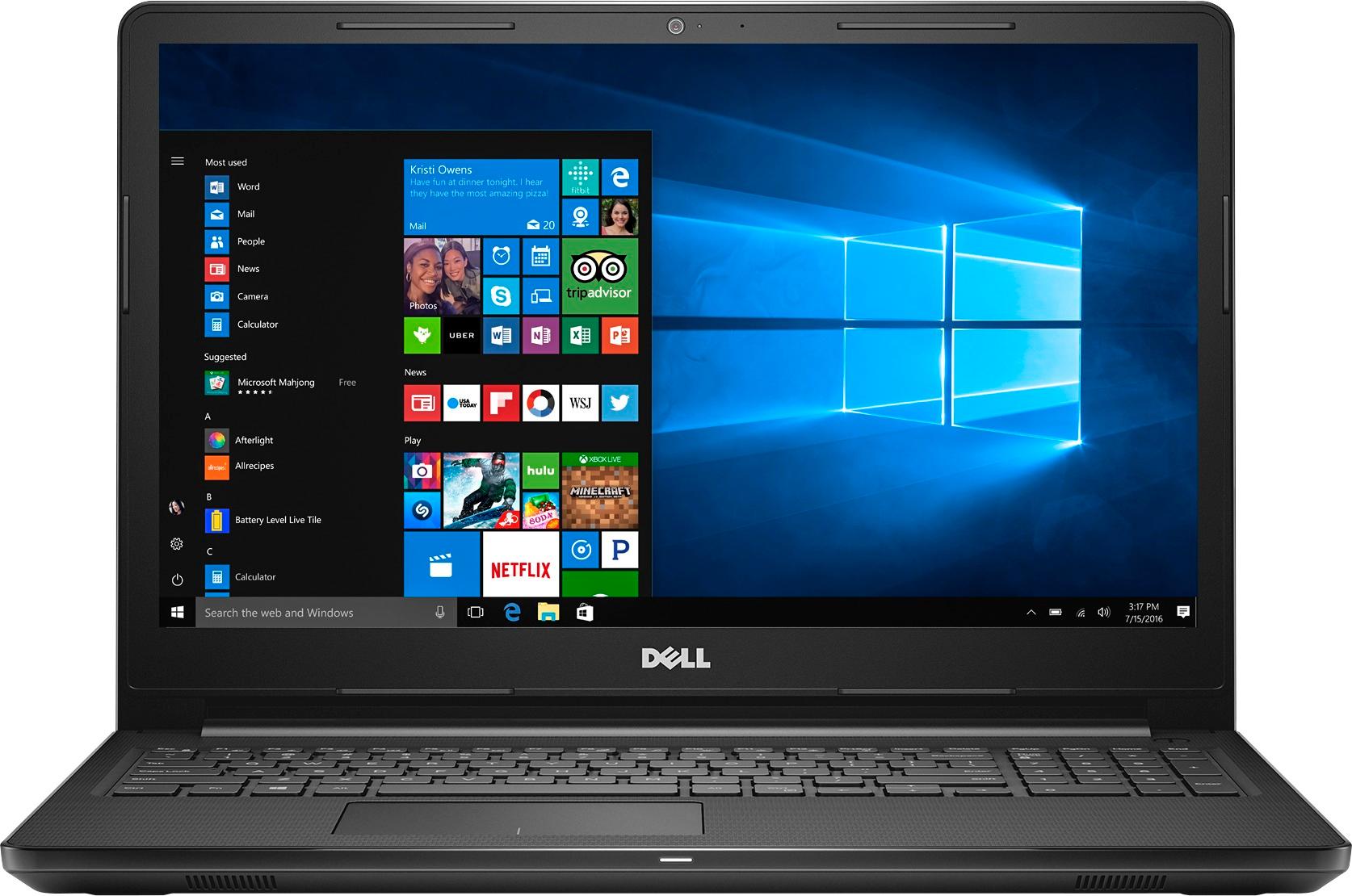
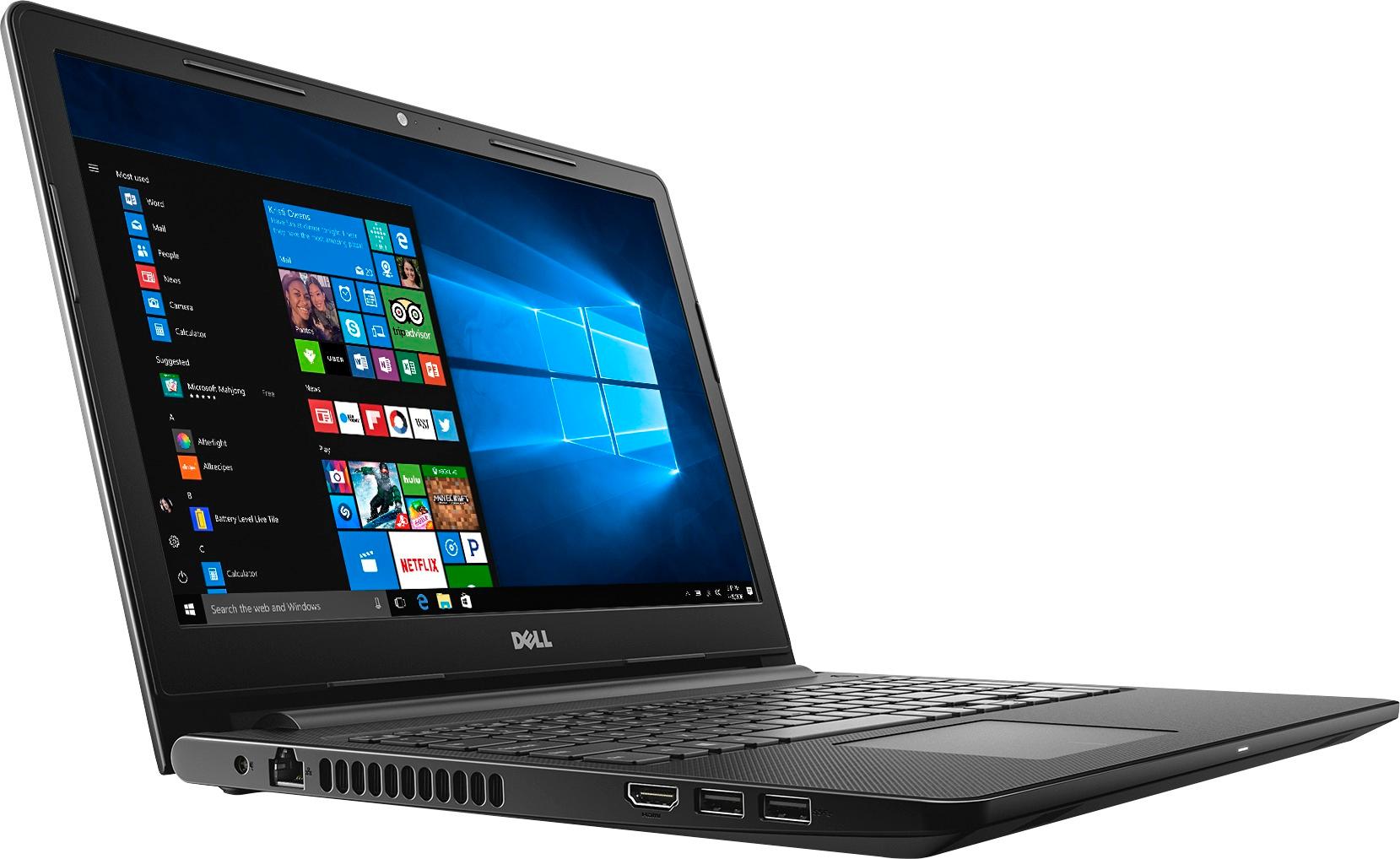
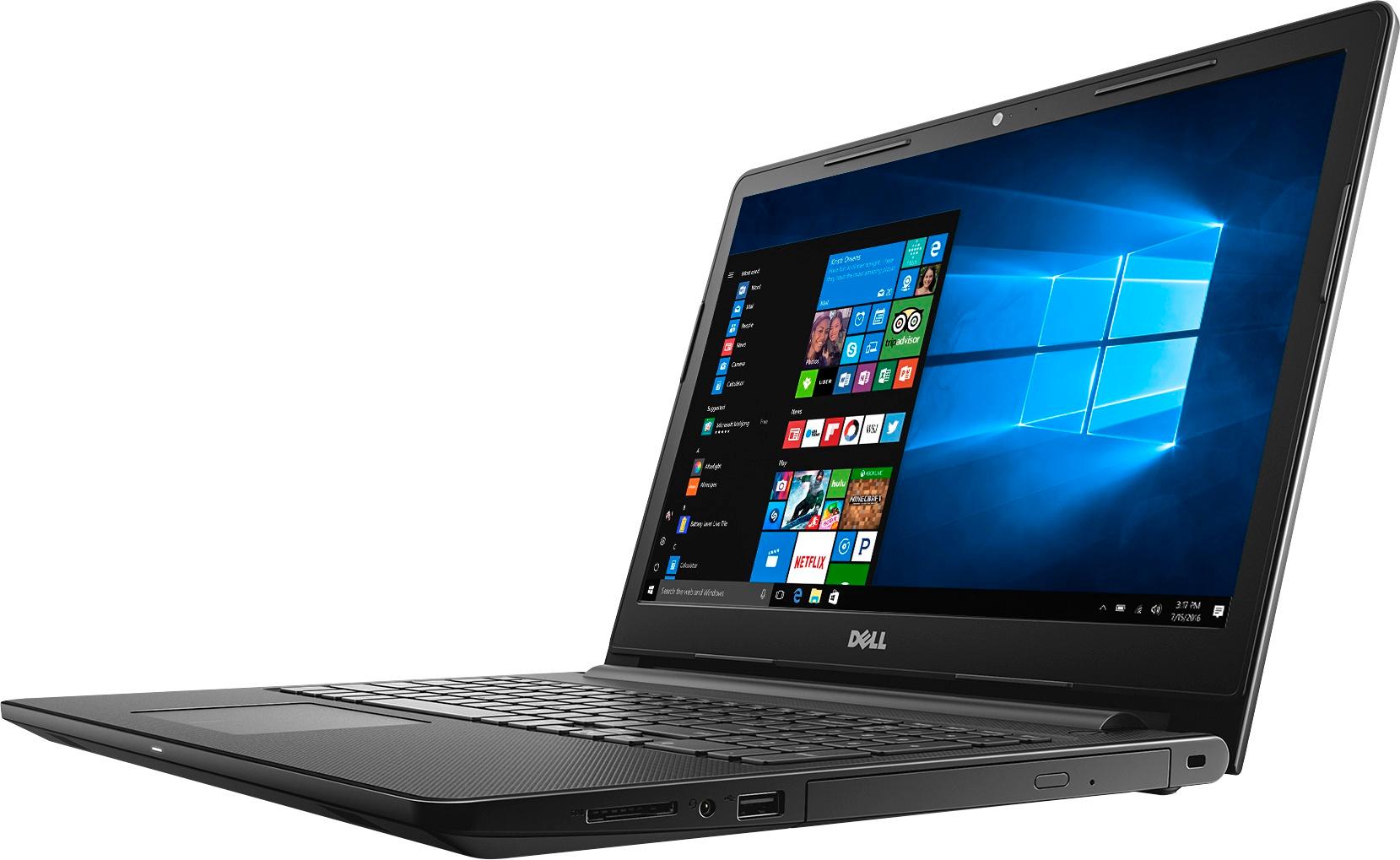
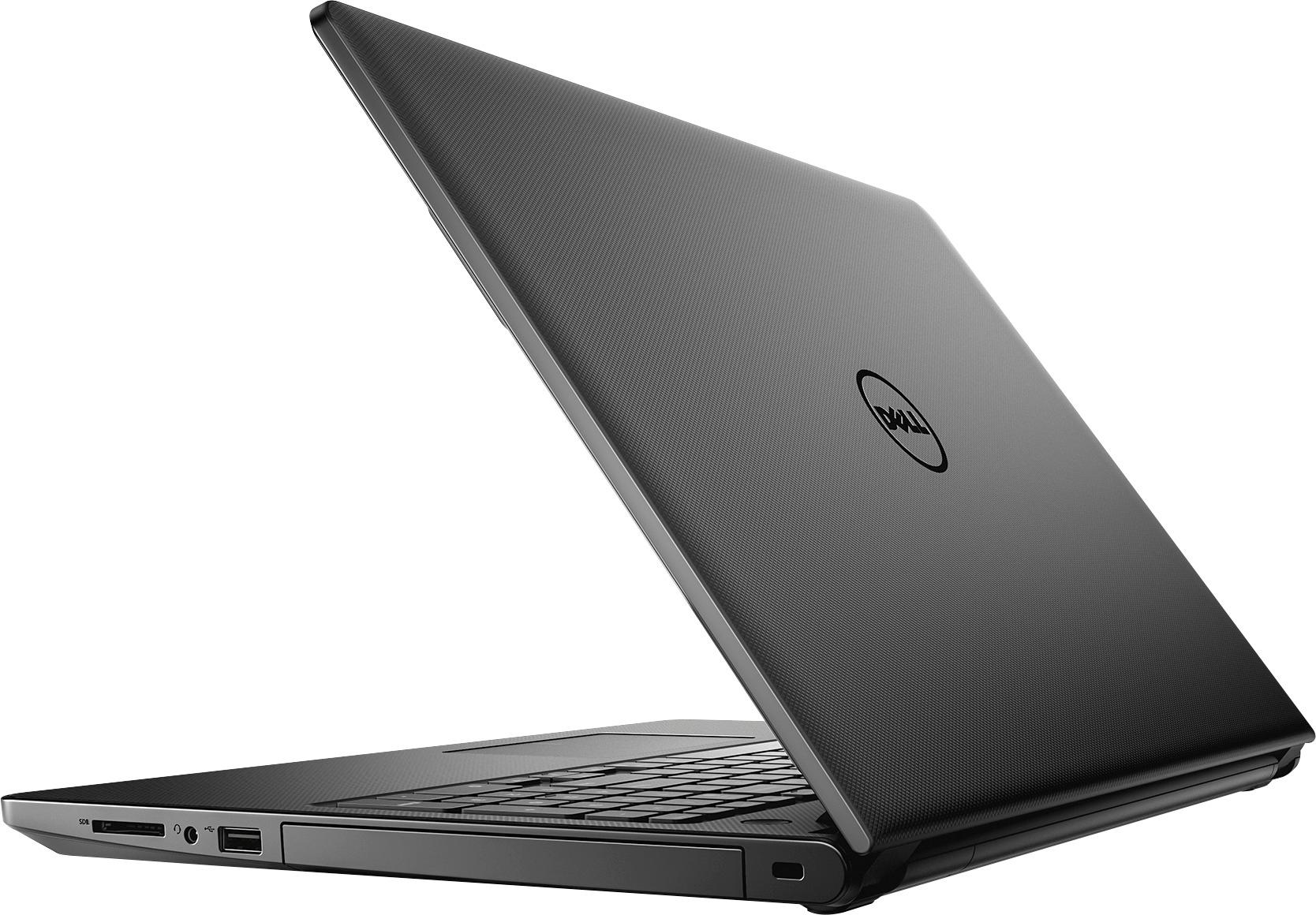
- Model:
- I3567-3636BLK-PUS
- SKU:
- 5835852
Rating by feature
- Value
Rating 3.8 out of 5 stars
- Quality
Rating 3.8 out of 5 stars
- Ease of Use
Rating 4.1 out of 5 stars
Customers are saying
Customers highly value the Inspiron 15.6" Touch-Screen Laptop for its touch screen, affordable price, and user-friendly interface. Many customers appreciate the laptop's storage capacity, performance, and memory, while some find it portable and easy to set up. However, a few customers have concerns about its weight, battery life, and Windows 10 operating system.
This summary was generated by AI based on customer reviews.
great value
||Posted .This reviewer received promo considerations or sweepstakes entry for writing a review.fast response. great video streaming. lots of memory
I would recommend this to a friendAn excellent computer for the price
||Posted .This reviewer received promo considerations or sweepstakes entry for writing a review.A very excellent laptop. Easy to use for a beginner.
I would recommend this to a friend- Pros mentioned:Touch screen
Love the touchscreen
||Posted .This reviewer received promo considerations or sweepstakes entry for writing a review.Love the touchscreen, makes it very easy to move from one program or webpage to another and to scroll through. The unit is a bit bulky and heavy so not a good choice if you plan to move the unit around a lot.
I would recommend this to a friend Great laptop
||Posted .This reviewer received promo considerations or sweepstakes entry for writing a review.Great laptop. I use it to pay bills, store pictures,recipes and music, check emails and Facebook and look up things on Google.
I would recommend this to a friendDell top of line
||Posted .This reviewer received promo considerations or sweepstakes entry for writing a review.I haven’t bought a computer in 10 years but when I was ready Dell was the best choice out there. Highly recommend this computer
I would recommend this to a friendExcellent Computer
||Posted .This reviewer received promo considerations or sweepstakes entry for writing a review.I bought this computer as a replacement for my Toshiba satellite that after 10 years gave up on me. It is a perfect fit for me
I would recommend this to a friendGood
||Posted .This reviewer received promo considerations or sweepstakes entry for writing a review.Good works as expected xxxxxxxxxxxxxxxxxxxxxxxxxxx
I would recommend this to a friend- Pros mentioned:Easy to use, Price
Great Computer
||Posted .This reviewer received promo considerations or sweepstakes entry for writing a review.Great laptop for the price, easy ser up and easy to use
I would recommend this to a friend Great Performance for the Price
||Posted .This reviewer received promo considerations or sweepstakes entry for writing a review.Works great for the special price they had it for.
I would recommend this to a friendVery satisfied with my Dell computer
||Posted .This reviewer received promo considerations or sweepstakes entry for writing a review.I am very satisfied with my purchase and with the considerate service of Victor (sales person) who help me with the set up.
I would recommend this to a friendExcellent
||Posted .This reviewer received promo considerations or sweepstakes entry for writing a review.easy setup - performs as advertised - what a great value
I would recommend this to a friendThin, light weight, easy to use
||Posted .This reviewer received promo considerations or sweepstakes entry for writing a review.I had to have the touch screen disabled because my Yahoo mail would not sync and there were various other little problems. All problems disappeared when touch screen was eliminated. A friend had same problem. Disappointed because I wanted the touchscreen.
I would recommend this to a friendBrand response from YourDellTeam
Posted .Dear Cram, Thanks for your review. We're sorry to hear that the touchscreen is not working the way you had intended it to. It's possible that you just need to re-calibrate your touchscreen. You can try to do this with the following steps:
Below are the steps required to calibrate your Touchscreen.
1. Restart the Computer and the Monitor
2. Recalibrate the touch-screen. Steps to calibrate touch-screen:
3. Go to Control Panel and select Tablet PC Settings.
4. Under Display tab, select Calibrate....
5. Choose Pen or Touch input.
6. Perform the point calibration that appears on the screen to correct the linearity problems.
7. Save the calibrated data.
We hope that these tips help you and your friend with your touchscreens. - Bryan
Great laptop for school
||Posted .This reviewer received promo considerations or sweepstakes entry for writing a review.I was looking for a laptop to do my schoolwork on and I found just the one that is good to have all the office products on!
I would recommend this to a friendGreat laptop for basics.
||Posted .This reviewer received promo considerations or sweepstakes entry for writing a review.Dell is my computer of preference and has always been dependable. This new computer is faster with plenty of storage space.
I would recommend this to a friend- Pros mentioned:Touch screen
HP
||Posted .This reviewer received promo considerations or sweepstakes entry for writing a review.I love the touch screen, easy to navigate . I had to return the first one as it would not stay on, this one I haven't had any problems.
I would recommend this to a friend Great deal on a laptop
||Posted .This reviewer received promo considerations or sweepstakes entry for writing a review.I recently bought a new laptop from Best Buy. The service was great and the Geek Squad did a great job prepping my laptop.
I would recommend this to a friend- Pros mentioned:Speed, Touch screen
great laptop
||Posted .This reviewer received promo considerations or sweepstakes entry for writing a review.very fast love the touch screen and big hard drive
I would recommend this to a friend Decent for the Price
||Posted .This reviewer received promo considerations or sweepstakes entry for writing a review.This is the second Dell laptop I have purchased and it has a similar problem with installing windows updates. Once in a while, the update will not finish until I shut down the computer and re-boot. Overall it is a decent option, especially for the cost.
I would recommend this to a friendBrand response from YourDellTeam
Posted .Golfhogg, Thanks for your feedback about your recent Dell laptop purchase. We'd recommend that you try Dell's Support Assist app on your computer to help with your setup and installations. Support Assist will ensure that you have all of the most up to date Drivers and Software running on your computer. If you need to troubleshoot your device in the future you can visit the product support page here - http://dell.to/2uBnCA3. - Bryan
Great laptop for the money.
||Posted .This reviewer received promo considerations or sweepstakes entry for writing a review.Product meets and exceeds my expectations for a HP product. Nice screen and keyboard. Enough USB ports. CD drive is fast.
I would recommend this to a friend- Pros mentioned:Speed, Storage
Love products. perfect.
||Posted .This reviewer received promo considerations or sweepstakes entry for writing a review.Love it. Still working great. Fast Lots of storage.
I would recommend this to a friend