Customer Ratings & Reviews
- Model:
- I3567-3636BLK-PUS
- SKU:
- 5835852
Rating by feature
- Value
Rating 3.8 out of 5 stars
- Quality
Rating 3.8 out of 5 stars
- Ease of Use
Rating 4.1 out of 5 stars
Customers are saying
Customers highly value the Inspiron 15.6" Touch-Screen Laptop for its touch screen, affordable price, and user-friendly interface. Many customers appreciate the laptop's storage capacity, performance, and memory, while some find it portable and easy to set up. However, a few customers have concerns about its weight, battery life, and Windows 10 operating system.
This summary was generated by AI based on customer reviews.
Very slow.
||Posted .This reviewer received promo considerations or sweepstakes entry for writing a review.I am going to return this computer. I was not 100% sure when I bought it, but as soon as I started using it I knew that it was going to be headache. It is too slow, sometimes it doesn't even turn on and I have to reset it till it works
No, I would not recommend this to a friendBrand response from YourDellTeam
Posted .Manuela - Thanks for your recent Dell laptop purchase. We do have some tips for you to try if you are experiencing slowness on your device:
Delete temporary files and directories
1. Click Start, then in the search bar type "disk". Disk Cleanup should appear on the menu above the search box.
2. Run disk cleanup and eliminate unneeded temporary files (Search results, Internet Cache and other windows temp files you may no longer need)
3. Select files you want to delete then click OK to start the cleanup process. Uninstall applications you no longer use 1. Open the Programs and Features application in Control Panel. 2. Scan the list of applications installed for ones that you no longer use. 3. Highlight any application you no longer use and then click the uninstall button at the top of the list. Follow the prompts to uninstall.
4. Repeat for each application you want to uninstall.
5. Move large files and/or seldom used files to backup media (Photos, Music you seldom listen to, application downloads after the application has been installed etc.).
6. Empty the Recycle Bin.
Please also take a moment to read the full article if you continue to experience slowness - http://dell.to/2tSulGV.
Very good student laptop
||Posted .This reviewer received promo considerations or sweepstakes entry for writing a review.You can't go wrong with this laptop! It's nice and fast and does everything needed for a new college student.
I would recommend this to a friendGreat laptop
||Posted .This reviewer received promo considerations or sweepstakes entry for writing a review.I’m a college student, so I need a laptop for school. This one is great because it has everything I need
I would recommend this to a friendLove Touch Screen
||Posted .This reviewer received promo considerations or sweepstakes entry for writing a review.I needed this for WFH job and it was perfect and does exactly what need to be done to get my job done.
I would recommend this to a friendLaptop good for student
||Posted .This reviewer received promo considerations or sweepstakes entry for writing a review.I purchased the laptop and have had no problems with it, except I believe it is better suited for a student or someone who is working on papers, graphs, etc. My use is more game type and the system runs a little slow for that
No, I would not recommend this to a friendBrand response from YourDellTeam
Posted .Hello CarlaS,
Thanks for your review. We're happy to hear that your computer is working well for you. If you'd like some help with the slowness of your computer we'd recommend removing some programs that you do not plan to use by following these steps:
Uninstalling or removing software or applications that you do not use or do not need from your PC can help speed up your PC. Applications may include background processes, system services, context menu entries and other things that can slow down your PC.
Uninstall applications you no longer need using Programs and Features (previously called Add/Remove Programs). Unnecessary applications occupy space on your hard disk drive.
1. Press the Windows logo key + R on the keyboard.
2. In the Run dialog box, type appwiz.cpl and press the Enter key.
3. In the list, select a program and click Uninstall.
You can read the full article here - http://dell.to/2tSulGV.
Best,
Bryan
1-800-624-9896
Two weeks
||Posted .This reviewer received promo considerations or sweepstakes entry for writing a review.I use this laptop for basic this like papers, presentations, ordering from Amazon. Why in less then two weeks it won’t load. Windows keep crashing and no I did get the geek squad plan it was almost as much as the computer. Sad
No, I would not recommend this to a friendBrand response from YourDellTeam
Posted .@Rock34lee - Thanks for your review. We're sorry to hear that you're experiencing issues with your new laptop. If you are experiencing Blue Screen Error crashes we'd recommend the following:
1. At the desktop, click the Search the web and Windows box and type "problem reports".
2. Select View all problem reports to view a list of errors that have occurred on your computer and possible solutions for them, such as updating drivers, flashing your system BIOS, or checking for updates to software.
3. Under the Source column, look for Windows and under Summary, look for Shut down unexpectedly.
4. Right-click the line item and select Check for a solution.
You can read the full article here - http://dell.to/2u98Cct.
Your computer is also covered under Dell's One Year Limited Warranty if you believe that there's an issue that cannot be fixed. You can view the terms of our Warranty here - http://dell.to/2tNsVOs. We hope that these tips help your computer perform the way you intended it to. - Bryan
This Laptop works O.K. with one problem!
||Posted .This reviewer received promo considerations or sweepstakes entry for writing a review.The Audio Jack Does not work at all!!! At first it had No Audio Function Whatsoever and Then we figured out how to fix that and Now the Audio Jack Does not work at all!!!! I just Bought this dam thing!! What the !@#$ Right!!!!
I would recommend this to a friendBrand response from YourDellTeam
Posted .- Cornbread, We're glad to hear that you were able to initially fix your audio jack problems. We'd suggest that you check out the Dell Driver Support page for your computer here - http://dell.to/2yzSu7o. We hope that your audio driver just needs to be updated and that you will have audio output from your device.
Please also keep in mind that you may just need to select the type of device that you placed in your audio input in order for it to be recognized. We hope that these tips help your audio jack to perform the way you intended it to. - Bryan
nice touch screen
||Posted .This reviewer received promo considerations or sweepstakes entry for writing a review.I really liked it, good size, the only thing is the sound, its not too loud but overall its pretty good.
I would recommend this to a friend- Cons mentioned:Customer service
very slow. can't multitask without freezing!
||Posted .This reviewer received promo considerations or sweepstakes entry for writing a review.My first and last Dell! Slow,sloooooow, I have a lot of trouble with WIFI connection. It would disconnect every 2 minutes.(very annoying when you are working online) I called Dell costumer service,they did not fix the problem and the representative was pressuring me to buy products trough him. Not professional.It end up as a sales call!!! I will go to Best Buy and return it TODAY! Dell not a good costumer service experience. I only give good reviews, but this type of product and costumer service deserve a bad one.
No, I would not recommend this to a friendBrand response from YourDellTeam
Posted .Angel, Thanks for purchasing your first Dell laptop recently. We're so sorry to hear that it's not performing as fast as you expected it to. Here are a few recommendations we have in case you face similar performance issues on a future Dell device:
Delete temporary files and directories
1. Click Start, then in the search bar type "disk". Disk Cleanup should appear on the menu above the search box.
2. Run disk cleanup and eliminate unneeded temporary files (Search results, Internet Cache and other windows temp files you may no longer need)
3. Select files you want to delete then click OK to start the cleanup process. Uninstall applications you no longer use 1. Open the Programs and Features application in Control Panel. 2. Scan the list of applications installed for ones that you no longer use. 3. Highlight any application you no longer use and then click the uninstall button at the top of the list. Follow the prompts to uninstall.
4. Repeat for each application you want to uninstall.
5. Move large files and/or seldom used files to backup media (Photos, Music you seldom listen to, application downloads after the application has been installed etc.).
6. Empty the Recycle Bin.
You can always view more suggestions here - http://dell.to/2tSulGV.
If you experience connectivity issues again please consider the following:
1. Run the Network Troubleshooter. a) Touch and hold or right-click the network icon (Available Networks or Network Icon, located in the lower right-hand corner). b) Touch or click Troubleshoot problems, and then follow the prompts.
We're sorry to hear that you did not have the best experience with your customer service call but we hope that you will give Dell another chance in the future.
Good Price but...
||Posted .This reviewer received promo considerations or sweepstakes entry for writing a review.The computer has great features and a good design, but it runs quite slow. The store associate ran a setup and installed items I do not need, so the system has slowed greatly. I guess if you buy cheap you get cheap.
No, I would not recommend this to a friendBrand response from YourDellTeam
Posted .RaeR,
We're sorry to hear that your new computer is running slower than you'd like it to. Here are some items that you can consider removing from your computer if you do not plan to use them: https://dell.to/2JruiaG.
Here are the steps to uninstall unwanted programs: Uninstalling or removing software or applications that you do not use or do not need from your PC can help speed up your PC. Applications may include background processes, system services, context menu entries and other things that can slow down your PC.
Uninstall applications you no longer need using Programs and Features (previously called Add/Remove Programs). Unnecessary applications occupy space on your hard disk drive.
1. Press the Windows logo key + R on the keyboard.
2. In the Run dialog box, type appwiz.cpl and press the Enter key.
3. In the list, select a program and click Uninstall.
You can read the full article here - http://dell.to/2tSulGV.
We hope these steps help your computer perform better for you.
Best,
Bryan
1-800-624-9896
Great for middle school students
||Posted .This reviewer received promo considerations or sweepstakes entry for writing a review.This is my son's first laptop. It was purchased so he could do his homework. Great tool for his age.
I would recommend this to a friendgood product
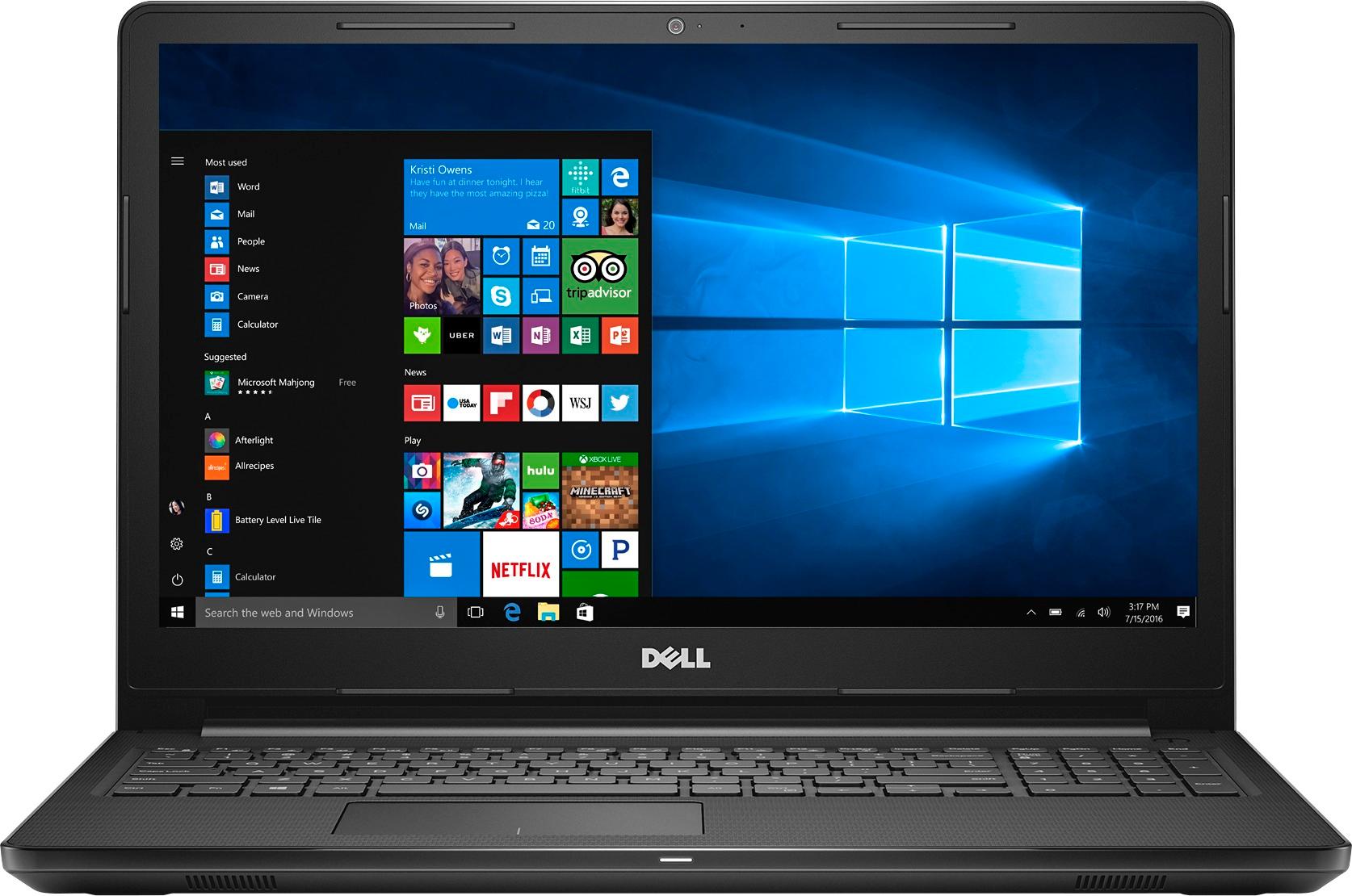
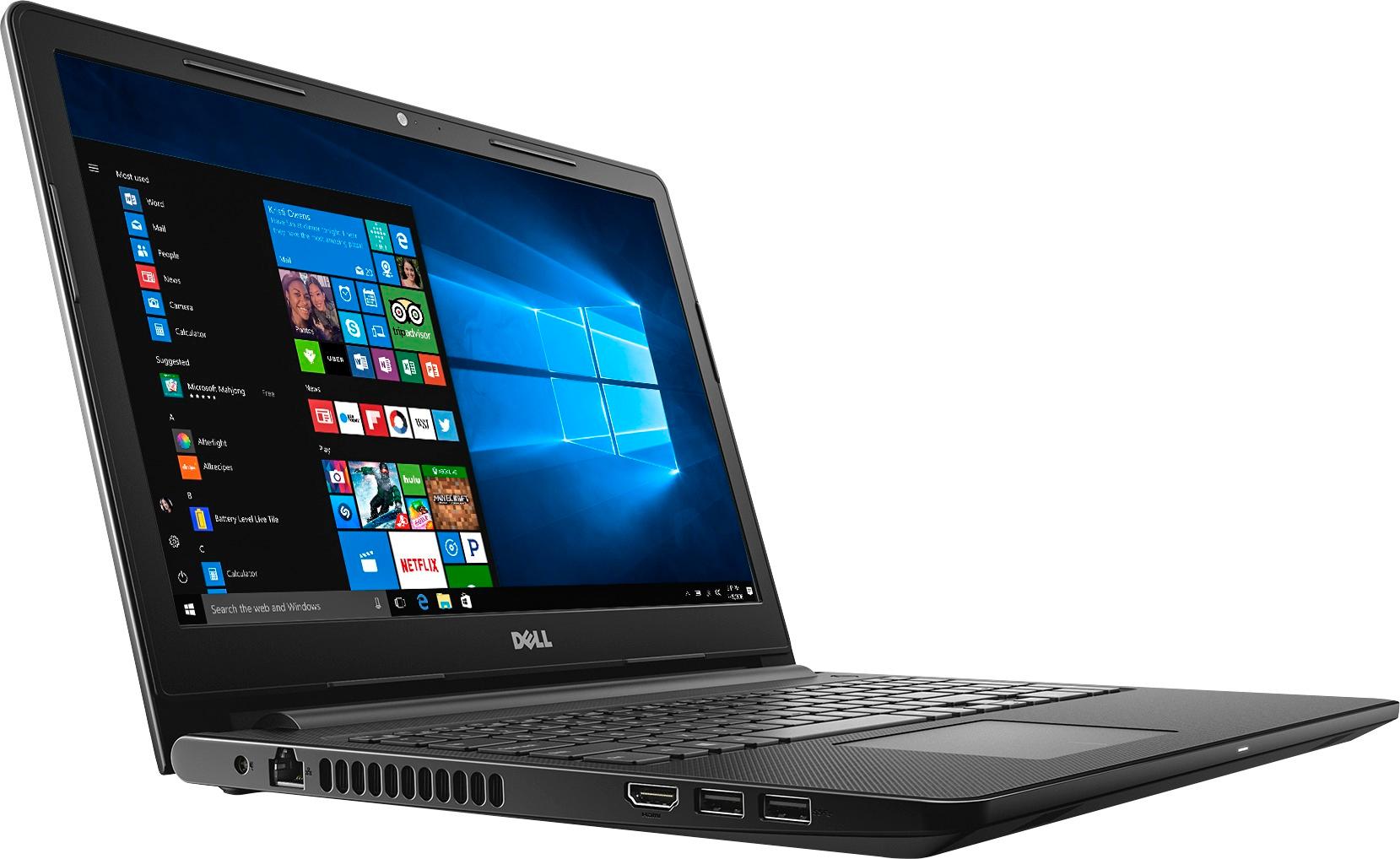
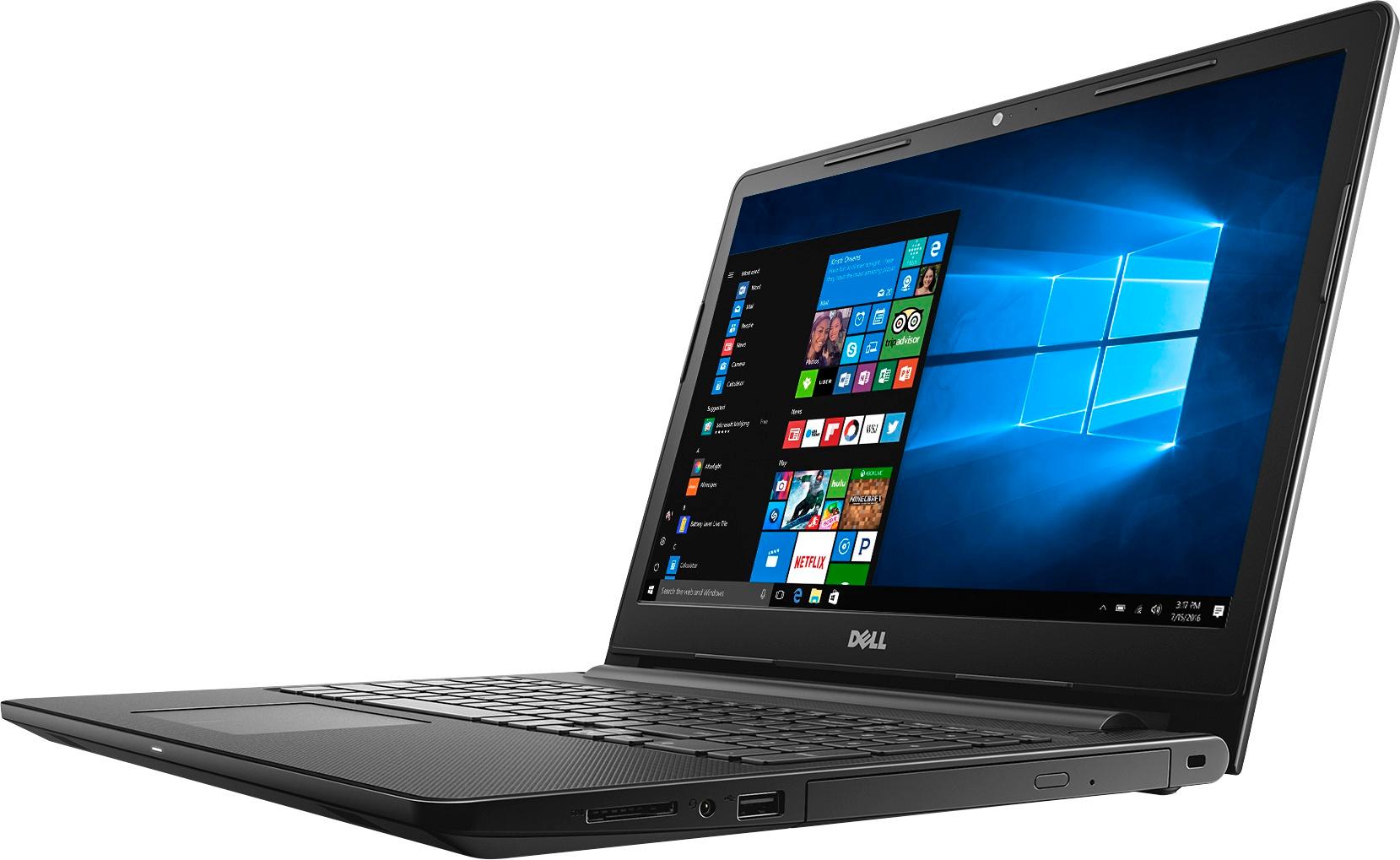
||Posted .This reviewer received promo considerations or sweepstakes entry for writing a review.Dell - Inspiron 15.6" Touch-Screen Laptop - Intel Core i3 - 8GB Memory - 1TB Hard Drive - Black
I would recommend this to a friendexcellent product
||Posted .This reviewer received promo considerations or sweepstakes entry for writing a review.very good product. works in a great condition. recommend this
I would recommend this to a friendGood laptop but not great
||Posted .This reviewer received promo considerations or sweepstakes entry for writing a review.Great for basic use but drags when too many windows and applications are running. Keyboard had the "i" key pop off after 30 days of use. Had to return it 3 months later due to an internal error that wouldn't clear.
No, I would not recommend this to a friendGreat Buy
||Posted .This reviewer received promo considerations or sweepstakes entry for writing a review.Bought for my daughter for College, have been impressed with the ease and reliability of it's use.
I would recommend this to a friendgood camera
||Posted .This reviewer received promo considerations or sweepstakes entry for writing a review.great laptop great camera good for a beginner and school work
I would recommend this to a friendGood no-frills laptop.
||Posted .This reviewer received promo considerations or sweepstakes entry for writing a review.I don't use my laptop on a regular basis, but my Dell has been meeting my needs quite nicely.
I would recommend this to a friendMy first laptop,love it.
||Posted .This reviewer received promo considerations or sweepstakes entry for writing a review.Very satisfied with the laptop I choice, and especially the wonderful service from the geek squad.
I would recommend this to a friendHubby loves the laptop
||Posted .This reviewer received promo considerations or sweepstakes entry for writing a review.I got the laptop for my husband to use in Afganistan. He travels a lot and it's light weight.
I would recommend this to a friend- Cons mentioned:Customer service
Laptops
||Posted .This reviewer received promo considerations or sweepstakes entry for writing a review.I’m very disappointed in this product. I only had it for a one month and I had to send to get fix. Now I have had it for one year and the computer stop work. Poor quality. I will never buy a dell again. I had the pleasure of talk with the Dell rep who informed me, I bought the low grade laptop. Thank you for informing me after I paid 400 dollars of my own money. I appreciate the great customer service. Next time I want to waste money,I know what to buy.
No, I would not recommend this to a friend