Customer Ratings & Reviews
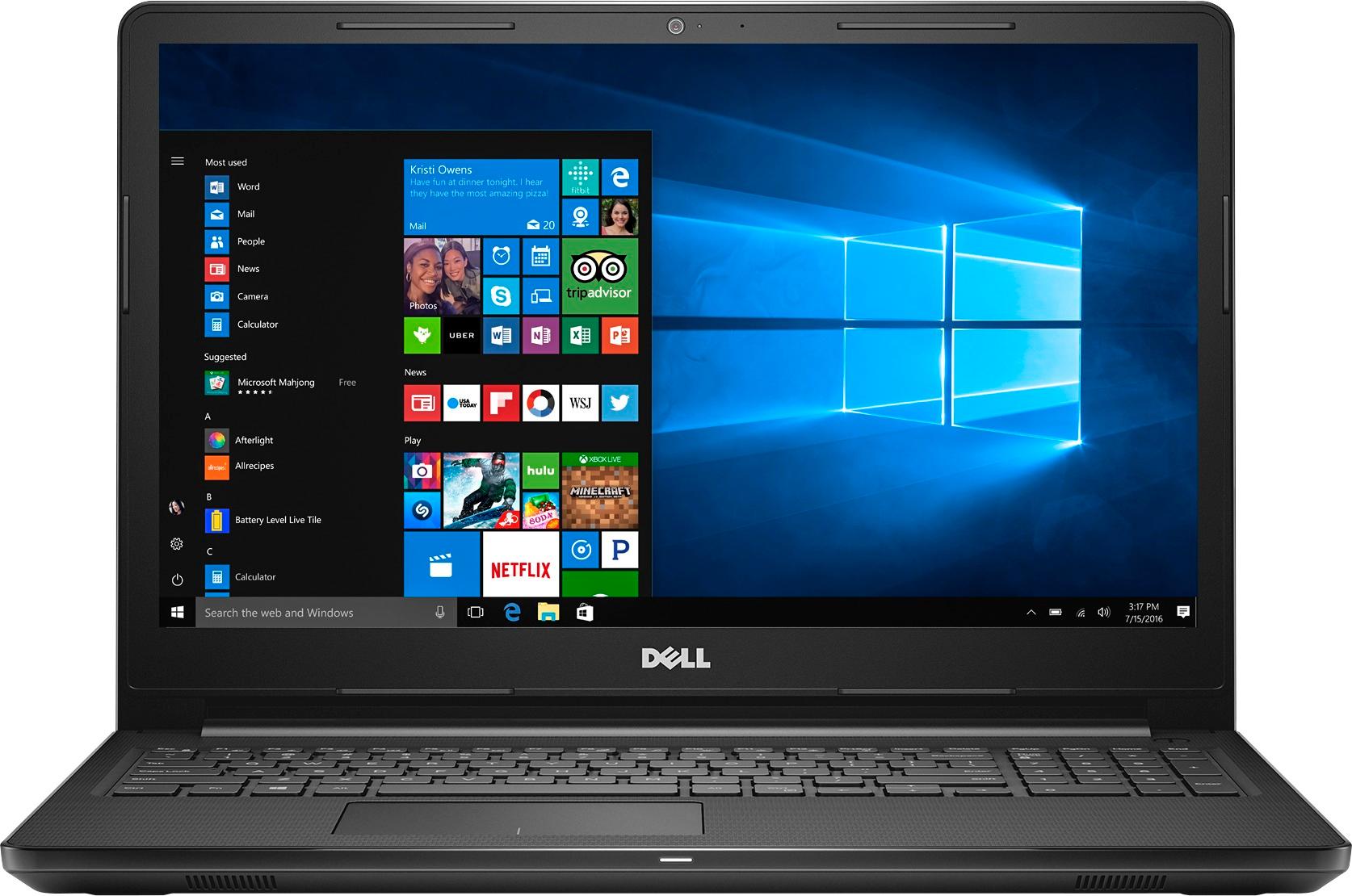
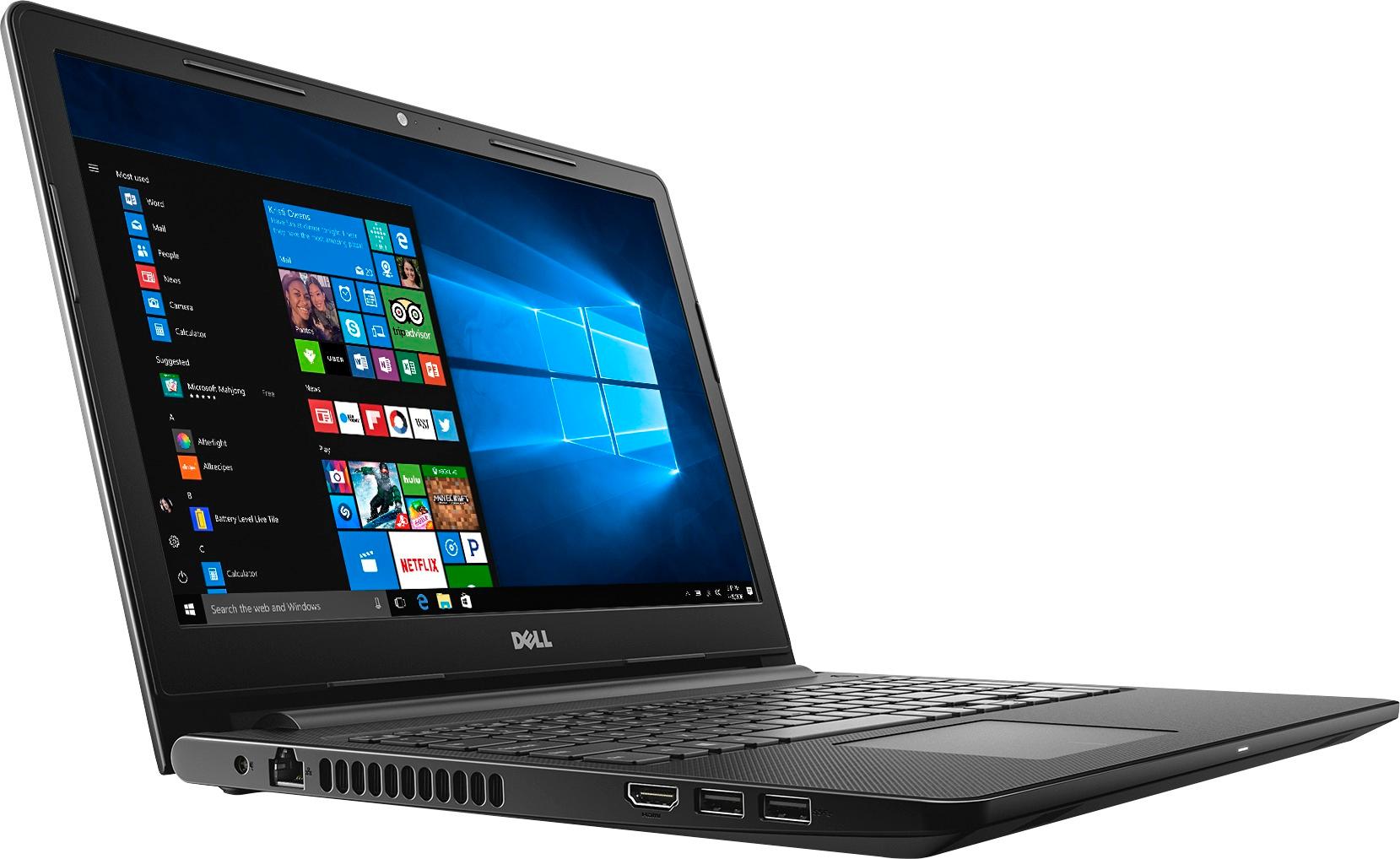
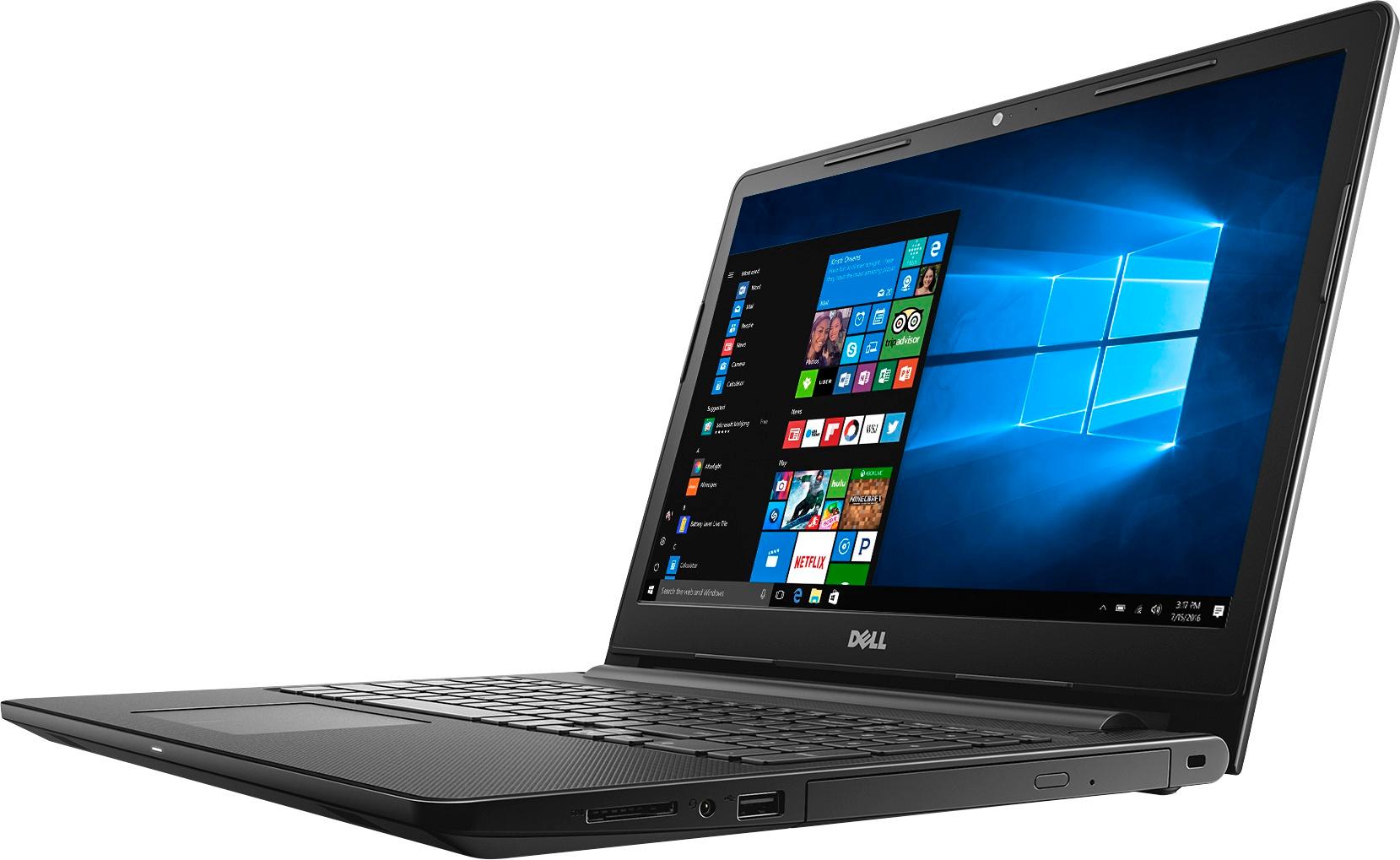
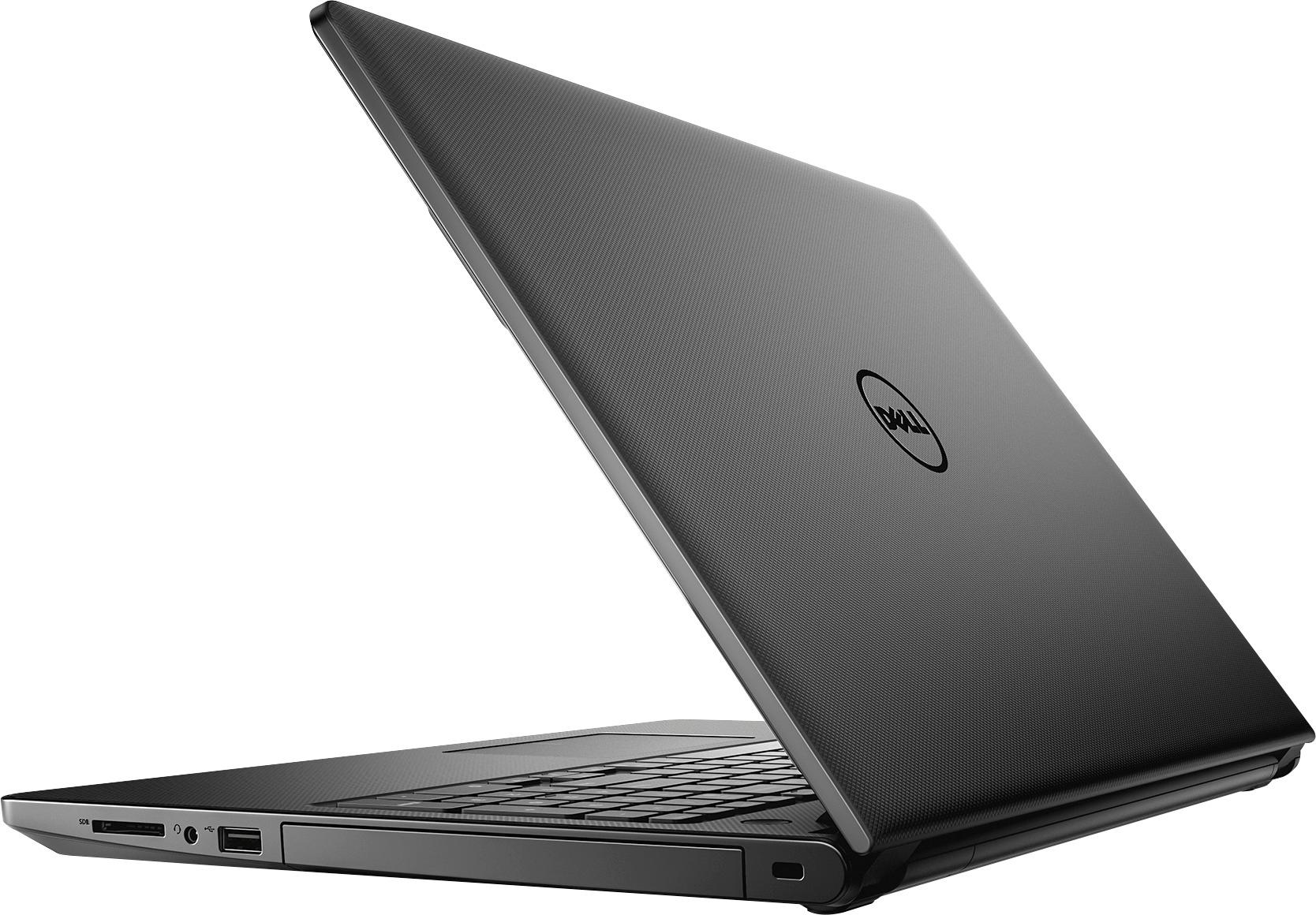
- Model:
- I3567-3636BLK-PUS
- SKU:
- 5835852
Rating by feature
- Value
Rating 3.8 out of 5 stars
- Quality
Rating 3.8 out of 5 stars
- Ease of Use
Rating 4.1 out of 5 stars
Customers are saying
Customers highly value the Inspiron 15.6" Touch-Screen Laptop for its touch screen, affordable price, and user-friendly interface. Many customers appreciate the laptop's storage capacity, performance, and memory, while some find it portable and easy to set up. However, a few customers have concerns about its weight, battery life, and Windows 10 operating system.
This summary was generated by AI based on customer reviews.
Sometimes it will not turn on and it crashes
||Posted .This reviewer received promo considerations or sweepstakes entry for writing a review.Do not buy this. Geek squad suggested I contact Dell
No, I would not recommend this to a friendBrand response from YourDellTeam
Posted .- Wheezy, If you are experiencing issues with your new Dell laptop not turning on, we'd suggest the following troubleshooting steps:
1. If the computer is displaying the Dell logo and does not move past that point, it has probably failed POST.
2. If the power indicator lights up and it is amber or orange, this is usually an indicator that it has failed POST.
3. If you see text on a black screen, the computer is currently performing the POST. If the computer stays in that condition and does not move past it, it has probably failed POST.
4. If the video screen displayed anything at all during the startup process but is now black, this probably indicates that the computer failed POST.
5. If the computer is beeping or if Caps/Num/Scroll Locks are flashing, note if there is a particular pattern in which it beeps or flashes.
6. If the computer is not beeping and caps/num/scroll locks are not flashing, unplug all connections and remove all media communication devices (e.g. external monitors); reconnect one at a time and check if the computer functions.
7. For a notebook, press and hold the Fn key and then press the power button. This starts the pre-boot testing and will launch ePSA. In case you have a Desktop at the Dell logo screen tap the F12 key to enter One Time Boot Menu and use the arrow keys to highlight Diagnostics and press enter.
For the entire troubleshooting page, you can visit - http://dell.to/2uj1Sby. - Bryan
Slowest computer I have ever owned
||Posted .This reviewer received promo considerations or sweepstakes entry for writing a review.I bought this for school and home use. It is painfully slow. It takes 5 minutes to start up and performance is way below what I expected.
No, I would not recommend this to a friendBrand response from YourDellTeam
Posted .New2Tech,
Thanks for your review and we're sorry to hear that your computer is slower than you'd like it to be. We'd recommend limiting the number of programs that launch at startup by following these steps:
1. Close all open windows.
2. Press CTRL + Shift + ESC key together on the keyboard.
3. In the Task Manager window, click Startup tab.
4. Select the program or application that you want to disable from loading during startup.
5. Right-click and select Disable.
6. Repeat Step 4 & 5 for all the programs or applications that you want to disable from loading during startup.
7. Restart your PC.
You can read the full article here - http://dell.to/2tSulGV.
We hope that these steps will help your computer run faster for you.
Best,
Bryan
1-800-624-9896
Good laptop until your hard drive stops working
||Posted .This reviewer received promo considerations or sweepstakes entry for writing a review.This was my second purchase of this type of laptop - thinking it was a good laptop. The hard drive went out within two months.
No, I would not recommend this to a friendBrand response from YourDellTeam
Posted .Hi Ohdaisys,
We're sorry to hear about the hard drive on your Dell computer. We'd recommend that you review Dell's Limited One Year Warranty and see if your product qualifies: http://dell.to/2tNsVOs.
Best,
Bryan
1-800-624-9896
Horrible
||Posted .This reviewer received promo considerations or sweepstakes entry for writing a review.I had it for 3 weeks and it stopped charging. The charger got so loose it bairly was staying in and i never moved it to use it.
No, I would not recommend this to a friendBrand response from YourDellTeam
Posted .@Unhappy, Thanks for your review and for your recent Dell laptop purchase. We're sorry to hear that your device is not charging properly. We'd suggest that you verify that the AC adapter is functioning correctly:
1. Restart the PC.
2. When the Dell logo appears, tap F2 key until the message Entering Setup appears.
3. Verify the AC Adapter Type in the BIOS options.
If AC Adapter Type is None - Ensure to connect the AC adapter to the PC.
If AC Adapter Type is Unknown - Follow troubleshooting steps to resolve AC adapter issues. If AC Adapter Type is recognized correctly, proceed to the next step.
For additional information about these steps you can view the full article here - http://dell.to/2gX4SrZ.
We hope these steps help to get your battery operating normally soon.
Lousy laptop
||Posted .This reviewer received promo considerations or sweepstakes entry for writing a review.Had the laptop less then 2 weeks before it decided to stop working. Wouldn't get past the dell loading screen.
No, I would not recommend this to a friendBrand response from YourDellTeam
Posted .Nick24, We're sorry to hear that you're having difficulty getting your new Dell laptop started up. Here are a few tips to help get your device in working order -
Press and hold the Fn key and then press the power button. This starts the pre-boot testing and will launch ePSA.
For additional assistance please read the following Dell Support article - http://dell.to/2uj1Sby.
Hardly used
||Posted . Owned for 1.5 years when reviewed.This reviewer received promo considerations or sweepstakes entry for writing a review.Hardly used it hangs alot price is good but product not worth it. Dont waste you money.
No, I would not recommend this to a friendPoor product
||Posted .This reviewer received promo considerations or sweepstakes entry for writing a review.Too slow, took hours to days for things to download. Was not my internet as other devices has no issues.
No, I would not recommend this to a friendBrand response from YourDellTeam
Posted .- DreamKiller, Thanks for your recent Dell laptop purchase. If you'd like to troubleshoot slowness on your new computer we'd suggest the following:
Delete temporary files and directories
1. Click Start, then in the search bar type "disk". Disk Cleanup should appear on the menu above the search box.
2. Run disk cleanup and eliminate unneeded temporary files (Search results, Internet Cache and other windows temp files you may no longer need)
3. Select files you want to delete then click OK to start the cleanup process. Uninstall applications you no longer use 1. Open the Programs and Features application in Control Panel. 2. Scan the list of applications installed for ones that you no longer use. 3. Highlight any application you no longer use and then click the uninstall button at the top of the list. Follow the prompts to uninstall.
4. Repeat for each application you want to uninstall.
5. Move large files and/or seldom used files to backup media (Photos, Music you seldom listen to, application downloads after the application has been installed etc.).
6. Empty the Recycle Bin.
For the full support article you can view it here - http://dell.to/2tSulGV.
We hope these tips help your device run faster than it has been.
Doesn’t work
||Posted .This reviewer received promo considerations or sweepstakes entry for writing a review.I bought this for my husband and it is incredibly slow and the screen will go black out of nowhere
No, I would not recommend this to a friendBrand response from YourDellTeam
Posted .Hi Devan,
Thanks for your review. We're sorry to hear that your husband's computer is not performing the way you had hoped it would. We'd recommend running the Windows Performance Troubleshooter to see if it will help speed up your computer:
1. Close all open windows.
2. Press the Windows logo key + X key on the keyboard.
3. Click Control Panel.
4. Click System and Security.
5. Under Security and Maintenance, select Troubleshoot common problems.
6. Under System and Security, click Run maintenance tasks.
7. Follow the on-screen instructions and prompts to complete the process.
8. Restart the PC.
You can read the full article here - http://dell.to/2tSulGV.
We hope this helps your computer run better for you.
Best,
Bryan
1-800-624-9896
Slow
||Posted . Owned for more than 2 years when reviewed.This reviewer received promo considerations or sweepstakes entry for writing a review.I purchased this and I was not happy at all. It was very slow!
No, I would not recommend this to a friendTerrible
||Posted .This reviewer received promo considerations or sweepstakes entry for writing a review.The speed of this computer was well below what I expected. My computer from 1998 was faster.
No, I would not recommend this to a friendBrand response from YourDellTeam
Posted .Hi Eric, Thanks for your recent Dell laptop purchase and we're sorry to hear that the speed is not what you were hoping for. We'd suggest that you try some of the following steps to help speed up your device: Delete temporary files and directories
1. Click Start, then in the search bar type "disk". Disk Cleanup should appear on the menu above the search box.
2. Run disk cleanup and eliminate unneeded temporary files (Search results, Internet Cache and other windows temp files you may no longer need)
3. Select files you want to delete then click OK to start the cleanup process.
Uninstall applications you no longer use
1. Open the Programs and Features application in Control Panel.
2. Scan the list of applications installed for ones that you no longer use.
3. Highlight any application you no longer use and then click the uninstall button at the top of the list. Follow the prompts to uninstall.
4. Repeat for each application you want to uninstall.
5. Move large files and/or seldom used files to backup media (Photos, Music you seldom listen to, application downloads after the application has been installed etc.).
6. Empty the Recycle Bin.
For additional troubleshooting tips you can always visit - http://dell.to/2tSulGV.
We hope these tips help your device perform the way you had hoped it would.
Big disappointment
||Posted .This reviewer received promo considerations or sweepstakes entry for writing a review.Had it less than a month.Had to take for repairs twice. Just returned it, not worth my time.
No, I would not recommend this to a friendDON'T BUY!!! TERRIBLE LAPTOP!!!
||Posted .This reviewer received promo considerations or sweepstakes entry for writing a review.This laptop quit working after 3 months of use. I don't recommend buying this Dell.
No, I would not recommend this to a friendSucked
||Posted .This reviewer received promo considerations or sweepstakes entry for writing a review.Very dissatisfied and disappointed was not informed nothing when purchased computer.
No, I would not recommend this to a friendBrand response from YourDellTeam
Posted .@Sledge, We're sorry to hear that you're not as happy as you hoped you'd be with your new Dell laptop. If there are specific issues that you'd like to troubleshoot on your new device you can always view your Product Support page here - http://dell.to/2uBnCA3. We hope that these articles help and that you'll soon be satisfied with the way your laptop is performing.
Blue screen of death
||Posted .This reviewer received promo considerations or sweepstakes entry for writing a review.Blue screen of death, after one year, usually good products from Dell
No, I would not recommend this to a friendReturned it
||Posted .This reviewer received promo considerations or sweepstakes entry for writing a review.It required updating programs every 30 days due to some undisclosed problems.
No, I would not recommend this to a friendHard Drive Failed
||Posted .This reviewer received promo considerations or sweepstakes entry for writing a review.Hard Drive Failed 6 months after I got it and had to have it replaced
No, I would not recommend this to a friendPoor Performance
||Posted .This reviewer received promo considerations or sweepstakes entry for writing a review.Horrible performance - slower than a turtle, even on a good day.
No, I would not recommend this to a friendReturned in a week
||Posted .This reviewer received promo considerations or sweepstakes entry for writing a review.Laptop did not last a week with my son. It was returned to BEST BuY
No, I would not recommend this to a friendRefurb not worth the price
||Posted .This reviewer received promo considerations or sweepstakes entry for writing a review.Very slow start up and charging issue...returned the next day
No, I would not recommend this to a friendHorrible Laptop
||Posted .This reviewer received promo considerations or sweepstakes entry for writing a review.Took it back. It crashed after having it for 2 1/2 days.
No, I would not recommend this to a friend