Customer Ratings & Reviews
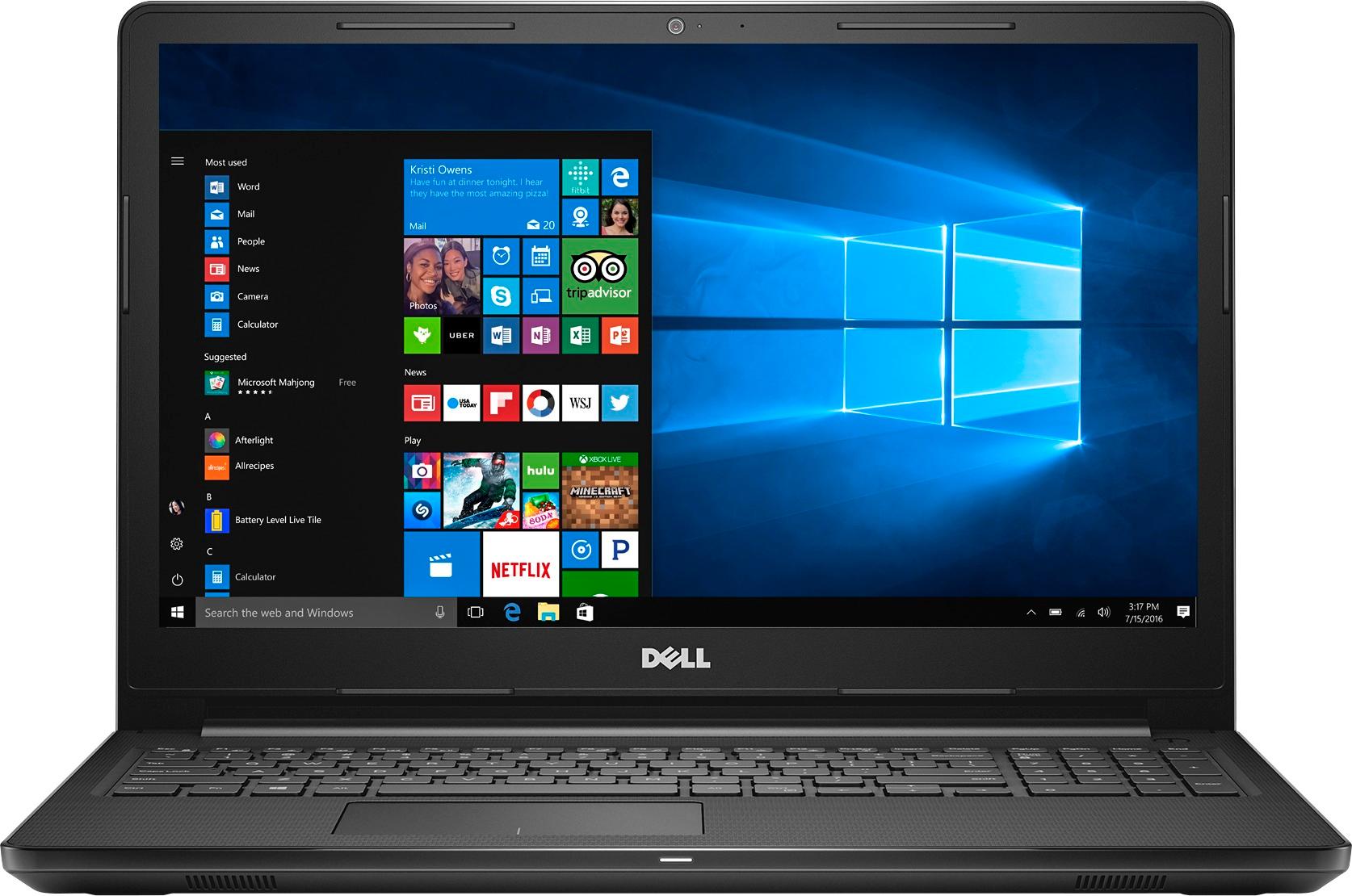
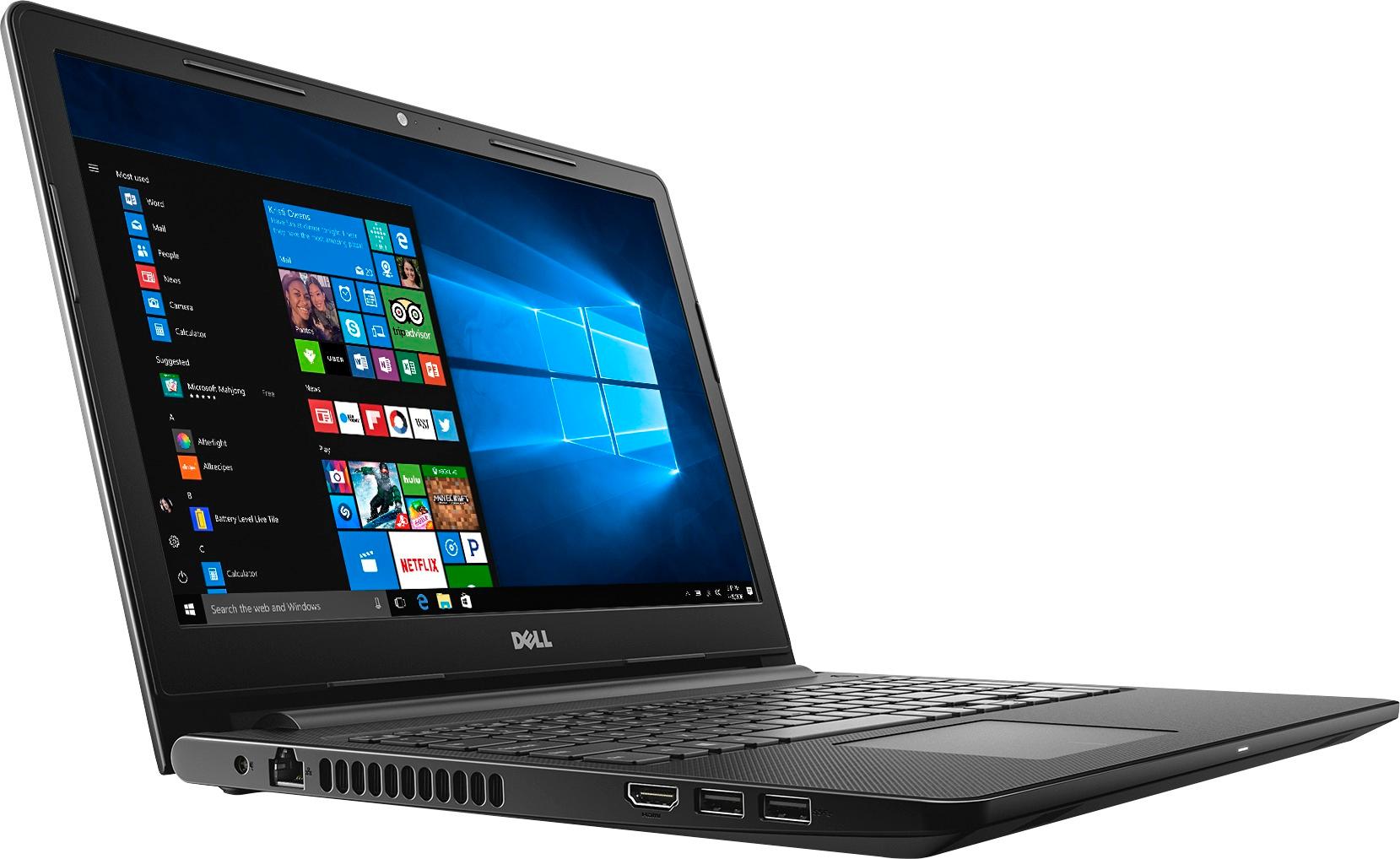
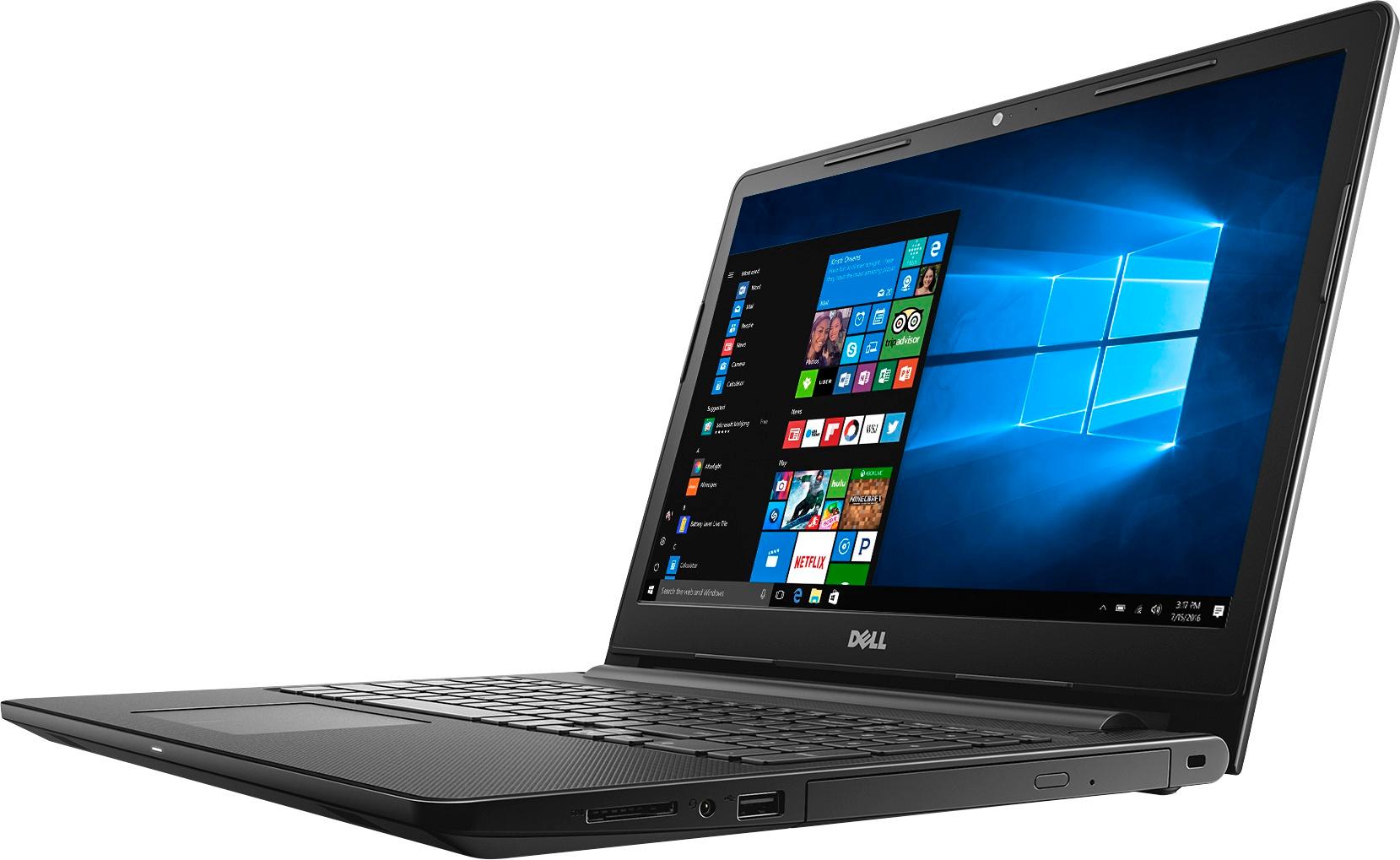
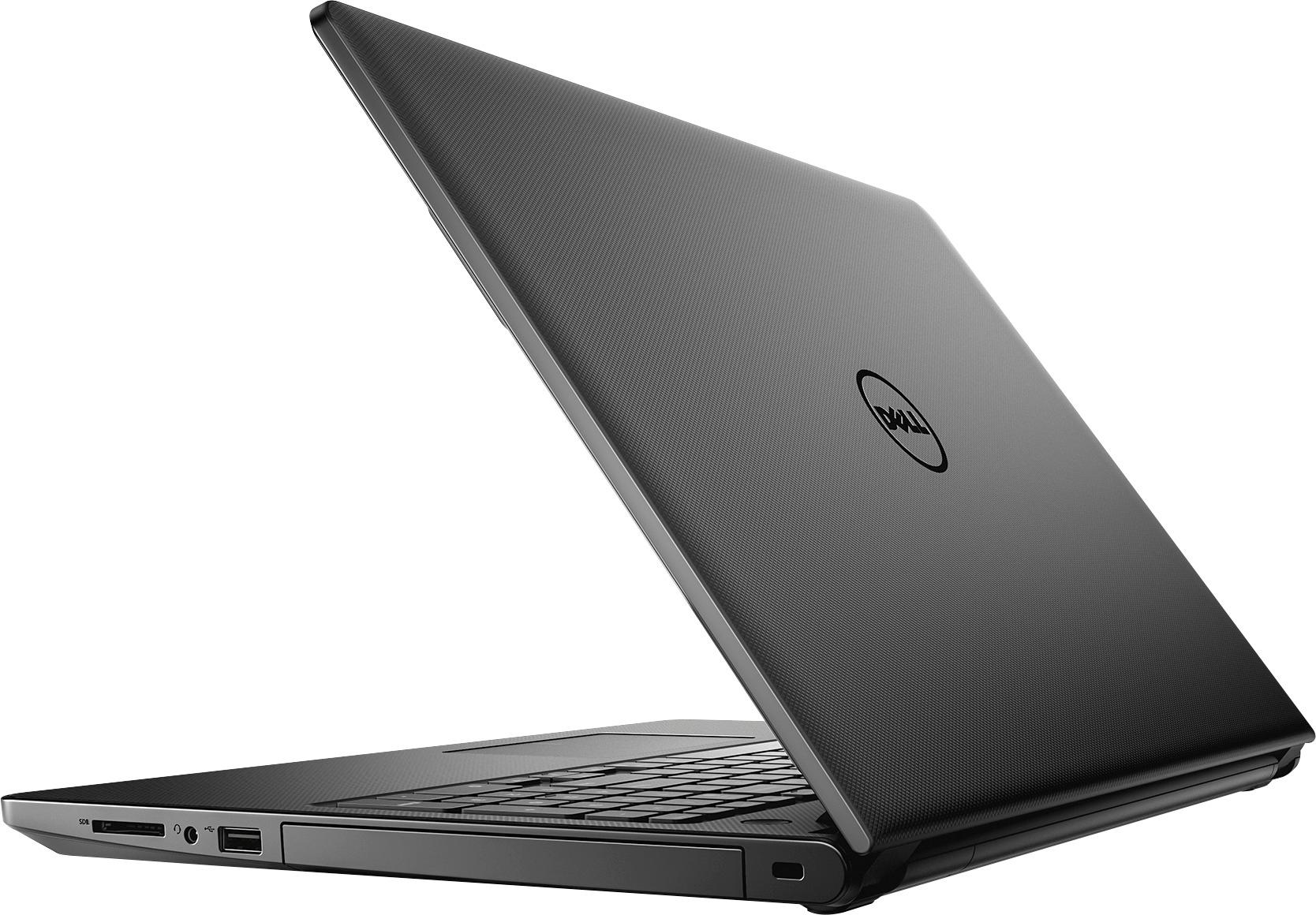
- Model:
- I3567-3636BLK-PUS
- SKU:
- 5835852
Rating by feature
- Value
Rating 3.8 out of 5 stars
- Quality
Rating 3.8 out of 5 stars
- Ease of Use
Rating 4.1 out of 5 stars
Customers are saying
Customers highly value the Inspiron 15.6" Touch-Screen Laptop for its touch screen, affordable price, and user-friendly interface. Many customers appreciate the laptop's storage capacity, performance, and memory, while some find it portable and easy to set up. However, a few customers have concerns about its weight, battery life, and Windows 10 operating system.
This summary was generated by AI based on customer reviews.
Slow
Posted .This reviewer received promo considerations or sweepstakes entry for writing a review.If someone tries to sell you one of these, run away as fast as you can! It's slow, it's not compatible with anything but Microsoft Edge, and the touch pad looks big but has about a 1 inch circle direct center that works.......sometimes. The touch screen seems to work okay but it's highly impractical if you don't have the computer on your lap - you have to reach too far. I've had keyboard problems and if it actually does respond, eight out of ten times the computer is slower than molasses in January. I bought two of these, one for myself and one for my husband and we've had the same issues on both.
No, I would not recommend this to a friendBrand response from YourDellTeam
Posted .Hello laurielou56 - We're so sorry to hear about the difficulties that you and your husband are experiencing on your new Dell laptops. If you'd like to troubleshoot the touchpad you can try these steps:
Some Notebooks and Tablets with Keyboards have added gesture features to the touchpad hardware and drivers. A few of these features are two or three finger scrolling, pinch zoom, circle zoom, rotate and swiping. These new features may be the reason for the erratic cursor movement since most are turned on by default. You can disable or modify the way the features work in the touchpad driver properties. Here are some tips to modify these settings:
1. In the Search box, type main.cpl.
2. Touch or click main.cpl in the list of programs.
3. Touch or click the Dell Touchpad tab.
4. Touch or click on the picture of the touchpad.
5. Touch or click Gestures (depending on your computer there may not be a Gestures option).
6. Change the options as preferred.
7. Touch or click Save.
8. Touch or click the X in the upper-right corner to close the Dell Touchpad Utility.
9. Touch or click OK on the Mouse Properties window.
10. If the touchpad still does not work after following the preceding steps, refer to Dell Knowledge Base article - http://dell.to/2iaiujA. You can read the full article here - http://dell.to/2tqmS02.
If you'd like to troubleshoot the slowness on your computers we'd recommend the following: Delete temporary files and directories 1. Click Start, then in the search bar type "disk". Disk Cleanup should appear on the menu above the search box.
2. Run disk cleanup and eliminate unneeded temporary files (Search results, Internet Cache and other windows temp files you may no longer need)
3. Select files you want to delete then click OK to start the cleanup process. Uninstall applications you no longer use 1) Open the Programs and Features application in Control Panel. 2) Scan the list of applications installed for ones that you no longer use. 3) Highlight any application you no longer use and then click the uninstall button at the top of the list. Follow the prompts to uninstall.
4. Repeat for each application you want to uninstall.
5. Move large files and/or seldom used files to backup media (Photos, Music you seldom listen to, application downloads after the application has been installed etc.).
6. Empty the Recycle Bin.
You can read the entire article here - http://dell.to/2tSulGV.
We hope these tips help your laptops perform the way you intended them to. - Bryan
- Pros mentioned:Touch screen
Dell Inspirion 3000 laptop
Posted .This reviewer received promo considerations or sweepstakes entry for writing a review.Overall pretty good & the touchscreen is a bonus but I though with 8 GB of memory it would be faster, must not have the right processor matched up for it. Probably could have saved some money on the 4 GB model instead.
I would recommend this to a friendBrand response from YourDellTeam
Posted .Hey vorpdrive! Thanks for your review and we're happy to see that you're enjoying your new Dell laptop. If you'd like to speed up your laptop you can always try some of these steps:
Delete temporary files and directories
1. Click Start, then in the search bar type "disk". Disk Cleanup should appear on the menu above the search box.
2. Run disk cleanup and eliminate unneeded temporary files (Search results, Internet Cache and other windows temp files you may no longer need)
3. Select files you want to delete then click OK to start the cleanup process. Uninstall applications you no longer use 1. Open the Programs and Features application in Control Panel. 2. Scan the list of applications installed for ones that you no longer use. 3. Highlight any application you no longer use and then click the uninstall button at the top of the list. Follow the prompts to uninstall.
4. Repeat for each application you want to uninstall.
5. Move large files and/or seldom used files to backup media (Photos, Music you seldom listen to, application downloads after the application has been installed etc.).
6. Empty the Recycle Bin.
You can see the full article here - http://dell.to/2tSulGV.
We hope this helps. - Bryan
Lesson Learned....
Posted .This reviewer received promo considerations or sweepstakes entry for writing a review.Originally I purchased the Dell Laptop almost exact to this one, except mine had 6GB and this one has 8GB. My original Dell was exchanged 3 times before getting one that worked. First one-screen kept freezing and loud humming which happened only once, second one-mother board completely dead, never turned on-verified at Best Buy location on return, third one-had associate test the mother board while I was there. Finally, I had one that worked and made the mistake of exchanging it on my 15th day to get this one because of the 8GB. While I was listening to music on youtube I also was scrolling through Facebook. Anytime I would scroll passed a video on Facebook the speakers would crackle. I went in for the FIFTH time and was at risk of not being able to return the laptop due to all the defective ones prior (minus my third one) so I opt.'d to just return it all together. I'm not sure why I continued to keep trying with the same laptop or brand, but I don't think I'll be purchasing a Dell. It was shocking how many had issues brand new!
No, I would not recommend this to a friendVery Slow!
Posted .This reviewer received promo considerations or sweepstakes entry for writing a review.I received my Laptop at 10:30am It took 7 hours to update Windows and Dell updates. I was hoping after updates I would see an improvement but it was still operating slow. For what this laptop has for CPU Memory and graphics it should be a lot faster! I ran Dells benchmark program and it passed but took longer than the program said it would. I will be returning this laptop..
No, I would not recommend this to a friendBrand response from YourDellTeam
Posted .Eztechy, We're sorry to hear that you are having trouble with the setup of your new Inspiron laptop. Thanks for running the proper updates and diagnostics on your device before beginning to use it. Please keep in mind that Dell has a One Year Limited Warranty on its products. You can find out more about Dell's Warranty policy here - http://dell.to/2tNsVOs if you think something is wrong with your device. Please read the following support article related to slowness with your device - http://dell.to/2tSulGV. If you'd like to contact Dell's customer support team you can reach them here - http://dell.to/2sH7Qlm. We hope that you're able to begin using your device the way you intended to soon.
- Cons mentioned:Weight
Keyboard is awful
Posted .This reviewer received promo considerations or sweepstakes entry for writing a review.I should have paid more attention to the keyboard! I bought this online for in-store pickup. I did not realize that the keyboard is humongous! The mouse pad/ touch pad are difficult to use. Trying to right click or left click is extremely slow... it almost doesn't recognize I am trying to click. The laptop is heavy and clunkier than I would like for a laptop. Definitely not easy for travel. The computer is extremely slow to load. I thought there was a problem with my old laptop after it automatically updated to the new Windows... but I guess the issue is Windows being sloooowww. Painfully slow. And the keyboard is so LOUD when typing on it. Every single hit makes a loud sound. It's annoying to me... I could only imagine how it would be when typing at a public place. I would NOT recommend this product.
No, I would not recommend this to a friendBrand response from YourDellTeam
Posted .chitownsara, Thanks for your recent Dell laptop purchase. We're sorry to hear that you are finding the laptop to be slower than you had hoped. If you need help troubleshooting your touchpad you can follow these steps: Some Notebooks and Tablets with Keyboards have added gesture features to the touchpad hardware and drivers. A few of these features are two or three finger scrolling, pinch zoom, circle zoom, rotate and swiping. These new features may be the reason for the erratic cursor movement since most are turned on by default. You can disable or modify the way the features work in the touchpad driver properties. Here are some tips to modify these settings:
1. In the Search box, type main.cpl.
2. Touch or click main.cpl in the list of programs.
3. Touch or click the Dell Touchpad tab.
4. Touch or click on the picture of the touchpad.
5. Touch or click Gestures (depending on your computer there may not be a Gestures option).
6. Change the options as preferred.
7. Touch or click Save.
8. Touch or click the X in the upper-right corner to close the Dell Touchpad Utility.
9. Touch or click OK on the Mouse Properties window.
10. If the touchpad still does not work after following the preceding steps, refer to Dell Knowledge Base article - http://dell.to/2iaiujA.
For the full touchpad troubleshooting article you can click here - http://dell.to/2tqmS02.
In order to troubleshoot the slowness on your computer we'd suggest these tips:
Delete temporary files and directories
1. Click Start, then in the search bar type "disk". Disk Cleanup should appear on the menu above the search box.
2. Run disk cleanup and eliminate unneeded temporary files (Search results, Internet Cache and other windows temp files you may no longer need)
3. Select files you want to delete then click OK to start the cleanup process. Uninstall applications you no longer use 1. Open the Programs and Features application in Control Panel. 2. Scan the list of applications installed for ones that you no longer use. 3. Highlight any application you no longer use and then click the uninstall button at the top of the list. Follow the prompts to uninstall.
4. Repeat for each application you want to uninstall.
5. Move large files and/or seldom used files to backup media (Photos, Music you seldom listen to, application downloads after the application has been installed etc.).
6. Empty the Recycle Bin.
For the full slowness article please click here - http://dell.to/2tSulGV.
We hope these tips help your computer perform close to the way you hoped it would. - Bryan
- Pros mentioned:Speed
great school computer
Posted .This reviewer received promo considerations or sweepstakes entry for writing a review.great computer for school use, fast and easy to operate
I would recommend this to a friend Very slow and Geek Squad rude
Posted .This reviewer received promo considerations or sweepstakes entry for writing a review.I bought this for my son for college. When I bought it, the salesman said that an i3 is the lowest processer he would use, but it would be a good selection for a freshman in college as most of their work is done online. When we started setting it up, it took minutes to start up, and takes forever to switch between programs. I have tried to increase the speed and my son says it helped, but all the older computers I have ever had were at their fastest when new and then slow down as stuff is added. This one is terribly slow. I even took it in to Best Buy and spoke to the Geek Squad, who basically told me I bought a lousy computer, as the processor isn't fast and not an SSD drive, so I got what I paid for.... Sure glad the salesman tells you one thing and the Geek Squad tells you something completely different.... I feel terrible that as a freshman, he has to deal with a very slow computer as well as the new college experience. Will be more careful on next purchase, probably not from Best Buy.....
No, I would not recommend this to a friendBrand response from YourDellTeam
Posted .kiddynomite28, Thanks for your recent Dell laptop purchase for your son. We're sorry that it's not performing the way that you had hoped it would. We'd suggest a few tips to help speed up the computer:
Delete temporary files and directories
1. Click Start, then in the search bar type "disk". Disk Cleanup should appear on the menu above the search box.
2. Run disk cleanup and eliminate unneeded temporary files (Search results, Internet Cache and other windows temp files you may no longer need)
3. Select files you want to delete then click OK to start the cleanup process. Uninstall applications you no longer use 1. Open the Programs and Features application in Control Panel. 2. Scan the list of applications installed for ones that you no longer use. 3. Highlight any application you no longer use and then click the uninstall button at the top of the list. Follow the prompts to uninstall.
4. Repeat for each application you want to uninstall.
5. Move large files and/or seldom used files to backup media (Photos, Music you seldom listen to, application downloads after the application has been installed etc.).
6. Empty the Recycle Bin.
For the full support article, you can visit - http://dell.to/2tSulGV
We hope these tips help add some speed to the laptop and that your son will have an easier time using it as he starts school.
DO NOT BUY
Posted .This reviewer received promo considerations or sweepstakes entry for writing a review.If I could give this laptop less than one star, I would. Had horrible experiences with Dell in the past and figured time had passed and they maybe would have gotten better. I was wrong. I bought this computer specifically for school work. Real basic work like excel and powerpoint. The Dell bloatware turned my computer into a paperweight on my first day of class after I stupidly decided to update the night before. In short, the first time I tried to use this computer, it turned into a brick.
No, I would not recommend this to a friendBrand response from YourDellTeam
Posted .Dear Valued Customer, Thanks for your recent Dell purchase and for your review. We're sorry to hear that your computer has stopped working the way that it should be. If you'd like your computer to run a little faster we'd suggest the following:
Delete temporary files and directories
1. Click Start, then in the search bar type "disk". Disk Cleanup should appear on the menu above the search box.
2. Run disk cleanup and eliminate unneeded temporary files (Search results, Internet Cache and other windows temp files you may no longer need)
3. Select files you want to delete then click OK to start the cleanup process. Uninstall applications you no longer use 1. Open the Programs and Features application in Control Panel. 2. Scan the list of applications installed for ones that you no longer use. 3. Highlight any application you no longer use and then click the uninstall button at the top of the list. Follow the prompts to uninstall.
4. Repeat for each application you want to uninstall.
5. Move large files and/or seldom used files to backup media (Photos, Music you seldom listen to, application downloads after the application has been installed etc.).
6. Empty the Recycle Bin.
You can read the full article here - http://dell.to/2tSulGV.
If you think that your computer truly has something wrong with it that cannot be resolved, you can view Dell's One Year Limited Warranty policy here - http://dell.to/2tNsVOs. - Bryan
Worth my money
Posted .This reviewer received promo considerations or sweepstakes entry for writing a review.I am very pleased with this laptop and I've had since 2017 and i had nothing to complain about it now i am passing it to my younger siblings and i know they will love it as much i did.
I would recommend this to a friendA major problem
Posted .This reviewer received promo considerations or sweepstakes entry for writing a review.I purchased this computer this morning, brought it back tonight. It would not copy images and save them to the computer. Tech support was no help. They went online and could not fix it, their "solution" was to try to sell me a malware program. No more Dell's for me.
No, I would not recommend this to a friendDon't buy
Posted .This reviewer received promo considerations or sweepstakes entry for writing a review.I have had this laptop for a month, Had a difficult time keeping my internet connection, and several functions did not work at all. After many hours with Dell techs, I was told to send it back to Dell for a new motherboard. Nothing but aggravation.....Don't buy this product!
No, I would not recommend this to a friendBrand response from YourDellTeam
Posted .NJWV - We're sorry to hear your frustration about your new Dell laptop. If you still need help troubleshooting your WIFI connection we'd recommend that you try the following:
1. Run the Network Troubleshooter. a) Touch and hold or right-click the network icon (Available Networks or Network Icon, located in the lower right-hand corner). b) Touch or click Troubleshoot problems and then follow the prompts.
You can read the full article here - http://dell.to/2sLtwRh.
We hope this helps the connectivity concerns that you are having. - Bryan
- Pros mentioned:Touch screen
1st dell and will be last dell...NO ONE BUY THIS..
Posted .This reviewer received promo considerations or sweepstakes entry for writing a review.This by far is the worst laptop I have ever bought. I bought it hoping it was gonna be a good purchase, but I was wrong. I still use my broken hp laptop cause its ten times faster then this brand new one. Takes 10 minutes just to get to the log-in screen and another ten minutes before I can open any programs without it freezing and crashing. It just runs very, very slow. The only thing on this laptop that seems to function properly is the touch screen part, if it doesn't freeze up. This laptop is not worth $400.00. Id return it if I could but I don't live close to a best buy so I stuck with it. I would not recommend ANYONE by this laptop.
No, I would not recommend this to a friendBrand response from YourDellTeam
Posted .@Nick, Thanks for your recent Dell purchase and for your review. We know it can be frustrating when your computer is running slower than you'd like. Here are some tips we'd recommend for you to try to get your computer to perform faster: Delete temporary files and directories
1. Click Start, then in the search bar type "disk". Disk Cleanup should appear on the menu above the search box.
2. Run disk cleanup and eliminate unneeded temporary files (Search results, Internet Cache and other windows temp files you may no longer need)
3. Select files you want to delete then click OK to start the cleanup process. Uninstall applications you no longer use 1. Open the Programs and Features application in Control Panel. 2. Scan the list of applications installed for ones that you no longer use. 3. Highlight any application you no longer use and then click the uninstall button at the top of the list. Follow the prompts to uninstall.
4. Repeat for each application you want to uninstall.
5. Move large files and/or seldom used files to backup media (Photos, Music you seldom listen to, application downloads after the application has been installed etc.).
6. Empty the Recycle Bin.
For the full article, you can view it here - http://dell.to/2tSulGV.
Dell also offers a One Year Limited Warranty on our products if you think something is wrong with your device that cannot be fixed. You can view the terms of our Warranty here - http://dell.to/2tNsVOs.
We hope these tips help your computer to perform the way you intended it to. - Bryan
outdated tech by the time you get it home!
Posted .This reviewer received promo considerations or sweepstakes entry for writing a review.i just bought this computer today, and will be returning it today as well. the network adapter is already outdated- it cannot connect to 5ghz wifi. i spoke with dell, and they admitted that it doesn't have that technology. what a waste of time!
No, I would not recommend this to a friendBrand response from YourDellTeam
Posted .@pcguff, we appreciate the info you provide back with us on your latest experience. We regret to hear about your recent purchase and if you haven't returned your product, please call our tech support at 1 (800) 999-3355. If you have returned the product, we hope you find something that meets your needs. - Chris
Poor quality, Dell support no good
Posted .This reviewer received promo considerations or sweepstakes entry for writing a review.Worked ok for some time. Was not expecting top performance since I had purchased it as a basic laptop for basic use. After some time laptop stopped responding when power button was pressed to switch it on. Called support and first guy said this is damage and not hardware malfunction and not covered. I asked to send me warranty details and he hung up. Called twice more and they were unhelpful. They waste so much time taking all personal information and then refuse to send warranty details. I have had other make laptops less well known than Dell and have used them for 8 to 10 years with no problem. Not likely to consider Dell again due to poor quality and support experience.
No, I would not recommend this to a friendBrand response from YourDellTeam
Posted .Dear Rob57, We're so sorry to hear about the negative experiences that you've recently had with Dell's Customer Support team. We assure you that we can help by providing you with the details for our One Year Limited Warranty for your laptop. You can view the terms of our Warranty here - http://dell.to/2tNsVOs.
If you are still experiencing issues with your computer not turning on, we'd suggest these tips:
1. If the computer is displaying the Dell logo and does not move past that point, it has probably failed POST.
2. If the power indicator lights up and it is amber or orange, this is usually an indicator that it has failed POST.
3. If you see text on a black screen, the computer is currently performing the POST. If the computer stays in that condition and does not move past it, it has probably failed POST.
4. If the video screen displayed anything at all during the startup process but is now black, this probably indicates that the computer failed POST.
5. If the computer is beeping or if Caps/Num/Scroll Locks are flashing, note if there is a particular pattern in which it beeps or flashes.
6. If the computer is not beeping and caps/num/scroll locks are not flashing, unplug all connections and remove all media communication devices (e.g. external monitors); reconnect one at a time and check if the computer functions.
7. For a notebook, press and hold the Fn key and then press the power button. This starts the pre-boot testing and will launch ePSA. In case you have a Desktop at the Dell logo screen tap the F12 key to enter One Time Boot Menu and use the arrow keys to highlight Diagnostics and press enter.
For the full article, you can view it here - http://dell.to/2uj1Sby.
We hope these tips help to get your computer up and going again. - Bryan
Didn’t work
Posted .This reviewer received promo considerations or sweepstakes entry for writing a review.Bought this laptop for my girlfriend for college classes last night. Opened the box, plugged it in. Computer won’t boot all. LED lights up and shuts off. Screen flickers, that’s itt. $350 paper weight. It’s getting returned today.
No, I would not recommend this to a friendBrand response from YourDellTeam
Posted .Hunter, Thanks for your recent purchase. We hope that you have not returned the new laptop yet. We'd like you to check your connections to make sure that the AC Adapter cord is properly plugged into your device and to the wall outlet. Here are some tips to help if you are still having power issues - http://dell.to/2ueYiSH. - Bryan
Piece of garbage.
Posted .This reviewer received promo considerations or sweepstakes entry for writing a review.It froze up on start up 3 weeks after purchasing. Girl at return desk said they were getting a lot of them back. Just a cheap computer.
No, I would not recommend this to a friend- Pros mentioned:Touch screen
Should have been great!
Posted .This reviewer received promo considerations or sweepstakes entry for writing a review.I was excited to find a touch screen Dell for family/kids purposes in our house. We had planned to use it mostly for streaming shows and light internet use. Unfortunately, after only one day the computer became dysfunctional and so slow, it was unusable. I'm not a computer novice either, and I couldn't make it function. I am bringing it back to exchange and spend a bit more for a Lenovo, which I previously owned and loved. Should have spent a little more in the first place. Maybe some of them are OK, but mine was not.
No, I would not recommend this to a friendBrand response from YourDellTeam
Posted .Dear SarahA, We're sorry to hear that your device is not performing at the speed you had hoped it would. Please take a moment to read the following Dell Support article related to slowness on your device - http://dell.to/2tSulGV. We hope that some of these tips will help you identify the reason that your new laptop is not performing at the speed you had hoped for.
Cheaply made hardware matched by poor Dell support
Posted .This reviewer received promo considerations or sweepstakes entry for writing a review.I purchased this new defective Dell Model I3567-3636BLK-PUS SKU 5835852 laptop in mid-July 2017 from Best Buy online. Soon after setting it up and attempting to charge the battery, I found the battery charger port in the rear of the computer to be loose, defective, and temperamental. The Dell phone support people were unhelpful. I could mail the laptop back to Dell for their assessment. If they deemed the problem to be accidental damage, then the repair cost to me would approach the original cost of the computer. I went to the Best Buy personnel at a local store who indicated that this is Dell’s issue. If I ordered the part and corrected the problem myself, then I would void the warranty according to Dell. Obviously, the Catch-22 warranty is worthless! My family has purchased many Dell systems over the years without problems, but today, the hardware components appear to very cheaply made. Buyer beware: The Dell computers are manufactured quickly, cheaply, and with inferior quality control. Very dissatisfied.
No, I would not recommend this to a friendBrand response from YourDellTeam
Posted .Mdbuyer, Thank you for your recent Dell laptop purchase. We are sorry to hear that you believe the product that you received was not made correctly. If this product did arrive to you in this condition it appears that it should be covered under Dell's 90-Day Limited Warranty which you can read more about here - http://dell.to/2tNsVOs. Dell also offers a One Year Limited Warranty on all of its qualifying products and those terms are also outlined on the website listed above. Please take a moment to read through the warranty policies and decide if it would be best for Dell to either repair or replace your laptop in accordance with its terms. Thank you and we hope that your problem will be resolved soon. If you'd like to reach out to Dell Support again you can reach them through this site - http://dell.to/2sH7Qlm.
My daughter's are very excited
Posted .This reviewer received promo considerations or sweepstakes entry for writing a review.Everything is easy to navigate. It helps you set up your account.
I would recommend this to a friendToo slow and screen is horrid
Posted .This reviewer received promo considerations or sweepstakes entry for writing a review.This computer has 8GB of ram but yet when I open Chrome and MS Word, the usage spike to 47%. If you run any of the Dell services e.g. diagnostics and tools (stock with the computer and runs in the background) the hard-drive is operating at 99%. I ended up having to go into the services and disabling all Dell services running to lower the hardrive to 2% for normal usage. The computer takes forever to open anything and has often froze up (due to Hardrive at 99%). I do not require my laptops to do any heavy lifting - though i do not expect 4GB f ram of 8 to be used by just opening chrome and Word. Also, the screen is horrid. Not sure if its due to the useless touchscreen technology but its impossible to get any true color. everything is hazy and cant find a a true black and white for the life of me. Also, the screen is very dependent on the angle which its placed - you must have your eyes and head perfectly placed center of the screen or you will get very different color effects.
No, I would not recommend this to a friendBrand response from YourDellTeam
Posted .Joadm, We're sorry to see that you are not happy with your recent laptop purchase. We'd recommend that you read the following Dell Support article related to adjusting the color settings on your monitor - http://dell.to/2uVBgfO. We hope that these tips help you with the color adjustments that you need. Also, if you are experiencing slow performance with your device we'd recommend that you read the following - http://dell.to/2tSulGV. We hope that these tips help your device perform the way you'd like it to.