Customer Ratings & Reviews
- Model:
- I3593-3992BLK-PUS
- SKU:
- 6403450
Rating by feature
- Battery Life
Rating 4.3 out of 5 stars
- Speed
Rating 4.5 out of 5 stars
- Display
Rating 4.6 out of 5 stars
Customers are saying
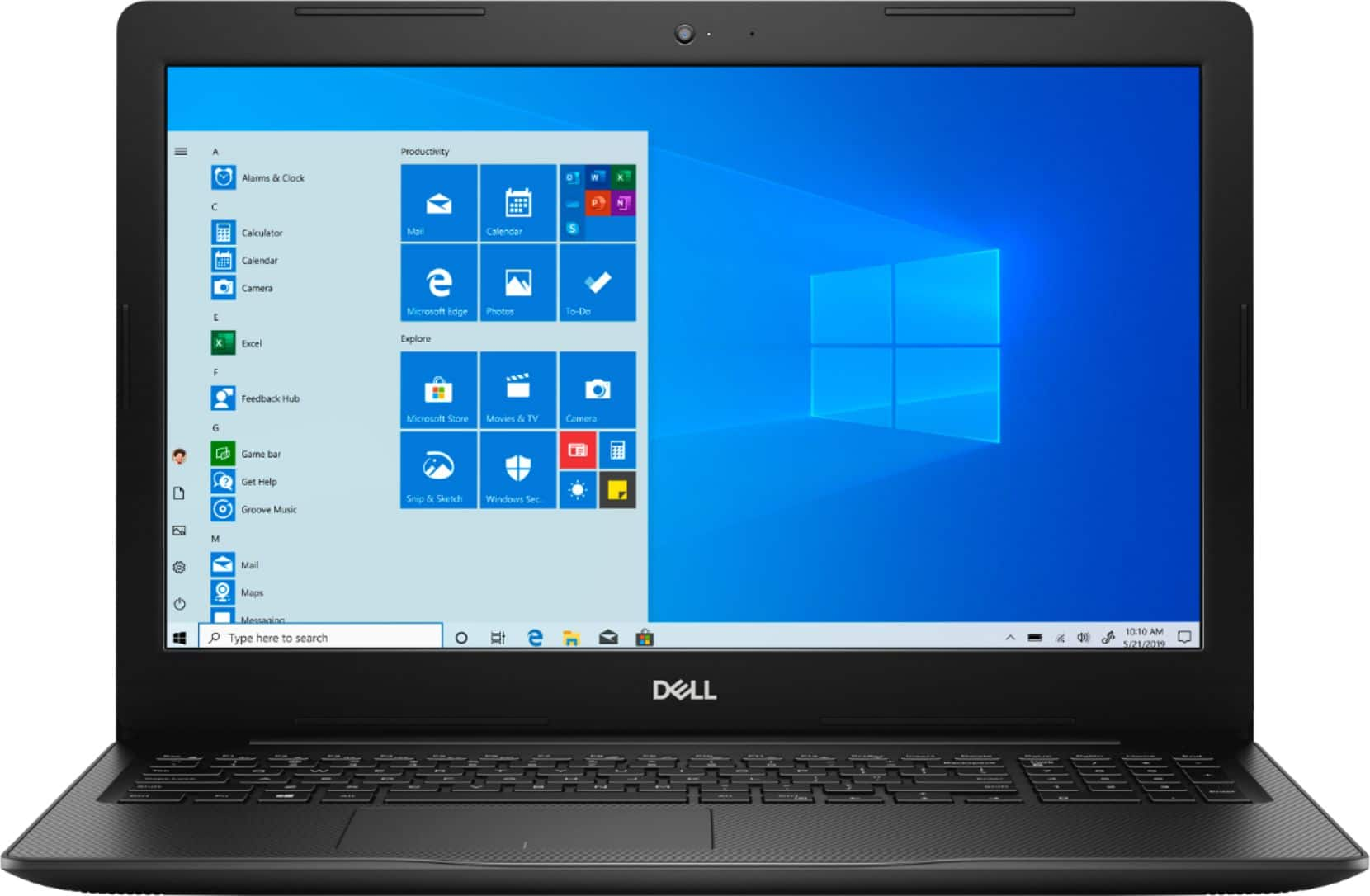
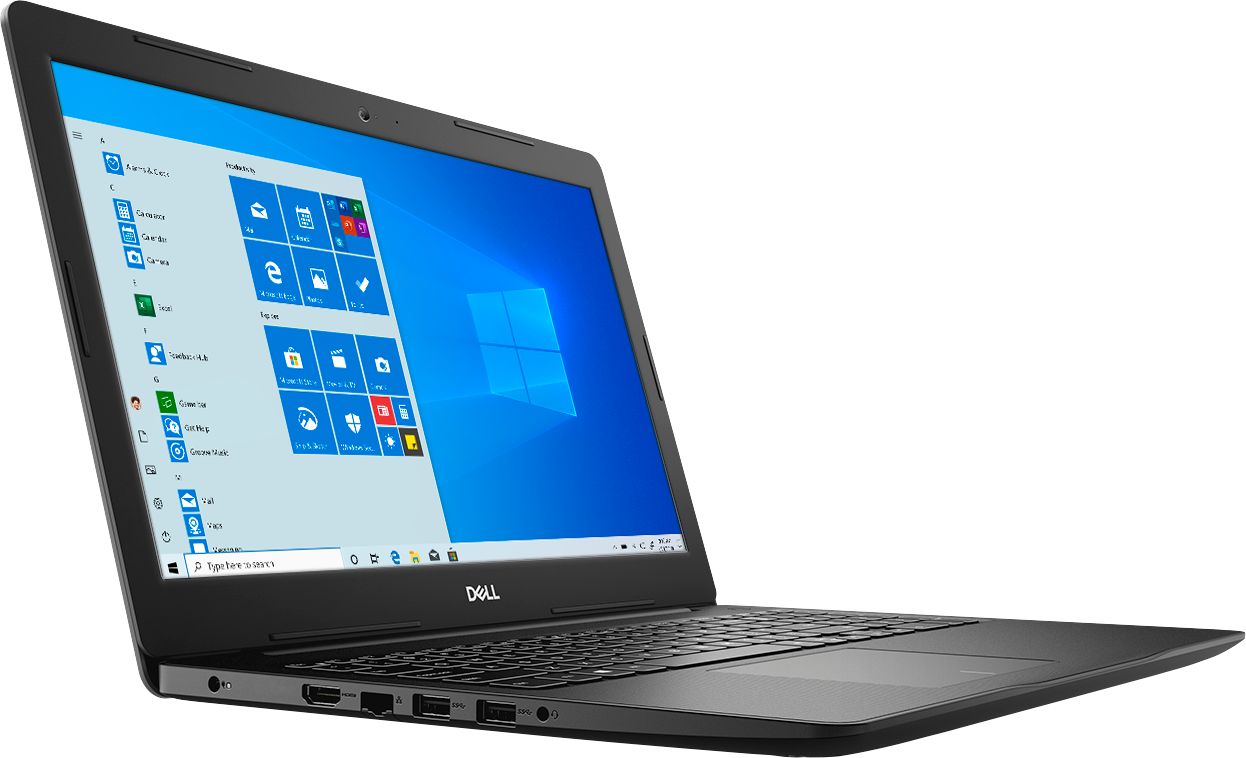
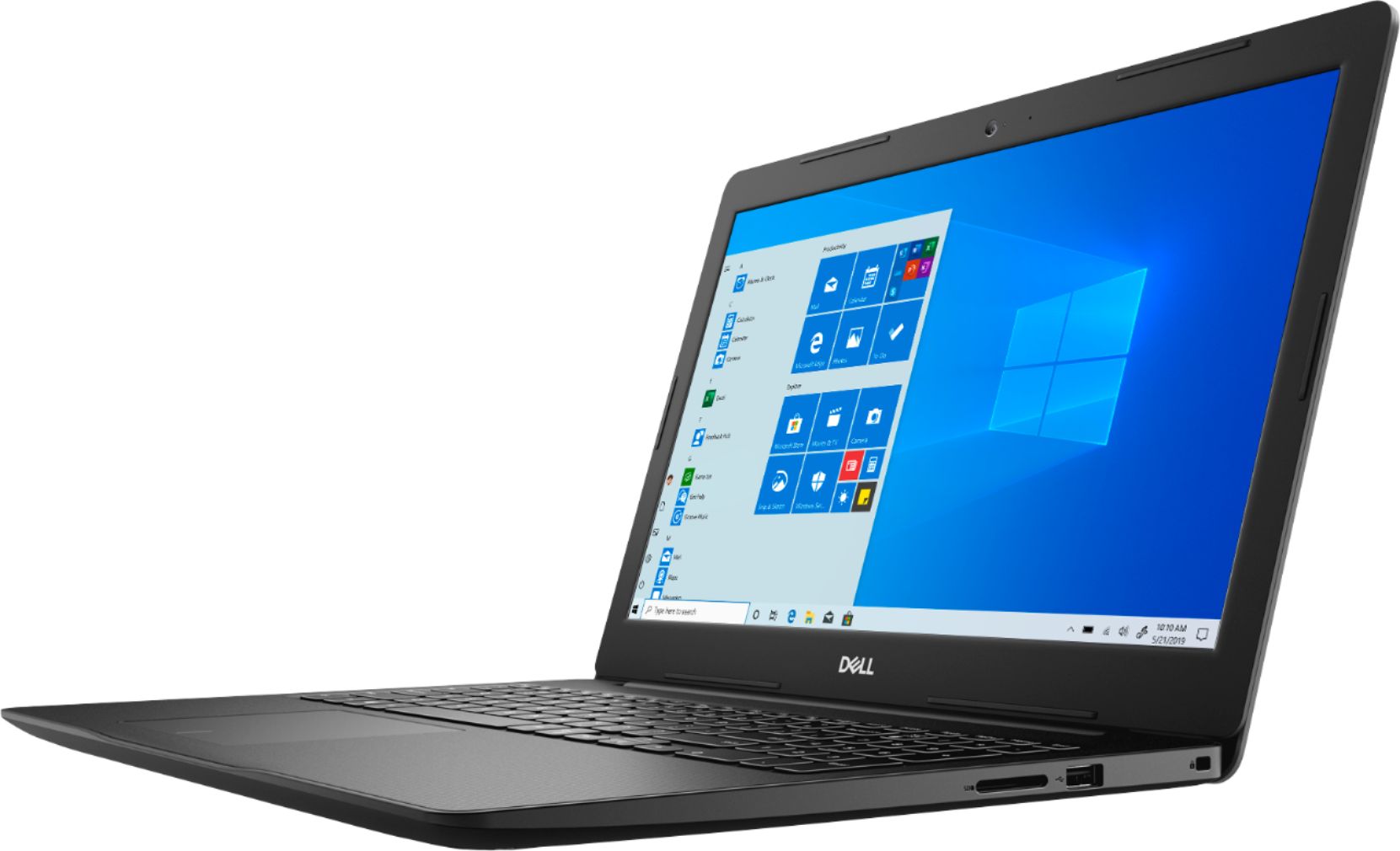
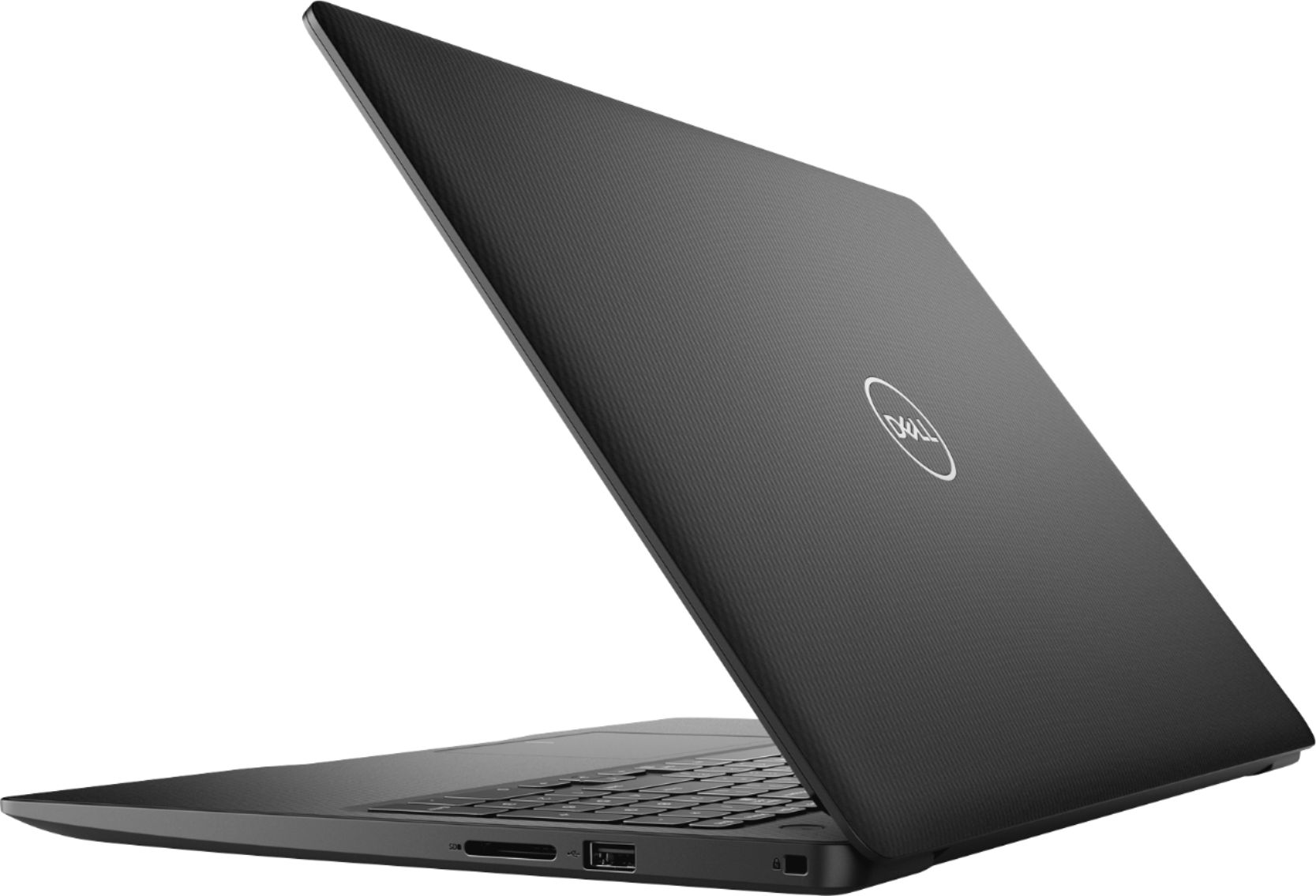
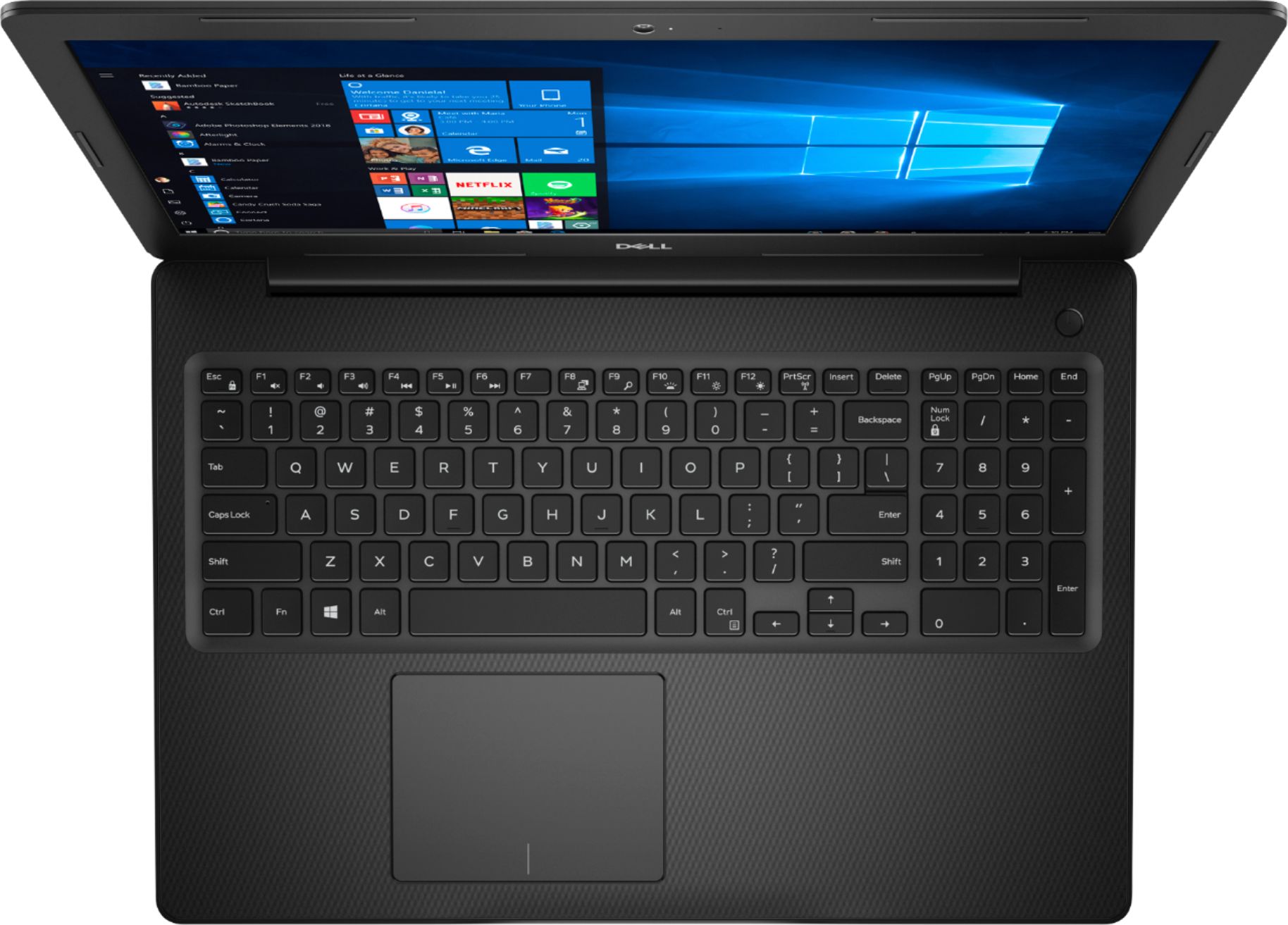
Customers commend the Inspiron 15.6" Touch-Screen Laptop for its reasonable price, user-friendly interface, and ample storage. Many users appreciate the convenience of the touchscreen feature, while others find the laptop lightweight and easy to carry. However, some customers have concerns about the short battery life and the limitations of Windows 10 S mode.
This summary was generated by AI based on customer reviews.
- Pros mentioned:Touch screen
Without a warrenty 1.5 years now a waste of $400+
||Posted . Owned for 11 months when reviewed.This reviewer received promo considerations or sweepstakes entry for writing a review.Bought it for my teenager for school and she loves everything about it BUT we've had minor issues with it since then suddenly it got bad less than 1 year later (purchased Aug 2020).
No, I would not recommend this to a friend Simple, easy to use. Great for the price.
||Posted .This reviewer received promo considerations or sweepstakes entry for writing a review.Simple, easy to use. Great for the price..........
I would recommend this to a friendthe computer is good overall but it is slow
||Posted . Owned for 3 weeks when reviewed.This reviewer received promo considerations or sweepstakes entry for writing a review.I have been using the computer alot and It is slow
I would recommend this to a friendAmazing
||Posted . Owned for less than 1 week when reviewed.This reviewer received promo considerations or sweepstakes entry for writing a review.Great laptop! Quick and easy to use. Fast delivery
I would recommend this to a friendExcellent laptop for the price
||Posted . Owned for 1 week when reviewed.This reviewer received promo considerations or sweepstakes entry for writing a review.Easy to use. The kids love it for on line school work
I would recommend this to a friendSeems like a good computer
||Posted . Owned for 2 weeks when reviewed.This reviewer received promo considerations or sweepstakes entry for writing a review.Larger screen and good size key board for a senior.
I would recommend this to a friendGood for Cost but have to send to Dell to fix alre
||Posted . Owned for 1 month when reviewed.This reviewer received promo considerations or sweepstakes entry for writing a review.The Computer was great for the Cost. Does exactly what I need. I am a little upset though because I have to send it already to Dell to be Fixed because the internal fan stopped working. Worst time for this to happen. I am a long time Dell Client as well.
I would recommend this to a friendBrand response from YourDellTeam
Posted .ABSTax,
Thanks for your review. We're sorry to hear that the fan on your computer was not working the way that it should. We hope that when you get your computer back that it works the way that it should. If you have additional questions about your computer you can check our Product Support Page here: https://dell.to/2MqIRPg.
Best,
Bryan
1-800-624-9896
dell Inspiron
||Posted . Owned for 1 month when reviewed.This reviewer received promo considerations or sweepstakes entry for writing a review.I am not so pleased with this laptop. It is slower than any other laptop I have ever owned. It had a problem after just 3 weeks where it would not allow me to shut it off. Had to get it looked at. It consonantly highlights text and stays over them.
No, I would not recommend this to a friendBrand response from YourDellTeam
Posted .Teacher1,
Thanks for your review. We're sorry to hear that your computer is performing slower than you hoped it would. We'd recommend running the Windows Performance Troubleshooter to see if there are ways to speed up your computer:
1. Close all open windows.
2. Press the Windows logo key + X key on the keyboard.
3. Click Control Panel.
4. Click System and Security.
5. Under Security and Maintenance, select Troubleshoot common problems.
6. Under System and Security, click Run maintenance tasks.
7. Follow the on-screen instructions and prompts to complete the process.
8. Restart the PC.
You can read the full article here - http://dell.to/2tSulGV.
If you continue to have issues with your computer's performance you can always reach out to Dell's Technical Support Team here: http://dell.to/2sH7Qlm.
Best,
Bryan
1-800-624-9896
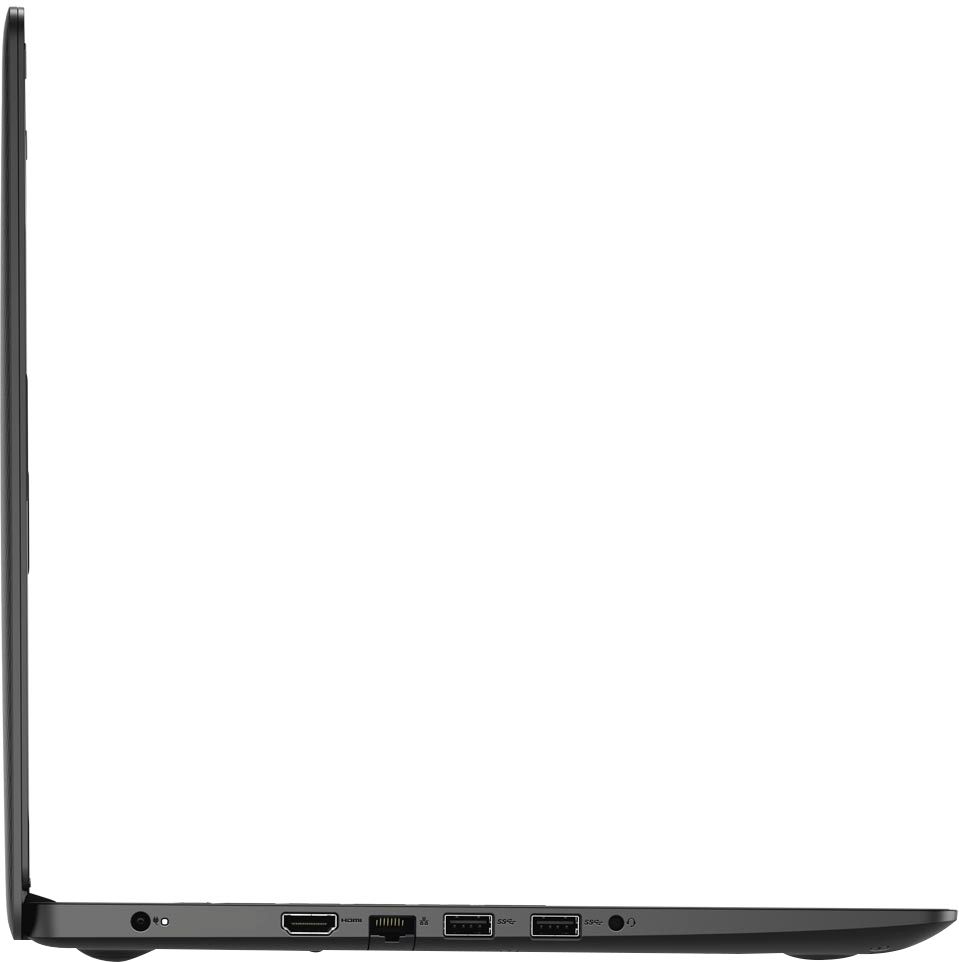
Weak power Jack Socket
||Posted . Owned for 8 months when reviewed.This reviewer received promo considerations or sweepstakes entry for writing a review.My spouse used this laptop, he dropped it down accidentally, and the charger does not work ever since. There is no replacement for the power Jack Socket. Weird how it can happen but this is 2020, nothing's impossible obviously.
No, I would not recommend this to a friendScreen went out after 2 1/2 years, otherwise good.
||Posted . Owned for more than 2 years when reviewed.This reviewer received promo considerations or sweepstakes entry for writing a review.It was nice till the screen started to flicker, shortly after the screen went black. Lasted April 2020-October 2022. That's what $500 gets you in product quality.
No, I would not recommend this to a friendDisappointing Dell Creation
||Posted .This reviewer received promo considerations or sweepstakes entry for writing a review.I would love to give this a 5 star, but I have had nothing but issues with this laptop. When it runs it works beautifully and works good for my sons school, but you can't touch it or move it in any way or it shuts off. And yes I have taken it in for repair once already and when I got it back it worked fine(for a day....maybe 2) when I put it up for the summer as it is meant for my sons schooling online. I went to start it up last night and it was back to shutting itself off every time it got touched. Maybe if it is correctly fixed this time I can give a better review.
No, I would not recommend this to a friendThe quality of audio and video are not sync
||Posted . Owned for 1 month when reviewed.This reviewer received promo considerations or sweepstakes entry for writing a review.I tried several methods to repair the audio and video issue, it's not sync, it doesn't matter what I'm watching on Netflix, DVD, or any other programs. I'm still having issues with this problem. I do need help from Dell or Best buy.
No, I would not recommend this to a friendBrand response from YourDellTeam
Posted .Hello,
Thank you for your feedback. I am sorry to hear you have had issues with audio as well as video on your computer. I can understand how frustrating this can be. Here is a link to the drivers and downloads for this model.
https://dell.to/34QvdLl
Please feel free to update the audio driver as well as the graphic driver. This should repair the quality of audio and video.
Best,
Meridith 1-800-624-9896
I was disappointed it didn't have disc capability
||Posted . Owned for 3 weeks when reviewed.This reviewer received promo considerations or sweepstakes entry for writing a review.It's been awhile since I've purchased a computer whatever happened to the computers where you could buy one and it would produce Microsoft Word documents without having to go online and and for a stupid program to do simple stuff?
No, I would not recommend this to a friendBrand response from YourDellTeam
Posted .Electerry,
We're sorry to hear that using your computer so far has not been easy for you. We'd recommend reading this article from Dell which helps users transition to using Windows 10: http://dell.to/2wMZqyx.
If you'd like a disc drive for your computer you can purchase and external CD / DVD drive from Best Buy here: http://bit.ly/2N8c7bq.
Best,
Bryan
1-800-624-9896
The display was blinking often
||Posted . Owned for 7 months when reviewed.This reviewer received promo considerations or sweepstakes entry for writing a review.I purchased this Laptop through online shopping and the package has been delivered through shipping option. I noticed display problem when I use it more than 4 hours. The display was blinking often. I returned it.
I would recommend this to a friendGood for the money...
||Posted . Owned for 2 months when reviewed.This reviewer received promo considerations or sweepstakes entry for writing a review.Honestly Im strictly and apple user, but I needed a program that runs on a PC so this Dell is good for the money. The battery life is not much to write home about but I dont use it that much so it gets the job done.
I would recommend this to a friendBrand response from YourDellTeam
Posted .Snowfu79,
We appreciate your feedback. If you'd like some tips on extending the life of your computer's battery, you can check out these tips:
Change the Power Plan:
1. On the notification area of the taskbar, right-click the Battery icon.
2. On the options list, click Power Options.
3. Select a power plan on the battery meter, such as Power Saver or Balanced. Windows 10 has a built in 'Battery Saver' mode that can be activated to extend your system's battery life. The Battery Saver mode will monitor and limit background activity and other features such as push notifications. You do have the option to enable or disable this mode within settings or within advanced Battery Saver settings, you can customize the mode to best suit your needs.
a) Click on the Action Center icon in the taskbar and select the tile for Battery Saver.
b) If running Cortana then type Battery Saver into the search box and select from the results.
Within the Battery Saver settings page, you will be able to turn on and off the feature and customize the feature to best meet your needs.
c) Turn Battery Saver On or Off.
d) Additional settings available via the Battery use and Battery saver settings links.
e) Battery use shows further info on apps and their power usage.
f) Battery Saver Settings screen allows you to customize further Battery Saver feature.
You can read the full article here - http://dell.to/2vfXWf4.
Best,
Bryan
1-800-624-9896
Beware--This Computer comes with Windows S Mode!
||Posted . Owned for less than 1 week when reviewed.This reviewer received promo considerations or sweepstakes entry for writing a review.Laptop arrived today. Returning it tonight. Though not clear in the description, this computer includes Windows 10 S Mode-- "Windows 10 in S mode is a version of Windows 10 that's streamlined for security and performance, while providing a familiar Windows experience. To increase security, it allows ONLY APPS FROM THE MICROSOFT STORE, and requires Microsoft Edge for safe browsing." It's basically a Chromebook. If that's not what you want, don't buy this!
No, I would not recommend this to a friendBrand response from YourDellTeam
Posted .pamelot,
We're sorry that you were unaware that your computer came with Windows S Mode. There are steps to remove S Mode from Windows 10:
If you want to install an app that isn't available in the Microsoft Store, you'll need to switch out of S mode. Switching out of S mode is one-way. If you make the switch, you won't be able to go back to Windows 10 in S mode. There's no charge to switch out of S mode.
1. On your PC running Windows 10 in S mode, open Settings > Update & Security > Activation.
2. In the Switch to Windows 10 Home or Switch to Windows 10 Pro section, select Go to the Store. (If you also see an "Upgrade your edition of Windows" section, be careful not to click the "Go to the Store" link that appears there.)
3. On the Switch out of S mode (or similar) page that appears in the Microsoft Store, select the Get button. After you see a confirmation message on the page, you'll be able to install apps from outside of the Microsoft Store.We hope that this helps your computer perform the way you wanted it to.
Best,
Bryan
1-800-624-9896
- Cons mentioned:Battery life
not very good laptop
||Posted . Owned for 10 months when reviewed.This reviewer received promo considerations or sweepstakes entry for writing a review.not a very good laptop keeps freezing and then a year later will not hold a charge charger has to be plugged in i24/7 otherwise will not work
No, I would not recommend this to a friendBrand response from YourDellTeam
Posted .cora,
Thanks for your review and we're sorry to hear about the system freezes that you're experiencing. We'd recommend the following steps to diagnose this issue:
1. Run a Computer Diagnostic. To determine if your computer is experiencing a hardware problem, run the Dell Preboot System Assessment (PSA) Diagnostics. For information on how to run Diagnostics, and to determine the issue, refer to Dell Knowledge Base Article: http://dell.to/2iaiujA.
2. Check Safe Mode for Symptoms. To boot into safe mode, please follow the instructions below:
a) Start the computer.
b) Tap 'F8' on the keyboard immediately and every one second until the Dell logo screen disappears. From there you will see the Windows Advanced Options Menu on the screen. (If the Windows Advanced Options Menu does not appear, restart the system and try again.)
c) Select Safe mode with Networking and press Enter.
d) Log on as the administrator or as a user with administrative access.
e) Open applications and test the computer in safe mode. If the symptoms exist in safe mode, please continue the troubleshooting steps in this article. If the symptoms do not exist in safe mode, the issue is likely related to a driver or software and you may wish to complete step 3 to see if you are able to resolve the lockups or freezing.
3. Check for Malware. Malware (Virus, Spyware, etc.) can definitely cause a Windows system to lock up or appear to hang. To check for malware on your system and to ensure that your computer is up to date on security software, visit Dell Knowledge Base Article: http://dell.to/2wWP1zI.
You can read the full article here - http://dell.to/2tW5m33.
Best,
Bryan
1-800-624-9896
lap top The operating system is not working Dell
||Posted . Owned for 3 weeks when reviewed.This reviewer received promo considerations or sweepstakes entry for writing a review.I am not at all pleased with this lap top. It stopped working. I called Dell and used the express service number, and they determined that something is wrong with the Operating System. I am a teacher doing remote learning and really needed this lap top. Now I am hoping that a store will open before the expiration of the extended return date. I would be willing to exchange it, however, I do not want to purchase a lap top online. I am not sure that I will feel comfortable shopping in store.
No, I would not recommend this to a friendBrand response from YourDellTeam
Posted .Brandi65,
Thank you for reaching out to Dell's Support Team for help with your new computer. We're sorry to hear that something is not working properly with the operating system. If you need additional assistance on the Windows Operating System you can try to reach out to Microsoft: http://bit.ly/2KBOM4c.
Best,
Bryan
1-800-624-9896
Spending more money than I hoped to spend on repai
||Posted .This reviewer received promo considerations or sweepstakes entry for writing a review.I have barely had this computer for 1 month and have had to bring in for Geek Squad to repair. Computer was randomly turning off. Not helpful when trying to take a quiz for school. It is costing me an additional $250 to pay for the repair and backup drive. I’ll pay for it because I need a laptop for school. But I won’t say I’m happy about it. This was an open box purchase with the flaws being “smudges and fingerprints”. Nothing about the hardware being out of date and needing to be replaced.
No, I would not recommend this to a friendAverage performance, poor design and heavy.
||Posted . Owned for 1 month when reviewed.This reviewer received promo considerations or sweepstakes entry for writing a review.This laptop was my choice only because it was not much choice in the store. Performance is OK, but I would prefer 256 to 512 GB SSD (instead HDD and small SSD). Also its heavy and old design.
No, I would not recommend this to a friendBrand response from YourDellTeam
Posted .ivinn,
Thanks for your review. If you'd like to see if your computer can perform faster for you we'd recommend running the Windows Performance Troubleshooter:
1. Close all open windows.
2. Press the Windows logo key + X key on the keyboard.
3. Click Control Panel.
4. Click System and Security.
5. Under Security and Maintenance, select Troubleshoot common problems.
6. Under System and Security, click Run maintenance tasks.
7. Follow the on-screen instructions and prompts to complete the process.
8. Restart the PC.
You can read the full article here - http://dell.to/2tSulGV.
Best,
Bryan
1-800-624-9896