Customer Ratings & Reviews
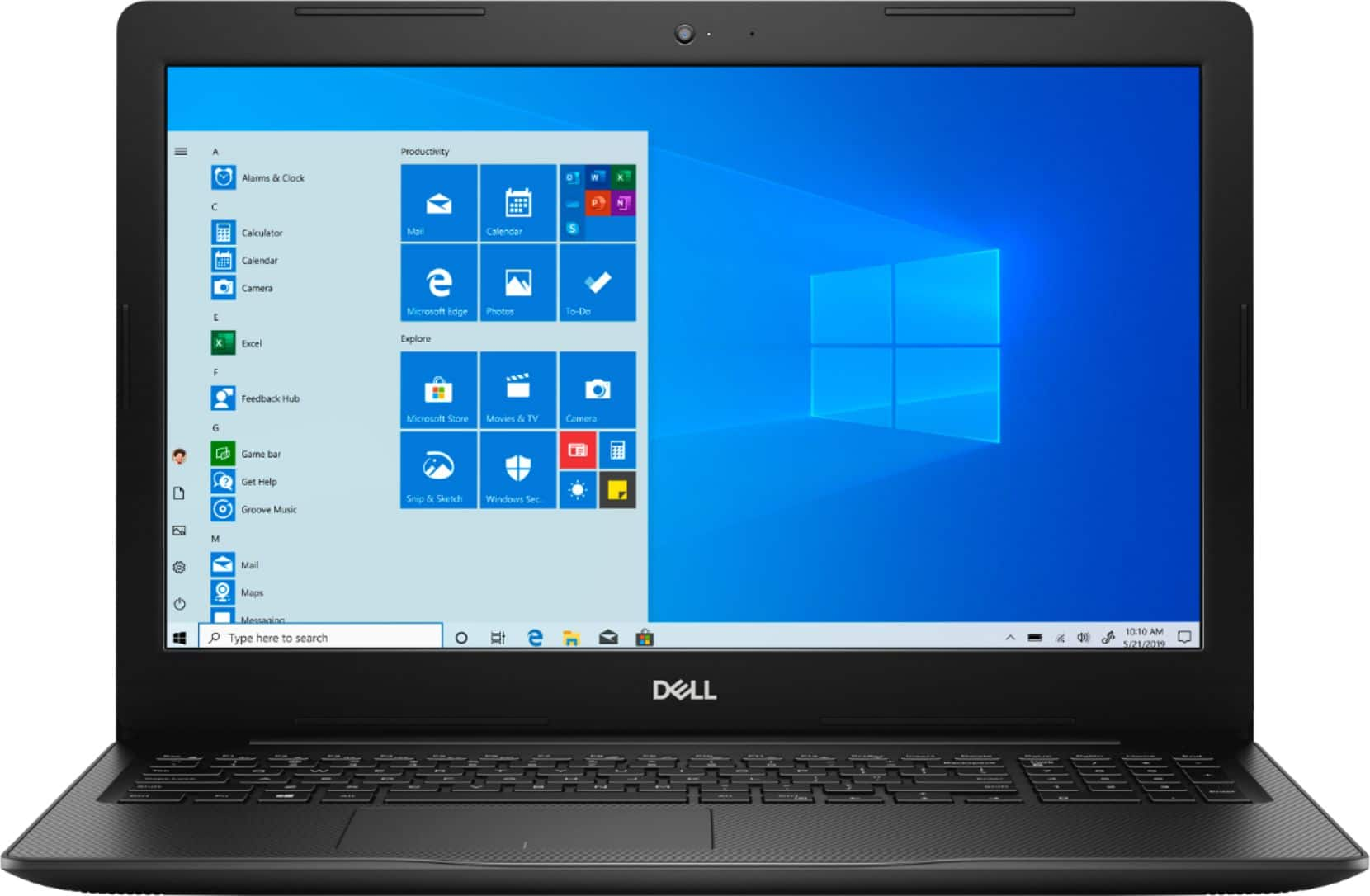
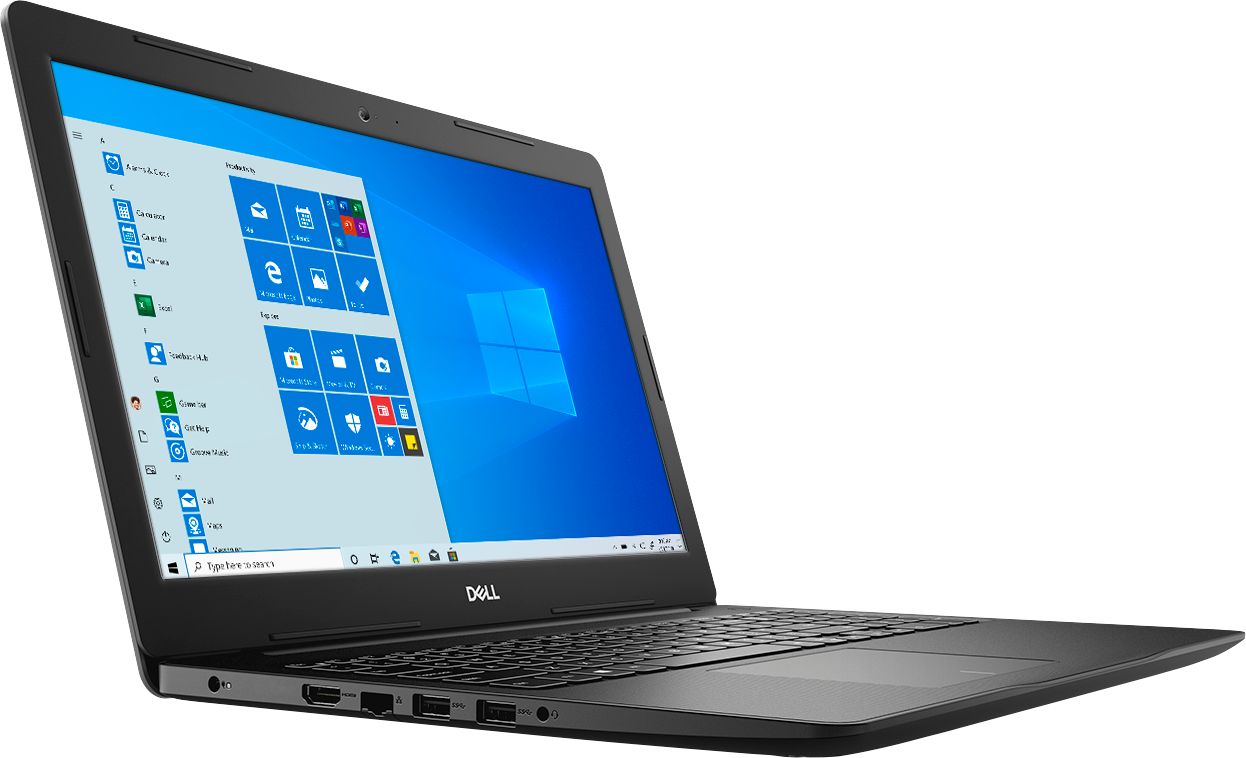
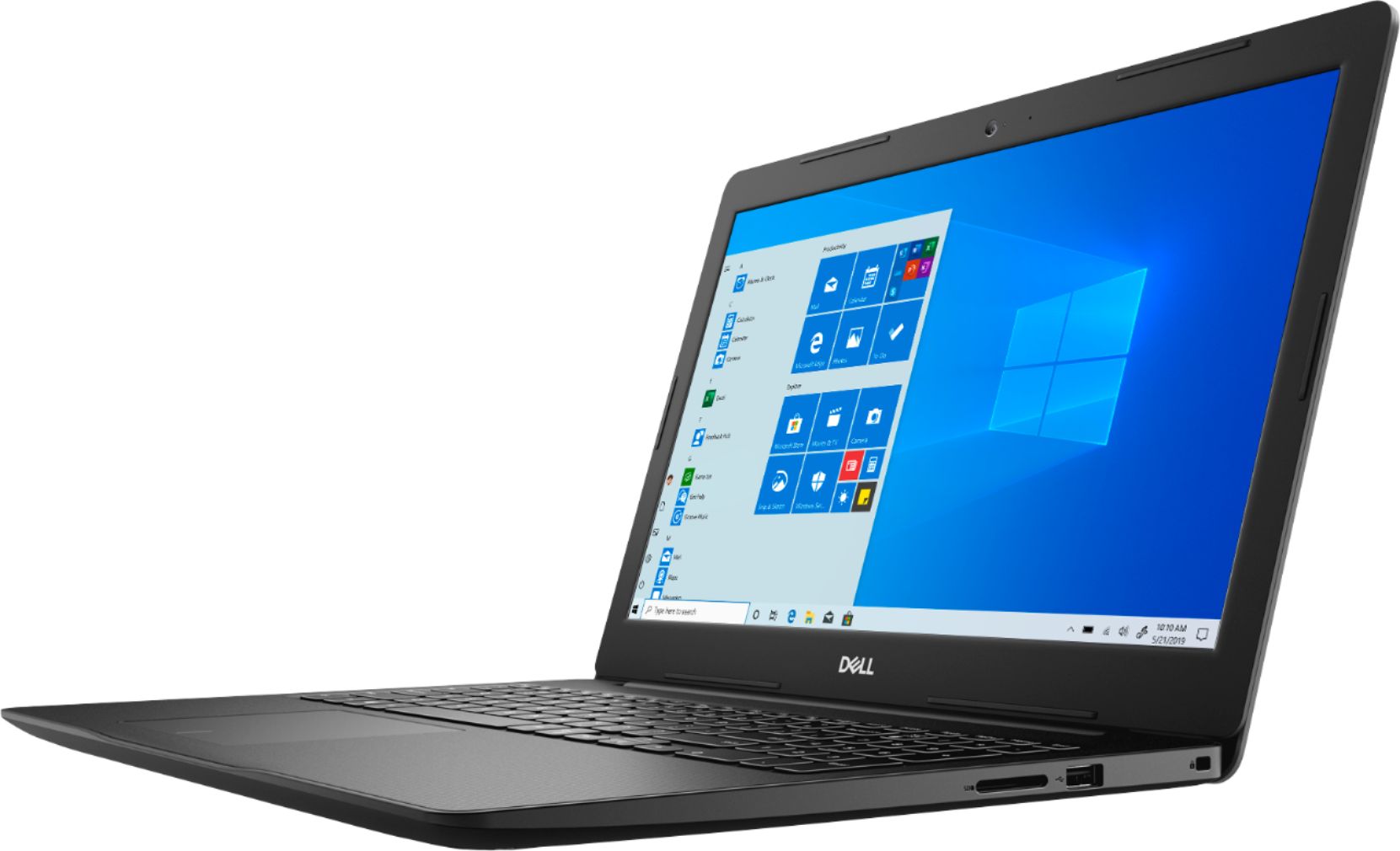
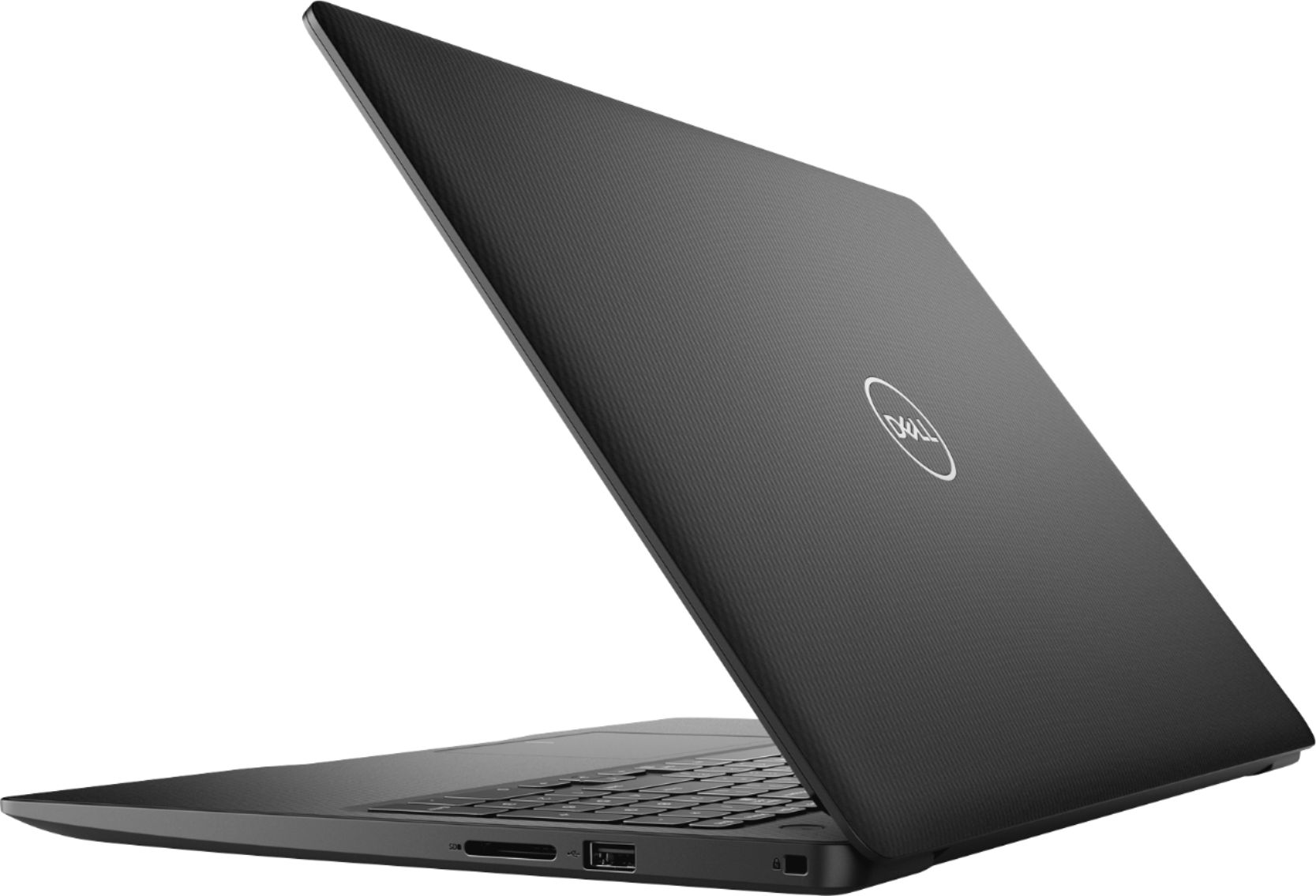
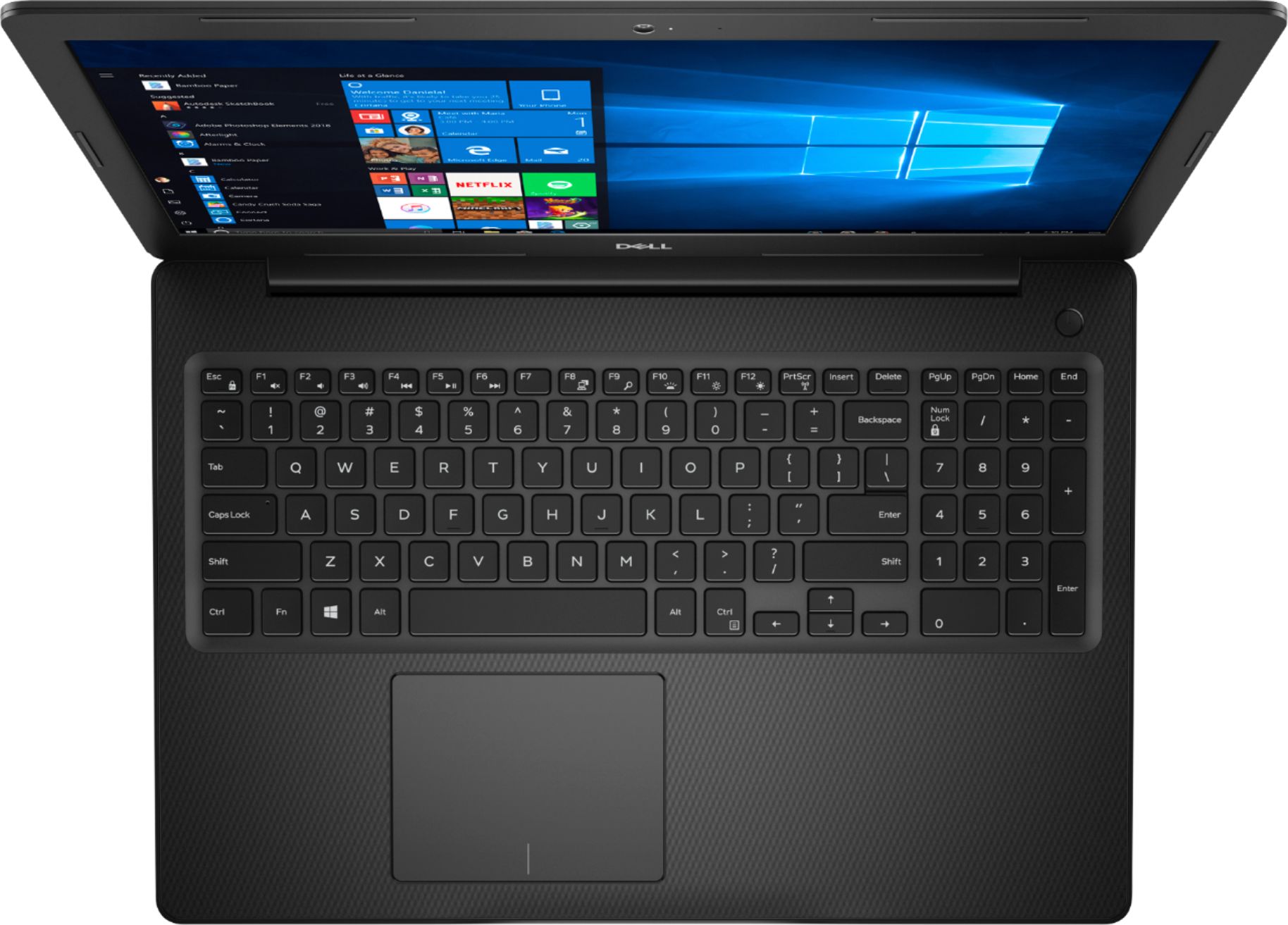
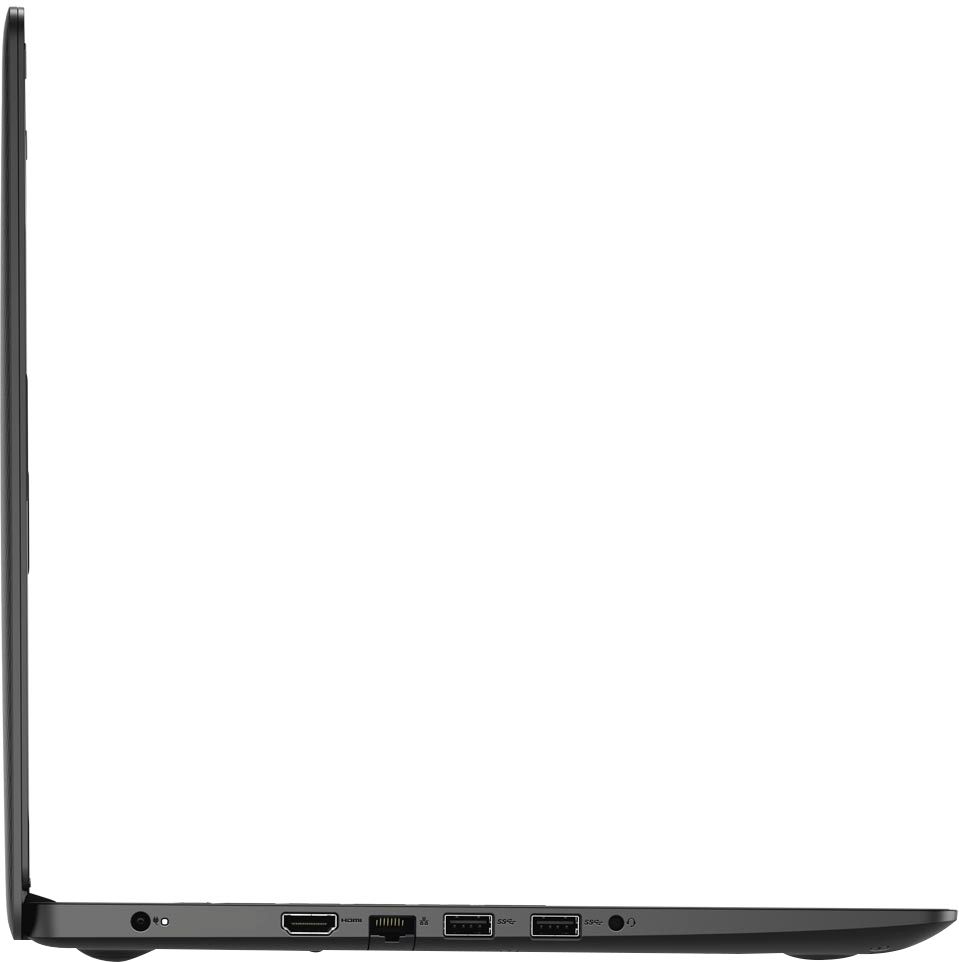
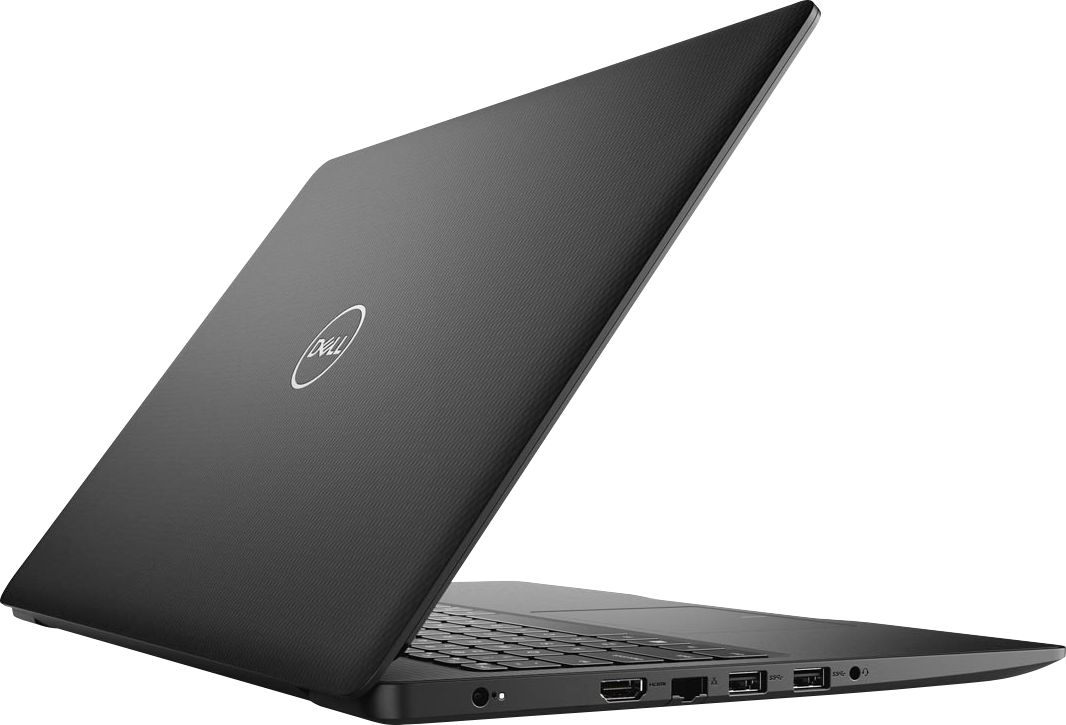
- Model:
- I3593-3992BLK-PUS
- SKU:
- 6403450
Rating by feature
- Battery Life
Rating 4.3 out of 5 stars
- Speed
Rating 4.5 out of 5 stars
- Display
Rating 4.6 out of 5 stars
Customers are saying
Customers commend the Inspiron 15.6" Touch-Screen Laptop for its reasonable price, user-friendly interface, and ample storage. Many users appreciate the convenience of the touchscreen feature, while others find the laptop lightweight and easy to carry. However, some customers have concerns about the short battery life and the limitations of Windows 10 S mode.
This summary was generated by AI based on customer reviews.
Lack Luster.
||Posted . Owned for 1.5 years when reviewed.This reviewer received promo considerations or sweepstakes entry for writing a review.Not what it claoms.tp be in the specifications. This is a lack luster basic computer which was a disappointment because was told it was for gaming. I could not run half the games on steam nor any oculus games. Im sure they still have semi decent computers bit thisnis Not.The One.
No, I would not recommend this to a friendBest Buy, Shows off its Worst Side!
||Posted . Owned for 1 month when reviewed.This reviewer received promo considerations or sweepstakes entry for writing a review.I purchased the following from Best Buy on 4-13-20. Dell - Inspiron 15 3000 15.6" Touch-Screen Laptop - Intel Core i3 - 8GB Memory - 1TB HDD + 128GB SSD – Black Model: I3593-3992BLK-PUS SKU: 6403450 One month later, after about 30 hours of use, I placed it gently on top of two blankets, and left my study. When I returned the screen had cracked leaving a kaleidoscope of colors with no way to log in. In the past, I've had great luck with Dell laptops. In fact, this was the 10th Dell Laptop I'd purchase over the past 20 years, but I’ve never experienced an item so fragile and defective. Meanwhile the month-old machine is worthless until I can get a new screen. Best Buy refuses to deal with this defective slipshod product because I did not pay $193.99 in Geek Squad Protection on a $449 device. Best Buy claims that because the already "maimed from shipping" device that finally cracked after 30 hours of gentle use, causes this inferior made in China device to fall outside of warranty.
No, I would not recommend this to a friendBrand response from YourDellTeam
Posted .Exasperated,
We're sorry to hear about this incident with your new Dell laptop. I'm sure that Dell's Support Team would be happy to look into this for you and see if this would fall under Dell's Limited One Year Warranty for our products: http://dell.to/2tNsVOs.
You can reach out to Dell Support here: http://dell.to/2sH7Qlm.
Best,
Bryan
1-800-624-9896
Ethernet cord
||Posted . Owned for 2 months when reviewed.This reviewer received promo considerations or sweepstakes entry for writing a review.Ethernet cord port did not work i work from home and it was not good for the first day of work
No, I would not recommend this to a friendBrand response from YourDellTeam
Posted .PINKYTYAN05,
We're sorry to hear about the ethernet issues that you had with your new computer. We hope that you were still able to connect to WiFi through your computer. Please reach out to Dell's Technical Support Team for additional help with your ethernet connection: http://dell.to/2sH7Qlm.
Best,
Bryan
1-800-624-9896
i love the size of the laptop
||Posted . Owned for 1 year when reviewed.This reviewer received promo considerations or sweepstakes entry for writing a review.after this purchase im not buying dell any more i dilike the system.
No, I would not recommend this to a friendToo big
||Posted . Owned for 3 weeks when reviewed.This reviewer received promo considerations or sweepstakes entry for writing a review.Not happy with this huge computer and it was referred by customer service. Really not happy
No, I would not recommend this to a friendBrand response from YourDellTeam
Posted .Reathe,
Thanks for your review. We're sorry that your new computer is larger than you hoped it would be. If you'd like to consider a smaller model, Best Buy does carry 13" and 14" Dell touchscreen laptops as well. If you have any questions about your current computer you can check our Product Support Page here: https://dell.to/2MqIRPg.
Best,
Bryan
1-800-624-9896
Good
||Posted . Owned for 5 months when reviewed.This reviewer received promo considerations or sweepstakes entry for writing a review.Inexpensive but sturdy. Wish the camera and sound was better but fine for the price.
I would recommend this to a friendBrand response from YourDellTeam
Posted .ValerieB,
Thanks for your review we're glad that your computer is working well for the most part. If you'd like to see if there are any driver updates to help your camera and audio quality you can check our support page here: https://dell.to/34QvdLl.
Best,
Bryan
1-800-624-9896
Good computer
||Posted . Owned for 1 month when reviewed.This reviewer received promo considerations or sweepstakes entry for writing a review.Good computer. Takes a bit of time to set up. Just started using after the set up today
I would recommend this to a friendBrand response from YourDellTeam
Posted .spiritwarrior,
Thanks for your review. If you need assistance setting up your new computer we'd recommend running the Dell SupportAssist App to ensure that you have all of the most up to date drivers and software installed on your computer.
If you have any questions about your computer you can check our Product Support Page here: https://dell.to/2MqIRPg.
Best,
Bryan
1-800-624-9896
don't like
||Posted . Owned for 1 month when reviewed.This reviewer received promo considerations or sweepstakes entry for writing a review.I didnt like this laptop... i know the brand is good but I returned it and bought a HP
No, I would not recommend this to a friendA reasonable quality machine for the specs.
||Posted . Owned for 4 months when reviewed.This reviewer received promo considerations or sweepstakes entry for writing a review.It is a reasonable and easy to use machine. The keyboard and layout is comfortable.
I would recommend this to a friendBrand response from YourDellTeam
Posted .DennisPH,
Thanks for your review and we're happy to hear that your computer is working well for you. If you have any questions you can check out our Product Support Page here: https://dell.to/2MqIRPg.
Best,
Bryan
1-800-624-9896
I have problem with Skype. The rest is ok
||Posted . Owned for 2 weeks when reviewed.This reviewer received promo considerations or sweepstakes entry for writing a review.I need help because when I use Skype it shuts down and restarts by itself. And I need it
I would recommend this to a friendBrand response from YourDellTeam
Posted .Gabap,
We're sorry to hear about the issues that you're having with Skype on your new Dell computer. We would recommend updating the version of Skype that is on your computer by following these steps:
1. Launch Skype
2. Click on the three dots next to your profile information.
3. Click on Settings.
4. From the menu on the left, click Help & Feedback.
5. Skype will automatically check for updates. If a new version is available, you can click the Update button to get it.
6. Wait for the Skype installer to open. The installation should be an automatic process.
7. When the installation is complete, Skype will re-launch itself. You can navigate back to the Help & Feedback tab to check if your Skype is up to date.
We hope this helps resolve the issue that you're having.
You can also reach out to Microsoft for additional support: http://bit.ly/2KBOM4c.
Best,
Bryan
1-800-624-9896
worst computer ever purchased
||Posted . Owned for less than 1 week when reviewed.This reviewer received promo considerations or sweepstakes entry for writing a review.no matter what, this computer only saves to the 256 GB solid drive, leaving the 1 TB Hard Drive empty... I have been unable to download my iTunes library or my Sims games to this new computer, yet I have all of it on my older computer with only 256 GB hard drive.... This purchase was the worst decision I ever made in my life.
No, I would not recommend this to a friendBrand response from YourDellTeam
Posted .DanJ,
We appreciate your feedback. We suggest you check the default settings when you are downloading and saving files. If you are still unable to start using your hard drive, please feel free to reach out to Dell Support directly for further assistance.
http://dell.to/2sH7Qlm
Best,
Meridith 1-800-624-9896
It’s okay but not worth all the money
||Posted . Owned for 1 month when reviewed.This reviewer received promo considerations or sweepstakes entry for writing a review.I’ve had computers that cost less work better. It glitches randomly sometimes
I would recommend this to a friendBrand response from YourDellTeam
Posted .Kierra1,
Thanks for your review. We're sorry that your computer is not working as well as you hoped it would. We'd recommend running the Windows Performance Troubleshooter to see if there are ways that your computer can run better for you:
1. Close all open windows.
2. Press the Windows logo key + X key on the keyboard.
3. Click Control Panel.
4. Click System and Security.
5. Under Security and Maintenance, select Troubleshoot common problems.
6. Under System and Security, click Run maintenance tasks.
7. Follow the on-screen instructions and prompts to complete the process.
8. Restart the PC.
You can read the full article here - http://dell.to/2tSulGV.
Best,
Bryan
1-800-624-9896
Very disappointed, crashes frequently, hot, noisy
||Posted . Owned for 6 months when reviewed.This reviewer received promo considerations or sweepstakes entry for writing a review.If there was 0 stars that is what I would give. The computer has tons of issues. I lost enthusiasm after I bought it and started setting it up. it was painstakingly slow so for about 6 weeks I didn't use it. When i eventually started using it the mic didn't work, it barely creeps along. using it for video calls during the pandemic? forget it, no one can see or hear you, neither can you see or hear most times. I have had to call support several times for glitches and eventually sent it for repair. Screen goes blank during video calls. Blue screens after updates and crashes after updates. Had to return it to technical support for repairs 2 times in 6 months received it back yesterday after it crashed, I am not pleased at all about this computer. My first Dell, going back to HP as soon as I can buy one.
No, I would not recommend this to a friendBrand response from YourDellTeam
Posted .Hello,
Thank you for your input and feedback. We apologize for the issues you have come across with your laptop. We understand that can be very frustrating. We have noted the details of your statement to help improve our products now and in the future. We would love to help you as soon as possible. Please, use the information below to contact Dell Support at your earliest convenience.
For additional support, please call Dell directly at 1-800-624-9896
Best,
Lexy@Dell
Chat or Call:
https://bit.ly/DellSupportTeam
Poor quality
||Posted . Owned for 1 week when reviewed.This reviewer received promo considerations or sweepstakes entry for writing a review.I was happy with the laptop for the first week or so that I have had it, but now I can start to see the issues such as the screen flickering all of a sudden and needing to restart to fix it, video and audio not syncing etc. Surprised considering this is a new Dell laptop. Definitely will not buy again.
No, I would not recommend this to a friendBrand response from YourDellTeam
Posted .new2bestbuy,
Thanks for your review. We're sorry to hear that your computer is not working as well as you hoped it would. We'd recommend checking out our Product Support Page to see if there are some articles that can help with your computer: https://dell.to/2MqIRPg.
Dell has released the following driver to address screen flashing and flickering. Please visit this link in order to install the Intel UHD Graphics Driver (version 26.20.100.7463, A02): https://dell.to/36FfIYn.
Best,
Bryan
1-800-624-9896
Great computer but touchscreen not great
||Posted . Owned for 1 month when reviewed.This reviewer received promo considerations or sweepstakes entry for writing a review.Computer is great but bought for touchscreen and it does not work great.
No, I would not recommend this to a friendBrand response from YourDellTeam
Posted .Hello LindaLoo,
Thank you for your review. I am happy to hear this computer has met most of your expectations. I am sorry to hear your touchscreen has not worked as well as you anticipated. I can understand how upsetting this could be.
Below are the steps required to calibrate your Touchscreen:
1. Restart the Computer and the Monitor
2. Go to Control Panel and select Tablet PC Settings.
3. Under Display tab, select Calibrate.
4. Choose Pen or Touch input.
5. Perform the point calibration that appears on the screen to correct the linearity problems.
6. Save the calibrated data.
You can read the full article here - http://dell.to/2uLztub.
Best,
Meridith 1-800-624-9896
Good overall for the price
||Posted . Owned for 2 weeks when reviewed.This reviewer received promo considerations or sweepstakes entry for writing a review.Didnt like that the laptop comes with S Mide and it limited functionality
No, I would not recommend this to a friendBrand response from YourDellTeam
Posted .Hello VB01,
Thank you for your feedback. We are sorry to hear you do not like the S Mode option. Windows 10 in S mode is designed for security and performance, exclusively running apps from the Microsoft Store. If you want to install an app that isn't available in the Microsoft Store, you'll need to switch out of S mode. Switching out of S mode is one-way. If you make the switch, you won't be able to go back to Windows 10 in S mode. There's no charge to switch out of S mode.
1. On your PC running Windows 10 in S mode, open Settings > Update & Security > Activation.
2. In the Switch to Windows 10 Home or Switch to Windows 10 Pro section, select Go to the Store. (If you also see an "Upgrade your edition of Windows" section, be careful not to click the "Go to the Store" link that appears there.)
3. On the Switch out of S mode (or similar) page that appears in the Microsoft Store, select the Get button. After you see a confirmation message on the page, you'll be able to install apps from outside of the Microsoft Store.
Best,
Meridith 1-800-624-9896
Didn't work
||Posted . Owned for 1 month when reviewed.This reviewer received promo considerations or sweepstakes entry for writing a review.I purchased a laptop. I ordered it online. The shift key didn't work. There were no options to replace or repair the computer or return the computer via mail - unless I was willing to pay shipping. I had to return the computer to a store. So, I'm unhappy the computer didn't work, but I'm more unhappy about the lack of support for the broken computer that was sent to me.
No, I would not recommend this to a friendFast start up
||Posted . Owned for 3 weeks when reviewed.This reviewer received promo considerations or sweepstakes entry for writing a review.Memory hog! Touch screen less than functional. Would not buy again.
No, I would not recommend this to a friendBrand response from YourDellTeam
Posted .Leem,
Thanks for your review. We're sorry that your computer's touchscreen is not working well for you. If you'd like to re-calibrate your computer's touchscreen you can follow these steps:
1. Restart the Computer and the Monitor
2. Go to Control Panel and select Tablet PC Settings.
3. Under Display tab, select Calibrate.
4. Choose Pen or Touch input.
5. Perform the point calibration that appears on the screen to correct the linearity problems.
6. Save the calibrated data.
You can read the full article here - http://dell.to/2uLztub.
Best,
Bryan
1-800-624-9896
it gets the job done
||Posted . Owned for 1 month when reviewed.This reviewer received promo considerations or sweepstakes entry for writing a review.if you need a computer for work or school it gets the job done
I would recommend this to a friendBrand response from YourDellTeam
Posted .Bliz000,
Thanks for your review and we're happy to hear that your new computer is working well for you. If you have any technical questions in the future you can check our Product Support Page here: https://dell.to/2MqIRPg.
Best,
Bryan
1-800-624-9896
Average
||Posted . Owned for 6 months when reviewed.This reviewer received promo considerations or sweepstakes entry for writing a review.It is cheap but keyboard and display is not that great
No, I would not recommend this to a friend