Customer Ratings & Reviews
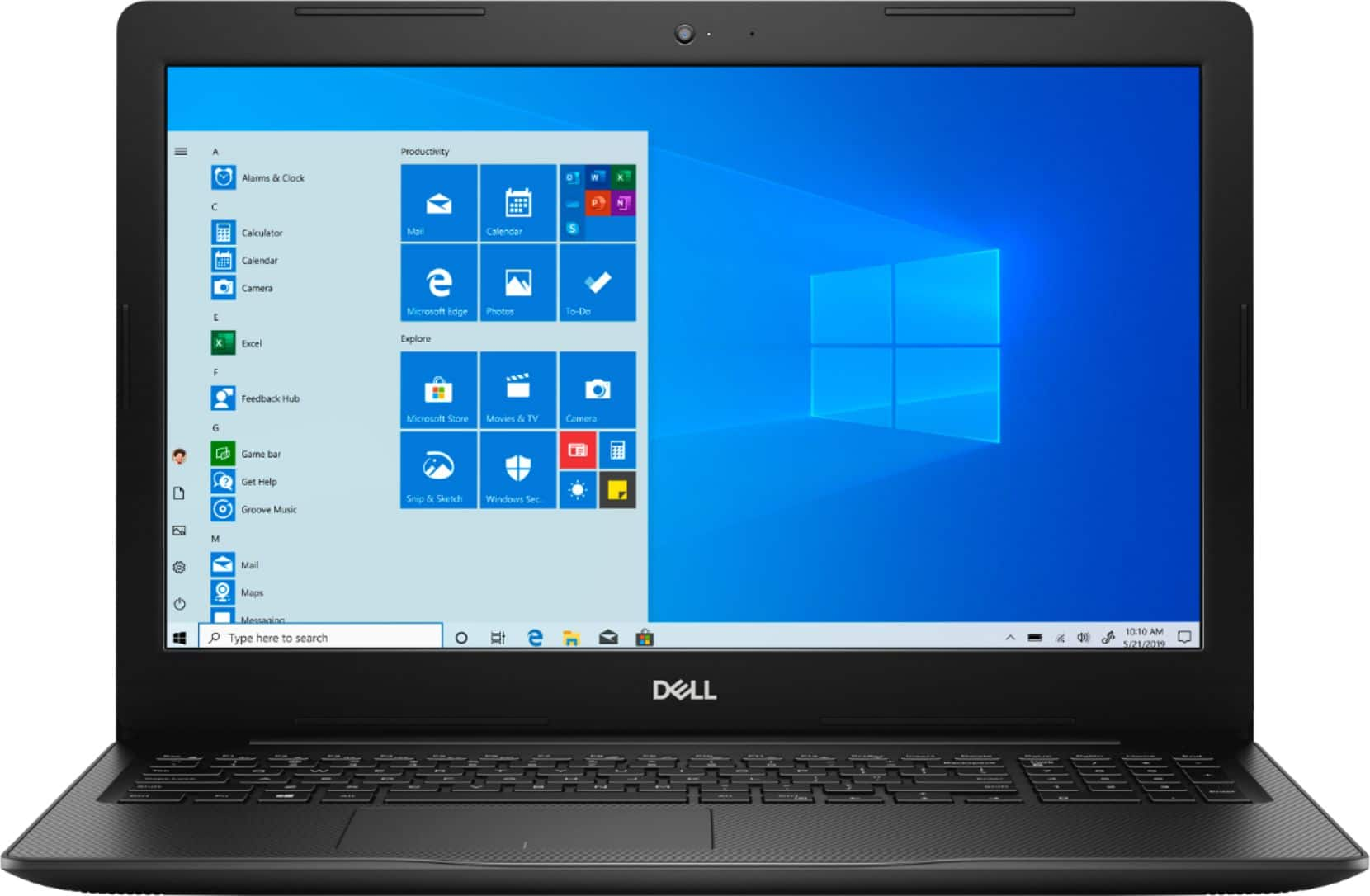
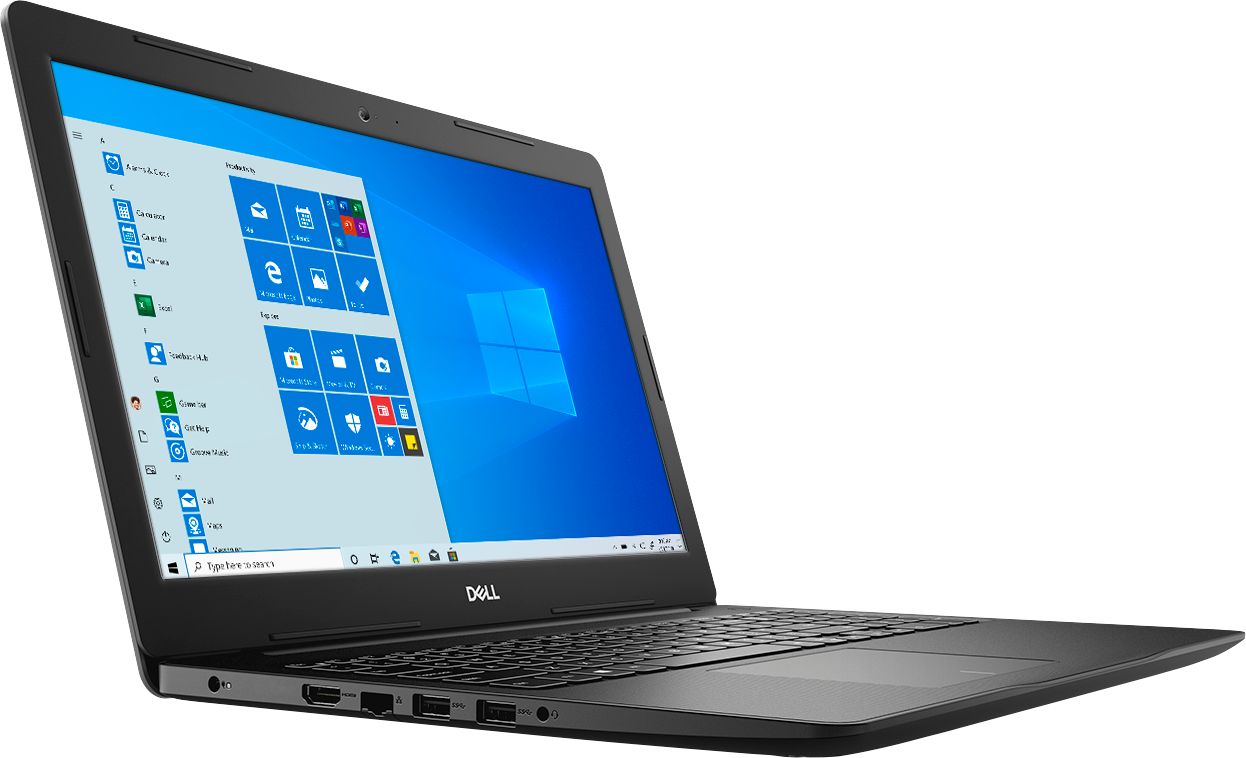
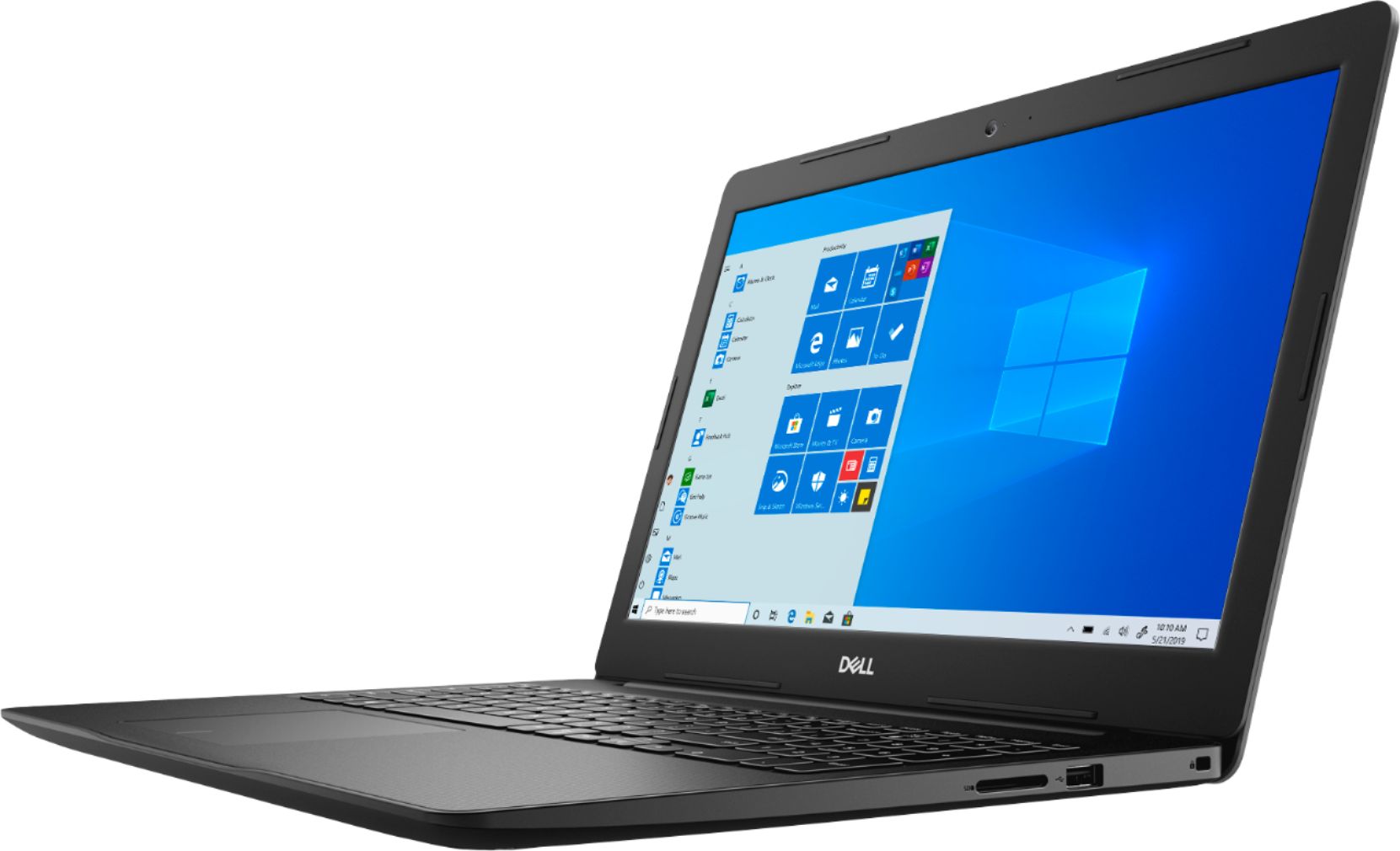
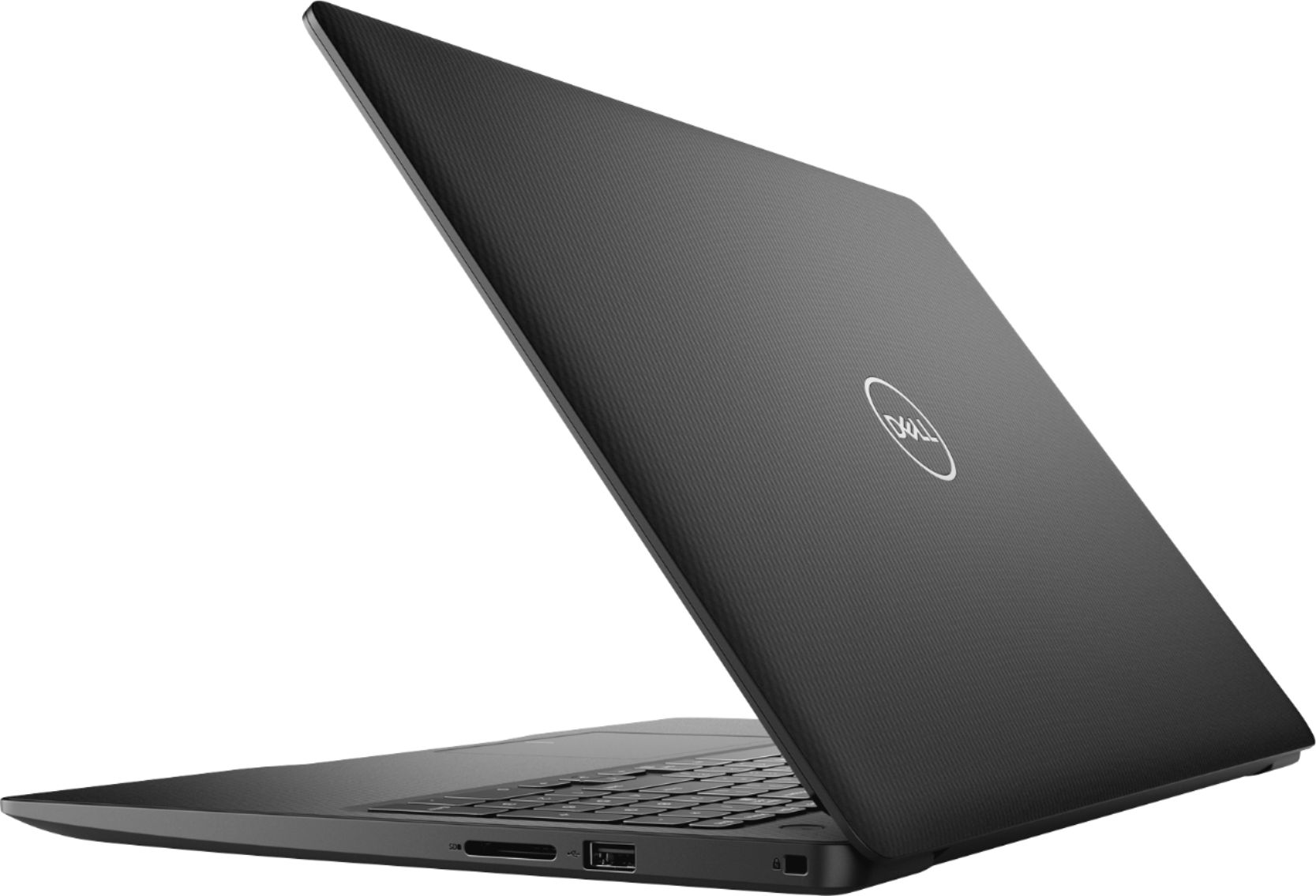
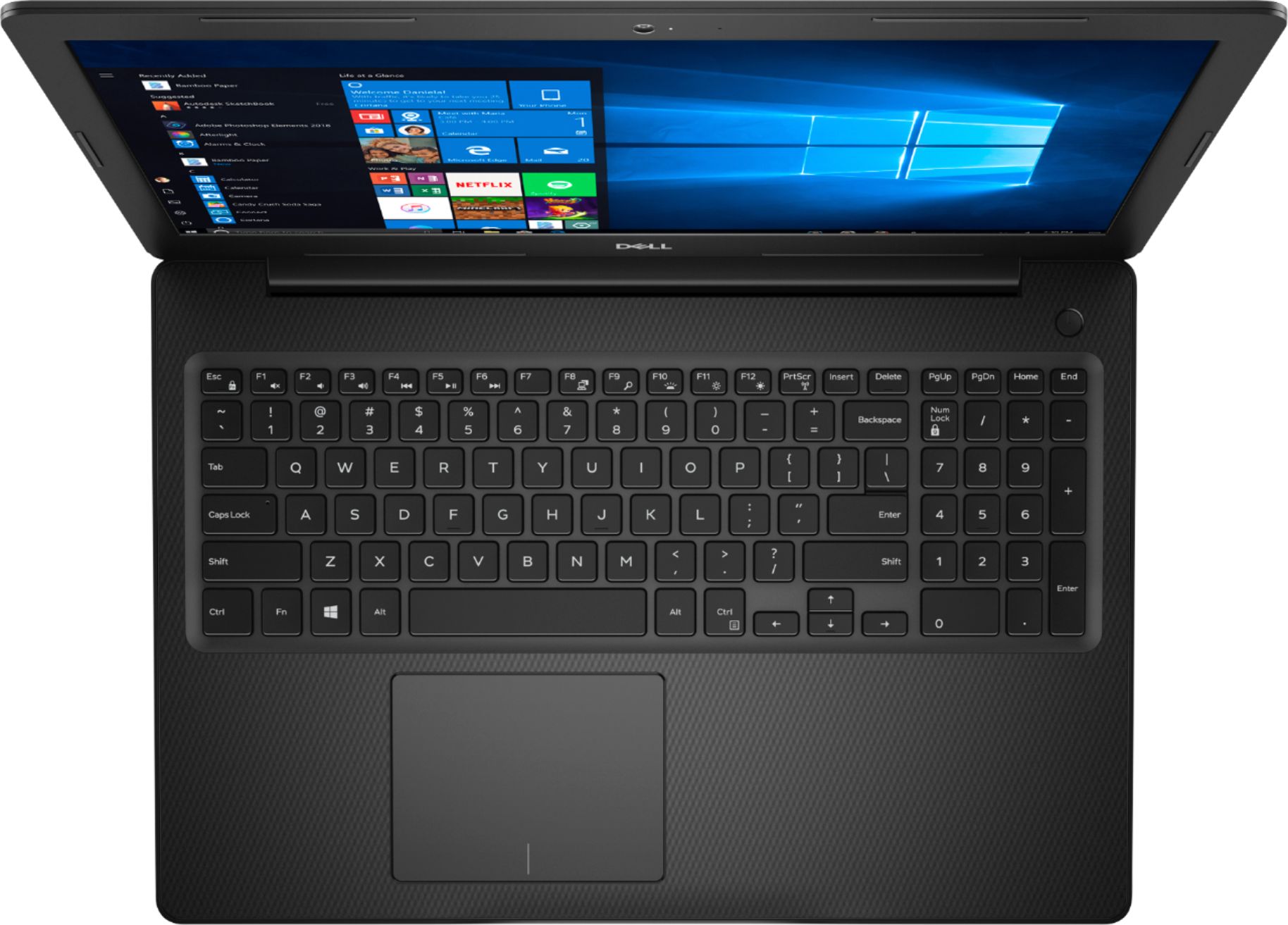
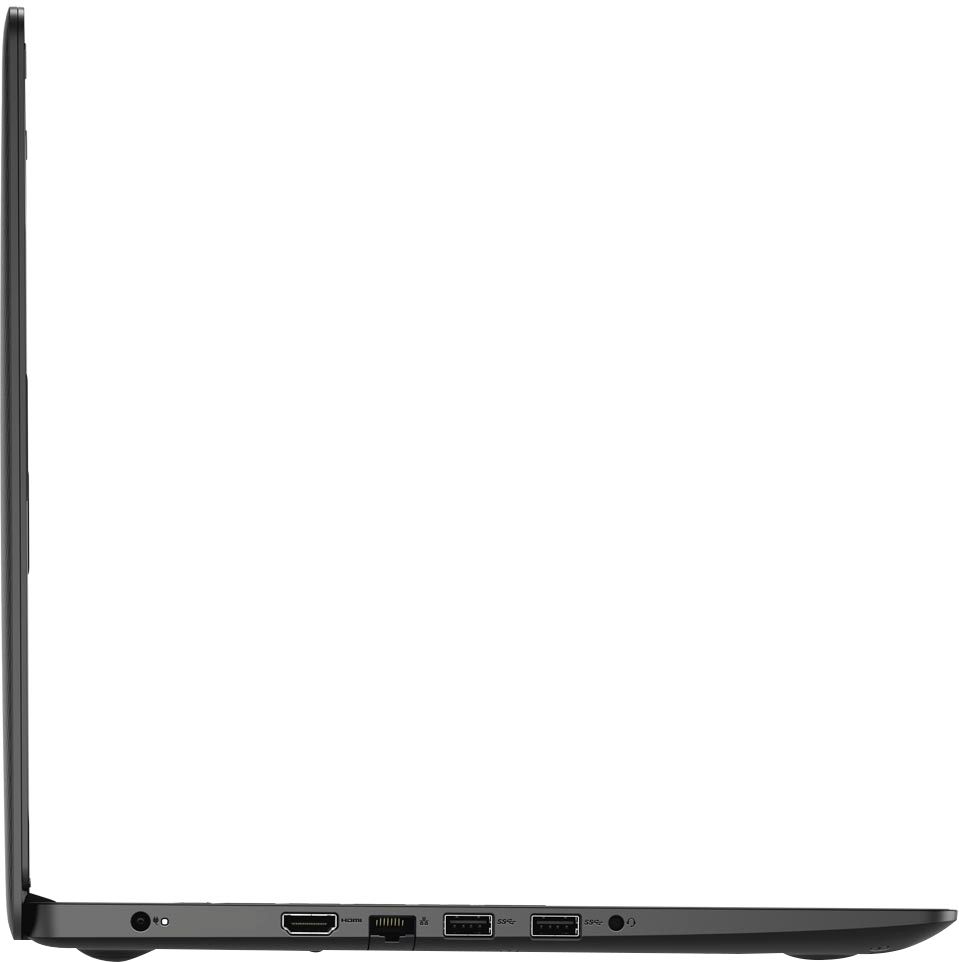
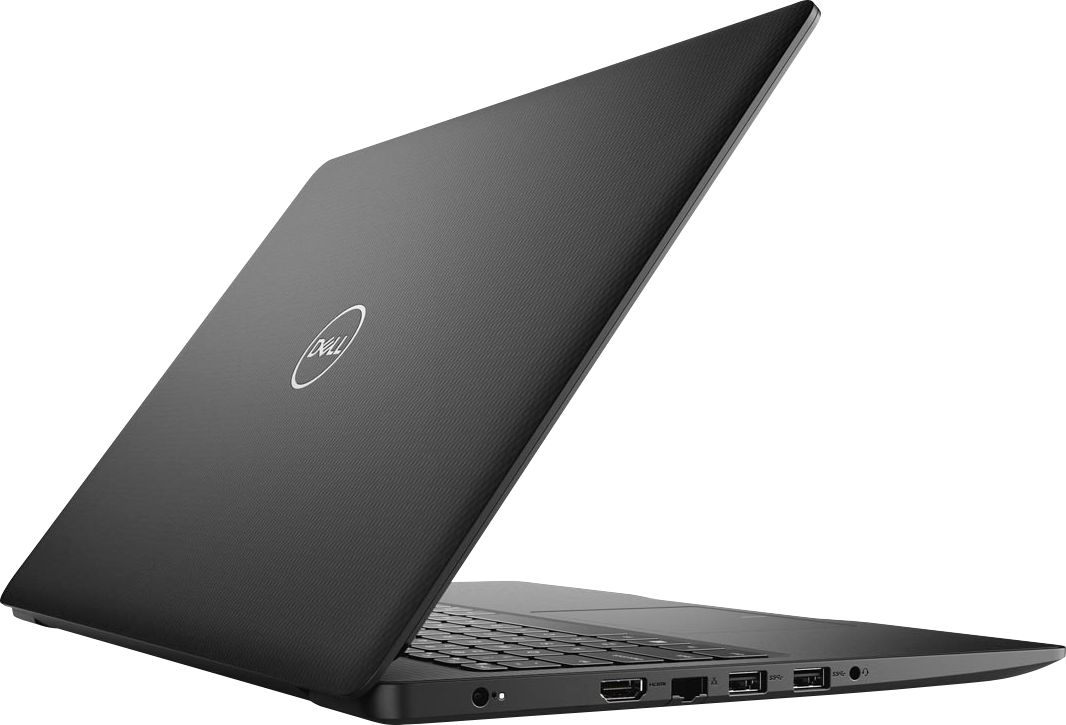
- Model:
- I3593-3992BLK-PUS
- SKU:
- 6403450
Rating by feature
- Battery Life
Rating 4.3 out of 5 stars
- Speed
Rating 4.5 out of 5 stars
- Display
Rating 4.6 out of 5 stars
Customers are saying
Customers commend the Inspiron 15.6" Touch-Screen Laptop for its reasonable price, user-friendly interface, and ample storage. Many users appreciate the convenience of the touchscreen feature, while others find the laptop lightweight and easy to carry. However, some customers have concerns about the short battery life and the limitations of Windows 10 S mode.
This summary was generated by AI based on customer reviews.
Don't do it! Do not buy this laptop!
||Posted . Owned for 3 months when reviewed.This reviewer received promo considerations or sweepstakes entry for writing a review.I failed to do my homework. This laptop has a known issue. It keeps dropping the wifi connection. There is no known fix. Plenty of good laptops out there, just not this one.
No, I would not recommend this to a friendBrand response from YourDellTeam
Posted .Valued Customer,
Thanks for your review and we're sorry to hear about the connectivity issues that your computer is having. We'd recommend trying these steps to fix your issue:
1. Download and install the latest Wireless Card driver. (https://dell.to/2th3Tpe) After updating the driver, re-establish the connection with the Wireless Access Point and check the wireless performance.
2. If the issue persists, proceed to step 3.
3. Power-cycle the local network. Shut down the Dell system, the Wireless Access Point/Router and the Modem. Wait a minimum of 60 seconds before powering up the components in the following order:
4. Power ON the Modem, and wait for it to boot fully.
5. Power ON the Wireless Access Point/Router, and wait for it to boot fully.
6. Power ON the Dell system.
7. Open Network and Sharing Center
8. In the left side navigation pane, click on Change Adapter Settings
9. Right click on the wireless connection icon and select Properties followed by the Configure button
10. Under Wireless Options, select the Wireless N mode
11. For Windows 8 or later systems click the Advanced tab and look for 802.11n Mode on the right you will be given the option to Enable or Disable. If the mode is not visible you may need to update your drivers and firmware.
12. From the drop-down menu, choose Disable followed by Ok
13. This should restore the wireless download and upload speed. Internet speed can be tested at http://speedtest.net.
Best,
Bryan
1-800-624-9896
Not good
||Posted .This reviewer received promo considerations or sweepstakes entry for writing a review.The laptop shipped but did not come in the 24 hours, as supposed. In addition, some of the functions on the laptop does not work.
No, I would not recommend this to a friendBrand response from YourDellTeam
Posted .Kesi,
We're sorry to see that you are not more satisfied with your new computer. If you have any technical questions about your computer we'd recommend checking our Product Support Page here: https://dell.to/2MqIRPg.
Best,
Bryan
1-800-624-9896
Defective
||Posted . Owned for 3 weeks when reviewed.This reviewer received promo considerations or sweepstakes entry for writing a review.Disappointed... Battery would not charge. Ordered online and now I will have to go to store and try to exchange.
No, I would not recommend this to a friendBrand response from YourDellTeam
Posted .Taxi,
Thanks for your review and we're sorry to hear about the battery charging issue that you've having. We'd recommend that you check these suggestions to see if any of them apply to your battery:
1. Are you using a 3rd party or is a non-Dell branded AC adapter is connected to the PC or docking station?
2. Are you using an AC adapter with a lower wattage?
3. Is the AC adapter is not fully connected to the PC?
4. Check to see if the wall power cord is not fully connected to the AC adapter.
5. The AC adapter or PC's AC adapter port could be damaged.
6. The AC adapter is not recognized in BIOS (System Setup).
You can read the full article here: http://dell.to/2xQTan2.
Best,
Bryan
1-800-624-9896
Disappointed
||Posted . Owned for 3 weeks when reviewed.This reviewer received promo considerations or sweepstakes entry for writing a review.Screen cracked on arrival- so disappointed that I returned and did not reorder
No, I would not recommend this to a friendPoor service
||Posted . Owned for 6 months when reviewed.This reviewer received promo considerations or sweepstakes entry for writing a review.The screen crack with in a month and the manufacturer or Best Buy would not help me to replace it.
No, I would not recommend this to a friendBrand response from YourDellTeam
Posted .h0509A41,
We're sorry to hear that your screen cracked on your new computer. If you'd like to review the terms of Dell's One Year Limited Warranty you can view the policy here: http://dell.to/2tNsVOs.
We'd recommend checking out our Product Support Page for additional answers to questions that you may have: https://dell.to/2MqIRPg.
Best,
Bryan
1-800-624-9896
ZERO STARS
||Posted . Owned for 3 weeks when reviewed.This reviewer received promo considerations or sweepstakes entry for writing a review.ORDER WAS CANCELED BY BESTBUYS NOT ONCE BUT TWICE AFTER CHARGING MY CREDIT CARD TWICE! 100% BAD SERVICE CANNOT WOULD NOT RECOMMEND TO ANYBODY...
No, I would not recommend this to a friendBrand response from YourDellTeam
Posted .IRONMAN,
We're very sorry to heat that this has happened to you. Please reach out to Best Buy directly in order to have your card refunded for the correct amount: http://bit.ly/2v2IVhI.
Best,
Bryan
1-800-624-9896
Started Glitching
||Posted . Owned for 2 months when reviewed.This reviewer received promo considerations or sweepstakes entry for writing a review.Began glitching a few days out of the box, returned it. It was also slow. Tried to give DELL another chance but it didn't work out.
No, I would not recommend this to a friendNo.
||Posted . Owned for 3 weeks when reviewed.This reviewer received promo considerations or sweepstakes entry for writing a review.Bad device honestly. And since this item is not available for purchase from BestBuy, I cannot get this laptop swapped out.
No, I would not recommend this to a friendBrand response from YourDellTeam
Posted .Hello Saul,
Thank you for your input and feedback. We apologize for the issues you have come across with your product and have noted the details of your statement to help improve our products now and in the future. We would love to help you as soon as possible. Please, use the information below to contact Dell Support at your earliest convenience.
For additional support, please call Dell directly at 1-800-624-9896
Best,
Lexy@Dell
Chat or Call:
https://bit.ly/DellSupportTeam
Charging issue
||Posted . Owned for 6 months when reviewed.This reviewer received promo considerations or sweepstakes entry for writing a review.The challenge with this computer was the charger. I had to return it to get it fix.
I would recommend this to a friendBrand response from YourDellTeam
Posted .AYONIO,
We're sorry that your charger was not working correctly. We hope that it's working better for you now. If you have questions about your computer you can check our Product Support Page here: https://dell.to/2MqIRPg.
Best,
Bryan
1-800-624-9896
Can not rate
||Posted . Owned for 3 weeks when reviewed.This reviewer received promo considerations or sweepstakes entry for writing a review.Can not review product as I had to return it because of MUCH confusion and misinformation from blue shirts to geek squad
No, I would not recommend this to a friendThe fan started making loud noises and broke withi
||Posted . Owned for 1 month when reviewed.This reviewer received promo considerations or sweepstakes entry for writing a review.I would not buy this computer again. After two weeks the fan starting making noises and O had to buy a new internal fan.
No, I would not recommend this to a friendBrand response from YourDellTeam
Posted .Melody,
Thanks for your review and we're sorry to hear about the fan noise that you've experienced. We'd recommend the following steps to help with the fan noise by updating the BIOS on your computer:
An out-of-date BIOS can cause loud fan noises by having an outdated temperature table for the system. Refer to update BIOS and follow the instructions to update the BIOS on your computer. You can also follow up with our Technical Support Team here - 1-800-624-9896.
You can read the full article here - http://dell.to/2ENlXfz.
Best,
Bryan
1-800-624-9896
Unreliable
||Posted . Owned for 1 year when reviewed.This reviewer received promo considerations or sweepstakes entry for writing a review.Only lasted about a year, crashed often. Reset itself multiple times deleting all apps.
No, I would not recommend this to a friendBusiness or family use, Dell's are reliable.
Posted .This reviewer received promo considerations or sweepstakes entry for writing a review.Nearly 4-yrs. daily business use via Microsoft Teams meetings, Power-point training presentations.....both virtually and in-person. I've owned mid-level cost laptops by Samsung, H-P, IBM and Dell laptops over the last 25-yrs. The Dell laptops have performed the best of those I've mentioned here, by far. I have had no need for hardware service or parts replacement on any of my 3 Dell mid-level cost laptops.
I would recommend this to a friendUSED
||Posted . Owned for 1 month when reviewed.This reviewer received promo considerations or sweepstakes entry for writing a review.Ridiculous in a world with so many easy purchase options why would you send out a used computer as new
No, I would not recommend this to a friendBrand response from YourDellTeam
Posted .Tampa2,
We're sorry that you're not satisfied with the condition that your computer was received in. Please reach out directly to Best Buy to find out about your return and exchange options: http://bit.ly/2v2IVhI.
Best,
Bryan
1-800-624-9896
Seems Outdated
||Posted . Owned for 3 weeks when reviewed.This reviewer received promo considerations or sweepstakes entry for writing a review.The screen resolution was grainy and it would freeze on occasion. Hurried up and returned.
No, I would not recommend this to a friendThis laptopwas garbage
||Posted . Owned for 1 month when reviewed.This reviewer received promo considerations or sweepstakes entry for writing a review.I ordered the same laptop 3 times and each time i had to return it because it didn't work.
No, I would not recommend this to a friendDell Inspiron 15
||Posted . Owned for 8 months when reviewed.This reviewer received promo considerations or sweepstakes entry for writing a review.Screen went gray in less than 1 year normal use! Dell computer bought at Best Buy.
No, I would not recommend this to a friendBrand response from YourDellTeam
Posted .Hello,
Thank you for your input and feedback. We apologize for the issues you have come across with your product and have noted the details of your statement to help improve our products now and in the future. We would love to help you as soon as possible. Please, use the information below to contact Dell Support at your earliest convenience.
For additional support, please call Dell directly at 1-800-624-9896
Best,
Lexy@Dell
Chat or Call:
https://bit.ly/DellSupportTeam
Not thrilled
||Posted . Owned for 2 months when reviewed.This reviewer received promo considerations or sweepstakes entry for writing a review.I'd return it if I could. Won't run on a rocking station, no light up keyboard.
No, I would not recommend this to a friendBrand response from YourDellTeam
Posted .kmbdive,
Thanks for your review. We're sorry that this laptop is not a backlit keyboard model.
If you have questions about your computer you can check our Product Support Page here: https://dell.to/2MqIRPg.
Best,
Bryan
1-800-624-9896
Mic issues
||Posted . Owned for 3 weeks when reviewed.This reviewer received promo considerations or sweepstakes entry for writing a review.I have had my Inspiron for less than 30 days and the mic has quit working.
No, I would not recommend this to a friendBrand response from YourDellTeam
Posted .BCCC1,
We're sorry to hear about the microphone issues that you're having with your new computer. Please take a moment to read the following troubleshooting article for your microphone: https://dell.to/36c1DSQ.
Best,
Bryan
1-800-624-9896
Laptop
||Posted . Owned for 5 months when reviewed.This reviewer received promo considerations or sweepstakes entry for writing a review.Was not happy with purchase. The computer runs slow. Returned it.
No, I would not recommend this to a friend