Customer Ratings & Reviews
- Model:
- I3593-3992BLK-PUS
- SKU:
- 6403450
Rating by feature
- Battery Life
Rating 4.3 out of 5 stars
- Speed
Rating 4.5 out of 5 stars
- Display
Rating 4.6 out of 5 stars
Customers are saying
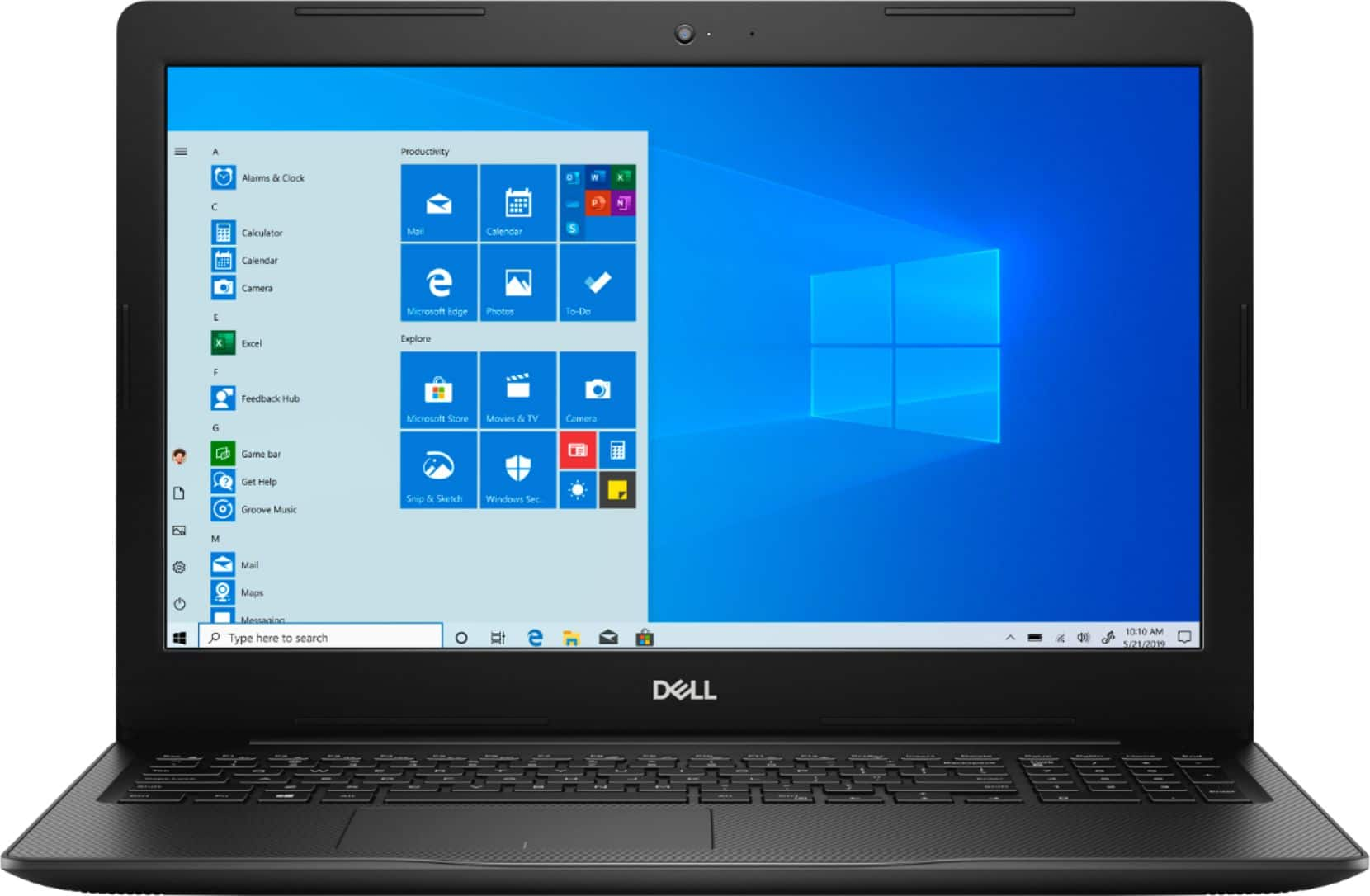
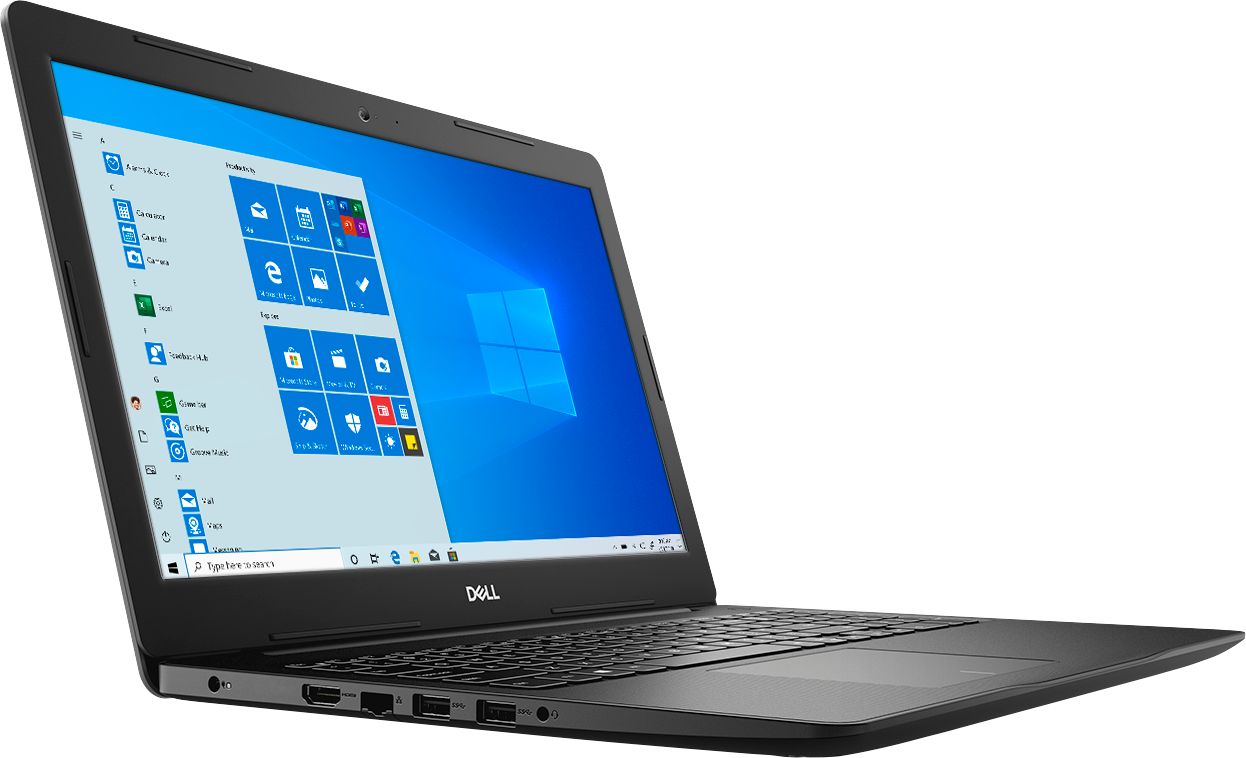
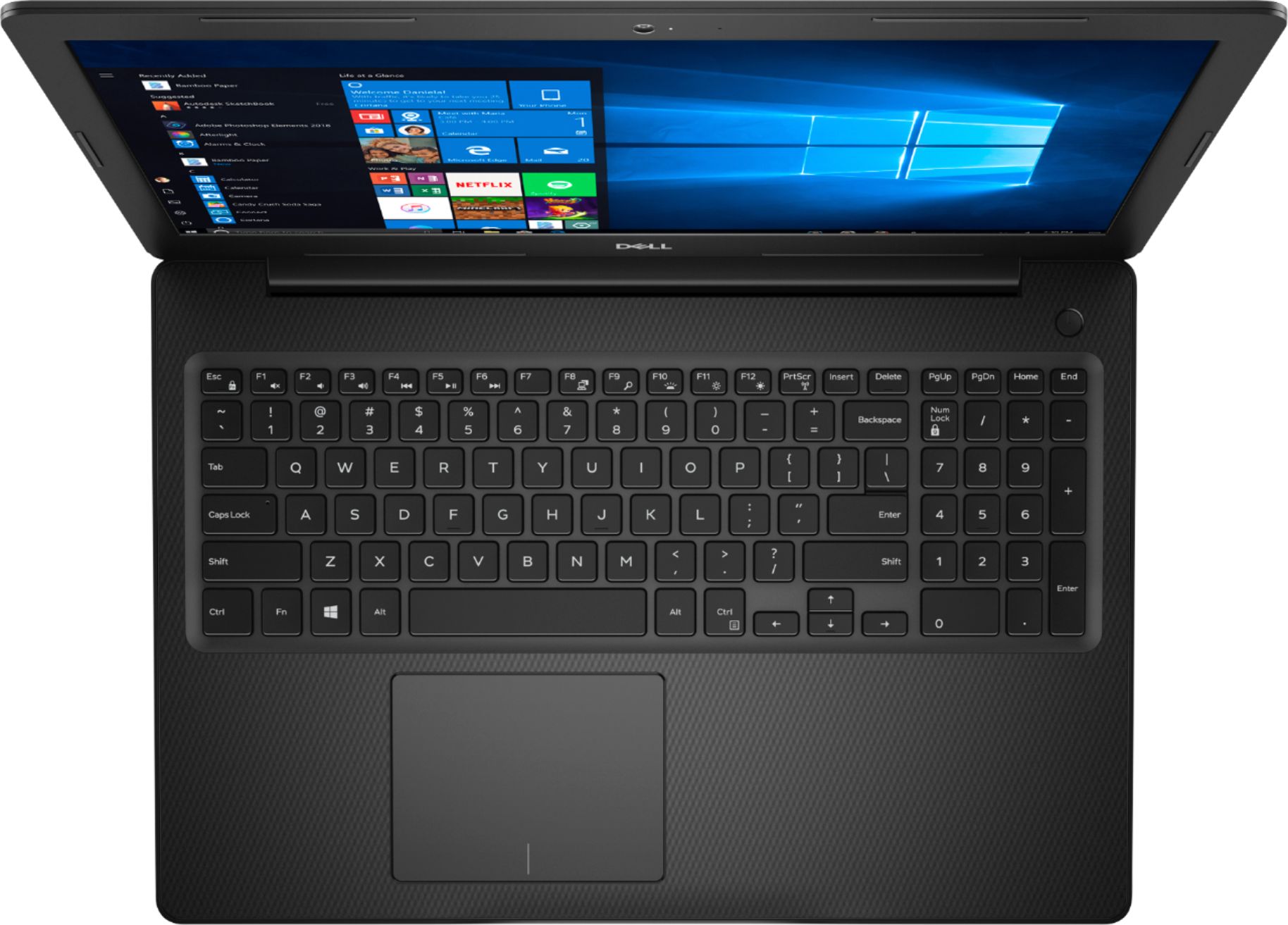
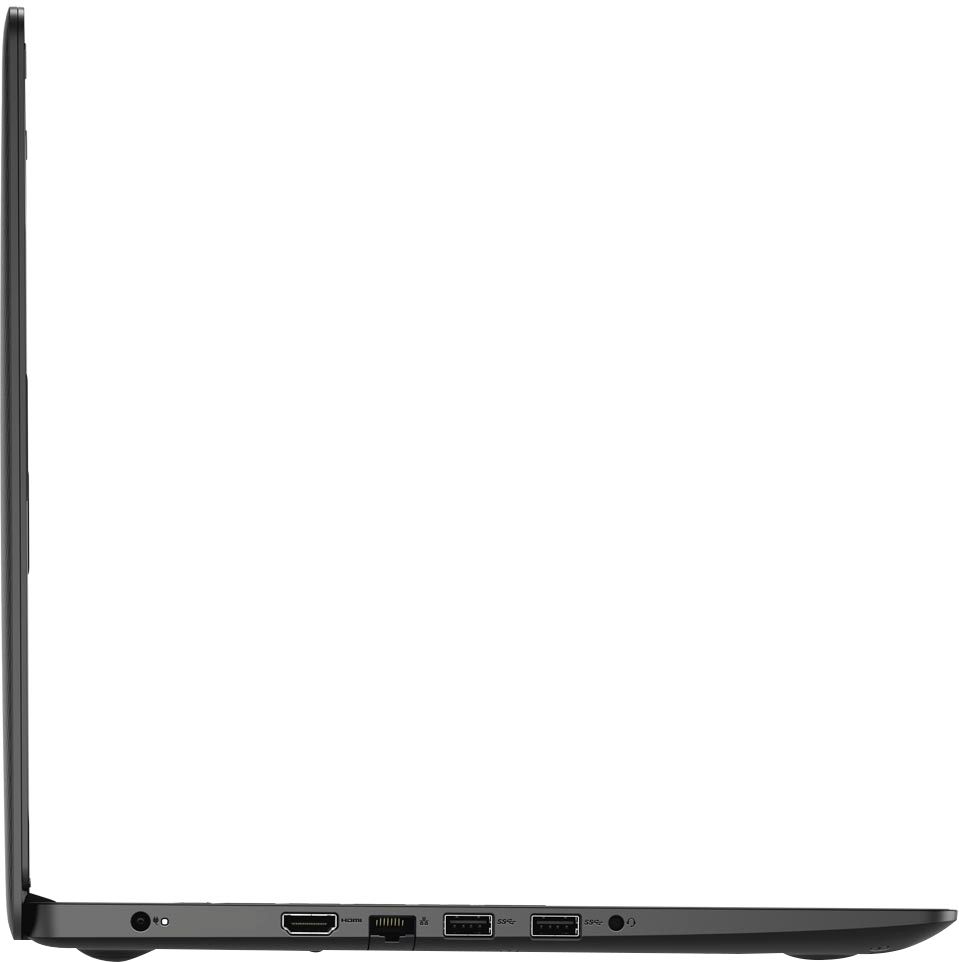
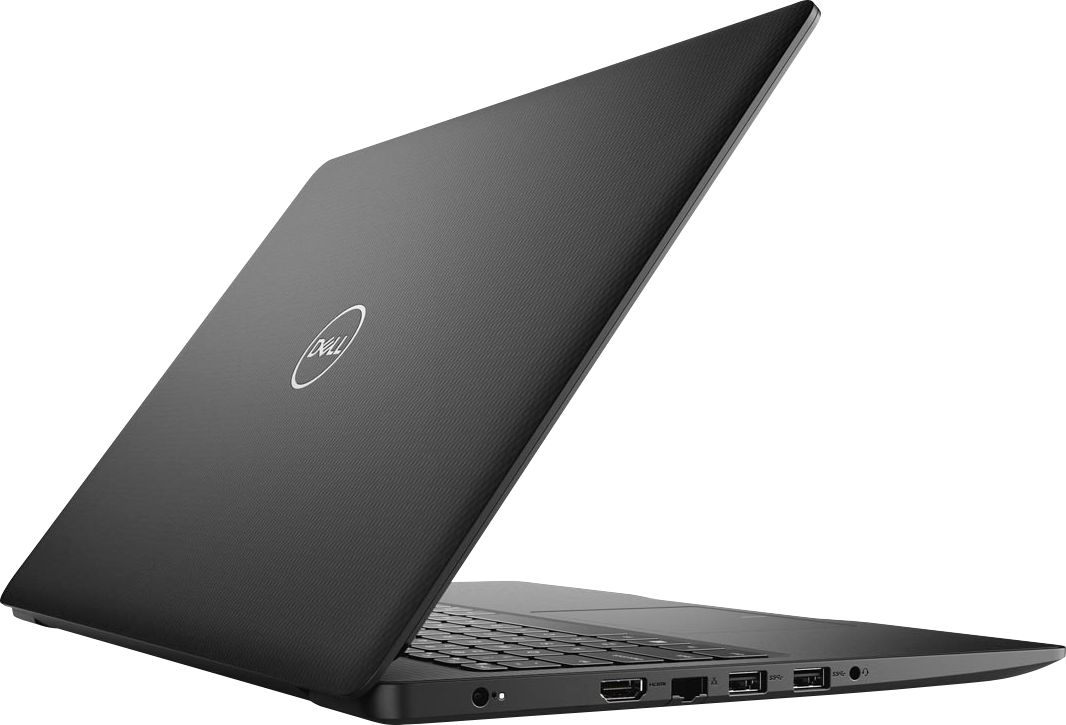
Customers commend the Inspiron 15.6" Touch-Screen Laptop for its reasonable price, user-friendly interface, and ample storage. Many users appreciate the convenience of the touchscreen feature, while others find the laptop lightweight and easy to carry. However, some customers have concerns about the short battery life and the limitations of Windows 10 S mode.
This summary was generated by AI based on customer reviews.
Had a hard time getting email
||Posted . Owned for 1 week when reviewed.This reviewer received promo considerations or sweepstakes entry for writing a review.Feel should have purchased a Mac Difficult time working with Apple phone
No, I would not recommend this to a friendBrand response from YourDellTeam
Posted .MoandVic777,
Thanks for your review. We're sorry that you're having trouble setting up the phone integration on your new computer. Here's a website that outlines the steps for integrating your iPhone with your Dell computer: https://dell.to/3aD2NaI.
Best,
Bryan
1-800-624-9896
Low Speed
||Posted . Owned for 9 months when reviewed.This reviewer received promo considerations or sweepstakes entry for writing a review.Returned becauase it didn't have the speed I expected.
No, I would not recommend this to a friendGreat for grandkids
||Posted . Owned for 1 month when reviewed.This reviewer received promo considerations or sweepstakes entry for writing a review.I bought for grandkids to use for school is easy for them to use.
I would recommend this to a friendBrand response from YourDellTeam
Posted .Foxie,
Thanks for your review. We're glad that your new computer is working well for your grandkids. If you have any questions about your computer you can check our Product Support Page here: https://dell.to/2MqIRPg.
Best,
Bryan
1-800-624-9896
terrible peoduct
||Posted . Owned for 3 weeks when reviewed.This reviewer received promo considerations or sweepstakes entry for writing a review.OS has stop working. Tried to repair. System does not fix it
No, I would not recommend this to a friendBrand response from YourDellTeam
Posted .Ross,
We appreciate your feedback. I am sorry to hear you have had trouble with your operating system. Here are some steps you may take to do a refresh on Windows 10,
Windows 10 is capable of resetting all of its system files without affecting your personal data. Refresh will do the following:
• Reinstalls Windows 10 and keeps your personal files.
• Removes apps and drivers you installed.
• Removes changes you made to settings.
• Removes any apps your PC manufacturer installed. (If your PC came with Windows 10, apps from your PC manufacturer will be reinstalled.)
To get started with a refresh of your system files, follow these steps:
1. At the desktop, click the Search the web and Windows box and type "reset".
2. Select Reset this PC (System Setting).
3. Under Reset this PC, select Get Started.
4. Select the option to Keep my files.
5. Note any apps or drivers that will need to be reinstalled after the refresh has completed.
6. Follow the on-screen instructions to complete the refresh process. This will take some time and your computer will restart.
Click here to read the full article: https://dell.to/2VGi4F3.
Best,
Meridith 1-800-624-9896
Piece of crap
||Posted . Owned for 3 weeks when reviewed.This reviewer received promo considerations or sweepstakes entry for writing a review.To upset to review. Will never use BBuy again, ever.
No, I would not recommend this to a friendBrand response from YourDellTeam
Posted .Dear Valued Customer,
We're sorry that your computer is not working as well as you hoped it would. Dell Support is available to help you if you need it: http://dell.to/2sH7Qlm.
If you have any questions about your computer you can check our Product Support Page here: https://dell.to/2MqIRPg.
Best,
Bryan
1-800-624-9896
The best
Posted .This reviewer received promo considerations or sweepstakes entry for writing a review.I love this laptop.my lap top is still in perfect condition had for 4 years now one of the best lap top
I would recommend this to a friendYour buy is Best Buy
Posted .This reviewer received promo considerations or sweepstakes entry for writing a review.Dell is worth it to buy from Best Buy I still use it since 4 years ago
I would recommend this to a friend- Pros mentioned:Touch screen
Purchased for work
Posted .This reviewer received promo considerations or sweepstakes entry for writing a review.I’ve had it for 3 years and no issues yet. It’s fast and the touch screen feature is super convenient.
I would recommend this to a friend - Pros mentioned:StorageCons mentioned:Battery life
fast smooth but bad battery life and brightness
Posted .This reviewer received promo considerations or sweepstakes entry for writing a review.This laptop runs great. It is quick and smooth and processed simple games and functions well. I do have to comment on the battery life. The battery seems to drain pretty quick I have used it not even a full 24 hours of time. I just got the laptop yesterday. I loved that it had a HHD and SSD so plenty of memory and storage with this laptop. I love how quick it boots up and even installed Microsoft Office and a game. I mainly wanted the laptop for internet surfing, online schooling and writing. This fits all my needs. I also have to comment on the screen brightness. It seems to fade at 95% and below very slightly. It is not set for auto or anything I messed with the settings to try multiple things. I don't understand why it isn't just staying at the setting I put it on... That makes me a little annoyed. I like a brighter screen. Due to this computer running smoothly, I would still say it's a good computer. I have not used the webcam yet so I'm not sure of the quality yet. Overall, still happy as my laptop broke 2 weeks after my TV during this pandemic. Thank you Dell for making computers with higher memory and storage and ensuring it will run well. I DID switch out of S mode so I could actually install programs needed or games if I want in the future. I am not planning to use it as a gaming computer, but just in case I play something basic.
I would recommend this to a friendBrand response from YourDellTeam
Posted .Tjwriter,
Thank you for your feedback. We're sorry to hear that your computer's battery life is not what you hoped it would be. We'd recommend the following tips to help extend the life of your battery:
Change the Power Plan:
1. On the notification area of the taskbar, right-click the Battery icon.
2. On the options list, click Power Options.
3. Select a power plan on the battery meter, such as Power Saver or Balanced. Windows 10 has a built in 'Battery Saver' mode that can be activated to extend your system's battery life. The Battery Saver mode will monitor and limit background activity and other features such as push notifications. You do have the option to enable or disable this mode within settings or within advanced Battery Saver settings, you can customize the mode to best suit your needs.
a) Click on the Action Center icon in the taskbar and select the tile for Battery Saver.
b) If running Cortana then type Battery Saver into the search box and select from the results.
Within the Battery Saver settings page, you will be able to turn on and off the feature and customize the feature to best meet your needs.
c) Turn Battery Saver On or Off.
d) Additional settings available via the Battery use and Battery saver settings links.
e) Battery use shows further info on apps and their power usage.
f) Battery Saver Settings screen allows you to customize further Battery Saver feature.
You can read the full article here - http://dell.to/2vfXWf4.
With regards to the brightness settings, you can read this article about adaptive brightness and see if it helps resolve your concern: http://dell.to/2vjtPzg.
Best,
Bryan
1-800-624-9896
- Pros mentioned:Price
Good purchase
Posted .This reviewer received promo considerations or sweepstakes entry for writing a review.Excelent laptop for School and Job. Nice price and quality
I would recommend this to a friend Laptop
Posted .This reviewer received promo considerations or sweepstakes entry for writing a review.I bought my laptop in June 2020 and it's still running strong. No complaints, no issues.
I would recommend this to a friendGreat
Posted .This reviewer received promo considerations or sweepstakes entry for writing a review.I've been using this for years and have not have one issue.
I would recommend this to a friendlap top
Posted .This reviewer received promo considerations or sweepstakes entry for writing a review.Love it, still going strong, great size, easy to hook up to internet, has lots of options for my needs that I do for work.
I would recommend this to a friendGreat Laptop
Posted .This reviewer received promo considerations or sweepstakes entry for writing a review.Great laptop. Easy to use. Display is perfect size and resolution is great as well.
I would recommend this to a friendDell Reviews
Posted .This reviewer received promo considerations or sweepstakes entry for writing a review.Best laptop! I have had it for four years! And it is still working very well
I would recommend this to a friendVery good one!
Posted .This reviewer received promo considerations or sweepstakes entry for writing a review.Has been a very good laptop! I use it for lots of things.
I would recommend this to a friendGreat laptop!
Posted .This reviewer received promo considerations or sweepstakes entry for writing a review.Fantastic laptop! 12 key. Wide screen. Deducted one star because the keyboard doesn’t light up
I would recommend this to a friendAwesome purchase
Posted .This reviewer received promo considerations or sweepstakes entry for writing a review.Awesome purchase. Sharing this review after 3 years of purchase. Go for it.
I would recommend this to a friendRecommend
Posted .This reviewer received promo considerations or sweepstakes entry for writing a review.Great laptop. Bought it for our son and he uses it frequently.
I would recommend this to a friend- Pros mentioned:Price
Excellent Product
Posted .This reviewer received promo considerations or sweepstakes entry for writing a review.I brought this for my son who is in middle school back in April due to the Pandemic. It is excellent and easy to use. Great, great price. We are highly satisfied with this product. Definitely have told several people about this product.
I would recommend this to a friend