Customer Ratings & Reviews
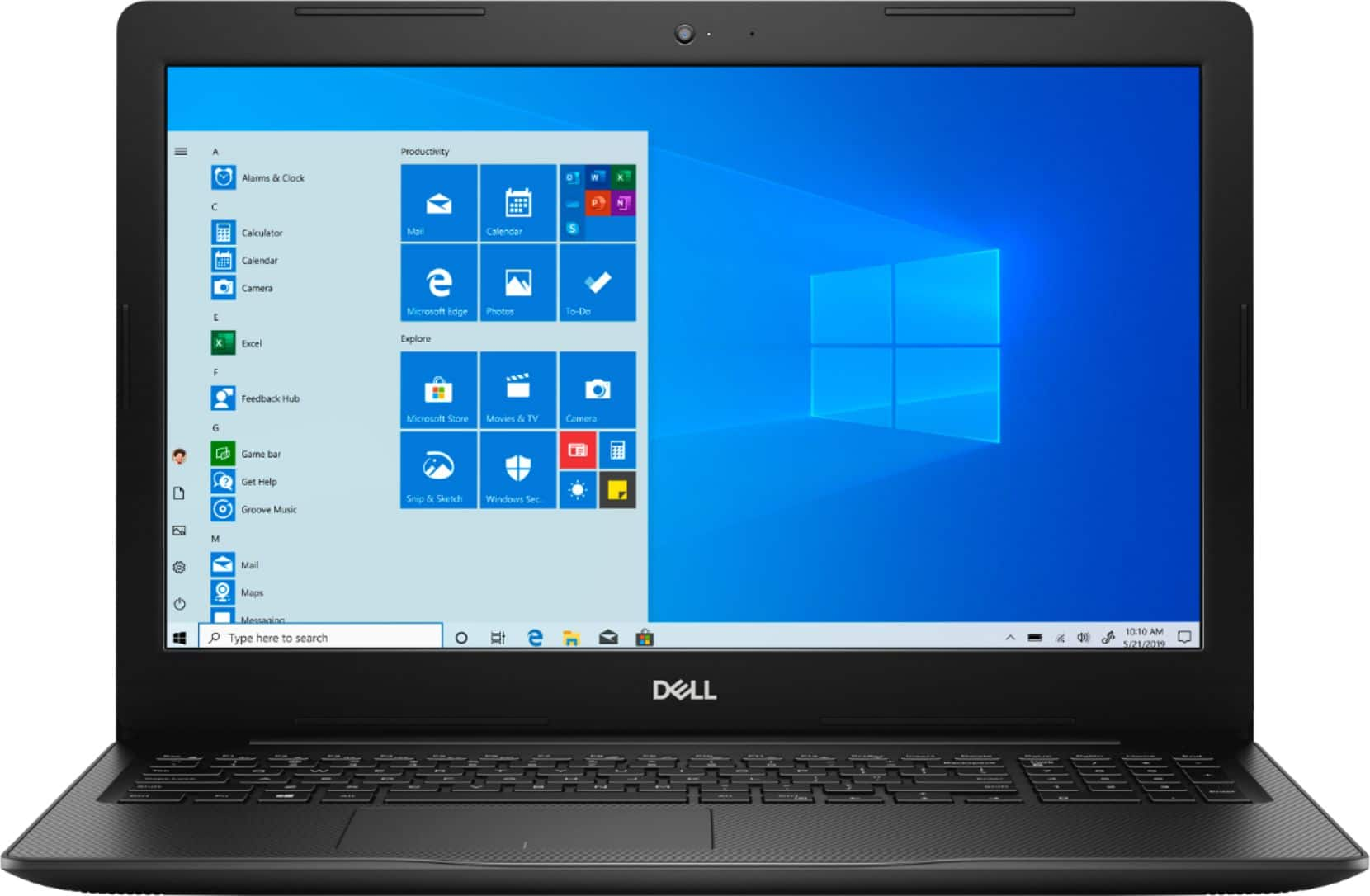
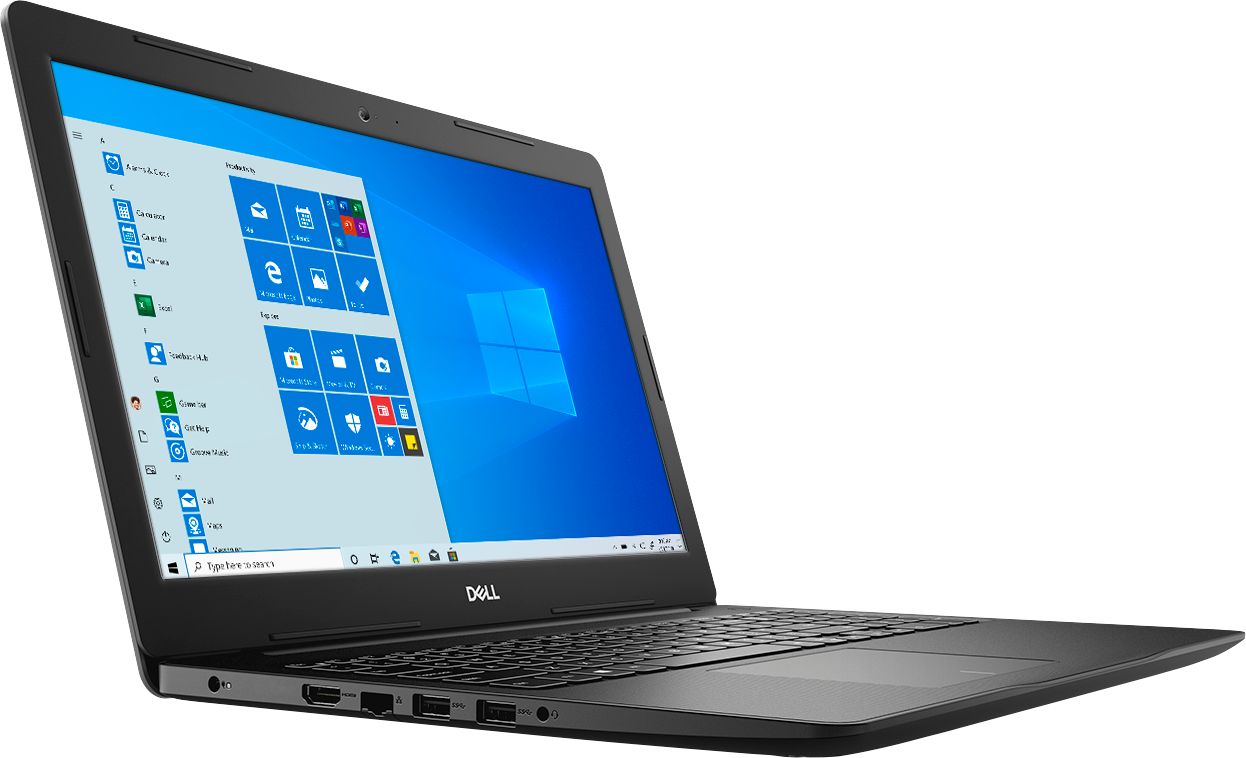
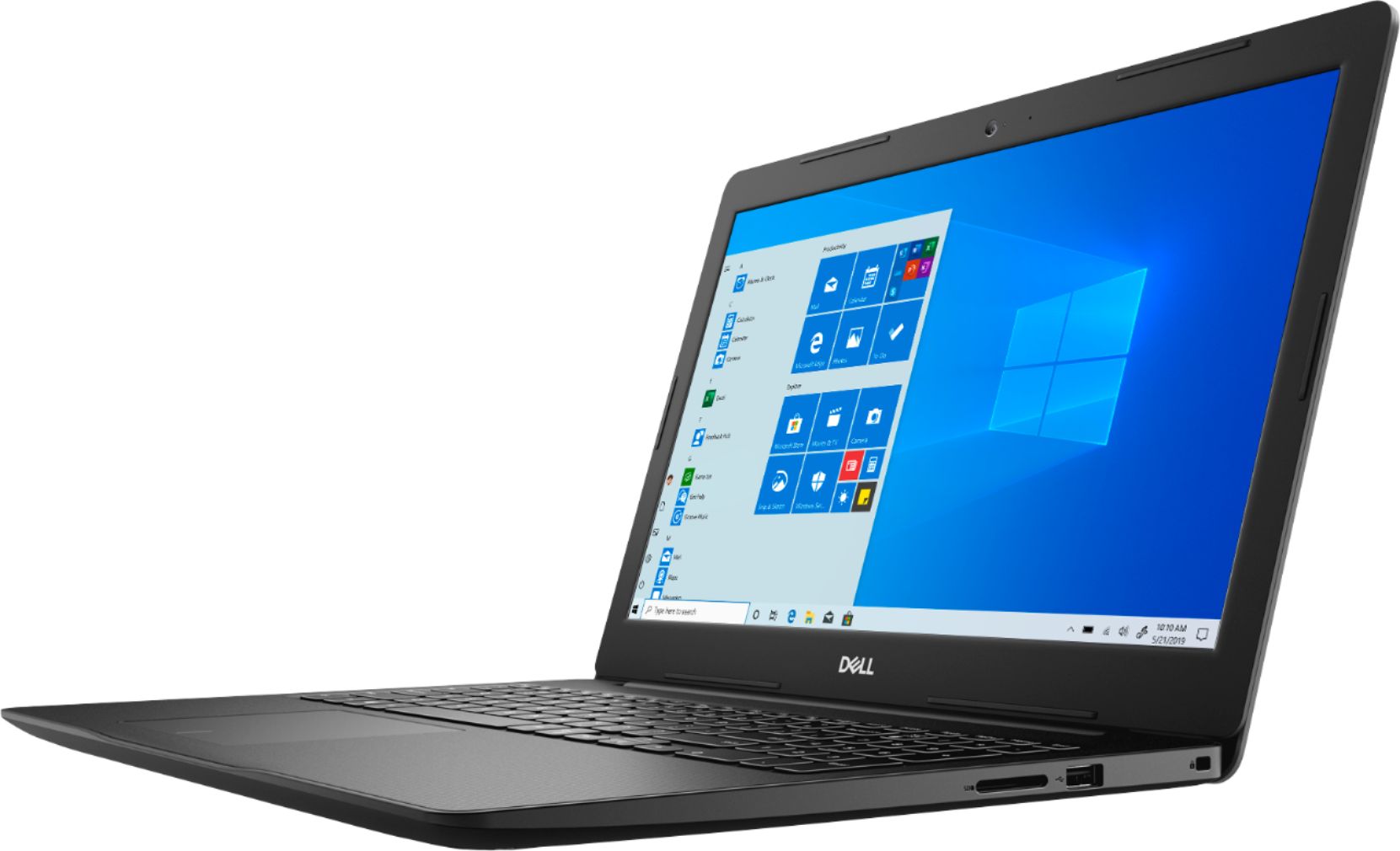
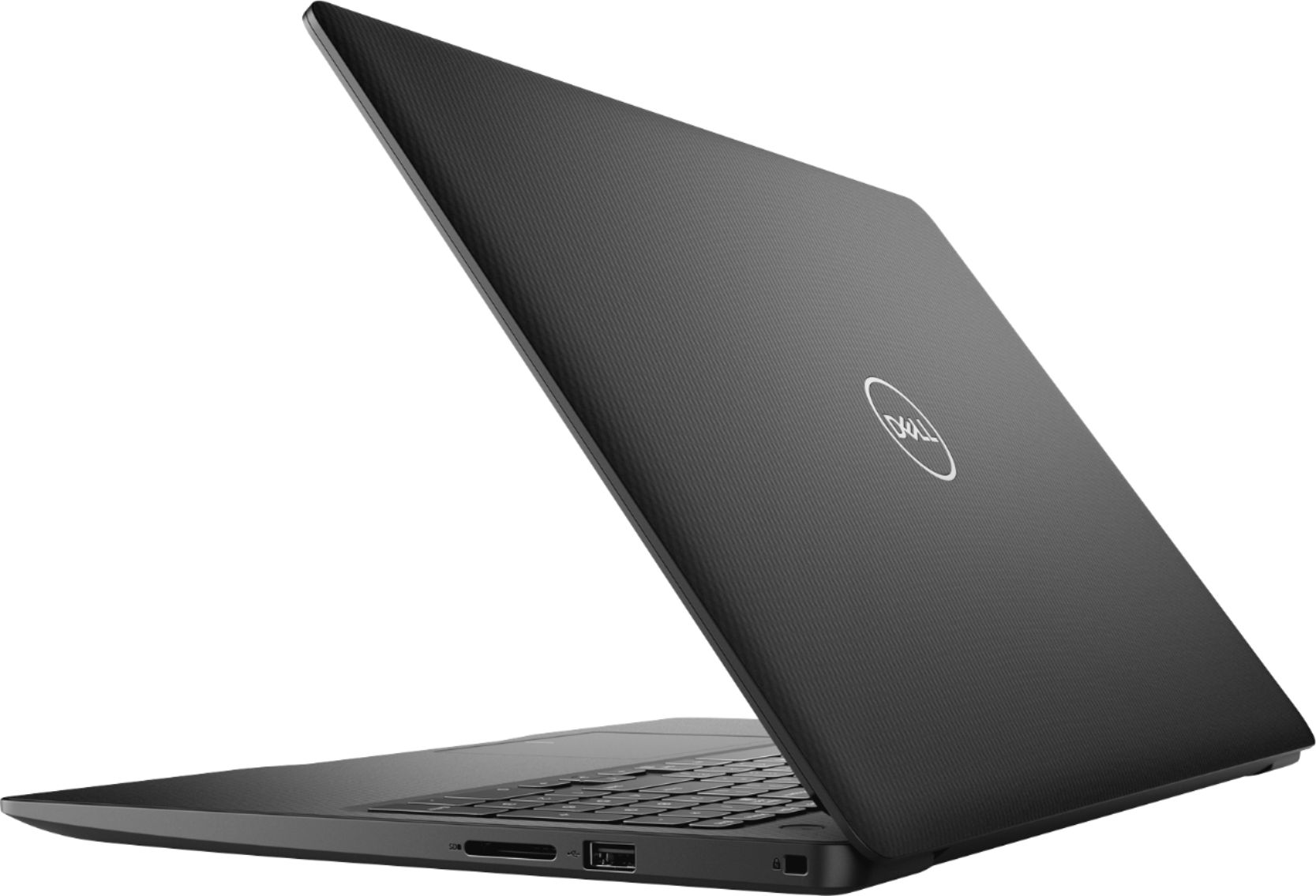
- Model:
- I3593-3992BLK-PUS
- SKU:
- 6403450
Rating by feature
- Battery Life
Rating 4.3 out of 5 stars
- Speed
Rating 4.5 out of 5 stars
- Display
Rating 4.6 out of 5 stars
Customers are saying
Customers commend the Inspiron 15.6" Touch-Screen Laptop for its reasonable price, user-friendly interface, and ample storage. Many users appreciate the convenience of the touchscreen feature, while others find the laptop lightweight and easy to carry. However, some customers have concerns about the short battery life and the limitations of Windows 10 S mode.
This summary was generated by AI based on customer reviews.
Battery Issues
Posted .This reviewer received promo considerations or sweepstakes entry for writing a review.We have had battery issues with this laptop. We actually had the battery replaced and it still won't work without being plugged in.
No, I would not recommend this to a friend- Pros mentioned:Easy to use
naaa
Posted .This reviewer received promo considerations or sweepstakes entry for writing a review.Does what I need, easy to use would recommend it. Good buy
I would recommend this to a friend Mic does not work
Posted . Owned for 7 months when reviewed.This reviewer received promo considerations or sweepstakes entry for writing a review.I would no recommend this laptop. I bought it last year specifically for my virtual classes as everything was going virtual, however, the mic on the computer does not work, so I need to use headphones every time that I am in a zoom or any virtual conference. Also, it started glitching when I am using zoom, the screen get blurry. I was a HP user and I decided to switch to Dell to try them out but now I realize it was a big mistake.
No, I would not recommend this to a friendBrand response from YourDellTeam
Posted .Hello DiegoRiv,
Thank you for your input and review. We apologize for the issues you have encountered with your audio input. If you ever are in need of help in the future, we have provided steps you can use to troubleshoot your audio.
1. Click Start and select Settings (gear icon).
2. Click Update & Security and select Troubleshoot.
3. Click Recording Audio and then click Run the troubleshooter.
4. Follow the on-screen instructions to complete the troubleshooting process.
This link can also help when identifying your audio issues: http://bit.ly/3gnBhT3
If you require further assistance, please use the information below to contact Dell Support at your earliest convenience.
Best regards,
Wendy C.
If you have any questions or concerns, you can contact Dell directly with the information below Chat or Call:
https://bit.ly/DellSupportTeam.
Phone number to Dell: 1-800-264-9896.
Failures
Posted .This reviewer received promo considerations or sweepstakes entry for writing a review.Right off the bat, great. The screen works amazing, connection is quick. But I've only had this laptop for a few months. My charger over heats and has left a mark on me. The base below the keyboard is constantly popping out, and the touch bar gets stuck down at times and needs to be popped back out for any use at all. And just today, my keys themselves mess up. Pressing A types q, pressing semicolon types m, pressing m types a comma. It's a bit ridiculous
No, I would not recommend this to a friendBrand response from YourDellTeam
Posted .Matthew,
Thanks for your review and we're sorry to hear about the issues that you've had with your computer so far. Here's an article that may help with your AC adapter charging issues: http://dell.to/2u5MWxP.
Best,
Bryan
1-800-624-9896
- Cons mentioned:Customer service
Broke after 3 months of use
Posted .This reviewer received promo considerations or sweepstakes entry for writing a review.I bought this laptop for college and it worked perfectly fine but after 3 months of use the screen would turn black randomly and shut off and it would not turn back on even if fully charged. I contacted Dell to get help and even sent it in for repair and the same issue persisted. This computer worked very well but unfortunately did not work out for me.
No, I would not recommend this to a friendBrand response from YourDellTeam
Posted .liv2,
We're sorry to hear about this issue on your computer. We're glad to hear that you reached out to Dell Support for assistance. If you want to research additional technical articles about your computer you can visit our Product Support Page here: https://dell.to/2MqIRPg.
Best,
Bryan
1-800-624-9896
Save your money
Posted .This reviewer received promo considerations or sweepstakes entry for writing a review.I had this computer for 7 days. First day I already had problems, mg touchpad stopped working. So I called Dell. Drivers were not up to date, BiOS wasn’t up to date, and nor was windows. So I got that handled and thought that was the end of my troubles. 6 days later, same problem so I check to see if my drivers needed to be updated. Nope. How about the BiOS. Nope. Windows? Nope. I called Dell again and I waited for two hours with no progress. They told me I have to replace the touch pad. I hung up. If you want to be disappointed go ahead but this was super frustrating. I took this back and bought an HP
No, I would not recommend this to a friendPiece of garbage.
Posted .This reviewer received promo considerations or sweepstakes entry for writing a review.I am on my second laptop in two years and we’re having problems again. The first time it completely crashed while I was doing my taxes. I took it into Best Buy and it was making the beeps of death or whatever. Dell replaced it for free. Now a year later I am having problems where I open the screen and it does not show the display. The backlight turns on, but it is just black and I have to do a hard restart. I barely even use this laptop except to stream videos. What a piece of garbage I will never buy a Dell again.
I would recommend this to a friendBrand response from YourDellTeam
Posted .Xenon6000,
Thanks for your review. If you are having trouble starting up your computer you can try these steps:
1. If the computer is displaying the Dell logo and does not move past that point, it has probably failed POST.
2. If the power indicator lights up and it is amber or orange, this is usually an indicator that it has failed POST.
3. If you see text on a black screen, the computer is currently performing the POST. If the computer stays in that condition and does not move past it, it has probably failed POST.
4. If the video screen displayed anything at all during the startup process but is now black, this probably indicates that the computer failed POST.
5. If the computer is beeping or if Caps/Num/Scroll Locks are flashing, note if there is a particular pattern in which it beeps or flashes.
6. If the computer is not beeping and caps/num/scroll locks are not flashing, unplug all connections and remove all media communication devices (e.g. external monitors); reconnect one at a time and check if the computer functions.
7. For a notebook, press and hold the Fn key and then press the power button. This starts the pre-boot testing and will launch ePSA. In case you have a Desktop at the Dell logo screen tap the F12 key to enter One Time Boot Menu and use the arrow keys to highlight Diagnostics and press enter.
You can read the full article here - http://dell.to/2uj1Sby.
Best,
Bryan
1-800-624-9896
Too many problems
Posted .This reviewer received promo considerations or sweepstakes entry for writing a review.I got this laptop little over a month ago and have had problems connecting to the internet twice. Last night, I updated and shut down my laptop and when I powered it on today, it can't connect to the internet. I have tried every method to fix it online. This computer is a piece of junk and has too many problems for being brand new. Don't waste money on this, get an HP
No, I would not recommend this to a friendBrand response from YourDellTeam
Posted .Hoosier,
We're sorry to hear about the connectivity issues that you're facing. We'd recommend the following tips to help your WiFi perform better for you:
1. Download and install the latest Wireless Card driver. (https://dell.to/2th3Tpe) After updating the driver, re-establish the connection with the Wireless Access Point and check the wireless performance.
2. If the issue persists, proceed to step 3.
3. Power-cycle the local network. Shut down the Dell system, the Wireless Access Point/Router and the Modem. Wait a minimum of 60 seconds before powering up the components in the following order:
4. Power ON the Modem, and wait for it to boot fully.
5. Power ON the Wireless Access Point/Router, and wait for it to boot fully.
6. Power ON the Dell system.
7. Open Network and Sharing Center
8. In the left side navigation pane, click on Change Adapter Settings
9. Right click on the wireless connection icon and select Properties followed by the Configure button
10. Under Wireless Options, select the Wireless N mode
11. For Windows 8 or later systems click the Advanced tab and look for 802.11n Mode on the right you will be given the option to Enable or Disable. If the mode is not visible you may need to update your drivers and firmware.
12. From the drop-down menu, choose Disable followed by Ok
13. This should restore the wireless download and upload speed. Internet speed can be tested at http://speedtest.net.
Best,
Bryan
1-800-624-9896
Terrible
Posted .This reviewer received promo considerations or sweepstakes entry for writing a review.Terrible computer. Didn't work right from the day I bought it. Best Buy would not stand by their product because I tried to return it after 15 days.
No, I would not recommend this to a friendBrand response from YourDellTeam
Posted .Ange,
We're sorry to hear about the issues that you're having with your new Dell laptop. Please reach out to Dell's Technical Support Team for additional assistance with the problems that you're having: http://dell.to/2sH7Qlm.
If you want to research any technical questions that you have you can also visit the Product Support Page here: https://dell.to/2MqIRPg.
Best,
Bryan
1-800-624-9896