Customer Ratings & Reviews

- Model:
- I3567-5949BLK-PUS
- SKU:
- 6299821
Rating by feature
- Battery Life
Rating 4.2 out of 5 stars
- Speed
Rating 4.5 out of 5 stars
- Display
Rating 4.8 out of 5 stars
Customers are saying
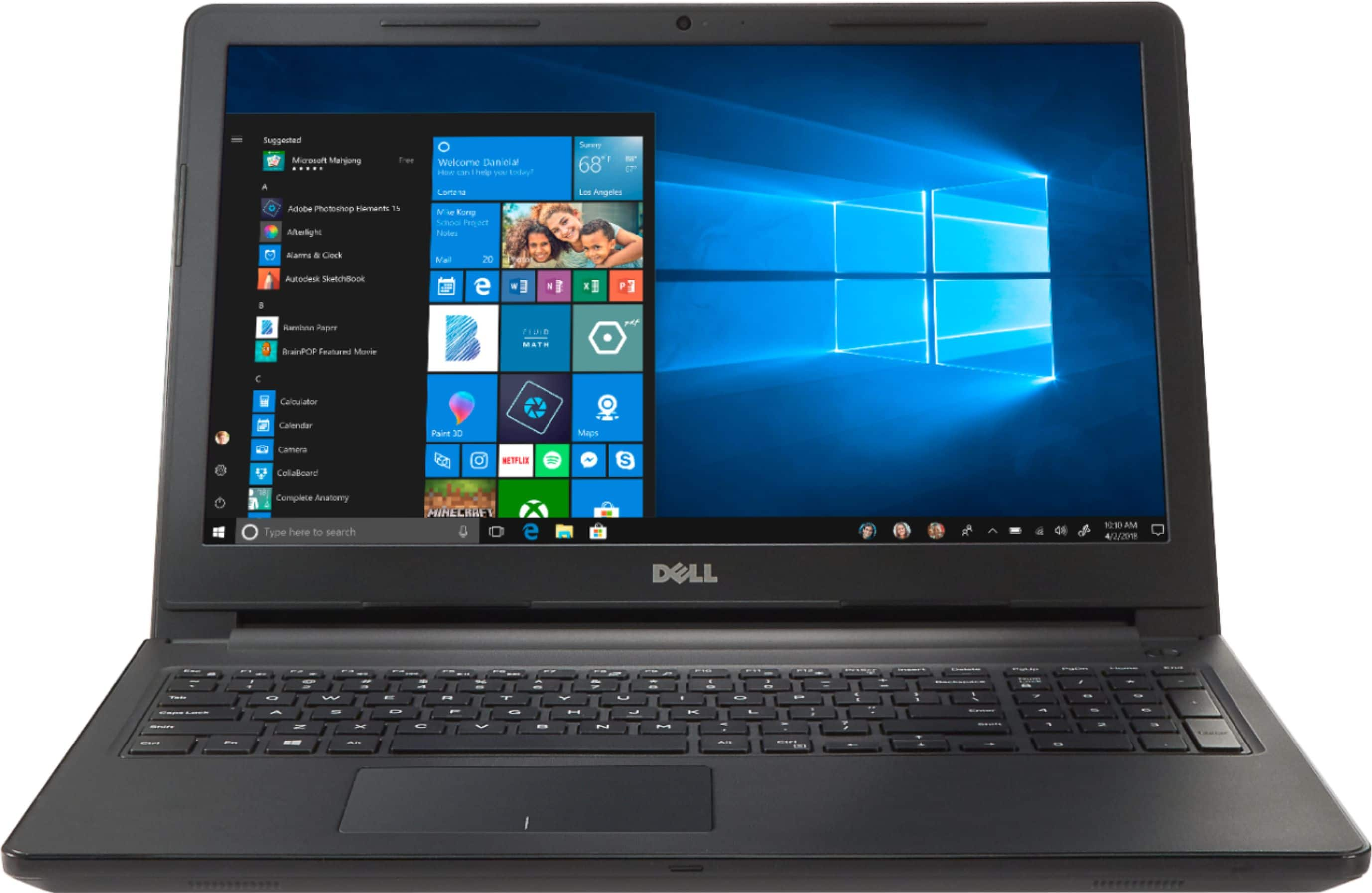
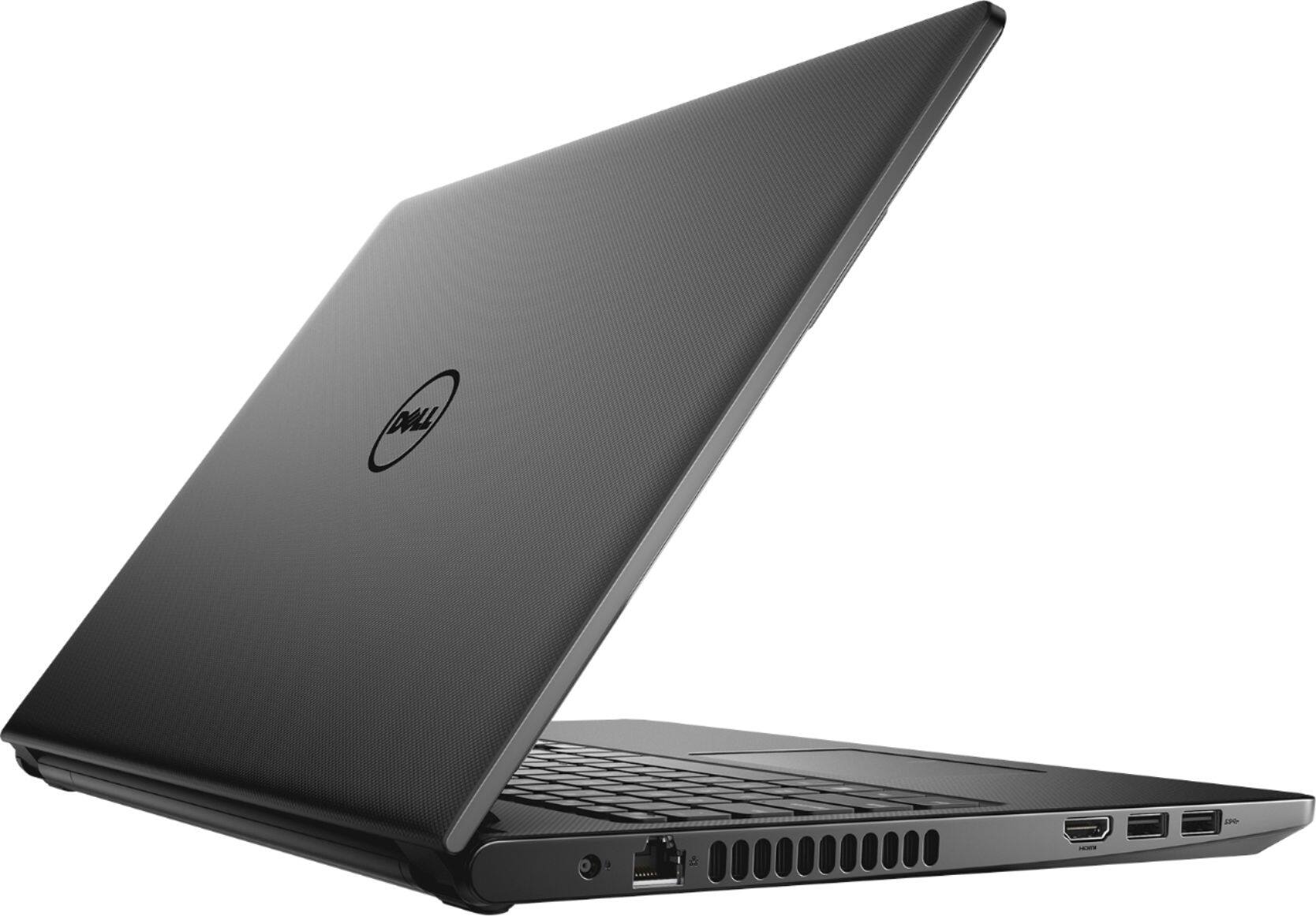
Customers commend the Inspiron 15.6" laptop for its budget-friendly price point and its incorporation of a touch screen feature. Many users also find the laptop easy to use and appreciate the performance boost provided by its solid-state drive. While some customers have concerns about the build quality and weight of the laptop, others express disappointment in the battery life and the lack of a CD drive.
This summary was generated by AI based on customer reviews.
Crashed during initial Windows updates
||Posted .This reviewer received promo considerations or sweepstakes entry for writing a review.Computer locked up during initial Windows updating. Had to spend nearly 2 hours with Dell tech resetting computer to its factory settings. This same thing happened with my son's same computer also bought thru Best Buy days apart.
No, I would not recommend this to a friendBrand response from YourDellTeam
Posted .Rick,
We're sorry that your computer has had trouble during setup. We'd recommend trying the Dell Support Assist App while setting up your computer. This will ensure that all of the most up to date software and drivers are installed on your computer.
If you need to reach out to Dell's Technical Support Team again you can contact them here: http://dell.to/2sH7Qlm.
Best,
Bryan
1-800-624-9896
had issues with mine
||Posted . Owned for 1.5 years when reviewed.This reviewer received promo considerations or sweepstakes entry for writing a review.Didn't have mine long as I returned it I thing it got damaged during shipping.
No, I would not recommend this to a friendNot a worth
||Posted .This reviewer received promo considerations or sweepstakes entry for writing a review.It is very heavy and it is not a worth of 450$. I don't know it priced 599 if not a discount
No, I would not recommend this to a friendBrand response from YourDellTeam
Posted .Hi Rasheed,
Thanks for your feedback. We're sorry to hear that your laptop is a little heavier than you were expecting. If you do have technical questions about your computer you can check our Product Support Page here: http://dell.to/2uBnCA3.
Best,
Bryan
1-800-624-9896
What!!
||Posted .This reviewer received promo considerations or sweepstakes entry for writing a review.Who would ever buy a PC, I had to buy it to run my Christmas light so difficult to operate
No, I would not recommend this to a friendBrand response from YourDellTeam
Posted .Hi Foster,
We're sorry that you're finding your new computer difficult to use. Here's a site that Dell created to help people use Windows 10 better: http://dell.to/2wMZqyx.
If you'd like to view the manuals for your computer you can find them here: http://dell.to/2iTFvFc.
Best,
Bryan
1-800-624-9896
Slow poor screen resolution
||Posted .This reviewer received promo considerations or sweepstakes entry for writing a review.Returned the Dell computer bought an Hp. For the same price The HP had 8th generation I 5 had 5G Wi-Fi had 1080P screen 1TB hard drive and usb-c port And two3.1 USB 3 ports. The Dell had a 256gig drive 2.4g Wi-Fi 7th generation I 5 processor and 720P screen
No, I would not recommend this to a friendDon't recommend
||Posted . Owned for more than 2 years when reviewed.This reviewer received promo considerations or sweepstakes entry for writing a review.Its not hood as expected. The overall performance is not good.
No, I would not recommend this to a friendYou get what you pay for
||Posted . Owned for 6 months when reviewed.This reviewer received promo considerations or sweepstakes entry for writing a review.I purchased this for my kids to use. Works fine but can't stand the trackpad.
No, I would not recommend this to a friendBSOD Everyday
||Posted . Owned for 1.5 years when reviewed.This reviewer received promo considerations or sweepstakes entry for writing a review.This computer lasted about a year. Now constantly has BSOD. Always has to restart. Ordered a new hard drive from Dell. Still has BSOD and needs to shut down. Scrapping it and moving on. Going to try HP. Ive always been a Dell person but this is rediculous.
No, I would not recommend this to a friendApparently I didnt like this
||Posted . Owned for 5 months when reviewed.This reviewer received promo considerations or sweepstakes entry for writing a review.I thought I liked it but apparently I "did not lik performanve."
I would recommend this to a friendWiFi Issue
||Posted . Owned for 1.5 years when reviewed.This reviewer received promo considerations or sweepstakes entry for writing a review.Has WiFi connecting issues.. Frequently drops WiFi
No, I would not recommend this to a friendGreat first computer, slow for advance use
||Posted .This reviewer received promo considerations or sweepstakes entry for writing a review.Adequate for high school student and lower, not for professional use.
No, I would not recommend this to a friendBrand response from YourDellTeam
Posted .ACD1965,
Thanks for your review. We're sorry that your new computer is not meeting all of your needs. We'd suggest running the Windows Performance Troubleshooter to see if there are ways to speed up your computer:
1. Close all open windows.
2. Press the Windows logo key + X key on the keyboard.
3. Click Control Panel.
4. Click System and Security.
5. Under Security and Maintenance, select Troubleshoot common problems.
6. Under System and Security, click Run maintenance tasks.
7. Follow the on-screen instructions and prompts to complete the process.
8. Restart the PC.
You can read the full article here - http://dell.to/2tSulGV.
Best,
Bryan
1-800-624-9896
Good prise
||Posted .This reviewer received promo considerations or sweepstakes entry for writing a review.It is really good deal for high school student who need note book..
I would recommend this to a friendBrand response from YourDellTeam
Posted .JJJung,
Thanks for your review and your feedback about your new laptop. If you do have any questions about your laptop you can refer to our Product Support Page here: http://dell.to/2uBnCA3.
Best,
Bryan
1-800-624-9896
Taochpad doesnot work well
||Posted .This reviewer received promo considerations or sweepstakes entry for writing a review.This laptop is good but the touchpad works very slow
No, I would not recommend this to a friendBrand response from YourDellTeam
Posted .Poly,
We're sorry that your touchpad is not working the way you hoped it would. We'd recommend re-calibrating your touchpad by following these steps:
Some Notebooks and Tablets with Keyboards have added gesture features to the touchpad hardware and drivers. A few of these features are two or three finger scrolling, pinch zoom, circle zoom, rotate and swiping. These new features may be the reason for the erratic cursor movement since most are turned on by default. You can disable or modify the way the features work in the touchpad driver properties. Here are some tips to modify these settings:
1. In the Search box, type main.cpl.
2. Touch or click main.cpl in the list of programs.
3. Touch or click the Dell Touchpad tab.
4. Touch or click on the picture of the touchpad.
5. Touch or click Gestures (depending on your computer there may not be a Gestures option).
6. Change the options as preferred.
7. Touch or click Save.
8. Touch or click the X in the upper-right corner to close the Dell Touchpad Utility.
9. Touch or click OK on the Mouse Properties window.
10. If the touchpad still does not work after following the preceding steps, refer to Dell Knowledge Base article - http://dell.to/2iaiujA.
You can read the full article here - http://dell.to/2tqmS02.
Best,
Bryan
1-800-624-9896
Problematic functionality
||Posted .This reviewer received promo considerations or sweepstakes entry for writing a review.Returned due to glitichiness, very poor performance
No, I would not recommend this to a friendBrand response from YourDellTeam
Posted .Hello Ernie, we regret to learn about your Inspiron glitching and understand how that could frustrate any customer trying to work on a laptop.
In case you haven't returned the product, please try these troubleshooting steps:
1 Power off the Dell Laptop PC.
2 Disconnect any peripherals connected to the PC and connect the AC Adapter (charger) to the PC.
3 Make sure that the LCD screen is clean (no dust particles are on the surface of the screen).
4 Press and hold D key and power on the PC to enter LCD built-in self test (BIST) mode.
5 Continue to hold the D key until you see the entire screen change colors.
6 The screen will change colors to black, white, red, green and blue.
7 Carefully inspect the screen for abnormalities.
8 Press Esc key to exit.
At your convenience, please reach out to our customer service team at 1 (800) 624-9897.
If you did return the Inspiron, we hope you find a model that meets your needs. We thank you for taking the time to voice your experience.
Best,
Chris
Outdated
||Posted .This reviewer received promo considerations or sweepstakes entry for writing a review.Took delivery of the computer. Would not connect to my 5 gigahertz network (which has been around for quite awhile). My assumption that a brand new computer would be compatible with the current standard was wrong. Re-boxed the laptop and returned it.
No, I would not recommend this to a friendBrand response from YourDellTeam
Posted .Hello Savy,
Thanks for your review. We're sorry that your computer did not connect to your 5 Ghz connection the way that you hoped it would. Not all models are made to connect to all available connections. I'm sorry that this computer did not work the way that you intended it to.
Best,
Bryan
1-800-624-9896
TERRIBLE!
||Posted .This reviewer received promo considerations or sweepstakes entry for writing a review.Waste of money. Despite the SSD it was extremely slow to start up. After set up it only lasted 2 days before it started giving me a loop error that it had to restart, would restart, then get the same error message again. I returned it for an HP.
No, I would not recommend this to a friendBrand response from YourDellTeam
Posted .Moondust08, We're sorry that you decided to return your computer based on the errors that you were having. In the future you can limit the number of programs that launch at startup so your computer will boot up faster. It's possible that one of these programs was also causing the loop and once it was disabled there would not have been an error any longer. We hope that you will consider Dell again the future. Best, Bryan 1-800-624-9896
Poor quality plastics
||Posted .This reviewer received promo considerations or sweepstakes entry for writing a review.Based on the cost and configuration I bought this item, when I opened the box surprised to see not a good and nothing appealing plastic case. Immediately warped up in the box and Returned.
No, I would not recommend this to a friendNot good at all
||Posted .This reviewer received promo considerations or sweepstakes entry for writing a review.This computer freezes a lot. I had to reboot constantly. It gave me a weird error after the first time I used it. Then I kept getting the error. I took it back and got another. It was even worse. I just returned it.
No, I would not recommend this to a friendDefective laptops
||Posted .This reviewer received promo considerations or sweepstakes entry for writing a review.First laptop had problems with Speakers. Exchanged laptop hibernates randomly. Hardware does not look promising.
No, I would not recommend this to a friendBrand response from YourDellTeam
Posted .Saurabh,
Thanks for your review. We're sorry to hear that your new Dell laptop has been hibernating randomly on you. We'd recommend updating the Power Plan for your computer:
1. At the desktop, click the Search the web and Windows box and type "sleep".
2. Select Power and Sleep settings, then select Additional power settings at the bottom of the screen.
The Power Options window appears.
3. Select Balanced (recommended), Power saver, or select Create a power plan on the left side of the screen.
4. Customize your plan settings as desired.
You can read the full article here: http://dell.to/2lXRpSD.
Best,
Bryan
1-800-624-9896
Poor performance
||Posted .This reviewer received promo considerations or sweepstakes entry for writing a review.I believe all thanks giving laptops are low performance laptops which dell just want to sell, performance was very poor and I had to return it.
No, I would not recommend this to a friendBrand response from YourDellTeam
Posted .Vikash,
We are sorry to hear that you decided to return your laptop because of poor performance. Windows does have a Performance Troubleshooter that we would have recommended that you try to run on your computer to see if there are ways for your computer to run faster.
We hope that you will consider a new Dell laptop in the future.
Best,
Bryan
1-800-624-9896