Customer Ratings & Reviews

- Model:
- I3567-5949BLK-PUS
- SKU:
- 6299821
Rating by feature
- Battery Life
Rating 4.2 out of 5 stars
- Speed
Rating 4.5 out of 5 stars
- Display
Rating 4.8 out of 5 stars
Customers are saying
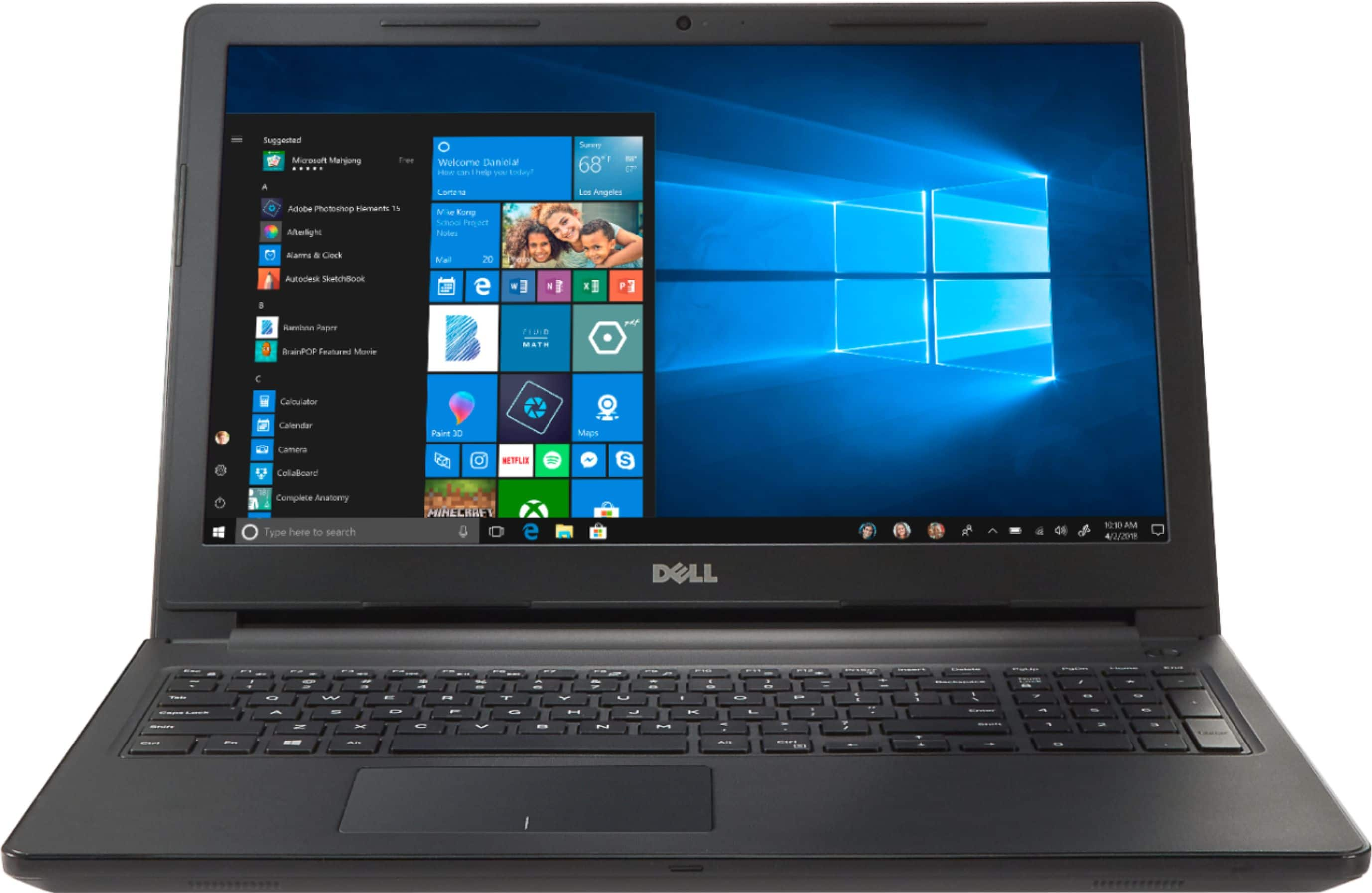
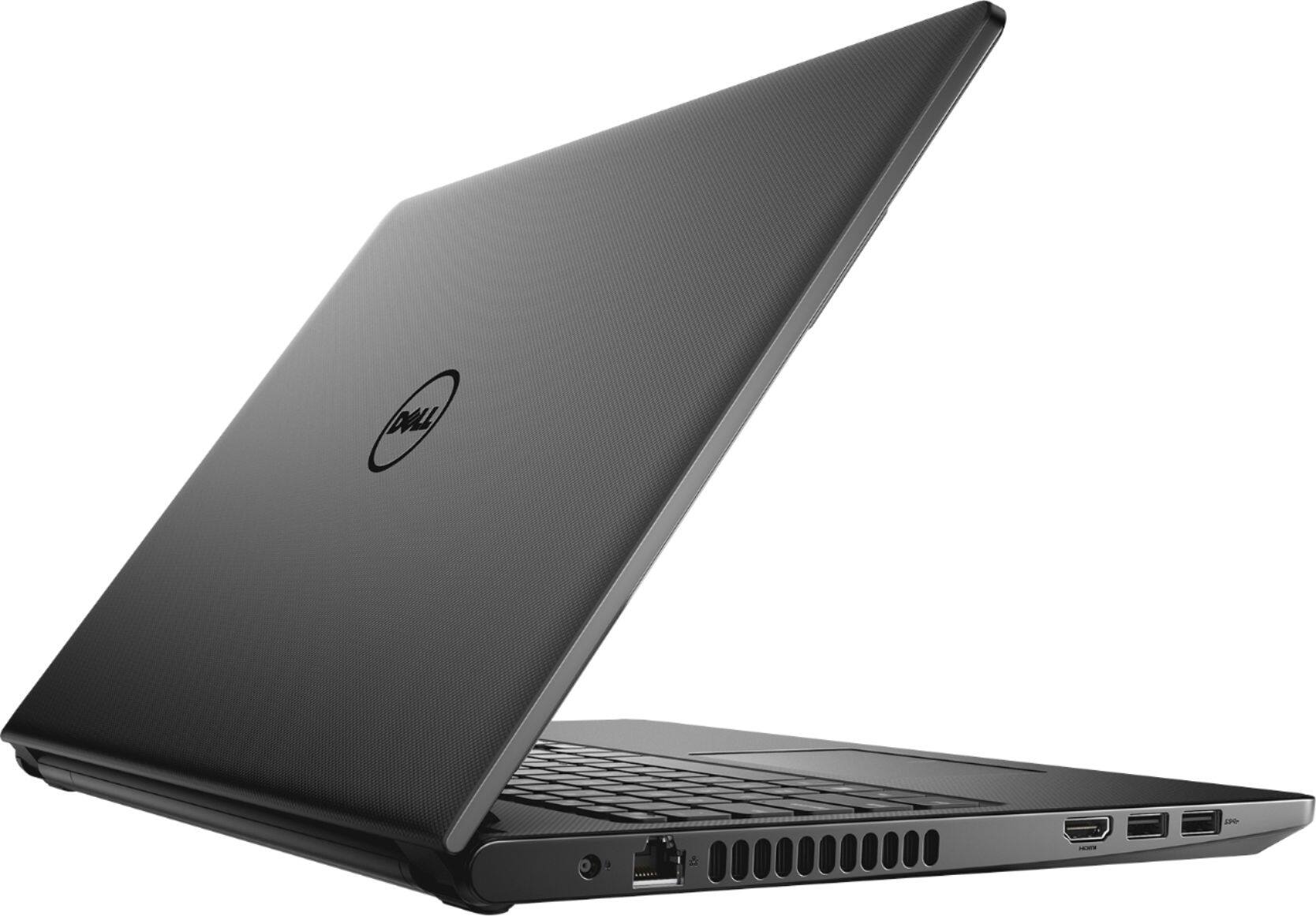
Customers commend the Inspiron 15.6" laptop for its budget-friendly price point and its incorporation of a touch screen feature. Many users also find the laptop easy to use and appreciate the performance boost provided by its solid-state drive. While some customers have concerns about the build quality and weight of the laptop, others express disappointment in the battery life and the lack of a CD drive.
This summary was generated by AI based on customer reviews.
CAN NOT GIVE RATING ON LAPTOP OPEN BOX
||Posted .This reviewer received promo considerations or sweepstakes entry for writing a review.CAN NOT GIVE RATING ON THIS LAP TOP WAS AN OPEN BOX COULD NOT DOWNLOAD WE BROWSER TOOK BACK TO THE STORE AND GEEK SQUAD COULDN'T DOWN LOAD IT EITHER GOT A REFUND NO PROBLEM
No, I would not recommend this to a friendVery slow
||Posted .This reviewer received promo considerations or sweepstakes entry for writing a review.The computer seems to be very slow and unresponsive. In fact it is even slow to start up in the morning. I would not recommend this computer unless you have lots of time to waste.
No, I would not recommend this to a friendBrand response from YourDellTeam
Posted .Biels,
We're sorry to hear that your computer is performing slower than you'd like. We'd recommend running the Windows Performance Troubleshooter to see if your computer can perform faster:
1. Close all open windows.
2. Press the Windows logo key + X key on the keyboard.
3. Click Control Panel.
4. Click System and Security.
5. Under Security and Maintenance, select Troubleshoot common problems.
6. Under System and Security, click Run maintenance tasks.
7. Follow the on-screen instructions and prompts to complete the process.
8. Restart the PC.
You can read the full article here - http://dell.to/2tSulGV.
If you'd like your computer to start up faster we'd recommend limiting the number of programs that launch at startup:
1. Close all open windows.
2. Press CTRL + Shift + ESC key together on the keyboard.
3. In the Task Manager window, click Startup tab.
4. Select the program or application that you want to disable from loading during startup.
5. Right-click and select Disable.
6. Repeat Step 4 & 5 for all the programs or applications that you want to disable from loading during startup.
7. Restart your PC.
You can read the full article here - http://dell.to/2tSulGV.
Best,
Bryan
1-800-624-9896
Not bad for the price but could be faster
||Posted .This reviewer received promo considerations or sweepstakes entry for writing a review.Not bad for the price but could be much more faster. Actually exchanged it for a quad core processor and I am very pleased with the speed I have now.
No, I would not recommend this to a friendBrand response from YourDellTeam
Posted .Hi Myreview,
Thanks for your feedback. If you have performance issues in the future with your Windows based computer you can always run the Windows Performance Troubleshooter:
1. Close all open windows.
2. Press the Windows logo key + X key on the keyboard.
3. Click Control Panel.
4. Click System and Security.
5. Under Security and Maintenance, select Troubleshoot common problems.
6. Under System and Security, click Run maintenance tasks.
7. Follow the on-screen instructions and prompts to complete the process.
8. Restart the PC.
You can read the full article here - http://dell.to/2tSulGV.
Best,
Bryan
1-800-624-9896
Speakers
||Posted .This reviewer received promo considerations or sweepstakes entry for writing a review.Speakers doesn’t work. If you try to turn the volume up the sound is distorted and sounds like static.
No, I would not recommend this to a friendBrand response from YourDellTeam
Posted .Iman,
We're sorry to hear that your computer's speakers are not working properly for you. We'd recommend checking for updates to the audio drivers on your computer here: http://dell.to/2yzSu7o.
Best,
Bryan
1-800-624-9896
it hasbeen difficult to use
||Posted .This reviewer received promo considerations or sweepstakes entry for writing a review.We have had trouble with this computer since it was new, constant log in problems, does not connect when everything else in the house does .
No, I would not recommend this to a friendBrand response from YourDellTeam
Posted .Hi Julie,
Thanks for your review. We're sorry to hear about the connectivity issues that you've been having. Here are some tips to help you:
1. Download and install the latest Wireless Card driver. (https://dell.to/2th3Tpe) After updating the driver, re-establish the connection with the Wireless Access Point and check the wireless performance.
2. If the issue persists, proceed to step 3.
3. Power-cycle the local network. Shut down the Dell system, the Wireless Access Point/Router and the Modem. Wait a minimum of 60 seconds before powering up the components in the following order:
4. Power ON the Modem, and wait for it to boot fully.
5. Power ON the Wireless Access Point/Router, and wait for it to boot fully.
6. Power ON the Dell system.
7. Open Network and Sharing Center
8. In the left side navigation pane, click on Change Adapter Settings
9. Right click on the wireless connection icon and select Properties followed by the Configure button
10. Under Wireless Options, select the Wireless N mode
11. For Windows 8 or later systems click the Advanced tab and look for 802.11n Mode on the right you will be given the option to Enable or Disable. If the mode is not visible you may need to update your drivers and firmware.
12. From the drop-down menu, choose Disable followed by Ok
13. This should restore the wireless download and upload speed. Internet speed can be tested at http://speedtest.net.
Best,
Bryan
1-800-624-9896
Ugh! won't even boot up!
||Posted .This reviewer received promo considerations or sweepstakes entry for writing a review.Buy a different laptop! I purchased to of these exact same laptops - NEITHER would boot up. Waste of time and money! I'm returning today!
I would recommend this to a friendBrand response from YourDellTeam
Posted .KeepItSimple,
Thanks for your review. We're sorry that your computer is not starting up for the the way that it should. After fully charging your laptop we'd recommend that you try these steps to try to turn on your computer:
1. If the computer is displaying the Dell logo and does not move past that point, it has probably failed POST.
2. If the power indicator lights up and it is amber or orange, this is usually an indicator that it has failed POST.
3. If you see text on a black screen, the computer is currently performing the POST. If the computer stays in that condition and does not move past it, it has probably failed POST.
4. If the video screen displayed anything at all during the startup process but is now black, this probably indicates that the computer failed POST.
5. If the computer is beeping or if Caps/Num/Scroll Locks are flashing, note if there is a particular pattern in which it beeps or flashes.
6. If the computer is not beeping and caps/num/scroll locks are not flashing, unplug all connections and remove all media communication devices (e.g. external monitors); reconnect one at a time and check if the computer functions.
7. For a notebook, press and hold the Fn key and then press the power button. This starts the pre-boot testing and will launch ePSA. In case you have a Desktop at the Dell logo screen tap the F12 key to enter One Time Boot Menu and use the arrow keys to highlight Diagnostics and press enter.
You can read the full article here - http://dell.to/2uj1Sby.
Best,
Bryan
1-800-624-9896
Nice size.
||Posted .This reviewer received promo considerations or sweepstakes entry for writing a review.I needed a relatively small laptop to tune aftermarket fuel injection on classic cars. This laptop was perfect for this intended purposr.
I would recommend this to a friendBrand response from YourDellTeam
Posted .Hi Deputy,
Thanks for your review. We're happy to hear that your new computer is meeting your needs. We'd recommend that you check out our Product Support Page if you have any questions about your new system: http://dell.to/2uBnCA3.
Best,
Bryan
1-800-624-9896
Laptop for beginners
||Posted .This reviewer received promo considerations or sweepstakes entry for writing a review.If you're just starting off the wistar time there are better ones out there for that price
No, I would not recommend this to a friendBrand response from YourDellTeam
Posted .Danny,
We're sorry that your new Dell computer is not meeting your needs. Please consider running the Windows Performance Troubleshooter to see if your computer can run better for you:
1. Close all open windows.
2. Press the Windows logo key + X key on the keyboard.
3. Click Control Panel.
4. Click System and Security.
5. Under Security and Maintenance, select Troubleshoot common problems.
6. Under System and Security, click Run maintenance tasks.
7. Follow the on-screen instructions and prompts to complete the process.
8. Restart the PC.
You can read the full article here - http://dell.to/2tSulGV.
Best,
Bryan
1-800-624-9896
Ehh not so great!
||Posted . Owned for 6 months when reviewed.This reviewer received promo considerations or sweepstakes entry for writing a review.I guess I’ve just haven’t had good luck with Dell computers! I gave it a try but it just wasn’t for me! HP all the way!
No, I would not recommend this to a friendReturned
||Posted .This reviewer received promo considerations or sweepstakes entry for writing a review.Computer would not boot up, I returned the product. Product was an "Open Box" product I purchased at a discounted price.
No, I would not recommend this to a friendStopped working!
||Posted . Owned for more than 2 years when reviewed.This reviewer received promo considerations or sweepstakes entry for writing a review.Started crashing within a few months of use. Could not get the warranty as I was out of country.
No, I would not recommend this to a friendQuality is bad
||Posted .This reviewer received promo considerations or sweepstakes entry for writing a review.Display quality is very bad. Did not met expectations from a Dell laptop.
No, I would not recommend this to a friendBrand response from YourDellTeam
Posted .Rajkumar,
We're sorry to hear that your new Dell computer did not meet your expectations. We'd encourage you to check out our Product Support Page if you have specific questions about your computer: http://dell.to/2uBnCA3.
Best,
Bryan
1-800-624-9896
junk
||Posted .This reviewer received promo considerations or sweepstakes entry for writing a review.worked foe 2 days, just long enough to set up and get all my info on it.
No, I would not recommend this to a friendBrand response from YourDellTeam
Posted .Otisfloyd,
Thanks for your review. We're happy to see that you were able to set up your new computer. If you have questions about your computer you can always check our Product Support Page here: http://dell.to/2uBnCA3.
Best,
Bryan
1-800-624-9896
not good would not power up
||Posted .This reviewer received promo considerations or sweepstakes entry for writing a review.unfortunately the pc would not power up for the Geek Tech & thankfully I was refunded the $$$ spent
No, I would not recommend this to a friendDid not work, would not connect to internet.
||Posted . Owned for 1 month when reviewed.This reviewer received promo considerations or sweepstakes entry for writing a review.Did not work. Purchased online, but the process of returning through the local store was easy.
No, I would not recommend this to a friendBroke!!!
||Posted . Owned for 1.5 years when reviewed.This reviewer received promo considerations or sweepstakes entry for writing a review.Laptop crashed in less than a month. Not worth the time to review. Bad product.
No, I would not recommend this to a friend- Pros mentioned:Price, Speed
Excellent config and very fast
Posted .This reviewer received promo considerations or sweepstakes entry for writing a review.I am giving 4 star for the configuration of the PC and how fast it is. My expectation is met. Taking one star away because I did experience blue/green/yellow screen once within day or two and hope that was just a glitch because PC was sitting out in cold for a while before we picked up from front door. I would recommend this product if you get under $400 as it would be definitely steal with 250 GB SSD, i5 and 8GB RAM.
I would recommend this to a friend Not good
||Posted . Owned for 7 months when reviewed.This reviewer received promo considerations or sweepstakes entry for writing a review.Not good I returned it an got a dell which works better an looks better with light key pad
I would recommend this to a friendRepaired and still had to go back.
||Posted .This reviewer received promo considerations or sweepstakes entry for writing a review.Geeks were honest about issue. Initial review with desk staff should have been more involved.
No, I would not recommend this to a friendBrand response from YourDellTeam
Posted .Besty,
We appreciate your feedback. We're sorry that your computer is not working the way that it should. We'd recommend reaching out to Dell's Technical Support Team for additional help: http://dell.to/2sH7Qlm.
If you have questions about your computer you can check out our Product Support Page here: http://dell.to/2uBnCA3.
Best,
Bryan
1-800-624-9896
Screen resolution & weight
||Posted .This reviewer received promo considerations or sweepstakes entry for writing a review.Laptop screen overlaps with its own pixel. Also for its size it’s over weighted for its size
No, I would not recommend this to a friendBrand response from YourDellTeam
Posted .Hi Arun,
Thanks for your review. We're sorry to hear that your computer's screen is not working properly for you. Dell offers a One Year Limited Warranty on our products if you think that yours qualifies. You can view our Warranty terms here: http://dell.to/2tNsVOs.
If you have additional questions about your laptop you can check out our Product Support Page here: http://dell.to/2uBnCA3.
Best,
Bryan
1-800-624-9896