Customer Ratings & Reviews
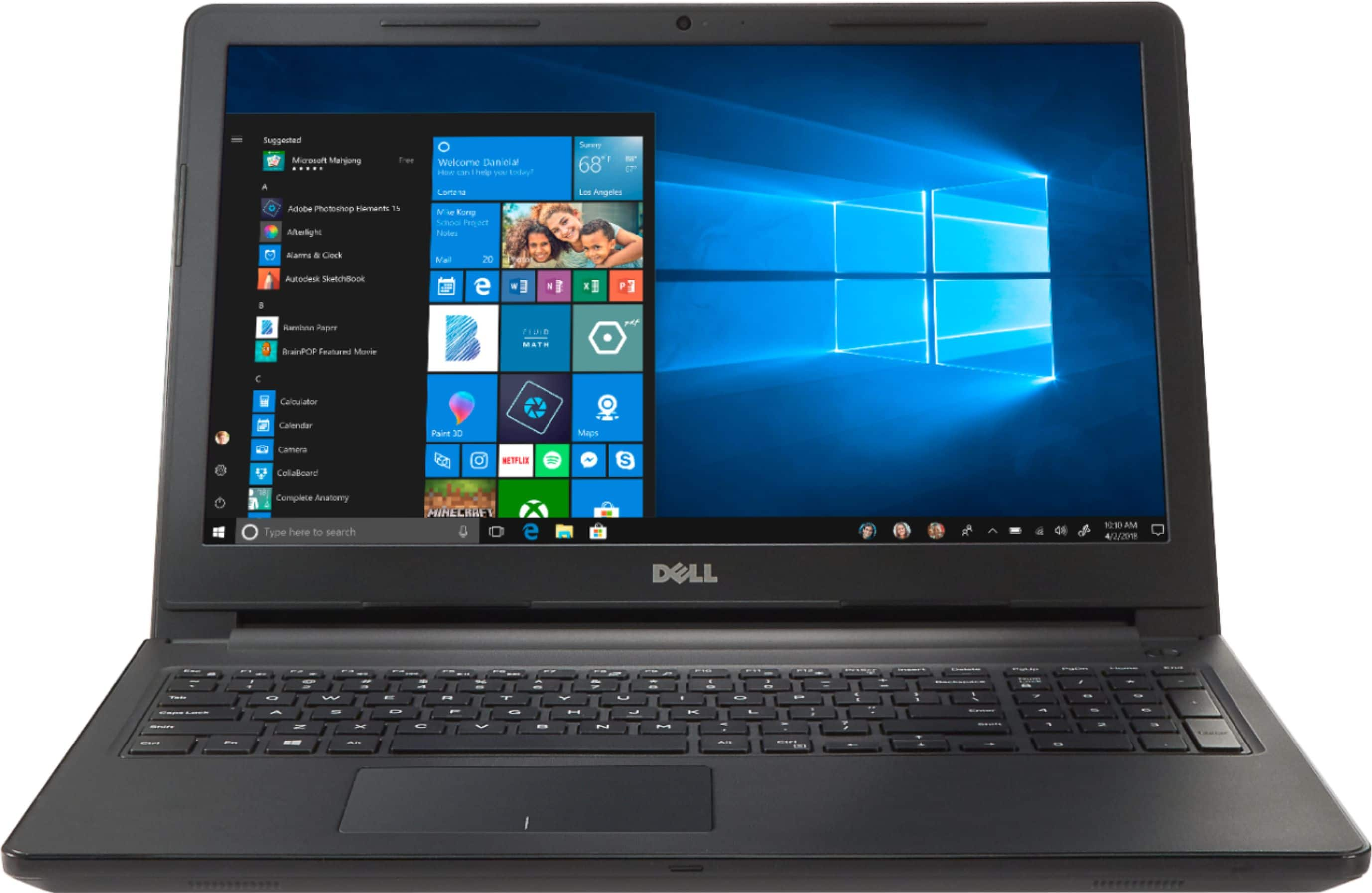

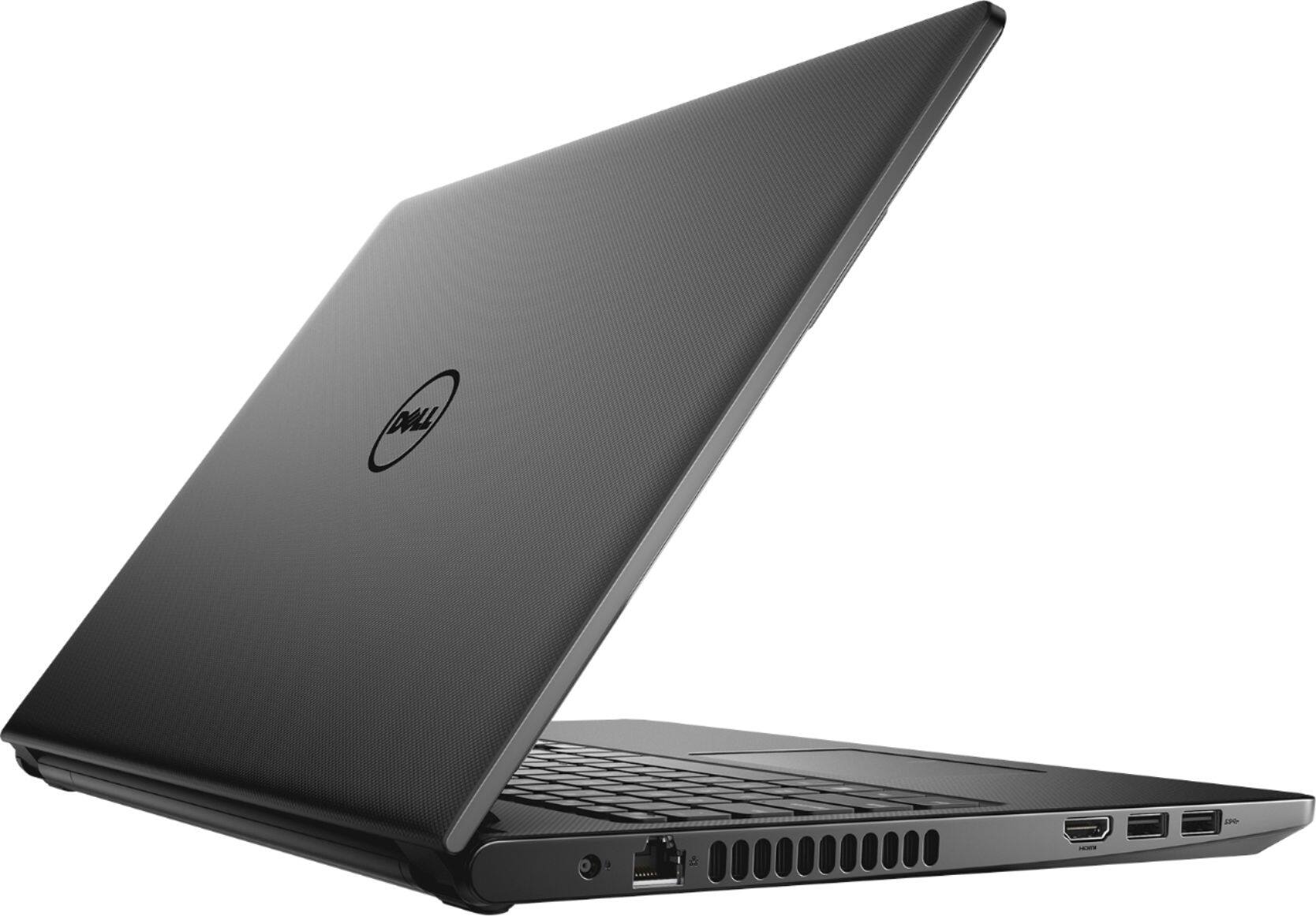
- Model:
- I3567-5949BLK-PUS
- SKU:
- 6299821
Rating by feature
- Battery Life
Rating 4.2 out of 5 stars
- Speed
Rating 4.5 out of 5 stars
- Display
Rating 4.8 out of 5 stars
Customers are saying
Customers commend the Inspiron 15.6" laptop for its budget-friendly price point and its incorporation of a touch screen feature. Many users also find the laptop easy to use and appreciate the performance boost provided by its solid-state drive. While some customers have concerns about the build quality and weight of the laptop, others express disappointment in the battery life and the lack of a CD drive.
This summary was generated by AI based on customer reviews.
Poor product,horrible support
Posted .This reviewer received promo considerations or sweepstakes entry for writing a review.DO NOT BUY A DELL! Bought one for our son to replace his computer lost in wildfire. Four hard drive failures in 9 months. Dell would not replace as a lemon. Died again a week before warranty expired and Dell will not replace or repair. Rude and uncaring customer service.
No, I would not recommend this to a friendBrand response from YourDellTeam
Posted .Kevin,
We're sorry to hear about the support experience that you had with your son's computer. We'd recommend that you check Dell's Product Support Page to see if there are answers to some questions that you have about the computer: http://dell.to/2uBnCA3.
We hope that the computer will work the way you intended it to again soon.
Best,
Bryan
1-800-624-9896
Bad laptop
Posted .This reviewer received promo considerations or sweepstakes entry for writing a review.Bought this laptop and set it up with Microsoft office with no issues. 20 minutes later windows started freezing, would not connect to WiFi, Excel or Word would not open. Constant error stating Windows did not start properly. Takes extremely long time to start up.
No, I would not recommend this to a friendBrand response from YourDellTeam
Posted .Donnie,
We're sorry to hear about the issues you've had with your computer freezing. Here are some steps you can try if this happens again:
1. Run a Computer Diagnostic. To determine if your computer is experiencing a hardware problem, run the Dell Preboot System Assessment (PSA) Diagnostics. For information on how to run Diagnostics, and to determine the issue, refer to Dell Knowledge Base Article: http://dell.to/2iaiujA.
2. Check Safe Mode for Symptoms. To boot into safe mode, please follow the instructions below:
a) Start the computer.
b) Tap 'F8' on the keyboard immediately and every one second until the Dell logo screen disappears. From there you will see the Windows Advanced Options Menu on the screen. (If the Windows Advanced Options Menu does not appear, restart the system and try again.)
c) Select Safe mode with Networking and press Enter.
d) Log on as the administrator or as a user with administrative access.
e) Open applications and test the computer in safe mode. If the symptoms exist in safe mode, please continue the troubleshooting steps in this article. If the symptoms do not exist in safe mode, the issue is likely related to a driver or software and you may wish to complete step 3 to see if you are able to resolve the lockups or freezing.
3. Check for Malware. Malware (Virus, Spyware, etc.) can definitely cause a Windows system to lock up or appear to hang. To check for malware on your system and to ensure that your computer is up to date on security software, visit Dell Knowledge Base Article: http://dell.to/2wWP1zI.
You can read the full article here - http://dell.to/2tW5m33.
If you'd like to see if your computer can start up faster for you we'd recommend limiting the number of programs that launch at startup:
1. Close all open windows.
2. Press CTRL + Shift + ESC key together on the keyboard.
3. In the Task Manager window, click Startup tab.
4. Select the program or application that you want to disable from loading during startup.
5. Right-click and select Disable.
6. Repeat Step 4 & 5 for all the programs or applications that you want to disable from loading during startup.
7. Restart your PC.
You can read the full article here - http://dell.to/2tSulGV.
We hope these tips help your computer perform better for you.
Best,
Bryan
1-800-624-9896