Customer Ratings & Reviews

- Model:
- BBY-W1J46FX
- SKU:
- 6373812
Rating by feature
- Battery Life
Rating 4.4 out of 5 stars
- Speed
Rating 4.3 out of 5 stars
- Display
Rating 4.4 out of 5 stars
Customers are saying
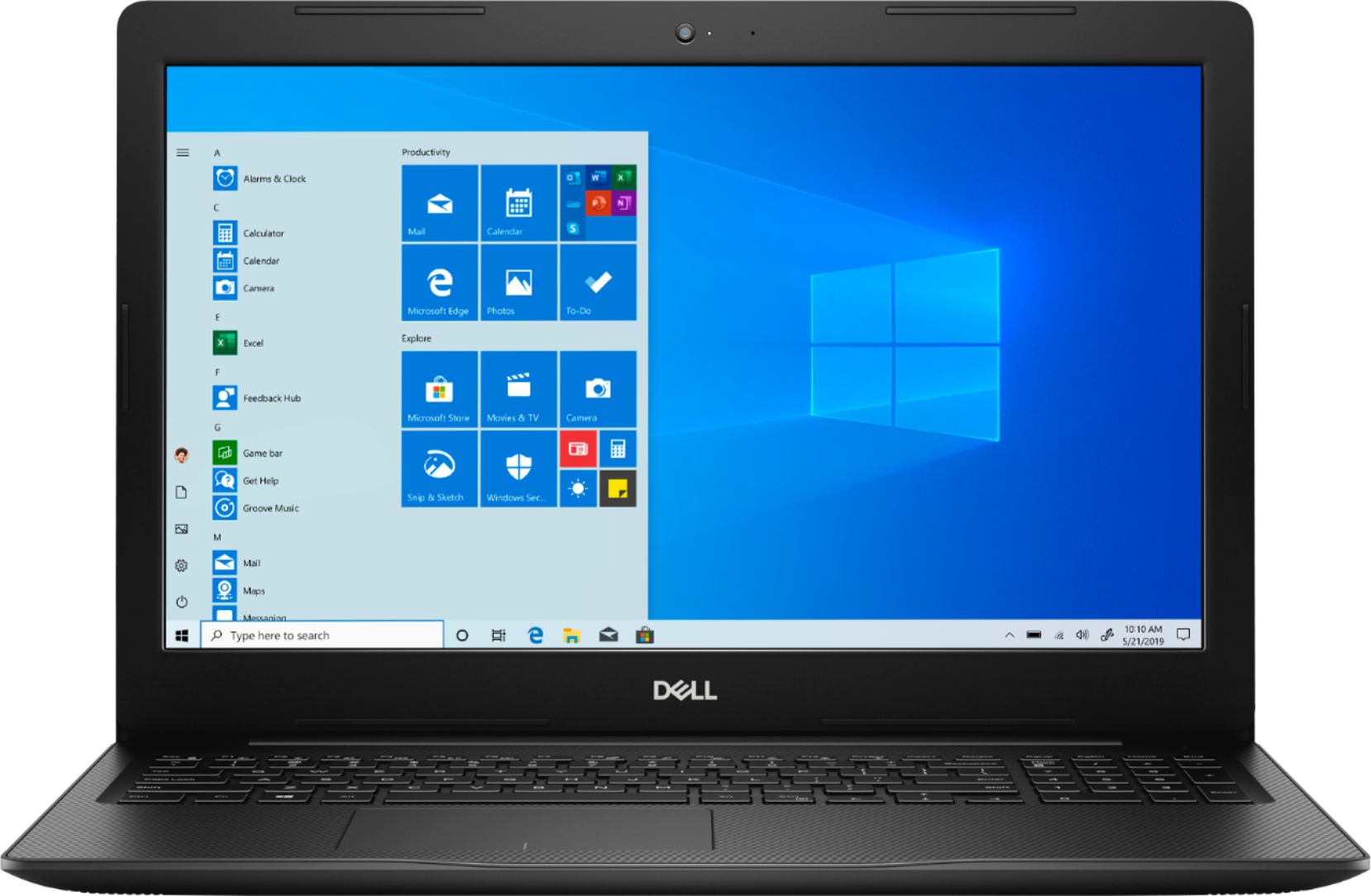
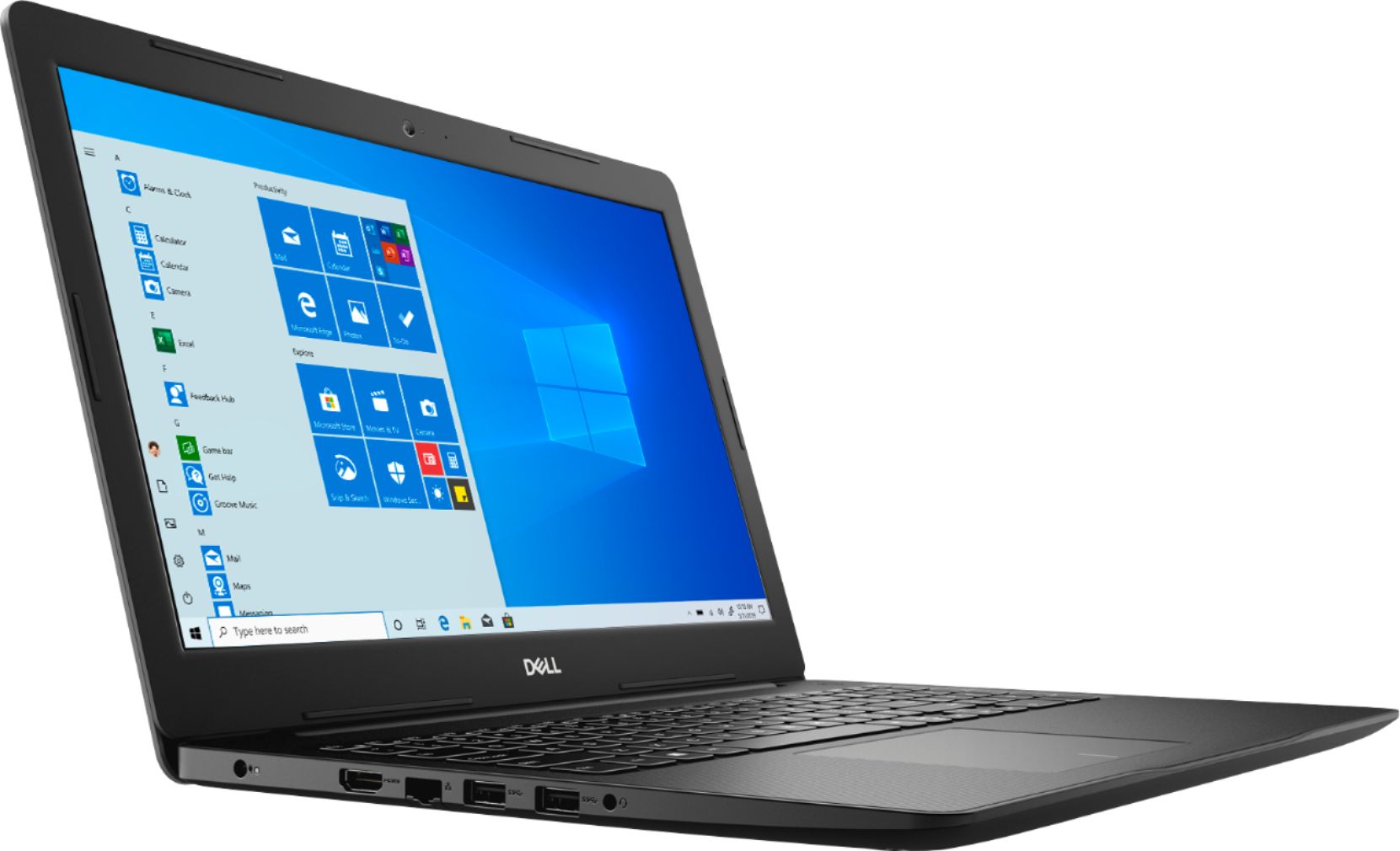
Customers enjoy the Inspiron 15.6" Touch-Screen Laptop for its affordable price, easy-to-use interface, and solid-state drive. Many users appreciate the touch screen and lightweight design, while some wish for a longer battery life and more storage space.
This summary was generated by AI based on customer reviews.
Hreat
||Posted . Owned for 1 month when reviewed.This reviewer received promo considerations or sweepstakes entry for writing a review.Nice does what it says ............:..............
I would recommend this to a friendGood computer
||Posted . Owned for 3 weeks when reviewed.This reviewer received promo considerations or sweepstakes entry for writing a review.Dell good company and the laptop good and work good
I would recommend this to a friendGreat computer for school
||Posted . Owned for 1 month when reviewed.This reviewer received promo considerations or sweepstakes entry for writing a review.Real good software have no ssues with the computer
I would recommend this to a friendGood for price
||Posted . Owned for 3 weeks when reviewed.This reviewer received promo considerations or sweepstakes entry for writing a review.Bought during thanks giving sale good for the price
I would recommend this to a friendGift
||Posted . Owned for 1 week when reviewed.This reviewer received promo considerations or sweepstakes entry for writing a review.It was very well received only wish it was a 2-n-1.
I would recommend this to a friendEasy to use
||Posted . Owned for 1 month when reviewed.This reviewer received promo considerations or sweepstakes entry for writing a review.Does what I need it to do. What more could I ask?
I would recommend this to a friendExcellent
||Posted . Owned for 1 month when reviewed.This reviewer received promo considerations or sweepstakes entry for writing a review.Excellent laptop with good quality and performance
I would recommend this to a friendCamara it’s ok
||Posted . Owned for 3 weeks when reviewed.This reviewer received promo considerations or sweepstakes entry for writing a review.Working fast and good , everything was fine for me
I would recommend this to a friendWorks great
||Posted . Owned for 3 weeks when reviewed.This reviewer received promo considerations or sweepstakes entry for writing a review.Computer works great! Great price and great speed.
I would recommend this to a friendExcellent
||Posted .This reviewer received promo considerations or sweepstakes entry for writing a review.Excellent product.................................
I would recommend this to a friendFirst computer wouldn't boot after a week.
||Posted . Owned for 2 weeks when reviewed.This reviewer received promo considerations or sweepstakes entry for writing a review.Had to exchange first computer because it wouldn't boot after a week. Wireless printer setup was very painful to get through. Trying to stay in S mode. Microsoft has a long way to come before that's going to work out. No cd/dvd rw drive.
No, I would not recommend this to a friendBrand response from YourDellTeam
Posted .exmechanic,
If you'd like to convert your Windows out of S mode you can follow these steps:
'Windows 10 in S mode is designed for security and performance, exclusively running apps from the Microsoft Store. If you want to install an app that isn't available in the Microsoft Store, you'll need to switch out of S mode. Switching out of S mode is one-way. If you make the switch, you won't be able to go back to Windows 10 in S mode. There's no charge to switch out of S mode.
1. On your PC running Windows 10 in S mode, open Settings > Update & Security > Activation.
2. In the Switch to Windows 10 Home or Switch to Windows 10 Pro section, select Go to the Store. (If you also see an "Upgrade your edition of Windows" section, be careful not to click the "Go to the Store" link that appears there.)
3. On the Switch out of S mode (or similar) page that appears in the Microsoft Store, select the Get button. After you see a confirmation message on the page, you'll be able to install apps from outside of the Microsoft Store.
Best,
Bryan
1-800-624-9896
Cheap laptop, long battery though.
||Posted . Owned for 3 weeks when reviewed.This reviewer received promo considerations or sweepstakes entry for writing a review.Cons: Screen is poor quality, had blue tint- color reproduction is poor. and only HD, not 1080p. very heavy and bulky. looks cheap. Pros: cpu is fast, boots up with decent speed, thanks to SSD. Battery lasts long, almost 10 hours.
No, I would not recommend this to a friendBrand response from YourDellTeam
Posted .Pmsh,
We're sorry to hear about the coloring on your computer. Here are some articles that may help with your monitor: https://dell.to/2CLF6yC.
If you have technical questions about your computer you can check our Product Support Page here: https://dell.to/2m18eN8.
Best,
Bryan
1-800-624-9896
Problematic setup!
||Posted . Owned for 3 weeks when reviewed.This reviewer received promo considerations or sweepstakes entry for writing a review.This machine came with Windows 10S, which will not permit third party apps to be installed. The machine fails to activate and indicates the copy of Windows is not valid. I will be contacting Dell for support, and if they cannot resolve these issue I will return the machine. If it wasn't or the Windows 10 problems this would be a great computer, particularly for the money.
No, I would not recommend this to a friendBrand response from YourDellTeam
Posted .Rcanne,
Thanks for your review. Here are the steps that you can use to convert your system out of Windows 10S:
'Windows 10 in S mode is designed for security and performance, exclusively running apps from the Microsoft Store. If you want to install an app that isn't available in the Microsoft Store, you'll need to switch out of S mode. Switching out of S mode is one-way. If you make the switch, you won't be able to go back to Windows 10 in S mode. There's no charge to switch out of S mode.
1. On your PC running Windows 10 in S mode, open Settings > Update & Security > Activation.
2. In the Switch to Windows 10 Home or Switch to Windows 10 Pro section, select Go to the Store. (If you also see an "Upgrade your edition of Windows" section, be careful not to click the "Go to the Store" link that appears there.)
3. On the Switch out of S mode (or similar) page that appears in the Microsoft Store, select the Get button. After you see a confirmation message on the page, you'll be able to install apps from outside of the Microsoft Store.
If your computer is having problems activating Windows you can follow these steps: If you are receiving a Windows 10 Home Activation Error you can follow these steps:
1. Verify that the system has an active internet connection (open a web browser and navigate to Microsoft.com)
NOTE: Follow standard network troubleshooting if the system cannot connect to the internet.
2. Select Start > Settings > Update & Security > Activation , and then select Troubleshoot.
3. The system should now activate and the error message should disappear automatically.
You can read the full article here: https://dell.to/2PKUhQ8.
Best,
Bryan
1-800-624-9896
Meh
||Posted . Owned for less than 1 week when reviewed.This reviewer received promo considerations or sweepstakes entry for writing a review.As others have mentioned, this laptop comes installed with windows in S-mode. If you also have no idea what this means, just call Dell. They walk you through it and it takes just a few minutes. Sadly, my laptop arrived with a broken touchpad that is popped out. It also runs very very hot. So hot. Would not want children to be around it. No more black Friday laptops left, so I will be returning to get something at regular price.
No, I would not recommend this to a friendBrand response from YourDellTeam
Posted .Hello,
Thanks for your review. We're happy to hear that one of our associates was able to walk you through the steps to transition your computer out of Windows S Mode. We're sorry to hear about the touchpad on your computer as we do not like to hear that your computer was not the way you hoped it would be. We hope that Best Buy will be able to go over your options with you.
Best,
Bryan
1-800-624-9896
Laptop had a button come off fresh out the box.
||Posted .This reviewer received promo considerations or sweepstakes entry for writing a review.The computer had a key on the keyboard come off very easily when we opened it at home. Luckily though Bestbuy was of great service and replaced the laptop so that I didn’t have to go through the hassle of finding one again
No, I would not recommend this to a friendBrand response from YourDellTeam
Posted .Dany,
We're sorry to hear about the button on your laptop that came off. We're happy to hear that you were able to get a replacement. If you have any questions about your computer you can visit our Product Support Page here: https://dell.to/2m18eN8.
Best,
Bryan
1-800-624-9896
Bad touch screen
||Posted . Owned for 8 months when reviewed.This reviewer received promo considerations or sweepstakes entry for writing a review.Very fast computer but rather big. Also not even a year in and the touch screen wacked out on me had to disable it which defeats the purpose. I would have just not boughten touch screen
No, I would not recommend this to a friendIt's alright
||Posted . Owned for 1 year when reviewed.This reviewer received promo considerations or sweepstakes entry for writing a review.It's alright for what it is, but it could be a lot better. Can't complain though with the price tag,but wished I would have paid extra to get something better.
I would recommend this to a friendFast Laptop, Resolution Could Be Better
||Posted . Owned for 2 months when reviewed.This reviewer received promo considerations or sweepstakes entry for writing a review.I like the size of the laptop, it’s quiet, and it’s fast. It’s taking me a while to get used to the resolution, it’s a bit cheap looking. I got it Black Friday so I guess I can’t complain for the price I paid.
I would recommend this to a friendBrand response from YourDellTeam
Posted .Dallastxbb,
Thanks for your review. We're sorry to hear about the resolution issues that you're having with your laptop screen. We'd recommend that you read the article on this site for more information about how to handle screen issues: https://dell.to/2CLF6yC.
Best,
Bryan
1-800-624-9896
Great laptop but am Not happy
||Posted . Owned for 1 month when reviewed.This reviewer received promo considerations or sweepstakes entry for writing a review.Been having issues with laptop the drivers for the past 2 wks of and on and this past 3 days one after an other. Dell support has looked at it all 3 days in a row and still not working correctly.
No, I would not recommend this to a friendBrand response from YourDellTeam
Posted .Izzy,
Thanks for your review. We're sorry to hear that you've been having issues with your computer. If you'd like to follow up with Dell's Technical Support Team you can contact them here: http://dell.to/2sH7Qlm.
If you have questions about your computer you can check out our Product Support Page here: https://dell.to/2m18eN8.
Best,
Bryan
1-800-624-9896
- Cons mentioned:Battery life
Battery issues
||Posted . Owned for 10 months when reviewed.This reviewer received promo considerations or sweepstakes entry for writing a review.Less than 2 years and my battery can’t hold a charge. It’s dead after one night off the charger and not being used.
No, I would not recommend this to a friend