Customer Ratings & Reviews







- Model:
- i7500-7357SLV-PUS
- SKU:
- 6409067
Rating by feature
- Battery Life
Rating 4.5 out of 5 stars
- Speed
Rating 4.7 out of 5 stars
- Display
Rating 4.4 out of 5 stars
Customers are saying
Customers commend the Inspiron 15 7000 2-in-1 laptop for its responsive touch screen, user-friendly interface, and lightweight design. They appreciate the fast processor, great performance, and ample storage space. However, some users have experienced issues with the microphone and overheating.
This summary was generated by AI based on customer reviews.
Dell Laptop
||Posted .This reviewer received promo considerations or sweepstakes entry for writing a review.This laptop is a great option especially for work.
I would recommend this to a friendGreat computer
||Posted .This reviewer received promo considerations or sweepstakes entry for writing a review.Purchased for NTI school...impressive performance!
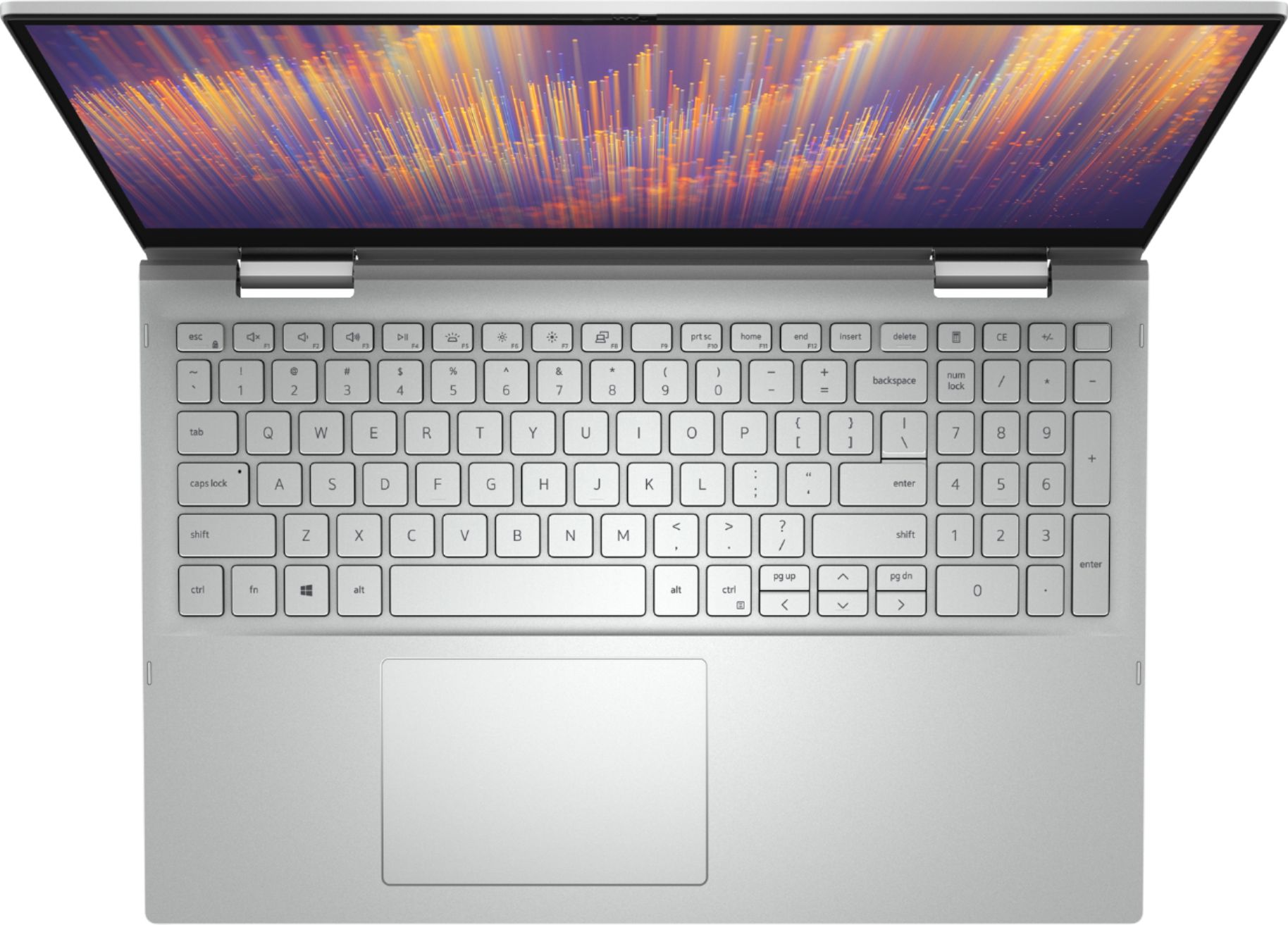
I would recommend this to a friendHorrible choice for key broad color
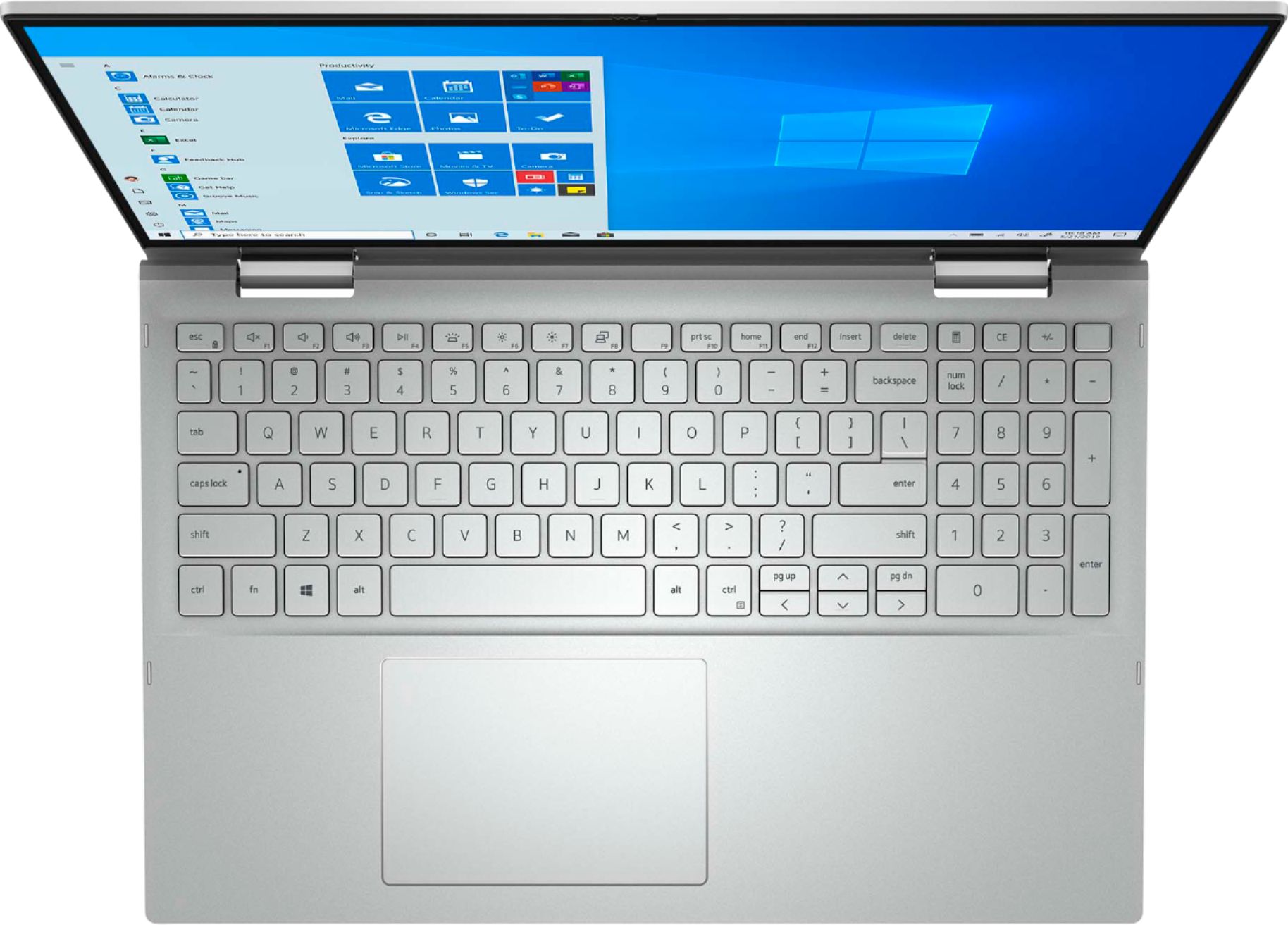
||Posted . Owned for 3 weeks when reviewed.This reviewer received promo considerations or sweepstakes entry for writing a review.When keys are back lit they are near impossible to read. other than that no complaints.
I would recommend this to a friendBrand response from YourDellTeam
Posted .elane90,
Thanks for your review. We're sorry that you are having trouble reading your keyboard with the backlit feature. Here are steps to adjust the brightness or turn off the backlighting all together: https://dell.to/3bOZUV2.
Best,
Bryan
1-800-624-9896
- Cons mentioned:Overheating
overheats
||Posted .This reviewer received promo considerations or sweepstakes entry for writing a review.AS a virtual teacher who spends all day on live meetings do not waste your money. This computer is great in every way except that it overheats and turns off when used for long stretches of time.
No, I would not recommend this to a friendBrand response from YourDellTeam
Posted .Dwelch,
We are sorry that your computer is overheating on you. We'd recommend trying the following steps to help your computer perform at a lower temperature:
Tips for Proper Usage:
1. Dell does not recommend placing portable systems directly on your lap. Due to reductions in the thickness of modern portable systems, heat transfer can be an issue.
2. Using a portable system (Laptop) on a hard, flat, non-cloth surface will increase airflow and reduce heat from underneath and inside the system.
Using the portable system on a blanket, pillow, or other types of cloth will cover up the fan cause the computer to overheat and can cause permanent damage.
3. It is recommended to use the portable system in a Room temperature of 0°C to 35°C (32°F to 95°F) with a Humidity level no greater than 90%.
4. Use compressed air to clean the vents on a regular basis.
5. Using a cooling pad can decrease heat and increase performance.
6. If you want to know the temperature limitations for your system, go to the Dell Support Website, look up your system model then open the user guide under the manuals link.
You can read the full article here - http://dell.to/2uJ8AdG.
Best,
Bryan
1-800-624-9896
Standard laptop
||Posted . Owned for 3 weeks when reviewed.This reviewer received promo considerations or sweepstakes entry for writing a review.TouchPad is difficult to click and move cursor around.
I would recommend this to a friendBrand response from YourDellTeam
Posted .ticker92,
Thanks for your review and we're sorry that your touchpad is not as sensitive as you hoped it would be. Here are the steps to re-calibrate your touchpad: Some Notebooks and Tablets with Keyboards have added gesture features to the touchpad hardware and drivers. A few of these features are two or three finger scrolling, pinch zoom, circle zoom, rotate and swiping. These new features may be the reason for the erratic cursor movement since most are turned on by default. You can disable or modify the way the features work in the touchpad driver properties. Here are some tips to modify these settings:
1. In the Search box, type main.cpl.
2. Touch or click main.cpl in the list of programs.
3. Touch or click the Dell Touchpad tab.
4. Touch or click on the picture of the touchpad.
5. Touch or click Gestures (depending on your computer there may not be a Gestures option).
6. Change the options as preferred.
7. Touch or click Save.
8. Touch or click the X in the upper-right corner to close the Dell Touchpad Utility.
9. Touch or click OK on the Mouse Properties window.
10. If the touchpad still does not work after following the preceding steps, refer to Dell Knowledge Base article - http://dell.to/2iaiujA.
You can read the full article here - http://dell.to/2tqmS02.
Best,
Bryan
1-800-624-9896
key brightness is horrible
||Posted . Owned for less than 1 week when reviewed.This reviewer received promo considerations or sweepstakes entry for writing a review.Out of the box I knew this wasn't going to work. My eyesight stinks, but white characters on silver keys equals impossible to see. On top of it all, the camera wasn't working. Had this computer for one hour and it's packed up and ready to return.
No, I would not recommend this to a friendBrand response from YourDellTeam
Posted .MisterEd,
We're sorry to hear that you were not more happy with your new computer. Here are the steps to adjust the brightness of your backlit keys or turn off the backlighting all together: https://dell.to/3bOZUV2.
If you'd like to see if there are any driver updates for your camera you can check our Product Support Page here: https://dell.to/3gMyl1H.
Best,
Bryan
1-800-624-9896
Open box laptop
||Posted . Owned for 3 weeks when reviewed.This reviewer received promo considerations or sweepstakes entry for writing a review.I bought this laptop and after 2 weeks it freezes, and I had to take out the battery to use it. I had to get a brand new battery.
No, I would not recommend this to a friendOpen box items are RIP OFFS!
||Posted . Owned for 1 month when reviewed.This reviewer received promo considerations or sweepstakes entry for writing a review.I purchased a Dell-Inspiron 15 7000. I’m VERY unhappy with my purchase. It said, Open Box Available, said it was in excellent condition. But failed to indicate that it had a problem charging. After several attempts to charge my Dell-Inspiron 15 7000 I thought my outlet had a problem so I changed rooms. After several charging attempts I finally realized it had a problem with it’s battery recharging base. By then I couldn’t even return it. NEVER AGAIN PURCHASE A OPEN BOX ITEM. When they say excellent condition it’s really is a LIE!!!
No, I would not recommend this to a friend1 day too late to return...
||Posted . Owned for 2 weeks when reviewed.This reviewer received promo considerations or sweepstakes entry for writing a review.This laptop has shut down for no reason numerous times. I thought I had a setting to have it shut down at first so I didn't check until it was too late. One of the keys sticks already in spite of the fact that I keep food and drink away from it and the finger sensor and other biometrics are a joke. Spent almost 3 hours on the phone just to get it working and it does now...poorly. I'm extremely disappointed with this purchase.
No, I would not recommend this to a friendBrand response from YourDellTeam
Posted .JoanofArk,
We're sorry to hear about the issues that you've had with your computer so far. Consider the tips in this article with regards to your computer shutting down: https://intel.ly/2BlmpED. Please also consider un-checking the box in the Power Management tab that allows the computer to turn off the device to save power.
Best,
Bryan
1-800-624-9896
I SHOULD HAVE STAYED WITH APPLE PRODUCTS
||Posted . Owned for 1 month when reviewed.This reviewer received promo considerations or sweepstakes entry for writing a review.I WISH I DIDN'T WASTE MY MONEY. NOW I STUCK PAYING 1200 FOR A COMPUTER THAT DOESN'T WORK!!!!!!!!!!!!!!!! NOT USER FRIENDLY CAN'T SPEAK TO ANYONE OVER THE PHONE FOR HELP. THE SOUND IS GONE.
No, I would not recommend this to a friendBrand response from YourDellTeam
Posted .Valued Customer,
We're sorry to hear about the issues that you're having with your new 2-in-1 laptop. We'd recommend downloading the latest RealTek High Definition Audio Driver update that Dell released on your system's product page: https://dell.to/3gMyl1H. We hope that this helps resolve any issues that you're having.
Best,
Bryan
1-800-624-9896
Poor build quality
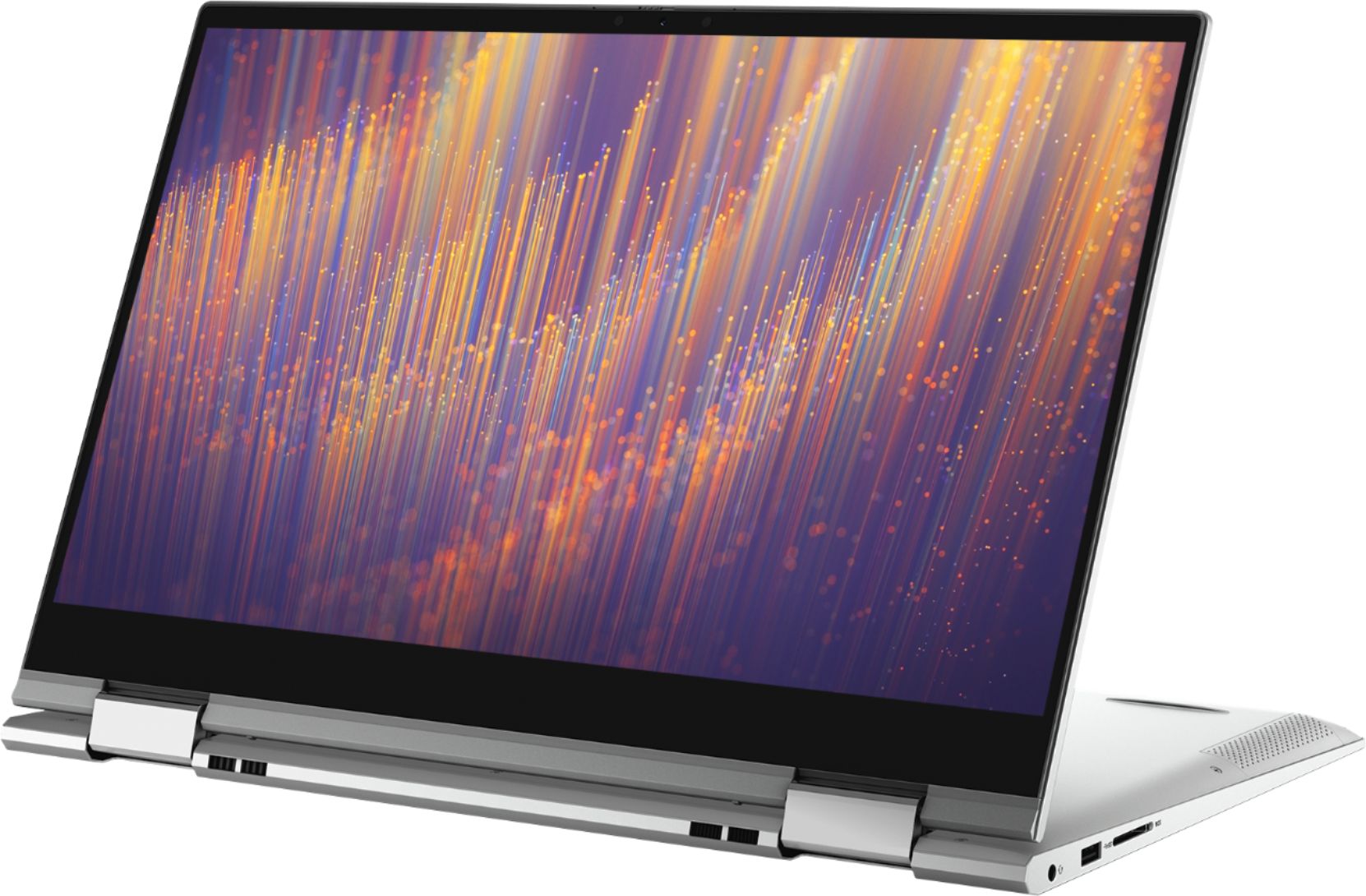
||Posted . Owned for 1 week when reviewed.This reviewer received promo considerations or sweepstakes entry for writing a review.Had too return after 2 days of usage as the bezel snapped open by simply using the "2 in 1" feature, would not recommend.
No, I would not recommend this to a friendAbsolute fail.
||Posted . Owned for 4 months when reviewed.This reviewer received promo considerations or sweepstakes entry for writing a review.We tried this laptop twice and returned it. It had problem after problem. Not the experience you'd expect out of a new laptop. It was supposed to be a graduation gift for my son. It became embarrassingly disappointing.
No, I would not recommend this to a friendPoor Shipping Package
||Posted . Owned for less than 1 week when reviewed.This reviewer received promo considerations or sweepstakes entry for writing a review.I just got shipping today. it was not secure and properly standard pack. Charger Made in China. I would not keep this product. I will return by today.
No, I would not recommend this to a friendDell Laptop with problems
||Posted . Owned for 3 weeks when reviewed.This reviewer received promo considerations or sweepstakes entry for writing a review.computer wasn't working properly and returned it as geek squad could not fix it. the "Google Chrome" app would not open...pathetic on a computer sold by Best Buy!!
No, I would not recommend this to a friendVery disappointing
||Posted . Owned for 1 week when reviewed.This reviewer received promo considerations or sweepstakes entry for writing a review.I order a new laptop but i received an open box one...i would recommend if u getting right there in the store...don't recommend shipping...
I would recommend this to a friendBrand response from YourDellTeam
Posted .Melissa54,
We're sorry to hear about the issues that you had with your computer purchase. We'd recommend that you reach out to Best Buy directly in order to see what your return and exchange options are for a new computer: http://bit.ly/2v2IVhI.
Best,
Bryan
1-800-624-9896
dont buy open box laptops
||Posted . Owned for less than 1 week when reviewed.This reviewer received promo considerations or sweepstakes entry for writing a review.sold me this laptop and it was all scratched up for a new price dont buy open box laptops and full of virus .
No, I would not recommend this to a friendLap top
||Posted .This reviewer received promo considerations or sweepstakes entry for writing a review.Not nice experience. Touch pad is not working. Will return it.
No, I would not recommend this to a friendBrand response from YourDellTeam
Posted .StaticNoise,
Thanks for your review and we're sorry that your touchpad is not working the way that it should. We'd recommend re-calibrating your touchpad with these steps: Some Notebooks and Tablets with Keyboards have added gesture features to the touchpad hardware and drivers. A few of these features are two or three finger scrolling, pinch zoom, circle zoom, rotate and swiping. These new features may be the reason for the erratic cursor movement since most are turned on by default. You can disable or modify the way the features work in the touchpad driver properties.
Here are some tips to modify these settings:
1. In the Search box, type main.cpl.
2. Touch or click main.cpl in the list of programs.
3. Touch or click the Dell Touchpad tab.
4. Touch or click on the picture of the touchpad.
5. Touch or click Gestures (depending on your computer there may not be a Gestures option).
6. Change the options as preferred.
7. Touch or click Save.
8. Touch or click the X in the upper-right corner to close the Dell Touchpad Utility.
9. Touch or click OK on the Mouse Properties window.
10. If the touchpad still does not work after following the preceding steps, refer to Dell Knowledge Base article - http://dell.to/2iaiujA.
You can read the full article here - http://dell.to/2tqmS02.
Best,
Bryan
1-800-624-9896
Garbage
||Posted . Owned for 1 week when reviewed.This reviewer received promo considerations or sweepstakes entry for writing a review.Had this laptop less than twenty four hours and it froze about six times. Returned it for refund
No, I would not recommend this to a friendLaptop
||Posted . Owned for 3 weeks when reviewed.This reviewer received promo considerations or sweepstakes entry for writing a review.Despite Geek Squad assistance several times over, the product continues to fail.
No, I would not recommend this to a friendBrand response from YourDellTeam
Posted .BobC,
We're sorry to hear that you're having issues with your new computer. Dell did just release a new RealTek High Definition Audio Driver for your computer system. You can find the new driver to help improve your audio here: https://dell.to/3gMyl1H.
Best,
Bryan
1-800-624-9896
bad
||Posted . Owned for 1 month when reviewed.This reviewer received promo considerations or sweepstakes entry for writing a review.very heavy dont like the flip screen very heavy no
No, I would not recommend this to a friendBrand response from YourDellTeam
Posted .diegoada,
Thanks for your review. We're sorry that your computer's weight is not meeting your needs. If you have any technical questions about your computer you can check our Product Support Page here: https://dell.to/39mAOwP.
Best,
Bryan
1-800-624-9896