Customer Ratings & Reviews

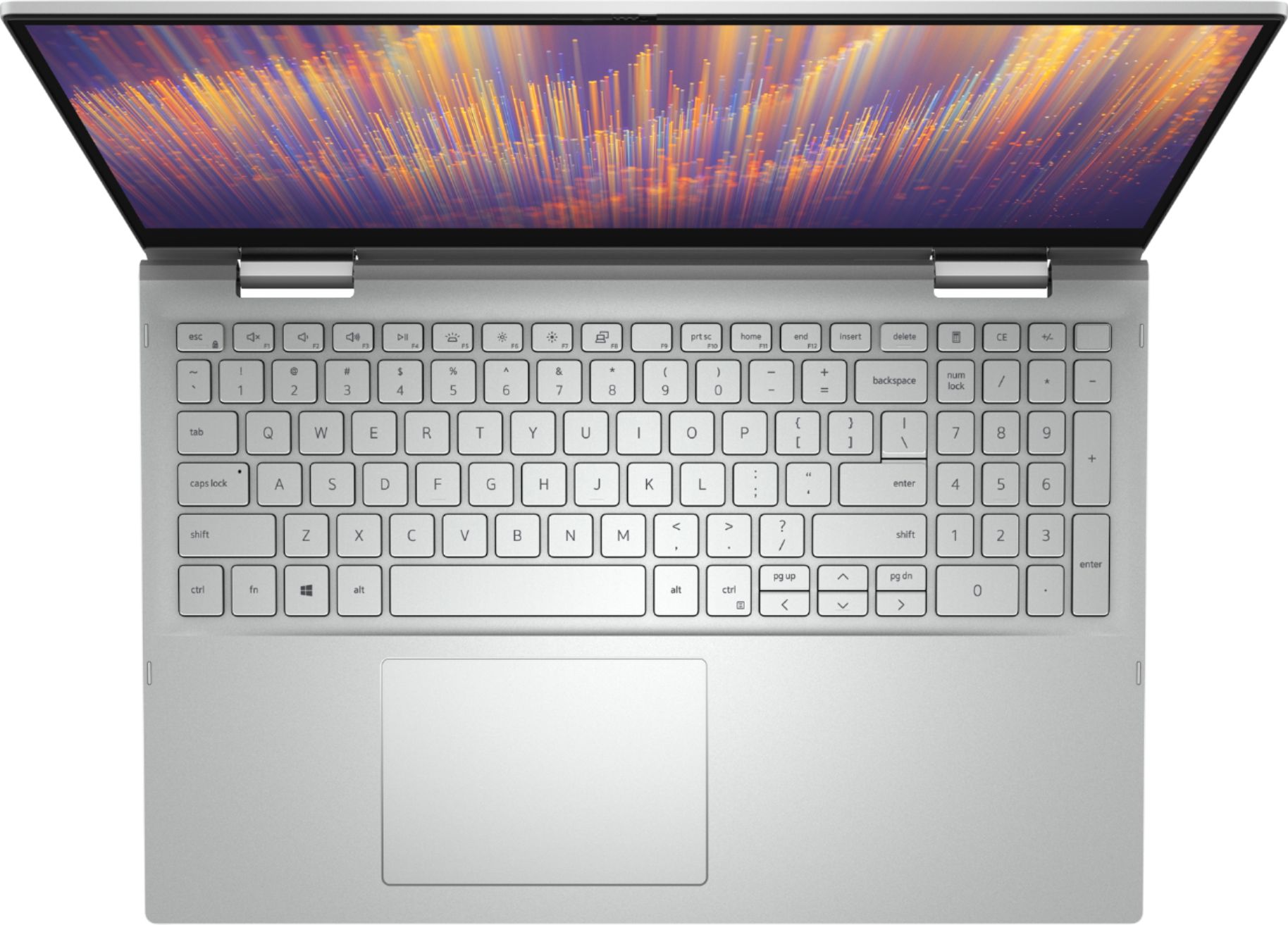


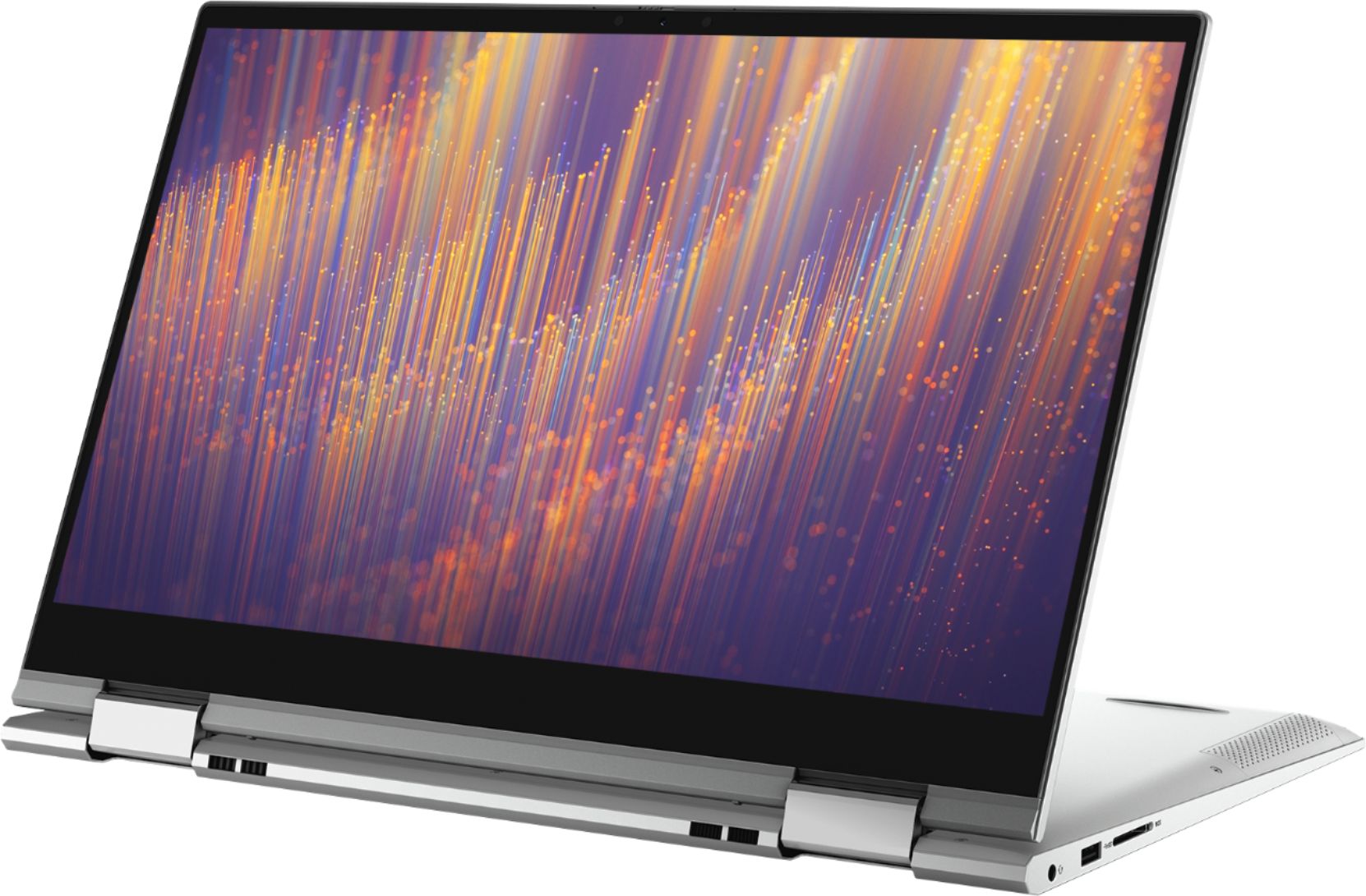




- Model:
- i7500-7357SLV-PUS
- SKU:
- 6409067
Rating by feature
- Battery Life
Rating 4.5 out of 5 stars
- Speed
Rating 4.7 out of 5 stars
- Display
Rating 4.4 out of 5 stars
Customers are saying
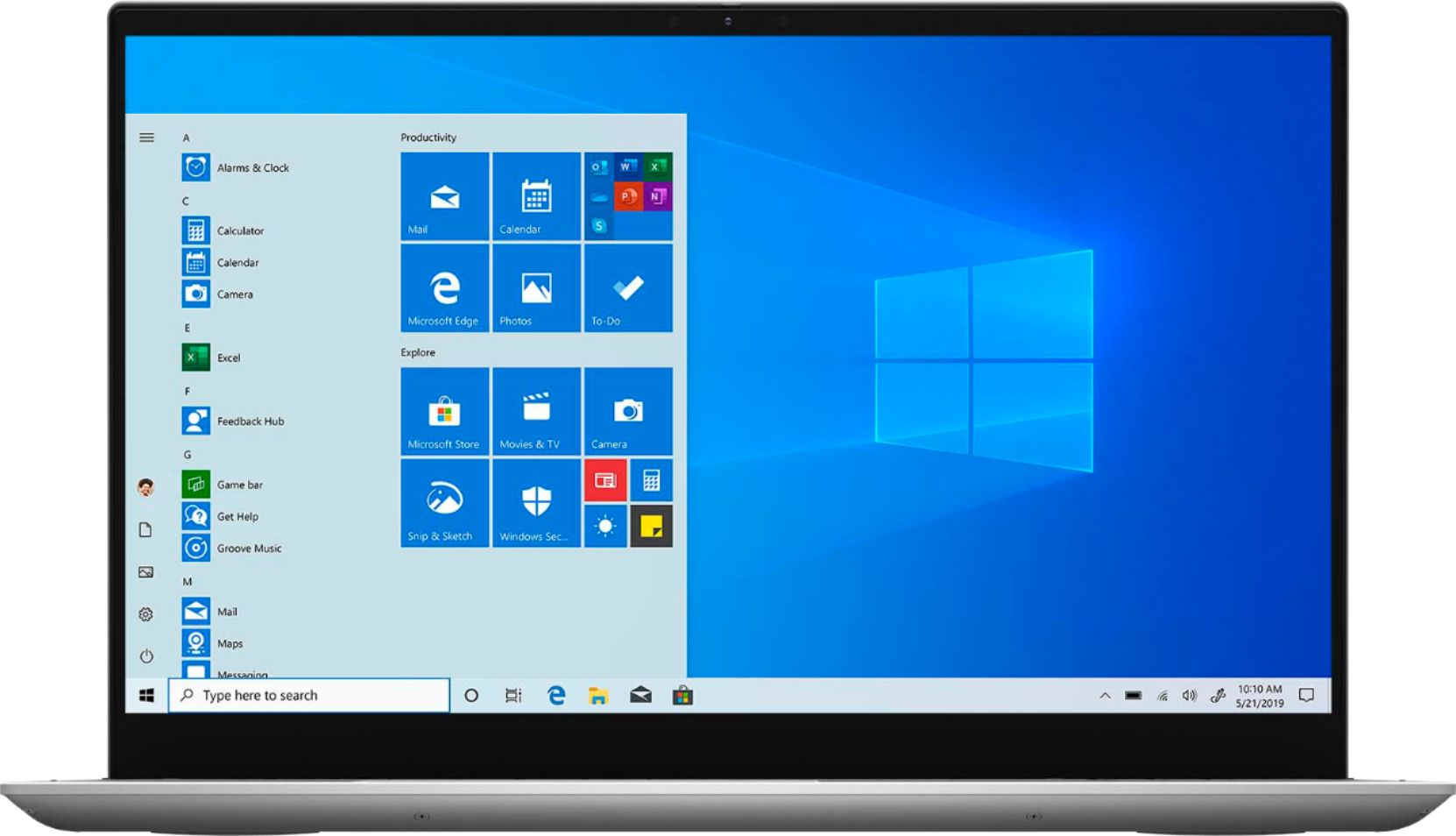
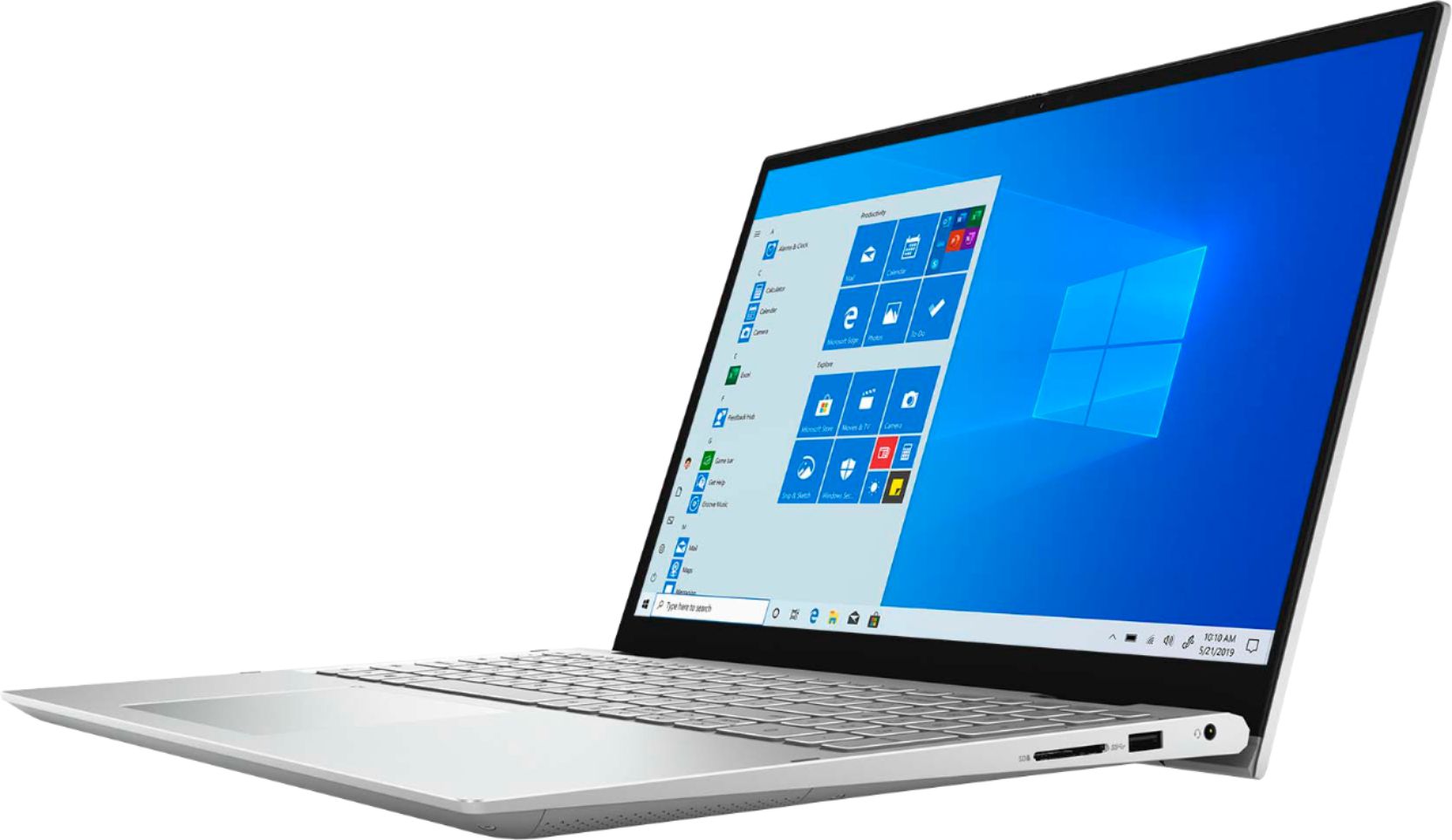
Customers commend the Inspiron 15 7000 2-in-1 laptop for its responsive touch screen, user-friendly interface, and lightweight design. They appreciate the fast processor, great performance, and ample storage space. However, some users have experienced issues with the microphone and overheating.
This summary was generated by AI based on customer reviews.
Will get the job done
Posted .This reviewer received promo considerations or sweepstakes entry for writing a review.Has been a great computer. I've used several applications and this computer has got the job done without any issues.
I would recommend this to a friendInspiron 15
Posted .This reviewer received promo considerations or sweepstakes entry for writing a review.great computer! does everything I need it to for work and home.
I would recommend this to a friendRealtor
Posted .This reviewer received promo considerations or sweepstakes entry for writing a review.Great delivery time and came in top shop. Do recommend
I would recommend this to a friendNot the best
Posted .This reviewer received promo considerations or sweepstakes entry for writing a review.This laptop is pretty cheap for its specs but I would still not go for it for a variety of problems. Yes, it is good an lightweight, making it ideal for a college student or even for work. But the laptop doesn't live up to its specs. Its not as fast as it should be. Besides this, it tends to get hot without doing much and since the fan is awkwardly placed at the bottom, you cannot put it in your lap - it has to be on a table. Even with minimal usage the cooling fan has an unexpectedly loud noise. When the laptop comes, there are multiple updates you need to make and even then there are software issues you could encounter. I actually had to exhnage my laptop because it would randomly restart, and with the second one it happened again. The display also causes great eye strain, so you have to get a blue light filter if you dont want to destroy your eyes. The metal material also gets dirty very quickly. At the end of the day, while this is not horrible, I would reccomend that you pay a little extra so you can be comfortable and have a peace of mind.
No, I would not recommend this to a friendBrand response from YourDellTeam
Posted .June,
Thanks for your review and we're sorry that your laptop is not meeting all of your needs. If you'd like to see if your computer can operate cooler we'd recommend these tips:
Tips for Proper Usage:
1. Dell does not recommend placing portable systems directly on your lap. Due to reductions in the thickness of modern portable systems, heat transfer can be an issue.
2. Using a portable system (Laptop) on a hard, flat, non-cloth surface will increase airflow and reduce heat from underneath and inside the system.
Using the portable system on a blanket, pillow, or other types of cloth will cover up the fan cause the computer to overheat and can cause permanent damage.
3. It is recommended to use the portable system in a Room temperature of 0°C to 35°C (32°F to 95°F) with a Humidity level no greater than 90%.
4. Use compressed air to clean the vents on a regular basis.
5. Using a cooling pad can decrease heat and increase performance.
6. If you want to know the temperature limitations for your system, go to the Dell Support Website, look up your system model then open the user guide under the manuals link.
You can read the full article here - http://dell.to/2uJ8AdG.
For the fan noise on your computer we'd recommend updating the BIOS to see if that helps:
An out-of-date BIOS can cause loud fan noises by having an outdated temperature table for the system. Refer to update BIOS and follow the instructions to update the BIOS on your computer. You can also follow up with our Technical Support Team here - 1-800-624-9896.
You can read the full article here - http://dell.to/2ENlXfz.
Best,
Bryan
1-800-624-9896
- Cons mentioned:Camera, Microphone issue
Microphone Issues
Posted .This reviewer received promo considerations or sweepstakes entry for writing a review.I like the laptop except the microphone doesn't work when using a video conferencing platform like BlueJeans or Zoom. If you turn the camera off, then the microphone will work. I tried updating drivers and had tech do online version but they can't resolve it. I see others have similar microphone issue. Dell needs to correct this! Not happy hear.
No, I would not recommend this to a friendBrand response from YourDellTeam
Posted .DanB,
Thanks for your review and we're sorry to hear about the microphone issues that you are having with your computer. The RealTek High Definition Audio Driver update that was released recently is meant to help with the microphone issues that you described. Please be sure to check the drivers page for your computer and make sure that everything is up to date here: https://dell.to/3gMyl1H.
Best,
Bryan
1-800-624-9896