Customer Ratings & Reviews



- Model:
- I7386-7007BLK-PUS
- SKU:
- 6295917
to a friend
Customers are saying
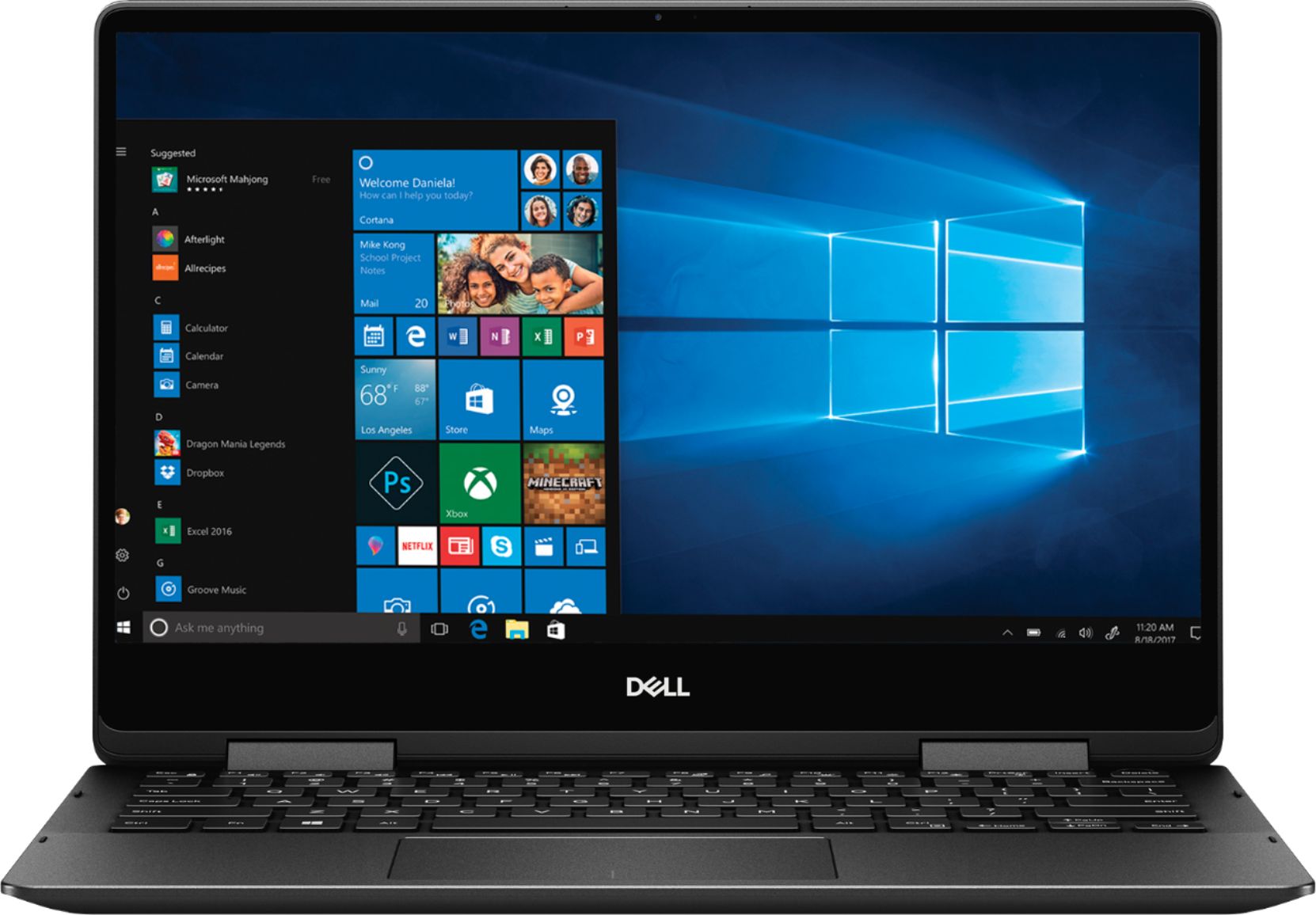
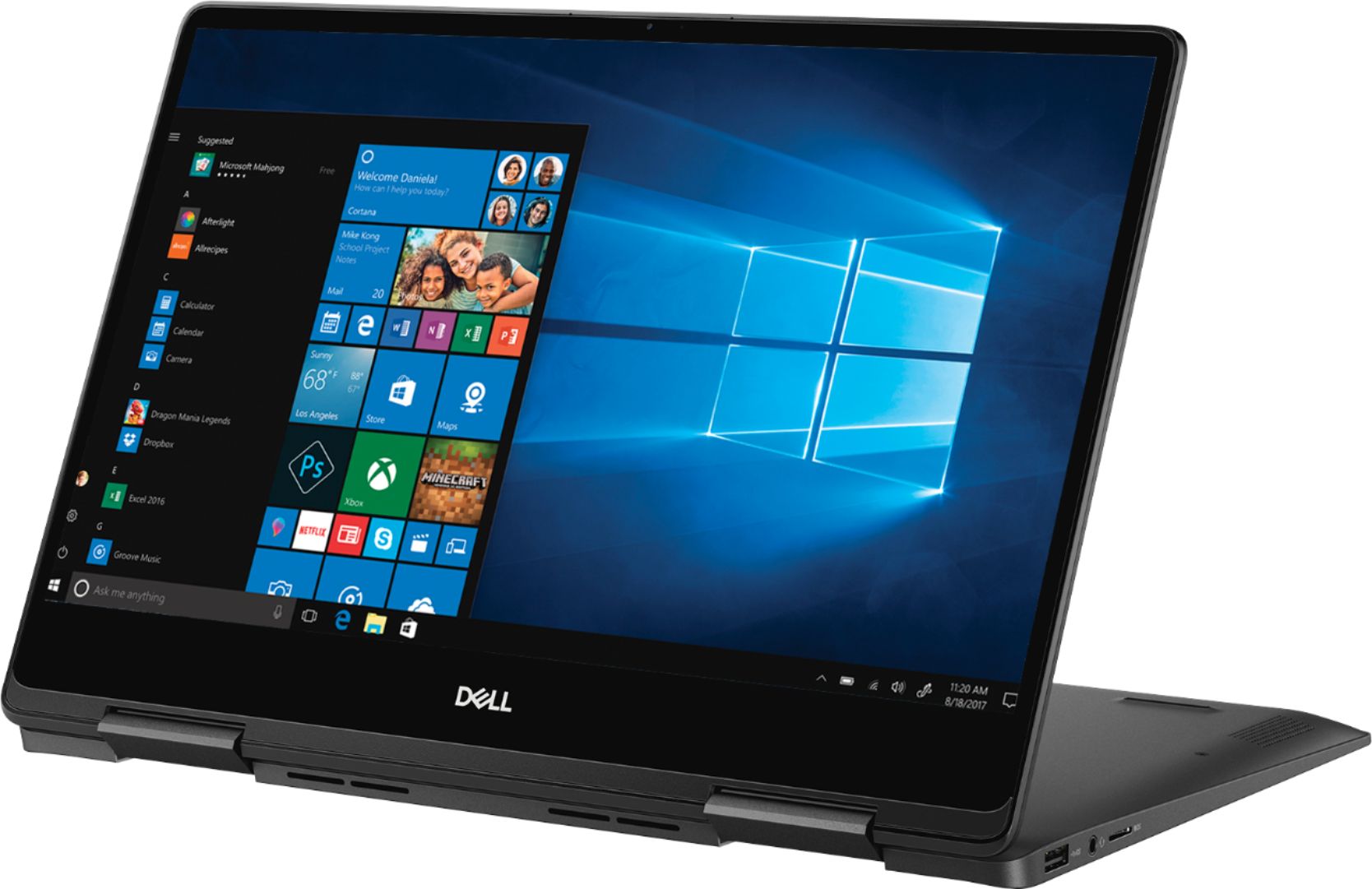
Customers recognize the Inspiron 2-in-1 laptop for its lightweight design, fast performance, and vibrant 4K display. They appreciate the convenience of the touch screen and find that the laptop offers great value for its price. However, customers have concerns about the laptop's battery life, which they say is extremely poor, as well as its tendency to overheat and produce excessive fan noise.
This summary was generated by AI based on customer reviews.
Excellent size for travel.
||Posted .This reviewer received promo considerations or sweepstakes entry for writing a review.I really like the size of this laptop, especially for travel but I really miss my numeric keys that are not on the right.
I would recommend this to a friendVery handly, light and manageable
||Posted . Owned for 1 month when reviewed.This reviewer received promo considerations or sweepstakes entry for writing a review.I purchase this product for my son, its accessible and friendly for students accessory and efficient and fast
I would recommend this to a friendnice and light and reliable
||Posted .This reviewer received promo considerations or sweepstakes entry for writing a review.I wish it had more memory but otherwise I have been happy with this laptop, unlike the last two I have bought.
I would recommend this to a friendGreat computer for the price!
||Posted . Owned for 3 weeks when reviewed.This reviewer received promo considerations or sweepstakes entry for writing a review.I am enjoying this computer. The only complaint I have is that it is slow to load web sites and pictures.
I would recommend this to a friendLight Weight, good battery backup
||Posted . Owned for 1 month when reviewed.This reviewer received promo considerations or sweepstakes entry for writing a review.Perfect for professional use. No heating problem so far, easy to carry. The tablet mode is not so good.
I would recommend this to a friendDell
||Posted .This reviewer received promo considerations or sweepstakes entry for writing a review.Not a fan of the touch screen. Don't really like winddowns 10 either.
No, I would not recommend this to a friend- Cons mentioned:Battery life
Pricey for Average Performance
||Posted .This reviewer received promo considerations or sweepstakes entry for writing a review.Bought this laptop expecting that it would deliver fast and efficient performance. How disappointing. Performance was the same as the less expensive laptops. Also, for the price, it doesn't feel premium like other brands. Battery life is also not that great. This should be an $800 laptop at the most.
No, I would not recommend this to a friendBrand response from YourDellTeam
Posted .Overdfence,
Thanks for your review. We're sorry that your computer is not performing the way you hoped it would. We'd recommend running the Windows Performance Troubleshooter:
1. Close all open windows.
2. Press the Windows logo key + X key on the keyboard.
3. Click Control Panel.
4. Click System and Security.
5. Under Security and Maintenance, select Troubleshoot common problems.
6. Under System and Security, click Run maintenance tasks.
7. Follow the on-screen instructions and prompts to complete the process.
8. Restart the PC.
You can read the full article here - http://dell.to/2tSulGV.
If you'd like some tips on how to extend the life of your battery, you can try these:
Change the Power Plan:
1. On the notification area of the taskbar, right-click the Battery icon.
2. On the options list, click Power Options.
3. Select a power plan on the battery meter, such as Power Saver or Balanced. Windows 10 has a built in 'Battery Saver' mode that can be activated to extend your system's battery life. The Battery Saver mode will monitor and limit background activity and other features such as push notifications. You do have the option to enable or disable this mode within settings or within advanced Battery Saver settings, you can customize the mode to best suit your needs.
a) Click on the Action Center icon in the taskbar and select the tile for Battery Saver.
b) If running Cortana then type Battery Saver into the search box and select from the results.
Within the Battery Saver settings page, you will be able to turn on and off the feature and customize the feature to best meet your needs.
c) Turn Battery Saver On or Off.
d) Additional settings available via the Battery use and Battery saver settings links.
e) Battery use shows further info on apps and their power usage.
f) Battery Saver Settings screen allows you to customize further Battery Saver feature.
You can read the full article here - http://dell.to/2vfXWf4.
Best,
Bryan
1-800-624-9896
- Cons mentioned:Battery life
Nice laptop but battery sucks
||Posted . Owned for 1 month when reviewed.This reviewer received promo considerations or sweepstakes entry for writing a review.Battery does not last as i expected. Its last less than i thought.
No, I would not recommend this to a friendBrand response from YourDellTeam
Posted .Zubair,
We're happy to hear that your laptop is meeting your expectations for the most part. If you'd like to extend the battery life of your computer, we'd suggest the following tips:
Change the Power Plan:
1. On the notification area of the taskbar, right-click the Battery icon.
2. On the options list, click Power Options.
3. Select a power plan on the battery meter, such as Power Saver or Balanced. Windows 10 has a built in 'Battery Saver' mode that can be activated to extend your system's battery life. The Battery Saver mode will monitor and limit background activity and other features such as push notifications. You do have the option to enable or disable this mode within settings or within advanced Battery Saver settings, you can customize the mode to best suit your needs.
a) Click on the Action Center icon in the taskbar and select the tile for Battery Saver.
b) If running Cortana then type Battery Saver into the search box and select from the results.
Within the Battery Saver settings page, you will be able to turn on and off the feature and customize the feature to best meet your needs.
c) Turn Battery Saver On or Off.
d) Additional settings available via the Battery use and Battery saver settings links.
e) Battery use shows further info on apps and their power usage.
f) Battery Saver Settings screen allows you to customize further Battery Saver feature.
You can read the full article here - http://dell.to/2vfXWf4.
Best,
Bryan
1-800-624-9896
Good Computer
||Posted .This reviewer received promo considerations or sweepstakes entry for writing a review.Only had it for a couple months but it seems to work well for the basic applications we use it for.
I would recommend this to a friend- Cons mentioned:Battery life
It was a pain setting up
||Posted .This reviewer received promo considerations or sweepstakes entry for writing a review.It's ok but not great battery does not last an long as I wanted.
No, I would not recommend this to a friendBrand response from YourDellTeam
Posted .Aly98,
Thanks for your review. We're sorry to hear that your computer's batttery is not lasting as long as you hoped it would. We'd recommend these tips to help your batter last longer:
Change the Power Plan:
1. On the notification area of the taskbar, right-click the Battery icon.
2. On the options list, click Power Options.
3. Select a power plan on the battery meter, such as Power Saver or Balanced. Windows 10 has a built in 'Battery Saver' mode that can be activated to extend your system's battery life. The Battery Saver mode will monitor and limit background activity and other features such as push notifications. You do have the option to enable or disable this mode within settings or within advanced Battery Saver settings, you can customize the mode to best suit your needs.
a) Click on the Action Center icon in the taskbar and select the tile for Battery Saver.
b) If running Cortana then type Battery Saver into the search box and select from the results.
Within the Battery Saver settings page, you will be able to turn on and off the feature and customize the feature to best meet your needs.
c) Turn Battery Saver On or Off.
d) Additional settings available via the Battery use and Battery saver settings links.
e) Battery use shows further info on apps and their power usage.
f) Battery Saver Settings screen allows you to customize further Battery Saver feature.
You can read the full article here - http://dell.to/2vfXWf4.
If you need help setting anything else up on your computer you can run Dell's Support Assist App.
Best,
Bryan
1-800-624-9896
Awesome computer
||Posted .This reviewer received promo considerations or sweepstakes entry for writing a review.Very nice computer with 4k resolution. I wish it had more solid state memory. Price was nice too.
I would recommend this to a friendGreat Laptop
||Posted .This reviewer received promo considerations or sweepstakes entry for writing a review.I bought the laptop for my son to finish his last year of high school and to take to college. While it more than meets his needs for academics he thinks it's a great system for gaming. The long battery life is one one of the key features we really like.
I would recommend this to a friendmemory
||Posted .This reviewer received promo considerations or sweepstakes entry for writing a review.nice computer with good memory. I recommand the product
I would recommend this to a friendGreat laptop for traveling
||Posted .This reviewer received promo considerations or sweepstakes entry for writing a review.Small compact laptop but with all the features you need. Very fast and the screen is amazing
I would recommend this to a friend- Cons mentioned:Overheating
heating issue and not much helpful of the 4K featu
||Posted . Owned for 1.5 years when reviewed.This reviewer received promo considerations or sweepstakes entry for writing a review.there is a lot of heating issue and the battery discharging way faster with the product. I would not suggest to have 4K UHD for anyone (specially students) as the 4k feature is not helpful merely a technological advancement.
No, I would not recommend this to a friend Work alright
||Posted .This reviewer received promo considerations or sweepstakes entry for writing a review.Had to make additional 2 1/2 hour trip bank to store to get windows 10 to download
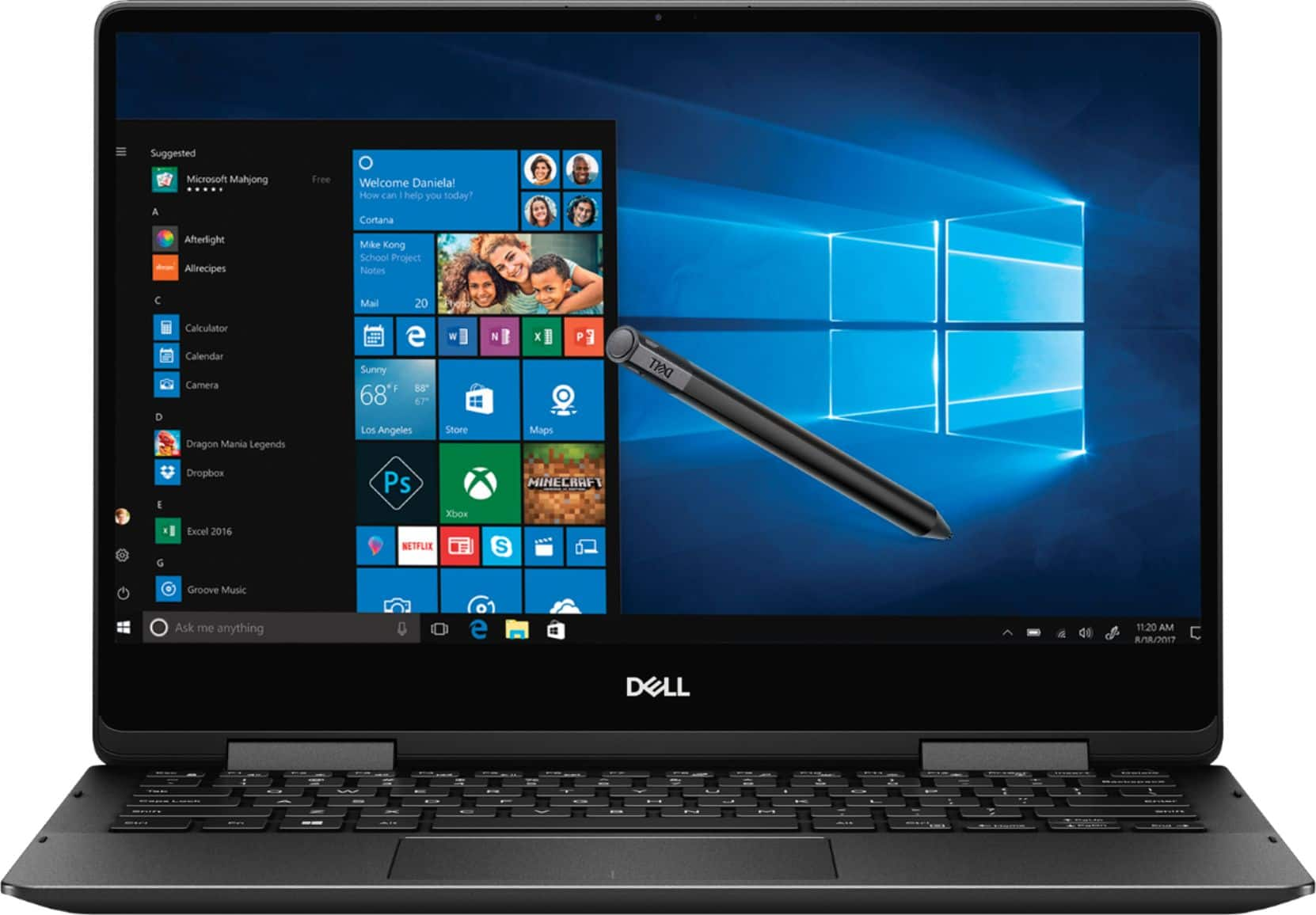
I would recommend this to a friendGreat 2 in 1, great for drawing with wacom pen.
||Posted . Owned for 2 months when reviewed.This reviewer received promo considerations or sweepstakes entry for writing a review.We first purchased a Lenovo - which failed the first day - know problem on faulty video. Returned that junk online & headed over to Best Buy- the salesman had great info & we are so pleased with this Dell 2 -in -1.
I would recommend this to a friend- Cons mentioned:Battery life
Very low battery life
||Posted . Owned for 1.5 years when reviewed.This reviewer received promo considerations or sweepstakes entry for writing a review.The battery doesn't last for more than an hour and I have to constantly put this on charging. The overall quality is great and the keypad is very smooth and easy to use. However, I have struggled with the battery.
No, I would not recommend this to a friend fast, sleek, cool
||Posted .This reviewer received promo considerations or sweepstakes entry for writing a review.We've ha great luck with this unit so far. It works nicely in traditional form, and we've even tried it with one of those Flash Drives that operates the system as a Linux unit. Good hardware from what we've seen so far.
I would recommend this to a friendAwesome buy
||Posted .This reviewer received promo considerations or sweepstakes entry for writing a review.I could not be more happier with this purchase. Great value and so worth the price. So much storage, the processor is incredibly fast, and the battery life is phenomenal. Wish I would have upgraded much sooner!
I would recommend this to a friend