Customer Ratings & Reviews



- Model:
- I7386-7007BLK-PUS
- SKU:
- 6295917
to a friend
Customers are saying
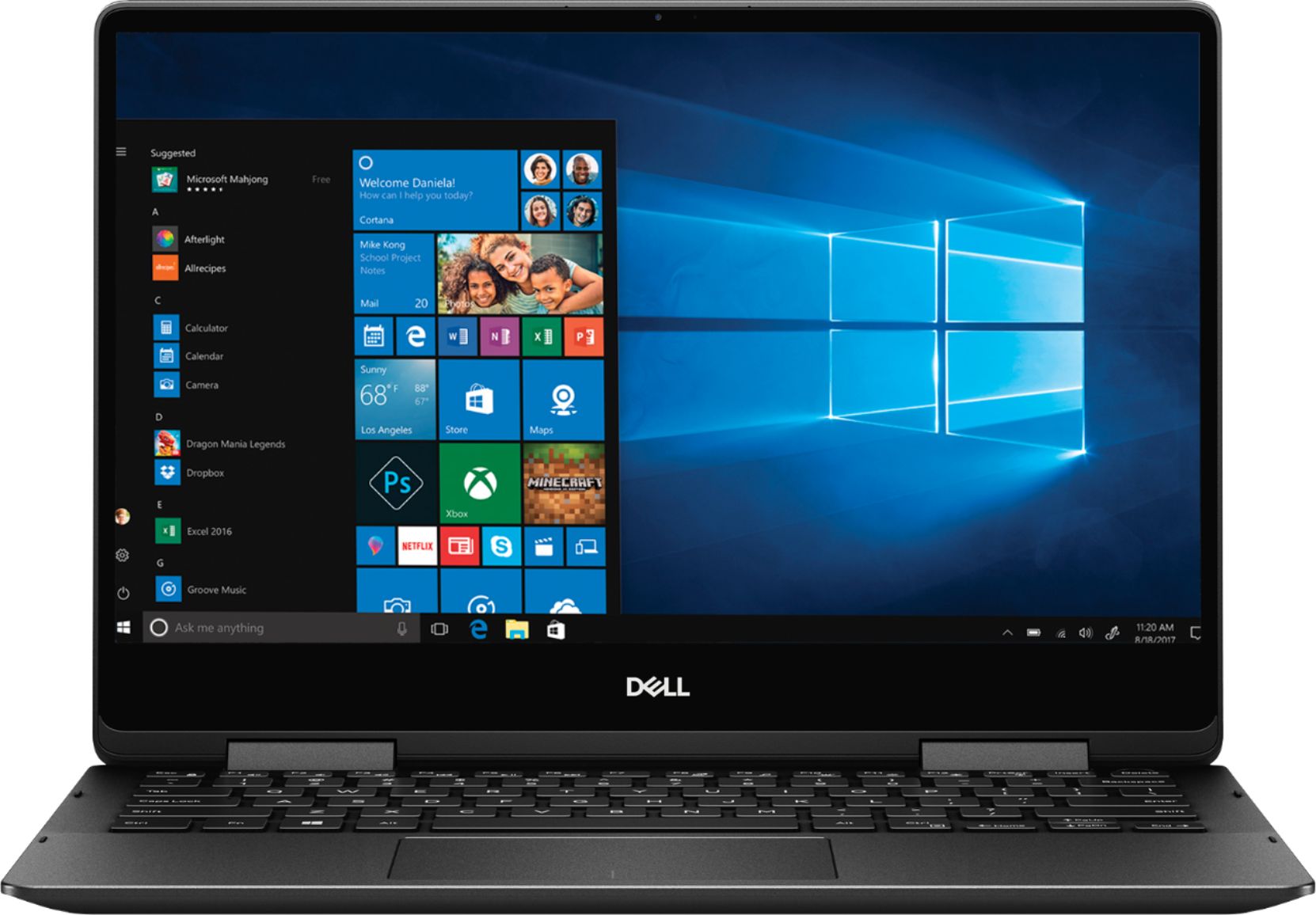
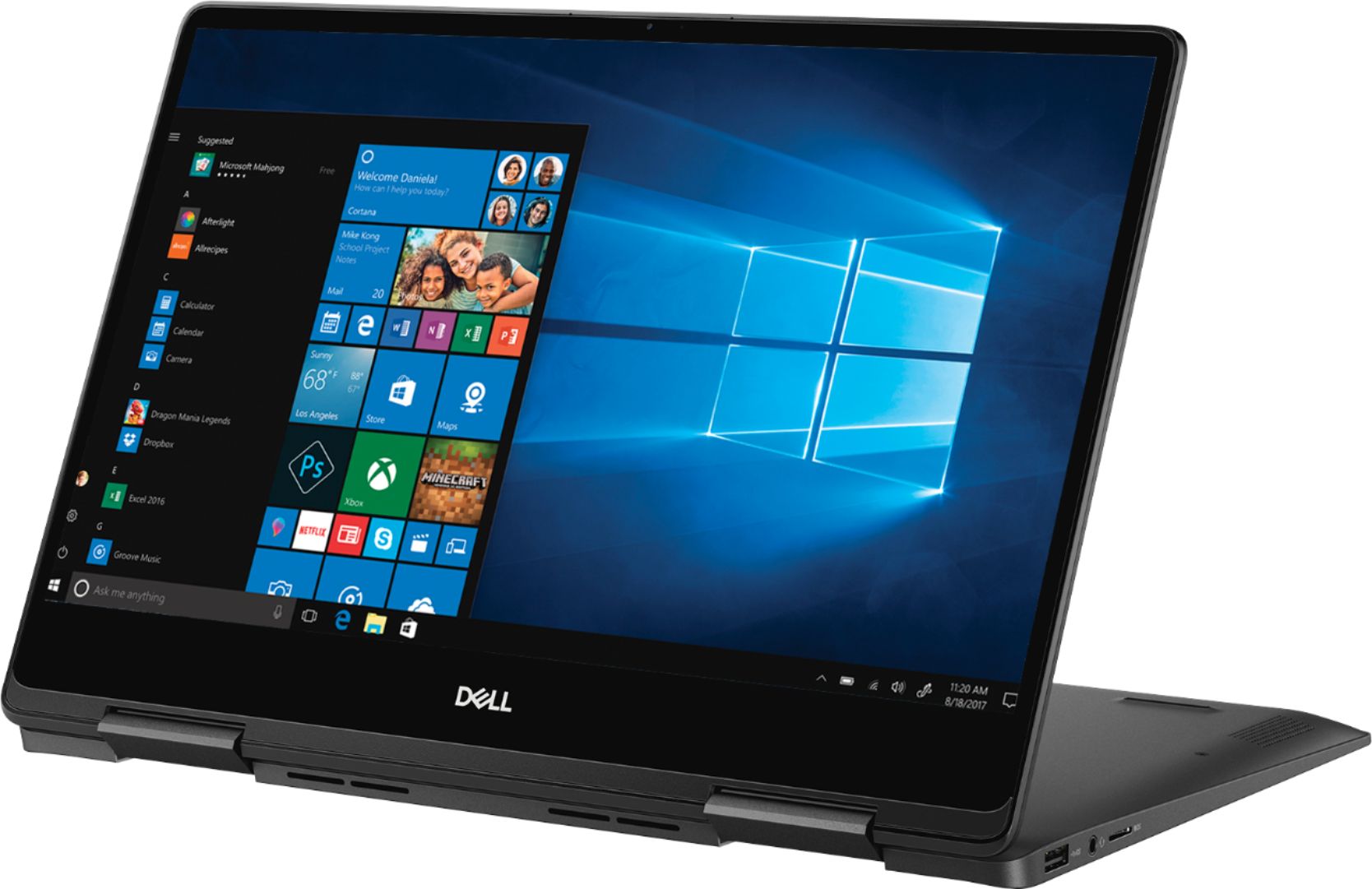
Customers recognize the Inspiron 2-in-1 laptop for its lightweight design, fast performance, and vibrant 4K display. They appreciate the convenience of the touch screen and find that the laptop offers great value for its price. However, customers have concerns about the laptop's battery life, which they say is extremely poor, as well as its tendency to overheat and produce excessive fan noise.
This summary was generated by AI based on customer reviews.
Great quality!
||Posted . Owned for 1 month when reviewed.This reviewer received promo considerations or sweepstakes entry for writing a review.I bought this computer for grad school and also to use for streaming shows/movies. So far, everything has been wonderful!
I would recommend this to a friendToo noisy and problems to cool down
||Posted . Owned for more than 2 years when reviewed.This reviewer received promo considerations or sweepstakes entry for writing a review.Screen is nice, 4K resolution but it comes with some issues. I thought this laptop was pretty noisy and after some research, a lot of reviews mentions the same thing and this seems to be the biggest problem in this laptop. It heats up a lot so the cooler is working all the time making it very noisy. The temperature is definitely not normal, sometimes I even have to turn off the device to let it cool down. Battery drains pretty quick as well and I don't expect it to last long
No, I would not recommend this to a friendGood laptop, but power issues...
||Posted .This reviewer received promo considerations or sweepstakes entry for writing a review.The device was ok, but I had to take it in for repair due to battery issues... The device would not turn on unless plugged into the power, and now the device does not power on.
No, I would not recommend this to a friendRuns like a baby
||Posted .This reviewer received promo considerations or sweepstakes entry for writing a review.I bought this laptop for my cousin and he is really happy because it lets him work smoothly with any software that he needs.
I would recommend this to a friendGreat Laptop
||Posted .This reviewer received promo considerations or sweepstakes entry for writing a review.It is a very nice and useful tool, it’s lite and handy, you can work with a powerful equipment at anytime, everywhere!
I would recommend this to a friendGreat Portable Businesses Laptop
||Posted . Owned for 3 weeks when reviewed.This reviewer received promo considerations or sweepstakes entry for writing a review.Great specs. Small and lightweight. I use it a lot on travel for work and it is the perfect size for use on a plane.
I would recommend this to a friendBest laptop available at this price point
||Posted .This reviewer received promo considerations or sweepstakes entry for writing a review.Out of all the laptops reviewed at BestBuy this one stands above the MS Surface and the way over-priced Apple products.
I would recommend this to a friendExcellent piece with powerful performance!!
||Posted .This reviewer received promo considerations or sweepstakes entry for writing a review.Powerful performance in parallel processing. Product weight is slightly high, but justified with very solid build.
I would recommend this to a friendCompact and functional
||Posted . Owned for 9 months when reviewed.This reviewer received promo considerations or sweepstakes entry for writing a review.The size makes for of sense for logging around. As small as it looks, it is very useful for what I bought it for.
I would recommend this to a friendFast computer, but comes with heating issues
||Posted . Owned for 8 months when reviewed.This reviewer received promo considerations or sweepstakes entry for writing a review.There is a lot of heating issues associated with it. It's a great computer, but I did not expect it to have this heating problem and I bought it precisely for that reason...
No, I would not recommend this to a friendBrand response from YourDellTeam
Posted .Eddy,
We're sorry to hear about the heating issues that you're experiencing with your new computer. Here are some tips to help reduce the heat of your computer:
Tips for Proper Usage:
1. Dell does not recommend placing portable systems directly on your lap. Due to reductions in the thickness of modern portable systems, heat transfer can be an issue.
2. Using a portable system (Laptop) on a hard, flat, non-cloth surface will increase airflow and reduce heat from underneath and inside the system.
Using the portable system on a blanket, pillow, or other types of cloth will cover up the fan cause the computer to overheat and can cause permanent damage.
3. It is recommended to use the portable system in a Room temperature of 0°C to 35°C (32°F to 95°F) with a Humidity level no greater than 90%.
4. Use compressed air to clean the vents on a regular basis.
5. Using a cooling pad can decrease heat and increase performance.
6. If you want to know the temperature limitations for your system, go to the Dell Support Website, look up your system model then open the user guide under the manuals link.
You can read the full article here - http://dell.to/2uJ8AdG.
Best,
Bryan
1-800-624-9896
Perfect size
||Posted .This reviewer received promo considerations or sweepstakes entry for writing a review.This computer is a work horse. With available memory and processing power it handles multiple programs simultaneously.
I would recommend this to a friendScreen failure in less than three months
||Posted .This reviewer received promo considerations or sweepstakes entry for writing a review.Purchased to support extensive photo trip. Beautiful UHD screen, memory and weight to support month long trip. Screen failed after two month run in the week before the trip. Best But Geeks said minimum of two weeks even check it out. Will be out of country by then. Deeper looks online show other people having trouble with screen also. Returning for refund.
No, I would not recommend this to a friendGreat laptop with many features
||Posted .This reviewer received promo considerations or sweepstakes entry for writing a review.The laptop provides very easy login. The small size is easy to transport and I like the high resolution of the screen.
I would recommend this to a friendGreat Computer!!
||Posted . Owned for 3 months when reviewed.This reviewer received promo considerations or sweepstakes entry for writing a review.I am very happy with all the extras that come with this computer. It is everything I was Loki g for and more!
I would recommend this to a friendMajor Upgrade
||Posted . Owned for 3 weeks when reviewed.This reviewer received promo considerations or sweepstakes entry for writing a review.Major upgrade. I look forward to the increased longevity compared to past computers I’ve had. So far - so good.
I would recommend this to a friendLove it!
||Posted . Owned for 3 weeks when reviewed.This reviewer received promo considerations or sweepstakes entry for writing a review.Perfect for our son to take to college! Great size and love how you can use it like a tablet for note-taking!
I would recommend this to a friendGreat laptop for a college student.
||Posted . Owned for 3 weeks when reviewed.This reviewer received promo considerations or sweepstakes entry for writing a review.This is a good item for a beginner. It is little heavy. But it is ok to carry. Touch pad is very convenient.
I would recommend this to a friend- Cons mentioned:Battery life
Battery life is atrocious
||Posted . Owned for 1 year when reviewed.This reviewer received promo considerations or sweepstakes entry for writing a review.Nice laptop but battery life is extremely poor. Had I known it would be this bad....I would have gone a different route.
No, I would not recommend this to a friendBrand response from YourDellTeam
Posted .Chris,
Here are some suggestions to help your computer's battery last longer:
Change the Power Plan:
1. On the notification area of the taskbar, right-click the Battery icon.
2. On the options list, click Power Options.
3. Select a power plan on the battery meter, such as Power Saver or Balanced. Windows 10 has a built in 'Battery Saver' mode that can be activated to extend your system's battery life. The Battery Saver mode will monitor and limit background activity and other features such as push notifications. You do have the option to enable or disable this mode within settings or within advanced Battery Saver settings, you can customize the mode to best suit your needs.
a) Click on the Action Center icon in the taskbar and select the tile for Battery Saver.
b) If running Cortana then type Battery Saver into the search box and select from the results.
Within the Battery Saver settings page, you will be able to turn on and off the feature and customize the feature to best meet your needs.
c) Turn Battery Saver On or Off.
d) Additional settings available via the Battery use and Battery saver settings links.
e) Battery use shows further info on apps and their power usage.
f) Battery Saver Settings screen allows you to customize further Battery Saver feature.
You can read the full article here - http://dell.to/2vfXWf4.
Best,
Bryan
1-800-624-9896
Cindy
||Posted . Owned for 1.5 years when reviewed.This reviewer received promo considerations or sweepstakes entry for writing a review.I’ve had this laptop for almost a year and I love it!! Very easy to use and reliable.
I would recommend this to a friendDaughter loves it!!!
||Posted . Owned for 2 months when reviewed.This reviewer received promo considerations or sweepstakes entry for writing a review.My daughter is a budding artist with an interest in anime. This couldn't have been a better choice for her.
I would recommend this to a friend