Customer Ratings & Reviews



- Model:
- I7386-7007BLK-PUS
- SKU:
- 6295917
to a friend
Customers are saying
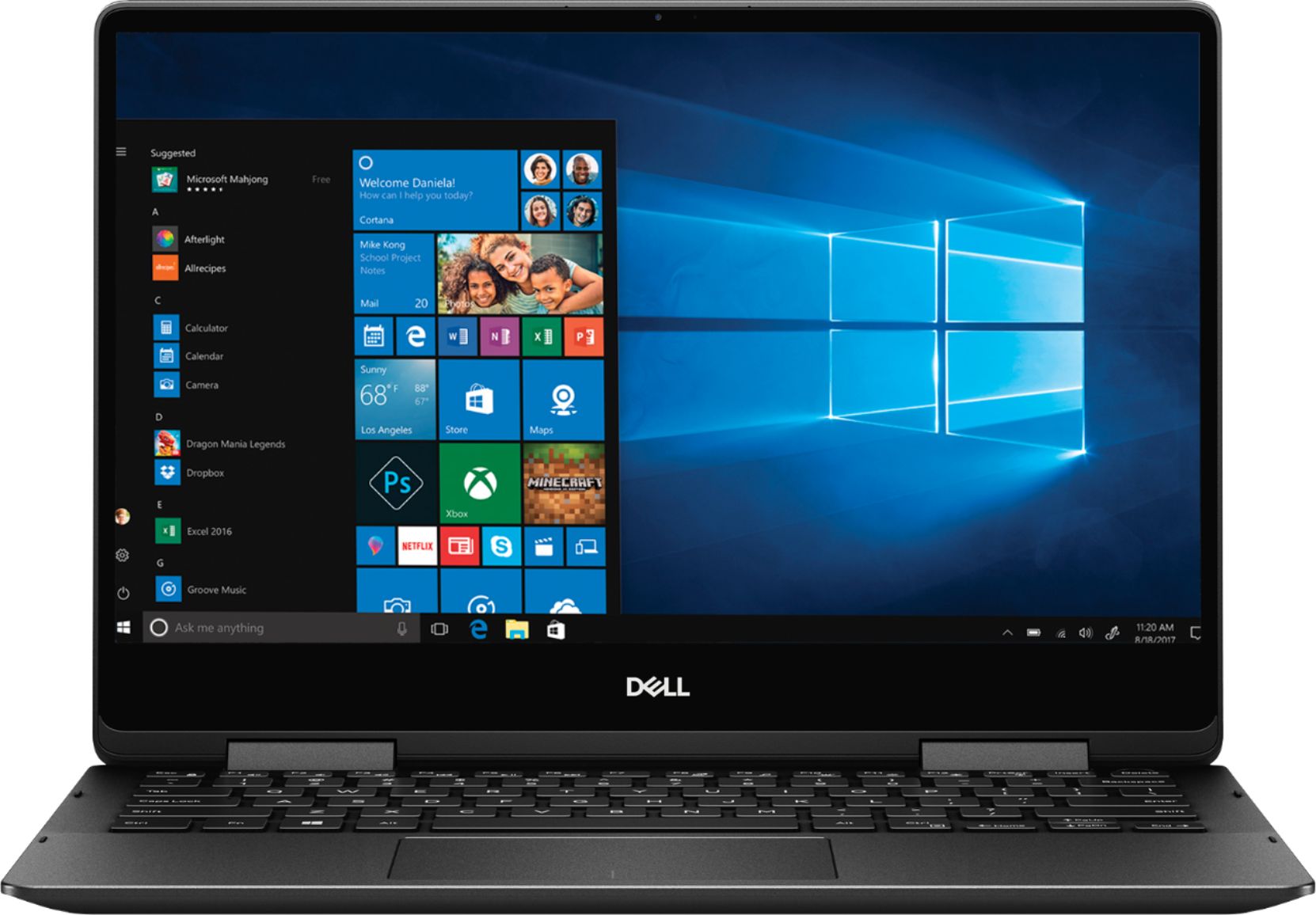
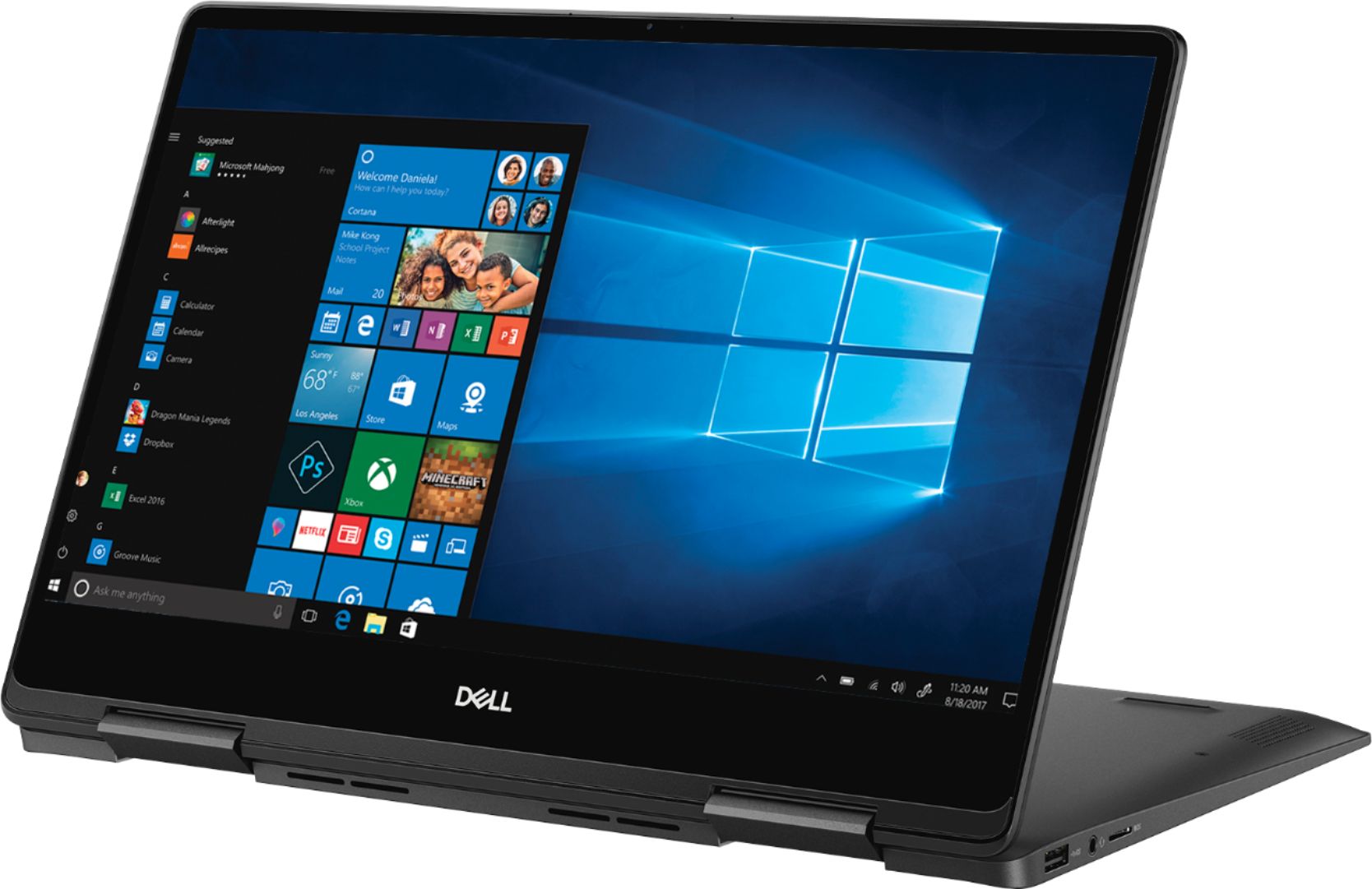
Customers recognize the Inspiron 2-in-1 laptop for its lightweight design, fast performance, and vibrant 4K display. They appreciate the convenience of the touch screen and find that the laptop offers great value for its price. However, customers have concerns about the laptop's battery life, which they say is extremely poor, as well as its tendency to overheat and produce excessive fan noise.
This summary was generated by AI based on customer reviews.
Great computer for the price and compact
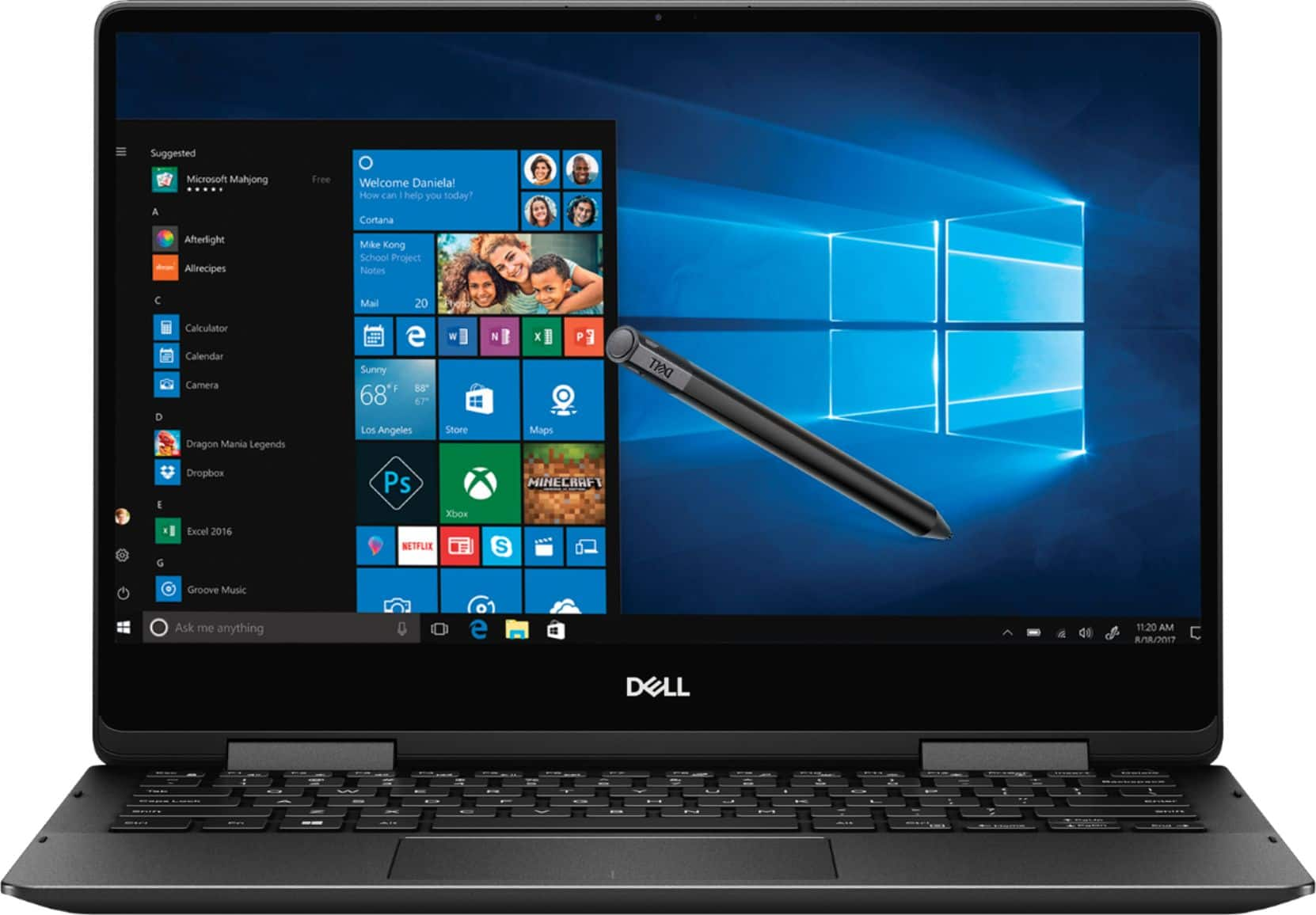
||Posted .This reviewer received promo considerations or sweepstakes entry for writing a review.Easy to use and slim, I like the stylus as well it's great.
I would recommend this to a friendGreat!
||Posted . Owned for 1 month when reviewed.This reviewer received promo considerations or sweepstakes entry for writing a review.It is just awesome! Very easy to use and carry around.
I would recommend this to a friendStrong laptop
||Posted . Owned for 2 weeks when reviewed.This reviewer received promo considerations or sweepstakes entry for writing a review.Was a bit slow when i added some work applications, besides that originally very quick functioning laptop
I would recommend this to a friendBrand response from YourDellTeam
Posted .Ariel,
Thanks for your review. We're sorry to hear that your computer is working slower than you hoped it would. We'd recommend running the Windows Performance Troubleshooter to see if there are ways to speed up your computer:
1. Close all open windows.
2. Press the Windows logo key + X key on the keyboard.
3. Click Control Panel.
4. Click System and Security.
5. Under Security and Maintenance, select Troubleshoot common problems.
6. Under System and Security, click Run maintenance tasks.
7. Follow the on-screen instructions and prompts to complete the process.
8. Restart the PC.
You can read the full article here - http://dell.to/2tSulGV.
Best,
Bryan
1-800-624-9896
great deal on a great laptop
||Posted . Owned for 1 month when reviewed.This reviewer received promo considerations or sweepstakes entry for writing a review.this is a nice machine for edit and processing photos
I would recommend this to a friendlaptop
||Posted .This reviewer received promo considerations or sweepstakes entry for writing a review.office purchase, quick, powerful, ideal for our purposes
I would recommend this to a friendGood laptop
||Posted .This reviewer received promo considerations or sweepstakes entry for writing a review.I really like this laptop. Comes with a pen. Good quality
I would recommend this to a friendExcellent Laptop
||Posted . Owned for 1 month when reviewed.This reviewer received promo considerations or sweepstakes entry for writing a review.Does everything you want and need in a small laptop.
I would recommend this to a friendvery good
||Posted .This reviewer received promo considerations or sweepstakes entry for writing a review.Thank you I am the second time buy from you very much
I would recommend this to a friendNice laptop
||Posted .This reviewer received promo considerations or sweepstakes entry for writing a review.Easy to use wonderful marvelous great super I love it
I would recommend this to a friendExcellent
||Posted .This reviewer received promo considerations or sweepstakes entry for writing a review.My daughter loves it!!! She uses it for working at home
I would recommend this to a friendGreat laptp
||Posted .This reviewer received promo considerations or sweepstakes entry for writing a review.Perfect size easy to operate. Like the color and happy
I would recommend this to a friendVery good computer at its price
||Posted .This reviewer received promo considerations or sweepstakes entry for writing a review.Good computer for everyday use for a college student
I would recommend this to a friendGreat laptop 2 in 1
||Posted .This reviewer received promo considerations or sweepstakes entry for writing a review.great for personal use & graphics for photo editing
I would recommend this to a friendGreat laptop
||Posted .This reviewer received promo considerations or sweepstakes entry for writing a review.Small, powerful and very fast laptop & Affordable!
I would recommend this to a friendGood laptop for student
||Posted .This reviewer received promo considerations or sweepstakes entry for writing a review.The only con was with the hinge being slightly disoriented other than that a good laptop to use
I would recommend this to a friendBrand response from YourDellTeam
Posted .Hello Apps,
We're sorry to hear about the hinge on your computer. If you have any questions about your computer you can check our Product Support Page here: https://dell.to/2RzXsrQ.
Best,
Bryan
1-800-624-9896
Low battery lufe
||Posted .This reviewer received promo considerations or sweepstakes entry for writing a review.Low battery life, gets hot and the coolers are noisy.
No, I would not recommend this to a friendBrand response from YourDellTeam
Posted .Hello JeffG,
Thanks for your review. We're sorry to hear about the issues that you're experiencing with your new Dell computer. We'd recommend the following tips to help extend the life of your battery:
Change the Power Plan:
1. On the notification area of the taskbar, right-click the Battery icon.
2. On the options list, click Power Options.
3. Select a power plan on the battery meter, such as Power Saver or Balanced. Windows 10 has a built in 'Battery Saver' mode that can be activated to extend your system's battery life. The Battery Saver mode will monitor and limit background activity and other features such as push notifications. You do have the option to enable or disable this mode within settings or within advanced Battery Saver settings, you can customize the mode to best suit your needs.
a) Click on the Action Center icon in the taskbar and select the tile for Battery Saver.
b) If running Cortana then type Battery Saver into the search box and select from the results.
Within the Battery Saver settings page, you will be able to turn on and off the feature and customize the feature to best meet your needs.
c) Turn Battery Saver On or Off.
d) Additional settings available via the Battery use and Battery saver settings links.
e) Battery use shows further info on apps and their power usage.
f) Battery Saver Settings screen allows you to customize further Battery Saver feature.
You can read the full article here - http://dell.to/2vfXWf4.
If your computer is still overheating we'd recommend the following:
Tips for Proper Usage:
1. Dell does not recommend placing portable systems directly on your lap. Due to reductions in the thickness of modern portable systems, heat transfer can be an issue.
2. Using a portable system (Laptop) on a hard, flat, non-cloth surface will increase airflow and reduce heat from underneath and inside the system.
Using the portable system on a blanket, pillow, or other types of cloth will cover up the fan cause the computer to overheat and can cause permanent damage.
3. It is recommended to use the portable system in a Room temperature of 0°C to 35°C (32°F to 95°F) with a Humidity level no greater than 90%.
4. Use compressed air to clean the vents on a regular basis.
5. Using a cooling pad can decrease heat and increase performance.
6. If you want to know the temperature limitations for your system, go to the Dell Support Website, look up your system model then open the user guide under the manuals link.
You can read the full article here - http://dell.to/2uJ8AdG.
Lastly, if the fan noise on your computer is too loud we'd recommend that you try to update the BIOS on your computer: An out-of-date BIOS can cause loud fan noises by having an outdated temperature table for the system. Refer to update BIOS and follow the instructions to update the BIOS on your computer. You can also follow up with our Technical Support Team here - 1-800-624-9896.
You can read the full article here - http://dell.to/2ENlXfz.
Best,
Bryan
1-800-624-9896
Dell touch screen
||Posted . Owned for 3 months when reviewed.This reviewer received promo considerations or sweepstakes entry for writing a review.When I type it jumps around on the screen sometimes.
No, I would not recommend this to a friendBrand response from YourDellTeam
Posted .Oregon,
Thanks for your review. We're sorry to hear that your keyboard is causing things to jump around on your screen. Please try reaching out to our Technical Support Team for additional assistance: http://dell.to/2sH7Qlm.
Best,
Bryan
1-800-624-9896
Laptop doesn't boot up
||Posted . Owned for 11 months when reviewed.This reviewer received promo considerations or sweepstakes entry for writing a review.I bought this laptop in February last year and today when I tried to boot it; it doesn't even boot up! Right now I am traveling and I am outside of the USA. Dell Support says that it will not be covered under any warranty even when it has the warranty until May 2020. This laptop has been barely used as I use my Mac more often. Dell expects me to pay for getting it fixed as while buying International Warranty wasn't bought. Bummer! Simply avoid buying Dell laptops as they use cheap hardware and will make one pay by abusing through their Terms & Conditions.
No, I would not recommend this to a friendGood computer if your use to Windows.
||Posted . Owned for 3 weeks when reviewed.This reviewer received promo considerations or sweepstakes entry for writing a review.I haven't had this computer long enough to make a fair review. I am use to Mac products. I am not that familiar with Windows set up. I have had some issues with downloading pictures and video from cameras and Gopros.
No, I would not recommend this to a friendBrand response from YourDellTeam
Posted .Rose76,
Thanks for your review. Here's a link to the manual for your computer so that you can find some answers about your computer's setup: https://dell.to/2TxZREk.
If you have questions about Windows 10 you can visit Dell's help page here: http://dell.to/2wMZqyx.
Best,
Bryan
1-800-624-9896
Unreliable Typing
||Posted .This reviewer received promo considerations or sweepstakes entry for writing a review.After having this machine for 5 weeks, I realized it is the most frustrating machine to type on. I am an author, and I can't get through one page without having characters missing. I wanted to exchange it, but the store manager refused. She said it was one week passed the return policy. It's intermittent and they found nothing wrong when they checked it out. What good is the Geek Squad Service plan if they tell me they have to send it out for repairs. I'm in the middle of writing my next novel. What would I tell my publisher? Over $1300 for nothing. I want a new machine!
No, I would not recommend this to a friendBrand response from YourDellTeam
Posted .Hello Manny,
We're very sorry to hear that your computer's keyboard is not working as well as you hoped it would. Here's a link to Dell's One Year Limited Warranty Policy so you can see if your concerns align with the policy: http://dell.to/2tNsVOs.
Best,
Bryan
1-800-624-9896