Customer Ratings & Reviews



- Model:
- I7386-7007BLK-PUS
- SKU:
- 6295917
to a friend
Customers are saying
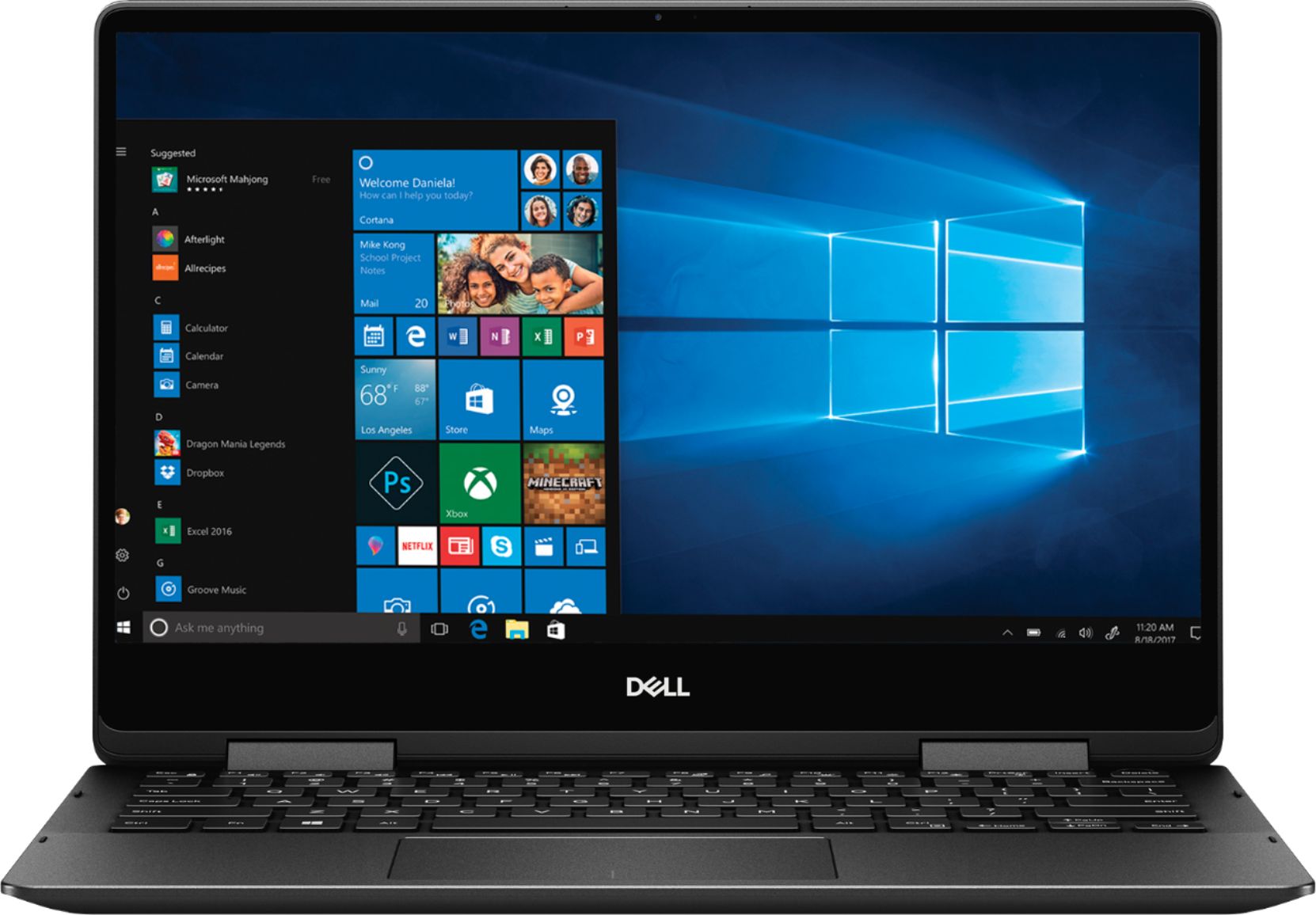
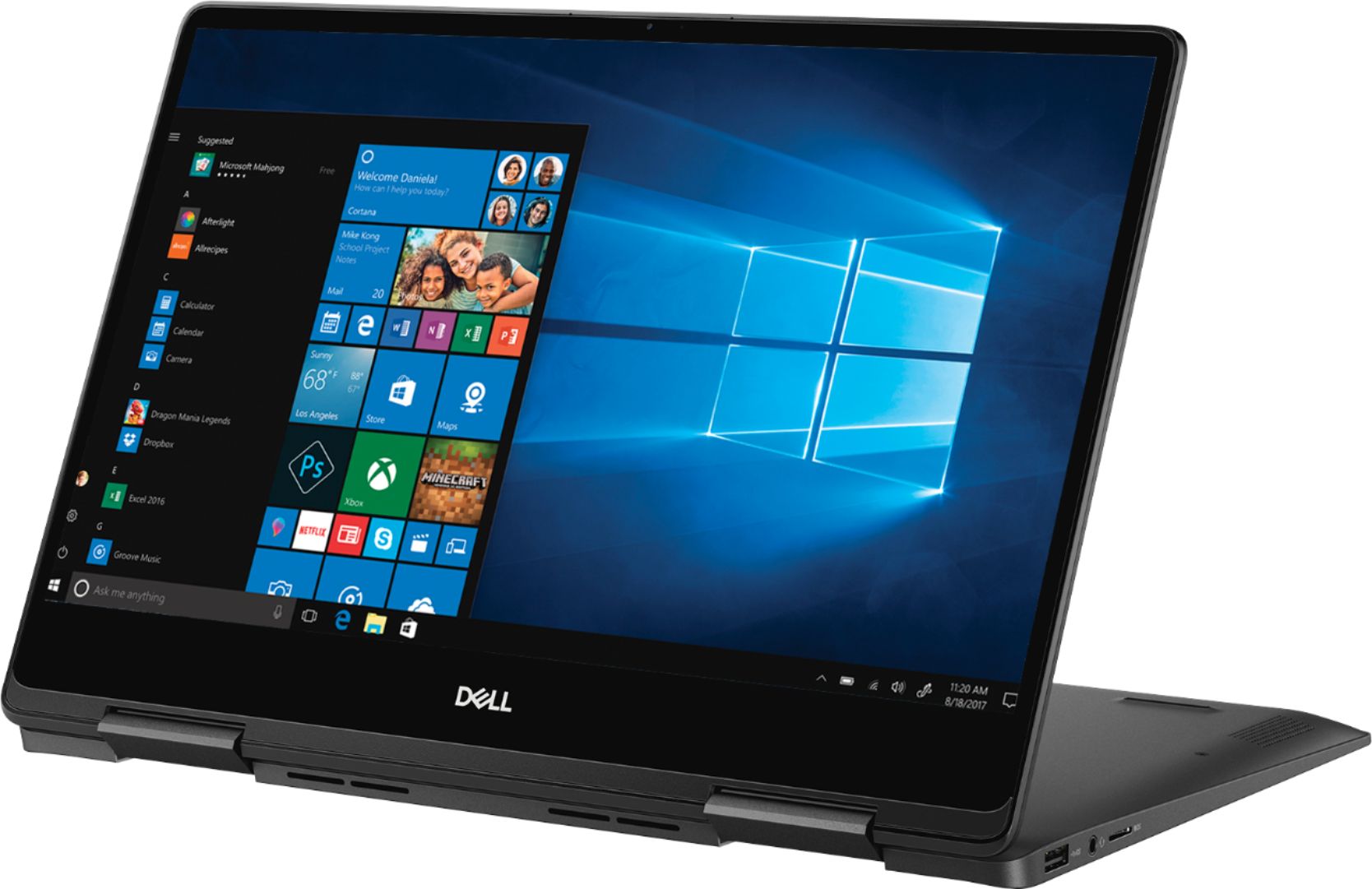
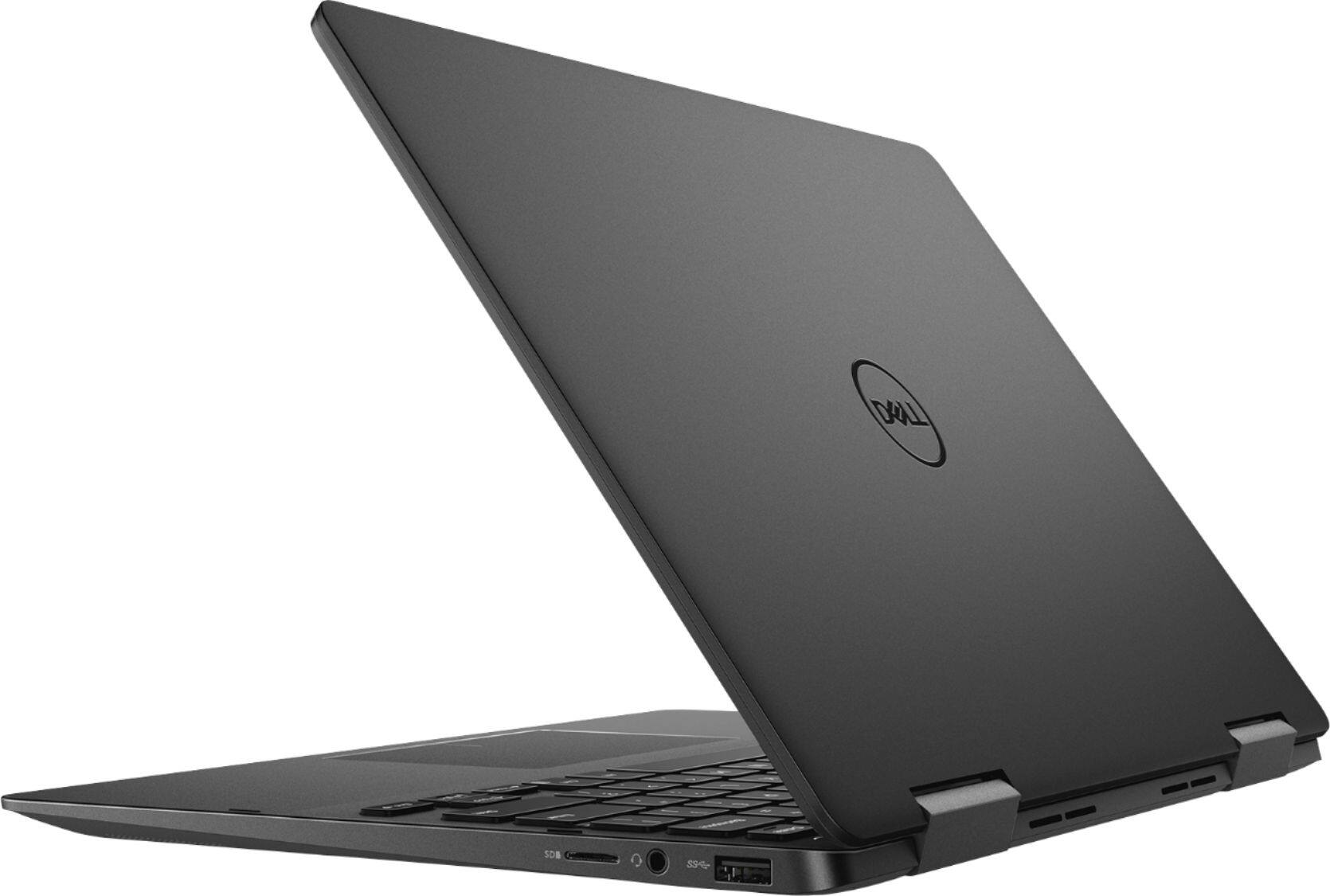
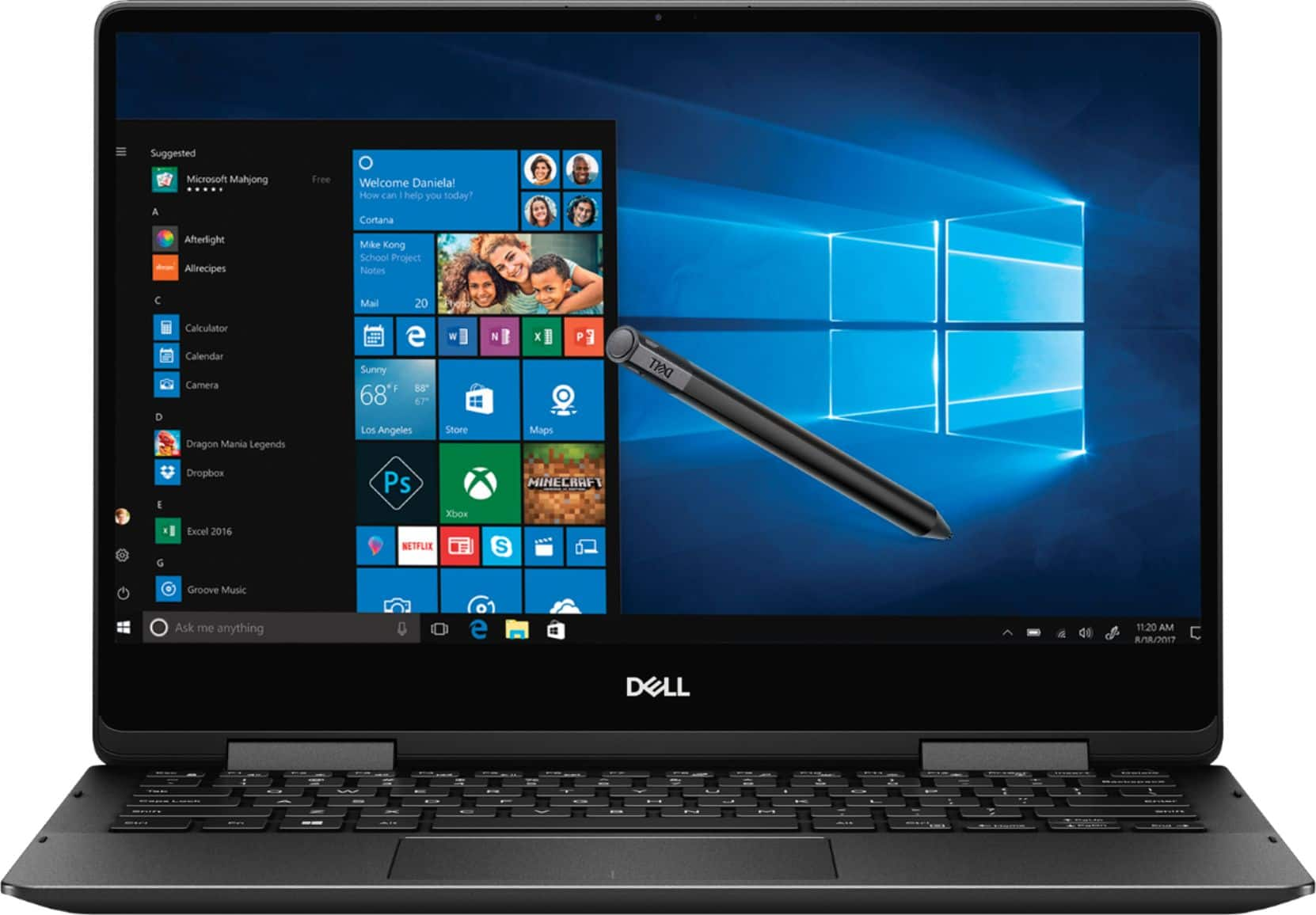
Customers recognize the Inspiron 2-in-1 laptop for its lightweight design, fast performance, and vibrant 4K display. They appreciate the convenience of the touch screen and find that the laptop offers great value for its price. However, customers have concerns about the laptop's battery life, which they say is extremely poor, as well as its tendency to overheat and produce excessive fan noise.
This summary was generated by AI based on customer reviews.
Good computer but same old problems
Posted .This reviewer received promo considerations or sweepstakes entry for writing a review.5 years ago I bought a new Inspiron 7558 and straight out of the box it had WiFi connectivity problems. It only recognized my network for short bursts and would disconnect constantly while every other device I owned had no problems with my network. I submitted a ticket and after months of working with Dell it suddenly stayed connected. I bought this newer model to replace that computer and out of the box it had the same exact wifi problem!!! 5 years passed, totally different house, wifi, and computer and Dell still hasn't fixed their crappy WiFi card. When you spend $1200, staying connected to the internet should be the bare minimum. It just tells me it's not a one off problem. I loved my inspiron and was excited to upgrade, but I do not want to spend months wrestling this computer. Giving my money to someone else.
No, I would not recommend this to a friendBrand response from YourDellTeam
Posted .Nikki,
Thanks for your review. We're sorry to hear that your WIFI connection is not stable on your new computer. We'd recommend the following steps to get reconnected:
1. Download and install the latest Wireless Card driver. (https://dell.to/2th3Tpe) After updating the driver, re-establish the connection with the Wireless Access Point and check the wireless performance.
2. If the issue persists, proceed to step 3.
3. Power-cycle the local network. Shut down the Dell system, the Wireless Access Point/Router and the Modem. Wait a minimum of 60 seconds before powering up the components in the following order:
4. Power ON the Modem, and wait for it to boot fully.
5. Power ON the Wireless Access Point/Router, and wait for it to boot fully.
6. Power ON the Dell system.
7. Open Network and Sharing Center
8. In the left side navigation pane, click on Change Adapter Settings
9. Right click on the wireless connection icon and select Properties followed by the Configure button
10. Under Wireless Options, select the Wireless N mode
11. For Windows 8 or later systems click the Advanced tab and look for 802.11n Mode on the right you will be given the option to Enable or Disable. If the mode is not visible you may need to update your drivers and firmware.
12. From the drop-down menu, choose Disable followed by Ok
13. This should restore the wireless download and upload speed. Internet speed can be tested at http://speedtest.net.
Best,
Bryan
1-800-624-9896
- Cons mentioned:Battery life
Battery drains to fast
Posted .This reviewer received promo considerations or sweepstakes entry for writing a review.I purchased this laptop couple of weeks back and then i started noticing that it takes more time to recharge the battery then you can use it without power. For this configuration i would have expected at least decent battery back up. My recommendation is avoid this laptop.
No, I would not recommend this to a friendBrand response from YourDellTeam
Posted .Veerendra,
Thanks for your review. We're sorry to hear about your computer's battery life. We'd recommend the following tips to extend the life of your computer's battery:
Change the Power Plan:
1. On the notification area of the taskbar, right-click the Battery icon.
2. On the options list, click Power Options.
3. Select a power plan on the battery meter, such as Power Saver or Balanced. Windows 10 has a built in 'Battery Saver' mode that can be activated to extend your system's battery life. The Battery Saver mode will monitor and limit background activity and other features such as push notifications. You do have the option to enable or disable this mode within settings or within advanced Battery Saver settings, you can customize the mode to best suit your needs.
a) Click on the Action Center icon in the taskbar and select the tile for Battery Saver.
b) If running Cortana then type Battery Saver into the search box and select from the results.
Within the Battery Saver settings page, you will be able to turn on and off the feature and customize the feature to best meet your needs.
c) Turn Battery Saver On or Off.
d) Additional settings available via the Battery use and Battery saver settings links.
e) Battery use shows further info on apps and their power usage.
f) Battery Saver Settings screen allows you to customize further Battery Saver feature.
You can read the full article here - http://dell.to/2vfXWf4.
Best,
Bryan
1-800-624-9896
Excellent, no complaints
Posted .This reviewer received promo considerations or sweepstakes entry for writing a review.Excellent, would go for the 15” but the price difference was too high
I would recommend this to a friend