Customer Ratings & Reviews

- Model:
- I7378-3000SLV-PUS
- SKU:
- 5777600
Rating by feature
- Value
Rating 4.3 out of 5 stars
- Quality
Rating 4.3 out of 5 stars
- Ease of Use
Rating 4.7 out of 5 stars
Customers are saying
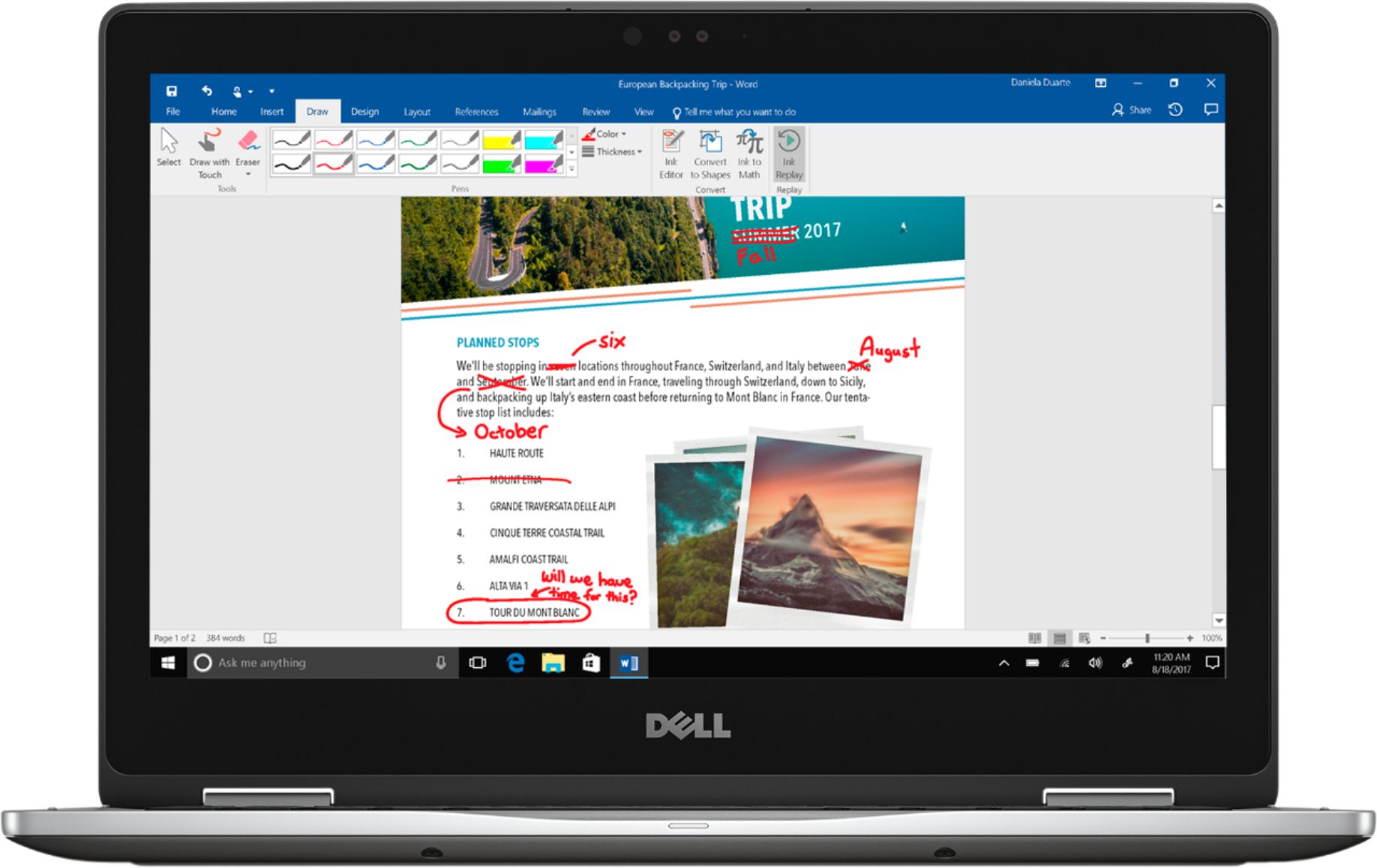
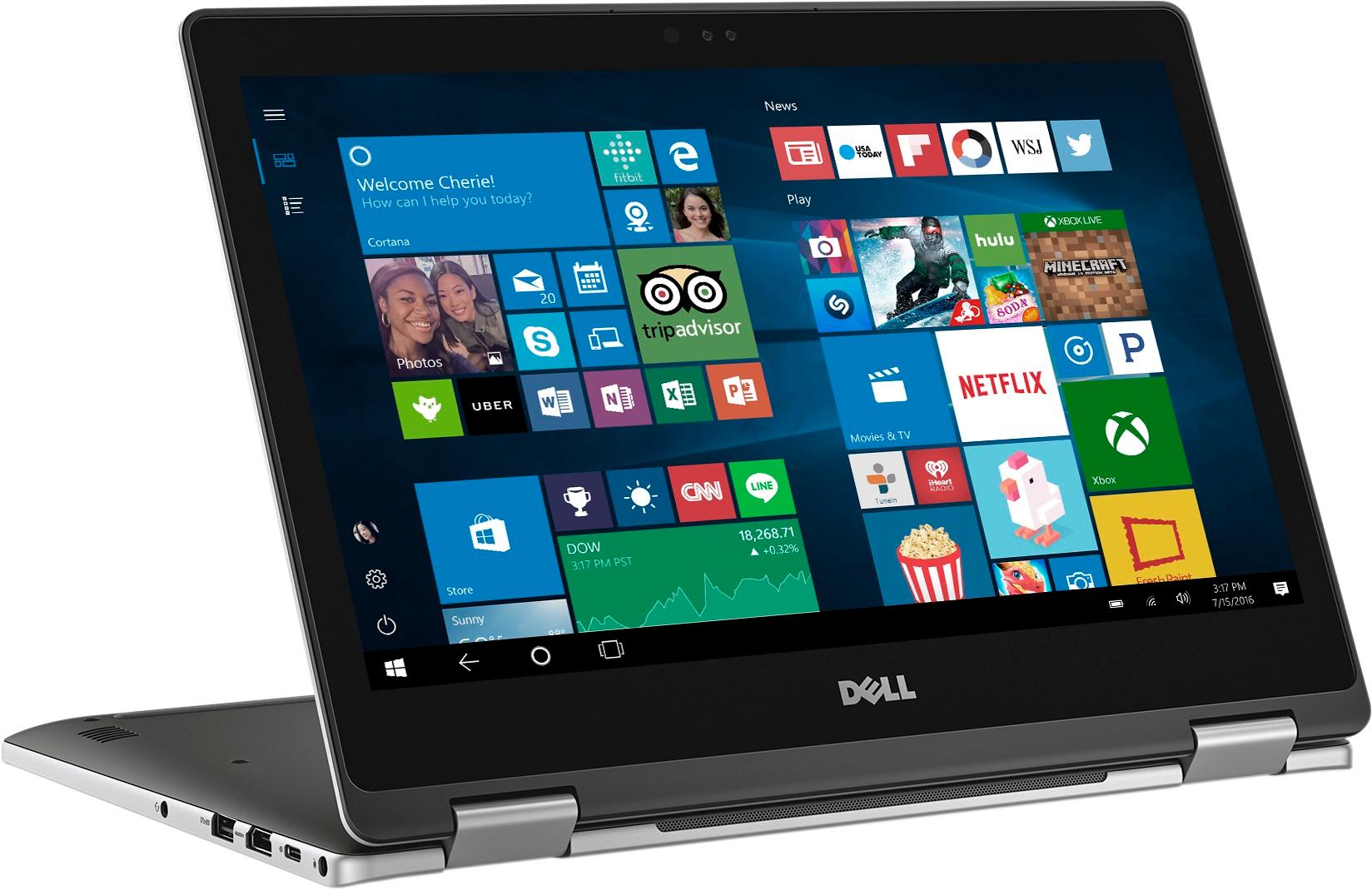
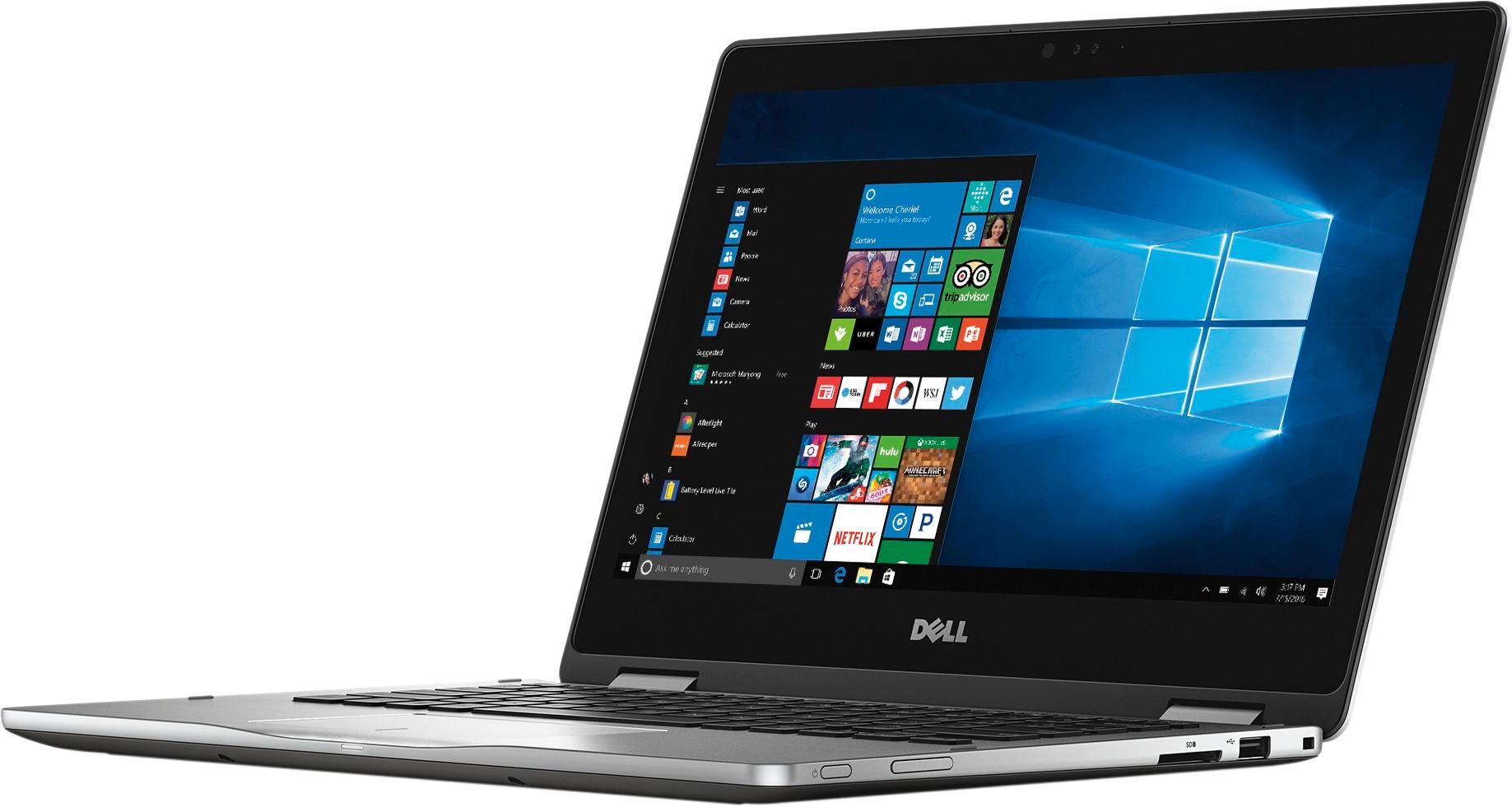
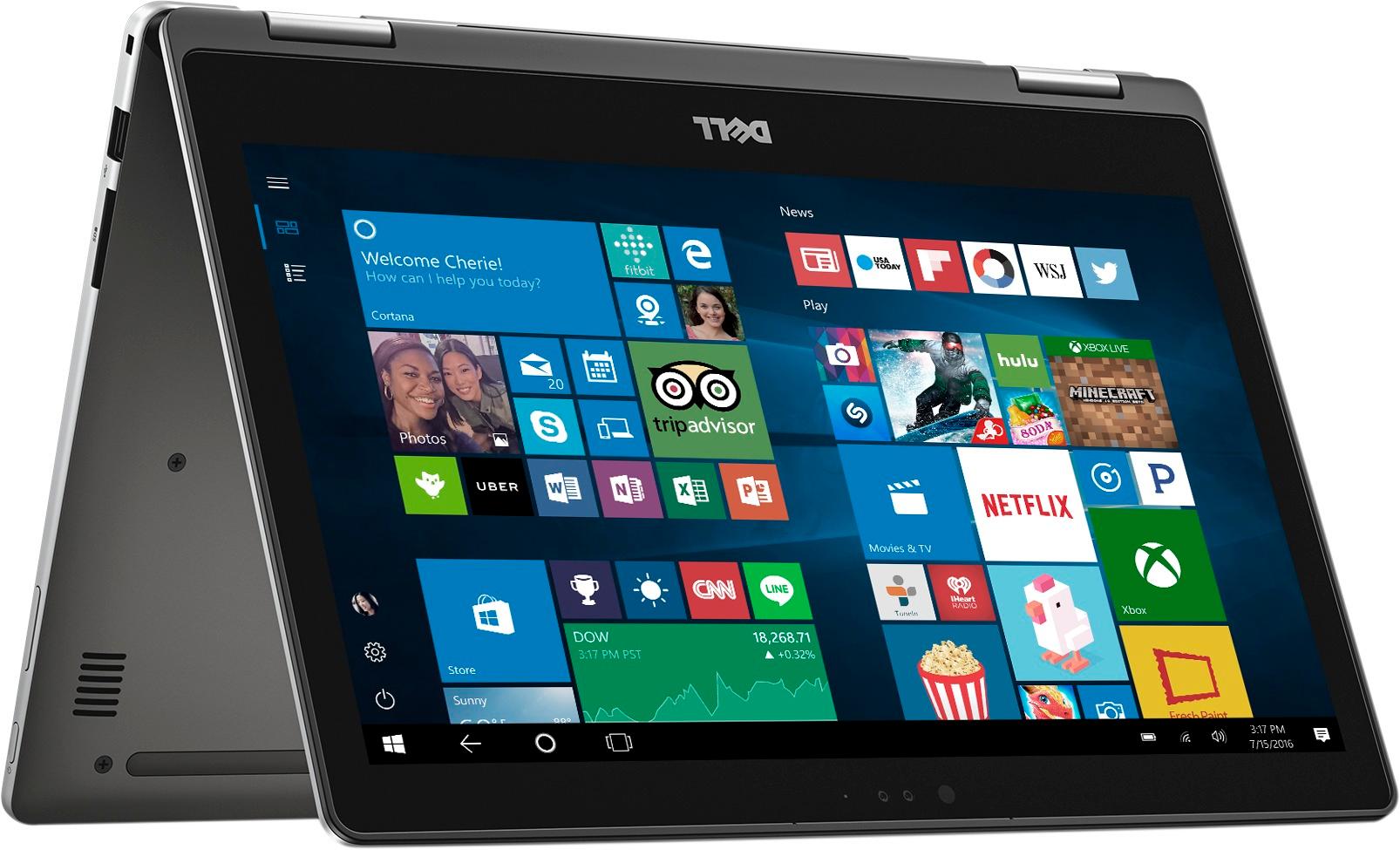
Customers appreciate the Inspiron 2-in-1 laptop for its lightweight design, which makes it easy to carry around. They also enjoy the convenience of the touch screen and find the price to be a positive factor. The extended battery life is another commonly praised feature. While some customers would prefer more storage space, the overall performance of the laptop is generally well-received.
This summary was generated by AI based on customer reviews.
Not as good as I expected
Posted .This reviewer received promo considerations or sweepstakes entry for writing a review.Bought this laptop midway through college because my other laptop suddenly broke down. Computer was fast and portable but had other issues: - Backlight on keyboard broke after a few months - Keyboard outline would leave imprints on the screen - Bottom cushions of laptop ripped off after a few years of wear and tear - Mouse trackpad became unresponsive at times - Would heat up too easily - Using tablet mode was awkward and clunky And the biggest issue was that it completely broke down after 2 years of use. The only thing I would use it for was college schoolwork and watching videos (Twitch and Youtube), nothing intensive at all. Had to go manually take out the SSD and transfer all my contents in it to my new laptop, had no idea why it broke, it would just not turn on at all. The thing is I got the i7 and spent a decent amount of money hoping it would at least last 3 or 4 years. If you're going for Dell get a different kind of model, wouldn't recommend this one.
No, I would not recommend this to a friendBrand response from YourDellTeam
Posted .Terry,
We're sorry that you did not get to use your computer as long as you would have liked to. If your computer continues to overheat we'd recommend the following tips:
Tips for Proper Usage:
1. Dell does not recommend placing portable systems directly on your lap. Due to reductions in the thickness of modern portable systems, heat transfer can be an issue.
2. Using a portable system (Laptop) on a hard, flat, non-cloth surface will increase airflow and reduce heat from underneath and inside the system.
Using the portable system on a blanket, pillow, or other types of cloth will cover up the fan cause the computer to overheat and can cause permanent damage.
3. It is recommended to use the portable system in a Room temperature of 0°C to 35°C (32°F to 95°F) with a Humidity level no greater than 90%.
4. Use compressed air to clean the vents on a regular basis.
5. Using a cooling pad can decrease heat and increase performance.
6. If you want to know the temperature limitations for your system, go to the Dell Support Website, look up your system model then open the user guide under the manuals link.
You can read the full article here - http://dell.to/2uJ8AdG.
If your mouse trackpad continues to be unresponsive we'd recommend that you follow these steps to re-calibrate your trackpad: Some Notebooks and Tablets with Keyboards have added gesture features to the touchpad hardware and drivers. A few of these features are two or three finger scrolling, pinch zoom, circle zoom, rotate and swiping. These new features may be the reason for the erratic cursor movement since most are turned on by default. You can disable or modify the way the features work in the touchpad driver properties. Here are some tips to modify these settings:
1. In the Search box, type main.cpl.
2. Touch or click main.cpl in the list of programs.
3. Touch or click the Dell Touchpad tab.
4. Touch or click on the picture of the touchpad.
5. Touch or click Gestures (depending on your computer there may not be a Gestures option).
6. Change the options as preferred.
7. Touch or click Save.
8. Touch or click the X in the upper-right corner to close the Dell Touchpad Utility.
9. Touch or click OK on the Mouse Properties window.
10. If the touchpad still does not work after following the preceding steps, refer to Dell Knowledge Base article - http://dell.to/2iaiujA.
You can read the full article here - http://dell.to/2tqmS02.
We hope these tips help you with future computers.
Best,
Bryan
1-800-624-9896
Left Speaker Failure - Day 1
Posted .This reviewer received promo considerations or sweepstakes entry for writing a review.Really liked the look and feel of the machine. It's almost like a Mac running Windows. However, the one I received had a fatal flaw that made me return it. The left speaker was not working. It's unacceptable to pay this much for a machine that is malfunctioning day 1. I cannot recommend based on the build quality. I really wanted to like it, but was disappointed by this malfunction.
No, I would not recommend this to a friendSpend several hours a day on the phone w India
Posted .This reviewer received promo considerations or sweepstakes entry for writing a review.Piece of crap. Always on the phone with techs from India. First problem: laptop didn't recognize the cord that came with it. Kept getting the message. Called tech. They sent me a new one. Then it kept cutting out of wi-fi. Sometimes every 5 minutes. I have to run diagnostics and it fixes the network adapter every time. I've checked that the most updated network adapter is in use and it is. I've called the tech several times on this. They blamed ISP. I called ISP and there are no problems on their end. Back to techs, and told them that it does not happen to any other laptop in the house. Now they are going to get into my router. However, the laptop is again not recognizing the electrical cord after 3 months. Starting to get that message again. So now they want me to send it in and be without my laptop, documents, saved sites, codes, everything for 12 days!! NEVER EVER EVER AGAIN WILL I BUY A DELL. BACK TO HP WHERE I HAD NO PROBLEMS. TRASH. I think I'll just take the $600 loss and get an HP again. Garbage Dell, garbage.
No, I would not recommend this to a friendBrand response from YourDellTeam
Posted .Hello GratefultoMayhem,
We're sorry to hear about your computer issues. We're happy that you've been in touch with our technicians and we encourage you to reach out to them with additional concerns that you may have. If you have questions about your computer's performance we'd recommend checking out our Product Support Page here - http://dell.to/2hYMYF6.
We hope that your computer will perform better for you soon.
Best,
Bryan
1-800-624-9896
Touch Screen is disappointing
Posted .This reviewer received promo considerations or sweepstakes entry for writing a review.I have had the computer for just over a year - so just past the 1 year warranty. I am seeing many Ghost Clicks that will even navigate to new window and close windows I am working on, it is frustrating. I called Dell for Support and they said I am past the warranty so would have to mail it in at $60 plus all parts. They expect this is a hardware issue of the screen. The computer is meeting my needs I just can not tolerate all the ghost clicks.
No, I would not recommend this to a friendBrand response from YourDellTeam
Posted .Hi Warneretal, Thanks for your review. We're sorry to hear about the ghost clicks that you're experiencing. We'd recommend that you try the following tips to help you calibrate your touchscreen:
If you are having issues with your Touchscreen, this may include being unable to access items to the edge of the screen, for example, your screen may require re-calibration.
Below are the steps required to calibrate your Touchscreen.
1. Restart the Computer and the Monitor
2. Recalibrate the touch-screen. Steps to calibrate touch-screen:
3. Go to Control Panel and select Tablet PC Settings.
4. Under Display tab, select Calibrate
5. Choose Pen or Touch input.
6. Perform the point calibration that appears on the screen to correct the linearity problems.
7. Save the calibrated data.
You can read the full article here - http://dell.to/2uLztub. - Bryan
Do not buy !!
Posted .This reviewer received promo considerations or sweepstakes entry for writing a review.I am a high school student and I am so upset my laptop screen turned black just from a month of use. I am very frustrated that it got messed up so fast and I did not go on bad websites or spilled anything on it. And because of such great reviews I assumed I wouldn’t need the warranty but now it’s just $600 down the drain for me.
No, I would not recommend this to a friendBrand response from YourDellTeam
Posted .judynguyen1,
Thanks for your review. We're sorry that your screen turned black after just a month of use. Dell does offer a One Year Limited Warranty on our devices. You can read the terms of our warranty here to see if your computer qualifies: http://dell.to/2tNsVOs.
If you'd like to reach out to Dell's Technical Support Team you can contact them here - http://dell.to/2sH7Qlm.
We hope these solutions help your computer work the way you intended it to.
Best,
Bryan
1-800-624-9896