Customer Ratings & Reviews



- Model:
- I7373-5558GRY-PUS
- SKU:
- 6083539
Rating by feature
- Value
Rating 4.2 out of 5 stars
- Quality
Rating 4.3 out of 5 stars
- Ease of Use
Rating 4.5 out of 5 stars
Customers are saying
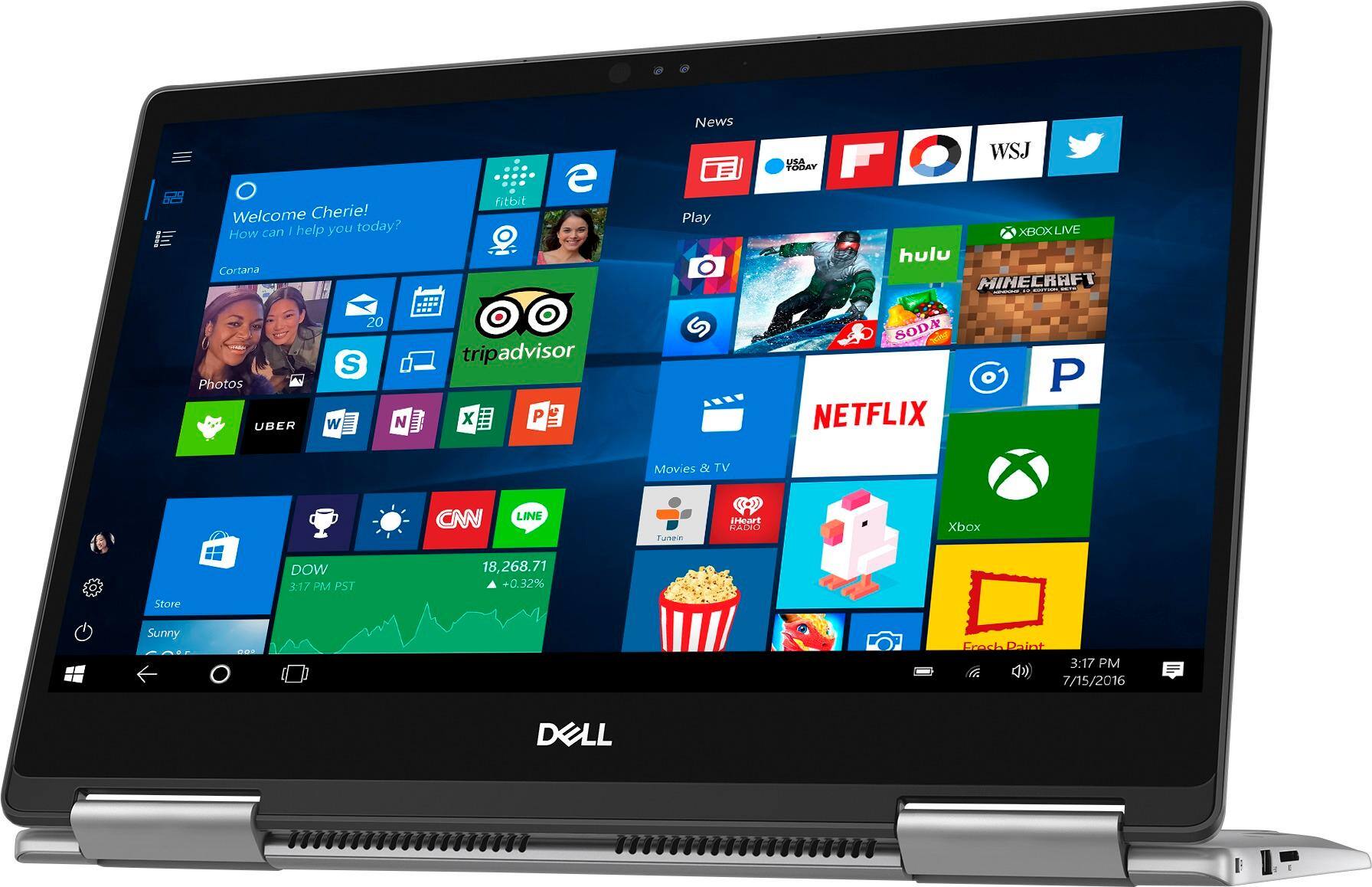
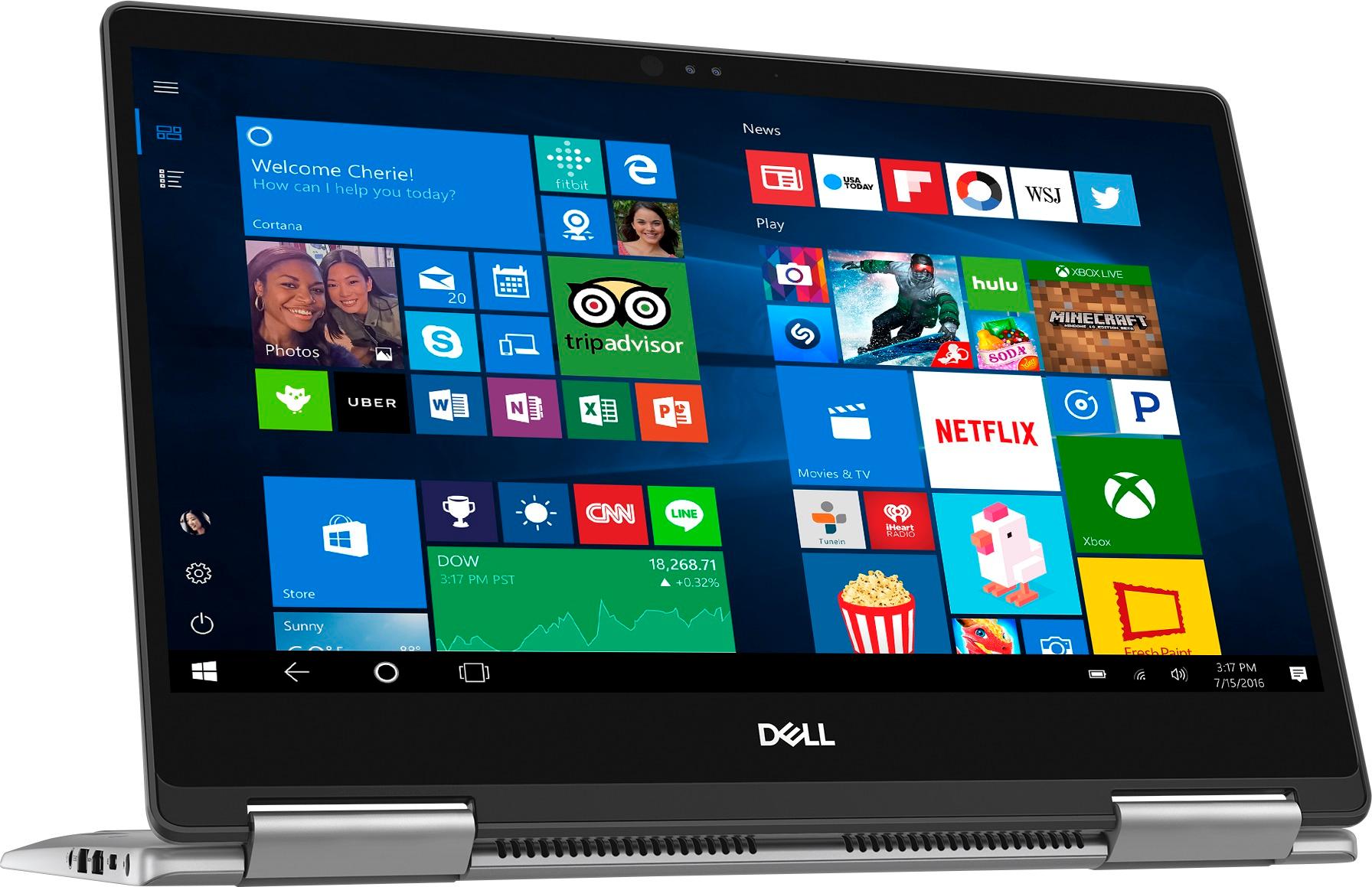
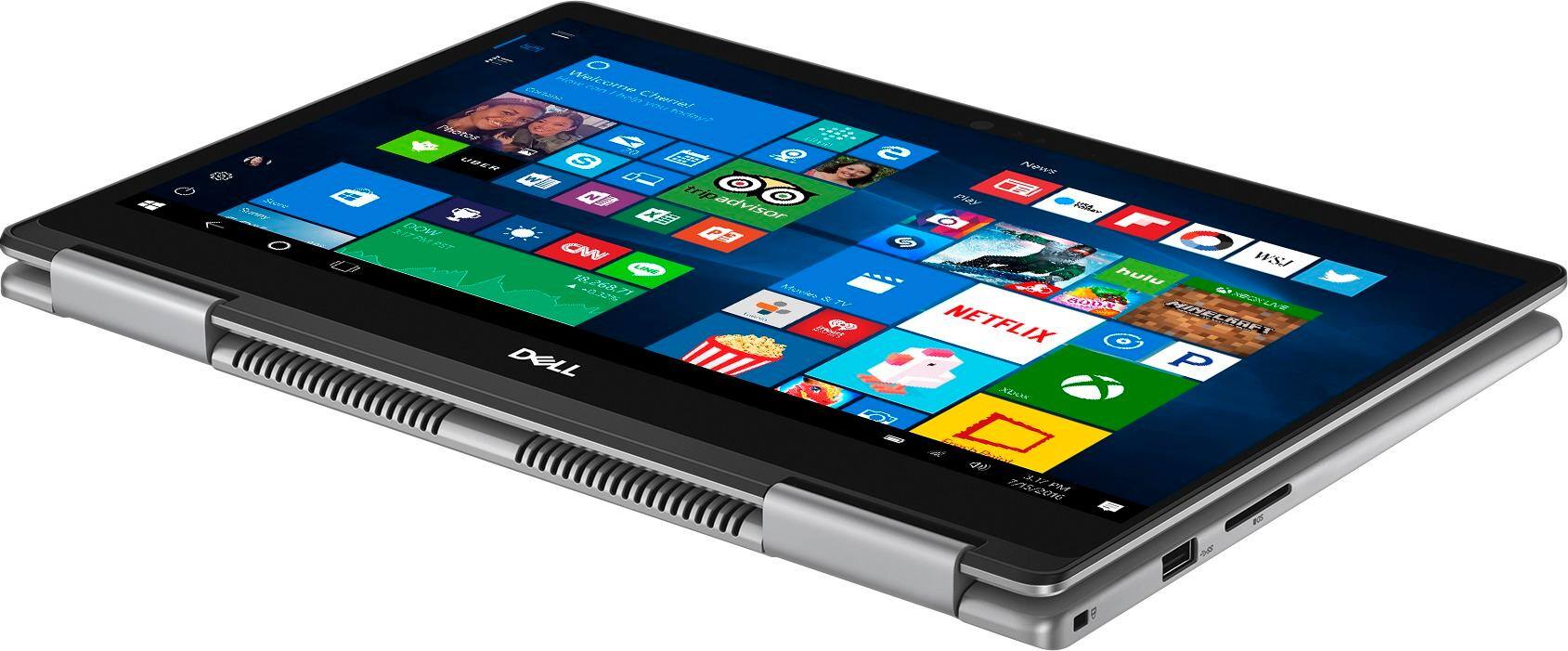
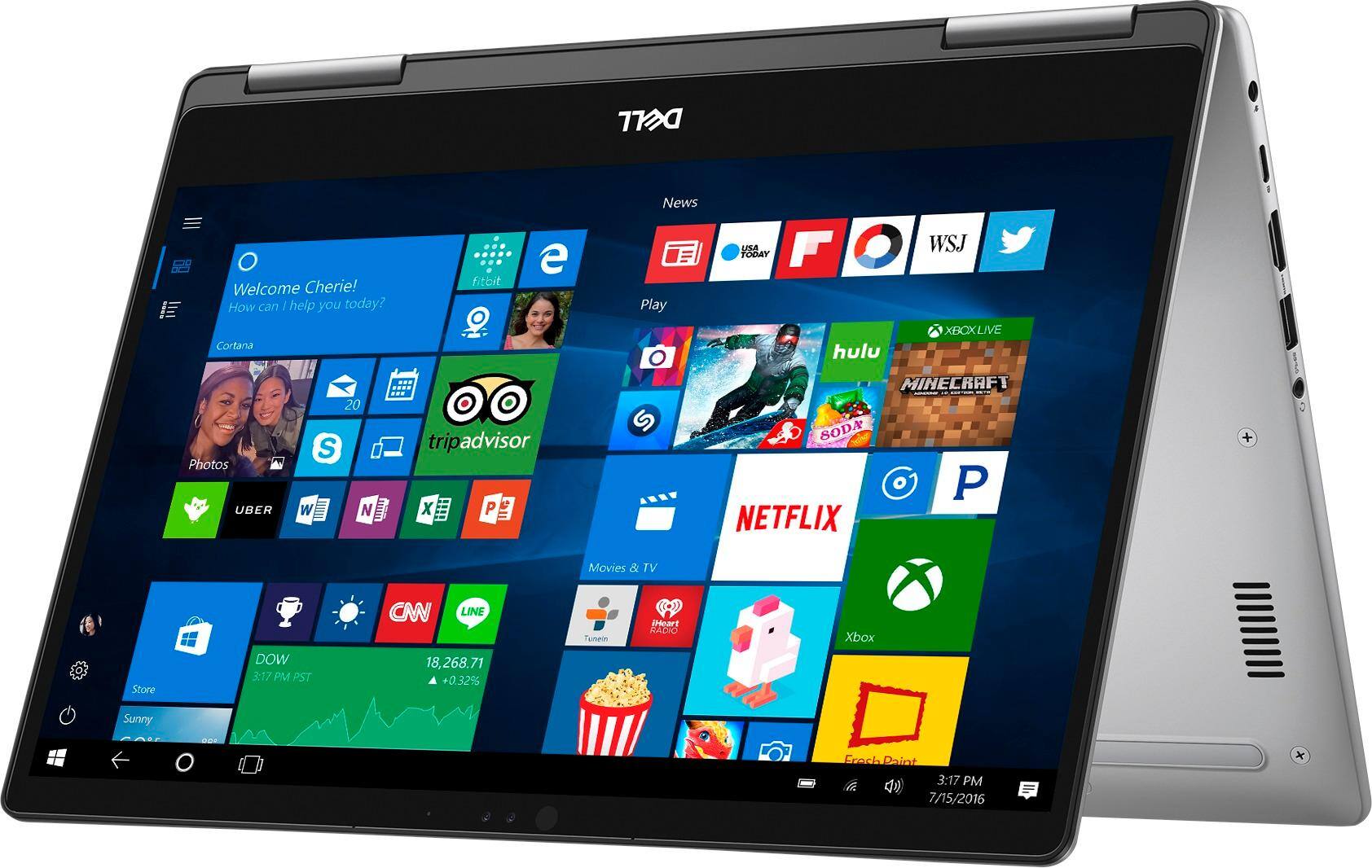
Customers express satisfaction with the Inspiron 2-in-1 13.3" Touch-Screen Laptop for its lightweight design, fast performance, and affordable price. Many users appreciate the convenience of the touchscreen and the overall size of the laptop. However, some customers have concerns about the battery life, heating issues, speaker quality, and fan noise.
This summary was generated by AI based on customer reviews.
- Pros mentioned:Touch screenCons mentioned:Battery life, Speakers, Weight
portable nd excellent performance
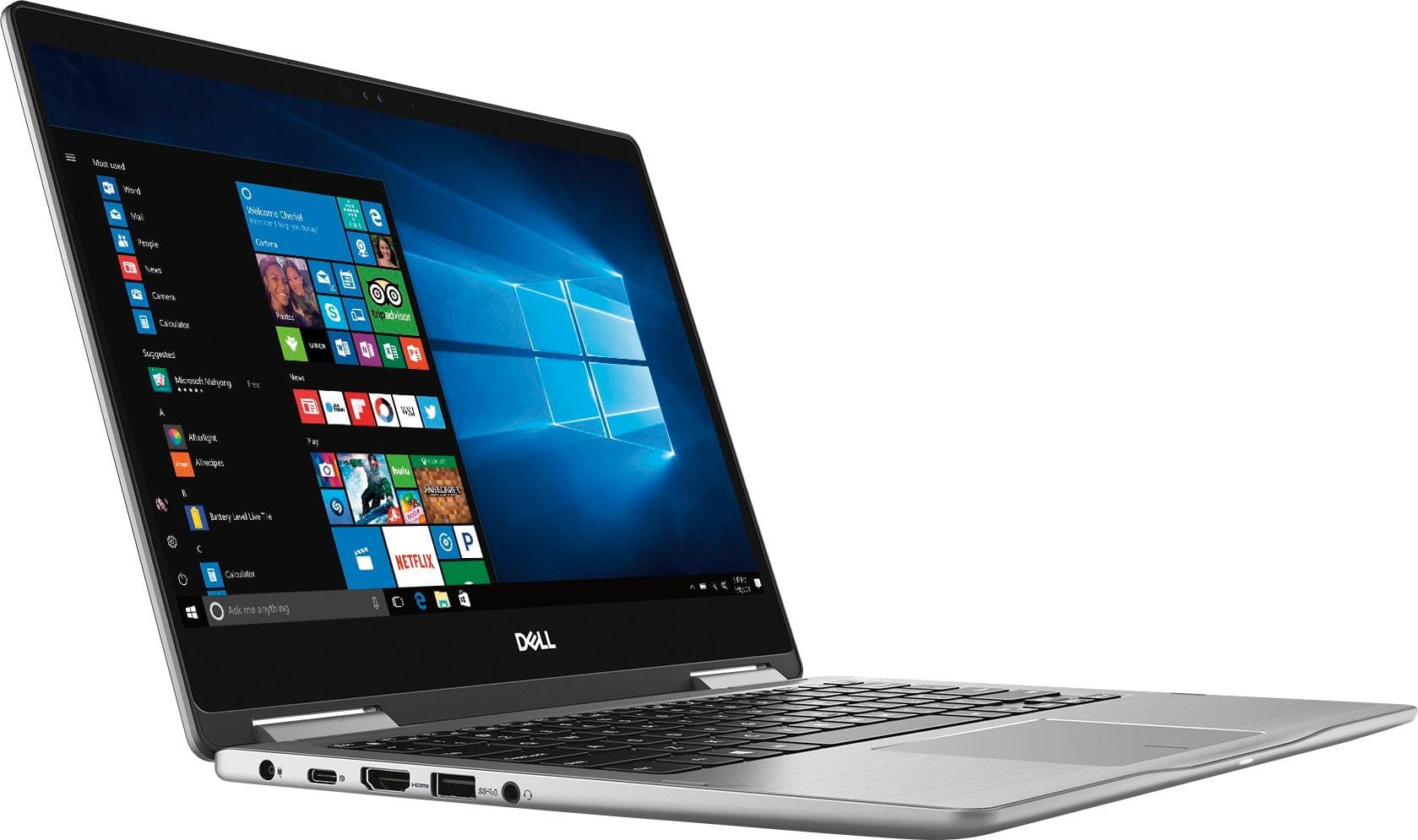
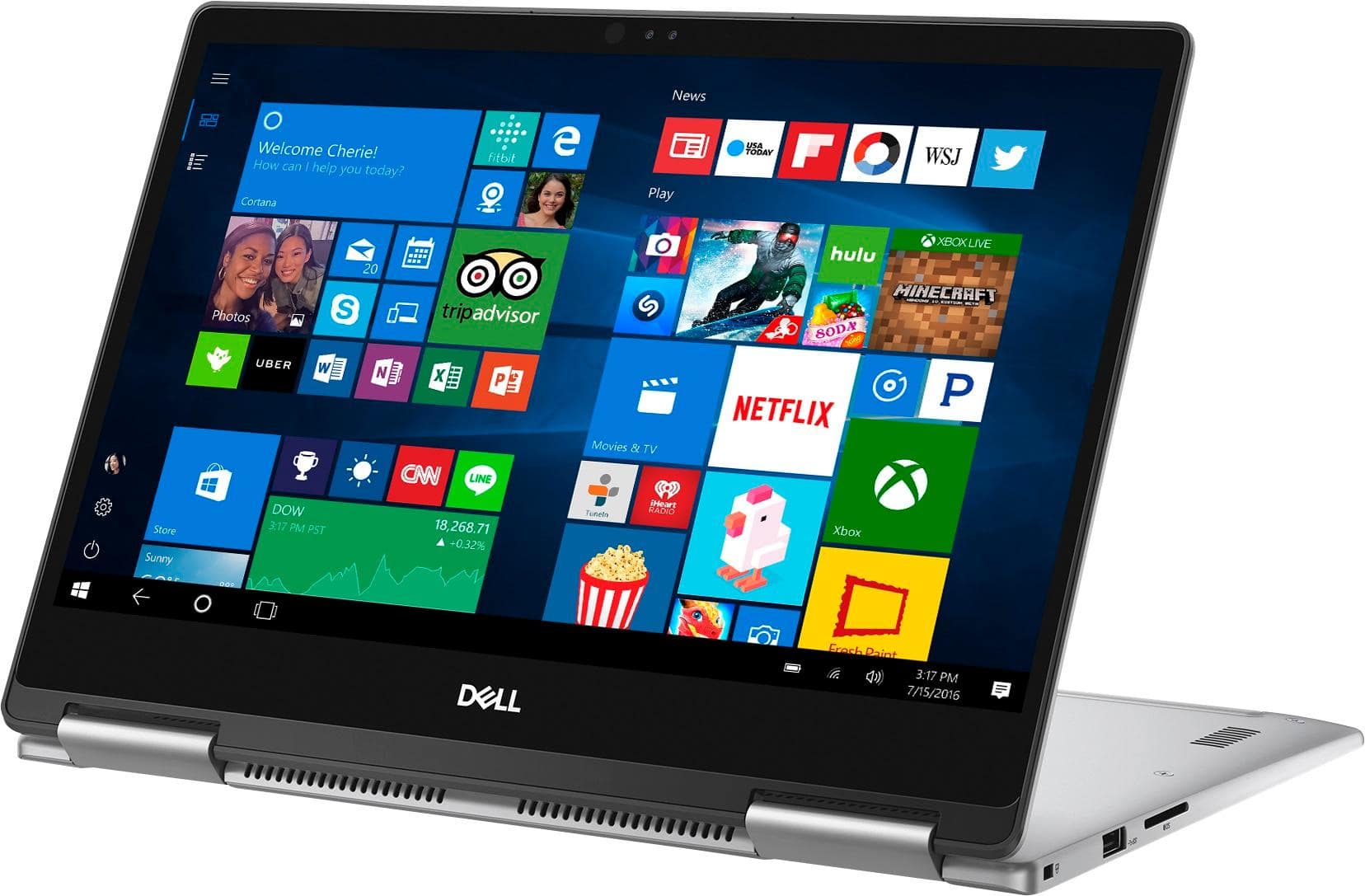
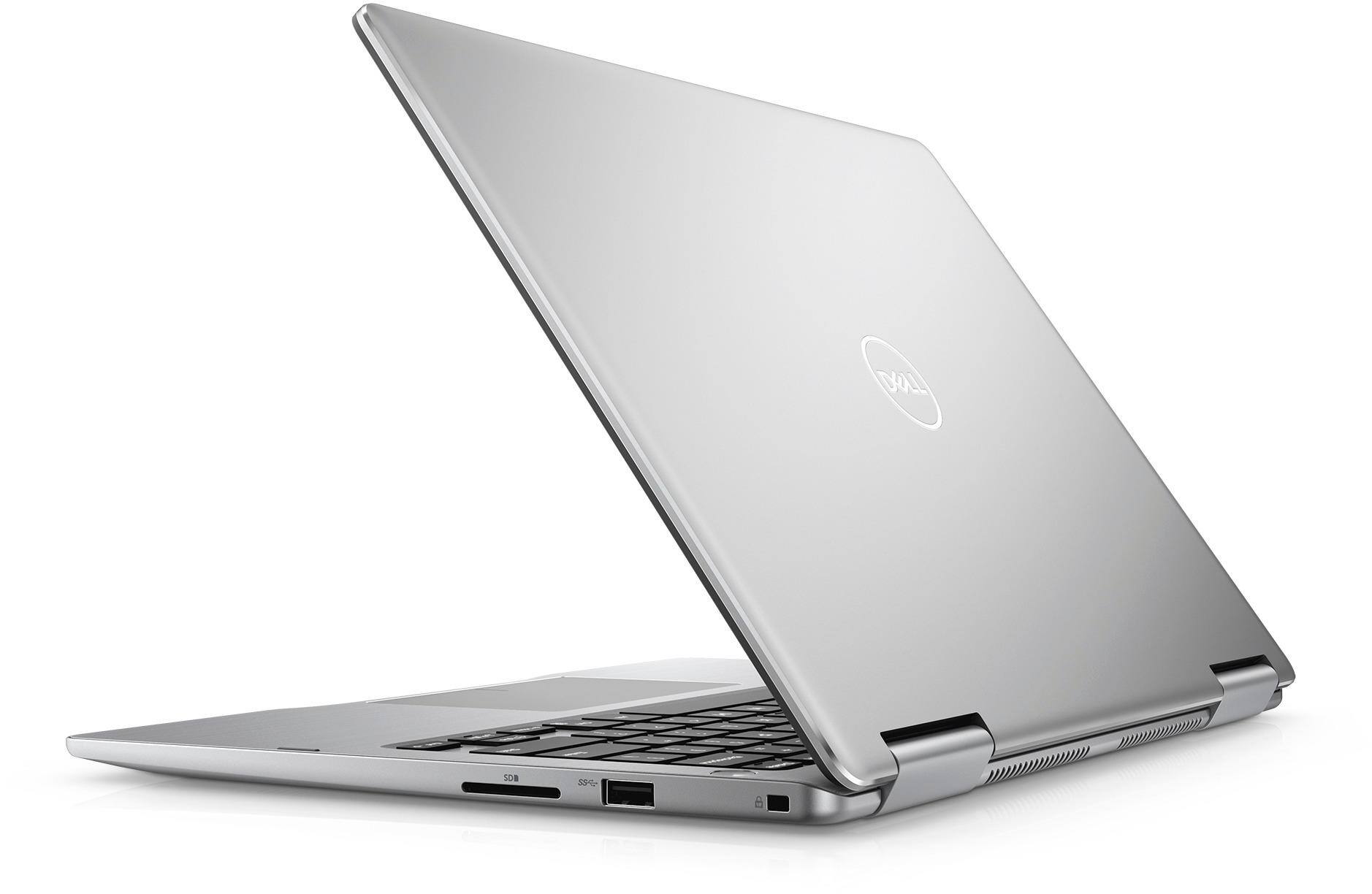
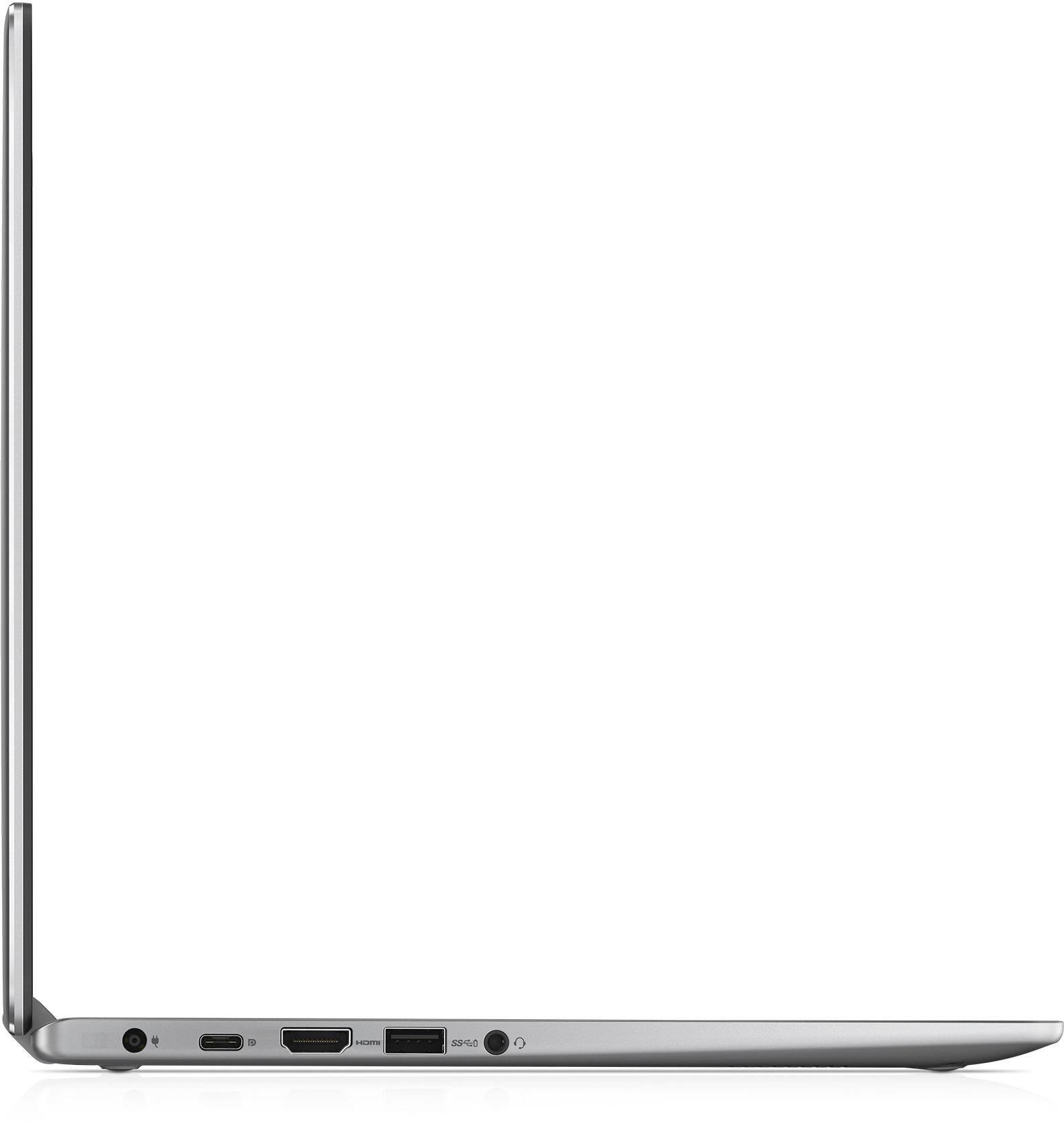
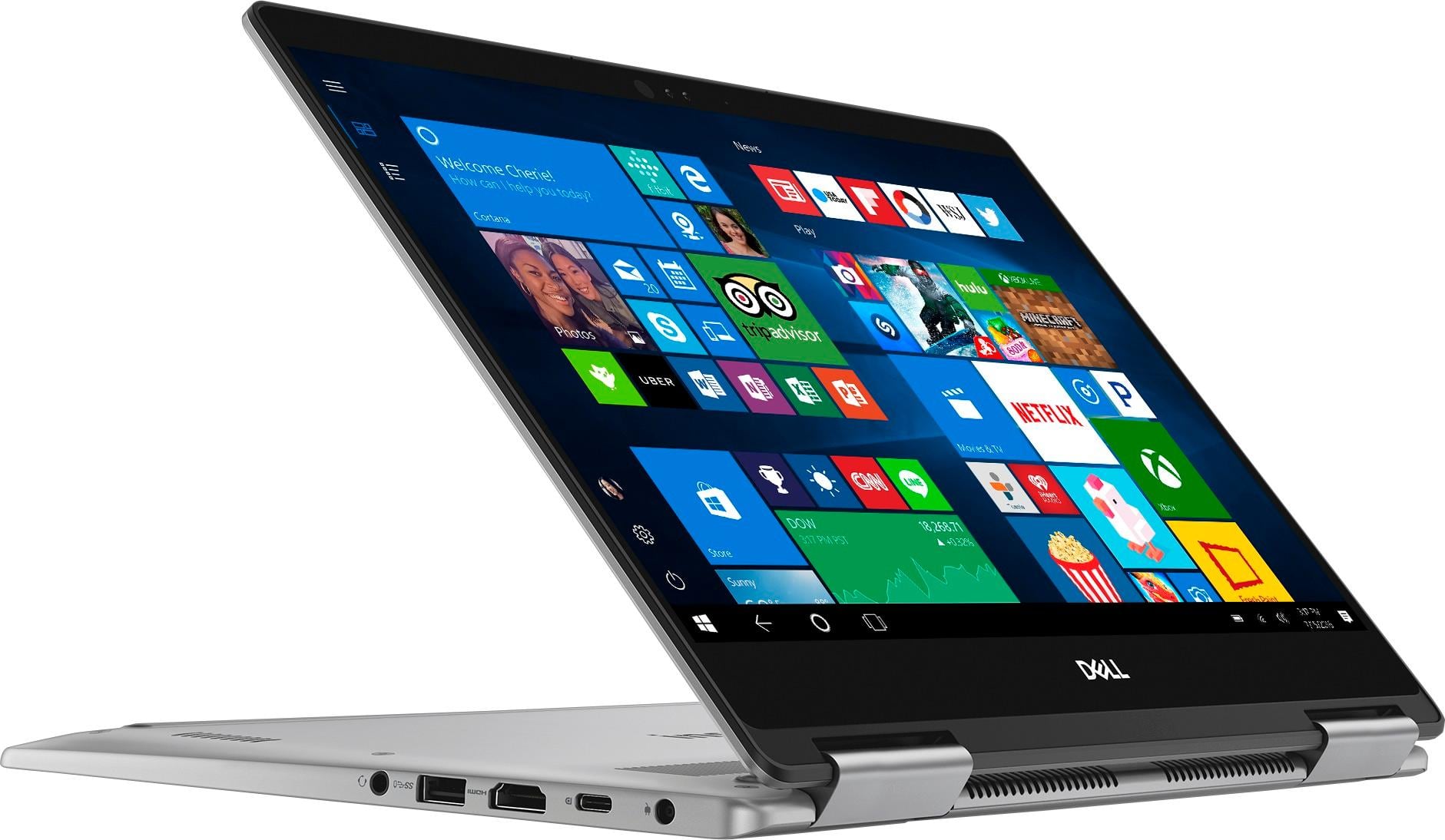
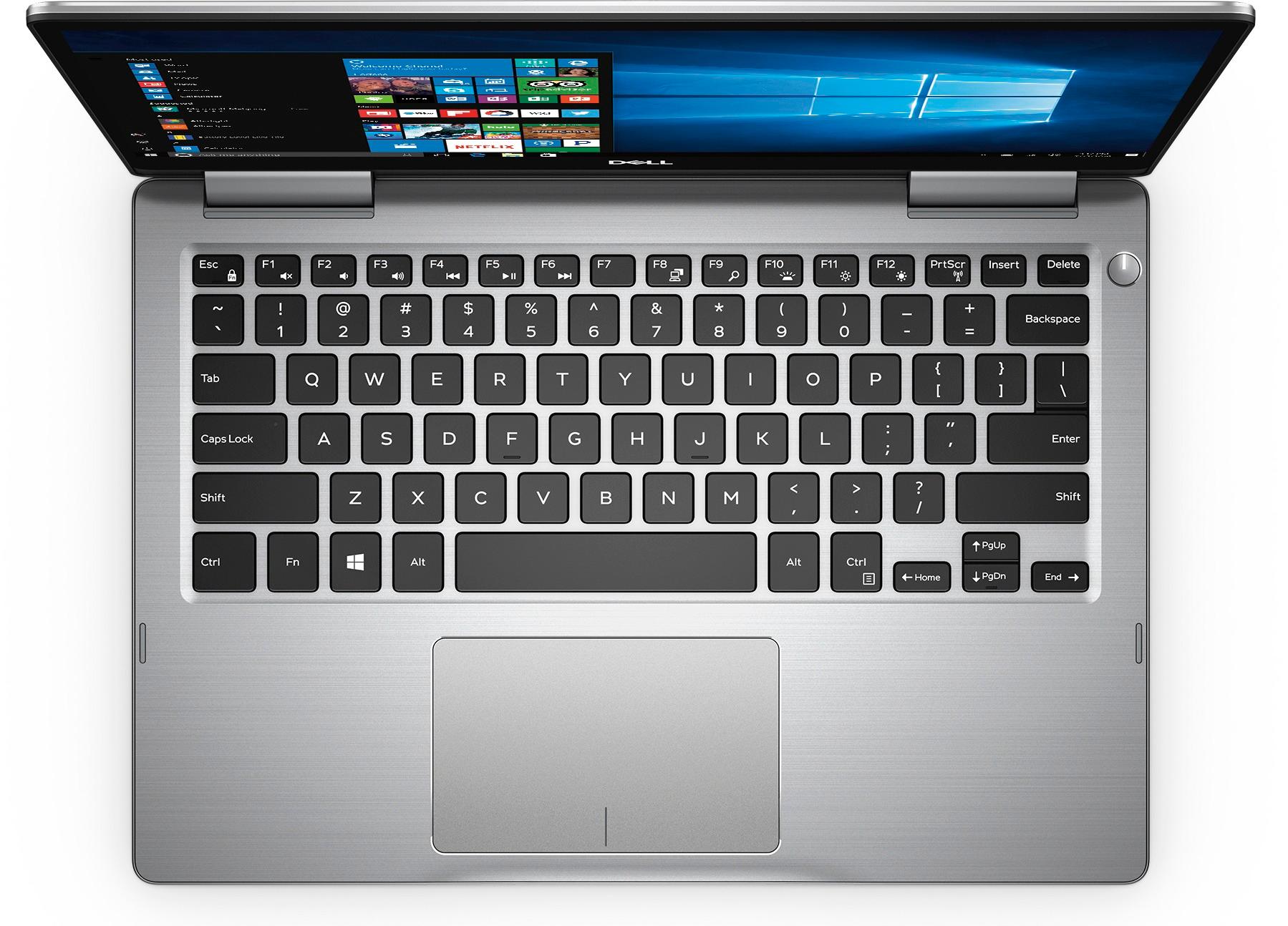
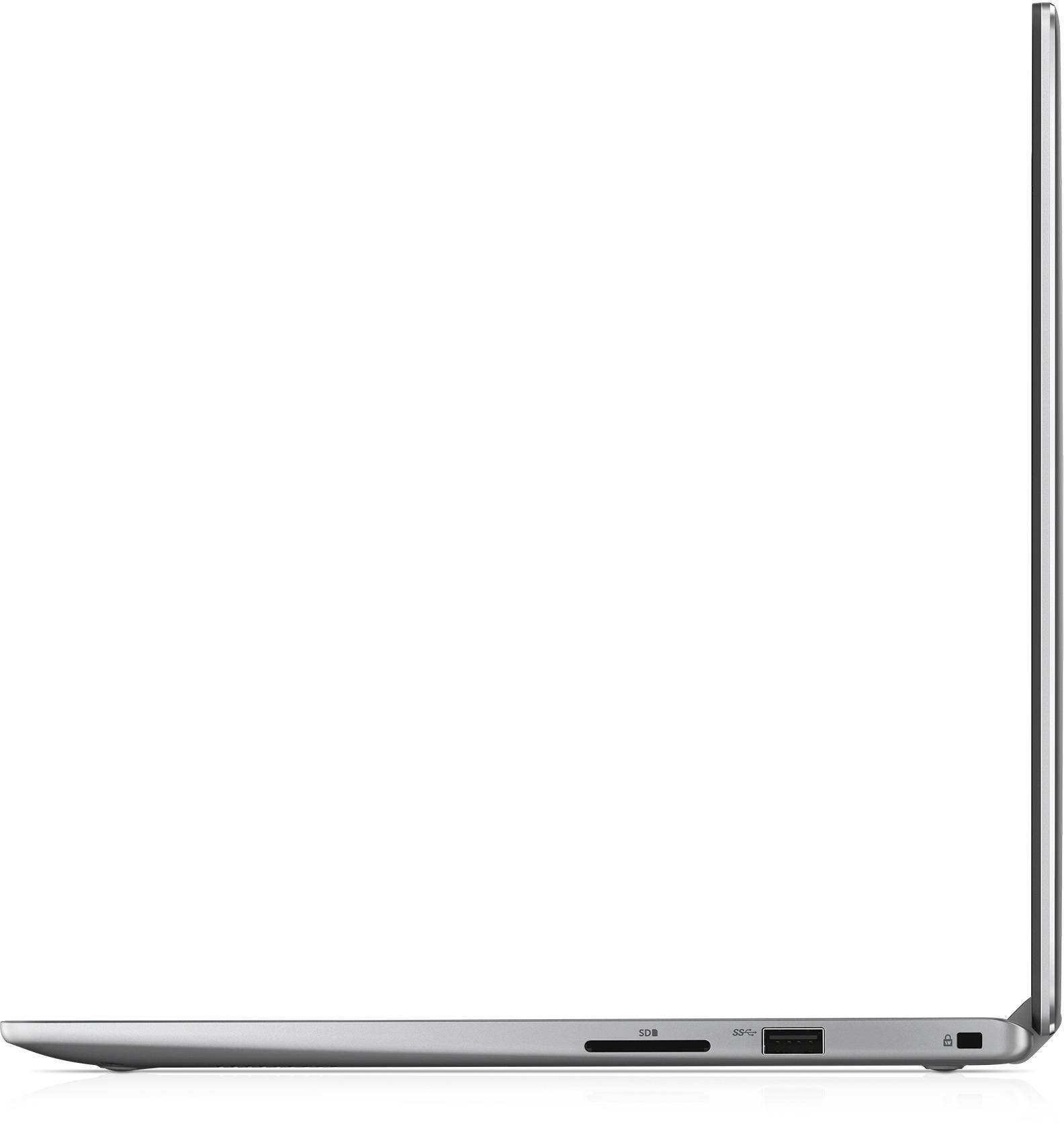
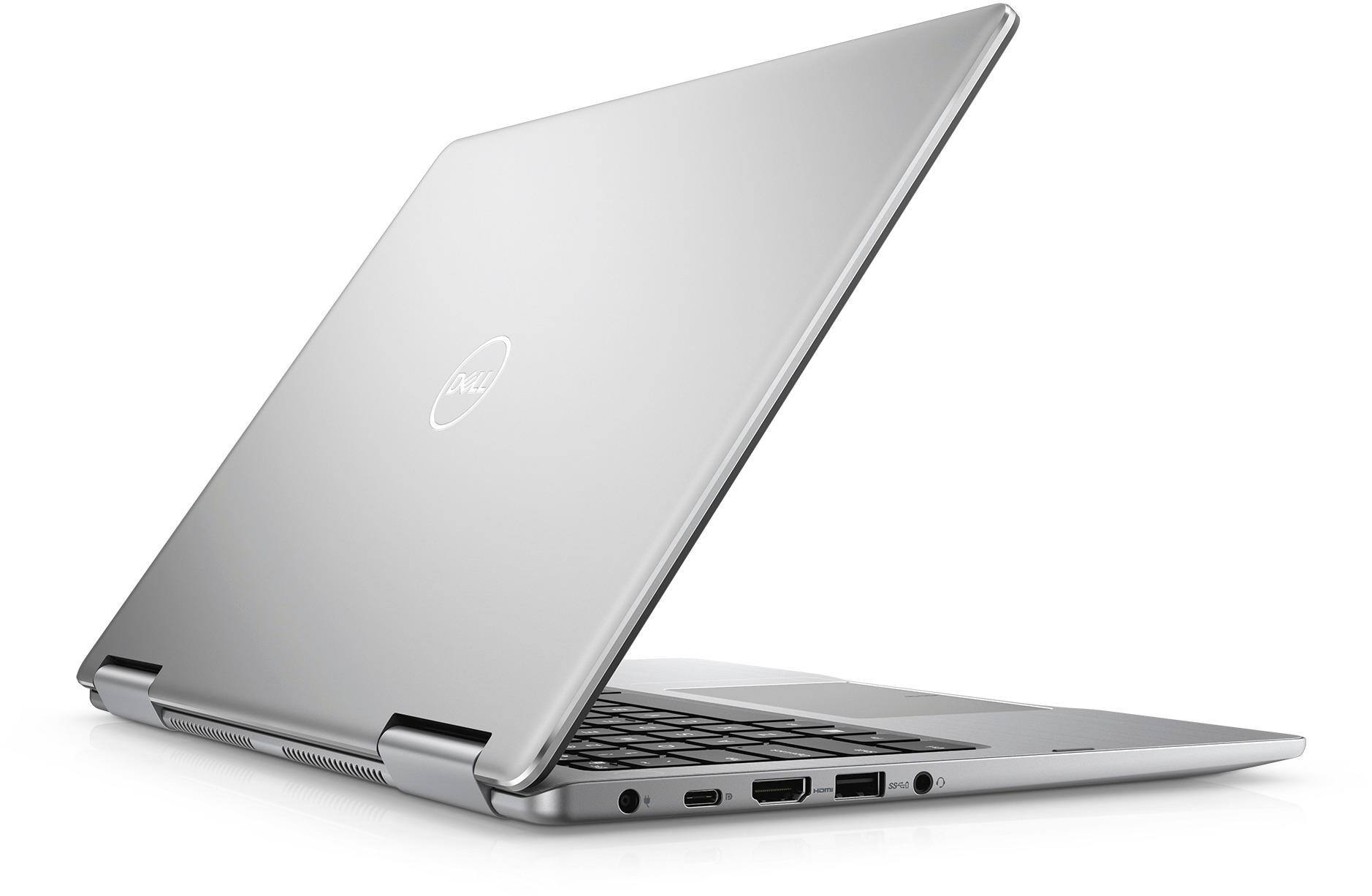
||Posted .This reviewer received promo considerations or sweepstakes entry for writing a review.Very portable (perfect size 13.3inches) and thin (0.6 inches) CONS Size - Excellent Thickness - Very good Keyboard - Excellent Trackpad - Very Good Screen - Excellent Ports - Outstanding number and variety for this size Laptop 2 in 1 convenience - outstanding Touchscreen - Excellent Performance - excellent (the 8th gen i5 8250U is outstanding). It is quiet and hardly ever hear the fans CONS Speakers - mediocre Battery Life - ok Weight - 3.6 lbs too heavy for this size IMO Overall outstanding value for money If you cant have an XPS 13 this is the next best thing
I would recommend this to a friend - Cons mentioned:Battery life
Great Little laptop
||Posted .This reviewer received promo considerations or sweepstakes entry for writing a review.This seems to be a great little laptop so far, There are alot of complaints about batter life. I am not worried unless down the road the batteries become hard to purchase. They are only $20 and pretty straight forward to replace in the future. Initial boot up and set up takes a very long time, like hours because of all the updates. Also these are not future thinking any more they may have been a few models back but not now. If you check on ram upgrades be careful this version does not have ram slots and is not up gradable. You can however replace the hard drive in the future, but i will just stick with online storage and mini usb drives.
I would recommend this to a friend - Pros mentioned:Fast, Size
Overall great 2 in 1 laptop
||Posted .This reviewer received promo considerations or sweepstakes entry for writing a review.Perfect size and light weight. Quick speed and starts up fairly quickly. Happy with my purchase. Great for students.
I would recommend this to a friend - Pros mentioned:Touch screen
Dell Inspiron 2 in 1
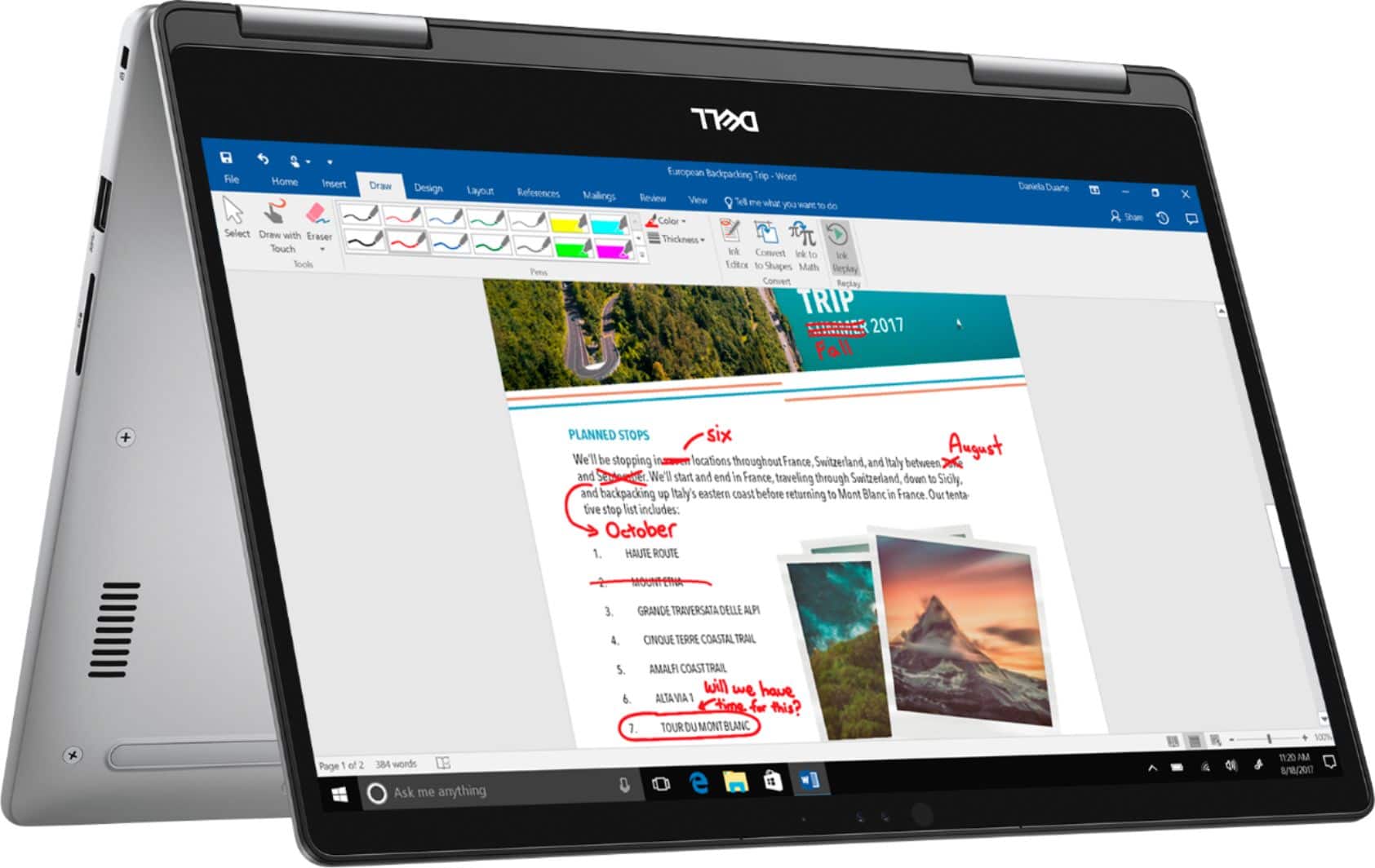
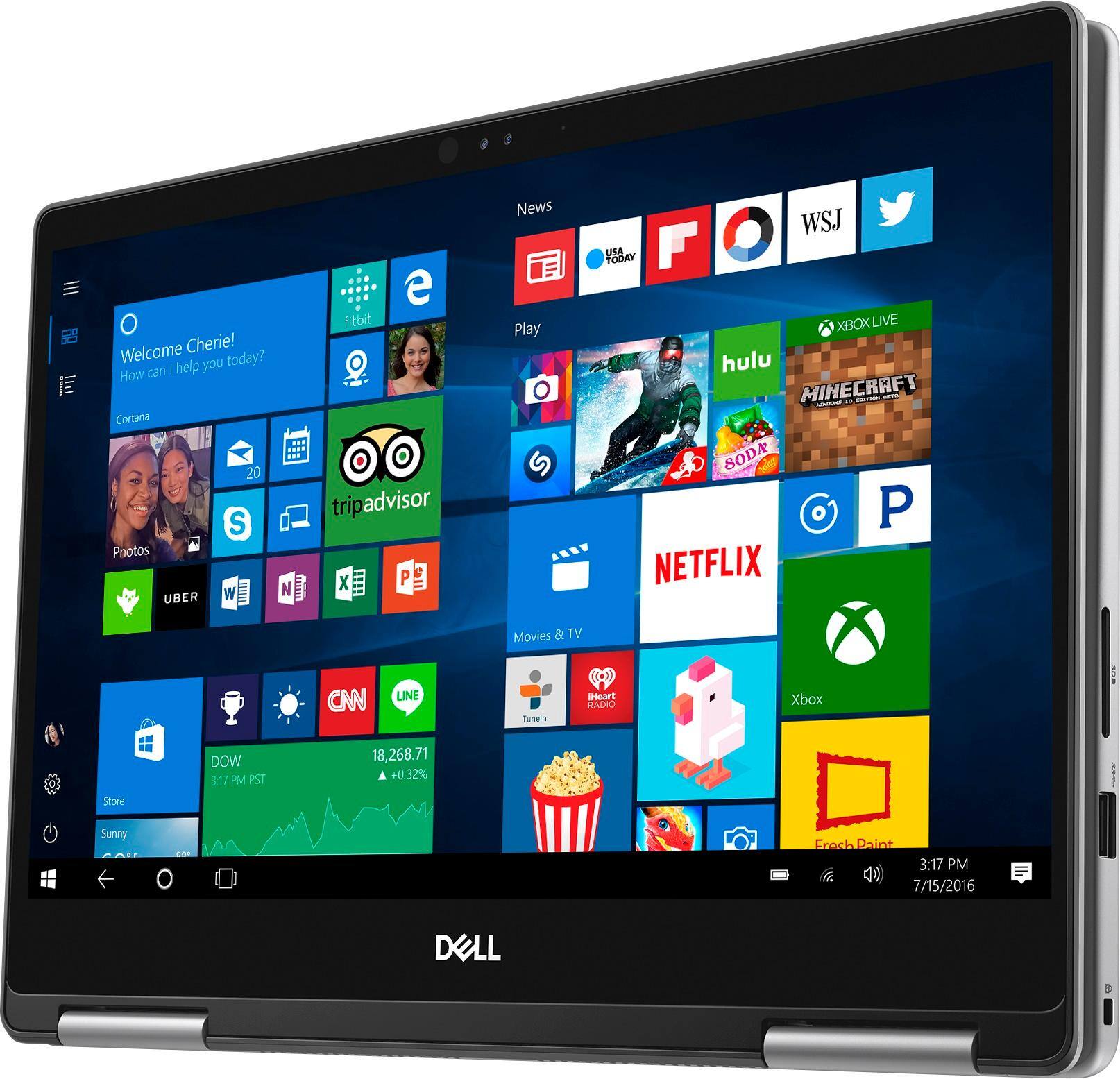
||Posted .This reviewer received promo considerations or sweepstakes entry for writing a review.This Dell Laptop offers everything you could want from a laptop!!! Touch screen, light weight, Love Love that it turns into a tablet. Look no more.
I would recommend this to a friend I love my laptop
||Posted .This reviewer received promo considerations or sweepstakes entry for writing a review.My loptop is very good, i can do my business invoices any where and updated my social media for my business , the pictures and muvies looks great i just love it.
I would recommend this to a friendVery good laptop
||Posted .This reviewer received promo considerations or sweepstakes entry for writing a review.It has been almost three weeks since I had this and I have no complaints at all so far.
I would recommend this to a friendAwesome!
||Posted .This reviewer received promo considerations or sweepstakes entry for writing a review.Awesome laptop! Works perfectly in my new studio!!
I would recommend this to a friendGood laptop, poor quality power adapter
||Posted .This reviewer received promo considerations or sweepstakes entry for writing a review.Good performance laptop power adapter died after 7 months and Best buy could not replace. Will be going through Dell for attempted warranty replacement
No, I would not recommend this to a friend- Pros mentioned:Fast
Good Laptop For Work
Posted .This reviewer received promo considerations or sweepstakes entry for writing a review.The Dell Inspiron 2-in-1 makes for a good work computer. I've been using the computer for work (Word, Powerpoint, Excel, Web-browsing) for about 6 months with little issue. I'll give a short list of pros and cons. PROs: Speed. Computer boots fast, loads programs quickly and is responsive. Design. This is a good looking, light weight laptop. Easy to carry around. Screen. The screen is easily one of the best looking laptop screens I've used. It's not 4K, but it isn't bad on the eyes either. Keyboard. Well laid out, easy to type on. CONs: Upgrades. I purchased a RAM upgrade making sure to match the speed and type precisely, and got a BSOD. Ended up returning the extra RAM. Gaming. I can play League of Legends, WoW and a few older Steam games with success, but it is not really meant for gaming. Battery life. Not bad, not the best.
I would recommend this to a friend - Pros mentioned:Fast, SizeCons mentioned:Battery life, Heating
Well worth buying.
||Posted .This reviewer received promo considerations or sweepstakes entry for writing a review.I went into the store knowing what I wanted, so when I got the computer it was really all about whether or not it performed up to my expectations. It definitely did. It was so much faster and also had better HD quality than I expected. Full disclosure, I was coming from a 4 year old Macbook Pro. So that being said, I didn't have an SSD on the apple. This dell absolutely flies on startup, and with facial recognition, from fully powered off to the desktop is right about 25 seconds. No need for a password if it's sitting in front of you. Which if you have yet to have an SSD, you will realize that is so much faster than what I was used to. Size wise it's basically just like all the years of macbook pros, it's tiny and light and really easy to throw in a bag and carry around all day. For flights it is absolutely ideal. I do a lot of international flying, so most seats have a power outlet under the seat nowadays, but I would imagine you might want to buy a powerbank if you need longer than about 4 hours of charge. I've had it for 2 weeks now and so far I have no real gripes other than the battery life being a little bit short at 4 hours. I could do with a longer life, something like 8 hours seems more reasonable for a computer for work, but I realize it's a 2 in 1, so I guess that means the battery life will always suffer. Still worth the battery loss for the option to flip this over and use it as a tablet. Also, if I wanted to be a little bit picky I could say that it gets a little warm before the fans come on. I think maybe they could tune the fan settings to turn on before any warmth at all happens, but again, that's just being picky. All in all, still very happy with the purchase, especially for the price. Would definitely buy again.
I would recommend this to a friend - Pros mentioned:Price, Touch screenCons mentioned:Battery life
Excellent laptop at a great deal.
||Posted .This reviewer received promo considerations or sweepstakes entry for writing a review.I went to BestBuy to purchase a MacBook Pro but instead ended up buying the Dell Inspiron 7373. The price point was just too good to pass up (on sale for $599), especially since the specs matched the Mac I had planned on buying. The keyboard is very responsive and feels comfortable even after typing for long periods. The trackpad is also excellent and easy to use. I love the touchscreen, which surprised me. The display is excellent and like the fact i can set it to night light to make it easier on my eyes. It's fast and responsive (after you wait a bit for windows to update). Overall a good solid laptop. The only con is the battery life. It's not bad, 4 1/2 hours, it could be better. However...I would definitely recommend this laptop.
I would recommend this to a friend - Pros mentioned:Price
Can't be beat for price!
||Posted .This reviewer received promo considerations or sweepstakes entry for writing a review.I'm been a computer geek since I had my first IBM Laptop almost 20 years ago. I do know my stuff. I've purchased on average at least one new system per year. As a former PC guy, I fell for Apple's MacBook air about 6 years ago while exchanging an iPhone and have been a Mac guy since then. I went into my local best buy and saw this on sale for 599 or about half what a comparable Mac would cost with the same specs. I5, 8GB, and 256 SSD. for 600 bucks those specks are unheard of! This is a very fast PC with ample memory, and a very competent processor. Paying more for the i7 is a waste of money. The one downside is the 8 gigs of soldered on Ram but this is a 600 dollar computer that would cost 4-600 more for a different system with similar specs. Not to mention that the all solder in the memory anyway. Hard plastic case instead of metal but it's really solid and quite attractive looking. Again, the only issue I have is the memory not being upgradable. I'm an average user but my ram usage is around 50 percent versus about 10 percent for the CPU. If you see this for 849 it's still a good deal. If you see it for any less, grab it before it goes away!
I would recommend this to a friend - Pros mentioned:Fast, Price, Touch screenCons mentioned:Battery life
Great laptop/notebook for the price
||Posted . Owned for more than 2 years when reviewed.This reviewer received promo considerations or sweepstakes entry for writing a review.For the price it’s really good. With touch screen and foldable features. It turns on and runs programs super fast unlike old laptops. Sometimes I use it as a tablet which is great. The only drawback is that, it runs out of battery fairly quick, gotta charge it very often. Otherwise it is a great laptop from a trusted brand.
I would recommend this to a friend - Pros mentioned:Touch screenCons mentioned:Battery life
Good for home use
||Posted .This reviewer received promo considerations or sweepstakes entry for writing a review.I've always gotten a good quality product from Dell and this is no exception. I've had no major issues with the laptop so far. I've had no issues with Wi-Fi connection or over-heating. The mouse has been sluggish at times and I've resorted to the touchscreen. The battery life is about what I expected. I'm averaging about 4 hours per charge. If you need extended battery life you might want to consider something different.
I would recommend this to a friend - Cons mentioned:Battery life, Fan noise, Heating
Good Value but Several Flaws
||Posted .This reviewer received promo considerations or sweepstakes entry for writing a review.This is a good laptop for the price, but there are a few things that I don't like: -Poor battery life - just 3-4 hours. I don't even care about battery life normally but noticed it right off the bat with this computer. Very annoying!! -Gets very hot, uncomfortable to have on lap -Loud fan -Light enough but still heavier than other 13.3'' laptops -Issue with mouse/touch pad - it is either highly sensitive or flawed; it clicks on things when I simply touch it or scan over something. If I click once it will double click. Something is definitely wrong with it..I've never had an issue like this with a touch pad. Otherwise the laptop has good specs, is fast, feels robust, and has a nice vibrant screen.
No, I would not recommend this to a friendBrand response from YourDellTeam
Posted .Hello Anonymous8585,
We appreciate your review and we'd like to try to help. If you'd like to try to extend your computer's battery life we'd suggest the following tips:
Change the Power Plan:
1. On the notification area of the taskbar, right-click the Battery icon.
2. On the options list, click Power Options.
3. Select a power plan on the battery meter, such as Power Saver or Balanced. Windows 10 has a built in 'Battery Saver' mode that can be activated to extend your system's battery life. The Battery Saver mode will monitor and limit background activity and other features such as push notifications. You do have the option to enable or disable this mode within settings or within advanced Battery Saver settings, you can customize the mode to best suit your needs.
a) Click on the Action Center icon in the taskbar and select the tile for Battery Saver.
b) If running Cortana then type Battery Saver into the search box and select from the results.
Within the Battery Saver settings page, you will be able to turn on and off the feature and customize the feature to best meet your needs.
c) Turn Battery Saver On or Off.
d) Additional settings available via the Battery use and Battery saver settings links.
e) Battery use shows further info on apps and their power usage.
f) Battery Saver Settings screen allows you to customize further Battery Saver feature.
You can read the full article here - http://dell.to/2vfXWf4.
If your computer is heating up too much for you here are some tips:
Tips for Proper Usage:
1. Dell does not recommend placing portable systems directly on your lap. Due to reductions in the thickness of modern portable systems, heat transfer can be an issue.
2. Using a portable system (Laptop) on a hard, flat, non-cloth surface will increase airflow and reduce heat from underneath and inside the system.
Using the portable system on a blanket, pillow, or other types of cloth will cover up the fan cause the computer to overheat and can cause permanent damage.
3. It is recommended to use the portable system in a Room temperature of 0°C to 35°C (32°F to 95°F) with a Humidity level no greater than 90%.
4. Use compressed air to clean the vents on a regular basis.
5. Using a cooling pad can decrease heat and increase performance.
6. If you want to know the temperature limitations for your system, go to the Dell Support Website, look up your system model then open the user guide under the manuals link.
You can read the full article here - http://dell.to/2uJ8AdG.
If your fan continues to run too loud for you we'd recommend the following:
Update the BIOS: An out-of-date BIOS can cause loud fan noises by having an outdated temperature table for the system. Refer to update BIOS and follow the instructions to update the BIOS on your computer. You can also follow up with our Technical Support Team here - 1-800-624-9896.
You can read the full article here - http://dell.to/2ENlXfz.
Lastly, if you'd like to re-calibrate your touchpad, here are the steps:
Some Notebooks and Tablets with Keyboards have added gesture features to the touchpad hardware and drivers. A few of these features are two or three finger scrolling, pinch zoom, circle zoom, rotate and swiping. These new features may be the reason for the erratic cursor movement since most are turned on by default. You can disable or modify the way the features work in the touchpad driver properties. Here are some tips to modify these settings:
1. In the Search box, type main.cpl.
2. Touch or click main.cpl in the list of programs.
3. Touch or click the Dell Touchpad tab.
4. Touch or click on the picture of the touchpad.
5. Touch or click Gestures (depending on your computer there may not be a Gestures option).
6. Change the options as preferred.
7. Touch or click Save.
8. Touch or click the X in the upper-right corner to close the Dell Touchpad Utility.
9. Touch or click OK on the Mouse Properties window.
10. If the touchpad still does not work after following the preceding steps, refer to Dell Knowledge Base article - http://dell.to/2iaiujA.
You can read the full article here - http://dell.to/2tqmS02.
We hope that these tips will help your computer perform better for you.
Best,
Bryan
1-800-624-9896
- Pros mentioned:Lightweight, Touch screenCons mentioned:Battery life
Great product for students
||Posted .This reviewer received promo considerations or sweepstakes entry for writing a review.I bought this laptop as a replacement of my almost 6 year old Lenovo that was falling apart. I really wanted a laptop with some of the newer tech such as touchscreen, faster processor, bluetooth features for all of my headphones and earbuds. I love how lightweight it is, especially compared to my older laptop. 2 in 1 functions and the 360 degree bending of the laptop itself makes it extremely versatile for work and play. The screen is very nice, I don't have an issue with brightness. My only gripe really is battery. It's not terrible by any means, but from other reviews I have read, it's not the greatest. But for me, it's not a deal breaker.
I would recommend this to a friend - Cons mentioned:Battery life
Solid 2 in 1 for someone not so tech savy
||Posted .This reviewer received promo considerations or sweepstakes entry for writing a review.The computer I had initially targeted to look at was not in stock at our store so the sale associate recommended we check out this Dell. ii is clearly more machine than I need for my computing needs but it operates so fast and works so great with Windows, I don't regret having the additional muscle. Since we are not the most tech savvy, we bought a Geek support package which has turned out to have been a wise thing to do. They did a great job of file transfer and machine set up and have answered how-to questions two or three times already for us. Great service from them! The only issue I am less than 100% satisfied about is how often I have to recharge the battery. Part of the problem is the number of programs that automatically run in the background that drain power even when I'm not on the machine. I have cut down on some of these programs but still have to charge the battery more than I expected. (may need to call the Geek's in on this...)
I would recommend this to a friend - Pros mentioned:Fast, Lightweight
Really works well
||Posted .This reviewer received promo considerations or sweepstakes entry for writing a review.I got this for travel, as it is a bit smaller, and much lighter than my rugged old i7 with built in DVD drive. Does exactly what I wanted, and its much speedier than I expected, feels like a dead heat with my i7, for normal laptop apps. No doubt the difference would be noticeable if doing CAD, but I have "serious" hardware for that!
I would recommend this to a friend - Cons mentioned:Battery life
Perfect Size and Screen, One Resolvable Issue
||Posted .This reviewer received promo considerations or sweepstakes entry for writing a review.I picked this up as an open box/return as it had the perfect features for me for a much lower cost than even the sale price: 13" 1080 touch screen (small, but not too small), i5 Gen 8, 8 GB DDR4 RAM, 256GB SSD. A lot of reviews knock its small battery and the capacity does have a few hours less than other laptops in this range, however I don't use it often away from my desk so it is a non-issue for me. The glossy type screen is reflective and shiny, but I like that type of screen. Sure it shows fingerprints and reflects quite a bit, but the black levels/contrast is so much clearer than on the fuzzy matte screens. There were a couple open boxed machines of this model which gave me concern, but hey I'm an IT guy so should be able to work through any issues. After purchasing I noticed my Wi-Fi speeds were garbage, like 5-10% of what my other machines get. 2.4 GHz was unusable and 5 GHz was rough. Looking into forums there were several fixes suggestions that seemed to have worked for other users. I updated the BIOS, removed the Intel application and drivers and replaced with Microsoft. These seemed to have small improvements, but those were going from 20 Mbps to 25 - 30 Mbps. Finally, I read that one of Dell's bloatware apps was the cause: SmartByte - a network prioritization for video improvement from Rivet Networks. I uninstalled it from the start menu and thought that would fix it but it only gained me a few Mbps. After trying many other potential solutions that all failed I was about give up and return the machine, but I really like everything else about it. So I was rehashing the previous possibilities and found that uninstalling the app doesn't remove the SmartByte Network Service. I removed that item from the control panel's Add/Remove Programs and, BAM!, got my 300+ Mbps speeds! There were several of these models in the open box section, so I bet that BestBuy and Dell are losing a lot of money from this one piece of garbage software. 6 hours of troubleshooting was definitely worth the reduced purchase price.
I would recommend this to a friend - Pros mentioned:Fast, Lightweight, Touch screen
Great computer for work and play
||Posted .This reviewer received promo considerations or sweepstakes entry for writing a review.I needed a new computer for my work and personal use. I have long been a Dell user however 2 years ago I tried something cheaper and needless to say after 2 painful, slow years I returned to my DELL roots and I am glad I did. This computer is fast, efficient and I love the touch screen. It is the perfect size for me to carry anywhere I go. Ease of use is wonderful. It was a little pricey but I have no buyers remorse. Thanks Best Buy for a great customer experience and for carrying a brand I love.
I would recommend this to a friend