Customer Ratings & Reviews



- Model:
- I7373-5558GRY-PUS
- SKU:
- 6083539
Rating by feature
- Value
Rating 4.2 out of 5 stars
- Quality
Rating 4.3 out of 5 stars
- Ease of Use
Rating 4.5 out of 5 stars
Customers are saying
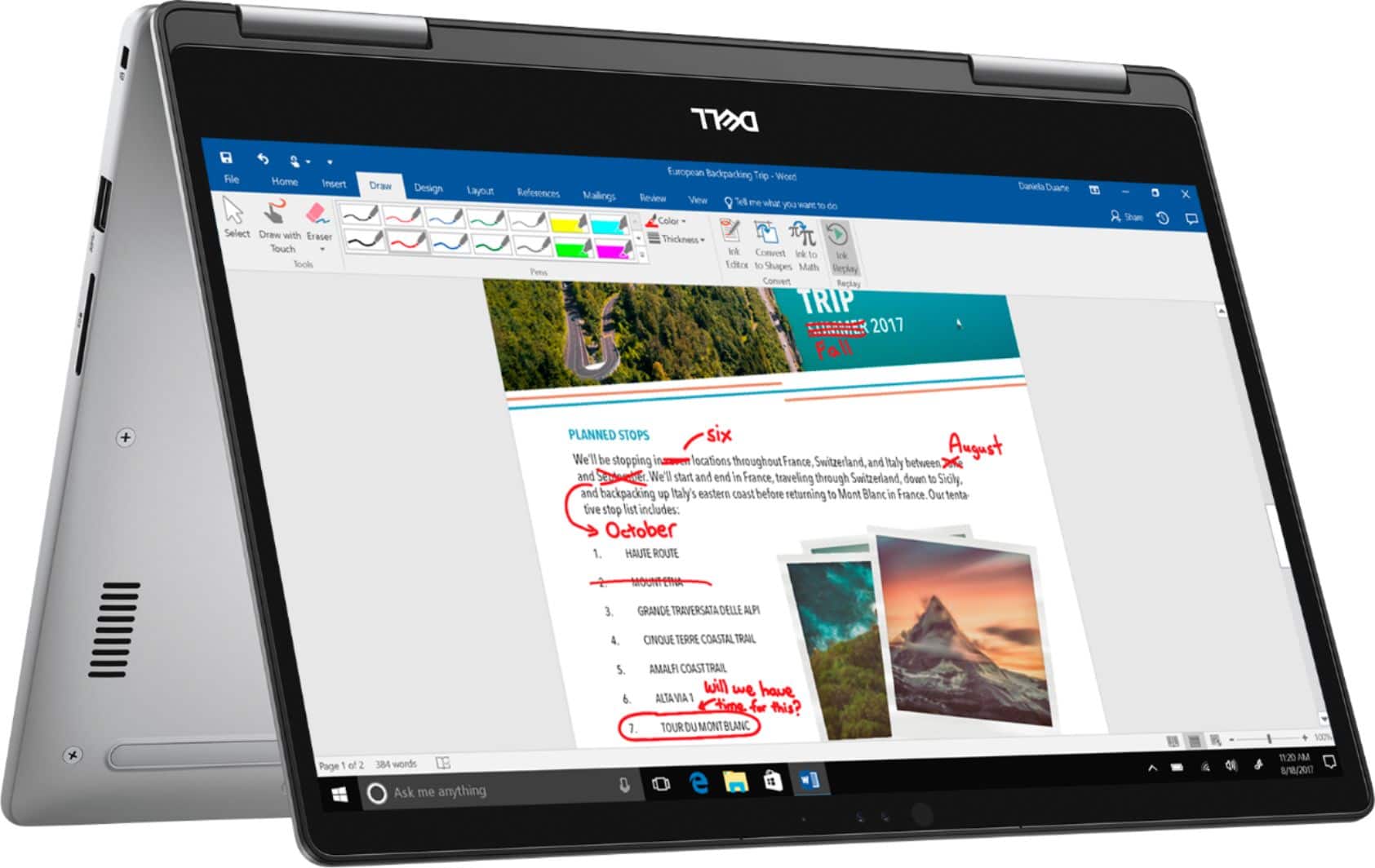
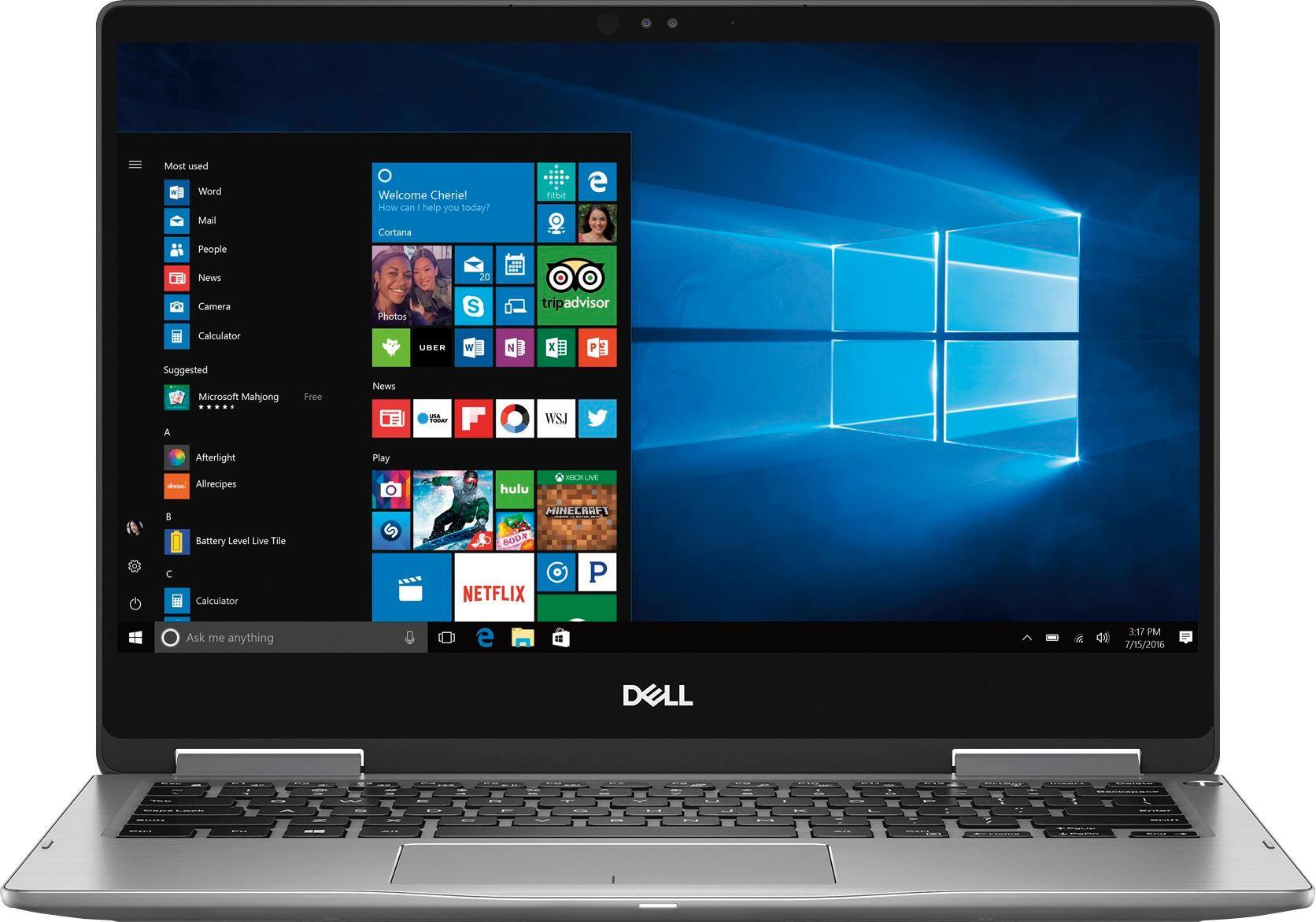
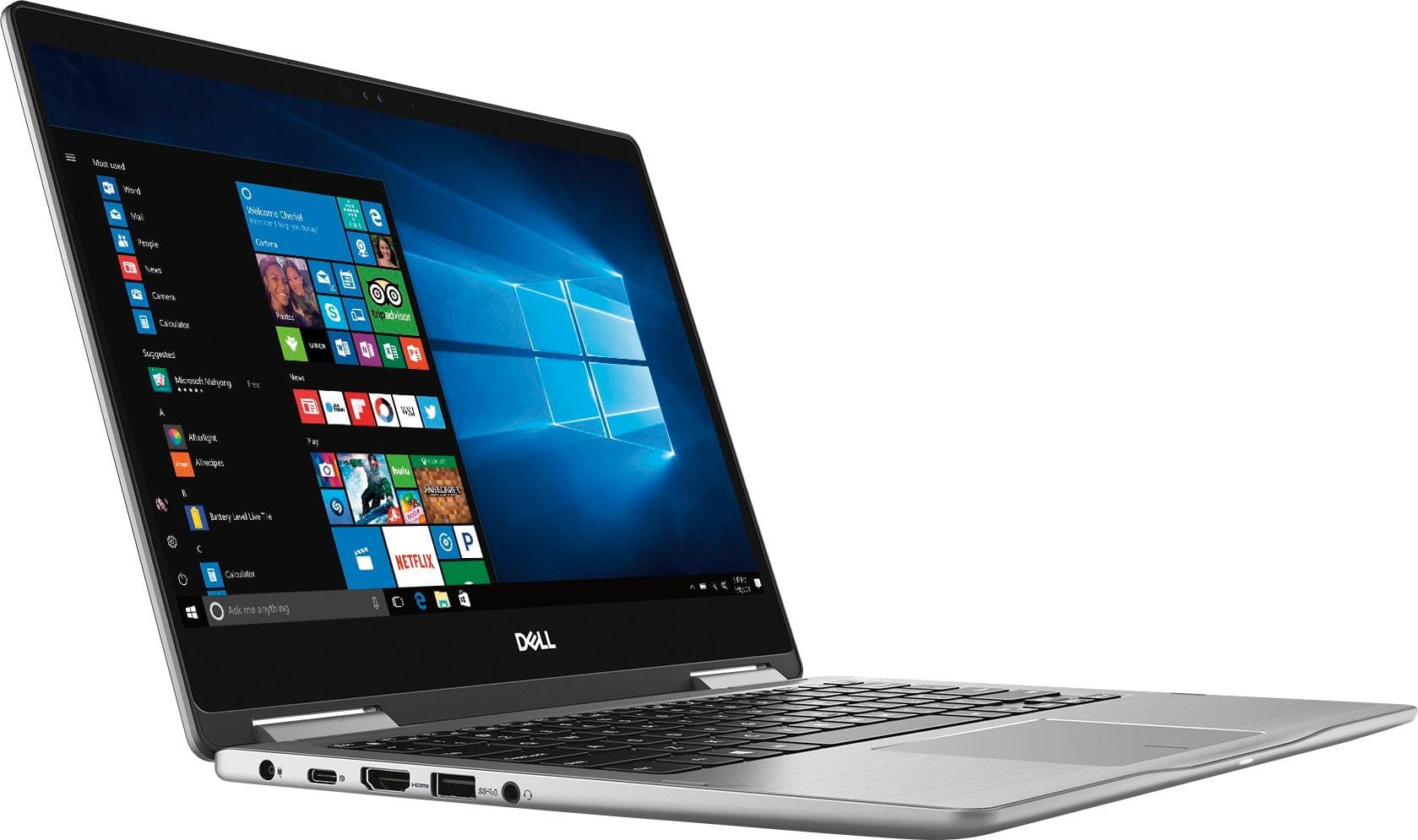
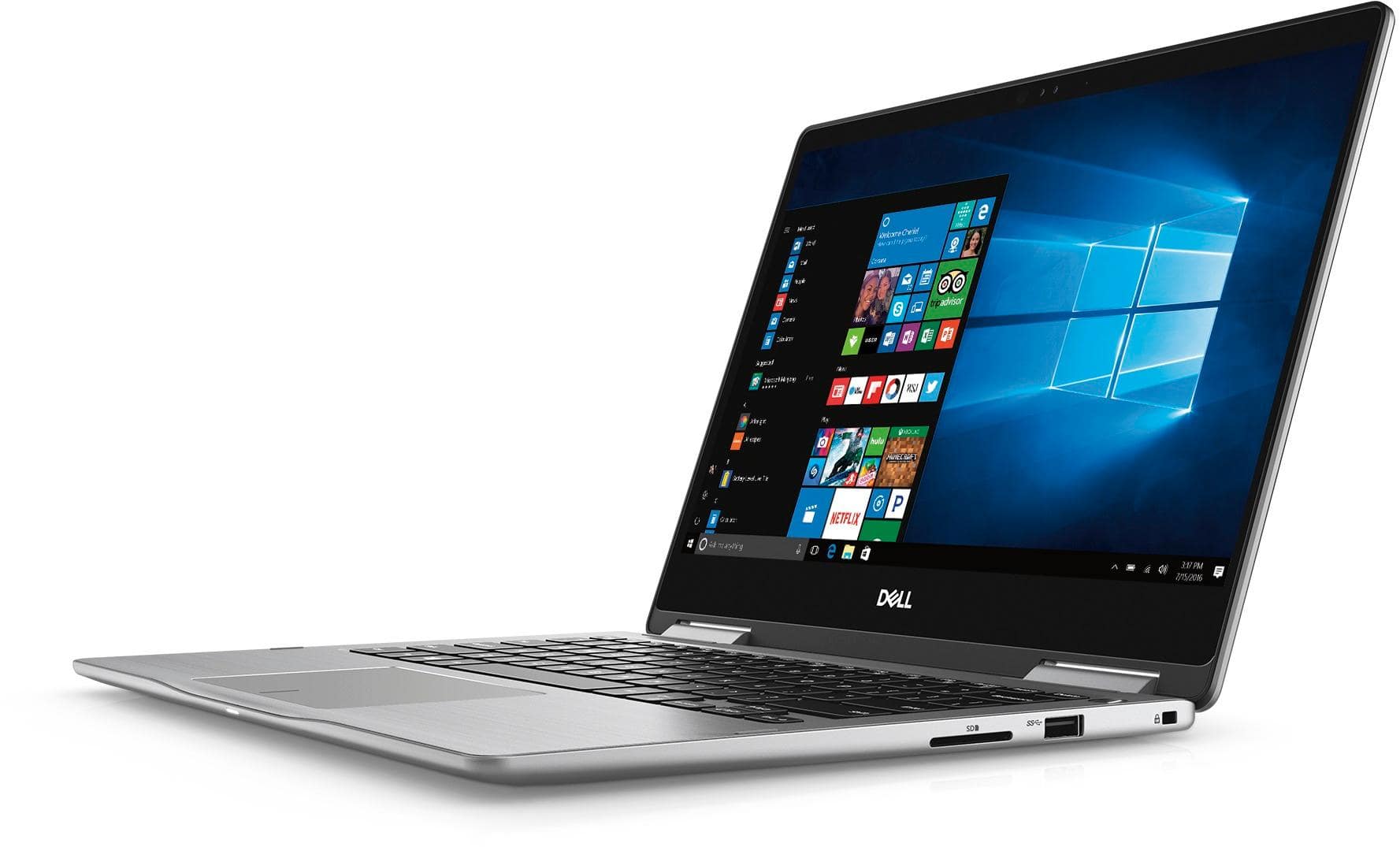
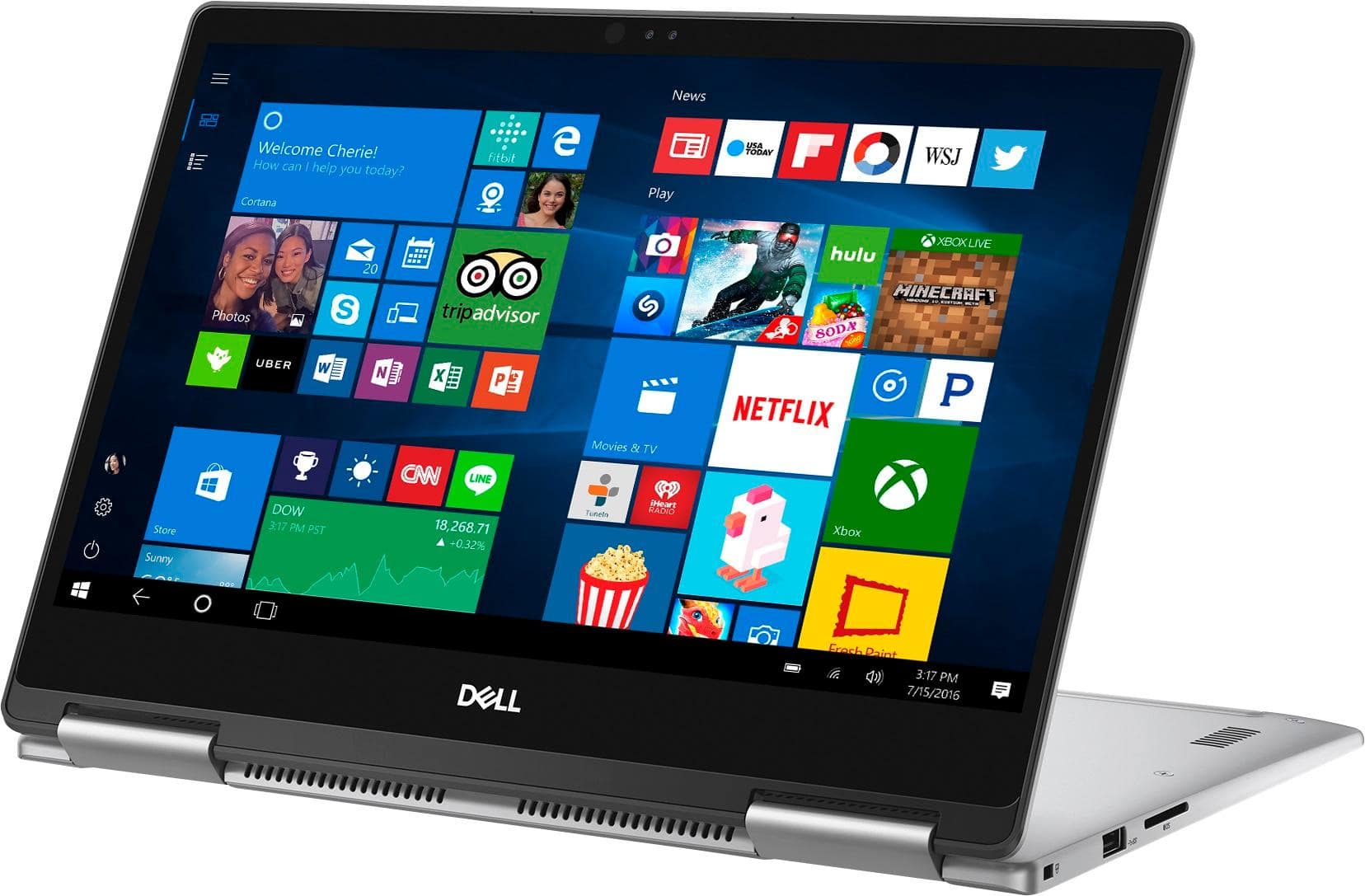
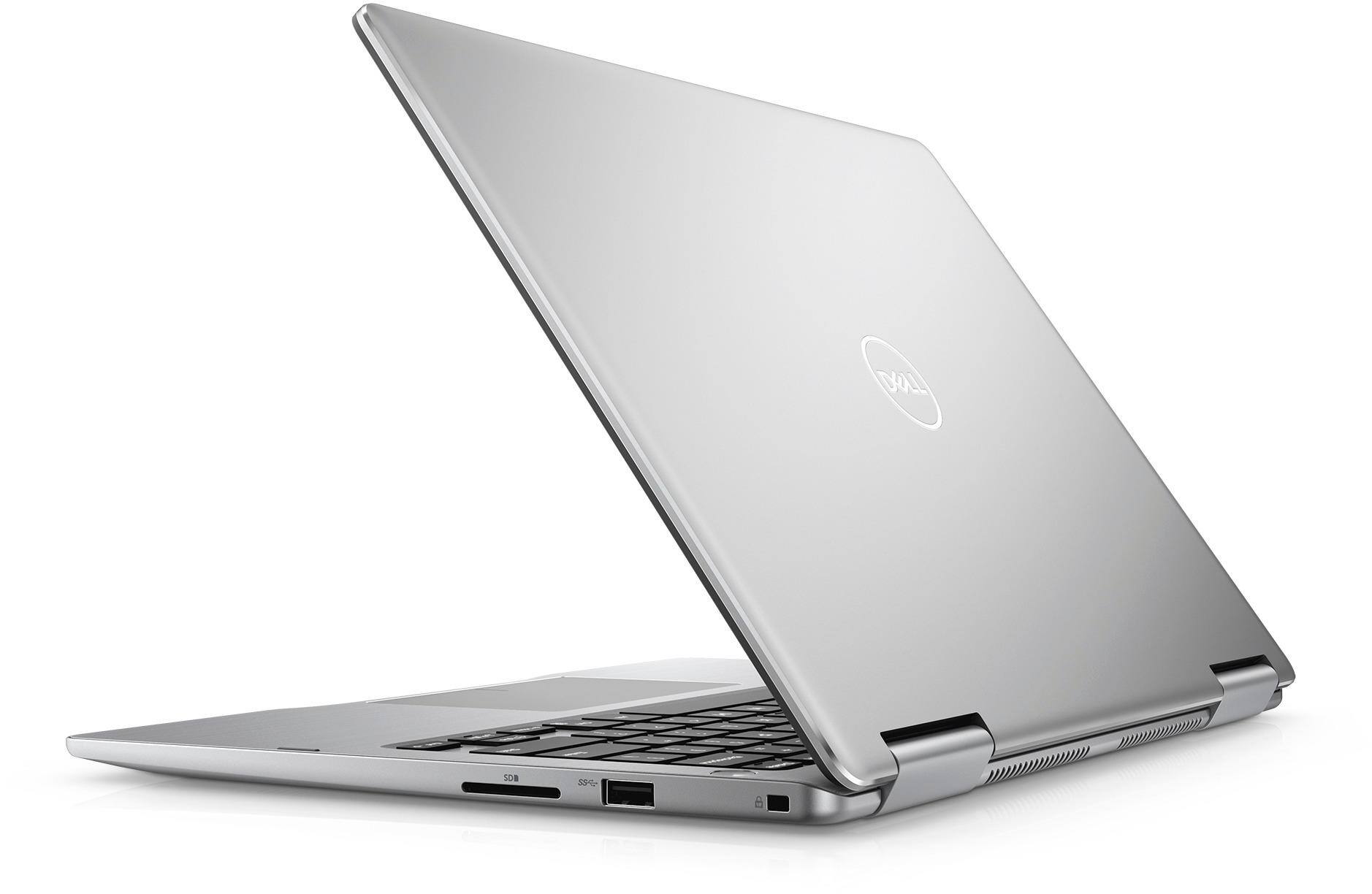
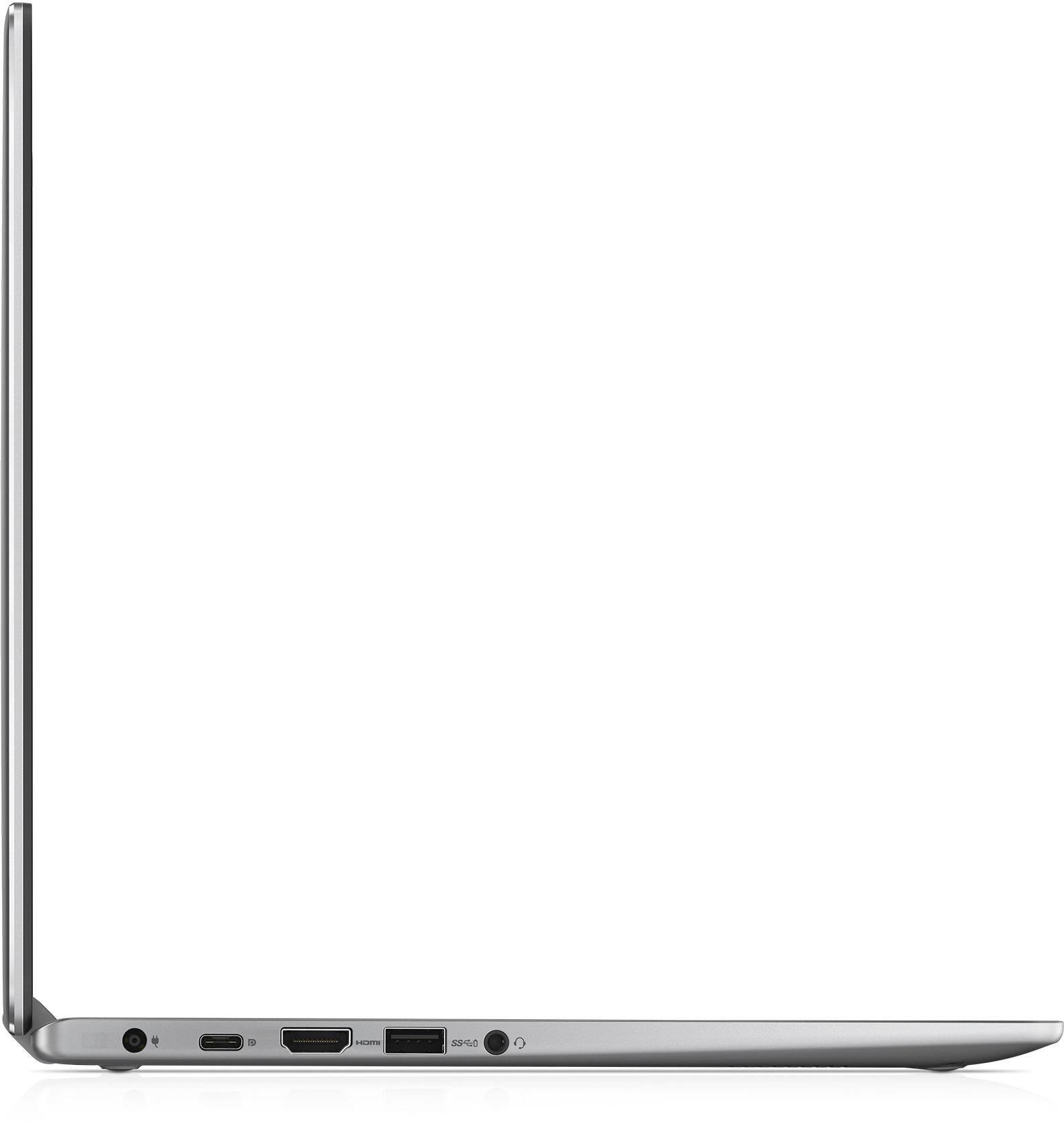
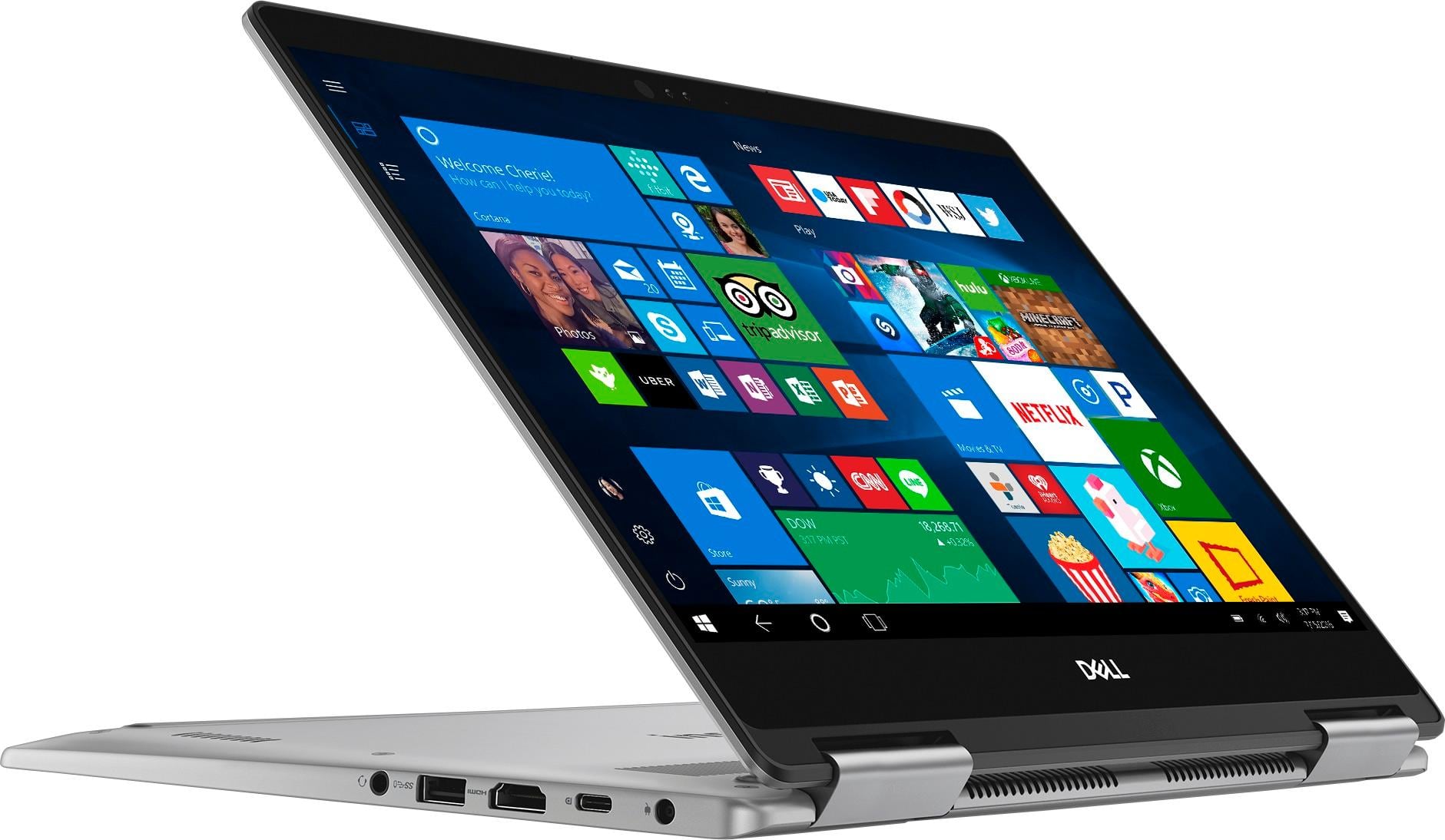
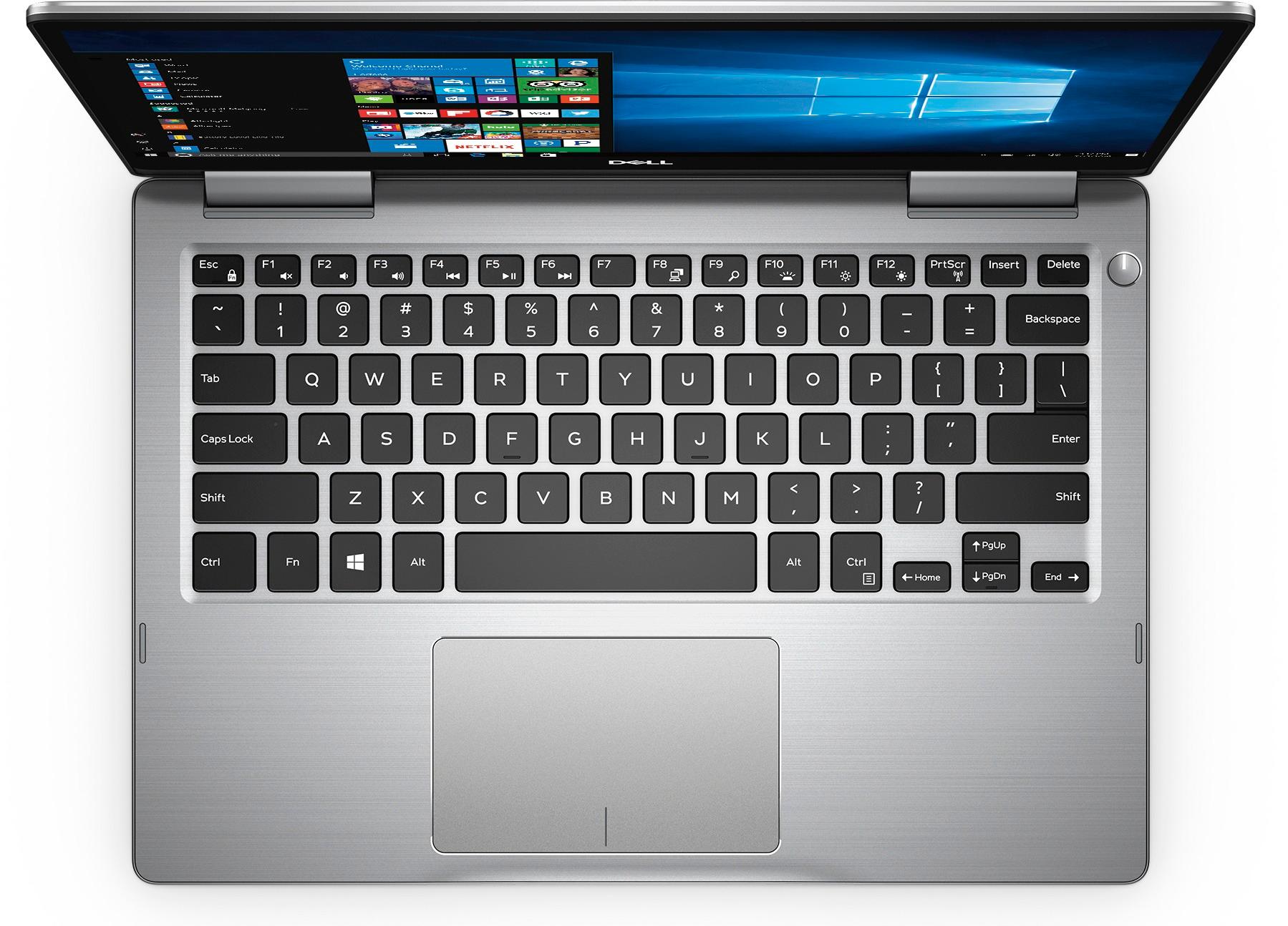
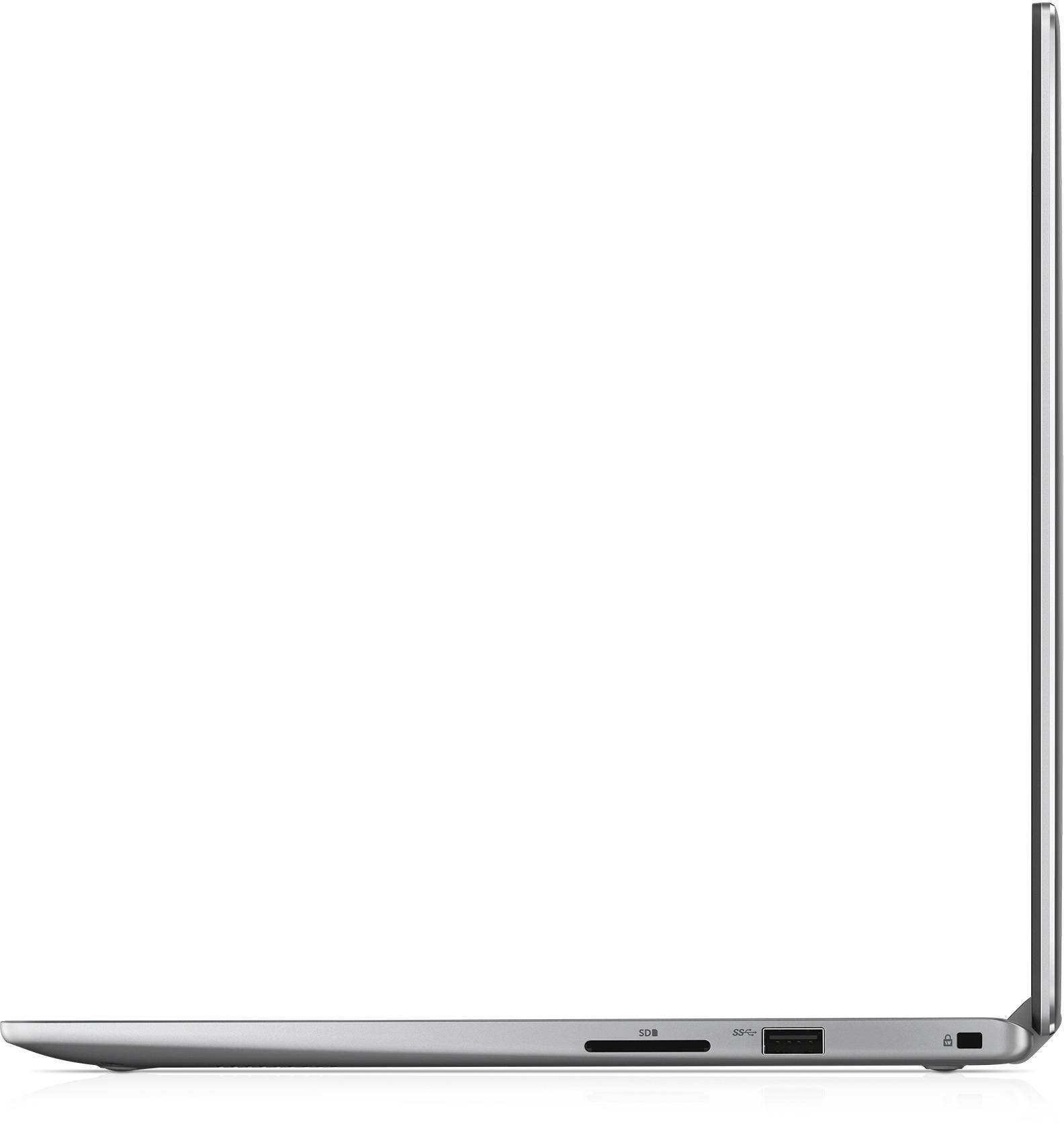
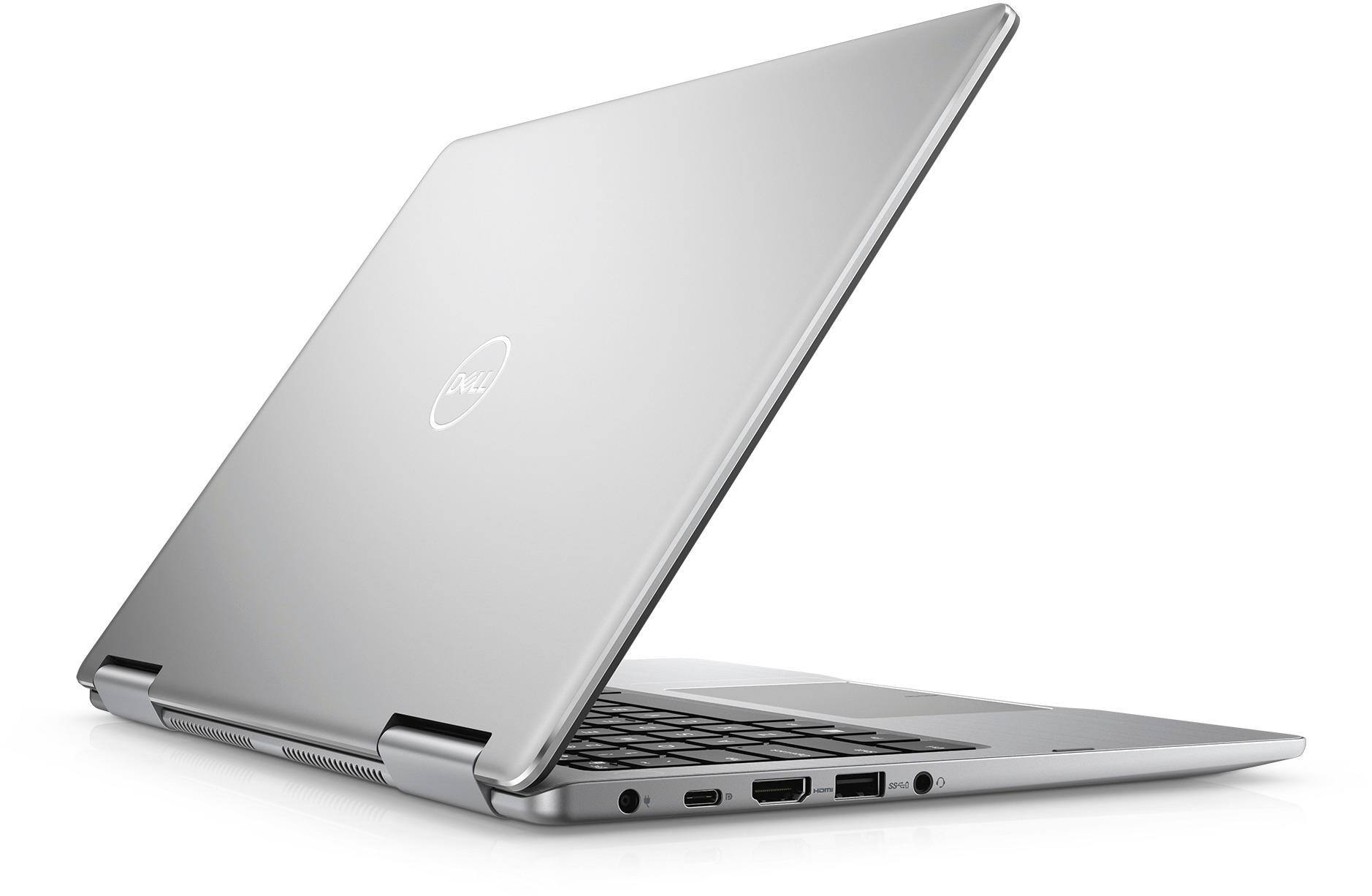
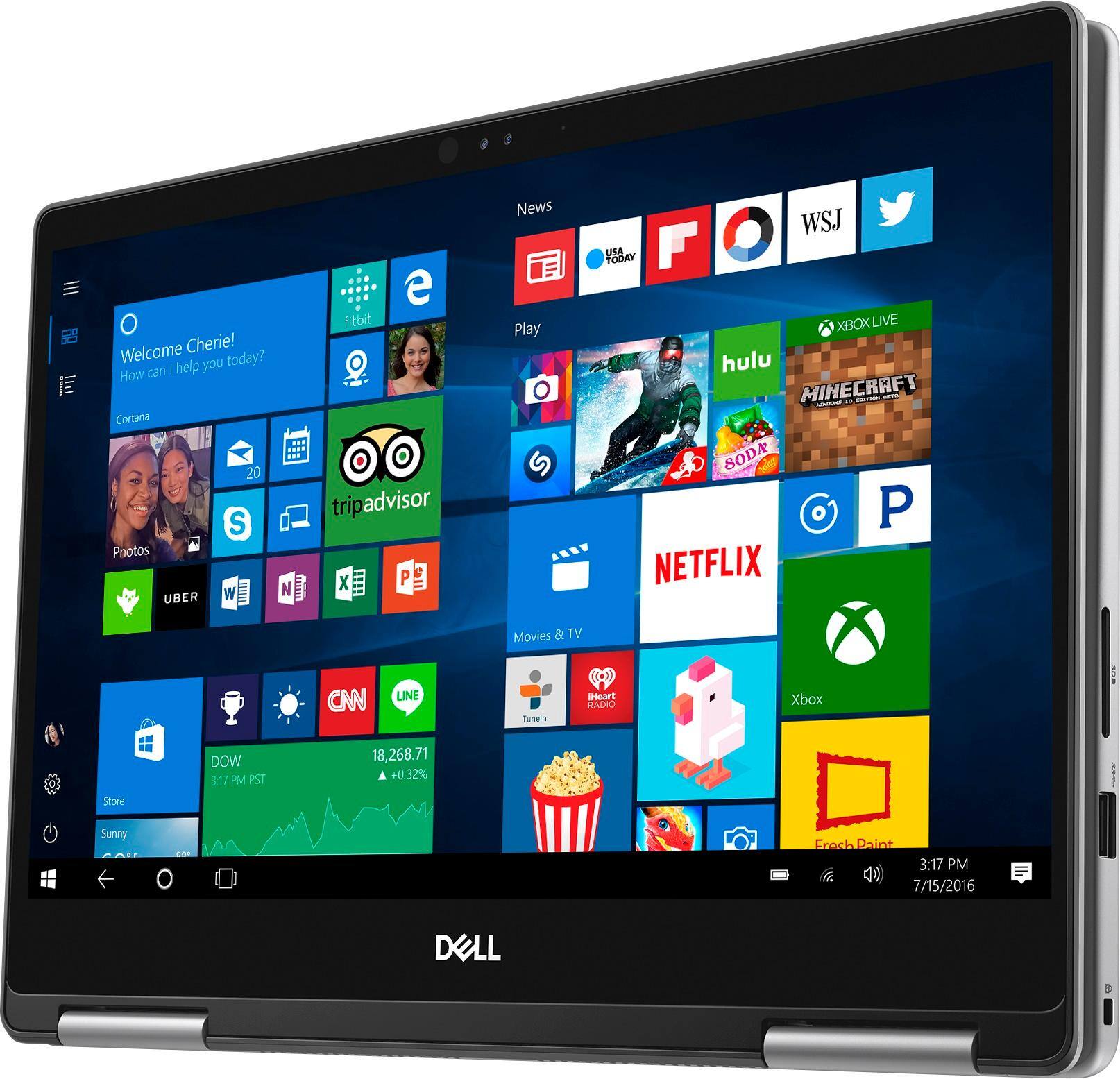
Customers express satisfaction with the Inspiron 2-in-1 13.3" Touch-Screen Laptop for its lightweight design, fast performance, and affordable price. Many users appreciate the convenience of the touchscreen and the overall size of the laptop. However, some customers have concerns about the battery life, heating issues, speaker quality, and fan noise.
This summary was generated by AI based on customer reviews.
- Cons mentioned:Battery life
Great buy for the money
||Posted .This reviewer received promo considerations or sweepstakes entry for writing a review.One of the best computers u have bought, I had to complaint about something it would have to be the battery, other than that it still runs great
I would recommend this to a friend - Cons mentioned:Heating
good 2 in 1 laptop with few things to desire for
||Posted .This reviewer received promo considerations or sweepstakes entry for writing a review.I used it for a day and Laptop is working fine but the screen brightness can be a bit stronger and the laptop can heat up a bit, It is not a major concern but Yoga 720 is a bit brighter. For normal home use it is good, Screen nice for HD movies and keyboard has wide keys well spaced and comfortable to use. Touch screen can be sluggish at times but I was loading many things in the background so that might have impacted it. other than that touch screen felt natutal and it we smooth,
I would recommend this to a friendBrand response from YourDellTeam
Posted .samNam,
Thanks for your review. We're sorry to hear that your computer is heating up on you. We'd suggest the following tips:
Tips for Proper Usage:
1. Dell does not recommend placing portable systems directly on your lap. Due to reductions in the thickness of modern portable systems, heat transfer can be an issue.
2. Using a portable system (Laptop) on a hard, flat, non-cloth surface will increase airflow and reduce heat from underneath and inside the system.
Using the portable system on a blanket, pillow, or other types of cloth will cover up the fan cause the computer to overheat and can cause permanent damage.
3. It is recommended to use the portable system in a Room temperature of 0°C to 35°C (32°F to 95°F) with a Humidity level no greater than 90%.
4. Use compressed air to clean the vents on a regular basis.
5. Using a cooling pad can decrease heat and increase performance.
6. If you want to know the temperature limitations for your system, go to the Dell Support Website, look up your system model then open the user guide under the manuals link.
You can read the full article here - http://dell.to/2uJ8AdG.
Here are some tips on using Adaptive Screen Brightness on your computer: Windows can adjust the brightness of the display based on how much light is reaching the system's ambient light sensor. This feature is referred to as 'adaptive brightness' and it can be disabled in Windows. Here are some steps to adjust this feature:
1. In the Search box, type Settings.
2. Touch or click Settings (Modern application).
3. Touch or click System.
4. On the Display screen find the Adjust my screen brightness automatically option.
5. Touch or click the slider to toggle the option on or off.
6. Touch or click Apply.
7. Close the System window.
You can read the full article here - http://dell.to/2vjtPzg.
Lastly, if you ever need to re-calibrate your touchscreen you can follow these steps: If you are having issues with your Touchscreen, this may include being unable to access items to the edge of the screen for example your screen may require re-calibration.
Below are the steps required to calibrate your Touchscreen.
1. Restart the Computer and the Monitor
2. Recalibrate the touch-screen. Steps to calibrate touch-screen:
3. Go to Control Panel and select Tablet PC Settings.
4. Under Display tab, select Calibrate.
5. Choose Pen or Touch input.
6. Perform the point calibration that appears on the screen to correct the linearity problems.
7. Save the calibrated data.
Please read the full article here - http://dell.to/2uLztub.
We hope these tips help your computer perform better for you.
Best,
Bryan
1-800-624-9896
- Pros mentioned:Lightweight
Great small 2-in-1
||Posted .This reviewer received promo considerations or sweepstakes entry for writing a review.This size is perfect for portability. The hinge is smooth and easy to use. Works great in all modes. Facial recognition is really cool. Charges fast and holds plenty of charge for working on-the-go
I would recommend this to a friend - Pros mentioned:Fast
Good light weight computer
||Posted .This reviewer received promo considerations or sweepstakes entry for writing a review.I was looking for a laptop with a few requirements. Backlit keyboard, light weight. Thin and fast. Tech recommended SSD, he was right. I truly love this dell
I would recommend this to a friend - Pros mentioned:Lightweight
Great for home use
||Posted .This reviewer received promo considerations or sweepstakes entry for writing a review.This little laptop works great for home use needs. No longer work so personal use is good. Light, portable with good response time basic set up ready for use.
I would recommend this to a friend - Pros mentioned:Price
Great for students
||Posted .This reviewer received promo considerations or sweepstakes entry for writing a review.This laptop is good for basic productivity functions. Such as creating documents, searching the web, etc. For the price this is an extremely good deal.
I would recommend this to a friend - Pros mentioned:Lightweight
Awesome 2 in 1
||Posted .This reviewer received promo considerations or sweepstakes entry for writing a review.This computer is a lightweight and versatile powerhouse. Start up took about an hour but it’s off we go. It’s the best of both worlds, laptop and tablet. I can’t wait to travel with it.
I would recommend this to a friend - Pros mentioned:Lightweight
Nice Compact Laptop
||Posted .This reviewer received promo considerations or sweepstakes entry for writing a review.I bought the laptop only to have a computer to travel with. For this, the laptop is great. It is small, compact, lightweight and has a great battery.
I would recommend this to a friend - Pros mentioned:Fast
Best Laptop ever
||Posted .This reviewer received promo considerations or sweepstakes entry for writing a review.This is probably the fastest Laptop I ever had, I used to buy HP in the past and after installing Office and getting all the Windows Updates, it was already slow. This is really fast.
I would recommend this to a friend - Pros mentioned:Fast
Easy to setup.. my daughter loves it.
||Posted .This reviewer received promo considerations or sweepstakes entry for writing a review.Easy to setup.. my daughter loves it. Fast machine. My daughter plays Minecraft and Roblox and she loves it on this machine. Over she is very happy with it.
I would recommend this to a friend - Pros mentioned:Fast
Great computer for the price. Very quick start-up
||Posted .This reviewer received promo considerations or sweepstakes entry for writing a review.This is my second Dell laptop and I decided to purchased the 2-1 version due to its light weight, and thin design. It is easy to carry on a trip. The speed of the computer is quite impressive.
I would recommend this to a friend A good machine for the cost
||Posted .This reviewer received promo considerations or sweepstakes entry for writing a review.Good Points: Good Performance, Nice keyboard, Good Battery Life, Like the feature of having a portable battery, Bad Points: Screen Glare, Seems delicate.
I would recommend this to a friend- Pros mentioned:Fast
Great as a laptop and a tablet.
||Posted .This reviewer received promo considerations or sweepstakes entry for writing a review.This is a really fast laptop that also functions as a tablet. It's great for reading in tablet mode and the ability to switch on the fly is a great feature that is implemented very well.
I would recommend this to a friend - Pros mentioned:Touch screen
Value for money
||Posted .This reviewer received promo considerations or sweepstakes entry for writing a review.This is pretty decent laptop. Really value for the money. The touch screen works like a charm. The only thing missing i feel is the right click keyboard button otherwise every thing is perfect.
I would recommend this to a friend - Cons mentioned:Battery life
Great deal
||Posted .This reviewer received promo considerations or sweepstakes entry for writing a review.I love the flexibility of being able to use this as a laptop or notebook. Light and easy to travel with. Picture looks great. Battery life is ok.
I would recommend this to a friend - Cons mentioned:Battery life
Good quality for the price, short battery life
||Posted .This reviewer received promo considerations or sweepstakes entry for writing a review.After quitting a job that had provided me a Mac, I needed to purchase a laptop and Mac wasn't in the budget. I travel frequently, working from various locations, and needed a laptop that would allow me to work remotely (I'm not a designer so I don't have any major graphics or design needs). It works fine for my needs, though it does get hot pretty quickly and doesn't have a super long battery life. It is a good size and weight for traveling with though.
I would recommend this to a friendBrand response from YourDellTeam
Posted .digita1n0mad,
We appreciate your feedback and we're sorry that your computer has been running hot for you. Here are some tips we'd recommend to help keep your computer cooler:
Tips for Proper Usage:
1. Dell does not recommend placing portable systems directly on your lap. Due to reductions in the thickness of modern portable systems, heat transfer can be an issue.
2. Using a portable system (Laptop) on a hard, flat, non-cloth surface will increase airflow and reduce heat from underneath and inside the system.
Using the portable system on a blanket, pillow, or other types of cloth will cover up the fan cause the computer to overheat and can cause permanent damage.
3. It is recommended to use the portable system in a Room temperature of 0°C to 35°C (32°F to 95°F) with a Humidity level no greater than 90%.
4. Use compressed air to clean the vents on a regular basis.
5. Using a cooling pad can decrease heat and increase performance.
6. If you want to know the temperature limitations for your system, go to the Dell Support Website, look up your system model then open the user guide under the manuals link.
You can read the full article here - http://dell.to/2uJ8AdG.
If you'd like to help extend the life of your battery, please consider these tips:
Change the Power Plan:
1. On the notification area of the taskbar, right-click the Battery icon.
2. On the options list, click Power Options.
3. Select a power plan on the battery meter, such as Power Saver or Balanced. Windows 10 has a built in 'Battery Saver' mode that can be activated to extend your system's battery life. The Battery Saver mode will monitor and limit background activity and other features such as push notifications. You do have the option to enable or disable this mode within settings or within advanced Battery Saver settings, you can customize the mode to best suit your needs.
a) Click on the Action Center icon in the taskbar and select the tile for Battery Saver.
b) If running Cortana then type Battery Saver into the search box and select from the results.
Within the Battery Saver settings page, you will be able to turn on and off the feature and customize the feature to best meet your needs.
c) Turn Battery Saver On or Off.
d) Additional settings available via the Battery use and Battery saver settings links.
e) Battery use shows further info on apps and their power usage.
f) Battery Saver Settings screen allows you to customize further Battery Saver feature.
You can read the full article here - http://dell.to/2vfXWf4.
Best,
Bryan
1-800-624-9896
- Pros mentioned:Lightweight
Light weight, sleek, gets the job done.
||Posted . Owned for 1 year when reviewed.This reviewer received promo considerations or sweepstakes entry for writing a review.It’s a nice touch screen portable laptop. Very light weight and clean design. Not the most powerful out there, BUT it definitely gets the job done. Used for work.
I would recommend this to a friend - Pros mentioned:Touch screen
Light and easy to travel for work
||Posted . Owned for more than 2 years when reviewed.This reviewer received promo considerations or sweepstakes entry for writing a review.Sleek and smooth, easy touch screen that allows me to do my work, start-up and shutdown especially since I travel for work.
I would recommend this to a friend - Pros mentioned:Touch screen
Well Pleased
||Posted .This reviewer received promo considerations or sweepstakes entry for writing a review.First I am quite pleased with the size, and weight. Being convertible is new to me along with touch screen. And yes, I am happy to have them both. Dell seems to do a quality job.
I would recommend this to a friend - Pros mentioned:Fast
Great work laptop
||Posted .This reviewer received promo considerations or sweepstakes entry for writing a review.Right out the box my Dell Inspiron 7000 13.3 inch laptop blazed with speed, quickly updated Windows 10 and provided an easier than expected ease of use.
I would recommend this to a friend