Customer Ratings & Reviews



- Model:
- I7373-5558GRY-PUS
- SKU:
- 6083539
Rating by feature
- Value
Rating 4.2 out of 5 stars
- Quality
Rating 4.3 out of 5 stars
- Ease of Use
Rating 4.5 out of 5 stars
Customers are saying
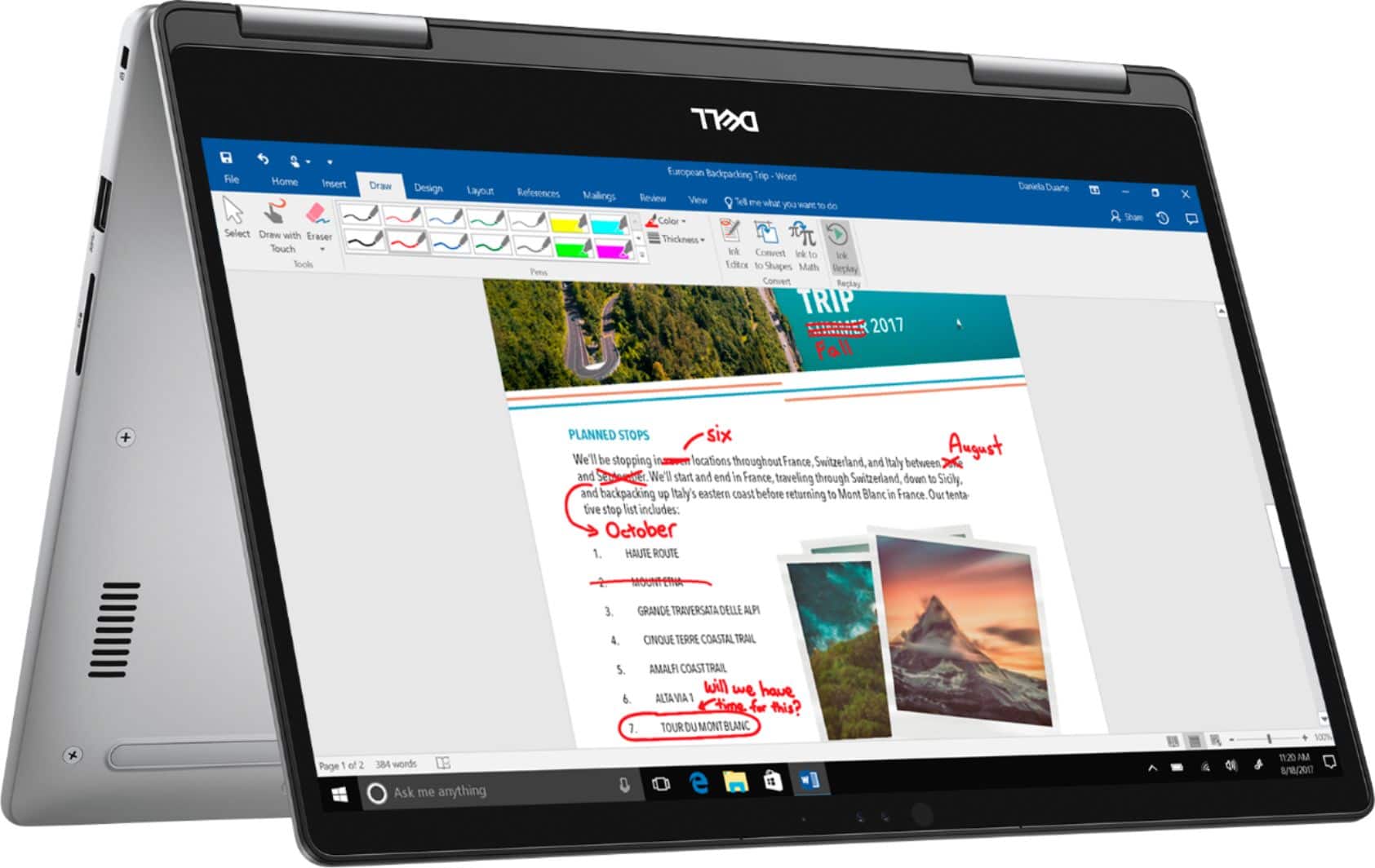
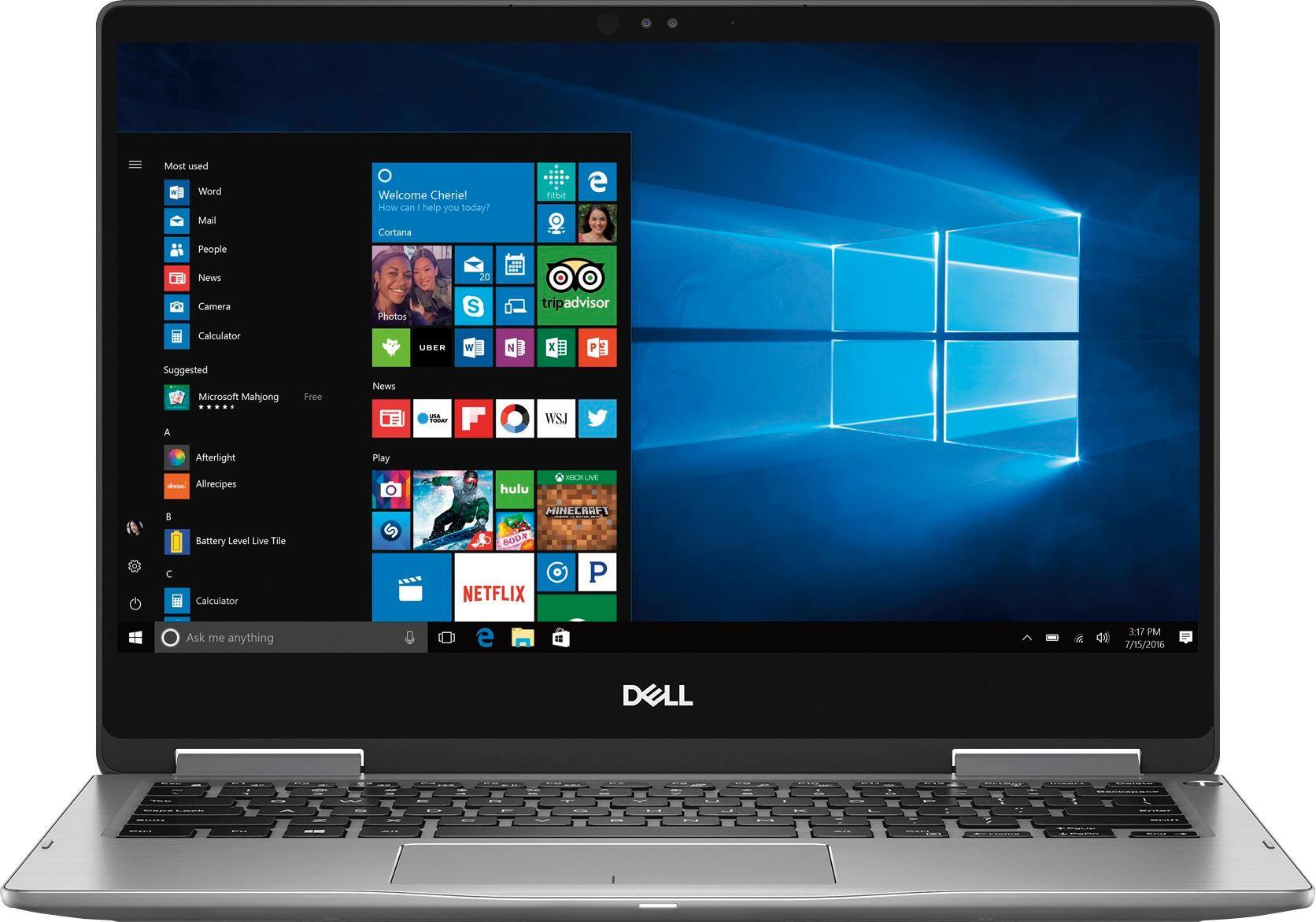
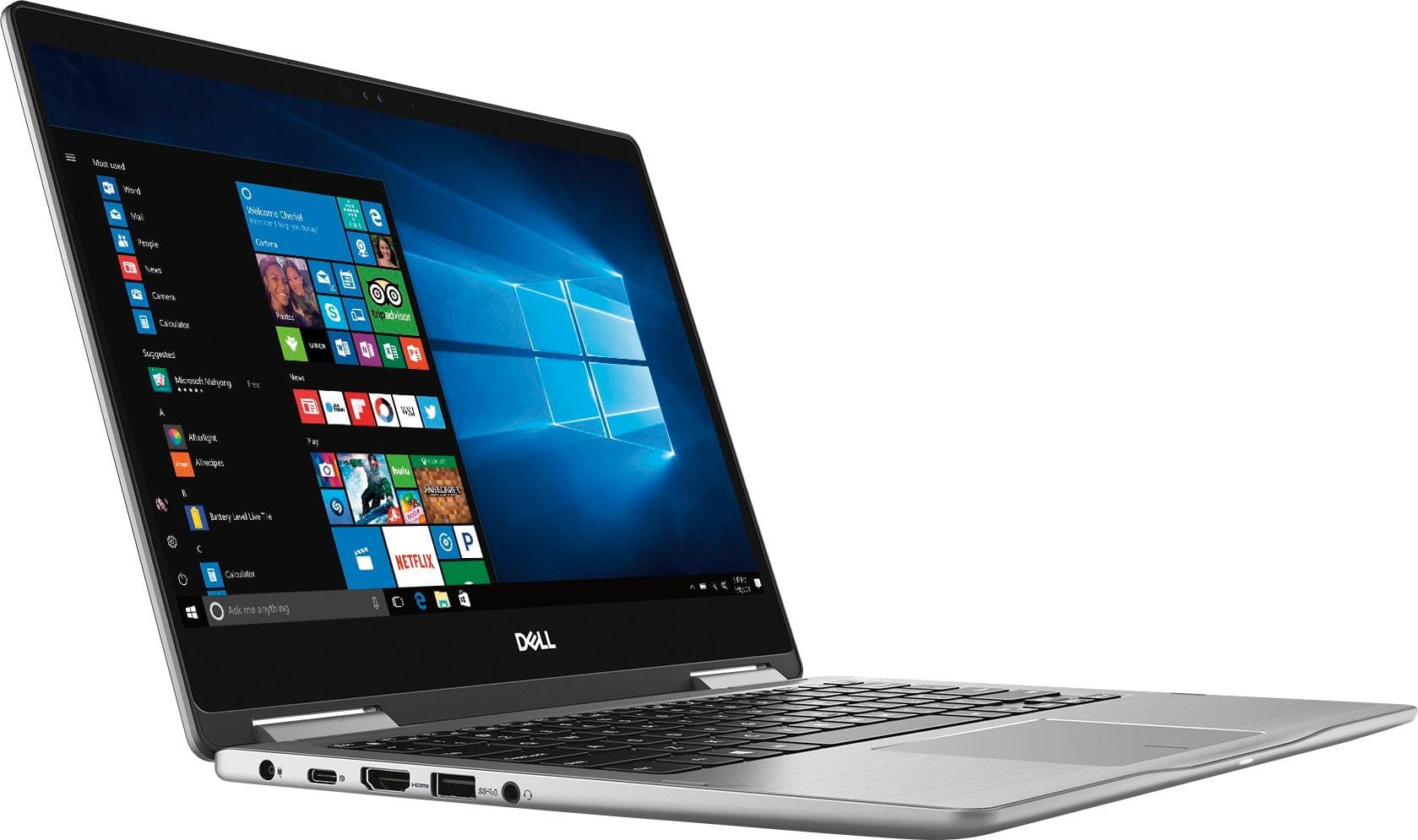
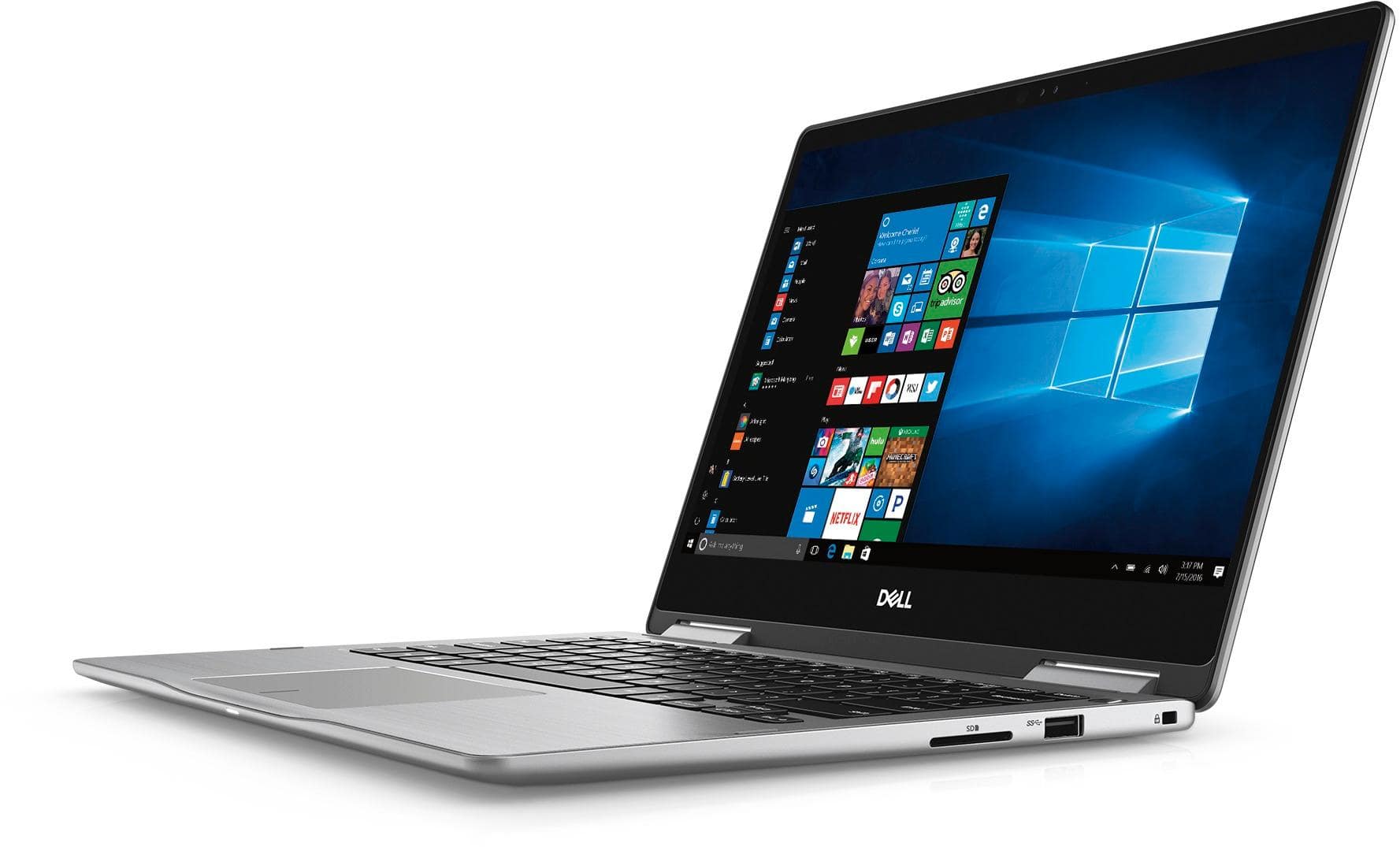
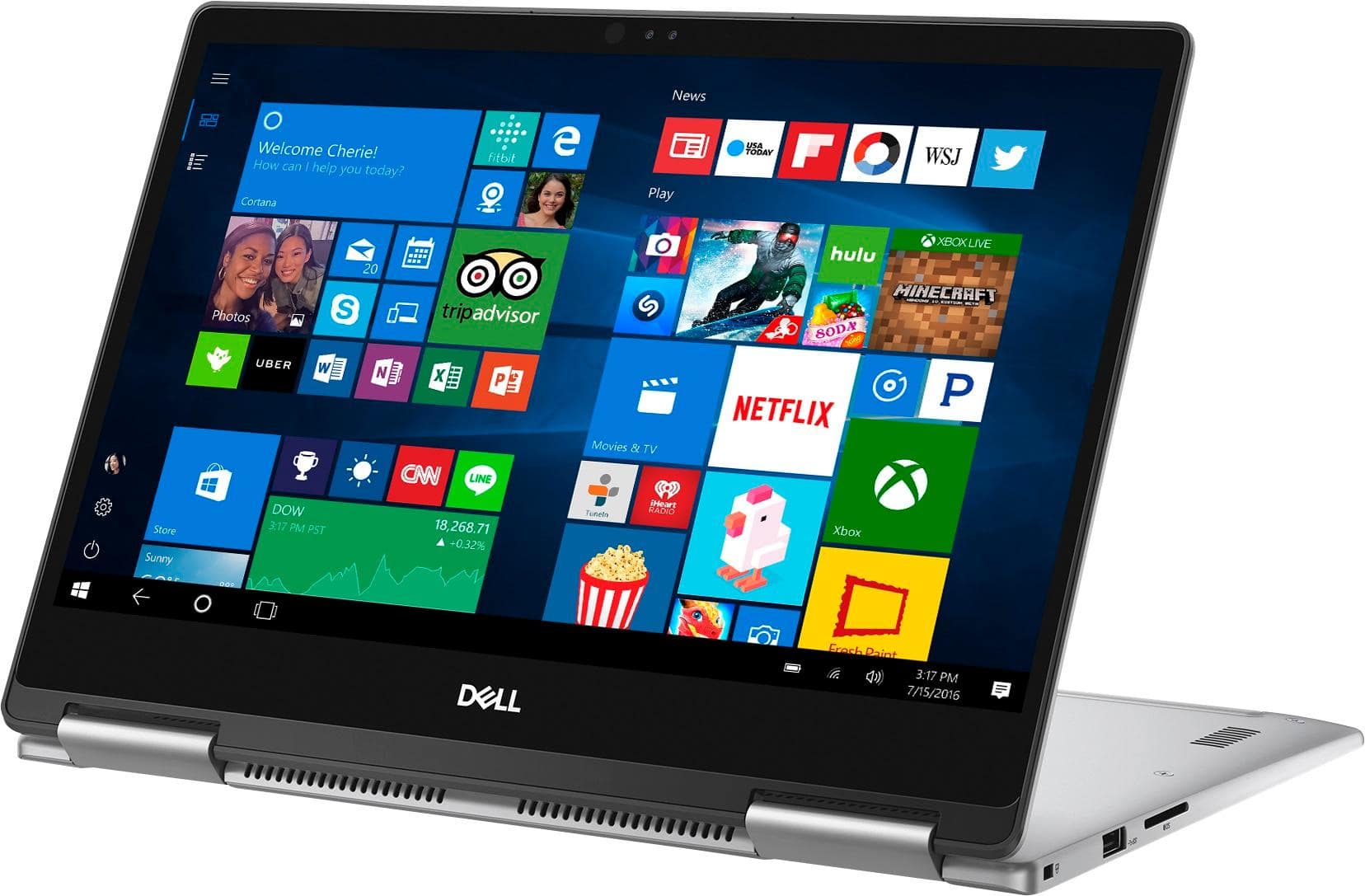
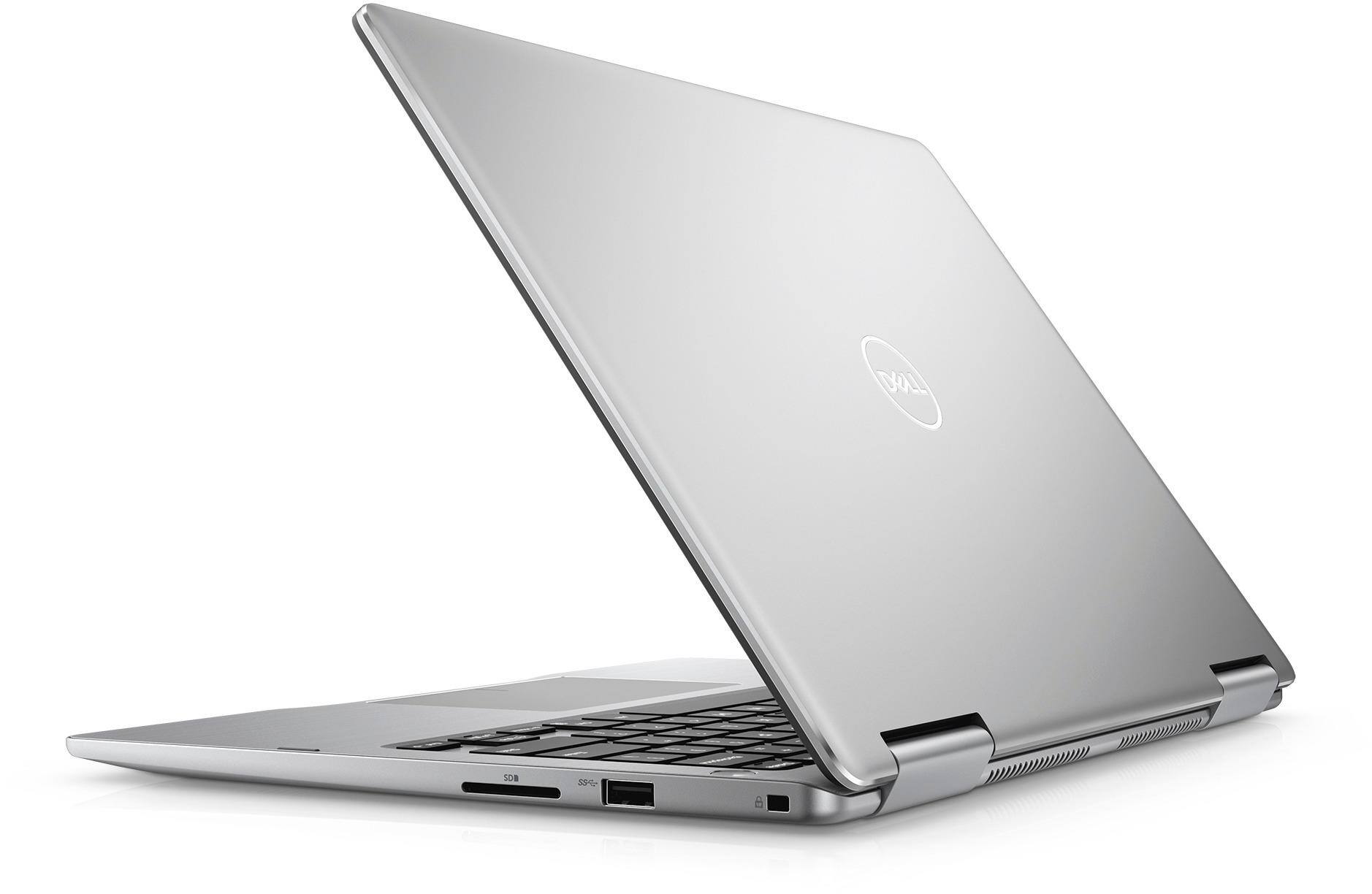
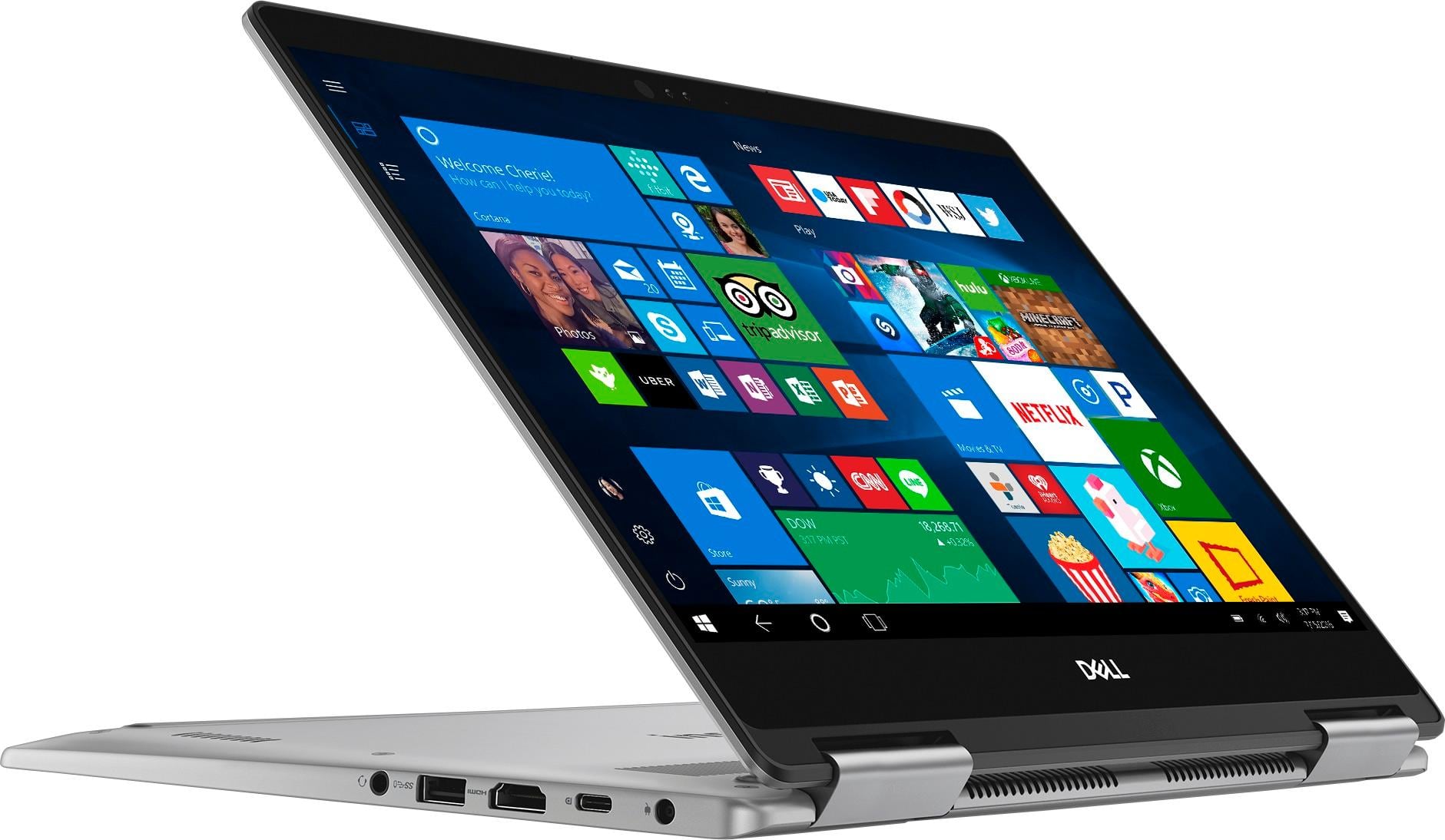
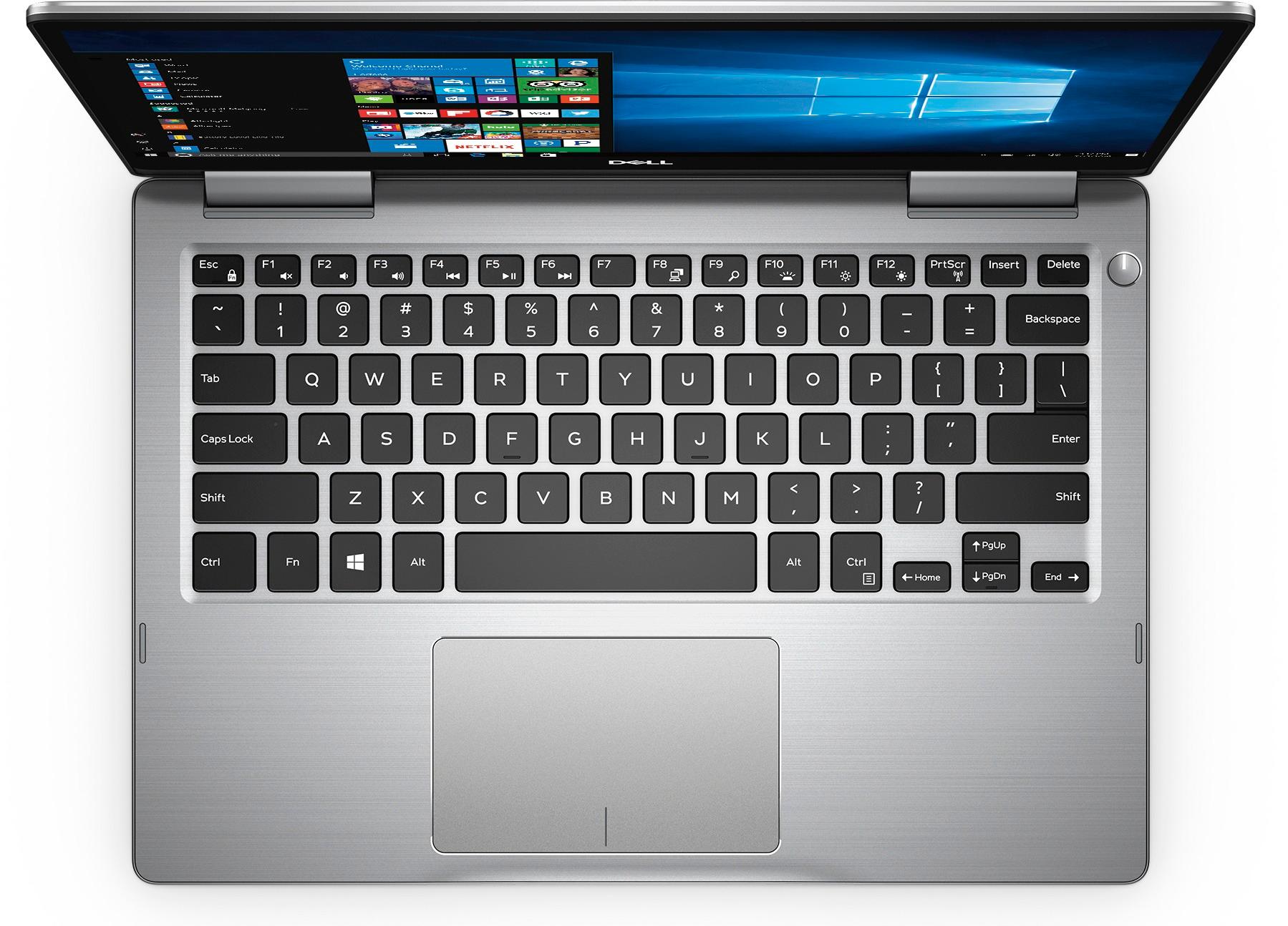
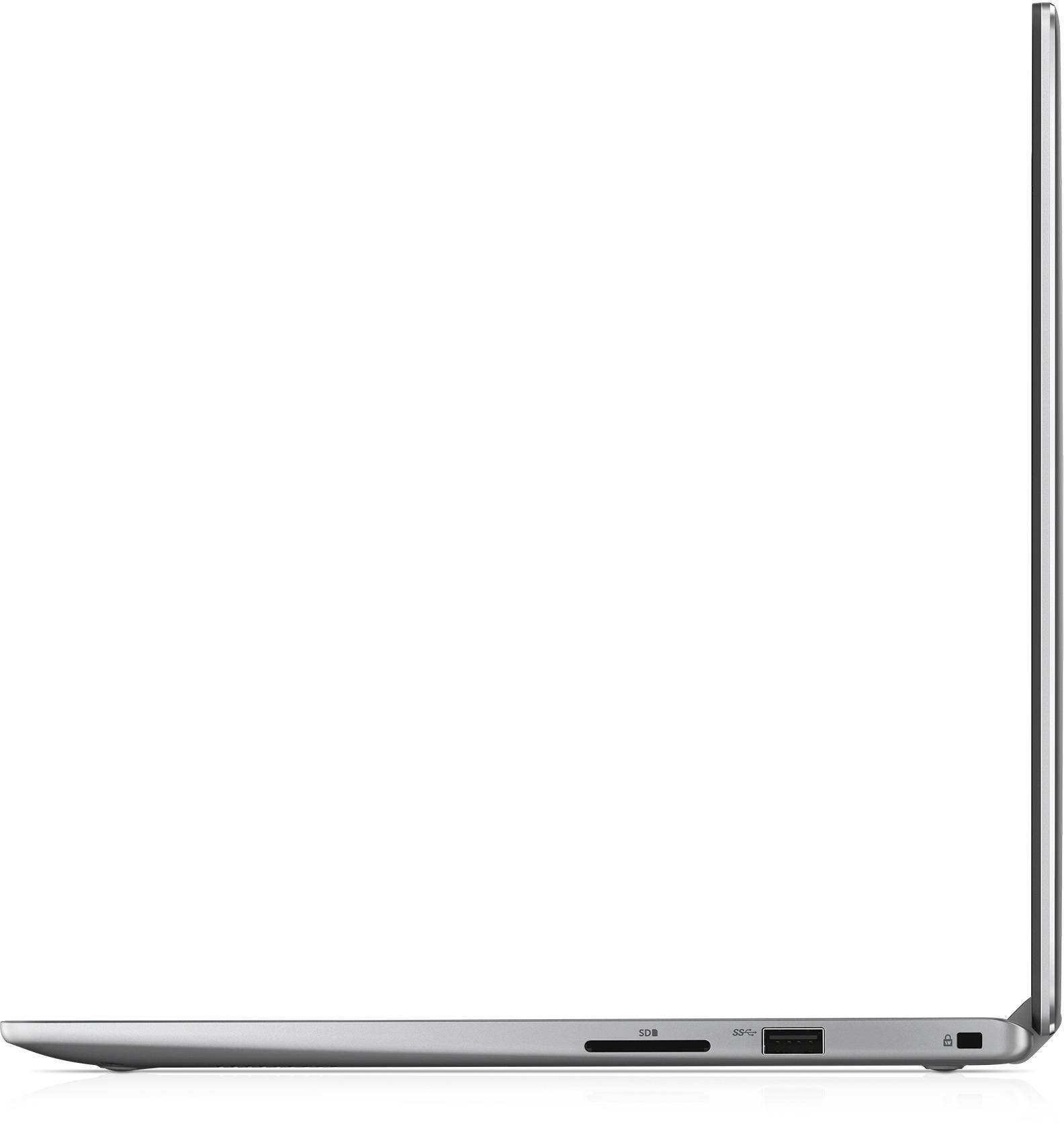
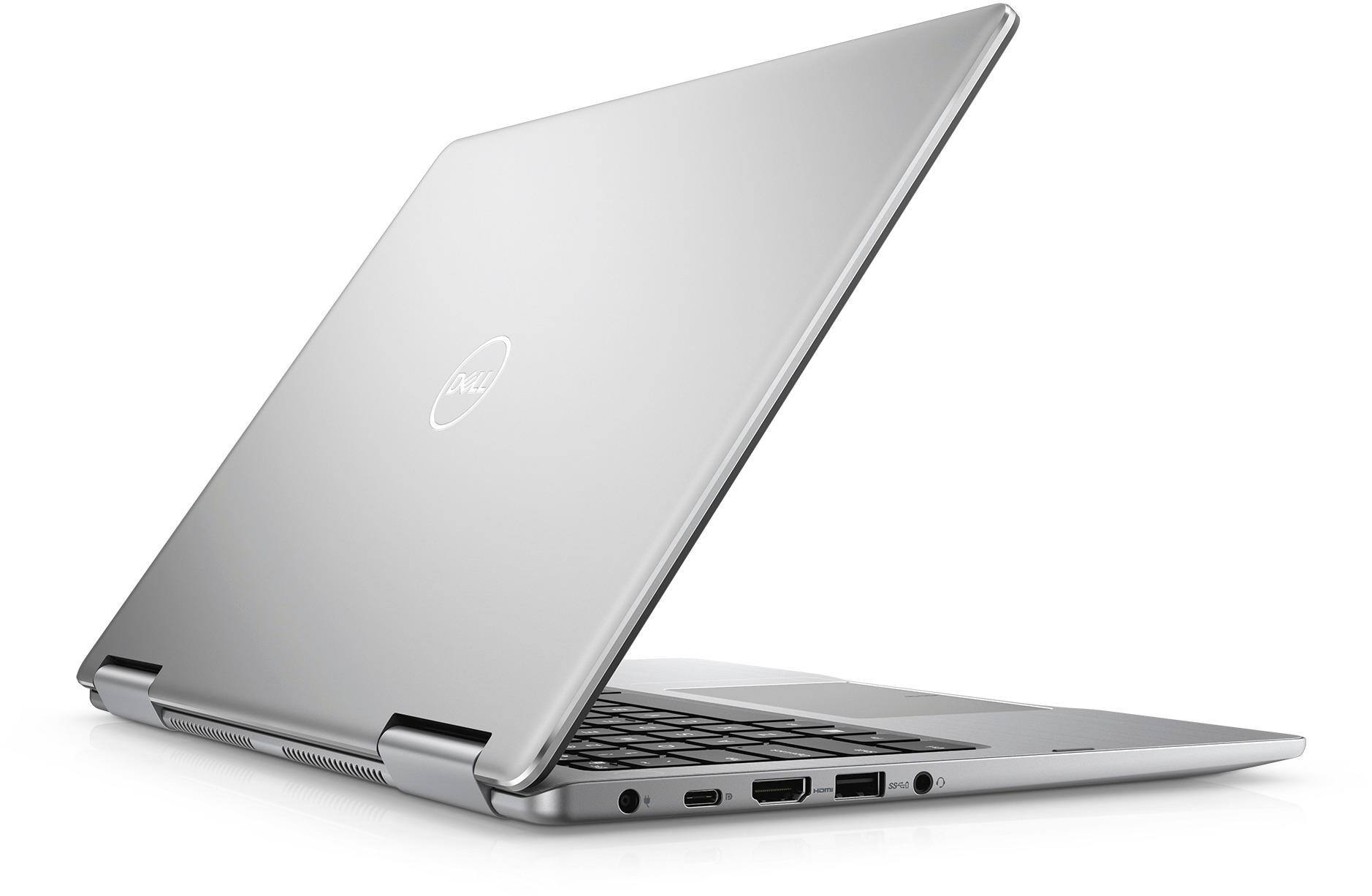
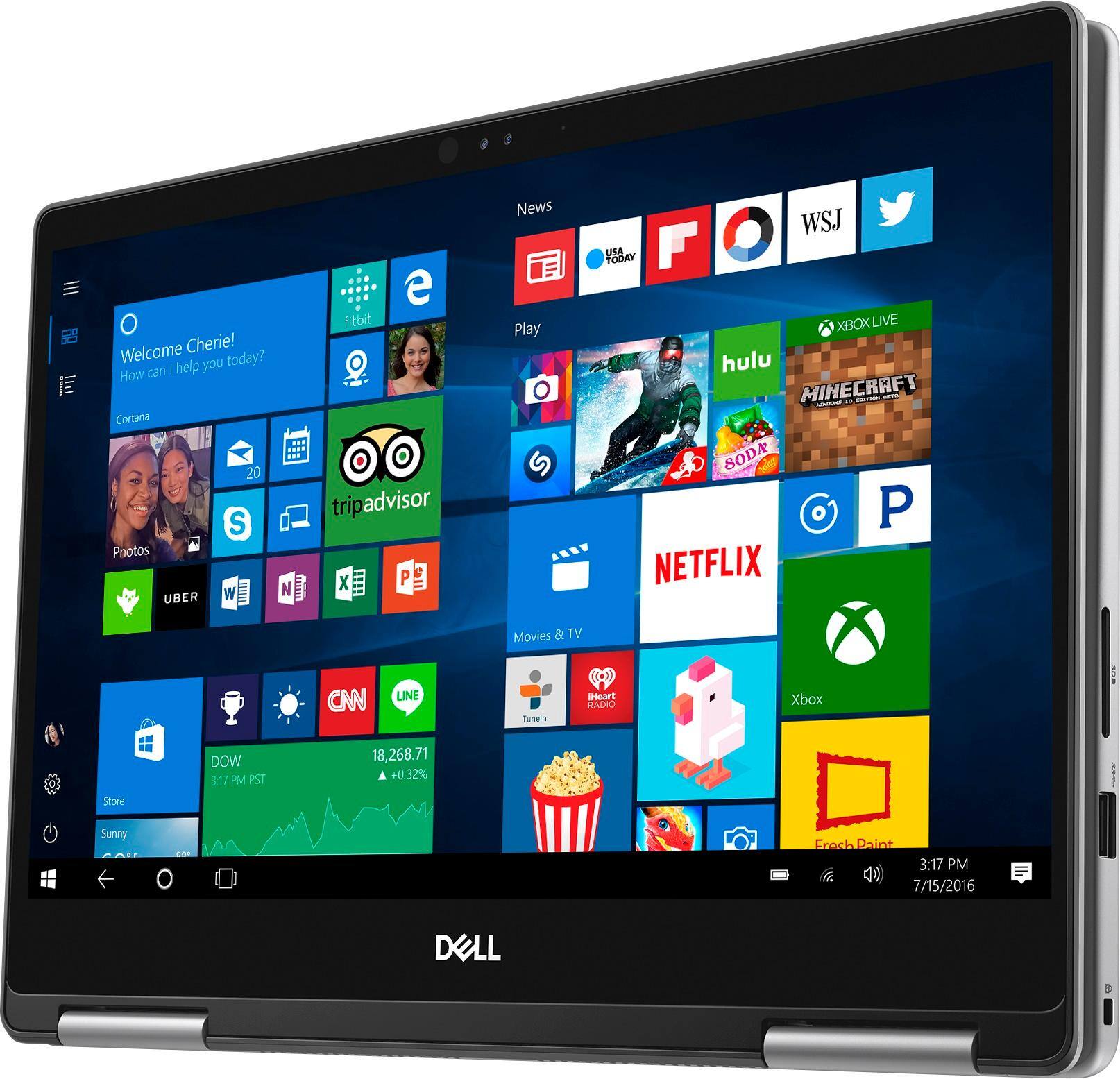
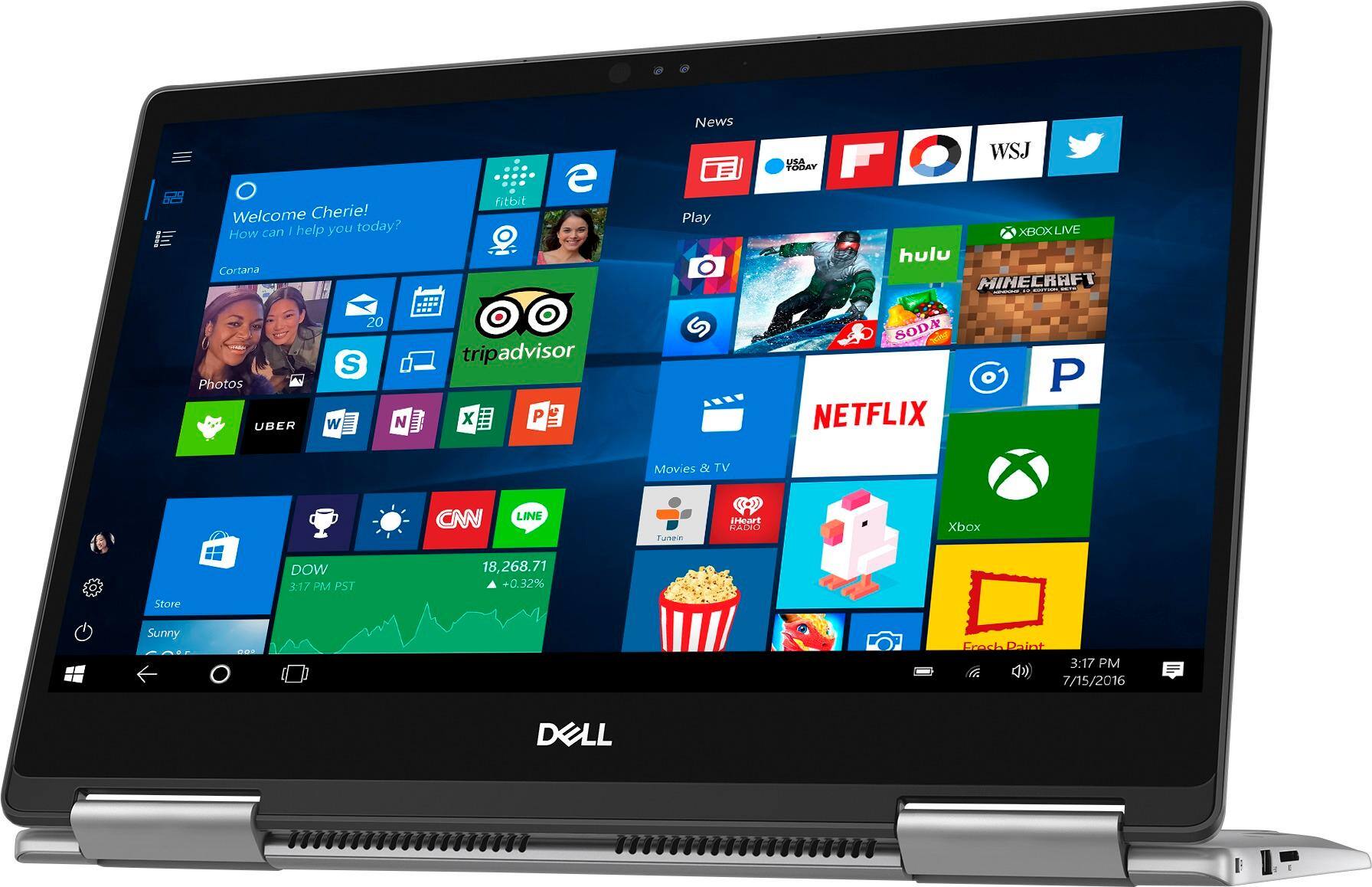
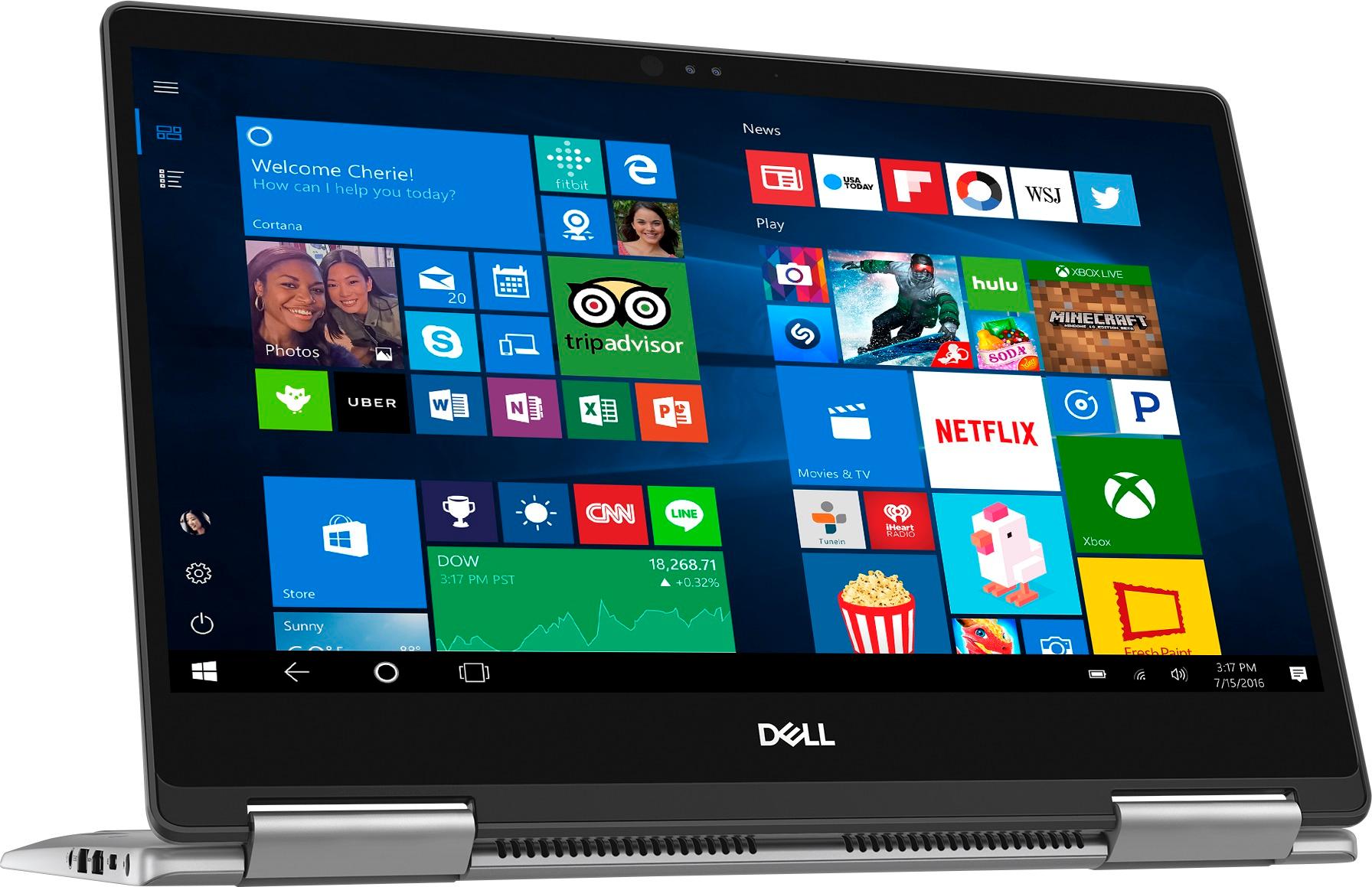
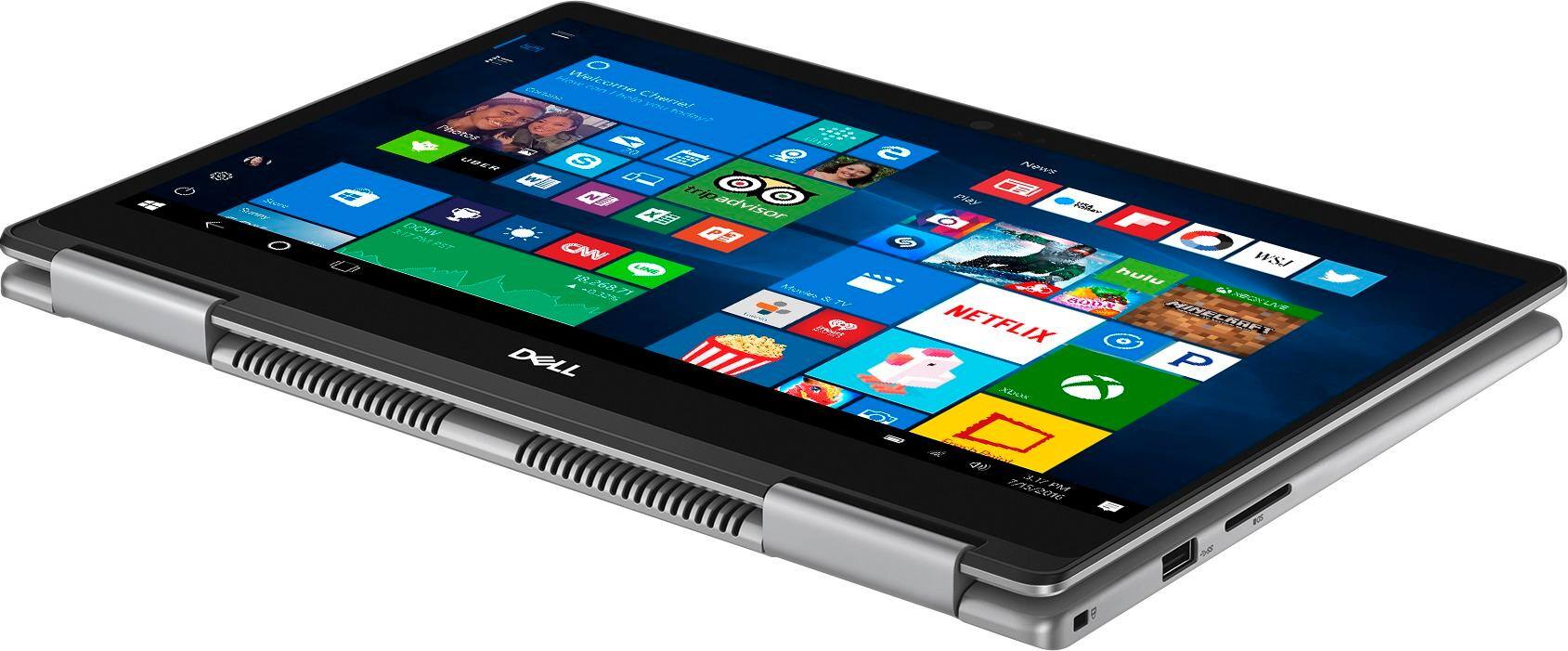
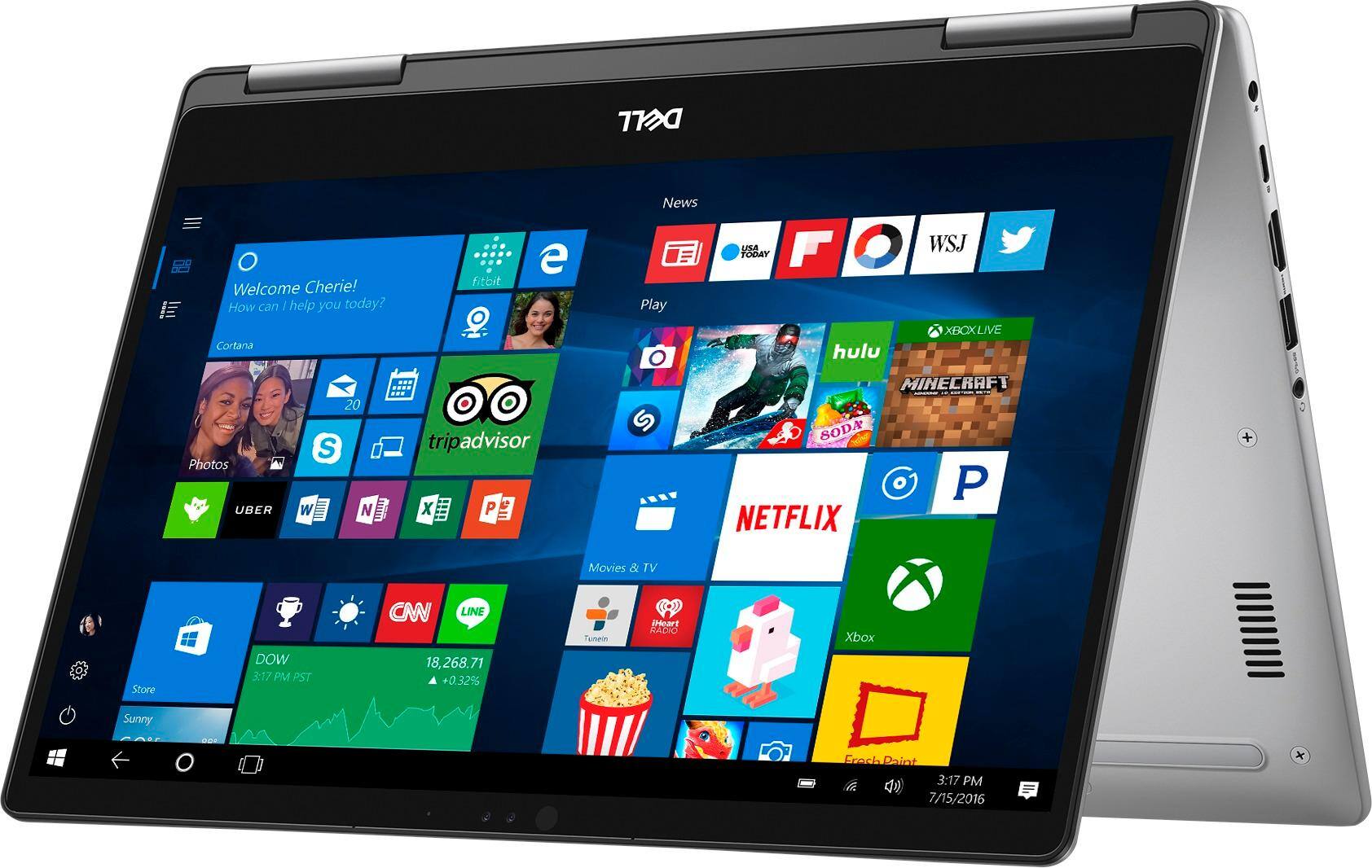
Customers express satisfaction with the Inspiron 2-in-1 13.3" Touch-Screen Laptop for its lightweight design, fast performance, and affordable price. Many users appreciate the convenience of the touchscreen and the overall size of the laptop. However, some customers have concerns about the battery life, heating issues, speaker quality, and fan noise.
This summary was generated by AI based on customer reviews.
- Pros mentioned:Lightweight
Perfect laptop for my needs
||Posted .This reviewer received promo considerations or sweepstakes entry for writing a review.Light weight and versatile perfect for my needs as a laptop and tablet.
I would recommend this to a friend - Pros mentioned:Touch screen
Solid little computer
||Posted .This reviewer received promo considerations or sweepstakes entry for writing a review.Nice solid laptop, does everything I need and the touchscreen is greate
I would recommend this to a friend Quality graphics, RealTek driver issues
||Posted .This reviewer received promo considerations or sweepstakes entry for writing a review.I love this computer! I use it for work, gaming, and streaming content and it's the best computer I've owned to date. My only issue is with the sound. The minimum sound is way too loud, and it is a known issue with the RealTek driver. Switching to the native driver helped correct this issue, however!
I would recommend this to a friendNice Laptop / Tablet
||Posted .This reviewer received promo considerations or sweepstakes entry for writing a review.This laptop / tablet is an upgrade from an old laptop that was twice the size of this one. I love the size, the vivid color - it is so fast to connect to the internet - its just sleek and pretty. I like this laptop perfect for my use and I would highly recommend it to any student or adult. It has so many positives and I am very pleased with this purchase.
I would recommend this to a friend- Pros mentioned:Touch screen
Excellent laptop
||Posted .This reviewer received promo considerations or sweepstakes entry for writing a review.Great laptop/tablet!!! Love it!!! Use for basic office. Works great!!
I would recommend this to a friend - Pros mentioned:Touch screen
Awesome Item
||Posted .This reviewer received promo considerations or sweepstakes entry for writing a review.Love this item! Touch screen great! Love to make it into a tablet.
I would recommend this to a friend - Pros mentioned:Fast
Great computer
||Posted .This reviewer received promo considerations or sweepstakes entry for writing a review.Computer is fast and easy to use. I like the size and how light it is.
I would recommend this to a friend - Pros mentioned:Size
Got it for my son for school work.
||Posted .This reviewer received promo considerations or sweepstakes entry for writing a review.Perfect size and weight for doing work while in car and for travel.
I would recommend this to a friend - Pros mentioned:Touch screen
I love this light weight laptop
||Posted .This reviewer received promo considerations or sweepstakes entry for writing a review.This is a great laptop with a touchscreen. It's fast and light weight.
I would recommend this to a friend Wonderful for Parents to be
||Posted .This reviewer received promo considerations or sweepstakes entry for writing a review.As soon as we found out that I'm pregnant, I immediately decided that our first purchase needs to be a new laptop, as both of our existing computers are very outdated. I knew we needed a tool to reach online resources for all of our "parent-to-be" type of questions and research. This 2 in 1 fit our needs perfectly and is also Bluetooth which is not readily advertised.
I would recommend this to a friend- Pros mentioned:Touch screen
Dell lover
||Posted .This reviewer received promo considerations or sweepstakes entry for writing a review.I love dell computers but this touch screen laptop is the bomb!
I would recommend this to a friend - Pros mentioned:Lightweight
excellent for its cost
||Posted .This reviewer received promo considerations or sweepstakes entry for writing a review.Great lap-top, no heavy, easy to use. Excellent value for money
I would recommend this to a friend - Pros mentioned:Price
Great price.
||Posted .This reviewer received promo considerations or sweepstakes entry for writing a review.Got it for less than posted closeout price. Great little unit.
I would recommend this to a friend - Pros mentioned:Lightweight
Great laptop
||Posted .This reviewer received promo considerations or sweepstakes entry for writing a review.Very sleek design, lightweight makes it a perfect tablet mode.
I would recommend this to a friend Speedy
||Posted .This reviewer received promo considerations or sweepstakes entry for writing a review.Its fast to boot up! Quick and responsive. The FHD screen is so crisp and clear and watching a Hulu movie is very perfectly clear. Plus the sound coming out of the speakers is great. This DELL is flexible as a tablet or laptop and the touchscreen makes it so much easier to use. And at night the keyboard is illuminated. Get it. You will like it!
I would recommend this to a friend- Pros mentioned:Fast
Excellent speed!
||Posted . Owned for 1 year when reviewed.This reviewer received promo considerations or sweepstakes entry for writing a review.Boots up quickly and opens programs easily. Wonderful.
I would recommend this to a friend Great general office laptop
||Posted .This reviewer received promo considerations or sweepstakes entry for writing a review.We purchased the system for a new employee who was in the general office area- the need was email, MS Office and primarily web / network access. The unit is light, has a very comfortable keyboard, and in transitioning from a desktop, it provides the same performance and feel - almost zero learning curve and transition. Great product, well made, easy to setup.
I would recommend this to a friend- Pros mentioned:Lightweight
It’s compact
||Posted .This reviewer received promo considerations or sweepstakes entry for writing a review.Laptop is compact are easy handle. Tablet view is very handy
I would recommend this to a friend - Cons mentioned:Battery life, Heating
so so laptop
||Posted .This reviewer received promo considerations or sweepstakes entry for writing a review.really short battery life and the laptop gets really hot. graphics are good. reactions are too quick - you've deleted an email, or gone to a website without wanting to. don't purchase.
No, I would not recommend this to a friendBrand response from YourDellTeam
Posted .Hello southtiger,
Thanks for your review. We're sorry to hear about the trouble that you've been having with your new Dell computer. We'd recommend the following tips to help your computer's battery life:
Change the Power Plan:
1. On the notification area of the taskbar, right-click the Battery icon.
2. On the options list, click Power Options.
3. Select a power plan on the battery meter, such as Power Saver or Balanced. Windows 10 has a built in 'Battery Saver' mode that can be activated to extend your system's battery life. The Battery Saver mode will monitor and limit background activity and other features such as push notifications. You do have the option to enable or disable this mode within settings or within advanced Battery Saver settings, you can customize the mode to best suit your needs.
a) Click on the Action Center icon in the taskbar and select the tile for Battery Saver.
b) If running Cortana then type Battery Saver into the search box and select from the results.
Within the Battery Saver settings page, you will be able to turn on and off the feature and customize the feature to best meet your needs.
c) Turn Battery Saver On or Off.
d) Additional settings available via the Battery use and Battery saver settings links.
e) Battery use shows further info on apps and their power usage.
f) Battery Saver Settings screen allows you to customize further Battery Saver feature.
You can read the full article here - http://dell.to/2vfXWf4.
If your computer is running too hot we'd recommend the following tips:
Tips for Proper Usage:
1. Dell does not recommend placing portable systems directly on your lap. Due to reductions in the thickness of modern portable systems, heat transfer can be an issue.
2. Using a portable system (Laptop) on a hard, flat, non-cloth surface will increase airflow and reduce heat from underneath and inside the system.
Using the portable system on a blanket, pillow, or other types of cloth will cover up the fan cause the computer to overheat and can cause permanent damage.
3. It is recommended to use the portable system in a Room temperature of 0°C to 35°C (32°F to 95°F) with a Humidity level no greater than 90%.
4. Use compressed air to clean the vents on a regular basis.
5. Using a cooling pad can decrease heat and increase performance.
6. If you want to know the temperature limitations for your system, go to the Dell Support Website, look up your system model then open the user guide under the manuals link.
You can read the full article here - http://dell.to/2uJ8AdG.
Lastly, if you'd like to re-calibrate your touchpad you can follow these steps: Some Notebooks and Tablets with Keyboards have added gesture features to the touchpad hardware and drivers. A few of these features are two or three finger scrolling, pinch zoom, circle zoom, rotate and swiping. These new features may be the reason for the erratic cursor movement since most are turned on by default. You can disable or modify the way the features work in the touchpad driver properties. Here are some tips to modify these settings:
1. In the Search box, type main.cpl.
2. Touch or click main.cpl in the list of programs.
3. Touch or click the Dell Touchpad tab.
4. Touch or click on the picture of the touchpad.
5. Touch or click Gestures (depending on your computer there may not be a Gestures option).
6. Change the options as preferred.
7. Touch or click Save.
8. Touch or click the X in the upper-right corner to close the Dell Touchpad Utility.
9. Touch or click OK on the Mouse Properties window.
10. If the touchpad still does not work after following the preceding steps, refer to Dell Knowledge Base article - http://dell.to/2iaiujA.
You can read the full article here - http://dell.to/2tqmS02.
Best,
Bryan
1-800-624-9896
- Pros mentioned:Lightweight
My daughter loves it
||Posted .This reviewer received promo considerations or sweepstakes entry for writing a review.My daughter uses her computer for everything including school...
I would recommend this to a friend