Customer Ratings & Reviews



- Model:
- I7373-5558GRY-PUS
- SKU:
- 6083539
Rating by feature
- Value
Rating 4.2 out of 5 stars
- Quality
Rating 4.3 out of 5 stars
- Ease of Use
Rating 4.5 out of 5 stars
Customers are saying
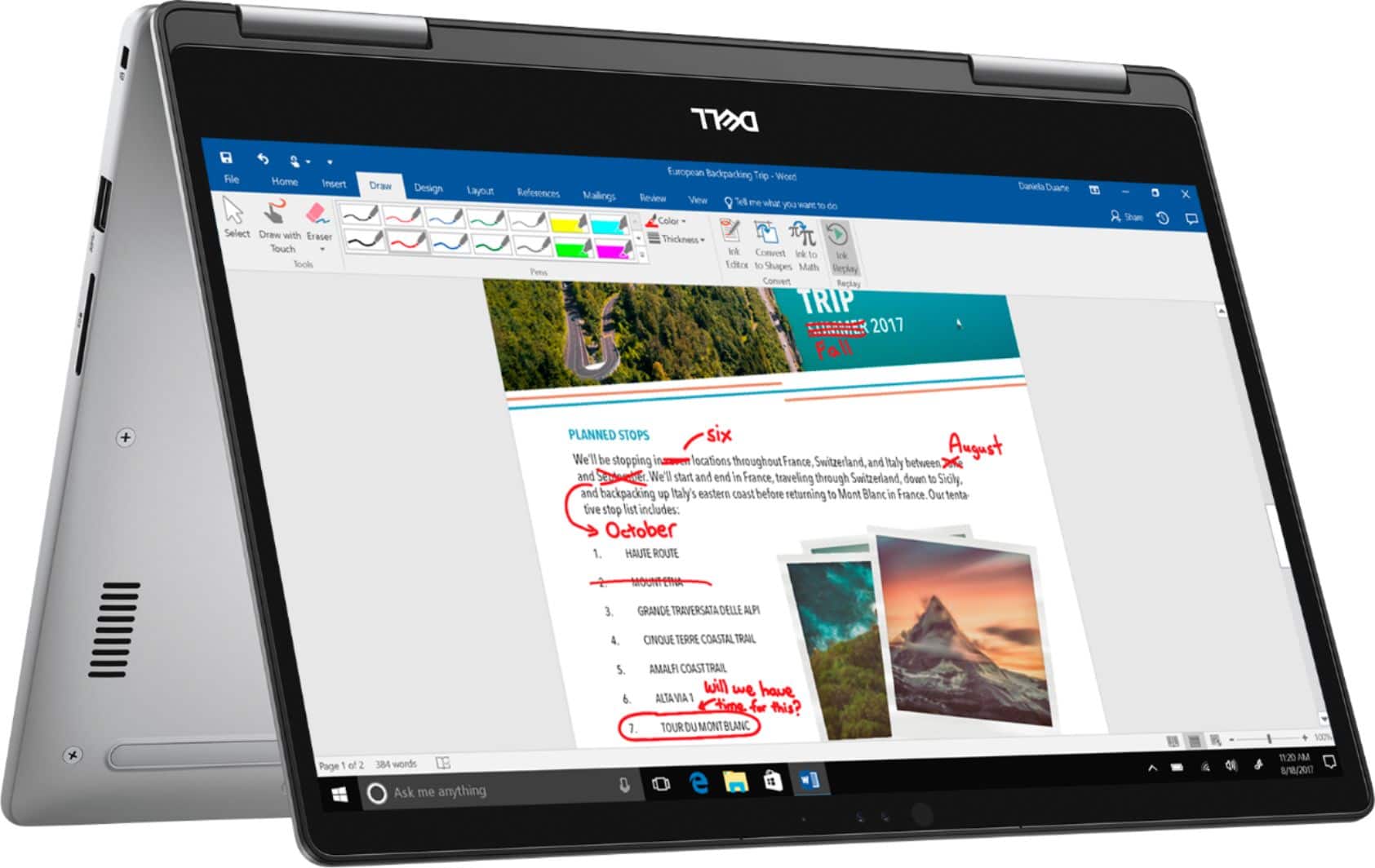
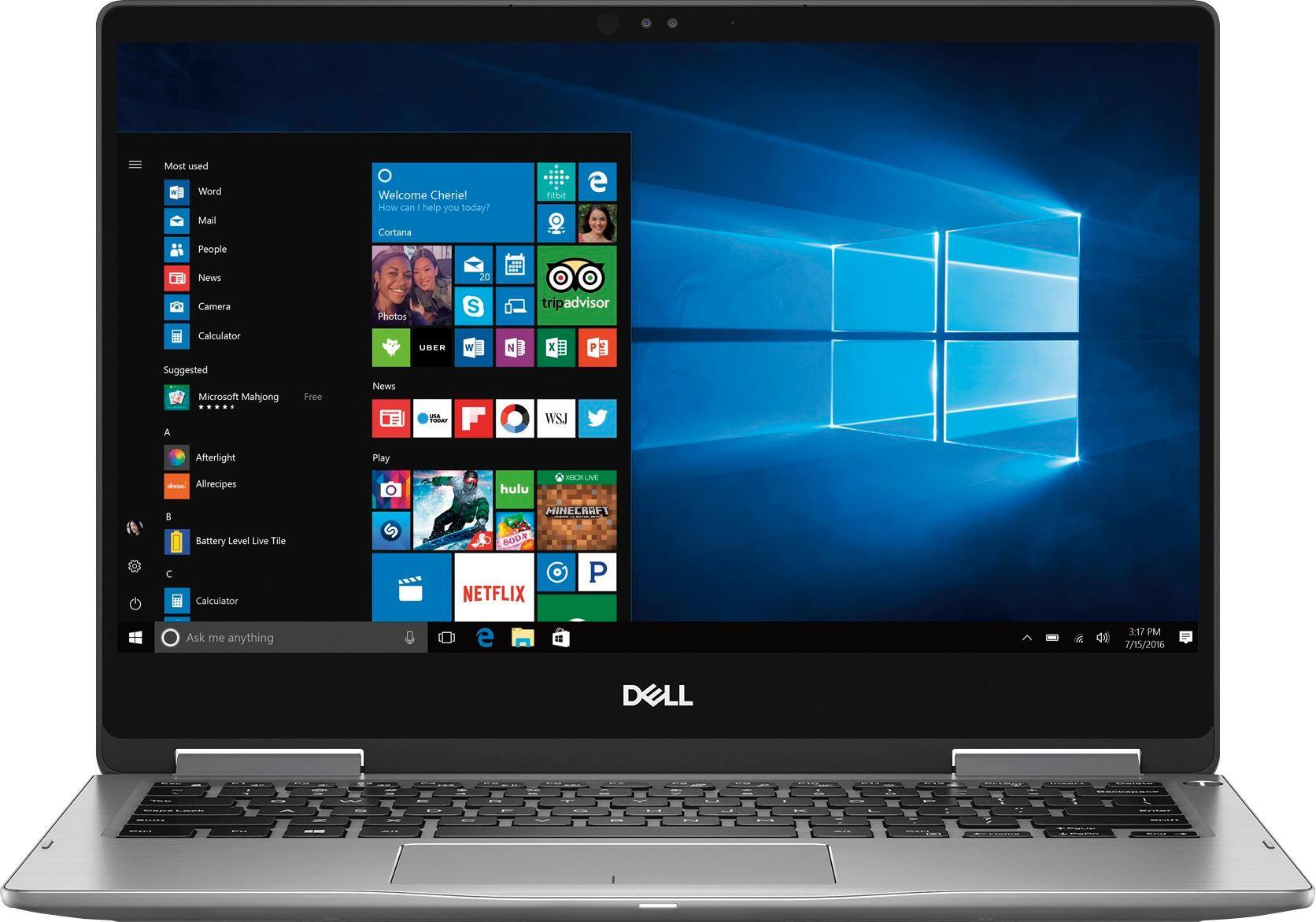
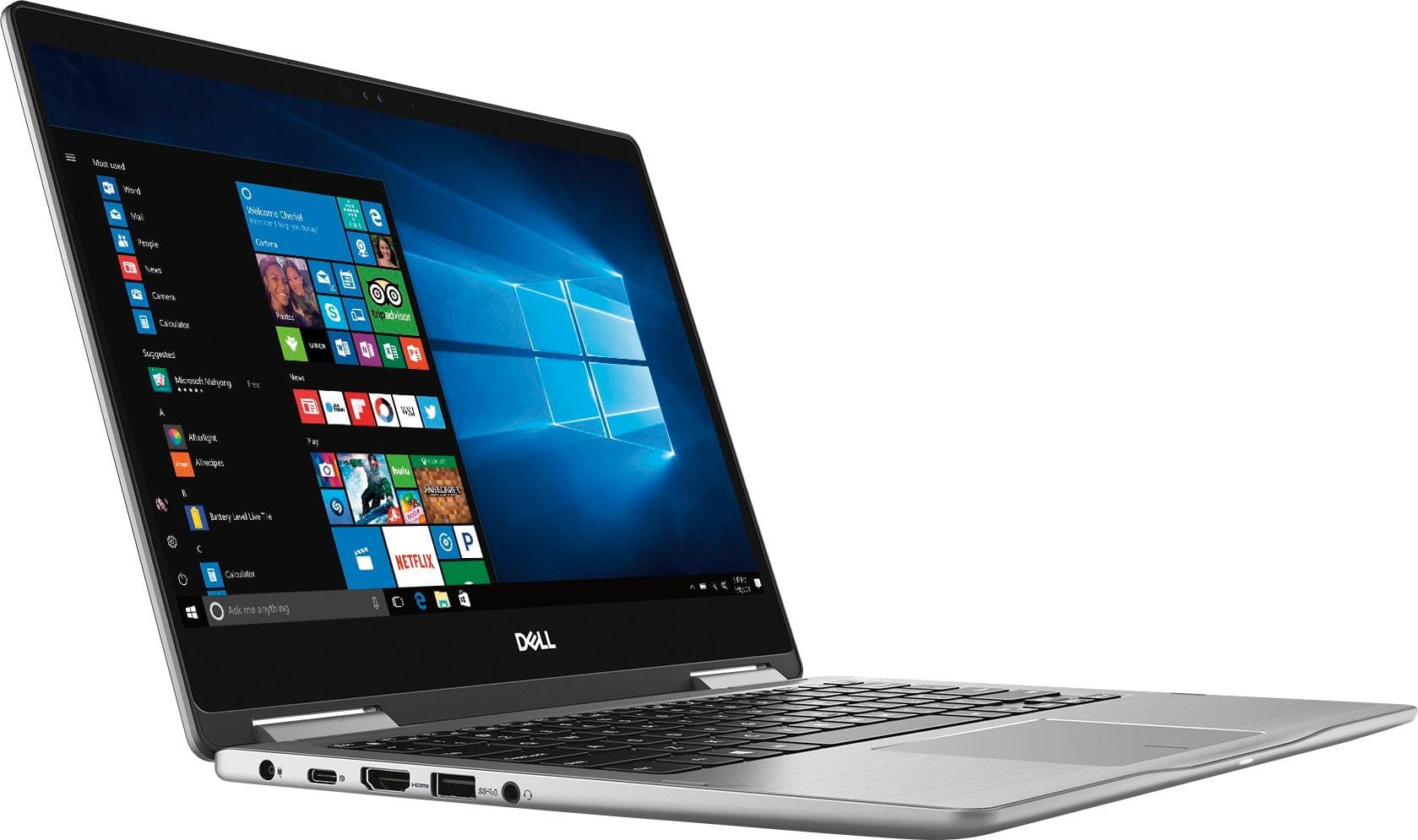
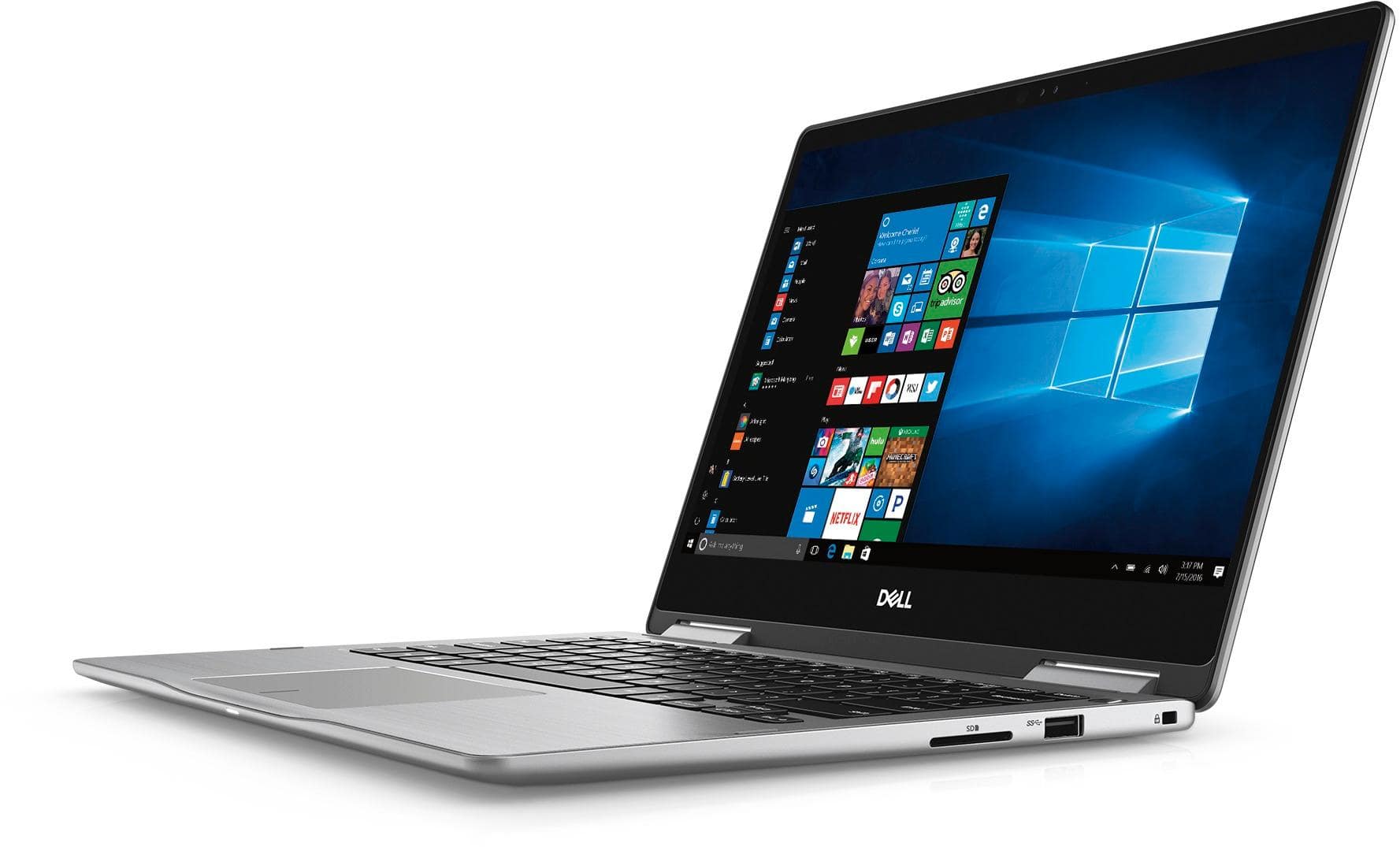
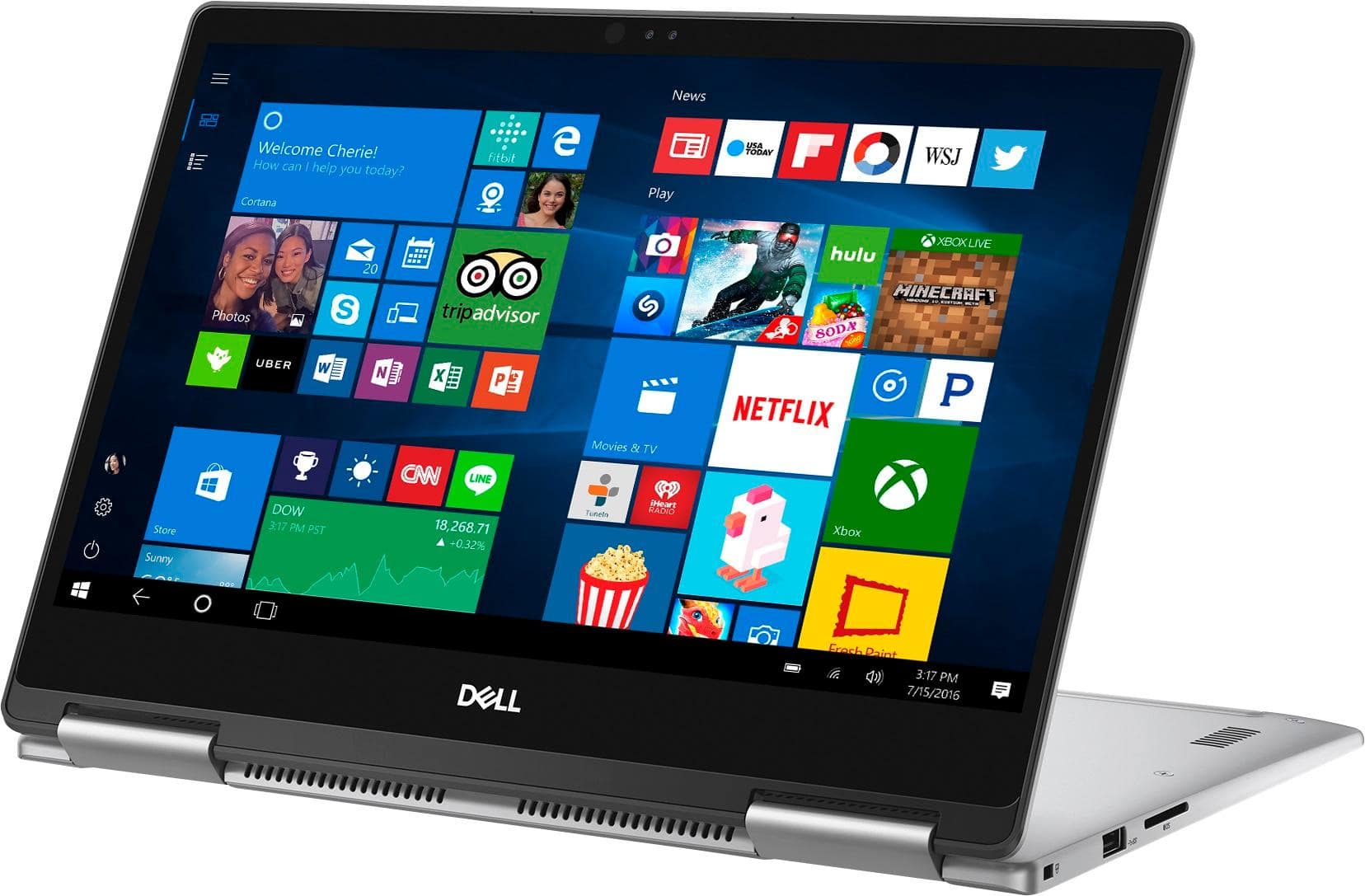
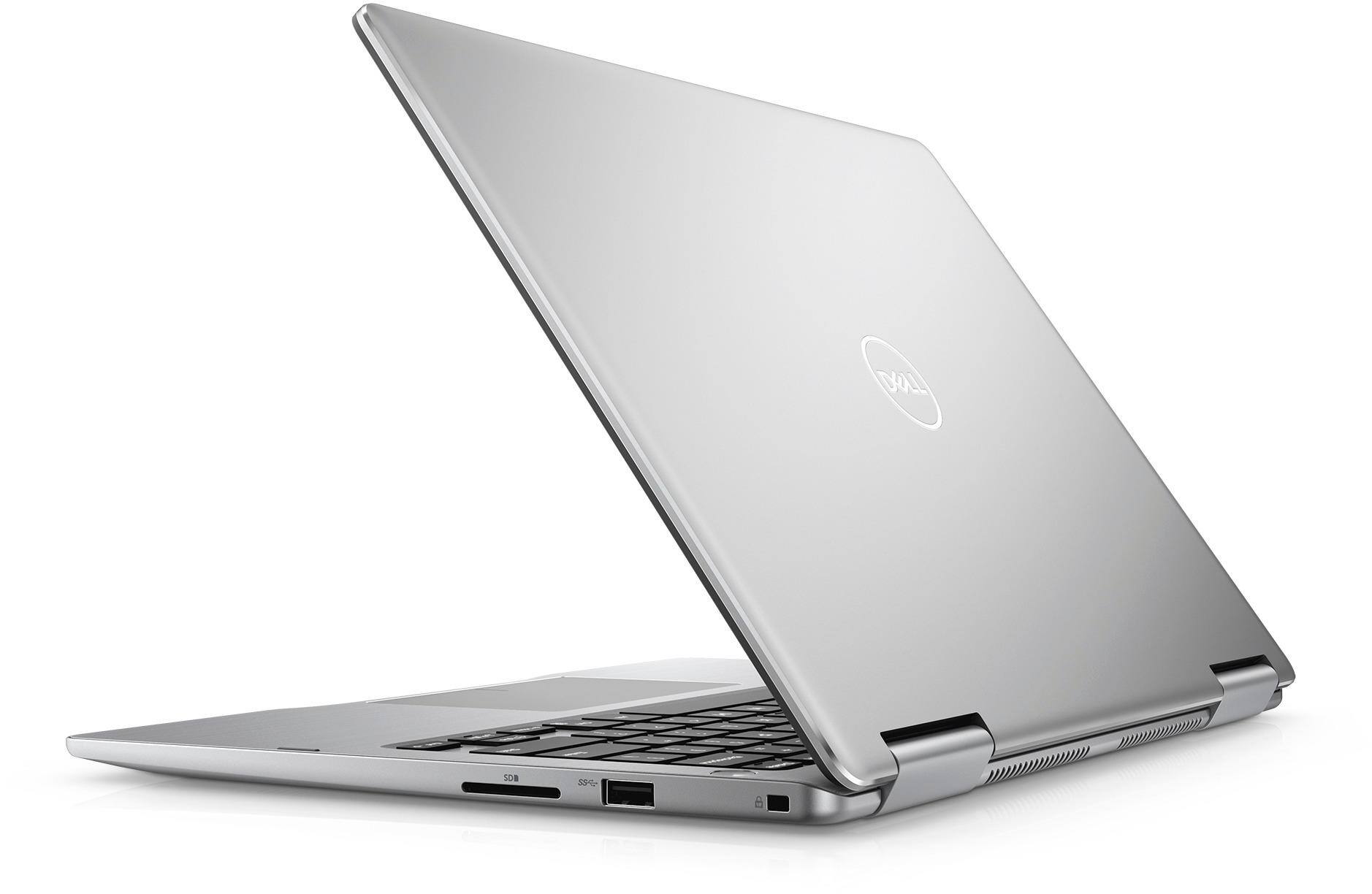
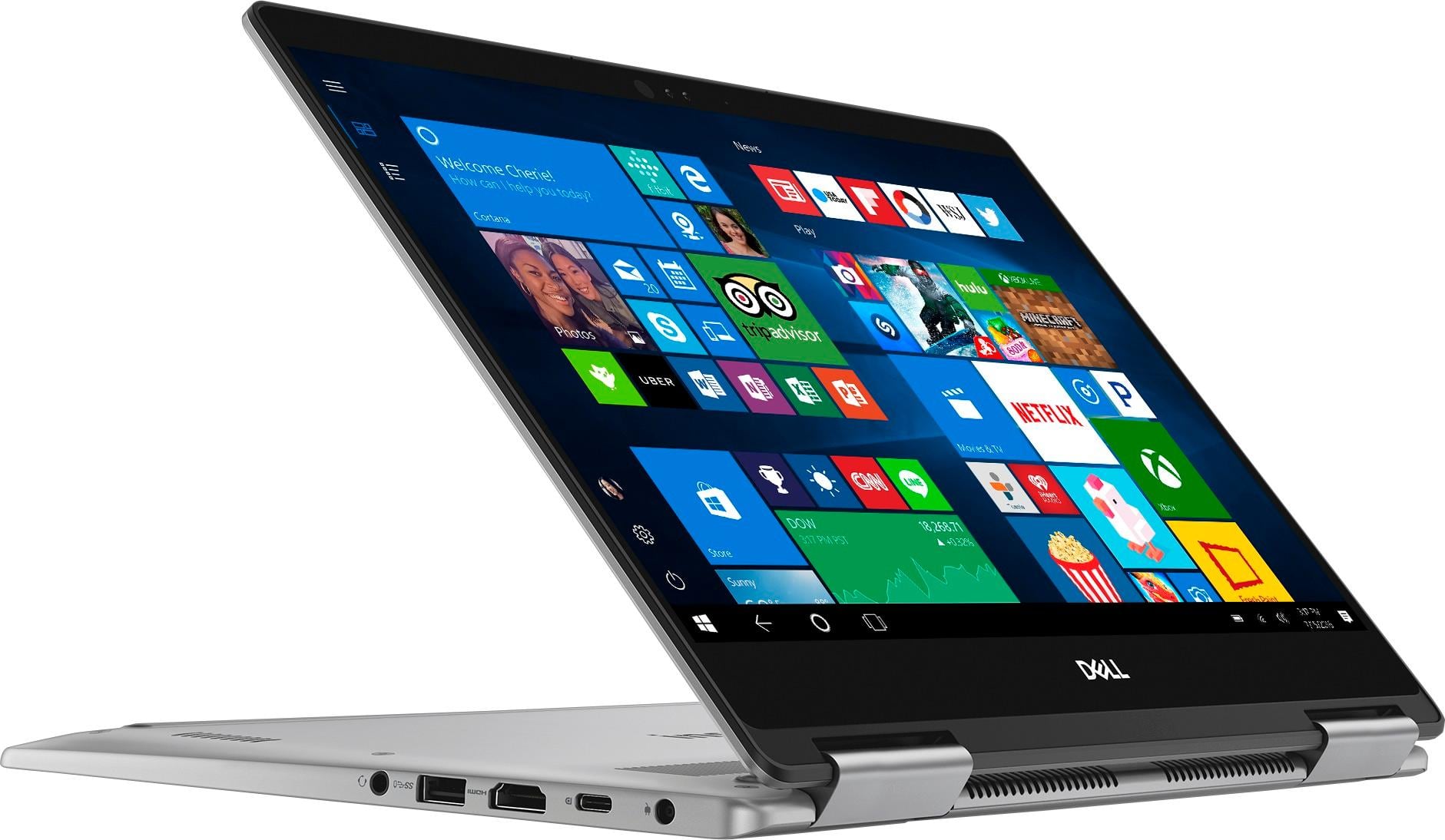
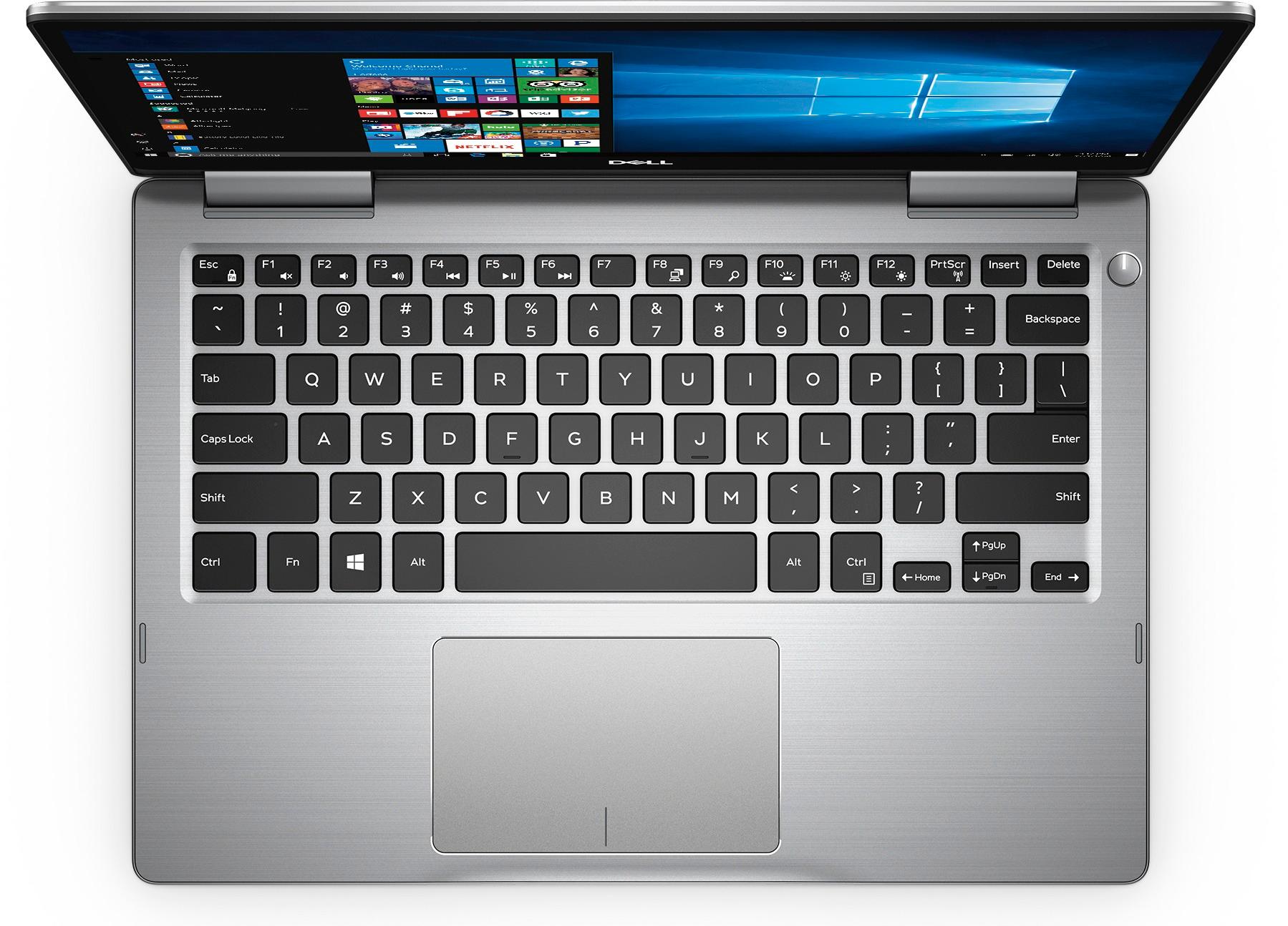
Customers express satisfaction with the Inspiron 2-in-1 13.3" Touch-Screen Laptop for its lightweight design, fast performance, and affordable price. Many users appreciate the convenience of the touchscreen and the overall size of the laptop. However, some customers have concerns about the battery life, heating issues, speaker quality, and fan noise.
This summary was generated by AI based on customer reviews.
great little PC
||Posted .This reviewer received promo considerations or sweepstakes entry for writing a review.This is the second one of these I bought. They are fast and light. Seems almost good as a macbook pro. For the same size mackbook, this on is a bit lighter and the screen is a bit bigger. There is less wasted space in the bezzel on this one.
I would recommend this to a friendGreat 2 in 1 laptop
||Posted .This reviewer received promo considerations or sweepstakes entry for writing a review.Very fast. Looks great, and the 2 in 1 tablet functionality works really good. Not sure what else to say except I would recommend this laptop to anyone. You wont be doing any serous gaming with it though, Good for an all around laptop, or school/work.
I would recommend this to a friendGreat computer
||Posted .This reviewer received promo considerations or sweepstakes entry for writing a review.I bought this computer when my other one crashed. I was in the market for a tablet and laptop, so I settled for this 2-in-1. Nice computer, so far. I use it daily and haven't had any issues with it.
I would recommend this to a friendGreat entry to high end PC
||Posted .This reviewer received promo considerations or sweepstakes entry for writing a review.Was a great purchase. Not a MacBook Pro but well made and very sturdy. Excellent for typing and for spreadsheet work. A little small for data viz. tablet ability is a bit awkward but it’s there if you want it.
I would recommend this to a friendGreat 2 in 1
||Posted .This reviewer received promo considerations or sweepstakes entry for writing a review.Although I read mixed reviews on the Dell Inspiron, I've found it to be a great tool. No problems in set up or usage. I really appreciated the prompt Best Buy service - I ordered it online on a Saturday, and it was delivered to my home on Sunday. Amazing!
I would recommend this to a friendGreat all around computer for anyone
||Posted .This reviewer received promo considerations or sweepstakes entry for writing a review.This is a great all around computer for everyone. I use it for work, but have a hard time keeping my teenage daughter from running off with it to do her schoolwork, she says I should give it to her and get another one for myself. I’d say it’s a hit!!!
I would recommend this to a friendfairly simple
||Posted .This reviewer received promo considerations or sweepstakes entry for writing a review.first one broke unfortunately. i couldn't x out of anything. this new one is good. the first one you could plug into either side to charge it. this new one only one side charges. it charges quickly.
I would recommend this to a friendGreat laptop except...
||Posted .This reviewer received promo considerations or sweepstakes entry for writing a review.The build quality and display were good. It had all the ports than I needed so I bought one. I used for couple hours and it got so hot that I had to shut it down and let it cool off. I was only using my web browser and nothing else was running in the background. After couple hours I turned it back on and the same thing happened so I just had to return it. I have read people's reviews on this issue and I hope they fix it other than that this laptop has so much potential.
No, I would not recommend this to a friendGreat basic laptop
||Posted . Owned for more than 2 years when reviewed.This reviewer received promo considerations or sweepstakes entry for writing a review.I’ve had this laptop since 2018, and although I don’t use it every day, it stands up to being hooked up to a docking station for multiple monitors and multitasking.
I would recommend this to a friendA great all around laptop
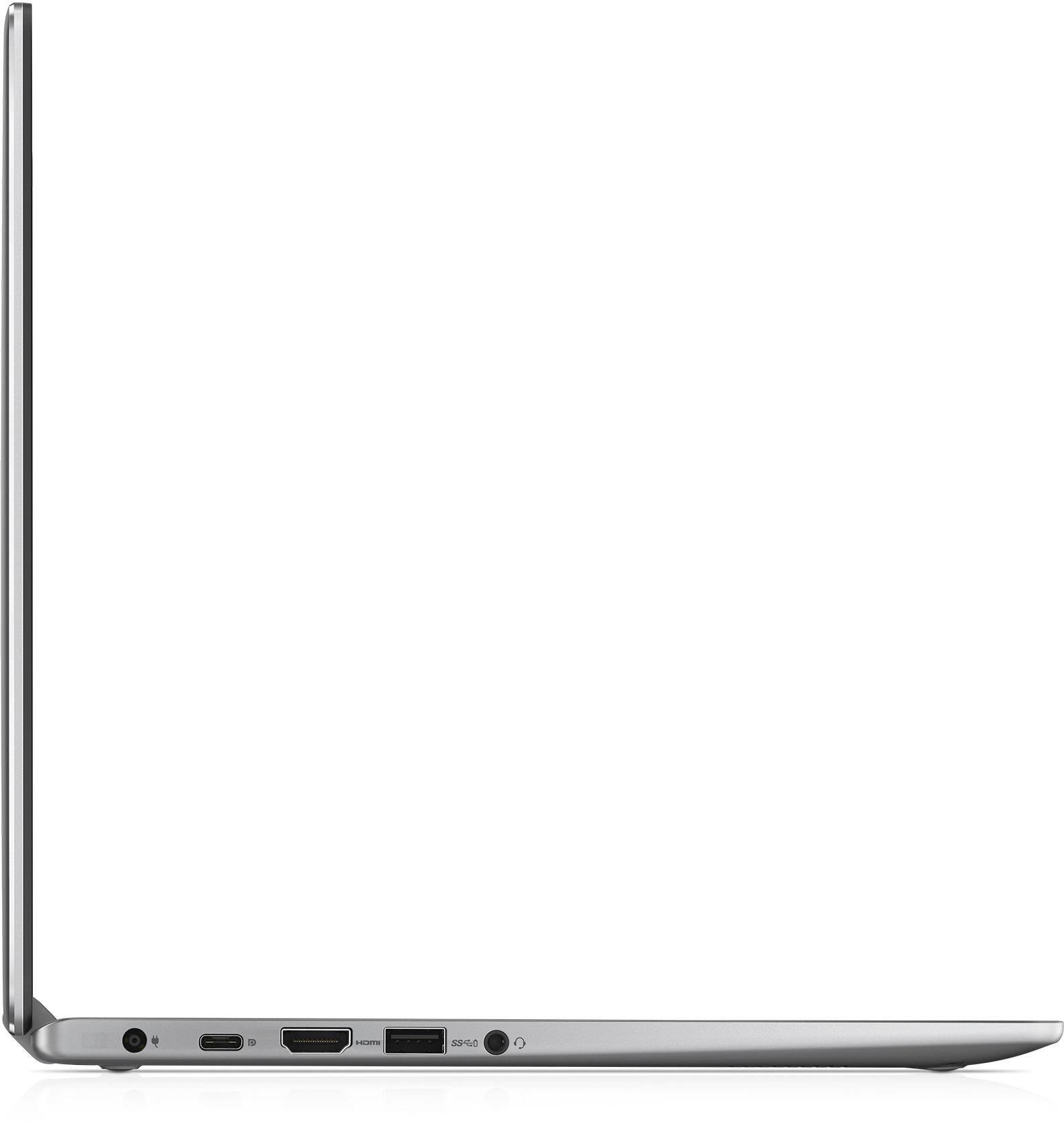
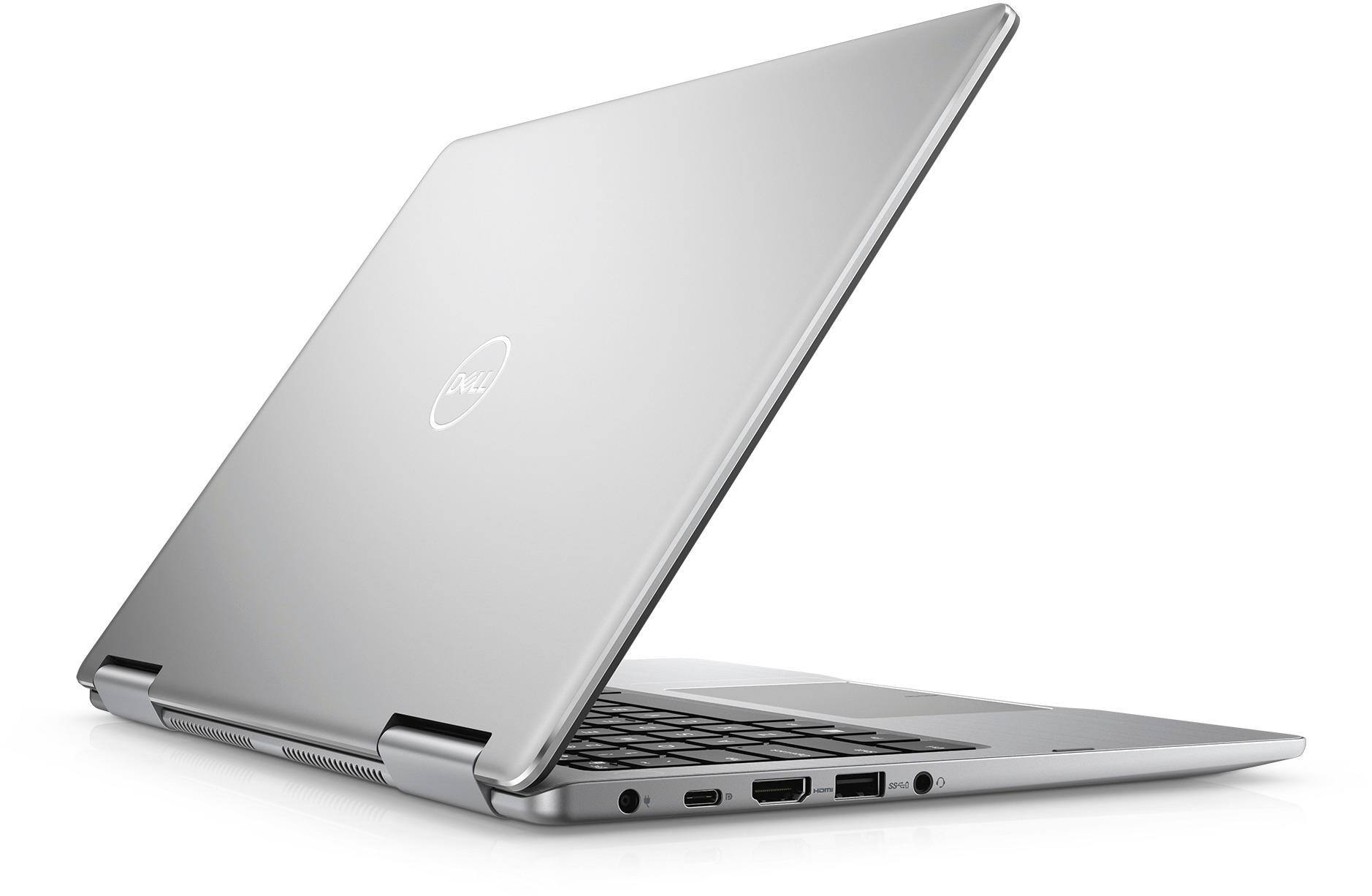
||Posted .This reviewer received promo considerations or sweepstakes entry for writing a review.The laptop is really good because it's fast but also so thin, It's light weight but a bit more expensive than other brands. It still has a great selection of ports and the build quality is top notch.
I would recommend this to a friendWorking so far as expected
||Posted .This reviewer received promo considerations or sweepstakes entry for writing a review.Laptop meeting my expectations so far. Salesperson was knowledgeable and answered all my questions satisfactorily. It has just been 4 weeks since I bought the laptop. My review may change down the line.
I would recommend this to a friend- Cons mentioned:Battery life
Regret
||Posted .This reviewer received promo considerations or sweepstakes entry for writing a review.I regret every day that I have to use this device and wish we never wasted our hard earned money on it. Slow, glitches, battery life sucks. Regret!
No, I would not recommend this to a friendBrand response from YourDellTeam
Posted .Chris,
Thank you for your review. We're sorry to hear that your computer is running slow and that the battery does not last as long as you had hoped it would. We'd recommend running the Windows Performance Troubleshooter to see if your computer can perform faster:
1. Close all open windows.
2. Press the Windows logo key + X key on the keyboard.
3. Click Control Panel.
4. Click System and Security.
5. Under Security and Maintenance, select Troubleshoot common problems.
6. Under System and Security, click Run maintenance tasks.
7. Follow the on-screen instructions and prompts to complete the process.
8. Restart the PC.
You can read the full article here - http://dell.to/2tSulGV.
Here are some tips that we'd recommend the extend your computer's battery life:
Change the Power Plan:
1. On the notification area of the taskbar, right-click the Battery icon.
2. On the options list, click Power Options.
3. Select a power plan on the battery meter, such as Power Saver or Balanced. Windows 10 has a built in 'Battery Saver' mode that can be activated to extend your system's battery life. The Battery Saver mode will monitor and limit background activity and other features such as push notifications. You do have the option to enable or disable this mode within settings or within advanced Battery Saver settings, you can customize the mode to best suit your needs.
a) Click on the Action Center icon in the taskbar and select the tile for Battery Saver.
b) If running Cortana then type Battery Saver into the search box and select from the results.
Within the Battery Saver settings page, you will be able to turn on and off the feature and customize the feature to best meet your needs.
c) Turn Battery Saver On or Off.
d) Additional settings available via the Battery use and Battery saver settings links.
e) Battery use shows further info on apps and their power usage.
f) Battery Saver Settings screen allows you to customize further Battery Saver feature.
You can read the full article here - http://dell.to/2vfXWf4.
We hope that these tips help your computer perform the way you intended it to.
Best,
Bryan
1-800-624-9896
Really nice
||Posted .This reviewer received promo considerations or sweepstakes entry for writing a review.This computer is thin and light and very easy to use even for my kids. It has a quick start up. Is very quiet and doesn't get hot. We don't use it for much other than surfing the net, watching television or writing reports, though.
I would recommend this to a friendNice budget laptop
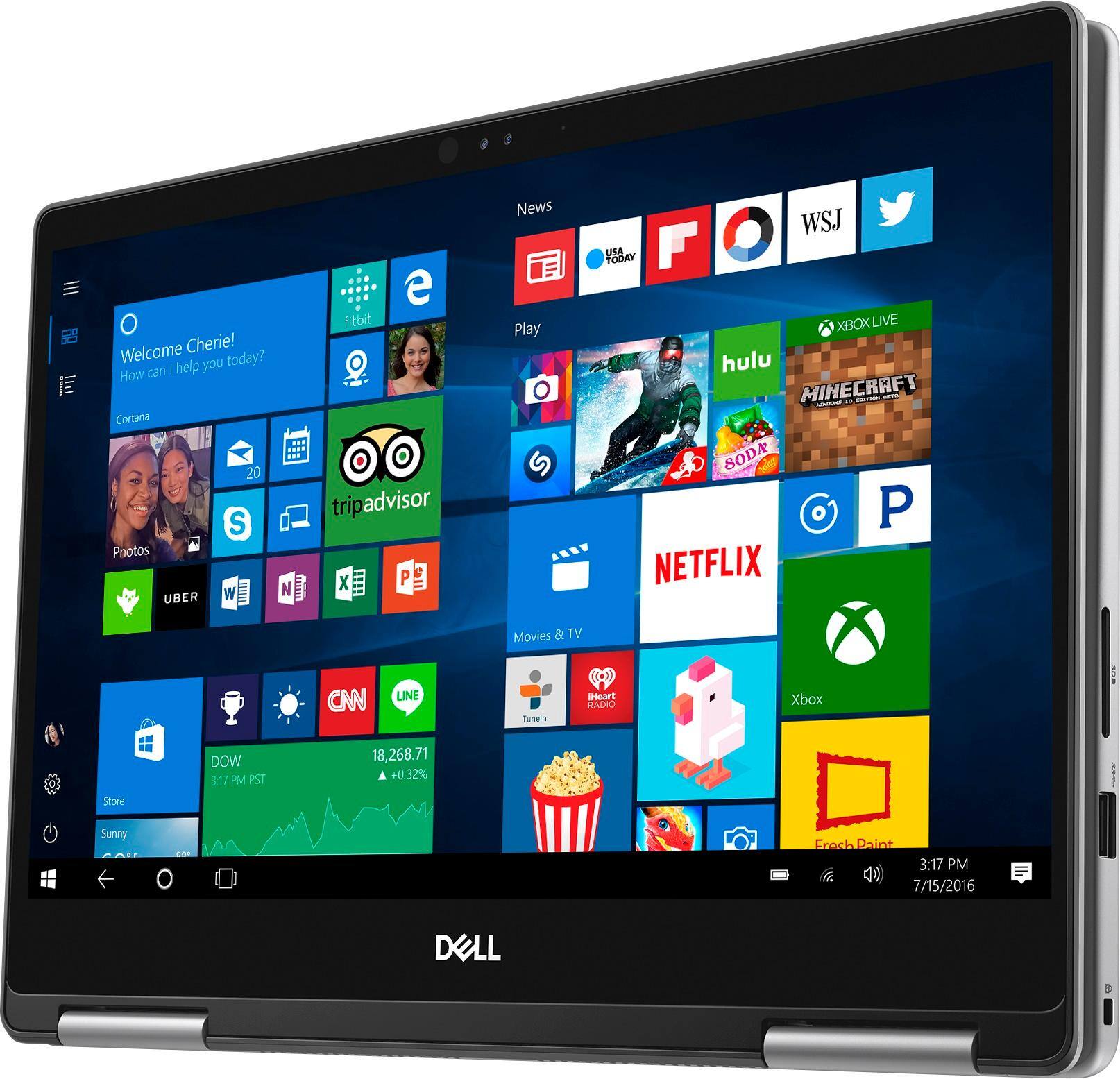
||Posted .This reviewer received promo considerations or sweepstakes entry for writing a review.My wife needed a new laptop for email/spreadsheet/web surfing work and this Dell fit the bill perfectly. She likes putting it in tablet mode for laying in bed and reading and having the keyboard for laptop mode works great for daytime work.
I would recommend this to a friendNice change from the laptop
||Posted .This reviewer received promo considerations or sweepstakes entry for writing a review.I had 3 laptops that burned out on me, and was facing the purchase of a fourth. Although I was name brand loyal, I couldn't chance a repeat performance. I was introduced to the Dell 2-in-1 and it has been a pleasant experience so far.
I would recommend this to a friendGood 2 in 1 for the price
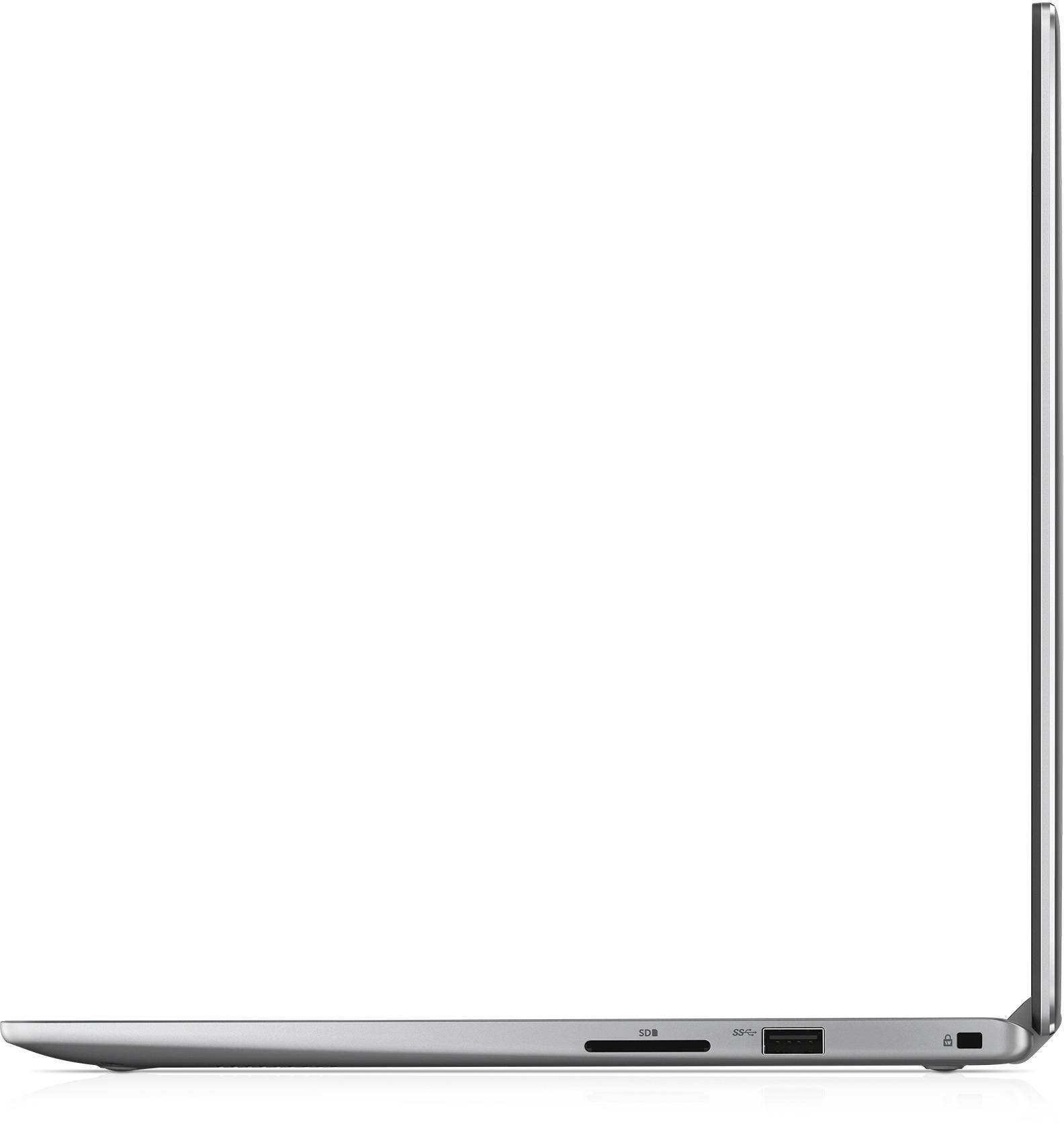
||Posted . Owned for 4 months when reviewed.This reviewer received promo considerations or sweepstakes entry for writing a review.I found this 2 in 1 easy to use. Not a lot of storage space but what do you expect with this small of computer. No DVD player, 1 USB port. All around a good computer a bit pricey.
I would recommend this to a friend- Cons mentioned:Battery life
Battery sucks
||Posted .This reviewer received promo considerations or sweepstakes entry for writing a review.Very nice computer, however I was only getting 2-3 hours per charge so I returned it... Very unacceptable!!!
No, I would not recommend this to a friend Great deal!
||Posted .This reviewer received promo considerations or sweepstakes entry for writing a review.We have had this computer for almost a year and we use it every day. My Daughter takes it to school and we have been very happy with not only the performance, but also the battery life.
I would recommend this to a friend- Cons mentioned:Heating
Light and easy to carry around
||Posted .This reviewer received promo considerations or sweepstakes entry for writing a review.My only problem with this laptop is that it heats up pretty fast not sure if it’s just mine or others. I use it for school and minor web browsing.
I would recommend this to a friendBrand response from YourDellTeam
Posted .Henry,
We've very sorry to hear that your computer has been heating up more than you expected. We'd recommend the following tips to help keep your laptop cool:
Tips for Proper Usage:
1. Dell does not recommend placing portable systems directly on your lap. Due to reductions in the thickness of modern portable systems, heat transfer can be an issue.
2. Using a portable system (Laptop) on a hard, flat, non-cloth surface will increase airflow and reduce heat from underneath and inside the system.
Using the portable system on a blanket, pillow, or other types of cloth will cover up the fan cause the computer to overheat and can cause permanent damage.
3. It is recommended to use the portable system in a Room temperature of 0°C to 35°C (32°F to 95°F) with a Humidity level no greater than 90%.
4. Use compressed air to clean the vents on a regular basis.
5. Using a cooling pad can decrease heat and increase performance.
6. If you want to know the temperature limitations for your system, go to the Dell Support Website, look up your system model then open the user guide under the manuals link.
You can read the full article here - http://dell.to/2uJ8AdG.
We hope that by using some of these tips that your laptop cools down for you.
Best,
Bryan
1-800-624-9896
Great size and value
||Posted .This reviewer received promo considerations or sweepstakes entry for writing a review.Love the quick response and ease of use... Except for not yet understanding how to use the pen effectively. I've not located the tutorial yet. We bought the same for my son who will be starting college son. He loves it. Great size!
I would recommend this to a friend