Customer Ratings & Reviews



- Model:
- I7373-5558GRY-PUS
- SKU:
- 6083539
Rating by feature
- Value
Rating 4.2 out of 5 stars
- Quality
Rating 4.3 out of 5 stars
- Ease of Use
Rating 4.5 out of 5 stars
Customers are saying
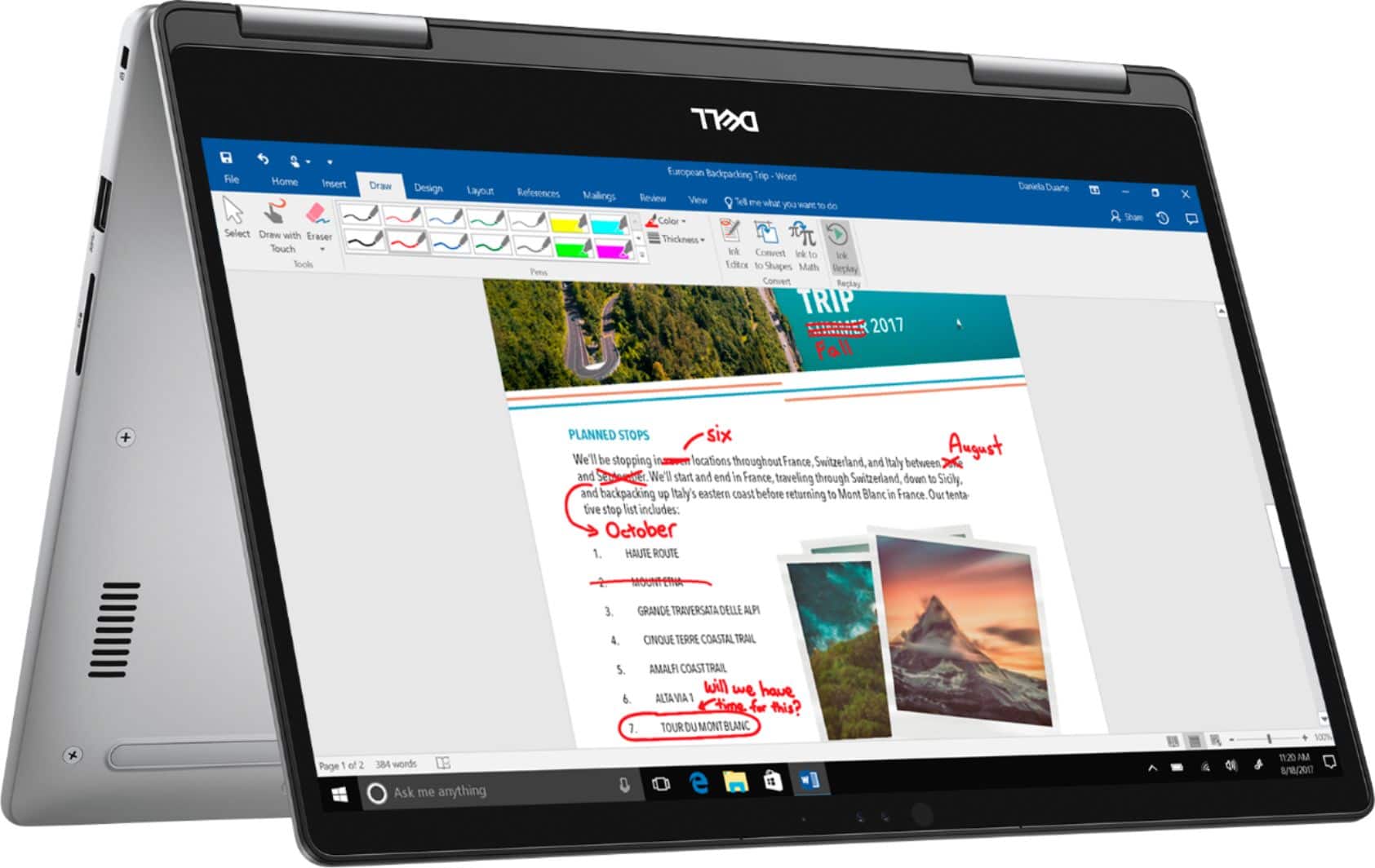
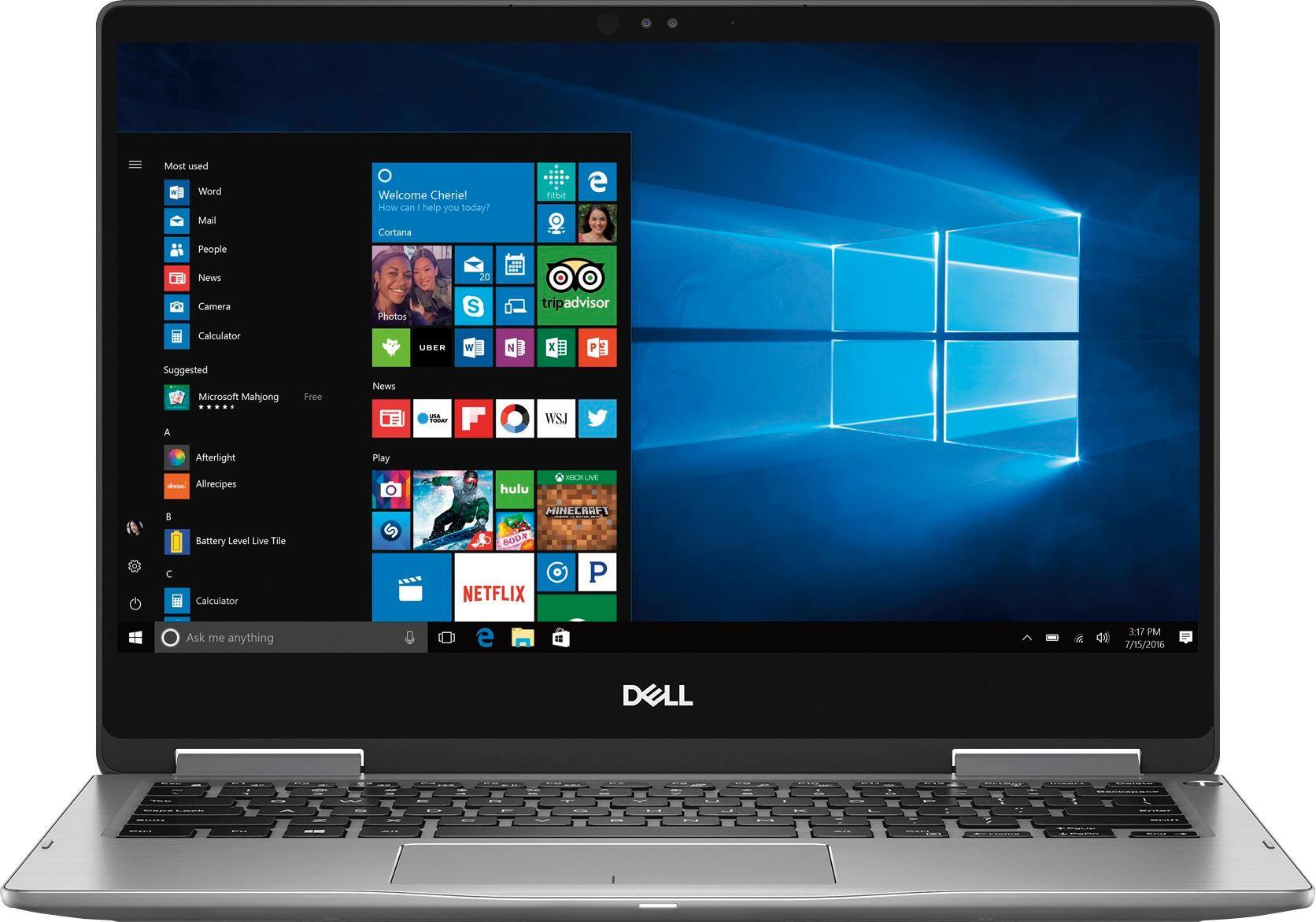
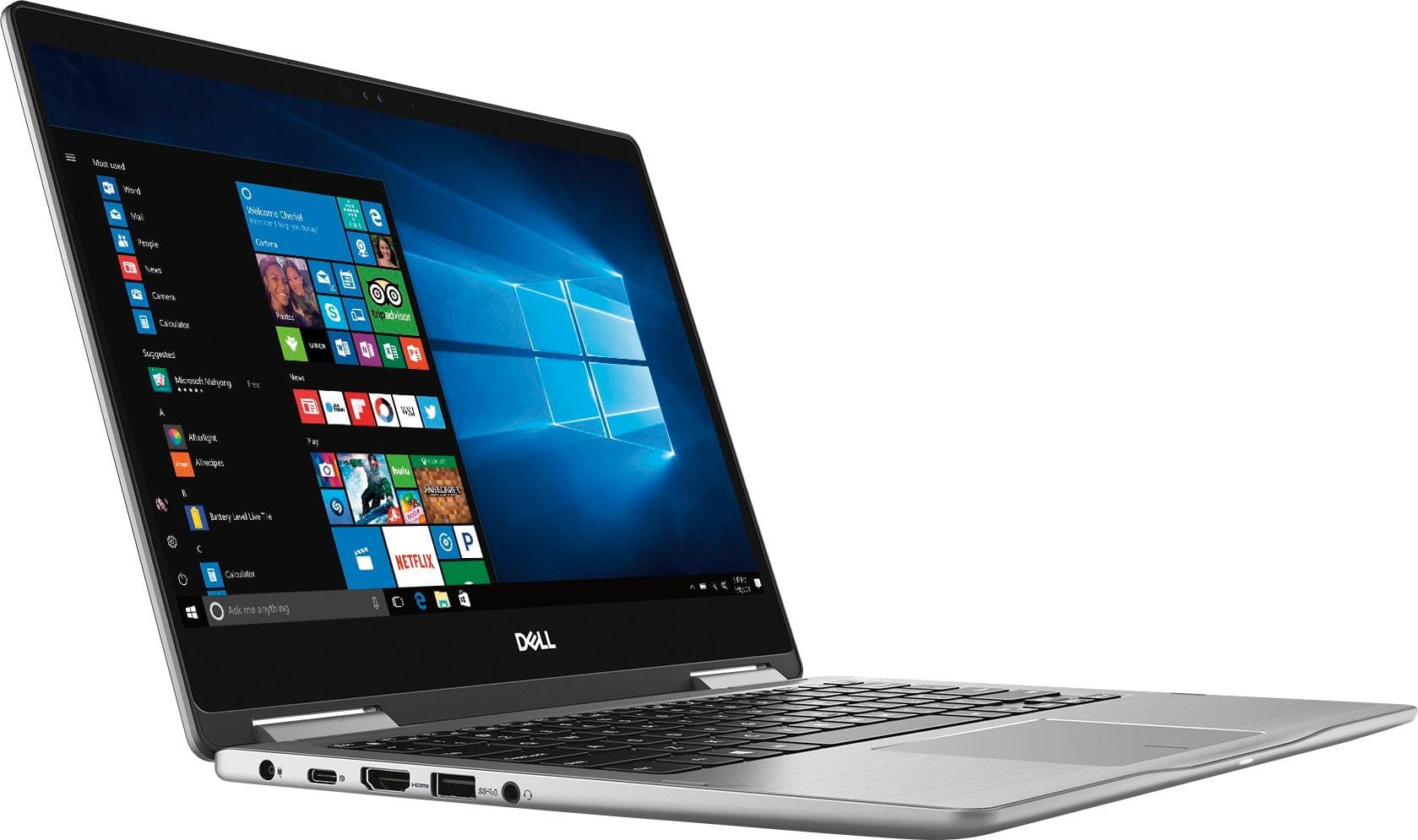
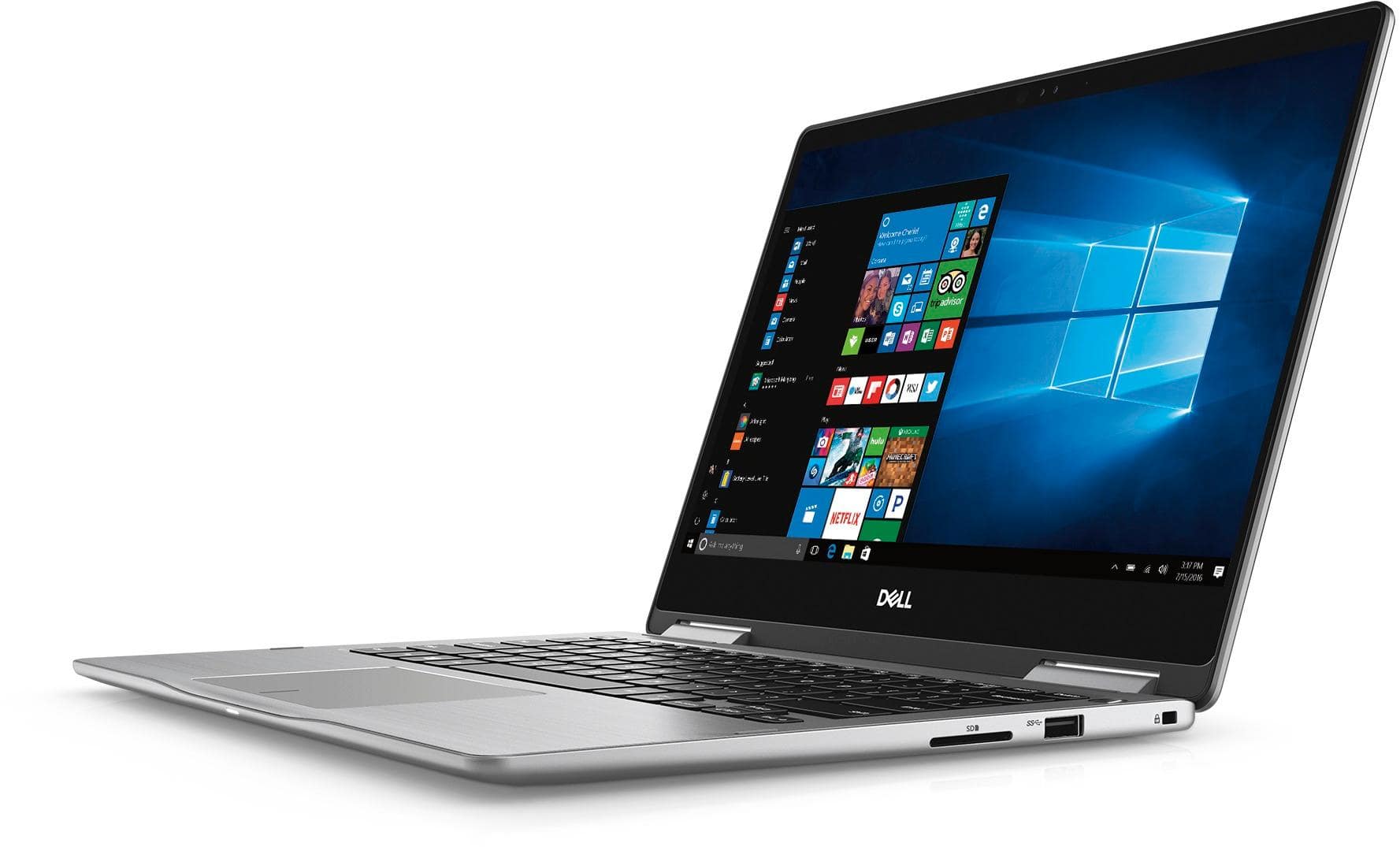
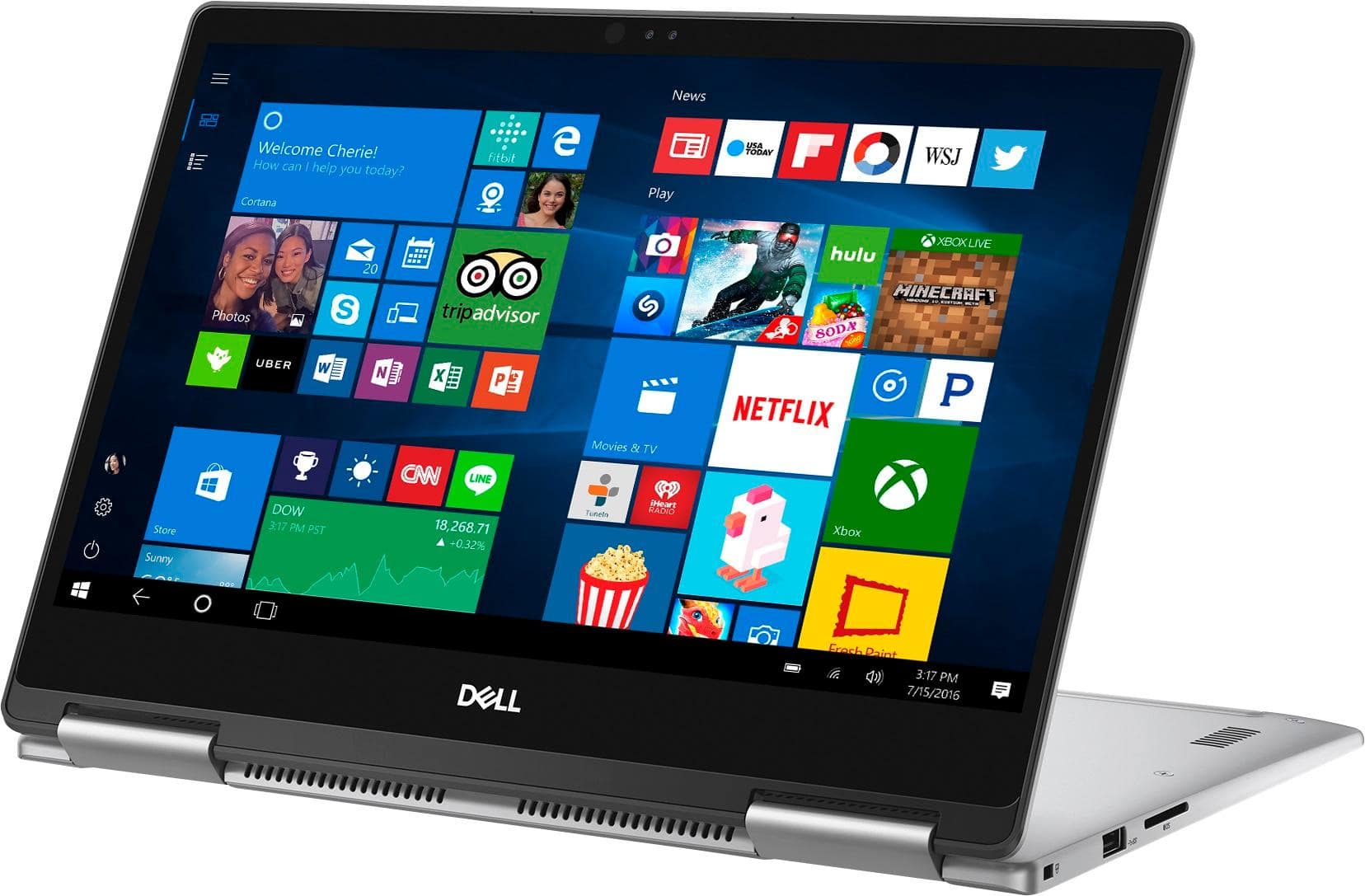
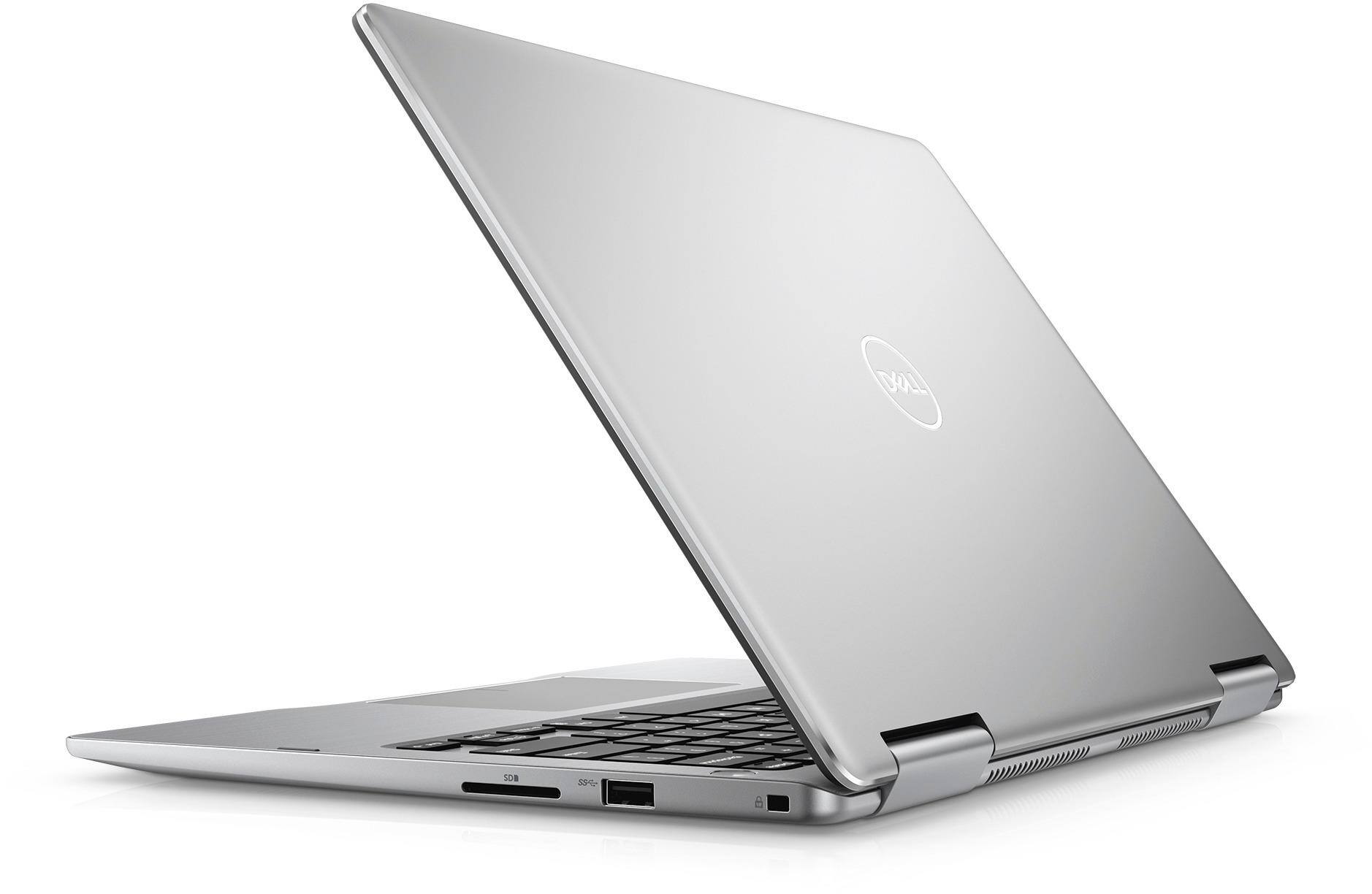
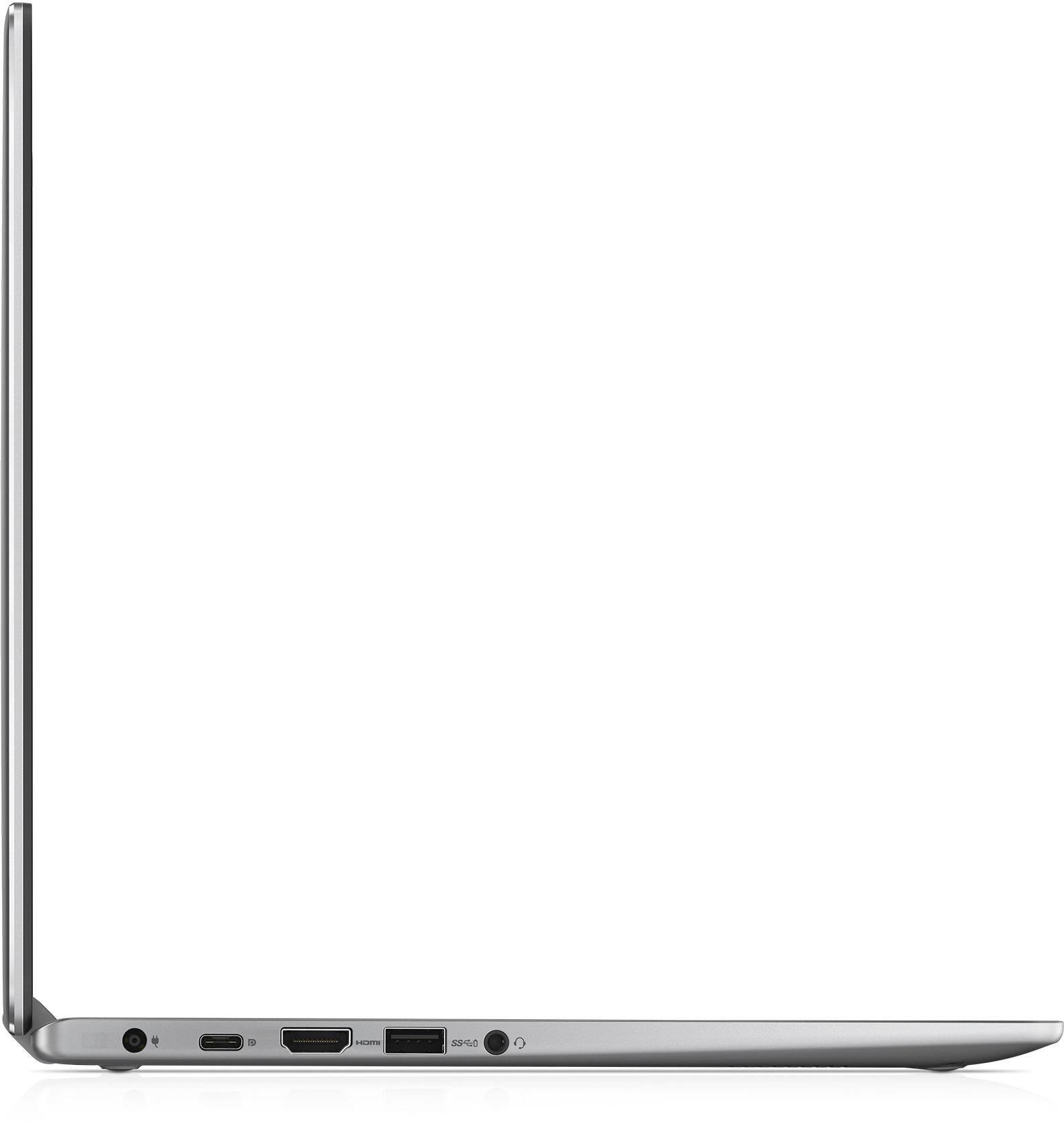
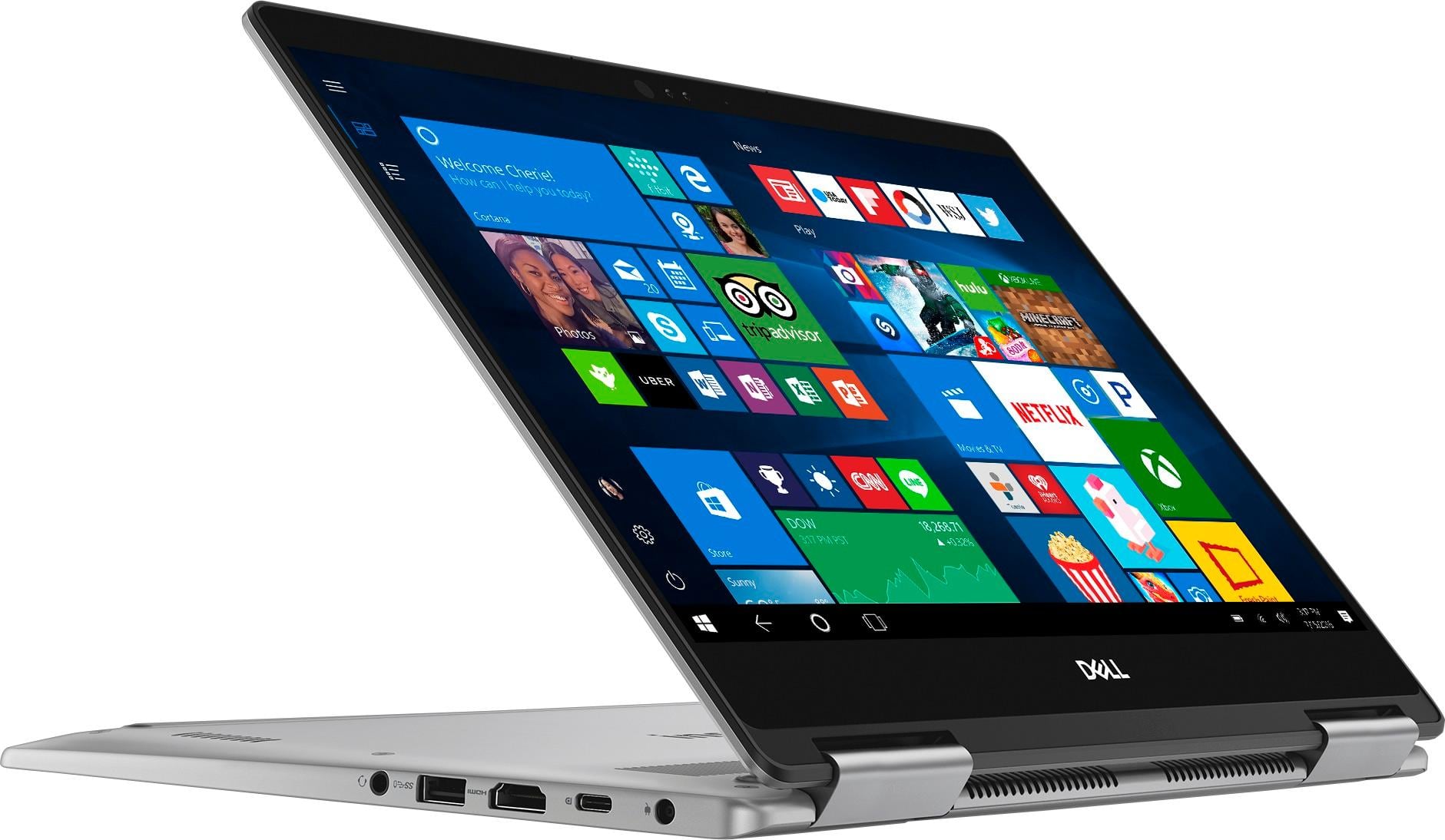
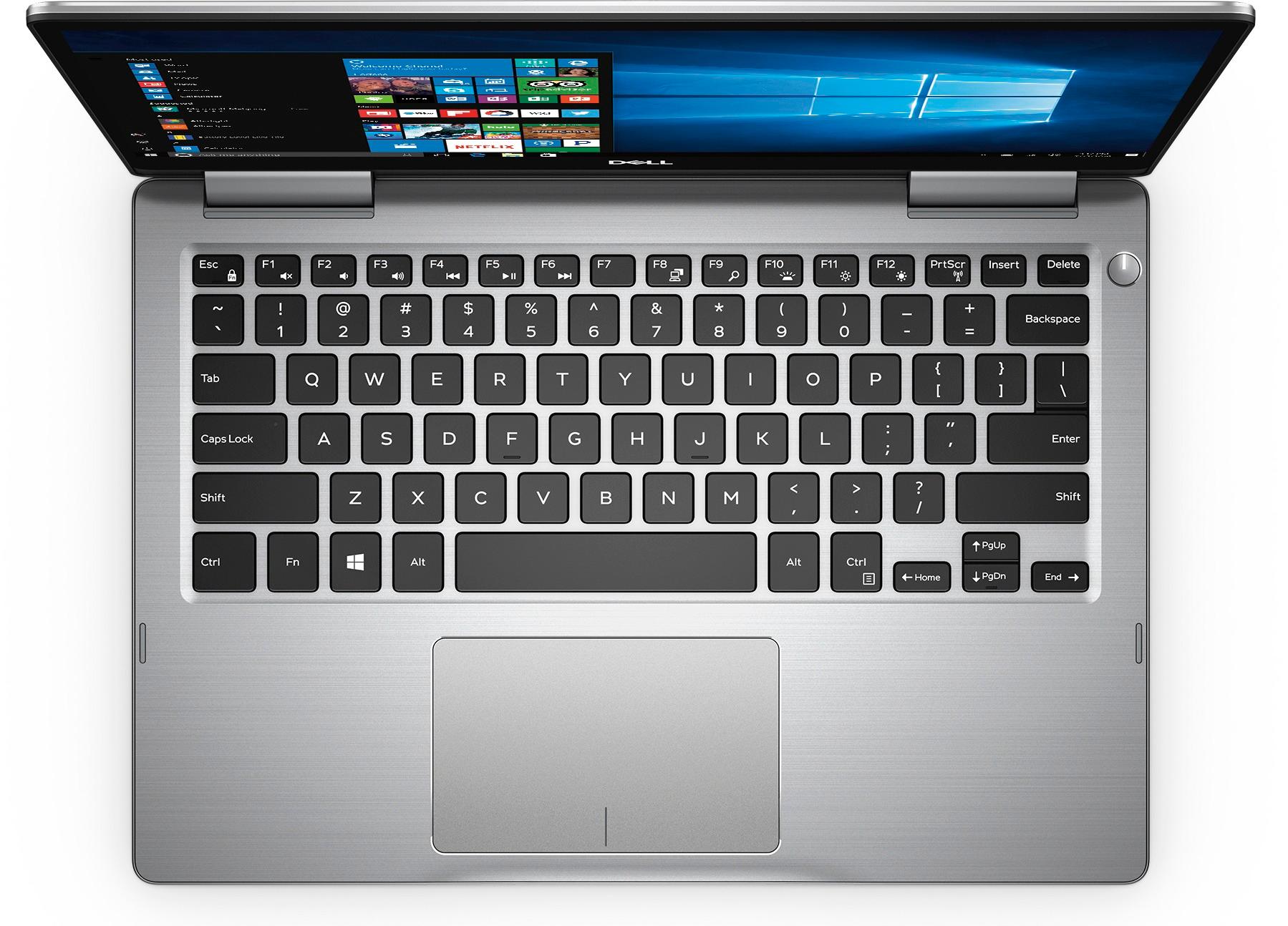
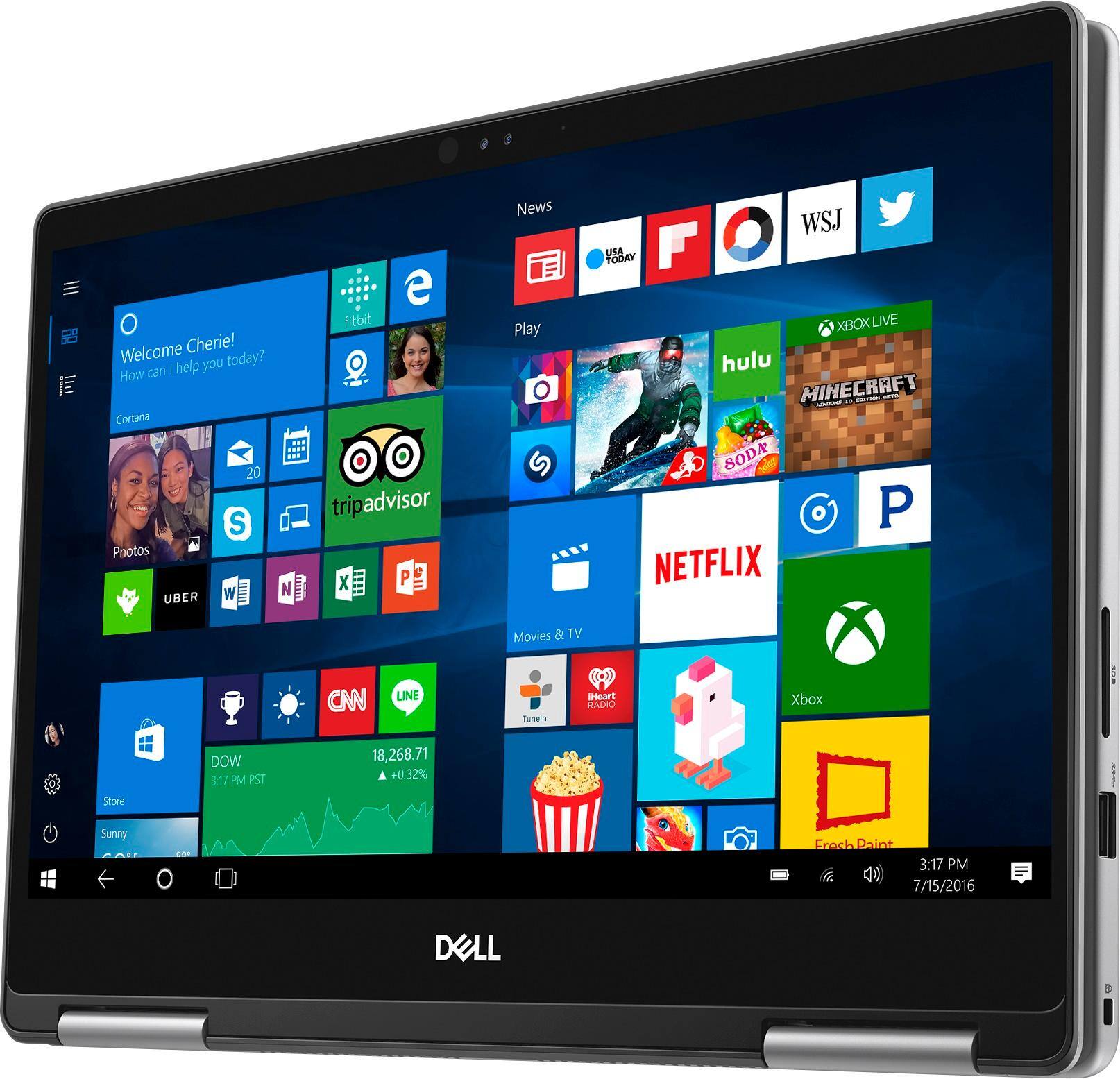
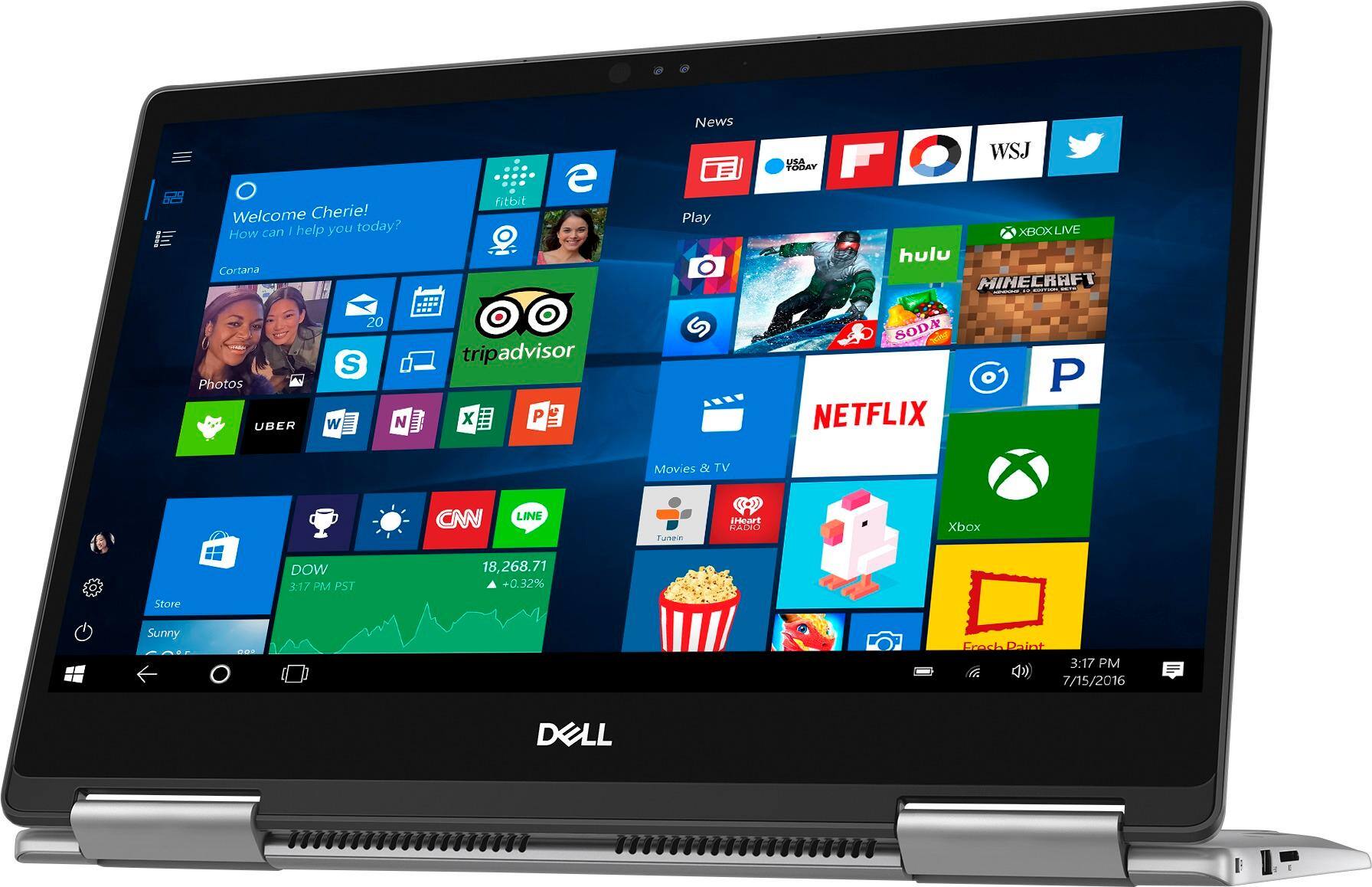
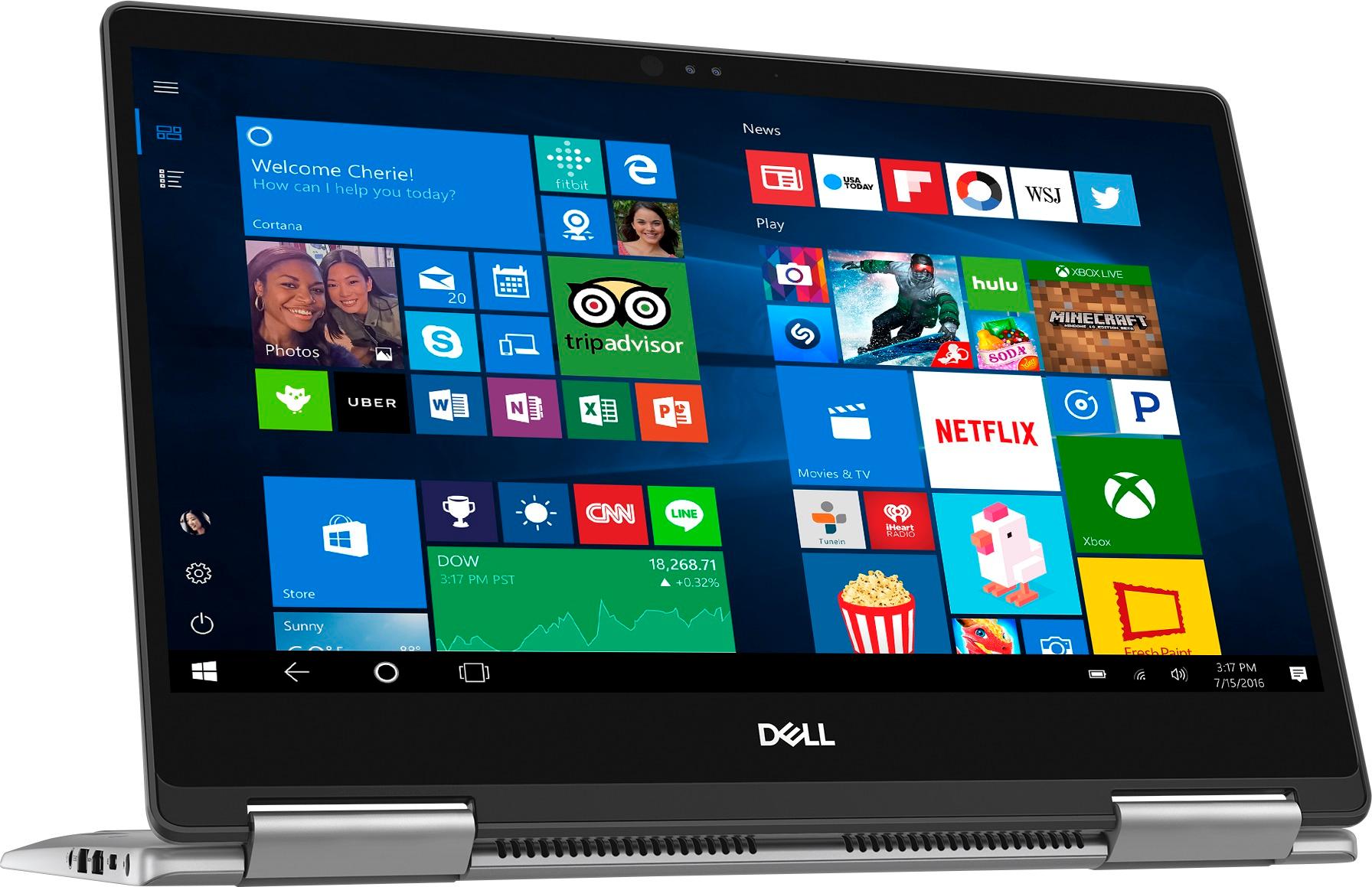
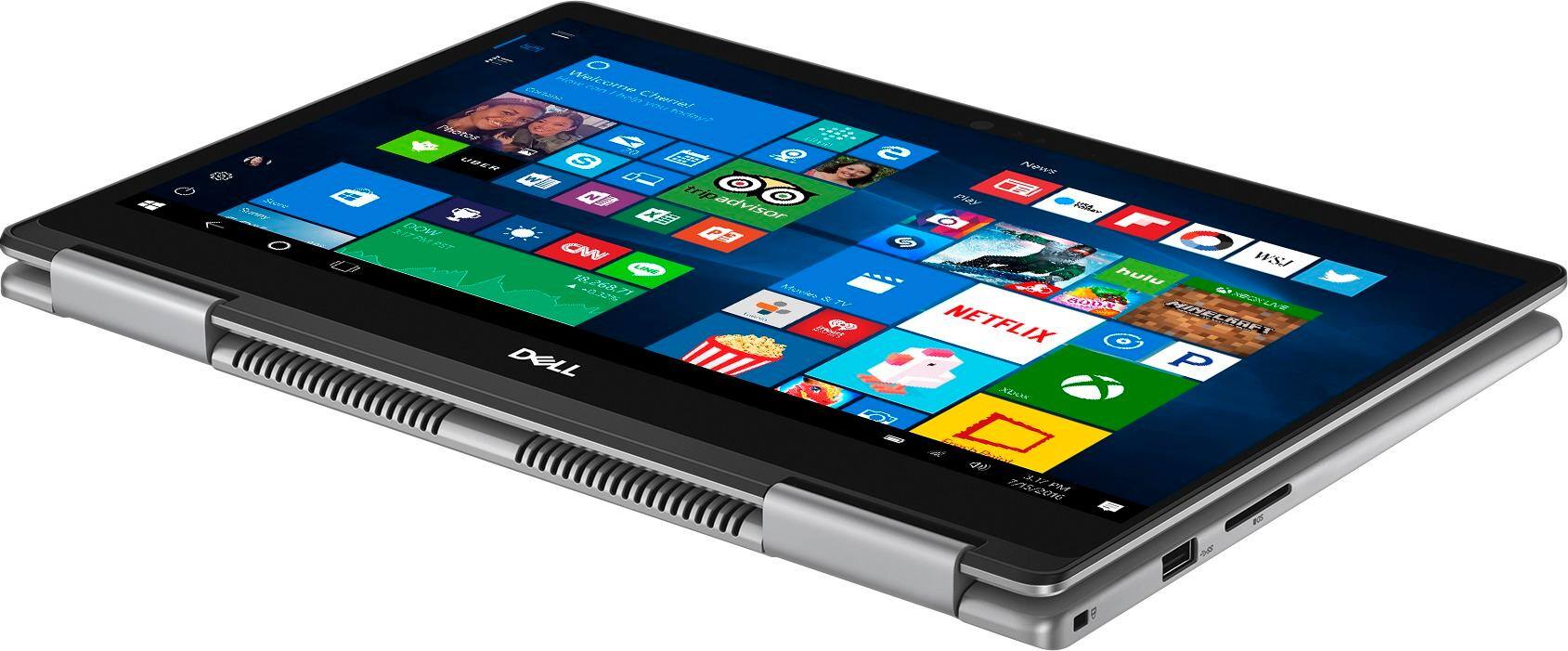
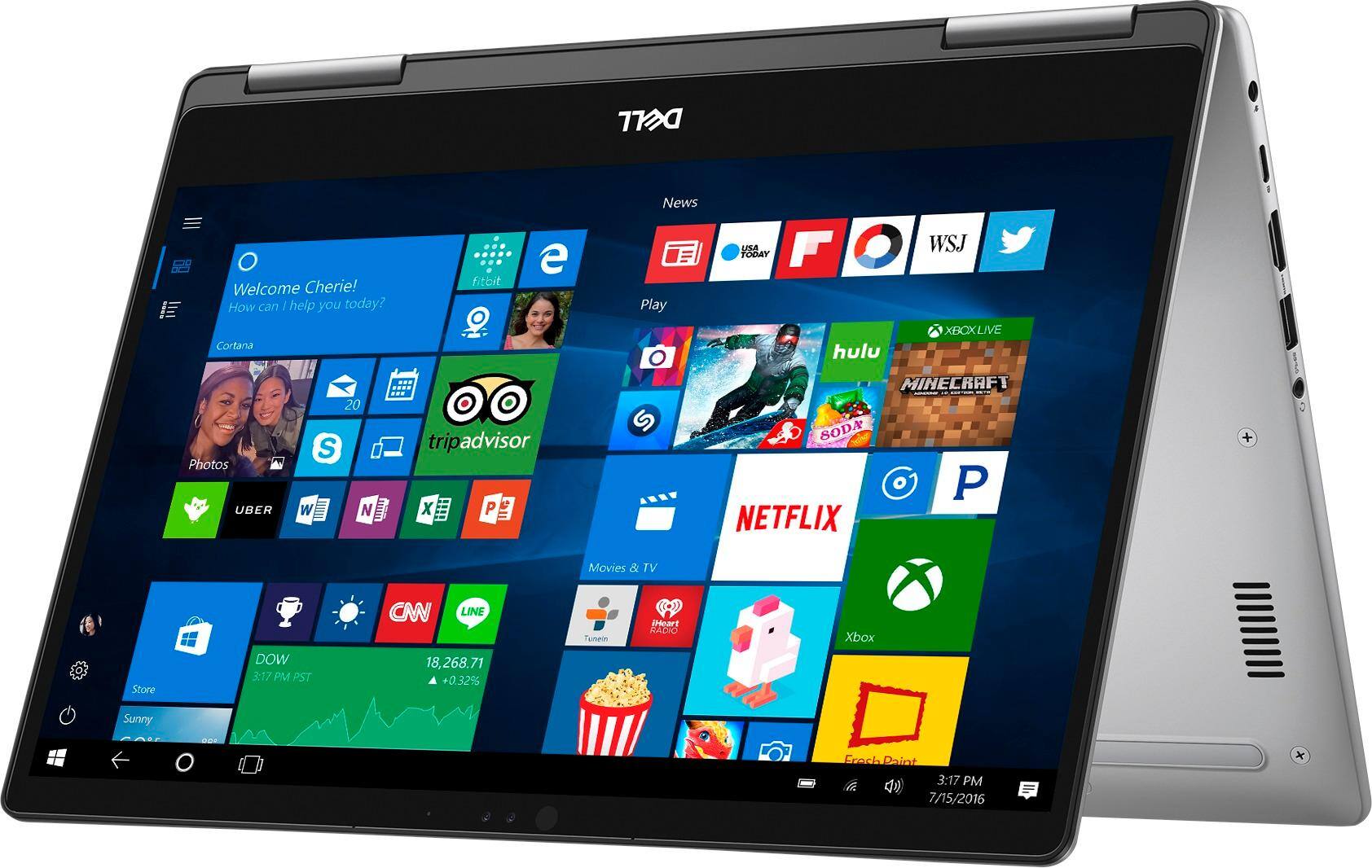
Customers express satisfaction with the Inspiron 2-in-1 13.3" Touch-Screen Laptop for its lightweight design, fast performance, and affordable price. Many users appreciate the convenience of the touchscreen and the overall size of the laptop. However, some customers have concerns about the battery life, heating issues, speaker quality, and fan noise.
This summary was generated by AI based on customer reviews.
- Pros mentioned:Lightweight
Nice computer
||Posted .This reviewer received promo considerations or sweepstakes entry for writing a review.I like this computer because it’s small and not heavy, which makes it easy to take anywhere.
I would recommend this to a friend - Pros mentioned:Touch screen
Excellent laptop
||Posted .This reviewer received promo considerations or sweepstakes entry for writing a review.This laptp does it all. Touch screen, 8g, 256 solid state, and tablet when you fold over.
I would recommend this to a friend - Pros mentioned:Lightweight
2-1
||Posted .This reviewer received promo considerations or sweepstakes entry for writing a review.Pretty fast and very versatile and easy to use. Would buy again
I would recommend this to a friend - Pros mentioned:Lightweight
Great computer
||Posted .This reviewer received promo considerations or sweepstakes entry for writing a review.Bought this for my job, works well. Love how versatile it is.
I would recommend this to a friend - Pros mentioned:Lightweight, Touch screen
laptop for business use
||Posted . Owned for more than 2 years when reviewed.This reviewer received promo considerations or sweepstakes entry for writing a review.Love the touch screen and the compact size of device. Easy to use and provides good memory and power with Core i5. Lacking internal DVD player which at times would be nice but that is the sacrifice to be made for compact size.
I would recommend this to a friend - Pros mentioned:Lightweight, Touch screen
Love this laptop.
||Posted .This reviewer received promo considerations or sweepstakes entry for writing a review.This is a great laptop for my purposes. It’s lightweight but sturdy; fast; touch screen is responsive; and it connected easily with all my devices. I also like the positive acting keyboard and the fact that the keyboard is backlit. Sound is good; image is sharp.
I would recommend this to a friend - Pros mentioned:Lightweight
Great laptop! Lightweight and easy to use
||Posted .This reviewer received promo considerations or sweepstakes entry for writing a review.This is a great laptop for all ages. It’s lightweight and the processor is very fast.
I would recommend this to a friend - Pros mentioned:Size
New Dell Laptop
||Posted .This reviewer received promo considerations or sweepstakes entry for writing a review.Love the size and weight of it. Haven’t gotten to use much yet but so far I love it.
I would recommend this to a friend - Pros mentioned:Lightweight, Touch screen
Love it
||Posted .This reviewer received promo considerations or sweepstakes entry for writing a review.One of the best in class with solid state drive, touch screen and very easy and light to carry around with. The configuration is just write. Just hope that the drive space should have been higher like 512GB /TB I strongly recommend the product.
I would recommend this to a friend - Pros mentioned:Price, Size
Perfect Laptop!
||Posted .This reviewer received promo considerations or sweepstakes entry for writing a review.This laptop fits the bill - perfect size, fast processor and easy to transport. Love that I can use it as a notebook too. With a beautiful picture, I love watching my shows and videos. Great laptop/notebook at a great price! You'll love it too!
I would recommend this to a friend Great laptop.
||Posted .This reviewer received promo considerations or sweepstakes entry for writing a review.It’s what I’ve been looking for,for some time now. something that is not to expensive to run photo shop.dell has a good reputation and i’am Glad to be on board with them now. The Inspiron have the speed and storage that ideal for my needs. The store people were a great help in my decision. Hopefully it last for a long time
I would recommend this to a friend- Pros mentioned:FastCons mentioned:Battery life, Heating
Great Laptop with some cons
||Posted .This reviewer received promo considerations or sweepstakes entry for writing a review.Laptop is great, fast with beautiful colors. Cons: Battery Life, heating, speaker volume is pathetically low
I would recommend this to a friendBrand response from YourDellTeam
Posted .' @Bhagat - Thanks for your feedback about your new Dell 2-in-1. If you'd like some tips for making your battery last longer we'd recommend the following:
Change the Power Plan:
1. On the notification area of the taskbar, right-click the Battery icon.
2. On the options list, click Power Options.
3. Select a power plan on the battery meter, such as Power Saver or Balanced. Windows 10 has a built in 'Battery Saver' mode that can be activated to extend your system's battery life. The Battery Saver mode will monitor and limit background activity and other features such as push notifications. You do have the option to enable or disable this mode within settings or within advanced Battery Saver settings you can customize the mode to best suit your needs.
1) Click on the Action Center icon within the taskbar and select the tile for Battery Saver.
2) If running Cortana then type Battery Saver into the search box and select from the results.
Within the Battery Saver settings page you will be able to turn on and off the feature and customize the feature to best meet your needs.
3) Turn Battery Saver On or Off.
4) Additional settings available via the Battery use and Battery saver settings links.
5) Battery use shows further info on apps and their power usage.
6) Battery Saver Settings screen allows you to customize further Battery Saver feature.
You can read the full article here - http://dell.to/2vfXWf4.
If your computer is still overheating on you, here are some tips:
Tips for Proper Usage:
1. Dell does not recommend placing portable systems directly on your lap. Due to reductions in the thickness of modern portable systems, heat transfer can be an issue.
2. Using a portable system (Laptop) on a hard, flat, non-cloth surface will increase airflow and reduce heat from underneath and inside the system.
Using the portable system on blanket, pillow, or other type of cloth will cover up the fan cause the computer to overheat and can cause permanent damage.
3. It is recommended to use the portable system in a Room temperature of 0°C to 35°C (32°F to 95°F) with a Humidity level no greater than 90%.
4. Use compressed air to clean the vents on a regular basis.
5. Using a cooling pad can decrease heat and increase performance.
6. If you want to know the temperature limitations for your system, go to the Dell Support Website, look up your system model then open the user guide under the manuals link.
Click here for the full article - http://dell.to/2uJ8AdG.
If you'd like to make sure that your audio driver is up to date you can view this page - http://dell.to/2ij0l0u.
We hope these tips help your computer perform better for you. - Bryan
Christmas
||Posted .This reviewer received promo considerations or sweepstakes entry for writing a review.Bought this for our daughter for Christmas. I was happy with the processor and memory. However, 1 week after I bought it, BB ran a 1 day only sale for $100 less than I paid. I was unable to get to the store for the price match so we lost out. This is the only reason I gave it a 4, otherwise it would have been a 5.
I would recommend this to a friend- Pros mentioned:Price, Touch screen
Worth it!!
||Posted . Owned for more than 2 years when reviewed.This reviewer received promo considerations or sweepstakes entry for writing a review.I love this laptop. It is still going strong after 3 years of heavy use. The price is well worth it for the 2 in 1 laptop. The touchscreen is my favorite part, it is extremely convenient.
I would recommend this to a friend - Pros mentioned:LightweightCons mentioned:Battery life
Great for less than 3 hours of usage.
||Posted .This reviewer received promo considerations or sweepstakes entry for writing a review.This Dell is one of many I have owned, and I really like the size for a 13.3" laptop. It works well, has a beautiful IPS display, nice 2 level backlit keys, a fast quad-core processor and many other nice features. The major draw back is the short battery life of usually only 3 hours. I like the laptop enough to experiment with lowering the display brightness and select battery saving power settings. I will keep it. I bought a new Dell active pen for only $15 on ebay. Make sure you buy the correct pen, several models work.
I would recommend this to a friendBrand response from YourDellTeam
Posted .Lduane,
We're happy to hear that your new laptop is working well for you. If you'd like to try to extend the battery life of your computer, we'd suggest the following tips:
Change the Power Plan:
1. On the notification area of the taskbar, right-click the Battery icon.
2. On the options list, click Power Options.
3. Select a power plan on the battery meter, such as Power Saver or Balanced. Windows 10 has a built in 'Battery Saver' mode that can be activated to extend your system's battery life. The Battery Saver mode will monitor and limit background activity and other features such as push notifications. You do have the option to enable or disable this mode within settings or within advanced Battery Saver settings, you can customize the mode to best suit your needs.
a) Click on the Action Center icon in the taskbar and select the tile for Battery Saver.
b) If running Cortana then type Battery Saver into the search box and select from the results.
Within the Battery Saver settings page, you will be able to turn on and off the feature and customize the feature to best meet your needs.
c) Turn Battery Saver On or Off.
d) Additional settings available via the Battery use and Battery saver settings links.
e) Battery use shows further info on apps and their power usage.
f) Battery Saver Settings screen allows you to customize further Battery Saver feature.
You can read the full article here - http://dell.to/2vfXWf4.
Best,
Bryan
1-800-624-9896
Excellent Laptop
||Posted .This reviewer received promo considerations or sweepstakes entry for writing a review.I purchased this laptop after purchasing an identical one for my college student son. The laptop Is very responsive and the keyboard works well. My son has used as a tablet with the Bamboo brand stylus. He's had dine issues, but thinks these will be addressed with a setting change. Otherwise, he is very pleased, as well, with this laptop.
I would recommend this to a friend- Pros mentioned:Lightweight
Great Laptap
||Posted .This reviewer received promo considerations or sweepstakes entry for writing a review.Really meets my need; easy to carry because of lightweight
I would recommend this to a friend - Pros mentioned:Fast
Quite fast.
||Posted .This reviewer received promo considerations or sweepstakes entry for writing a review.Quite fast for its size. The Solid State Drive is a must,
I would recommend this to a friend - Pros mentioned:Lightweight, Touch screen
Dell Inspirion 2 - 13.3"
||Posted .This reviewer received promo considerations or sweepstakes entry for writing a review.We absolutely love this touchscreen Dell Inspirion 2 touchscreen laptop/tablet. It is not only fast but gives you the ability to use it as a tablet or laptop. We are sold on Dell products this is no exception
I would recommend this to a friend - Pros mentioned:Fast
Fast laptop
||Posted .This reviewer received promo considerations or sweepstakes entry for writing a review.Only had this 1 wrek and its super fast and lightweight.
I would recommend this to a friend