Customer Ratings & Reviews
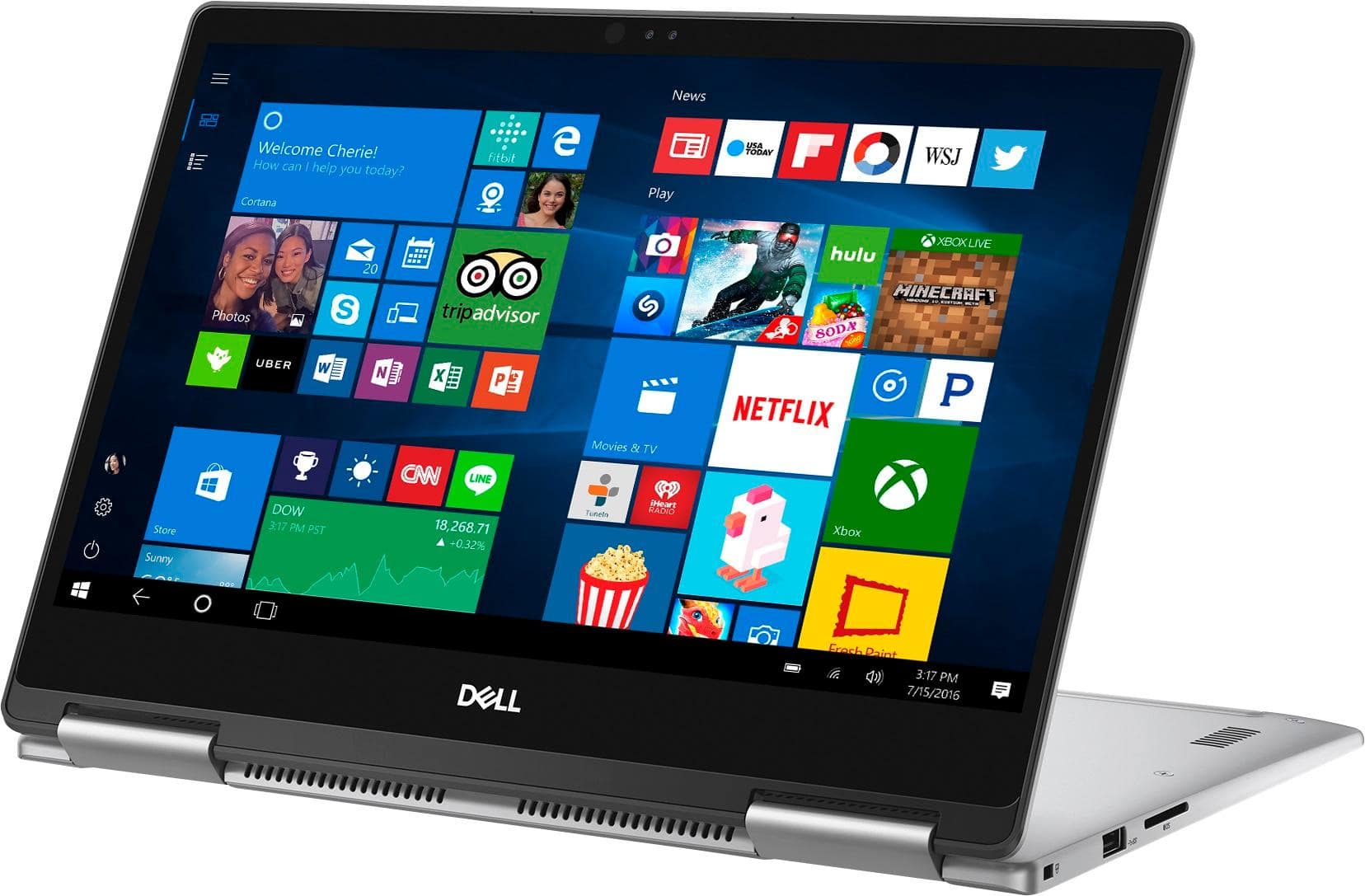
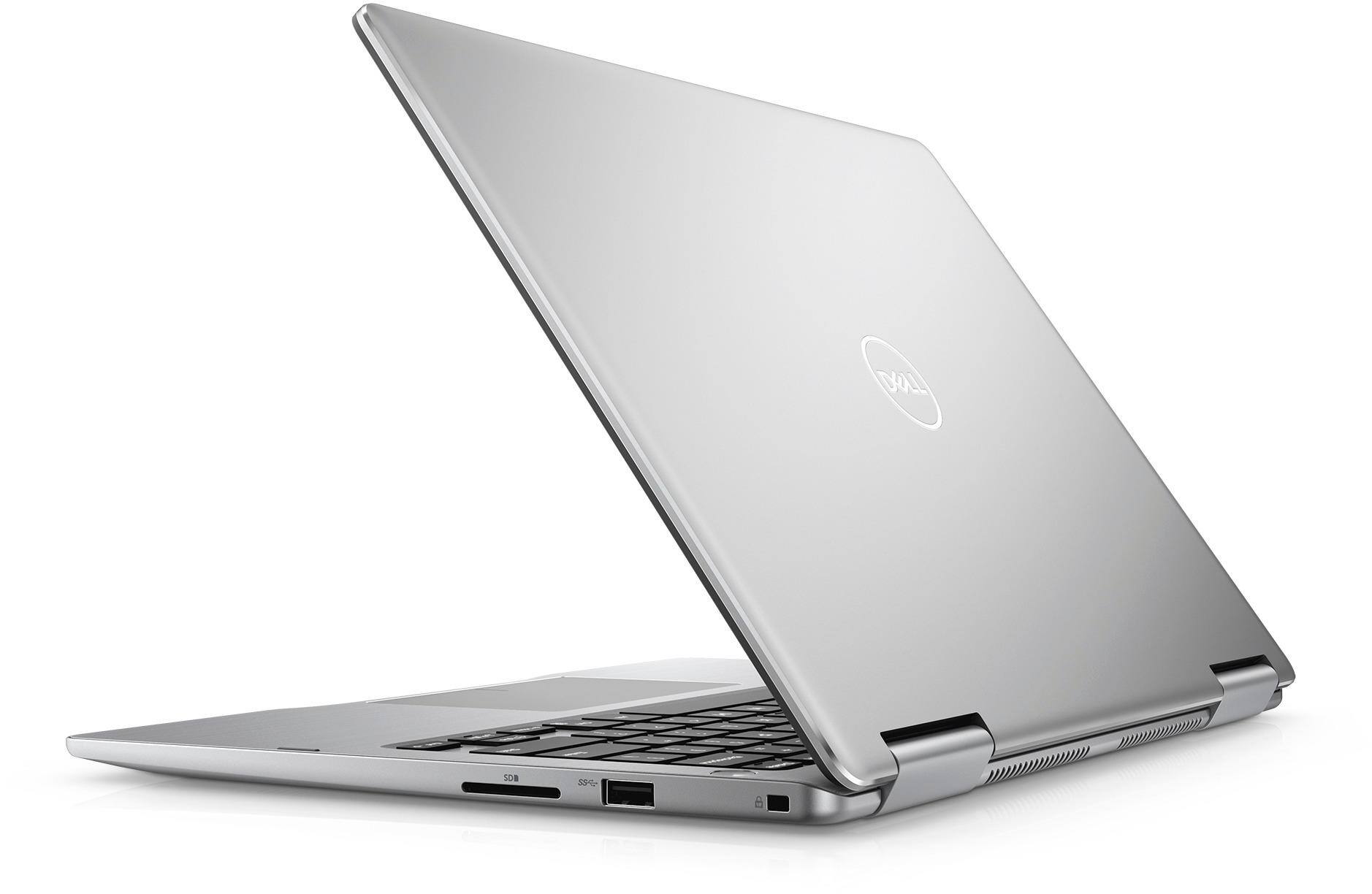

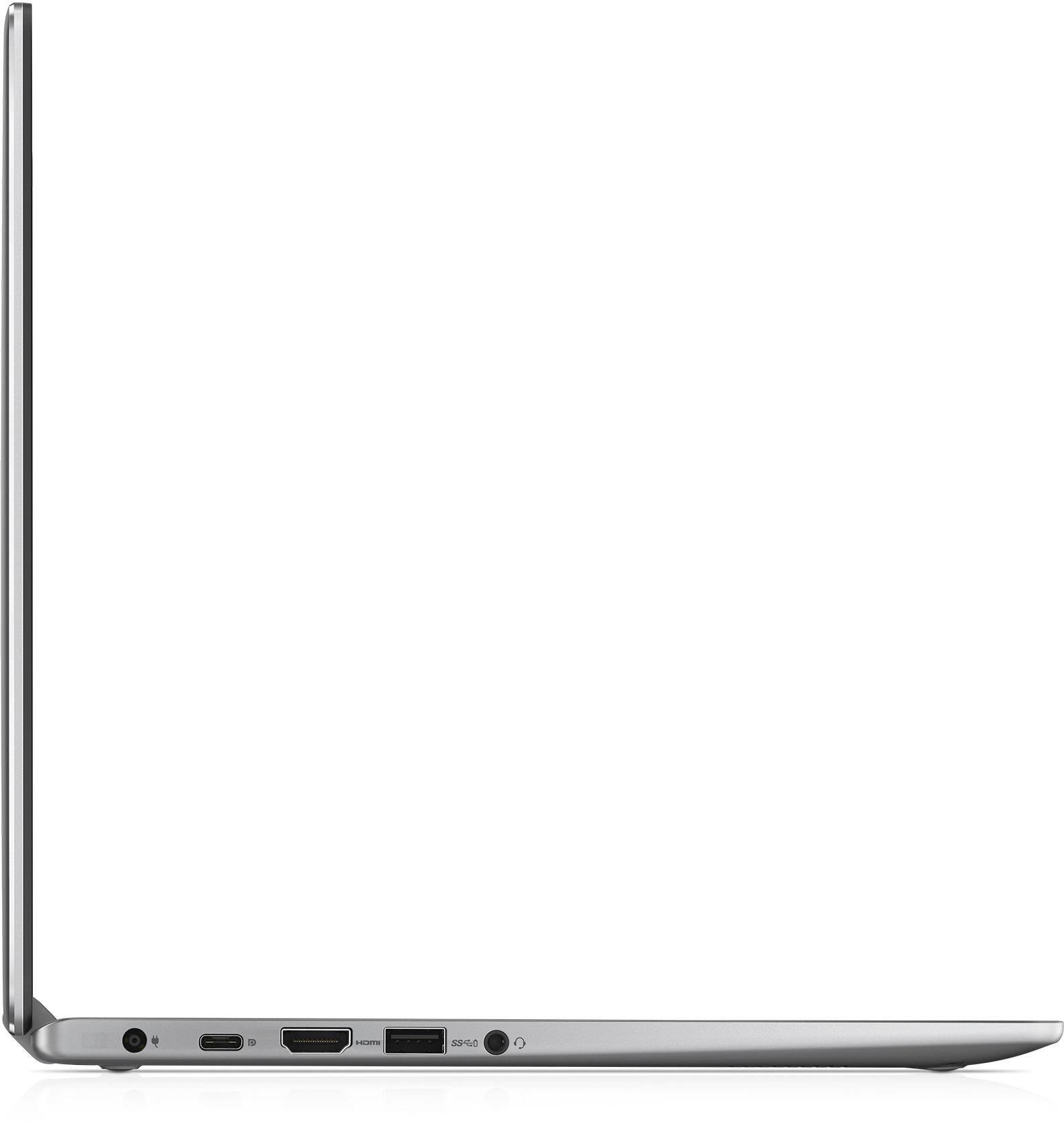
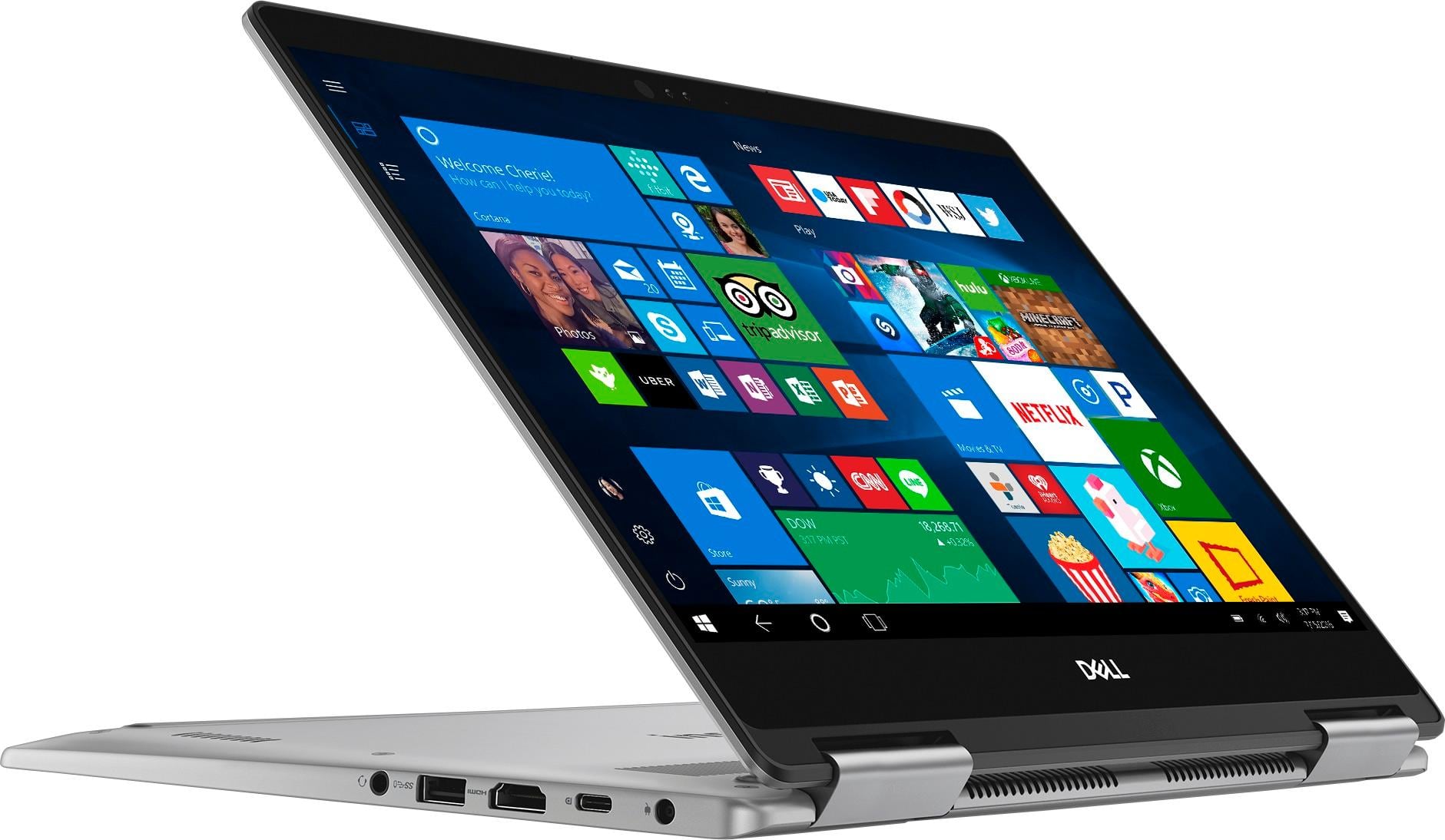


- Model:
- I7373-5558GRY-PUS
- SKU:
- 6083539
Rating by feature
- Value
Rating 4.2 out of 5 stars
- Quality
Rating 4.3 out of 5 stars
- Ease of Use
Rating 4.5 out of 5 stars
Customers are saying
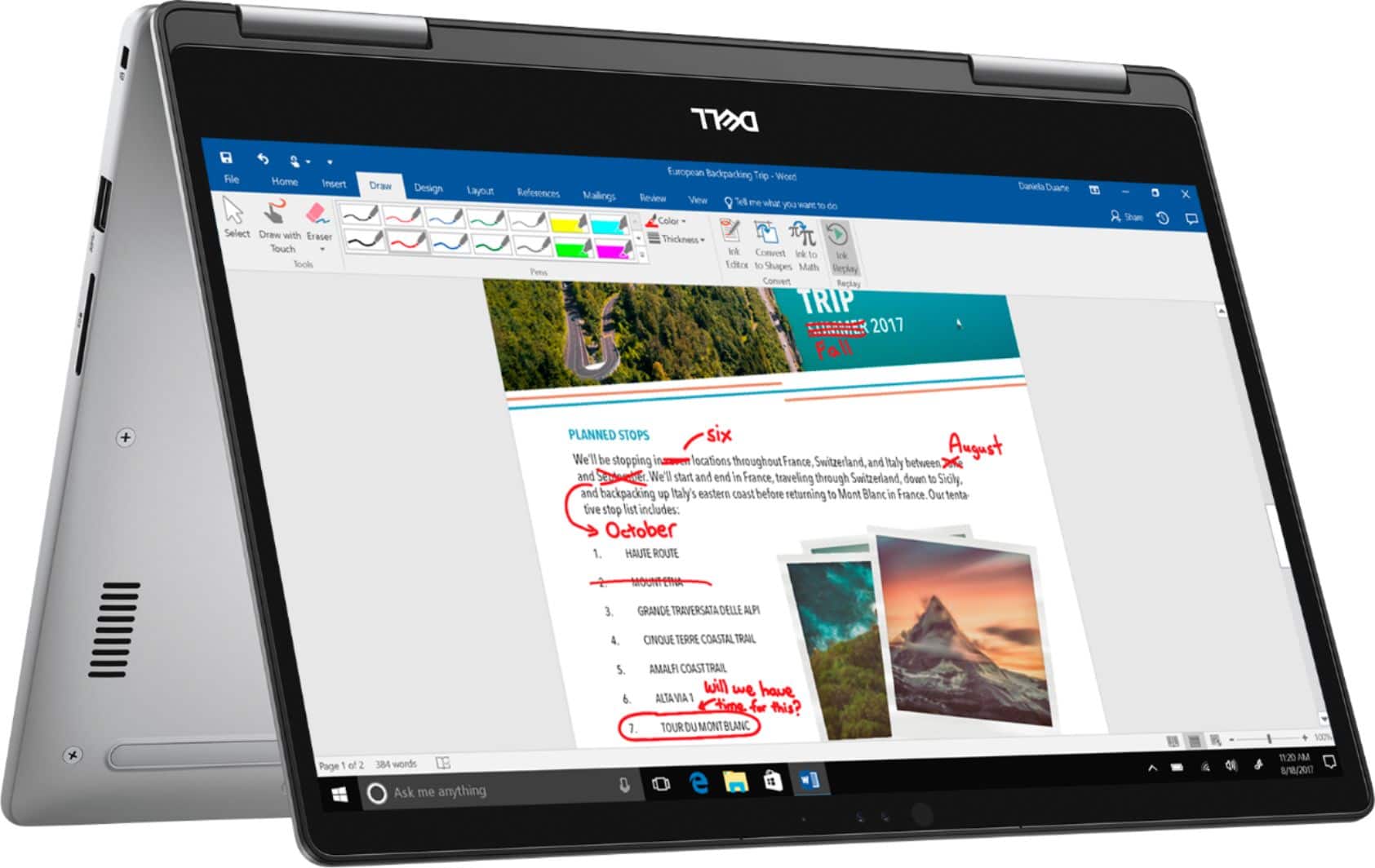
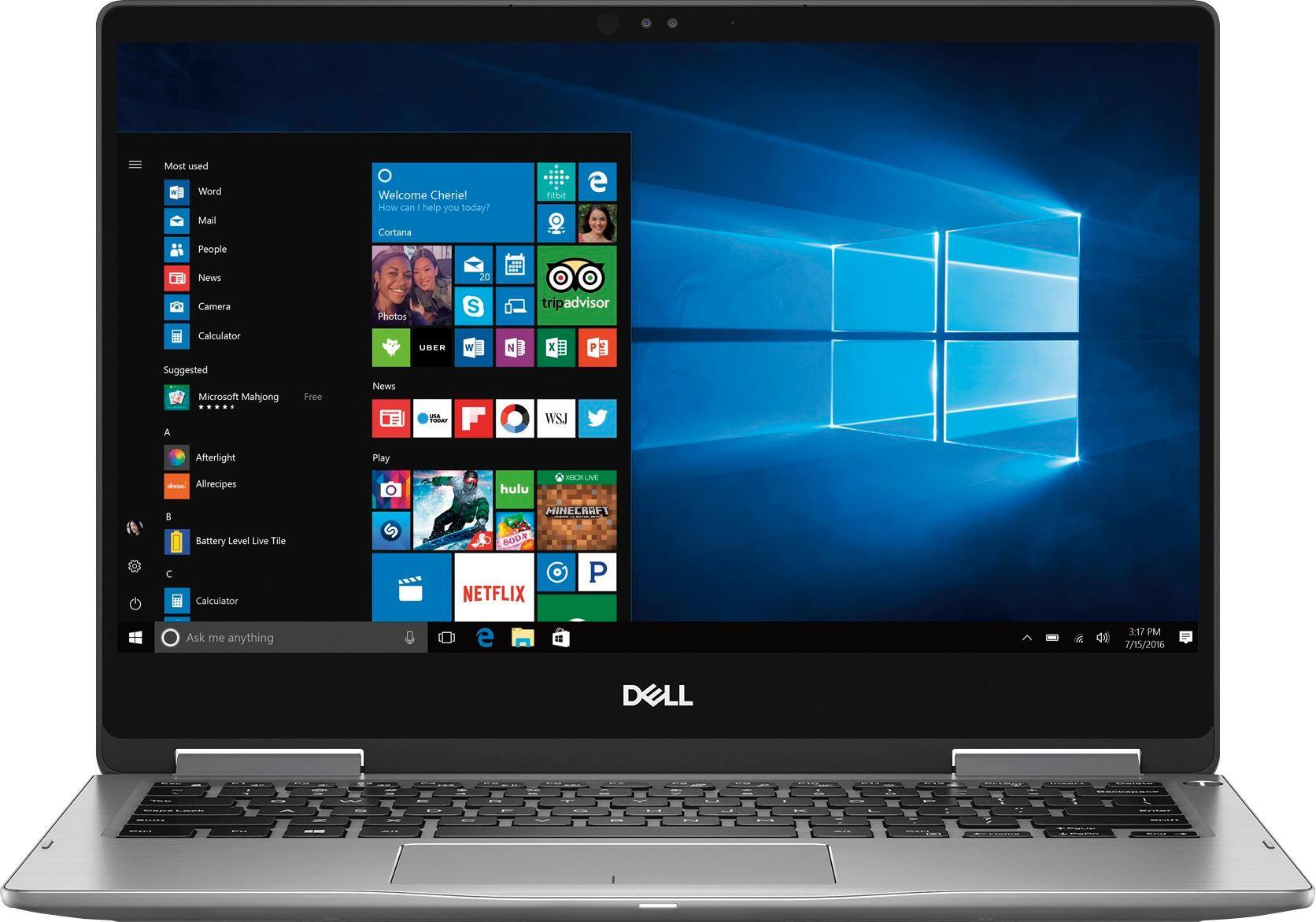
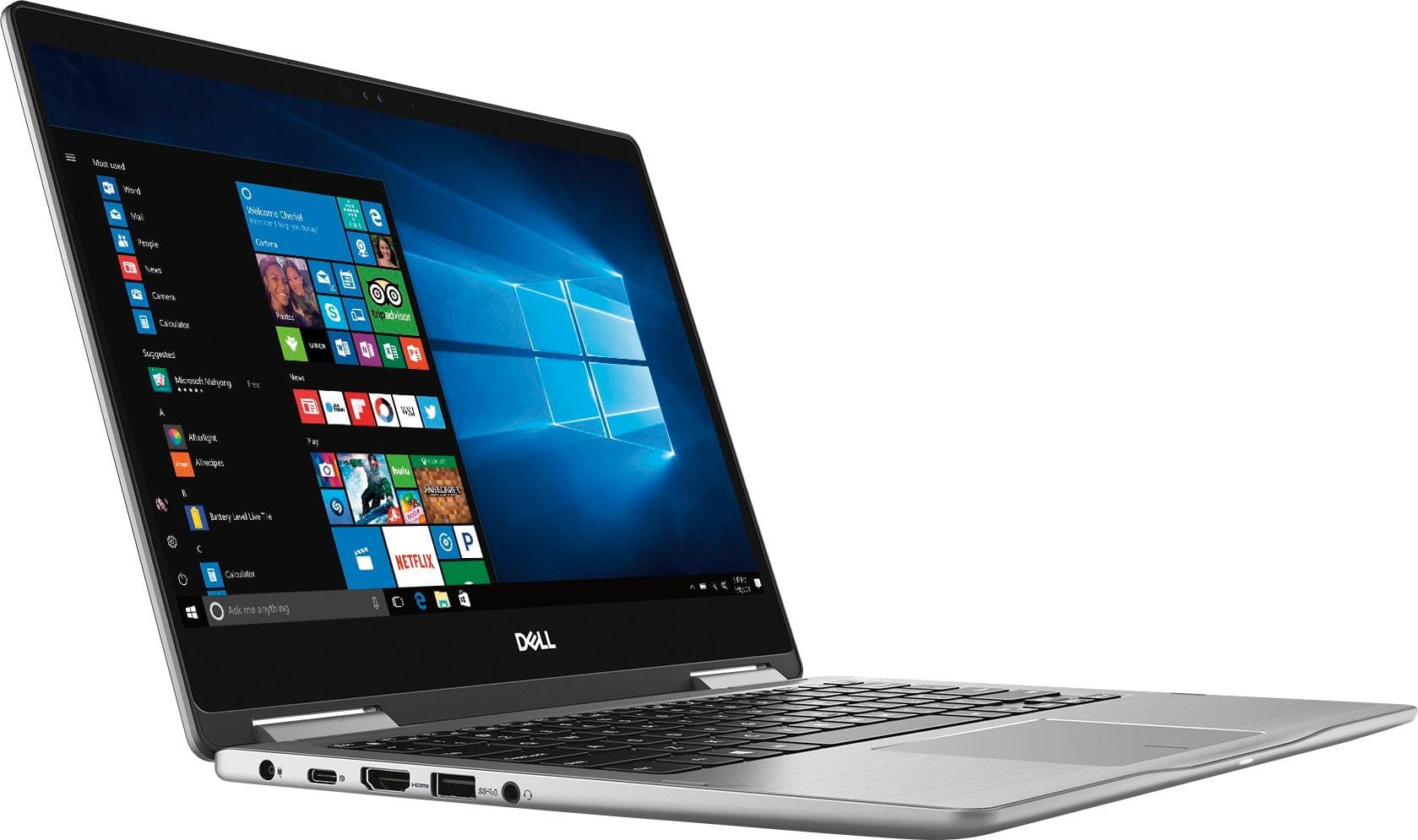
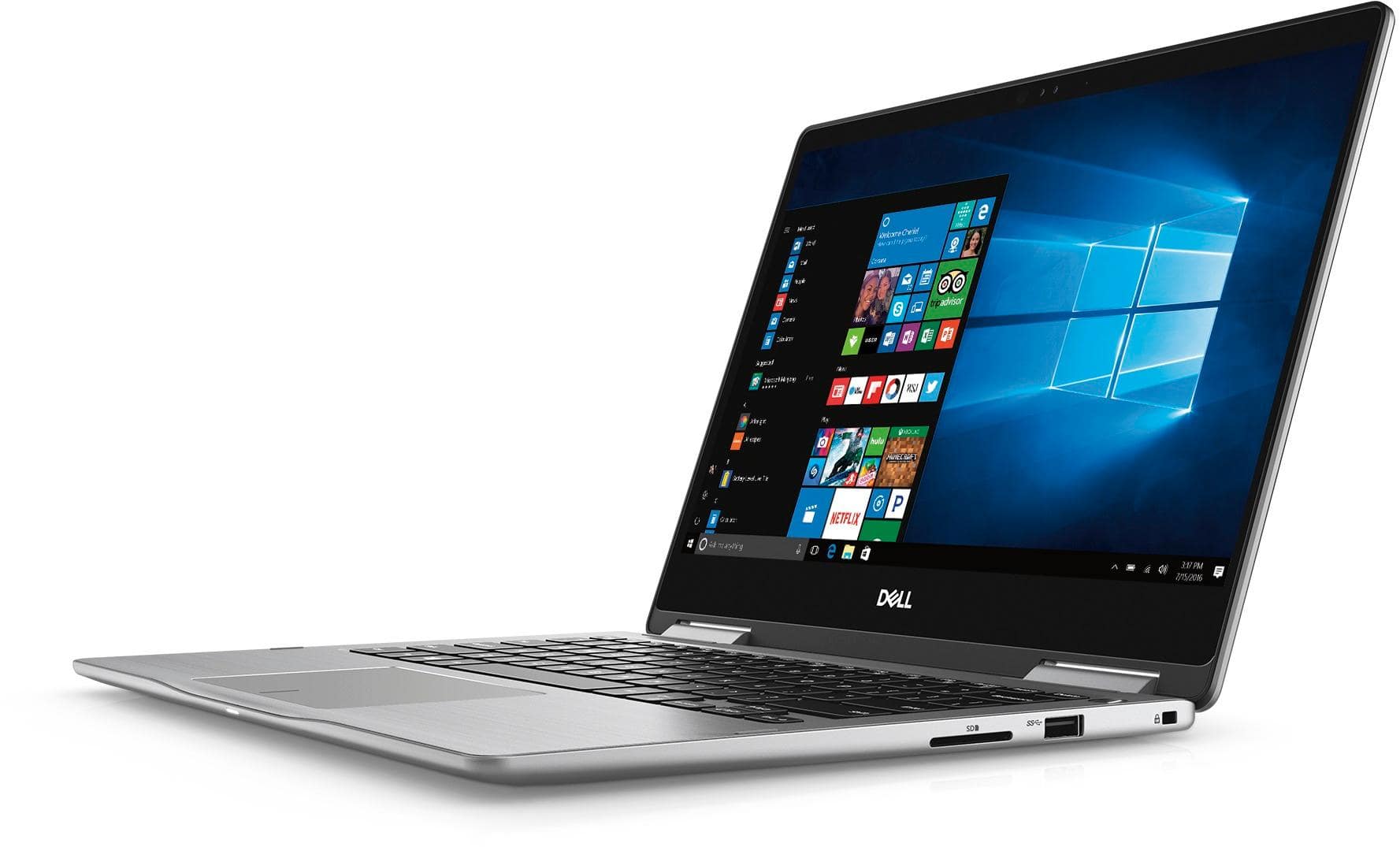
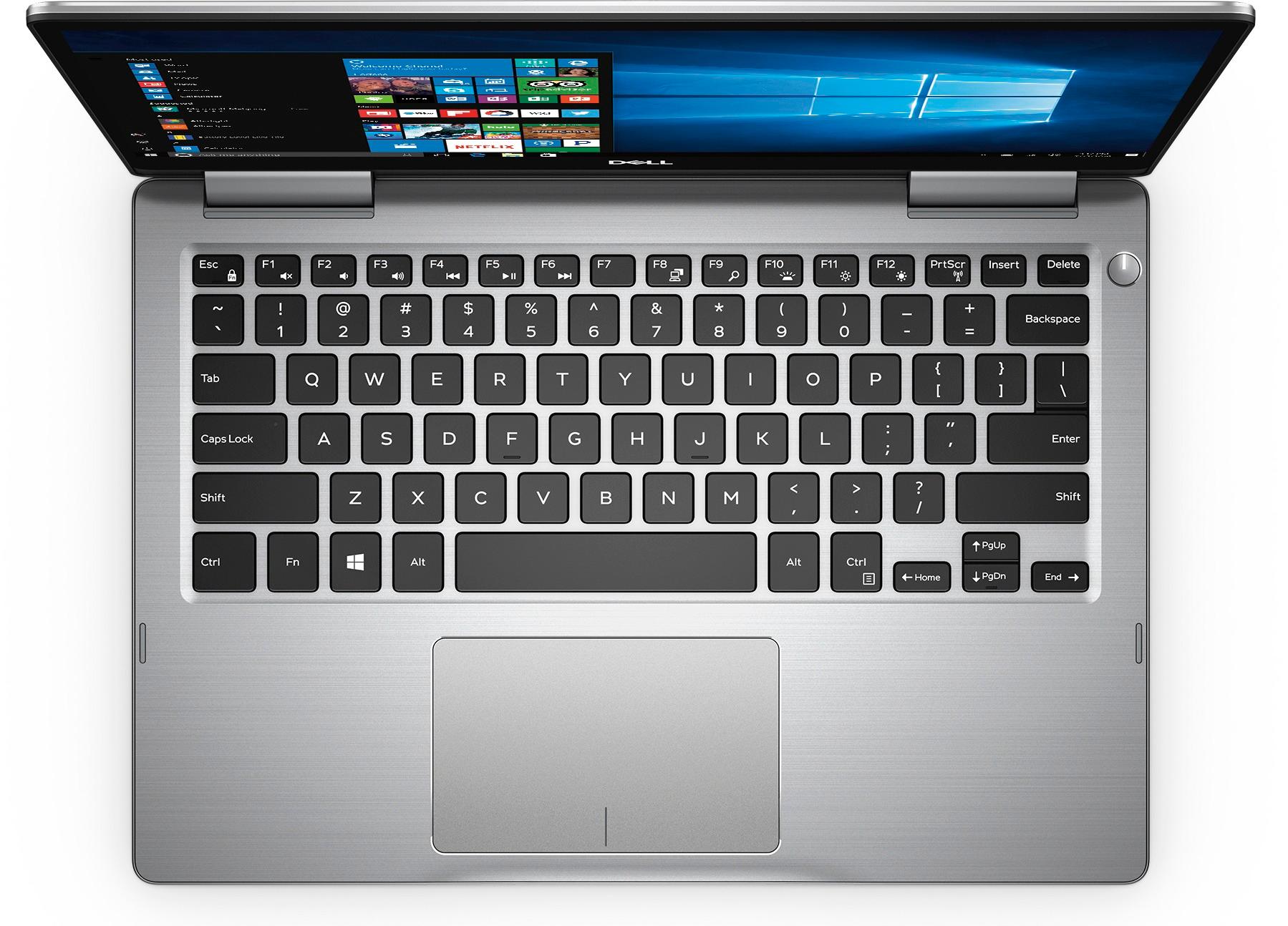
Customers express satisfaction with the Inspiron 2-in-1 13.3" Touch-Screen Laptop for its lightweight design, fast performance, and affordable price. Many users appreciate the convenience of the touchscreen and the overall size of the laptop. However, some customers have concerns about the battery life, heating issues, speaker quality, and fan noise.
This summary was generated by AI based on customer reviews.
Ok laptop
||Posted .This reviewer received promo considerations or sweepstakes entry for writing a review.The laptop was ok. It did have a defect in it and I had to send it in for repair. Still waiting.
No, I would not recommend this to a friendBrand response from YourDellTeam
Posted .Hello Josh,
Thanks for your review. We're sorry to hear that your computer had a defect that you needed to have serviced. We hope that when you get your computer back that it performs the way you intended it to. If you have additional questions about your computer you can check our Product Support Page here - http://dell.to/2BE6VqB.
Best,
Bryan
1-800-624-9896
Purchased & returned
||Posted .This reviewer received promo considerations or sweepstakes entry for writing a review.This wasn't a bad computer it just was not what I needed I needed something more portable
No, I would not recommend this to a friendBrand response from YourDellTeam
Posted .Hi Adriansaved4u,
We're sorry that you didn't find this computer more portable to meet your needs. We hope that you're able to find another Dell computer that better meets your needs.
Best,
Bryan
1-800-624-9896
it does its job
||Posted .This reviewer received promo considerations or sweepstakes entry for writing a review.Purchased for Executive Assistant use. Have not had to troubleshoot.
I would recommend this to a friendBrand response from YourDellTeam
Posted .HaYnGirl,
We appreciate your feedback and we're glad that this computer is working well so far. If you have any questions you can always check our Product Support Page here: http://dell.to/2BE6VqB.
Best,
Bryan
1-800-624-9896
Adequate
||Posted .This reviewer received promo considerations or sweepstakes entry for writing a review.Minimal use so far but all good. Wish there was a way to stop pop ups.
I would recommend this to a friendBrand response from YourDellTeam
Posted .Hi Kannichi - Thanks for your review and for your recent Dell Computer purchase. Your computer should have virus software pre-installed. We'd recommend you check the settings of the software to make sure that the pop-up blocker function is enabled. Some browsers also offer pop-up blocker settings that we'd recommend you look into. Thank you. - Bryan
- Cons mentioned:Speakers
Cheap Laptop
||Posted .This reviewer received promo considerations or sweepstakes entry for writing a review.I sold my MacBook Pro to try out PC and went with this laptop. The speakers went out after 1 week and the device felt cheap. I took it back, Best Buy was great about the return, and decided to get the new MacBook. 100% glad I did
No, I would not recommend this to a friend Wouldn't buy again
||Posted .This reviewer received promo considerations or sweepstakes entry for writing a review.I purchased this laptop for my daughter for college. After comparing multiple brands and styles, I thought this was the best in price wise and for use. It was easy to set up and functionality is great but after only a month the sound went out. Because it was still on warranty I had to send it to the manufacturer to fix. I got it back and it seemed fine. Then the next month, the power charging port stopped charging. Luckily Best Buy was able to fix it in store but I have a feeling that it is temporary and the whole charging port will need replacing. The sound unfortunately still doesn't work with the keyboard. All this with only having it less than 4 months. I dont know if I got one in a bad batch but I would never buy this brand again.
No, I would not recommend this to a friendBrand response from YourDellTeam
Posted .Manuel,
Thanks for your review. We're sorry to hear about the trouble that you've had with your daughter's computer so far. We're glad that some issues have been fixed. Dell does offer a One Year Limited Warranty on our products if you think that you need to take advantage of this: http://dell.to/2tNsVOs.
We'd also encourage you to reach out to our Technical Support Team to see if they can be of any assistance: http://dell.to/2sH7Qlm.
Best,
Bryan
1-800-624-9896
Unsatisfied!
||Posted .This reviewer received promo considerations or sweepstakes entry for writing a review.This computer overheats within the first 20 min. The audio quality is terrible! My phone is louder. The touchscreen some times doesn't even work and I constantly have to restart it. Do not bother with this computer. WASTE of money. Made with very cheap material.
No, I would not recommend this to a friendBrand response from YourDellTeam
Posted .Bigbee94,
Thanks for your review. We're sorry to hear about the issues that you've been facing. We'd recommend the following tips if your computer continues to overheat:
Tips for Proper Usage:
1. Dell does not recommend placing portable systems directly on your lap. Due to reductions in the thickness of modern portable systems, heat transfer can be an issue.
2. Using a portable system (Laptop) on a hard, flat, non-cloth surface will increase airflow and reduce heat from underneath and inside the system.
Using the portable system on a blanket, pillow, or other types of cloth will cover up the fan cause the computer to overheat and can cause permanent damage.
3. It is recommended to use the portable system in a Room temperature of 0°C to 35°C (32°F to 95°F) with a Humidity level no greater than 90%.
4. Use compressed air to clean the vents on a regular basis.
5. Using a cooling pad can decrease heat and increase performance.
6. If you want to know the temperature limitations for your system, go to the Dell Support Website, look up your system model then open the user guide under the manuals link.
You can read the full article here - http://dell.to/2uJ8AdG.
If you'd like to improve the audio quality on your computer we'd recommend checking to make sure that all of your software and drivers are up to date: http://dell.to/2ij0l0u.
Lastly, if you'd like to re-calibrate your touchscreen you can follow these steps:
1. Restart the Computer and the Monitor
2. Recalibrate the touch-screen. Steps to calibrate touch-screen:
3. Go to Control Panel and select Tablet PC Settings.
4. Under Display tab, select Calibrate.
5. Choose Pen or Touch input.
6. Perform the point calibration that appears on the screen to correct the linearity problems.
7. Save the calibrated data.
You can read the full article here - http://dell.to/2uLztub.
Best,
Bryan
1-800-624-9896
It’s ok. Had to send it back in 2 months cause ite
||Posted .This reviewer received promo considerations or sweepstakes entry for writing a review.I really was disappointed. After 2 months it quit working
No, I would not recommend this to a friendWorks as expected
||Posted .This reviewer received promo considerations or sweepstakes entry for writing a review.Works as expected, but dropped and cracked screen.
I would recommend this to a friendBrand response from YourDellTeam
Posted .Evee,
Thanks for your review. We're happy to hear that your computer is working as you hoped it would. If you have questions about your 2-In-1 you can check our Product Support Page here: http://dell.to/2BE6VqB.
Best,
Bryan
1-800-624-9896
Out of box nightmare
||Posted .This reviewer received promo considerations or sweepstakes entry for writing a review.I will never purchase an “out of box” online ..ever 1st of all the price you pay online is much higher than what is marked on the box (twice this happened for the same computer) this time by almost 100.00. Opened the box when I returned home. The computer looked horrible. Looked it was found on the street. No charger to even turn it on to see if it worked (no indication that a charger was not a part of the purchase). And was just loose in a box with no protection. Took it back and purchased a HP in the store on sale for the same price. Even a computer from a pawnshop was in better condition than this one. Lesson...not everything should be purchased online
No, I would not recommend this to a friendHorrible Dell
||Posted .This reviewer received promo considerations or sweepstakes entry for writing a review.We purchased a brand new Dell laptop for our daughter starting college. We’ve had it less than a month and have barely used it since she was saving it for school. On her first day of classes it wouldn’t start and has a problem with software. Neither Best Buy or Dell are any help in getting this fixed. Best Buy has a 15 day warantee period, which we were unaware of, so they will Not help. Dell wants to charge $130 to fix it plus 4 weeks of time. Our daughter is an IT manager and needs her laptop for school work. Not to mention to put in another $130 on a NEW computer is absurd. We’re finished with Best Buy and they have been our go to for most appliances and gaming items.
No, I would not recommend this to a friendBrand response from YourDellTeam
Posted .Jackie,
Thanks for your review. We're sorry to hear that your daughter's computer has been having issues. Perhaps you can try to limit the number of programs that launch at startup and see if one of these is causing the issue:
1. Close all open windows.
2. Press CTRL + Shift + ESC key together on the keyboard.
3. In the Task Manager window, click Startup tab.
4. Select the program or application that you want to disable from loading during startup.
5. Right-click and select Disable.
6. Repeat Step 4 & 5 for all the programs or applications that you want to disable from loading during startup.
7. Restart your PC.
You can read the full article here - http://dell.to/2tSulGV.
We hope that this computer will perform the way your daughter would like it to soon.
Best,
Bryan
1-800-624-9896
Bought for quality, returned due to quality
||Posted .This reviewer received promo considerations or sweepstakes entry for writing a review.Quality was almost good as you expected for a dell, but seeing a deformed hinged was the dealbreaker. Can’t get off my eye. Also, When things get CPU intensive, the display will just seem to do a soft reset for a second or two.
No, I would not recommend this to a friend- Cons mentioned:Battery life
Horrible battery
||Posted .This reviewer received promo considerations or sweepstakes entry for writing a review.Tried three of them, horrible battery on all three, at first I thought it might just be the computer and so did Best Buy... Never more than 2 hours on any of the three
No, I would not recommend this to a friendBrand response from YourDellTeam
Posted .GODEMPEROR69,
We are so sorry to hear that the battery life on your new Dell 2-In-1 is not what you were hoping it would be. Here are a few tips we'd recommend to help your battery last longer:
Change the Power Plan:
1. On the notification area of the taskbar, right-click the Battery icon.
2. On the options list, click Power Options.
3. Select a power plan on the battery meter, such as Power Saver or Balanced. Windows 10 has a built in 'Battery Saver' mode that can be activated to extend your system's battery life. The Battery Saver mode will monitor and limit background activity and other features such as push notifications. You do have the option to enable or disable this mode within settings or within advanced Battery Saver settings, you can customize the mode to best suit your needs.
a) Click on the Action Center icon in the taskbar and select the tile for Battery Saver.
b) If running Cortana then type Battery Saver into the search box and select from the results.
Within the Battery Saver settings page, you will be able to turn on and off the feature and customize the feature to best meet your needs.
c) Turn Battery Saver On or Off.
d) Additional settings available via the Battery use and Battery saver settings links. 5) Battery use shows further info on apps and their power usage.
e) Battery Saver Settings screen allows you to customize further Battery Saver feature.
You can read the full article here: http://dell.to/2vfXWf4.
We hope this helps your battery last longer.
Best,
Bryan
1-800-624-9896
- Cons mentioned:Battery life
Beautiful but...
||Posted .This reviewer received promo considerations or sweepstakes entry for writing a review.Gorgeous laptop, speedy & love the face recognition. However, the battery life was terrible! Had to return! Got it on sale & it was still not worth keeping.
No, I would not recommend this to a friendBrand response from YourDellTeam
Posted .Jen86,
We're sorry that the battery life on your Dell computer was not what you were hoping for. Here are some tips to help extend the life of your computer's battery in the future:
Change the Power Plan:
1. On the notification area of the taskbar, right-click the Battery icon.
2. On the options list, click Power Options.
3. Select a power plan on the battery meter, such as Power Saver or Balanced. Windows 10 has a built in 'Battery Saver' mode that can be activated to extend your system's battery life. The Battery Saver mode will monitor and limit background activity and other features such as push notifications. You do have the option to enable or disable this mode within settings or within advanced Battery Saver settings, you can customize the mode to best suit your needs.
a) Click on the Action Center icon in the taskbar and select the tile for Battery Saver.
b) If running Cortana then type Battery Saver into the search box and select from the results.
Within the Battery Saver settings page, you will be able to turn on and off the feature and customize the feature to best meet your needs.
c) Turn Battery Saver On or Off.
d) Additional settings available via the Battery use and Battery saver settings links.
e) Battery use shows further info on apps and their power usage.
f) Battery Saver Settings screen allows you to customize further Battery Saver feature.
You can read the full article here - http://dell.to/2vfXWf4.
Best,
Bryan
1-800-624-9896
Not so good
||Posted . Owned for 1.5 years when reviewed.This reviewer received promo considerations or sweepstakes entry for writing a review.Bought this laptop and the screen came off took it for repair. A year later again the screw from the bottom came off. the Charger is expensive to replace.
No, I would not recommend this to a friend- Cons mentioned:Battery life
Horrible
||Posted . Owned for 1.5 years when reviewed.This reviewer received promo considerations or sweepstakes entry for writing a review.Battery dies in 20 minutes. Will make very loud noises!! Do not buy this. You’ll regret it like I do
No, I would not recommend this to a friend Recent Dell Purchase - Frustrated
||Posted .This reviewer received promo considerations or sweepstakes entry for writing a review.Purchased Certified opened Dell that was suppose to be shipped in it's box. It was shipped in a random box and wrapped in bubble wrap. It arrive with NO info, . . . missing all documentation and accessories except the plug. It still has a label at the bottom that says "Ship to Home"??? And after starting the laptop setup, it locked and now requires a bitlocker key to use it. Very frustrated & disappointed at Best Buy! Now I have to drive to a store tomorrow morning to attempt to resolve.
No, I would not recommend this to a friendBrand response from YourDellTeam
Posted .Nechole,
We're sorry about the trouble that you've been through with your computer. If you'd like to access manuals for your computer you can view them here: https://dell.to/2pHeyYL.
We hope that Best Buy will be able to help you resolve the additional issues that you are having.
Best,
Bryan
1-800-624-9896
Problems early on
||Posted .This reviewer received promo considerations or sweepstakes entry for writing a review.After only 45 days, we were noticing problems with video. An extremely loud noise followed by a complete shutdown and restart of computer while watching videos. After bringing it in to GeekSquad with no errors reporting, then over the phone tech assistance from Dell. We finally had to ship the computer in to have almost a complete overhaul of the system. VERY DISAPPOINTED! I am still having an issue with the computer saying "Error" system needs to restart" and then the system restarts.
No, I would not recommend this to a friendBrand response from YourDellTeam
Posted .Jlew,
It's unfortunate to hear about the issues that you've described with your new Dell computer. If you'd like to reach out to Dell's Technical Support Team to diagnose your error message again you can reach them here: http://dell.to/2sH7Qlm.
Best,
Bryan
1-800-624-9896
- Cons mentioned:Battery life
Battery life
||Posted .This reviewer received promo considerations or sweepstakes entry for writing a review.Battery life advertised for 10 hrs, laptop loosing charge after only 3 hours..Open box item purchased in Greenville store
No, I would not recommend this to a friendBrand response from YourDellTeam
Posted .ABARU,
We're sorry that the battery life on your new computer is not meeting your needs. We'd suggest the following tips to help extend the battery life of your computer:
Change the Power Plan:
1. On the notification area of the taskbar, right-click the Battery icon.
2. On the options list, click Power Options.
3. Select a power plan on the battery meter, such as Power Saver or Balanced. Windows 10 has a built in 'Battery Saver' mode that can be activated to extend your system's battery life. The Battery Saver mode will monitor and limit background activity and other features such as push notifications. You do have the option to enable or disable this mode within settings or within advanced Battery Saver settings, you can customize the mode to best suit your needs.
a) Click on the Action Center icon in the taskbar and select the tile for Battery Saver.
b) If running Cortana then type Battery Saver into the search box and select from the results.
Within the Battery Saver settings page, you will be able to turn on and off the feature and customize the feature to best meet your needs.
c) Turn Battery Saver On or Off.
d) Additional settings available via the Battery use and Battery saver settings links.
e) Battery use shows further info on apps and their power usage.
f) Battery Saver Settings screen allows you to customize further Battery Saver feature.
You can read the full article here - http://dell.to/2vfXWf4.
Best,
Bryan
1-800-624-9896
Returned both laptops
||Posted .This reviewer received promo considerations or sweepstakes entry for writing a review.I found a lightweight laptop to replace an old laptop. It was an "Open Box" special. But when I got it home, windows wouldn't boot up, so I took it back to exchange. That store didn't have another, so I drove 90 miles to another store that had one left. I got it home and kept getting error messages that not all of the windows updates worked. I took it back also and decided to repair the old laptop instead.
No, I would not recommend this to a friend