Customer Ratings & Reviews
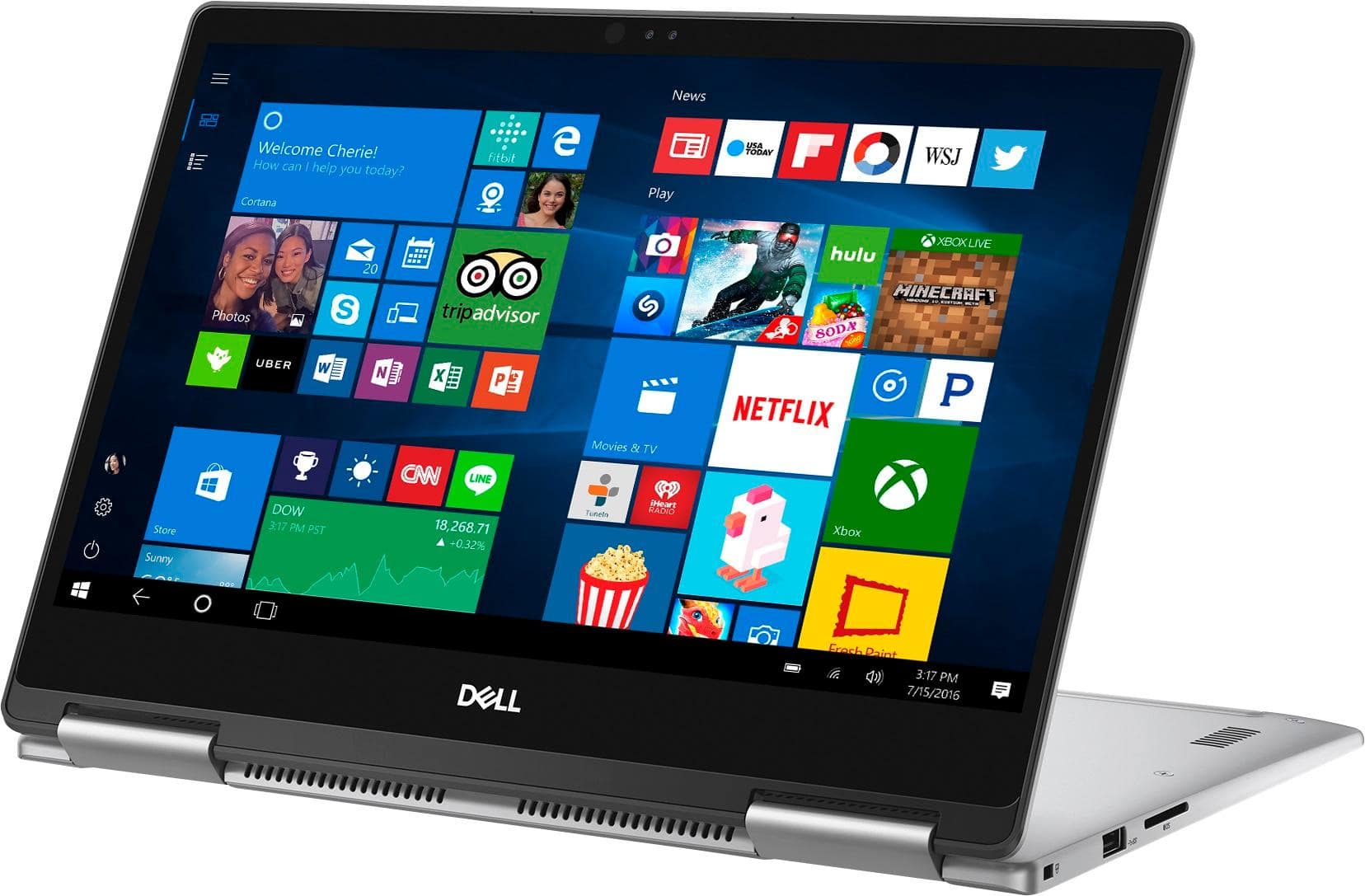
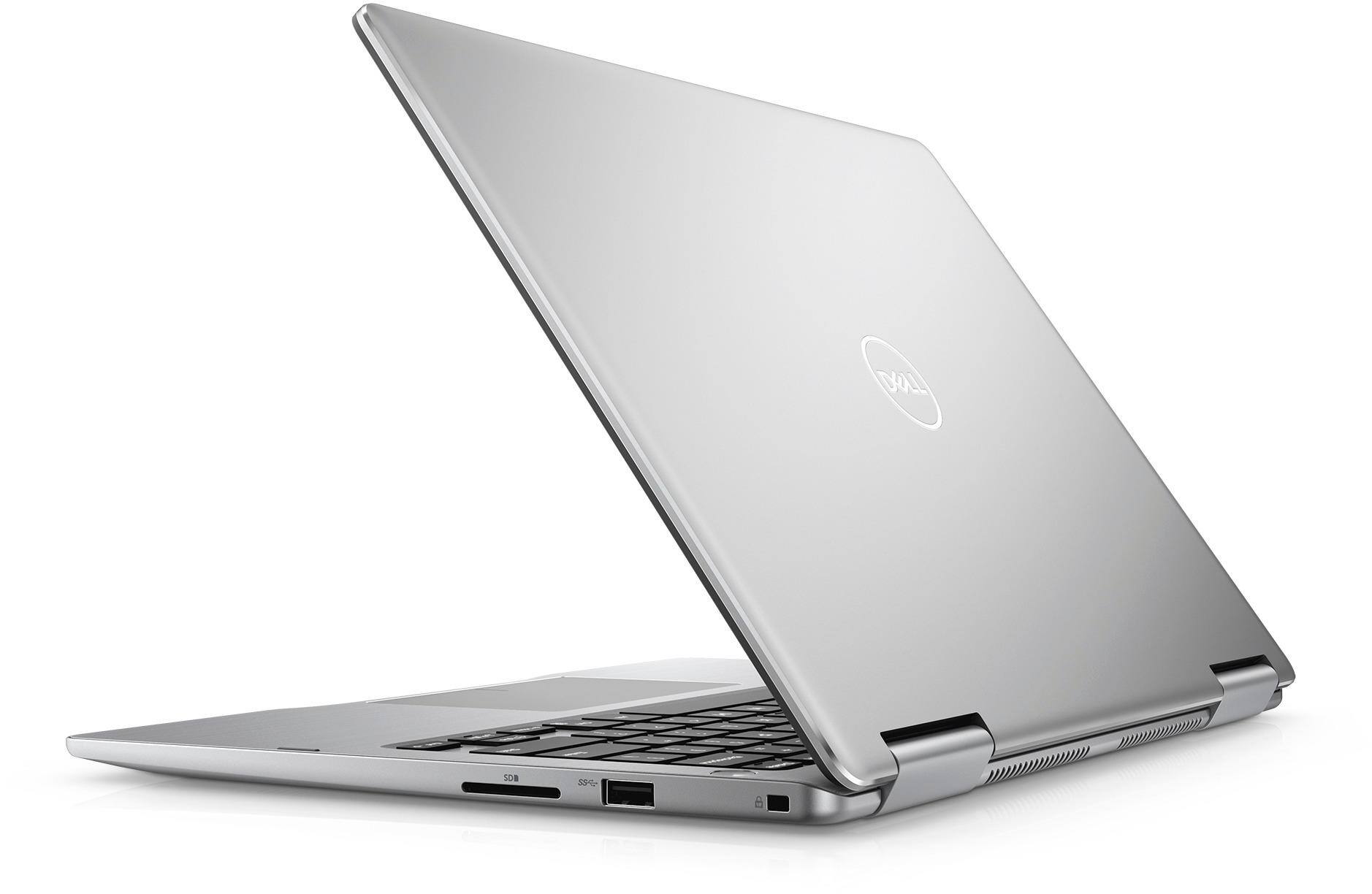

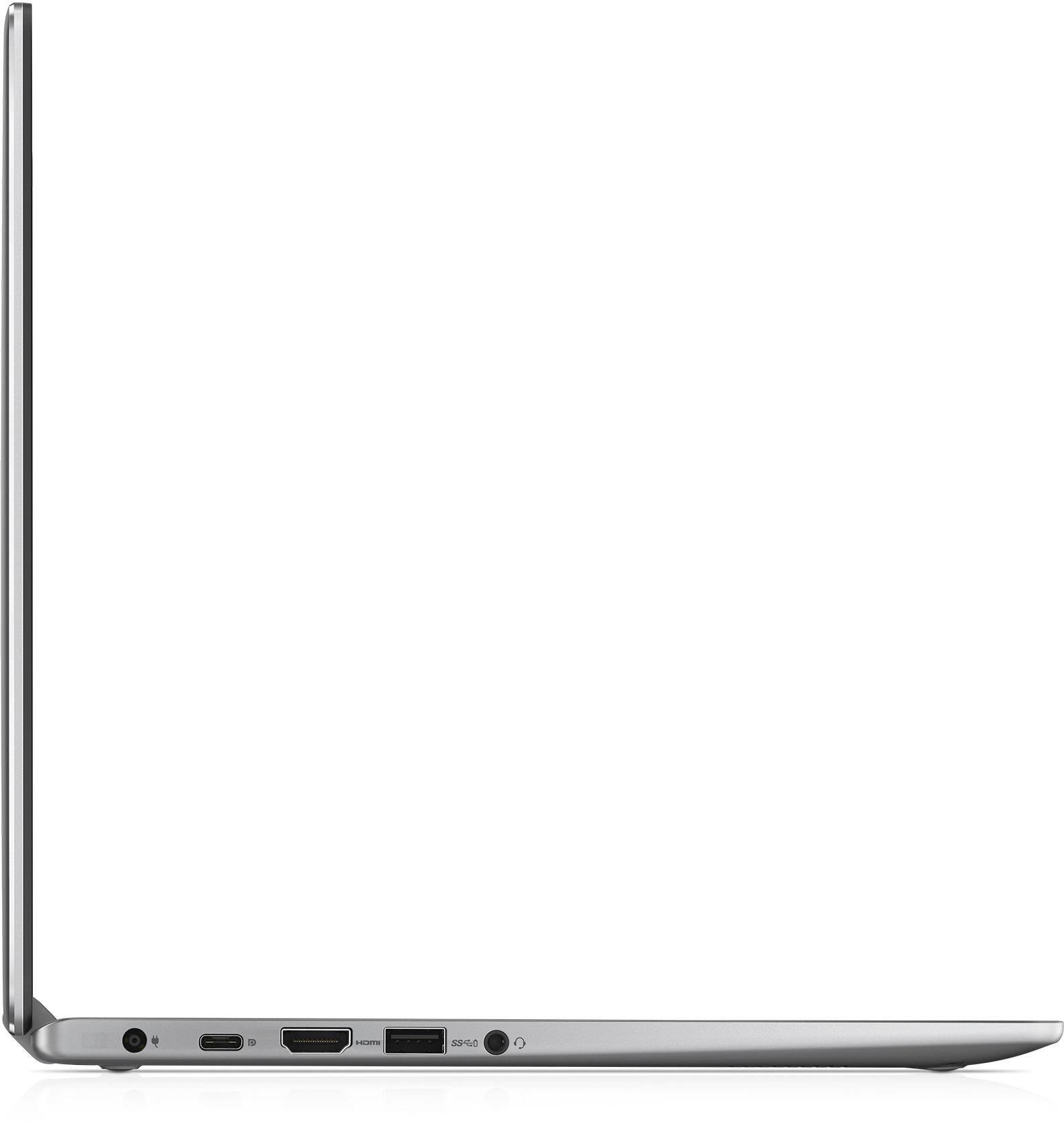
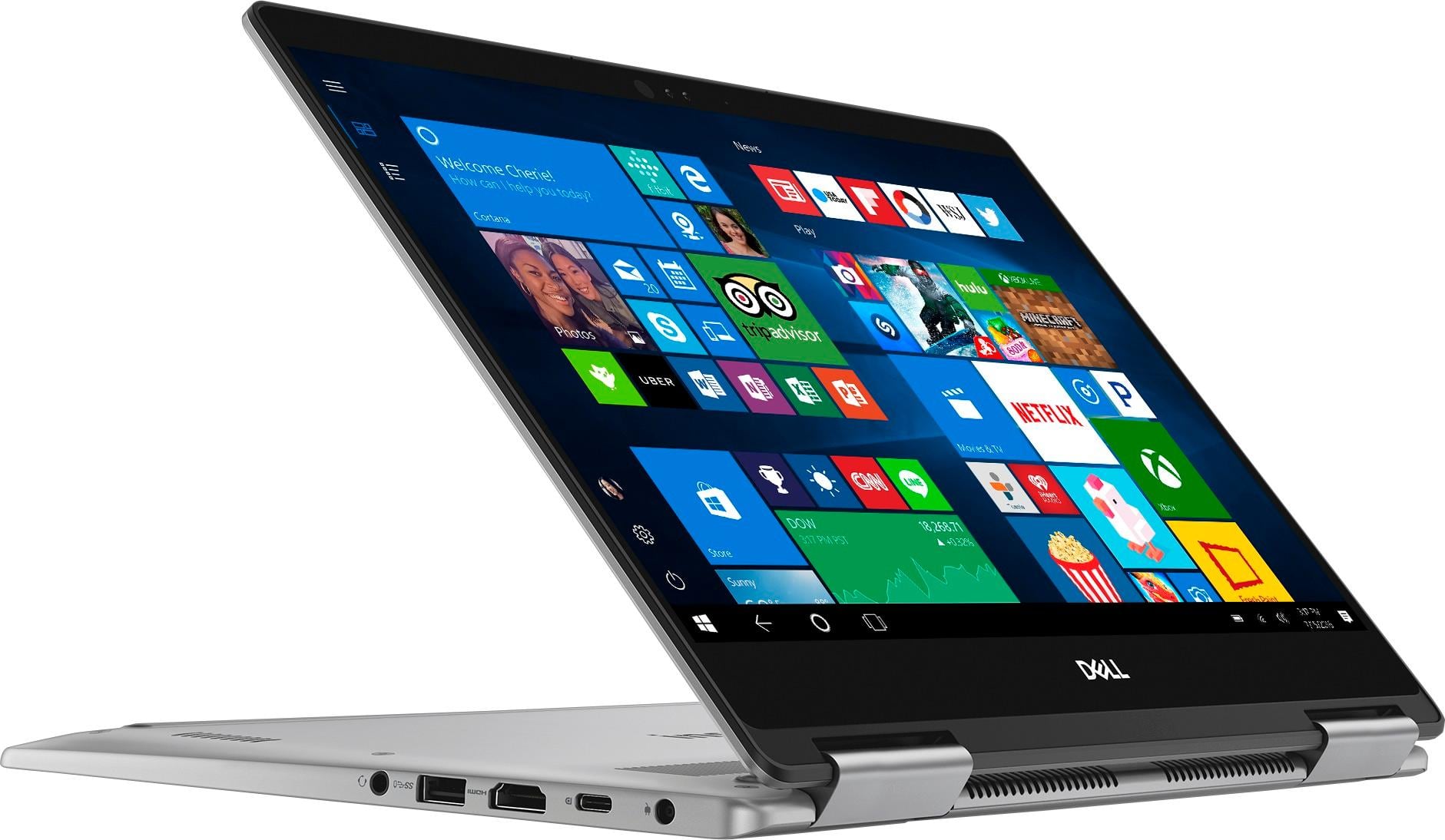
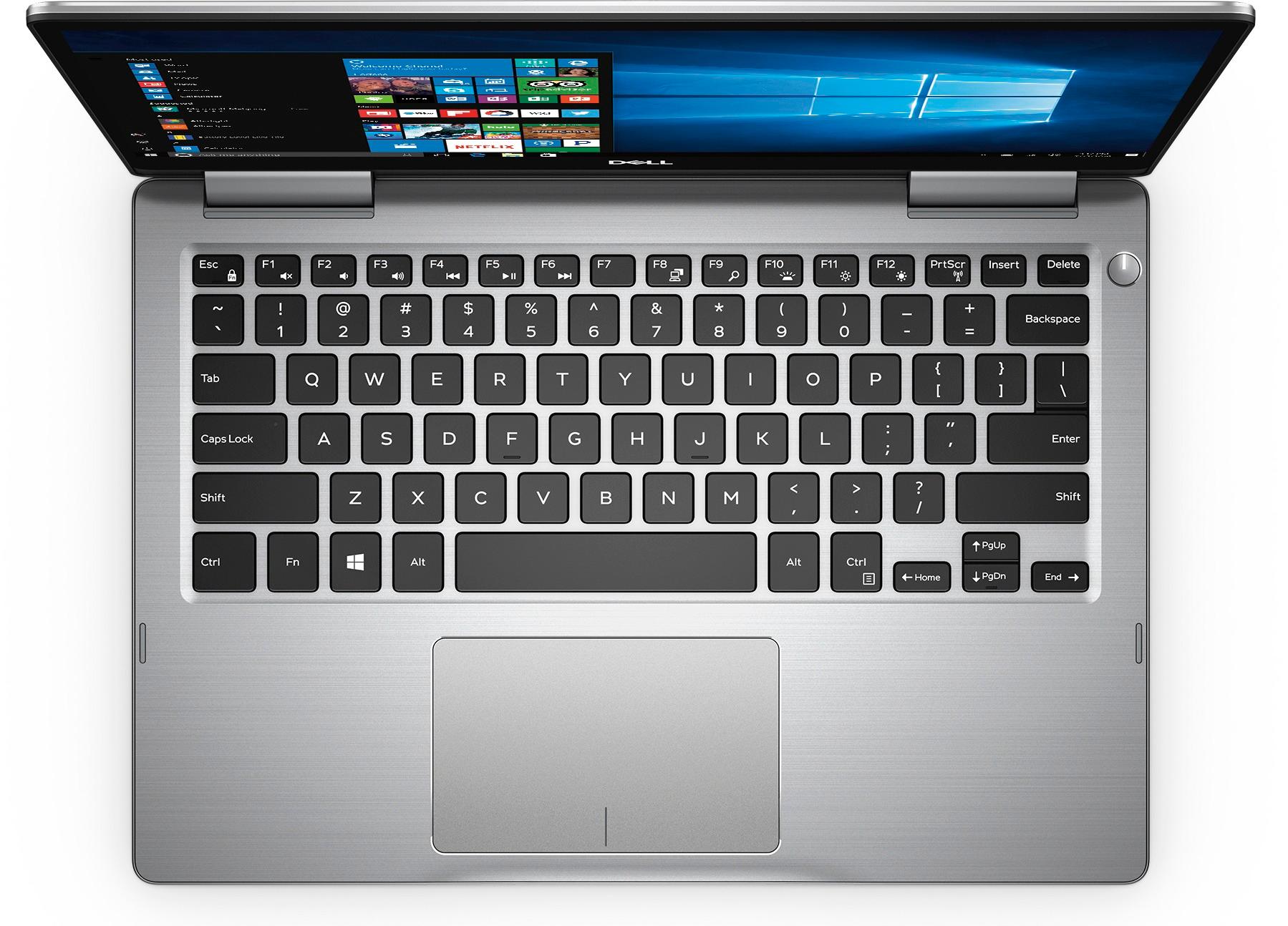
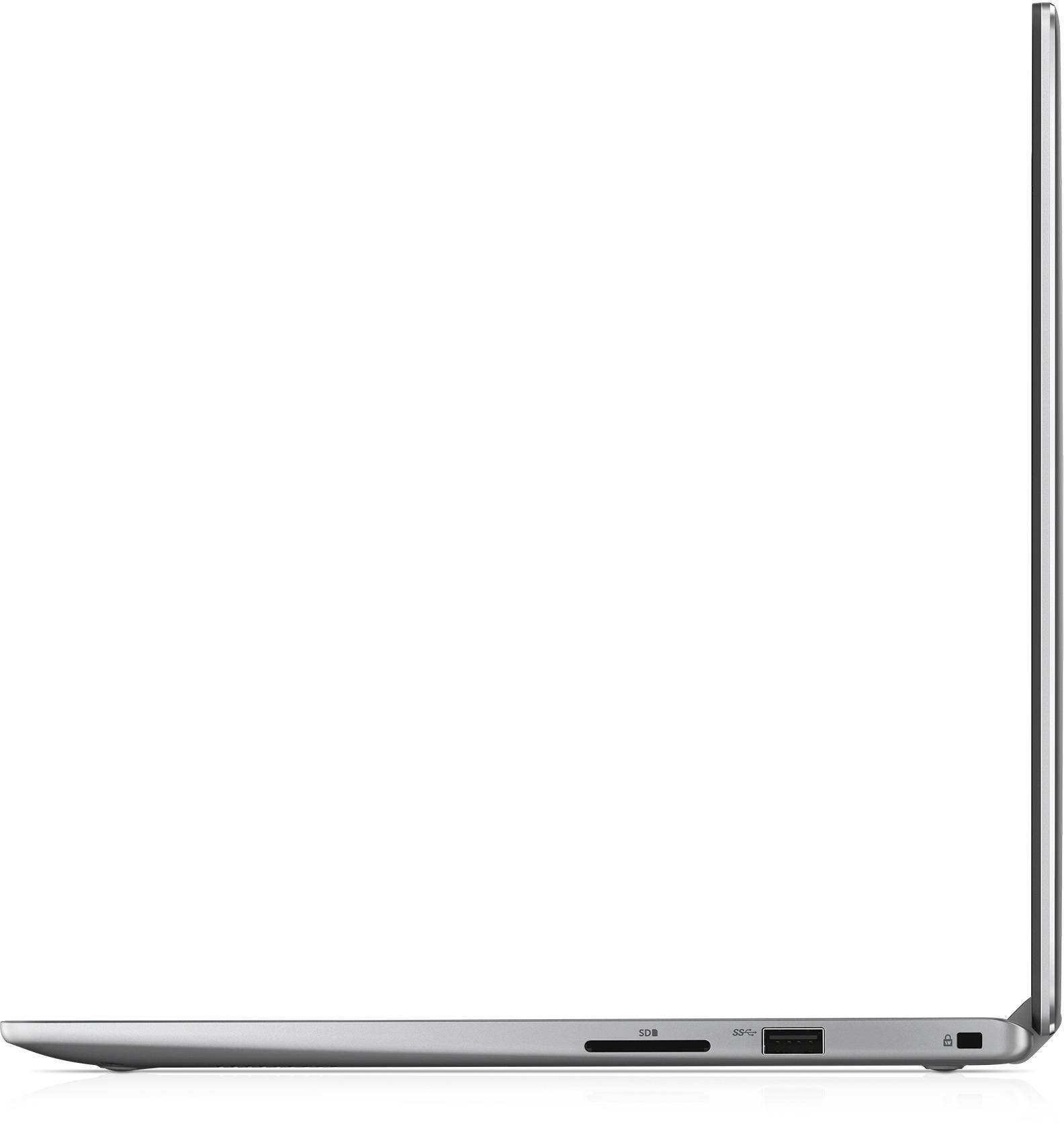
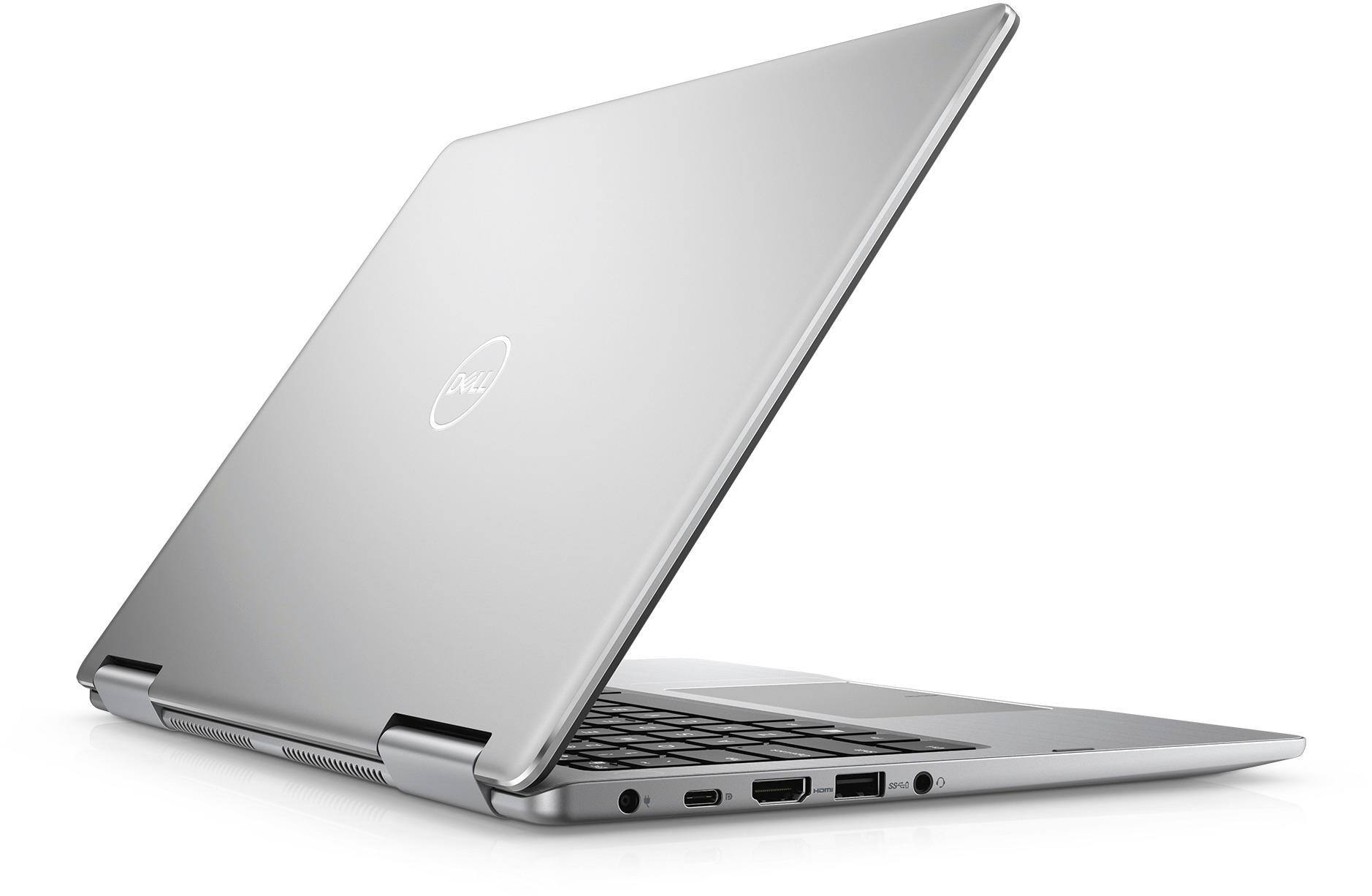
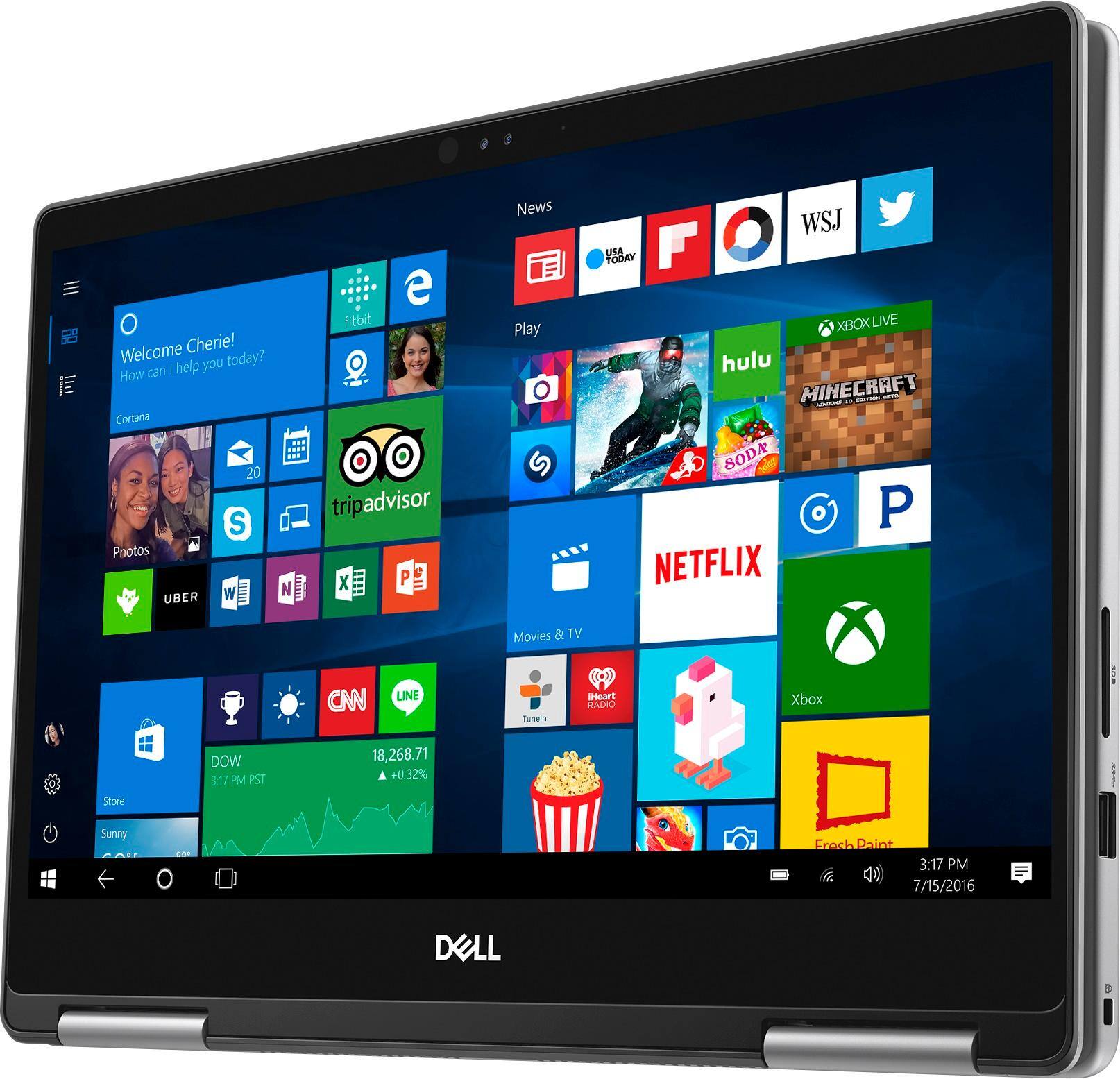


- Model:
- I7373-5558GRY-PUS
- SKU:
- 6083539
Rating by feature
- Value
Rating 4.2 out of 5 stars
- Quality
Rating 4.3 out of 5 stars
- Ease of Use
Rating 4.5 out of 5 stars
Customers are saying
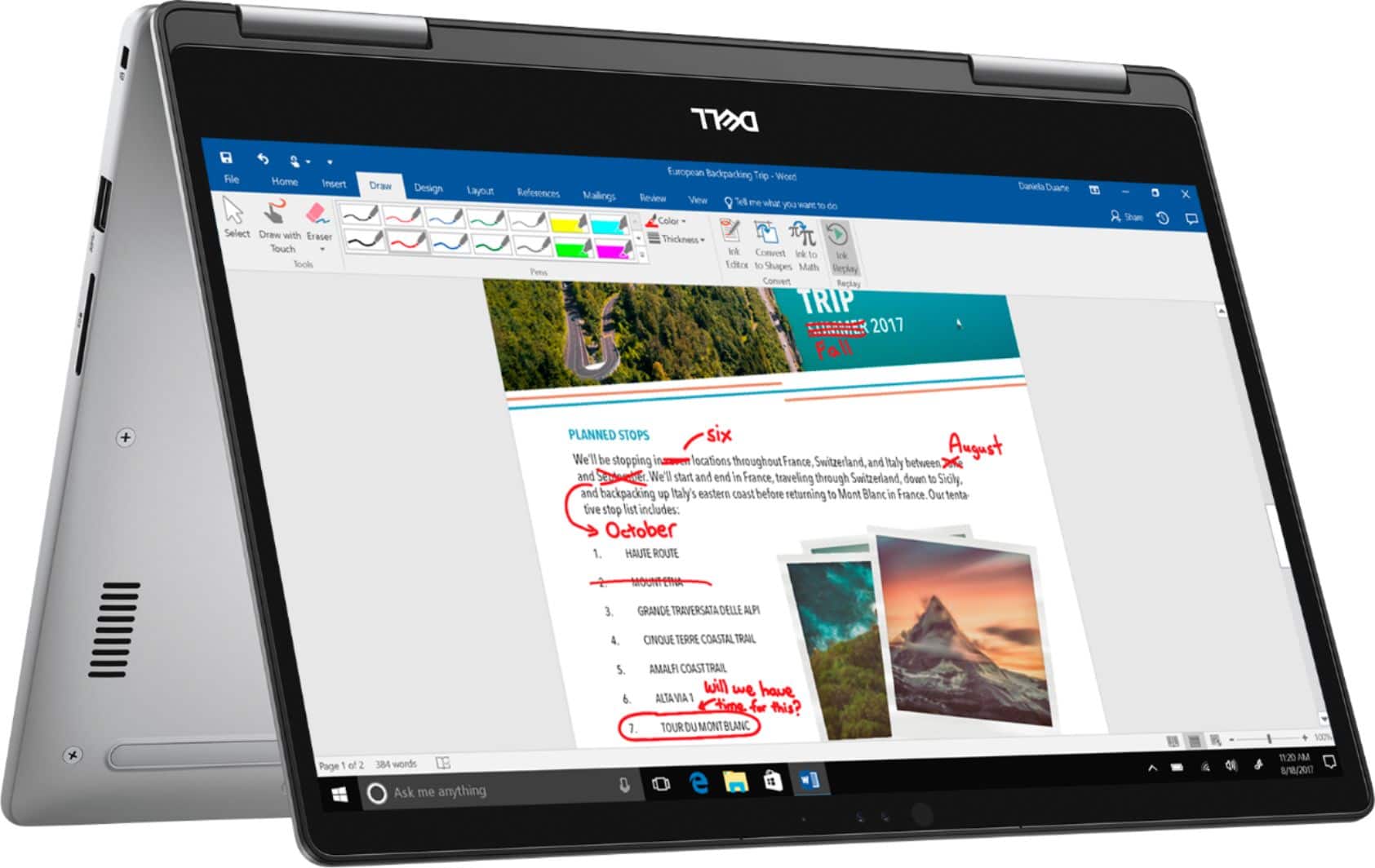
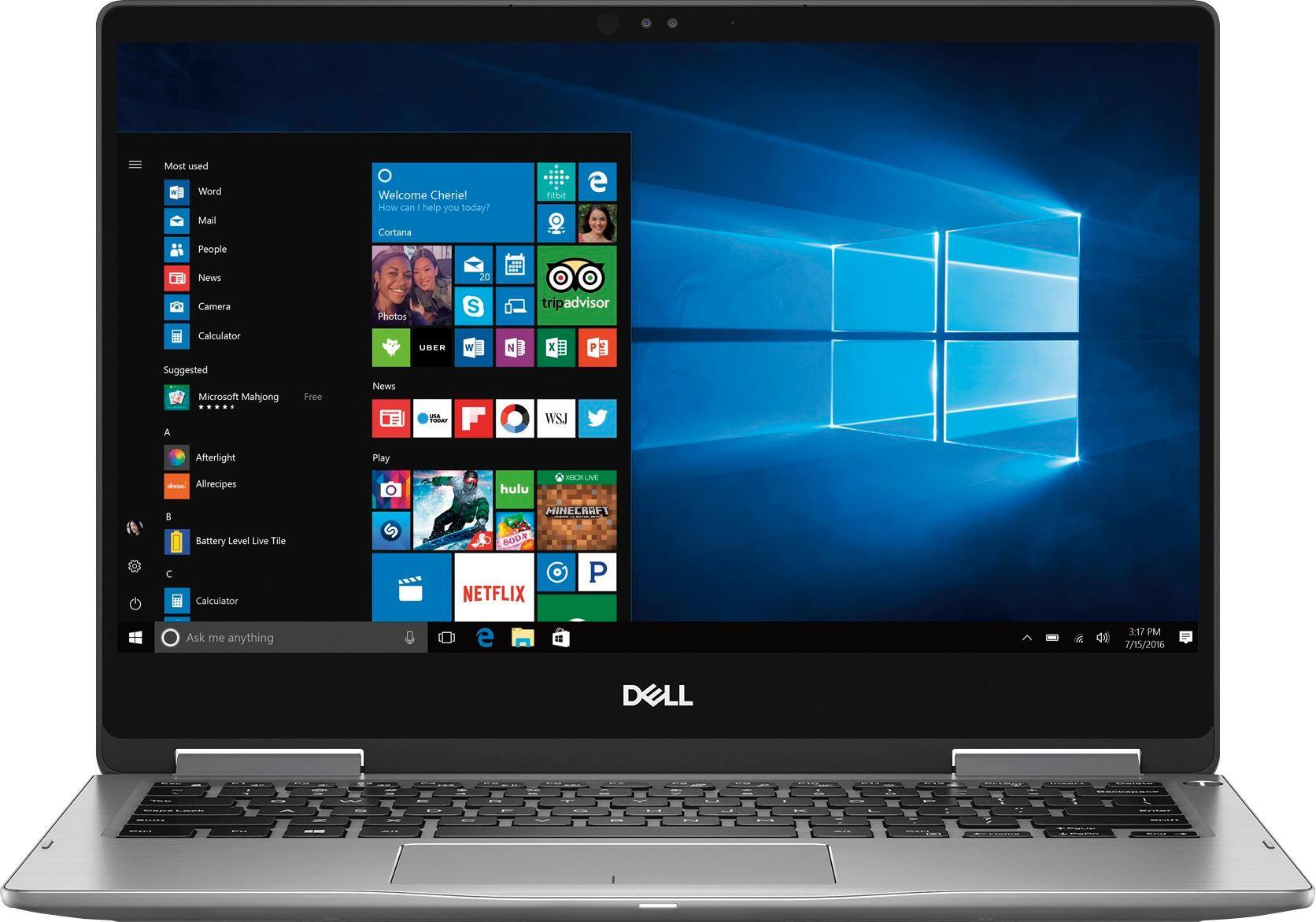
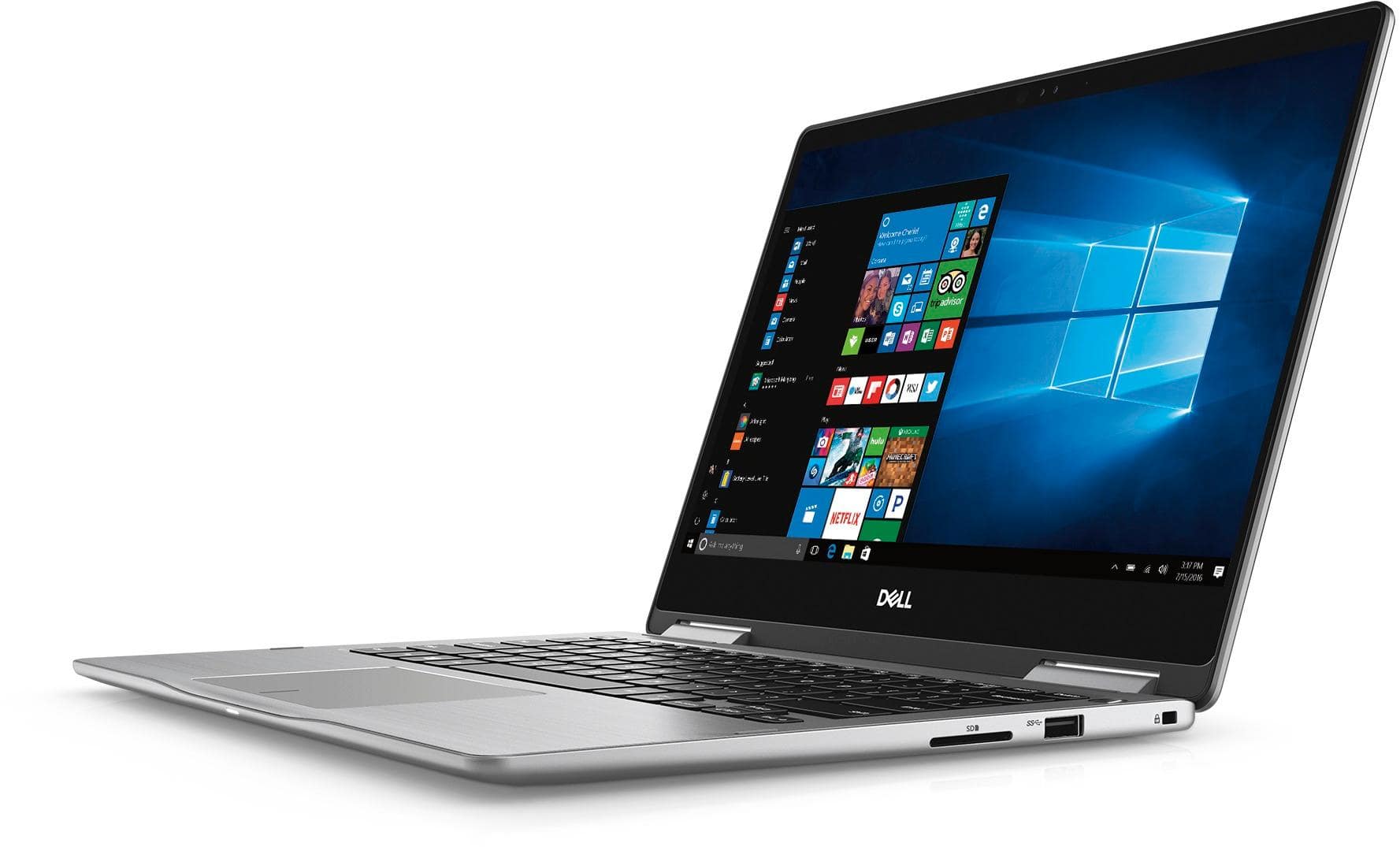
Customers express satisfaction with the Inspiron 2-in-1 13.3" Touch-Screen Laptop for its lightweight design, fast performance, and affordable price. Many users appreciate the convenience of the touchscreen and the overall size of the laptop. However, some customers have concerns about the battery life, heating issues, speaker quality, and fan noise.
This summary was generated by AI based on customer reviews.
Certified Open box broke down after 1 1/2 months
||Posted .This reviewer received promo considerations or sweepstakes entry for writing a review.This laptop was working fine. After 1 1/2 months I got a blue screen and the self repair/diagnose did not work so it wouldn't start anymore. I was advised the warranty could cover it but it would take a few days because it needs to be shipped out to their repair center. Luckily it was still within return frame so I just returned it instead. I got a brand new HP this time. Will not be trusting certified open boxes now!!
No, I would not recommend this to a friendMouse gets stuck
||Posted .This reviewer received promo considerations or sweepstakes entry for writing a review.System gets hanged time to time . Laptop is brand new and started showing problems from 1st week. I would not recommend this
No, I would not recommend this to a friendBrand response from YourDellTeam
Posted .Nikit,
We're sorry that your computer has been freezing on you. Here are some tips to help the next time your computer freezes:
1. Run a Computer Diagnostic. To determine if your computer is experiencing a hardware problem, run the Dell Preboot System Assessment (PSA) Diagnostics. For information on how to run Diagnostics, and to determine the issue, refer to Dell Knowledge Base Article: http://dell.to/2iaiujA.
2. Check Safe Mode for Symptoms. To boot into safe mode, please follow the instructions below:
a) Start the computer.
b) Tap 'F8' on the keyboard immediately and every one second until the Dell logo screen disappears. From there you will see the Windows Advanced Options Menu on the screen. (If the Windows Advanced Options Menu does not appear, restart the system and try again.)
c) Select Safe mode with Networking and press Enter.
d) Log on as the administrator or as a user with administrative access.
e) Open applications and test the computer in safe mode. If the symptoms exist in safe mode, please continue the troubleshooting steps in this article. If the symptoms do not exist in safe mode, the issue is likely related to a driver or software and you may wish to complete steps 6 to see if you are able to resolve the lockups or freezing.
6. Check for Malware. Malware (Virus, Spyware, etc.) can definitely cause a Windows system to lock up or appear to hang. To check for malware on your system and to ensure that your computer is up to date on security software, visit Dell Knowledge Base Article: http://dell.to/2wWP1zI.
You can read the full article here - http://dell.to/2tW5m33.
We hope this helps diagnose the issues that your computer is having.
Best,
Bryan
1-800-624-9896
Did not work for us.
||Posted .This reviewer received promo considerations or sweepstakes entry for writing a review.We purchased this laptop for high school on line classes and we got it set up quickly and easily then it started running really slow. Every time we tried to use it we waited forever for it to bring up the applications. We ended up taking it back and the Best Buy rep said it was working fine for him but we didn't want to take any chances. He thought maybe it was doing updates behind the scenes.
No, I would not recommend this to a friendBrand response from YourDellTeam
Posted .Kjet,
Thanks for your feedback. We're sorry that your new computer is not running as fast as you'd like it to. We'd recommend running the Windows Performance Troubleshooter to see if there are ways to speed up your computer:
1. Close all open windows.
2. Press the Windows logo key + X key on the keyboard.
3. Click Control Panel.
4. Click System and Security.
5. Under Security and Maintenance, select Troubleshoot common problems.
6. Under System and Security, click Run maintenance tasks.
7. Follow the on-screen instructions and prompts to complete the process.
8. Restart the PC.
You can read the full article here - http://dell.to/2tSulGV.
Best,
Bryan
1-800-624-9896
tried this but was too slow
||Posted .This reviewer received promo considerations or sweepstakes entry for writing a review.had this minimal time and had several problems including slow processor. replaced it with a 15" Dell that is much better
No, I would not recommend this to a friendDidn't last
||Posted . Owned for 1 year when reviewed.This reviewer received promo considerations or sweepstakes entry for writing a review.I've used this Dell 7373 for a little over a year and the screen started to flicker on me. I did all the troubleshooting and took it to get repaired but the asking price was way too high. I would not recommend this laptop if you want something that will last longer than a year. At the very least get the some sort of extended warranty.
No, I would not recommend this to a friend- Pros mentioned:Lightweight
Good Macbook/Surface alternative, nice machine!
Posted .This reviewer received promo considerations or sweepstakes entry for writing a review.Highlights: 1. The touchpad and keyboard action reminds me of my MacBook, just excellent feel. 2. Screen is nice and bright for my old eyes -- much better and easier to read than my previous Dell. 3. Boots up super quick. Lowlights: none so far. I've only had it a week, but here in the early going I'm happy to recommend this excellent machine! Also, and I guess it goes without saying given its 13 inch display, but its overall footprint, light weight, and portability are ideal to me and again reminiscent of a MacBook. I have no plans to use the pen feature or employ this as a tablet, so I can't offer any insight there. Also, a shout out to the great staff at Best Buy Novi, specifically Tim the manager.
I would recommend this to a friend Has problems
||Posted .This reviewer received promo considerations or sweepstakes entry for writing a review.I bought a new computer from an open box and periodically the mouse freezes until I hold it upside down and shake it. I went back to the store twice and they told me to wait until it became stuck, but it did not as it only happens periodically. I am stuck with this computer which periodically has problems and understand fully why the last customer returned it.
No, I would not recommend this to a friendOpen box item was defective: returned for refund
||Posted .This reviewer received promo considerations or sweepstakes entry for writing a review.Returned the open boxed item. Unit crashed or blue screened several times. Very unreliable. Should not have been sold as open box at that price. If sold agin, the unit should be heavily discounted but field tested thoroughly before returning it to the shelf. Horrific experience. New units have good ratings so decided to purchase the replacement from Dell instead.
No, I would not recommend this to a friendDell - Inspiron 2-in-1 13.3" Touch-Screen Laptop
||Posted . Owned for 1.5 years when reviewed.This reviewer received promo considerations or sweepstakes entry for writing a review.It was not a great one. We used this brand before but this one disappointed me.
No, I would not recommend this to a friendFlimsy Laptop
||Posted .This reviewer received promo considerations or sweepstakes entry for writing a review.Purchase this laptop for work and personal, first week, crack on screen, took it in, they would not replace the laptop, so it was sent for repair. They called to advise it would take a bit longer, because the motherboard was being replaced. Turns out, this lap top is a zero from a scale of 1 to 10. Don't recommend.
No, I would not recommend this to a friendBrand response from YourDellTeam
Posted .trevan69,
We're sorry to hear about the problems that you've experienced with your computer so far. If you'd like to reach out to our Technical Support Team you can contact them here - http://dell.to/2sH7Qlm.
If you have additional questions about your laptop you can check out our Product Support Page here - http://dell.to/2BE6VqB.
Best,
Bryan
1-800-624-9896
- Pros mentioned:FastCons mentioned:Speakers
great basic laptop
Posted .This reviewer received promo considerations or sweepstakes entry for writing a review.I've had this laptop for about a year now, and it has been so nice to use. I'm a pretty basic computer user. I only use it for school work, documents, pdf's and emails, and the occasional Netflix or YouTube video. The laptop is quick, easy to use, and is super light. I love the touch screen and tablet mode. The only qualm I have is that I think the speaker's are a little quiet, but this has not majorly impacted how I use the laptop. Very pleased with this purchase.
I would recommend this to a friend I won't recommend
||Posted . Owned for 1.5 years when reviewed.This reviewer received promo considerations or sweepstakes entry for writing a review.It work perfectly fine for the first year and you also have a warranty. Just after one year it show problem. When I shut down my laptop it does not shut down properly. When I contact Dell they say I have to buy a new warranty and does not even suggest anything.
No, I would not recommend this to a friendDell
||Posted . Owned for 1 year when reviewed.This reviewer received promo considerations or sweepstakes entry for writing a review.Laptop is very good except the charger who overheated
I would recommend this to a friendQuit working within two months
||Posted .This reviewer received promo considerations or sweepstakes entry for writing a review.I watched a movie on it one night, it worked fine. The next morning, I attempted to power it up; nothing. I took it to the Geek Squad to have them look at it. They could do nothing with it. They weren’t even able to retrieve the stuff I had on there. I lost everything.
No, I would not recommend this to a friendBrand response from YourDellTeam
Posted .Hi KaseyC,
We're sorry that your computer stopped opening for you. Here are some steps to start up your computer if it will not open again in the future:
1. If the computer is displaying the Dell logo and does not move past that point, it has probably failed POST.
2. If the power indicator lights up and it is amber or orange, this is usually an indicator that it has failed POST.
3. If you see text on a black screen, the computer is currently performing the POST. If the computer stays in that condition and does not move past it, it has probably failed POST.
4. If the video screen displayed anything at all during the startup process but is now black, this probably indicates that the computer failed POST.
5. If the computer is beeping or if Caps/Num/Scroll Locks are flashing, note if there is a particular pattern in which it beeps or flashes.
6. If the computer is not beeping and caps/num/scroll locks are not flashing, unplug all connections and remove all media communication devices (e.g. external monitors); reconnect one at a time and check if the computer functions.
7. For a notebook, press and hold the Fn key and then press the power button. This starts the pre-boot testing and will launch ePSA. In case you have a Desktop at the Dell logo screen tap the F12 key to enter One Time Boot Menu and use the arrow keys to highlight Diagnostics and press enter.
You can read the full article here - http://dell.to/2uj1Sby.
You can also reach out to Dell's Technical Support Team for additional help: http://dell.to/2sH7Qlm.
Best,
Bryan
1-800-624-9896
Sleek laptop that's great value
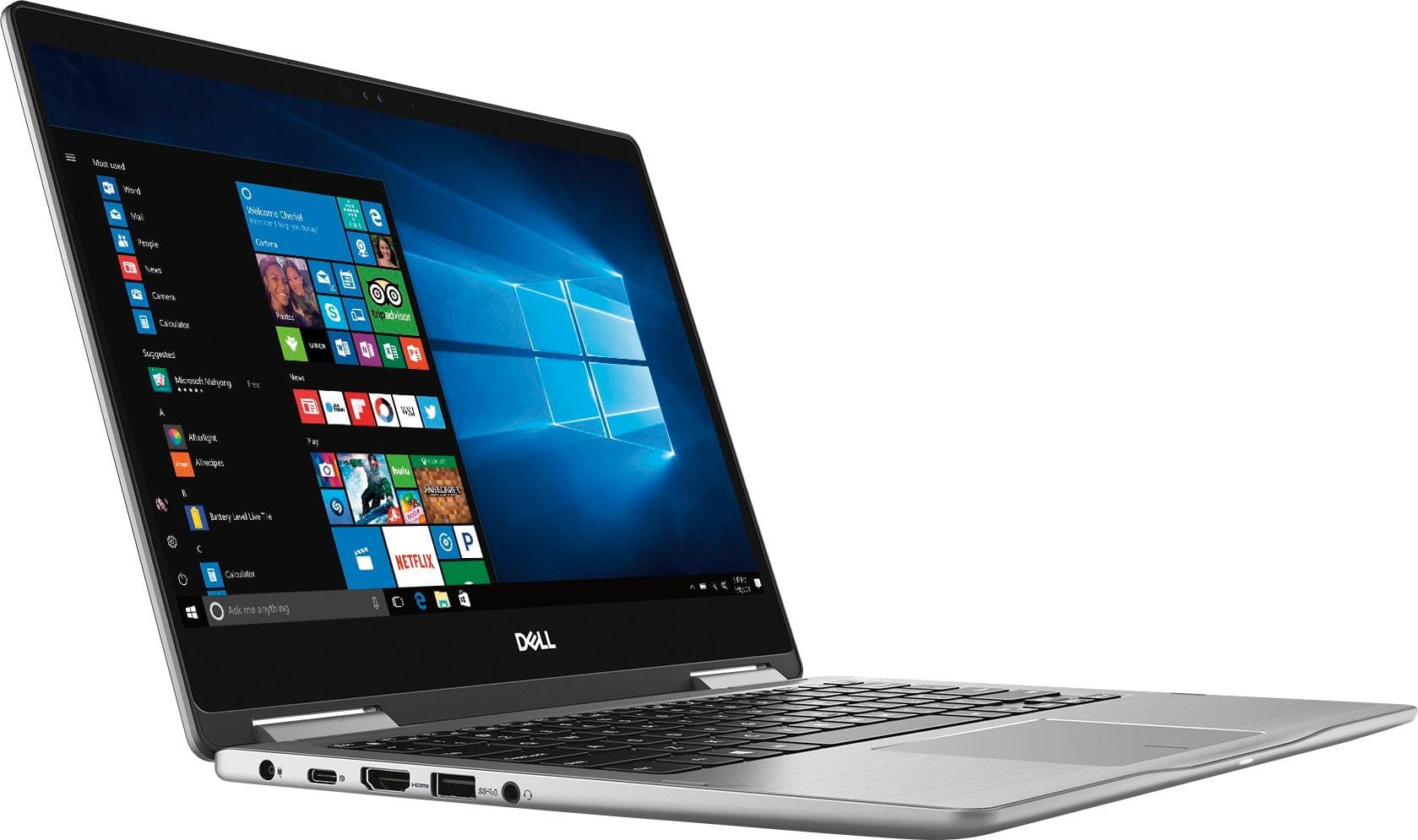
Posted .This reviewer received promo considerations or sweepstakes entry for writing a review.I'm picky about my electronics, and I've long preferred MacBook Pros as my laptop of choice. My wife, however, strongly prefers Windows laptops, and her 4 1/2-year-old Dell needed replacing. So, I volunteered to find a new machine. I read tons of reviews -- both critics and consumers -- and did some online price comparisons. I narrowed the list to the Dell XPS, Lenovo Yoga 900 series, the HP Spectre 360 and this lower priced Dell Inspiron 7300 series. I didn't expect to buy the Inspiron when I went to Best Buy, thinking it would be far inferior to the other options. I eventually did, though, and we're thrilled with the quality of the laptop, especially at that price point. It's sleek, compact and solid. It weighs a bit more than the others (and my MBP), but at 3.6 pounds it still feels light. It powers up quickly, and the processing speed is plenty fast. The keyboard has a very responsive feel, and the trackpad is a big improvement over her old Dell. It has HDMI, USB and USB-C ports, although only one of the latter. The screen resolution is crisp, and the bezels are relatively small. This Dell has the camera at the top of the screen, not the bottom, which seems more natural for Skyping. Overall, this laptop is a great value for a sub-$1k machine.
I would recommend this to a friendThis is my 2nd lap top in just 2 months
||Posted .This reviewer received promo considerations or sweepstakes entry for writing a review.I am not impressed with this model, It has issues!
No, I would not recommend this to a friendBrand response from YourDellTeam
Posted .Hi Debbie,
We're sorry that you're not impressed with your new Dell computer. If you'd like ot research some of the things that are wrong with your computer we'd recommend reading our Product Support Page here - http://dell.to/2BE6VqB.
We hope these articles help your computer work the way you intended it to.
Best,
Bryan
1-800-624-9896
Not impressed
||Posted .This reviewer received promo considerations or sweepstakes entry for writing a review.I have had this computer about 3 weeks. I have not really liked it at all. It is slow, Adobe DC freezes up on it, the touch is way too sensitive and I end up scrolling theough multiple pages instead of hust going to the next page.
No, I would not recommend this to a friendBrand response from YourDellTeam
Posted .Shoehorse,
We're sorry to hear that your computer is not performing the way you had hoped it would. If you'd like to work on your computer's touchscreen calibration you can follow these steps:
1. Restart the Computer and the Monitor
2. Recalibrate the touch-screen. Steps to calibrate touch-screen:
3. Go to Control Panel and select Tablet PC Settings.
4. Under Display tab, select Calibrate.
5. Choose Pen or Touch input.
6. Perform the point calibration that appears on the screen to correct the linearity problems.
7. Save the calibrated data.
You can read the full article here - http://dell.to/2uLztub.
If your computer continues to freeze on you we'd recommend the following:
1. Run a Computer Diagnostic. To determine if your computer is experiencing a hardware problem, run the Dell Preboot System Assessment (PSA) Diagnostics. For information on how to run Diagnostics, and to determine the issue, refer to Dell Knowledge Base Article: http://dell.to/2iaiujA.
2. Check Safe Mode for Symptoms. To boot into safe mode, please follow the instructions below:
a) Start the computer.
b) Tap 'F8' on the keyboard immediately and every one second until the Dell logo screen disappears. From there you will see the Windows Advanced Options Menu on the screen. (If the Windows Advanced Options Menu does not appear, restart the system and try again.)
c) Select Safe mode with Networking and press Enter.
d) Log on as the administrator or as a user with administrative access.
e) Open applications and test the computer in safe mode. If the symptoms exist in safe mode, please continue the troubleshooting steps in this article. If the symptoms do not exist in safe mode, the issue is likely related to a driver or software and you may wish to complete steps 6 to see if you are able to resolve the lockups or freezing.
6. Check for Malware. Malware (Virus, Spyware, etc.) can definitely cause a Windows system to lock up or appear to hang. To check for malware on your system and to ensure that your computer is up to date on security software, visit Dell Knowledge Base Article: http://dell.to/2wWP1zI.
You can read the full article here - http://dell.to/2tW5m33.
Best,
Bryan
1-800-624-9896
Dell computer
||Posted .This reviewer received promo considerations or sweepstakes entry for writing a review.The hard drive failed after 3 weeks of having it. I took to Geek Squad and they sent it back for me to get repaired. I’m in finals and needed that computer! So irritated especially after spending that much money!
No, I would not recommend this to a friendBrand response from YourDellTeam
Posted .Johanna,
We are so sorry to hear that your new Dell computer is not working for you as you are in finals at school. We hope that the Geek Squad will be able to resolve the issues that your computer has been facing. If you ever need to reach out to Dell's Technical Support Team once you get your computer back you can reach them here - http://dell.to/2sH7Qlm.
We hope that your computer is returned to you quickly.
Best,
Bryan
1-800-624-9896
Shut off after 2 days
||Posted .This reviewer received promo considerations or sweepstakes entry for writing a review.I bought this 11/14/18 on 11/15/18 it shut off and was stuck in a reboot mode now it won’t even stay on. It just keeps restarting the dell screen and shutting off
No, I would not recommend this to a friendBrand response from YourDellTeam
Posted .Hello Elegance,
Thanks for your review. We're sorry to hear about this cycle of restarting your computer. You can try these steps to see if it will help your start up:
1. If the computer is displaying the Dell logo and does not move past that point, it has probably failed POST.
2. If the power indicator lights up and it is amber or orange, this is usually an indicator that it has failed POST.
3. If you see text on a black screen, the computer is currently performing the POST. If the computer stays in that condition and does not move past it, it has probably failed POST.
4. If the video screen displayed anything at all during the startup process but is now black, this probably indicates that the computer failed POST.
5. If the computer is beeping or if Caps/Num/Scroll Locks are flashing, note if there is a particular pattern in which it beeps or flashes.
6. If the computer is not beeping and caps/num/scroll locks are not flashing, unplug all connections and remove all media communication devices (e.g. external monitors); reconnect one at a time and check if the computer functions.
7. For a notebook, press and hold the Fn key and then press the power button. This starts the pre-boot testing and will launch ePSA. In case you have a Desktop at the Dell logo screen tap the F12 key to enter One Time Boot Menu and use the arrow keys to highlight Diagnostics and press enter.
You can read the full article here - http://dell.to/2uj1Sby.
Best,
Bryan
1-800-624-9896
- Pros mentioned:Lightweight, Price
light slim fast, responsive touchscreen/trackpad
Posted .This reviewer received promo considerations or sweepstakes entry for writing a review.pretty impressive laptop for 700 bucks with ddr4 ram 8th gen i5 and fast ssd. so far so good screen has great resolution and keyboard is very nice to type on. dimensions are about 12in by 8in and about .6in thick pretty amazingly portable and built very sturdy no flex spots on the body and screen panel feels very solid as well as hinges. laptop weighs 2.5 lbs very light. made a good christmas gift
I would recommend this to a friend