Customer Ratings & Reviews
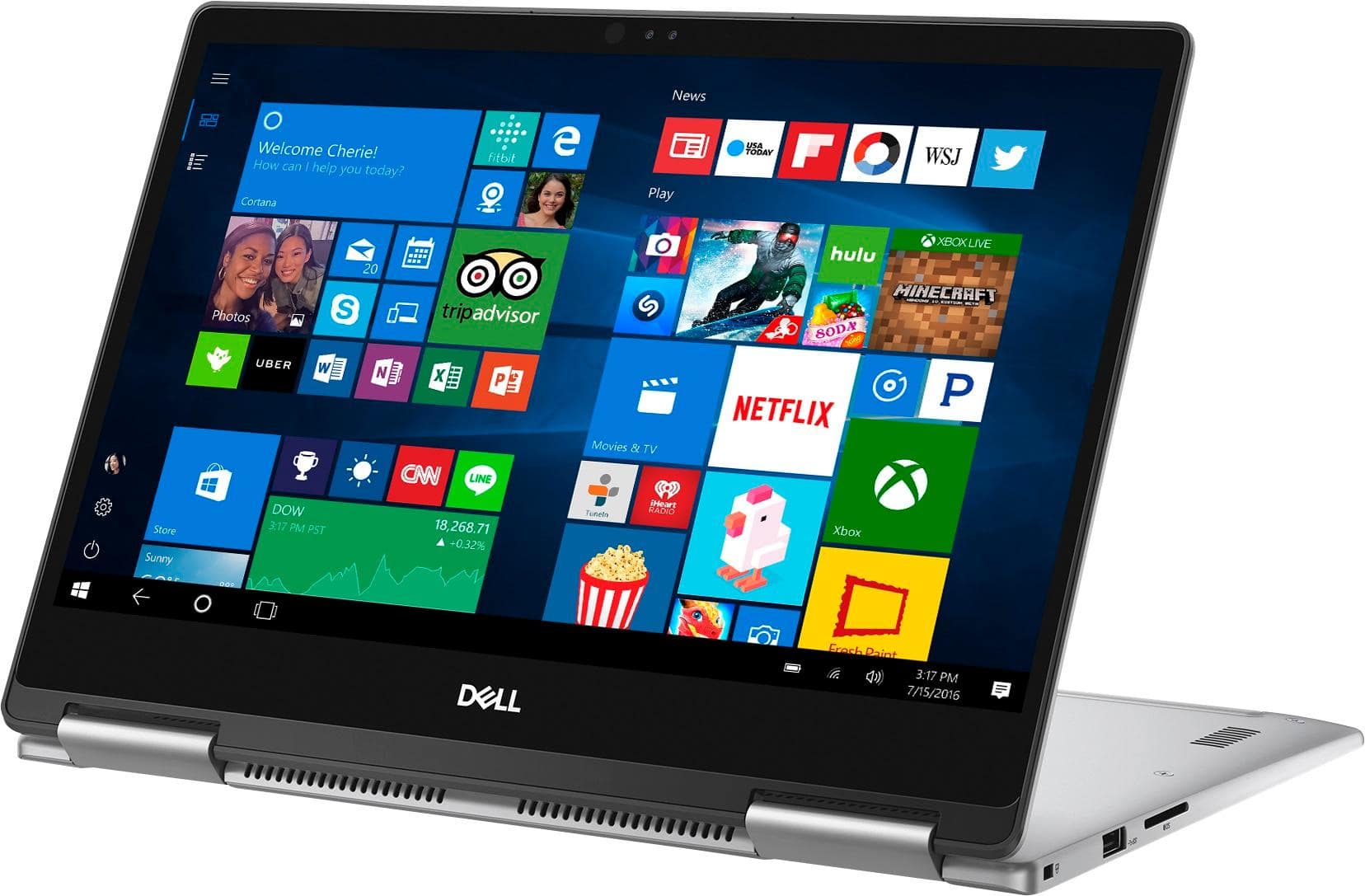
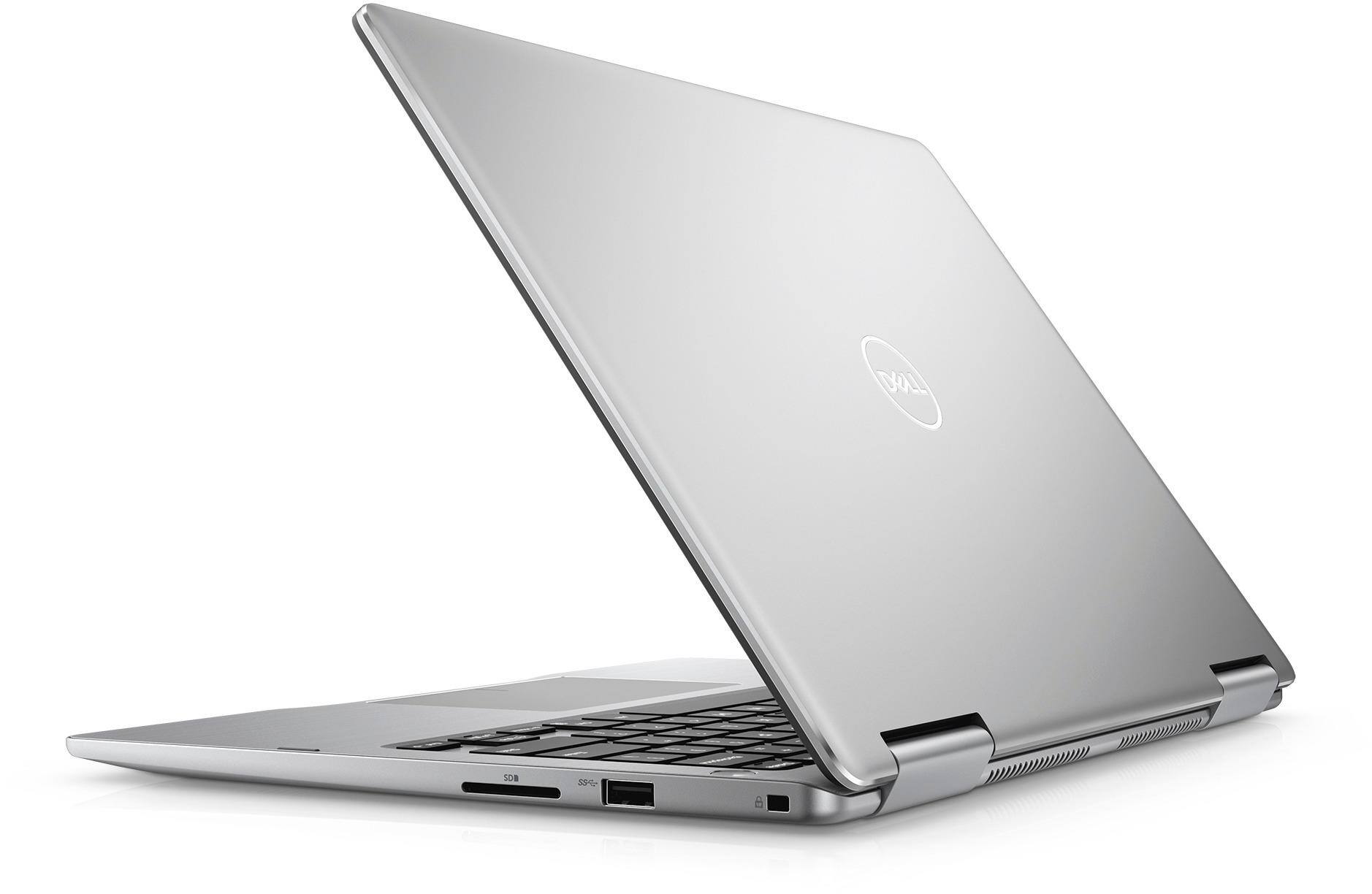

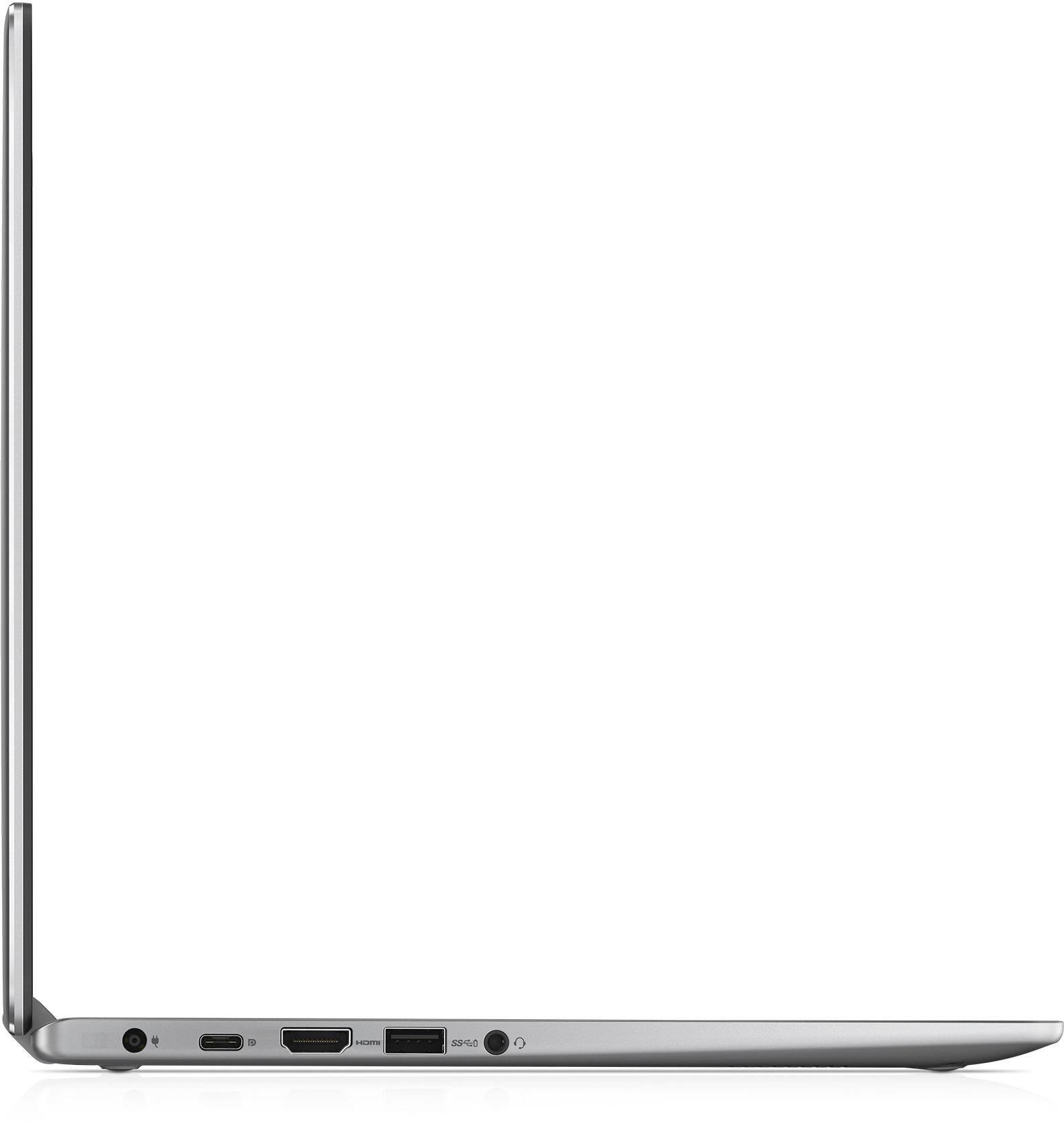
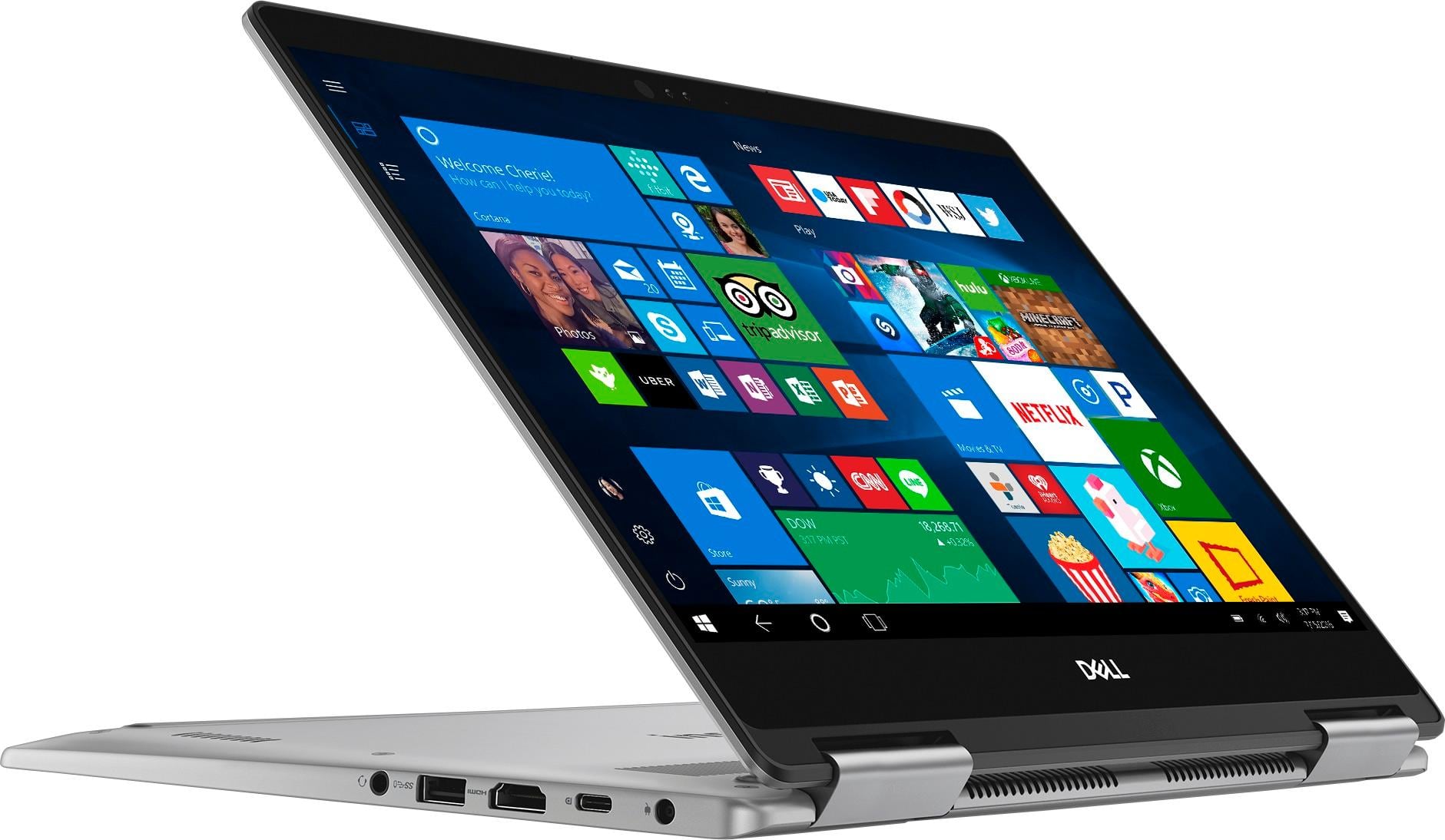


- Model:
- I7373-5558GRY-PUS
- SKU:
- 6083539
Rating by feature
- Value
Rating 4.2 out of 5 stars
- Quality
Rating 4.3 out of 5 stars
- Ease of Use
Rating 4.5 out of 5 stars
Customers are saying
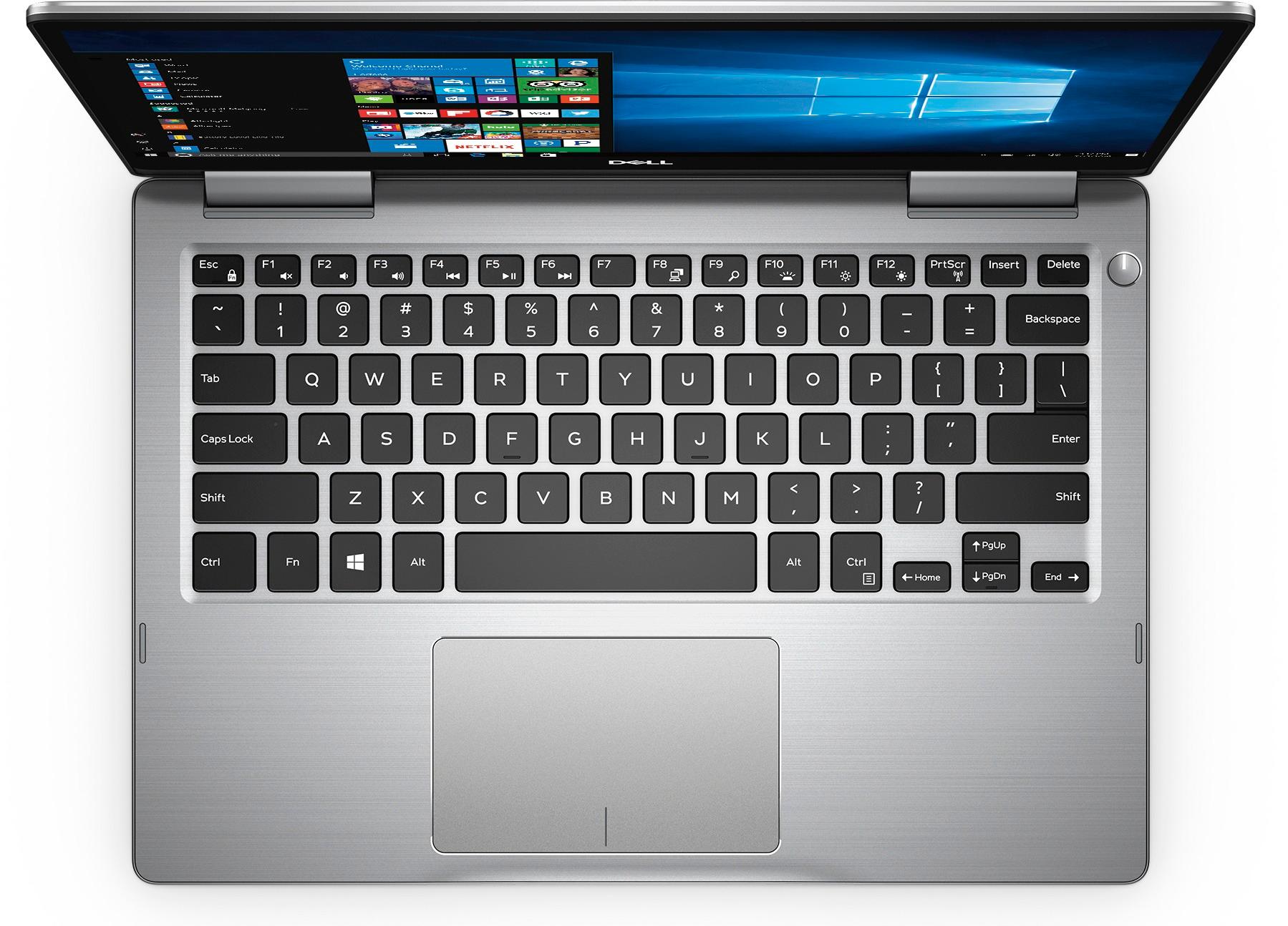
Customers express satisfaction with the Inspiron 2-in-1 13.3" Touch-Screen Laptop for its lightweight design, fast performance, and affordable price. Many users appreciate the convenience of the touchscreen and the overall size of the laptop. However, some customers have concerns about the battery life, heating issues, speaker quality, and fan noise.
This summary was generated by AI based on customer reviews.
Does not do the job I purchased it to do.
||Posted .This reviewer received promo considerations or sweepstakes entry for writing a review.I purchased the laptop to show photo files on the PC screen, and on a theater screen simultaneously, (via a projector) using a HDMI cable. It does not do this.
No, I would not recommend this to a friendBrand response from YourDellTeam
Posted .Hello Redd, Thanks for your review and for your recent Dell 2-in-1 purchase. I believe that the functionality that you're looking for should be able to be achieved with this device and your HDMI cable. Please be sure that once the connection to the projector is made that you press the 'Function' button on your 2-in-1 keyboard and the F8 button at the same time so that you can choose which way you'd like your pictures to be projected. We hope that this helps you and if you have any additional questions you can check our Product Support Page here - http://dell.to/2BE6VqB. - Bryan

Never again
||Posted .This reviewer received promo considerations or sweepstakes entry for writing a review.I heard good things about Dell but this one sucks - I've had to reinstall drivers (and take it to Geek Squad) too many times
No, I would not recommend this to a friendBrand response from YourDellTeam
Posted .DEMN,
Thanks for your review. We're sorry that your computer has been difficult to set up. We'd recommend using Dell's Support Assist App to help with future updates to make sure that your software and drivers are up to date.
If you have any questions about your computer you can check out our Product Support Page here: http://dell.to/2BE6VqB.
Best,
Bryan
1-800-624-9896
Not good
||Posted . Owned for 9 months when reviewed.This reviewer received promo considerations or sweepstakes entry for writing a review.Bought one after 1 week returned it. The screen had shadows. Took it to the store no help from them so I returned it.
No, I would not recommend this to a friend- Cons mentioned:Battery life
Decent laptop
Posted .This reviewer received promo considerations or sweepstakes entry for writing a review.Decent laptop. Had to replace the battery after 2 years and have replaced the charger 3 times and have now realized there is an issue with the port. I have to prop it up otherwise the laptop will not charge. The screen is small when working with multiple windows, so I use additional monitors. Would like to buy a similar dell laptop of similar size and design in the future but without the touch or drawing function that did not end up using.
I would recommend this to a friend I purchased open box, will not do again!
||Posted .This reviewer received promo considerations or sweepstakes entry for writing a review.Had technical difficulty due to purchasing an open box! Will not do - again! Returned this product same day!
No, I would not recommend this to a friendwireless card was bad&dell tech support
||Posted .This reviewer received promo considerations or sweepstakes entry for writing a review.The product had an issue with the wireless card and technical support was no help in fixing the problem.
No, I would not recommend this to a friendBrand response from YourDellTeam
Posted .Hi Chintu - Thanks for your review. We're sorry to hear that you are experiencing connectivity issues on your new Dell laptop. Here are a few tips that may help your connection:
1. Run the Network Troubleshooter.
a) Touch and hold or right-click the network icon (Available Networks or Network Icon, located in the lower right-hand corner).
b) Touch or click Troubleshoot problems and then follow the prompts.
You can read the full article here - http://dell.to/2sLtwRh.
We hope these tips help you get connected the way that you had planned to. - Bryan
- Cons mentioned:Battery life
So far so good, hoping Dell responds to my review
Posted .This reviewer received promo considerations or sweepstakes entry for writing a review.So far so good with the laptop, performance is great and size is awesome. However, the battery life isnt great. Yesterday when I was first setting it up, through the inital setup my laptop just died on me after being charged for a little while, and a dell screen came up saying my battery life was low and that I had to reinstall windows. So I did, Ive been using it here and there from yesterday, set windows to performance mode in the System, Advanced options, Performance, and set it to "Best performance". I am not saying that I changed my power options, just the look of windows. The sleekness of the laptop are impressive and I love the form factor, wish it was a little lighter considering I was either going to buy this or a macbook 12 inch. With alreadt having a macbook pro 15 inch, and the fact that the Macbook was more expensive and this was on sale, I decided on this. I find that this laptop takes a LONG time to charge. I charged it for almost 2 1/2 hours last night and it went from 15% to around 60%. I dont know if this is common for this laptop, but would appreciate some sort of feed back as to see if it is normal. As of right now I have no plans of returning it. Last night I thought it was defective after dying 5 minutes into the setup with it on the charger for an hour but I think the outlet I plugged it into is dead. I am hoping dell will see this and provide some feed back on the battery, if there releasing some sort of firmware update to fix it, or optimize it, and if the charging is normal. If the charging is not normal and is a lot shorter than that I will exchange it for the same one. Performance is great, sleek design is nice, battery life is meh, and the charging is slow. Would recommend, great laptop for the sale at $699
I would recommend this to a friend Worst computer I’ve ever had!!
||Posted .This reviewer received promo considerations or sweepstakes entry for writing a review.Screen jumps all over the place without me touching anything!!
No, I would not recommend this to a friendBrand response from YourDellTeam
Posted .Nickel,
If your screen is jumping while you are in laptop mode we'd suggest adjusting the calibration of your touchpad:
Some Notebooks and Tablets with Keyboards have added gesture features to the touchpad hardware and drivers. A few of these features are two or three finger scrolling, pinch zoom, circle zoom, rotate and swiping. These new features may be the reason for the erratic cursor movement since most are turned on by default. You can disable or modify the way the features work in the touchpad driver properties. Here are some tips to modify these settings:
1. In the Search box, type main.cpl.
2. Touch or click main.cpl in the list of programs.
3. Touch or click the Dell Touchpad tab.
4. Touch or click on the picture of the touchpad.
5. Touch or click Gestures (depending on your computer there may not be a Gestures option).
6. Change the options as preferred.
7. Touch or click Save.
8. Touch or click the X in the upper-right corner to close the Dell Touchpad Utility.
9. Touch or click OK on the Mouse Properties window.
10. If the touchpad still does not work after following the preceding steps, refer to Dell Knowledge Base article - http://dell.to/2iaiujA.
You can read the full article here - http://dell.to/2tqmS02.
We hope that this helps your on screen actions to be more accurate.
Best,
Bryan
1-800-624-9896
Awesome 2 in 1
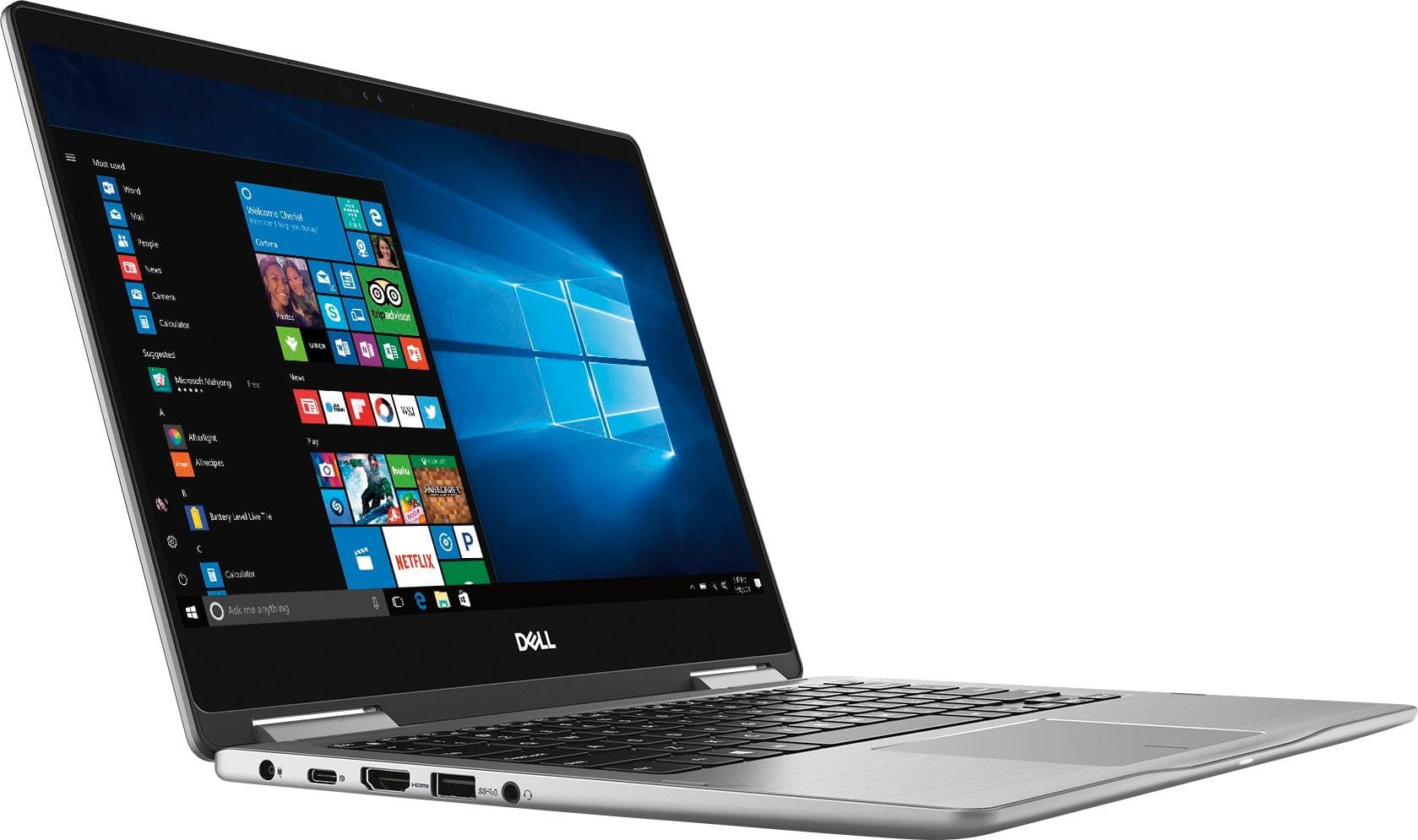
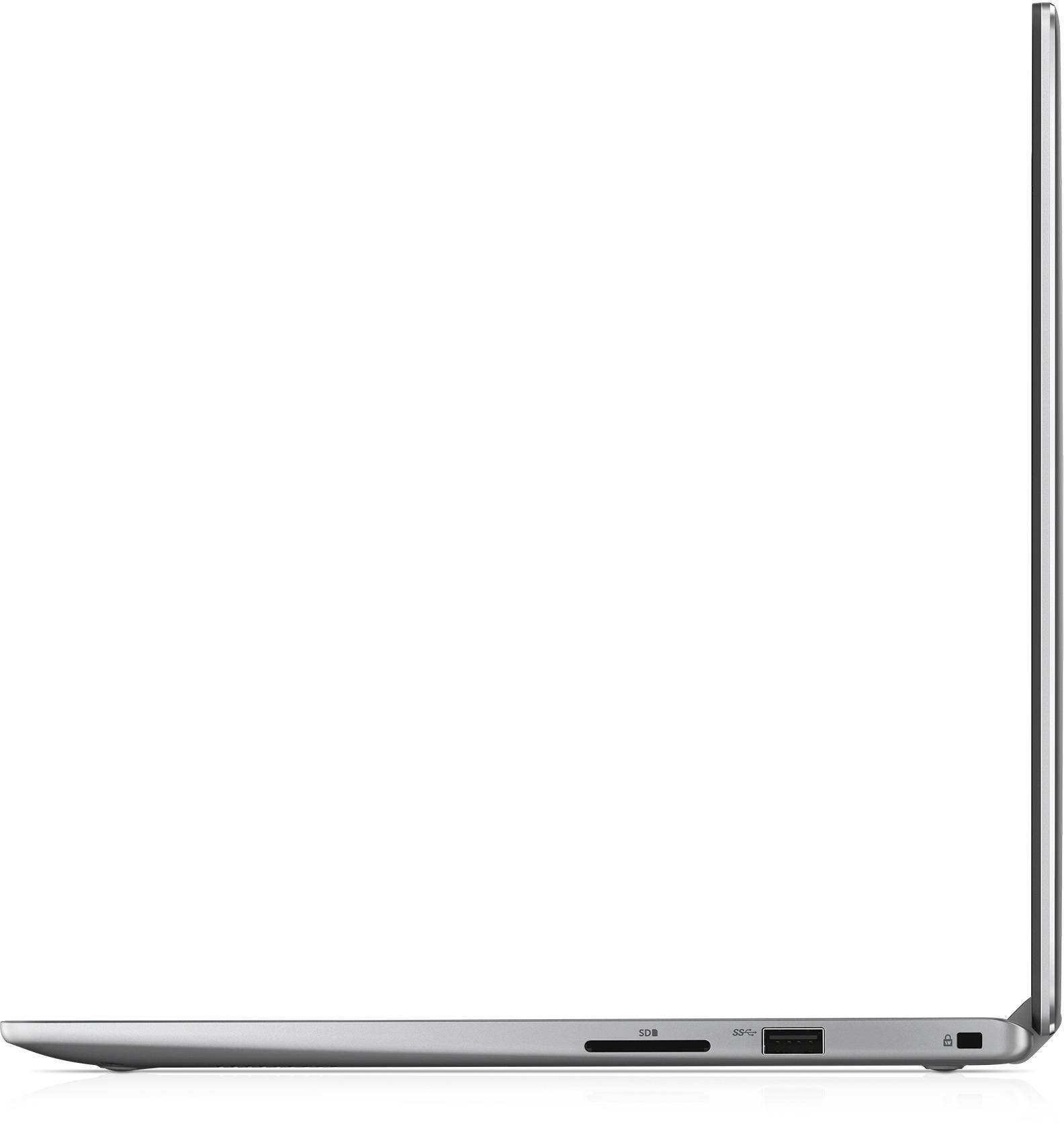
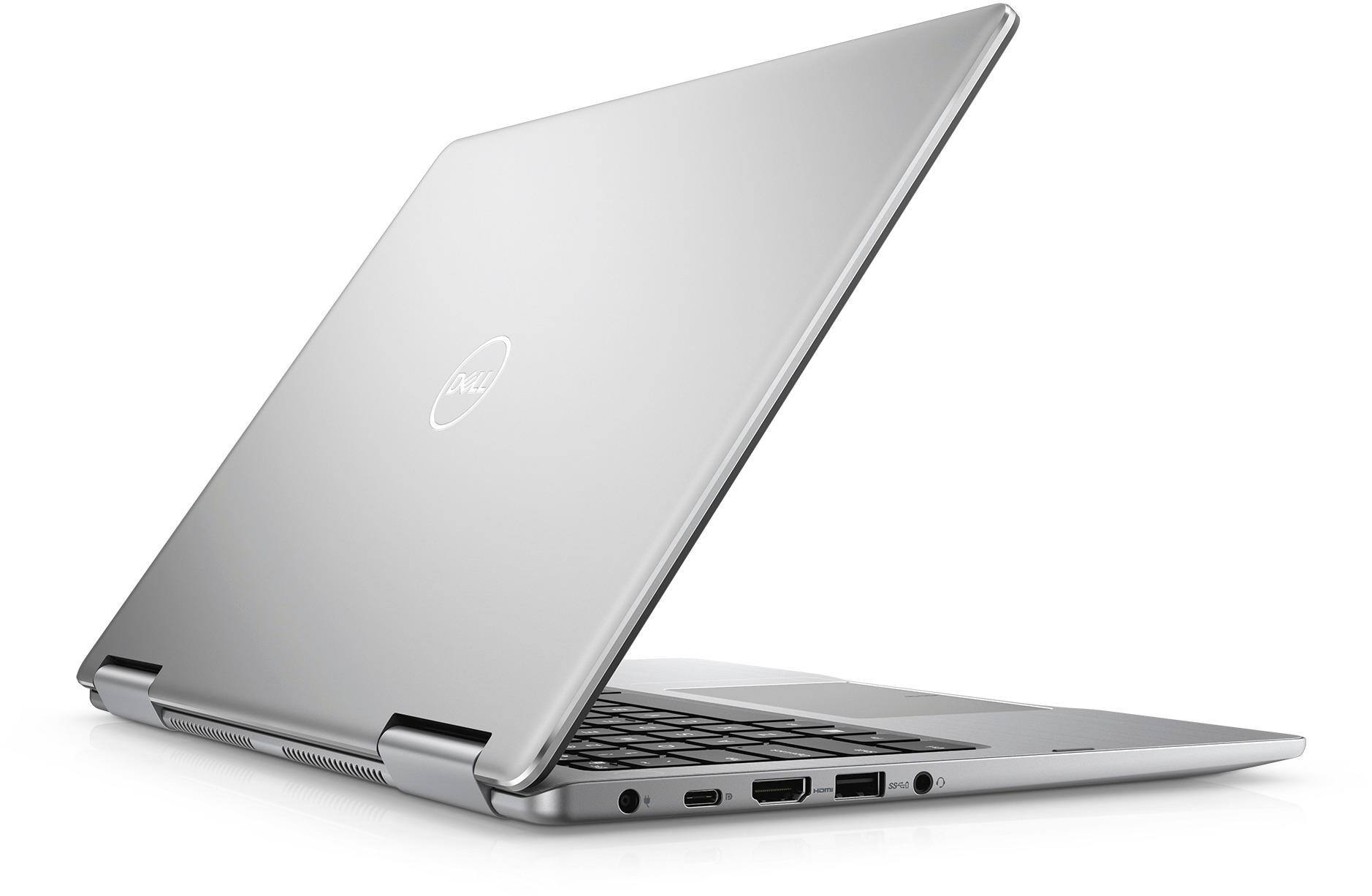
Posted .This reviewer received promo considerations or sweepstakes entry for writing a review.Just purchased this Dell 2 in 1 on 3/24/2018, 8th Gen i5 256gb SSD / 8gb RAM. After setting up and downloading the updates (both Windows / BIOS), adjusting the battery performance, this computer is fast and snappy beyond expectations. I don't surf or care about Netflix and other video as there are so many other things that can affect performance (mostly WiFi and data transfer rates), my use is MS Access with huge databases in excess of 500MB size with complex queries that demand performance. This computer eats MS Access and spits out results pretty dang quick. This type of activity actually shows the performance of the processor and SSD/RAM working together. Others have discussed battery performance, well, I don't need an 8-10 hour life, because I am usually close to the cord, but I tested the battery after doing some serious data-basing, and I am still over 6 hours at 87%. (disclaimer, I disabled Bluetooth, lowered screen brightness, turned off some background apps, but left virus on, and moved the battery performance to max save) All of this did not affect the power of the CPU IMHO...and if it did, I could always boost the battery. Build is good, keyboard is responsive, trackpad is accurate and responsive and IMO better than all the competition in this price range. Display / Touch works well for my needs, I don't need 4k. The HDMI out is great along with the other 2 USBs. I compared this to the Lenovo Yoga 7xx, the other Lenovo, HP, and MS Surface, for the price and all that this Dell gives the user was enough for me to get this one. I hope this helps make your decision easier.
I would recommend this to a friendDell
||Posted .This reviewer received promo considerations or sweepstakes entry for writing a review.It doesn’t work well with adobe for some reason. But it looks nice !
I would recommend this to a friendBrand response from YourDellTeam
Posted .Papa,
Thanks for your review. We're glad that you like the looks of your new computer and that it's meeting your needs for the most part. If you do have questions about your new device you can always refer to our Product Support Page here - http://dell.to/2BE6VqB. We hope these tips help you with your new computer.
Best,
Bryan
1-800-624-9896
Not my purchase
||Posted .This reviewer received promo considerations or sweepstakes entry for writing a review.Not my purchase......this is someone else’s info on my email
No, I would not recommend this to a friendBrand response from YourDellTeam
Posted .Thanks for your feedback. We'd recommend that you reach out to Best Buy directly if you believe that your Email may have been compromised: http://bit.ly/2v2IVhI.
Best,
Bryan
1-800-624-9896
poor quality
||Posted .This reviewer received promo considerations or sweepstakes entry for writing a review.too many issues, dell support was unhelpful so i returned it
I would recommend this to a friendPoor
||Posted .This reviewer received promo considerations or sweepstakes entry for writing a review.Microsoft would not load. The machine had to be replaced
I would recommend this to a friendTotally disappointed
||Posted .This reviewer received promo considerations or sweepstakes entry for writing a review.Did not even get to use need recovery key no help.
No, I would not recommend this to a friendBrand response from YourDellTeam
Posted .Valued Customer,
We're sorry to see that you're having trouble with your new Dell laptop. We'd recommend that you check out our Product Support Page to read more about troubleshooting your computer - http://dell.to/2BE6VqB. We hope these articles help your computer perform better for you.
Best,
Bryan
1-800-624-9896
- Pros mentioned:Price
great price
Posted .This reviewer received promo considerations or sweepstakes entry for writing a review.for the 360 modes and a nicer display than a macbook air and a 256 gb space this laptop has everything and the design is not bad also windows hello is really useful and decent battery life also 8th gen intel quad also i got a great deal it was 599 when the regular price was 849 so wait for the sales if you can and if not go for it because its still cheaper than an outdated macbook air ( apple still good though just not the air )
I would recommend this to a friend - Pros mentioned:Touch screenCons mentioned:Battery life, Fan noise
Fan noise and battery life ruin it for me
Posted .This reviewer received promo considerations or sweepstakes entry for writing a review.Let me be honest: I love this computer in all respects except for two: the fan noise and the battery life. I bought this laptop open-box from Best Buy in February of 2018 with confirmation that there were only a couple cosmetic issues. At first, I didn't really notice many problems. But since I've spent more time with this device, I have been so ready to pull my hair out at the fact that I spent a nice chunk of change (price has dropped since then) on this laptop and a stylus to go with it. I bought it for graduate school, as I just started my master's program. There is no way I'm going to be able to use it in a library or classroom without being disruptive. If it gets the least bit hot, which it does quickly and easily (I mainly use it on a desk and mainly perform simple, light browsing), the fan kicks on and is extremely loud. I live in an apartment and can hear the computer fan in another room. Secondly, battery life is absolutely atrocious. Being in school, I'm going to have to be sure to always sit near an outlet. I haven't timed it exactly, but I have never gotten more than a couple hours on a full charge. As I said, there are lots of things I love about this computer. Touch screen and folds into a tablet, stylus works perfectly and I can write and have it be turned into text, it's fairly fast, etc. but I bought it on a student budget for school and two of the most important things to me are its weakest points. But alas. Nothing to be done about it now.
No, I would not recommend this to a friendBrand response from YourDellTeam
Posted .Linds,
If you'd like help with the fan noise on your computer we'd recommend the following: Update the BIOS: An out-of-date BIOS can cause loud fan noises by having an outdated temperature table for the system. Refer to update BIOS and follow the instructions to update the BIOS on your computer. You can also follow up with our Technical Support Team here - 1-800-624-9896.
You can read the full article here - http://dell.to/2ENlXfz.
If you'd like to extend the life of your battery, here are some tips: Change the Power Plan:
1. On the notification area of the taskbar, right-click the Battery icon.
2. On the options list, click Power Options.
3. Select a power plan on the battery meter, such as Power Saver or Balanced. Windows 10 has a built in 'Battery Saver' mode that can be activated to extend your system's battery life. The Battery Saver mode will monitor and limit background activity and other features such as push notifications. You do have the option to enable or disable this mode within settings or within advanced Battery Saver settings, you can customize the mode to best suit your needs.
a) Click on the Action Center icon in the taskbar and select the tile for Battery Saver.
b) If running Cortana then type Battery Saver into the search box and select from the results.
Within the Battery Saver settings page, you will be able to turn on and off the feature and customize the feature to best meet your needs.
c) Turn Battery Saver On or Off.
d) Additional settings available via the Battery use and Battery saver settings links.
e) Battery use shows further info on apps and their power usage.
f) Battery Saver Settings screen allows you to customize further Battery Saver feature.
You can read the full article here - http://dell.to/2vfXWf4.
We hope these tips help your computer perform better for you.
Best,
Bryan
1-800-624-9896
- Pros mentioned:Lightweight, Touch screen
Great Laptop/2 in 1
Posted .This reviewer received promo considerations or sweepstakes entry for writing a review.Reviewing the Dell Inspiron 13.3 2 in 1 laptop with touchscreen: I've had this new laptop for about 2 weeks now and I absolutely love it. It boots up fast, connects to my hotspot on my phone almost immediately and pulls up any website instantly. I don't have any documents or pictures saved on this computer yet, but I will. I don't have much experience yet with the battery as I have seen some negative comments in other reviews. It is small/compact and can be carried easily anywhere you go. I was shopping for a 15.6 screen laptop as my vision is going downhill, but this screen is 13.3 and touchscreen, so it is a win-win for me! I chose the 256 SSD (solid state drive) opposed to more actual hard drive space as I heard it was faster and with no moving parts in it, it is more dependable. LOVE IT!!! Hope you do too!
I would recommend this to a friend - Cons mentioned:Heating
Working great with no software issues
Posted .This reviewer received promo considerations or sweepstakes entry for writing a review.Having used many Dell laptops, I wanted a smaller one to go along with my Dell 15.6". So I began looking at the Dell 13" 7000 series. First I tried the Ryzon 5 processor. Had issues with the first one, and exchanged for second one. Then after 10 days, and many software glitches, returned that one too. However, Best Buy doesn't let initial reviews to be edited. So I decided to try the Intel I5 core model. Purchased elsewhere due to sale price. So far, all has been smooth -absolutely no problems - hardware, software - nothing. Did all updates properly, has run all programs perfectly, loaded new programs easily. Boots quite fast, loads programs quickly. Even runs moderate games. As others have said, it can get very warm, as many laptops can. Using a laptop cooler will solve that problem. Anyway, spend the extra for the Intel version - it seems to agree with Windows 10 much better than the AMD based computer.
I would recommend this to a friend - Pros mentioned:Lightweight, Touch screen
Great Computer/Tablet
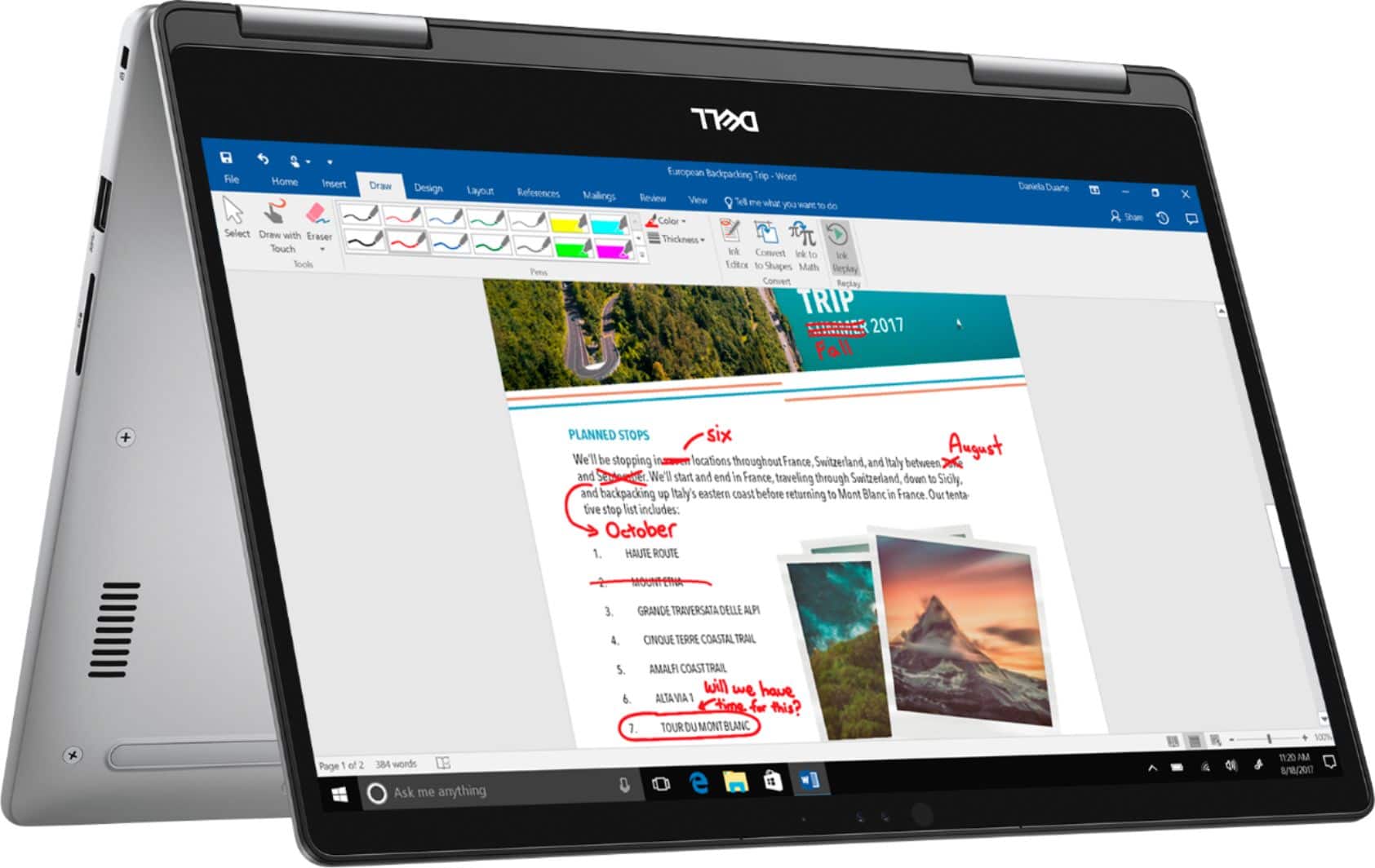
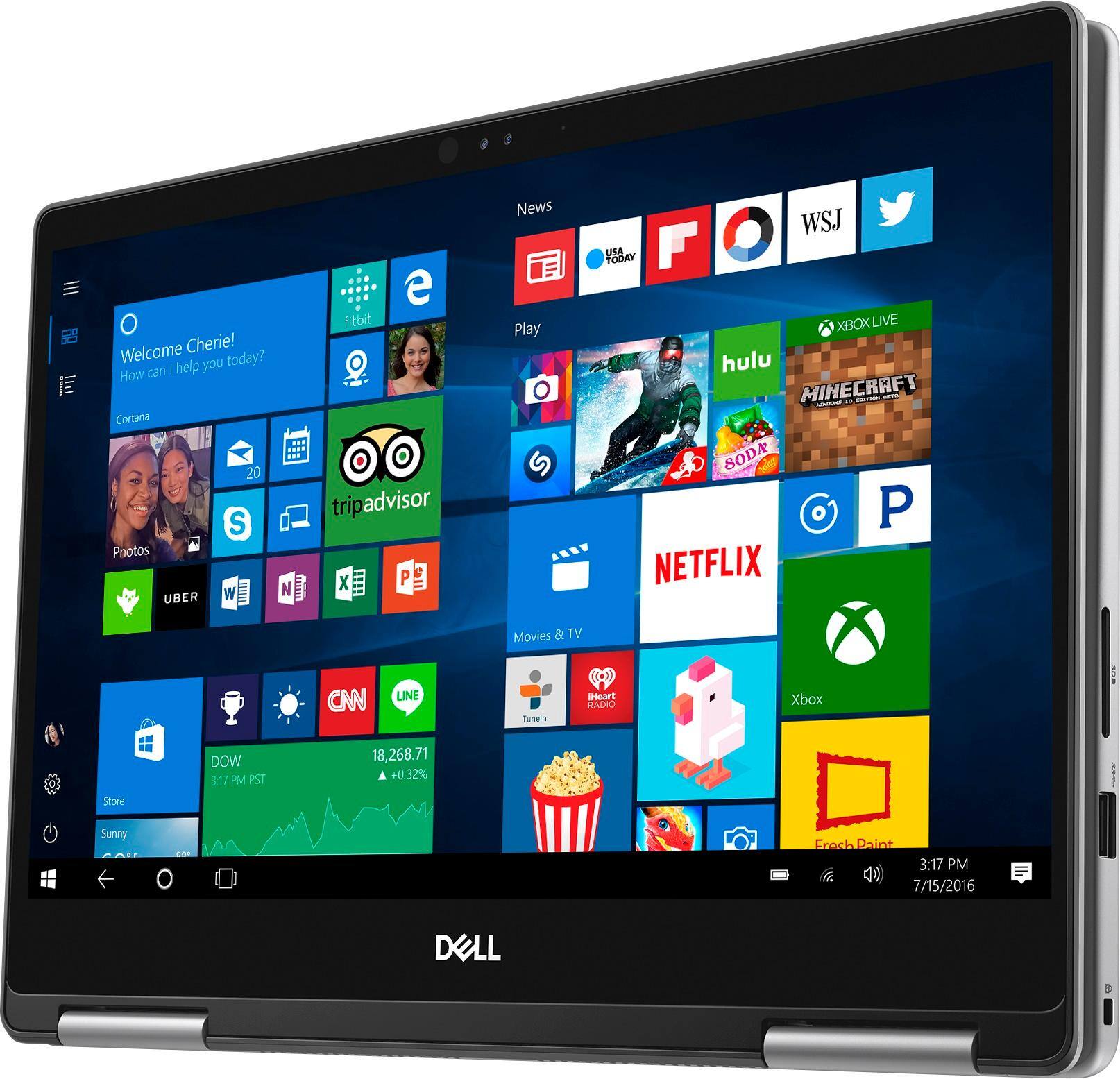
Posted .This reviewer received promo considerations or sweepstakes entry for writing a review.This is an awesome 2 in 1! It is powerful as a laptop and very convenient as a tablet. The touchscreen is great and when used with a smart pen, works very well. It's perfect for adding notes to pdf's, writing music, taking notes, drawing, and anything else you can imagine. I have had the computer for a couple of months now and it works perfect. I haven't any any issues and have found no cons. It's a great size and is easy to take anywhere. As you can probably tell, I am very happy with my purchase!
I would recommend this to a friend Exceptional Laptop
Posted .This reviewer received promo considerations or sweepstakes entry for writing a review.I've enjoyed this laptop so much, I'm looking for the same one as a replacement. The only reason I'm replacing is that it's five years old, the battery needs replacement, and there have been a lot of cybersecurity changes in five years. I do not like having a touch screen, though.
I would recommend this to a friend