Customer Ratings & Reviews

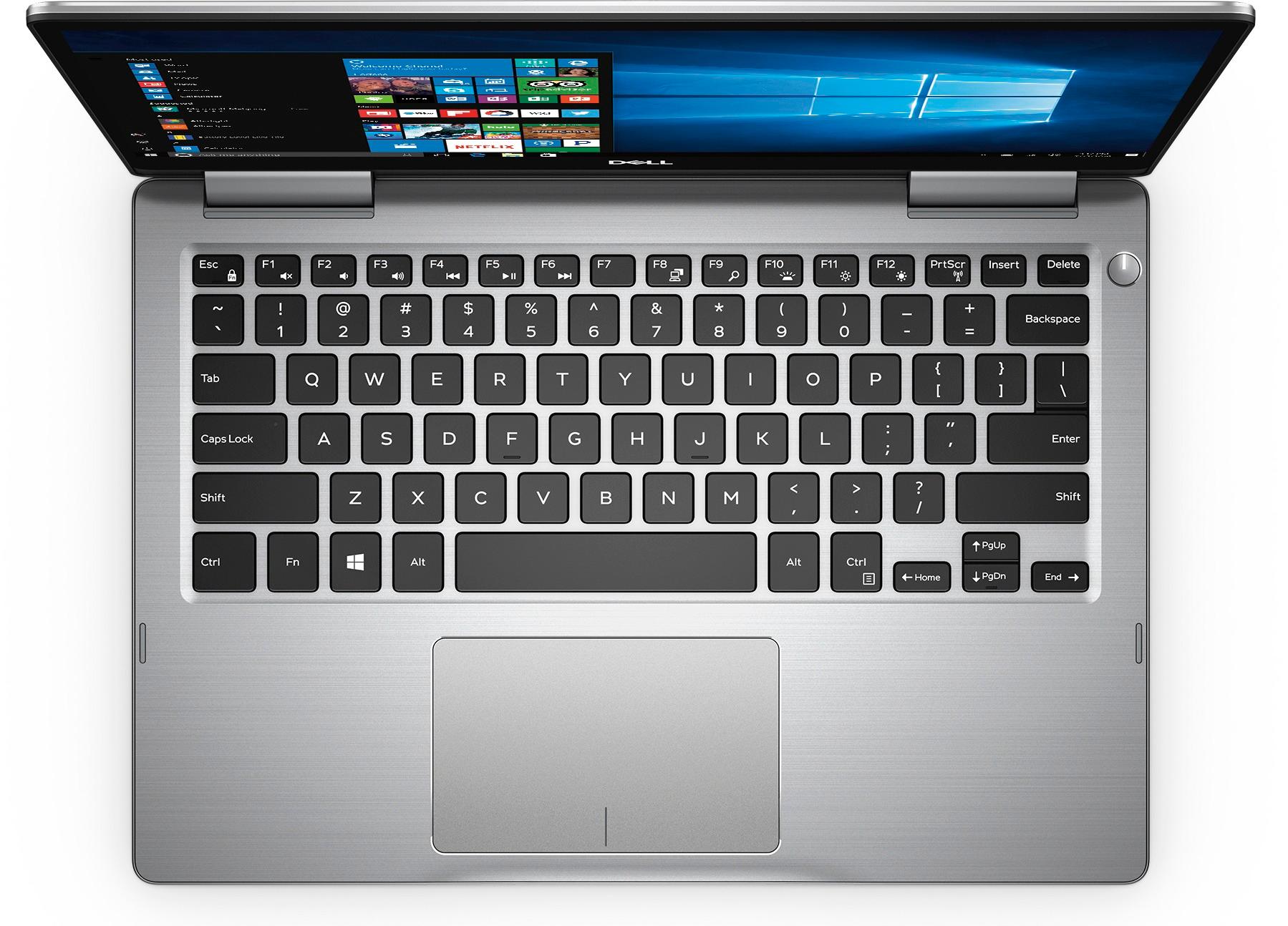
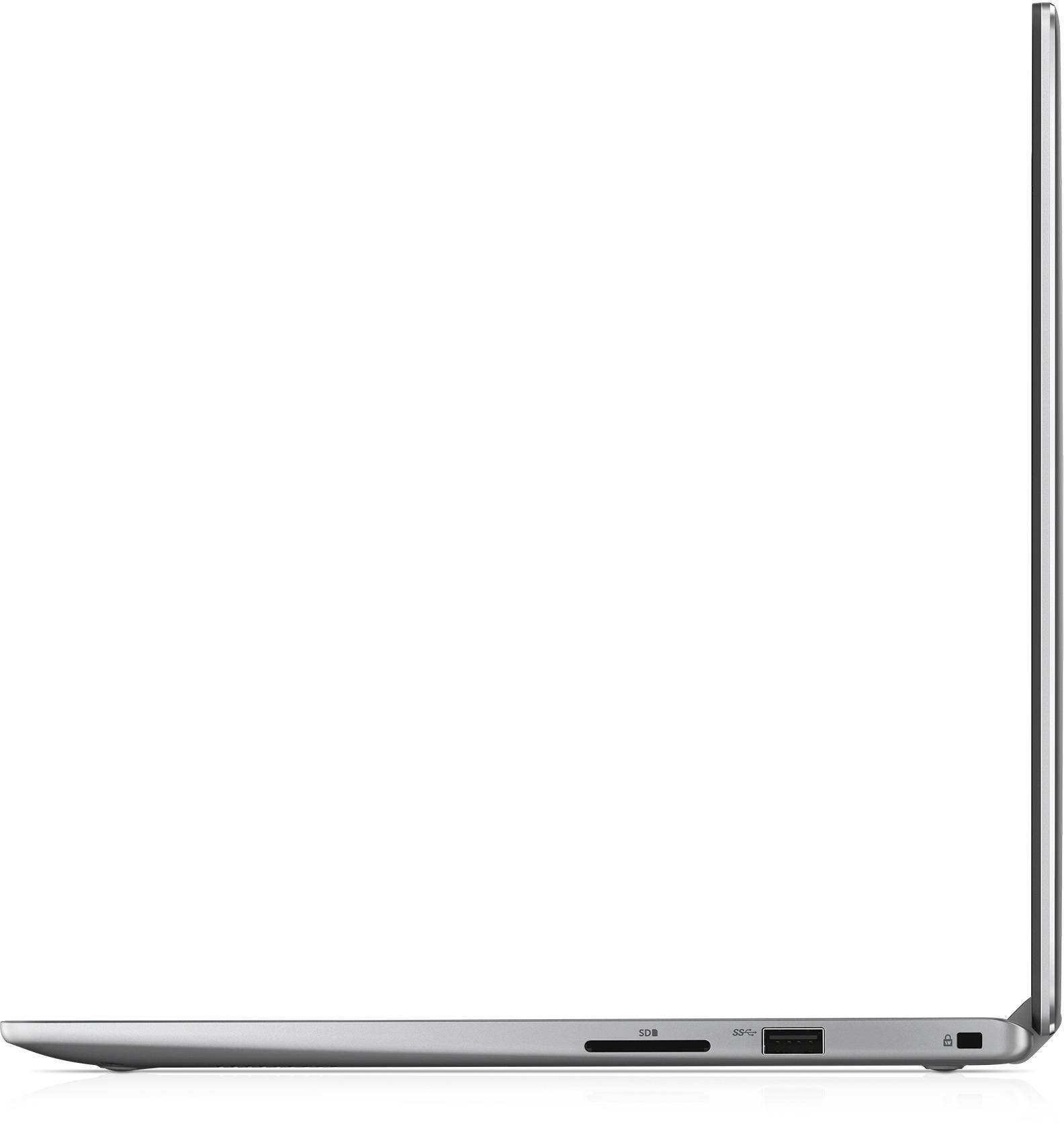
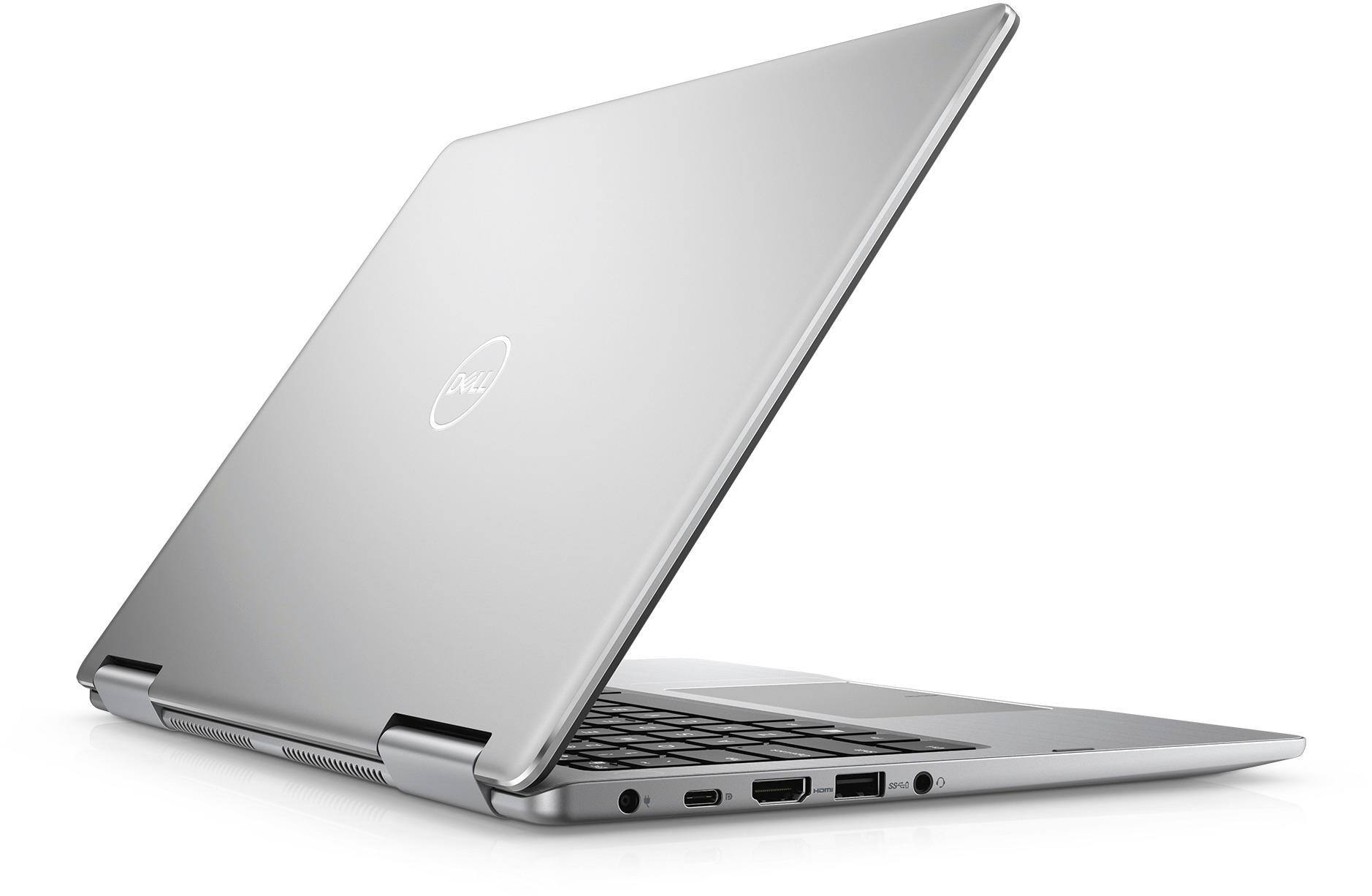
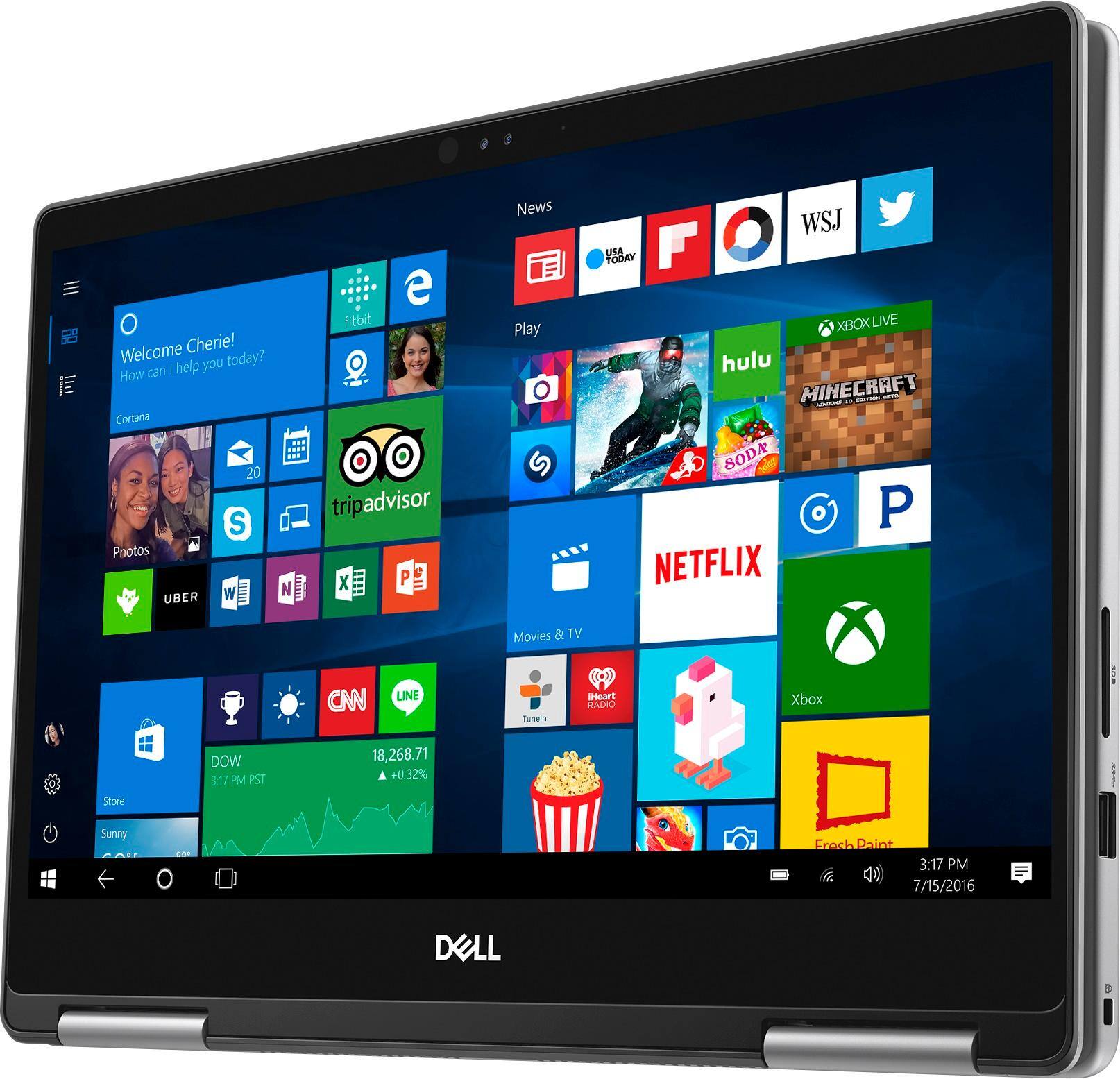


- Model:
- I7373-5558GRY-PUS
- SKU:
- 6083539
Rating by feature
- Value
Rating 4.2 out of 5 stars
- Quality
Rating 4.3 out of 5 stars
- Ease of Use
Rating 4.5 out of 5 stars
Customers are saying
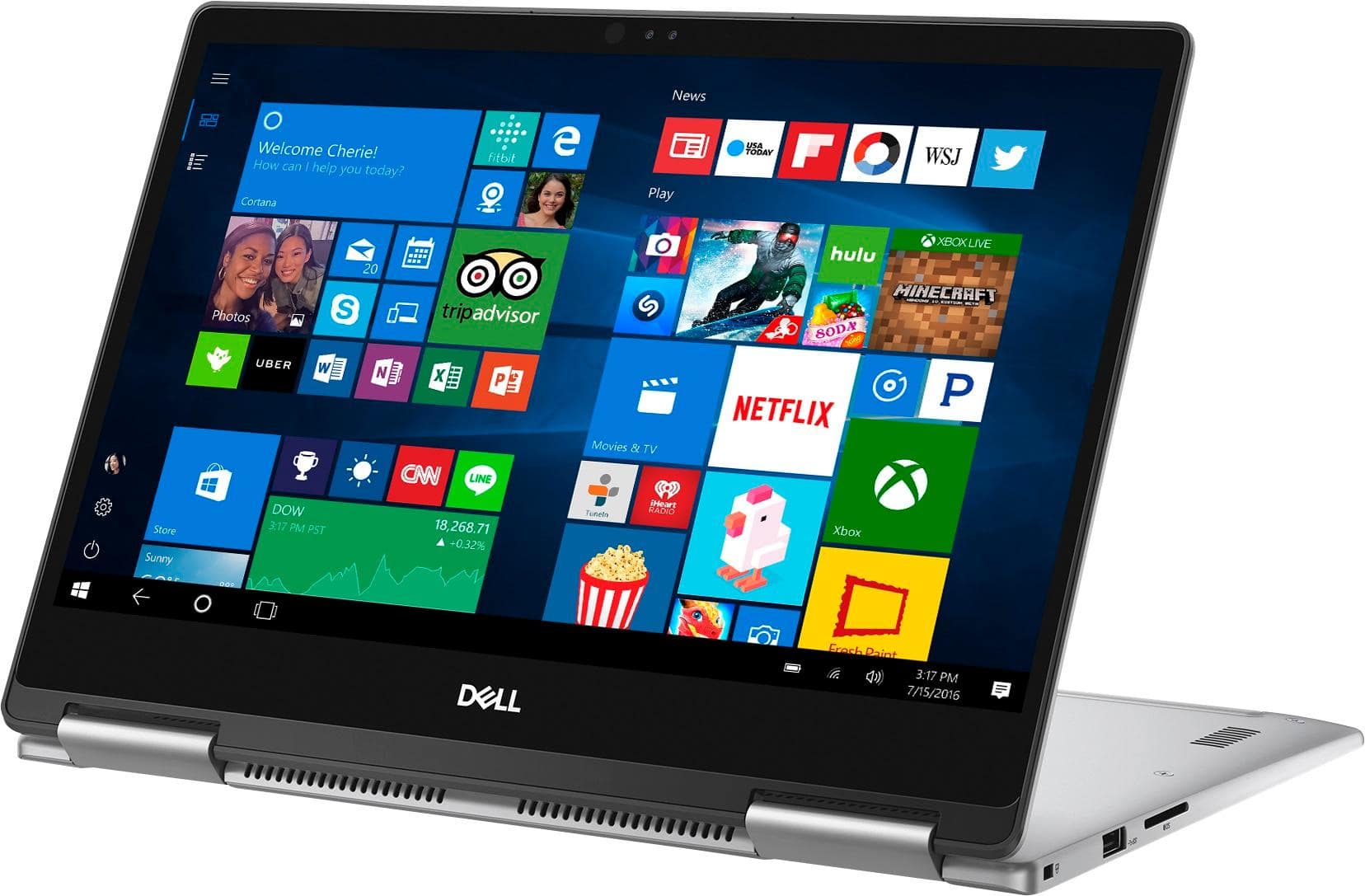
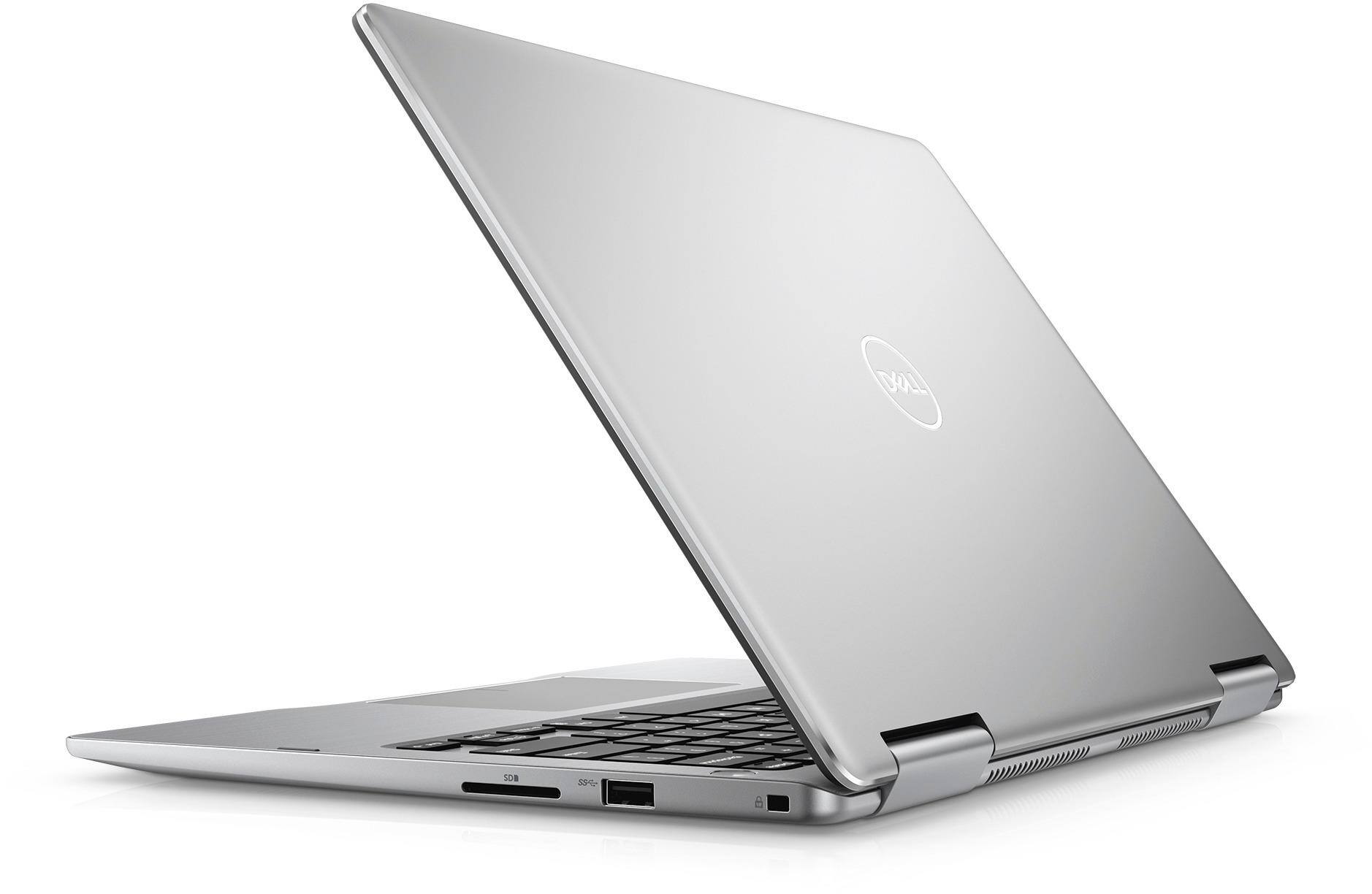
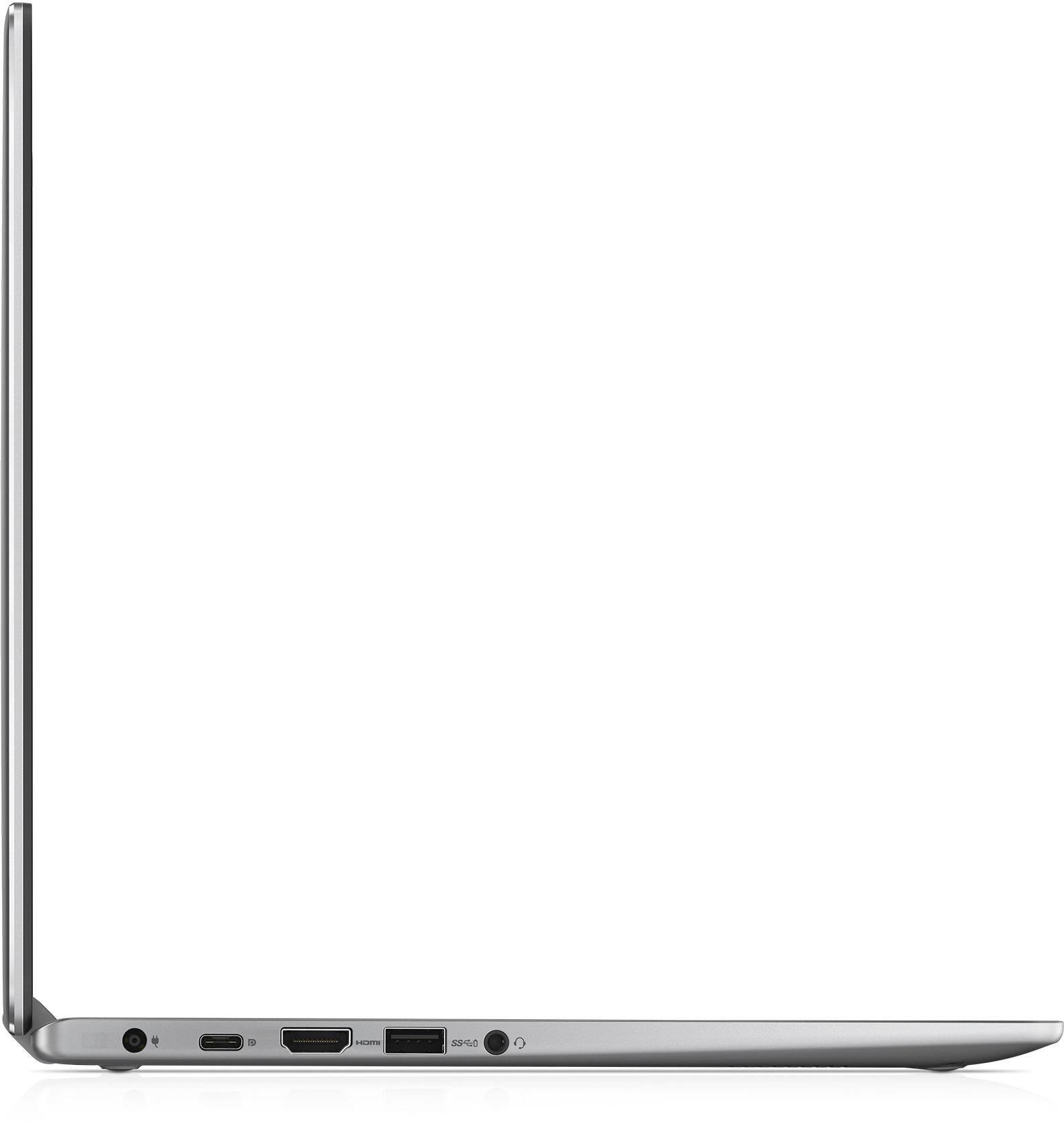
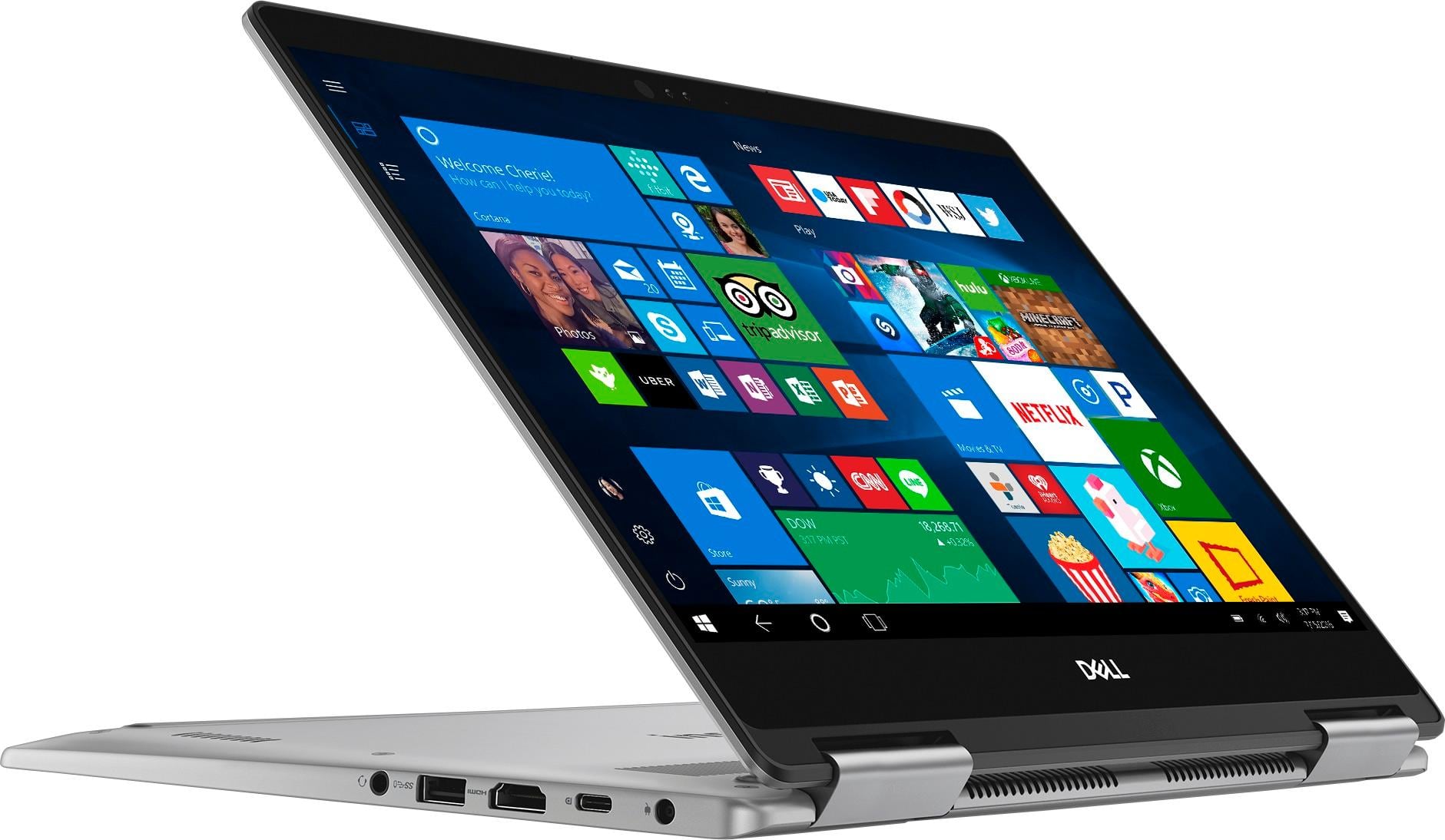
Customers express satisfaction with the Inspiron 2-in-1 13.3" Touch-Screen Laptop for its lightweight design, fast performance, and affordable price. Many users appreciate the convenience of the touchscreen and the overall size of the laptop. However, some customers have concerns about the battery life, heating issues, speaker quality, and fan noise.
This summary was generated by AI based on customer reviews.
- Pros mentioned:FastCons mentioned:Battery life
Love it, but...
Posted .This reviewer received promo considerations or sweepstakes entry for writing a review.Coming from the Macbook Pro 2015 model, I really love this laptop! I want to say that its super fast! Its no retina display, but it doesn't disappoint. The only grip I have is with the battery. Its a real shame they couldn't put a 8 hour battery. The battery this laptop offers at full charge is around 3 hours. I might keep it since I only use it at work and not on the go.
I would recommend this to a friend - Pros mentioned:Touch screenCons mentioned:Battery life
Great Computer but weak battery
Posted .This reviewer received promo considerations or sweepstakes entry for writing a review.I purchased this computer with a solid state drive thinking the battery life would be at least decent because it's not running a hard drive, but that is not the case. We have purchased other Dells that are 4 years old and still have very good battery life. This is a great computer and boots/turns on in two seconds, the touch screen is great and I really love the computer, however, the battery life is not good. At first it was good but it quickly decreases and by one year now (just out of warranty) I get the message the battery is failing and it doesn't last long. I will need to replace the battery which is not easy on a computer like this with a built in battery that does not just pop out. If not for battery life, I'd give this a 5 star and strongly recommend. I do realize this is a very small and light weight computer (which is one thing that I really like), and that means the battery cannot be too big, but it should last longer than a year before failing.
No, I would not recommend this to a friendBrand response from YourDellTeam
Posted .TSMSN56,
We're sorry that your computer's battery is dying quicker than you hoped it would. We'd recommend the following tips to help extend the life of your battery:
Change the Power Plan:
1. On the notification area of the taskbar, right-click the Battery icon.
2. On the options list, click Power Options.
3. Select a power plan on the battery meter, such as Power Saver or Balanced. Windows 10 has a built in 'Battery Saver' mode that can be activated to extend your system's battery life. The Battery Saver mode will monitor and limit background activity and other features such as push notifications. You do have the option to enable or disable this mode within settings or within advanced Battery Saver settings, you can customize the mode to best suit your needs.
a) Click on the Action Center icon in the taskbar and select the tile for Battery Saver.
b) If running Cortana then type Battery Saver into the search box and select from the results.
Within the Battery Saver settings page, you will be able to turn on and off the feature and customize the feature to best meet your needs.
c) Turn Battery Saver On or Off.
d) Additional settings available via the Battery use and Battery saver settings links.
e) Battery use shows further info on apps and their power usage.
f) Battery Saver Settings screen allows you to customize further Battery Saver feature.
You can read the full article here - http://dell.to/2vfXWf4.
Best,
Bryan
1-800-624-9896
Highly recommend
Posted .This reviewer received promo considerations or sweepstakes entry for writing a review.I have had this computer for 5 years now and it's still running great. I am a person who likes to have the latest and greatest gadgets, but I just love this computer so much. It's finally showing signs that it's time for a new one, but it's just been a really great laptop.
I would recommend this to a friend- Cons mentioned:Battery life, Speakers
Don't have high expectations
Posted .This reviewer received promo considerations or sweepstakes entry for writing a review.My 2013 MacBook Pro screen cracked and I needed a replacement computer right away. I didn't have the money to shell out 2k, so I decided to buy something cheaper but still decent. Let me just start by saying the battery sucks! My 5 year old MacBook can hold a longer charge than this computer. Right now I'm getting about 2.5-3hr charge. The screen isnt that great. If you are not sitting right in from of it, the colors get distorted. The speakers are also pretty bad - my iPhone speaker sounds better. The keyboard is alright and the computer has an over solid feel (which i like). Lastly, the tablet mode sucks. Overall, it'll do simple stuff, but don't expect much.
No, I would not recommend this to a friendBrand response from YourDellTeam
Posted .Hi Sam487,
We'd like to offer you some suggestions to help extend the battery life of your computer:
Change the Power Plan:
1. On the notification area of the taskbar, right-click the Battery icon.
2. On the options list, click Power Options.
3. Select a power plan on the battery meter, such as Power Saver or Balanced. Windows 10 has a built in 'Battery Saver' mode that can be activated to extend your system's battery life. The Battery Saver mode will monitor and limit background activity and other features such as push notifications. You do have the option to enable or disable this mode within settings or within advanced Battery Saver settings you can customize the mode to best suit your needs.
a) Click on the Action Center icon within the taskbar and select the tile for Battery Saver.
b) If running Cortana then type Battery Saver into the search box and select from the results.
Within the Battery Saver settings page you will be able to turn on and off the feature and customize the feature to best meet your needs.
c) Turn Battery Saver On or Off.
d) Additional settings available via the Battery use and Battery saver settings links.
e) Battery use shows further info on apps and their power usage.
f) Battery Saver Settings screen allows you to customize further Battery Saver feature.
In reference to the speaker and monitor qualities of your computer, we'd recommend you check your drivers and software and make sure that everything is up to date: http://dell.to/2ij0l0u.
We hope that these issues subside for you soon and that your computer works the way you'd like it to.
Best,
Bryan
1-800-624-9896
- Cons mentioned:Battery life
Dissapointed
Posted .This reviewer received promo considerations or sweepstakes entry for writing a review.This is my third review since purchasing this item last summer. I have the battery set to maximum life yet I'm lucky to get 3 hours of use before it asks me to plug it in. What is frustrating is that I'm only reading articles that are on the web or opening my email. (No videos, no streaming, and I have the sound shut off 99% of the time). About once or twice while using the PC the browser stalls and informs me that it is trying to recover the website that I am currently veiwing. Could be a PC issue or maybe the Edge Microsoft browser. But I am sure it is not a problem with my Wi-fi because I have an old Ipad that has no problem with the same websites and is using the exact same wi-fi signal. The one nice thing about this PC is that it boots up very fast. But that is about it.
No, I would not recommend this to a friendBrand response from YourDellTeam
Posted .@dsa99 - Thanks for your review. We're sorry to hear that you've had trouble with the battery life on your computer. Here are some tips we'd recommend to help enhance the life of your computer's battery -
Change the Power Plan:
1. On the notification area of the taskbar, right-click the Battery icon.
2. On the options list, click Power Options.
3. Select a power plan on the battery meter, such as Power Saver or Balanced. Windows 10 has a built in 'Battery Saver' mode that can be activated to extend your system's battery life. The Battery Saver mode will monitor and limit background activity and other features such as push notifications. You do have the option to enable or disable this mode within settings or within advanced Battery Saver settings you can customize the mode to best suit your needs.
1) Click on the Action Center icon within the taskbar and select the tile for Battery Saver.
2) If running Cortana then type Battery Saver into the search box and select from the results.
Within the Battery Saver settings page you will be able to turn on and off the feature and customize the feature to best meet your needs.
3) Turn Battery Saver On or Off.
4) Additional settings available via the Battery use and Battery saver settings links.
5) Battery use shows further info on apps and their power usage.
6) Battery Saver Settings screen allows you to customize further Battery Saver feature.
You can read the full article here - http://dell.to/2vfXWf4.
We hope these tips help the battery life of your laptop. - Bryan
Watch out for dead pixels!
Posted .This reviewer received promo considerations or sweepstakes entry for writing a review.Both the laptops I bought had dead and/or stuck pixels. Both of them were from the Dec batch (12/xx/17) and were bought from different best buy stores. It seems only the December batch were affected by this issue, as the ones I exchanged for from Nov 17 batch seem perfect. Beware!
I would recommend this to a friendExcellent Product
Posted .This reviewer received promo considerations or sweepstakes entry for writing a review.Nice Laptop!! Only issue was that the battery bulged after few years of operations.
I would recommend this to a friend- Cons mentioned:Battery life
Great 2 in 1 laptop but bad battery life
Posted .This reviewer received promo considerations or sweepstakes entry for writing a review.Love this laptop!!! Its a really great 2 in 1 with good specs and very nice build quality. It had everything I wanted, however I did not realize that the battery life was so poor, I don't even get 2.5 hours on a full charge even with the performance meter set midway and the screen brightness turned down. I have exchanged this laptop for another of the exact same to see if it was just a bad battery but it was not. Great computer otherwise!!!!
I would recommend this to a friend - Pros mentioned:Fast
Great computer - BUT
Posted .This reviewer received promo considerations or sweepstakes entry for writing a review.VERY hard to use. It is unmanageable. The cursor sticks. Then it jumps and changes screens. I cannot use it for anything but writing, and emails. Which is ok, but I’m still having to use my phone for other things. No idea how to control this. I’ve had it only a little over a month- almost two months. And when the cursor isn’t jumping all over the place - it disappears. I don’t think I would get another Inspiron. It is exceedingly fast, which is fantastic. But that doesn’t do much good, if it’s this hard to control.
No, I would not recommend this to a friend - Cons mentioned:Battery life
2nd bad dell requiring immediate repairs
Posted .This reviewer received promo considerations or sweepstakes entry for writing a review.This is the second Dell Inspiron 7000 that I have purchased from Best Buy in the past year and a half. The first was a 15” Inspiron 7000 – purchased in January, 2017. The second was the 13” Inspiron 7000 – purchased in June, 2018. The first of the two (the 15”) had a problem charging the battery. It was not apparent until after few weeks. I took it back to Best Buy, shortly after the return period expired, and was told that I’d have to send it back to Dell for repairs. The computer was less than one month old! I sent it back in (with Best Buy’s courteous help) and received it a couple weeks later. The same problem occurred again, and I had to send it in again. By the time three months had past, I had only used the laptop for a few, non-contiguous weeks. After the 2nd repair, the laptop has worked well. (It has many positive design attributes.) Nonetheless, a brand-new laptop that costs more than $1000 should not require multiple repairs. This past June, the family needed another laptop. The 13” version of the same laptop seemed a good value. I fully believed that the previous experience with Dell was a fluke and had no fear in buying another. Unfortunately, it was not a fluke. A couple of weeks into the new purchase, the screen went very dim and started to flicker. I called Dell and was told that I needed to send the computer in for a new screen. The computer was three weeks old!!! So, now, I’m reliving the same experience. That is, I pay Best Buy a large sum of cash for the privilege of sending a brand-new product to Dell so they can fix it. In both cases, I could have bought Best Buy’s Geek Squad protection (i.e., additional money for an extended warranty on a brand-new product), but I firmly believe that I should not have to pay additional money to purchase a working product. If Best Buy wants to have a double pricing tier system they should say so; that is, “Pay $1100 for a non-working model or pay $1200 for one that works!” I don’t blame Best Buy for Dell’s lack of quality control. But, if I have to send everything back to the manufacturer, then I might as well buy the product online. In either case, I would be very wary of buying the Inspiron 7000 series. If you do, save all the original packaging to make it easier when you send it off for repairs.
No, I would not recommend this to a friendBrand response from YourDellTeam
Posted .PeruGuy,
We want to thank you for your feedback. We'd like to suggest that when you receive a new computer that you run Dell's SupportAssist App to make sure that all of your drivers and software are up to date. If you'd like to check the status of your computer's current software and drivers you can scan your computer here -http://dell.to/2ij0l0u.
We hope that your computer will perform the way you intended it to soon.
Best,
Bryan
1-800-624-9896
Great laptop
Posted .This reviewer received promo considerations or sweepstakes entry for writing a review.Very happy with this Dell solid state drive laptop. Received this from an exchange from another Dell laptop that had several performance issues. Great design...very light weight and beautiful screen. The performance for this laptop has been outstanding so far for running apps, browsing the web, watching videos on the web. Definitely recommending this laptop.
I would recommend this to a friend- Cons mentioned:Battery life
Terrible Battery Good Performance
Posted .This reviewer received promo considerations or sweepstakes entry for writing a review.I bought this laptop for school thinking that a 2 in 1 would be the secret sauce for college. Being able to write notes, type papers, and watch movies in the spare time. Plus - It works really well. Handles my day to day school load with little to no effort. Negative - I would not recommend buying this laptop to any full-time student. Go for something with more battery life so you are not stranded at your desk. Wifi off, Bluetooth disabled, and power settings to "Battery Saver" I can't even make it through 4 hours of my day without needing an emergency charge. Very disappointed that this cost so much and provides so little.
No, I would not recommend this to a friendBrand response from YourDellTeam
Posted .Hi JarenElectron,
Thanks for your review. We're sorry to hear that you're unhappy with the battery life of your 2-in-1. We'd recommend the following tips in addition to the techniques that you are currently using to make your battery last longer:
Change the Power Plan:
1. On the notification area of the taskbar, right-click the Battery icon.
2. On the options list, click Power Options.
3. Select a power plan on the battery meter, such as Power Saver or Balanced. Windows 10 has a built in 'Battery Saver' mode that can be activated to extend your system's battery life. The Battery Saver mode will monitor and limit background activity and other features such as push notifications. You do have the option to enable or disable this mode within settings or within advanced Battery Saver settings, you can customize the mode to best suit your needs.
a) Click on the Action Center icon in the taskbar and select the tile for Battery Saver.
b) If running Cortana then type Battery Saver into the search box and select from the results.
Within the Battery Saver settings page, you will be able to turn on and off the feature and customize the feature to best meet your needs.
c) Turn Battery Saver On or Off.
d) Additional settings available via the Battery use and Battery saver settings links.
e) Battery use shows further info on apps and their power usage.
f) Battery Saver Settings screen allows you to customize further Battery Saver feature.
You can read the full article here - http://dell.to/2vfXWf4.
We hope this helps your overall battery life.
Best,
Bryan
1-800-624-9896
- Pros mentioned:Lightweight
Perfect for school
Posted .This reviewer received promo considerations or sweepstakes entry for writing a review.I returned to college for my Masters Degree last year. I use this laptop daily to complete my assignments and papers. I have a super nice iMac desktop for my heavy duty photography editing needs but this little lightweight laptop takes the cake for everyday needs!
I would recommend this to a friend Did not work as well as rated
Posted .This reviewer received promo considerations or sweepstakes entry for writing a review.This did not work as well as we expected. Issues with the interface and glitchy responses.
No, I would not recommend this to a friend- Pros mentioned:FastCons mentioned:Battery life
Poor battery
Posted .This reviewer received promo considerations or sweepstakes entry for writing a review.Fast computer with good build quality, however the battery life is not ideal for everyday use. While performing simple tasks such as using Microsoft word or chrome the battery would drain from 100% to 40% in a couple of hours on the lowest brightness settings. Don't get this laptop if your relying on portability.
No, I would not recommend this to a friendBrand response from YourDellTeam
Posted .goose,
Thanks for your review. We're sorry that your computer's battery is not performing the way you'd like it to. We'd recommend the following tips to help with your computer's battery life:
Change the Power Plan:
1. On the notification area of the taskbar, right-click the Battery icon.
2. On the options list, click Power Options.
3. Select a power plan on the battery meter, such as Power Saver or Balanced. Windows 10 has a built in 'Battery Saver' mode that can be activated to extend your system's battery life. The Battery Saver mode will monitor and limit background activity and other features such as push notifications. You do have the option to enable or disable this mode within settings or within advanced Battery Saver settings, you can customize the mode to best suit your needs.
a) Click on the Action Center icon in the taskbar and select the tile for Battery Saver.
b) If running Cortana then type Battery Saver into the search box and select from the results.
Within the Battery Saver settings page, you will be able to turn on and off the feature and customize the feature to best meet your needs.
c) Turn Battery Saver On or Off.
d) Additional settings available via the Battery use and Battery saver settings links.
e) Battery use shows further info on apps and their power usage.
f) Battery Saver Settings screen allows you to customize further Battery Saver feature.
You can read the full article here - http://dell.to/2vfXWf4.
Best,
Bryan
1-800-624-9896
DO NOT PURCHASE
Posted .This reviewer received promo considerations or sweepstakes entry for writing a review.At six weeks old and barely used, this computer totally crashed when the battery got low. I spent over 10 hours on the phone with Dell to fix it. They said it was a windows update that had crashed it,which I doubted, and was now as good as new. It was not, a few weeks later I could not get on the internet at all and had to take it to Best Buy, who said that the reason I could not get online was because they had turned the updates off. Now I can get online but it runs so slow (as slow as dial up,literally) most of the time that I am still using my 7 year old computer which this was a replacement for. All other devices in my house run faster, including a $40 Kindle. ( I also checked my virus software and DSL, neither are the problem) It also does not print correctly. When it tries to print, if I can even get it to start, it stops several times half way through and I usually can not get it to print the full amount of pages I need. This is the worst laptop I have ever had and I have been using laptops for over twenty years. I really had expected better from Dell. My last laptop which I never had problems with was a Dell, and I had it for seven years. A brand new laptop should not crash when the power goes low, and you should not have to spend a ridiculous amount of time on the phone with support for something brand new.(and it still does not work properly) I will never buy another Dell, and strongly advise you not to.
No, I would not recommend this to a friendBrand response from YourDellTeam
Posted .lnk2 - Thanks for your review and for your Dell laptop purchase. We're sorry to hear about the troubles you've been having. If you continue to experience errors on your computer we'd recommend the following steps:
1. At the desktop, click the Search the web and Windows box and type "problem reports".
2. Select View all problem reports to view a list of errors that have occurred on your computer and possible solutions for them, such as updating drivers, flashing your system BIOS, or checking for updates to the software.
3. Under the Source column, look for Windows and under Summary, look for Shut down unexpectedly.
4. Right-click the line item and select Check for a solution. You can read the full article here - http://dell.to/2u98Cct.
If you'd like to troubleshoot the slowness on your computer you can try these steps -
Delete temporary files and directories
1. Click Start, then in the search bar type "disk". Disk Cleanup should appear on the menu above the search box.
2. Run disk cleanup and eliminate unneeded temporary files (Search results, Internet Cache and other windows temp files you may no longer need)
3. Select files you want to delete then click OK to start the cleanup process.
Uninstall applications you no longer use
1) Open the Programs and Features application in Control Panel.
2) Scan the list of applications installed for ones that you no longer use.
3) Highlight any application you no longer use and then click the uninstall button at the top of the list. Follow the prompts to uninstall.
4. Repeat for each application you want to uninstall.
5. Move large files and/or seldom used files to backup media (Photos, Music you seldom listen to, application downloads after the application has been installed etc.).
6. Empty the Recycle Bin.
Check out the full article here - http://dell.to/2tSulGV.
We hope these steps help speed up your computer. - Bryan
Fast laptop, terrible wifi signal
Posted .This reviewer received promo considerations or sweepstakes entry for writing a review.I bought this laptop about a week ago for college and since then I have had terrible wifi signal. Every time I start watching a video or even basic web browsing the internet seems to cut out every 30 minutes or so. I have tried using the diagnosis troubleshoot option and nothing has worked. I've looked up youtube videos, gone to dell help forums and nothing helps. For some reason my mom, who has a Microsoft surface pro laptop and uses it for heavy engineering work, get's perfect wifi, meanwhile this laptop is continually not getting any signal. The only way for me to get the signal back is restart my laptop, which get's really annoying when the wifi signal goes out every 30 minutes or so. After a little more than a week of this I went back to best buy and exchanged it for another one, and I am still having the same problem. Other than the wifi signal, this laptop is amazing. Great screen, very fast (when the wifi works) and an excellent track pad, keyboard, and back light. However, I am seriously considering returning this laptop and buying a Lenovo Yoga because of the internet service. I am in college, so if I am having repeating wifi problems that's a pretty big deal breaker.
No, I would not recommend this to a friendBrand response from YourDellTeam
Posted .Hello Grace, We appreciate your review. We're so sorry to hear about all of the connectivity issues that you've been facing. Since it sounds like you've already tried to troubleshoot this issue on your own, we'd recommend reaching out to one of Dell's Technical Support advisors - http://dell.to/2sH7Qlm. We hope that they're able to help your computer's connectivity be more consistent for you. - Bryan
Nice fast laptop but runs hot
Posted .This reviewer received promo considerations or sweepstakes entry for writing a review.Computer fast, runs Hot, concerning, may take back
No, I would not recommend this to a friendTop of my do not buy list
Posted .This reviewer received promo considerations or sweepstakes entry for writing a review.I have nothing but issues with these computers. Bought my son one for college and less then a year started having charging issues. Sent it to be fix under warranty and ended up having to be replaced with a different computer after they shattered the screen. Less than a year after that the so called refurbished computer had the same issue as the first. Apparently Dell has a connection on the motherboard which checks if the charger is a Dell Charger so that only dell chargers can be used. That piece has failed both times. Now my daughter is having the same issue on her laptop. It is still under warranty and is there supposedly getting repaired. A one time issue i can expect but 3 times. Dell has an issue that they need to address. Until then...don't buy this computer.
No, I would not recommend this to a friendBrand response from YourDellTeam
Posted .Rfoster - Thank you for your Dell loyalty through the years. We're sorry to hear about the charging issues that you are facing but we trust that they will be handled under the warranty as you have stated. If you have additional concerns related to this laptop you can refer to our Product Support Page here - http://dell.to/2BE6VqB. - Bryan
Wifi and other tech issues
Posted .This reviewer received promo considerations or sweepstakes entry for writing a review.Dell Inspiron 7373 2-1 laptop. So first off I really enjoyed the overall look, feel and functionality of this laptop. Me and my wife both made the decision to go back to school and where in desperate need for an additional laptop. I had spent countless hours searching the internet, reading reviews and watching multiple product reviews on YouTube. After doing all of this I was debating between the Dell 7373, ASUS, and surface laptop. After spending 3 plus hours in best buy playing with these laptops I decided on the dell. After getting home and running through 2 hours of software updates I finally got to play with it. Initially the Inspiron had no issues and by initially I mean the first hour of use. After this initial hour I started noticing slow internet connections and a consistent drop in WIFI signal. I ran the device through the dell support tool installed on the device and was unable to resolve the issue. So i contacted Dell support, they support tech i received was extremely polite and seemed to be trying his best to help me resolve my problem. After spending 2 hours running through trouble shooting procedures he informed me I would have to send it in to receive a new wireless card!!!! Which blew my mind why would I need a new WIFI card on a $900 laptop i bought 5 hours ago. In stead of shipping it in for repairs and waiting up to 13 days to get it back I decided to take it in and replace it at the best buy with another 7373. I really wanted to love this laptop. But to my disappointment not only did i continue to experience WiFi issues by the mouse pad on my 2nd dell would go in and out even acting on its own at times. So once again I returned this laptop the following day and now I am a happy owner of a Surface laptop which has been operating extremely well over the last 4 days.
No, I would not recommend this to a friend