Customer Ratings & Reviews
- Model:
- I7386-5038SLV-PUS
- SKU:
- 6295914
Rating by feature
- Battery Life
Rating 3.3 out of 5 stars
- Speed
Rating 4.2 out of 5 stars
- Display
Rating 4.3 out of 5 stars
Customers are saying
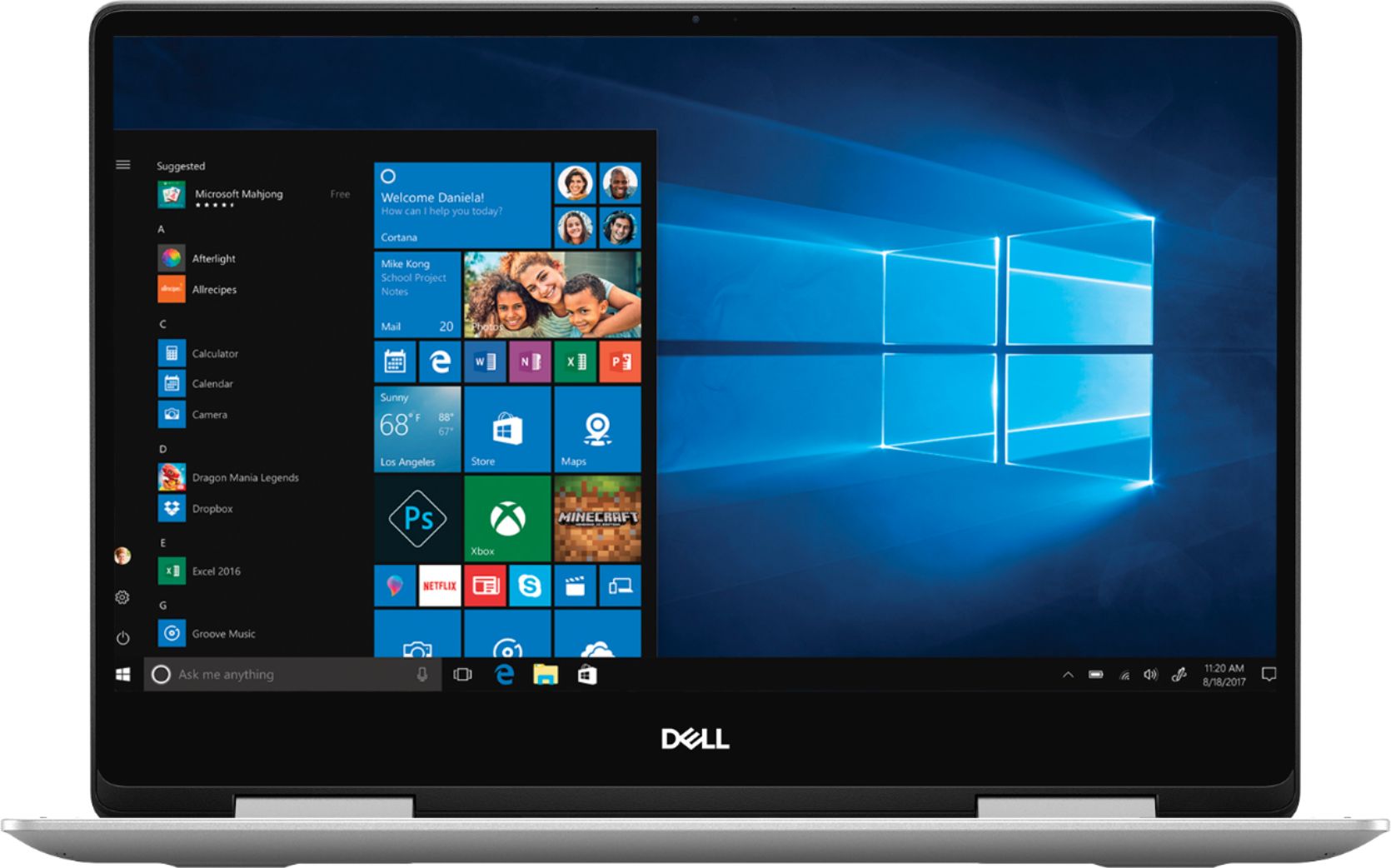
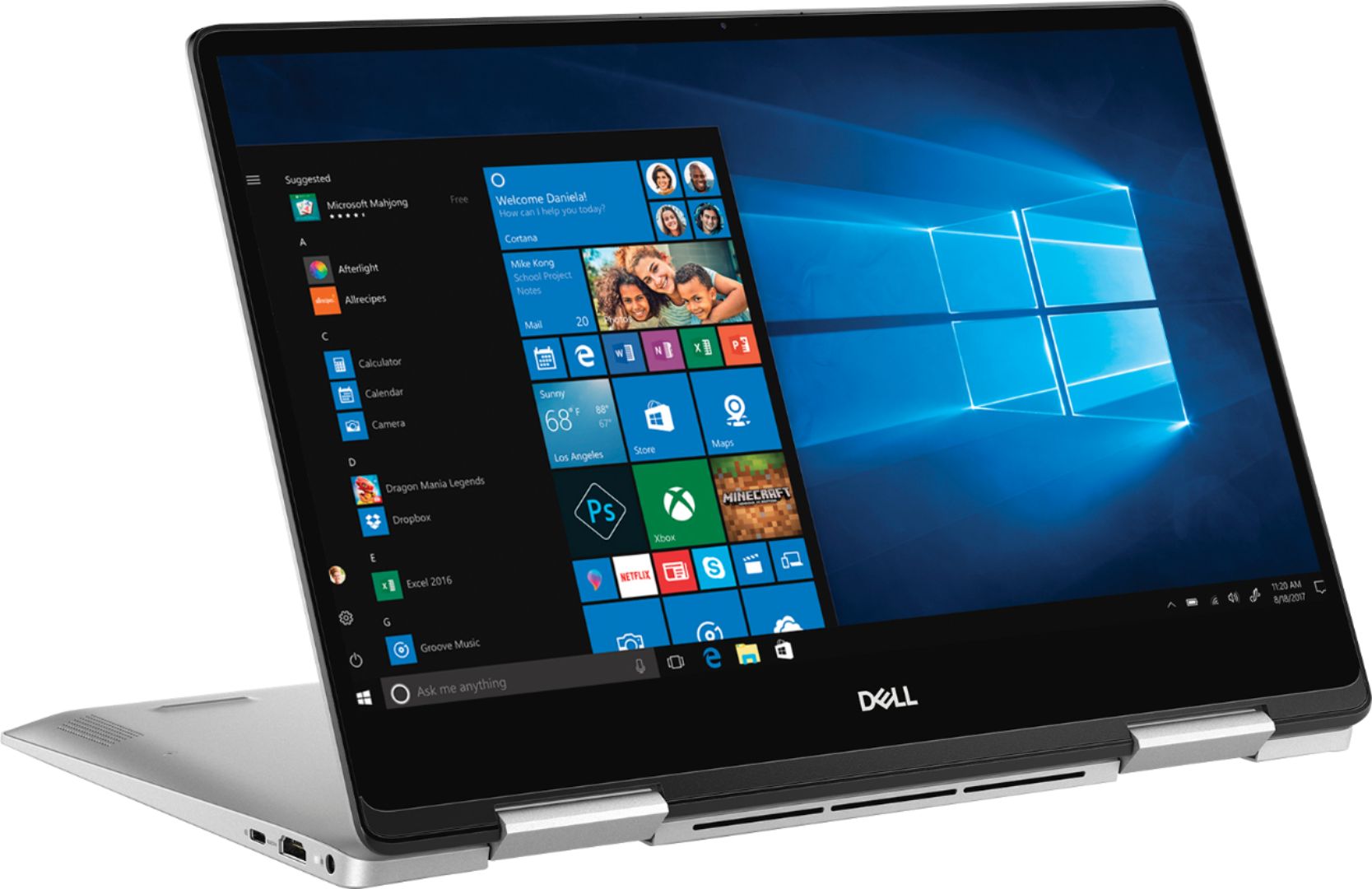
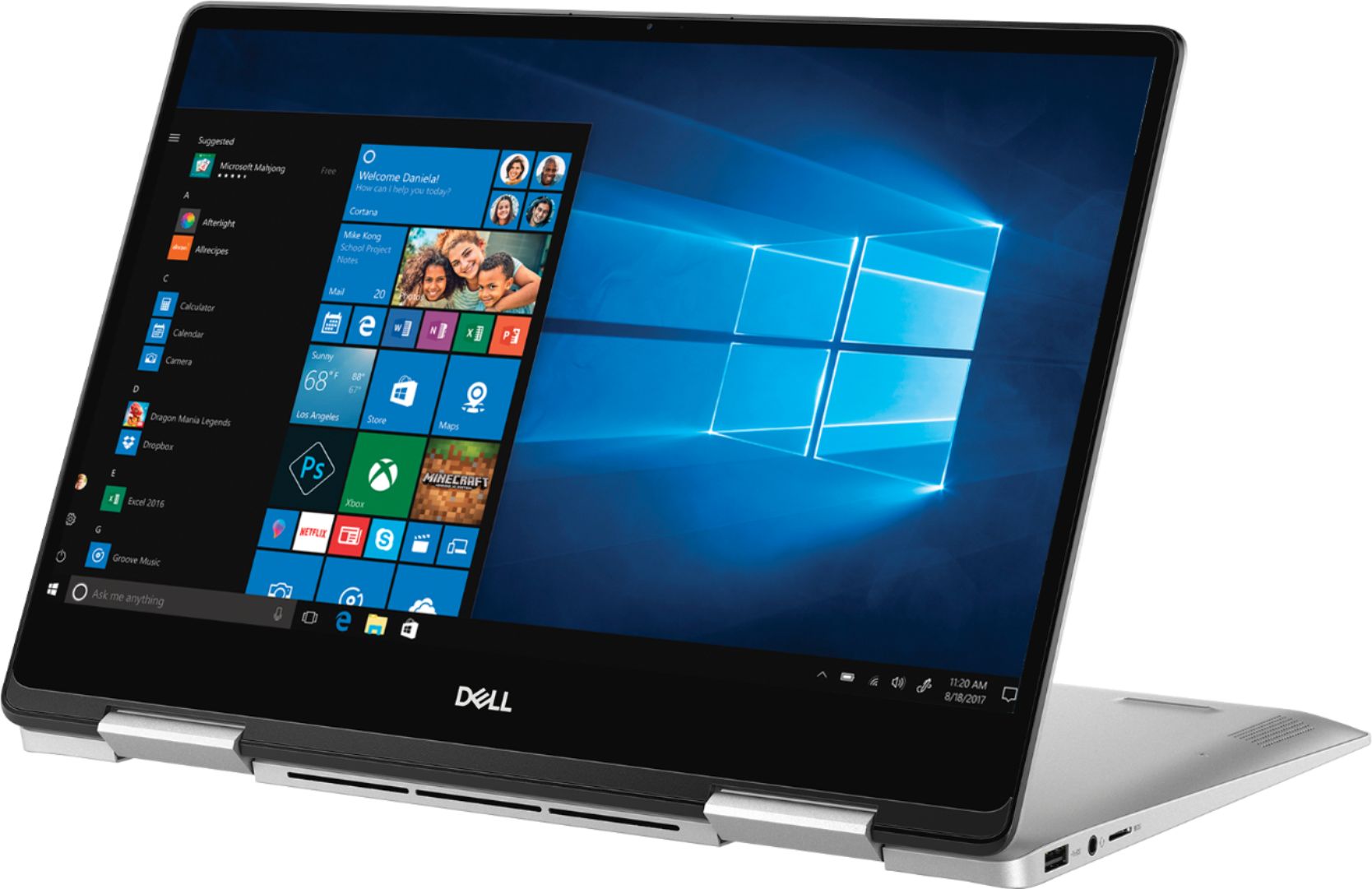
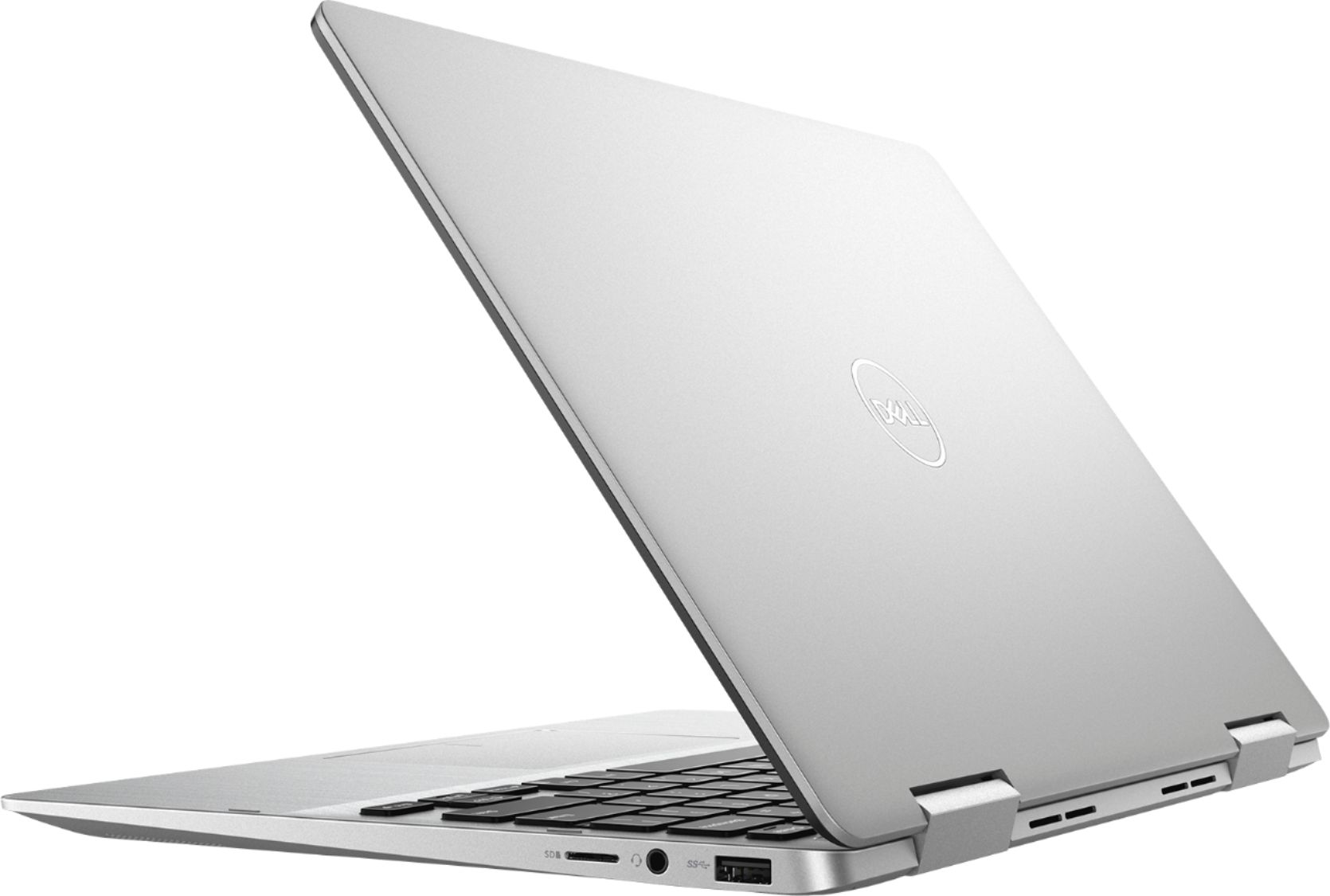
Customers have good things to say about the Inspiron 2-in-1 13.3" Touch-Screen Laptop. They appreciate its lightweight design, responsive touch screen, and affordable price. Many users also find it easy to use and are impressed with its overall performance. However, some customers have concerns about the battery life, fan noise, weight, fingerprint scanner, and overheating issues.
This summary was generated by AI based on customer reviews.
- Pros mentioned:Speed
Super smooth
||Posted .This reviewer received promo considerations or sweepstakes entry for writing a review.Laptop is fast and looks smooth. I love switching from tablet to regular mode.
I would recommend this to a friend Nice PC
||Posted . Owned for 3 weeks when reviewed.This reviewer received promo considerations or sweepstakes entry for writing a review.Bought an open box Pc which was in fair condition. After 2 week of use the lcd start flickering and after a month the flickering increased. Had to get intouch with Dell customer service and now have to ship it to them they will take about 10 business day. And for some reason I couldn’t browse internet using chrome even after I reset the PC.
I would recommend this to a friend- Pros mentioned:Lightweight
Awesome Laptop for Travel
||Posted . Owned for 1 month when reviewed.This reviewer received promo considerations or sweepstakes entry for writing a review.Awesome Laptop and Great Price. Very compact and perfect for traveling.
I would recommend this to a friend Great, powerful laptop
||Posted .This reviewer received promo considerations or sweepstakes entry for writing a review.I've had this baby for 5 weeks and am lovin it. Poweful, fast, and looks great and feels awesome (nice backlit keyboard). The only rub, sometimes the fans are loud, but who care when you're listening to kickass audio on the external or internal speakers. I'm a happy camper!
I would recommend this to a friend- Cons mentioned:Battery life
Good computer for the price
||Posted . Owned for 1 month when reviewed.This reviewer received promo considerations or sweepstakes entry for writing a review.Everything works as expected! Except for the battery life is awful. Only gets like 2 and half too 3 hours and it says the battery has perfect health. It could just be mine, but if you get it you might have to get a power bank for it or find a way to get a better battery.
I would recommend this to a friendBrand response from YourDellTeam
Posted .Barrett, Thanks for your review. We're sorry to hear that your computer's battery life was not what you hoped it would be. We'd recommend the following tips to help extend the life of your computer's battery: Change the Power Plan:
1. On the notification area of the taskbar, right-click the Battery icon.
2. On the options list, click Power Options.
3. Select a power plan on the battery meter, such as Power Saver or Balanced. Windows 10 has a built in 'Battery Saver' mode that can be activated to extend your system's battery life. The Battery Saver mode will monitor and limit background activity and other features such as push notifications. You do have the option to enable or disable this mode within settings or within advanced Battery Saver settings, you can customize the mode to best suit your needs.
a) Click on the Action Center icon in the taskbar and select the tile for Battery Saver.
b) If running Cortana then type Battery Saver into the search box and select from the results.
Within the Battery Saver settings page, you will be able to turn on and off the feature and customize the feature to best meet your needs.
c) Turn Battery Saver On or Off.
d) Additional settings available via the Battery use and Battery saver settings links.
e) Battery use shows further info on apps and their power usage.
f) Battery Saver Settings screen allows you to customize further Battery Saver feature.
You can read the full article here - http://dell.to/2vfXWf4.
Best,
Bryan
1-800-624-9896
- Pros mentioned:Touch screen
Dell Inspiron computer
||Posted . Owned for 3 weeks when reviewed.This reviewer received promo considerations or sweepstakes entry for writing a review.Sleek appearance and easy to carry; screen is sensitive to the touch
I would recommend this to a friend Does a good job for me as a light home user.
||Posted . Owned for 1 month when reviewed.This reviewer received promo considerations or sweepstakes entry for writing a review.Needed a lightweight laptop for travelling. The size and weight are convenient to carry on the road and in the air. Works well keeping up with email and news when away from home. Also good for backing up and editing photos. Disappointed that it doesn't have a full size SD photo card slot but it has two USB slots I use with adapters.
I would recommend this to a friend- Pros mentioned:Easy to use
Great and light computer
||Posted . Owned for 1 month when reviewed.This reviewer received promo considerations or sweepstakes entry for writing a review.Great machine! My son loved it! Easy to use and carry for the college!
I would recommend this to a friend Great computer for my daughter
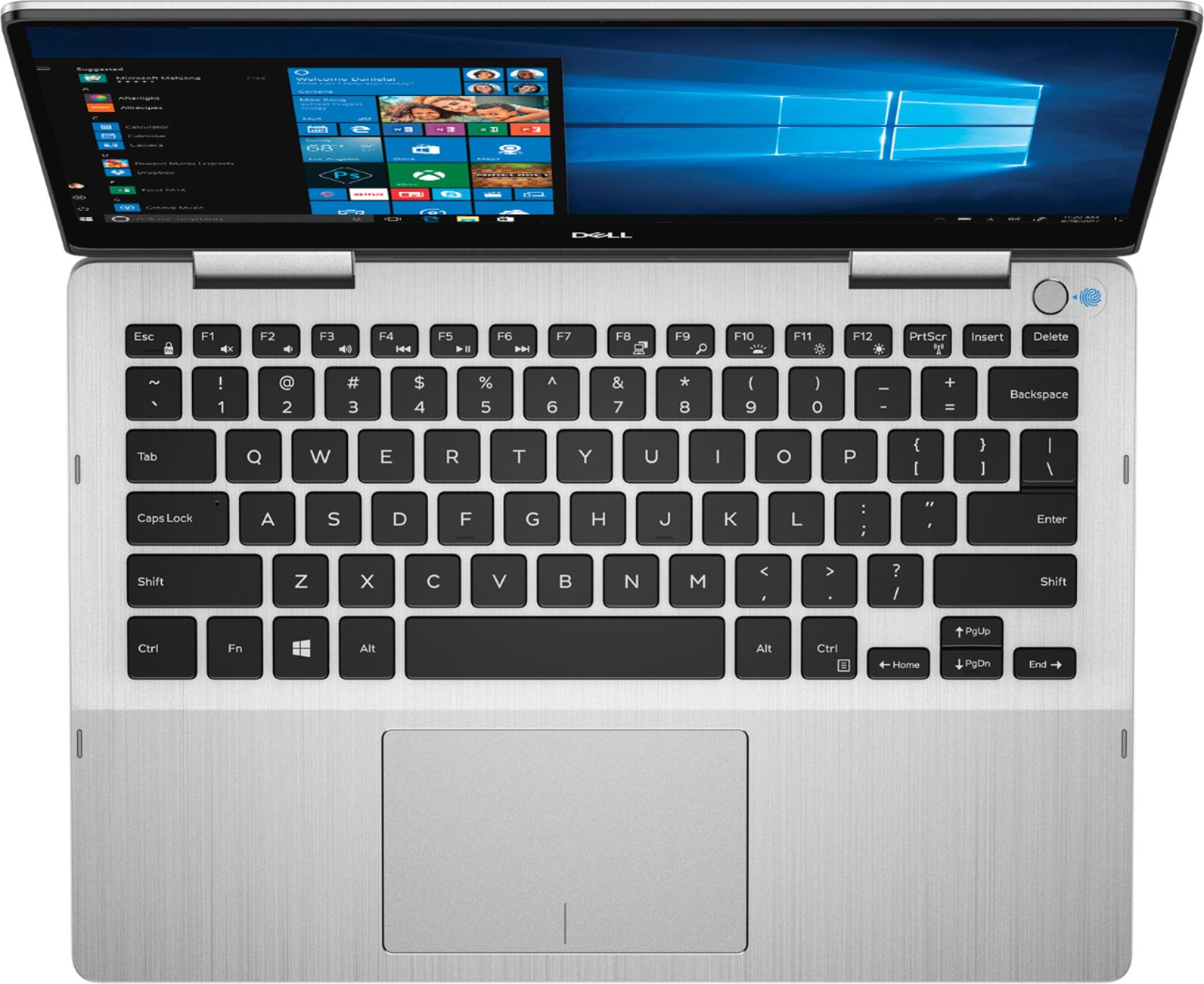
||Posted . Owned for 6 months when reviewed.This reviewer received promo considerations or sweepstakes entry for writing a review.I purchased this computer for my daughter when she started her Senior Year of HS. IT has been great for her. She can put it in a backback, its light weight, and has plenty of horsepower and space. I got a great deal on it. She loves the finger print access but says everyone once in awhile it does not recognize a finger there so she just logs in. .
I would recommend this to a friend- Pros mentioned:Touch screen
Very good laptop
||Posted . Owned for less than 1 week when reviewed.This reviewer received promo considerations or sweepstakes entry for writing a review.My daughter uses this computer for school work, touch screen and folds
I would recommend this to a friend - Pros mentioned:Price
Great buy
||Posted . Owned for 1 month when reviewed.This reviewer received promo considerations or sweepstakes entry for writing a review.Really nice n slick laptop. For the price its was best i got loved it
I would recommend this to a friend - Pros mentioned:Speed
Awesome laptop for school!!
||Posted . Owned for 1 month when reviewed.This reviewer received promo considerations or sweepstakes entry for writing a review.I love the speed of this laptop and how light it is to carry around.
I would recommend this to a friend Love my new user friendly laptop
||Posted .This reviewer received promo considerations or sweepstakes entry for writing a review.Replaced my 10 year old laptop with this terrific new small, but powerful computer. Easy to get it started very quickly with its supportive verbal instructions that walk you through the entire process. Love the responsive touchscreen and the versatility of the 2 in 1 feature. Perfect size for traveling.
I would recommend this to a friend- Pros mentioned:Touch screen
Love my new laptop
||Posted .This reviewer received promo considerations or sweepstakes entry for writing a review.love it, it's just what I needed. Super easy to edit photos with the stylus.
I would recommend this to a friend - Pros mentioned:Lightweight
Love it!
||Posted .This reviewer received promo considerations or sweepstakes entry for writing a review.I love the size of this computer. It is small and light, but still powerful!
I would recommend this to a friend So far so good.
||Posted . Owned for 2 weeks when reviewed.This reviewer received promo considerations or sweepstakes entry for writing a review.The laptop has been functioning well. It can be a bit noisy and the fingerprint sensor is a bit off but other than that it functions well. Its a little bit heavier than I anticpated but also quite sturdy so I guess that's a tradeoff Im willing to live with.
I would recommend this to a friend- Pros mentioned:Lightweight
Great for Gaming
||Posted . Owned for 10 months when reviewed.This reviewer received promo considerations or sweepstakes entry for writing a review.Great for school use and gaming, compact and lightweight.
I would recommend this to a friend - Pros mentioned:Lightweight
Love it!
||Posted . Owned for 1 month when reviewed.This reviewer received promo considerations or sweepstakes entry for writing a review.Love it. Bring in the truck, to jobs... so I’m never far from my desk!
I would recommend this to a friend - Pros mentioned:Speed
Excellent
||Posted . Owned for 6 months when reviewed.This reviewer received promo considerations or sweepstakes entry for writing a review.I highly recommend It’s amazing it’s super fast. Super fast
I would recommend this to a friend - Cons mentioned:Battery life
Great for students, poor battery life
||Posted . Owned for 1 month when reviewed.This reviewer received promo considerations or sweepstakes entry for writing a review.This is a great turn screen for students. The laptop is small and lightweight and it's fast. I may need to take it back to the store because the battery life is not up to 8 hours, I find myself charging it several times a day and it takes a long time to charge.
I would recommend this to a friendBrand response from YourDellTeam
Posted .Missyq21,
Thanks for your review. We're sorry that your computer's battery life isn't lasting longer for you. We'd recommend the following tips to help extend the life of your computer's battery:
Change the Power Plan:
1. On the notification area of the taskbar, right-click the Battery icon.
2. On the options list, click Power Options.
3. Select a power plan on the battery meter, such as Power Saver or Balanced. Windows 10 has a built in 'Battery Saver' mode that can be activated to extend your system's battery life. The Battery Saver mode will monitor and limit background activity and other features such as push notifications. You do have the option to enable or disable this mode within settings or within advanced Battery Saver settings, you can customize the mode to best suit your needs.
a) Click on the Action Center icon in the taskbar and select the tile for Battery Saver.
b) If running Cortana then type Battery Saver into the search box and select from the results.
Within the Battery Saver settings page, you will be able to turn on and off the feature and customize the feature to best meet your needs.
c) Turn Battery Saver On or Off.
d) Additional settings available via the Battery use and Battery saver settings links.
e) Battery use shows further info on apps and their power usage.
f) Battery Saver Settings screen allows you to customize further Battery Saver feature.
You can read the full article here - http://dell.to/2vfXWf4.
Best,
Bryan
1-800-624-9896