Customer Ratings & Reviews
- Model:
- I7386-5038SLV-PUS
- SKU:
- 6295914
Rating by feature
- Battery Life
Rating 3.3 out of 5 stars
- Speed
Rating 4.2 out of 5 stars
- Display
Rating 4.3 out of 5 stars
Customers are saying
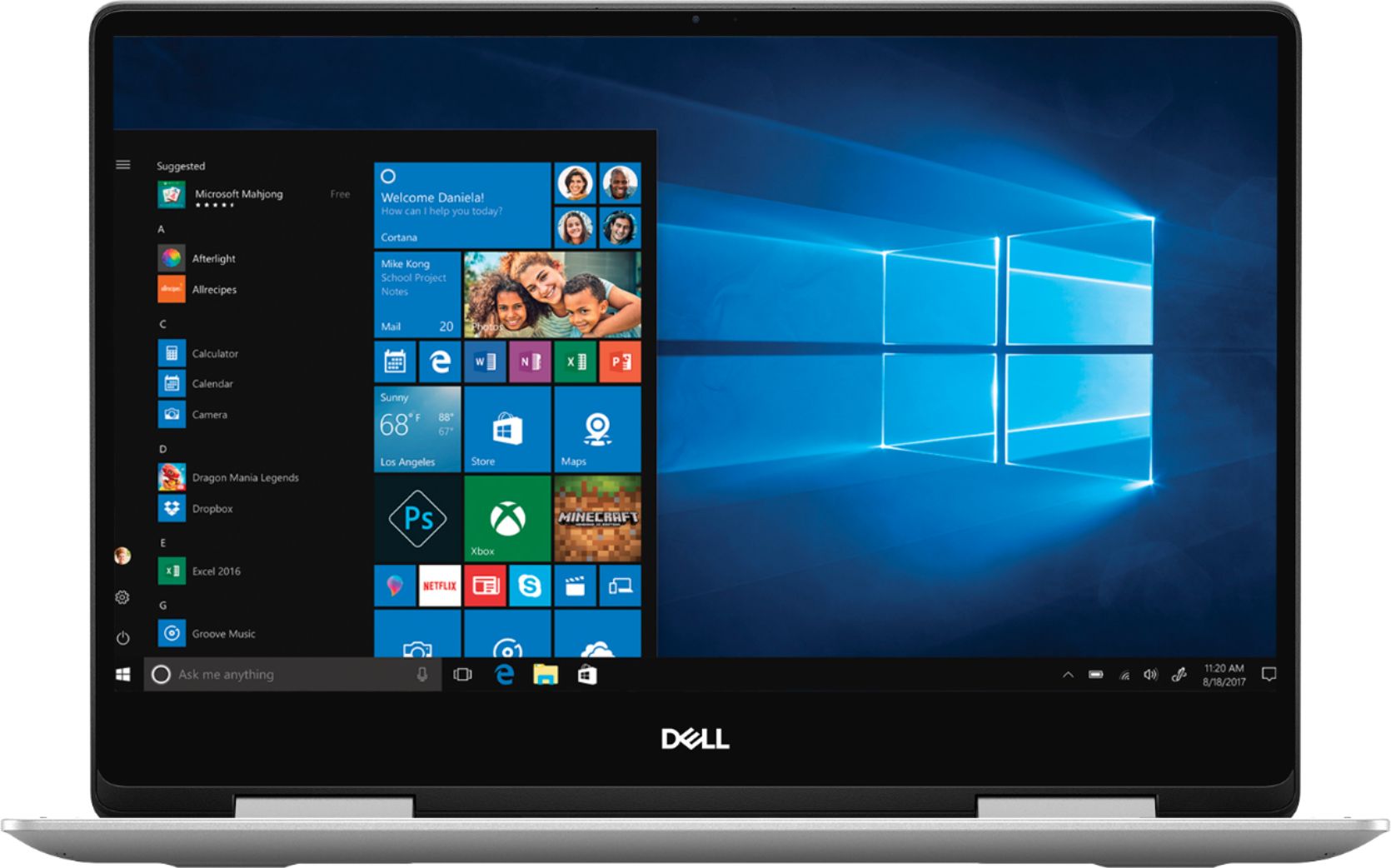
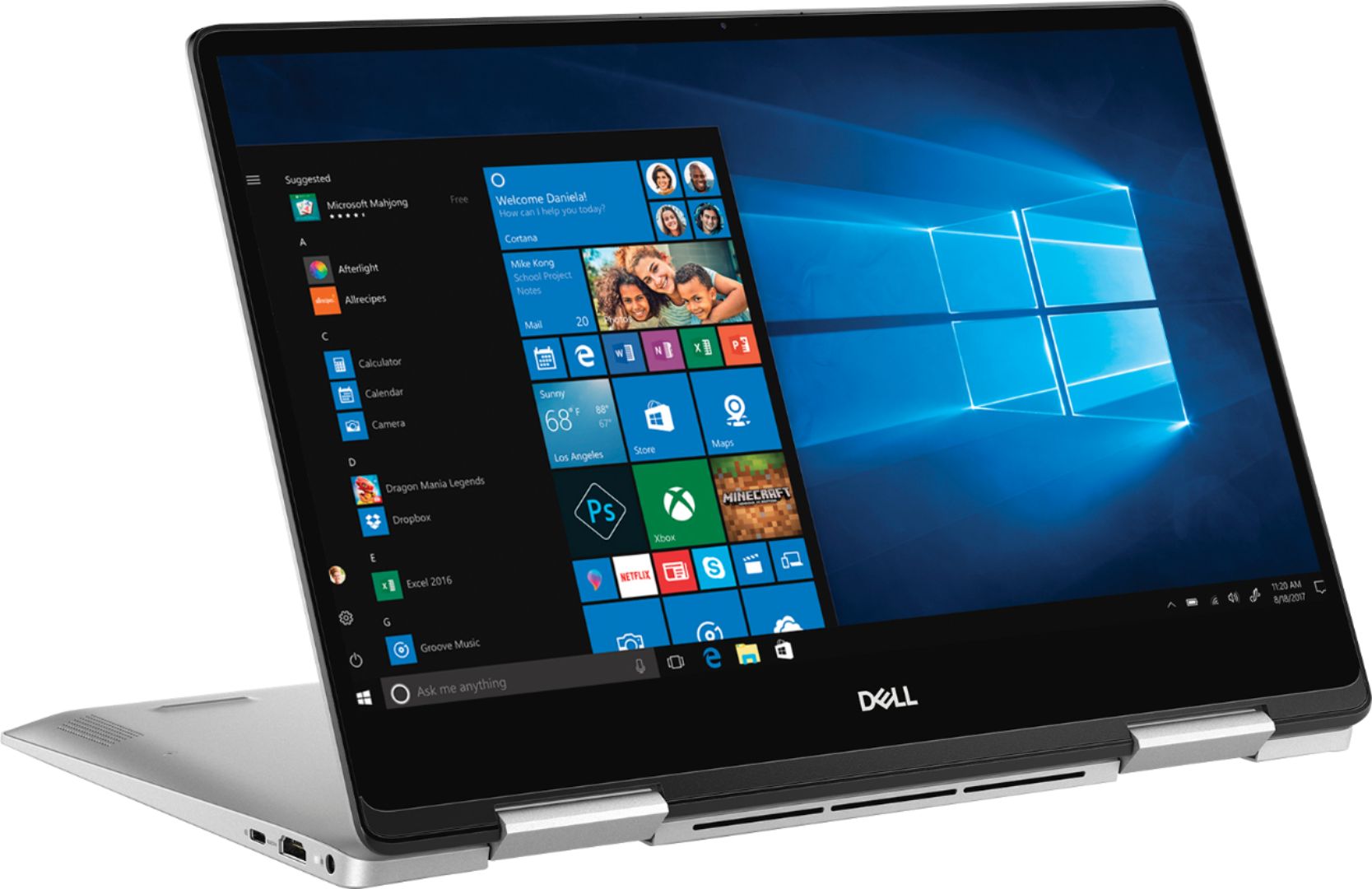
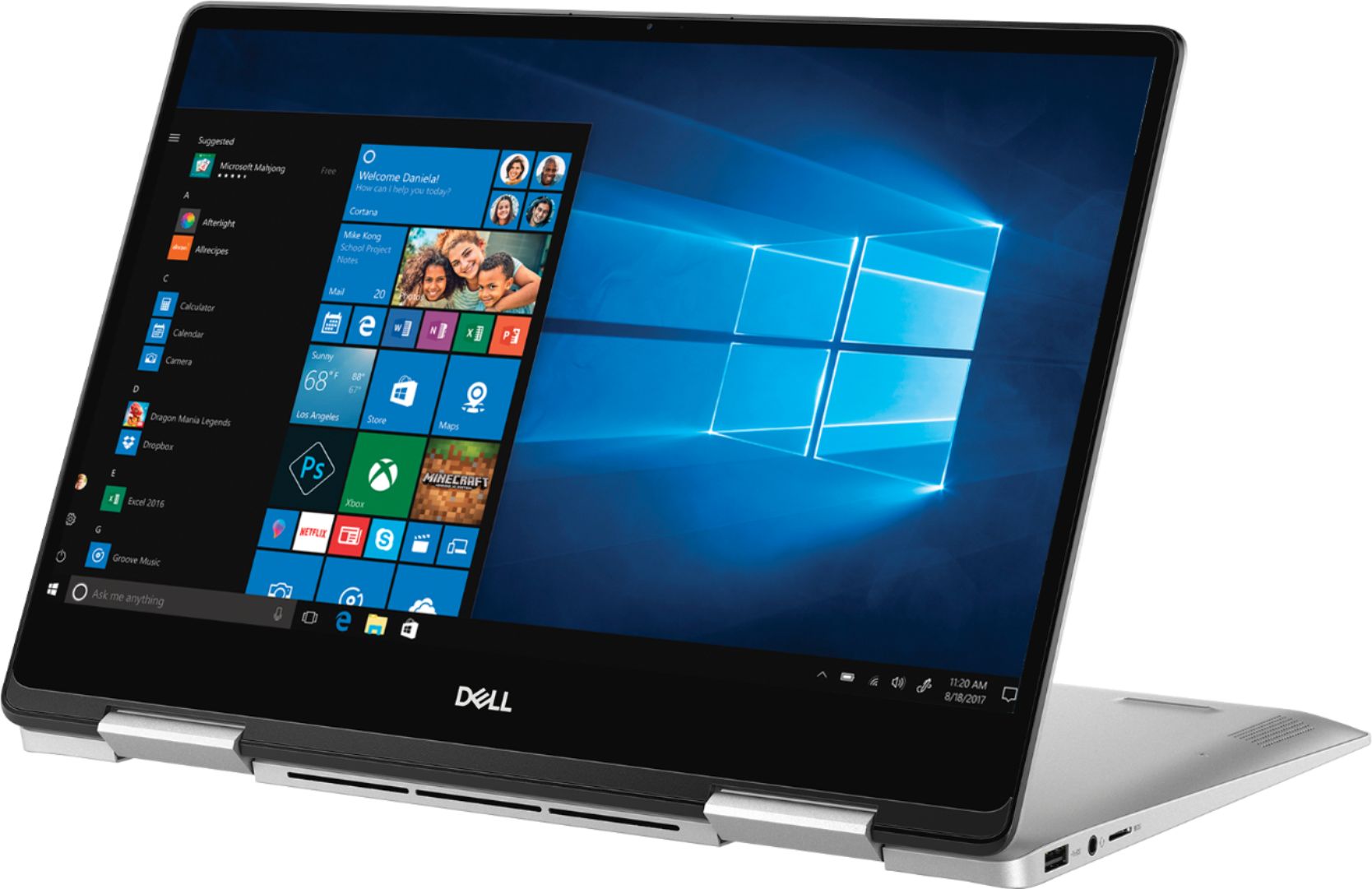
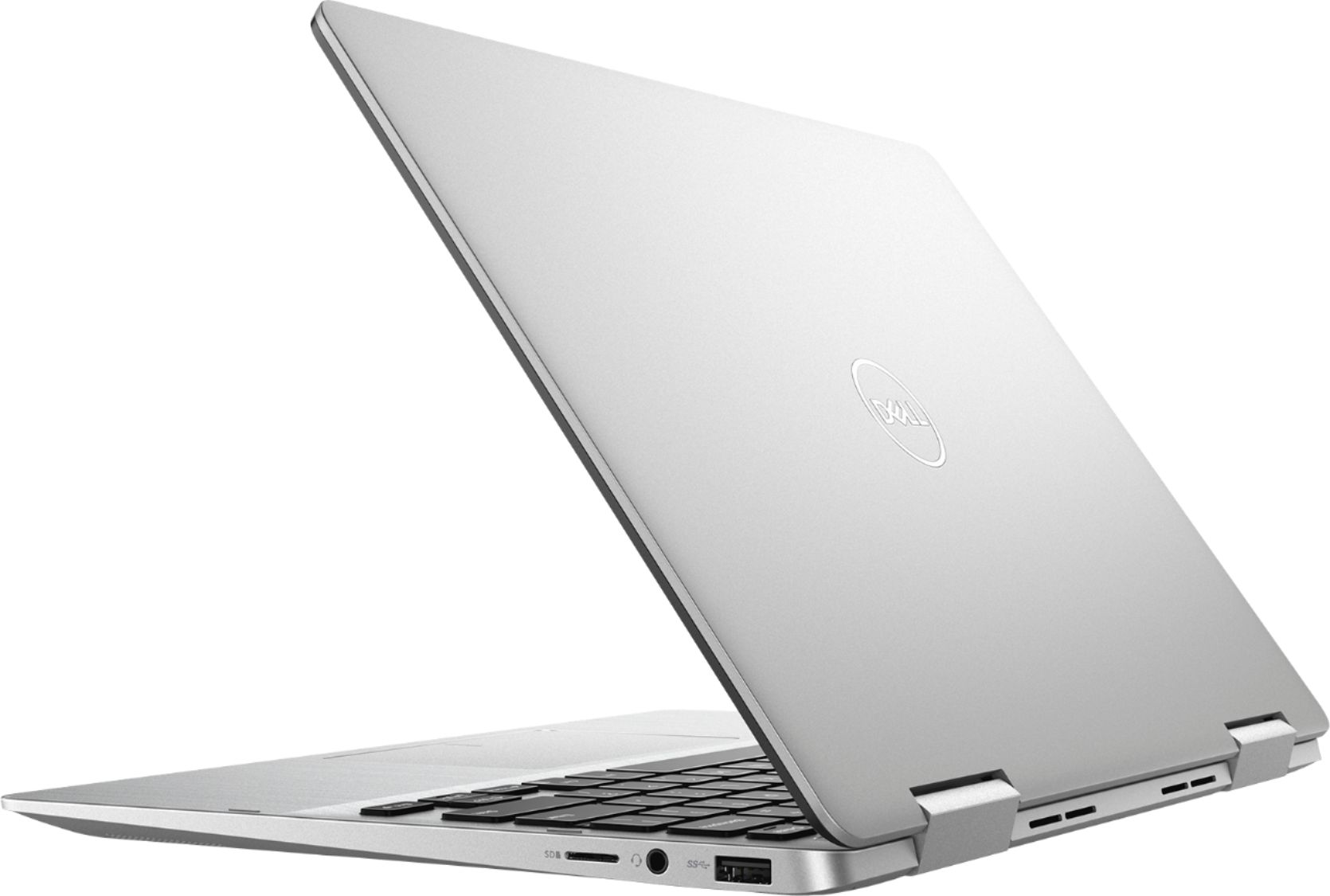
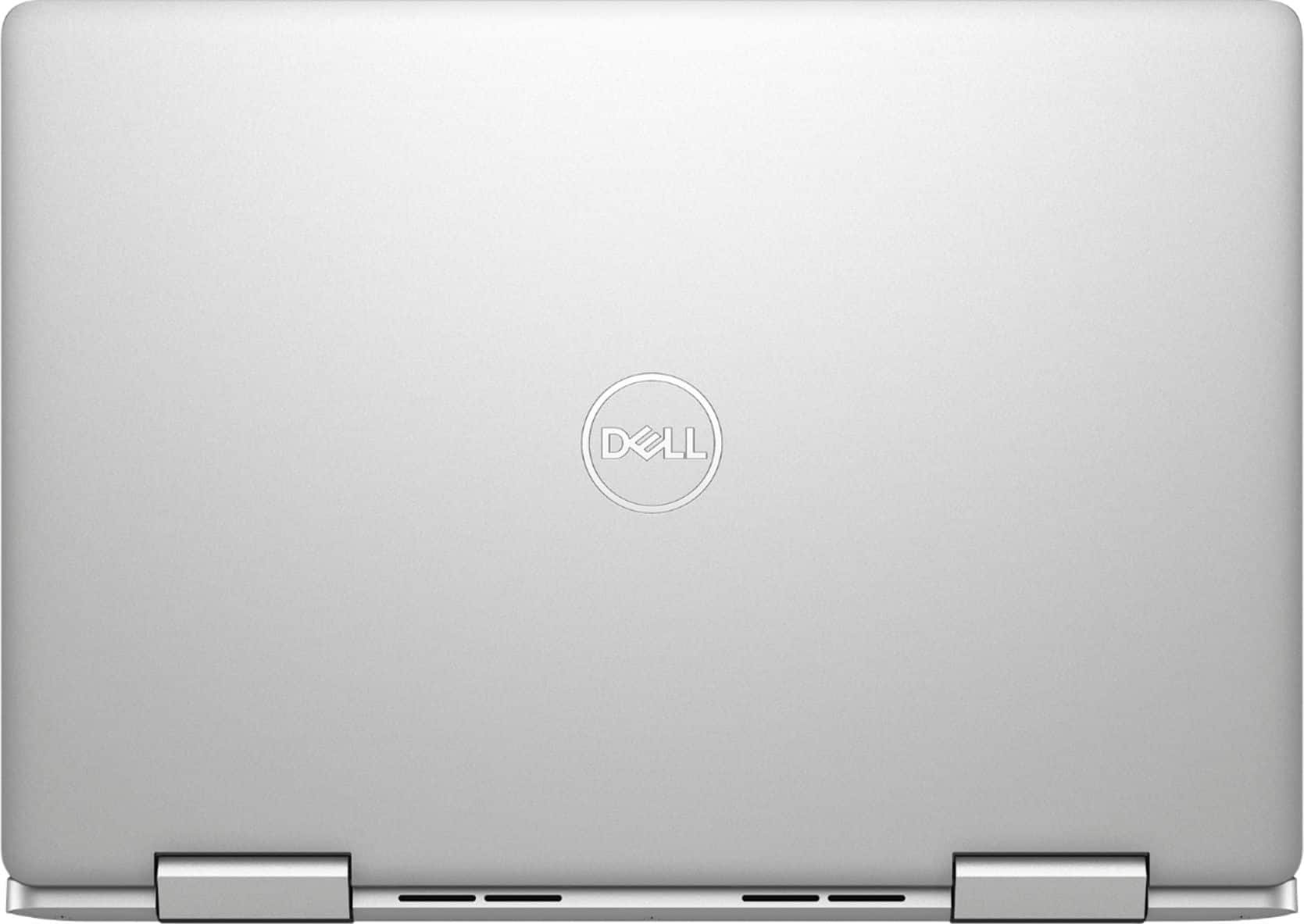
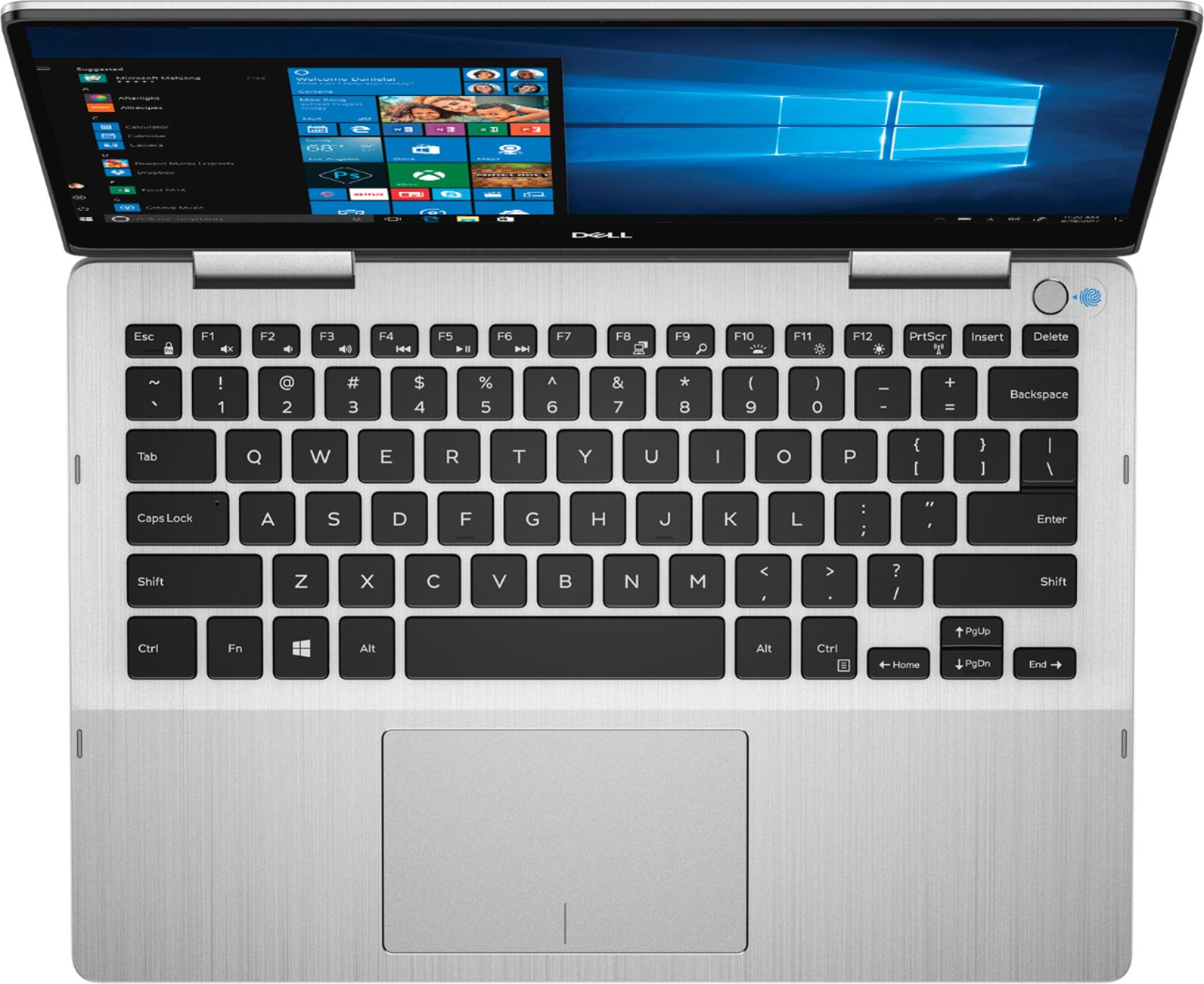
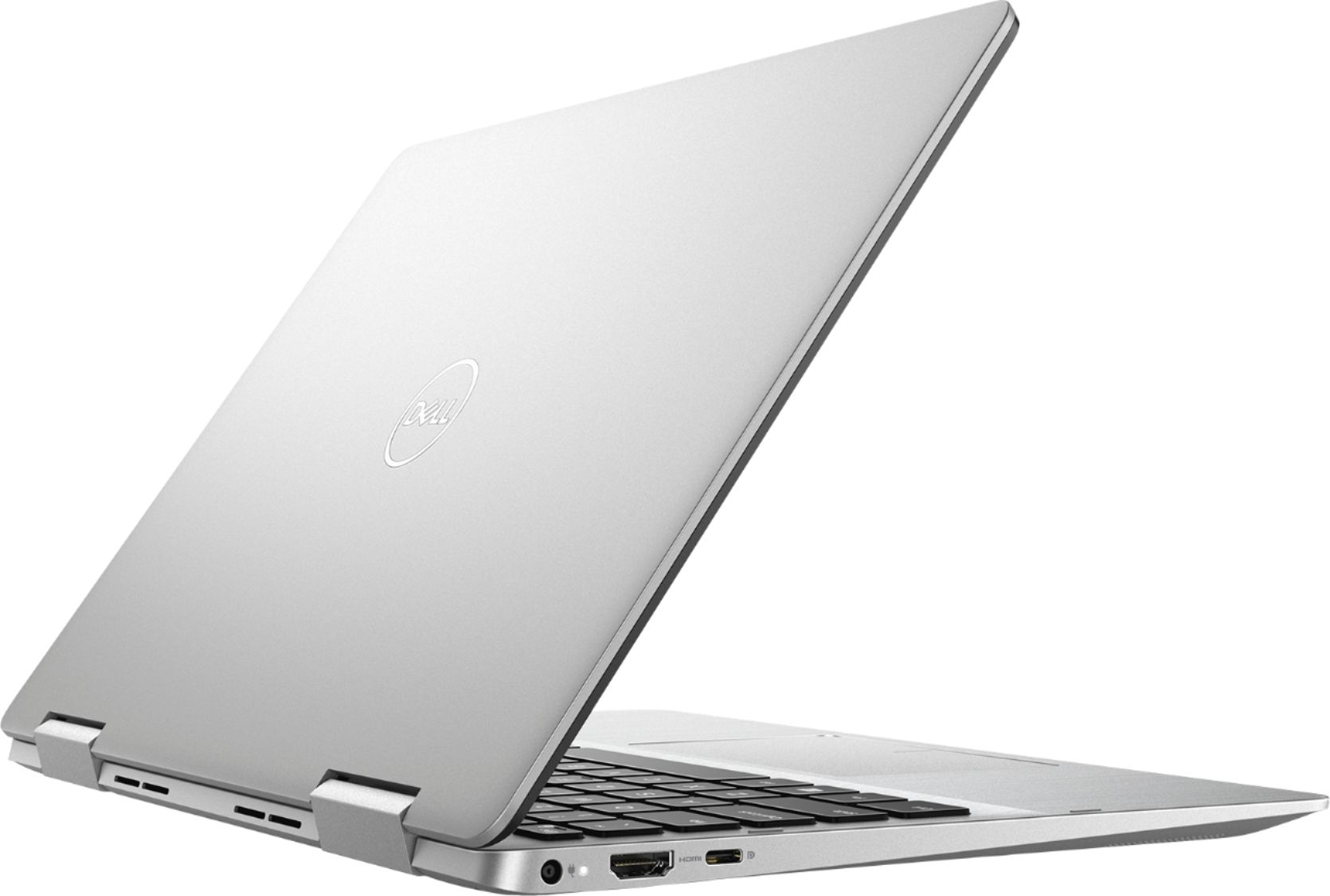
Customers have good things to say about the Inspiron 2-in-1 13.3" Touch-Screen Laptop. They appreciate its lightweight design, responsive touch screen, and affordable price. Many users also find it easy to use and are impressed with its overall performance. However, some customers have concerns about the battery life, fan noise, weight, fingerprint scanner, and overheating issues.
This summary was generated by AI based on customer reviews.
Good computer for college use.
||Posted . Owned for 3 weeks when reviewed.This reviewer received promo considerations or sweepstakes entry for writing a review.I got this computer to replaced my daughter's old computer. She needed a good reliable computer to be use at college and this is what she choose after doing some research. She s very happy with her computer.
I would recommend this to a friendExcellent laptop for the price
||Posted . Owned for 3 weeks when reviewed.This reviewer received promo considerations or sweepstakes entry for writing a review.Jesse at Madison West was able to help us when we We’re in a pinch as my sons laptop stopped working. Helped us find a solution that day and he was able to go over and pick up. Very helpful.
I would recommend this to a friendGood laptop crappy Power supply
||Posted . Owned for 2 months when reviewed.This reviewer received promo considerations or sweepstakes entry for writing a review.Power supply very unreliable. Had to buy another OEM PS since the universal one didn't work, and could wait for the warranty one to come. Other than the PS it is a great laptop.
I would recommend this to a friendGood for simple tasks.
||Posted . Owned for 1 month when reviewed.This reviewer received promo considerations or sweepstakes entry for writing a review.I think it’s a good starter laptop. It’s perfect for middle schoolers and up. I don’t think it will be good for video editing or heavy graphic softwares. Overall nice for the price.
I would recommend this to a friendWorks great!
||Posted . Owned for 1 month when reviewed.This reviewer received promo considerations or sweepstakes entry for writing a review.The computer works great! I’m a college student and use it to take notes in class. The 2 in 1 makes it easy for me to switch from typing to hand writing my notes when I don’t feel like typing anymore.
I would recommend this to a friendGood Buy
||Posted . Owned for 1 month when reviewed.This reviewer received promo considerations or sweepstakes entry for writing a review.This laptop has great screen quality. It’s flexibility into a tablet is simple and a great feature. I would recommend this laptop. I do wish the pop ups were easier to stop.
I would recommend this to a friendMultitasking
||Posted . Owned for 2 months when reviewed.This reviewer received promo considerations or sweepstakes entry for writing a review.The best part of this laptop of the tablet conversion.you take it anywhere,but I mean anywhere! And when you have the touchscreen very useful when it comes to multitasking.
I would recommend this to a friendLove the smaller size computer.
||Posted . Owned for 3 weeks when reviewed.This reviewer received promo considerations or sweepstakes entry for writing a review.I was working on a much larger and older computer. Love this smaller version and the ease of traveling with it. It is much more responsive. Still getting acquainted with the new feel and features
I would recommend this to a friend- Cons mentioned:Battery life
Could use a better battery
||Posted .This reviewer received promo considerations or sweepstakes entry for writing a review.The battery life is not what I’m used to having on a pc. Plus Microsoft office keeps crashing.
No, I would not recommend this to a friendBrand response from YourDellTeam
Posted .quitecontrary79,
Thanks for your review. We're sorry to hear about the battery life of your computer. Please reach out to Dell's Technical Support Team when you have a chance.
Here are some tips to extend the life of your computer's battery:
Change the Power Plan:
1. On the notification area of the taskbar, right-click the Battery icon.
2. On the options list, click Power Options.
3. Select a power plan on the battery meter, such as Power Saver or Balanced. Windows 10 has a built in 'Battery Saver' mode that can be activated to extend your system's battery life. The Battery Saver mode will monitor and limit background activity and other features such as push notifications. You do have the option to enable or disable this mode within settings or within advanced Battery Saver settings, you can customize the mode to best suit your needs.
a) Click on the Action Center icon in the taskbar and select the tile for Battery Saver.
b) If running Cortana then type Battery Saver into the search box and select from the results.
Within the Battery Saver settings page, you will be able to turn on and off the feature and customize the feature to best meet your needs.
c) Turn Battery Saver On or Off.
d) Additional settings available via the Battery use and Battery saver settings links.
e) Battery use shows further info on apps and their power usage.
f) Battery Saver Settings screen allows you to customize further Battery Saver feature.
You can read the full article here - http://dell.to/2vfXWf4.
If you'd like to diagnose the crashes on your computer, you can follow these steps:
1. At the desktop, click the Search the web and Windows box and type "problem reports".
2. Select View all problem reports to view a list of errors that have occurred on your computer and possible solutions for them, such as updating drivers, flashing your system BIOS, or checking for updates to the software.
3. Under the Source column, look for Windows and under Summary, look for Shut down unexpectedly.
4. Right-click the line item and select Check for a solution.
We'd also suggest checking to make sure that your software and drivers are up to date on Dell's Product Page - https://dell.to/2SNPOPn.
You can read the full article here - http://dell.to/2u98Cct.
Best,
Bryan
1-800-624-9896
Serves its purpose and more
||Posted .This reviewer received promo considerations or sweepstakes entry for writing a review.I got this computer for my school work. I use it for more. I wish there was a way for me to under stand the audio issues. I don’t know if it’s a Windows issue or a computer issue.
I would recommend this to a friendcompact, style and runs good
||Posted . Owned for 9 months when reviewed.This reviewer received promo considerations or sweepstakes entry for writing a review.no fomplains so far, running smooth, just the below bessel is a bit big, would be grate if it will be smaller, but funcional and compact
I would recommend this to a friendFast and nice looking laptop
||Posted . Owned for 1 month when reviewed.This reviewer received promo considerations or sweepstakes entry for writing a review.I haven’t been using as a daily driver, but I did take it on my last business trip and it worked great. It’s just small enough for travel but powerful enough for all uses. I’m very pleased so far.
I would recommend this to a friendDisplay is terrible.
||Posted . Owned for less than 1 week when reviewed.This reviewer received promo considerations or sweepstakes entry for writing a review.Just bought this yesterday at what seemed like a great price. It's heavier than I wanted, but a nice size with average specs. Set it up tonight, which was fast, but as soon as the screensaver loaded from the cloud, it was obvious the display was off. My screensaver for the past year has been a photo I took of my dogs in a field. It's vibrant and clear on my old laptop. On this Dell, the colors are washed out, have a greenish cast, and anything in shadows is obliterated of detail. With night light on or off, the "google" logo is faded and appears as if it went through a wash. The display settings have no option at all for changing the RBG or anything but brightness. I'm kind of dumbfounded that this computer has such a terrible visual. I looked online and found an entire thread about the display problem. I can't use this computer with the current display. It actually bothers my eyes. Additionally, I've had it plugged in for a about 30 minutes now and the fan has been going nonstop, and it's surprisingly loud. Yet the computer is still very hot. I had another Dell inspiron 2 in 1 that was very similar to this model, but had no issue with the display or fan. It did heat up a bit at times, but it never became an issue. I'm sad that I'll have to return this machine, as the keyboard is quite comfortable and smooth to type on, and it otherwise seems quick and well functioning. But this display...maybe it's just this machine. I don't recall it looking this bad in the store. I'll try exchanging before giving up entirely.
No, I would not recommend this to a friendBrand response from YourDellTeam
Posted .wheresthebeef,
If you'd like the fans on your computer to run less we'd recommend updating the BIOS on your computer: An out-of-date BIOS can cause loud fan noises by having an outdated temperature table for the system. Refer to update BIOS and follow the instructions to update the BIOS on your computer. You can also follow up with our Technical Support Team here - 1-800-624-9896.
You can read the full article here - http://dell.to/2ENlXfz.
If you'd like to research more of your technical questions on the Product Support Page, you can view that here: https://dell.to/2RzXsrQ.
Best,
Bryan
1-800-624-9896
Good Purchase - Great for mobility
||Posted . Owned for 1 month when reviewed.This reviewer received promo considerations or sweepstakes entry for writing a review.Poor for the amount of bloatware Not used for games, movies, or social media Strictly for academics - professional use Tediously uninstalling useless apps - Xbox -etc.
I would recommend this to a friendgreat computer for college students
||Posted . Owned for 3 weeks when reviewed.This reviewer received promo considerations or sweepstakes entry for writing a review.great computer for college students. this is the 2nd one we bought for our son. the first one lasted 5 years with heavy usage so we decided to go with the same one again for his master degree
I would recommend this to a friendPerfect size and speed
||Posted . Owned for 1 year when reviewed.This reviewer received promo considerations or sweepstakes entry for writing a review.Was a little uneasy at first buying a dell because I had issues with one of my dell desktops. However this one is perfect I have had it for over a year and no issues.
I would recommend this to a friendFun and Reliable
||Posted .This reviewer received promo considerations or sweepstakes entry for writing a review.I preferred this laptop because I wanted 13" screen laptop. With i5 and 256GB SSD, the performance of the laptop is quite good after one month of use.
I would recommend this to a friendGreat computer for the price
||Posted .This reviewer received promo considerations or sweepstakes entry for writing a review.Great little Dell. Not too big or heavy, but has the horsepower to get the job done. Definitely one to look at if you want a reasonable computer with a current i5 chipbbb
I would recommend this to a friendGood so far except fingerprint scanner
||Posted .This reviewer received promo considerations or sweepstakes entry for writing a review.Quick to boot up and get started. The hard drive is fast. Like many others have stated the fingerprint scanner stopped working within a few days. Other than that I like it.
I would recommend this to a friend- Cons mentioned:Battery life
Moderate Laptop
||Posted .This reviewer received promo considerations or sweepstakes entry for writing a review.Pros:Sleek aluminum design Cons : Dull, dim display; Poor battery life.CPU fan is noisy.
No, I would not recommend this to a friendBrand response from YourDellTeam
Posted .SD2018,
We're glad that you're happy with your computer for the most part. If you'd like to extend the life of your battery you can try these suggestions:
Change the Power Plan:
1. On the notification area of the taskbar, right-click the Battery icon.
2. On the options list, click Power Options.
3. Select a power plan on the battery meter, such as Power Saver or Balanced. Windows 10 has a built in 'Battery Saver' mode that can be activated to extend your system's battery life. The Battery Saver mode will monitor and limit background activity and other features such as push notifications. You do have the option to enable or disable this mode within settings or within advanced Battery Saver settings, you can customize the mode to best suit your needs.
a) Click on the Action Center icon in the taskbar and select the tile for Battery Saver.
b) If running Cortana then type Battery Saver into the search box and select from the results.
Within the Battery Saver settings page, you will be able to turn on and off the feature and customize the feature to best meet your needs.
c) Turn Battery Saver On or Off.
d) Additional settings available via the Battery use and Battery saver settings links.
e) Battery use shows further info on apps and their power usage.
f) Battery Saver Settings screen allows you to customize further Battery Saver feature.
You can read the full article here - http://dell.to/2vfXWf4.
If your fan noise is still too loud we'd recommend updating the BIOS on your computer:
An out-of-date BIOS can cause loud fan noises by having an outdated temperature table for the system. Refer to update BIOS and follow the instructions to update the BIOS on your computer. You can also follow up with our Technical Support Team here - 1-800-624-9896.
You can read the full article here - http://dell.to/2ENlXfz.
Best,
Bryan
1-800-624-9896