Customer Ratings & Reviews
- Model:
- I7386-5038SLV-PUS
- SKU:
- 6295914
Rating by feature
- Battery Life
Rating 3.3 out of 5 stars
- Speed
Rating 4.2 out of 5 stars
- Display
Rating 4.3 out of 5 stars
Customers are saying
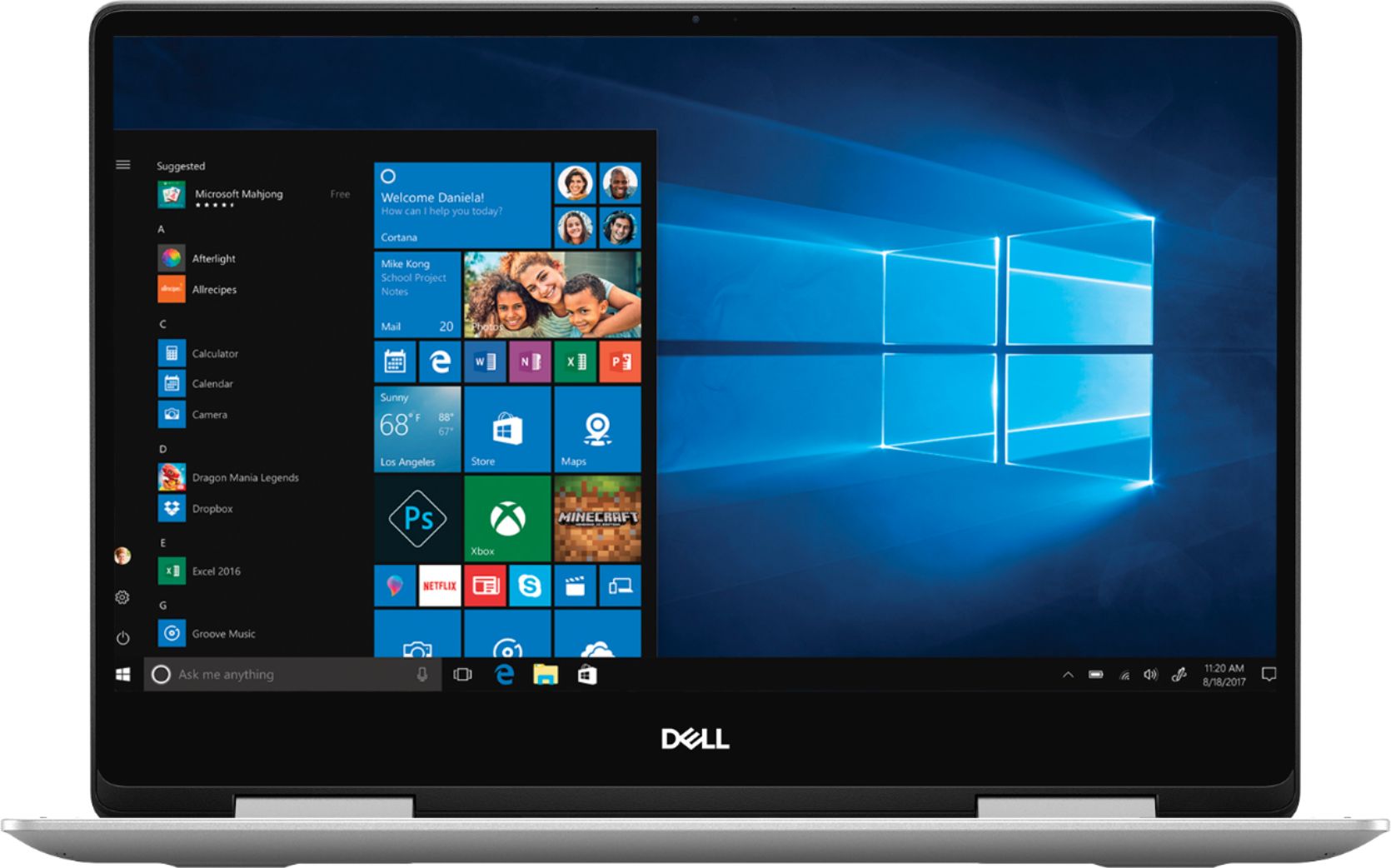
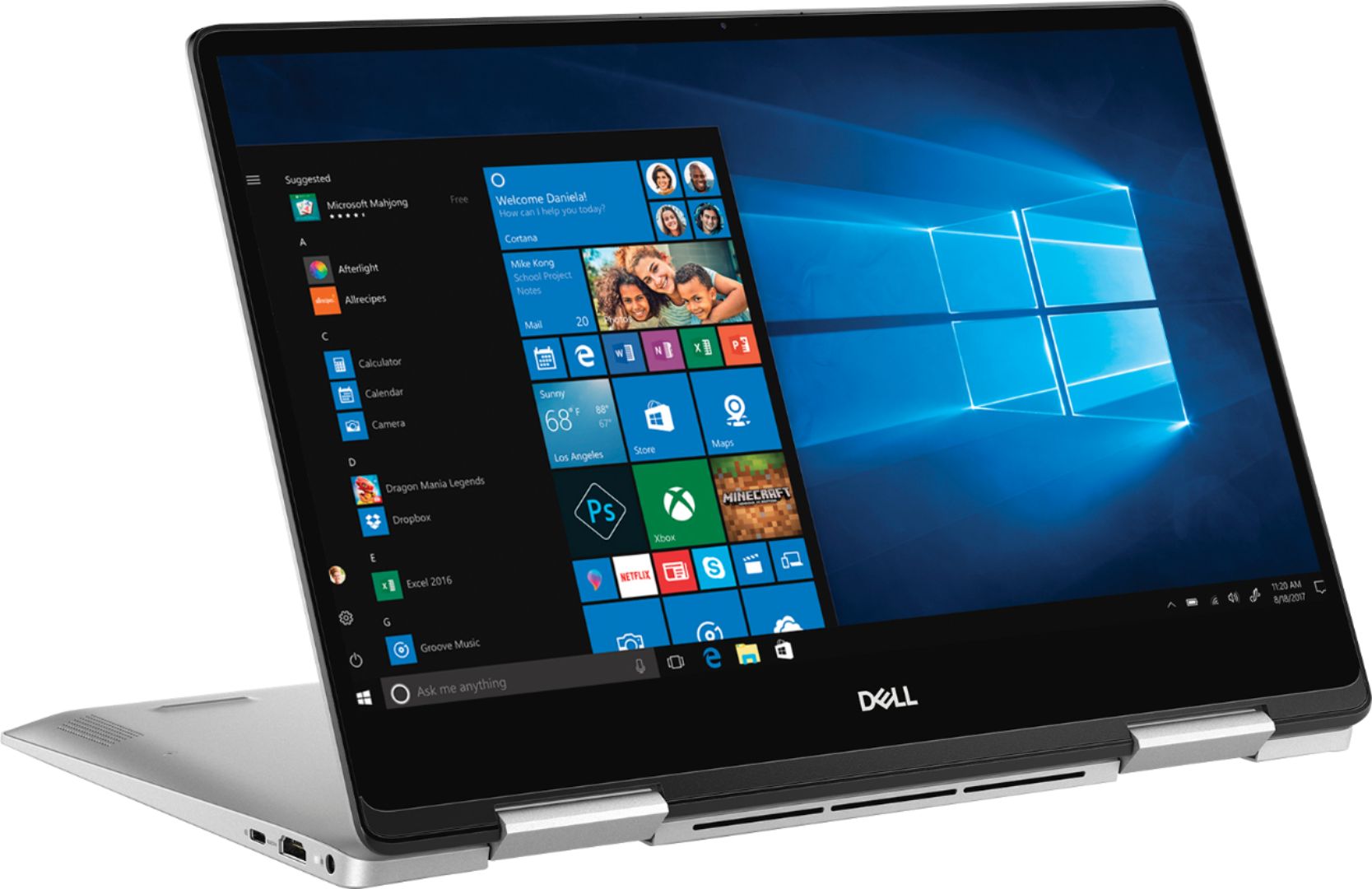
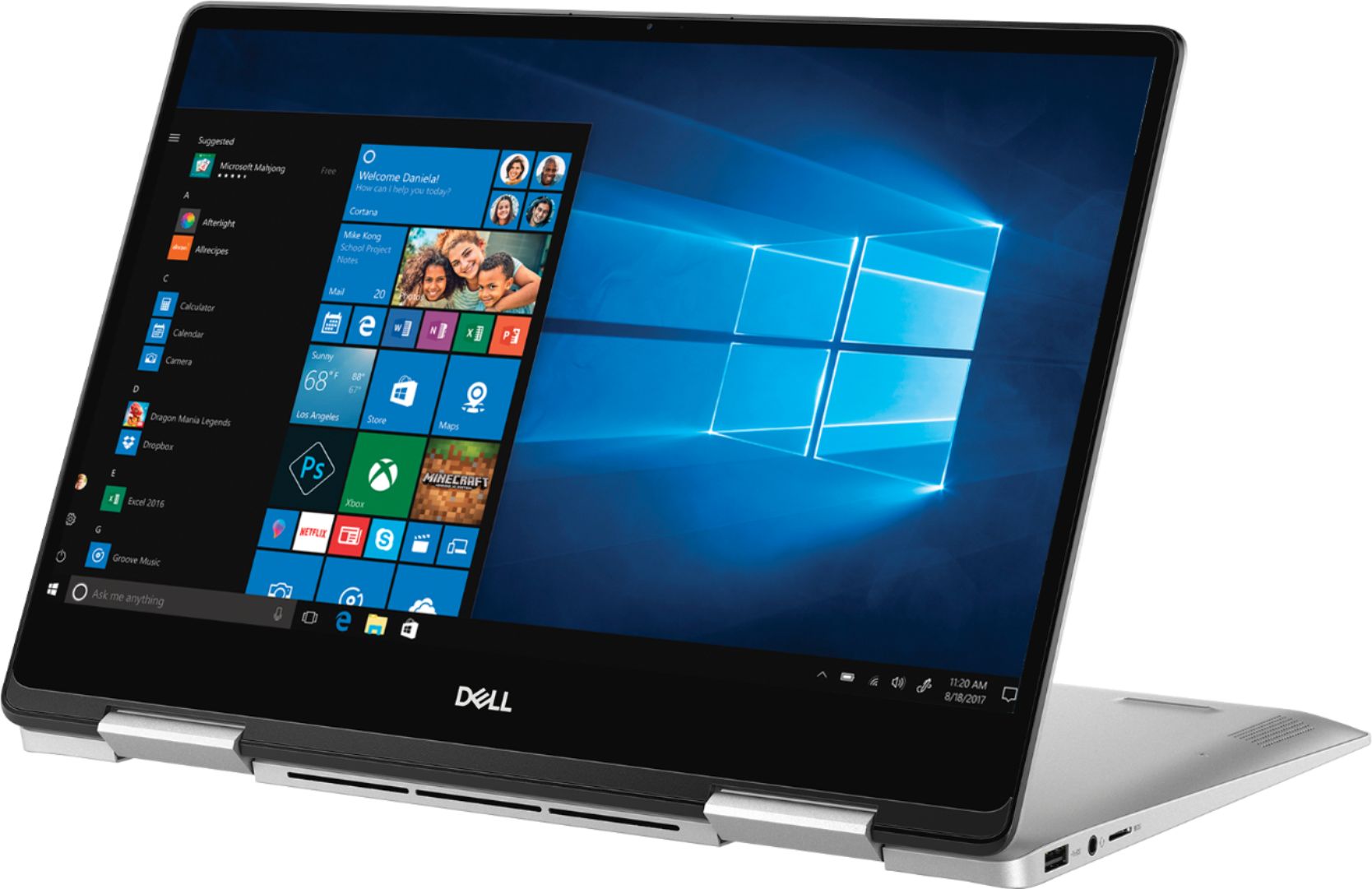
Customers have good things to say about the Inspiron 2-in-1 13.3" Touch-Screen Laptop. They appreciate its lightweight design, responsive touch screen, and affordable price. Many users also find it easy to use and are impressed with its overall performance. However, some customers have concerns about the battery life, fan noise, weight, fingerprint scanner, and overheating issues.
This summary was generated by AI based on customer reviews.
Meets Our Needs
||Posted .This reviewer received promo considerations or sweepstakes entry for writing a review.Good computer for paying bills, surfing and playing a few games on it definitely meets our needs.
I would recommend this to a friendBrand response from YourDellTeam
Posted .MaxB,
Thanks for your review. We're so happy to hear that your new computer is meeting your needs. We'd recommend checking out our Product Support Page for your laptop if you have any questions: https://dell.to/2RzXsrQ.
Best,
Bryan
1-800-624-9896
Never purchasing Dell again
||Posted . Owned for 1 year when reviewed.This reviewer received promo considerations or sweepstakes entry for writing a review.I would give this 0 stars if I could. I purchased this a year ago and realized a year later the camera was faulty. I never used the webcam until months after I bought it so the first time I did I saw it was blurry. Sent it to Dell under warranty to have it fixed and they spent over a month doing nothing because the part was backlogged. So then they sent me a replacement which was refurbished and has many of it's own issues. Contacted Dell again and they said my warranty is now over and there's nothing we will do for you. Never purchasing from Dell again this was the worst experience I've ever had with computers and I work in IT! DO NOT PURCHASE DELL EVER. Technical support has zero ideas on anything they transferred me a dozen times because they didn't want to do their jobs. Once again, DO JOT PURCHASE DELL EVER.
No, I would not recommend this to a friendit was okay
||Posted . Owned for 2 weeks when reviewed.This reviewer received promo considerations or sweepstakes entry for writing a review.laptop was on a little to slow for my liking best suited for just browsing.
No, I would not recommend this to a friendBrand response from YourDellTeam
Posted .Hector,
Thanks for your review. We're sorry that your computer is slower than you hoped it would be. We'd recommend running the Windows Performance Troubleshooter to see if it will help your computer run faster:
1. Close all open windows.
2. Press the Windows logo key + X key on the keyboard.
3. Click Control Panel.
4. Click System and Security.
5. Under Security and Maintenance, select Troubleshoot common problems.
6. Under System and Security, click Run maintenance tasks.
7. Follow the on-screen instructions and prompts to complete the process.
8. Restart the PC.
You can read the full article here - http://dell.to/2tSulGV.
Best,
Bryan
1-800-624-9896
- Pros mentioned:Lightweight, Speed

Love this laptop
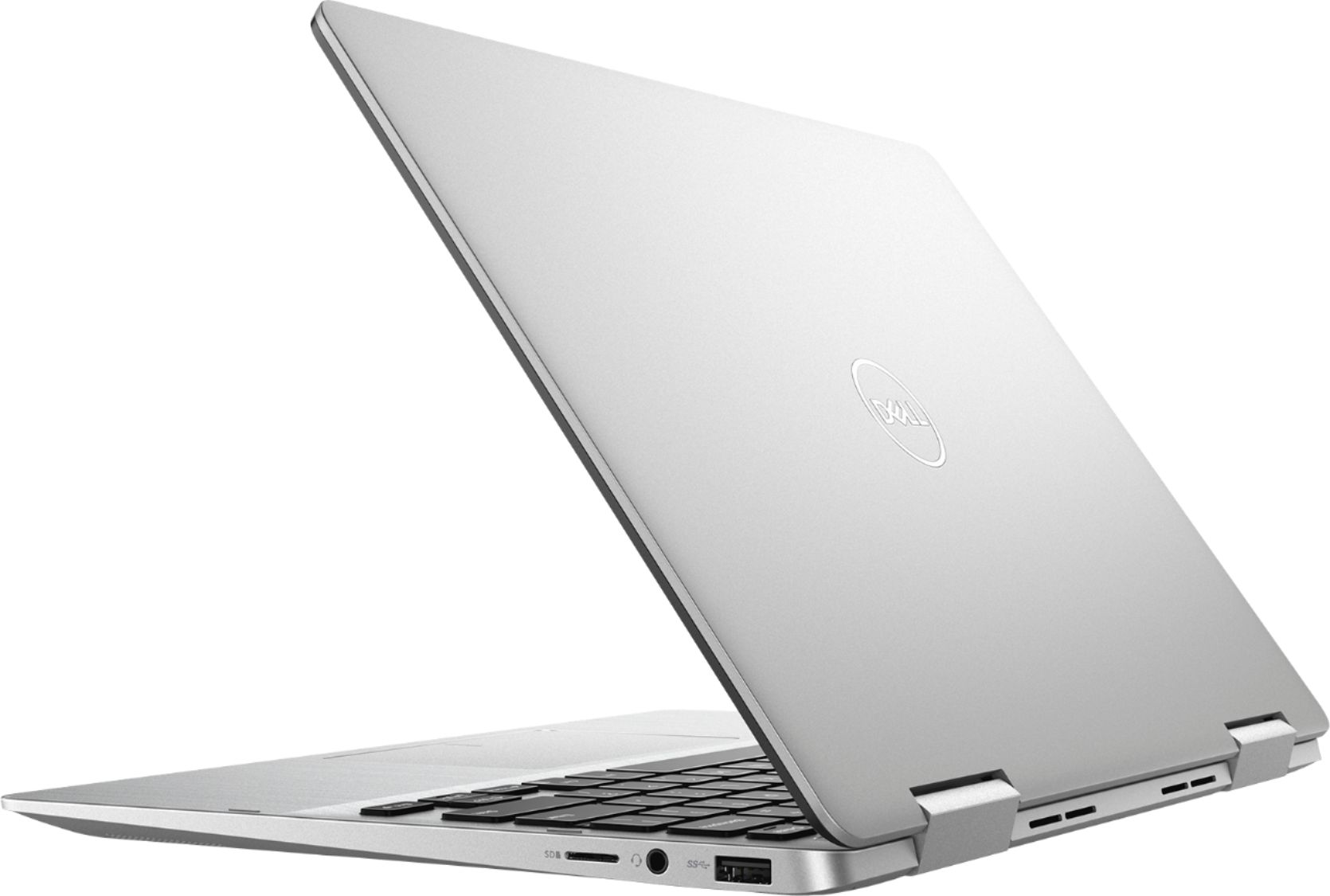
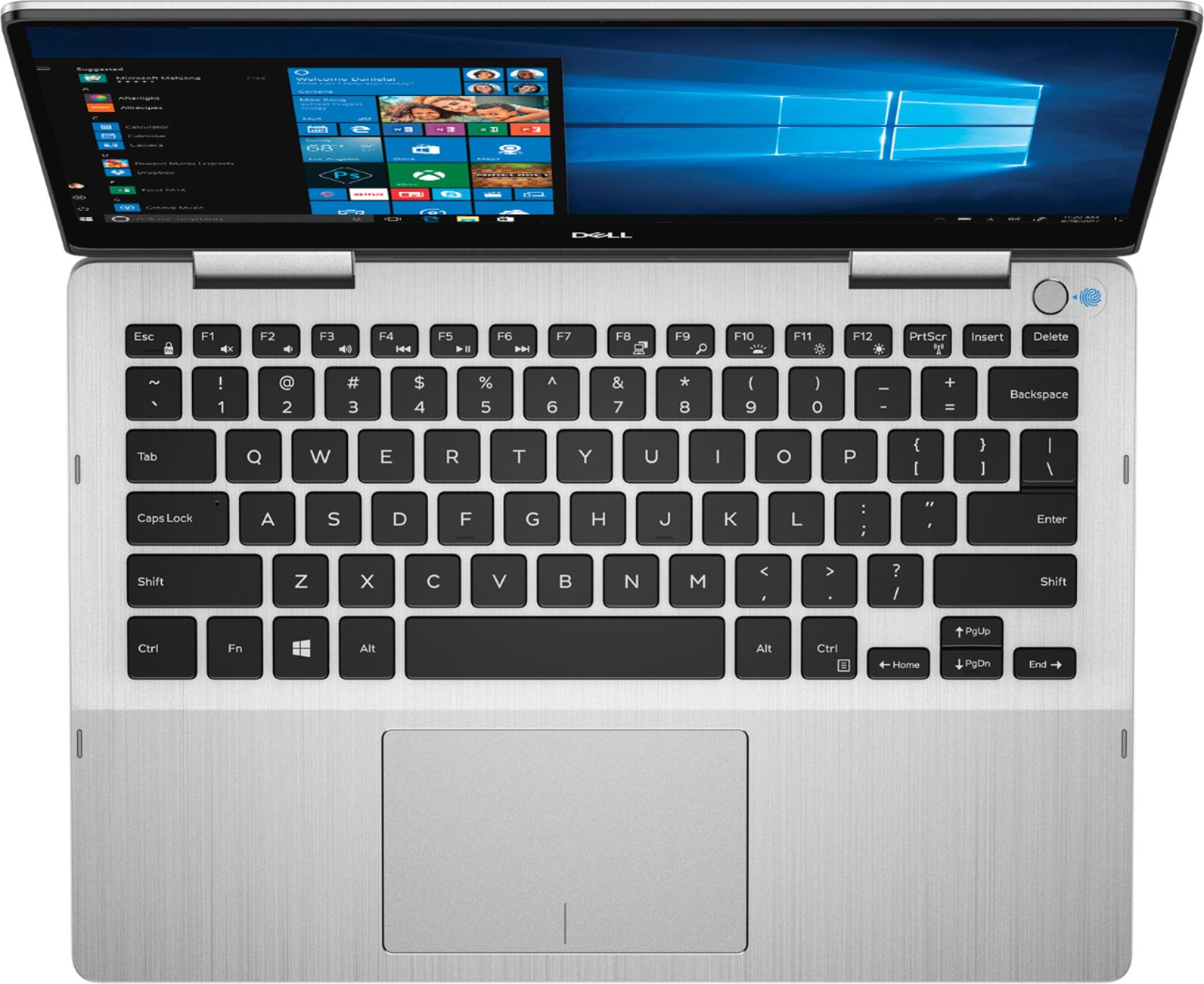
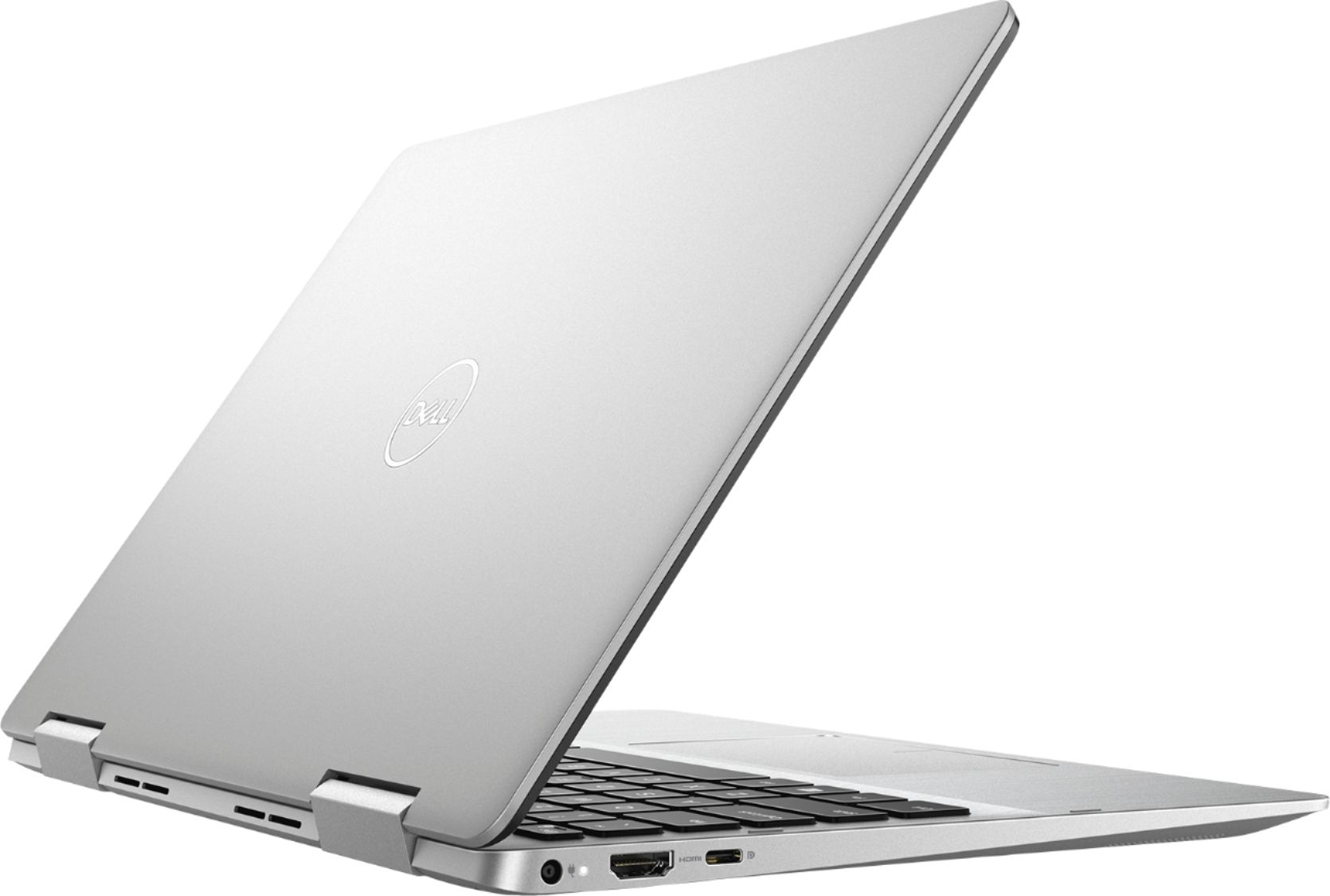
|Posted .This reviewer received promo considerations or sweepstakes entry for writing a review.I used to think the Inspiron series of Dell laptops was a little on the lower quality side of things. However, I can safely say I was wrong. I have been very impressed with the build quality of the Inspiron 13. And for under $700, it is very well equipped. I haven't been able to find anything that can compete in this price range, especially when you consider Dell's excellent customer service. My experience with non-US based tech companies has not been positive when it comes to turn-around time for repairs. The Core i5 processor and 256GB SSD make sure things run really fast. Don't plan on playing any high end games with it (that's not what it's made for), but it can chew through everything else without a hiccup. The touchscreen is full HD and is bright, with accurate color reproduction. The bezels are small, which makes the overall footprint pretty small for a 13" laptop. And it's thin (.6") and light (3.6 lbs.). Battery life is good, and the Quick Charge battery works as advertised. letting you get a decent charge in as little as 15 minutes. I haven't pushed the battery all the way to exhaustion yet, but I anticipate getting at least 8 hours. Another nice addition is the backlit keyboard, which has good key spacing and feel. All necessary ports are there, including USB C and HDMI. And if you're into photography the Inspiron 13 is a good choice because it has an SD card reader, as well as a microSD slot. I highly recommend the Inspiron 13. It is fast, light, and has a quality feel. And IMHO, nothing else compares in this price range.
I would recommend this to a friend Bluetooth stopped working
||Posted . Owned for 1 year when reviewed.This reviewer received promo considerations or sweepstakes entry for writing a review.Bluetooth stopped working; otherwise a great product.
No, I would not recommend this to a friendhaving some problems with new computer
||Posted . Owned for 1 month when reviewed.This reviewer received promo considerations or sweepstakes entry for writing a review.New computer shuts off and freezes up. have to restart to clear.
No, I would not recommend this to a friendBrand response from YourDellTeam
Posted .Hey Bob, we understand how freezing can be frustrating. We'd like to offer you assistance.
Please download the BIOS update:
1. Restart the system and press F12 when the Dell Splash logo appears to display the One Time Boot Menu.
2. Using arrow keys, select USB Storage Device and press Return
3. The system will boot to a Diag C:\> prompt
4. Run the file by typing the full filename e.g. O9010A12.exe and hit Return
5. The BIOS Update Utility will load, follow the instructions on the screen.
We welcome you - at your convenience - to call tech support at 1 (800) 999-3355 and thanks for your review.
Chris
Practical laptop
||Posted . Owned for 1 month when reviewed.This reviewer received promo considerations or sweepstakes entry for writing a review.Computer purchased for daughter. It suits her needs for school.
I would recommend this to a friendBrand response from YourDellTeam
Posted .Greetings Trish! We thank you for taking the time to write about your daughters' Inspiron experience. We're happy it suits her for school. If there is anything we can assist with, please give us a call at 1 (800) 624-9897.
Best,
Chris
Decent
||Posted . Owned for 10 months when reviewed.This reviewer received promo considerations or sweepstakes entry for writing a review.Too small as its harder to type. Only one usb port.
No, I would not recommend this to a friendBrand response from YourDellTeam
Posted .Dadadon,
Thanks for your review. We're sorry that your computer is smaller than you were hoping it would be. We'd recommend looking into a USB hub in order to expand the number of USB ports that your computer has available.
If you have any technical questions about your computer you can check our Product Support Page here: https://dell.to/2RzXsrQ.
Best,
Bryan
1-800-624-9896
- Pros mentioned:Lightweight
Died within 3 months
||Posted . Owned for 2 months when reviewed.This reviewer received promo considerations or sweepstakes entry for writing a review.Nice lightweight laptop. Good screen size. Quick boot. But, just froze during use and would not turn off. After going to sleep it would not wake up, just remained a black screen with backlit keys. Not acceptable.
No, I would not recommend this to a friendBrand response from YourDellTeam
Posted .LAM3,
Thanks for your review. We're sorry to hear about the system freezes that you experienced. If you experience additional freezes in the future you can follow these steps:
1. Run a Computer Diagnostic. To determine if your computer is experiencing a hardware problem, run the Dell Preboot System Assessment (PSA) Diagnostics. For information on how to run Diagnostics, and to determine the issue, refer to Dell Knowledge Base Article: http://dell.to/2iaiujA.
2. Check Safe Mode for Symptoms. To boot into safe mode, please follow the instructions below:
a) Start the computer.
b) Tap 'F8' on the keyboard immediately and every one second until the Dell logo screen disappears. From there you will see the Windows Advanced Options Menu on the screen. (If the Windows Advanced Options Menu does not appear, restart the system and try again.)
c) Select Safe mode with Networking and press Enter.
d) Log on as the administrator or as a user with administrative access.
e) Open applications and test the computer in safe mode. If the symptoms exist in safe mode, please continue the troubleshooting steps in this article. If the symptoms do not exist in safe mode, the issue is likely related to a driver or software and you may wish to complete step 3 to see if you are able to resolve the lockups or freezing.
3. Check for Malware. Malware (Virus, Spyware, etc.) can definitely cause a Windows system to lock up or appear to hang. To check for malware on your system and to ensure that your computer is up to date on security software, visit Dell Knowledge Base Article: http://dell.to/2wWP1zI.
You can read the full article here - http://dell.to/2tW5m33.
If you are having trouble starting up your computer we'd recommend the following steps:
1. If the computer is displaying the Dell logo and does not move past that point, it has probably failed POST.
2. If the power indicator lights up and it is amber or orange, this is usually an indicator that it has failed POST.
3. If you see text on a black screen, the computer is currently performing the POST. If the computer stays in that condition and does not move past it, it has probably failed POST.
4. If the video screen displayed anything at all during the startup process but is now black, this probably indicates that the computer failed POST.
5. If the computer is beeping or if Caps/Num/Scroll Locks are flashing, note if there is a particular pattern in which it beeps or flashes.
6. If the computer is not beeping and caps/num/scroll locks are not flashing, unplug all connections and remove all media communication devices (e.g. external monitors); reconnect one at a time and check if the computer functions.
7. For a notebook, press and hold the Fn key and then press the power button. This starts the pre-boot testing and will launch ePSA. In case you have a Desktop at the Dell logo screen tap the F12 key to enter One Time Boot Menu and use the arrow keys to highlight Diagnostics and press enter.
You can read the full article here - http://dell.to/2uj1Sby.
Best,
Bryan
1-800-624-9896
Sad
||Posted . Owned for 1 month when reviewed.This reviewer received promo considerations or sweepstakes entry for writing a review.I am not happy at all. I got this product, I have been longing to buy since I got a good deal for the student deal. Unfortunately best buy got the wrong address which I observed and called the customer care immediately. But to my surprise, a used product was sent to me , I called to inform them, they sent a new one but to the same wrong address and by the time I tracked the courier service the product was taken back to the warehouse, Bestbuy said they can't send the order again even when I offered to pick it up at the store. Am deeply hurt because I can't get the laptop for the same deal again which is no fault of mine. I had longed to have the laptop for a long time and I made sure I waited for the deal offer. It's so disheartening.
I would recommend this to a friend- Pros mentioned:SpeedCons mentioned:Weight
Great for what you get!
|Posted .This reviewer received promo considerations or sweepstakes entry for writing a review.Simple Review: 95% of all customers will love everything about this laptop and it will cover every need. I recommend it strongly. Extended Review: For the price point you will not be excited on what you get in the box. The unit and a proprietary charging cable even though it has USB C. Once you get past that you get into performance and its speed is perfect for most. If you need more than this with its solid state drive than you should be in another price bracket. My only complaint on this laptop is that for a solid state laptop its heavier than it should be. You can argue that it's a better or premium build but I still feel like its double what it should be. Dont get me wrong its lighter than probably what your use to but as a person who owns a few laptops in this category I would say it should be lighter. Other than that small complaint this laptop is amazing and would recommend it unless your looking for graphic design. Hope my review helped you.
I would recommend this to a friend ok
||Posted . Owned for 1 month when reviewed.This reviewer received promo considerations or sweepstakes entry for writing a review.your geek squad dose not do there job i wasted my money
No, I would not recommend this to a friendBrand response from YourDellTeam
Posted .uome600,
Thanks for your review. If you require additional assistance please reach out to Dell's Technical Support Team here: http://dell.to/2sH7Qlm.
Here is the Product Support Page for your laptop as well: https://dell.to/2RzXsrQ.
Best,
Bryan
1-800-624-9896
Good student laptop
||Posted .This reviewer received promo considerations or sweepstakes entry for writing a review.Size small for convinience but word requires update!
I would recommend this to a friendBrand response from YourDellTeam
Posted .Glad you're enjoying the size and the Inspiron is convenient for you. However, we regret about the require updates. Updates are important to have computers run smoothly. Sounds like you might have a Microsoft situation. We encourage you - at your convenience - to call our tech support at 1 (800) 999-3355 and thank you for taking the time to write about your experience.
Good for home use
||Posted .This reviewer received promo considerations or sweepstakes entry for writing a review.Computer looks good and light weight. Good for home use.
No, I would not recommend this to a friendBrand response from YourDellTeam
Posted .Ceasare,
Thanks for your review and we're happy to hear that the computer is working well for you. If you have questions you can refer to our Product Support Page here: https://dell.to/2RzXsrQ.
Best,
Bryan
1-800-624-9896
Hinge broke in less than 6 months
||Posted . Owned for 6 months when reviewed.This reviewer received promo considerations or sweepstakes entry for writing a review.This laptop would have been great if the hinge that holds the monitor to the screen did not break within the first 5 months of ownership. When I took it to Best Buy and explained that the hinge had been broken/loose for a while they said that it would cost me upwards of $300 to fix it. I paid ~$600 for this computer and Dell warranty doesn't cover non-technical malfunctions. It's frustrating that this computer is so cheaply made that it starts to break from just normal day use. I am never buying a computer from Best Buy again (this is my second computer in one year) and I am never buying these "2 in 1" cheap pieces of garbage again. You can catch me at Costco instead!
No, I would not recommend this to a friendBrand response from YourDellTeam
Posted .DisappointedAndAngry,
We're sorry that your hinge broke on your 2-in-1. If you have any questions about your computer you can check our Product Support Page here: https://dell.to/2RzXsrQ.
Best,
Bryan
1-800-624-9896
- Cons mentioned:Battery life
Needs Repair After Only 1 Year
||Posted . Owned for 1 year when reviewed.This reviewer received promo considerations or sweepstakes entry for writing a review.Only after about a year of owning this computer, the battery has inflated and had to be taken out, and the power jack cable has completely broken.
No, I would not recommend this to a friend No!
||Posted . Owned for 1 year when reviewed.This reviewer received promo considerations or sweepstakes entry for writing a review.Hate it, just like every other laptop I've bought from Best Buy, they just stop working for various reasons. And always when I have a critical need for laptop instead of using my phone like normal. Yes, I keep it updated. No, I don't go to stupid websites. I don't think two years is too long to expect a laptop to work. In general I like Best Buy but I have a three stack of laptops that don't work after less than 2 years. I know, I'm an idiot because I keep going back and not paying for the extended warranty. But seriously this is BS. It should last at least two years. No mas!
No, I would not recommend this to a friendLook elsewhere for the casual PC
||Posted .This reviewer received promo considerations or sweepstakes entry for writing a review.I purchased this laptop for my wife who needed it for school. This PC crashes all the time and the fingerprint reader works only sometimes. For the money spent I'm going to stick to other brands.
No, I would not recommend this to a friendBrand response from YourDellTeam
Posted .bluelagoon,
Thanks for your review. We're sorry to hear about the crashes and the issues with your fingerprint reader that you are facing. We'd recommend the following steps to diagnose your computer crashes:
1. At the desktop, click the Search the web and Windows box and type "problem reports".
2. Select View all problem reports to view a list of errors that have occurred on your computer and possible solutions for them, such as updating drivers, flashing your system BIOS, or checking for updates to the software.
3. Under the Source column, look for Windows and under Summary, look for Shut down unexpectedly.
4. Right-click the line item and select Check for a solution.
We'd also suggest checking to make sure that your software and drivers are up to date on Dell's Product Page - https://dell.to/2SNPOPn.
You can read the full article here - http://dell.to/2u98Cct.
Best,
Bryan
1-800-624-9896
- Pros mentioned:Lightweight, Speed
Impressive portable and convertible laptop
|Posted .This reviewer received promo considerations or sweepstakes entry for writing a review.For me, the most important qualities of a laptop used on-the-go are its functionality, battery life, and speed. I want the machine to work to my comfort level since I expect to be out of my comfort zone outside the home while using it. Dell's 2-in-1 Inspiron checks all the boxes. I love the size and feel of the notebook, very lightweight yet sturdy. As a convertible machine, it has multiple functions it performs exceptionally well. You can set up the stand to watch movies on a plane, use it as a tablet to check mail or browse the web, or set up the traditional laptop for your work at the coffee shop. The keyboard is responsive, and the touch ID is a plus. The laptop moves from program to program quickly and handles multiple tasks with ease. Aside from the initial updates, no complaints on speed and performance. Not a lot of internal memory, but lots of external storage slots so get some portable drives. Battery life was decent, with several full power drains reaching 5-6 hours. Overall, a nice laptop, perfect on the go for work and play. Great design and functionality with good battery life. A solid buy. Full disclosure, I received this product for my honest, unbiased review.
I would recommend this to a friend - Cons mentioned:Battery life
bad battery
||Posted . Owned for 1 year when reviewed.This reviewer received promo considerations or sweepstakes entry for writing a review.had less than one year and had to replace the battery, working time is short especially with a bad battery
No, I would not recommend this to a friend