Customer Ratings & Reviews
- Model:
- I7386-5038SLV-PUS
- SKU:
- 6295914
Rating by feature
- Battery Life
Rating 3.3 out of 5 stars
- Speed
Rating 4.2 out of 5 stars
- Display
Rating 4.3 out of 5 stars
Customers are saying
Customers have good things to say about the Inspiron 2-in-1 13.3" Touch-Screen Laptop. They appreciate its lightweight design, responsive touch screen, and affordable price. Many users also find it easy to use and are impressed with its overall performance. However, some customers have concerns about the battery life, fan noise, weight, fingerprint scanner, and overheating issues.
This summary was generated by AI based on customer reviews.
- Pros mentioned:Touch screen

A fantastic laptop
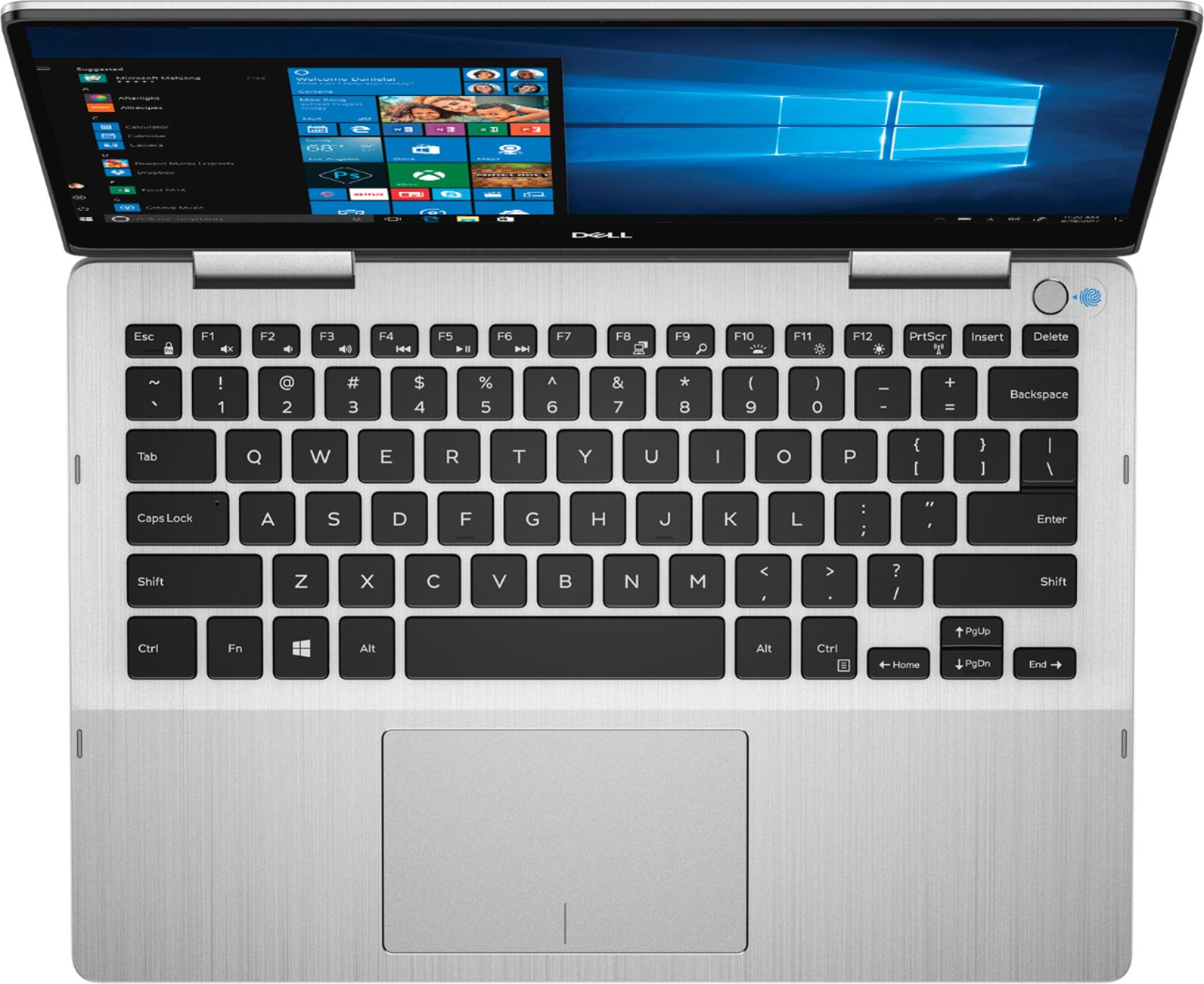
|Posted .This reviewer received promo considerations or sweepstakes entry for writing a review.The Dell is a fantastic laptop. Thanks to the SSD drive it's quick to startup and load programs and the processor is fast. There is also plenty of ram to allow you to run multiple programs at once. The display is very clear and has a good viewing angle. It doesn't have the washed out screen that most cheap laptops tend to have! The touch screen allows for easy maneuverability of documents and applications. It does have a memory card slot but it only accepts micro SD cards. I would have liked it to have the ability to read standard SD memory cards. One issue I had was with setting up the Fingerprint ID. It was difficult and the computer had a lot of issues reading a fingerprint which caused a lot of redo’s. Part of the issue may be the location of the fingerprint reader/button. It is close to keys so if you have wider fingers, it could cause you to hit multiple keys. Overall a great laptop that works as a tablet with the fold ability. Highly recommended for people who travel a lot, students or anyone who wants a portable laptop. Light weight and slim features are great!
I would recommend this to a friend Mousepad sticking
||Posted . Owned for 3 weeks when reviewed.This reviewer received promo considerations or sweepstakes entry for writing a review.I rarely use this laptop and I've only had it a few weeks. The mousepad has started sticking. Very disappointed with Dell.
No, I would not recommend this to a friendBrand response from YourDellTeam
Posted .Hi Icedude,
Thanks for your review. We're sorry to hear about your touchpad sticking on your laptop. We'd recommend re-calibrating your touchpad to see if it helps:
Some Notebooks and Tablets with Keyboards have added gesture features to the touchpad hardware and drivers. A few of these features are two or three finger scrolling, pinch zoom, circle zoom, rotate and swiping. These new features may be the reason for the erratic cursor movement since most are turned on by default. You can disable or modify the way the features work in the touchpad driver properties.
Here are some tips to modify these settings:
1. In the Search box, type main.cpl.
2. Touch or click main.cpl in the list of programs.
3. Touch or click the Dell Touchpad tab.
4. Touch or click on the picture of the touchpad.
5. Touch or click Gestures (depending on your computer there may not be a Gestures option).
6. Change the options as preferred.
7. Touch or click Save.
8. Touch or click the X in the upper-right corner to close the Dell Touchpad Utility.
9. Touch or click OK on the Mouse Properties window.
10. If the touchpad still does not work after following the preceding steps, refer to Dell Knowledge Base article - http://dell.to/2iaiujA.
You can read the full article here - http://dell.to/2tqmS02.
Best,
Bryan
1-800-624-9896
Slim. Lightweight. Super Fast.
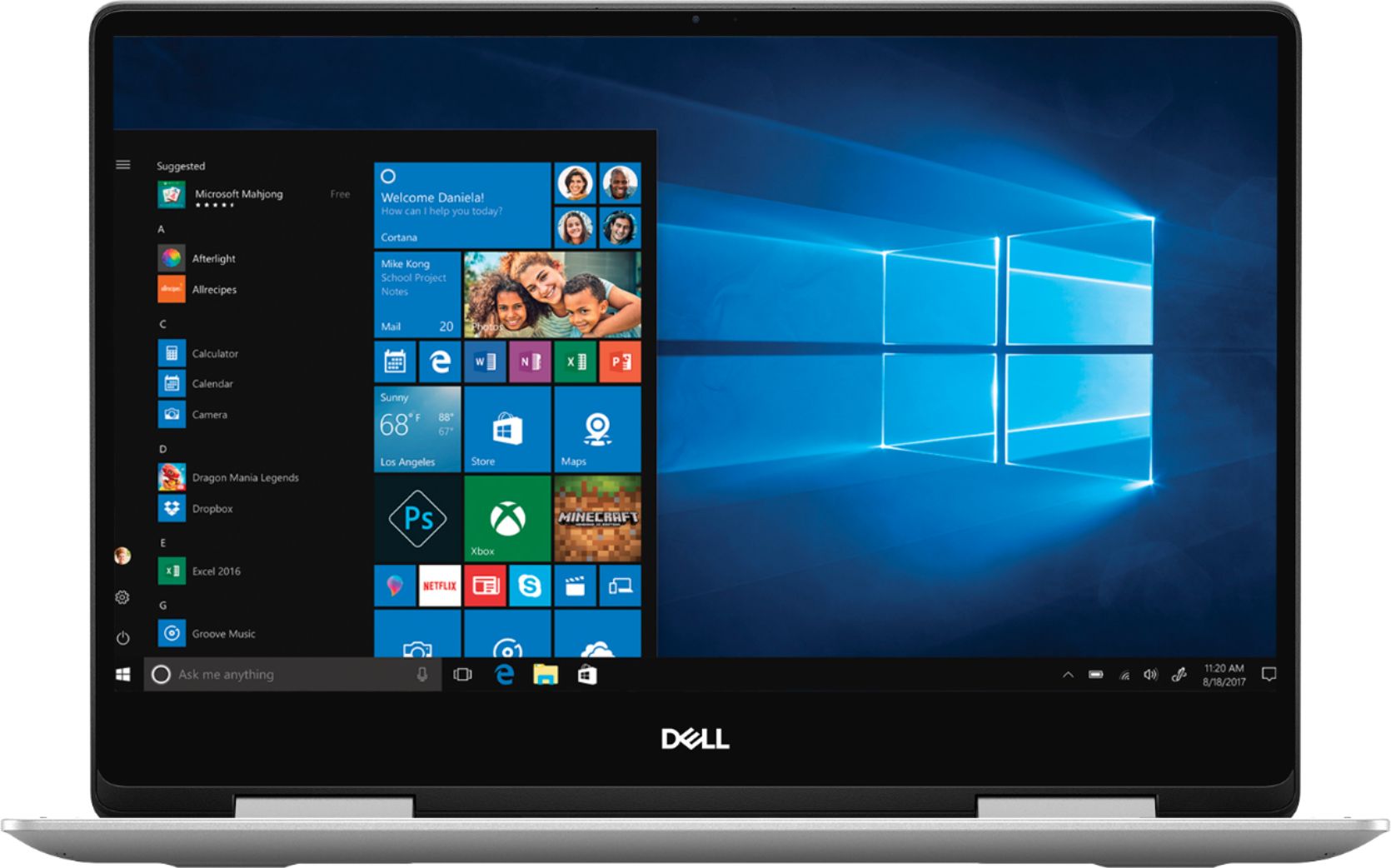
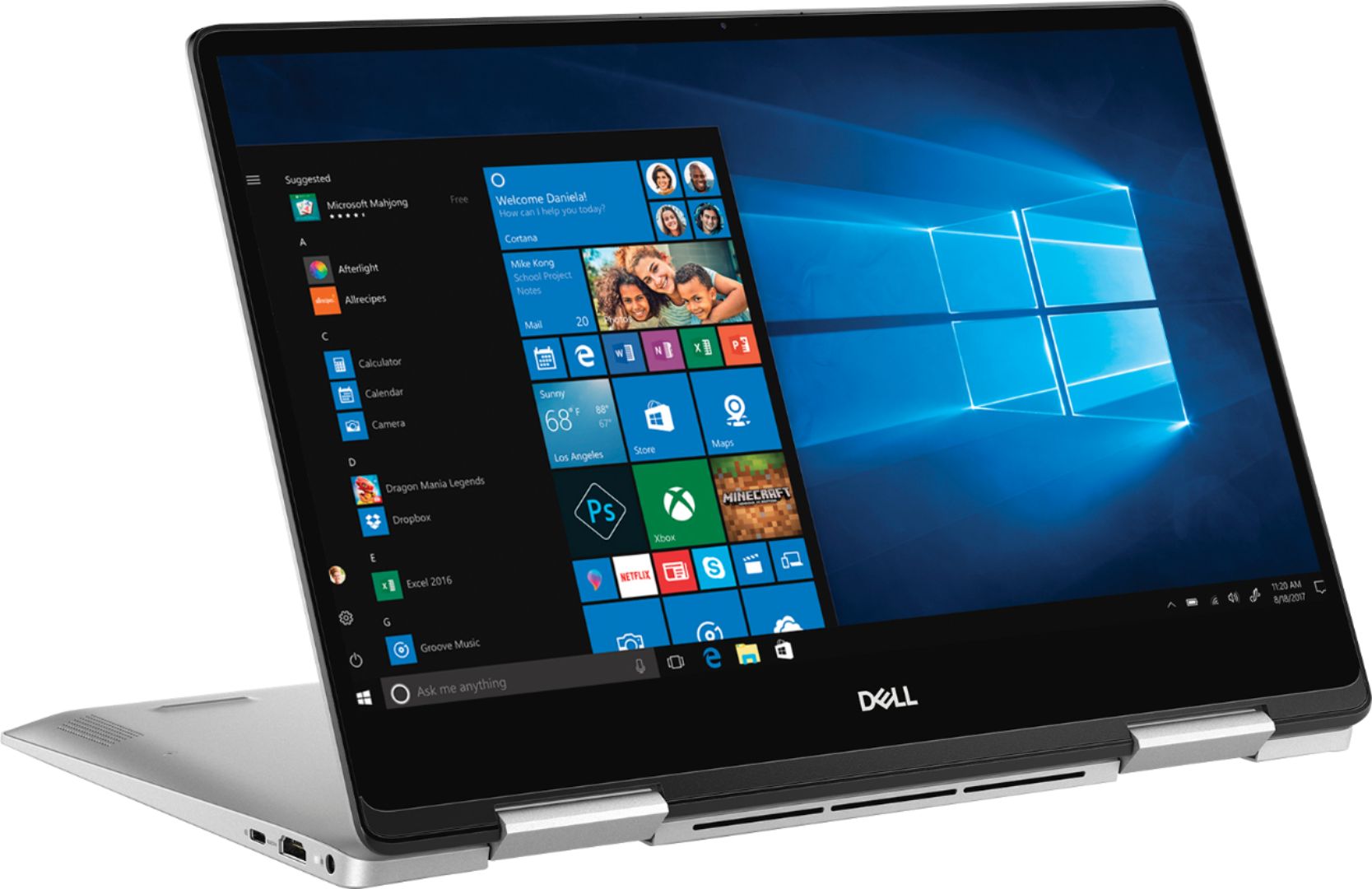
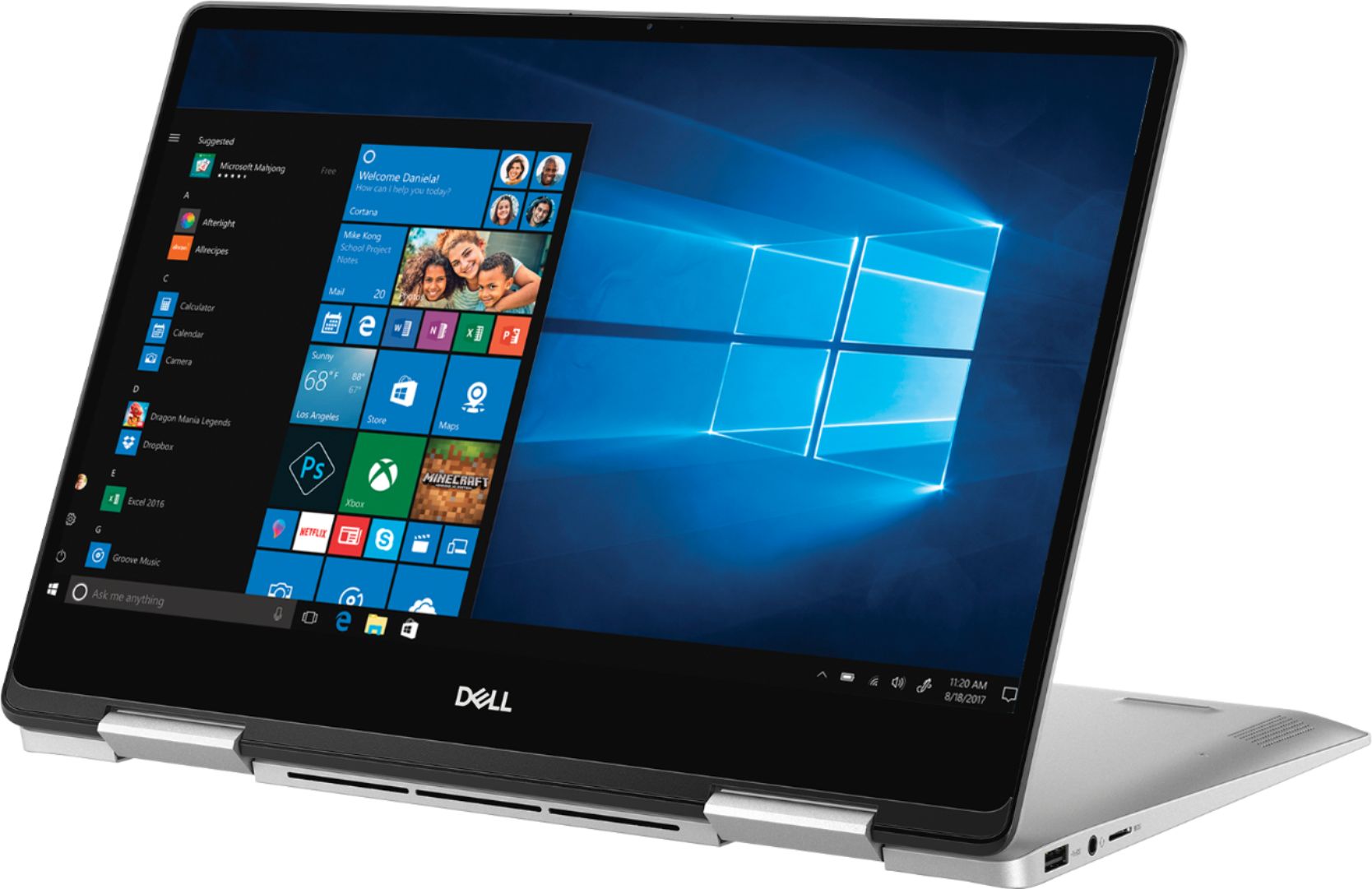
|Posted .This reviewer received promo considerations or sweepstakes entry for writing a review.This is called a 2-in-1 touch-screen laptop that can also be used as a 13.3” tablet simply by folding the screen in a 360 degree angle and putting it in tablet mode. It has 1 USB port and 1 USB-C port. It has a 256 gig solid state hard drive which is super fast for start up and upon opening programs…you will be amazed at how fast it is. There is not a lot of storage space for movies and music, but with so many different storage options out there you can find what suits your needs by using things like Dropbox if you find you need more. By using this you have access to endless files, documents, etc. The 13.3" screen is bright and detailed, and the size of the laptop makes it easy to transport. There is a built-in camera in the top middle of the screen as is with most laptops or tablets. You just fold the screen backward 360 degrees and put it in the tablet mode. Battery life is about 5 – 6 hours if the proper battery saving mode is turned on. It isn't built for gaming, but good for managing devices, bills, education and entertainment. It's versatile, light, and very portable. Excellent for a student or someone who just wants a laptop/tablet that is easy to carry around and have everything you could want at your fingertips. Recommendation: This is my first Dell product and I highly recommend it. It seems well made and well worth the price.
I would recommend this to a friendComputer
||Posted . Owned for more than 2 years when reviewed.This reviewer received promo considerations or sweepstakes entry for writing a review.The computer is slow. The hard drive takes to long to load. I would not buy this again.
No, I would not recommend this to a friendGreat computer
||Posted . Owned for 3 weeks when reviewed.This reviewer received promo considerations or sweepstakes entry for writing a review.Great computer, came with a cosmetic defect. Store was out, wouldn’t order a new one for me.
I would recommend this to a friendBrand response from YourDellTeam
Posted .Timothy,
Thanks for your review. We're sorry to hear about the cosmetic defect that your computer came with. You can reach out to Best Buy's Customer Support Team here: http://bit.ly/2v2IVhI, to see what your options are.
Best,
Bryan
1-800-624-9896
poor quality
||Posted . Owned for 1 year when reviewed.This reviewer received promo considerations or sweepstakes entry for writing a review.poor quality but higher price , I will not recommend Dell
No, I would not recommend this to a friend- Pros mentioned:Touch screen
Awesome little computer with a lot of power
|Posted .This reviewer received promo considerations or sweepstakes entry for writing a review.I got the Dell - Inspiron 2-in-1 13.3" Touch-Screen Laptop and thought i was kinda skeptical of the touch screen I soon found it was really useful. Out of the box you get the computer itself, charger and not much else. The laptop is powered by an i5 which is plenty for me. I do a lot of data processing in excel so i work with a lot of formula intensive files which this laptop had no problem handling. To make the most of your laptop I would highly suggest buying a smart stylus. After getting one I got way more productive when taking notes for work. I was able to take better and faster notes when wanted to write and make screenshots or point out any small details. Since the laptop can go from laptop to tablet mode it as great to be able to type what you wanted and then also writing any small note or point on screen what I was referring to with a pen tool.
I would recommend this to a friend Garbage
||Posted . Owned for 1 year when reviewed.This reviewer received promo considerations or sweepstakes entry for writing a review.Garbage. Absolute garbage. Poor product, nightmare like experience.
No, I would not recommend this to a friendBattery issue
||Posted . Owned for 11 months when reviewed.This reviewer received promo considerations or sweepstakes entry for writing a review.It a worst laptop I ever experience. The System is Frequently shut down.
No, I would not recommend this to a friendBrand response from YourDellTeam
Posted .Miamai,
Thanks for your review. We're sorry to hear about the battery issues that you are facing with your laptop. We'd recommend the following tips to help extend the life of your computer's battery:
Change the Power Plan:
1. On the notification area of the taskbar, right-click the Battery icon.
2. On the options list, click Power Options.
3. Select a power plan on the battery meter, such as Power Saver or Balanced. Windows 10 has a built in 'Battery Saver' mode that can be activated to extend your system's battery life. The Battery Saver mode will monitor and limit background activity and other features such as push notifications. You do have the option to enable or disable this mode within settings or within advanced Battery Saver settings, you can customize the mode to best suit your needs.
a) Click on the Action Center icon in the taskbar and select the tile for Battery Saver.
b) If running Cortana then type Battery Saver into the search box and select from the results.
Within the Battery Saver settings page, you will be able to turn on and off the feature and customize the feature to best meet your needs.
c) Turn Battery Saver On or Off.
d) Additional settings available via the Battery use and Battery saver settings links.
e) Battery use shows further info on apps and their power usage.
f) Battery Saver Settings screen allows you to customize further Battery Saver feature.
You can read the full article here - http://dell.to/2vfXWf4.
Best,
Bryan
1-800-624-9896
- Pros mentioned:Touch screen
Best Laptop Ever!!!!
Posted .This reviewer received promo considerations or sweepstakes entry for writing a review.Amazing design and execution! Works great with Pencil when wanting to switch into tablet mode for notes. Been using it for school for the past 5 years and I absolutely love that it works perfectly. Definitely for a high school/college student!
I would recommend this to a friend Not a great investment
||Posted . Owned for 1 year when reviewed.This reviewer received promo considerations or sweepstakes entry for writing a review.It’s not been a great computer for college student
No, I would not recommend this to a friendDefective model
||Posted . Owned for 10 months when reviewed.This reviewer received promo considerations or sweepstakes entry for writing a review.Defective computer model. I had a terrible experience!
No, I would not recommend this to a friend- Pros mentioned:Lightweight
High Quality Mobile Performer
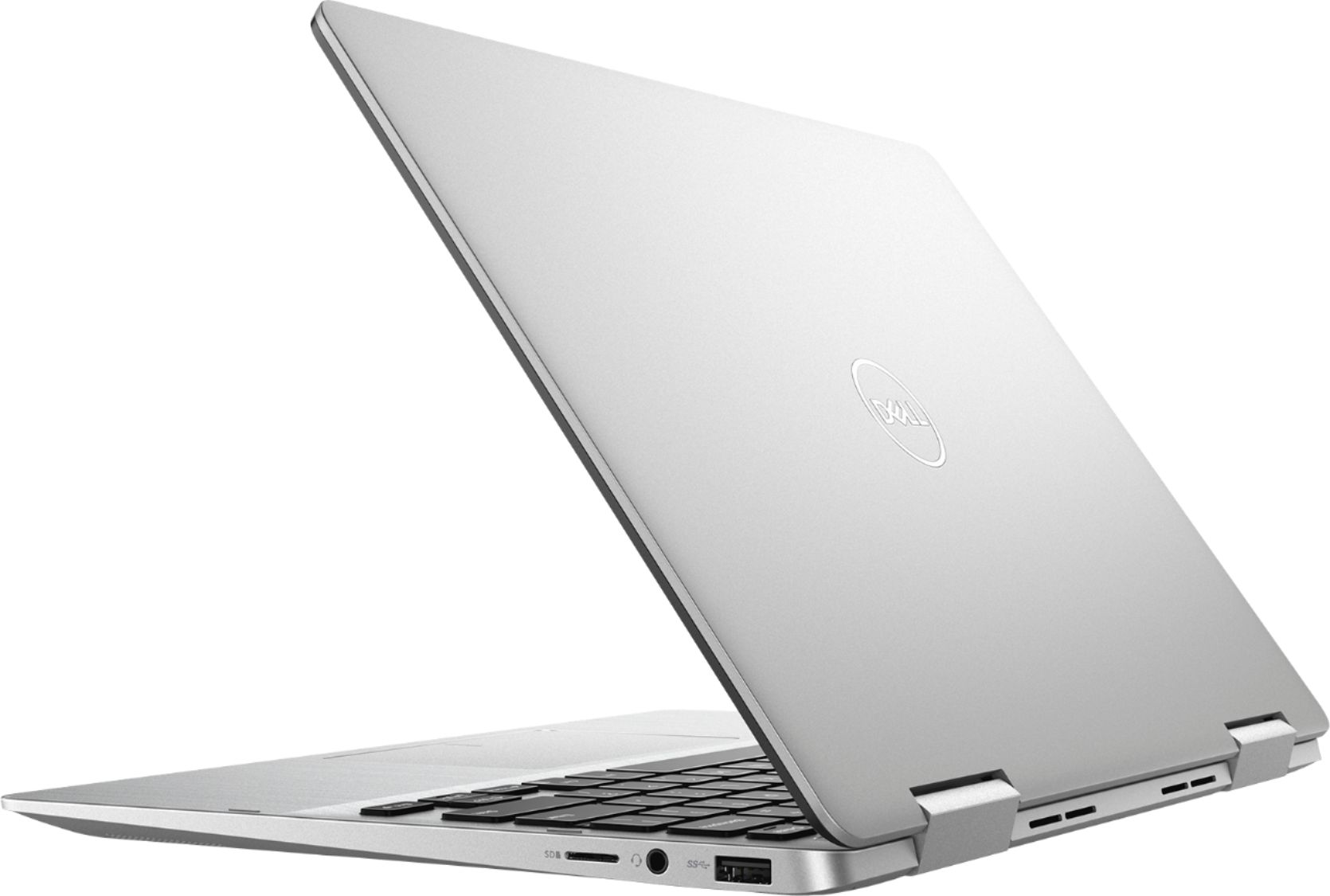
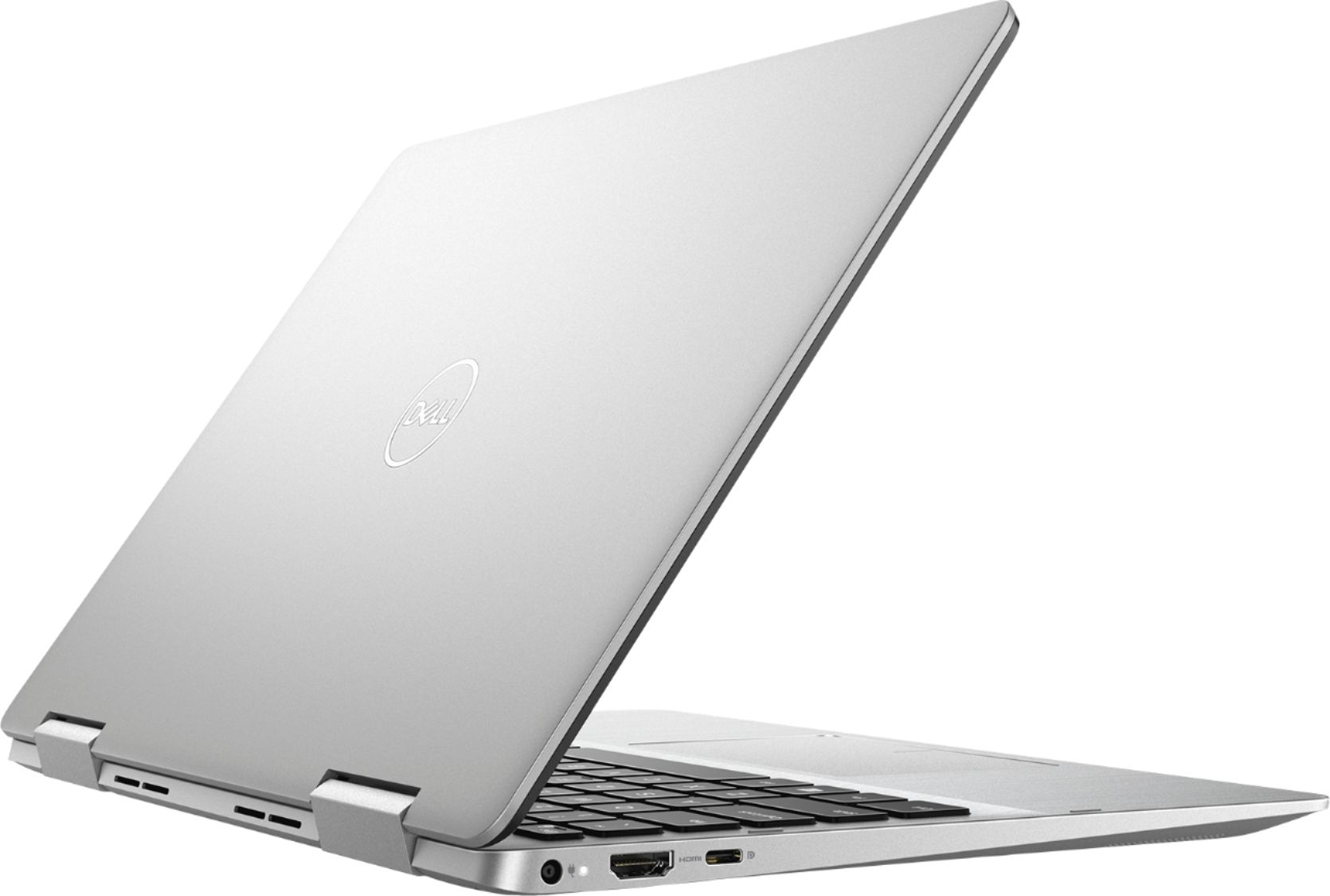
|Posted .This reviewer received promo considerations or sweepstakes entry for writing a review.This is one impressive thin laptop - it converts to a tablet when needed. Features a backlit keyboard and touchscreen and a very nice aluminum metal body and screen lid. This boots and responds to input quickly. This laptop is very lightweight and portable which would work well for a student or a business traveler who needs to take it on the move with them. There is no CD/DVD drive though it does have a usb 3 and a usb c port where you can add a dongle or converter. No HDMI out port that I could see. Had this machine running in 20 minutes with Windows and device updates with one bios update. Only problem was a windows activation error that was solved hitting the troubleshoot item. Minimal bloatware installed.
I would recommend this to a friend - Cons mentioned:Battery life
Nice but flawed
|Posted .This reviewer received promo considerations or sweepstakes entry for writing a review.The Dell Inspiron 13 7000 has a lot of potential but it misses what it takes to be a great 2-in-1. To start with the hardware here is actually very good. 8GB of ram, 250GB SSD, full HD 1080p IPS touchscreen and an 8th Gen Intel i5 processor with 4 cores and 8 threads. Simply this is a much more powerful notebook than most you could have bought just a year ago. It is thin and lite and really does most tasks very well. So what's missing, well the battery life really isn’t close to class leading. The two things you want to get right in such a portable package, a great screen and great battery life. The screen is just fine and is sharp and clear so I have no complaints and the hinges feel like they will hold up well. But the 4 to 5 hours of battery life is a big disappointment. It could really use a few more hours so it can a least get you through a long flight. The power supply brick is very small so at least keeping it close by won’t be hard. I would have traded a little more weight to have more on-board battery life. Unfortunately that is actually not the biggest problem I have with this Inspiron. When you first see it you might think it is machined out of a single piece of aluminum. Actually it is two pieces held together with screws on the bottom. This wouldn’t be a problem but where the top piece and the bottom fit together is actually quite sharp. So any place you grab the notebook you come into contact with this sharp edge. So far I haven’t cut myself but I can imagine it slipping or it happening if I was reaching for it from a backpack. This is really unacceptable and hurts what would be a good overall notebook. It is certainly fast, has a very good display, the keyboard and track pad are fine for me but how Dell allowed something so obvious to get by makes me shake my head. If possible you should go look at this notebook to decide if this is a problem for you. It is always a shame when you have such a nice package with such a clear issue. If it wasn’t for this fit issue I would recommend this Inspiron but it will be a deal breaker for many.
No, I would not recommend this to a friendBrand response from YourDellTeam
Posted .Reddog,
We appreciate your feedback. We're sorry to hear that the battery life is not living up to what you expected. Here are some tips to help extend the battery life of your 2-In-1:
Change the Power Plan:
1. On the notification area of the taskbar, right-click the Battery icon.
2. On the options list, click Power Options.
3. Select a power plan on the battery meter, such as Power Saver or Balanced. Windows 10 has a built in 'Battery Saver' mode that can be activated to extend your system's battery life. The Battery Saver mode will monitor and limit background activity and other features such as push notifications. You do have the option to enable or disable this mode within settings or within advanced Battery Saver settings, you can customize the mode to best suit your needs.
a) Click on the Action Center icon in the taskbar and select the tile for Battery Saver.
b) If running Cortana then type Battery Saver into the search box and select from the results.
Within the Battery Saver settings page, you will be able to turn on and off the feature and customize the feature to best meet your needs.
c) Turn Battery Saver On or Off.
d) Additional settings available via the Battery use and Battery saver settings links.
e) Battery use shows further info on apps and their power usage.
f) Battery Saver Settings screen allows you to customize further Battery Saver feature.
You can read the full article here - http://dell.to/2vfXWf4.
Best,
Bryan
1-800-624-9896
Alot of surprises with this Insiron I5 7000
|Posted .This reviewer received promo considerations or sweepstakes entry for writing a review.Normally I am one to build a desctop pc but a laptop is something I never have or will build. Dell is a good company that has been doing this for ages. I was still concerned about the whole 2 in 1 tablet to laptop transition and how well it worked. Now let's get into the review... Omg! Please never go back to dusk drives SSDs are awesome!!! Not sure which brand of solid state drive Dell uses but it is lightning fast! I was dreading the initial setup, usually I like to go and update the bios and drivers from the computer or software website but I was very very VERY pleasantly surprised to find that during the initial setup my laptop started flashing and updating bios etc by itself once it asked me to go online. That's the other thing, it asked me... Cortana is something I normally choose not to use but I did this time and it walked me through the setup like I was talking to a tech support real person. Best initial setup experience I've ever had with a pc. Laptop feels solid, well made beautiful clean crisp screen. Sound adequate and what would be expected. Speed of turning on or off PC amazing (SSD). Cortana understands everything "download Netflix, download AVG" heck it felt like I didnt even need to go online or to the play store it found everything. Cant review battery life as I just now got it. Does it get warm? Yes it's very thin so it will get warm underneath when I play video games or google earth but so has every other laptop I've had. The vents for the fans are not big so I recommend a nice aluminum laptop lap desk. Overall very impressed, only thing I wished it had more of was USB ports but I can buy a USB expander as well... great awesome amazing laptop and 13.3 screen is perfect for taking on trips as well.
I would recommend this to a friendGreat 13 Inch Laptop from Dell
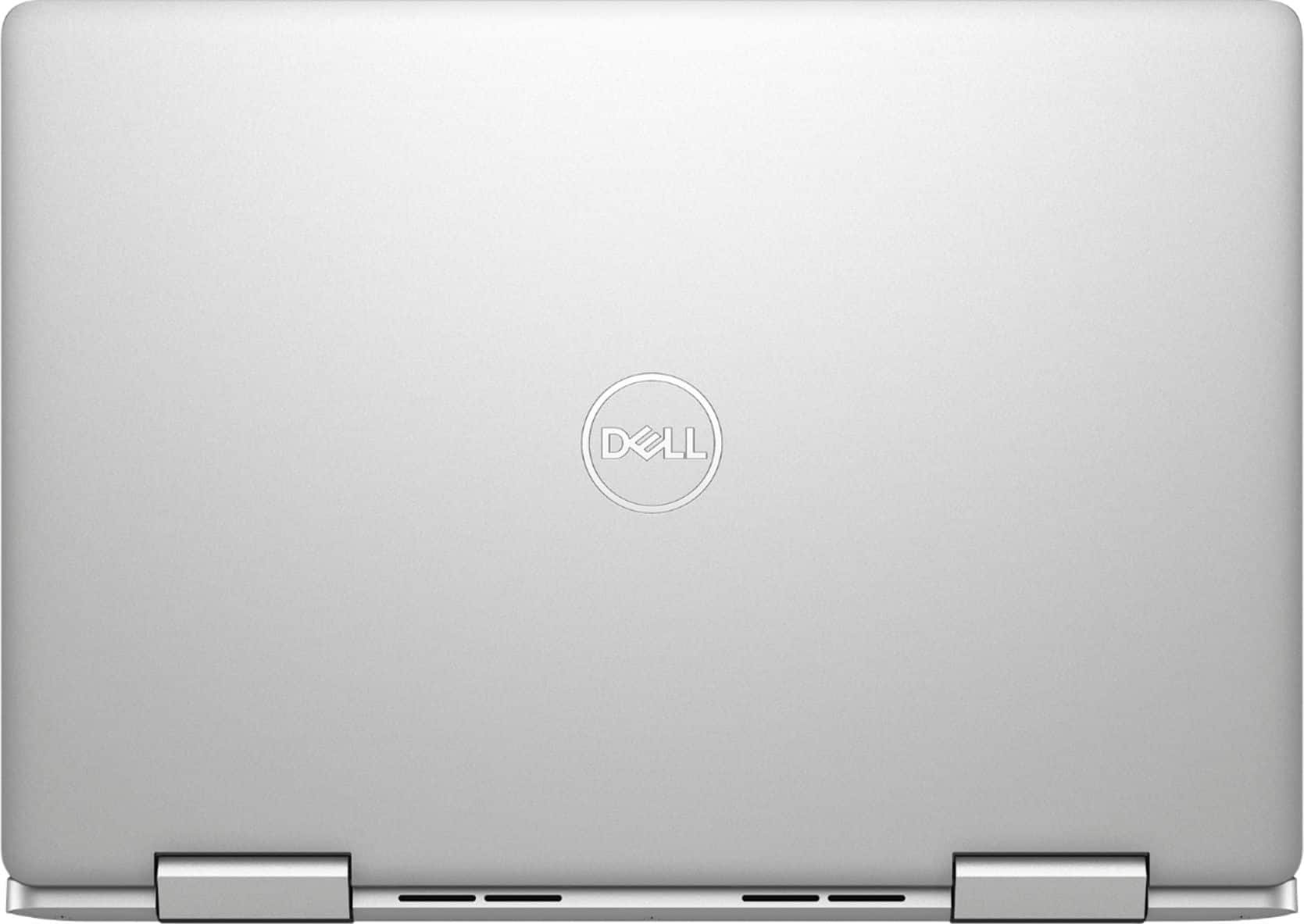
|Posted .This reviewer received promo considerations or sweepstakes entry for writing a review.The Dell - Inspiron 2-in-1 13.3" Touch-Screen Laptop is a very capable performing convertible laptop with a tons of features, making this a laptop I highly recommend. First thing you notice is that the laptop is very sleek and lightweight. It has a design very similar to a Macbook air, but has the flexibility and user friendly ports of a PC. The laptop is sturdy with a brushed aluminum look. The computer itself is zippy with a i5 8th generation CPU and a 256 Solid State Hard Drive. Those two combinations make everything load instantly with little to no delay. The screen is an energy efficient IPS screen with Full HD, it is clear and bright and the text is easy to read. The backlit keyboard is responsive and the keys feel great. The trackpad is one of the nicest I've seen on a PC from Dell. The ability to be able to fold the screen back and turn it into a tablet is a nice touch, but I'm not sure how much I'd actually use this function as it feels odd to set the keyboard side down on the counter. There are other great features in the laptop as well as an SD card reader, USB C Port, HDMI out, HD webcam, fingerprint scanner, bluetooth and Dual Band Wifi for Tablet and PC mode. The graphics are built in Intel graphics, so don't expect this computer to be a graphics gaming powerhouse, but for most tasks that people will be using the computer for it does a fantastic job. In short if you're looking for a lightweight and compact laptop with all the features you expect in a mid level laptop coming out in 2018 you can't go wrong with this model.
I would recommend this to a friendThe best Laptop / 2in1 / Tablet Hybrid
|Posted .This reviewer received promo considerations or sweepstakes entry for writing a review.Dell have knocked it out of the park with this laptop. 13" is the perfect form factor for a 2 in 1 and I am planning to use this to replace my tablet. Yes, it's a little heavier than a certain fruit company tablet, but you're getting full windows and a backlit keyboard. Points to Dell for making the keyboard backlit, making this the best laptop for using in flight. Thank you Dell for also including a fast finger-print reader. I did think it was oddly positioned at first, but it actually is perfect for when you're in tablet mode. SSD makes this super fast and I had no lag on using Microsoft Office and browsing with multiple tabs open. Everything else about the laptop is really just a comment on Windows 10 which has come ahead in so many leaps and bounds. Dell has made the perfect laptop for daily use, office work, homework and browsing the web (and streaming Netflix - full HD display!) and am super happy to own it.
I would recommend this to a friend- Pros mentioned:PriceCons mentioned:Battery life
Excellent Laptop!
Posted .This reviewer received promo considerations or sweepstakes entry for writing a review.This is my first top tier laptop in some time and I've been very impressed with the fluidity of this laptop its light weight and very well designed also the load times on this laptop are great! My one and only issue with this laptop would be its better life is unspecified I normally get from 6 up to 8 hours of activity on and off without charger my laptop. Also I made my purchase during a sale week and only paid 599$ for this which is a steal for such a great product!
I would recommend this to a friend Dell Inspiron 5 years of use review
Posted .This reviewer received promo considerations or sweepstakes entry for writing a review.Its been 5 years i have been using this laptop. No issues whatsoever, except decline in battery backup. Internal memory has been a little low. Other than this this laptop had served me well over the time span
I would recommend this to a friendBest ever
Posted .This reviewer received promo considerations or sweepstakes entry for writing a review.Best computer I ever had. working perfect never got slow, great perfomance.
I would recommend this to a friend