Customer Ratings & Reviews

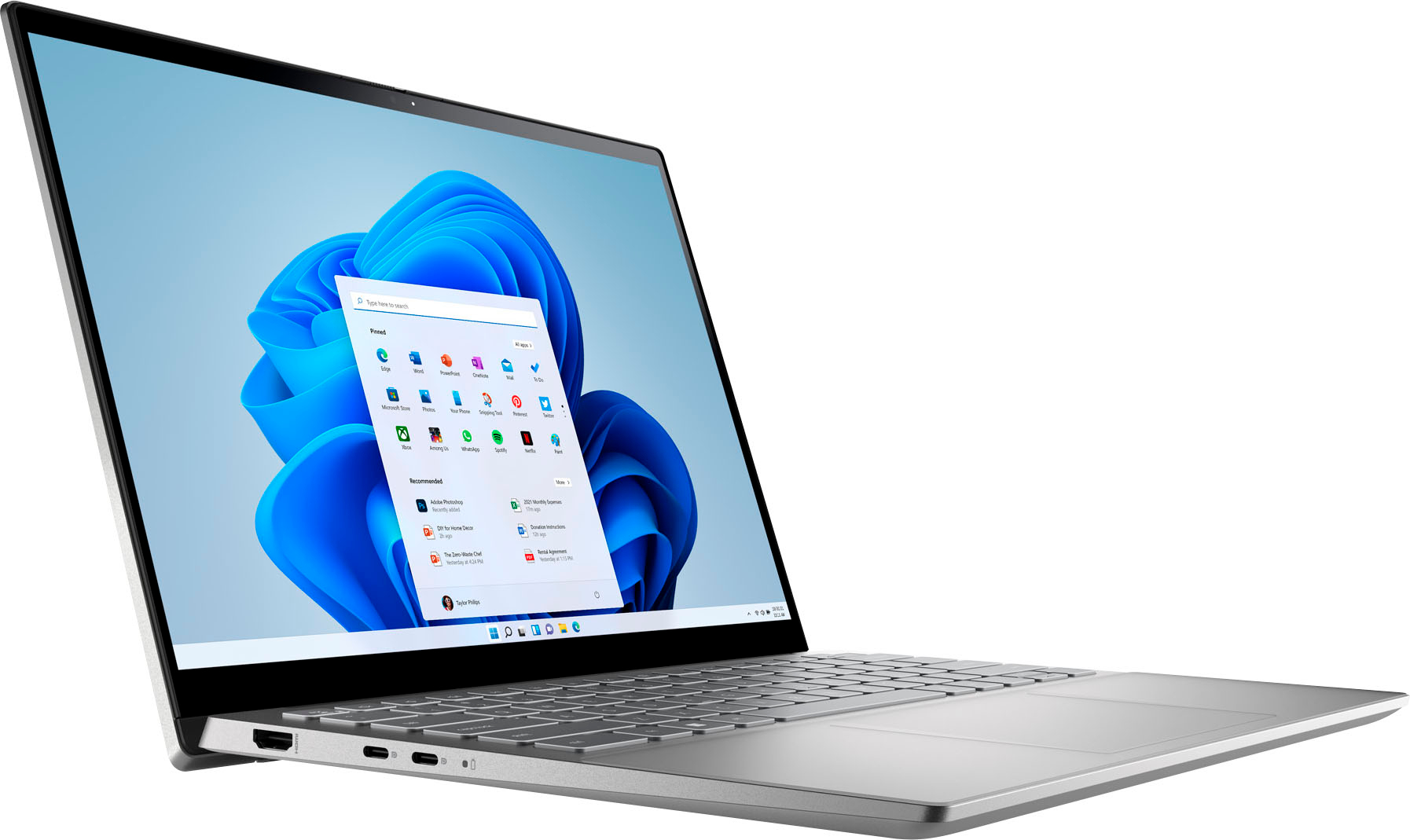
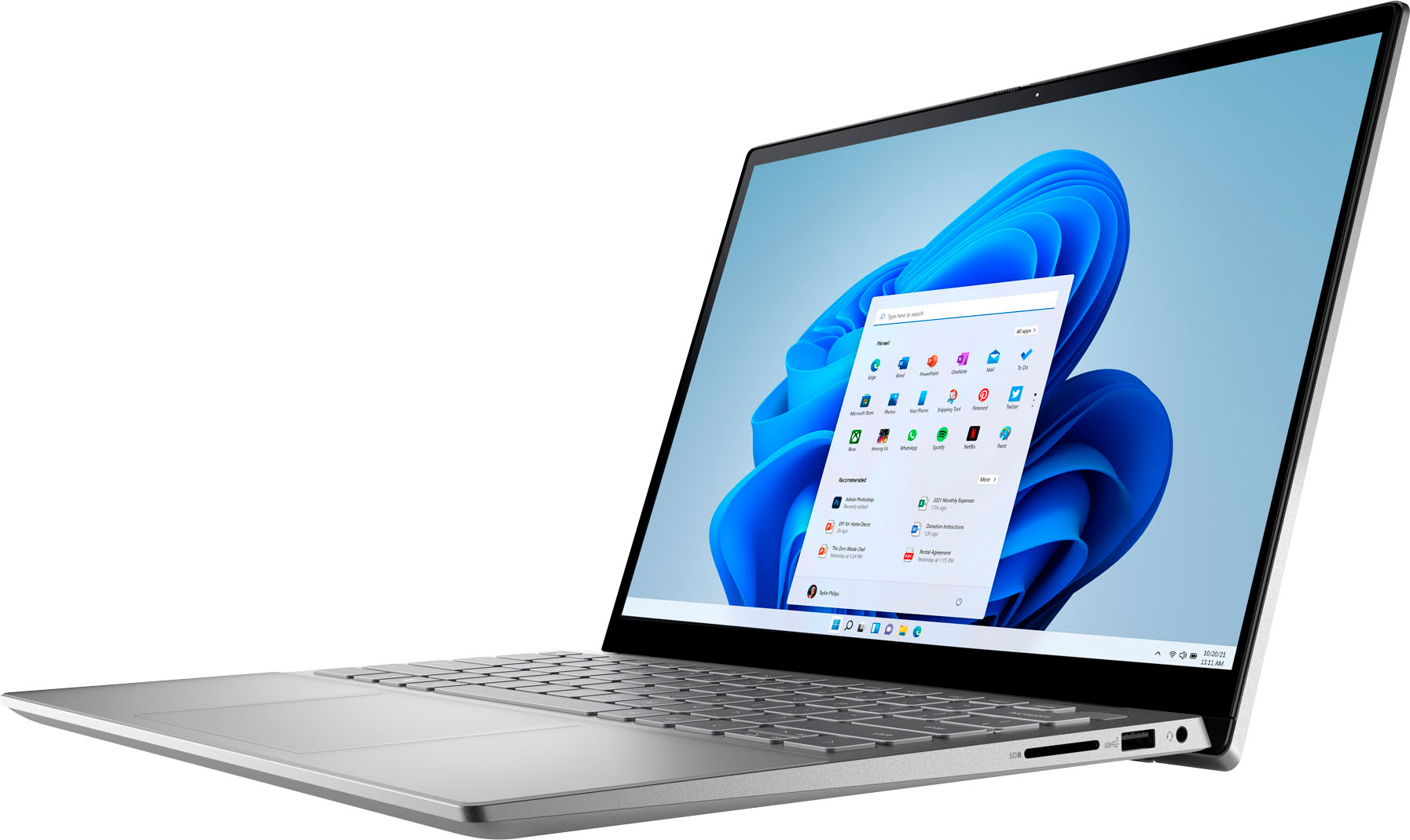
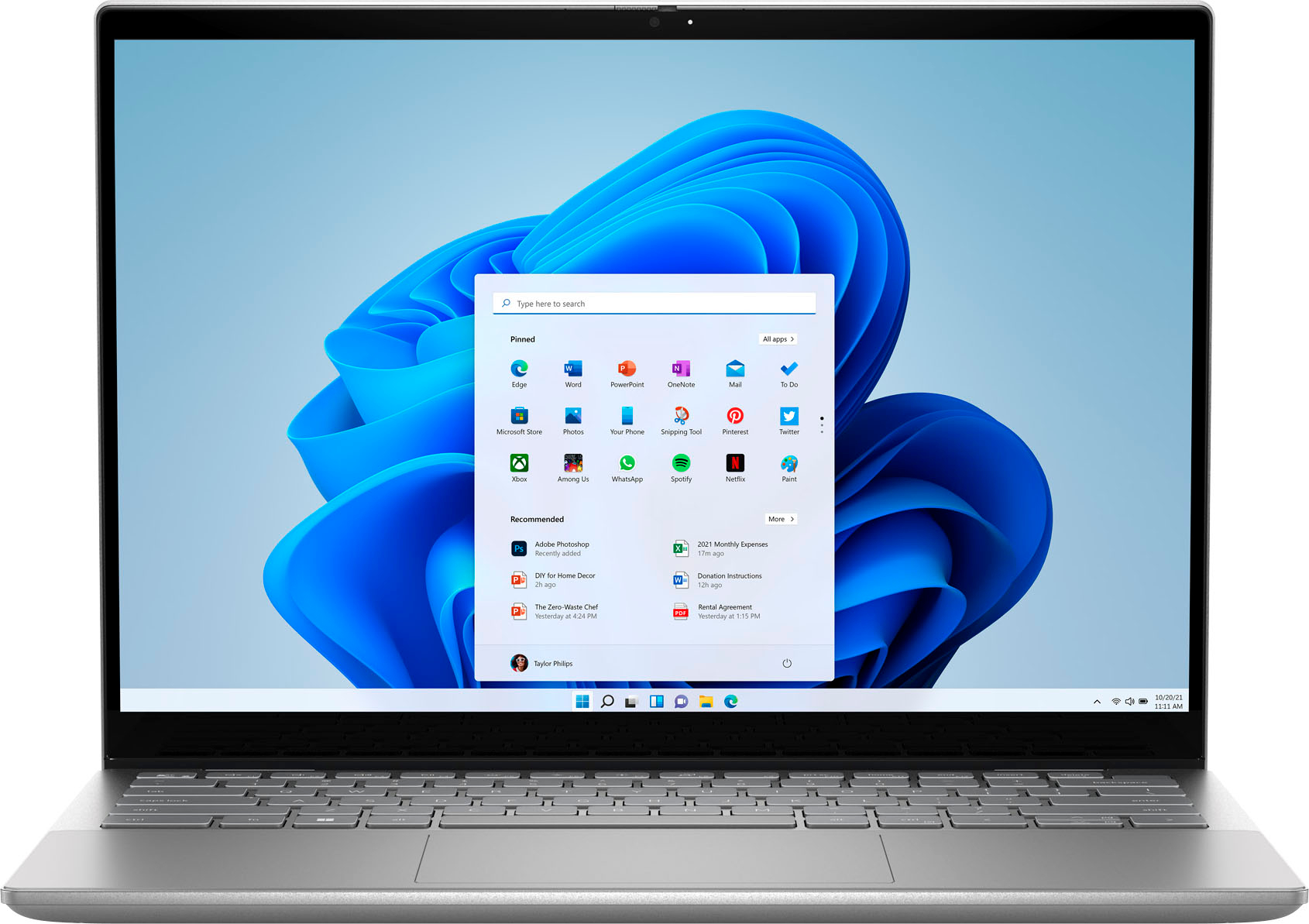
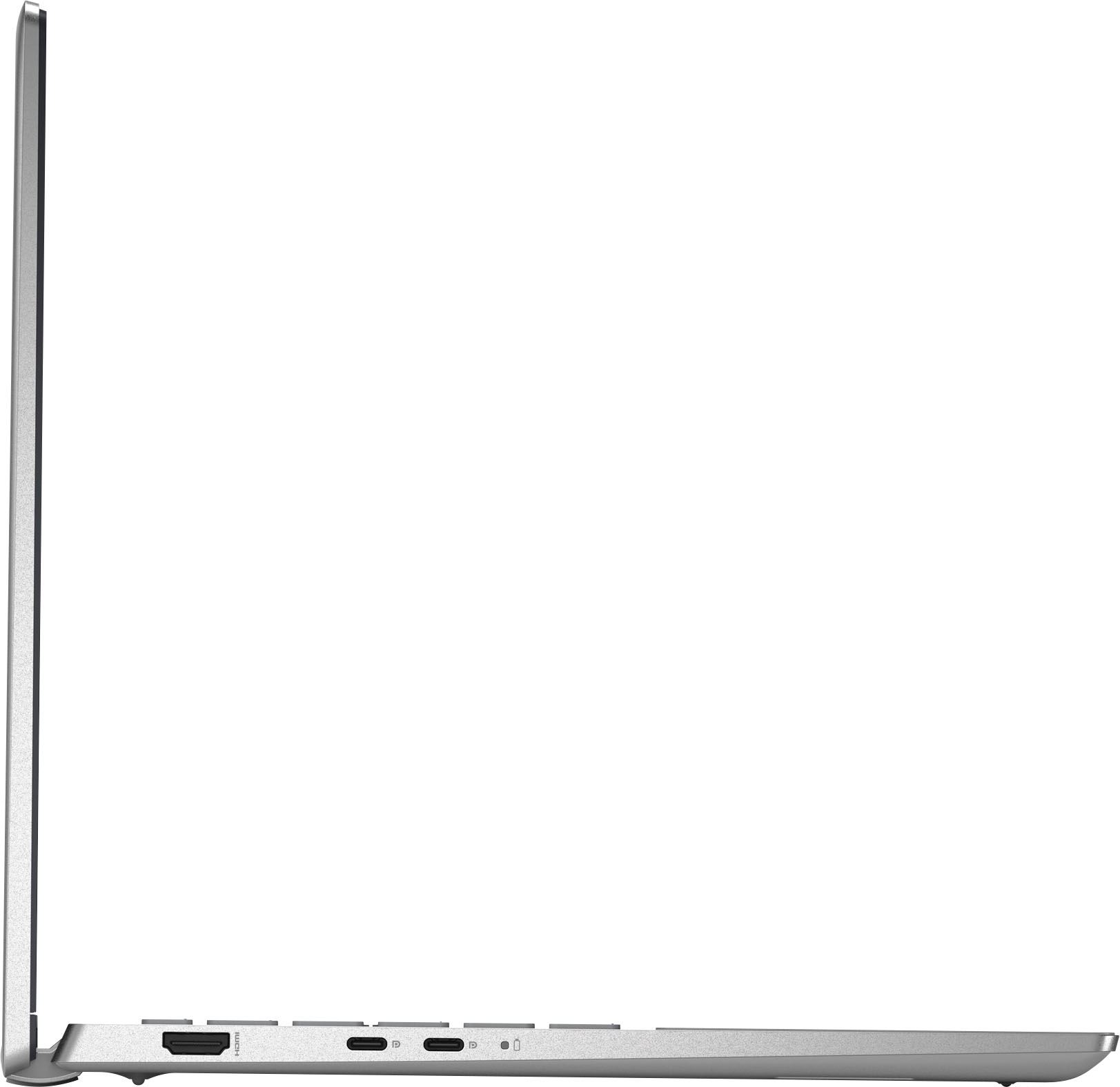


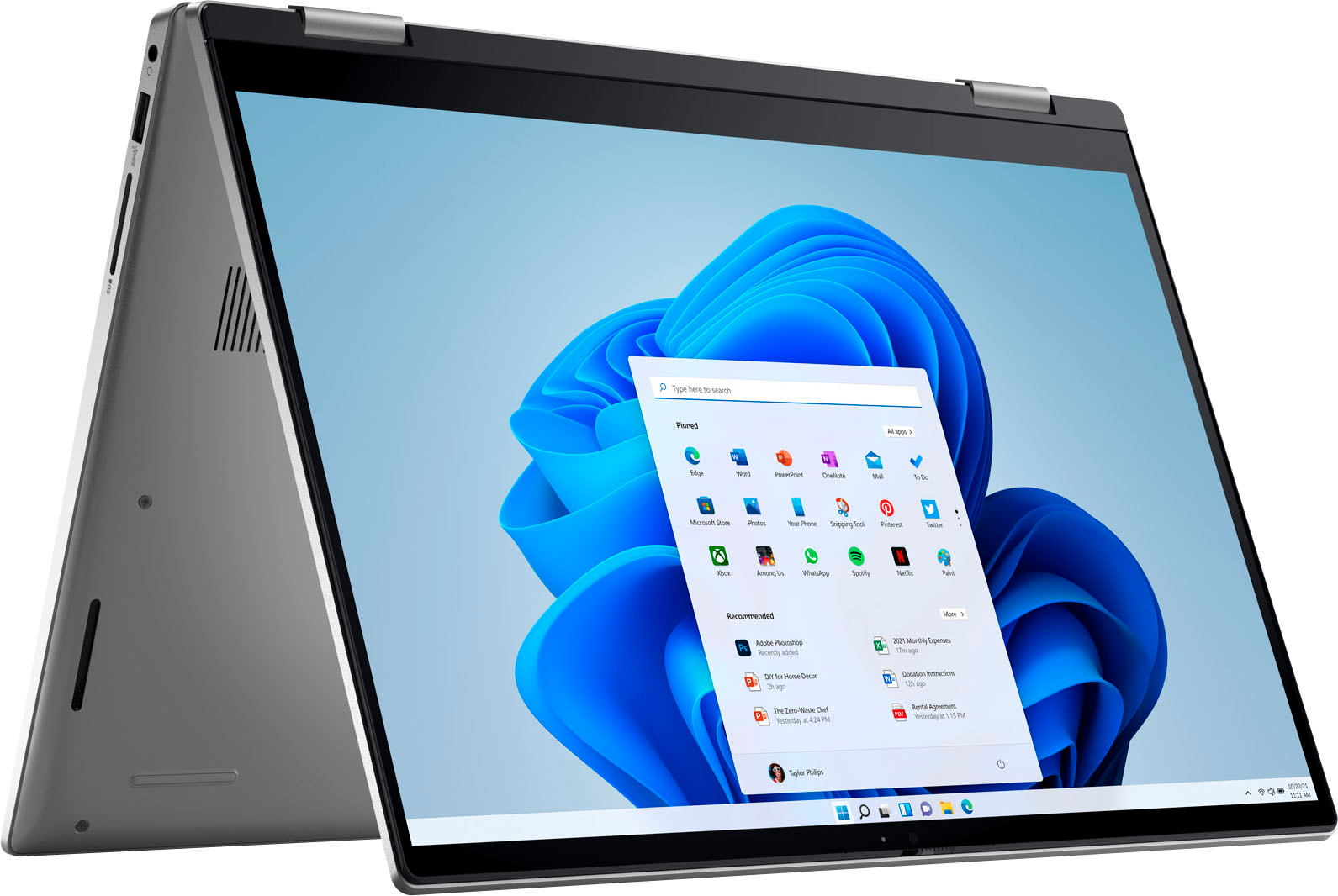
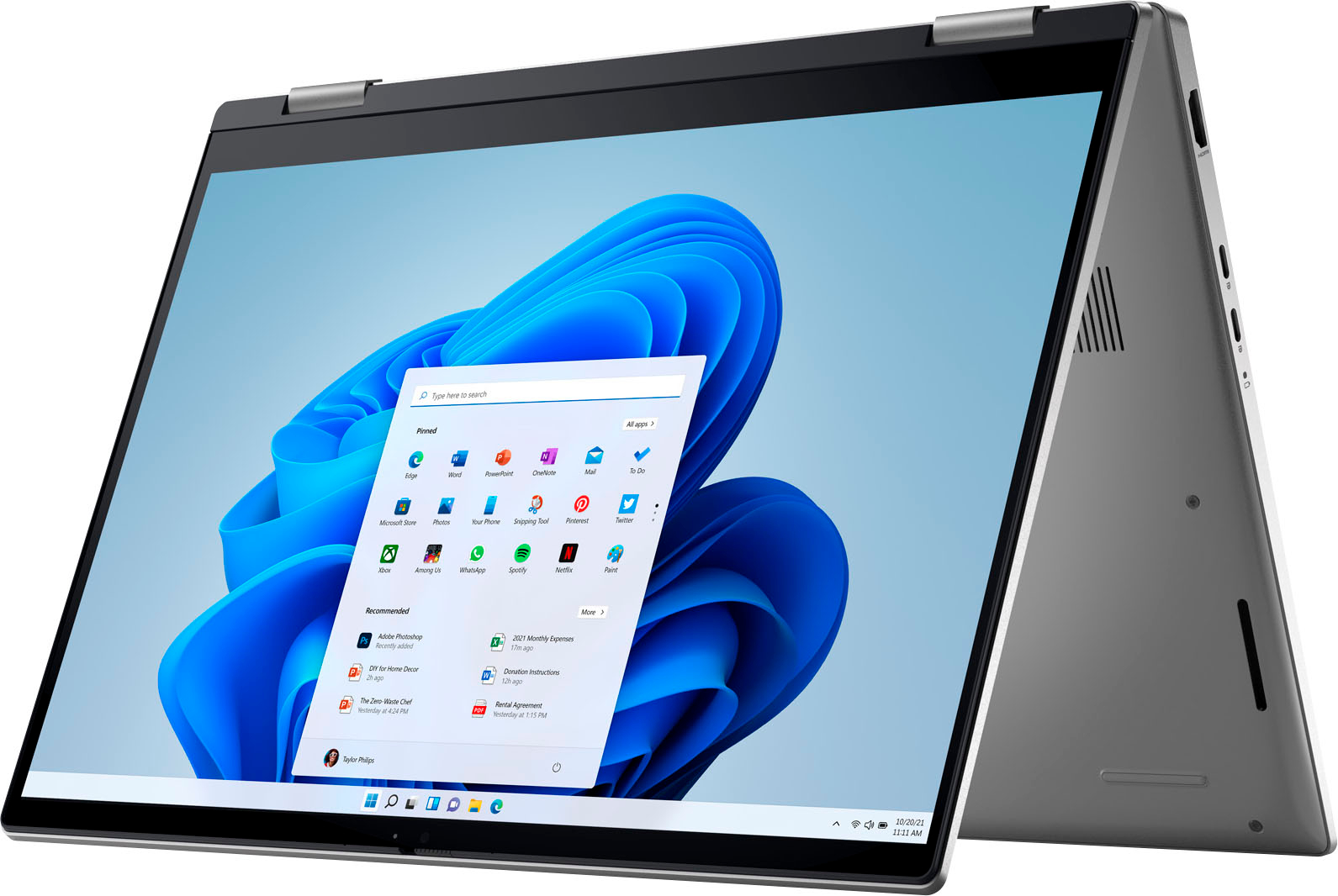
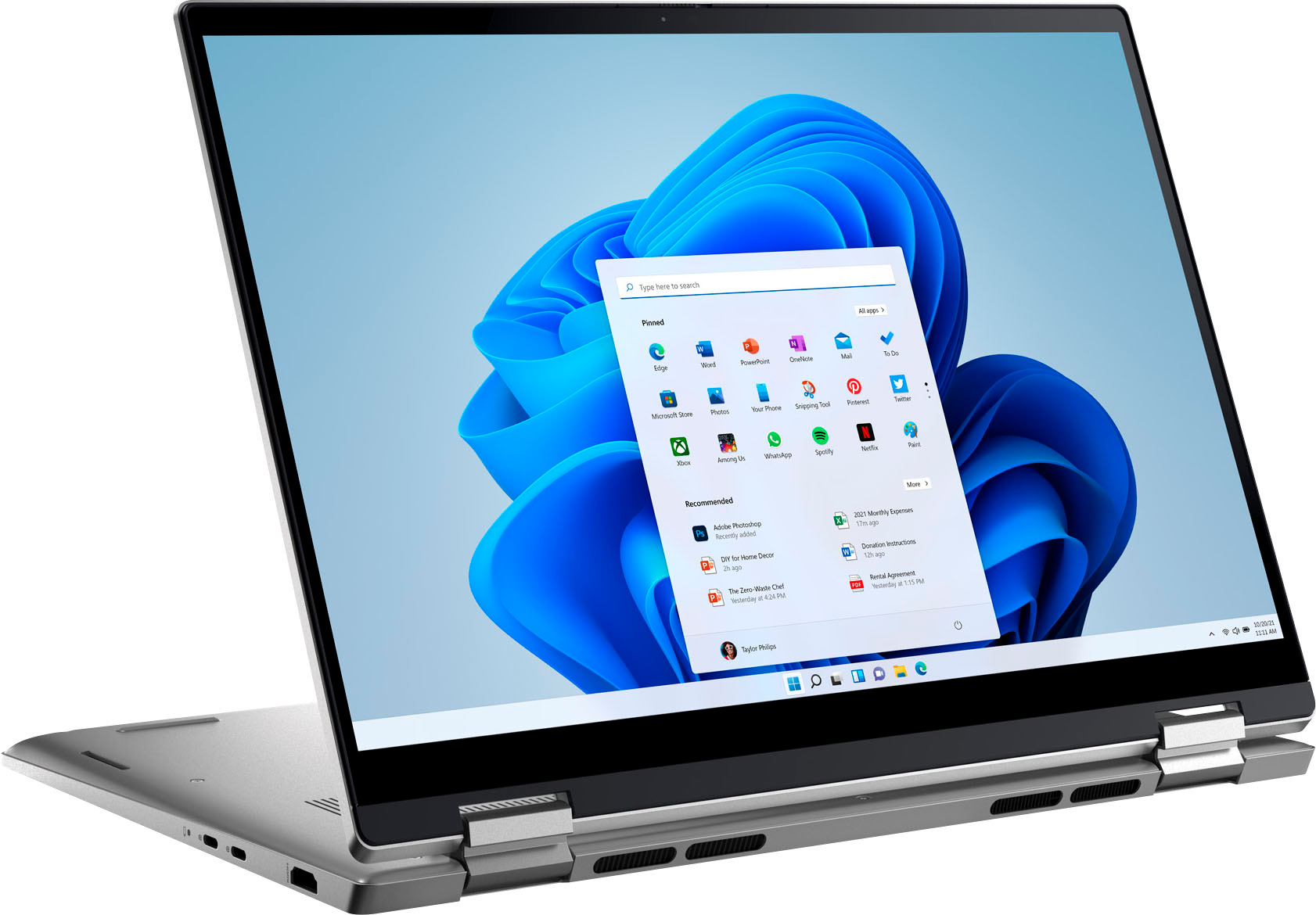
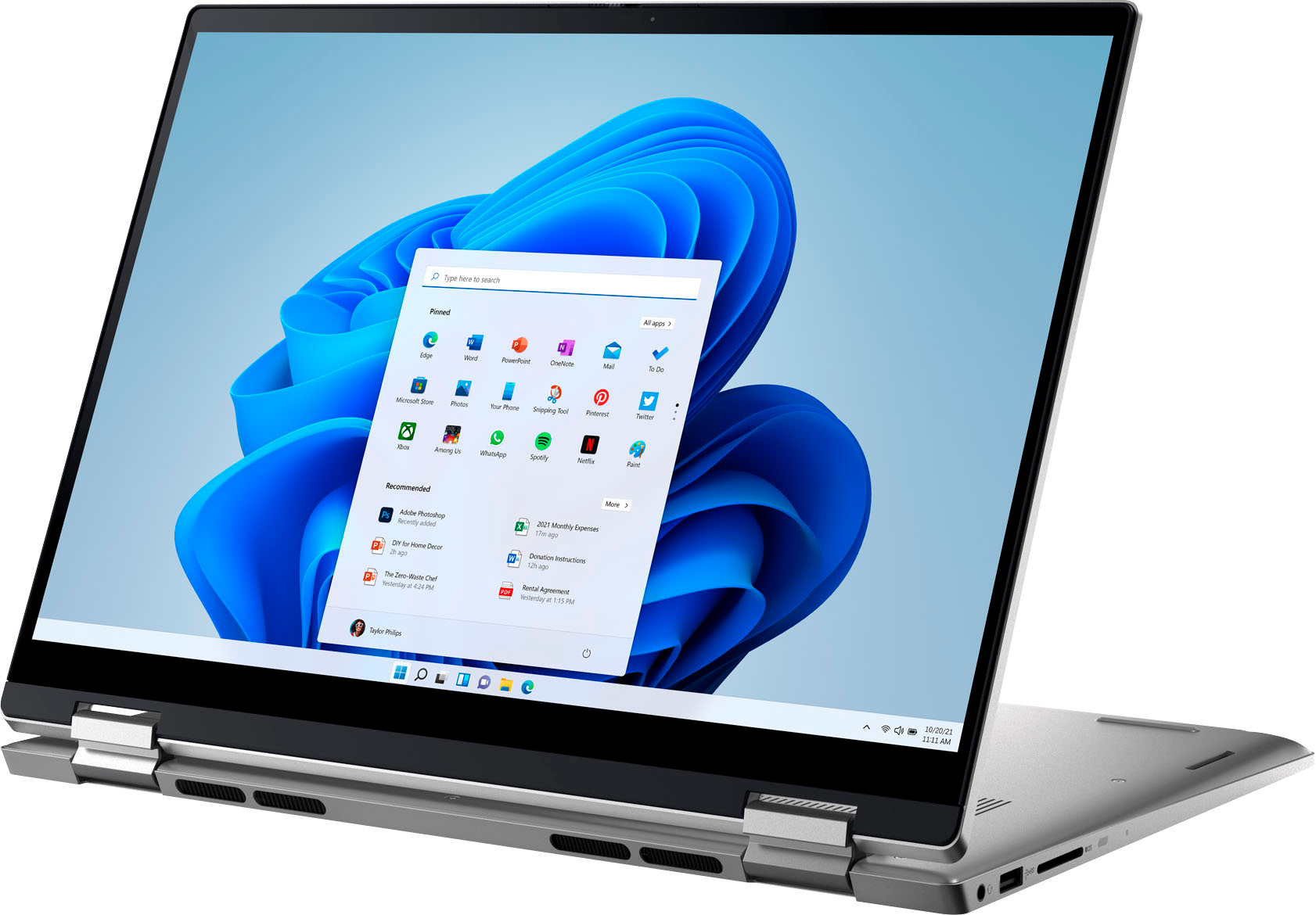


- Model:
- i7420-5983SLV-PUS
- SKU:
- 6504390
Rating by feature
- Battery Life
Rating 4.4 out of 5 stars
- Speed
Rating 4.5 out of 5 stars
- Display
Rating 4.6 out of 5 stars
Customers are saying
Customers enjoy the Inspiron 2-in-1 laptop's affordable price, lightweight design, and long battery life. Positive feedback also highlights the comfortable keyboard, ease of use, and compact size. While some users experienced overheating issues, others noted occasional problems with the speakers. Overall, the laptop receives praise for its performance and portability.
This summary was generated by AI based on customer reviews.
Very Nice Touch Laptop
||Posted . Owned for 1 month when reviewed.This reviewer received promo considerations or sweepstakes entry for writing a review.I love my new laptop, was bummed my current lenovo went out as im in schol and geek squad was able to transfer all my files (with a charge ) but loving this new touch screen and looks just like an apple for half the price.
I would recommend this to a friendBattery Life blue screen
||Posted . Owned for 1 year when reviewed.This reviewer received promo considerations or sweepstakes entry for writing a review.Frequent blue screen of death, heat at the bottom, heavy weight and poor quality, average battery life
No, I would not recommend this to a friendAwesome for students!
||Posted . Owned for 1 month when reviewed.This reviewer received promo considerations or sweepstakes entry for writing a review.Great computer for a college student! My computer stopped working so I bought this one and have had no problems so far. I love the Touch ID and it meets all my needs!
I would recommend this to a friendLaptop/iPad replacement
||Posted . Owned for 1 week when reviewed.This reviewer received promo considerations or sweepstakes entry for writing a review.I've only had this laptop for under a month and I bought it as a replacement for both an iPad and an old laptop. Only knocks so far are the Bluetooth doesn't stay connected to my soundbar speaker all the time and it lost connectivity to my WiFi and would not reconnect until I connected to my phone's hotspot, disconnected and then re-connected to regular WiFi. If these issues persist I will return the laptop.
No, I would not recommend this to a friendBrand response from YourDellTeam
Posted .Dear Mistadobalina,
We want to thank you for taking the time to leave us your review and valued feedback. We apologize for the WIFI issues you have come across with your Dell Inspiron 7420 2-in-1 laptop and for the issues with your speaker connection.
Please make sure you have downloaded the latest system update and that BIOS are up to date. Below, I have included a link to the Drivers and Downloads page for your PC so you can check for applicable updates to the WIFI drivers and all other drivers as well.
I have provided some resolutions to the WIFI issue. I have also provided the full article link, which has more options if they are needed.
1. Download and install the latest Wireless Card driver. (https://dell.to/2th3Tpe) After updating the driver, re-establish the connection with the Wireless Access Point and check the wireless performance.
2. If the issue persists, proceed to step 3.
3. Power-cycle the local network. Shut down the Dell system, the Wireless Access Point/Router, and the Modem. Wait a minimum of 60 seconds before powering up the components in the following order:
4. Power ON the Modem and wait for it to boot fully.
5. Power ON the Wireless Access Point/Router and wait for it to boot fully.
6. Power ON the Dell system.
7. Open Network and Sharing Center
8. In the left-side navigation pane, click on Change Adapter Settings
9. Right-click on the wireless connection icon and select Properties followed by the Configure button
10. Under Wireless Options, select the Wireless N mode
11. For Windows 8 or later systems click the Advanced tab and look for 802.11n Mode on the right you will be given the option to Enable or Disable. If the mode is not visible you may need to update your drivers and firmware.
12. From the drop-down menu, choose Disable followed by Ok
13. This should restore the wireless download and upload speed. Internet speed can be tested at http://speedtest.net
Full article link: https://dell.to/2RefLVN
Drivers and Downloads Page: https://dell.to/3QJLpaJ
After utilizing the troubleshooting options provided, if the problem persists, please reach out to our support team for further guidance here: 1-800-624-9896.
Best,
Katarina@Dell
Should you need further assistance, you can contact Dell directly with the information below.
Chat or call: https://bit.ly/DellSupportTeam
Phone number to Dell 1-800-624-9896
Make the pen included
||Posted .This reviewer received promo considerations or sweepstakes entry for writing a review.Its good laptop. Had to return it for personal reason. But liked it. Would prefer the pen to be imcluded.
I would recommend this to a friendGood school laptop
||Posted . Owned for 2 weeks when reviewed.This reviewer received promo considerations or sweepstakes entry for writing a review.It was a good to my nephew who is starting college. So far he loves it. Great features and power laptop for a student
I would recommend this to a friendGreat computer
||Posted . Owned for 1 week when reviewed.This reviewer received promo considerations or sweepstakes entry for writing a review.So far so good. I have another dell computer that I love. Got this one for our son and it is working out great for him. The tablet mode is another bonus feature.
I would recommend this to a friendDell Review
||Posted . Owned for 1 month when reviewed.This reviewer received promo considerations or sweepstakes entry for writing a review.I love the color and love the features of my laptop. Bought it for my college classes!
I would recommend this to a friendPretty Good 8/10
||Posted . Owned for 2 months when reviewed.This reviewer received promo considerations or sweepstakes entry for writing a review.Pretty good for editing, and writing. If you do a bit of gaming this can still pull through.
I would recommend this to a friendLaptop review
||Posted . Owned for 1 week when reviewed.This reviewer received promo considerations or sweepstakes entry for writing a review.The new Windows 11 is not that easy to use as Window 10.
I would recommend this to a friendReview
||Posted . Owned for 1 week when reviewed.This reviewer received promo considerations or sweepstakes entry for writing a review.Great laptop, just what I wanted, asi great customer service in the Ft. Myers, Fl store!
I would recommend this to a friendBest 2 in 1
||Posted . Owned for 1 week when reviewed.This reviewer received promo considerations or sweepstakes entry for writing a review.Got this for our daughter attending first year of college. She loves how compact and light it is, and also how fast it loads.
I would recommend this to a friendGood computer
||Posted .This reviewer received promo considerations or sweepstakes entry for writing a review.It's perfect for school! My first computer and I love it!!
I would recommend this to a friend- Pros mentioned:Weight
U guys sold me a defective laptop!
||Posted .This reviewer received promo considerations or sweepstakes entry for writing a review.Purchased laptop yesterday , completed set up (downloaded latest version , etc.,). After 1 hr the laptop began to make an engine sound noise, volume stopped working , and the key pads felt very hot. Purchased the laptop on sale, and Now I’m thinking they sold it to me because it’s defective! Laptop looks great and feels great, not to heavy. Unhappy with the purchase. I’ll be returning item.
No, I would not recommend this to a friendBrand response from YourDellTeam
Posted .Hello MarianneS,
We appreciate you taking the time to leave us your review. We apologize for the issue you have come across with your new Dell Inspiron 7420 2-in-1 laptop.
To help with overheating issue, we would recommend making sure the BIOS is up to date on your PC. I have provided a link to the Drivers and Downloads page so you can check for and do any applicable updates. Dell has also released an Intel Power Management Utility to help with the overheating that you may be experiencing on your computer. For this package to take effect, the system power plan must be set to Balanced under the Additional Power Settings. Also, the Power Mode option that is displayed when you click the battery icon, should be set to Better Performance. This package only takes effect on AC power and not on battery power. The Intel Power Management Utility can be found here - http://dell.to/3tStRgX.
Drivers and Downloads Page: https://dell.to/3QJLpaJ
Below I have also provided a link to help identify, troubleshoot and resolve noises coming from your PC.
A guide to identifying abnormal noises: https://dell.to/37ZzznW
To help with audio issues, I have provided the steps to run the Microsoft Sound Troubleshooter. I have also included the full article link that has more options if they are needed.
How to run the Windows Sound Troubleshooter in Microsoft Windows 10
1. Click Start, and then select Settings (gear icon).
2. Click Update & Security and select Troubleshoot.
3. Click Playing Audio and then click Run the troubleshooter.
4. Follow the on-screen instructions to complete the troubleshooting process.
How to Troubleshoot Audio Issues or Sound Playback Issues: https://dell.to/3u4pzmX
If the issues with your Inspiron laptop are still not resolved after utilizing the troubleshooting options above, please contact the Dell Support Team at 1-800-624-9896 for further guidance.
Best,
Katarina@Dell
Should you need further assistance, you can contact Dell directly with the information below.
Chat or call: https://bit.ly/DellSupportTeam
Phone number to Dell: 1-800-624-9896
Pretty Good So Far
||Posted . Owned for 1 month when reviewed.This reviewer received promo considerations or sweepstakes entry for writing a review.I haven't used it a whole lot yet, but so far I'm happy.
I would recommend this to a friendLaptop big Hit in High school
||Posted . Owned for 1 month when reviewed.This reviewer received promo considerations or sweepstakes entry for writing a review.Love, meeting my daughter's high school needs and more
I would recommend this to a friendWorth the price.
||Posted . Owned for 1 month when reviewed.This reviewer received promo considerations or sweepstakes entry for writing a review.This is a smooth operating machine. Could be a little faster but you get what you pay for.
I would recommend this to a friendGood Computer
||Posted . Owned for 3 weeks when reviewed.This reviewer received promo considerations or sweepstakes entry for writing a review.So far it works as intended and no issues so far. I’ve used Dell for years and like them.
I would recommend this to a friendNew Purchase.
||Posted . Owned for 1 week when reviewed.This reviewer received promo considerations or sweepstakes entry for writing a review.The Dell Computer that my wife purchased was a great choice for what she felt she needed.
I would recommend this to a friendLaptop
||Posted . Owned for 1 month when reviewed.This reviewer received promo considerations or sweepstakes entry for writing a review.Excellent product and would recommend to anyone that is looking for a laptop.
I would recommend this to a friend