Customer Ratings & Reviews





- Model:
- i7420-5983SLV-PUS
- SKU:
- 6504390
Rating by feature
- Battery Life
Rating 4.4 out of 5 stars
- Speed
Rating 4.5 out of 5 stars
- Display
Rating 4.6 out of 5 stars
Customers are saying
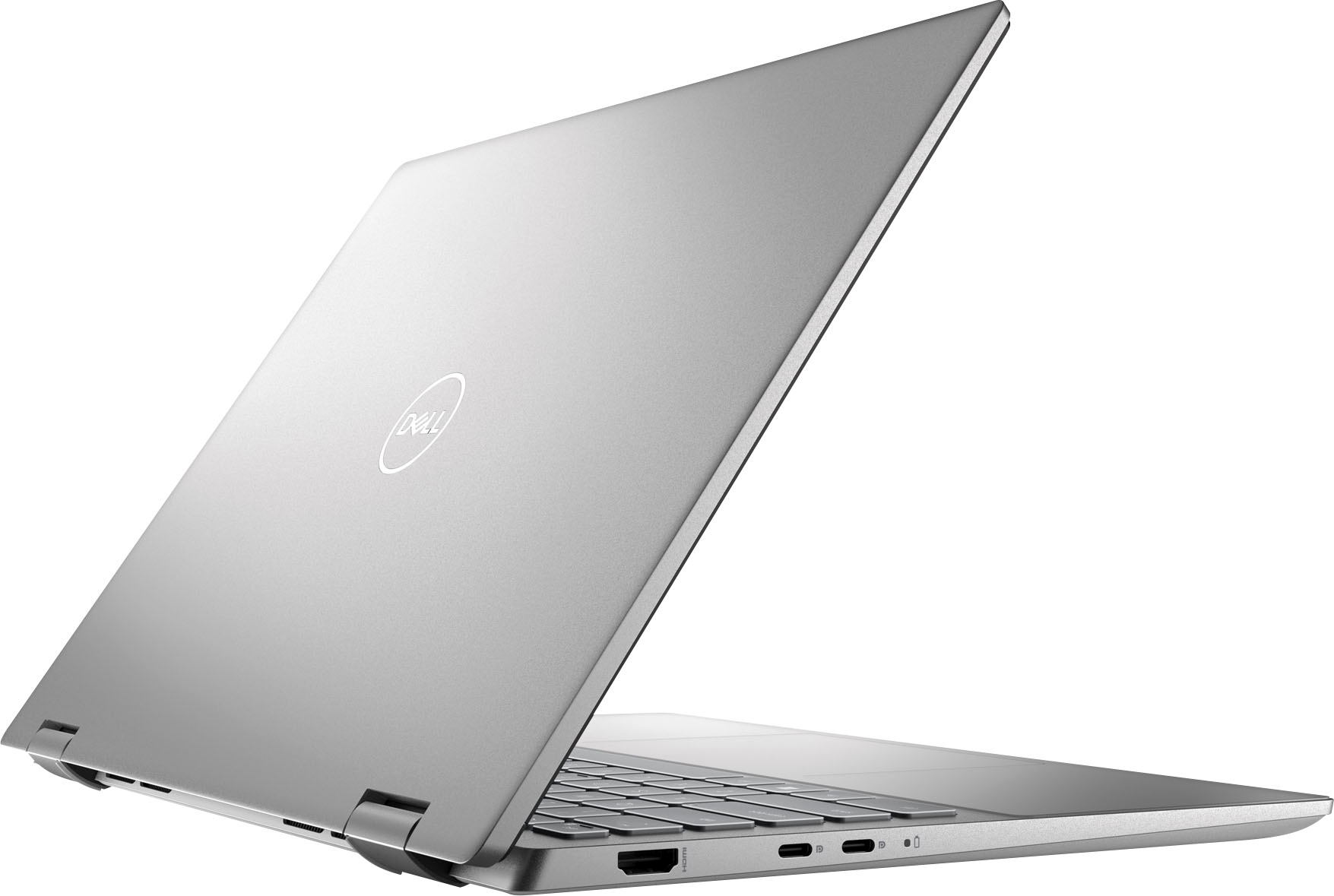
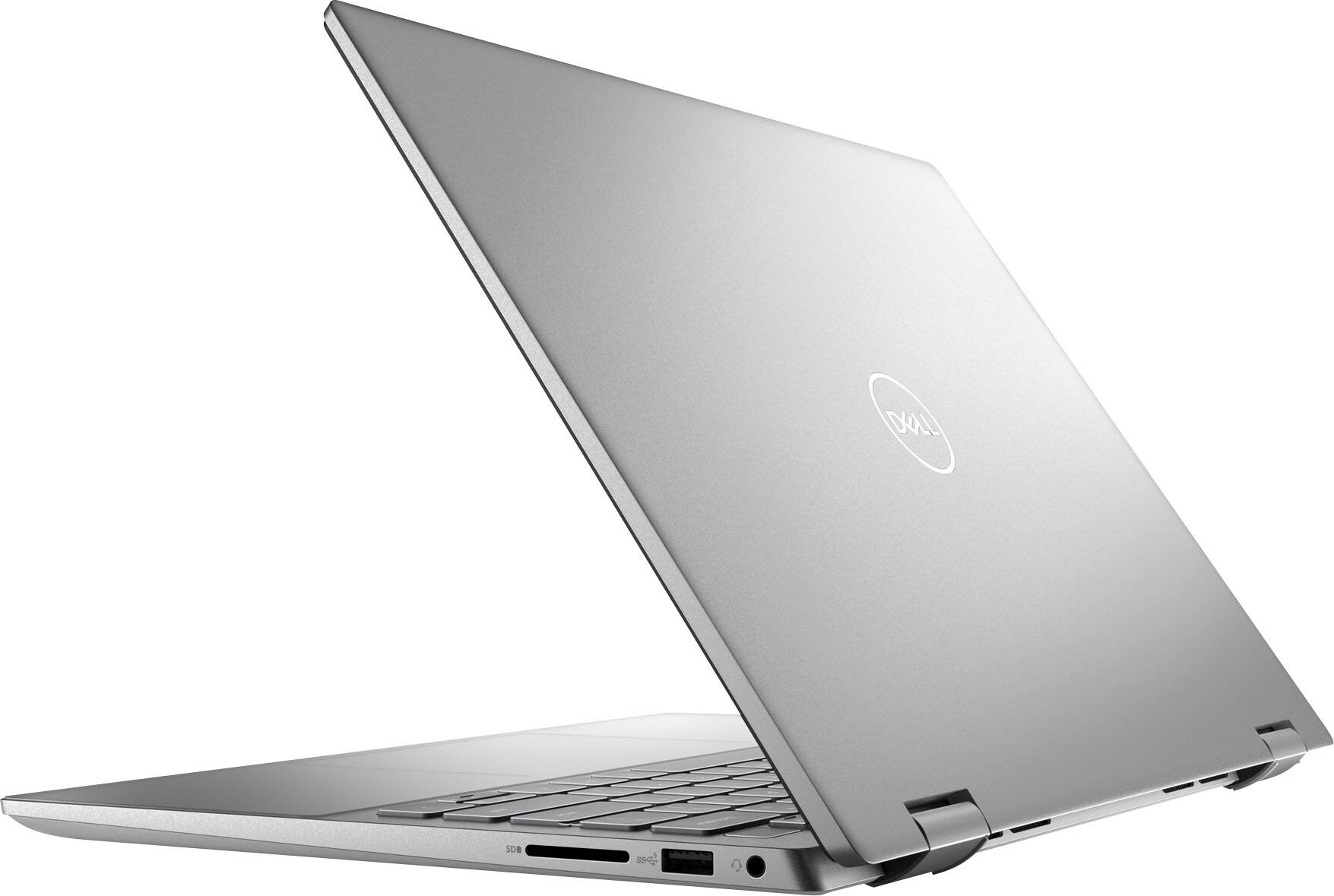
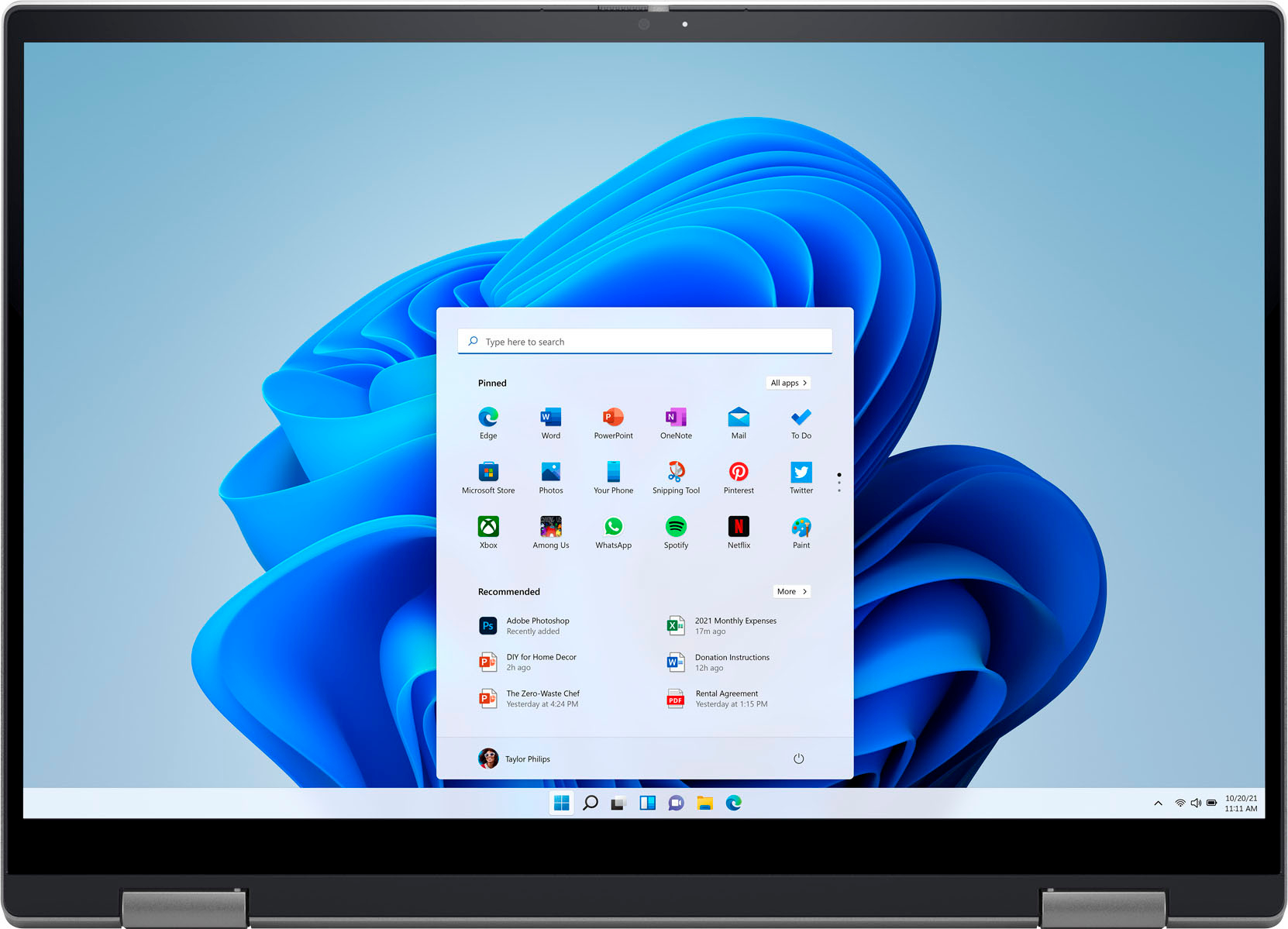
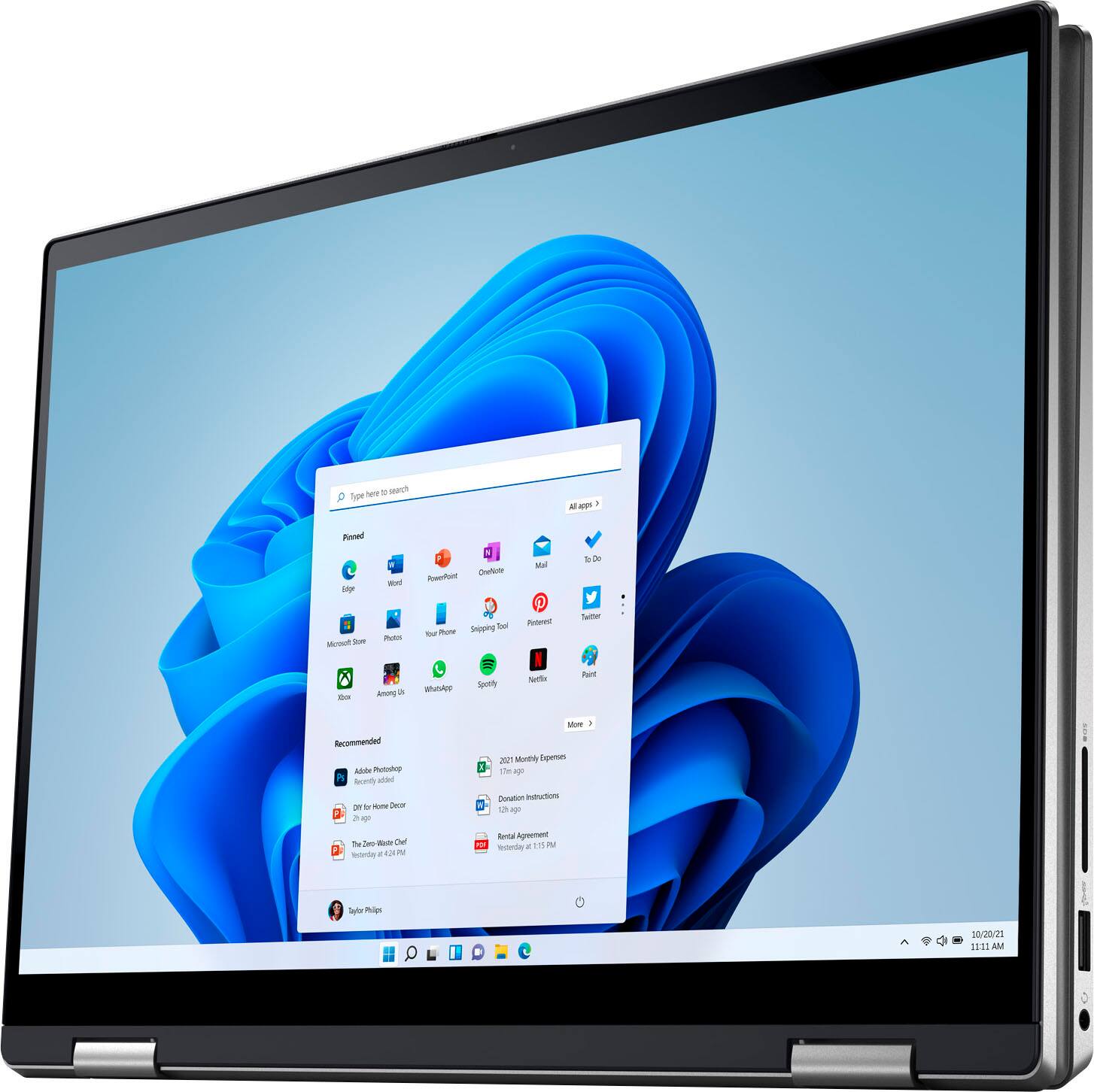
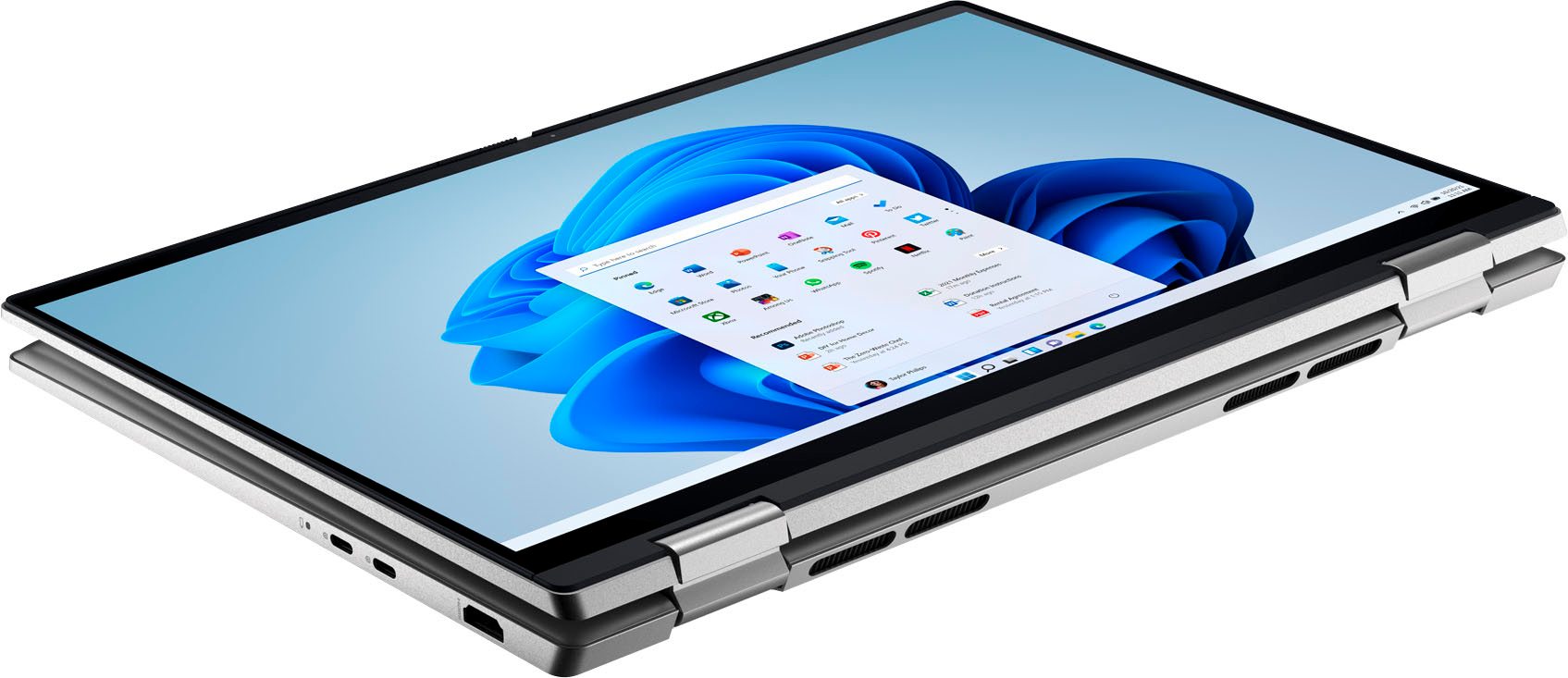
Customers enjoy the Inspiron 2-in-1 laptop's affordable price, lightweight design, and long battery life. Positive feedback also highlights the comfortable keyboard, ease of use, and compact size. While some users experienced overheating issues, others noted occasional problems with the speakers. Overall, the laptop receives praise for its performance and portability.
This summary was generated by AI based on customer reviews.
Inspiron Review
||Posted . Owned for 1 week when reviewed.This reviewer received promo considerations or sweepstakes entry for writing a review.It appears to be just what we were looking for. A perfect fit for my wife's needs.
I would recommend this to a friendJain
||Posted . Owned for 1 week when reviewed.This reviewer received promo considerations or sweepstakes entry for writing a review.It was perfect what I was looking for laptop. it have great feature.Ilove it
I would recommend this to a friendbest compact laptop.
||Posted . Owned for 1 week when reviewed.This reviewer received promo considerations or sweepstakes entry for writing a review.Most compact and powerful sleek laptop . I highly recommend Dell Laptops.
I would recommend this to a friendDell Laptop
||Posted . Owned for 1 week when reviewed.This reviewer received promo considerations or sweepstakes entry for writing a review.Perfect for my daughter who is attending The NASCAR Technical Institute.
I would recommend this to a friendGreat buy!
||Posted .This reviewer received promo considerations or sweepstakes entry for writing a review.Fast (speed) Loved windows11 and the computer is very light!
I would recommend this to a friendFirst laptop
||Posted . Owned for 3 months when reviewed.This reviewer received promo considerations or sweepstakes entry for writing a review.Very good for a student starting college for a first laptop
I would recommend this to a friendLight and powerful
||Posted . Owned for 1 month when reviewed.This reviewer received promo considerations or sweepstakes entry for writing a review.Just enough power for personal use without breaking your wallet.
I would recommend this to a friendNag
||Posted . Owned for less than 1 week when reviewed.This reviewer received promo considerations or sweepstakes entry for writing a review.Laptop looks really good and received it on time and in good condition
I would recommend this to a friendGreat Deal for $569
||Posted .This reviewer received promo considerations or sweepstakes entry for writing a review.Really good laptop for the money. Great CPU. I will add more RAM
I would recommend this to a friendGood
||Posted . Owned for 2 months when reviewed.This reviewer received promo considerations or sweepstakes entry for writing a review.I have had it for 4 months. It is a good laptop to have.
I would recommend this to a friendLap Burner
||Posted . Owned for 3 weeks when reviewed.This reviewer received promo considerations or sweepstakes entry for writing a review.This laptop was purchased to replace a Dell Inspiron 2 n 1 7000 series laptop I had enjoyed for more than 7 years. Out of the box the computer was everything I was looking for, lightweight, slightly larger screen, and decent sized storage. After some very light web browsing I noticed the bottom of the computer was getting very warm and then the fan started running non stop which put out even more heat along with annoying noise levels. After a few days of trial the situation did not improve so I started shopping again and returned this lap burner to Best Buy.
No, I would not recommend this to a friendBrand response from YourDellTeam
Posted .Dear Happy,
We appreciate you taking the time to leave a review of your Inspiron 2-in-1 Touch Laptop. We are sorry to hear that you experienced an issue with your fan noise and your system overheating. That is not the type of product Dell intends to deliver and we are sorry you made the decision to return your device. If you come across any questions or concerns I have provided the toll-free number and chat link below for your convenience.
Should you need further assistance; we recommend that you contact Dell directly with the information below.
Chat or call: https://bit.ly/DellSupportTeam
Phone number to Dell: 1-800-624-9896.
Best,
Summer@Dell
Nice
||Posted . Owned for 1 month when reviewed.This reviewer received promo considerations or sweepstakes entry for writing a review.Excellent performance, did not see any glitch as of now.
I would recommend this to a friendDell Inspiron 14
||Posted . Owned for 1 week when reviewed.This reviewer received promo considerations or sweepstakes entry for writing a review.Very happy with my new Dell Inspiron 14 from Best Buy!
I would recommend this to a friendNot worth it at any price
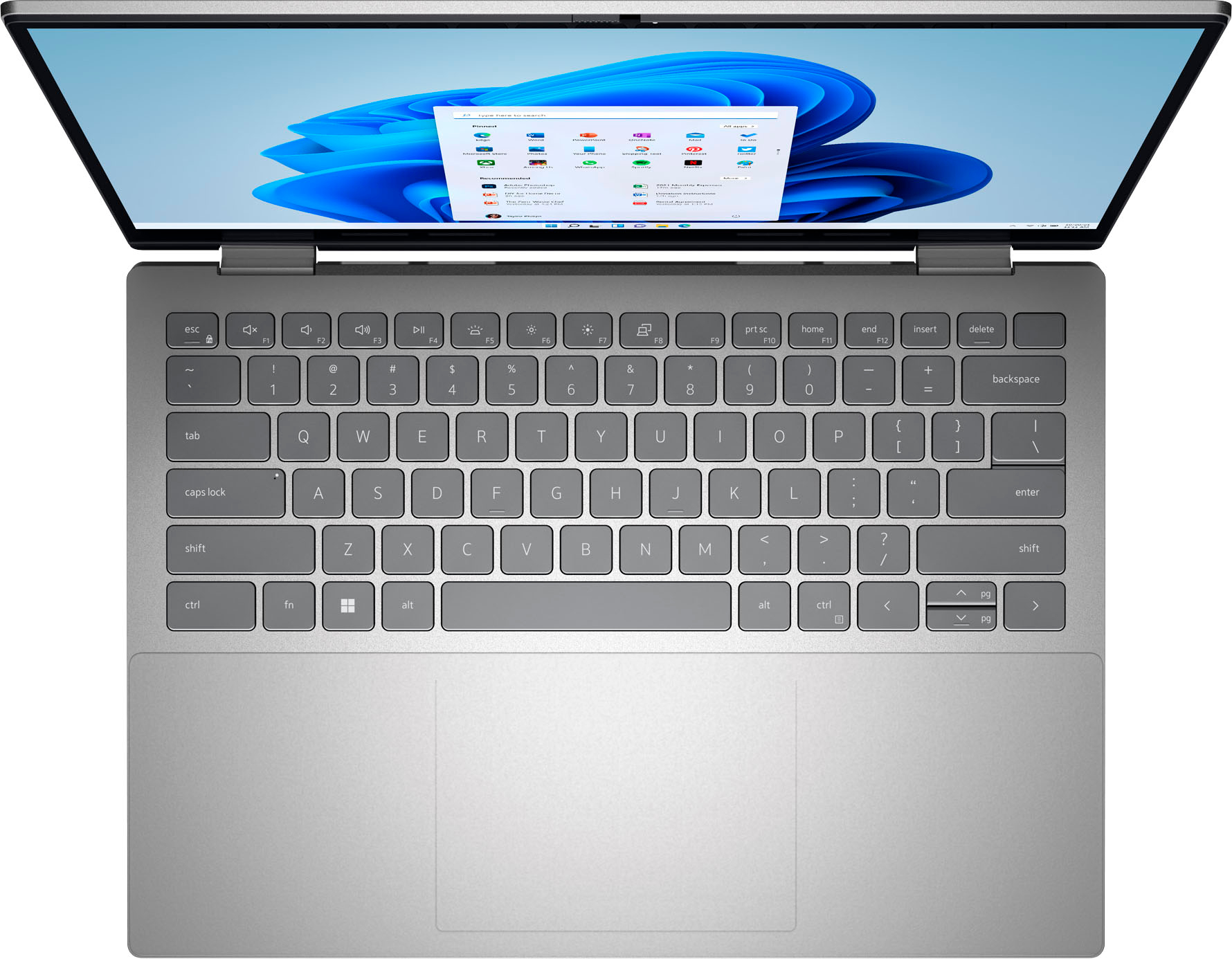
||Posted . Owned for 3 weeks when reviewed.This reviewer received promo considerations or sweepstakes entry for writing a review.Had this not quite a month . The keyboard is hard to see(white letters on grey background) unless dark and backlit. As the days go on, it gets noisier when cooling. I don't feel the battery life is anything to write home about, I need to charge it every day and I do not use it that much. It also seems slow. I had a dell many yrs ago and liked it, but I think they went downhill.
No, I would not recommend this to a friendBrand response from YourDellTeam
Posted .Greetings Fran,
Thank you for taking the time to leave a review of your Inspiron Touch Laptop. We are sorry to hear that you are not satisfied with your computers keyboard, your battery runtime and the performance of your device. Below I have provided troubleshooting steps to help improve the performance of your battery and a slow performance troubleshooting link.
Here are the steps to help improve the battery performance of your laptop:
1. On the notification area of the taskbar, right-click the Battery icon.
2. On the options list, click Power Options.
3. Select a power plan on the battery meter, such as Power Saver or Balanced. Windows 10 has a built-in 'Battery Saver' mode that can be activated to extend your system's battery life. The Battery Saver mode will monitor and limit background activity and other features such as push notifications. You do have the option to enable or disable this mode within settings or within advanced Battery Saver settings, you can customize the mode to best suit your needs.
a) Click on the Action Center icon in the taskbar and select the tile for Battery Saver.
b) If running Cortana, type Battery Saver into the search box and select from the results.
Within the Battery Saver settings page, you will be able to turn on and off the feature and customize the feature to best meet your needs.
c) Turn the Battery Saver On or Off.
d) Additional settings are available via the Battery use and Battery saver settings links.
e) Battery use shows further info on apps and their power usage.
f) Battery Saver Settings screen allows you to customize further the Battery Saver feature.
How to Improve the Performance of a Dell Laptop Battery: http://dell.to/2vfXWf4
You can read the article that can help you with slow performance issues here: https://dell.to/3yqre8r
Should you need further assistance; we recommend that you contact Dell directly with the information below.
Chat or call: https://bit.ly/DellSupportTeam
Phone number to Dell: 1-800-624-9896.
Regards,
Summer@Dell
Dell laptop
||Posted . Owned for 1 week when reviewed.This reviewer received promo considerations or sweepstakes entry for writing a review.Like this Dell laptop - does what I need for my studies
I would recommend this to a friendBrand response from YourDellTeam
Posted .Hi LuPereira,
Thank you very much for your valued feedback. We appreciate your kind words and are happy to know you're enjoying your Dell Inspiron 7420 2-in1 laptop because it is working well for you and your studies.
If you come across any questions, issues, or concerns, please don’t hesitate to contact Dell at your earliest convenience at the information provided below.
Best,
Katarina@Dell
Should you need further assistance, you can contact Dell directly with the information below.
Chat or call: https://bit.ly/DellSupportTeam
Phone number to Dell: 1-800-624-9896
Did not work
||Posted . Owned for 1 week when reviewed.This reviewer received promo considerations or sweepstakes entry for writing a review.Graphic card did not work. Bad screen quality. I would have expected different laptop for this price. Very disappointed
No, I would not recommend this to a friendBrand response from YourDellTeam
Posted .Hi Alfredo,
Thank you very much for your valued feedback. We are sorry to hear you have come across some issues with your Dell Inspiron 7420 2-in-1 computer because its graphic card is not working and the screen quality is not good. We will share your comment with our quality team, so future improvements can be made.
To help with the screen issues, we recommend making sure, that all drivers are current and up to date. I have provided a link to the Drivers and Downloads Page for your Inspiron laptop where you can check for any applicable updates.
Drivers and Downloads Page: https://dell.to/3QJLpaJ
We also recommend following these troubleshooting tips:
1. Run the automated tools in SupportAssist to ensure that the drivers and BIOS are up to date and your computer is optimized
2. Verify display or video issue on an external monitor
3. Check for physical damage on the LCD screen
4. Run hardware diagnostics on the LCD screen
5. Verify the display or video issue in Windows Safe Mode
6. Download and install Microsoft Windows Updates
7. Change the video or display settings, and adjust the brightness
8. Touch screen troubleshooting
9. Run a Video Stress Test using Dell SupportAssist
10. Perform a Windows System Restore
11. Restore the computer to factory defaults
The whole article on this subject can be found here:
How to Troubleshoot Display or Video Issues on a Dell Laptop: https://dell.to/3pE7wm4
For help with your graphic card, please don't hesitate to get in touch with the Dell Support Team at 1-800-624-9896 at your earliest convenience.
Best,
Katarina@Dell
Should you need further assistance, you can contact Dell directly with the information below.
Chat or call: https://bit.ly/DellSupportTeam
Phone number to Dell 1-800-624-9896
- Cons mentioned:Heat
Letdown
||Posted . Owned for 2 months when reviewed.This reviewer received promo considerations or sweepstakes entry for writing a review.Constantly crashing...I assume form the extreme heat. This thing runs super hot.
No, I would not recommend this to a friendBrand response from YourDellTeam
Posted .Greetings Jasper,
We appreciate you taking the time to leave us a review of your Inspiron 7420. We are sorry to hear that you are experiencing an issue with your device overheating. That is not the type of feedback we like to hear from our customers. I have noted the details of your statement and will use them to help improve current and future products.
Tips for Proper Usage:
1. Dell does not recommend placing portable systems directly on your lap. Due to reductions in the thickness of modern portable systems, heat transfer can be an issue.
2. Using a portable system (Laptop) on a hard, flat, non-cloth surface will increase airflow and reduce heat from underneath and inside the system.
Using the portable system on a blanket, pillow, or other types of cloth will cover up the fan cause the computer to overheat and can cause permanent damage.
3. It is recommended to use the portable system in a Room temperature of 0°C to 35°C (32°F to 95°F) with a Humidity level no greater than 90%.
4. Use compressed air to clean the vents on a regular basis.
5. Using a cooling pad can decrease heat and increase performance.
6. If you want to know the temperature limitations for your system, go to the Dell Support Website, look up your system model then open the user guide under the manuals link.
You can read the full article here - http://dell.to/2uJ8AdG.
After troubleshooting if you require further assistance please use the contact information below to contact Dell Support at your convenience.
Regards,
Summer@Dell
Should you need further assistance; you can contact Dell directly with the information below.
Chat or call: https://bit.ly/DellSupportTeam
Phone number to Dell: 1-800-624-9896
- Cons mentioned:Speakers
Disappointed
||Posted .This reviewer received promo considerations or sweepstakes entry for writing a review.Computers speakers didnt work when we got it home Had to return
No, I would not recommend this to a friendBrand response from YourDellTeam
Posted .Hello Valued Customer,
Thank you very much for your valuable feedback. We are sorry to hear that you were not too happy with your Dell Inspiron 7420 2-in-1 laptop because its speakers were not working and that you have ultimately decided to return this system. Feedback like yours will help us to improve our current and future products and services. We can assure you that Dell takes pride in manufacturing quality products. Even if this particular product was not the right fit for you we hope that you will consider Dell in the future when you make your next system purchase.
If you come across any questions about the Dell products, please don’t hesitate to contact Dell Support Team at the information provided below.
Best,
Katarina@Dell
Should you need further assistance, you can contact Dell directly with the information below.
Chat or call: https://bit.ly/DellSupportTeam
Phone number to Dell 1-800-624-9896
- Cons mentioned:Heat
Not good
||Posted . Owned for 1 month when reviewed.This reviewer received promo considerations or sweepstakes entry for writing a review.Makes too much noise. Gets too hot too fast when idle.
No, I would not recommend this to a friendBrand response from YourDellTeam
Posted .Hi Shamatuu,
We would like to thank you for taking the time to provide us with your feedback. We are sorry to hear about the issues you came across with your Inspiron 7420 2-in-1 laptop because it is overheating and fan is very noisy.
To help with overheating issue, we would recommend making sure the BIOS is up to date on your PC. I have provided a link to the Drivers and Downloads page so you can check for and do any applicable updates. Dell has also released an Intel Power Management Utility to help with the overheating that you may be experiencing on your computer. For this package to take effect, the system power plan must be set to Balanced under the Additional Power Settings. Also, the Power Mode option that is displayed when you click the battery icon, should be set to Better Performance. This package only takes effect on AC power and not on battery power. The Intel Power Management Utility can be found here - http://dell.to/3tStRgX.
Drivers and Downloads Page: https://dell.to/3QJLpaJ
Below I have provided steps to run a pre-boot diagnostic test that can help with fan noise:
1. Restart your Dell PC.
2. When the Dell logo appears, press F12 key to enter One-time Boot Menu.
3. Use the arrow keys to select Diagnostics and press Enter key on the keyboard.
4. Follow the on-screen prompts and respond appropriately to complete the diagnostics.
5. If the test fails, ensure to write down the error code and validation code.
If your issue with fan noise continues this article can be used to further assist: http://dell.to/38XbfCV
If the issues with your Inspiron are still not resolved after utilizing the troubleshooting options above, please contact the Dell Support Team at 1-800-624-9896 for further guidance.
Best,
Katarina@Dell
Should you need further assistance, you can contact Dell directly with the information below.
Chat or call: https://bit.ly/DellSupportTeam
Phone number to Dell 1-800-624-9896
Never buy open box
||Posted . Owned for less than 1 week when reviewed.This reviewer received promo considerations or sweepstakes entry for writing a review.First time I bought an open box item and it was a horrible experience. The touchpad on the laptop did not work. I needed the laptop for my daughter to take with her for her first year in college, had to return it and repurchase a new one.
No, I would not recommend this to a friend