Customer Ratings & Reviews



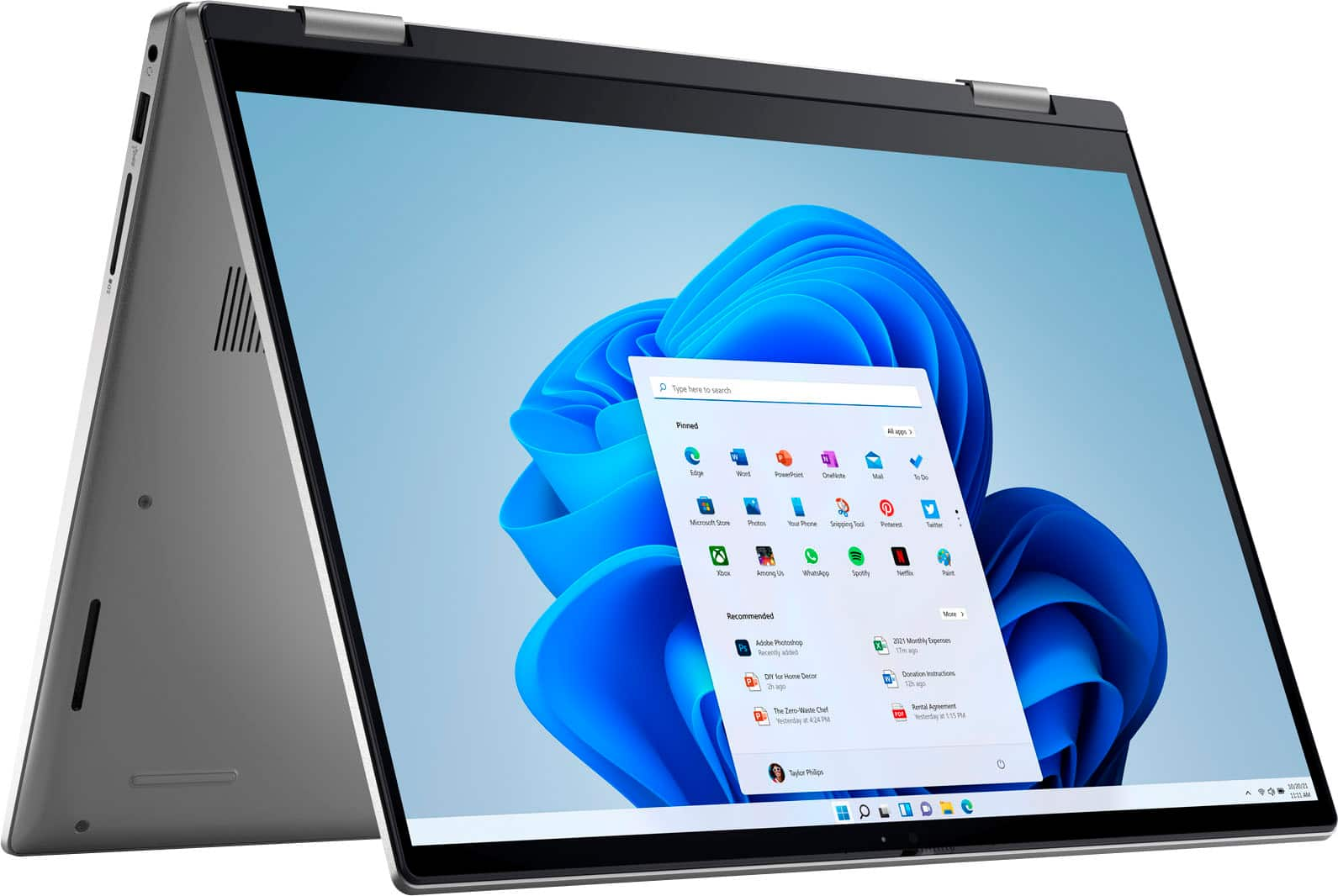
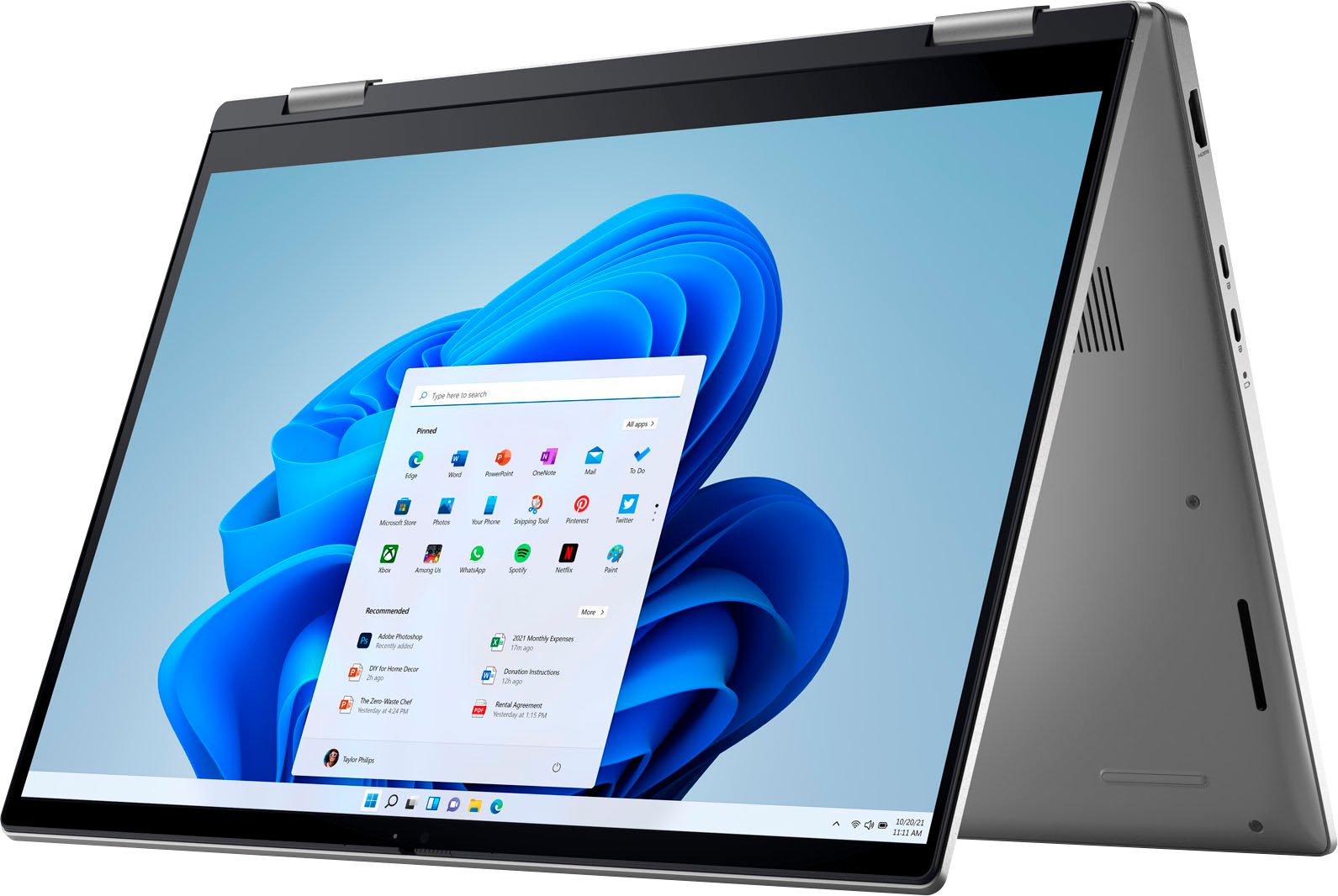
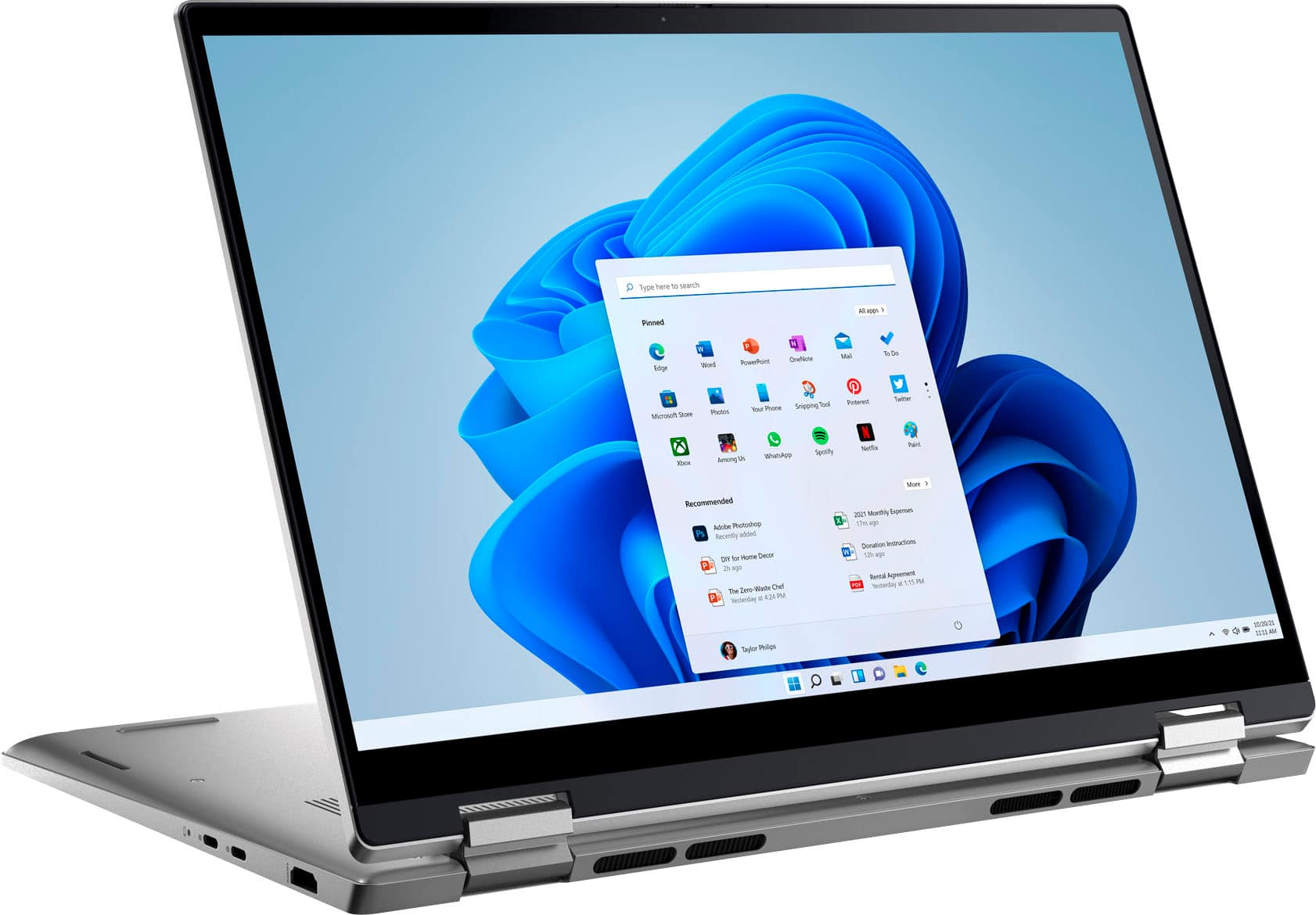
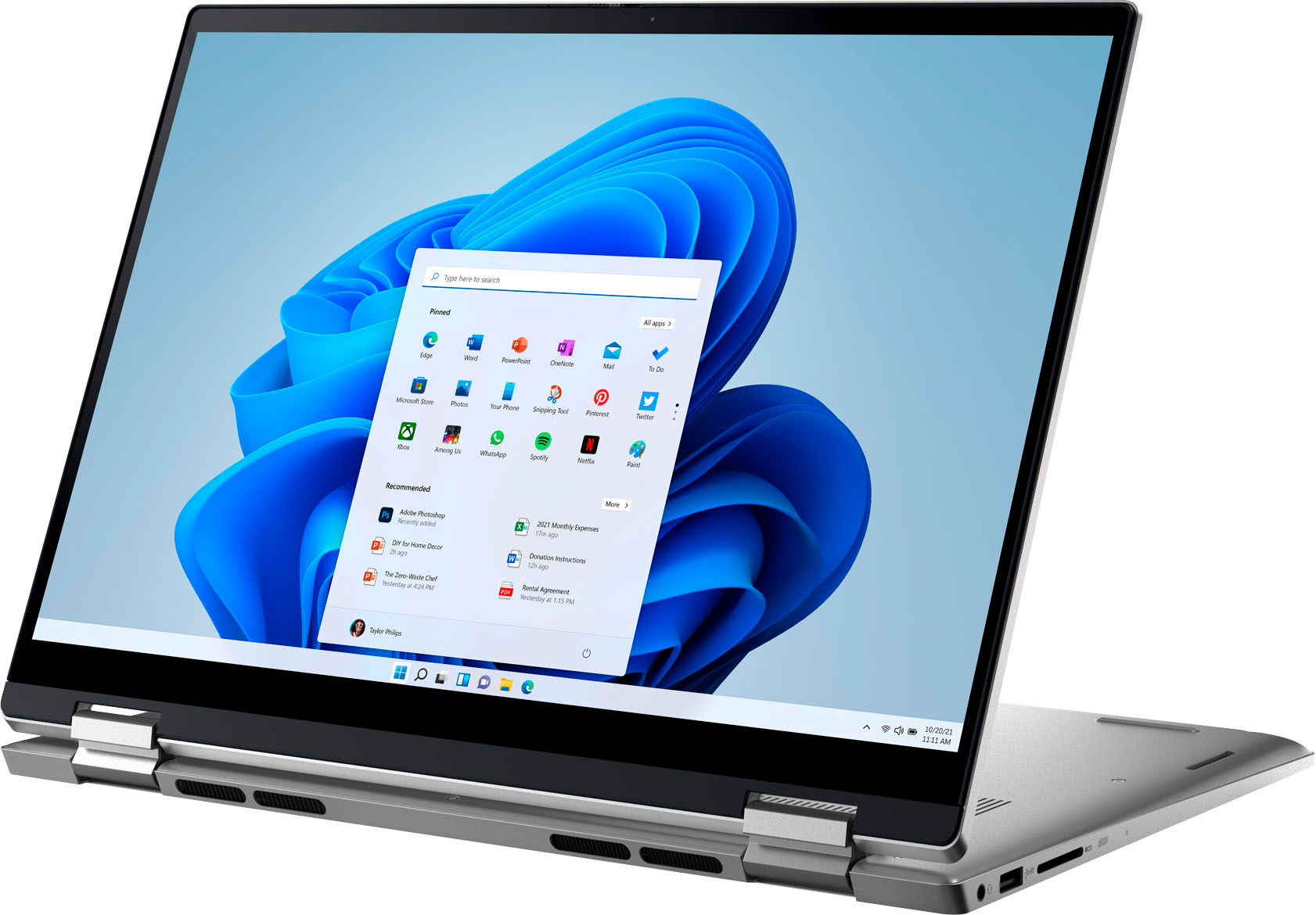


- Model:
- i7420-7976SLV-PUS
- SKU:
- 6504381
Rating by feature
- Battery Life
Rating 4.5 out of 5 stars
- Speed
Rating 4.7 out of 5 stars
- Display
Rating 4.7 out of 5 stars
Customers are saying
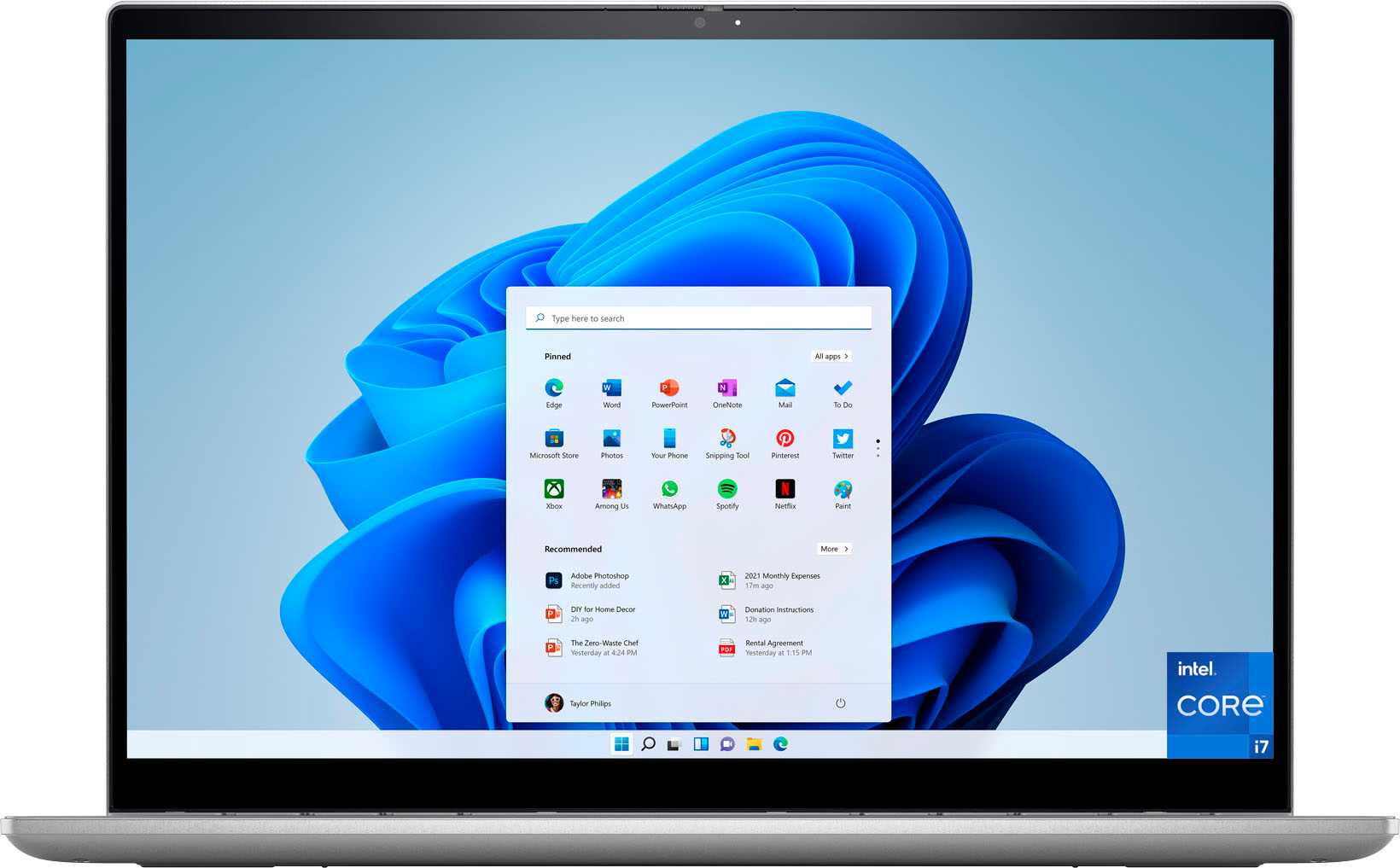
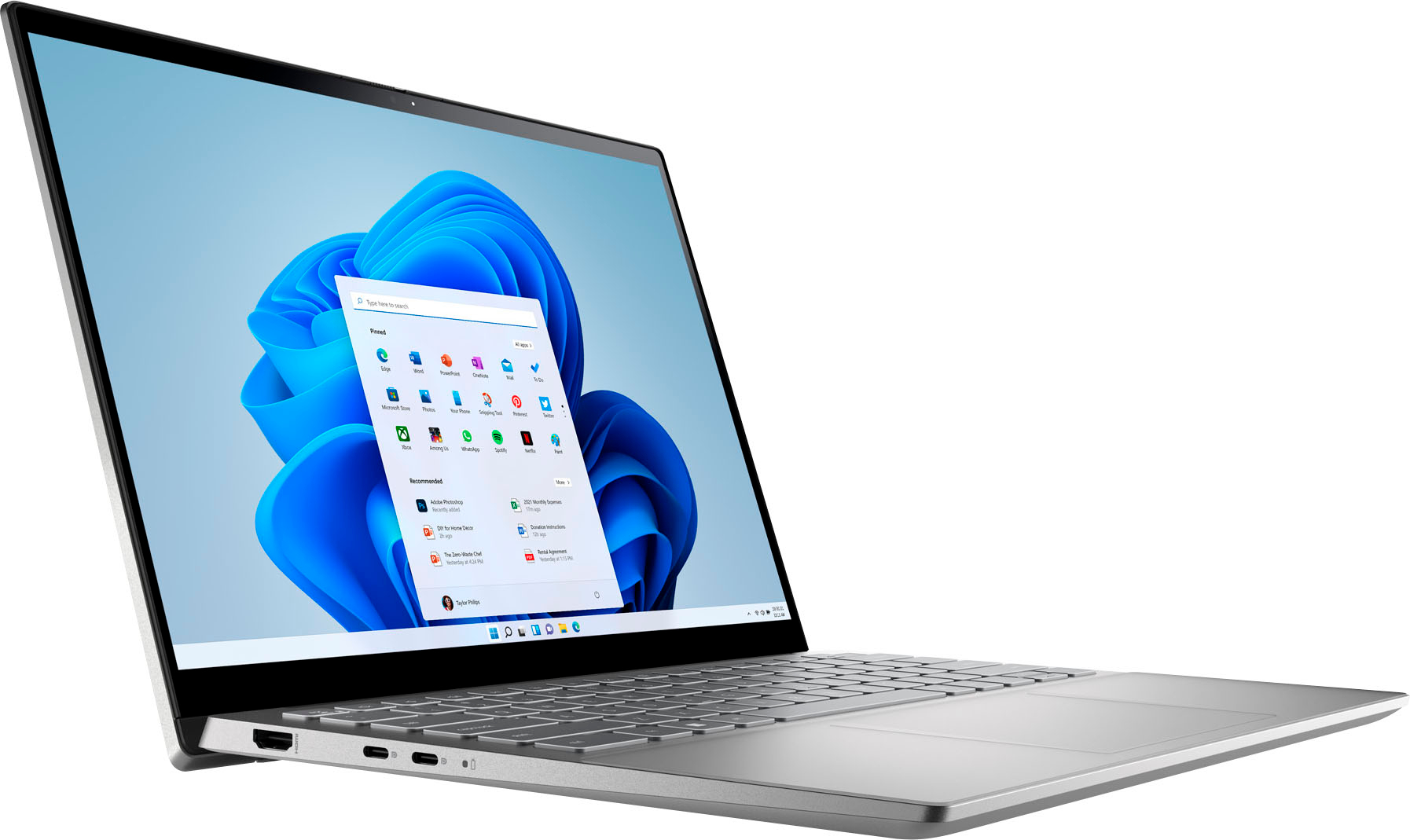
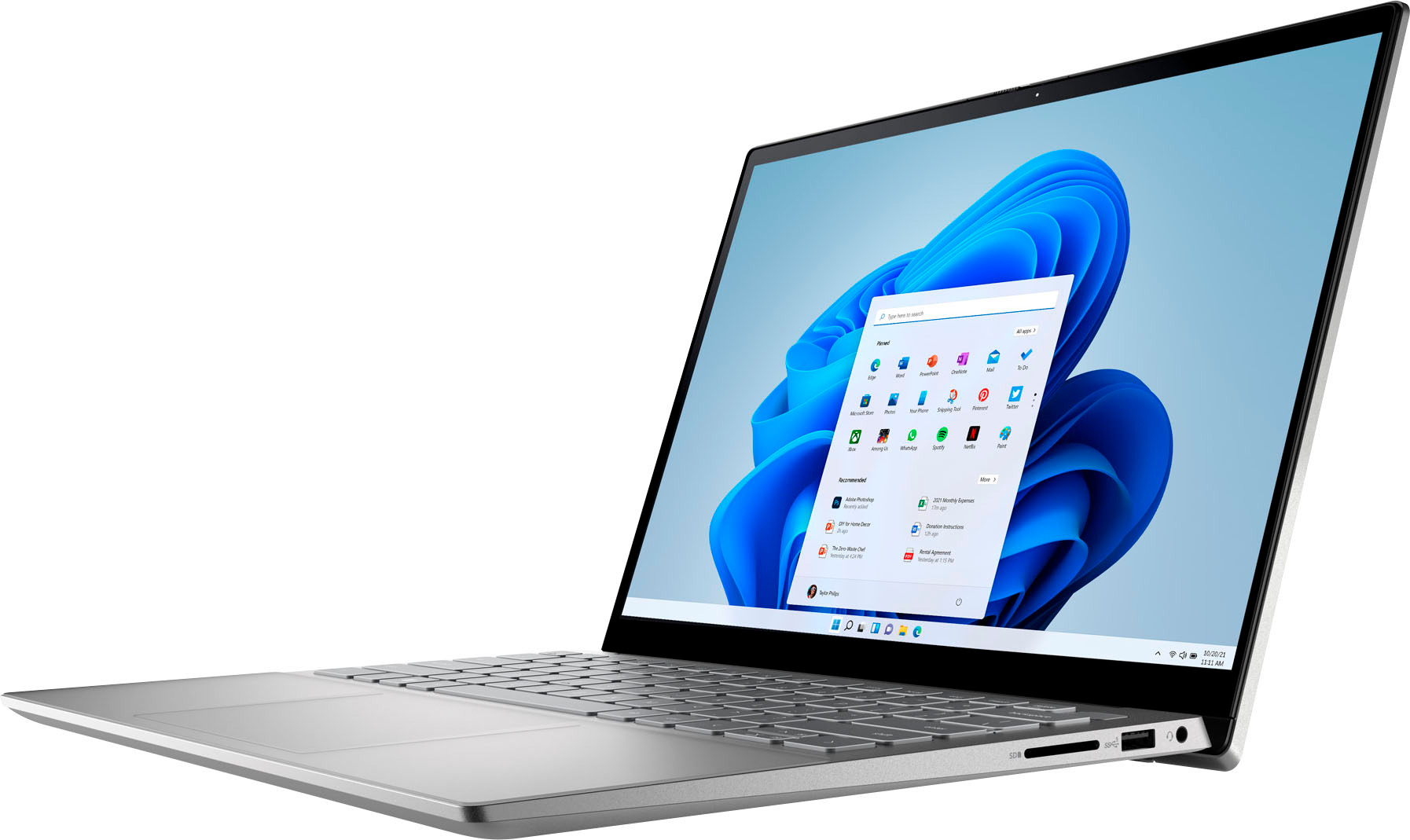
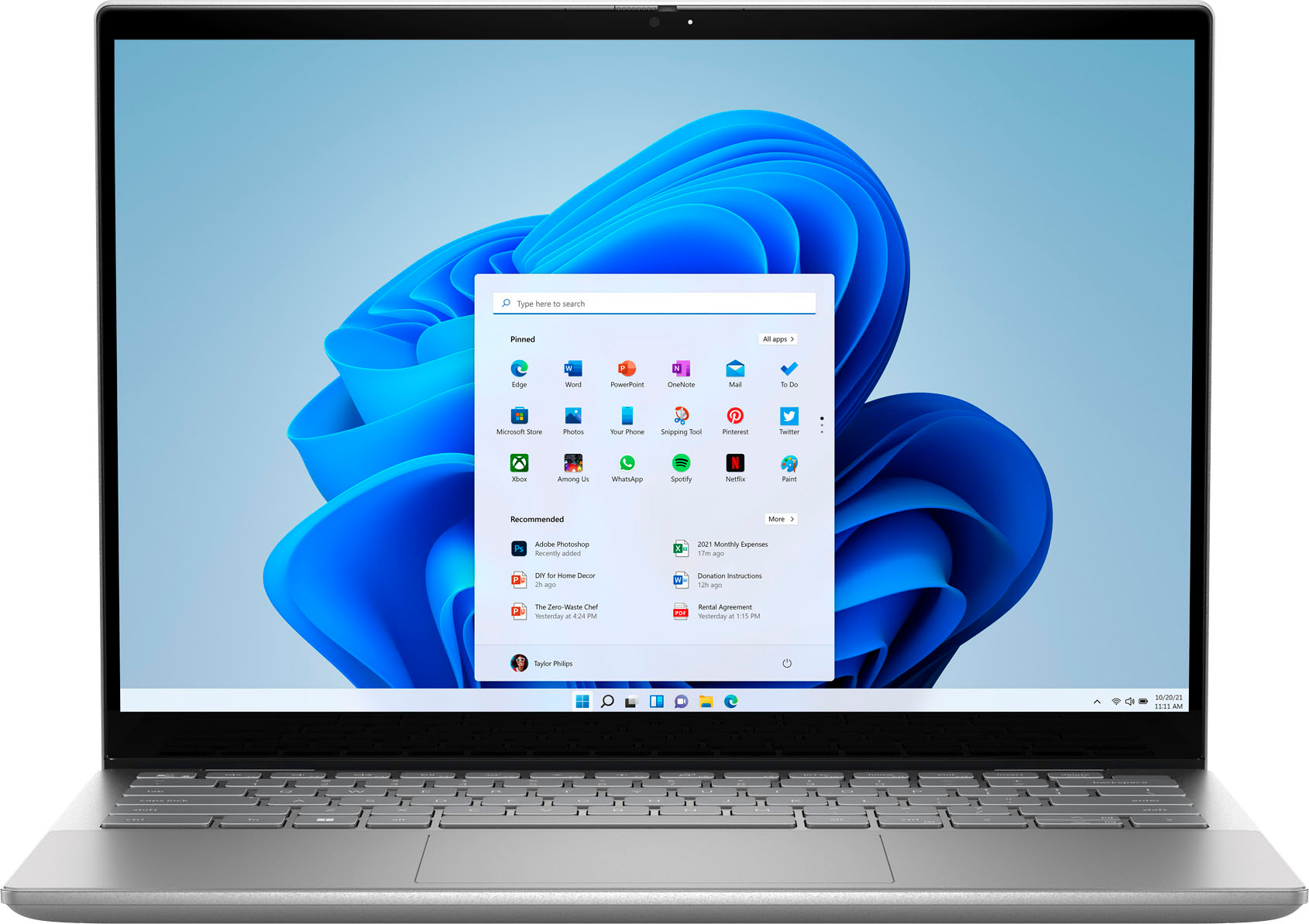
Customers often highlight the Inspiron 2-in-1's impressive performance, responsive touchscreen, and ease of use. Its lightweight design and good battery life are also frequently praised, making it a portable and convenient option. While some users noted the fan can be noisy at times and the speakers could be improved, the overall experience is largely positive. Many appreciate the value for the price.
This summary was generated by AI based on customer reviews.
- Pros mentioned:Speed
Dell Computer
||Posted . Owned for 1 month when reviewed.This reviewer received promo considerations or sweepstakes entry for writing a review.Excellent computer with the power and speed I was seeking.
I would recommend this to a friend - Pros mentioned:Weight
mr tb
||Posted . Owned for 3 weeks when reviewed.This reviewer received promo considerations or sweepstakes entry for writing a review.great laptop light and easy to setup and carry anyplace
I would recommend this to a friend - Pros mentioned:Performance
Highly recommend
||Posted . Owned for 3 weeks when reviewed.This reviewer received promo considerations or sweepstakes entry for writing a review.Super smooth laptop. Works great for all your office needs
I would recommend this to a friend - Pros mentioned:Performance
Laptop
||Posted . Owned for 1 month when reviewed.This reviewer received promo considerations or sweepstakes entry for writing a review.Amazing laptop. Received as a gift and it worked great
I would recommend this to a friend - Pros mentioned:Ease of use
Laptop
||Posted . Owned for 1 month when reviewed.This reviewer received promo considerations or sweepstakes entry for writing a review.Great machine. Easy to use and super user friendly
I would recommend this to a friend Great Laptop
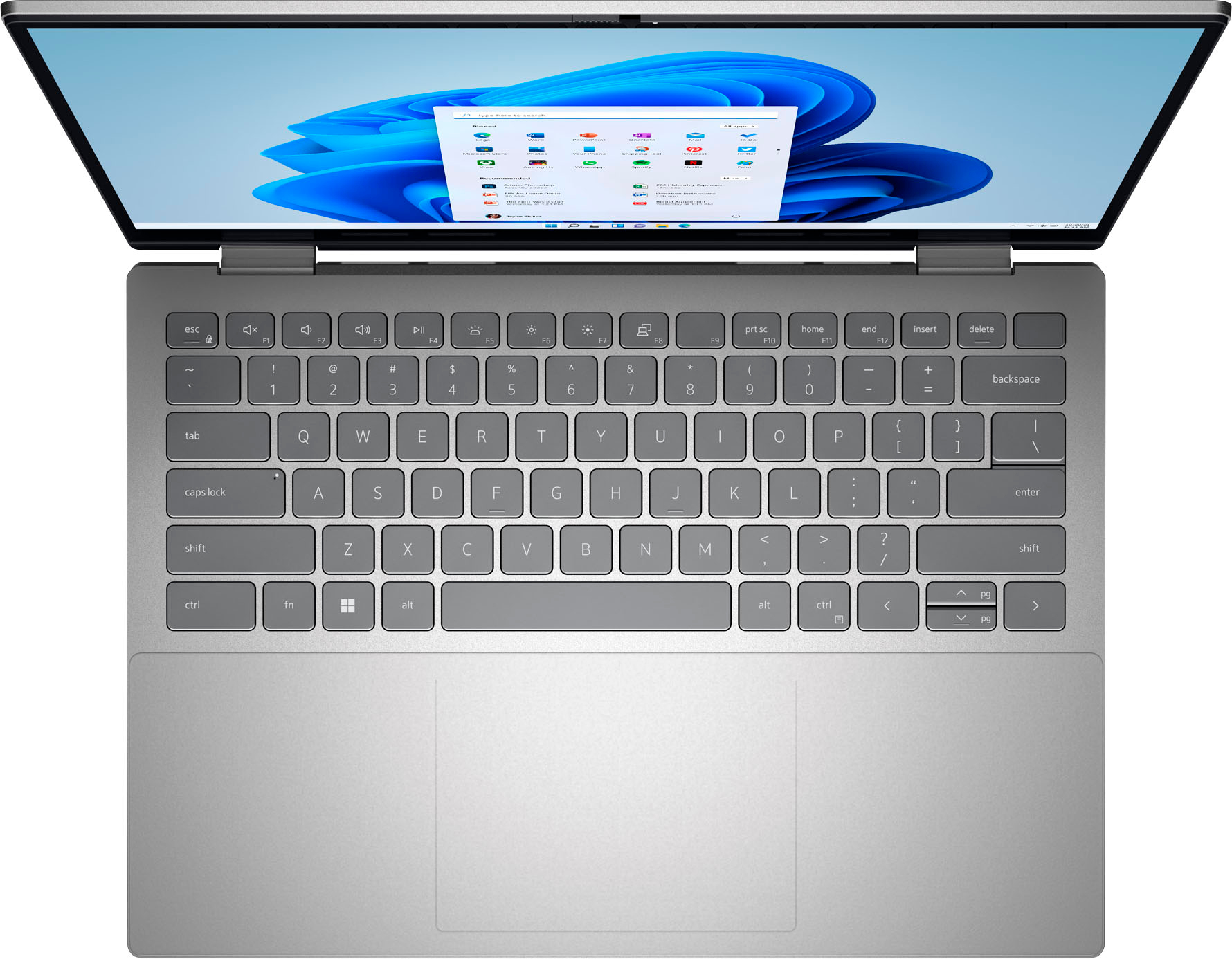
||Posted . Owned for 3 weeks when reviewed.This reviewer received promo considerations or sweepstakes entry for writing a review.I bought this for my son who is a Freshman College student. He absolutely loves this. The touchscreen is a very nice added feature. The only complaint that he had was there wasn't a numerical key board on the right like most but he quickly adapted and is now used to it. This laptop was worth every penny. Excellent for students.
I would recommend this to a friendGood Daily driver
||Posted . Owned for 3 months when reviewed.This reviewer received promo considerations or sweepstakes entry for writing a review.Purchased this for my dad for his day to day computing needs. He is pretty happy with it and hasnt complained yet. Good sized touchpad and has had no issues which I have faced with previous dell touchpads. So pretty happy with the purchase. Comes with Win11, so could be a bit divisive in terms of feel. Would recommend.
I would recommend this to a friendmy new lap top
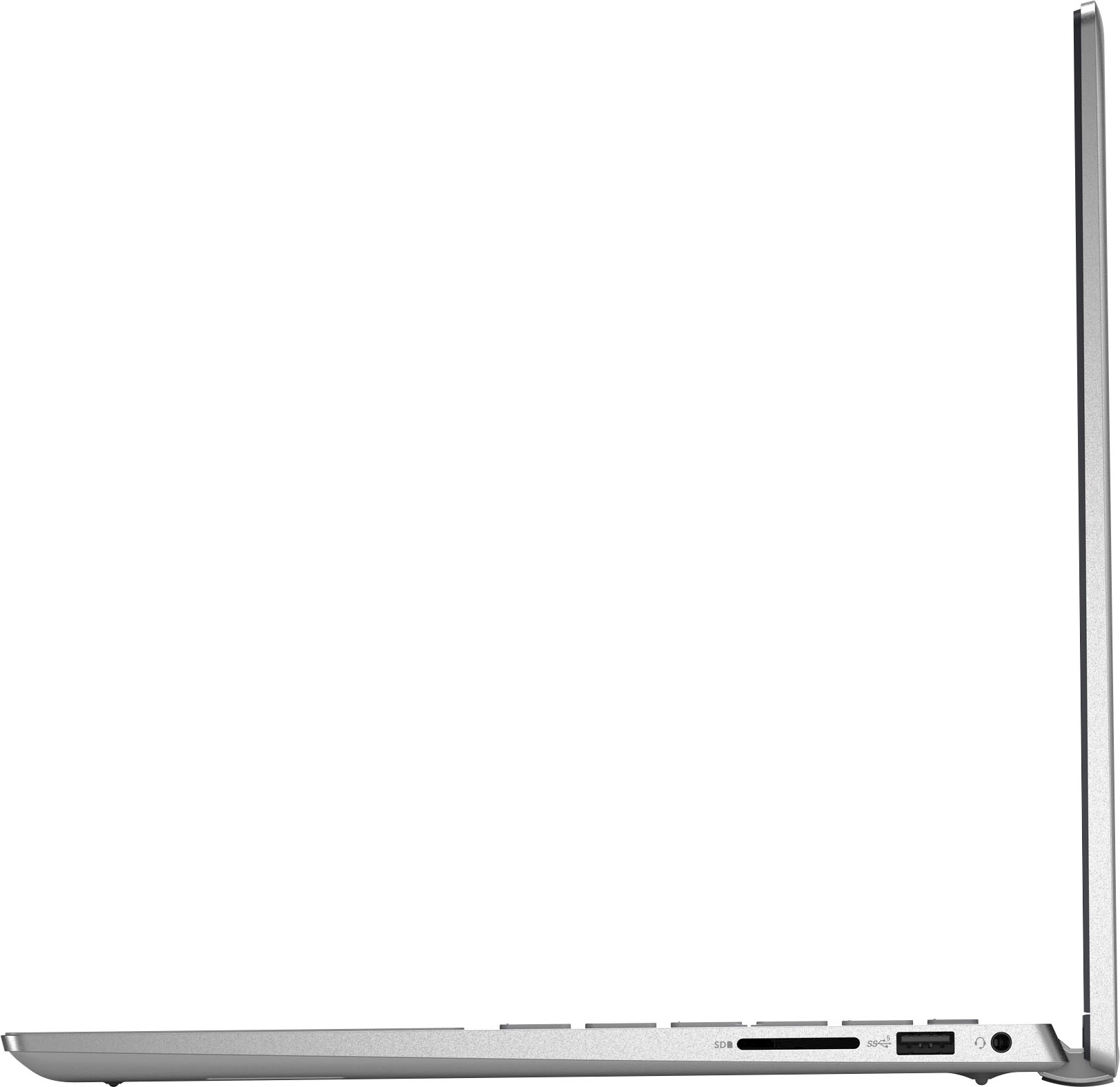
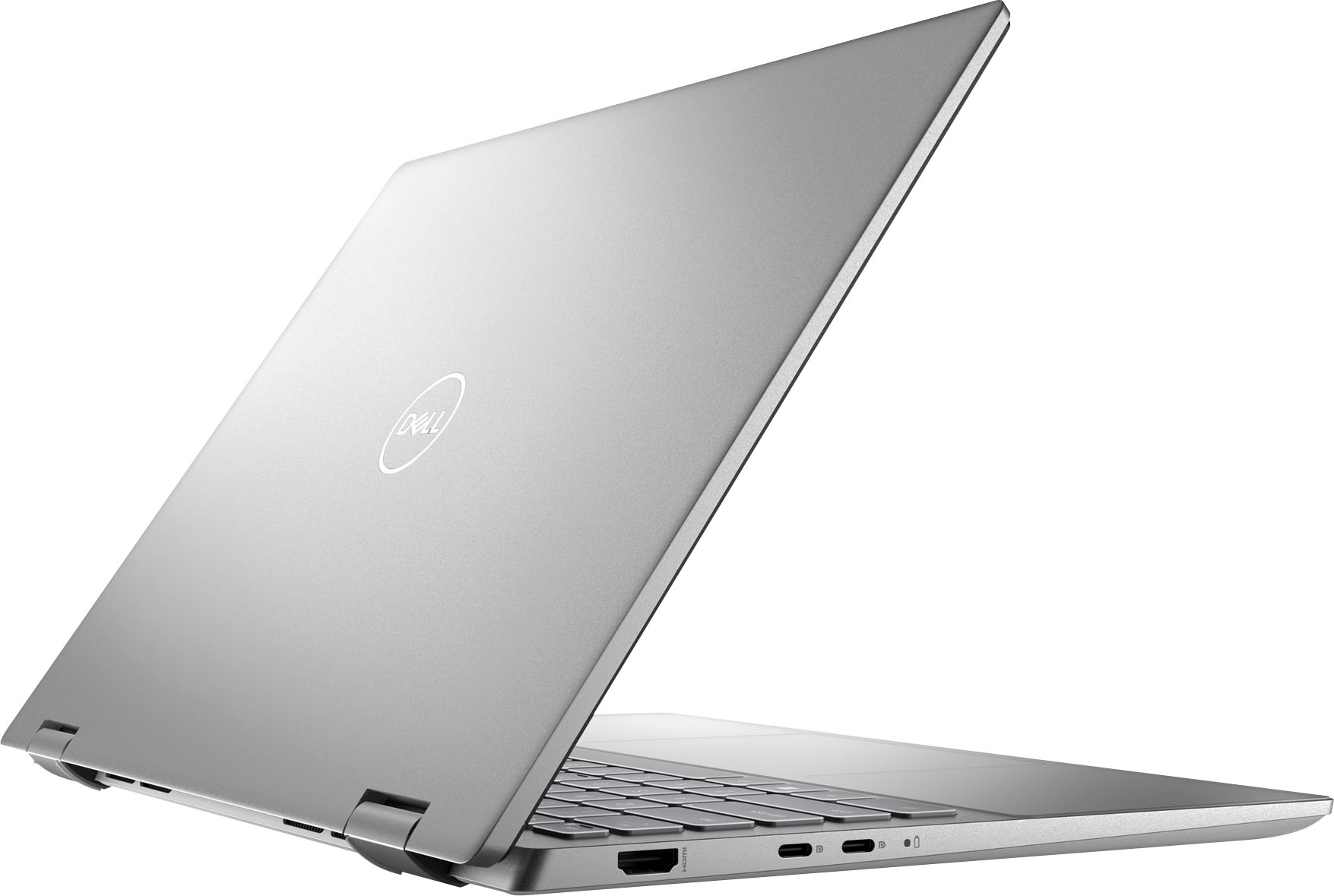
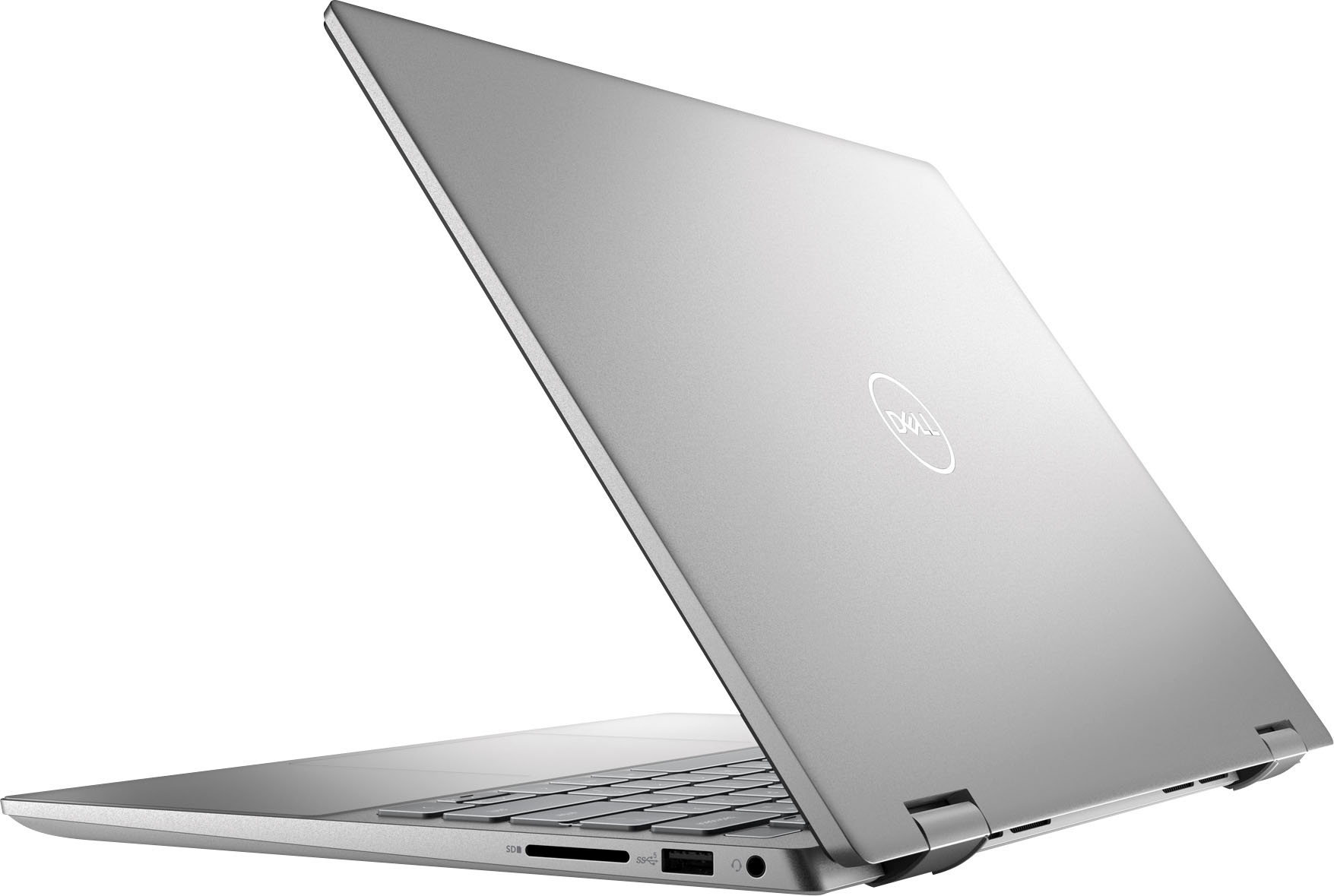
||Posted . Owned for 2 months when reviewed.This reviewer received promo considerations or sweepstakes entry for writing a review.it needs additional inlets for plugging mouse keyboard and headsets.
I would recommend this to a friendBrand response from YourDellTeam
Posted .Hi There Anerro,
We want to thank you for taking the time to leave a review of your Inspiron 7420. We are sorry to hear that you are not completely satisfied with the amount of port availability. That is not the type of feedback we like to hear from our customers, or the type of product Dell intends to deliver. We have noted the details of your statement and will escalate them to our quality team to improve our current and future products.
Should you need further assistance; we recommend that you contact Dell directly with the information below.
Chat or call: https://bit.ly/DellSupportTeam
Phone number to Dell: 1-800-624-9896.
Regards,
Summer@Dell
Mr
||Posted . Owned for 1 month when reviewed.This reviewer received promo considerations or sweepstakes entry for writing a review.Great computer great price…………………………………………………………..
I would recommend this to a friend- Pros mentioned:Speed
Lightweight and fast
||Posted . Owned for 1 week when reviewed.This reviewer received promo considerations or sweepstakes entry for writing a review.Fast and just what my college student needs. Luvs it
I would recommend this to a friend Excellent laptop for remote work
||Posted . Owned for 3 weeks when reviewed.This reviewer received promo considerations or sweepstakes entry for writing a review.Delivered quickly and this laptop has a fast processor. This replaces a 3 year old laptop and there's no comparison. The 14" screen is the perfect size it's sturdy but lightweight. I would definitely recommend the 2-in-1 Dell laptop for remote work.
I would recommend this to a friend- Pros mentioned:Ease of use
Shalin
||Posted . Owned for 1 month when reviewed.This reviewer received promo considerations or sweepstakes entry for writing a review.I like it, it worked Excellent for me, easy to use …
I would recommend this to a friend Poor chinnese construction.
||Posted . Owned for 1 year when reviewed.This reviewer received promo considerations or sweepstakes entry for writing a review.I've only had it for 14 months. One of the hinges came loose because the small screw that holds right corner together lost it's nut which holds the top and bottom together. Also the touch pad is hard to use.
No, I would not recommend this to a friendGarbage
||Posted . Owned for 7 months when reviewed.This reviewer received promo considerations or sweepstakes entry for writing a review.Get what you pay for. This laptop worked for a while. Starting to fall apart 6 months in. Bigger problem is bluetooth mic doesn't work between hardware/installed software. Huge issue given how important teleconference/online call are these days. Not device issue. Multiple devices that work for other things don't work. Not an application issue. Doesn't work on multiple applications. Support is hit/miss. Some people are good. Some people just play blame game and try to dismiss it as not their problem. Going to try to maybe reimage the whole thing and get bloated software off it. Dell really needs to look at what they're putting out though in tersm of hardware and installed software.
No, I would not recommend this to a friendBrand response from YourDellTeam
Posted .Hi MatthewS,
Thank you for taking the time to leave a review of your Inspiron 7420. We are sorry to hear that you are experiencing an issue with your Bluetooth microphone. That is not the type of feedback we like to hear from our customers, or the type of product Dell intends to deliver. We have noted the details of your statement and will escalate them to our quality team for improvements on current and future products. Below I have provided a troubleshooting link to help resolve your issue.
Microphone Troubleshooting Link: https://bit.ly/459uhSo
Should you need further assistance, you can contact Dell directly with the information below.
Chat or call: https://bit.ly/DellSupportTeam
Phone number to Dell: 1-800-624-9896
Chat or call: https://bit.ly/DellSupportTeam
Phone number to Dell: 1-800-624-9896
Best,
Summer@Dell
fAST BUT BAD SOUND
||Posted . Owned for 1 month when reviewed.This reviewer received promo considerations or sweepstakes entry for writing a review.Very disappointing sound quality. Otherwise a fast reliable unit
No, I would not recommend this to a friendBrand response from YourDellTeam
Posted .Hi MikeP,
Thank you for taking the time to leave a review of your Inspiron 7420. We are sorry to hear that you are experiencing an issue with your audio. That is not the type of feedback we like to hear from our customers. We have noted the details of your statement and will use them to improve current and future products. Below I have provided troubleshooting steps to help resolve your issue.
If you ever are in need of help in the future, we have provided steps you can use to troubleshoot your audio and may solve issues.
1. Click Start and select Settings (gear icon).
2. Click Update & Security and select Troubleshoot.
3. Click Recording Audio and then click Run the troubleshooter.
4. Follow the on-screen instructions to complete the troubleshooting process.
This link can also help when identifying your audio issues: https://dell.to/3jegjK2
Overheating:
1. Dell does not recommend placing portable systems directly on your lap. Due to reductions in the thickness of modern portable systems, heat transfer can be an issue.
2. Using a portable system (Laptop) on a hard, flat, non-cloth surface will increase airflow and reduce heat from underneath and inside the system.
Using the portable system on a blanket, pillow, or other types of cloth will cover up the fan cause the computer to overheat and can cause permanent damage.
3. It is recommended to use the portable system in a Room temperature of 0°C to 35°C (32°F to 95°F) with a Humidity level no greater than 90%.
4. Use compressed air to clean the vents on a regular basis.
5. Using a cooling pad can decrease heat and increase performance.
6. If you want to know the temperature limitations for your system, go to the Dell Support Website, look up your system model then open the user guide under the manuals link.
You can read the full article here - http://dell.to/2uJ8AdG
1.Flashing the system BIOS to the latest version on the computer can help resolve the issue. The Dell BIOS is responsible for managing fan speeds related to dynamic cooling and the performance of the system. To download and install the latest BIOS:
2 .Browse to the Dell Drivers & Downloads page:
3. Support Site Drivers Page
4 .Ensure that you have the correct System Type set
5 .Select the Operating System
6. Under Category, select BIOS
7. Locate the latest System BIOS
8. Click Download and save the file to your computer
9. Open File Explorer and browse to the location where the downloaded file is saved
10. Double-click the BIOS setup file and follow the on-screen instructions to complete the installation process
Full article: https://dell.to/3mpRxFr
Additional troubleshooting: http://dell.to/2Z6OWGl
Should you need further assistance; we recommend that you contact Dell directly with the information below.
Chat or call: https://bit.ly/DellSupportTeam
Phone number to Dell: 1-800-624-9896.
Regards,
Summer@Dell
Great laptop
||Posted . Owned for 1 week when reviewed.This reviewer received promo considerations or sweepstakes entry for writing a review.We have not found anything negative about this laptop. Its so versatile, lightweight and sturdy. The battery last! The keyboard lights up, which is a nice feature. The touchscreen works very well. We are very pleased with this laptop.
I would recommend this to a friendMeh
||Posted . Owned for 3 weeks when reviewed.This reviewer received promo considerations or sweepstakes entry for writing a review.I really didn't like this laptop. The battery life sucks
No, I would not recommend this to a friendBrand response from YourDellTeam
Posted .Hi There VNLH,
Thank you for taking the time to leave a review. We apologize for the battery performance issues you are experiencing with your Inspiron 7420. It's important for us to hear about inconsistencies in our products for consideration of future development. Below I have provided steps with the full articles that can help you improve the battery performance of your laptop.
Here are the steps to help improve the battery performance of your laptop:
1. On the notification area of the taskbar, right-click the Battery icon.
2. On the options list, click Power Options.
3. Select a power plan on the battery meter, such as Power Saver or Balanced. Windows 10 has a built-in 'Battery Saver' mode that can be activated to extend your system's battery life. The Battery Saver mode will monitor and limit background activity and other features such as push notifications. You do have the option to enable or disable this mode within settings or within advanced Battery Saver settings, you can customize the mode to best suit your needs.
a) Click on the Action Center icon in the taskbar and select the tile for Battery Saver.
b) If running Cortana, type Battery Saver into the search box and select from the results.
Within the Battery Saver settings page, you will be able to turn on and off the feature and customize the feature to best meet your needs.
c) Turn the Battery Saver On or Off.
d) Additional settings are available via the Battery use and Battery saver settings links.
e) Battery use shows further info on apps and their power usage.
f) Battery Saver Settings screen allows you to customize further the Battery Saver feature.
How to Improve the Performance of a Dell Laptop Battery: http://dell.to/2vfXWf4
If you still experience any issues after you have finished troubleshooting your laptop using the steps above, please reach out to us at: https://bit.ly/DellSupportTeam
We recommend that you contact Dell directly with the information below if you need further assistance.
Chat or call: https://bit.ly/DellSupportTeam
Phone number to Dell: 1-800-624-9896.
Best,
Summer@Dell
Awesome Laptop
||Posted . Owned for 1 month when reviewed.This reviewer received promo considerations or sweepstakes entry for writing a review.It's been 2 month i am using this laptop, overall built is solid and the display is awesome. Really fast configuration with i7 16GB Memory. I like the finger print login option as well.
I would recommend this to a friendA New Laptop Is a Good Thing
||Posted . Owned for 3 weeks when reviewed.This reviewer received promo considerations or sweepstakes entry for writing a review.I do love my new laptop. I had a desktop CPU for over 15 years. It was good but getting old. I can do just about everything on my laptop as I did on my desktop but I'm still learning. I'm looking forward to many good years with my laptop!
I would recommend this to a friendWish it would have been better
||Posted . Owned for 3 weeks when reviewed.This reviewer received promo considerations or sweepstakes entry for writing a review.I really wanted to like this laptop, and I did for about the first week, then the laptop started to separate on the corner whenever I closed and opened the lid. Can't have that so I had to return it. Had it not been for that, I would still be using it, as I had absolutely no other complaints. Specs were good for the price paid, and the display was really clear.
No, I would not recommend this to a friendBrand response from YourDellTeam
Posted .Greetings Ironhead3fan,
We value your feedback and want to thank you for taking the time to leave a review of your Inspiron 2-in-1 touch laptop. We are sorry that the quality of your device was not up to expectations, and you had to return it. That is not the type of feedback we like to hear from our customers, or the type of product Dell intends to deliver. We will escalate your statement to our quality team so that improvements can be made to current and future products.
Should you need further assistance; we recommend that you contact Dell directly with the information below.
Chat or call: https://bit.ly/DellSupportTeam
Phone number to Dell: 1-800-624-9896.
Regards,
Summer@Dell