Customer Ratings & Reviews
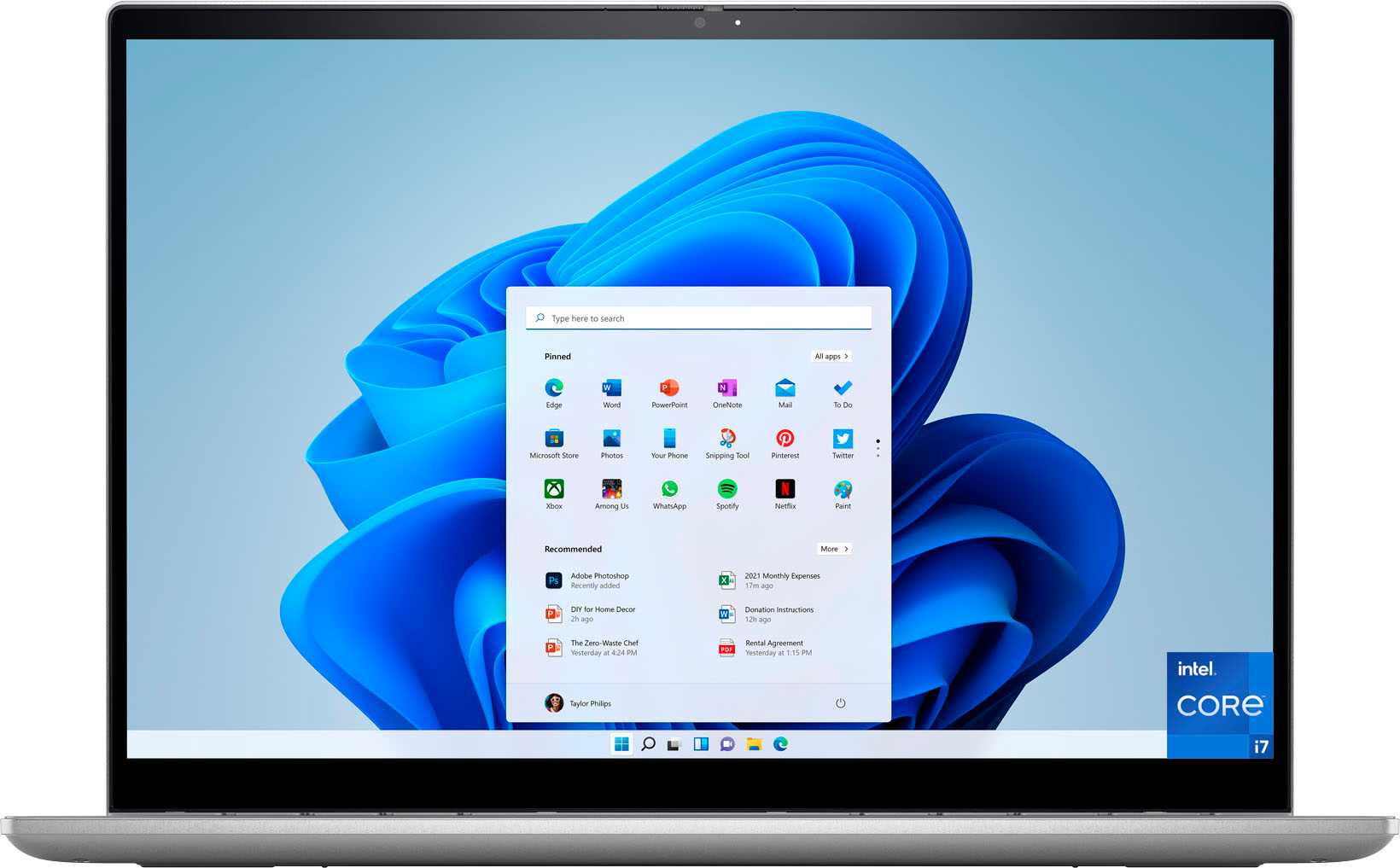
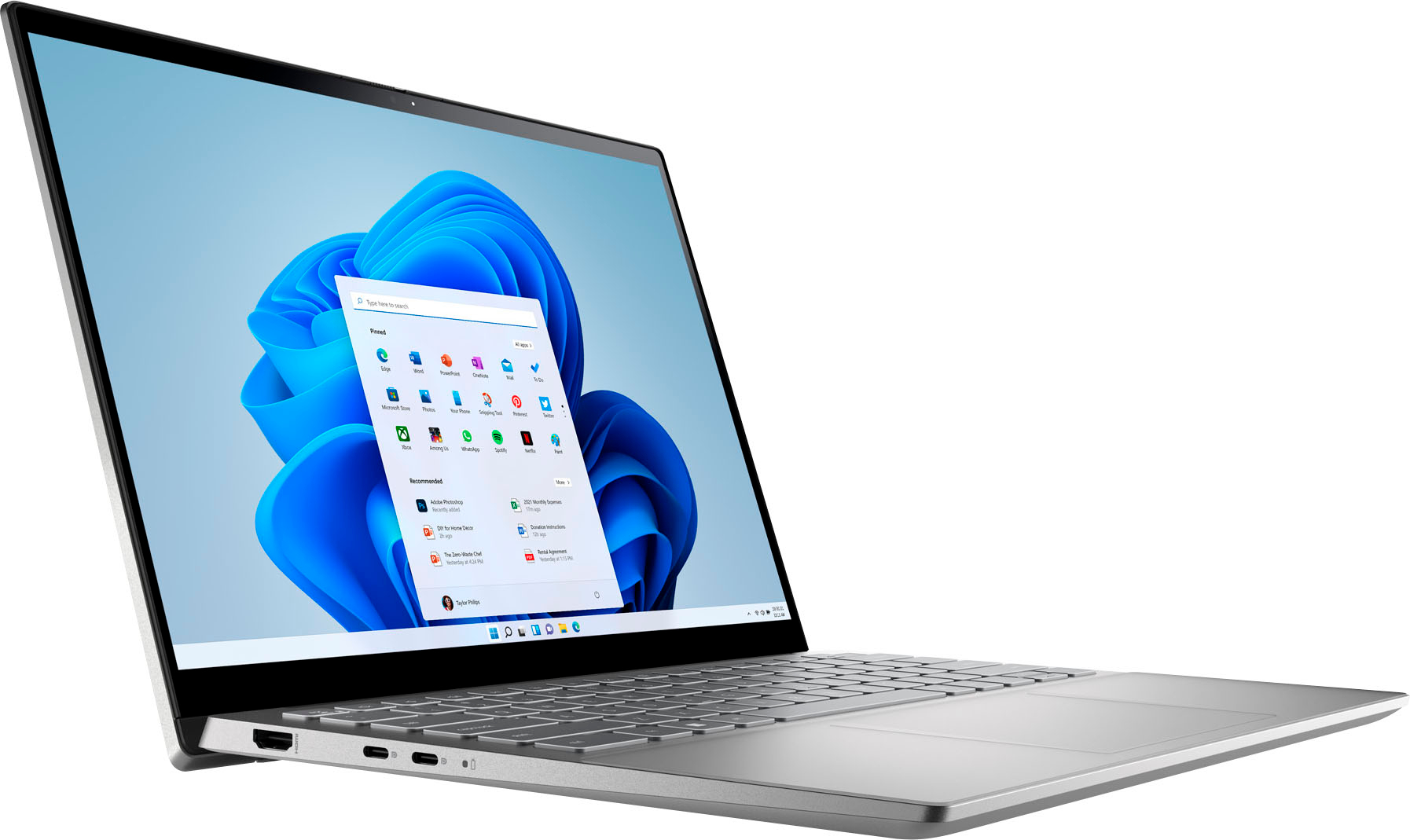
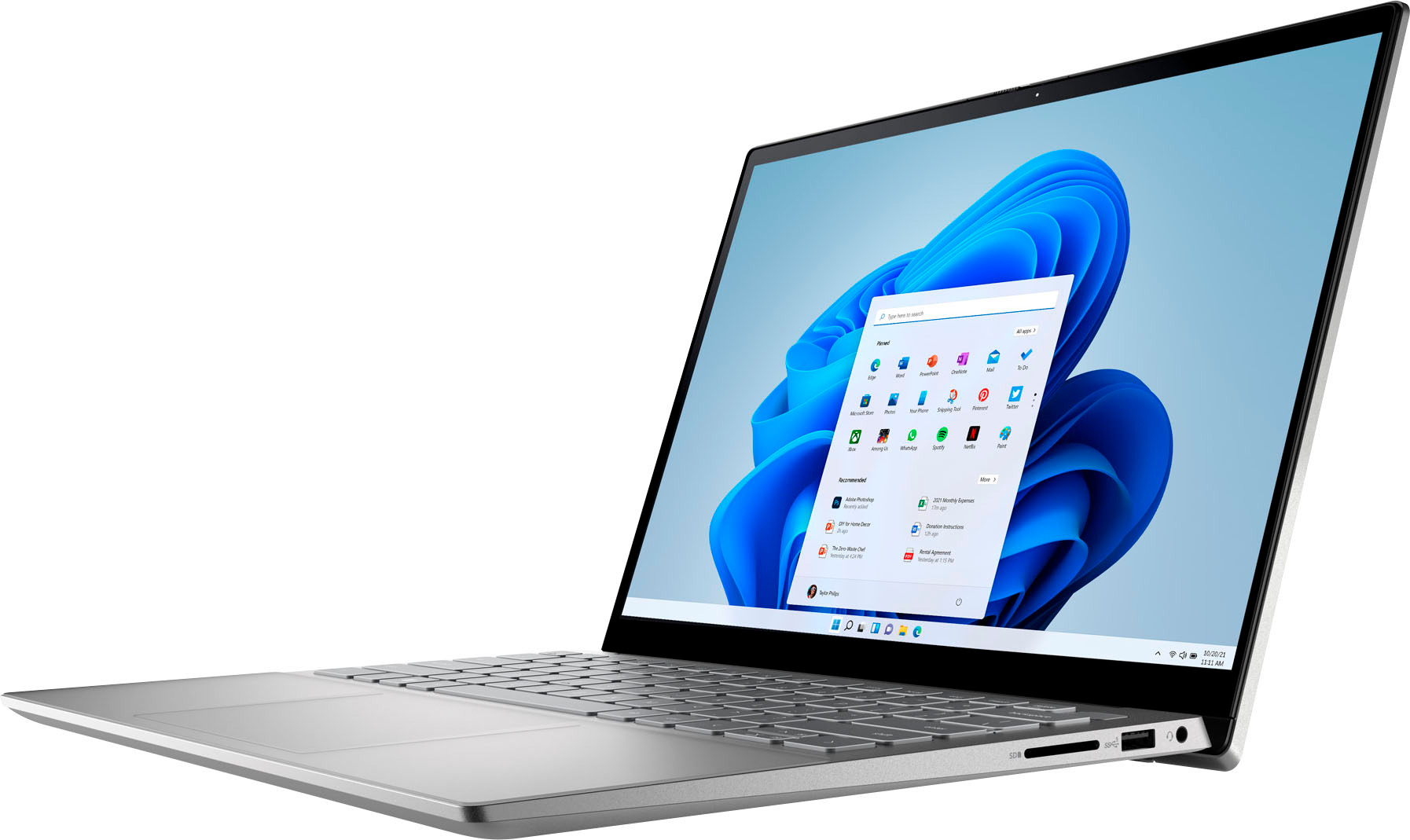
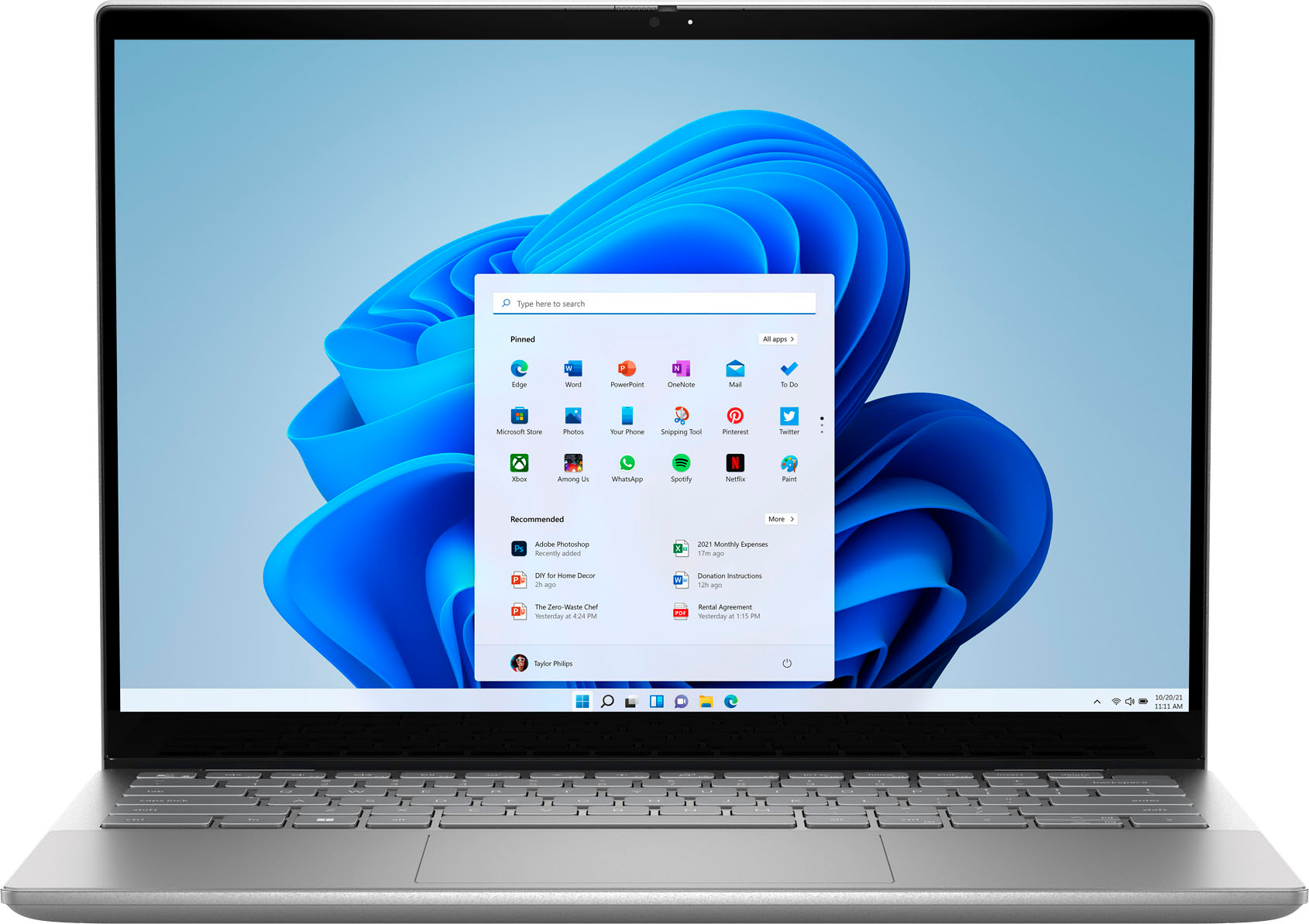



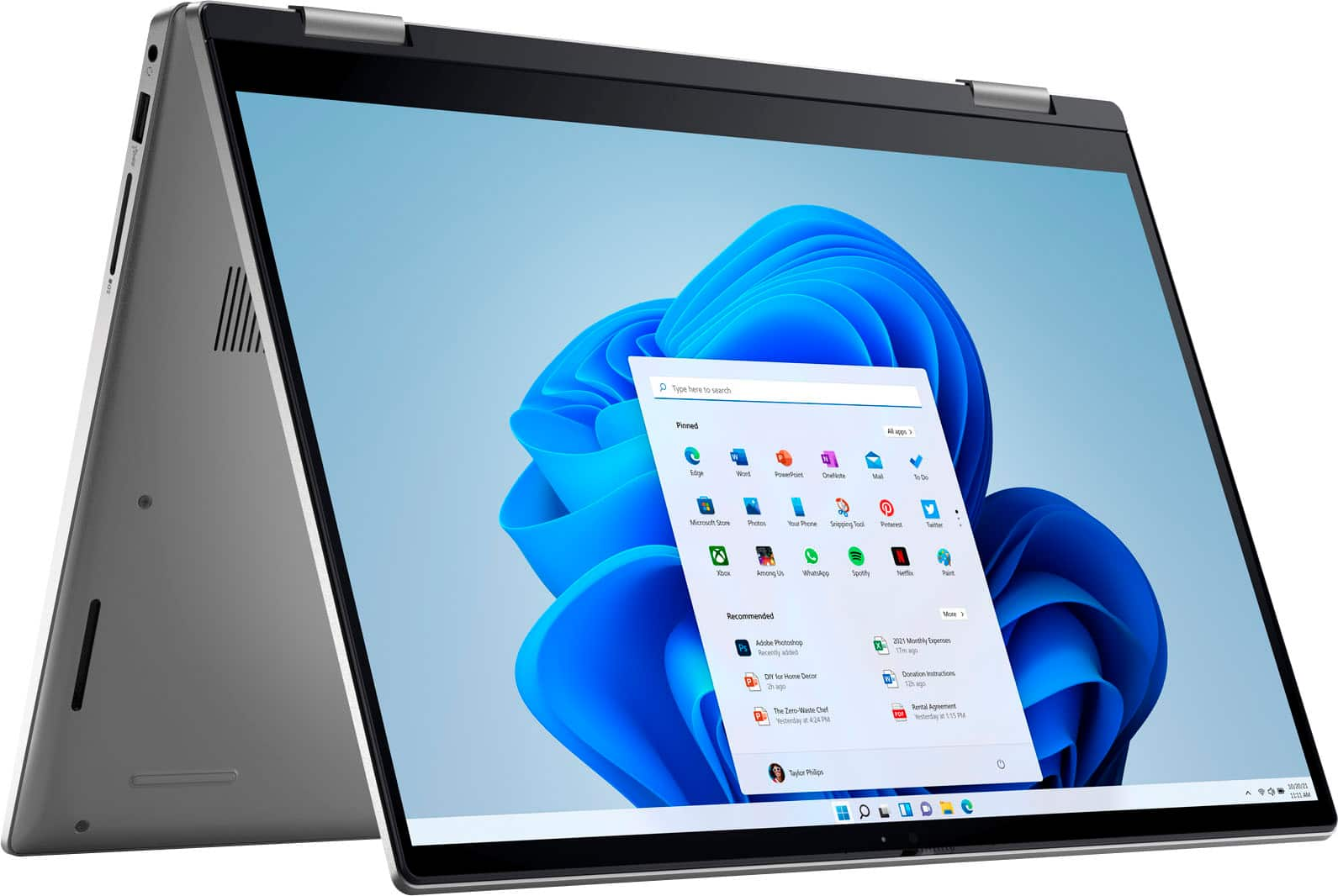
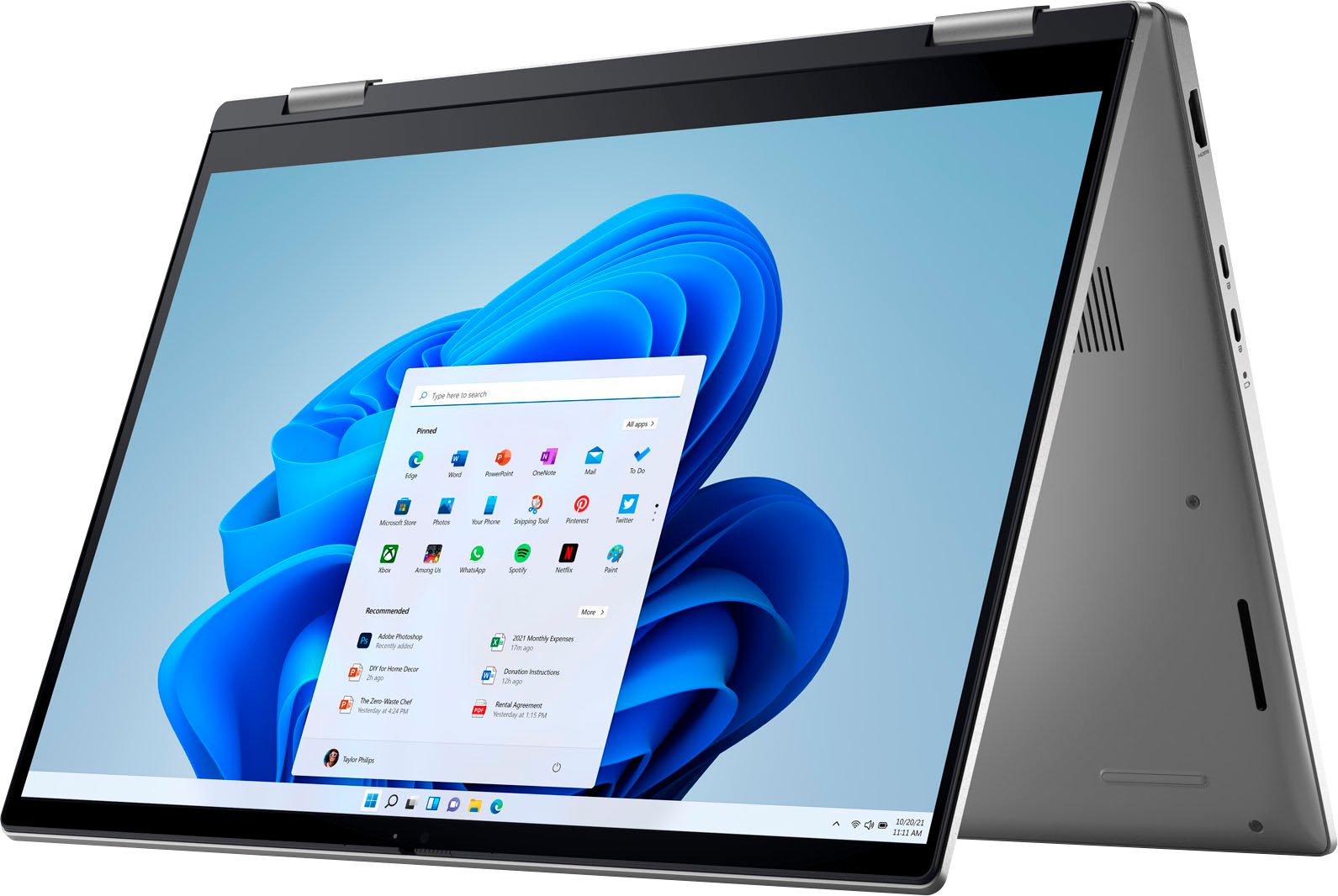
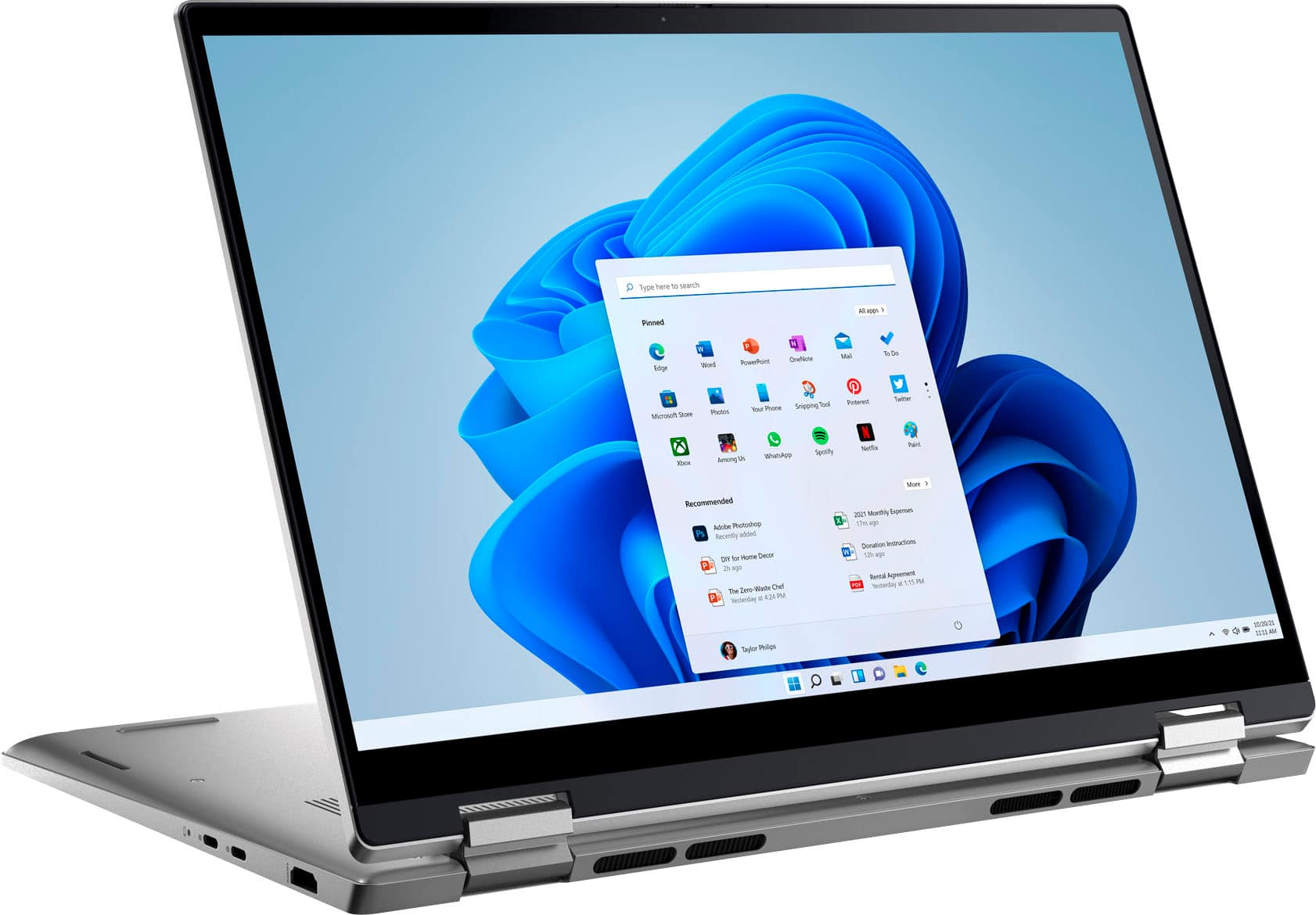
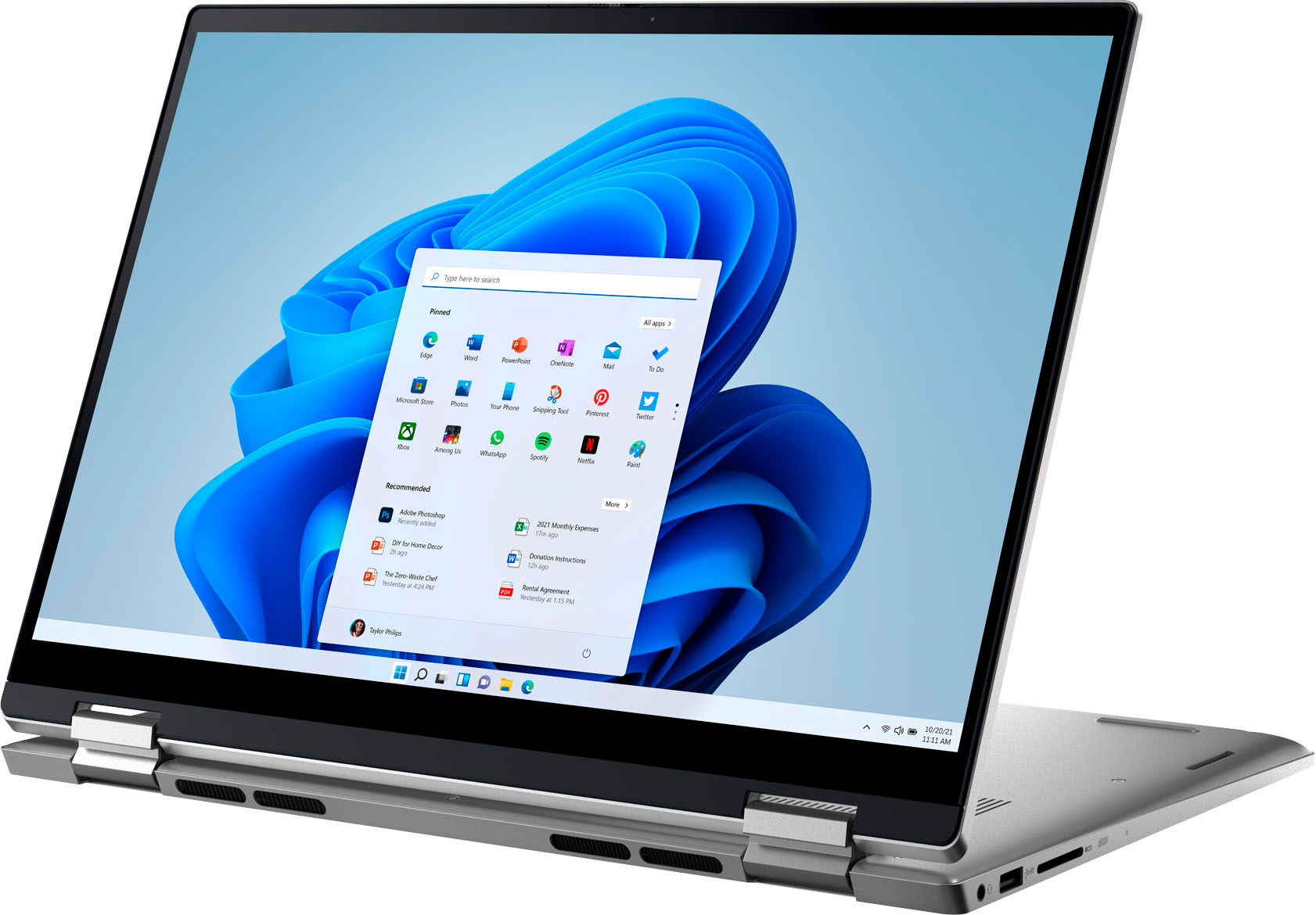


- Model:
- i7420-7976SLV-PUS
- SKU:
- 6504381
Rating by feature
- Battery Life
Rating 4.5 out of 5 stars
- Speed
Rating 4.7 out of 5 stars
- Display
Rating 4.7 out of 5 stars
Customers are saying
Customers often highlight the Inspiron 2-in-1's impressive performance, responsive touchscreen, and ease of use. Its lightweight design and good battery life are also frequently praised, making it a portable and convenient option. While some users noted the fan can be noisy at times and the speakers could be improved, the overall experience is largely positive. Many appreciate the value for the price.
This summary was generated by AI based on customer reviews.
- Pros mentioned:Speed

Great laptop, much to be desired
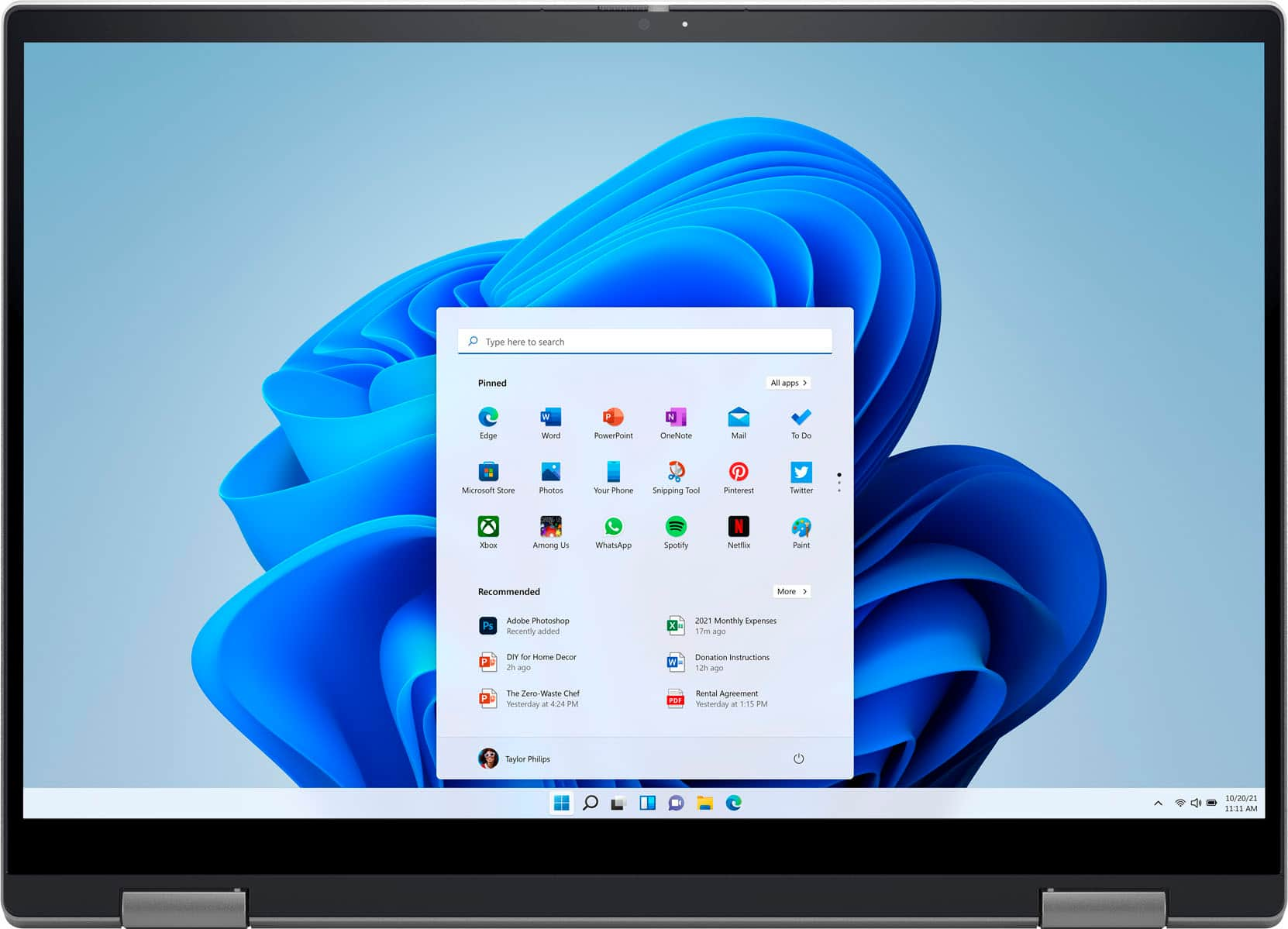
|Posted .This reviewer received promo considerations or sweepstakes entry for writing a review.Laptops have been one of the staples of portable office production. Productivity goes hand in hand with longevity of the device you haul around in hopes that you can complete some work efficiently. I said it left much to be desired in the title of the review, reason being it was just a stamp of every other laptop on the market. The processor is an Intel Core i7-1255U with 10 cores. 8 of which are efficient-cores and 2 that are 2 performance-cores. A 12th generation intel processor released earlier this year so you know you’re getting the latest processor. The only downside is that only 2 of those Cores can be overclocked at 4.7 GHz vs the 3.5 GHz that the 8 efficient-cores top out at due to Intels Turbo boost technology. Simply put this is for simple entertainment and a tad bit higher end tasks like multiple tabs and programs running at the same time. It has 16 gigs of ram and 500 gigs of storage space on an SSD drive so it’s a thin power house with extremely fast startup times. It sports a fingerprint sensor on the power button and a USB-C type charger. Here’s where I felt like I was let down. It’s too simple. No tactile feedback on the keyboards. The battery life is subpar at best. It’s understandable since they had to fit it into such a thin laptop. Points on being able to slide it into places it shouldn’t be in but I wasn’t impressed with the design. You can enjoy some games but you’d need to lower the settings on your in-game graphics menu. Would I recommend it? Honestly, maybe. I’d recommend this to someone with very specific needs but for this laptop to live rent free in my head enough to be able to pass on the experience to someone looking to purchase one, no.
I would recommend this to a friendBrand response from YourDellTeam
Posted .Dear MischiefOW,
We would like to thank you for taking the time to provide us with your feedback. We are glad you like some of the features of your Dell Inspiron 7420 2-in-1 laptop but we are sorry to hear that you are not 100% satisfied with it because you don’t like its keyboard and battery life is not very good. We will share your comments about these issues with our quality team, so future improvements can be made.
Below I have provided the steps to change the power plan to help improve the performance of your battery. I have also provided the full article, which has more options if they are needed.
Change the Power Plan:
1. On the notification area of the taskbar, right-click the Battery icon.
2. On the options list, click Power Options.
3. Select a power plan on the battery meter, such as Power Saver or Balanced. Windows 10 has a built-in 'Battery Saver' mode that can be activated to extend your system's battery life. The Battery Saver mode will monitor and limit background activity and other features such as push notifications. You do have the option to enable or disable this mode within settings or within advanced Battery Saver settings, you can customize the mode to best suit your needs.
a) Click on the Action Center icon in the taskbar and select the tile for Battery Saver.
b) If running Cortana then type Battery Saver into the search box and select from the results.
Within the Battery Saver settings page, you will be able to turn on and off the feature and customize the feature to best meet your needs.
c) Turn Battery Saver On or Off.
d) Additional settings available via the Battery use and Battery saver settings links.
e) Battery use shows further info on apps and their power usage.
f) Battery Saver Settings screen allows you to customize further Battery Saver feature.
You can read the full article here - http://dell.to/2vfXWf4
If you still experience this issue after you have finished troubleshooting your system, please reach out to our support team for further guidance here: 1-800-624-9896.
Best,
Katarina@Dell
Should you need further assistance, you can contact Dell directly with the information below.
Chat or call: https://bit.ly/DellSupportTeam
Phone number to Dell 1-800-624-9896
A solid laptop - but a little noisy
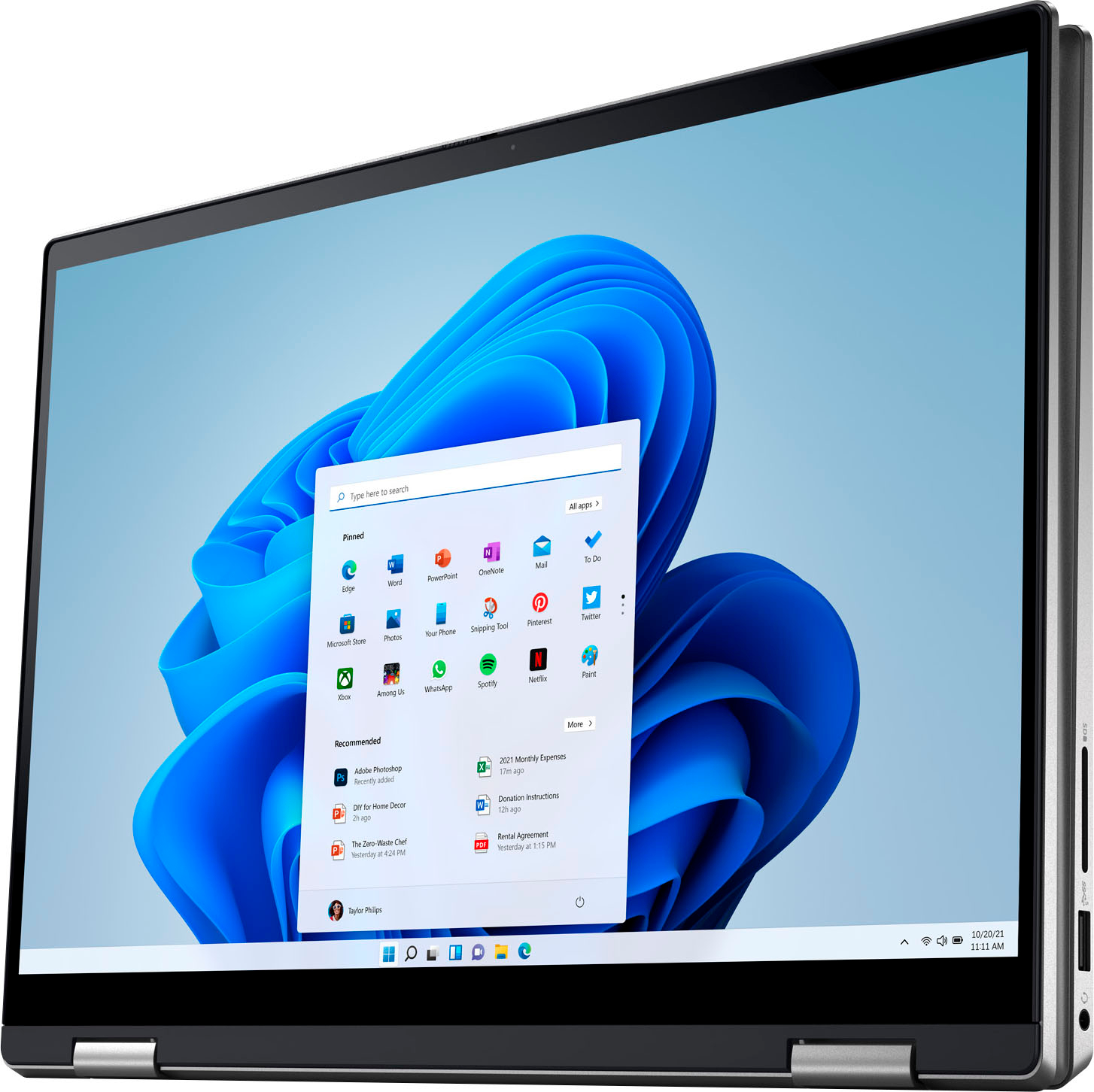
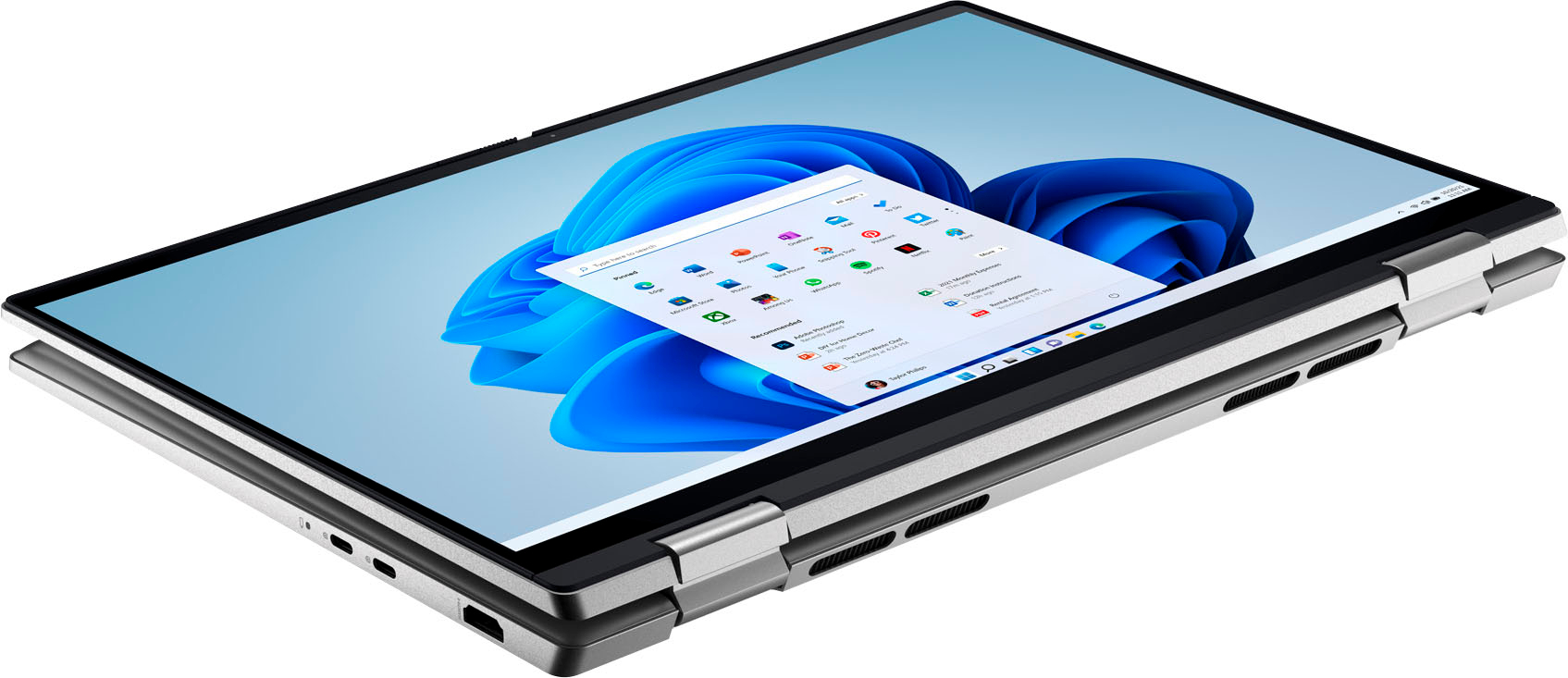
|Posted .This reviewer received promo considerations or sweepstakes entry for writing a review.My first impression of the Dell Inspiron 7420 2-in-1 laptop was really, really good. I realize the Inspiron is intended to be a bit of a step up from your run of the mill laptop, but I really like the build quality of this device. The aluminum chassis feels solid with very little flex in any particular direction. Probably my favorite physical element of the Inspiron is the hinge design - too often, 2 in 1 devices are undone by poor quality hinges that don't hold tension well when typing on unsturdy surfaces. With the Inspiron 7420, the hinge is SOLID and there is very little 'screen waggle' when thundering away while typing with it on your lap. If you're a frequent "lap" user I feel like this makes the Inspiron a great choice. Performance wise, this is my first experience with an Alder Lake laptop and I feel it's a bit of a mixed bag, unfortunately. In every way that a laptop can feel "snappy" - the Inspiron and its i7-1255u certainly fit the bill. From a seat-of-the-pants perspective, the Inspiron does not suffer from any discernable lag in day to day use, something I was a bit worried about with the p- vs e- cores combined on a single die with this series of CPU. Somewhat fortunate for the scope of this review, I received a new laptop from my employer on the same day as I received the Inspiron which has a Ryzen 7 5700U to compare to the i7 in the Inspiron. Head to head in normal use I did not detect even the slightest difference in performance. The i7 has fewer threads and fewer "top performing" cores, but it does have a big advantage in single thread performance. In particular, I was impressed with how quickly the Inspiron got through the initial sync of my very large MS 365/OneDrive personal files. The main negative I've experienced with the i7-1255u powered Inspiron has been the fan noise. This is a compact, non-gaming oriented laptop with a U series CPU, so I am genuinely surprised that the fan is constantly spinning fast enough to be audible from across the room. I tried with both the Balanced and High Performance profiles and didn't feel like it changed the duty cycle for the fan, so I assume this is just a limitation in Dell's thermal design. It's certainly NOT as loud as a gaming laptop (not even close) but it's by far the noisiest U series laptop I've ever used. Other elements of the laptop deserve some praise, however: I love the 16:10 display (so refreshing after years of 16:9 models) and found it easily capable of handling a sunny day in the backyard this past weekend. I found the keyboard and trackpad to feel like high quality, thoughtful choices that fit well with the laptop - neither is the best I've ever used on a laptop, but the keyboard has decent travel but feels tight and quiet, and the trackpad has absolutely zero extra tolerance or mushiness. The wireless adapter built-in is an Intel Wifi 6 adapter - I don't have a 6ghz network at home unfortunately, but I was able to get >1gbps wifi speeds with my home network so it is meeting all expectations for my network. I would definitely recommend the Inspiron 7420 for someone who needs a powerful, non-gaming laptop that has a great display and top-tier 2-in-1 capability with a well-designed hinge.
I would recommend this to a friend- Pros mentioned:Weight
Not for the tech challenged/good for tech savvy
|Posted .This reviewer received promo considerations or sweepstakes entry for writing a review.I have mixed thoughts about this Dell, not for the hardware, mind you, but due to the operating system that comes with it. That was the loss of one star. I've never had such a hard time getting a laptop up and running and it wasn't due to hardware but the software. For instance, the fingerprint reader works great but, the hassle I went through to finally get to use the fingerprint was a nightmare. Now that I'm finally allowed, that feature works much better than the other laptops I've had that used a fingerprint reader. I love the backlit keyboard and the laptop itself is light. I was not impressed with the instructions that came with the Dell. It basically just told you where things were located on the laptop and how to plug in and power up. I did get an email from Dell with a lot of set-up information -- three days after I registered the Dell. That's a bit too late when I want to get up and running quickly. The least that should be done is to direct the new owner to the Dell set-up videos on that little brochure they give. Believe me, a picture on the front that shows a phone, leading to something to scan, leading to a gear is not helpful for people who either don't have a cell phone or don't know how to scan with it. That is the perfect place to put the link for the set-up video. Due to that, I would not recommend this for someone just starting out owning a laptop or for someone who isn't very tech savvy. If you are like me, you will probably need a USB hub since it only has one port though it does have two USB-C ports which doesn't help me if I want to hook this up to both a large monitor and a mouse. I played with the battery to see how long it lasts. I charged it to 100% each time before testing. When I was just reading, the power went down 50% after 5 hours of reading. It went down 60% after 5 hours of just using Microsoft office without internet support, so I didn't use the cloud. Surfing the internet and playing on FB had me at 50% after 3 hours and watching youtube used 50% after 2 hours. Given how I plan to use this laptop the most, I'm happy with that.
I would recommend this to a friendBrand response from YourDellTeam
Posted .Hello Ladilyn,
We would like to thank you for taking the time to provide us with your feedback. We are glad you like the hardware and the features of your new Dell Inspiron 7420 2-in-1 laptop but we are sorry to hear that you are not 100% satisfied with it because of the lack of included instruction.
For your future reference, I have provided a link to Documentation for your laptop, where troubleshooting articles and manuals can be found.
Documentation (Inspiron 7420 2-in-1): https://dell.to/3zRGr5z
If you come across any questions or have concerns about this product, please don’t hesitate to contact Dell Support Team at the information provided below.
Best,
Katarina@Dell
Should you need further assistance, you can contact Dell directly with the information below.
Chat or call: https://bit.ly/DellSupportTeam
Phone number to Dell 1-800-624-9896
- Pros mentioned:Touch screen
Good little laptop
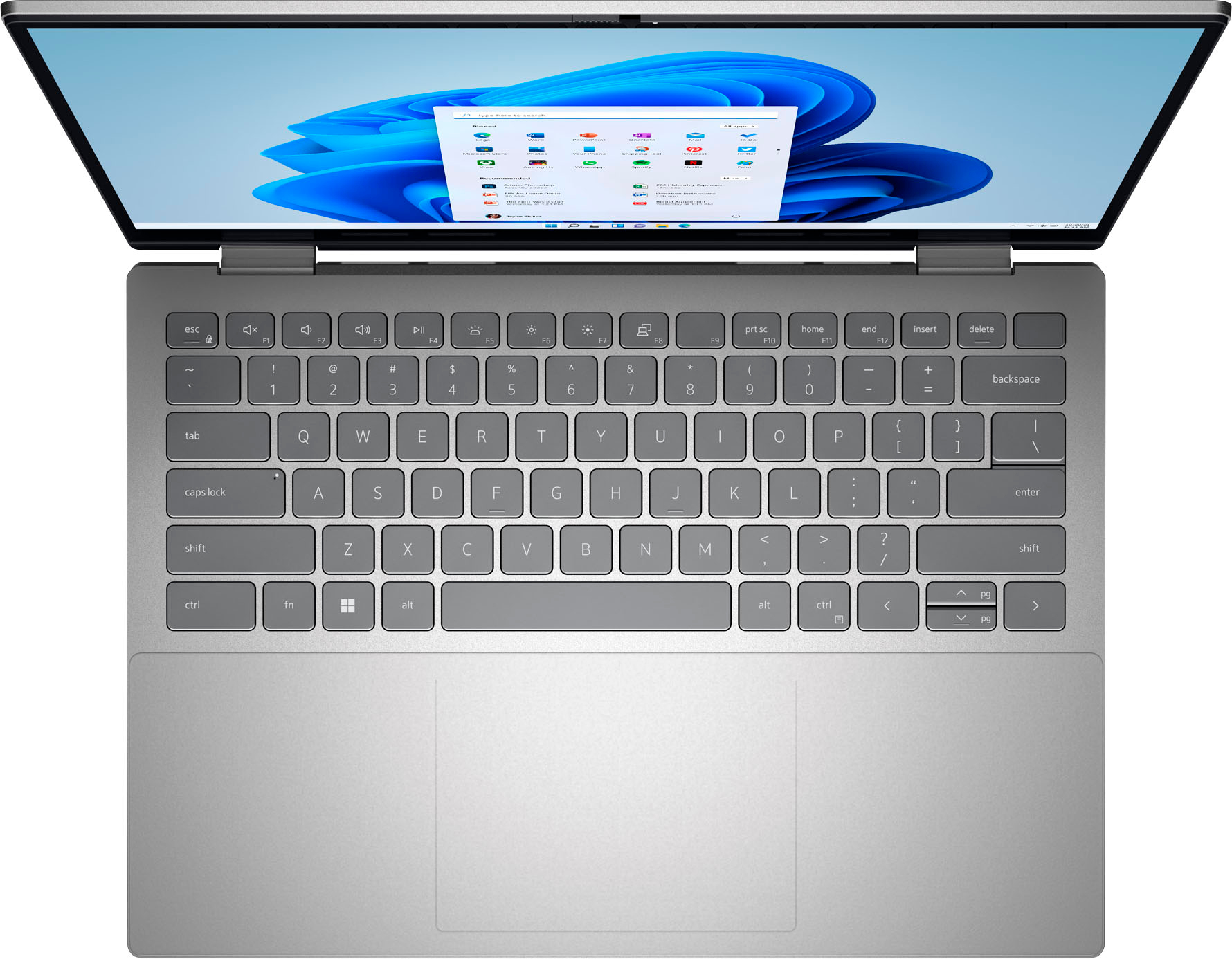
|Posted .This reviewer received promo considerations or sweepstakes entry for writing a review.The latest addition to the Dell Inspiron line, it's a lightweight laptop that can double as a tablet. While not an ultralight, it offers upgradability and more utility I/O ports. It is not a flagship model, but for its budget range, it does a decent job for what it provides. To start, the laptop for the most part is built solidly. At first glance, it has a nice metal body and the hinges for the screen are nice and stiff. There is very minimal flex on the screen and overall looks decent for 1200p. However, as you start to use it more and more, the imperfections slowly start to show. The keyboard flexes more than other laptops. The touchpad make a click sound even though it does not register any clicks. On the same subject, the touchpad is also too stiff. If you are someone who prefers click over tapping your touchpads, you'll find that it is very annoying how hard you have to click before it registers. The stiff hinges also make the screen shut pretty hard, even without trying. This may or may not be a problem in the future, only time can tell. You also cannot open with one hand the screen, you need both hands. The webcam has a manual cover, which is nice to see. For usability, it scores better in this department. Although the keyboard flexes, you can still type decently fast on it. The caps give off solid clicks and they rebound at a good rate. The function keys though, could use some work. While this is preference, it is counterintuitive that they are not by default the F keys. They could have also made it toggleable instead of forcing to hold the FN key. I can say that if you are going to use this laptop for productivity, you will be annoyed by this. On the same topic, they could have put in better functions. It was pointless to include a screen select when on Windows it's already a hot key. Some useful could have been screen rotation lock, or touch pad disable, or really anything else. The I/O ports are nicely placed. I would have preferred another usb-a port on the left hand side, but there was probably limitations. For software, it has been the worse I have seen in a while. Get ready to spend some time uninstalling and unsubscribing to programs slowing down your laptop on startup. The touch screen is very responsive with minimal lag between strokes. It's also very solid and writing on it has no flex. Overall, this laptop can fulfill the role of a budget lightweight laptop for travel or students. There are quirks that you will eventually get used to, and the performance is not bad either. Battery life is a little disappointing for a 12th gen cpu, but it is still manageable. It is also upgradeable if you need more storage or memory, and was one of the easiest laptop to service. I look forward to seeing how far this can go.
I would recommend this to a friend - Pros mentioned:Speed, Touch screen, Weight
14” of greatness.
Posted .This reviewer received promo considerations or sweepstakes entry for writing a review.Small but mighty. Clean screen, quick to launch, and lightweight. Solid state HD, and i7 core is super fast.
I would recommend this to a friend Not worth a dime, would give 0 stars if possible.
||Posted . Owned for 1 week when reviewed.This reviewer received promo considerations or sweepstakes entry for writing a review.Avoid this laptop. It is not worth the price. 2 hours of battery life and a horrible fan that runs hot! No way! Computer keyboard was cheap and didn't type well at all. Returned and found a different computer in store.
No, I would not recommend this to a friendBrand response from YourDellTeam
Posted .Hi Dogscatsbam,
We appreciate you taking the time to leave us your review. We are sorry to hear that you were not too happy with your Dell Inspiron 7420 2-in-1 laptop because the battery life was shorter than you expected, it was running hot, and its keyboard didn’t type well and you ultimately decided to return this system. We will share your comment with our quality team, so future improvements can be made. In the future, we would love the opportunity to help troubleshoot any problems you may be facing.
If you come across any questions about the Dell products, please don’t hesitate to contact Dell Support Team at the information provided below.
Best,
Katarina@Dell
Should you need further assistance, you can contact Dell directly with the information below.
Chat or call: https://bit.ly/DellSupportTeam
Phone number to Dell 1-800-624-9896
Battery Issue
||Posted . Owned for 3 weeks when reviewed.This reviewer received promo considerations or sweepstakes entry for writing a review.Battery issues was the major issue… It gets struck when we use high end softwares
No, I would not recommend this to a friendBrand response from YourDellTeam
Posted .Hi Praneeth,
We appreciate you taking the time to leave a review of your Inspiron 2-in-1 laptop. We are sorry to hear that you are experiencing an issue with the performance of your battery. That is not the type of feedback we like to hear from our customers. We have noted the details of your statement and will use them to help improve our current and future products. I have provided troubleshooting steps to help improve the performance of your battery below.
To help with a battery performance issue, we recommend changing the Power Plan:
1. On the notification area of the taskbar, right-click the Battery icon.
2. On the options list, click Power Options.
3. Select a power plan on the battery meter, such as Power Saver or Balanced. Windows 10 has a built-in 'Battery Saver' mode that can be activated to extend your system's battery life. The Battery Saver mode will monitor and limit background activity and other features such as push notifications. You do have the option to enable or disable this mode within settings or within advanced Battery Saver settings, you can customize the mode to best suit your needs.
a) Click on the Action Center icon in the taskbar and select the tile for Battery Saver.
b) If running Cortana then type Battery Saver into the search box and select from the results.
Within the Battery Saver settings page, you will be able to turn on and off the feature and customize the feature to best meet your needs.
c) Turn the Battery Saver On or Off.
d) Additional settings are available via the Battery use and Battery saver settings links.
e) Battery use shows further info on apps and their power usage.
f) Battery Saver Settings screen allows you to customize further Battery Saver features.
You can read the full article here - http://dell.to/2vfXWf4
If you need further assistance we recommend using the toll-free number or chat link below to reach a member of our support team.
Sincerely,
Summer@Dell
Should you need further assistance, you can contact Dell directly with the information below.
Chat or call: https://bit.ly/DellSupportTeam
Phone number to Dell: 1-800-624-9896
Dell laptop
||Posted . Owned for 1 month when reviewed.This reviewer received promo considerations or sweepstakes entry for writing a review.I bought this laptop for school just after a month I can’t return it the battery can’t even last 3hours very disappointed
No, I would not recommend this to a friendBrand response from YourDellTeam
Posted .Hi Francis,
Thank you very much for your valued feedback. We are sorry to hear that you are not 100% satisfied with your Dell Inspiron 74202 2-in1 laptop because the battery performance is not as you expected.
To help with a battery performance issue, we recommend changing the Power Plan:
1. On the notification area of the taskbar, right-click the Battery icon.
2. On the options list, click Power Options.
3. Select a power plan on the battery meter, such as Power Saver or Balanced. Windows 10 has a built-in 'Battery Saver' mode that can be activated to extend your system's battery life. The Battery Saver mode will monitor and limit background activity and other features such as push notifications. You do have the option to enable or disable this mode within settings or within advanced Battery Saver settings, you can customize the mode to best suit your needs.
a) Click on the Action Center icon in the taskbar and select the tile for Battery Saver.
b) If running Cortana then type Battery Saver into the search box and select from the results.
Within the Battery Saver settings page, you will be able to turn on and off the feature and customize the feature to best meet your needs.
c) Turn the Battery Saver On or Off.
d) Additional settings are available via the Battery use and Battery saver settings links.
e) Battery use shows further info on apps and their power usage.
f) Battery Saver Settings screen allows you to customize further Battery Saver features.
You can read the full article here - http://dell.to/2vfXWf4
If the problem with your battery is not resolved after applying the troubleshooting tips above, please reach out to our support team here for further guidance: 1-800-624-9896.
Best,
Katarina@Dell
Should you need further assistance, you can contact Dell directly with the information below.
Chat or call: https://bit.ly/DellSupportTeam
Phone number to Dell: 1-800-624-9896
Bought two of these .. caps lock never worked .
||Posted . Owned for 3 weeks when reviewed.This reviewer received promo considerations or sweepstakes entry for writing a review.Pathetic.. plz dont buy this laptop.. u will end up returning it.
No, I would not recommend this to a friendBrand response from YourDellTeam
Posted .Hello MM09,
We appreciate you taking the time to leave us your review. We are sorry to hear that you are not too happy with your Dell Inspiron 7420 2-in-1 computer because its Caps Lock key is not working.
Please make sure you have downloaded the latest system update. I have provided a link to the Drivers and Downloads page below, where you can check for any applicable updates for your Inspiron.
Drivers and Downloads Page: https://dell.to/3QJLpaJ
If the issue with your computer is still not resolved after utilizing the troubleshooting option above, please contact the Dell Support Team at 1-800-624-9896 for further guidance.
Best,
Katarina@Dell
Should you need further assistance, you can contact Dell directly with the information below.
Chat or call: https://bit.ly/DellSupportTeam
Phone number to Dell: 1-800-624-9896
Junk
||Posted .This reviewer received promo considerations or sweepstakes entry for writing a review.Piece of junk. The mouse pad is already dying. .
No, I would not recommend this to a friendBrand response from YourDellTeam
Posted .Hello Valued Customer,
We would like to thank you for taking the time to provide us with your feedback. We apologize for the issues you have come across with your Dell Inspiron 7420 2-in-1 laptop because its touchpad is not working as it should.
Some Notebooks and Tablets with Keyboards have added gesture features to the touchpad hardware and drivers. A few of these features are two or three-finger scrolling, pinch zoom, circle zoom, rotate, and swiping. These new features may be the reason for the erratic cursor movement since most are turned on by default. You can disable or modify the way the features work in the touchpad driver properties. Here are some tips to modify these settings:
1. In the Search box, type main.cpl.
2. Touch or click main.cpl in the list of programs.
3. Touch or click the Dell Touchpad tab.
4. Touch or click on the picture of the touchpad.
5. Touch or click Gestures (depending on your computer there may not be a Gestures option).
6. Change the options as preferred.
7. Touch or click Save.
8. Touch or click the X in the upper-right corner to close the Dell Touchpad Utility.
9. Touch or click OK on the Mouse Properties window.
10. If the touchpad still does not work after following the preceding steps, refer to Dell Knowledge Base article - http://dell.to/2iaiujA
You can read the full article here - http://dell.to/2tqmS02
If this issue with the touchpad is not resolved after applying the troubleshooting tips above, please call Dell directly at 1-800-624-9896 for additional support.
Best,
Katarina@Dell
Should you need further assistance, you can contact Dell directly with the information below.
Chat or call: https://bit.ly/DellSupportTeam
Phone number to Dell: 1-800-624-9896
Well-Built Power and Portability!
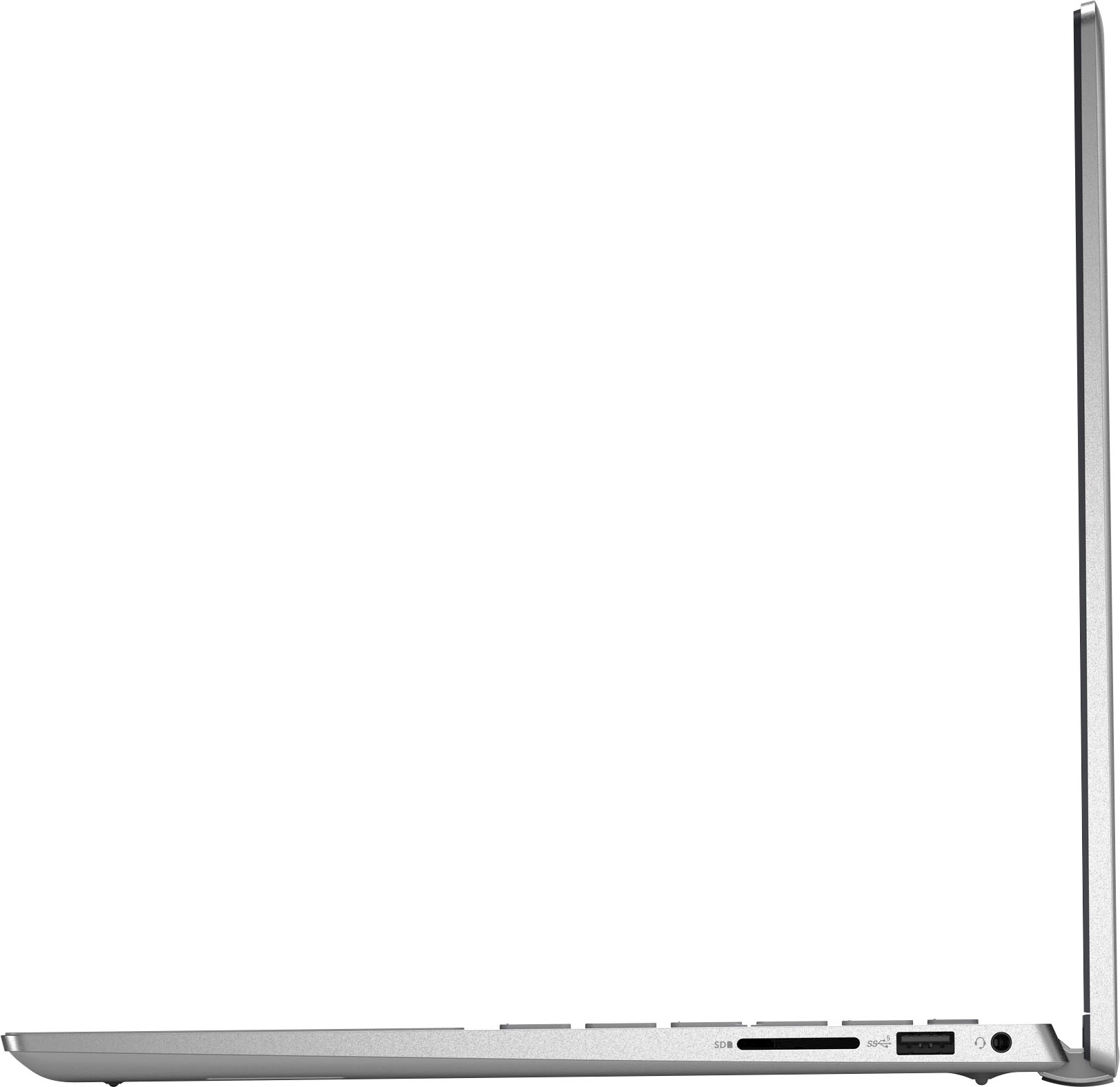
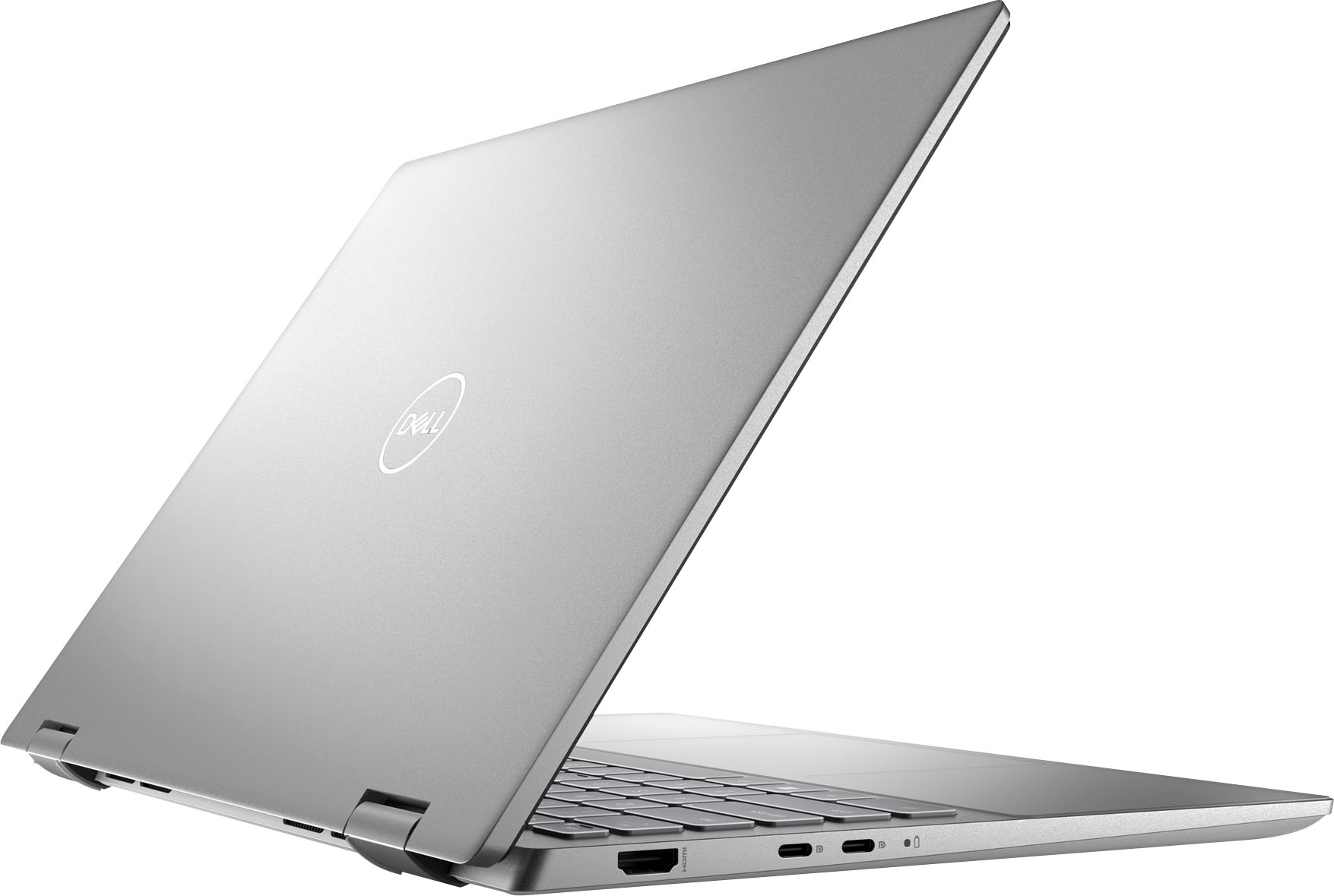
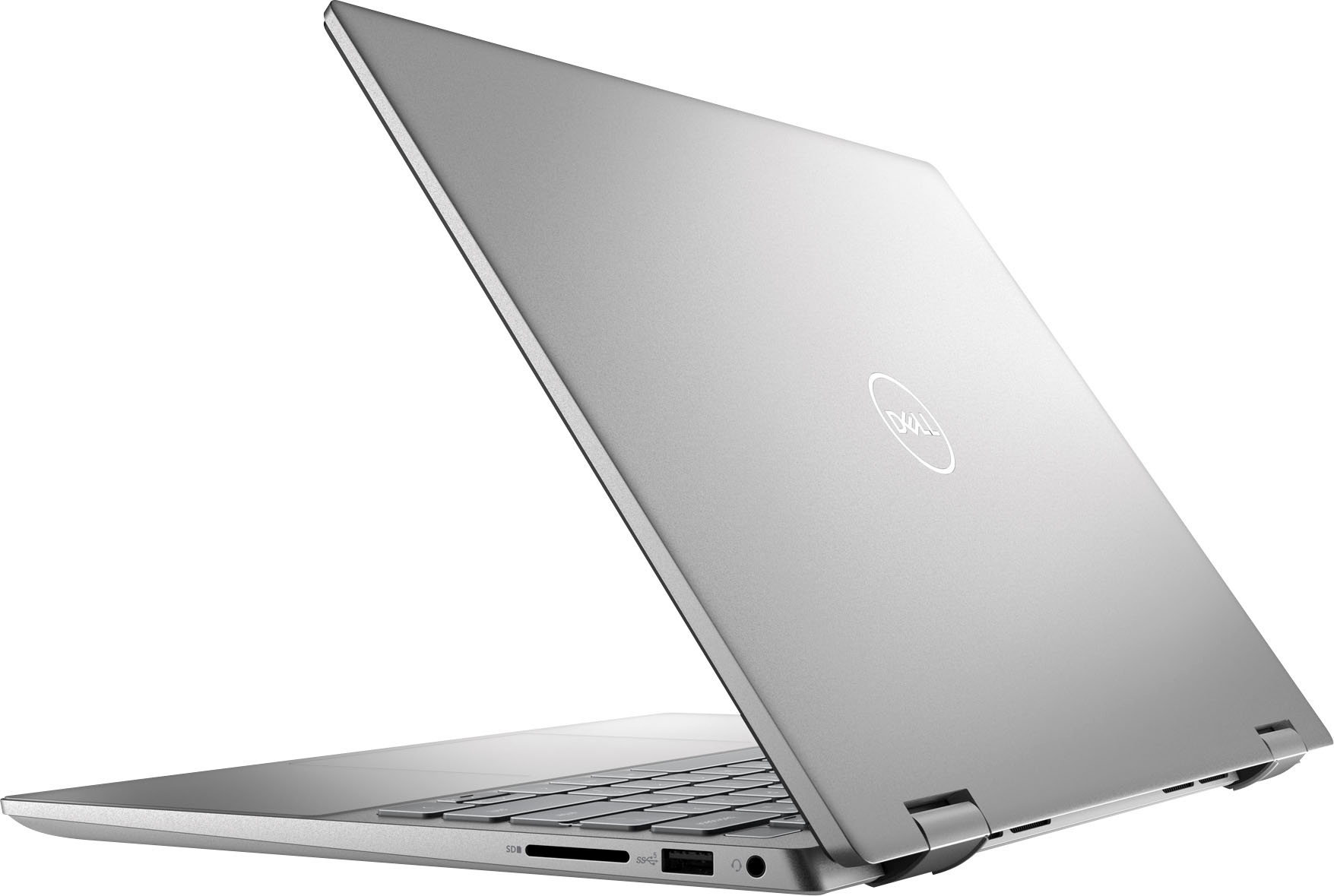
|Posted .This reviewer received promo considerations or sweepstakes entry for writing a review.This convertible laptop is a great blend of power, usability, and portability with a solid, quality build. I love the portability with the ability to convert from laptop to a tablet and the lighter weight makes this the best of both worlds being a very usable laptop size but also a small enough size for being a tablet. The hinges are solid and there is no play in the mechanism. One nice touch I found was that there’s even some little rubber protective pieces on the back of the hinge so when you open it up in laptop mode, the back of the hinge rests on the surface with those protective bits to not damage your work surface. I am quite impressed with both the keyboard and the trackpad and this is a big factor for me. The keys have a positive response and solid feedback and the layout is well done. I feel that sometimes with devices of this size, keyboard layouts can be compromised and this feels completely natural. The trackpad is also very good. Extremely precise, taps and scrolling are spot-on…just like the keyboard, it’s natural and intuitive. Same thing goes for the touchscreen display - very accurate to touches, swipes, etc… The display looks great for an HD display. For this form factor, 4K actually may be overkill especially if you’re running at full scaling. The display isn’t as bright as I would have liked it but certainly can still be viewable even in very bright environments. The port selection provides plenty with 2 USB-C ports, 1 USB A port, an HDMI port, and an SD card reader along with a headphone jack. The speakers are what I’d call just “OK” with a respectable amount of low end for a device of this size but the sound is a bit tinny and muddled especially at higher volumes. Overall, if you’re looking for a portable, powerful, and sturdy device whether this is your only device or if you’re looking for a travel device, this is a great option!
I would recommend this to a friend- Pros mentioned:Weight
Happy Camper
Posted .This reviewer received promo considerations or sweepstakes entry for writing a review.This product works exactly like I expected. I purchased this laptop for travel. Now I don't have to plan around business or household billing. This is so light and handy I find myself taking it to the patio to work when I am home, instead of sitting in my office.
I would recommend this to a friend Good enough laptop for school or work
|Posted .This reviewer received promo considerations or sweepstakes entry for writing a review.The Inspiron line is Dell’s general line of laptops. You get a decent school or office laptop with basic design (compared to the premium looks and features of the XPS line). PROs - A little bit of friction on trackpad gives some haptic feedback – not overly smooth. - Good value when it’s on sale. - Fingerprint scanner is quick. - Keyboard is comfortable. - Quiet - not much fan noise in general office apps and web browsing. CONs - The standard color is off and undersaturated. The classic Solo Cup has more orange than it should. The display needs to be calibrated if you’re doing any kind of photo or video editing. Even then, it’s not the best monitor for photo or video editing as colors are on the dull side, whites lose detail, and blacks aren’t deep enough. Dell provides a utility called Dell CinemaColor which can help adjust it. - Wifi setup dialogue hides password as you type it and can only check by keeping the show password button down. - As is typical of a Windows laptop, have to let it go through a million updates of the software - Camera does not support facial recognition for sign in on Hello. - Looks utilitarian, which it is. Nothing fancy but gets the job done for office and school work. Overall, it's fine for for anyone who needs a decent quality laptop for office or school.
I would recommend this to a friend- Pros mentioned:Performance
Early experience
Posted .This reviewer received promo considerations or sweepstakes entry for writing a review.I'm only using the PC since few weeks ago. For the moment everything is working well, is very early now to talk about other details
I would recommend this to a friend - Pros mentioned:Speed
Does everything I need
Posted .This reviewer received promo considerations or sweepstakes entry for writing a review.Lots of memory and pretty fast. Very happy with my purchase. IT person at work also thinks I made a good purchase.
I would recommend this to a friend - Pros mentioned:Ease of use
Great buy
Posted .This reviewer received promo considerations or sweepstakes entry for writing a review.Fast, intuitive use, easy to set up! Timing on delivery was quick, use of a protected pickup site very helpful.
I would recommend this to a friend Good computer, find it on sale
Posted .This reviewer received promo considerations or sweepstakes entry for writing a review.I added ram, they only offered 8 gigs- bumped it to 32- hums like a swing machine.
I would recommend this to a friend- Pros mentioned:Speed, Touch screen
Amazing laptop
Posted .This reviewer received promo considerations or sweepstakes entry for writing a review.I love this laptop. It's super fast and i love that i can use it both as a tablet and a regular laptop. This is the perfect laptop for me to use for school and everyday use
I would recommend this to a friend Good one
Posted .This reviewer received promo considerations or sweepstakes entry for writing a review.Good one Perfect for study and all I needed this very nice design
I would recommend this to a friend- Pros mentioned:Ease of use
Review
Posted .This reviewer received promo considerations or sweepstakes entry for writing a review.Loved the ease of setup and enjoying the features.
I would recommend this to a friend