Customer Ratings & Reviews





- Model:
- i7425-A242PBL-PUS
- SKU:
- 6503229
Rating by feature
- Battery Life
Rating 4.4 out of 5 stars
- Speed
Rating 4.6 out of 5 stars
- Display
Rating 4.6 out of 5 stars
Customers are saying
Customers find value in the Inspiron 2-in-1 laptop's touchscreen, ease of use, and performance. Many appreciate its lightweight design, good battery life, and appropriate size. Positive feedback also highlights the fast SSD and competitive price point. While some users noted fan noise, the overall customer sentiment is overwhelmingly positive.
This summary was generated by AI based on customer reviews.
- Pros mentioned:Weight
Lap top review
||Posted . Owned for 1 month when reviewed.This reviewer received promo considerations or sweepstakes entry for writing a review.Boght for college student, loves it. very light weight
I would recommend this to a friend Quality laptop
||Posted . Owned for 1 month when reviewed.This reviewer received promo considerations or sweepstakes entry for writing a review.Perfect for my college age daughter. Compact but powerful
I would recommend this to a friend- Pros mentioned:Performance
Dell Inspiron Review
||Posted . Owned for 3 weeks when reviewed.This reviewer received promo considerations or sweepstakes entry for writing a review.Great computer. No reservations about it. Lets me work productively.
I would recommend this to a friend Great for price
||Posted . Owned for 1 month when reviewed.This reviewer received promo considerations or sweepstakes entry for writing a review.Great computer for the price. I mainly use it for word processing.
I would recommend this to a friend- Pros mentioned:Weight
Great Bargain!
||Posted . Owned for 1 month when reviewed.This reviewer received promo considerations or sweepstakes entry for writing a review.Does everything well, for home/travelling, light-weight computer.
I would recommend this to a friend - Pros mentioned:Performance
laptop
||Posted .This reviewer received promo considerations or sweepstakes entry for writing a review.great laptop. works well and is great for a college student.
I would recommend this to a friend Mrs. Donna Kostelnik
||Posted . Owned for 1 month when reviewed.This reviewer received promo considerations or sweepstakes entry for writing a review.My new Dell Laptop is working fine as my nephew and a Arizona Tech Support guy with Cableone/Sparklight got it to finally connected to the internet. My sister had suggested to unplug the comp. and plug in again and I was able to get Wifi back connected and secure. However now my printer is not working because said it cannot take a Windows 11.
I would recommend this to a friend- Pros mentioned:Ease of use
Very good product
||Posted . Owned for 1 month when reviewed.This reviewer received promo considerations or sweepstakes entry for writing a review.Very good product. Recommended very easy to use…..
I would recommend this to a friend - Pros mentioned:Touch screen
Dell
||Posted .This reviewer received promo considerations or sweepstakes entry for writing a review.love the touch laptop, memory, and the Dell experience
I would recommend this to a friend Could've been great
||Posted . Owned for 1.5 years when reviewed.This reviewer received promo considerations or sweepstakes entry for writing a review.I purchased 10/22/2022 and today it doens't work. I absolutely loved this laptop, didn't really have issues, just the charger being replaced and it was under warrantly. I never took laptop from my home, it was personal use only. However it just stopped working and I was told the brain of the computer went out. I recommend people purchasing the extended warratny. I am purchasing another and adding an extended warranty
I would recommend this to a friendScreen Touch Too Sensitive
||Posted . Owned for 2 months when reviewed.This reviewer received promo considerations or sweepstakes entry for writing a review.I had 2 problems with this laptop. The original device would not boot up after the setup. I took it back to Geek Squad and got this device. The second device has been running but the touch screen is too sensitive, ghosting some screen touches.
No, I would not recommend this to a friendBrand response from YourDellTeam
Posted .Dear LongTermCustomer,
We value your feedback and want to thank you for taking the time to leave a review of your Inspiron 7425. We are sorry to hear that you are experiencing an issue with your touchscreen being too sensitive. That is not the type of product Dell intends to deliver or the type of feedback we like to hear from our customers. We have noted the details of your statement and will escalate them to our quality team for improvements on current and future products.
We recommend that you contact Dell directly with the information below if you need further assistance.
Chat or call: https://bit.ly/DellSupportTeam
Phone number to Dell: 1-800-624-9896.
Regards,
Summer@Dell
Sr. Tax Manager
||Posted . Owned for 1 week when reviewed.This reviewer received promo considerations or sweepstakes entry for writing a review.Very nice system, thrilled to have it! A generous price!
I would recommend this to a friend- Pros mentioned:Speed
Mortgage Professional
||Posted . Owned for 1 week when reviewed.This reviewer received promo considerations or sweepstakes entry for writing a review.Great product. Love the 2 in 1 functionality and speed.
I would recommend this to a friend Great purchase
||Posted . Owned for 1 month when reviewed.This reviewer received promo considerations or sweepstakes entry for writing a review.Great purchase w a reasonable price Fast delivery
I would recommend this to a friend- Pros mentioned:Touch screen
Dell laptop
||Posted . Owned for 1 month when reviewed.This reviewer received promo considerations or sweepstakes entry for writing a review.Very pleased with my purchase. Love the touch screen!!
I would recommend this to a friend Great if you get it cheaper
||Posted . Owned for 1 month when reviewed.This reviewer received promo considerations or sweepstakes entry for writing a review.I paid for this laptop 600 instead 800, at 600 is a good deal, runs fast, I can play, is fast, the screen is not too good. At 800 is expensive, only 8 gb de ram nowadays is the minimum. The battery life is the worst
I would recommend this to a friend- Pros mentioned:Weight

Blazing Midrang Performance!
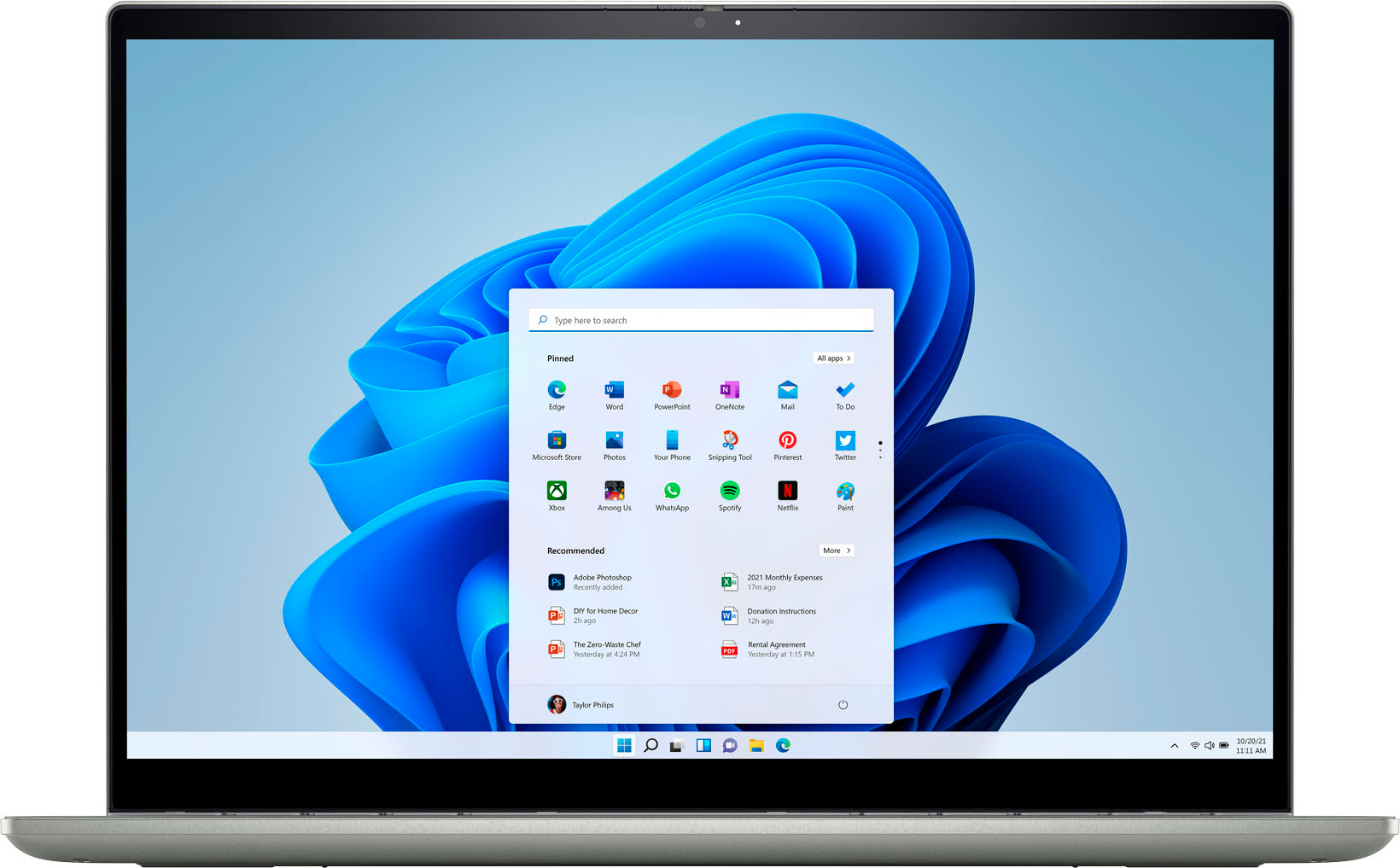
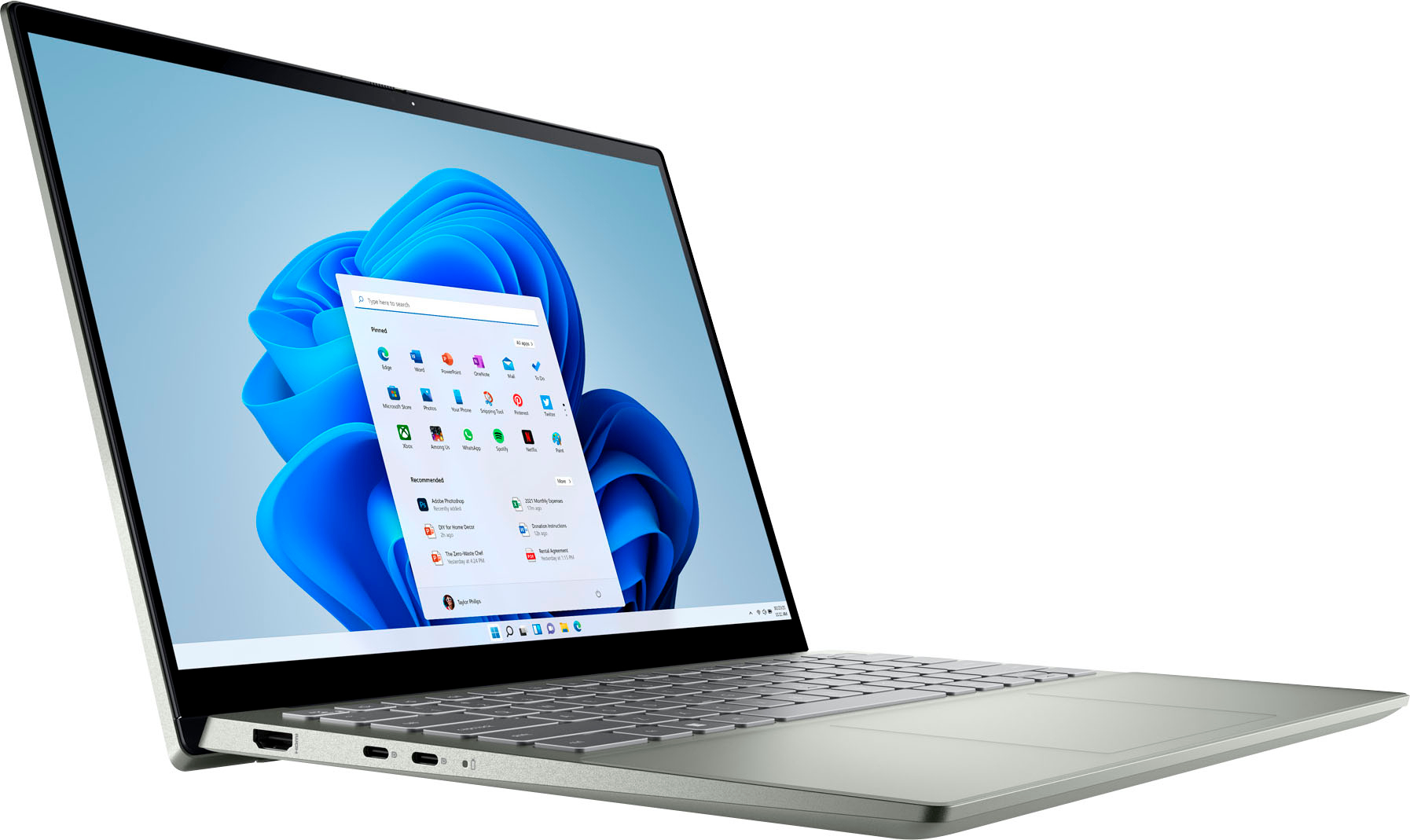
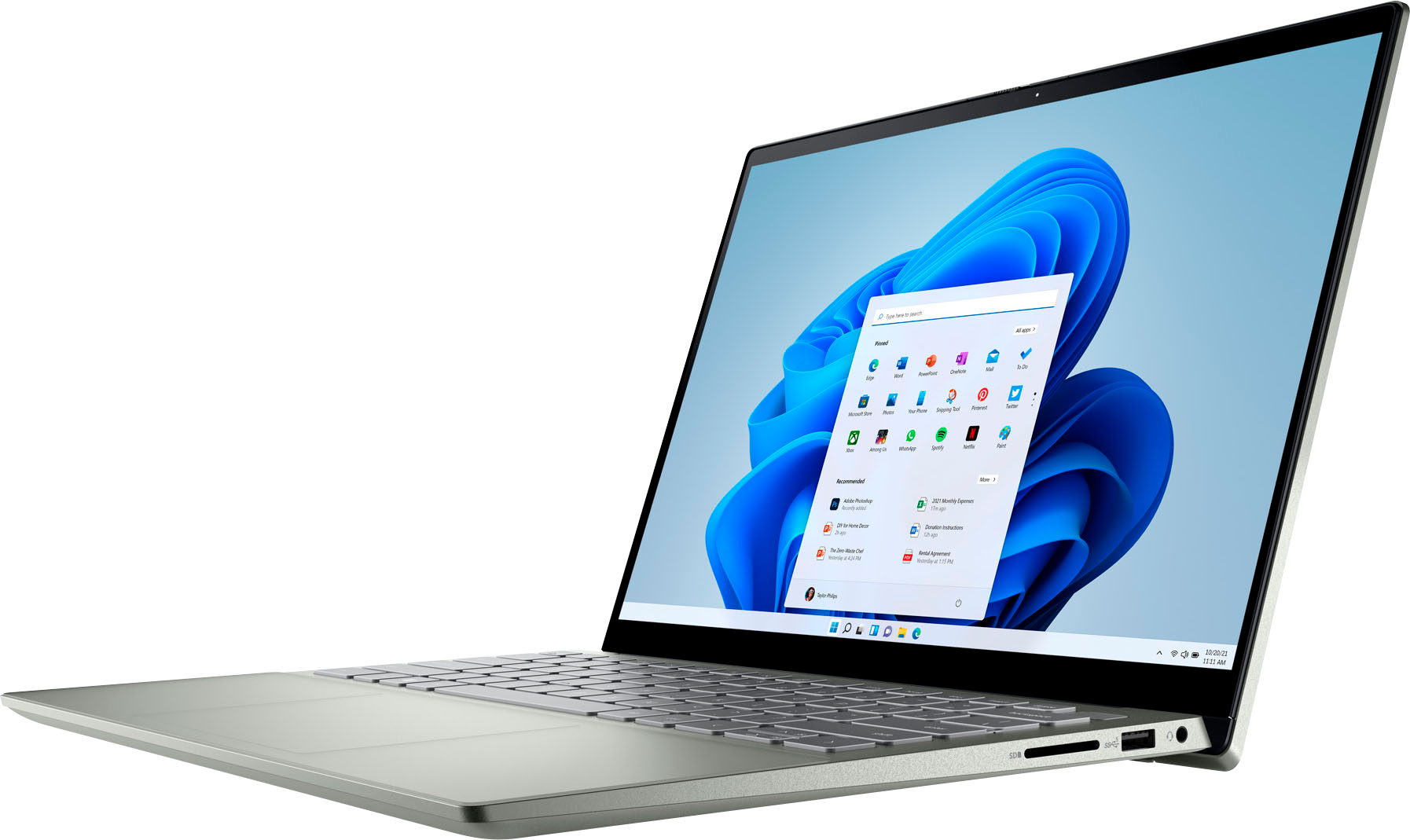
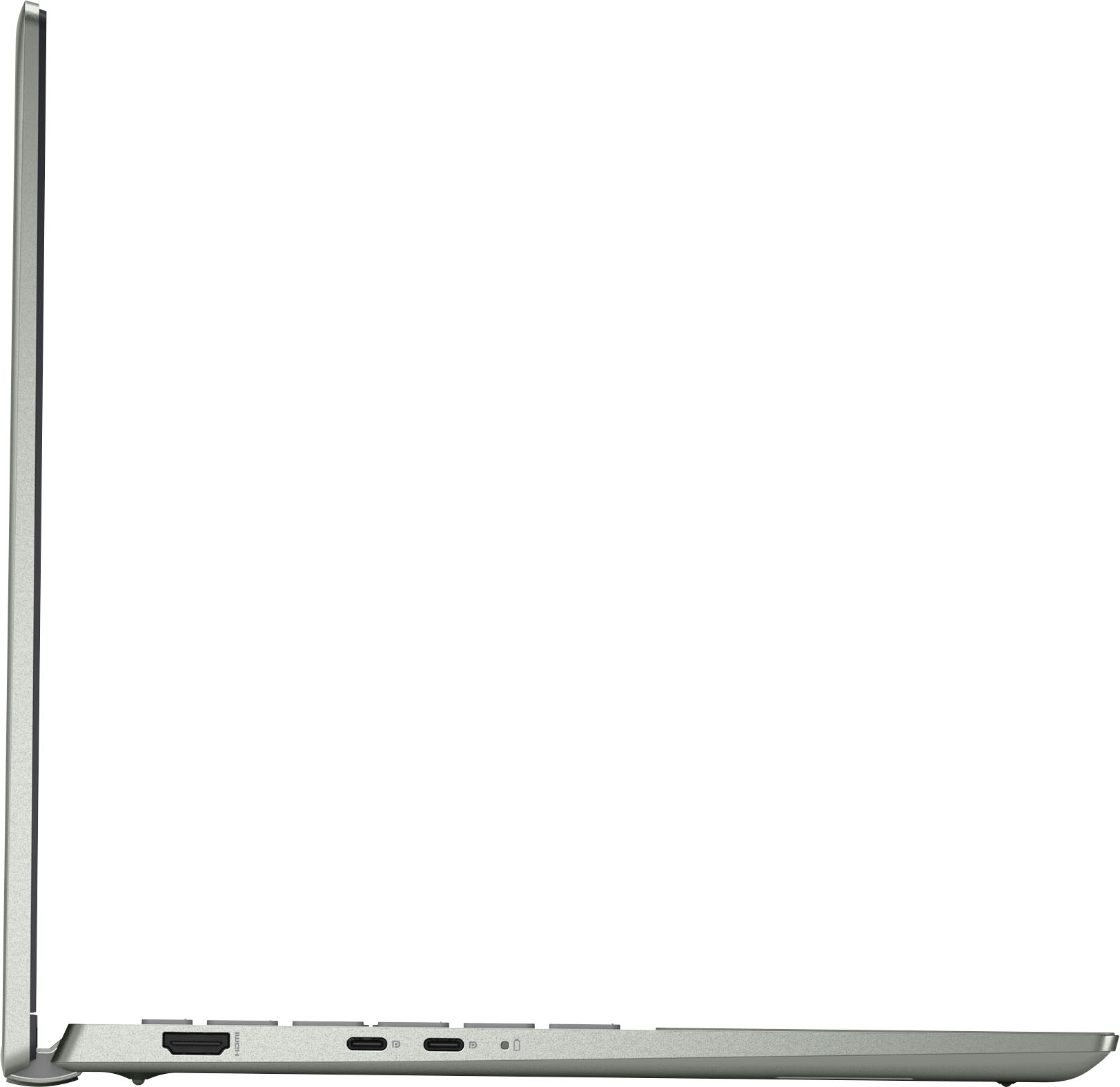
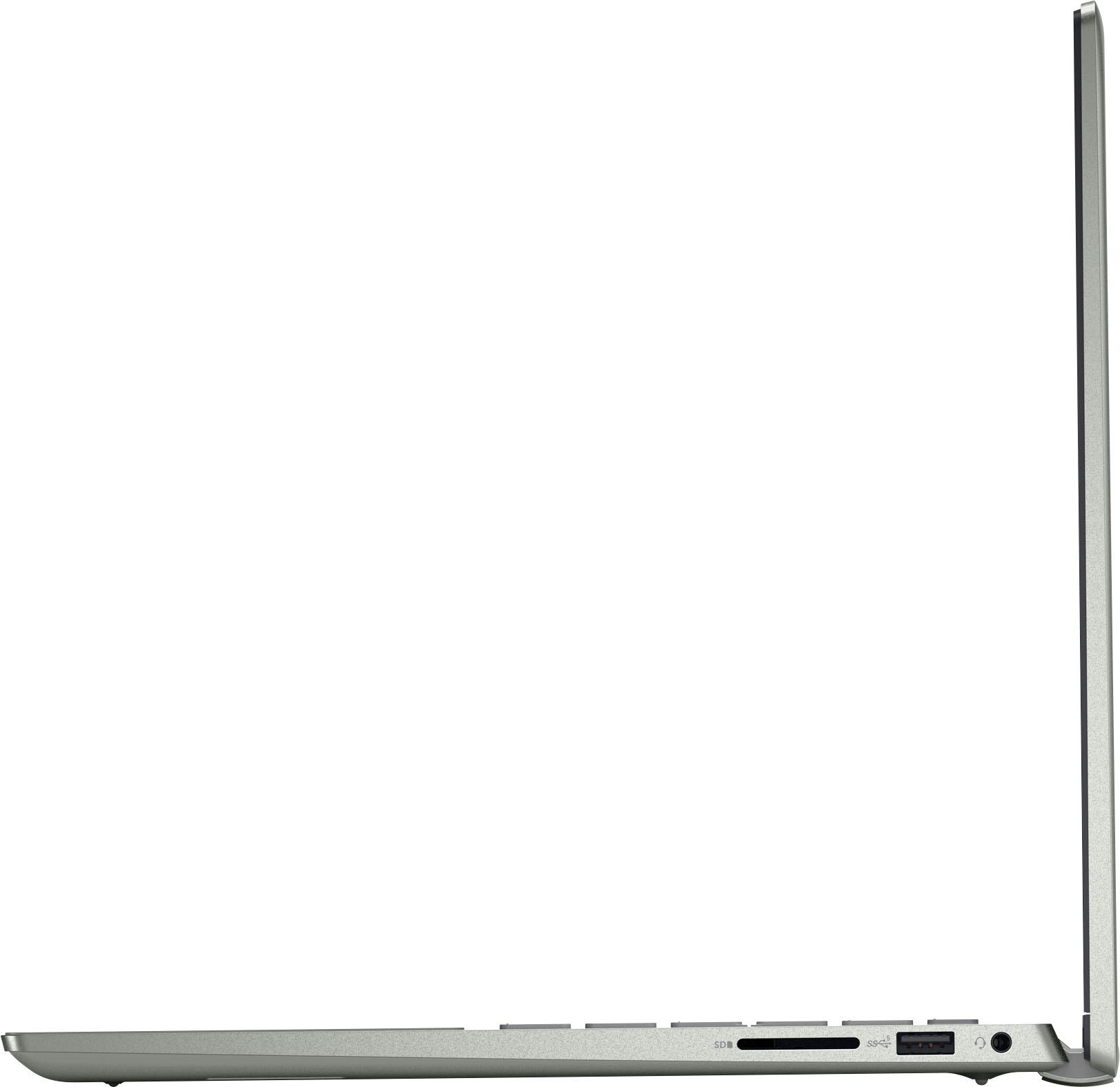
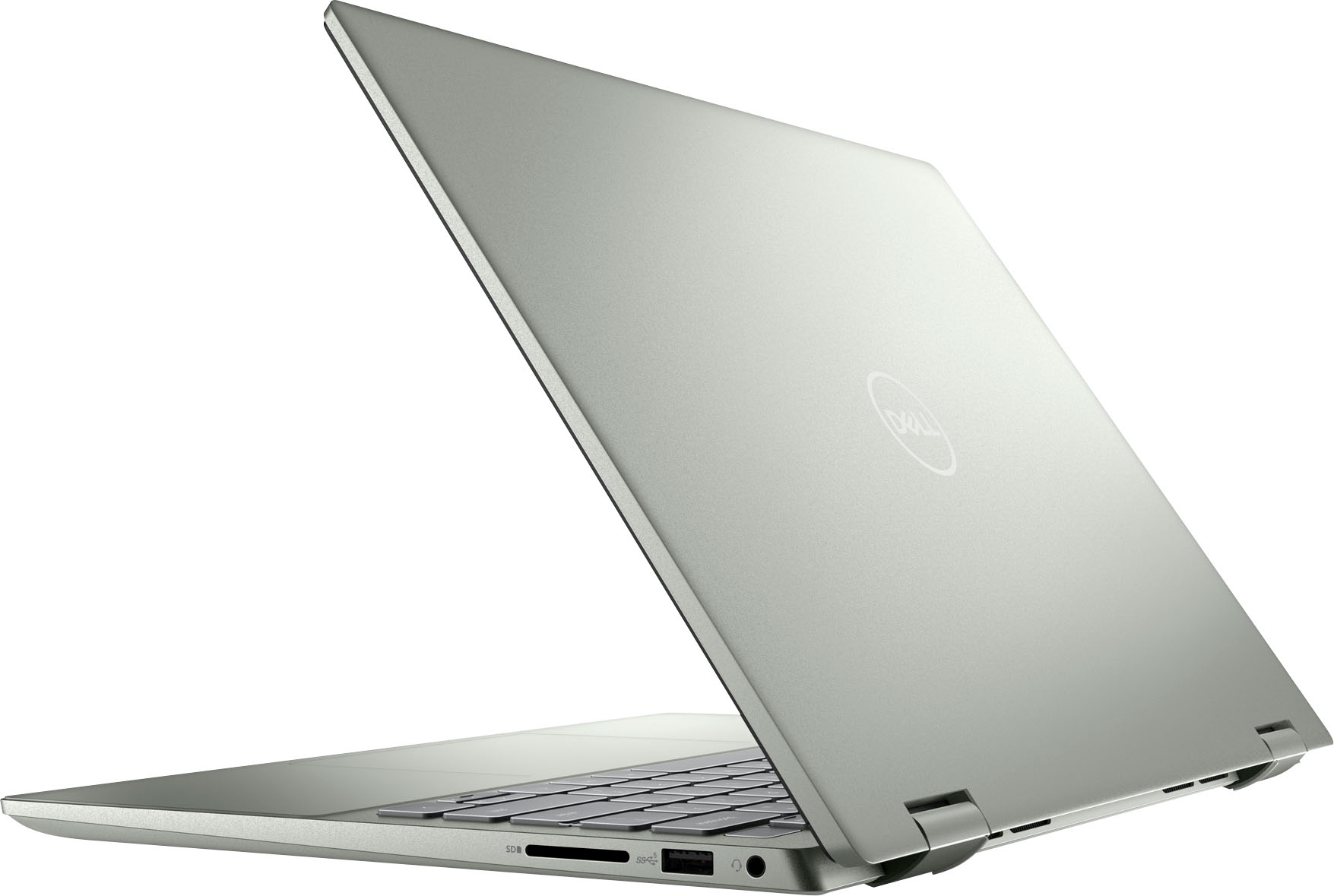
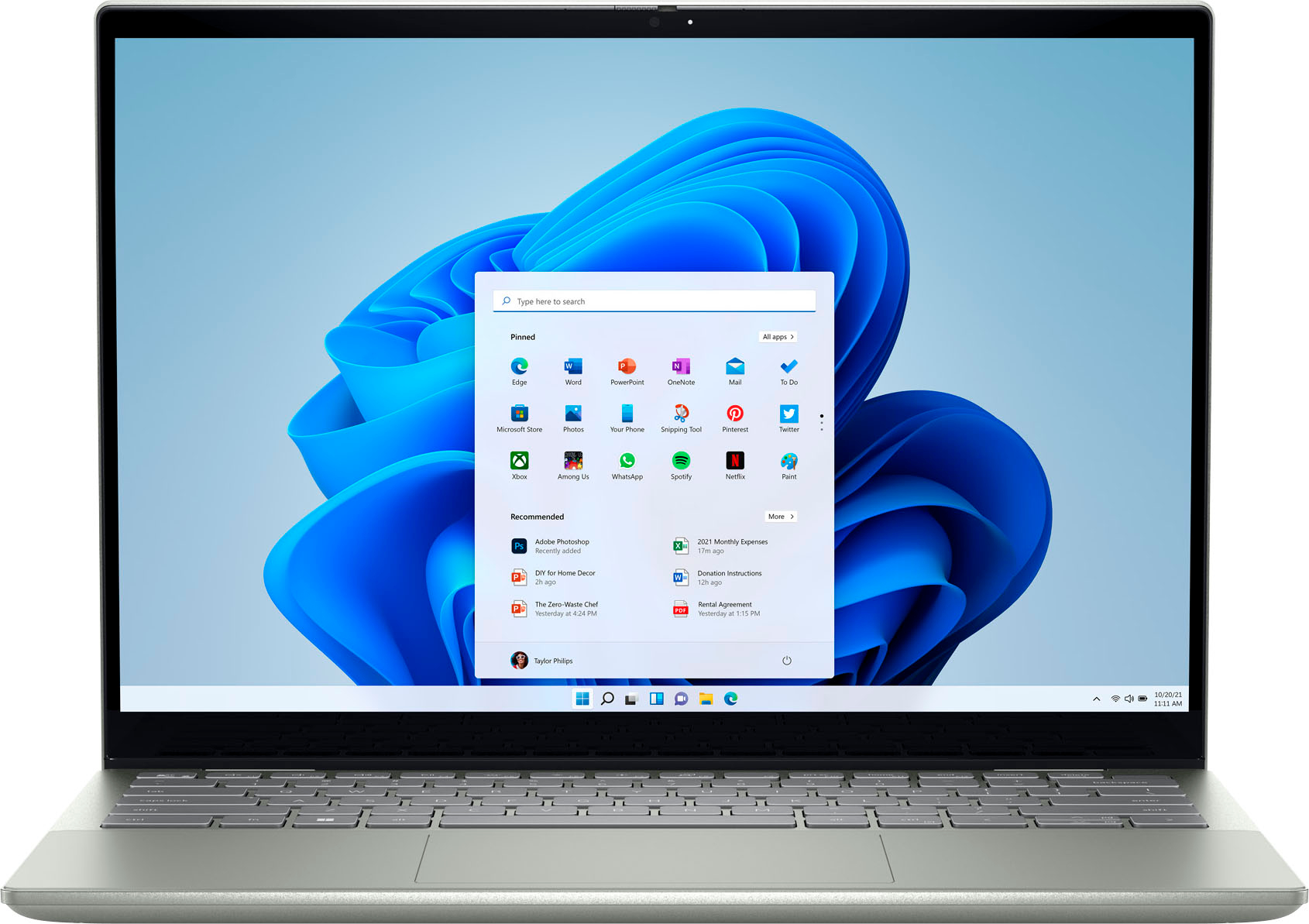
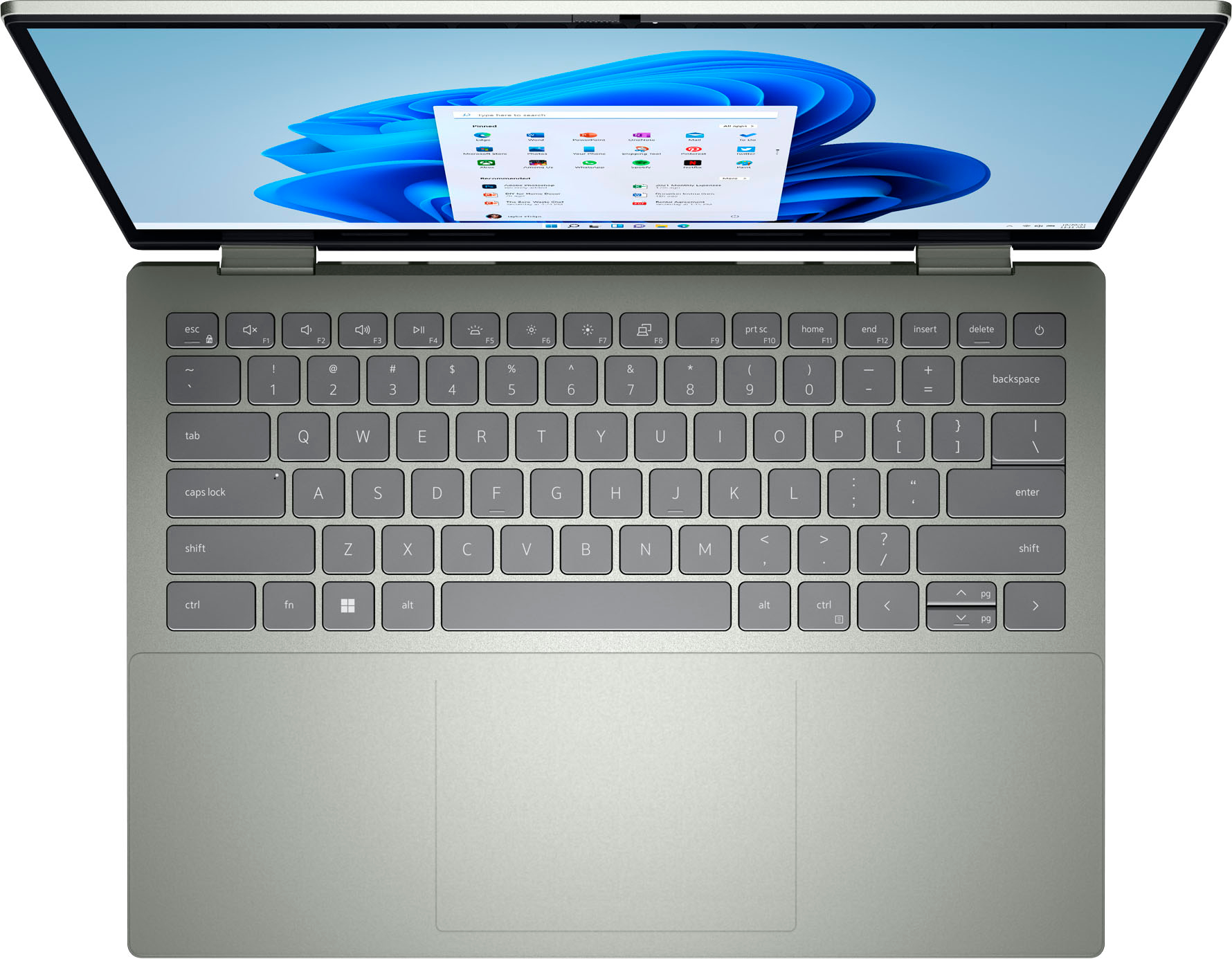
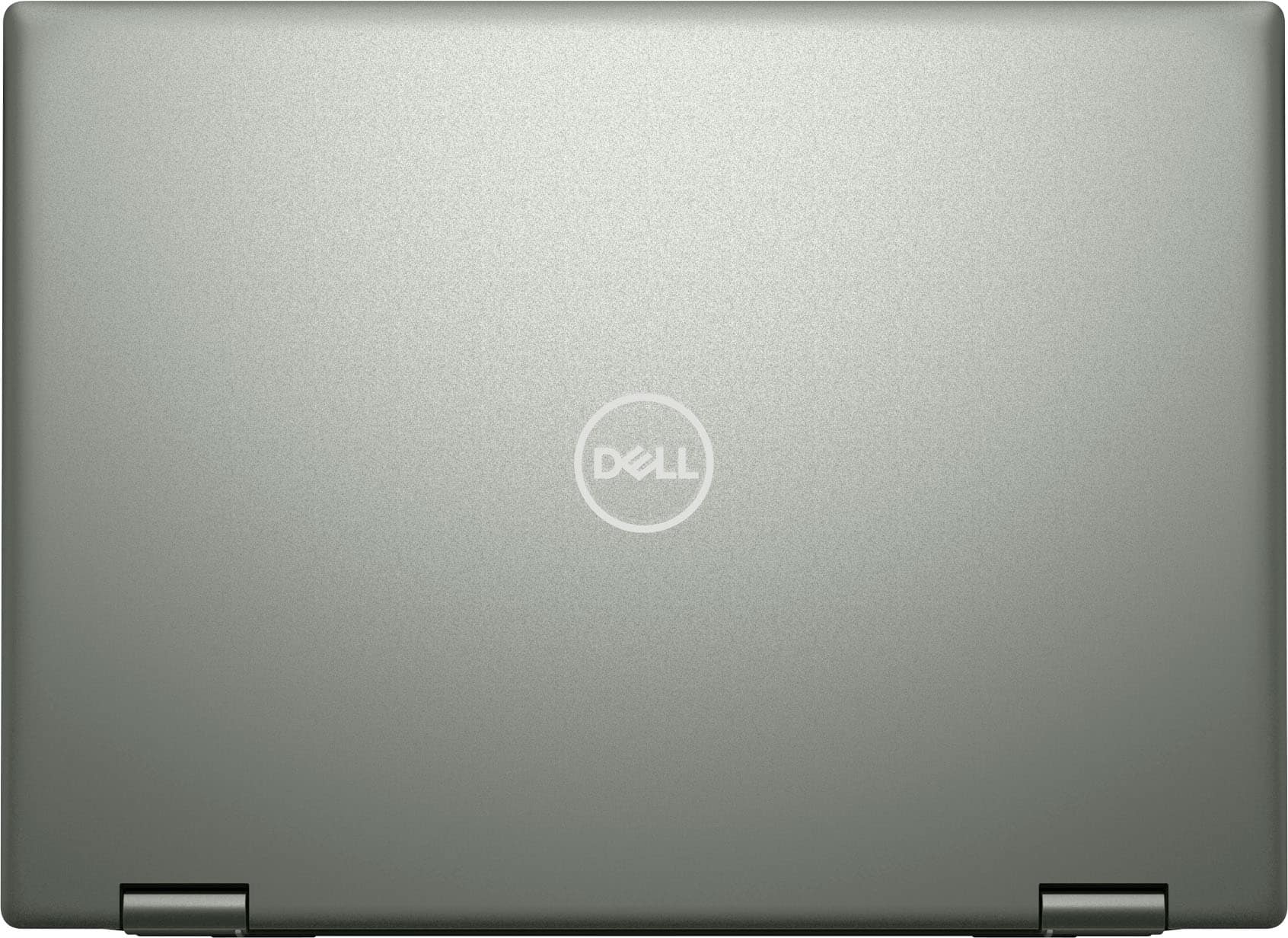
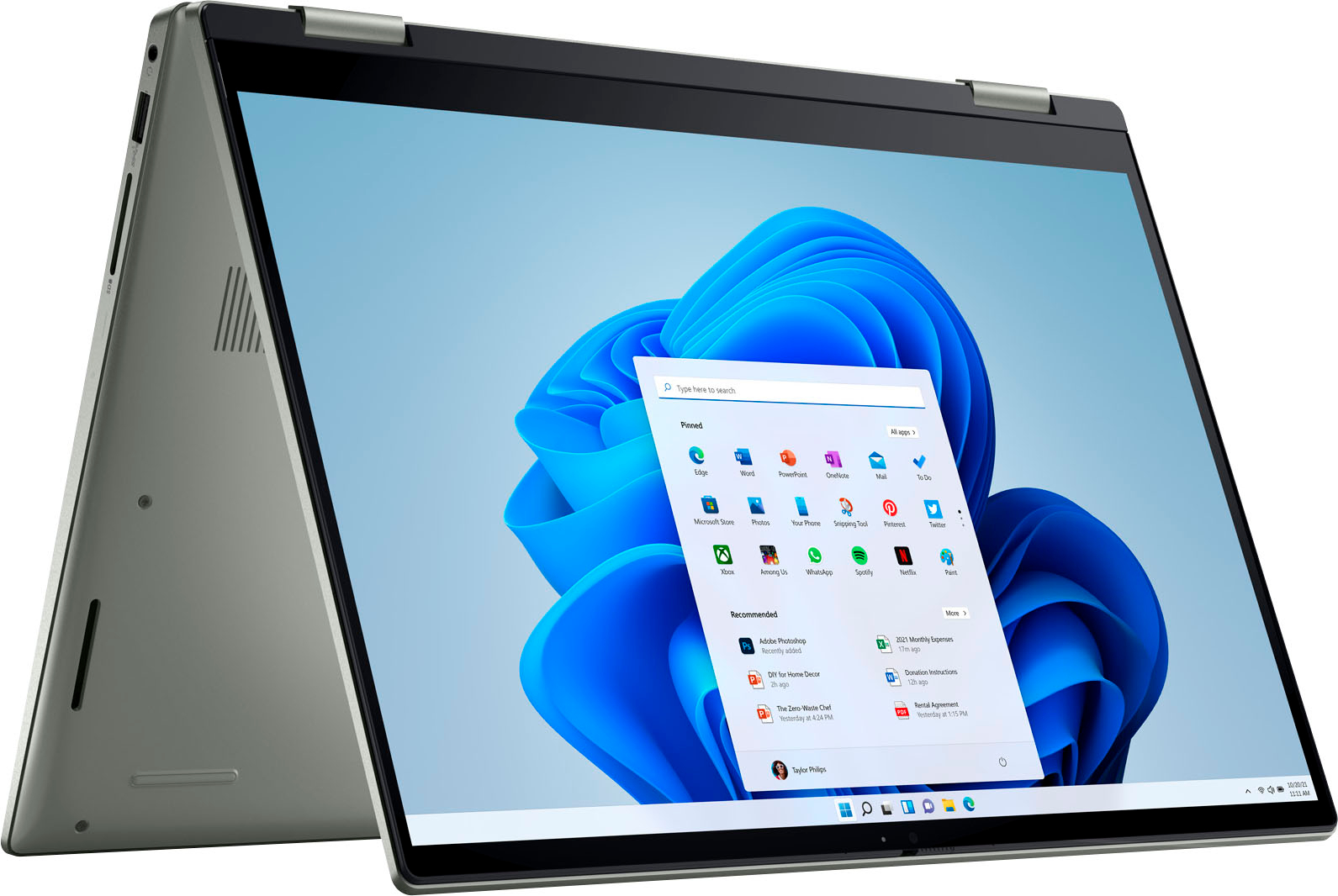
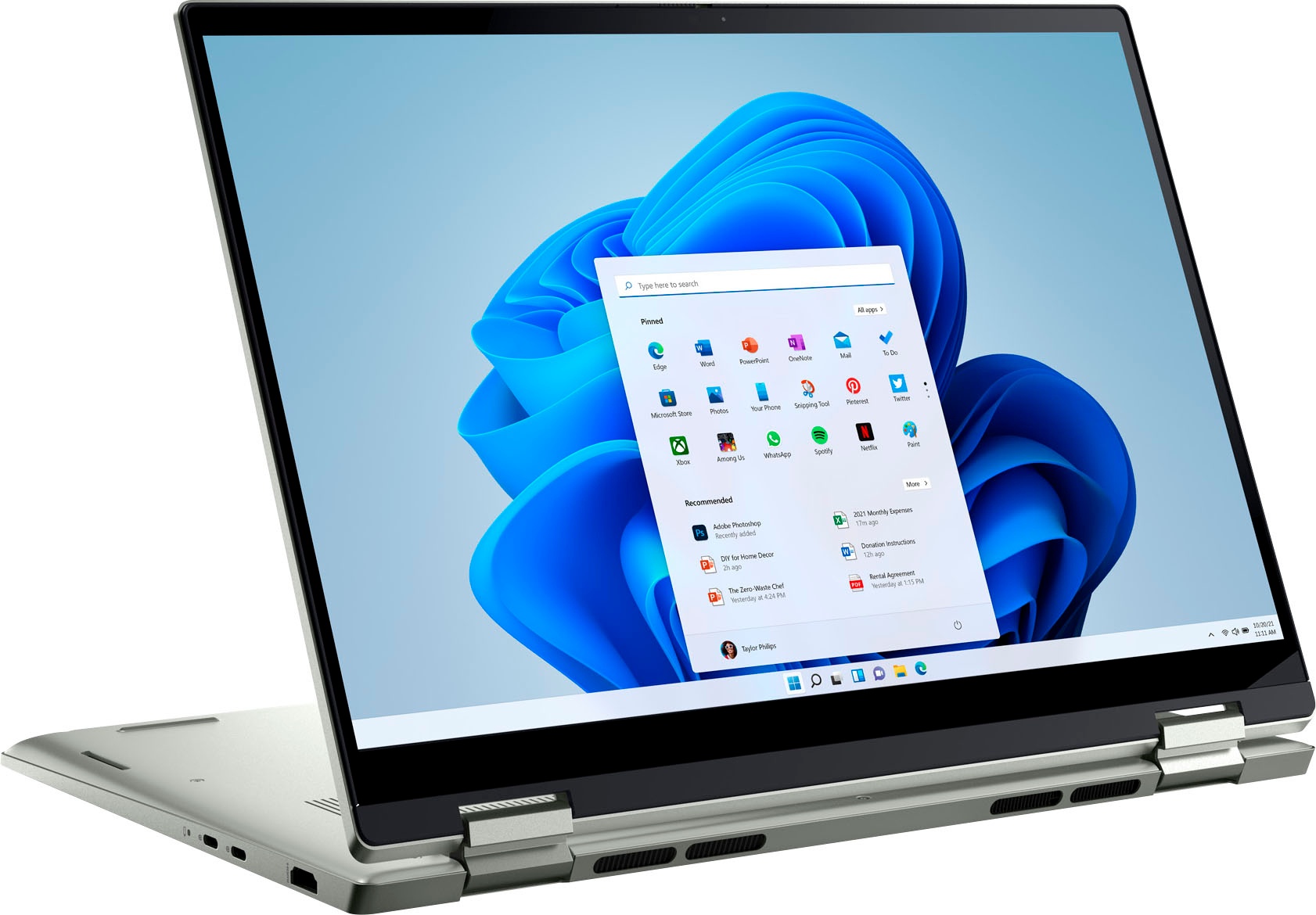
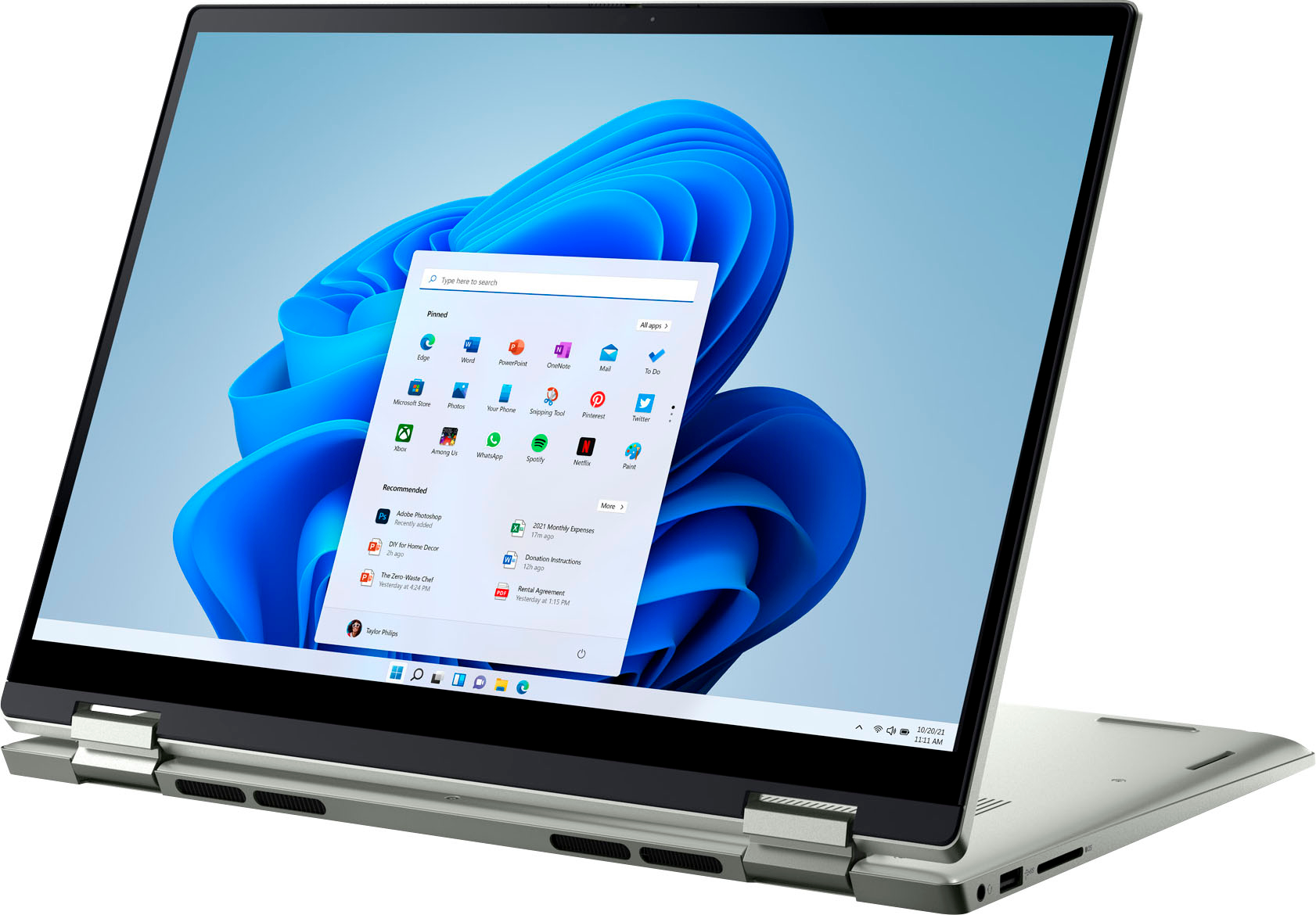
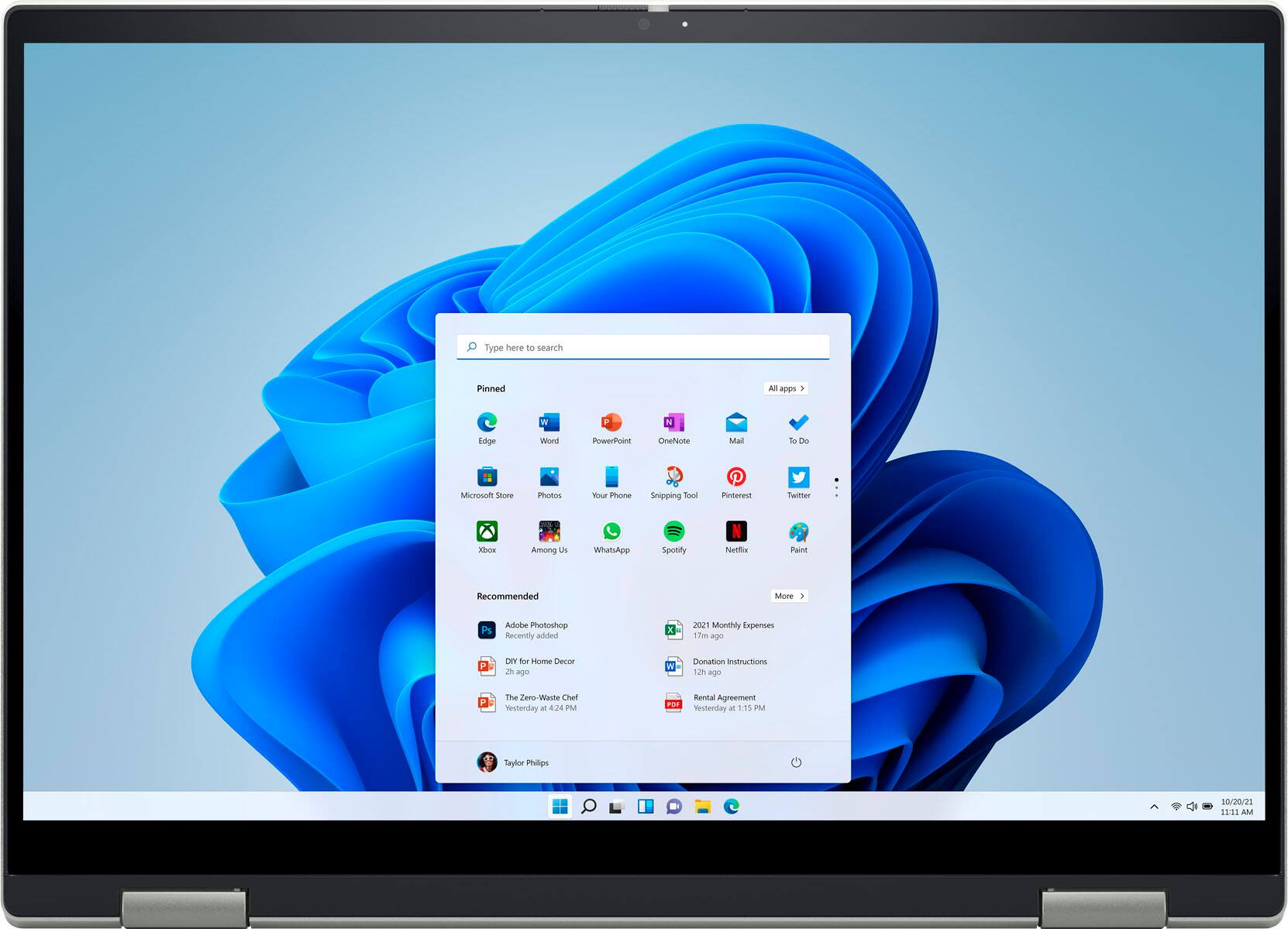
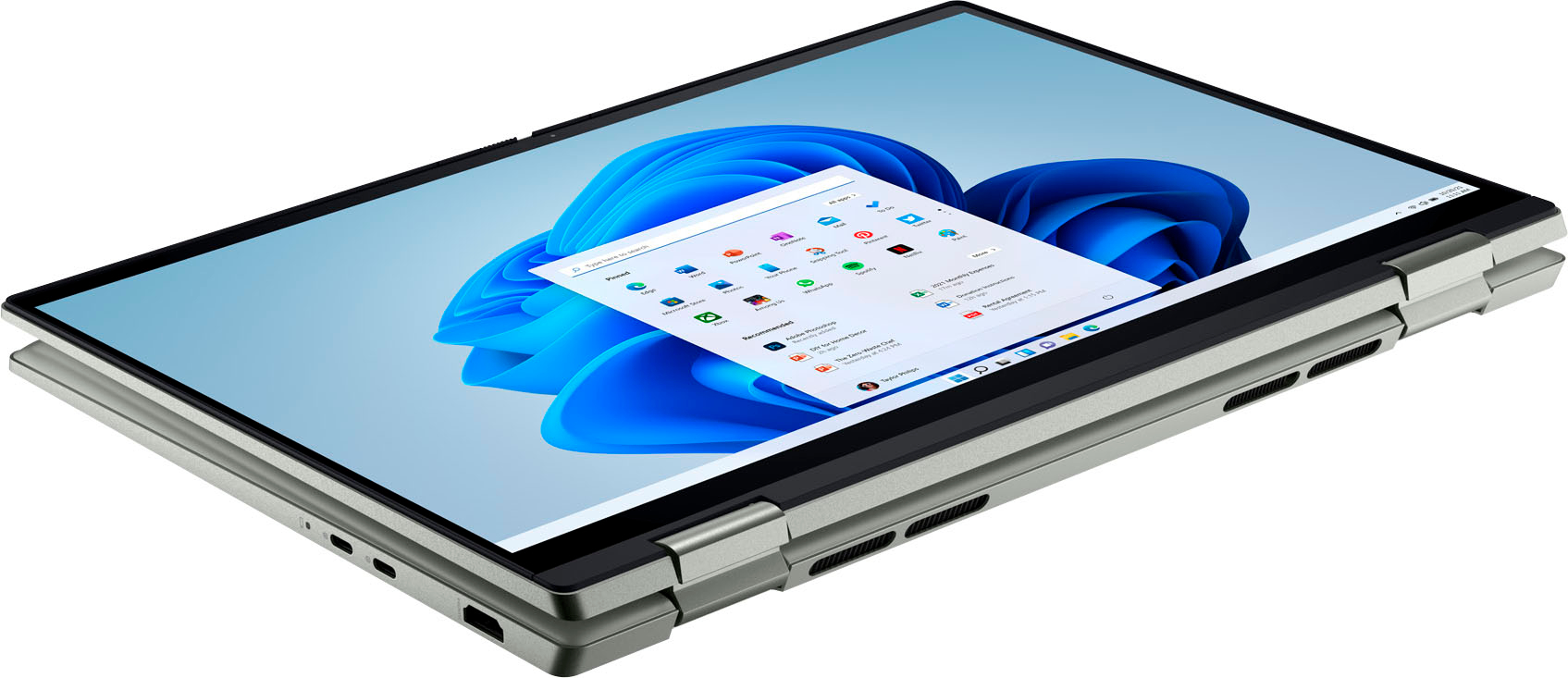
|Posted .This reviewer received promo considerations or sweepstakes entry for writing a review.As laptop features continue to change, shopping for the perfect solution is rarely simple. As most will attest to, performance and cost are often the two main focal points when deciding on upon any specific model. Fortunately, drastic advancements in computer hardware have given us the ability to acquire high performance machines without the high price point. Thus, I was excited to test the Inspiron 14’’ 7425, a relatively affordable machine in a compact size that seemingly offers excellent performance. Inside the box, the 7425 comes with one USB 65 Watt Type C charger. Once unpacked, the 7425 is fairly gorgeous in person. The brush aluminum has a more polished feel than some of our other aluminum based laptops. As one would expect, the hinges are extremely sturdy and flipping the laptop into tablet mode was a breeze. In normal position, the hinges raise the screen up a bit for a comfortable viewing experience. While typing on the keyboard, the keys are fairly quiet and responsive. As expected, the 7425 is lightweight and travel friendly, though it was slightly heavier than I was expecting. However, it is still only 3 pounds. On the front of the laptop, with the lid closed, you will note the two exhausts slits at the front. Next, on the left side, you will note one HDMI 1.4 port. Additionally, there are also two USB Type-C ports that can charge the laptop and provide DisplayPort capability. Lastly on the right side of the laptop, you will note one standard USB Type-A port, a headphone jack, and a full size SD card slot. Overall, the ports should provide you with everything you will need. However, I definitely wished there would have been one more additional standard USB Type-A port. Before we discuss the performance aspect of the 7425, there are a couple of observations I would like to mention first. For most people, the included 8 GB of RAM will probably be enough for the time being. However, upon setting up the operating system, you will notice that roughly half of the memory is already used. This is certainly a drawback, but the good news is that the RAM is upgradable. Second, the OS takes up roughly 40 GB of storage at first boot, which is unfortunate but typical of OEM installations. Fortunately, this can be fixed rather simply by doing a reinstall, though it is not necessary especially if you aren’t fully sure on the process involved. Lastly, I do want to mention thermal levels as there was quite a bit of temperature spikes. The fan does spin up quite a bit, especially during updates, or when small loads of usage sent all cores to its max turbo speed of 4.3 GHz. Such spikes typically shot the CPU up to the 85-97c range but would settle back to high 40s or low 50s afterwards. Once again, most users should be fine, but any enthusiast may look into re-applying thermal paste if your particular unit exceeds your thermal expectations. As for my performance tests, I wanted to stress every major aspect of the Inspiron 7425 to give you an idea of what you can expect out of the box. Specifically, I focused on the main components such as CPU, SSD, Wi-Fi, and the battery. Furthermore, I kept most of my normal system tweaks to a minimum; the most significant change was I disabled all the non-Microsoft startup services and startup executables. I also uninstalled every McAfee component. Lastly, I prevented the screen and hard drive from going to sleep and changed the minimum processor frequency to 1% for both battery and AC power. For the CPU, I was quite excited to see how the Ryzen 5625U was going to handle everyday tasks. As most are probably aware, Ryzen has evolved exceptionally well over the past few years, so this was a great opportunity to see how far we have come. I tested several CPUs with a simple benchmark in CPU-Z 2.01 to give you an idea on where the 5625U sits, though do keep in mind that CPUs will still reflect different results in other tests. Ryzen 7 5800H - Single: 589.0 / Multi: 5,658.6 (8 Cores / 16 Threads) Ryzen 5 5625U - Single: 592.1 / Multi: 3,946.6 (6 Cores / 12 Threads) Ryzen 3 5300U – Single: 478.9 / Multi: 2,627.1 (4 Cores / 8 Threads) Ryzen 5 2500U – Single: 342.1 / Multi: 1,912.7 (4 Cores / 8 Threads) I7-1165 G7 – Single: 563.9 / Multi: 2,698.3 (4 Cores / 8 Threads) As one can see, the jump from the first generation Ryzen is quite astonishing. My next test was to encode a 92 Minute M2TS file using Handbrake 1.5.1. I used the 1080p very fast preset. I set the FPS to match the source, and pass through the original audio. This time I only focused on the current Ryzen chips. My results are as follows: Ryzen 7 5800H: 17 Minutes and 16 Seconds / 131.0 AVG FPS Ryzen 5 5625U: 23 Minutes and 23 Seconds / 96.2 AVG FPS Ryzen 3 5300U: 30 Minutes and 29 Seconds / 73.5 AVG FPS The results here are as expected with each of the respective chips getting faster as the number of cores increase. It is quite remarkable that a mid-range processor can actually encode a 92 minute movie in less than 30 minutes. Thermals during the test held constantly around 65c, as the CPU bounced around near its base frequency at around 2.3-2.7 GHz. Package draw touched a little bit over 33 watts. Overall, this CPU is absolutely stellar. My next test I wanted to shift to the 512 GB M2 NVMe drive. The drive is listed as a SK Hynix BC711 model. Using CrystalMark 8.0.4a, I ran a test to see how fast the drive is. Sequential Read Q8T1: 3,421.0 MB/s / Sequential Write Q8T1: 2,472.0 MB/s Sequential Read 4K Q1T1: 53.83 MB/s / Sequential Write 4K Q1T: 128.06 MB/s Overall, the M2 is fairly decent. I was quite surprised at the fairly strong sequential speeds. In addition, I also wanted to conduct a manual transfer. Using my WD 1 TB NVMe external SSD over USB Type C, I transferred a 32.6 GB folder that holds 5,784 files and 1,244 folders. As expected, the transfer took no time at all. It took a few seconds to reach the peak, eventually settling around the 515 MB – 530 MB/s range. Towards the end, there was a slight dip to around 480 MB/s but then quickly shot back up to 550 MB/s and finished in roughly in 90 seconds. The next transfer was my 28 GB M2TS video file. As before, it took a few seconds to get moving but eventually the transfer exploded to 750 MB/s and held consistently before finishing. The 7425 is exceptionally fast out of the box. For Wi-Fi, I ran a quick speed test using my internet browser. As for the hardware inside, the 7425 ships with a MediaTek MT7921 802.11AX Wi-Fi card. Once I clicked start, I noted the following speeds: DOWN: 603.11 Mbps / UP: 592.00 Mbps As expected, no complaints here as I was able to fully reach the speeds as indicated on our internet package. Downloads were insanely quick as well. For the display, the 16:10 aspect ratio (1900x1200) has a made a stunning comeback as of late, with a number of models opting for it as opposed to the standard 16:9 (1920x1080). Perhaps the biggest improvement that I could see was when browsing internet as the extra screen allowed you to see more of the page. I was also fairly surprised at how quickly I adjusted to the aspect ratio, seeing as I spend most of time on 16:9 displays. As for color and text, I was fairly pleased with the clarity and contrast. Brightness was a little lacking at lower levels, but nonetheless it shouldn’t bother most people. At max setting, it was fairly bright. For my battery test, I set the power plan to best performance and set display brightness to the maximum setting, including the keyboard backlight. Using VLC player, I played my 92 Minute M2TS file and noted the results. After 45 minutes, the battery decreased to 88%. After the movie was finished, the battery slightly dropped 81%. During playback, the CPU was consuming a paltry 3 watts of power and had a load of around 2-3%. Furthermore, I do want to caution you that this test was an attempt to imitate a worst case scenario; you will certainly have better battery life and/or different results. Lastly I do want to mention a bit of good news, especially for the enthusiasts that might be looking for a strong midrange laptop. As mentioned previously, the Dell Inspiron 7425 does have the ability to have its RAM upgraded. There are a total of two DIMM slots, with one being occupied by a single 8 GB DDR4-3200 MHz module. After I performed all of my testing, I decided to upgrade the RAM to 32 GB. It was immediately recognized and booted up perfectly. Once completed, I also went ahead and re-pasted the CPU while I had the laptop open. The good news here was that you can reach the CPU without having to remove the fan. Thermals improved immediately, with the fan rarely having to spin up to full speed. On cold boot, I noted a high for 63c and a low of 39c. As for the SSD, the included M2 is in the 2230 form factor, but it will still accept the more common standard of 2280. For those who are familiar with disassembly, the top 3 screws are also threaded and will cause the case to pop up when you start to unscrew them. The remaining screws all come out of the case completely so be careful not to lose them. In conclusion, the Inspiron 7425 is a top notch performer that blazes with the latest hardware and sports a sleek and stylish package. Aside from a slightly bloated OS installation and low RAM availability, there are certainly more positives that make the 7425 a stellar midrange laptop. With plenty of connectivity options and the ability flip the laptop into tablet mode, most will be quite please with their out of the box experience. Furthermore, I was extremely relieved that there are also some good upgrade options as well. Thus, the Inspiron 7425 comes recommended provided you are aware of the caveats.
I would recommend this to a friend Does the Lemon Law count?
||Posted . Owned for 11 months when reviewed.This reviewer received promo considerations or sweepstakes entry for writing a review.I definitely do not recommend this laptop and was happy when I could trade it in. I had to have a windows operating system for school and thought this was a good choice. The hard drive crashed right after warranty was over. Had to buy a hard drive and purchase the Best Buy plan to even come out so that I could finish my college courses otherwise the computer was going to have to be shipped off to Dell. Take my advice and stay as far away as possible. Not impressed with the Dell products any more. I am glad to be back to an Apple.
No, I would not recommend this to a friend- Pros mentioned:Touch screen
Laptop review
||Posted . Owned for 1 month when reviewed.This reviewer received promo considerations or sweepstakes entry for writing a review.I love the touch feature. Was easy to install apps.
I would recommend this to a friend - Pros mentioned:Speed
Super speed laptop
||Posted . Owned for 1 week when reviewed.This reviewer received promo considerations or sweepstakes entry for writing a review.Great laptop for the price!! Good specs and super fast!
I would recommend this to a friend