Customer Ratings & Reviews





- Model:
- i7425-A242PBL-PUS
- SKU:
- 6503229
Rating by feature
- Battery Life
Rating 4.4 out of 5 stars
- Speed
Rating 4.6 out of 5 stars
- Display
Rating 4.6 out of 5 stars
Customers are saying
Customers find value in the Inspiron 2-in-1 laptop's touchscreen, ease of use, and performance. Many appreciate its lightweight design, good battery life, and appropriate size. Positive feedback also highlights the fast SSD and competitive price point. While some users noted fan noise, the overall customer sentiment is overwhelmingly positive.
This summary was generated by AI based on customer reviews.
Laptop
||Posted . Owned for 1 month when reviewed.This reviewer received promo considerations or sweepstakes entry for writing a review.Perfect for my 5th grader didn’t like her chrome book
I would recommend this to a friendDell Laptop
||Posted . Owned for 1 week when reviewed.This reviewer received promo considerations or sweepstakes entry for writing a review.My new laptop. Great product and service from Best Buy
I would recommend this to a friendThank youuuu
||Posted . Owned for 2 weeks when reviewed.This reviewer received promo considerations or sweepstakes entry for writing a review.Reasonable priced good customer services nice items
I would recommend this to a friendDell inspiration
||Posted . Owned for 2 weeks when reviewed.This reviewer received promo considerations or sweepstakes entry for writing a review.Awesome product i am really enjoying my new computer.
I would recommend this to a friendLaptop
||Posted . Owned for 1 month when reviewed.This reviewer received promo considerations or sweepstakes entry for writing a review.Laptop is good, battery does not last long enough.
I would recommend this to a friend- Pros mentioned:Performance, Touch screen

Versatile and FAST
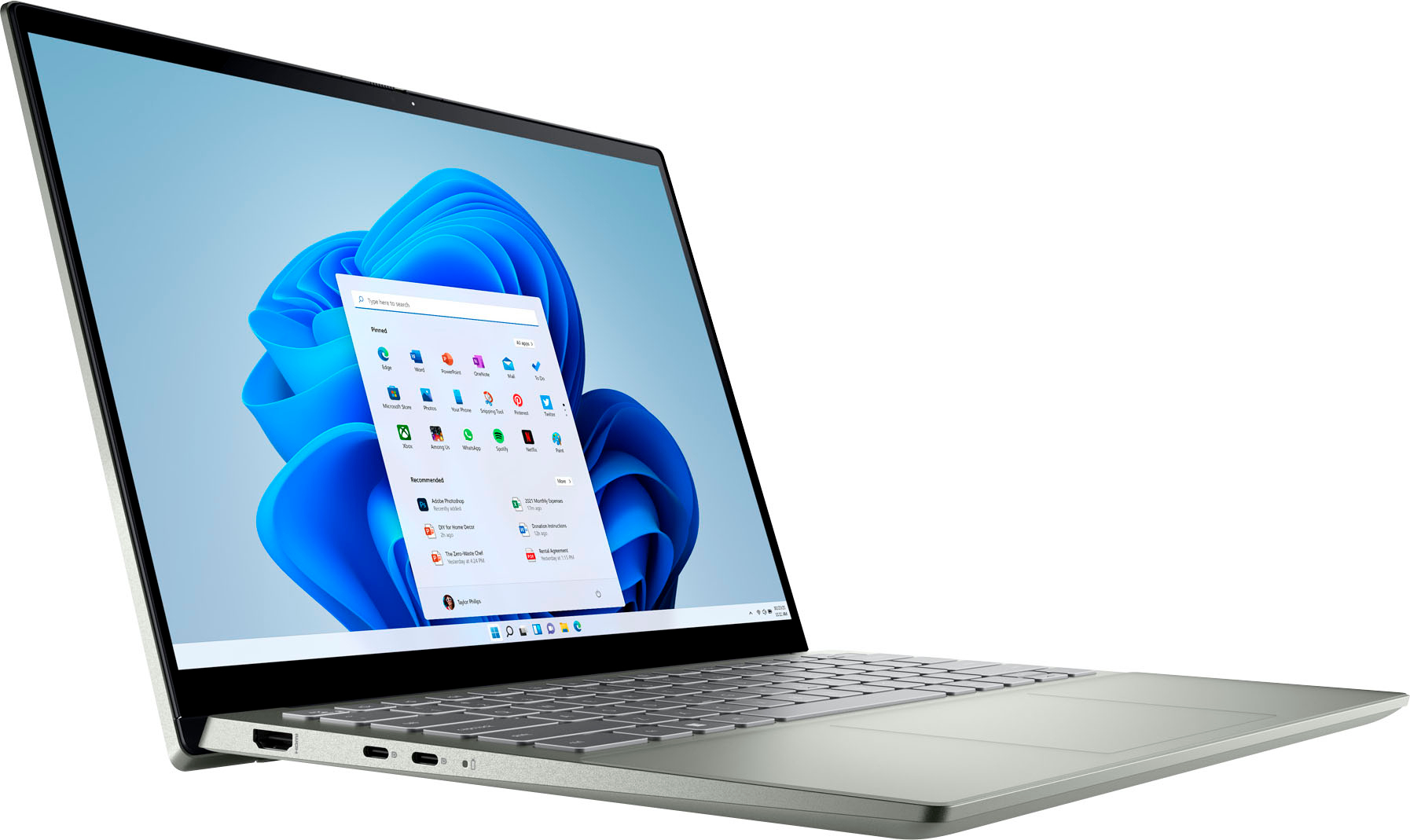
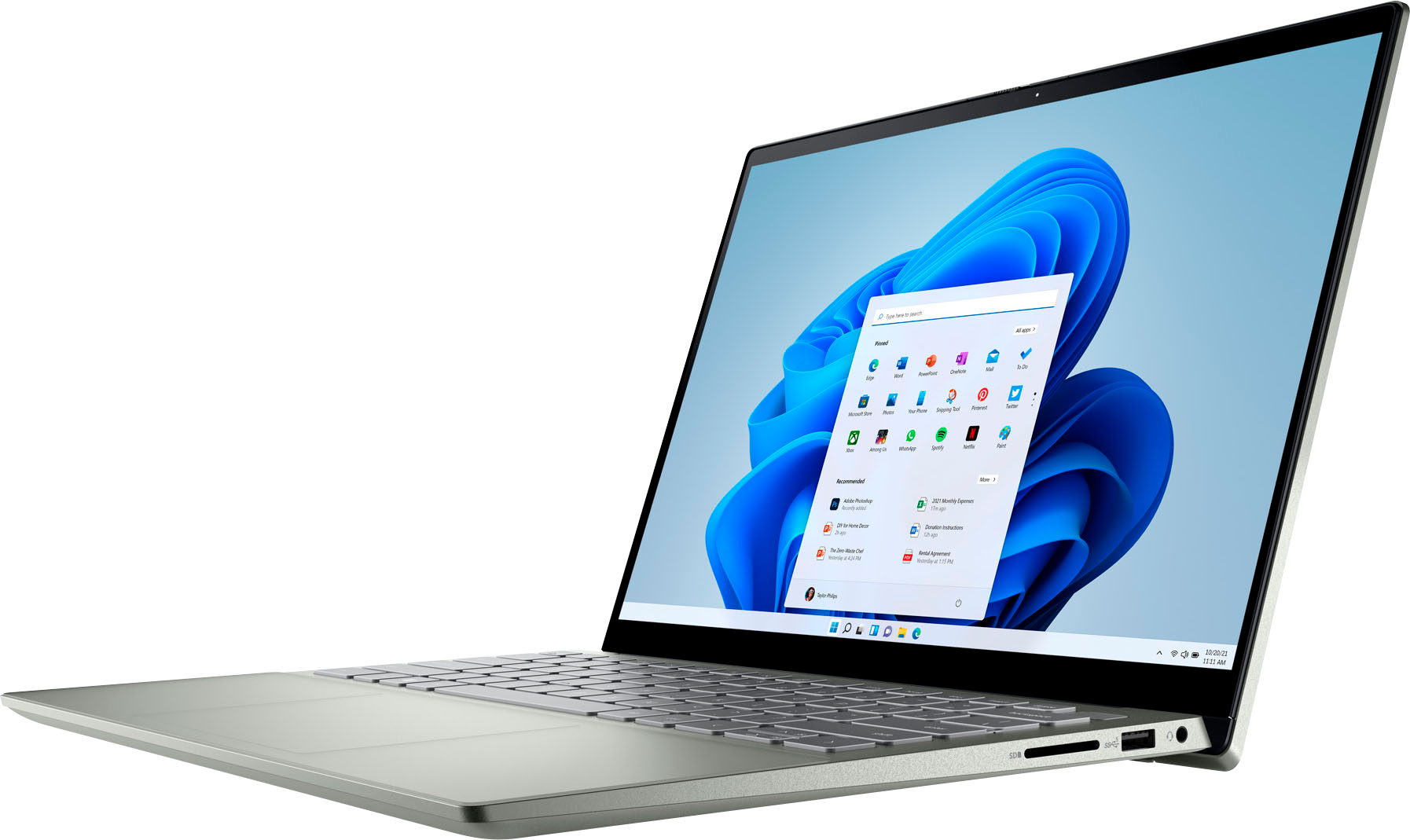
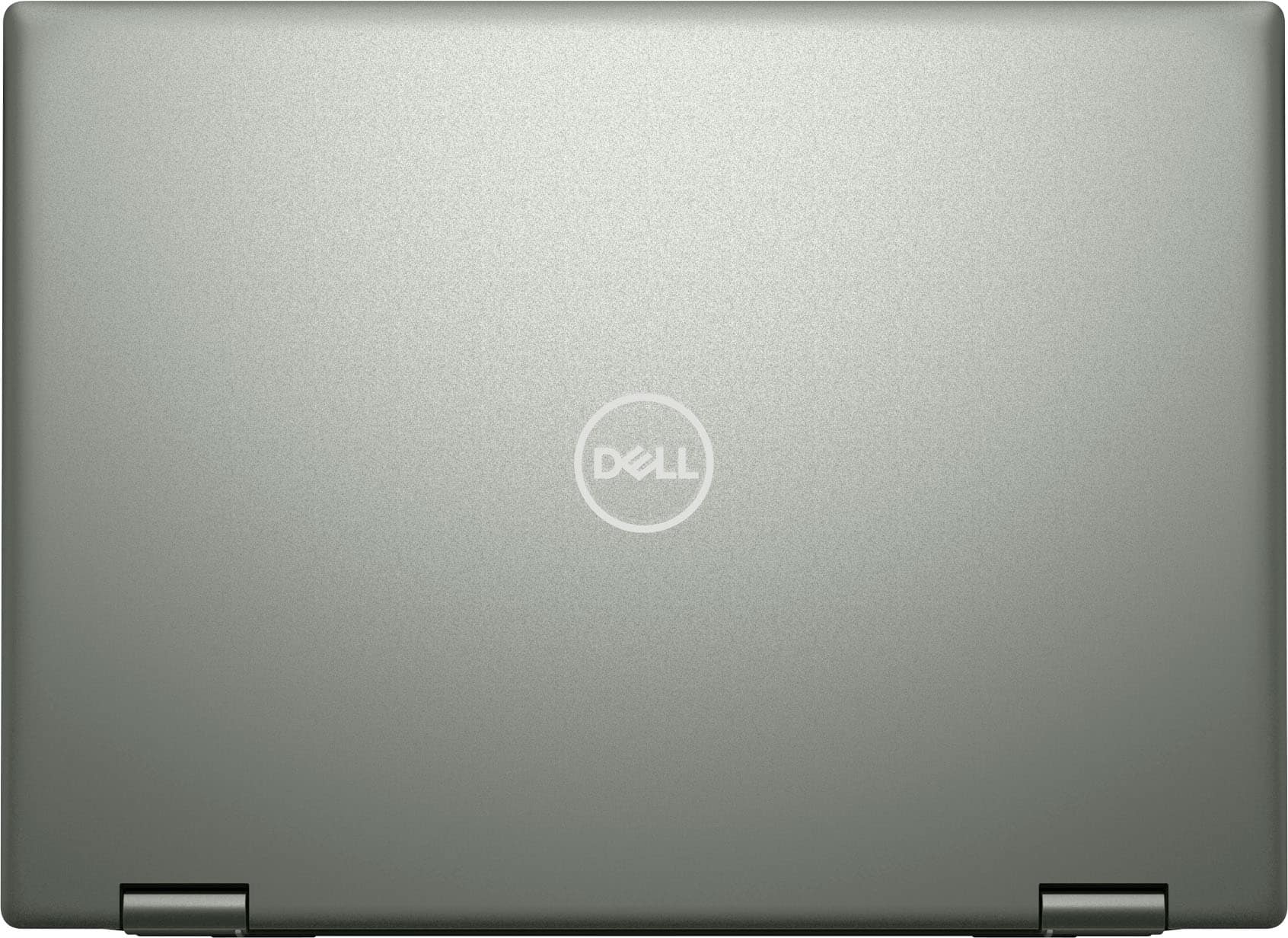
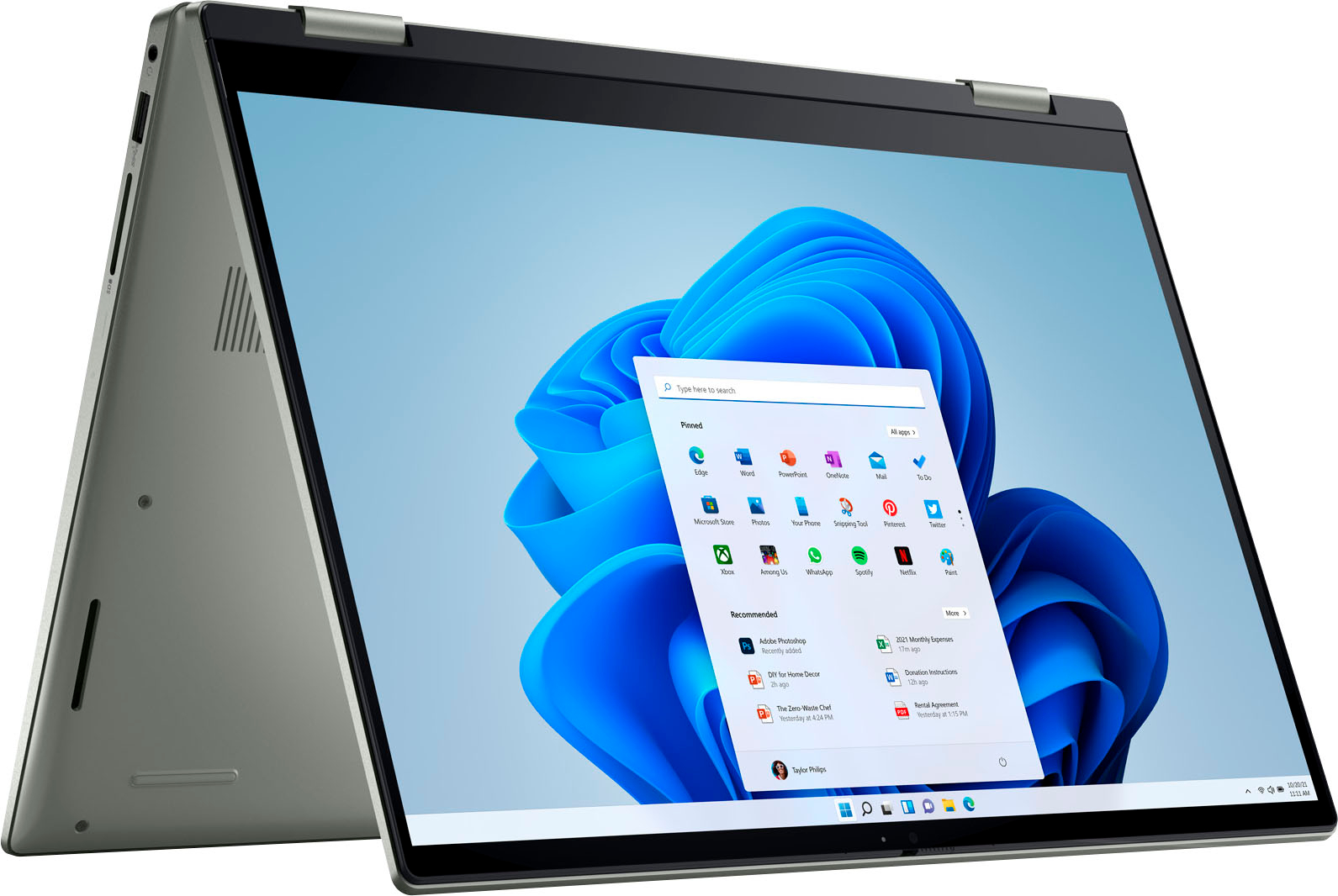
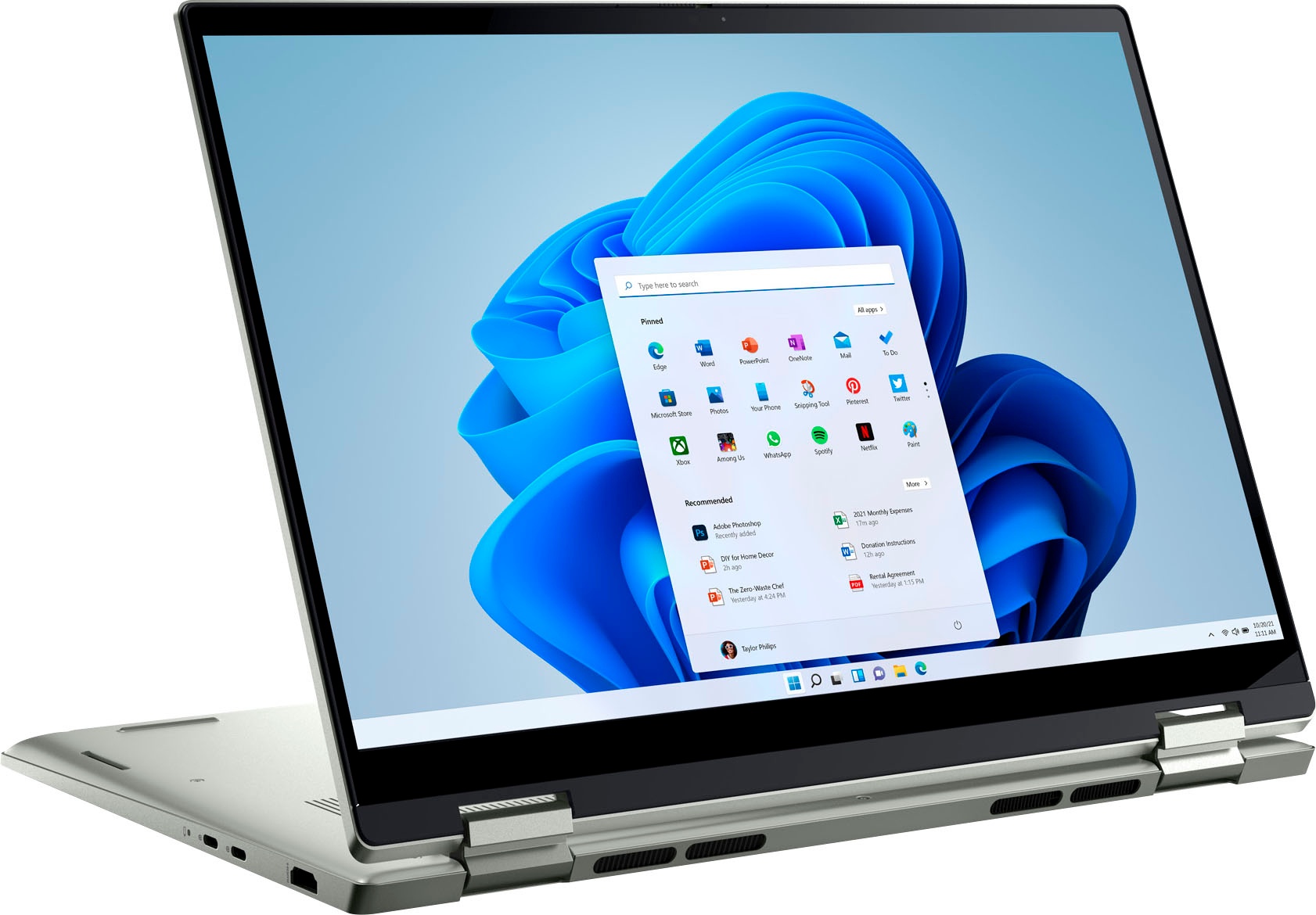
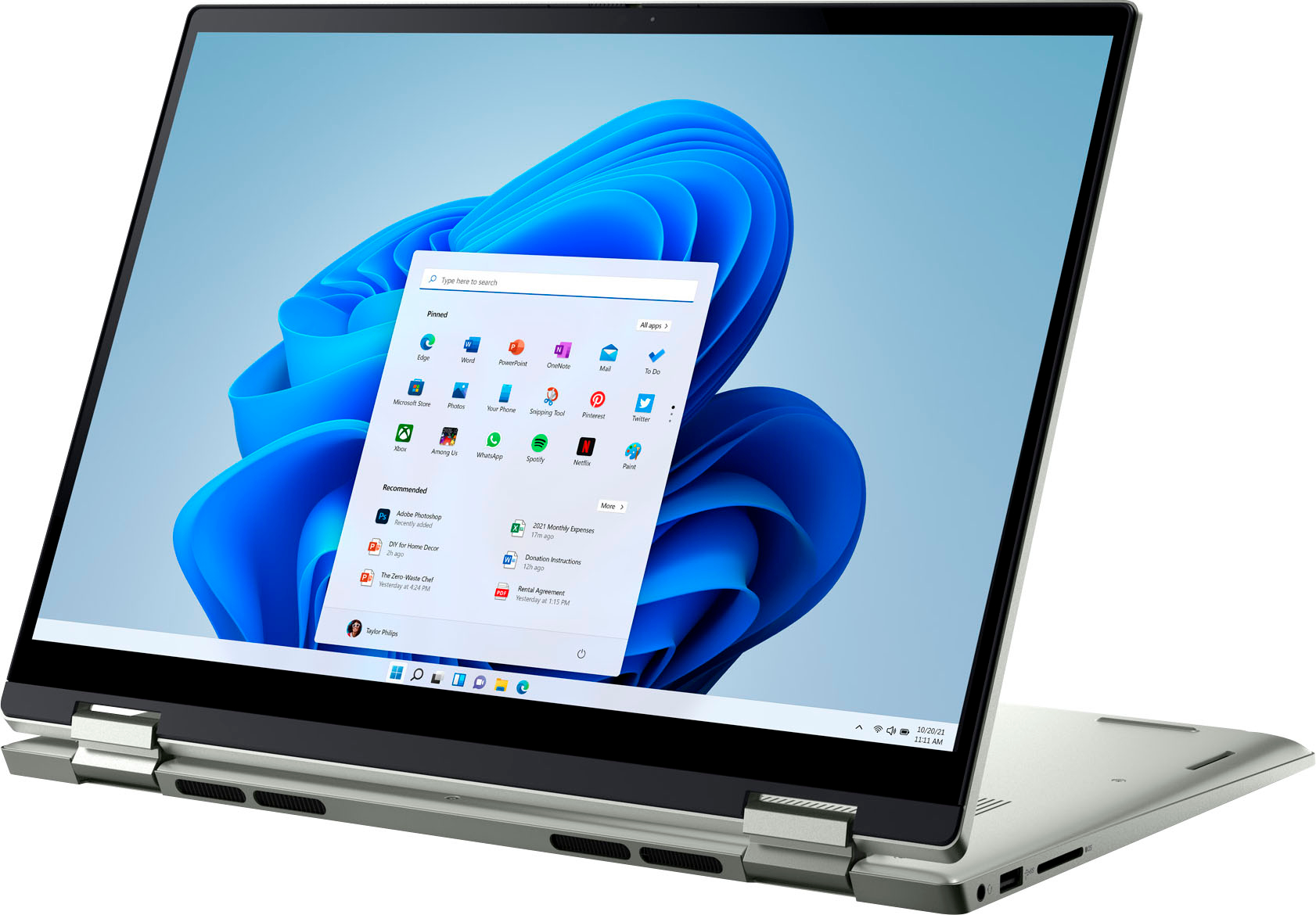
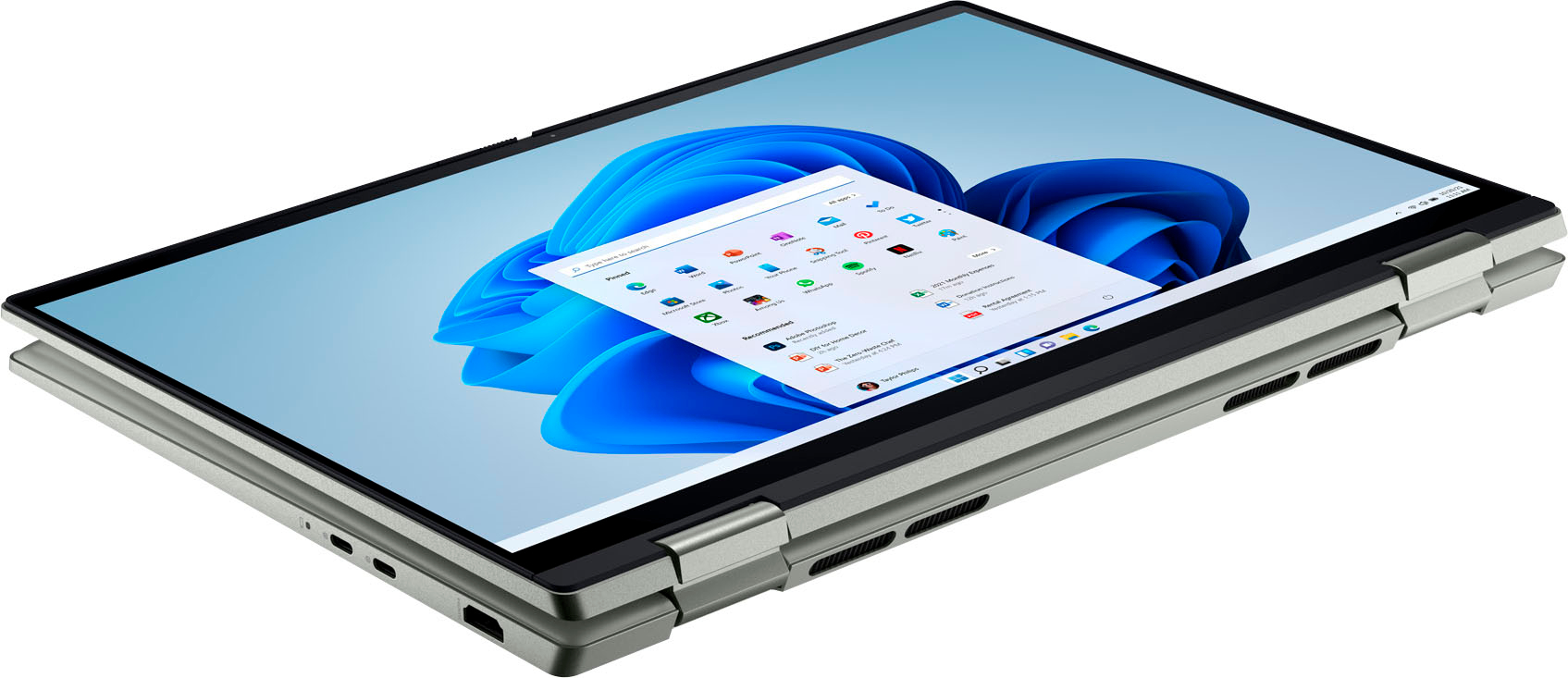
|Posted .This reviewer received promo considerations or sweepstakes entry for writing a review.This review begins with the unboxing. Upon removing the Dell laptop from the box you will notice the sleek design right from the start as well as the lack of plastic or protective covering actually on the laptop itself. I have to admit I was a little disappointed, everyone loves ripping plastic. Powering on the laptop was quick and startup time was rather quick. Windows assisted with the startup process and made it streamlined. The functionality of the machine is good for everyday use or even for a student that has multiple windows and tasks open at the same time. A few things to note is the fingerprint sensor does not work as expected and there is a weird inclining ledge right below the keyboard. I found this to be a nuisance as it grabbed my watch and other items. The battery life is amazing and last a good part of the day. The touchscreen functionality is very handy in almost every situation, I have used it more so than not. The way the screen can rotate 180 degrees to become a tablet is awesome and useful when you are trying to show others something on your screen. I highly recommend this product!
I would recommend this to a friend Correct Item; wrong color
||Posted .This reviewer received promo considerations or sweepstakes entry for writing a review.My new laptop was delivered today and sooner than expected. Thank you so much! Unfortunately, I ordered it in Pebble Green but received a silver one. Other than that, everything was excellent.
I would recommend this to a friendDon't buy Dell.
||Posted . Owned for 1 week when reviewed.This reviewer received promo considerations or sweepstakes entry for writing a review.This was a replacement for an identical Dell I bought a few days earlier that was defective.
No, I would not recommend this to a friendBrand response from YourDellTeam
Posted .Hi DavidS,
Thank you for taking the time to leave us a review of your Inspiron 7425. We hope that this replacement device meets your expectations. We are sorry to hear that your first one was defective. That is not the type of feedback we like to hear, or the type of product Dell intends to deliver to our customers. If you come across any questions or concerns I have provided the toll-free number and chat link below to reach our support team.
Should you need further assistance; we recommend that you contact Dell directly with the information below.
Chat or call: https://bit.ly/DellSupportTeam
Phone number to Dell: 1-800-624-9896.
Regards,
Summer@Dell
- Pros mentioned:Touch screen
DELL Inspiron 14" Touch Laptop with AMD Risen 5
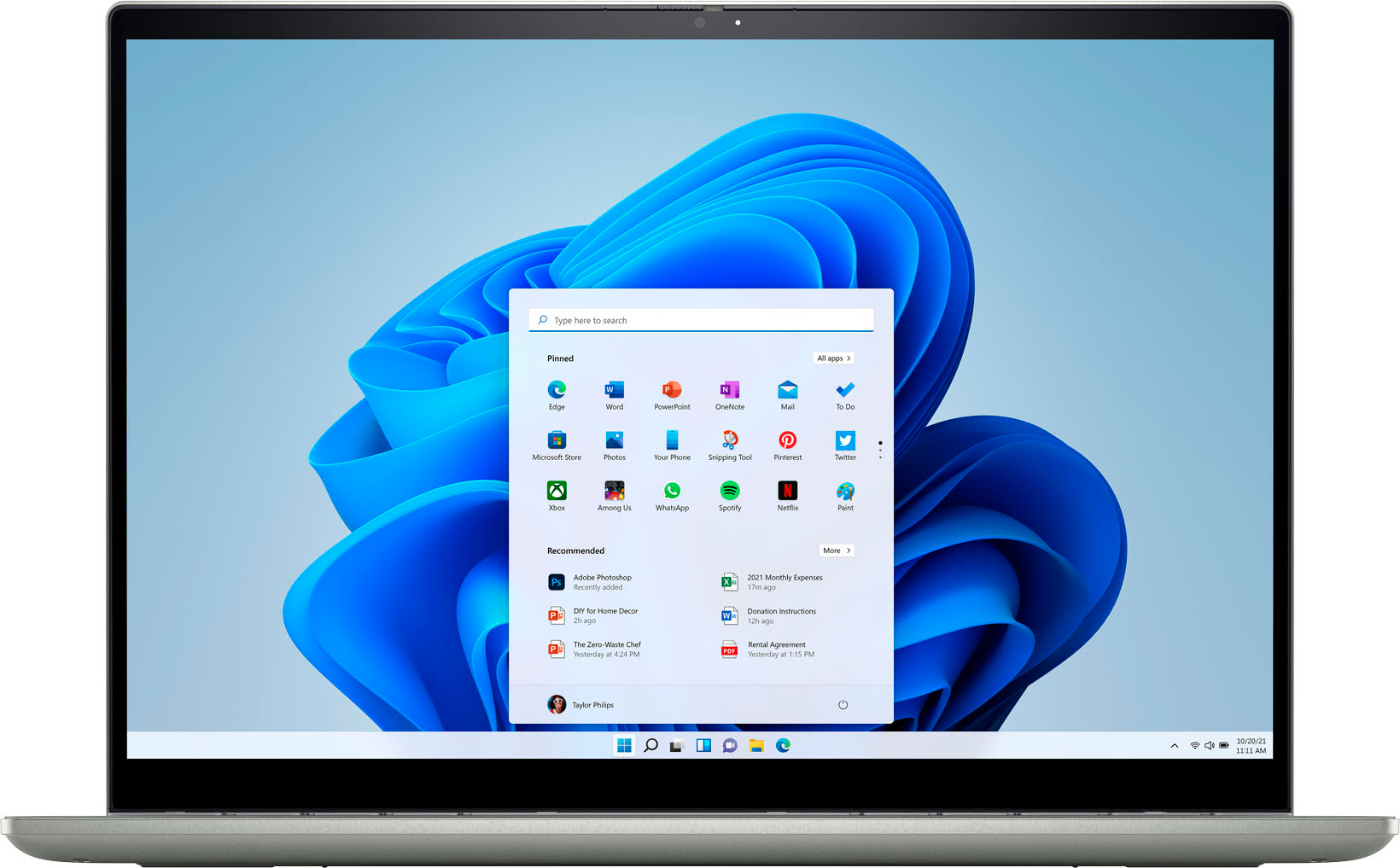
|Posted .This reviewer received promo considerations or sweepstakes entry for writing a review.Dell - Inspiron 2-in-1 14" Touch-Screen Laptop – AMD RYZEN 5 Processor 5625u with Radeon Graphics 2.30 GHz - 8GB Memory - 512GB Solid State Drive – Pebble Green Before launching myself forward, it’s important to keep in mind that the manufacturer (DELL) rates this laptop as “mid level.” What’s that mean? It means it will give an excellent performance for those with lesser needs than others who need, and demand, a computer with enhanced speed/storage/memory. DELL has a laptop one step up that will provide all that, if desired. I’ve read some superb reviews of this laptop on the Best Buy site. Many are quite technical, and cover the innards and capabilities of this laptop fully. Should the reader want to read the “technical stuff,” I would refer you to those excellent reviews. If permitted however, I would like to depart a bit and tackle what this laptop could do for you, the consumer. First, as mentioned, it does have a slightly smaller footprint. Which could be a definite plus if you’re a student lugging a laptop around all day. My particular model is listed as “Pebble Green.” Don’t let the “Pebble Green” thing throw you, to me, it’s definitely predominantly gray. It looks perfectly fine … and … “professional.” Back in the initial Bad Old Days, loading a Windows computer was WORK, not stuff for the faint of heart (going from MSDOS [Microsoft Disk Operating System … where one typed in the commands to get the beasts to do anything(!)]. This thing, once powered up, asks you a few simple questions and then just goes ahead and puts ALL the software (and the latest Windows OS, of course) right on the machine. It’s painless. This should mean a lot to fellow Senior Citizens who want a laptop for basic email/Internet capabilities, but don’t want the hassle of having to learn entirely new concepts and buzz words. This machine is to the point and gets the job done, without headaches. QUIRK: A reviewer mentioned that the TOUCH PAD is VERY sensitive. I will second that. It’s extremely fast, but it, to me, is super sensitive to the touch. Not a problem once one sees/feels it and develops “the touch.” I have another laptop that has a stiff touch pad that almost suggests banging on it with a hammer before it performs what you want it to do! In the end, if you’re looking for an excellent laptop that will cover most things you have in mind, you can’t go wrong with this machine! If, however, you are a true “power user” (remember that term from awhile ago?), with LARGE files (pics, music, etc.), you might want to look at the slightly pricier DELL model with more memory, speed, and storage capacity. If you do not have overly demanding needs, then this laptop will keep you smiling. I have found this laptop to be very responsive, well stocked with excellent software, and boasts an excellent screen. It comes with a charging cable – standard 110 volts. Battery life is very good, and allows me to read my KINDLE books and attend to my daily searches/emails, etc., with no problems. I will confess that I can’t give you battery life in minutes … I get lost in all my activities and lose track of time. I perceive NO problems in this regard, however. The battery easily keeps up with the battery in my far more expensive/heavier laptop, which my wife has claimed for her own. Finally: I did see mention in at least one review that, other than the laptop and cable, the machine comes with nothing in the way of instructions and advice. I mentioned that, once turned on, the laptop will ask you a few simple questions, and then load everything you will need while you sit back and have a coffee. Also, there is a selection on the desktop showing DELL in a circle. Selecting that opens a full world of everything you’d want to know about this laptop, including tips on all the neat things you can do. Past that, as in “all things computer,” it will just take using the system, everything falls into place with use. I enjoy my DELL laptop, I suspect you will feel the same!
I would recommend this to a friend Terrible product
||Posted . Owned for 2 months when reviewed.This reviewer received promo considerations or sweepstakes entry for writing a review.Don’t buy. The mouse sticks and when you troubleshoot your whole system says it needs repaired
No, I would not recommend this to a friendBrand response from YourDellTeam
Posted .Hi There JasonS,
We want to thank you for taking the time to leave a review of your Inspiron 7425. We are sorry to hear that you are experiencing an issue with your touchpad. That is not the type of feedback we like to hear from our customers, or the type of product Dell intends to deliver. Below I have provided a troubleshooting link to assist in resolving your issue.
Touchpad Troubleshooting Link: https://dell.to/3XuKqNs
Should you need further assistance; we recommend that you contact Dell directly with the information below.
Chat or call: https://bit.ly/DellSupportTeam
Phone number to Dell: 1-800-624-9896.
Best,
Summer@Dell
SaraC
||Posted . Owned for 1 month when reviewed.This reviewer received promo considerations or sweepstakes entry for writing a review.Total failure. Lemon. Best But manager made it right and I bought a Mac.
No, I would not recommend this to a friendMalfunctions
||Posted . Owned for 1 month when reviewed.This reviewer received promo considerations or sweepstakes entry for writing a review.Lest than 1 month after purchasing, the camera does not work and the hardware comes off when folding the screen.
No, I would not recommend this to a friendBrand response from YourDellTeam
Posted .Hello There JeanjacquesL,
We want to thank you for taking the time to leave a review of your Inspiron 7425. We are sorry to hear that your camera is not functioning properly. That is not the type of feedback we like to hear from your customers. We have noted the details of your statement and will use them to improve current and future products. Below I have provided troubleshooting steps to help resolve your issue.
1. Close any applications that are using the webcam (this may include web pages). Save and close any applications that you are working on as the computer will need to restart.
2. Press and hold the Windows key, and then press the q key.
3. In the search box type device manager.
4. Select Device Manager (Control panel) in the list of results.
5. Touch or click the plus (+) sign to the left of Cameras or Imaging Devices.
- Note: When there is no listing for Cameras or Imaging Devices, "Contact Technical Support."
6. Touch and hold or right-click Integrated Webcam or USB camera.
7. Touch or click Uninstall.
8. Confirm the uninstall process by clicking OK.
9. Once uninstalled, restart the computer.
- Note: Windows 10 will automatically detect and install the Webcam drivers.
10. When the Webcam does still does not function, the webcam software should also be uninstalled and reinstalled after the drivers are installed. Contact the Webcam software provider for assistance.
If you still come across issues with your webcam, this link can be used for further solutions and details: http://dell.to/3m00ioA
Should you need further assistance; we recommend that you contact Dell directly with the information below.
Chat or call: https://bit.ly/DellSupportTeam
Phone number to Dell: 1-800-624-9896.
Regards,
Summer@Dell
Didnt work for me
||Posted . Owned for 3 weeks when reviewed.This reviewer received promo considerations or sweepstakes entry for writing a review.The laptop I received seems to be defective. In the first week, you can't hear anything from the speaker. Tried to troubleshoot it with BB, but it didn't work and was asked to return it to the store and replace it. Since i don't want the trouble of going back to store, reached out to Dell and they got it fixed. Also on the first week of using it, i noticed that the touch screen has some areas that don't work. Had to return.
No, I would not recommend this to a friendBrand response from YourDellTeam
Posted .Dear BCBest,
We appreciate you taking the time to leave us your review. We are sorry to hear that you have come across some issues with your Dell Inspiron 7425 2-in-1 laptop because its touchscreen was not working and that you ultimately decided to return this system. We will share your comment with our quality team, so future improvements can be made. In the future, we would love the opportunity to help troubleshoot any problems you may be facing.
If you come across any questions about the Dell products, please don’t hesitate to contact Dell Support Team at the information provided below.
Best,
Katarina@Dell
Should you need further assistance, you can contact Dell directly with the information below.
Chat or call: https://bit.ly/DellSupportTeam
Phone number to Dell 1-800-624-9896
Sound Issue
||Posted . Owned for 1 month when reviewed.This reviewer received promo considerations or sweepstakes entry for writing a review.Because we had a problem with this device and we turn it back.
No, I would not recommend this to a friendBrand response from YourDellTeam
Posted .Hi UgurS,
We value your feedback and want to thank you for taking the time to leave a review of your Inspiron 7425. We are sorry to hear that you experienced an issue with your audio and made the decision to return your device. That is not the type of feedback we like to hear from our customers. We have noted the details of your statement and will escalate them to the proper channel for improvements in current and future products. If you need further assistance I have provided the toll-free number and chat link below to our Dell Support Team for your convenience.
Should you need further assistance; we recommend that you contact Dell directly with the information below.
Chat or call: https://bit.ly/DellSupportTeam
Phone number to Dell: 1-800-624-9896.
Best,
Summer@Dell
Great Price
||Posted .This reviewer received promo considerations or sweepstakes entry for writing a review.Bought one out of the box but returned it because the screen suddenly froze.
I would recommend this to a friendNot great
||Posted . Owned for 1 month when reviewed.This reviewer received promo considerations or sweepstakes entry for writing a review.I had to return because it went on blue screen on several occasions
No, I would not recommend this to a friendBrand response from YourDellTeam
Posted .Hi ZuaM,
We would like to thank you for taking the time to provide us with your feedback. We are sorry to hear that you were not too happy with your Dell Inspiron 7425 2-in-1 computer because of the blue screen issues you experienced and that you have ultimately decided to return this product. This is certainly not what we like to hear from our loyal customers. We will share your review with our quality team so improvements can be made now and in the future. In the future, we would love the opportunity to help troubleshoot any problems you may be facing.
If you come across any questions or have concerns about Dell products, please don’t hesitate to contact Dell Support Team at the information provided below.
Best,
Katarina@Dell
Should you need further assistance, you can contact Dell directly with the information below.
Chat or call: https://bit.ly/DellSupportTeam
Phone number to Dell: 1-800-624-9896
Trash Pc dont buy
||Posted . Owned for 1 month when reviewed.This reviewer received promo considerations or sweepstakes entry for writing a review.Computer is trash. After last update March 22 2023 internet wireless card not working
No, I would not recommend this to a friendBrand response from YourDellTeam
Posted .Hi Edrivers,
Thank you for taking the time to leave a review of your Dell Inspiron 7425. We are sorry to hear that you are not completely satisfied with your device and have experienced an issue with your wireless card not working. That is not the type of product Dell intends to deliver, or the type of feedback we like to hear from our customers. We have noted the details of your statement and will use them to improve current and future products.
Should you need further assistance; we recommend that you contact Dell directly with the information below.
Chat or call: https://bit.ly/DellSupportTeam
Phone number to Dell: 1-800-624-9896.
Best,
Summer@Dell
Defective equipment
||Posted . Owned for 3 weeks when reviewed.This reviewer received promo considerations or sweepstakes entry for writing a review.Keyboard did not work after 1 week Sent back to manufacturer
No, I would not recommend this to a friendBrand response from YourDellTeam
Posted .Dear SarahW,
We value your feedback and want to thank you for taking the time to leave a review of your Inspiron 7425. We are sorry to hear that your keyboard was not functioning properly, and you made the decision to return it. That is not the type of feedback we like to hear from our customers, or the type of product Dell intends to deliver. We have noted the details of your statement and will escalate them to our quality team for improvements on current and future products.
If you still experience any issues after you have finished troubleshooting your device using the steps above, please reach out to us at: https://bit.ly/DellSupportTeam.
Should you need further assistance, you can contact Dell directly with the information below.
Chat or call: https://bit.ly/DellSupportTeam
Phone number to Dell: 1-800-624-9896
Best,
Summer@Dell
Dell inspiron 2 in 1
||Posted . Owned for 2 weeks when reviewed.This reviewer received promo considerations or sweepstakes entry for writing a review.Giving a 3 star because I see that the hinges are not so good on this laptop.
I would recommend this to a friendBrand response from YourDellTeam
Posted .Dear PravinG,
We value your feedback and want to thank you for taking the time to leave a review of your Inspiron 7425. We are sorry to hear that you are not completely satisfied with the hinge quality of your device. That is not the type of feedback we like to hear from our customers, or the type of product Dell intends to deliver. We have noted the details of your statement and will use them to improve current and future products.
Should you need further assistance; we recommend that you contact Dell directly with the information below.
Chat or call: https://bit.ly/DellSupportTeam
Phone number to Dell: 1-800-624-9896.
Best,
Summer@Dell
Very disappointed
||Posted . Owned for 1 month when reviewed.This reviewer received promo considerations or sweepstakes entry for writing a review.Battery is defected after 2 weeks of used and not charging.
No, I would not recommend this to a friendBrand response from YourDellTeam
Posted .Greetings Trav,
We value your feedback and want to thank you for taking the time to leave a review of your Inspiron 7425. We are sorry to hear that you are experiencing an issue with your battery. That is not the type of product Dell intends to deliver or the type of feedback we like to hear from our customers. Below I have provided a troubleshooting link to help resolve your issue. After visiting the link if your need further assistance we recommend reaching out to a member of our support team with the toll-free number or chat link provided below.
How to Troubleshoot Battery Issues: https://dell.to/3HtqDsP
We recommend that you contact Dell directly with the information below if you need further assistance.
Chat or call: https://bit.ly/DellSupportTeam
Phone number to Dell: 1-800-624-9896.
Best,
Summer@Dell