Customer Ratings & Reviews




- Model:
- i7425-A266PBL-PUS
- SKU:
- 6503233
Rating by feature
- Battery Life
Rating 4.4 out of 5 stars
- Speed
Rating 4.5 out of 5 stars
- Display
Rating 4.5 out of 5 stars
Customers are saying
Customers are delighted by the Inspiron 2-in-1 laptop's performance, ease of use, and touchscreen functionality. Its lightweight design and good battery life also receive high praise, making it convenient for portability. While some users noted the fan can be noisy at times and there have been reports of hinge issues, the positive feedback on performance and usability outweighs these concerns. The ample RAM and storage are also frequently cited as positive aspects.
This summary was generated by AI based on customer reviews.
Good product and fast delivery
||Posted .This reviewer received promo considerations or sweepstakes entry for writing a review.Delivery was fast and item was packaged correctly. Laptop is really good steal at given price.
I would recommend this to a friendMouse pad glitch
||Posted . Owned for 3 months when reviewed.This reviewer received promo considerations or sweepstakes entry for writing a review.The mouse pad has a glitch which causes flicker when in use.
No, I would not recommend this to a friendNot worth it
||Posted . Owned for 4 months when reviewed.This reviewer received promo considerations or sweepstakes entry for writing a review.The graphics were awkward and the finger print reader failed to read my finger more times than not. The processor was slow too. And when I would be writing a paper for school, it would glitch and move the move to a different spot in the paper. Could be a lot better for the price.
No, I would not recommend this to a friendModerately satisfied.
||Posted . Owned for 3 weeks when reviewed.This reviewer received promo considerations or sweepstakes entry for writing a review.Only has one USB port so you can only use either your wireless keyboard, or your wireless mouse but not both of them unless you buy an additional piece of equipment. Also there is no number keypad on the laptop itself. The positive note is that I have a new laptop.
No, I would not recommend this to a friendBrand response from YourDellTeam
Posted .Hello ZZF559,
Thank you very much for your valued feedback. We are sorry to hear that you are not 100% satisfied with your Dell Inspiron 7425 2-in-1 laptop because it is not equipped with enough USB ports and the keyboard does not include the number keypad. We will share your comments about these issues with our quality team, so future improvements can be made.
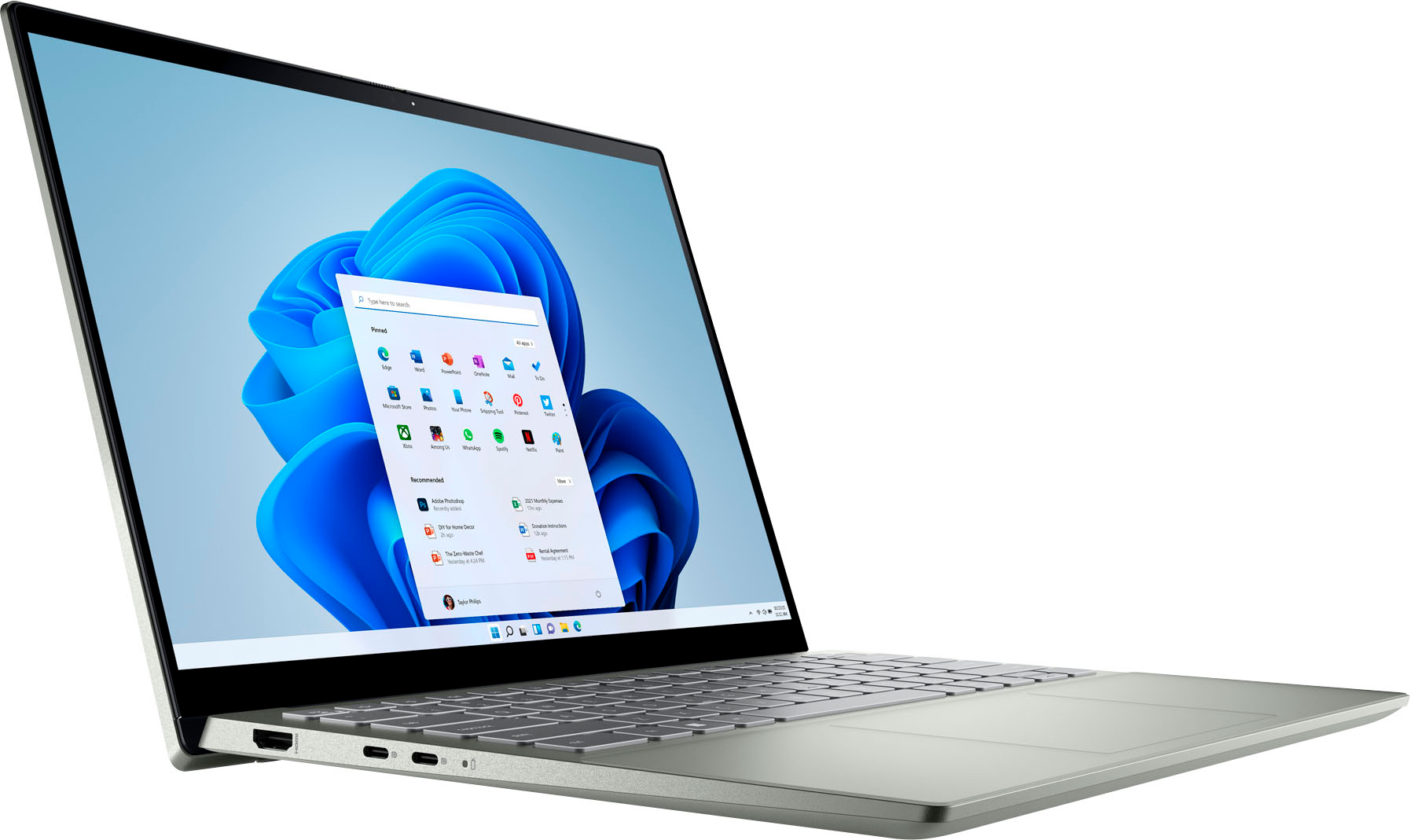
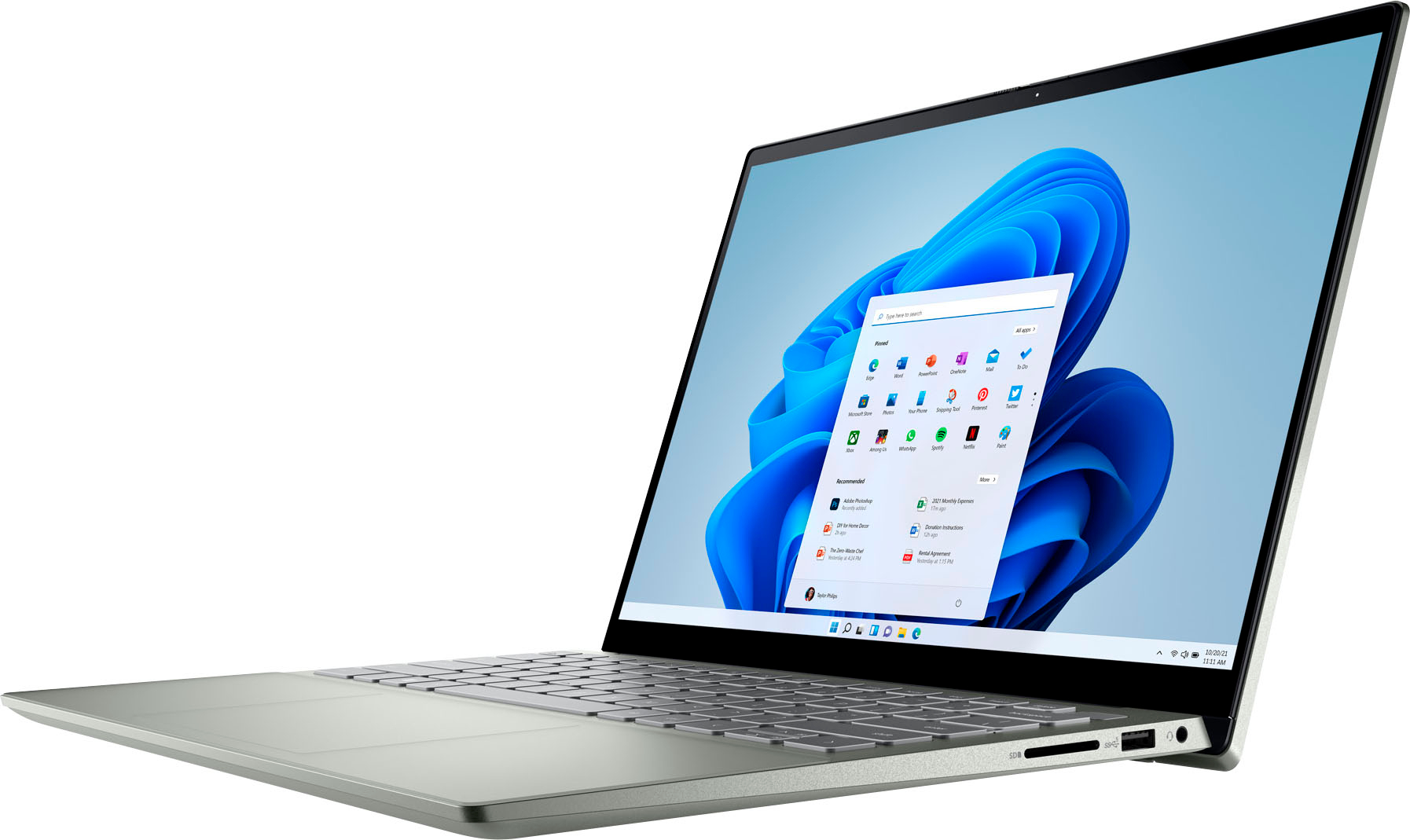
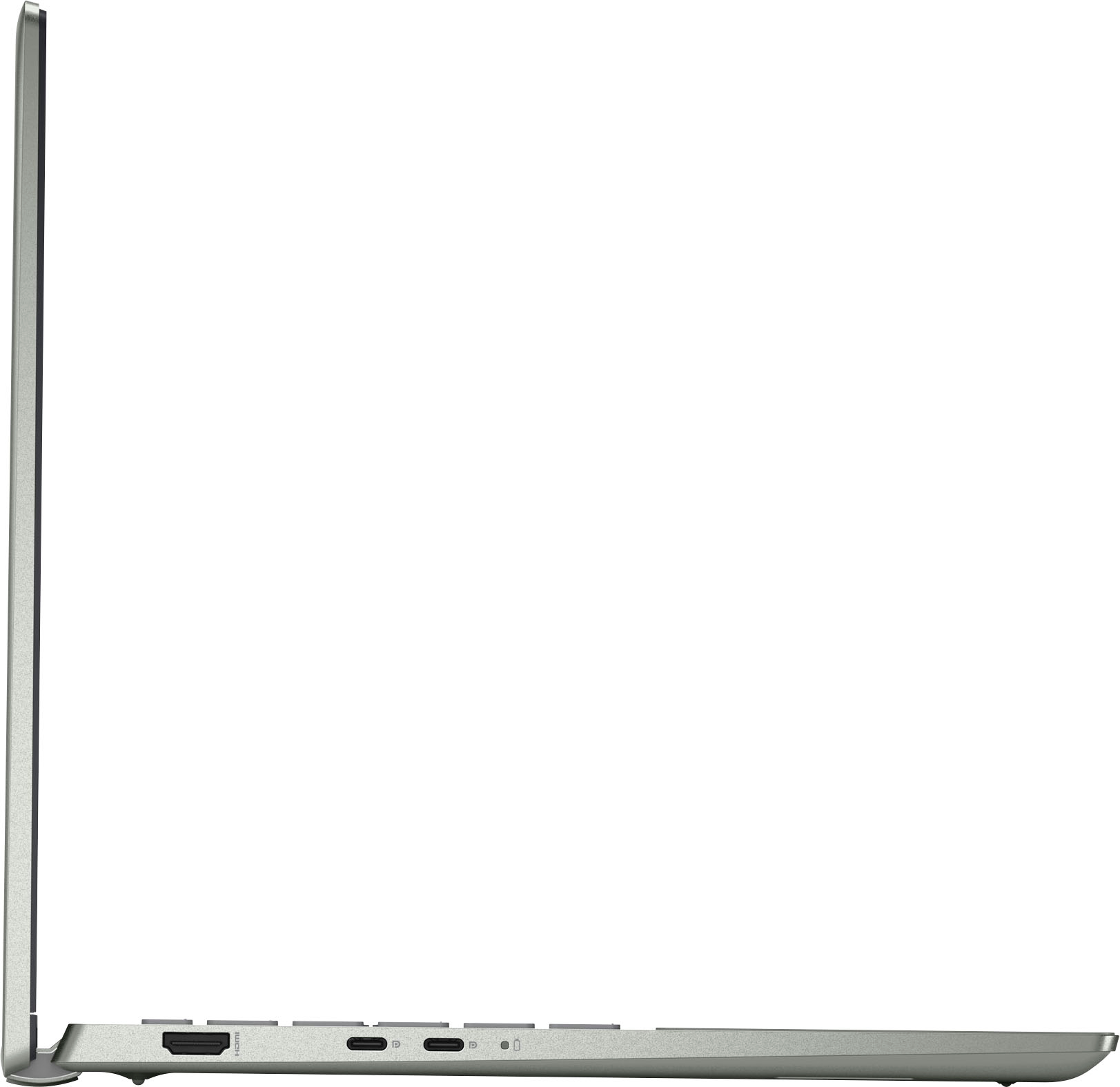
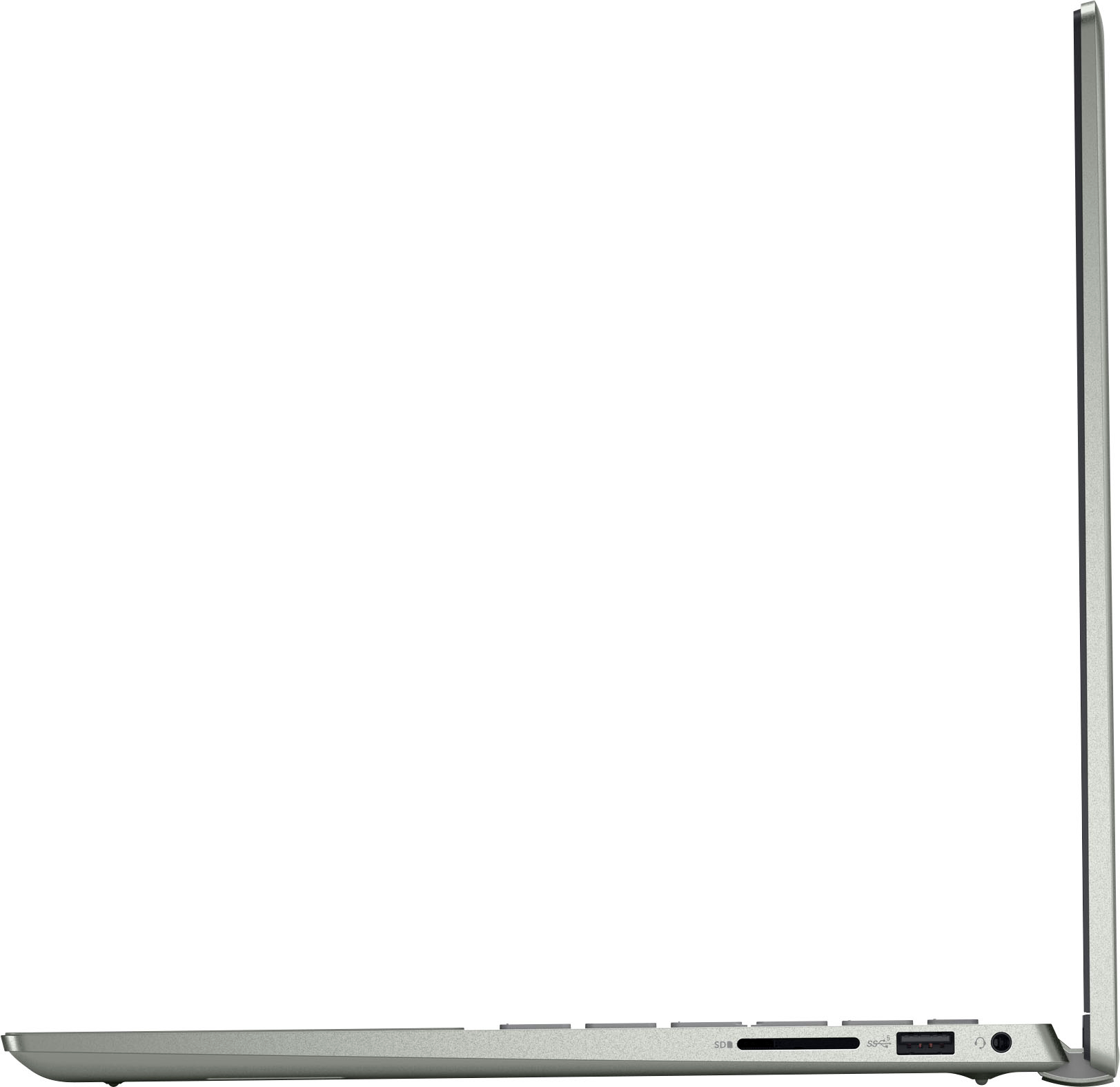
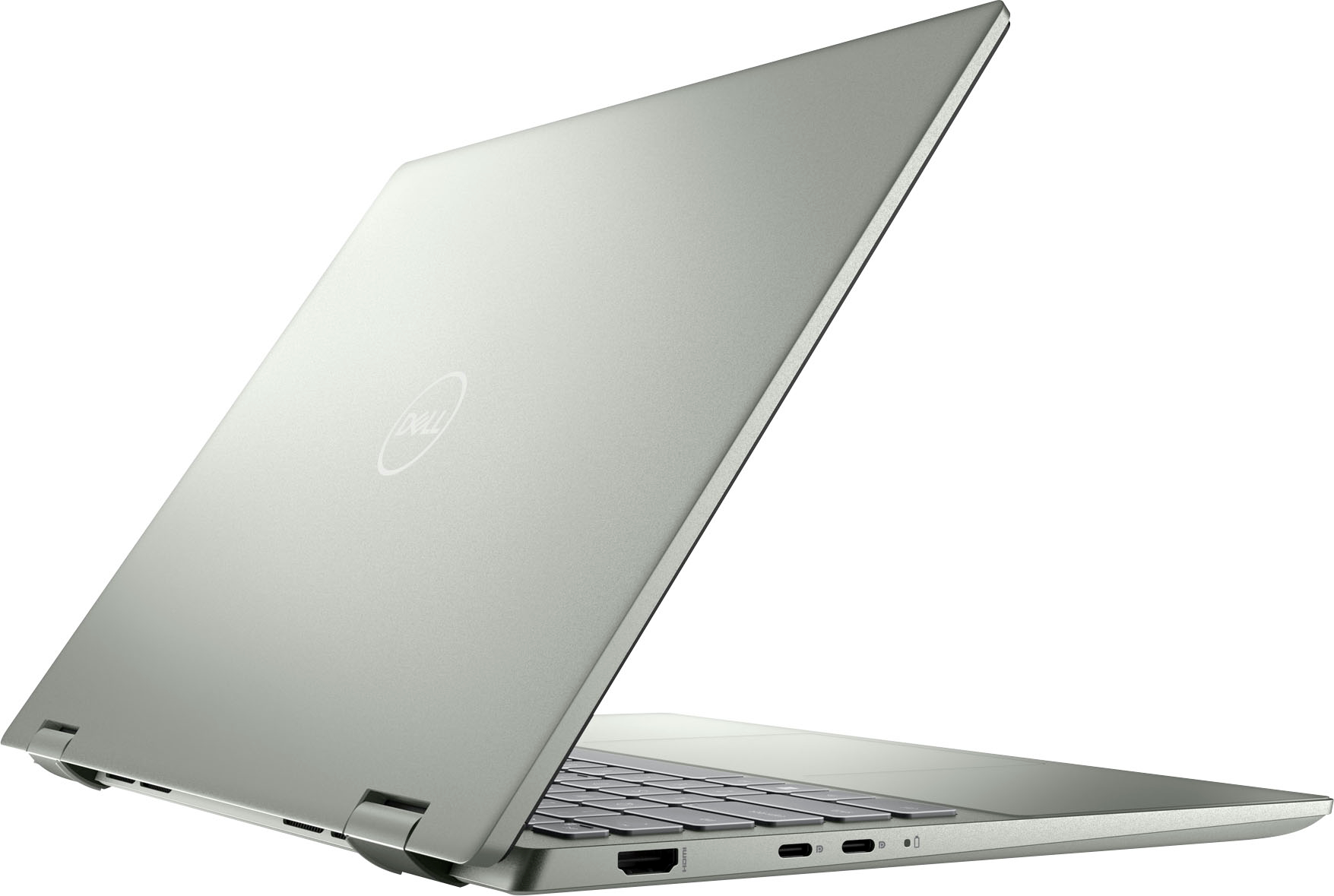
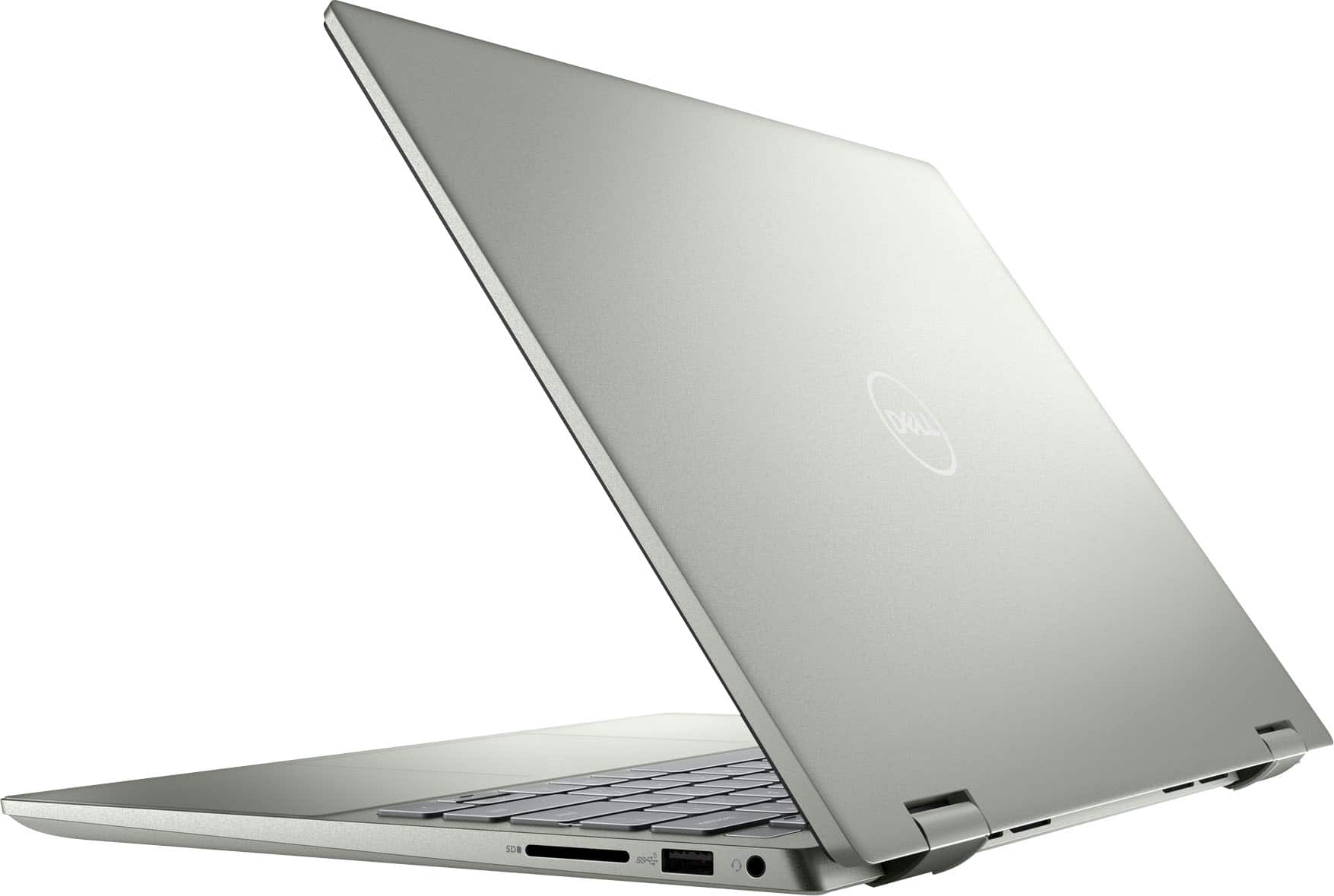
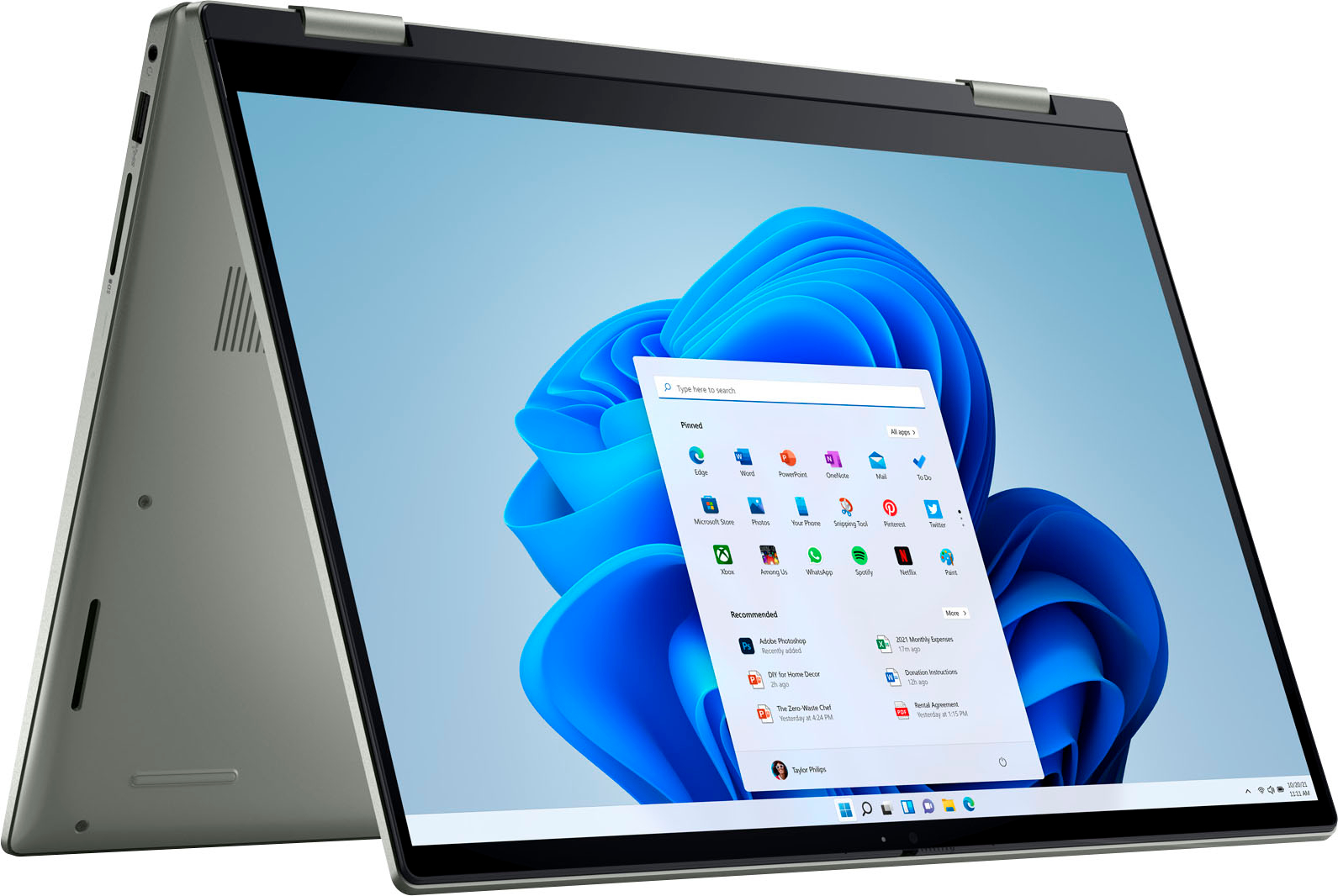
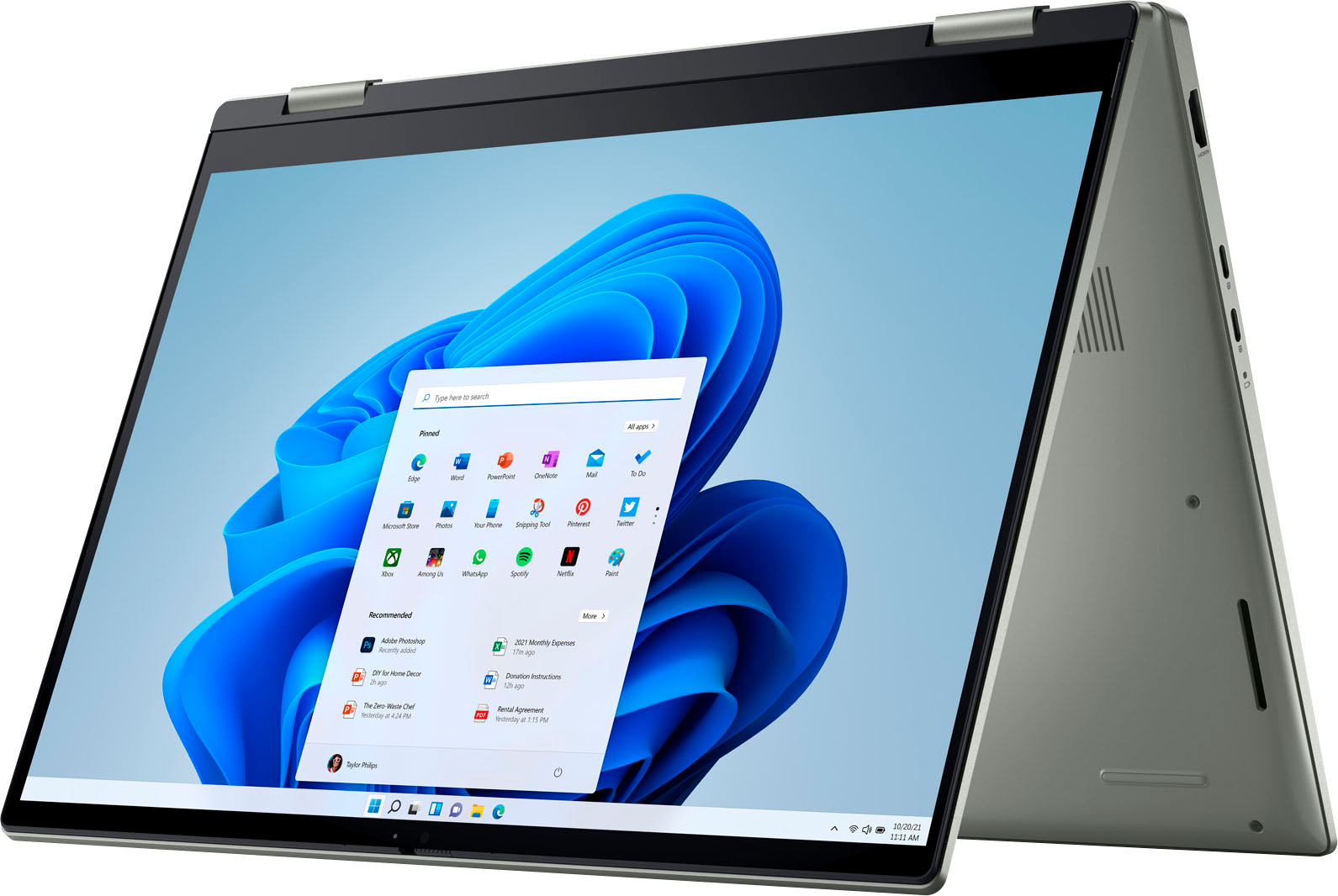
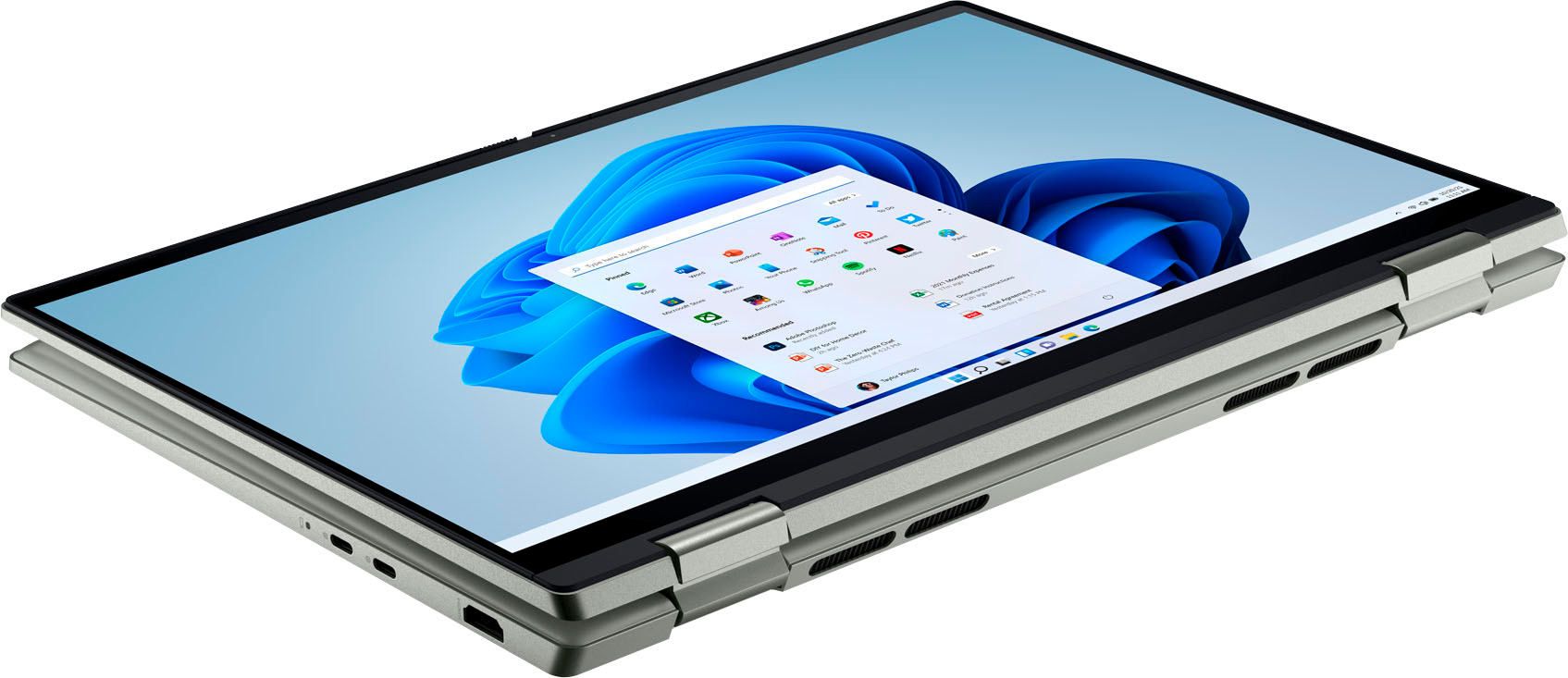
Your Inspiron is equipped with the following external ports:
• USB ports – Two USB 3.2 Gen 2 type-C port with DisplayPort 1.4 and PowerDelivery, One USB 3.2 Gen 1 port
• Audio port – One global headset jack
• Video port – One HDMI 1.4 port
• Media-card reader – One SD-card slot
• Power-adapter port – Type-C adapter
Please see the link below for a more specific description of your computer:
Setup and Specification Guide (Dell Inspiron 7425 2-in-1): https://dell.to/3BfM1z6
If you come across any questions or have concerns about this product, please don’t hesitate to contact Dell Support Team at the information provided below.
Best,
Katarina@Dell
Should you need further assistance, you can contact Dell directly with the information below.
Chat or call: https://bit.ly/DellSupportTeam
Phone number to Dell: 1-800-624-9896
Owner of 7 different companies
||Posted . Owned for 3 weeks when reviewed.This reviewer received promo considerations or sweepstakes entry for writing a review.We are tax exempt and you would not honor that. My wife spent hours talking with corporate and the store in Canton Ohio. She got no where with either one!! She even drove to Canton and spent 2 hours there and still accomplished nothing. We have never had these issues anywhere else!!
I would recommend this to a friendCompact, lots of features but a tad heavy
||Posted . Owned for 2 weeks when reviewed.This reviewer received promo considerations or sweepstakes entry for writing a review.Excellent for the price. Got it for 602 and cant complaint much. Specs look great, and works great as well. Screen is awesome. However its a tad heavy for 2 in 1.
I would recommend this to a friendLaptop for action
||Posted . Owned for 1 week when reviewed.This reviewer received promo considerations or sweepstakes entry for writing a review.This device is going to help me monitor my email and facebook while on a vacation.
I would recommend this to a friendQuality issues
||Posted . Owned for 5 months when reviewed.This reviewer received promo considerations or sweepstakes entry for writing a review.Garbage laptop. Hinge broke in less than 6 months. Dell support horrible. Been a loyal Dell owner for 2 decades. No more!
No, I would not recommend this to a friendBrand response from YourDellTeam
Posted .Hi GBSingh,
Thank you for taking the time to leave a review of your Inspiron 7425. We are sorry to hear that your hinge broke in six short months. That is not the type of product Dell intends to deliver. We have noted the details of your statement and will use them to improve current and future products. If you need further assistance we recommend reaching out to a member of our support team with the contact information below.
Should you need further assistance; we recommend that you contact Dell directly with the information below.
Chat or call: https://bit.ly/DellSupportTeam
Phone number to Dell: 1-800-624-9896.
Best Regards,
Summer@Dell
Great value for money
||Posted . Owned for 1 month when reviewed.This reviewer received promo considerations or sweepstakes entry for writing a review.This is a great laptop. I bought it when it was on sale. I bought this as a work from home PC. It has 16GB memory which is great for everything I need to do for work.
I would recommend this to a friendAwesome Purchase
||Posted . Owned for 1 week when reviewed.This reviewer received promo considerations or sweepstakes entry for writing a review.Great product and great staff to help out with purchase and selection.
I would recommend this to a friendBad brand
||Posted . Owned for less than 1 week when reviewed.This reviewer received promo considerations or sweepstakes entry for writing a review.Very bad brand. Second laptop I bought that’s having audio and wifi issues. Not a good brand yet Best Buy employees suggest this laptop twice to me so it’s obvious they know nothing. Best to do your own research and know what you want before going into the store.
No, I would not recommend this to a friendBrand response from YourDellTeam
Posted .Hello Sierravaqz,
Thank you for taking the time to leave a review of your Inspiron 7425. We are sorry to hear that you are experiencing an issue with your audio and Wi-Fi. That is not the type of feedback we like to hear from our customers, or the type of product Dell intends to deliver. Below I have provided troubleshooting steps and a link to help resolve your issue.
If you ever are in need of help in the future, we have provided steps you can use to troubleshoot your audio and may solve issues.
1. Click Start and select Settings (gear icon).
2. Click Update & Security and select Troubleshoot.
3. Click Recording Audio and then click Run the troubleshooter.
4. Follow the on-screen instructions to complete the troubleshooting process.
This link can also help when identifying your audio issues: https://dell.to/3jegjK2
Here are the steps to help resolve your wifi connection issue:
1. Download and install the latest Wireless Card driver. After updating the driver, re-establish the connection with the Wireless Access Point and check the wireless performance.
2. If the issue persists, proceed to step 3.
3. Power-cycle the local network. Shut down the Dell system, the Wireless Access Point/Router, and the Modem. Wait a minimum of 60 seconds before powering up the components in the following order:
4. Power ON the Modem, and wait for it to boot fully.
5. Power ON the Wireless Access Point/Router, and wait for it to boot fully.
6. Power ON the Dell system.
7. Open Network and Sharing Center
8. In the left-side navigation pane, click on Change Adapter Settings
9. Right-click on the wireless connection icon and select Properties followed by the Configure button
10. Under Wireless Options, select the Wireless N mode.
11. For Windows 8 or later systems click the Advanced tab and look for 802.11n Mode on the right you will be given the option to Enable or Disable. If the mode is not visible you may need to update your drivers and firmware.
12. From the drop-down menu, choose Disable followed by Ok
13. This should restore the wireless download and upload speed. Internet speed can be tested at http://speedtest.net.
Wireless Networking Usage and Troubleshooting Guide: https://dell.to/2RefLVN
Should you need further assistance; we recommend that you contact Dell directly with the information below.
Chat or call: https://bit.ly/DellSupportTeam
Phone number to Dell: 1-800-624-9896.
Best,
Summer@Dell
It's ok.
||Posted . Owned for 3 weeks when reviewed.This reviewer received promo considerations or sweepstakes entry for writing a review.It'll do the job. Really just needed a new computer fast and this seemed to be the best for my budget. The speakers glitch out and are essentially un-usable. It also glitches out a lot, though that may be an issue with windows 11. Not really my favorite computer, but again, it'll do the job.
No, I would not recommend this to a friendBrand response from YourDellTeam
Posted .Hi Damihu,
Thank you very much for your feedback. We are sorry to hear about the issues you have come across with your Dell Inspiron 7425 2-in-1 computer because its speakers are not working and it glitches sometimes. This is certainly not the experience that we like to hear from our customers. We appreciate your feedback and will use it to help improve our current and future products.
Please make sure you have downloaded the latest system update and that software you are using meets all system requirements. I have provided a link to the drivers and downloads page where you can check for any applicable updates:
Drivers and Downloads page: https://dell.to/3PgLPnq
Below I have also provided the steps to run the Microsoft Sound Troubleshooter. I have included the full article link that has more options if they are needed.
How to run the Windows Sound Troubleshooter:
1. Click Start, and then select Settings (gear icon).
2. Click Update & Security and select Troubleshoot.
3. Click Playing Audio and then click Run the troubleshooter.
4. Follow the on-screen instructions to complete the troubleshooting process.
How to Troubleshoot Audio Issues or Sound Playback Issues: https://dell.to/3u4pzmX
If the issues with your Inspiron are still not resolved after utilizing the troubleshooting options above, please contact the Dell Support Team at 1-800-624-9896 for further guidance.
Best,
Katarina@Dell
Should you need further assistance, you can contact Dell directly with the information below.
Chat or call: https://bit.ly/DellSupportTeam
Phone number to Dell: 1-800-624-9896
Nice laptop
||Posted . Owned for 1 week when reviewed.This reviewer received promo considerations or sweepstakes entry for writing a review.Haven’t had a chance to use it much yet, but so far so good.
I would recommend this to a friendgreat one
||Posted . Owned for 1 week when reviewed.This reviewer received promo considerations or sweepstakes entry for writing a review.Has an issue with the audio, but after 2 tries it got fixed
I would recommend this to a friendSatisfied
||Posted . Owned for 2 months when reviewed.This reviewer received promo considerations or sweepstakes entry for writing a review.Great device, i would definitely recommend this product.
I would recommend this to a friendGreat!!
||Posted . Owned for 1 week when reviewed.This reviewer received promo considerations or sweepstakes entry for writing a review.I was skeptical of dell at first but the product is great!!
I would recommend this to a friendDell Inspiron
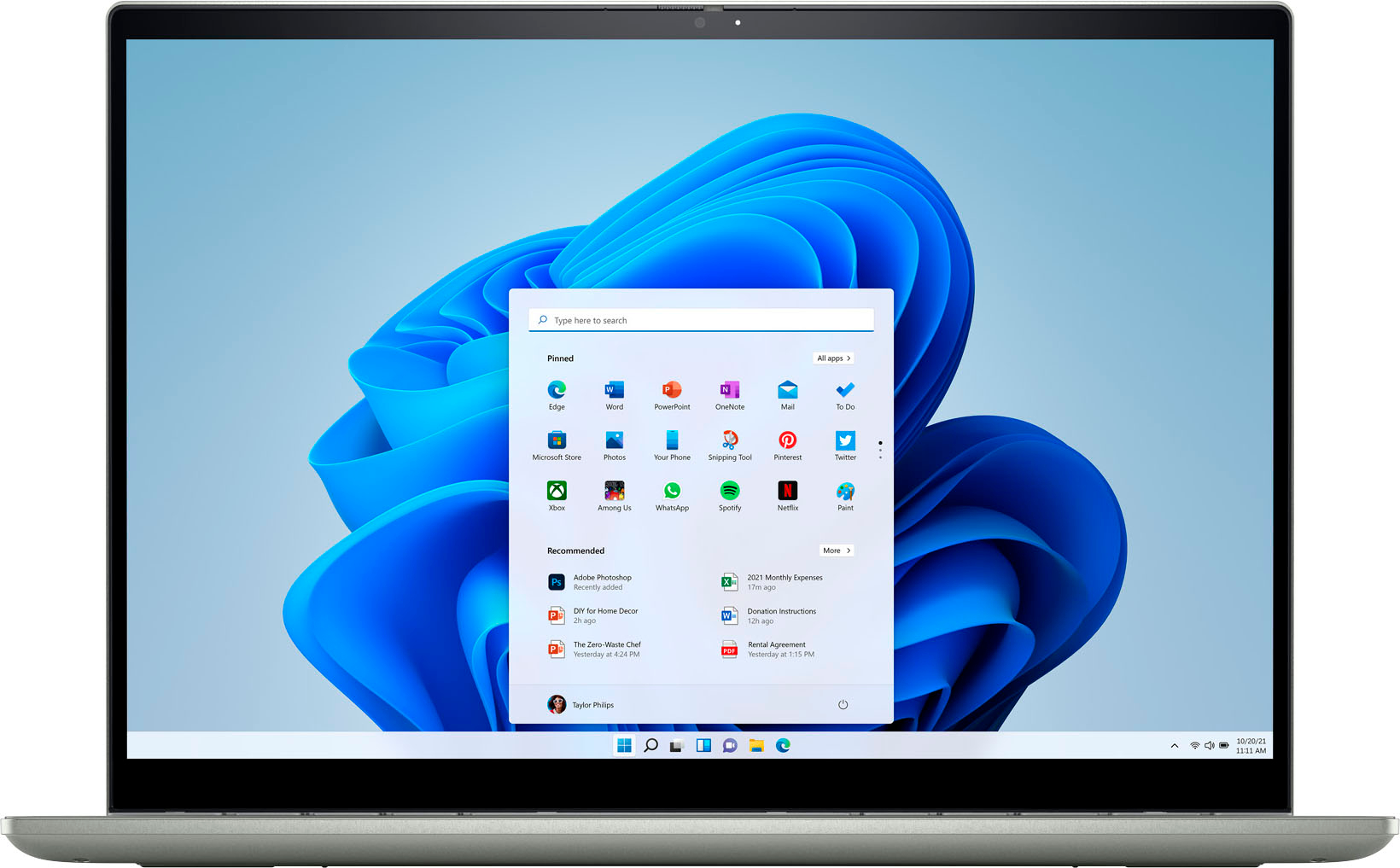
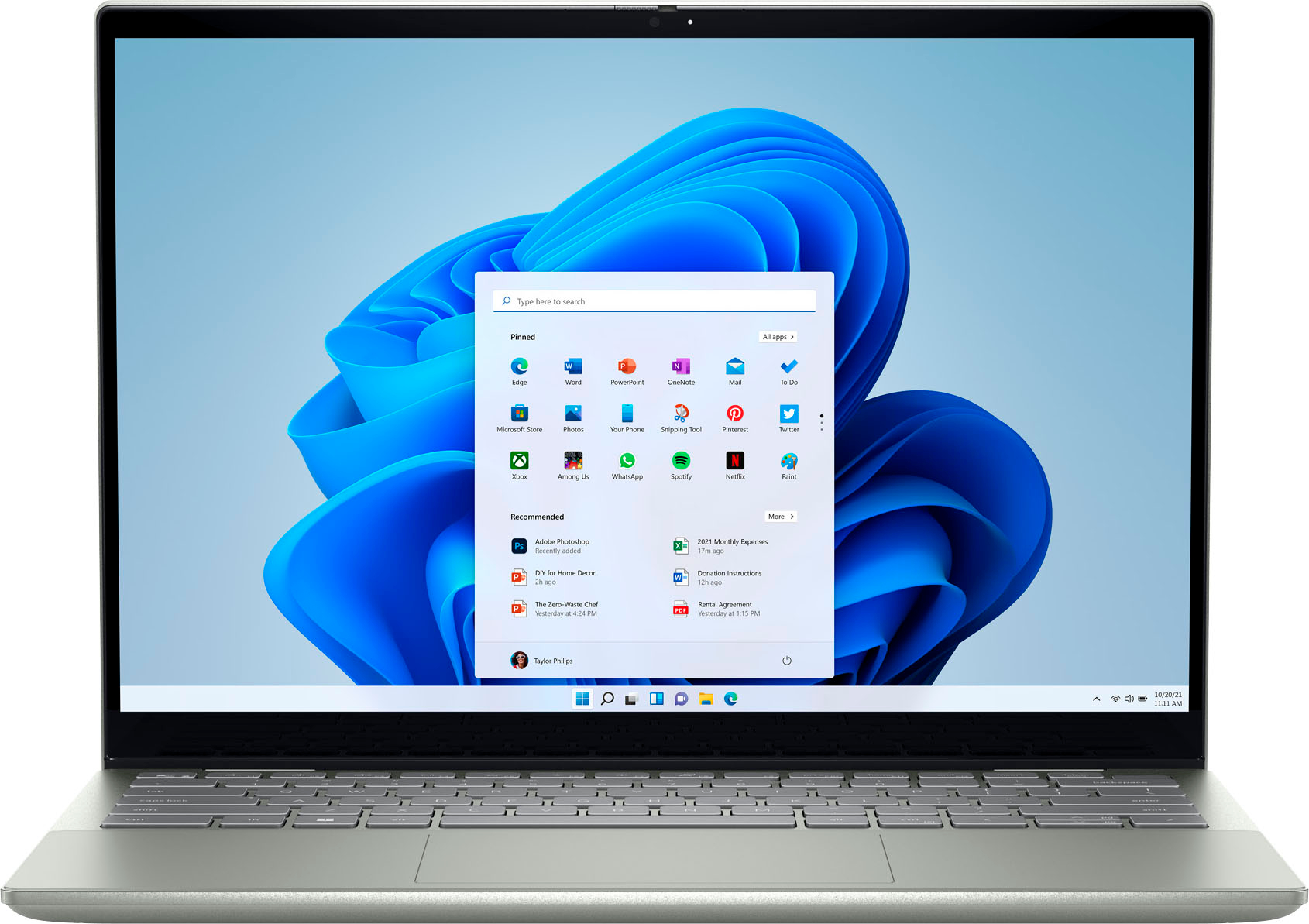
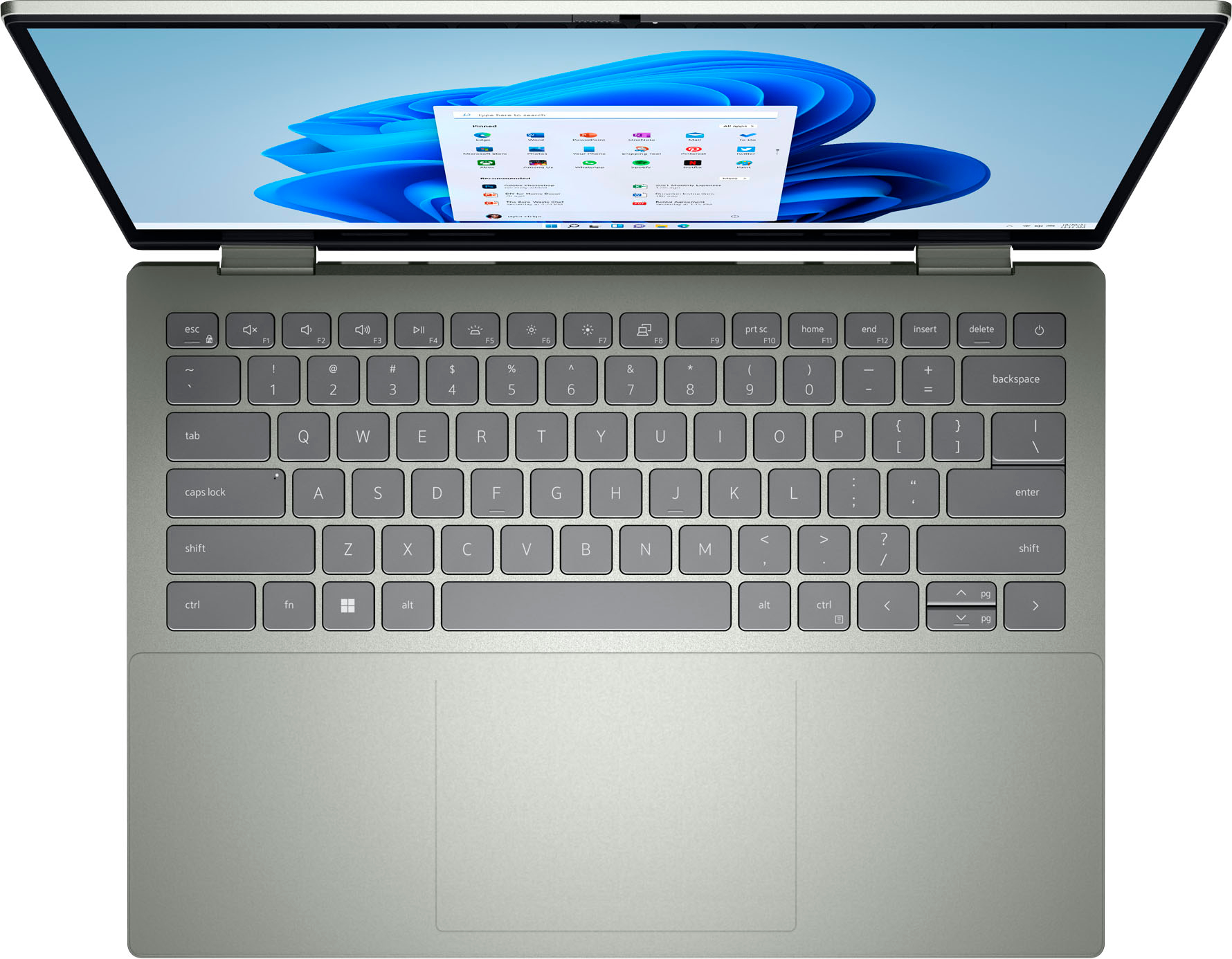
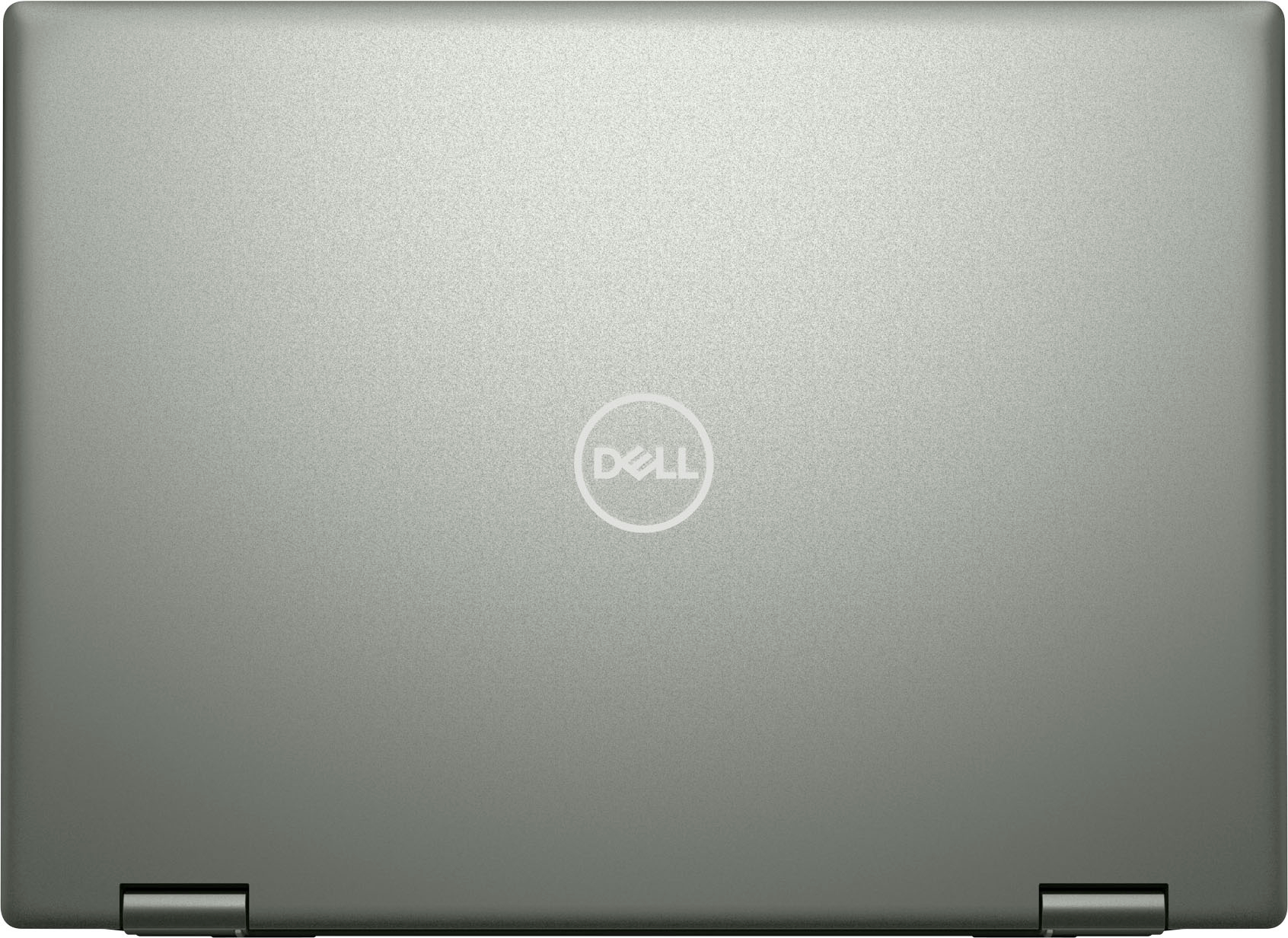
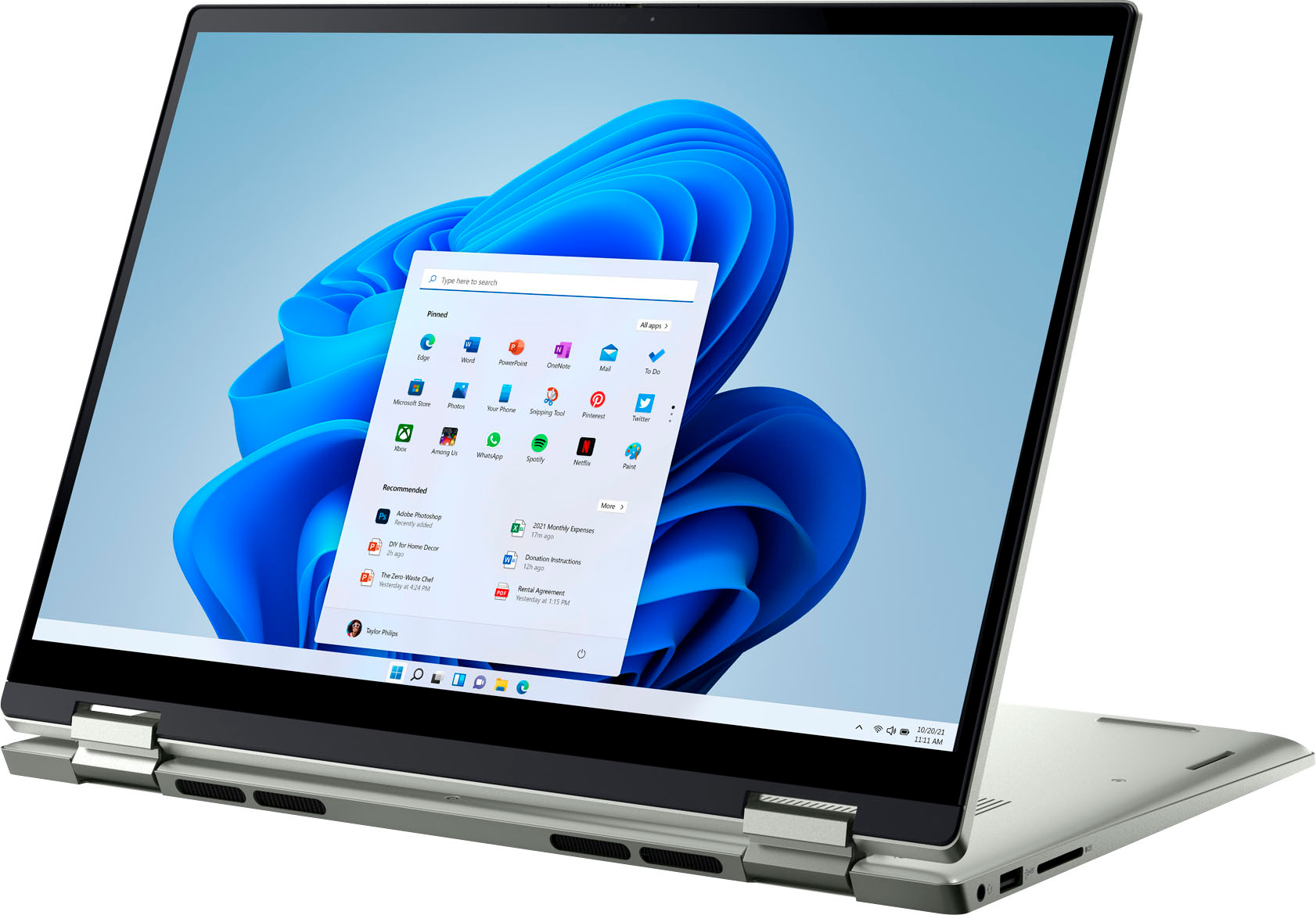
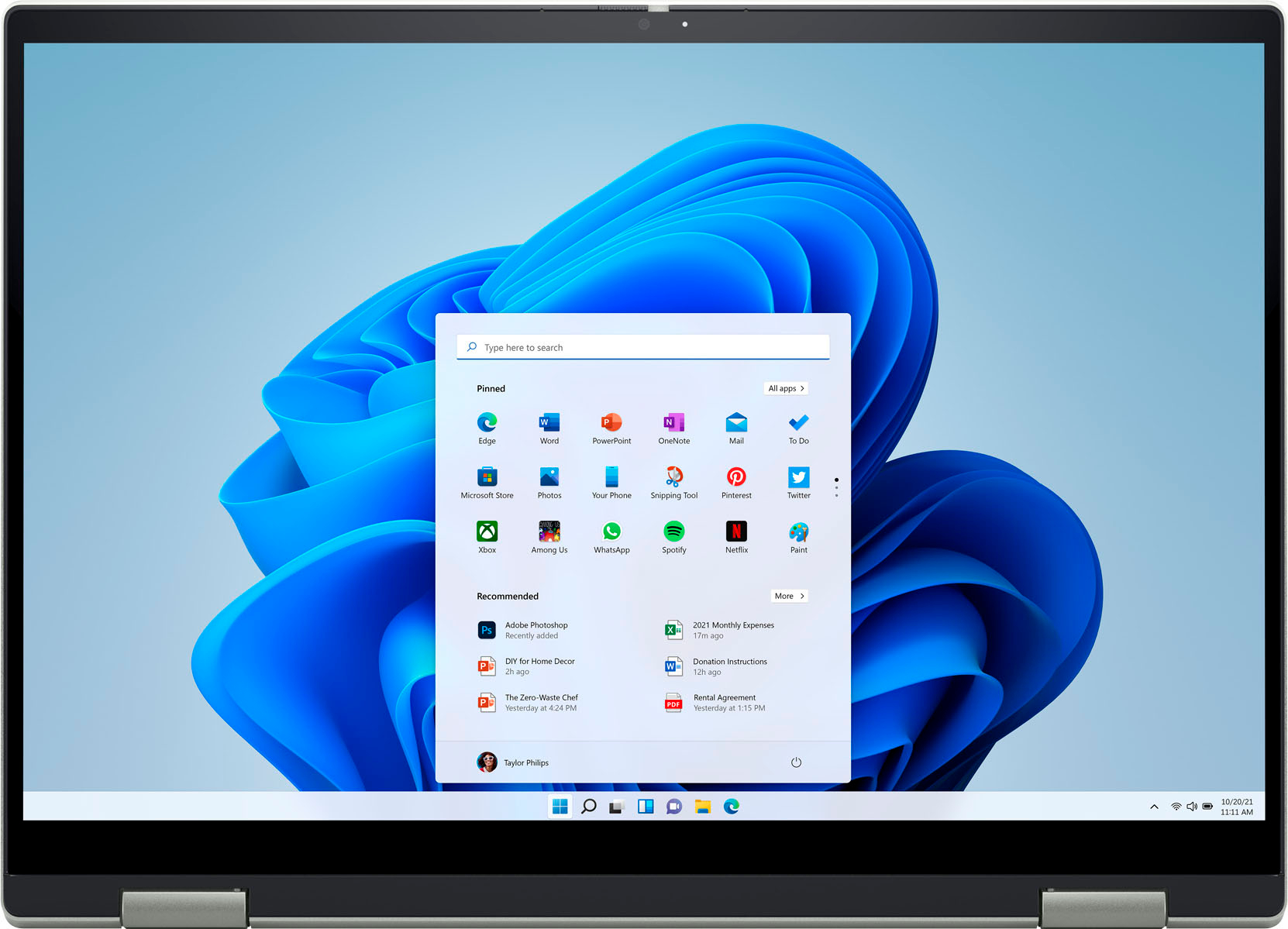
||Posted . Owned for 1 month when reviewed.This reviewer received promo considerations or sweepstakes entry for writing a review.It is exactly what I needed to work from home. I'm not sure why the Pebble Green is in the description because it is NOT green
I would recommend this to a friendNever again
||Posted . Owned for 1 week when reviewed.This reviewer received promo considerations or sweepstakes entry for writing a review.Two weeks in and the wireless network card stopped working. Called tech support and not sure if worse experience was talking with them or the computer not working after two weeks. never again Dell. Worst purchase ever made
No, I would not recommend this to a friendBrand response from YourDellTeam
Posted .Hi JasonL,
Thank you for taking the time to leave a review of your Inspiron 7425. We are sorry to hear that you are experiencing an issue with your network card not working. That is not the type of feedback we like to hear from our customers, or the type of product Dell intends to deliver. We have noted the details of your statement and will escalate them to our quality team for improvements in current and future products. In the meantime, if you need further assistance I have provided the toll-free number and chat link below for your convenience.
Should you need further assistance; we recommend that you contact Dell directly with the information below.
Chat or call: https://bit.ly/DellSupportTeam
Phone number to Dell: 1-800-624-9896.
Best,
Summer@Dell
Yes sir!
||Posted . Owned for less than 1 week when reviewed.This reviewer received promo considerations or sweepstakes entry for writing a review.Dell - Inspiron 2-in-1 14” FHD+ Touch Laptop – AMD Ryzen 7 – 16GB Memory – 512GB SSD - Pebble Green Great product
I would recommend this to a friendScreen big enough n great value
||Posted . Owned for less than 1 week when reviewed.This reviewer received promo considerations or sweepstakes entry for writing a review.My daughter just start using it but so far is fast looooved that I foldable n she can use it as a sketch book
I would recommend this to a friend