Customer Ratings & Reviews
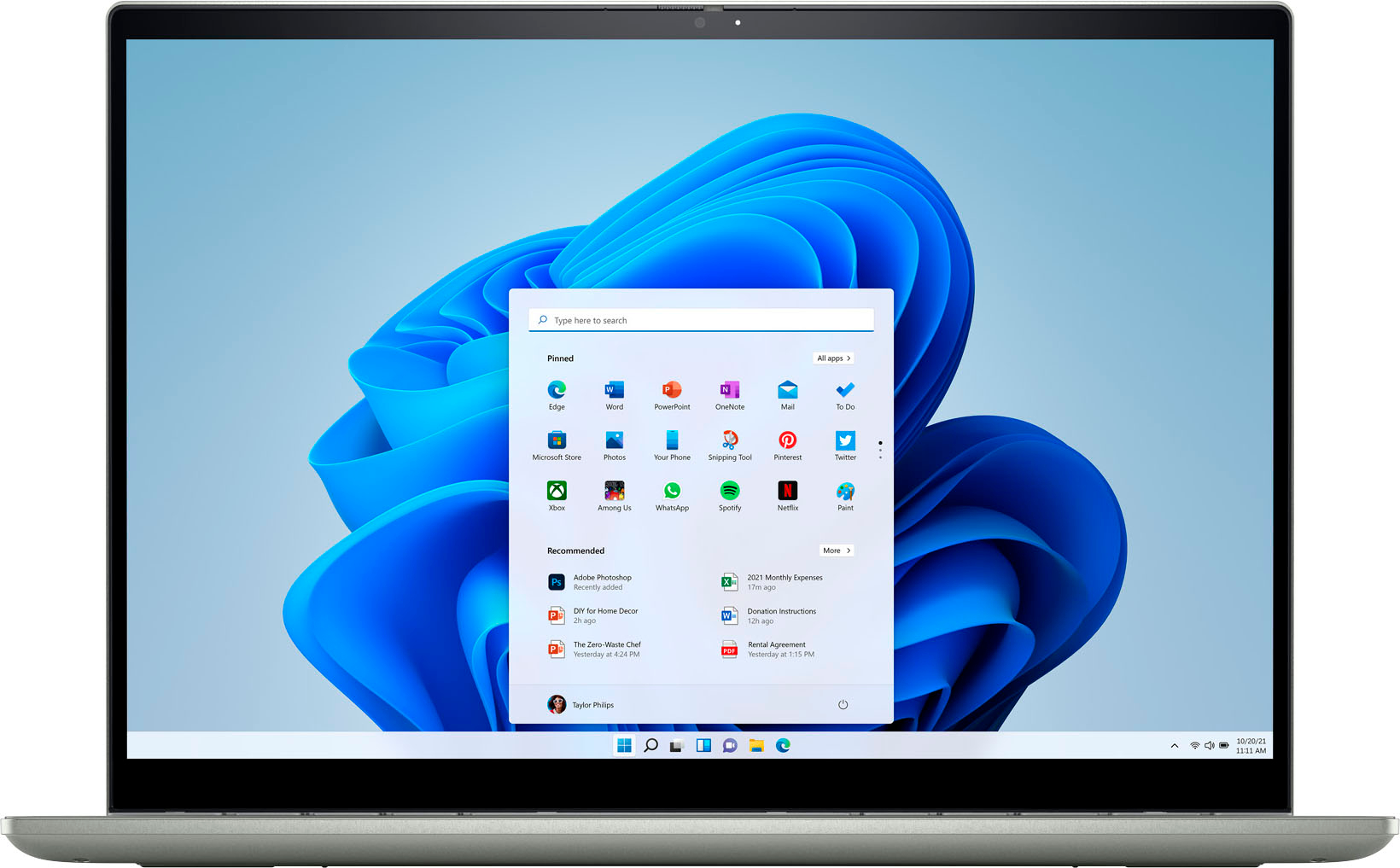
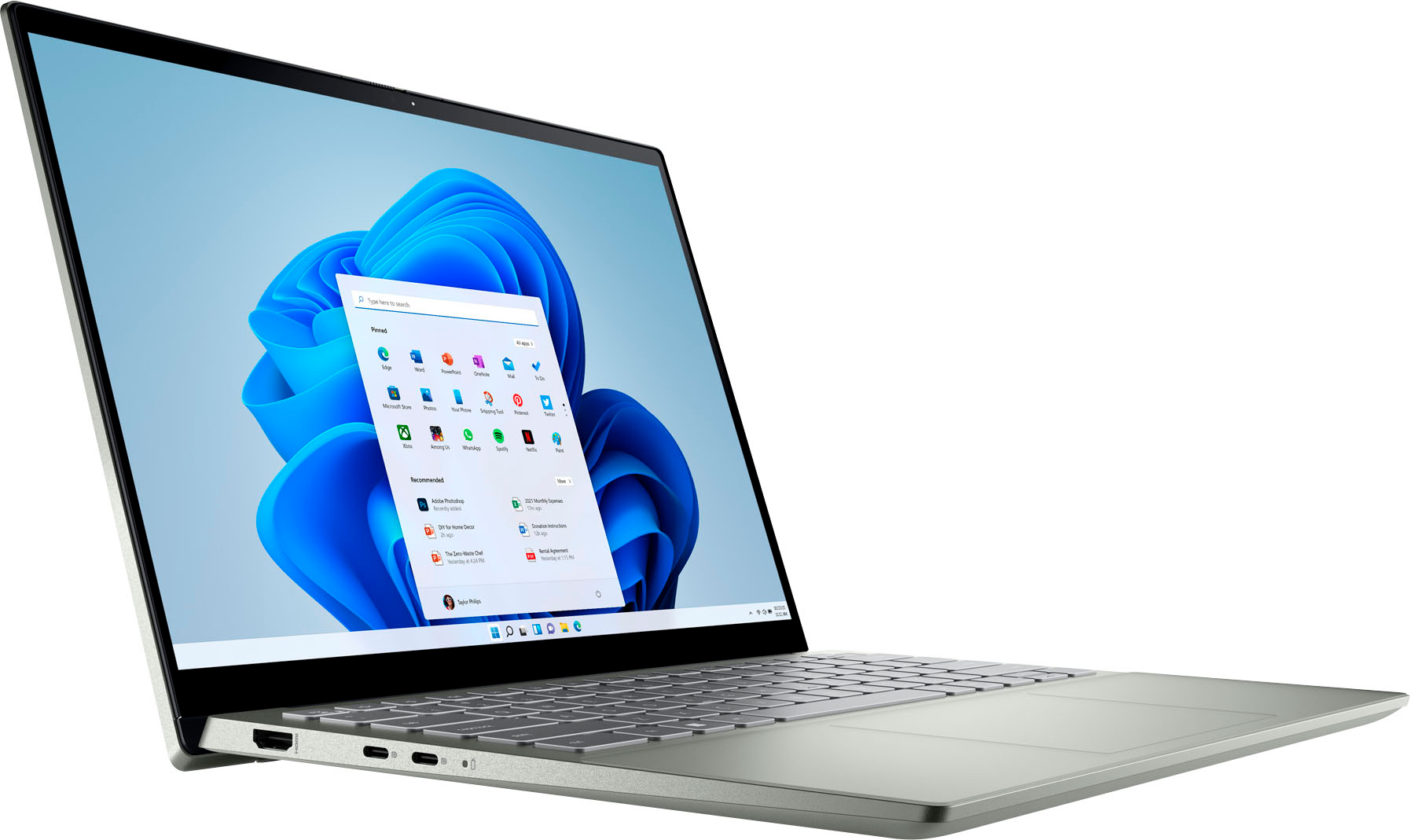
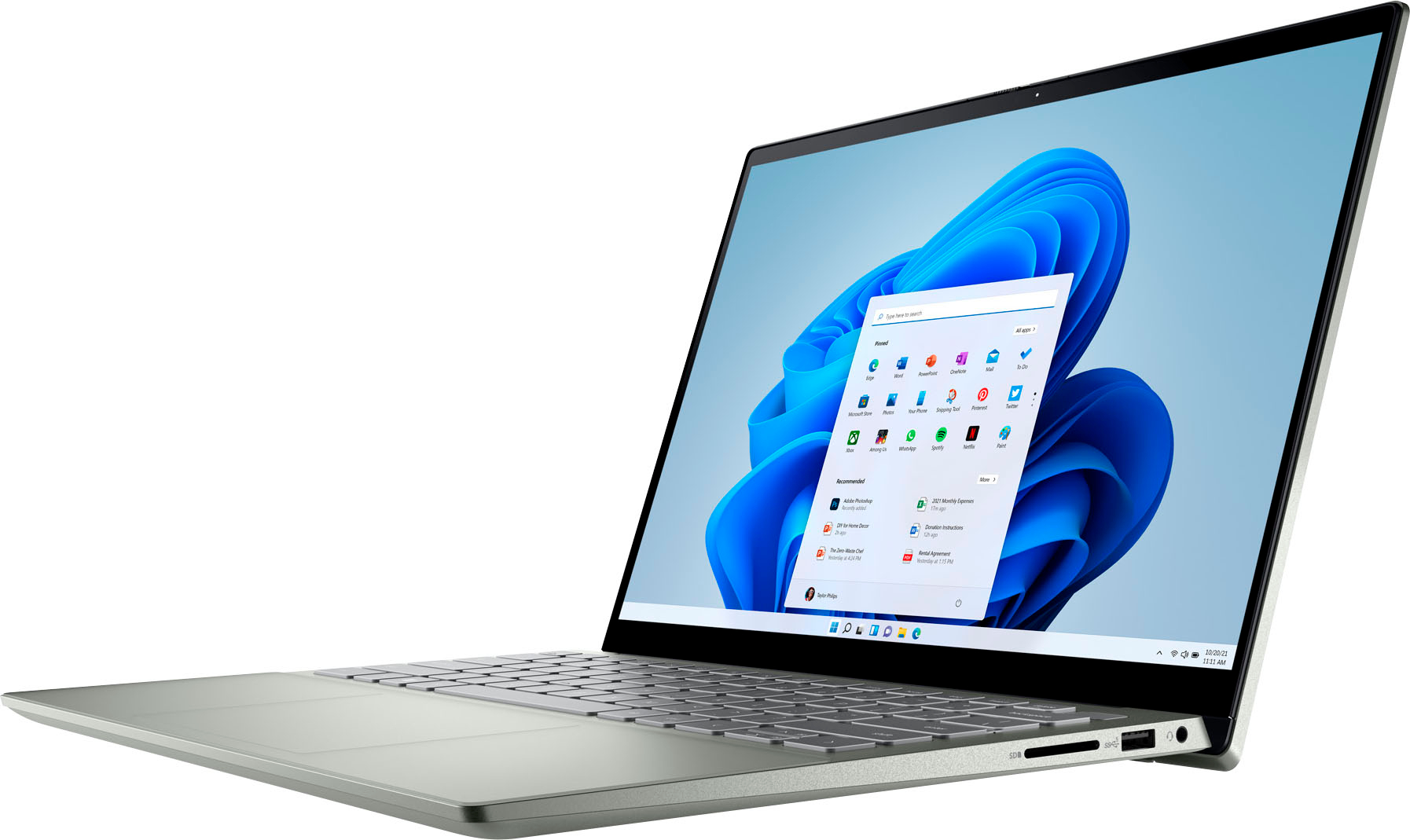

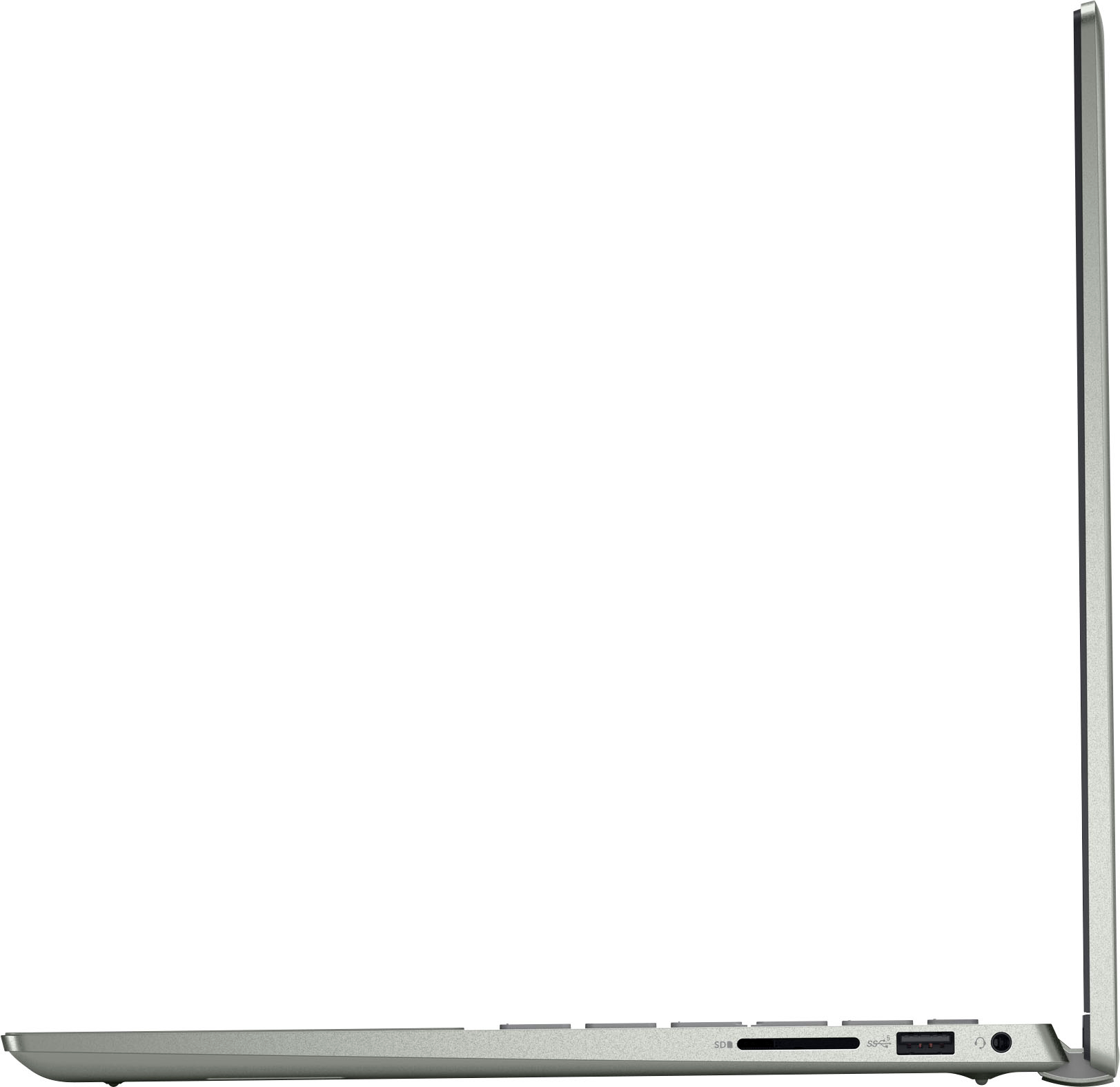




- Model:
- i7425-A266PBL-PUS
- SKU:
- 6503233
Rating by feature
- Battery Life
Rating 4.4 out of 5 stars
- Speed
Rating 4.5 out of 5 stars
- Display
Rating 4.5 out of 5 stars
Customers are saying
Customers are delighted by the Inspiron 2-in-1 laptop's performance, ease of use, and touchscreen functionality. Its lightweight design and good battery life also receive high praise, making it convenient for portability. While some users noted the fan can be noisy at times and there have been reports of hinge issues, the positive feedback on performance and usability outweighs these concerns. The ample RAM and storage are also frequently cited as positive aspects.
This summary was generated by AI based on customer reviews.
Awesome
||Posted . Owned for 3 weeks when reviewed.This reviewer received promo considerations or sweepstakes entry for writing a review.This laptop has worked great for me in my real estate business!
I would recommend this to a friendGreat!
||Posted . Owned for 1 week when reviewed.This reviewer received promo considerations or sweepstakes entry for writing a review.I really like it! It’s a great fast working computer and I recommend it
I would recommend this to a friendDell Laptop
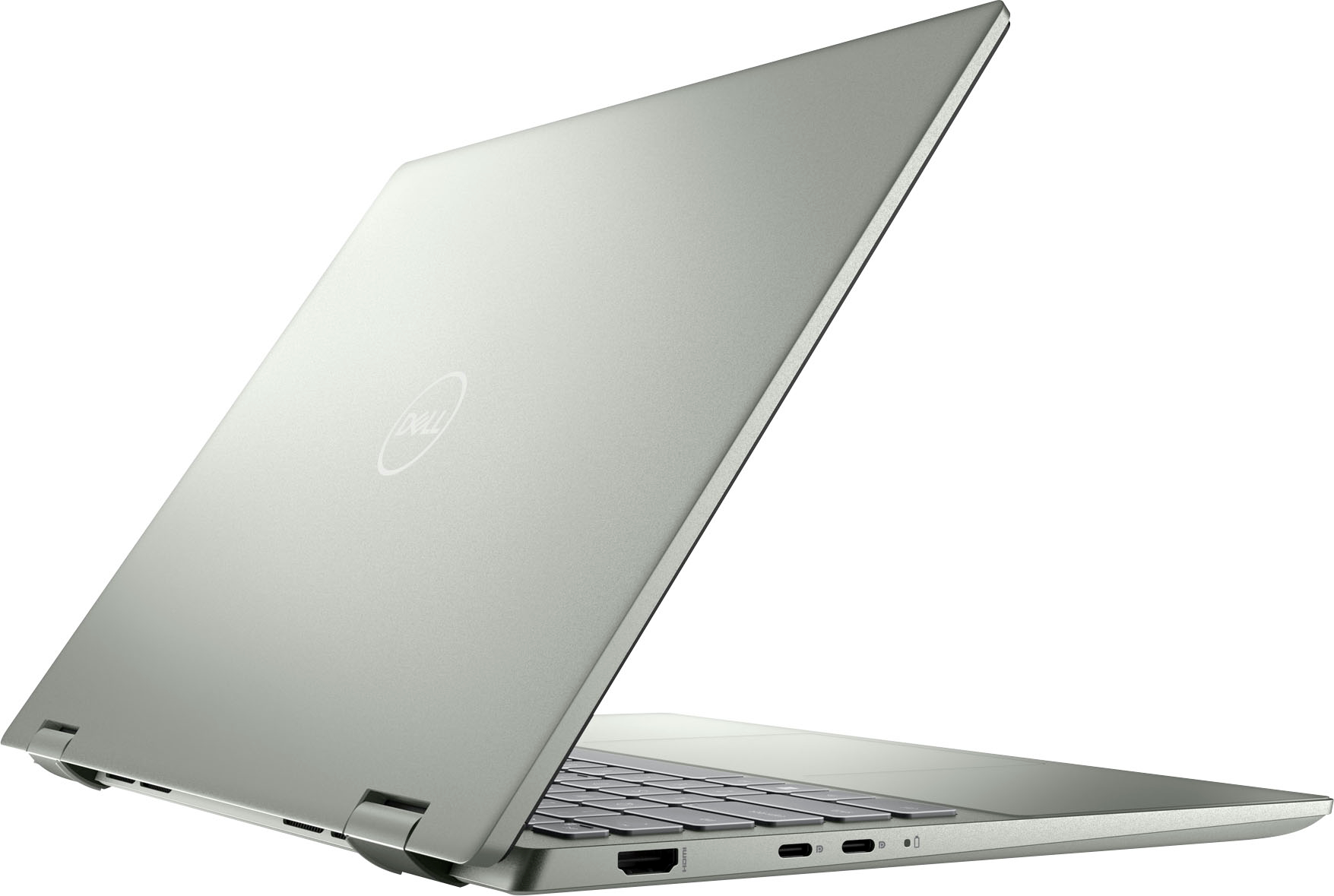
||Posted . Owned for 1 week when reviewed.This reviewer received promo considerations or sweepstakes entry for writing a review.I am highly satisfied. I just wish there was a second HDMI port.
I would recommend this to a friendLaptop replacement
||Posted . Owned for 1 week when reviewed.This reviewer received promo considerations or sweepstakes entry for writing a review.Excellent product and meets my needs for work and personal business.
I would recommend this to a friendLaptop
||Posted . Owned for 1 week when reviewed.This reviewer received promo considerations or sweepstakes entry for writing a review.Good laptop, hard to find a case for tho due to it being a 2-1
I would recommend this to a friendBest laptop
||Posted . Owned for 1 week when reviewed.This reviewer received promo considerations or sweepstakes entry for writing a review.I love it , nothing but good things to say about it
I would recommend this to a friendDell
||Posted .This reviewer received promo considerations or sweepstakes entry for writing a review.Great dell is the best computer you can buy. Great price
I would recommend this to a friendWorks great
||Posted .This reviewer received promo considerations or sweepstakes entry for writing a review.Works great!!!!!!!!!!!!!!!!!!!!!!!!!!!!!!!!!!!!!!!!!!!!!!
I would recommend this to a friendDell Laptop
||Posted . Owned for 3 weeks when reviewed.This reviewer received promo considerations or sweepstakes entry for writing a review.Excellent customer service! In stock laptop, easy to set up!
I would recommend this to a friendDell laptop
||Posted . Owned for less than 1 week when reviewed.This reviewer received promo considerations or sweepstakes entry for writing a review.I love this laptop. Great purcase for the price. Super happy
I would recommend this to a friendGreat laptop till it stopped working
||Posted . Owned for 3 weeks when reviewed.This reviewer received promo considerations or sweepstakes entry for writing a review.It was great for a few days. Unfortunately It started not working and had to be returned. I liked it until then.
No, I would not recommend this to a friendBrand response from YourDellTeam
Posted .Dear Mercury1957,
We want to thank you for taking the time to leave a review of your Inspiron 7425. We are sorry to hear that you had to return your device. That is not the type of product Dell intends to deliver or the type of product Dell intends to deliver. We have noted the details of your statement and will use them to improve current and future products.
We recommend that you contact Dell directly with the information below if you need further assistance.
Chat or call: https://bit.ly/DellSupportTeam
Phone number to Dell: 1-800-624-9896.
Best,
Summer@Dell
Dell laptop review
||Posted . Owned for 3 weeks when reviewed.This reviewer received promo considerations or sweepstakes entry for writing a review.I am very pleased with every aspect of my new laptop.
I would recommend this to a friendExcellent Laptop!
||Posted . Owned for 1 week when reviewed.This reviewer received promo considerations or sweepstakes entry for writing a review.This is an excellent laptop at a very good price!!
I would recommend this to a friendJunk laptop
||Posted . Owned for 1 year when reviewed.This reviewer received promo considerations or sweepstakes entry for writing a review.The camera broke a month after the warranty expired
No, I would not recommend this to a friendTech Support Is Poor for Windows 11
||Posted . Owned for 1 month when reviewed.This reviewer received promo considerations or sweepstakes entry for writing a review.I think the computer was good, but the tech support I purchased was not helpful. The Geeks over the phone could not speak clear English, and were not well versed in Windows 11. When I tried to set up the computer using the Dell instructions, there were not direct links and easy navigation.
No, I would not recommend this to a friendBrand response from YourDellTeam
Posted .Hi LynneC,
Thank you for taking the time to leave us a review of your Inspiron 7425. We are sorry to hear that you are experiencing an issue with setting up your device. That is not the type of feedback we like to hear from our customers. Below I have provided the link for the setup and specifications manual for your device to help resolve your issue.
Setup & Specifications Link: https://dell.to/3GcIaUv
Should you need further assistance; we recommend that you contact Dell directly with the information below.
Chat or call: https://bit.ly/DellSupportTeam
Phone number to Dell: 1-800-624-9896.
Best,
Summer@Dell
Laptop
||Posted . Owned for 3 months when reviewed.This reviewer received promo considerations or sweepstakes entry for writing a review.The laptop is too slow and not that much compatible .No batterlife.
No, I would not recommend this to a friendBrand response from YourDellTeam
Posted .Hi Akhil,
Thank you for taking the time to leave us your review. We are sorry to hear that you are experiencing slow performance issues with your Inspiron 7425. It's important for us to hear about inconsistencies in our products for consideration of future development. Below I have provided steps with the full article that can help you with slow performance issues with your laptop.
Here are the steps to help you with slow performance issues:
1. Run the automated tools in SupportAssist to ensure that the drivers are up to date and your computer is optimized.
2. Restart the computer
3. Run a hardware diagnostic test
4. Scan your computer for malware
5. Restore the computer using Windows System Restore
6. Restore the computer to factory default settings
You can read the article that can help you with slow performance issues here: https://dell.to/3yqre8r
If you continue to experience issues, please reach out to Dell Support directly by using the information provided below.
We recommend that you contact Dell directly with the information below if you need further assistance.
Chat or call: https://bit.ly/DellSupportTeam
Phone number to Dell: 1-800-624-9896.
Best,
Summer@Dell
Needs more USB ports
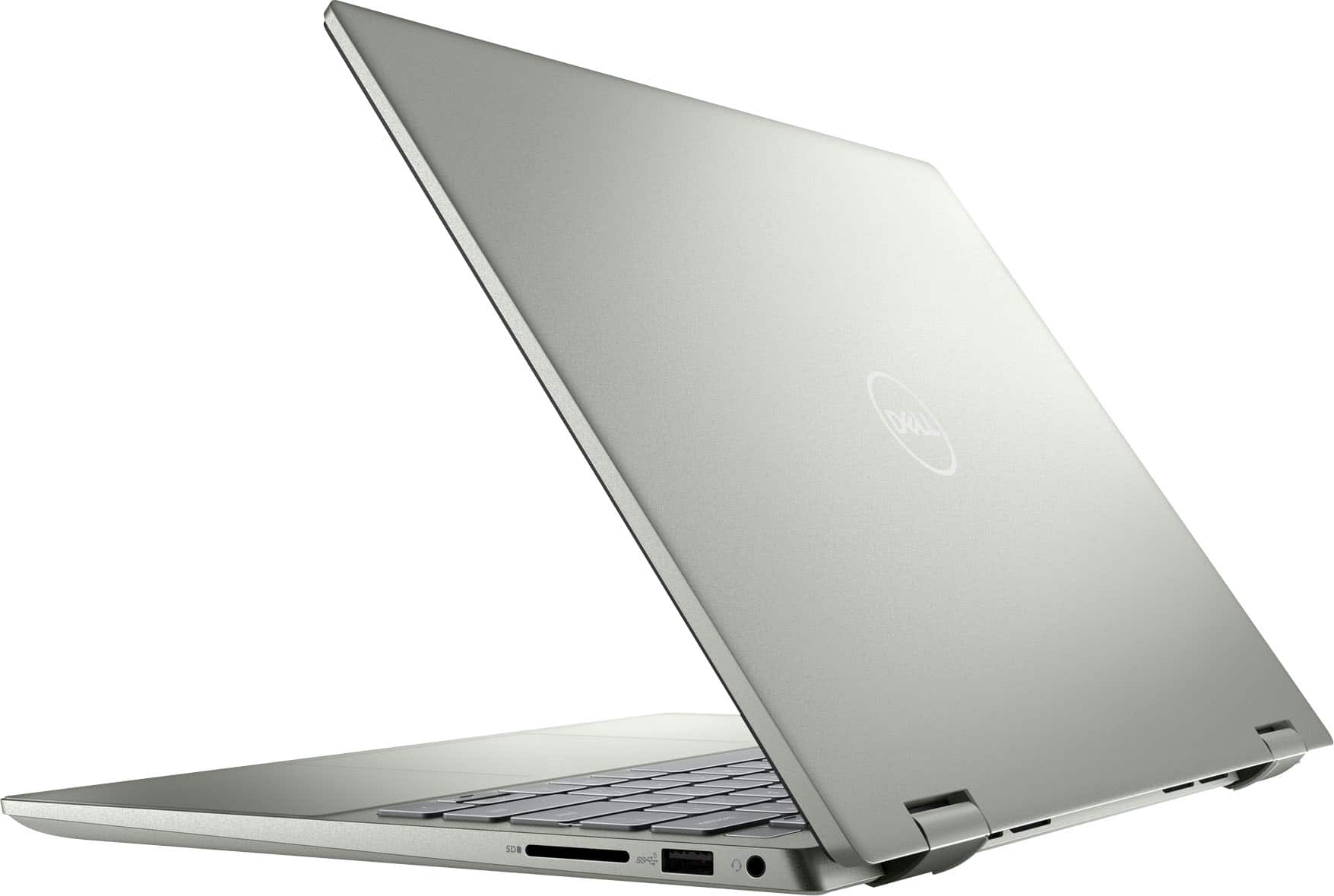
||Posted . Owned for 1 month when reviewed.This reviewer received promo considerations or sweepstakes entry for writing a review.Works ok only has one USB port makes it hard to use with multiple devices
No, I would not recommend this to a friendBrand response from YourDellTeam
Posted .Hello DougB,
We want to thank you for taking the time to leave us a review of your Inspiron 2-in-1 laptop. We are sorry to hear that you are not completely satisfied with the amount of USB ports on your device. That is not the type of feedback we like to hear from our customers. I have noted the details of your statement and will use them to help improve our current and future products. If you need further assistance we recommend reaching out to a member of our support team with the contact information provided below.
Sincerely,
Summer@Dell
Should you need further assistance; you can contact Dell directly with the information below.
Chat or call: https://bit.ly/DellSupportTeam
Phone number to Dell: 1-800-624-9896.
Look for a different model
||Posted . Owned for 1 month when reviewed.This reviewer received promo considerations or sweepstakes entry for writing a review.It's 'clunky' when you open the lid. It is slow. MSO often shows "Not responding". Several other issues that I should not be experiencing with a new laptop.
No, I would not recommend this to a friendBrand response from YourDellTeam
Posted .Hi There Vicki,
We would like to thank you for taking the time to provide us with your feedback. We are sorry to hear that your Inspiron 2-in-1 is performing slower than you expected. This is certainly not the experience that we like to hear from our customers. We appreciate your feedback and will use it to help improve our current and future products.
There are several ways to help improve the performance of your computer if it is running slower than you expected it to. We'd recommend the following steps to help improve your computer's overall performance and speed:
1. Restart your computer regularly.
2. Run the automated tools provided in the SupportAssist Tool.
3. Run a complete hardware diagnostic test.
4. Scan your computer for malware.
5. Restore your Dell computer using Windows System Restore.
6. Reinstall Microsoft Windows.
7. Ensure Windows Update and BIOS are up-to-date.
8. Run Windows Task Manager to check if any device usage is over 90%. If yes, try to End the Task to some processes which use higher resources.
You can read the complete steps associated with each of these recommendations here: https://dell.to/3n29QjE.
Drivers and Downloads page: https://dell.to/3DvsQ5m
If the performance issue with your device is still not resolved after utilizing the troubleshooting options above, please contact the Dell Support Team at 1-800-624-9896 for further guidance.
Regards,
Summer@Dell
Should you need further assistance, you can contact Dell directly with the information below.
Chat or call: https://bit.ly/DellSupportTeam
Phone number to Dell: 1-800-624-9896
New and Nonfunctional
||Posted . Owned for 3 months when reviewed.This reviewer received promo considerations or sweepstakes entry for writing a review.I have turned this laptop on perhaps five times in the first four months. The last two times, the display was completely black, although the keyboard lights were lit, indicating that the machine was on. The display is completely nonfunctional. Utter disappointment.
No, I would not recommend this to a friendBrand response from YourDellTeam
Posted .Hello Metr0ider,
Thank you for taking the time to leave us a review and provide feedback on your product. We are sorry that you are experiencing an issue with the black screen on your Dell Inspiron 7425 2-in-1 computer. We recommend running a diagnostic test on your system. I have provided a link that should walk you thru the steps:
Diagnostic Test Link: https://dell.to/3xIZ7km
If the issue with your computer is still not resolved after utilizing the troubleshooting options above, please contact the Dell Support Team at 1-800-624-9896 for further guidance.
Best,
Katarina@Dell
Should you need further assistance, you can contact Dell directly with the information below.
Chat or call: https://bit.ly/DellSupportTeam
Phone number to Dell: 1-800-624-9896
Poor audio
||Posted . Owned for 1 month when reviewed.This reviewer received promo considerations or sweepstakes entry for writing a review.Laptop had faulty audio. Replaced it and the second unit had the same issue. Tech recommended getting a different model.
No, I would not recommend this to a friendBrand response from YourDellTeam
Posted .Hello DamianH,
Thank you very much for your valued feedback. We are sorry to hear that you experienced audio issues with your first and second Dell Inspiron 7425 2-in-1 and that technician was not able to help you to resolve these issues. We will share your review with our quality team, so future improvements can be made.
For your future reference, I have included the steps to run the Microsoft Sound Troubleshooter. I have also provided the full article link that has more options if they are needed. We also suggest making sure the audio drivers are up to date on your PC. I have given you a link to the Drivers and Downloads page for your computer below so you can check for and do any applicable updates.
How to run the Windows Sound Troubleshooter in Microsoft Windows 10
1. Click Start, and then select Settings (gear icon).
2. Click Update & Security and select Troubleshoot.
3. Click Playing Audio and then click Run the troubleshooter.
4. Follow the on-screen instructions to complete the troubleshooting process.
How to Troubleshoot Audio Issues or Sound Playback Issues: https://dell.to/3u4pzmX
Drivers and Downloads Page: https://dell.to/3mOushk
If you come across any questions or have concerns about Dell products, please don’t hesitate to contact Dell Support Team at the information provided below.
Best,
Katarina@Dell
Should you need further assistance, you can contact Dell directly with the information below.
Chat or call: https://bit.ly/DellSupportTeam
Phone number to Dell: 1-800-624-9896