Customer Ratings & Reviews
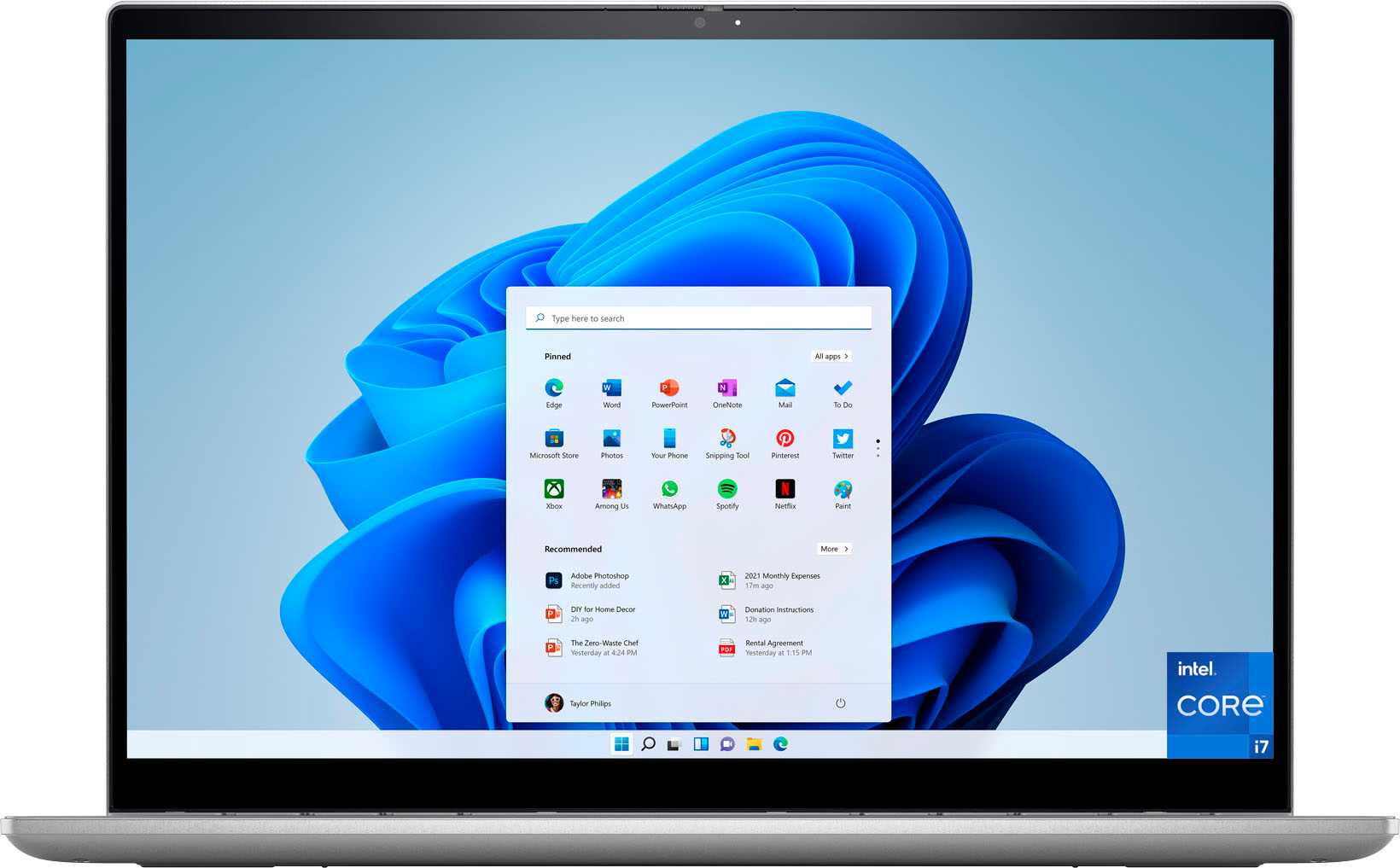
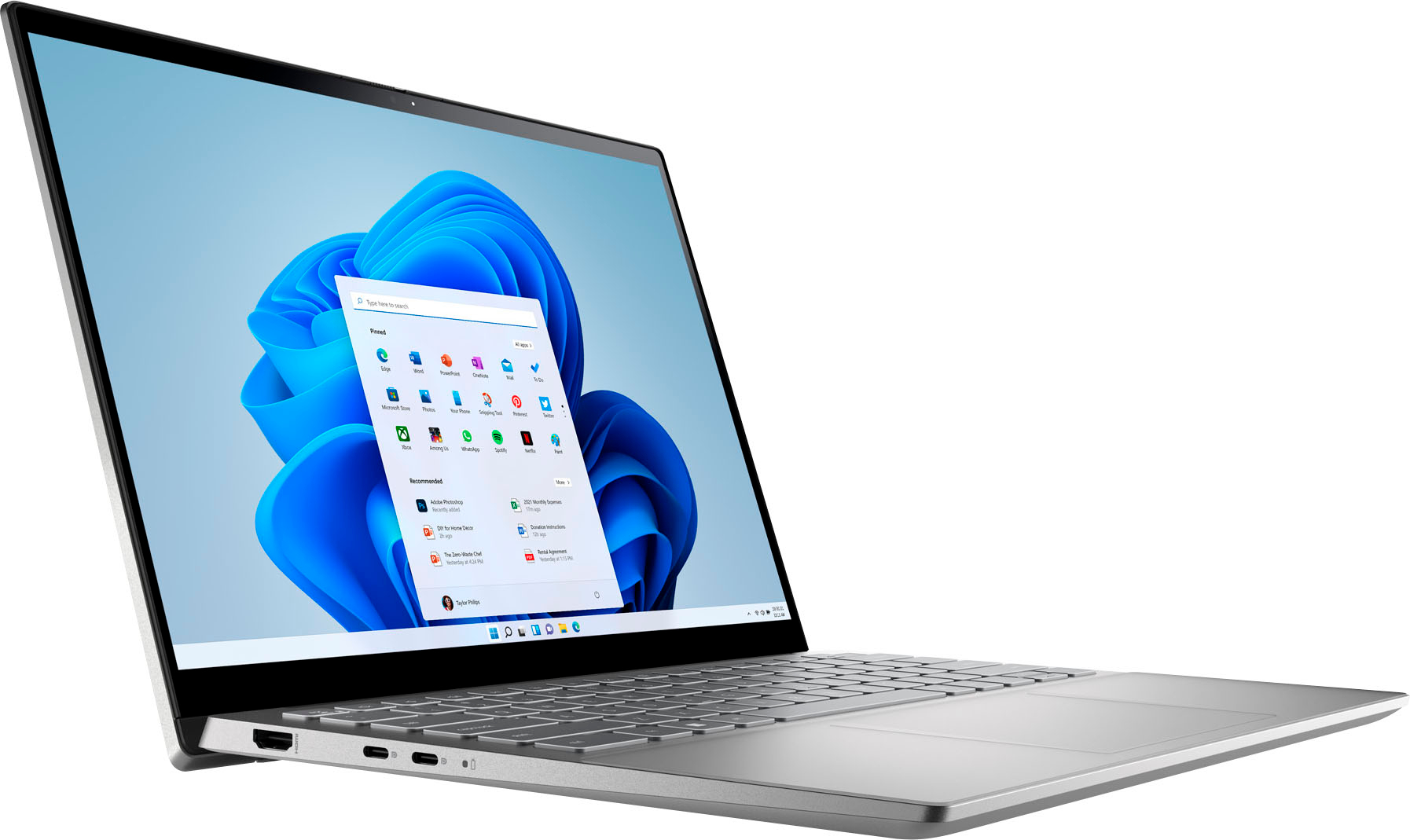
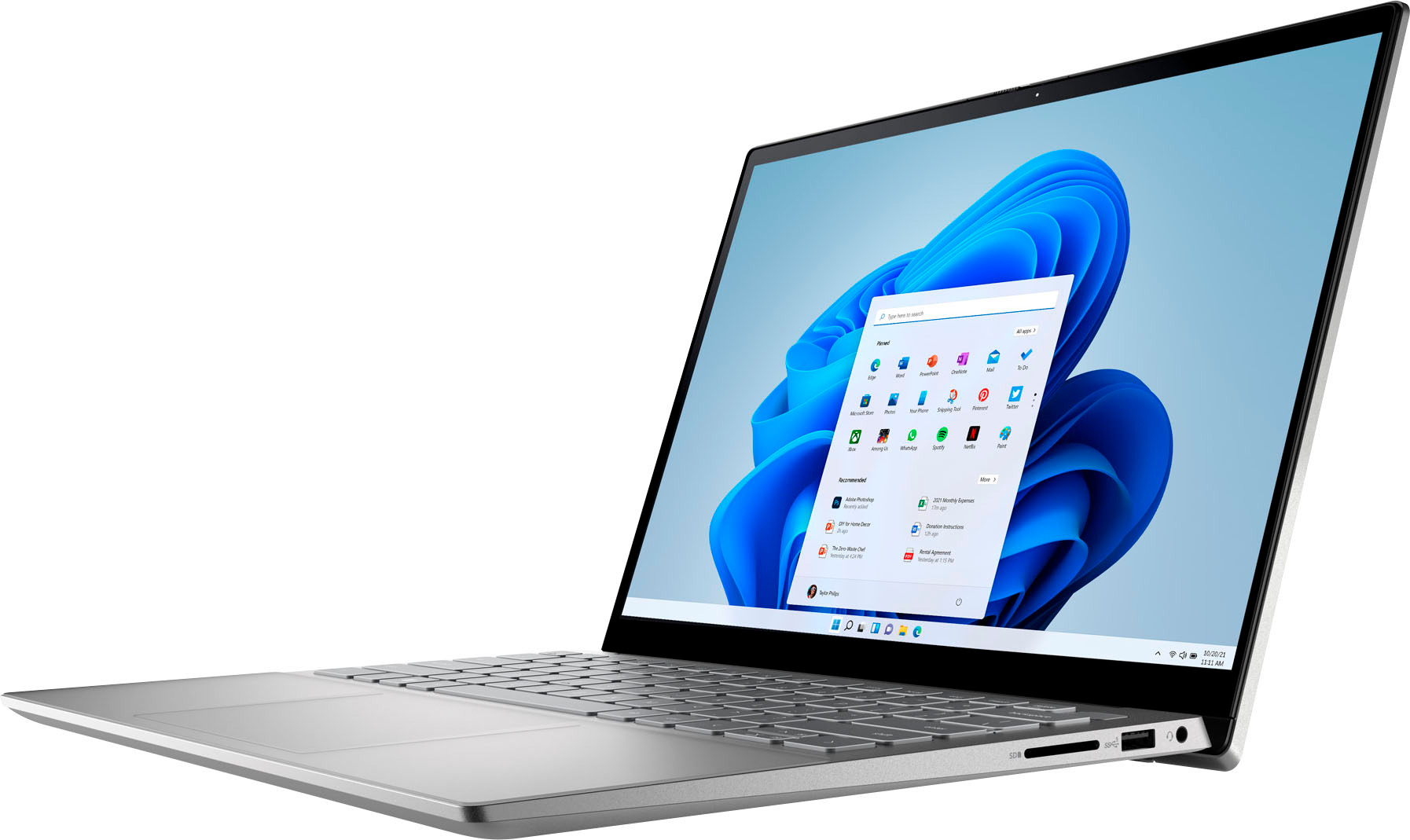
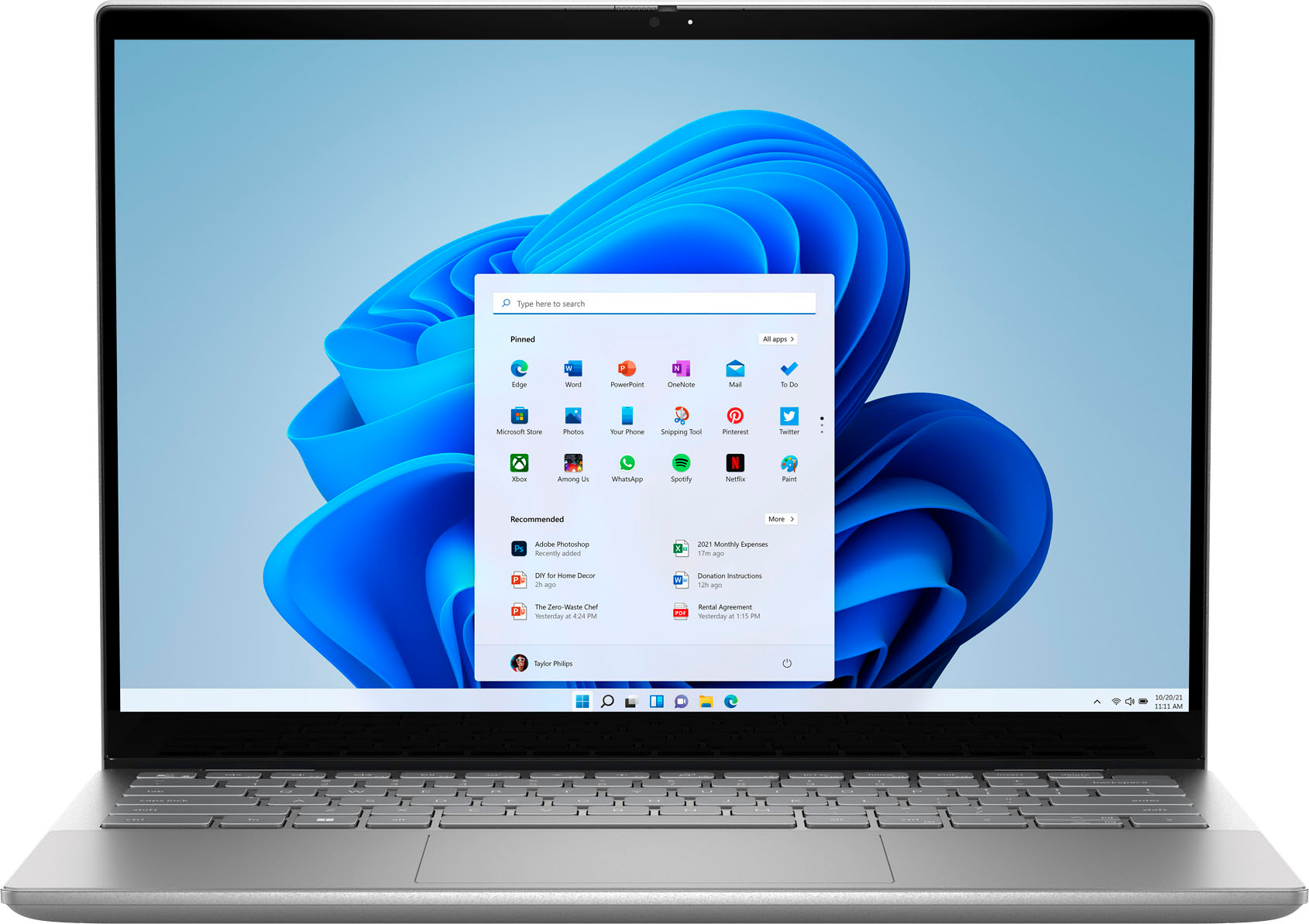





- Model:
- i7420-7976SLV-PUS
- SKU:
- 6504381
Rating by feature
- Battery Life
Rating 4.5 out of 5 stars
- Speed
Rating 4.7 out of 5 stars
- Display
Rating 4.7 out of 5 stars
Customers are saying
Customers often highlight the Inspiron 2-in-1's impressive performance, responsive touchscreen, and ease of use. Its lightweight design and good battery life are also frequently praised, making it a portable and convenient option. While some users noted the fan can be noisy at times and the speakers could be improved, the overall experience is largely positive. Many appreciate the value for the price.
This summary was generated by AI based on customer reviews.
Satisfied customer
Posted .This reviewer received promo considerations or sweepstakes entry for writing a review.We were having a new computer installed & decided to buy a laptop while the Geek Squad was here to coordinate the two. Worked out perfect.
I would recommend this to a friend- Pros mentioned:PerformanceCons mentioned:Heat
good for regular use
Posted .This reviewer received promo considerations or sweepstakes entry for writing a review.works perfect, but make noise some times and heats up little bit.
I would recommend this to a friend Great Laptop - Until it Wasn't
Posted .This reviewer received promo considerations or sweepstakes entry for writing a review.I purchased a 7415 Model a little less than 3 yrs. ago. It was a great laptop, until the other day when the right-side hinge froze as I was opening it. The entire assembly separated from the cover and the screen cracked. An internet search suggests that this is a common issue with Dell laptops. Dell calls it normal wear and tear. Most victims call it a design flaw. Either way, apparently Dell will not own up to a bad design. If the machine is past the warranty, as is mine, you are out of luck (as am I). Honestly, the machine was trouble-free for three years and I am definitely upset that it fell apart this way. But I would not 100% recommend against a purchase (maybe only 50%) Just buy an extended warranty. Until it broke, it was a great laptop.
No, I would not recommend this to a friendBrand response from YourDellTeam
Posted .Dear Unhappy,
Thank you for taking the time to leave a review of your Inspiron 7415. We are sorry to hear that you are experiencing an issue with a broken hinge. That is not the type of feedback we like to hear from our customers, or the type of product Dell intends to deliver. We have noted the details of your statement and will escalate them for improvements on current and future products.
If you continue to experience issues, please reach out to Dell Support directly by using the information provided below.
Chat or call: https://bit.ly/DellSupportTeam
Phone number to Dell: 1-800-624-9896
Best,
Summer@Dell
Great laptop
Posted .This reviewer received promo considerations or sweepstakes entry for writing a review.Very nice the best one good condition and graet shipping
I would recommend this to a friend- Pros mentioned:Speed
Great Laptop
Posted .This reviewer received promo considerations or sweepstakes entry for writing a review.I bought this laptop for school and home. I had purchased a laptop from Amazon and returned it for this one. It’s a quality laptop it does have backlit keys and it runs fast on wifi.
I would recommend this to a friend Great laptop
Posted .This reviewer received promo considerations or sweepstakes entry for writing a review.It’s an excellent computer an excellent price, it was a good purchase.
I would recommend this to a friendTouchpad is garbage
Posted .This reviewer received promo considerations or sweepstakes entry for writing a review.Less than a month in, have maybe used it 3-4 times for a very specific application. Honestly has less than 3 hours of actual use and the touch pad is already sticking. Almost unusable without an external mouse. This is why I don't buy PC's. Don't buy.
No, I would not recommend this to a friendBrand response from YourDellTeam
Posted .Greetings Bubba,
Thank you for taking the time to leave a review of your Inspiron 7420. We are sorry to hear that you are experiencing an issue with your touchpad. That is not the type of feedback we like to hear from our customers, or the type of product Dell intends to deliver. Some Notebooks and Tablets with Keyboards have added gesture features to the touchpad hardware and drivers. A few of these features are two or three finger scrolling, pinch zoom, circle zoom, rotate and swiping. These new features may be the reason for the erratic cursor movement since most are turned on by default. You can disable or modify the way the features work in the touchpad driver properties. Here are some tips to modify these settings:
1. In the Search box, type main.cpl.
2. Touch or click main.cpl in the list of programs.
3. Touch or click the Dell Touchpad tab.
4. Touch or click on the picture of the touchpad.
5. Touch or click Gestures (depending on your computer there may not be a Gestures option).
6. Change the options as preferred.
7. Touch or click Save.
8. Touch or click the X in the upper-right corner to close the Dell Touchpad Utility.
9. Touch or click OK on the Mouse Properties window.
10. If the touchpad still does not work after following the preceding steps, refer to Dell Knowledge Base article - http://dell.to/2iaiujA.
You can read the full article here - http://dell.to/2tqmS02
Should you need further assistance; we recommend that you contact Dell directly with the information below.
Chat or call: https://bit.ly/DellSupportTeam
Phone number to Dell: 1-800-624-9896.
Best,
Summer@Dell
Dell 4K
Posted .This reviewer received promo considerations or sweepstakes entry for writing a review.This works well. Had some issues getting it set up and the Dell tech was unable to fix. I called Geek Squad and they walked me through the steps perfectly.
I would recommend this to a friendIts a good computer
Posted .This reviewer received promo considerations or sweepstakes entry for writing a review.Only reason its not a five star is because it showed up with a deep scratch on it
I would recommend this to a friendDon't trust open box claims.
Posted .This reviewer received promo considerations or sweepstakes entry for writing a review.purchased as an open box like new/excellent condition item. When it arrived the 1 USB-A port did not work. The only option Best Buy offered me was to return it. So I did. Ended up buying a new one from Dell and its great.
I would recommend this to a friend