Customer Ratings & Reviews





- Model:
- i7425-A242PBL-PUS
- SKU:
- 6503229
Rating by feature
- Battery Life
Rating 4.4 out of 5 stars
- Speed
Rating 4.6 out of 5 stars
- Display
Rating 4.6 out of 5 stars
Customers are saying
Customers find value in the Inspiron 2-in-1 laptop's touchscreen, ease of use, and performance. Many appreciate its lightweight design, good battery life, and appropriate size. Positive feedback also highlights the fast SSD and competitive price point. While some users noted fan noise, the overall customer sentiment is overwhelmingly positive.
This summary was generated by AI based on customer reviews.
Dell freeze/weight
||Posted . Owned for less than 1 week when reviewed.This reviewer received promo considerations or sweepstakes entry for writing a review.Froze on startup. Bought it as open box so not surprised. The base is pretty heavy too so if you're looking for something light and portable this isn't it.
No, I would not recommend this to a friendlen
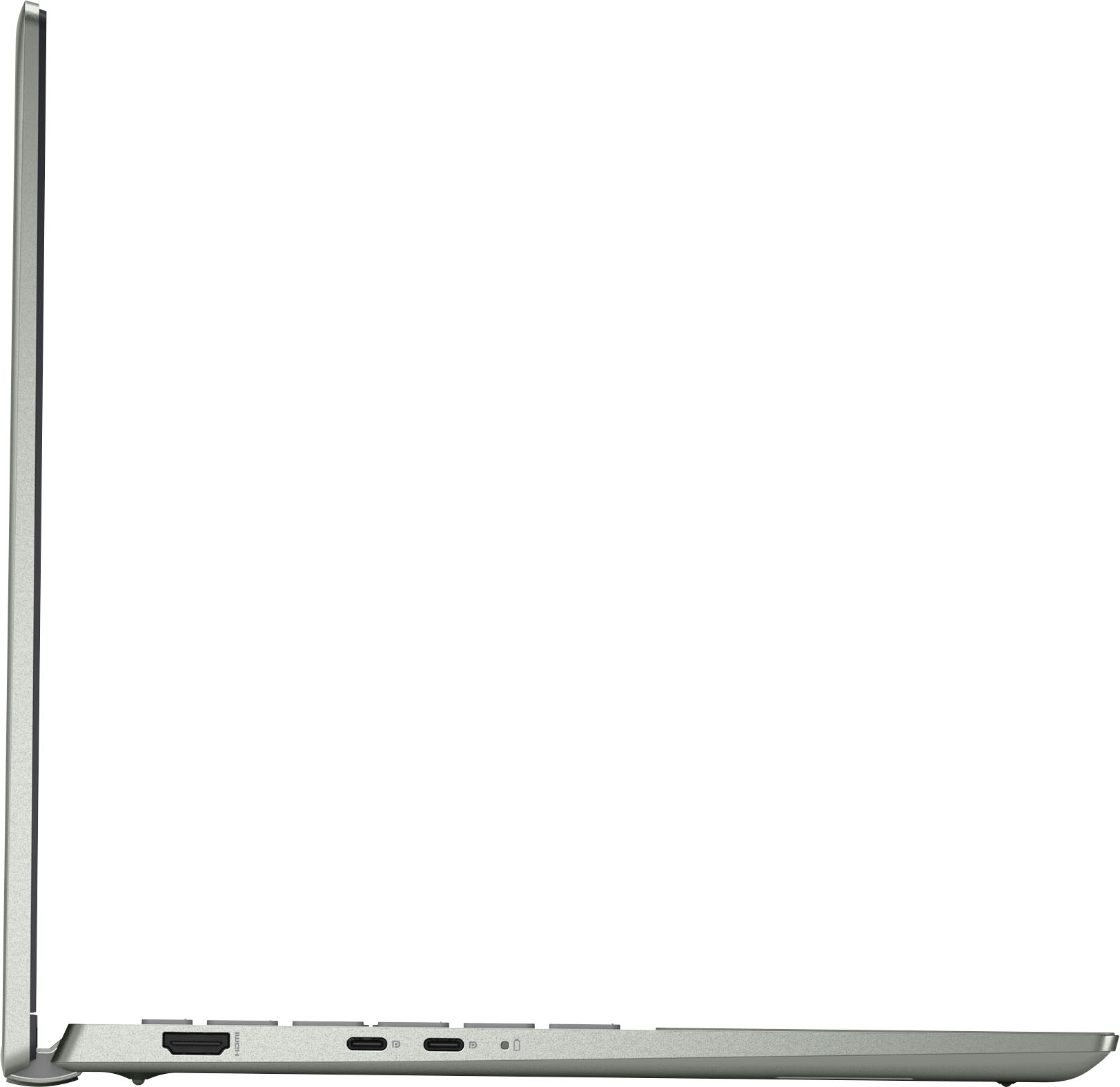
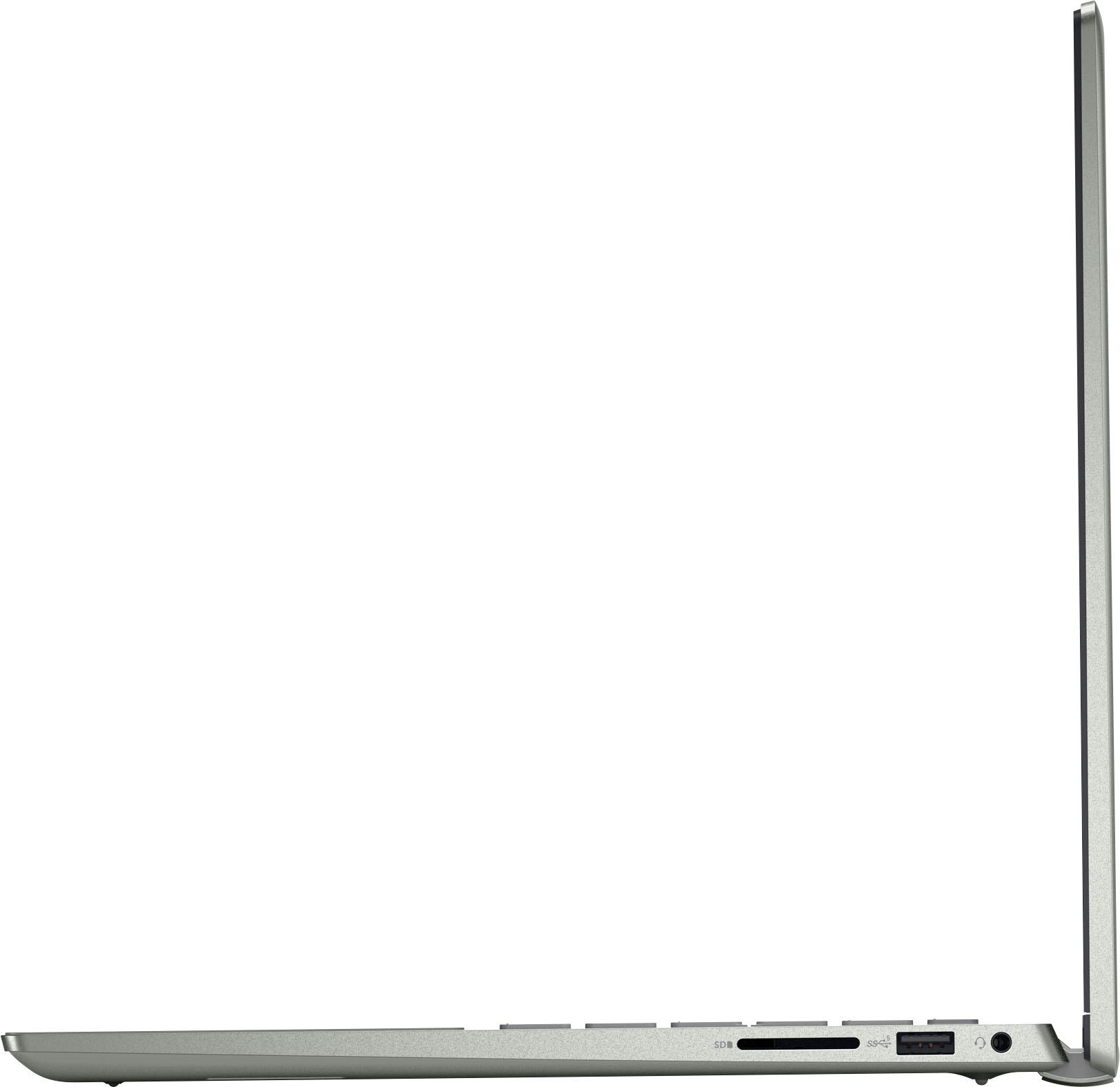
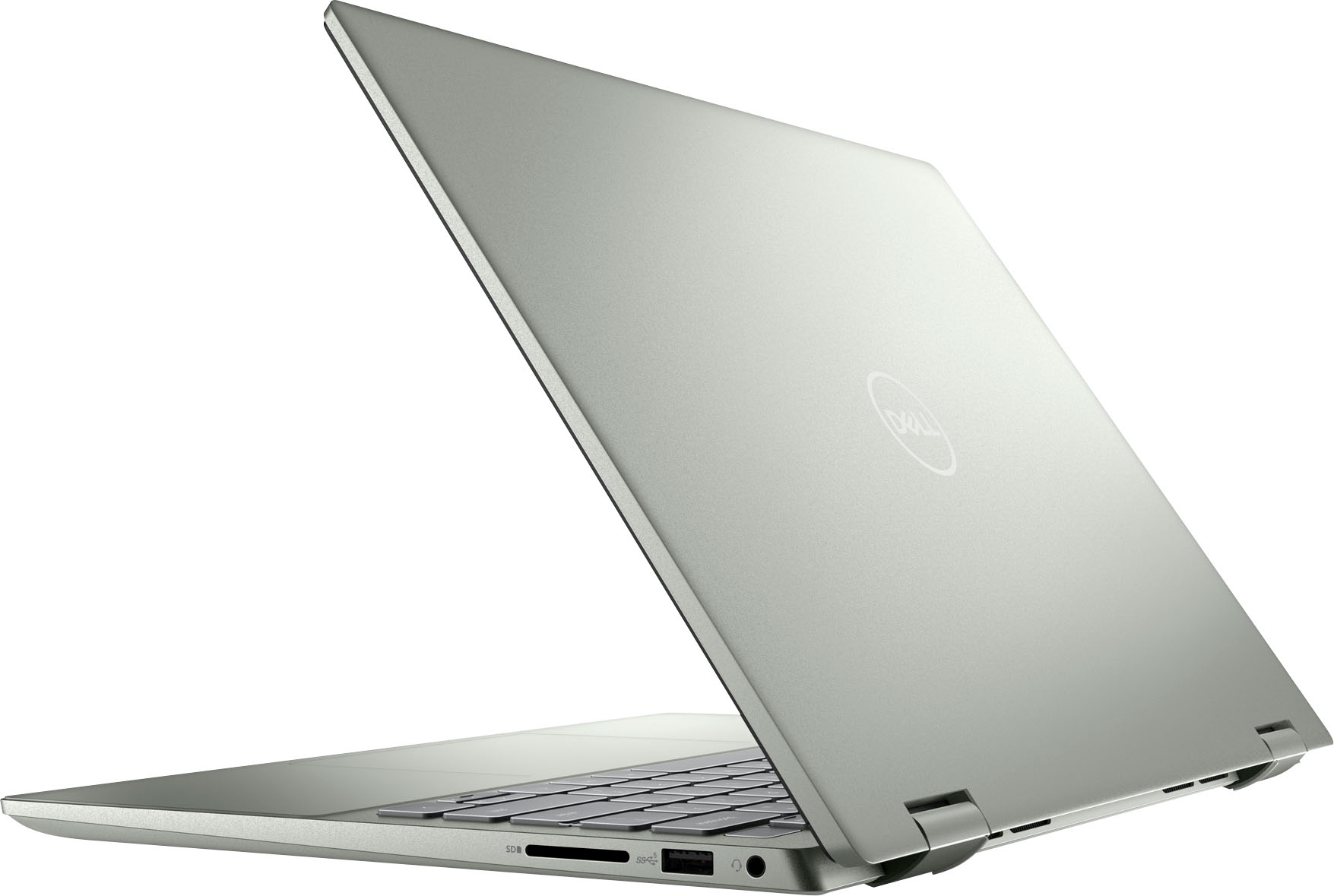
||Posted . Owned for 1 week when reviewed.This reviewer received promo considerations or sweepstakes entry for writing a review.Disappointed that this laptop had only one USB port connection. My other similar Inspirion [model 741] had broken and it had two USB ports. Now I have to buy an adapter.
I would recommend this to a friendBrand response from YourDellTeam
Posted .Hello There LeonardE,
Thank you for taking the time to leave a review of your Inspiron 7425. We are sorry to hear that you are not completely satisfied with the port availability on your device. That is not the type of feedback we like to hear from our customers. We have noted the details of your statement and will escalate them to our quality team for improvements on current and future products.
We recommend that you contact Dell directly with the information below if you need further assistance.
Chat or call: https://bit.ly/DellSupportTeam
Phone number to Dell: 1-800-624-9896.
Best,
Summer@Dell
- Pros mentioned:Touch screen
Buy it!!!
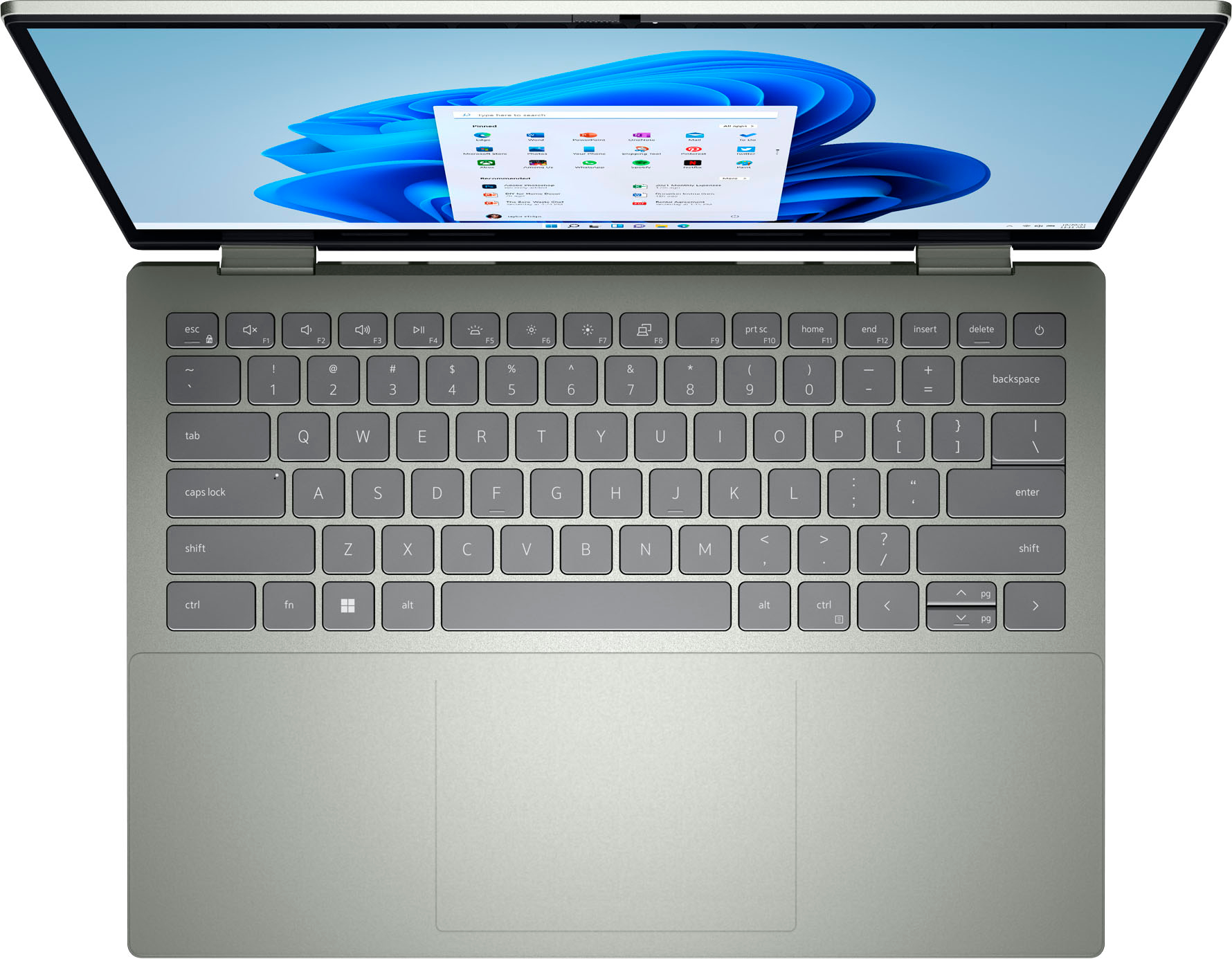
||Posted . Owned for less than 1 week when reviewed.This reviewer received promo considerations or sweepstakes entry for writing a review.So far so good. Very good keyboard feels like great quality, very quiet, and backlit. Touch screen is great and screen is wonderful! Very happy with this purchase
I would recommend this to a friend Motherboard died after 2 years,
||Posted . Owned for more than 2 years when reviewed.This reviewer received promo considerations or sweepstakes entry for writing a review.Motherboard died after 2 years, minimal usage. IT Software consultant here that uses Laptops all the time
No, I would not recommend this to a friendNot bad. But not good
||Posted . Owned for 1 month when reviewed.This reviewer received promo considerations or sweepstakes entry for writing a review.The lab top is very tight to open. The key pad you have to press really hard to get the cursor to move. Most importantly the battery doesn’t last long at all. Maybe two days
No, I would not recommend this to a friendBrand response from YourDellTeam
Posted .Hi DarrenM,
We appreciate you taking the time to leave a review of your Inspiron 7425. We are sorry to hear that you are experiencing an issue with your battery runtime. That is not the type of feedback we like to hear from our customers. Below I have provided troubleshooting steps to help resolve your issue.
Here are the steps to help improve the battery performance of your laptop:
1. On the notification area of the taskbar, right-click the Battery icon.
2. On the options list, click Power Options.
3. Select a power plan on the battery meter, such as Power Saver or Balanced. Windows 10 has a built-in 'Battery Saver' mode that can be activated to extend your system's battery life. The Battery Saver mode will monitor and limit background activity and other features such as push notifications. You do have the option to enable or disable this mode within settings or within advanced Battery Saver settings, you can customize the mode to best suit your needs.
a) Click on the Action Center icon in the taskbar and select the tile for Battery Saver.
b) If running Cortana, type Battery Saver into the search box and select from the results.
Within the Battery Saver settings page, you will be able to turn on and off the feature and customize the feature to best meet your needs.
c) Turn the Battery Saver On or Off.
d) Additional settings are available via the Battery use and Battery saver settings links.
e) Battery use shows further info on apps and their power usage.
f) Battery Saver Settings screen allows you to customize further the Battery Saver feature.
How to Improve the Performance of a Dell Laptop Battery: http://dell.to/2vfXWf4
Should you need further assistance; we recommend that you contact Dell directly with the information below.
Chat or call: https://bit.ly/DellSupportTeam
Phone number to Dell: 1-800-624-9896.
Best Regards,
Summer@Dell
- Pros mentioned:Performance
Love it
||Posted . Owned for 1 week when reviewed.This reviewer received promo considerations or sweepstakes entry for writing a review.I love this laptop. It will be perfect for my business and starting my MBA program. Not as lightweight as i hoped but works perfectly.
I would recommend this to a friend - Cons mentioned:Fan noise
Great computer
||Posted . Owned for 1 week when reviewed.This reviewer received promo considerations or sweepstakes entry for writing a review.Great computer!! I am in college, and I think it will be beneficial. The only downside is that when you do not update, it makes a loud fan noise.
I would recommend this to a friend - Pros mentioned:Performance
Wife loves it.
||Posted . Owned for 1 month when reviewed.This reviewer received promo considerations or sweepstakes entry for writing a review.First one got something spilled in it. Had it for almost 5 years. Wife loved it. Found this one on sale. She's happy again. Does everything she needs it to do.
I would recommend this to a friend Disappointed
||Posted . Owned for 4 months when reviewed.This reviewer received promo considerations or sweepstakes entry for writing a review.Disappointed that I can't get the solitaire game and no google for searching. The Geeks tried but still not fixed. Not a good choice.
No, I would not recommend this to a friendBrand response from YourDellTeam
Posted .Hey There RhondaF,
We want to thank you for taking the time to leave a review of your Inspiron 7425. We are sorry to hear that you are not completely satisfied with your device. That is not the type of feedback we like to hear from our customers, or the type of product Dell intends to deliver. We have noted the details of the statement and will use them to improve our current and future products.
Should you need further assistance, you can contact Dell directly with the information below.
Chat or call: https://bit.ly/DellSupportTeam
Phone number to Dell: 1-800-624-9896
Best,
Summer@Dell
- Cons mentioned:Fan noise
I love this laptop
||Posted .This reviewer received promo considerations or sweepstakes entry for writing a review.I’m really loving my purchase the more I use it. The only con I would say is the fan is kind of loud. I’m also having to charge a bit much.
I would recommend this to a friend Dell laptop review
||Posted .This reviewer received promo considerations or sweepstakes entry for writing a review.The Dell laptop is small and easy to tote. The keyboard is easy to use. The stylist design is attractive. I connected my dell laptop to my dell printer is seconds
I would recommend this to a friendNot great
||Posted . Owned for 2 weeks when reviewed.This reviewer received promo considerations or sweepstakes entry for writing a review.Purchased 2 for kids for Christmas, both devices give internet connection issues. One had to be exchanged, the other ine is about to have to go back as well.
No, I would not recommend this to a friendBrand response from YourDellTeam
Posted .Hi TK2019,
Thank you for taking the time to leave a review of your Inspiron 7425. We are sorry to hear that you are experiencing Wi-Fi connectivity issues on your device. That is not the type of feedback we like to hear from our customers. Before making the decision to return the second device we recommend following the troubleshooting steps to help resolve your issue.
1. Download and install the latest Wireless Card driver. (https://dell.to/2th3Tpe) After updating the driver, re-establish the connection with the Wireless Access Point and check the wireless performance.
2. If the issue persists, proceed to step 3.
3. Power-cycle the local network. Shut down the Dell system, the Wireless Access Point/Router and the Modem. Wait a minimum of 60 seconds before powering up the components in the following order:
4. Power ON the Modem, and wait for it to boot fully.
5. Power ON the Wireless Access Point/Router, and wait for it to boot fully.
6. Power ON the Dell system.
7. Open Network and Sharing Center
8. In the left side navigation pane, click on Change Adapter Settings
9. Right click on the wireless connection icon and select Properties followed by the Configure button
10. Under Wireless Options, select the Wireless N mode
11. For Windows 8 or later systems click the Advanced tab and look for 802.11n Mode on the right you will be given the option to Enable or Disable. If the mode is not visible you may need to update your drivers and firmware.
12. From the drop-down menu, choose Disable followed by Ok
13. This should restore the wireless download and upload speed.
14.Internet speed can be tested at http://speedtest.net.
Should you need further assistance; we recommend that you contact Dell directly with the information below.
Chat or call: https://bit.ly/DellSupportTeam
Phone number to Dell: 1-800-624-9896.
Best Regards,
Summer@Dell
- Pros mentioned:Weight
My new Dell
||Posted . Owned for 1 week when reviewed.This reviewer received promo considerations or sweepstakes entry for writing a review.So far so good. It's lightweight and doubles as a tablet. Screen not as big, but that's okay too. Overall all and so for I like it. Oh and no 10key but no worries
I would recommend this to a friend - Pros mentioned:Touch screen
Great 2-in-one Computer
||Posted . Owned for 1 month when reviewed.This reviewer received promo considerations or sweepstakes entry for writing a review.The response rate of the computer is very fast. I love the touch screen and the way it folds into a tablet. It is also a nice portable size for traveling.
I would recommend this to a friend Dell-Inspiron Laptop
||Posted . Owned for 3 weeks when reviewed.This reviewer received promo considerations or sweepstakes entry for writing a review.Loving this new laptop so far! have experienced no problems I like the backlit keys as well as the size is perfect. It is not too big and not too small.
I would recommend this to a friendMicroscosoft 365
||Posted . Owned for 1 month when reviewed.This reviewer received promo considerations or sweepstakes entry for writing a review.I am just getting started to learn Microsoft programs. I was trying to get the office home n student loaded to use, Microsoft 365 was trying to get me to load it, trying to sway me into purchasing the 365, or try. Well before I knew it? I had purchased 365 n tried to download. So office is not really opperatible. Trying to see if I can get 365 to work. Own both programs, and paid for. Thank
I would recommend this to a friend- Pros mentioned:Speed
It’s good for price
||Posted . Owned for 1 month when reviewed.This reviewer received promo considerations or sweepstakes entry for writing a review.Love that it’s 2-1 laptop for work stuff tablet for browsing fast everything feels smooth
I would recommend this to a friend Great
||Posted . Owned for 5 months when reviewed.This reviewer received promo considerations or sweepstakes entry for writing a review.I love this computer, but it may be user error, but it and I are becoming familiar with Geek Squad. Software and Hardware problems.
I would recommend this to a friendBrand response from YourDellTeam
Posted .Hi MarciaG,
We value your feedback and want to thank you for taking the time to leave a review of your Inspiron 7425. We are happy to hear that you are enjoying your device but are sorry to hear you are experiencing a hardware issue. That is not the type of product Dell intends to deliver or the type of feedback we like to hear from our customers. We would love to help you resolve your issue. At your convenience we recommend using the toll-free number or chat link below to reach a member of our support team.
We recommend that you contact Dell directly with the information below if you need further assistance.
Chat or call: https://bit.ly/DellSupportTeam
Phone number to Dell: 1-800-624-9896.
Best,
Summer@Dell
BUY NEW!! Not open box
||Posted . Owned for 1 week when reviewed.This reviewer received promo considerations or sweepstakes entry for writing a review.I bought this as an open box-excellent, which was probably my mistake. It worked well for a day & then the battery died. While I was using it, it was great. The display was clear. I loved the backlit keyboard. I could have multiple tabs open & nothing would freeze. Super easy to use. If it was new, I’m sure it would’ve been great.
I would recommend this to a friendBest computer
||Posted . Owned for less than 1 week when reviewed.This reviewer received promo considerations or sweepstakes entry for writing a review.I love my laptop so much. It’s quick and I’m able to do my work and school work on it. The battery life is amazing and I can connect my device for music
I would recommend this to a friend