Customer Ratings & Reviews





- Model:
- i7425-A242PBL-PUS
- SKU:
- 6503229
Rating by feature
- Battery Life
Rating 4.4 out of 5 stars
- Speed
Rating 4.6 out of 5 stars
- Display
Rating 4.6 out of 5 stars
Customers are saying
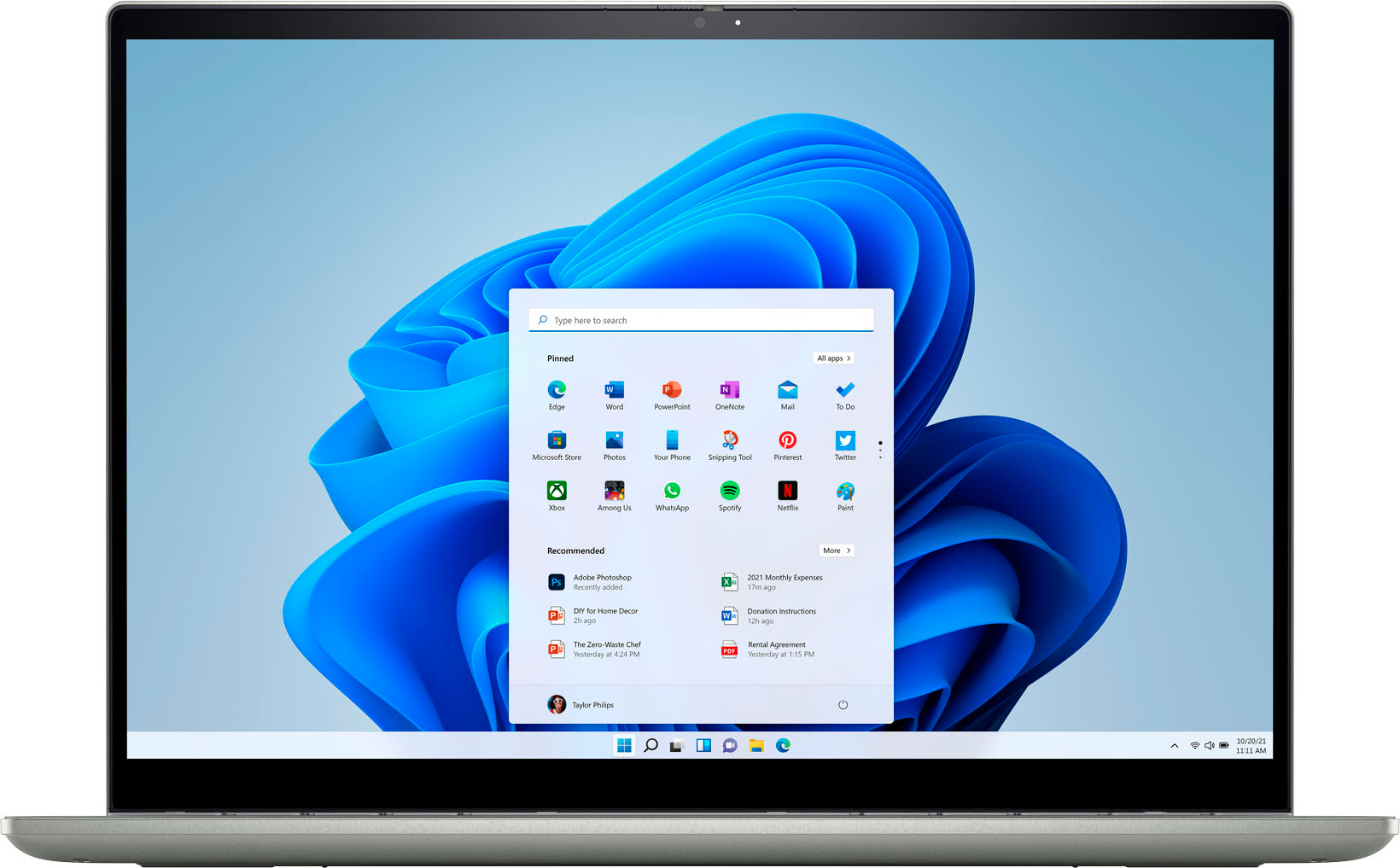
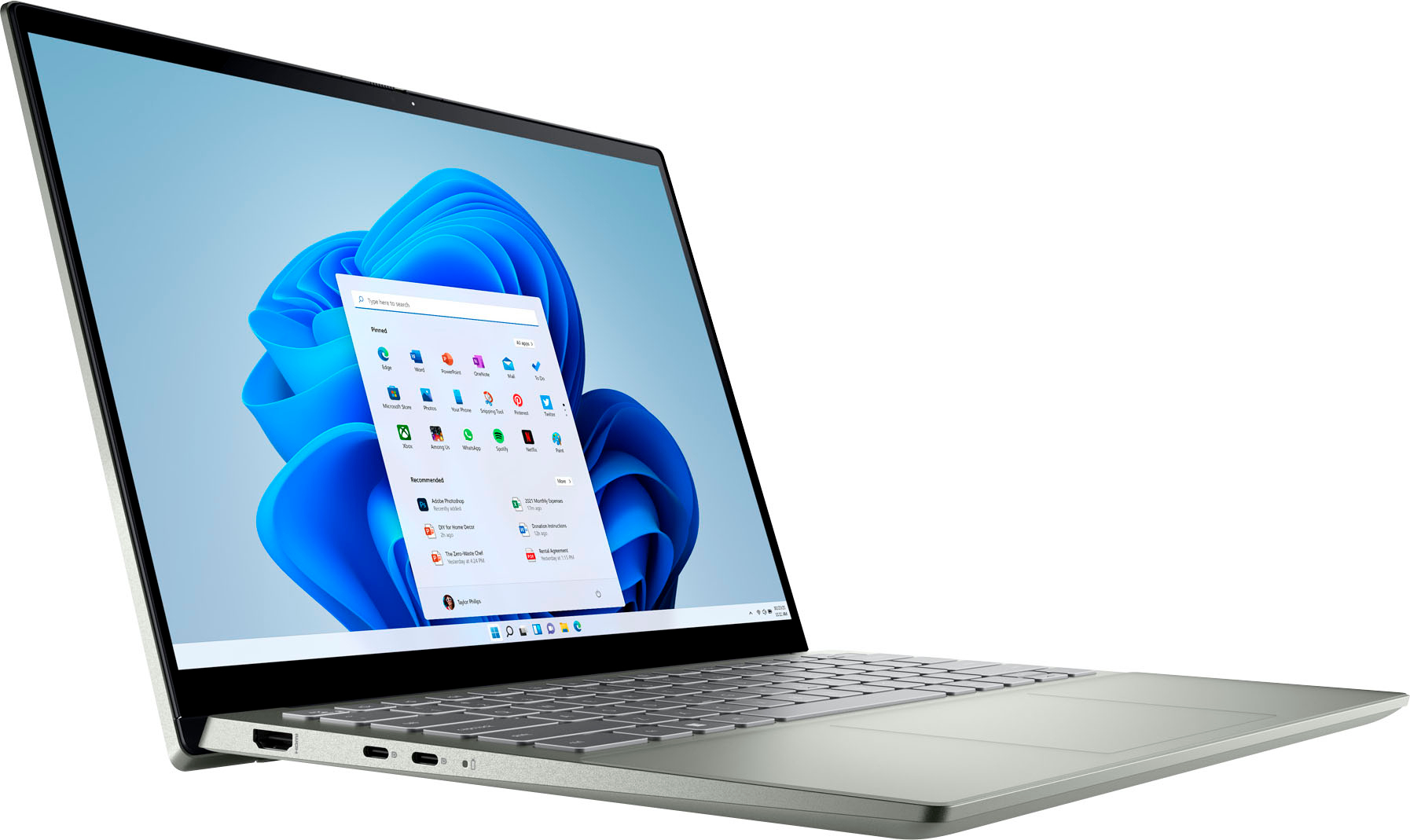
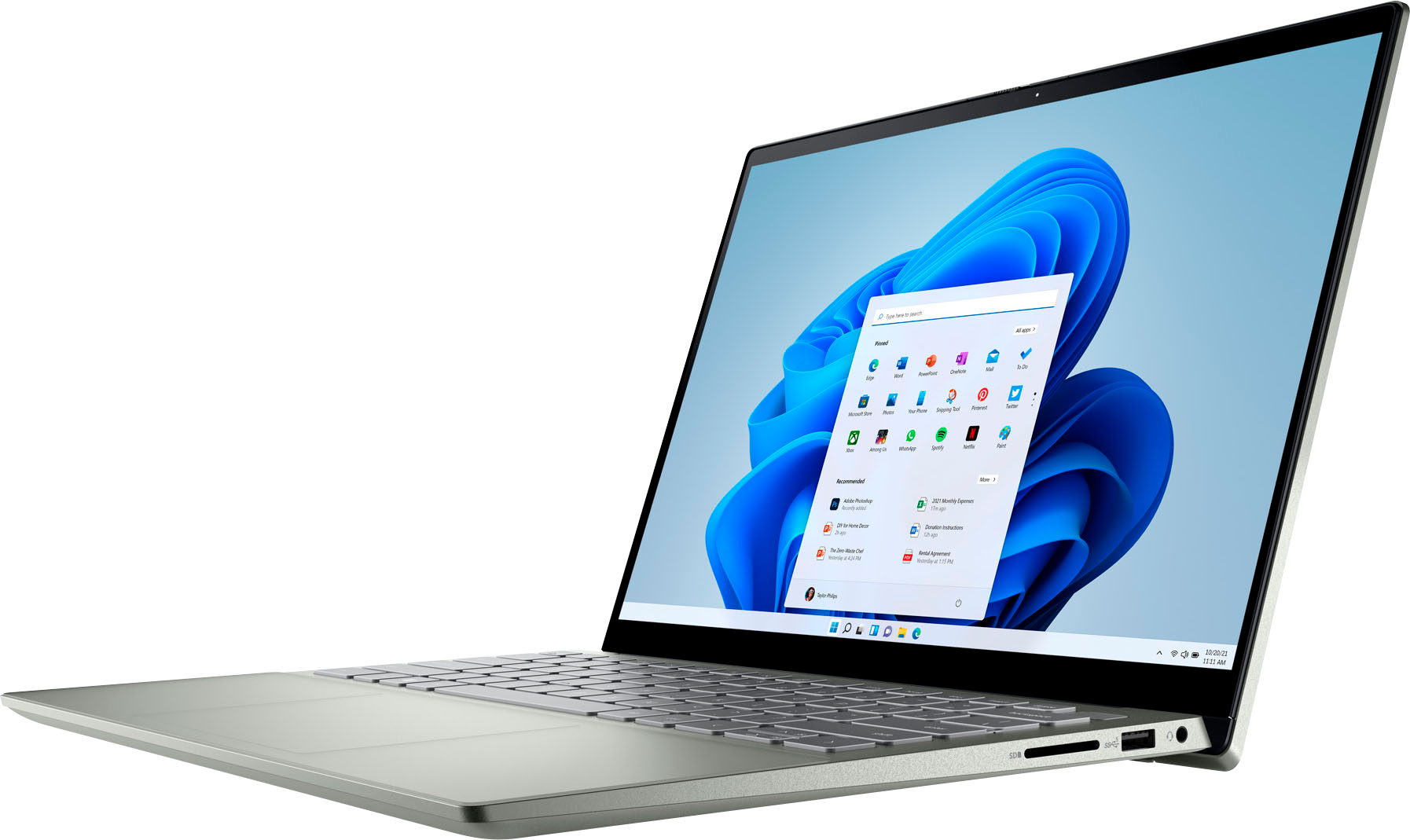
Customers find value in the Inspiron 2-in-1 laptop's touchscreen, ease of use, and performance. Many appreciate its lightweight design, good battery life, and appropriate size. Positive feedback also highlights the fast SSD and competitive price point. While some users noted fan noise, the overall customer sentiment is overwhelmingly positive.
This summary was generated by AI based on customer reviews.
Great laptop
Posted .This reviewer received promo considerations or sweepstakes entry for writing a review.Great laptop. Love that it folds into a tablet also.
I would recommend this to a friendExcelente producto
Posted .This reviewer received promo considerations or sweepstakes entry for writing a review.Perfecto todo. Perfecto todo. Perfecto todo. Perfecto todo
I would recommend this to a friendGreat laptop, but burns your fingers
Posted .This reviewer received promo considerations or sweepstakes entry for writing a review.The laptop is overall great, however I find it ridiculous that the fan makes the keyboard too hot to touch occasionally, whats the point in a laptop keyboard if its to hot too touch??
No, I would not recommend this to a friendBrand response from YourDellTeam
Posted .Dear KaylaM,
We value your feedback and want to thank you for taking the time to leave a review of your Inspiron 7425. We are sorry to hear that you are experiencing an issue with your keyboard overheating. That is not the type of feedback we like to hear from our customers, or the type of product Dell intends to deliver. Below I have provided a troubleshooting link to help resolve your issue.
Keyboard Troubleshooting Link: https://rb.gy/z5kw8
If you continue to experience issues, please reach out to Dell Support directly by using the information provided below.
Chat or call: https://bit.ly/DellSupportTeam
Phone number to Dell: 1-800-624-9896
Best,
Summer@Dell
- Cons mentioned:Fan noise
Only lasts 3 years max
Posted .This reviewer received promo considerations or sweepstakes entry for writing a review.First one i bought in 2017 and eventually developed an audio issue that ended up worsenif over time to also effect the bluetooth audio. It was an issue with the motherboard thar could not br fixed when taken to the GeekSquad. Second same computer bought in 2020 and now has a fan that is always loudly running, will never turn on unless its plugged in, does not go above 50% charged no matter how long I’ve charged it, only operates in “Manufacturing Mode” no matter what i do, and everything runs extremely slowly. Im worried there’s another issue with the motherboard that cannot be fixed.this laptop is not worth it. I need a conputer that will kast longer than 3 years. I like the idea of this computer, but itshorrible quality. .
No, I would not recommend this to a friendBrand response from YourDellTeam
Posted .Greetings Leelee,
Thank you for taking the time to leave a review of your Inspiron 7425. We are sorry that you are experiencing an issue with fan noise and the performance of your device. That is not the type of feedback we like to hear from our customers. Below I have provided troubleshooting steps to help resolve your issues and troubleshooting links that will offer more information.
1. Click Start and select Settings (gear icon).
2. Click Update & Security and select Troubleshoot.
3. Click Recording Audio and then click Run the troubleshooter.
4. Follow the on-screen instructions to complete the troubleshooting process.
This link can also help when identifying your audio issues: http://bit.ly/3gnBhT3
System Performance Link: https://dell.to/3yqre8r
Should you need further assistance; we recommend that you contact Dell directly with the information below.
Chat or call: https://bit.ly/DellSupportTeam
Phone number to Dell: 1-800-624-9896.
Sincerely,
Summer@Dell
Thanks for all you do for your customers
Posted .This reviewer received promo considerations or sweepstakes entry for writing a review.Great love it thanks. Awesome staff. Thanks for all you do
I would recommend this to a friend2000s slow
Posted .This reviewer received promo considerations or sweepstakes entry for writing a review.Unfortunately is not a wonderful computer. Very slow and rather disappointing for $500
No, I would not recommend this to a friendBrand response from YourDellTeam
Posted .Hi LeviB,
Thank you for taking the time to leave us your review. We are sorry to hear that you are experiencing slow performance issues with your Inspiron 7425. It's important for us to hear about inconsistencies in our products for consideration of future development. Below I have provided steps with the full article that can help you with slow performance issues with your laptop.
Here are the steps to help you with slow performance issues:
1. Run the automated tools in SupportAssist to ensure that the drivers are up to date and your computer is optimized.
2. Restart the computer
3. Run a hardware diagnostic test
4. Scan your computer for malware
5. Restore the computer using Windows System Restore
6. Restore the computer to factory default settings
You can read the article that can help you with slow performance issues here: https://dell.to/3yqre8r
If you continue to experience issues, please reach out to Dell Support directly by using the information provided below.
If you still experience any issues after you have finished troubleshooting your device using the steps above, please reach out to us at: https://bit.ly/DellSupportTeam.
Chat or call: https://bit.ly/DellSupportTeam
Phone number to Dell: 1-800-624-9896
Best,
Summer@Dell
THIS COMPUTER IS BAD
Posted .This reviewer received promo considerations or sweepstakes entry for writing a review.Worst computer ever for gaming, cant even run fortnite at 60 fps at lowest settings, its an average of 10 fps.
No, I would not recommend this to a friendBrand response from YourDellTeam
Posted .Dear BraydenB,
Thank you for taking the time to leave a review of your Inspiron 7425 touch laptop. We are sorry to hear that you are not satisfied with this device for gaming. That is not the type of product Dell intends to deliver, or the type of feedback we like to hear from our customers. We have noted the details of your statement and will use them to improve current and future products. If you need further assistance, I have provided the toll-free number and chat link below to our Support team for your convenience.
Should you need further assistance; we recommend that you contact Dell directly with the information below.
Chat or call: https://bit.ly/DellSupportTeam
Phone number to Dell: 1-800-624-9896.
Best,
Summer@Dell