Customer Ratings & Reviews
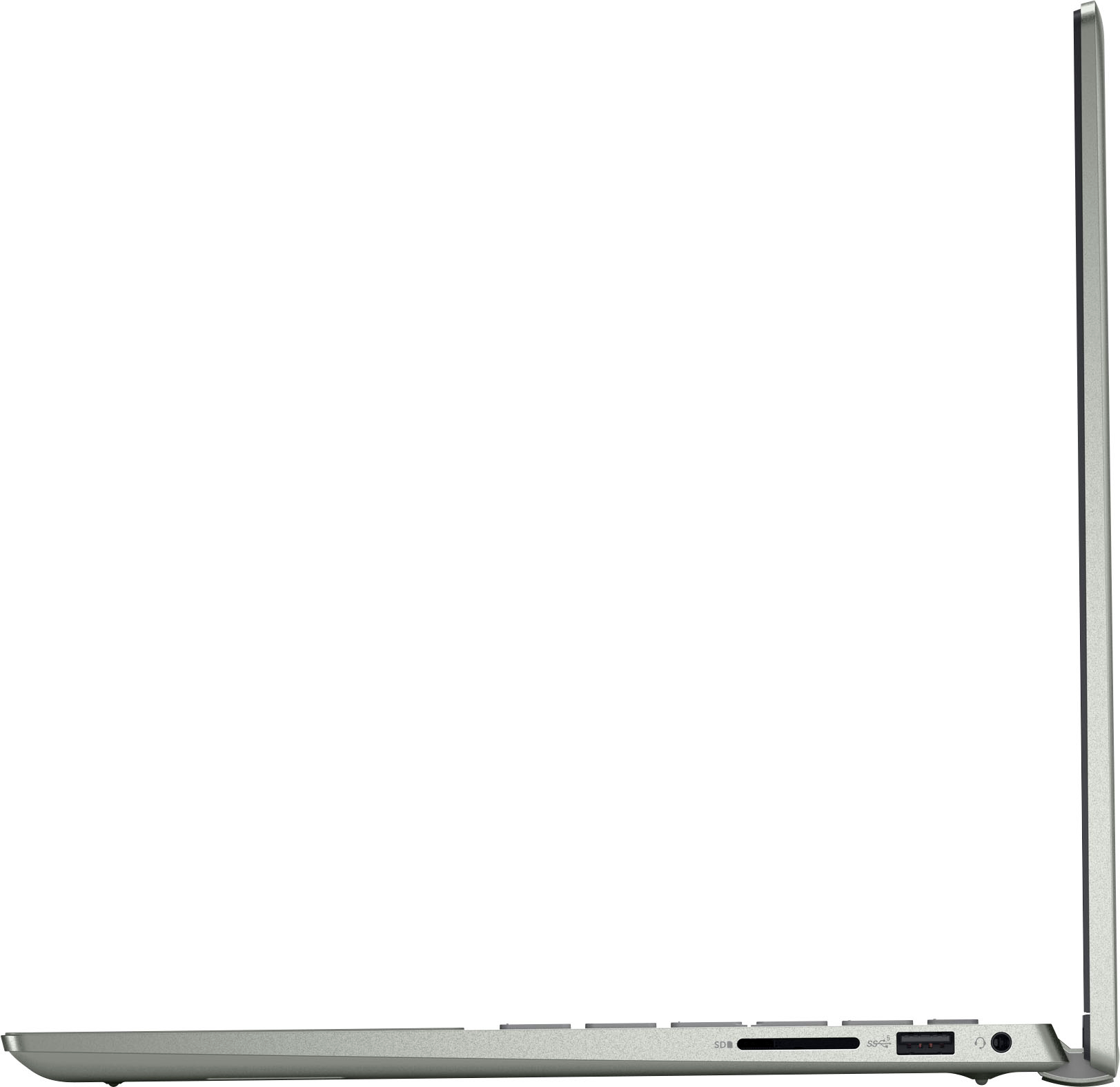
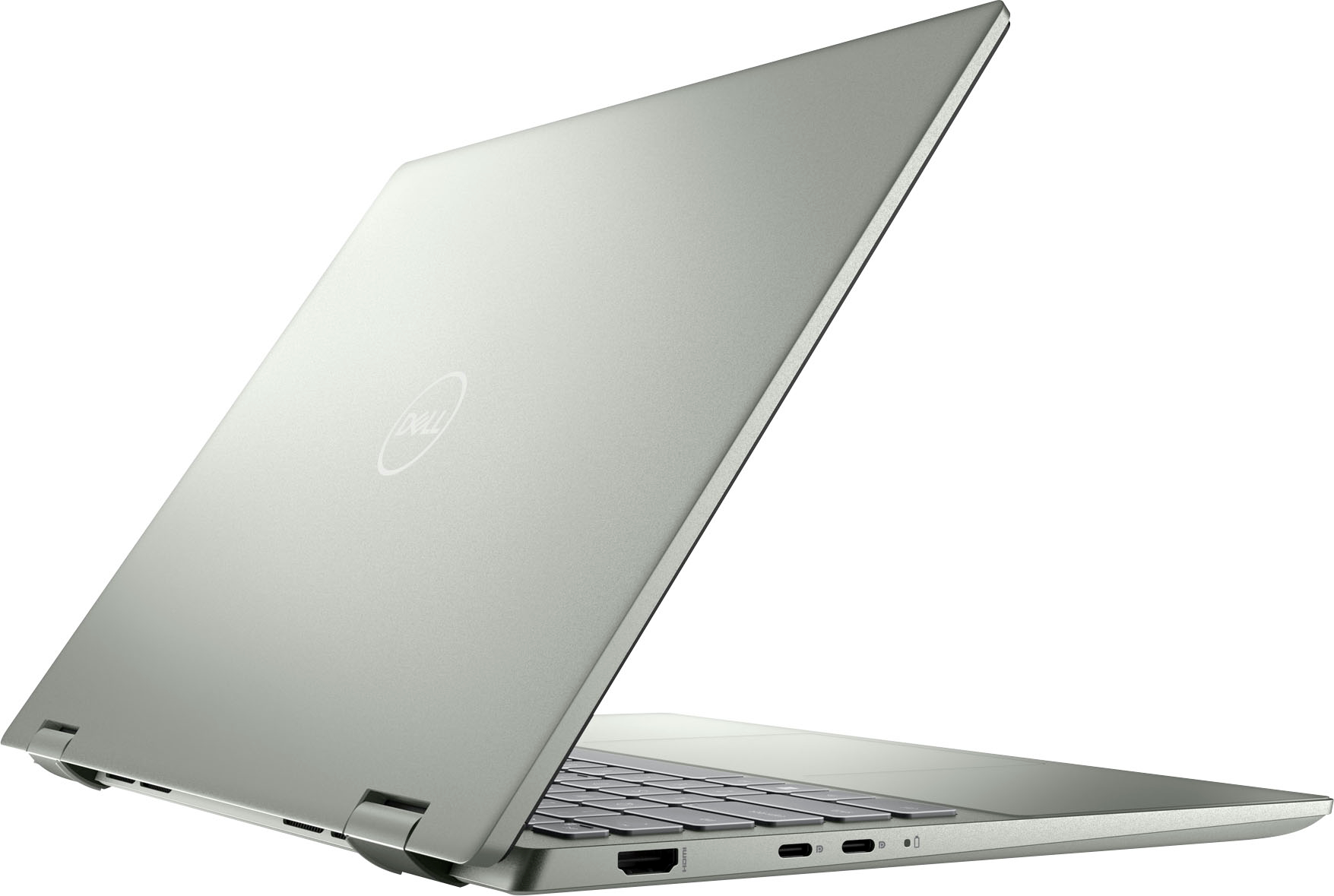
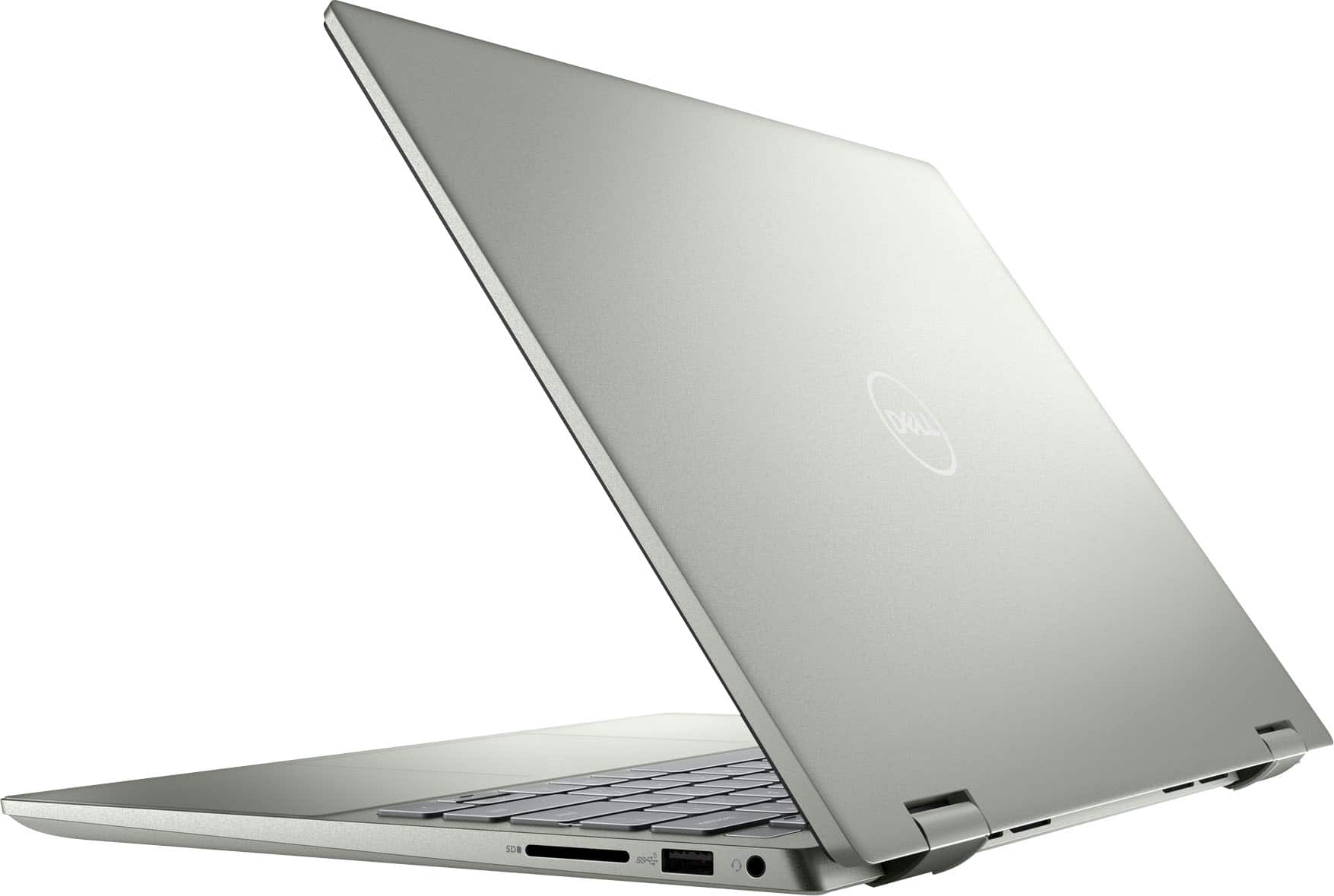
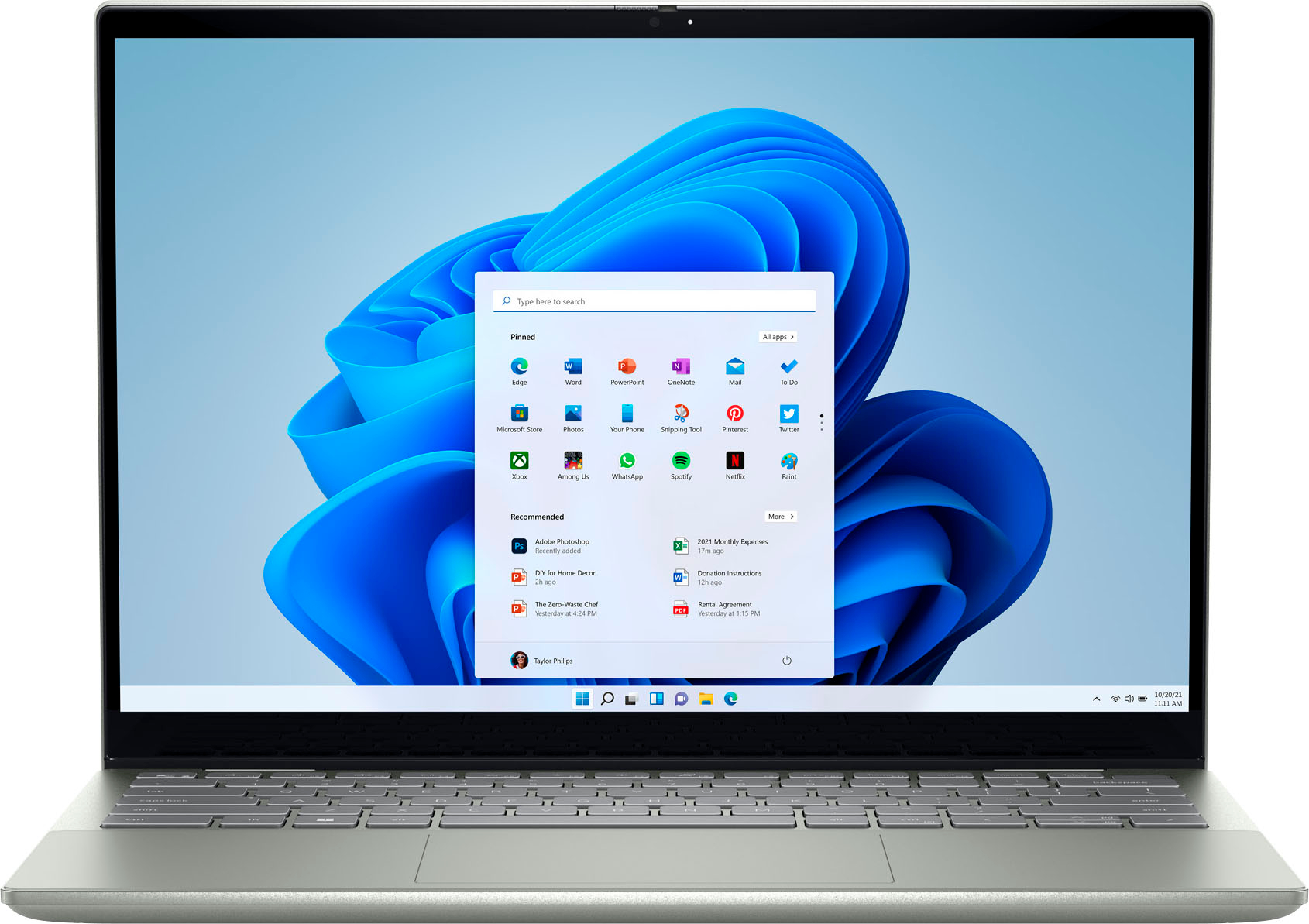




- Model:
- i7425-A266PBL-PUS
- SKU:
- 6503233
Rating by feature
- Battery Life
Rating 4.4 out of 5 stars
- Speed
Rating 4.5 out of 5 stars
- Display
Rating 4.5 out of 5 stars
Customers are saying
Customers are delighted by the Inspiron 2-in-1 laptop's performance, ease of use, and touchscreen functionality. Its lightweight design and good battery life also receive high praise, making it convenient for portability. While some users noted the fan can be noisy at times and there have been reports of hinge issues, the positive feedback on performance and usability outweighs these concerns. The ample RAM and storage are also frequently cited as positive aspects.
This summary was generated by AI based on customer reviews.
good at home computer
||Posted . Owned for 2 months when reviewed.This reviewer received promo considerations or sweepstakes entry for writing a review.Ive had this computer for about 2 months now. It is a great computer aside from recent issues with the wifi driver. its portable, lightweight, great size and functions well for at home work (aside from new wifi issue). top of the line computers recommended for at home work are to expensive but this is a common middle ground if you cant afford the more expensive ones.
I would recommend this to a friendIt’s okay
||Posted . Owned for 8 months when reviewed.This reviewer received promo considerations or sweepstakes entry for writing a review.It’s a good laptop for schoolwork and everyday stuff, but the touchscreen is subpar IMO. If you’re looking for something to do graphic design or drawing then an iPad would probably be better.
No, I would not recommend this to a friendBrand response from YourDellTeam
Posted .Greetings Oswin,
Thank you for taking the time to leave a review of your Inspiron 7425. We are sorry to hear that you are not completely satisfied with the touchscreen on your device. That is not the type of feedback we like to hear from our customers, or the type of product Dell intends to deliver. We have noted the details of your statement and will use them to improve current and future products. If you need further assistance, I have provided the toll-free number and chat link below to reach a member of our support team.
We recommend that you contact Dell directly with the information below if you need further assistance.
Chat or call: https://bit.ly/DellSupportTeam
Phone number to Dell: 1-800-624-9896.
Best,
Summer@Dell
Perfect for college
||Posted . Owned for 1 month when reviewed.This reviewer received promo considerations or sweepstakes entry for writing a review.Perfect for College work! If you’re writing papers/ researching it will do everything you need.
I would recommend this to a friendHighly Satisfied
||Posted . Owned for 3 weeks when reviewed.This reviewer received promo considerations or sweepstakes entry for writing a review.I have just started being able to use it so cannot yet say how much I like it. However, I do want to say that what has made this purchase so good for me is that two great guys from the Geek Squad came to my home and set it up for me completely, solving some issues with the wi-fi as well. I am so grateful that they were available to do so. Thank you, Best Buy, for a great experience and a new computer.
I would recommend this to a friendGreat configurations
||Posted . Owned for 1 week when reviewed.This reviewer received promo considerations or sweepstakes entry for writing a review.Great specs with amazing looks. Very quick to startup and amazing video/audio.
I would recommend this to a friendlaptop
||Posted . Owned for 8 months when reviewed.This reviewer received promo considerations or sweepstakes entry for writing a review.great laptop touch pad is larger than my older dell and it folds better
I would recommend this to a friendbest basic and school uses laptop for the buck
||Posted . Owned for 2 months when reviewed.This reviewer received promo considerations or sweepstakes entry for writing a review.this is second dell amd 2-in-1 laptop we bough within six month, both work great.
I would recommend this to a friendGood
||Posted . Owned for 1 month when reviewed.This reviewer received promo considerations or sweepstakes entry for writing a review.An excellent notebook I recommend it to everyone it was a great purchase
I would recommend this to a friendReturned It
||Posted . Owned for 1 month when reviewed.This reviewer received promo considerations or sweepstakes entry for writing a review.It seemed like it was a good computer. Then I started having issues controlling the cursor. It would just become unresponsive. I erased the computer. I contacted Dell who said they would replace the trackpad. I had to close the lid or restart the computer to get it to work. I went on forums. Seemed more like a software issue due to it working after just putting the screen down or restarting the computer. When I went online and saw others with the same issue, all Dell computers running Windows 11 with no solution for years, I just returned the computer and bought a Samsung.
No, I would not recommend this to a friendBrand response from YourDellTeam
Posted .Hi There NotaFan,
Thank you for taking the time to leave a review of your Inspiron 2-in-1 laptop. We are sorry to hear that you were experiencing an issue with the trackpad of your device and made the decision to return it. That is certainly not the experience we like to hear from our loyal customers. We will share your feedback with our quality team so that improvements can be made to our current and future products.
Should you need further assistance; we recommend that you contact Dell directly with the information below.
Chat or call: https://bit.ly/DellSupportTeam
Phone number to Dell: 1-800-624-9896.
Regards,
Summer@Dell
Dual laptop/tablet
||Posted . Owned for 3 weeks when reviewed.This reviewer received promo considerations or sweepstakes entry for writing a review.So far so good. Ask me in about 6 months :) but it’s a very versatile pc. Love it so far.
I would recommend this to a friend- Pros mentioned:Processor speed
Very Glitchy Mouse / Keyboard & Poor Battery Life
||Posted . Owned for 3 weeks when reviewed.This reviewer received promo considerations or sweepstakes entry for writing a review.The machine runs well enough in terms of speed and how many things I can have open. However, the mouse and keyboard frequently and randomly stop working. I have to repeatedly fold the screen into tablet mode and back to make them work again. I have to do this about every 3 minutes. It is nearly impossible to get work done this way and this is my dedicated work computer. Stuff that should take 10 minutes takes 30 minutes or more. Using the touch screen keyboard is not efficient for legit typing and the touch screen isn’t adequate when I need to move through several windows quickly. I need the real mouse and keyboard to work consistently. I see why it was on sale for 25% off. Also, the mouse is pretty terrible. It doesn’t click well. I have to click 4-5 times before it registers that I’ve clicked. It also doesn’t stay over what I’m clicking on. It will often slide up when I click and select something I wasn’t trying to select. The battery depletes very quickly. A full charge gets you about 60 minutes of continual use. My elderly Apple can still go 3-4 times that long. The charger does not fit well into the port so the computer will not always charge when plugged in. You have to really check and jiggle the cable to make sure it charges. I only bought this because a work program that I need is only operable on windows. I will continue to use Apple products for all my personal needs. I may need to replace this Dell for a more reliable work machine which will be a giant waste of money,
No, I would not recommend this to a friendBrand response from YourDellTeam
Posted .Dear Velma,
We appreciate you taking the time to leave us your review. We are sorry to hear about the issues you have come across with your Dell Inspiron 7420 2-in-1 computer because its mouse and keyboard are not reliable, the charging cable does fit right into the charging port and the battery is not performing as you expected. This is certainly not the experience that we like to hear from our customers. We appreciate your feedback and will use it to help improve our current and future products.
To help with mouse and keyboard issues, please make sure that you have downloaded the latest system update. Below I have provided a link to the Drivers and Downloads Page, where you could check for any applicable updates.
Drivers and Downloads Page: https://dell.to/3QJLpaJ
We recommend changing the Power Plan, which should help with a battery performance issue:
1. On the notification area of the taskbar, right-click the Battery icon.
2. On the options list, click Power Options.
3. Select a power plan on the battery meter, such as Power Saver or Balanced. Windows 10 has a built-in 'Battery Saver' mode that can be activated to extend your system's battery life. The Battery Saver mode will monitor and limit background activity and other features such as push notifications. You do have the option to enable or disable this mode within settings or within advanced Battery Saver settings, you can customize the mode to best suit your needs.
a) Click on the Action Center icon in the taskbar and select the tile for Battery Saver.
b) If running Cortana then type Battery Saver into the search box and select from the results.
Within the Battery Saver settings page, you will be able to turn on and off the feature and customize the feature to best meet your needs.
c) Turn the Battery Saver On or Off.
d) Additional settings are available via the Battery use and Battery saver settings links.
e) Battery use shows further info on apps and their power usage.
f) Battery Saver Settings screen allows you to customize further Battery Saver features.
You can read the full article here - http://dell.to/2vfXWf4
To help resolve the issue with the charging port, or if any of the other issues still persist, please take a moment to contact Dell Support Team at the information provided below at your earliest convenience.
Best,
Katarina@Dell
Should you need further assistance, you can contact Dell directly with the information below.
Chat or call: https://bit.ly/DellSupportTeam
Phone number to Dell: 1-800-624-9896
Literally the worst computer I have ever owned
||Posted . Owned for more than 2 years when reviewed.This reviewer received promo considerations or sweepstakes entry for writing a review.I’ve built/owned PC’s as well as macs since i was a kid and this was an emergency purchase as a school pc. Besides all of the usual uneeded software these things come with nowdays, this thing has given me problems since day 1. The touch screen feature is terrible because it automatically will turn on and disable your mousepad..ive tried fixing this mutiple times, but it seems to somehow reset itself. It finally self destructed today after only 2 years and wont stay on for more than 5min, without freezing..im sure i can create a bootable drive to factor reset it, but i cant stand this thing anymore. Never buying a Dell, or a touch screen laptop again.
No, I would not recommend this to a friendsatisfied customer
||Posted . Owned for 1 month when reviewed.This reviewer received promo considerations or sweepstakes entry for writing a review.staffed helped with selectin and Geek squad was outstanding with set up,
I would recommend this to a friendVery good
||Posted . Owned for 1 month when reviewed.This reviewer received promo considerations or sweepstakes entry for writing a review.Good laptop for students with maximum specification’s possible at this price
I would recommend this to a friendLaptop problems
Posted .This reviewer received promo considerations or sweepstakes entry for writing a review.I purchased this computer in 08/2022 to use for my medical school, switching from Apple after 9 years. This $1000 valuated computer on Bestbuy has been abysmal. I do not recommend it for anyone who often uses a computer. In fact, after 4 visits to the Geeksquad in my area, I have been recommended to never get another Dell computer by a prior Geeksquad employee I know. If you're not to use Apple, they recommended Lenovo. My problems have been persistent static and popping from the speakers (for which my laptop was sent to Dell where new speakers and a motherboard was replaced, but no improvement was seen), screen freezing, computer going dark, documents getting blurry, computer not connecting to my Bluetooth devices, the WIFI and Bluetooth option literally disappearing, and dropping of connection to headphones randomly, amongst many other technical difficulties. Geeksquad recommended for me to reach out to Dell, as there is nothing else they can do. They have mentioned this is a common problem with Dell laptops so watch out! I called today, hoping the issue could be solved. I'm dreaming of getting my money back, but at the least I'm hoping I can be given a new computer. I'll update on what happens! To be clear though, Bestbuy was helpful!
No, I would not recommend this to a friendBrand response from YourDellTeam
Posted .Hi Luisl,
Thank you for taking the time to leave a review of your Inspiron 7425. We are sorry to hear that you are experiencing an issue with your audio and screen freezing. That is not the type of feedback we like to hear from our customers, or the type of product Dell intends to deliver. Below I have provided troubleshooting steps to help with the audio issue and a link to help resolve the screen freezing.
1. Click Start and select Settings (gear icon).
2. Click Update & Security and select Troubleshoot.
3. Click Recording Audio and then click Run the troubleshooter.
4. Follow the on-screen instructions to complete the troubleshooting process.
This link can also help when identifying your audio issues: http://bit.ly/3gnBhT3
Troubleshooting Display Issues: https://dell.to/3dzLrmI
Should you need further assistance; we recommend that you contact Dell directly with the information below.
Chat or call: https://bit.ly/DellSupportTeam
Phone number to Dell: 1-800-624-9896.
Sincerely,
Summer@Dell
Everything looks good, until you start the work…
||Posted . Owned for 3 weeks when reviewed.This reviewer received promo considerations or sweepstakes entry for writing a review.Everything looks good, until you start the work. There’s a statistical electricity problem with my laptop. You cannot listen music or video because of distortion.
No, I would not recommend this to a friendBrand response from YourDellTeam
Posted .Hey There SerhatD,
We value your feedback and want to thank you for taking the time to leave a review of your Inspiron 7425. We are sorry to hear that you are experiencing an electrical problem with your device. That is not the type of feedback we like to hear from our customers, or the type of product Dell intends to deliver. We have noted the details of your statement and will use them to improve current and future products.
We recommend that you contact Dell directly with the information below if you need further assistance.
Chat or call: https://bit.ly/DellSupportTeam
Phone number to Dell: 1-800-624-9896.
Best,
Summer@Dell
Does the Job
||Posted . Owned for less than 1 week when reviewed.This reviewer received promo considerations or sweepstakes entry for writing a review.I was looking for a replacement for my 7-year-old laptop. I don't use it as a tablet and I disabled the touch screen. I like the design; it works with my WD19 Dell docking station.
I would recommend this to a friendHappy
||Posted . Owned for 3 weeks when reviewed.This reviewer received promo considerations or sweepstakes entry for writing a review.Great buy! Looked at other products but this one was the best fit
I would recommend this to a friendA great laptop for the money
||Posted . Owned for 1 month when reviewed.This reviewer received promo considerations or sweepstakes entry for writing a review.Very nice middle of the road laptop Quick startups and functions
I would recommend this to a friend- Pros mentioned:Processor speed
A good one!
||Posted . Owned for 2 weeks when reviewed.This reviewer received promo considerations or sweepstakes entry for writing a review.A nice machine. It is quite fast and connects to wifi easily. Camera quality is great. My kid uses it for gaming, long distance video communication, writing, and photo editing. All around great device.
I would recommend this to a friend