Customer Ratings & Reviews




- Model:
- i7425-A266PBL-PUS
- SKU:
- 6503233
Rating by feature
- Battery Life
Rating 4.4 out of 5 stars
- Speed
Rating 4.5 out of 5 stars
- Display
Rating 4.5 out of 5 stars
Customers are saying
Customers are delighted by the Inspiron 2-in-1 laptop's performance, ease of use, and touchscreen functionality. Its lightweight design and good battery life also receive high praise, making it convenient for portability. While some users noted the fan can be noisy at times and there have been reports of hinge issues, the positive feedback on performance and usability outweighs these concerns. The ample RAM and storage are also frequently cited as positive aspects.
This summary was generated by AI based on customer reviews.
Inspiron 14
||Posted . Owned for 9 months when reviewed.This reviewer received promo considerations or sweepstakes entry for writing a review.Horrible computer. Recommended by Best Buy Employee, never works, horrible lag, sound never works, and the noises that it produces are so loud
No, I would not recommend this to a friendBrand response from YourDellTeam
Posted .Hi Meghan,
Thank you for taking the time to leave us your review. We are sorry to hear that you are experiencing slow performance issues with your Inspiron 7425. It's important for us to hear about inconsistencies in our products for consideration of future development. Below I have provided steps with the full article that can help you with slow performance issues with your laptop.
Here are the steps to help you with slow performance issues:
1. Run the automated tools in SupportAssist to ensure that the drivers are up to date and your computer is optimized.
2. Restart the computer
3. Run a hardware diagnostic test
4. Scan your computer for malware
5. Restore the computer using Windows System Restore
6. Restore the computer to factory default settings
You can read the article that can help you with slow performance issues here: https://dell.to/3yqre8r
We recommend that you contact Dell directly with the information below if you need further assistance.
Chat or call: https://bit.ly/DellSupportTeam
Phone number to Dell: 1-800-624-9896.
Best,
Summer@Dell
Bad Apple
||Posted . Owned for 1 month when reviewed.This reviewer received promo considerations or sweepstakes entry for writing a review.I’m not sure what’s going on but I’ve had this laptop crash already a few times. It’s brand new and it’s not like I’m using it hard. Dell is usually my go-to brand but I don’t know if I just got a bad apple or what. Not impressed.
I would recommend this to a friendBrand response from YourDellTeam
Posted .Hi There RERA,
We want to thank you for taking the time to leave us your review. We're sorry to hear you are not impressed with your Dell Inspiron Laptop. This is certainly not the experience we like to hear from our customers. To help you with the crashing issue that you are having, I have provided an article and troubleshooting steps below:
1. At the desktop, click the Search the web and Windows box and type "problem reports".
2. Select View all problem reports to view a list of errors that have occurred on your computer and possible solutions for them, such as updating drivers, flashing your system BIOS, or checking for updates to the software.
3. Under the Source column, look for Windows and under Summary, look for Shut down unexpectedly.
4. Right-click the line item and select Check for a solution.
We'd also suggest checking to make sure that your software and drivers are up to date on Dell's Product Page -
You can read the full article here - http://dell.to/2u98Cct.
Best,
Danielle@Dell
Should you need further assistance, you can contact Dell directly with the information below.
Chat or call: https://bit.ly/DellSupportTeam
Phone number to Dell: 1-800-624-9896
Dell Inspiron
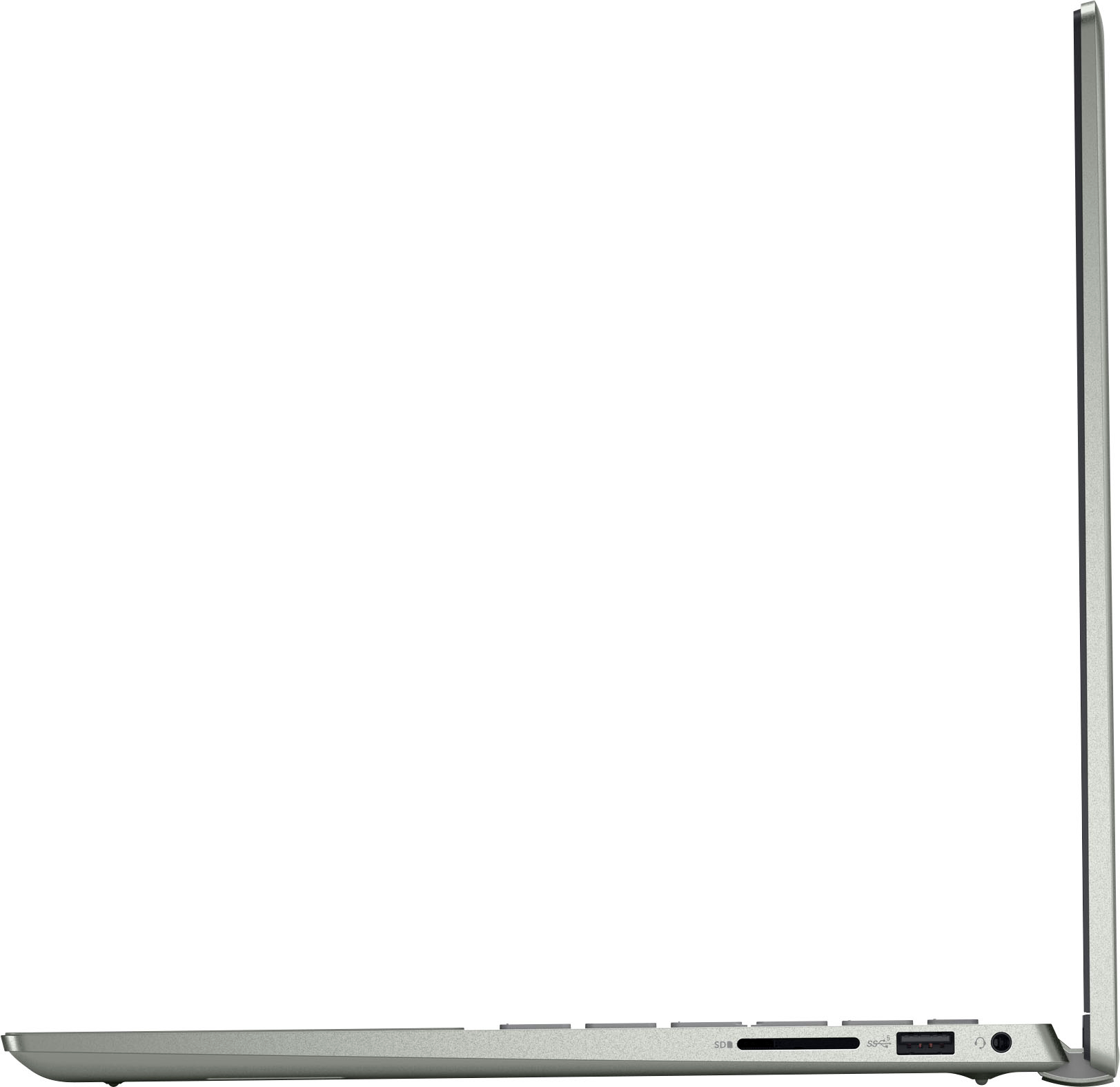
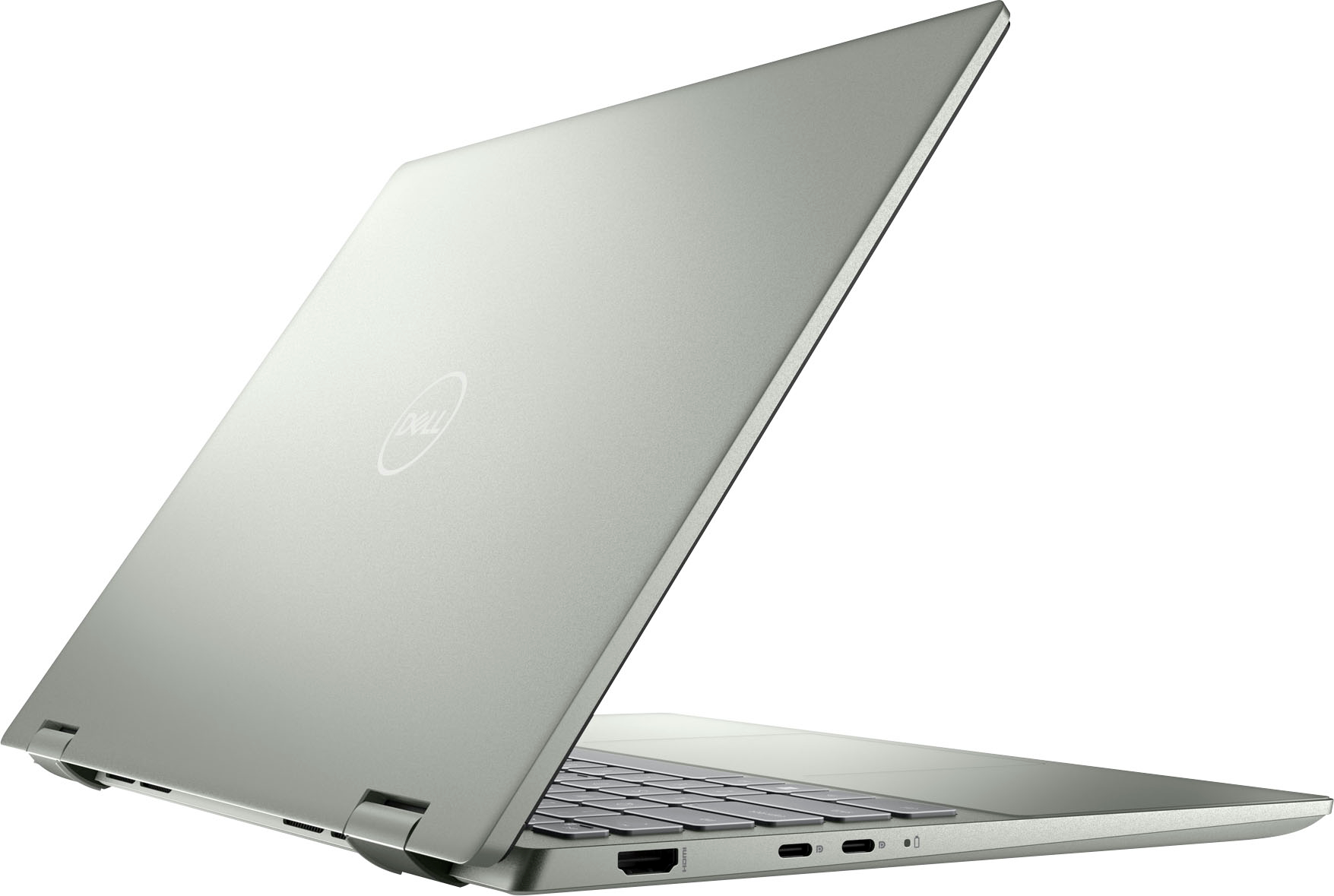
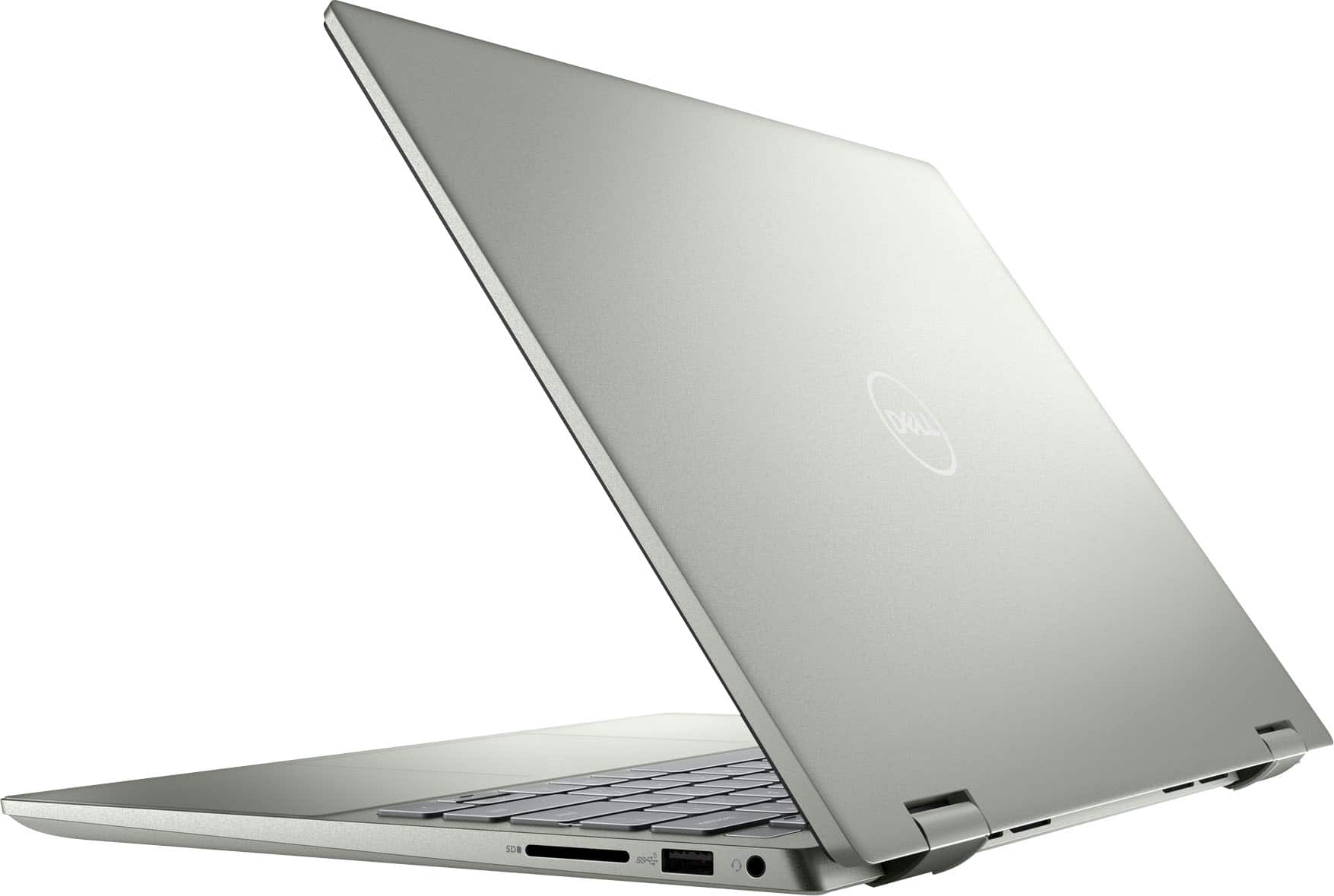
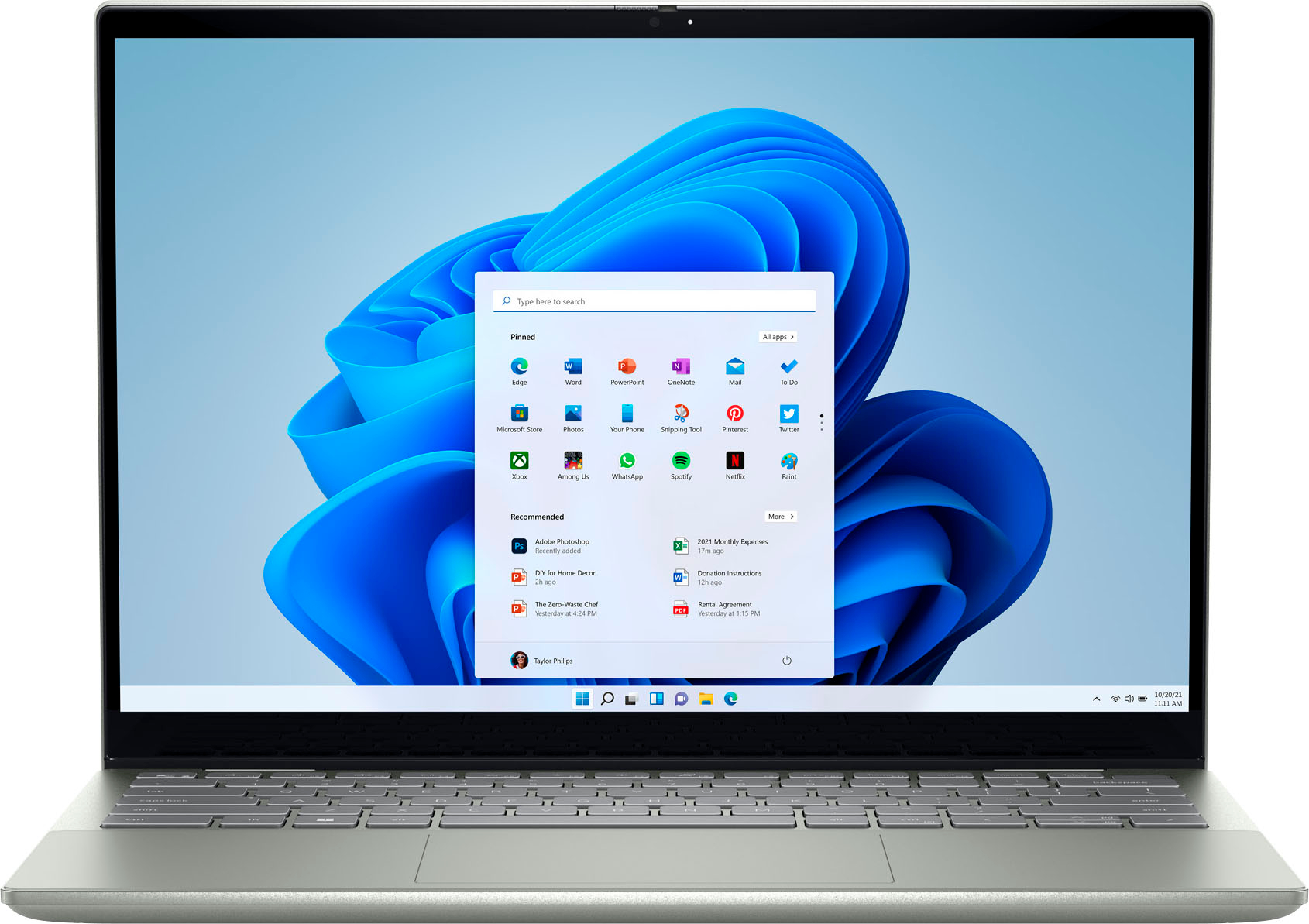
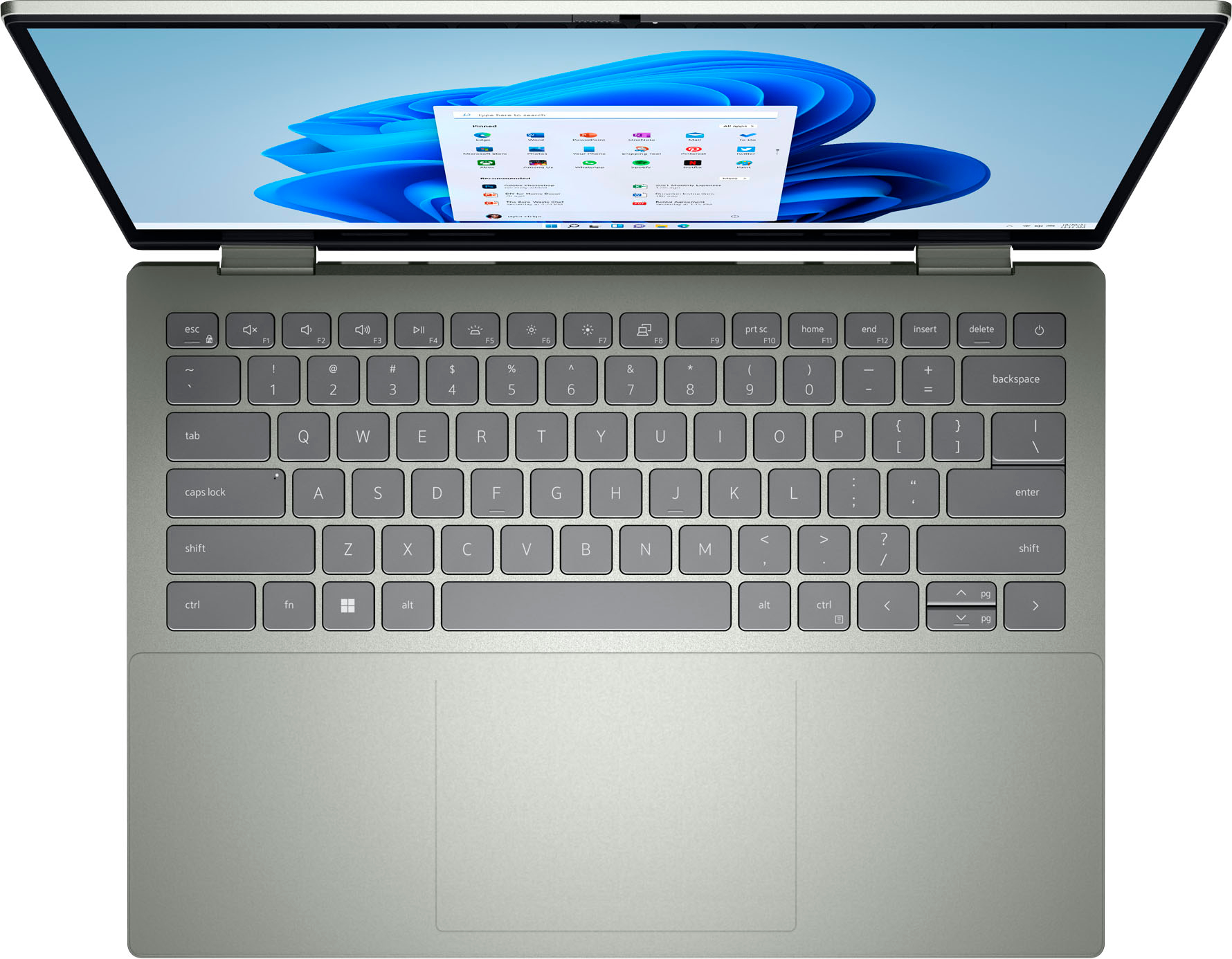
||Posted .This reviewer received promo considerations or sweepstakes entry for writing a review.It has a very unique keypad which is made in pebble green, I also liked the Touch pad which is very smooth
I would recommend this to a friendNot worth the money
||Posted . Owned for 4 months when reviewed.This reviewer received promo considerations or sweepstakes entry for writing a review.Horrible experience, I bought this laptop on May. Now the touchpad is not working, After doing hardware test runs and diagnostics it says issues with hardware!!
No, I would not recommend this to a friendBrand response from YourDellTeam
Posted .Hello Riya,
Thank you very much for your valuable feedback. We apologize for the touchpad issues you are experiencing with your Dell Inspiron 14 7425 2-in-1 laptop computer.
We will share your review with our quality team so that improvements can be made to our current and future products.
To help resolve the touchpad issues, please follow these troubleshooting steps:
1. Ensure the touchpad and your finger do not have any dirt, grease, liquids, or food on them (the touchpad has to make good contact with your finger to work correctly).
2. Ensure that the touchpad is turned on.
3. Save any data, close any open programs, and restart the computer by using a wired USB mouse (if available) or Bluetooth mouse if it is already installed, if not, press hold the power button for at least 15 seconds to turn the computer off.
4. Unplug everything except the power cable.
5. Turn the computer back on and retest the touchpad.
6. When the cursor does work correctly, attach one device at a time, and test the cursor movement to see which one may have caused the issue.
7. Ensure that the BIOS and Chipset drivers are updated to the latest version.
Touchpad Usage and Troubleshooting Guide: https://dell.to/3zwM1rp
If this issue is still not resolved after utilizing the troubleshooting options above, please contact the Dell Support Team for further guidance.
Chat or call: https://bit.ly/DellSupportTeam
Phone number to Dell: 1-800-624-9896
Best,
Katarina@Dell
Great machine, but blue screen left me blue
||Posted . Owned for 1 month when reviewed.This reviewer received promo considerations or sweepstakes entry for writing a review.This seemed like a very solid and sleek machine. However, I get a blue screen twice. I think there must have been something wrong with it from a previous customer, since I had bought an "excellent" open box.
No, I would not recommend this to a friendGreat laptop
||Posted . Owned for 3 weeks when reviewed.This reviewer received promo considerations or sweepstakes entry for writing a review.Easy set up and works great. Reasonable price for a mid range laptop that delivers what you need.
I would recommend this to a friendHappy customer
||Posted . Owned for 2 weeks when reviewed.This reviewer received promo considerations or sweepstakes entry for writing a review.Great service-really like my Dell Computer. Also signed for protection plans. Like all those.
I would recommend this to a friendPerfect Laptop
||Posted .This reviewer received promo considerations or sweepstakes entry for writing a review.Perfect laptop for a first time student. I purchased this for my daughter and she loves it.
I would recommend this to a friendTerrible Touchpad
||Posted . Owned for 1 year when reviewed.This reviewer received promo considerations or sweepstakes entry for writing a review.The touchpad is so glitchy, it is nearly completely unusable. Make sure you ALWAYS have a mouse to use.
No, I would not recommend this to a friendGreat Pick
||Posted . Owned for 1 month when reviewed.This reviewer received promo considerations or sweepstakes entry for writing a review.I was in need of a Laptop for school so I went to Best Buy and got just what i needed.
I would recommend this to a friendDell Inspiron 12 2-in-1
||Posted . Owned for 1 month when reviewed.This reviewer received promo considerations or sweepstakes entry for writing a review.I have been using this laptop for over a month now and I've got no issues so far.
I would recommend this to a friendWork horse!
||Posted . Owned for 1 month when reviewed.This reviewer received promo considerations or sweepstakes entry for writing a review.A solid work horse! It has proven that it does as intended and does not slow me down.
I would recommend this to a friendLaptop
||Posted . Owned for 1 week when reviewed.This reviewer received promo considerations or sweepstakes entry for writing a review.Easy setup and great Dell quality. The Geek Squad guys had me up and running in no time.
I would recommend this to a friendIt is good for the value
||Posted . Owned for 1 week when reviewed.This reviewer received promo considerations or sweepstakes entry for writing a review.Nothing much. ………………………………………………………………………………poinnt
I would recommend this to a friendMy new laptop
||Posted . Owned for less than 1 week when reviewed.This reviewer received promo considerations or sweepstakes entry for writing a review.I bought a dell laptop n I love I have wanted one for a long time thank you
I would recommend this to a friendLoves it
||Posted . Owned for 1 week when reviewed.This reviewer received promo considerations or sweepstakes entry for writing a review.My mom loves it she’s using it almost everyday either for work or just in general
I would recommend this to a friendDell 2in1 laptop
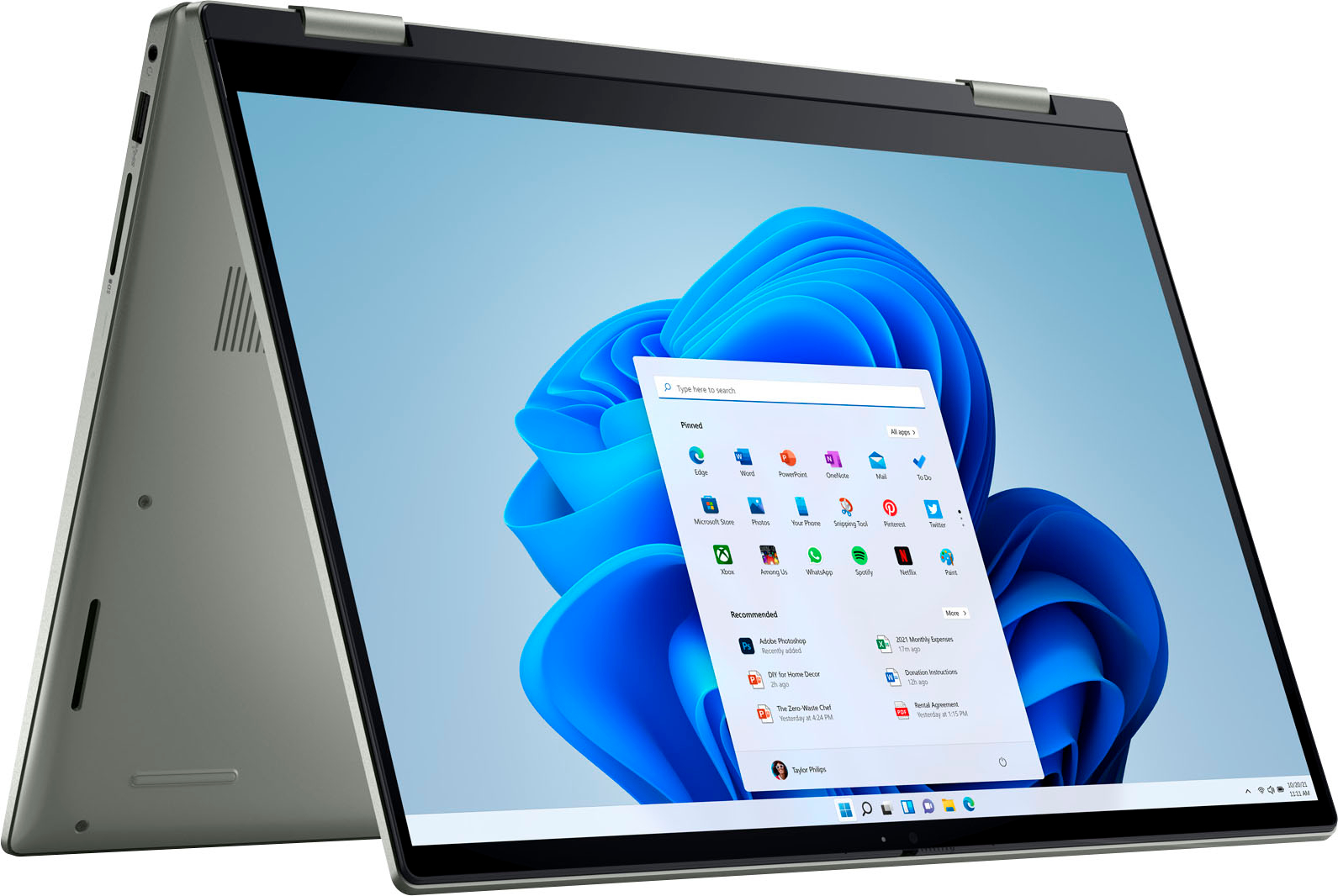
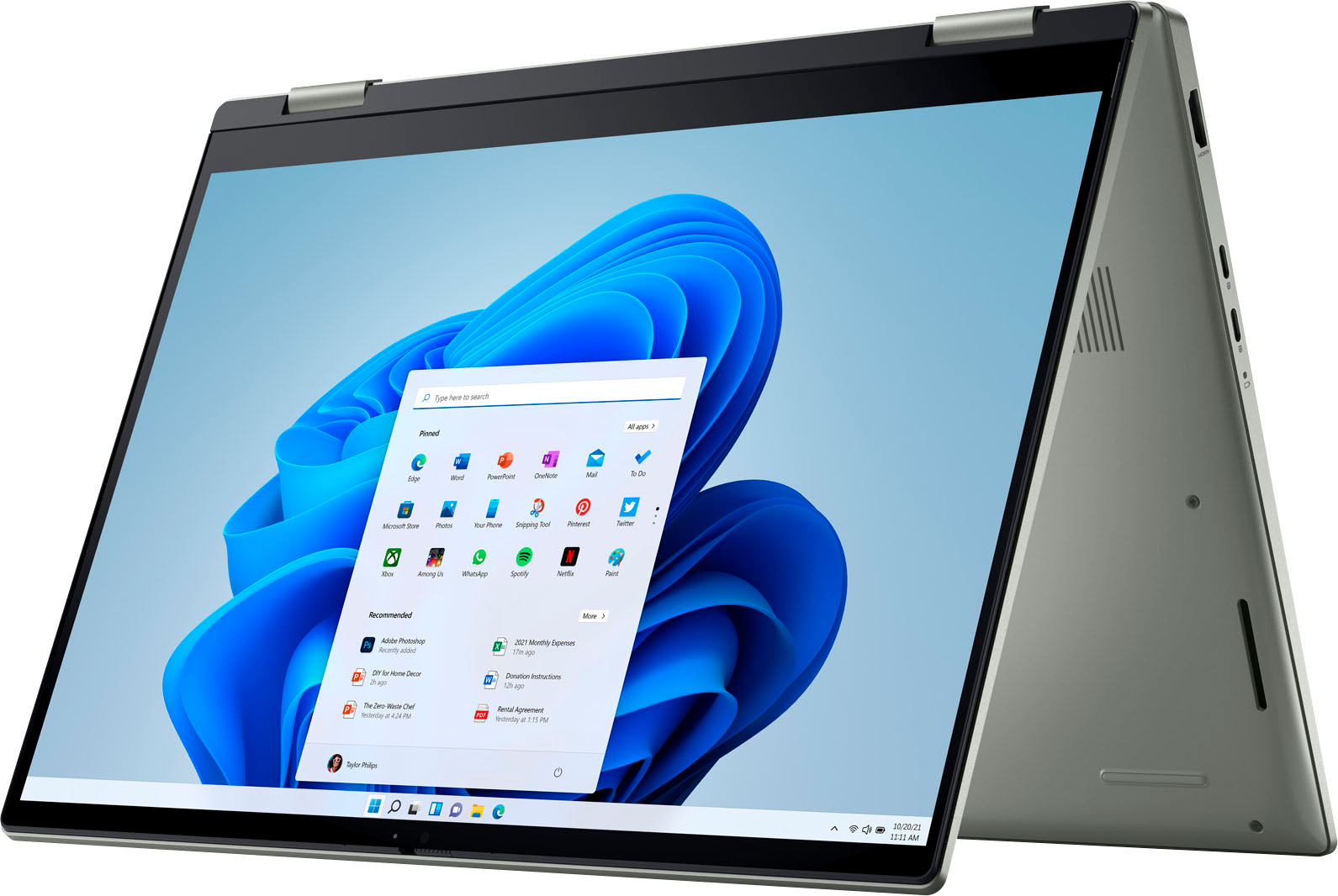
||Posted . Owned for 1 month when reviewed.This reviewer received promo considerations or sweepstakes entry for writing a review.Wonderful product and works well. Love that it can be a laptop or tablet
I would recommend this to a friendGreat laptop
||Posted . Owned for 3 weeks when reviewed.This reviewer received promo considerations or sweepstakes entry for writing a review.Works great and does everything i need. It runs all the programs well too
I would recommend this to a friendValido
||Posted . Owned for 2 months when reviewed.This reviewer received promo considerations or sweepstakes entry for writing a review.Hermoso y eficiente laptop. Encantado con la compra realizada
I would recommend this to a friendDell inspirln 14 2 in 1
||Posted .This reviewer received promo considerations or sweepstakes entry for writing a review.Great laptop, it is worth the price. It came in perfect conditions.
I would recommend this to a friend