Customer Ratings & Reviews



- Model:
- i5410-5149SLV-PUS
- SKU:
- 6458905
Rating by feature
- Battery Life
Rating 4.5 out of 5 stars
- Speed
Rating 4.6 out of 5 stars
- Display
Rating 4.6 out of 5 stars
Customers are saying
Customers highly value the Inspiron 2-in-1 laptop for its touch screen capabilities, praising its ease of use and convenience. They also appreciate its lightweight design, portability, and long battery life. While some customers have concerns about the smaller keyboard and limited ports, overall, they are pleased with the laptop's performance, price, and user-friendly features.
This summary was generated by AI based on customer reviews.
If I had Known
||Posted . Owned for 1 month when reviewed.This reviewer received promo considerations or sweepstakes entry for writing a review.I was disappointed with my purchase because I bought two of the same computers for my daughter's and the one who needed the computer for school didn't work. When I returned it to the store I was not advised we would lose everything on the computer when we got it back. If I had known I would have saved important documents first. The mic was repaired but my daughter was unable to access the internet after so many hours on her computer and I had to reset it back to default in or for it to work correctly.
I would recommend this to a friendBrand response from YourDellTeam
Posted .Dear LWhite,
We want to thank you for taking the time to leave us your valued feedback. We sincerely apologize for your experience. This is certainly not what we like to hear from our loyal customers. We are happy to hear you did get the issues you were facing remedied.
If you require further assistance, you can contact Dell directly with the information below.
Chat or call: https://bit.ly/DellSupportTeam
Phone number to Dell 1-800-624-9896
Best,
Ashley@Del
Godd, solid laptop
||Posted .This reviewer received promo considerations or sweepstakes entry for writing a review.Great overall everyday home use package for the price.
I would recommend this to a friendNice laptop, but has some shortcomings
||Posted . Owned for 3 weeks when reviewed.This reviewer received promo considerations or sweepstakes entry for writing a review.It's a nice laptop, but I ended up returning it since the screen is not so bright. The feet of the laptop do not seem stable either. They are so tiny and I feel like they will deteriorate after time.
No, I would not recommend this to a friendBrand response from YourDellTeam
Posted .Hi SSSS,
Thank you for your valued feedback. We apologize for the issues you came across with your Inspiron 5410 2 in 1. This is certainly not what we like to hear from our loyal customers. We will share your comments with our quality team so improvements can be made to current and future products.
Best Regards,
Ashley@Dell
Should you need further assistance, you can contact Dell directly with the information below.
Chat or call: https://bit.ly/DellSupportTeam
Phone number to Dell 1-800-624-9896
Fair purchase
||Posted . Owned for 1 week when reviewed.This reviewer received promo considerations or sweepstakes entry for writing a review.I purchased a computer as an open box buy. The computer was in great condition. However, the box did not include the power cable, which was frustrating since I had to go back and wait for help to get it.
I would recommend this to a friendGreat Specs
||Posted .This reviewer received promo considerations or sweepstakes entry for writing a review.Has great specs within this laptop what I was looking.
I would recommend this to a friendOkay
||Posted . Owned for 2 weeks when reviewed.This reviewer received promo considerations or sweepstakes entry for writing a review.I bought this laptop and had to return it a few days later. It shut down and I was not able to bring it back up. I took it back and they gave me another one. This one isn't much better. I am not very happy with this laptop. I'm not tech savvy and have a difficult time using it. I'm sure that people who are tech savvy would love this computer but I don't. The screen comes in and out and I can't figure out how to stop that from happening. My husband swears by Dell so that's why I bought this one. If I didn't need it for school/work I would take it back .
No, I would not recommend this to a friendBrand response from YourDellTeam
Posted .Dear Okay,
We want to thank you for your valued feedback. We sincerely apologize for the display issues you are having with your Inspiron 5410 2 in 1. Below I have provided the steps to one method of running a hardware diagnostic for you display. I have also provided the full article link that has more options if they are needed.
Method 1
1. Power off the Dell Laptop PC.
2. Disconnect any peripherals that are connected to the PC, and connect the AC Adapter (charger) to the PC.
3. Make sure that the LCD screen is clean (no dust particles are on the surface of the screen).
4. Press and hold D key and power on the PC to enter LCD built-in self test (BIST) mode.
Continue to hold the D key until you see the entire screen change colors.
5. The screen changes colors to black, white, red, green, and blue.
6. Carefully inspect the screen for abnormalities.
7. Press Esc key to exit.
How to troubleshoot display issues: https://dell.to/3s4n9mk
After utilizing the troubleshooting options provided above, if the problem is not resolved, please feel free to contact our support team here: https://bit.ly/DellSupportTeam.
If you require further assistance, you can contact Dell directly with the information below.
Chat or call: https://bit.ly/DellSupportTeam
Phone number to Dell 1-800-624-9896
Best,
Ashley@Dell
- Pros mentioned:Touch screen, Weight

A Lot of Computer for a Good Price
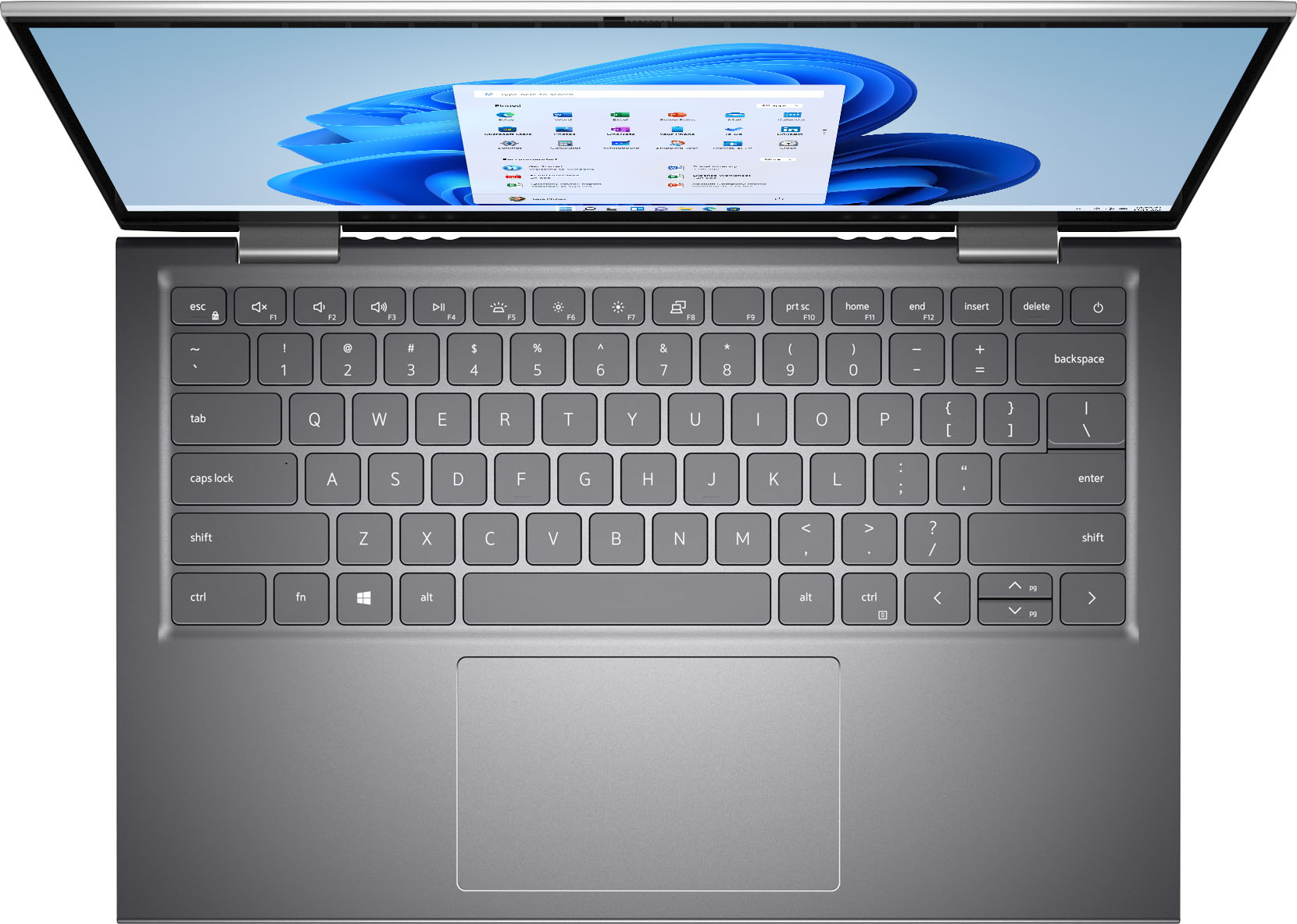
|Posted .This reviewer received promo considerations or sweepstakes entry for writing a review.The Dell - Inspiron 5000 2-in-1 14.0" Touch-Screen Laptop - Intel Core i5 - 8GB RAM - 512GB SSD is a solid choice for all-around uses. It offers a full feature set including a fingerprint reader and backlit keyboard. Add the fact that it is a 2-in-1 with a nice, sensitive touchscreen, and you have a great computer for all but the most demanding tasks. Upgradability means you can add more ram and storage if needed. If you find yourself moving towards beefier tasks, you may find that simply upgrading the ram is all that is needed. This is a very capable laptop. As most of the other reviews have already covered the details, I'll just echo the fact that this feels solid, yet light, and is a great balance of mobility and power. It really is a lot of computer for a Good Price.
I would recommend this to a friend Low Display Brightness even at 100%
||Posted . Owned for 1 month when reviewed.This reviewer received promo considerations or sweepstakes entry for writing a review.Everything seemed to be great except screen brightness. It was very dim even on highest brightness Comparing to my 9 year old Dell inspiron . a little brighter than a white paper.
No, I would not recommend this to a friendBrand response from YourDellTeam
Posted .Dear Sam1,
We want to thank you for taking the time to leave us your valued feedback. We sincerely apologize for the display brightness issues you are experiencing with your Inspiron 5410 2 in 1. Below I have provided a link to an article to help with changing the display settings of your system. I have also given you a link to the Service Manual for your PC.
How to Change Video or Display Settings: https://dell.to/3ILW9jL
Service Manual: https://dell.to/3IRivQT
If you still encounter this problem after you have finished troubleshooting your system, please feel free to contact our support team here: https://bit.ly/DellSupportTeam.
Best,
Ashley@Dell
Should you need further assistance, you can contact Dell directly with the information below.
Chat or call: https://bit.ly/DellSupportTeam
Phone number to Dell 1-800-624-9896
Horrible battery life
||Posted . Owned for 1 year when reviewed.This reviewer received promo considerations or sweepstakes entry for writing a review.The battery life on tbis is horrible. I bought this because its easier to code on a pc other than a mac but its not that easy when youre only coding for 2 hours and your battery life is almost gone.
No, I would not recommend this to a friendBrand response from YourDellTeam
Posted .Dear Naee,
Thank you for taking the time to leave us a review of your Inspiron 5410. We are sorry to hear that you are having trouble with the performance of your battery. That is not the type of feedback we like to hear from our customers. Below I have provided troubleshooting steps to help resolve your issue.
Here are the steps to help improve the battery performance of your laptop:
1. On the notification area of the taskbar, right-click the Battery icon.
2. On the options list, click Power Options.
3. Select a power plan on the battery meter, such as Power Saver or Balanced. Windows 10 has a built-in 'Battery Saver' mode that can be activated to extend your system's battery life. The Battery Saver mode will monitor and limit background activity and other features such as push notifications. You do have the option to enable or disable this mode within settings or within advanced Battery Saver settings, you can customize the mode to best suit your needs.
a) Click on the Action Center icon in the taskbar and select the tile for Battery Saver.
b) If running Cortana, type Battery Saver into the search box and select from the results.
Within the Battery Saver settings page, you will be able to turn on and off the feature and customize the feature to best meet your needs.
c) Turn the Battery Saver On or Off.
d) Additional settings are available via the Battery use and Battery saver settings links.
e) Battery use shows further info on apps and their power usage.
f) Battery Saver Settings screen allows you to customize further the Battery Saver feature.
How to Improve the Performance of a Dell Laptop Battery: http://dell.to/2vfXWf4
Should you need further assistance; we recommend that you contact Dell directly with the information below.
Chat or call: https://bit.ly/DellSupportTeam
Phone number to Dell: 1-800-624-9896.
Best,
Summer@Dell
- Pros mentioned:Touch screen, Weight
Compact laptop, perfect for travel or college
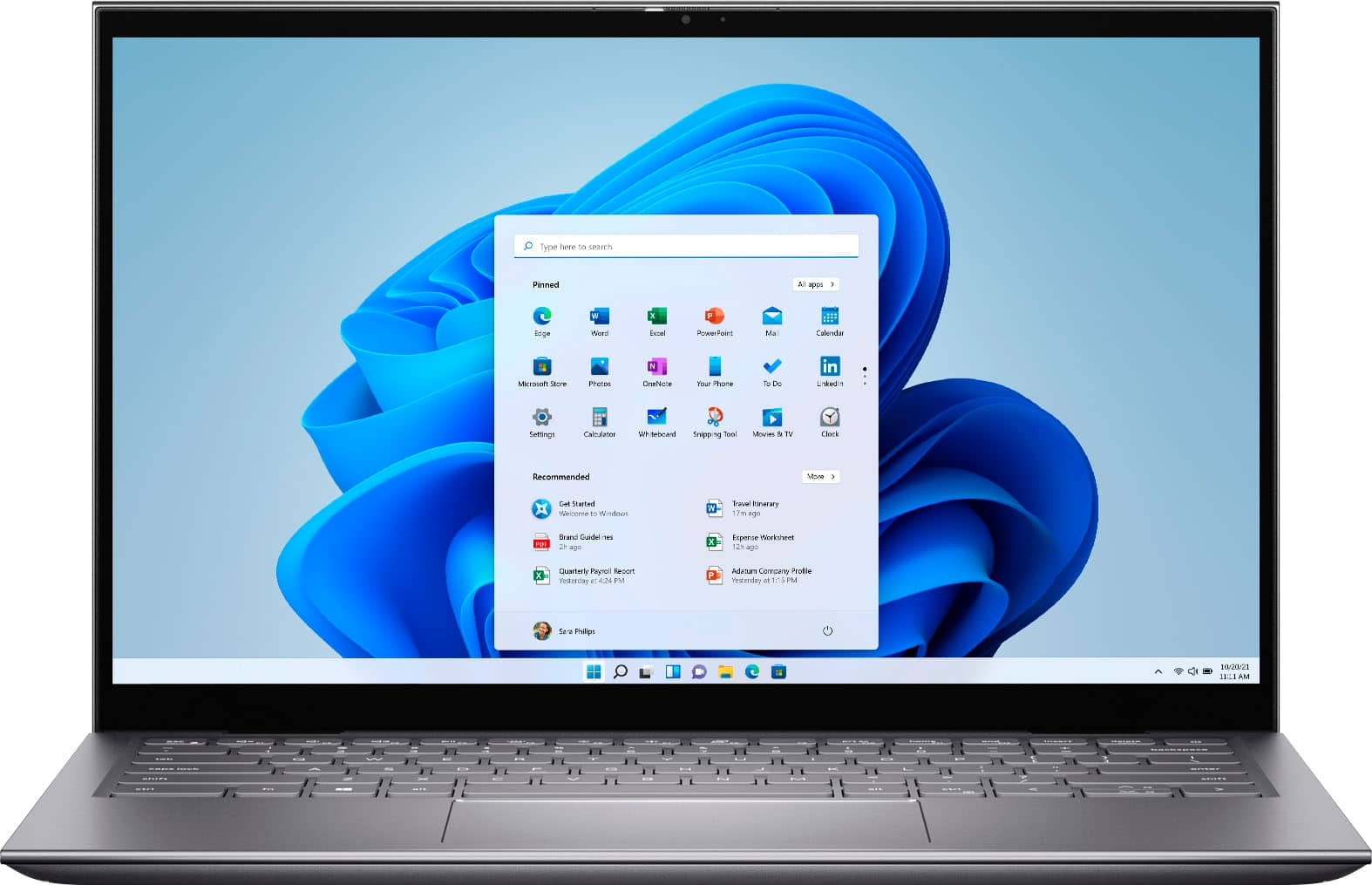
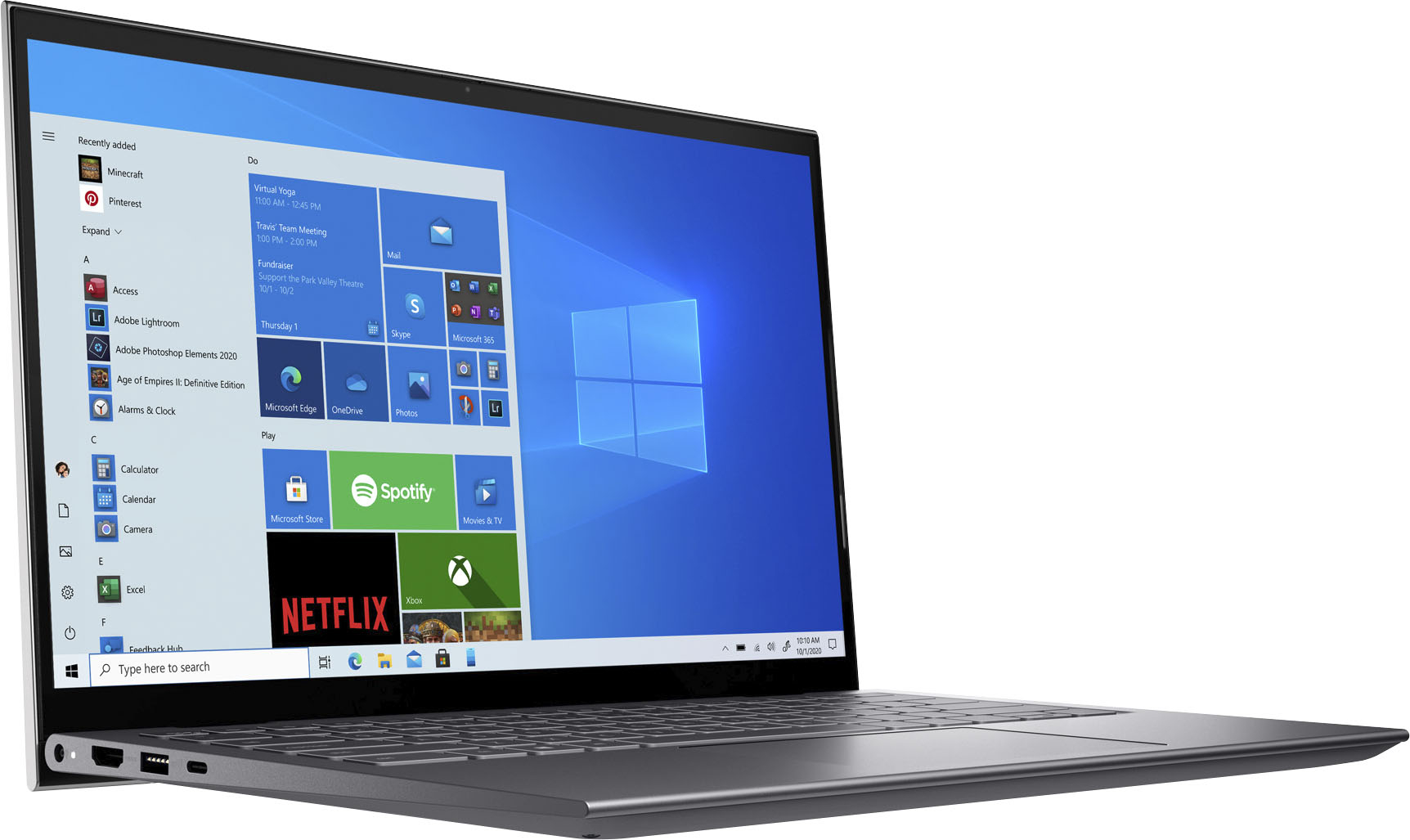
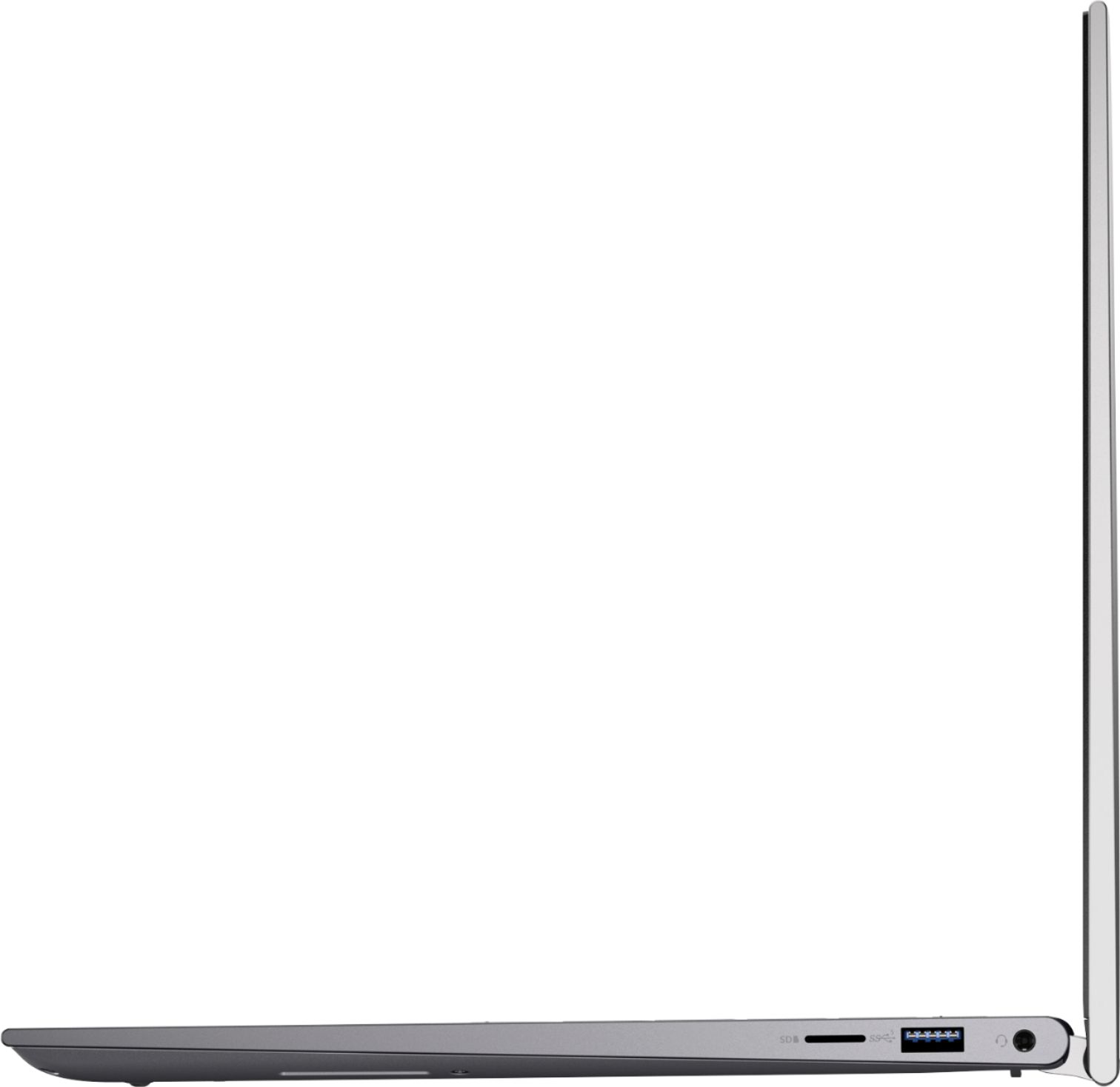
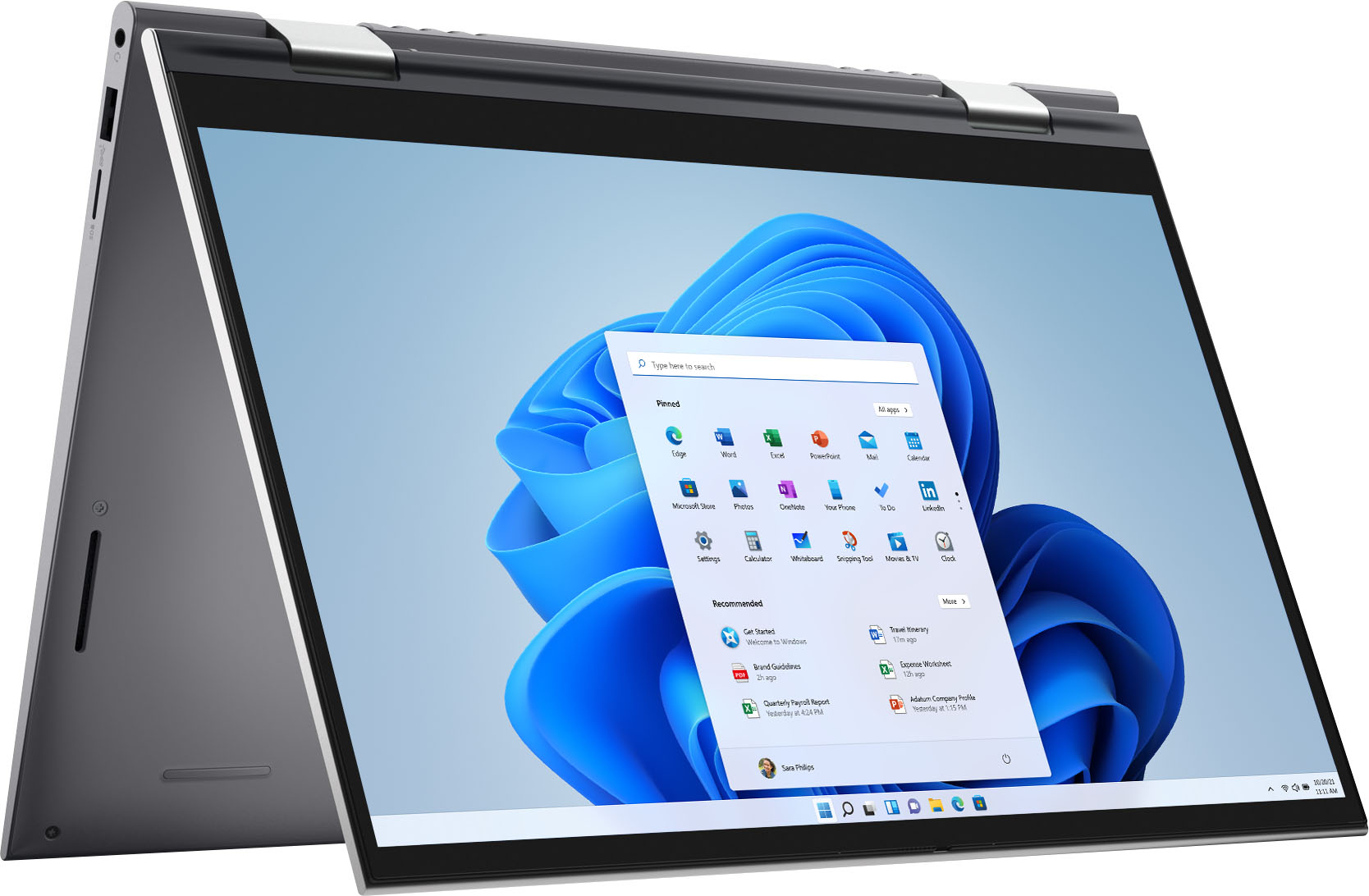
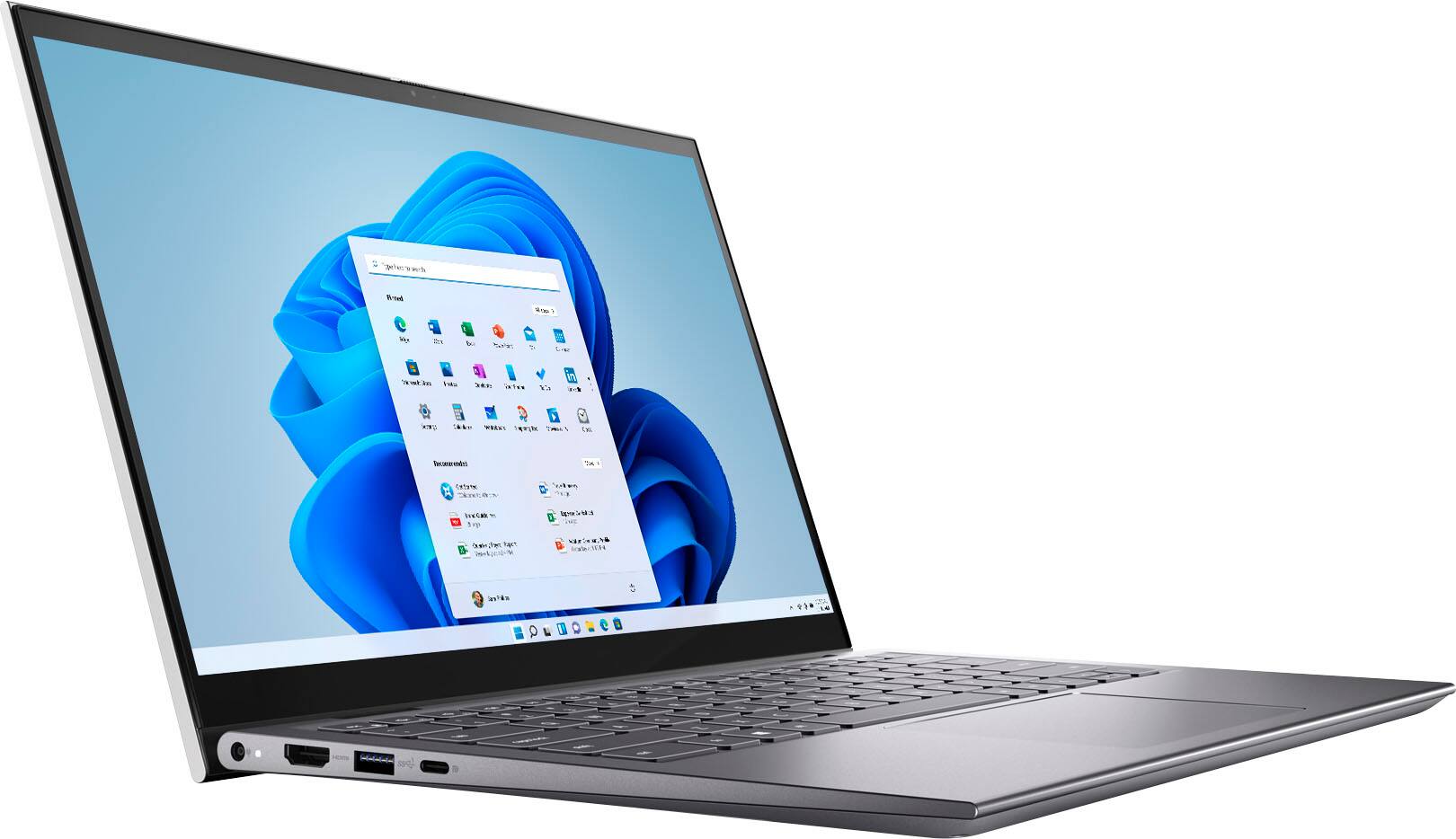
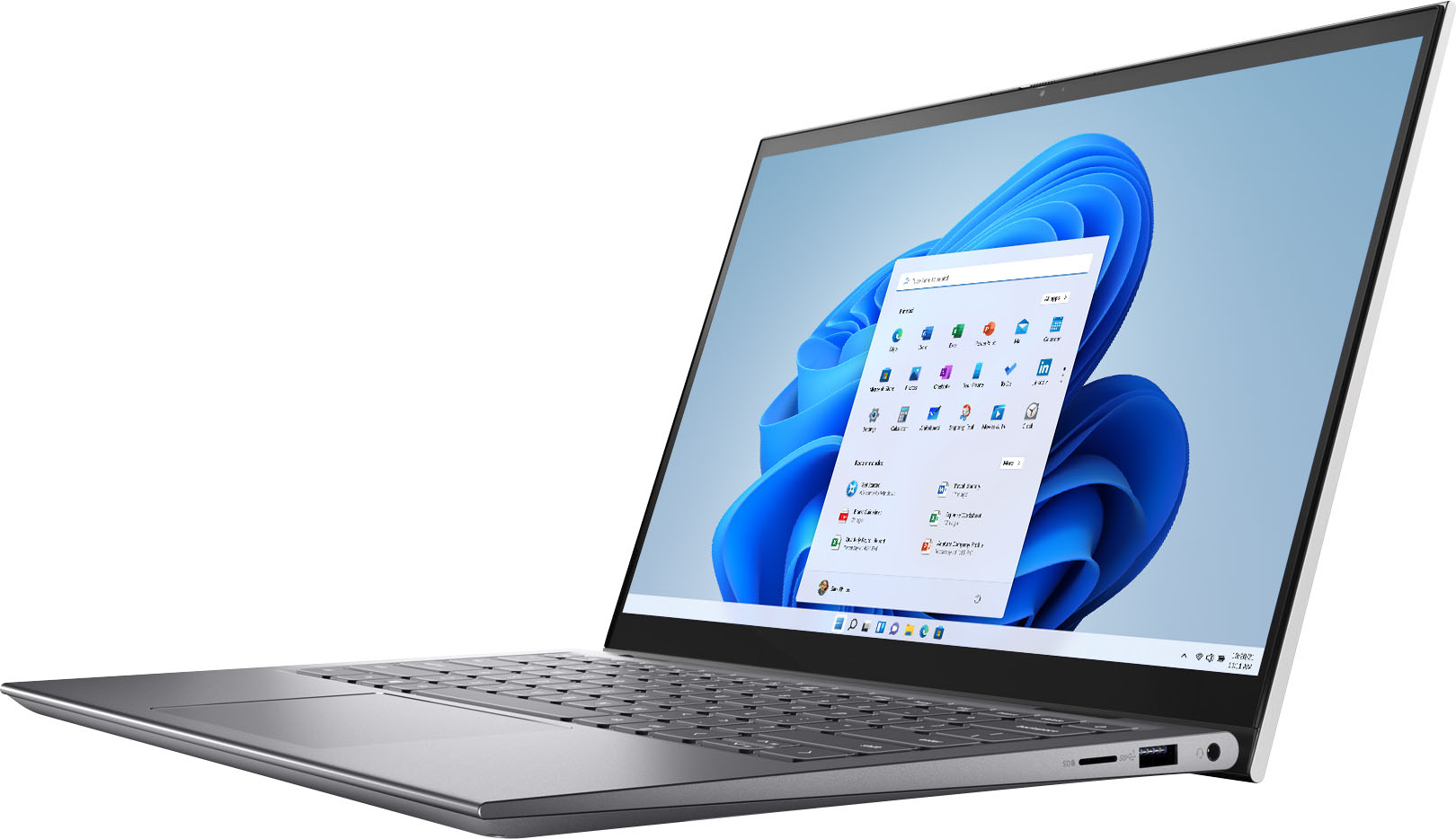
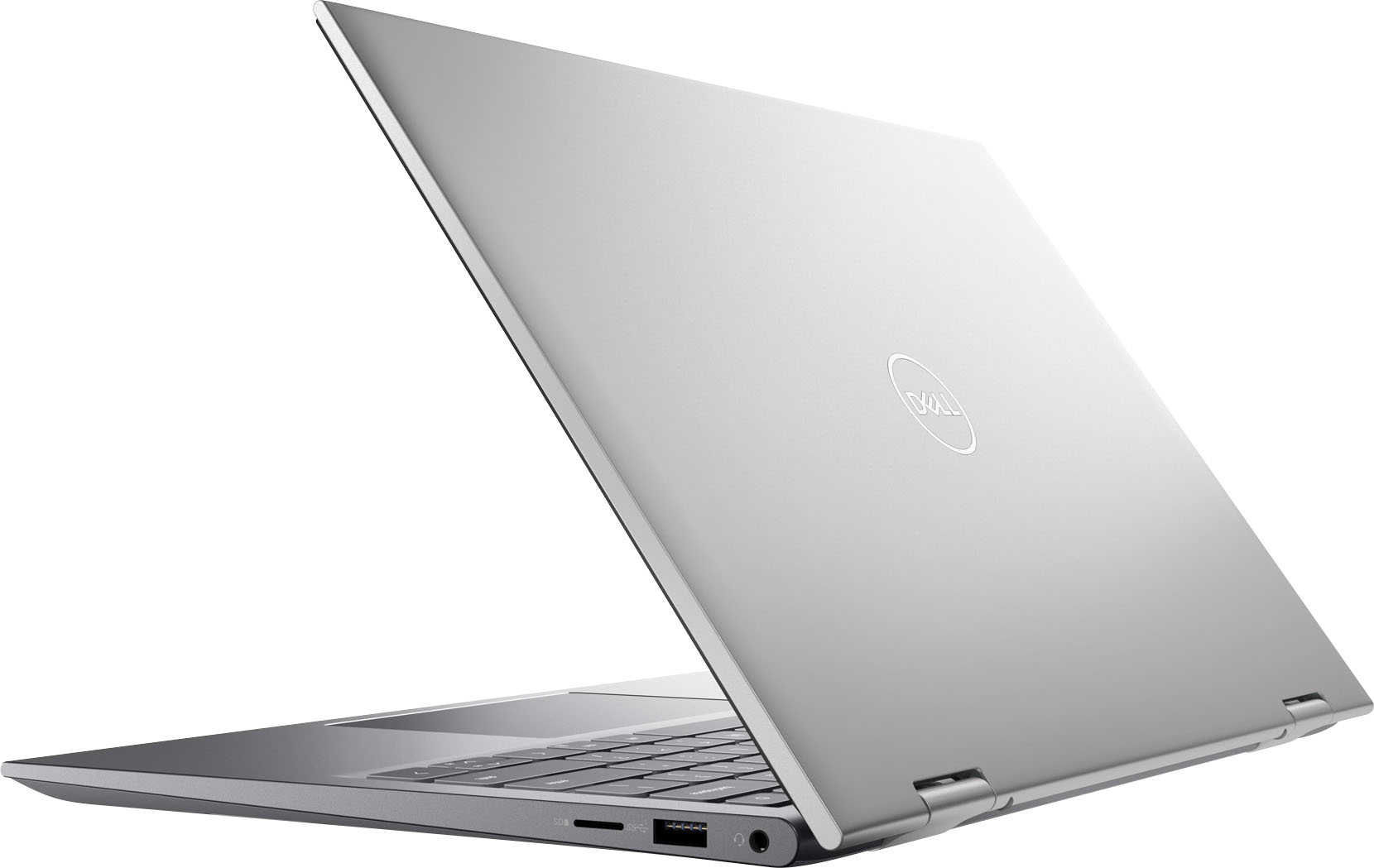
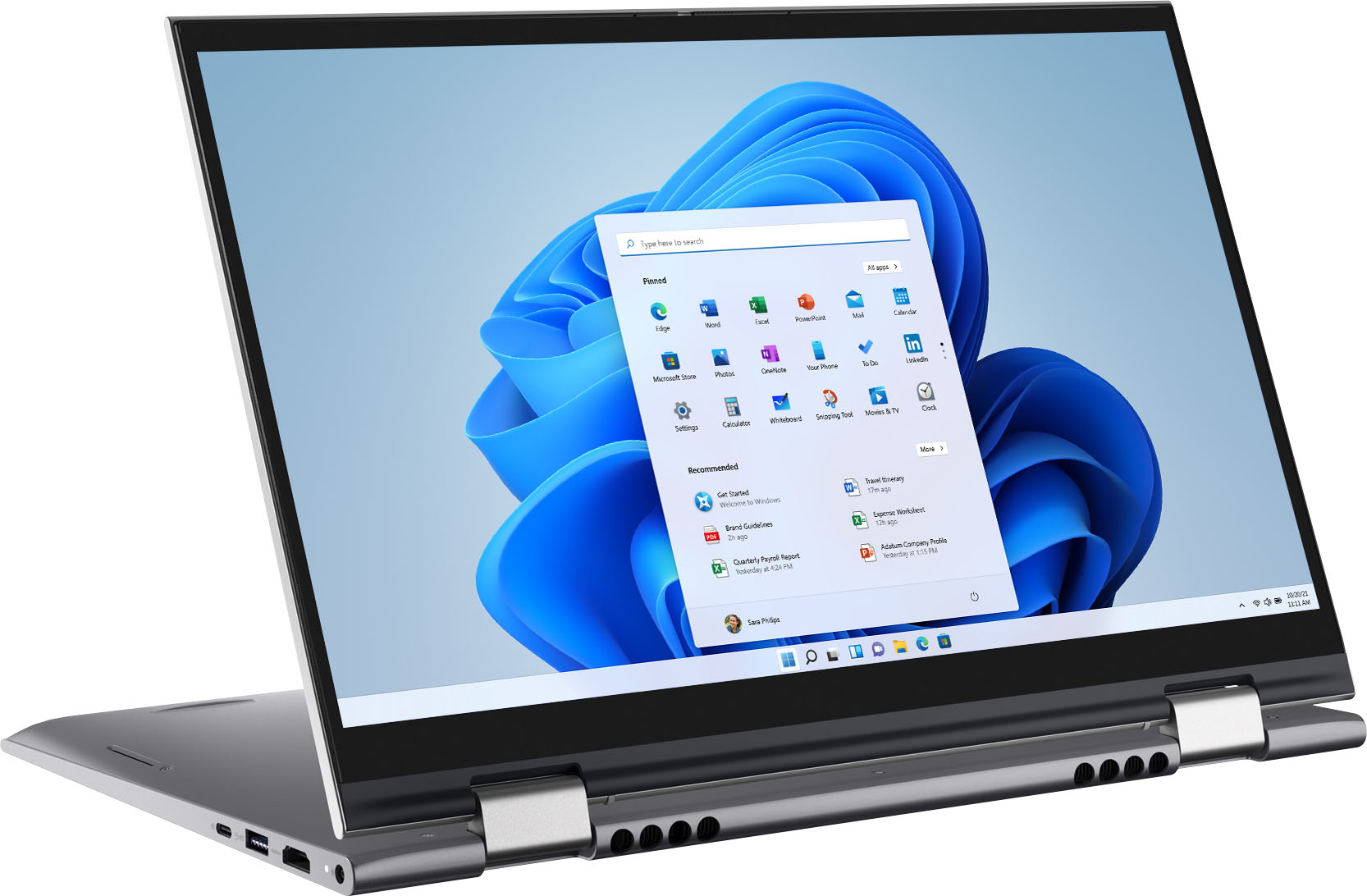
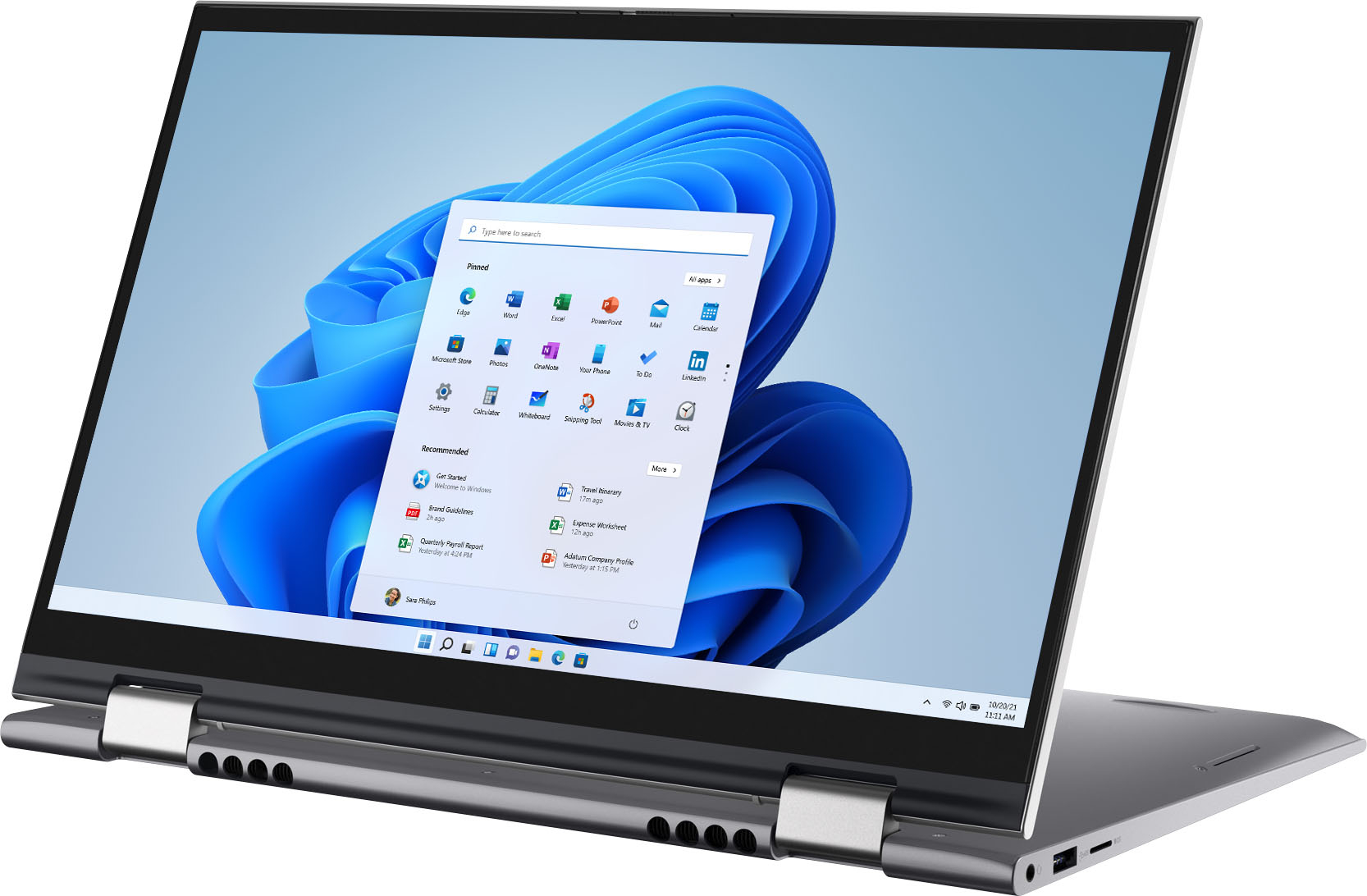
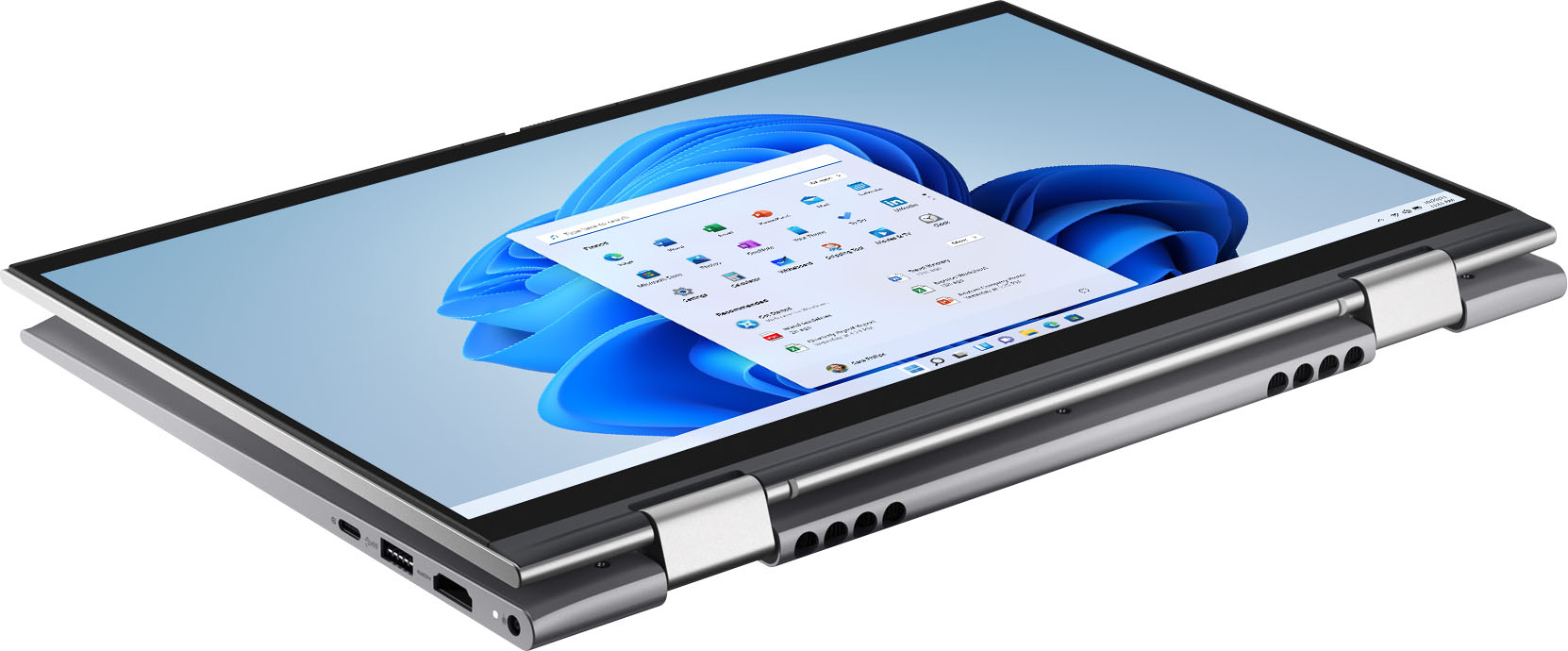
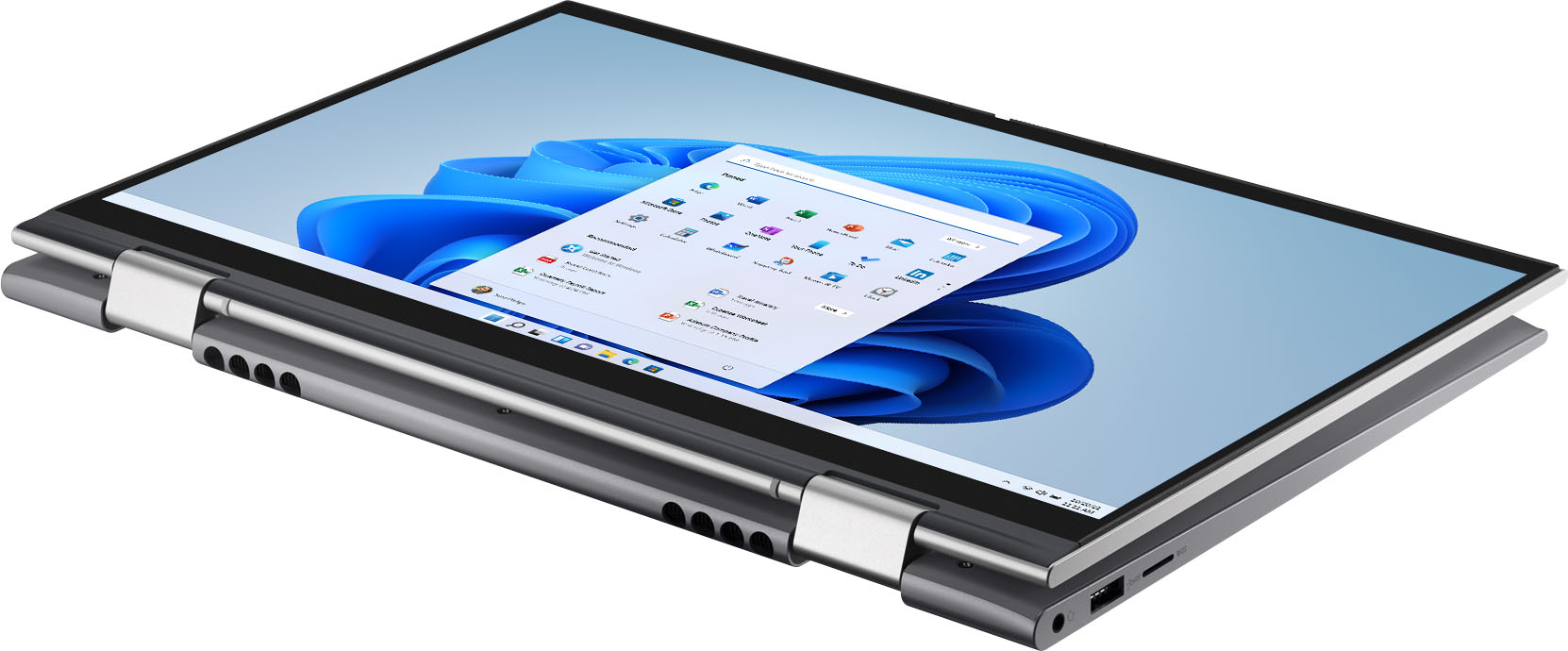
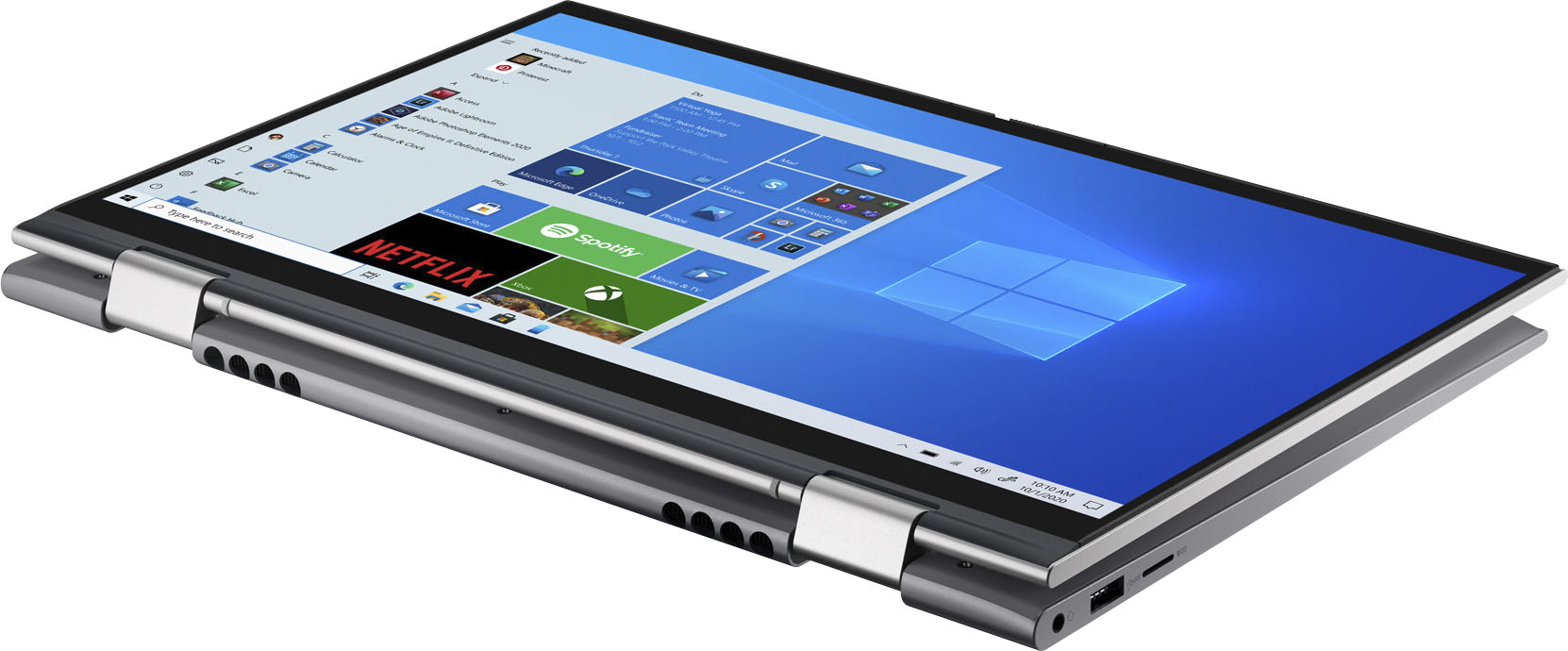
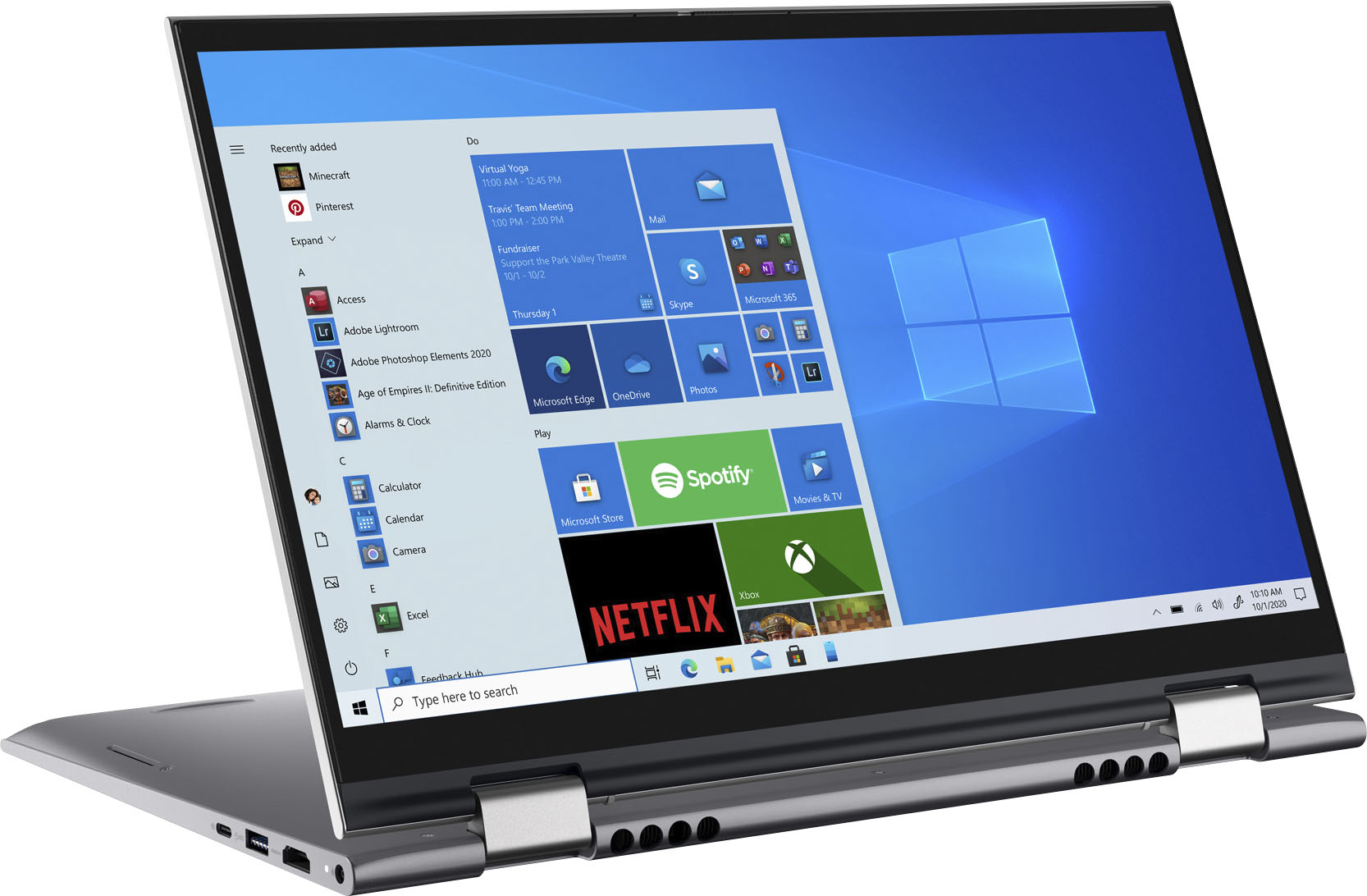
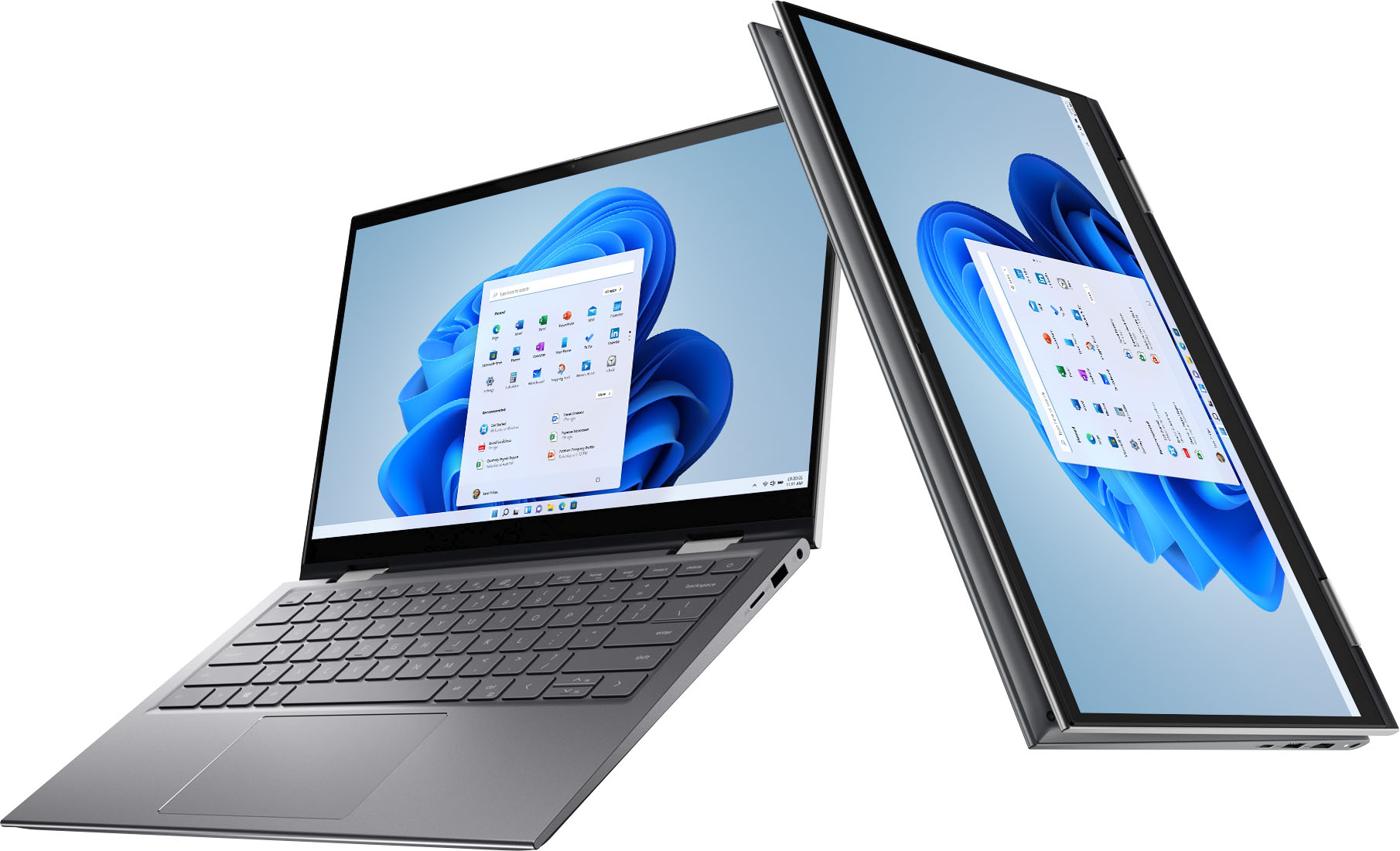
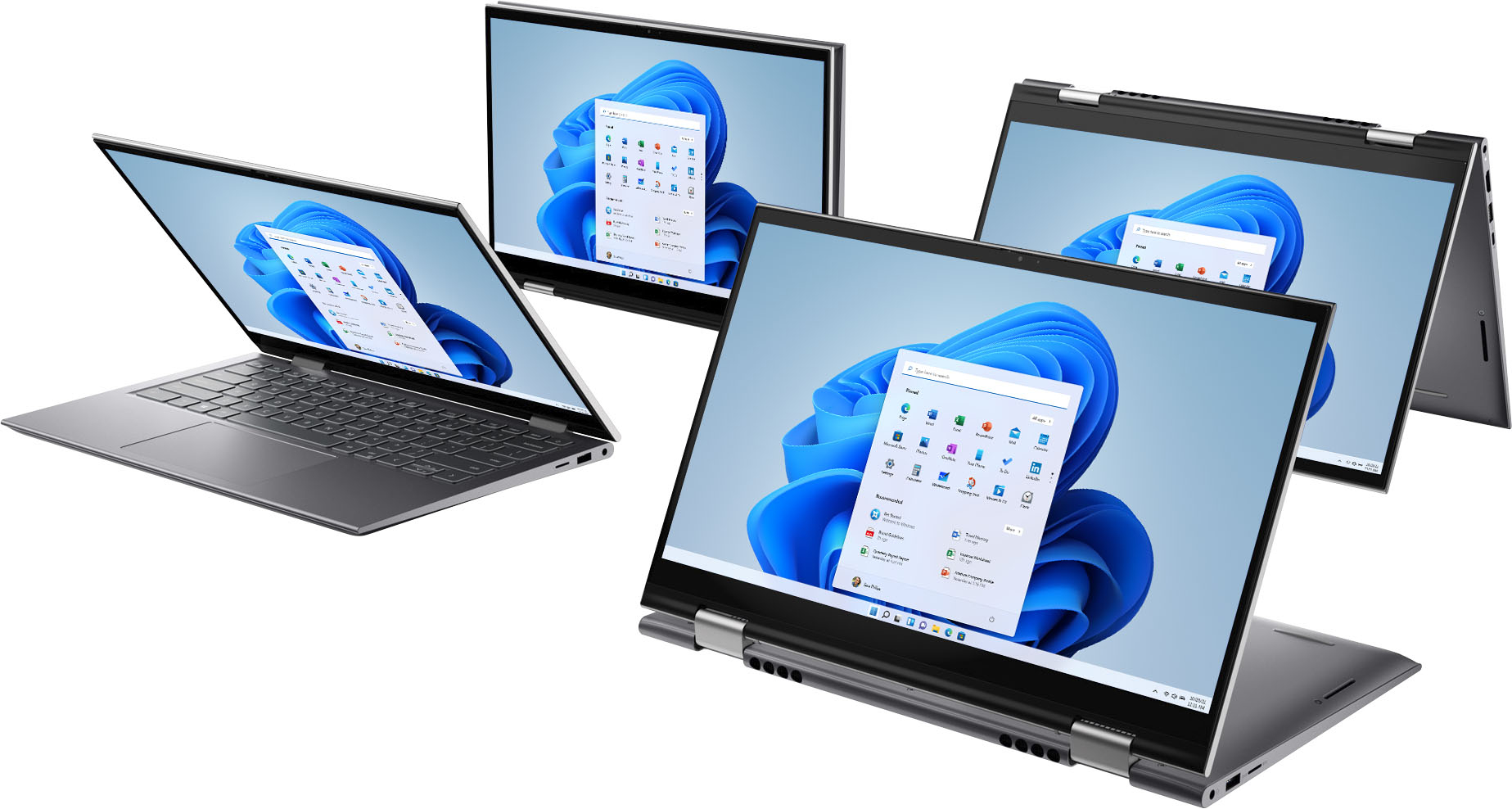
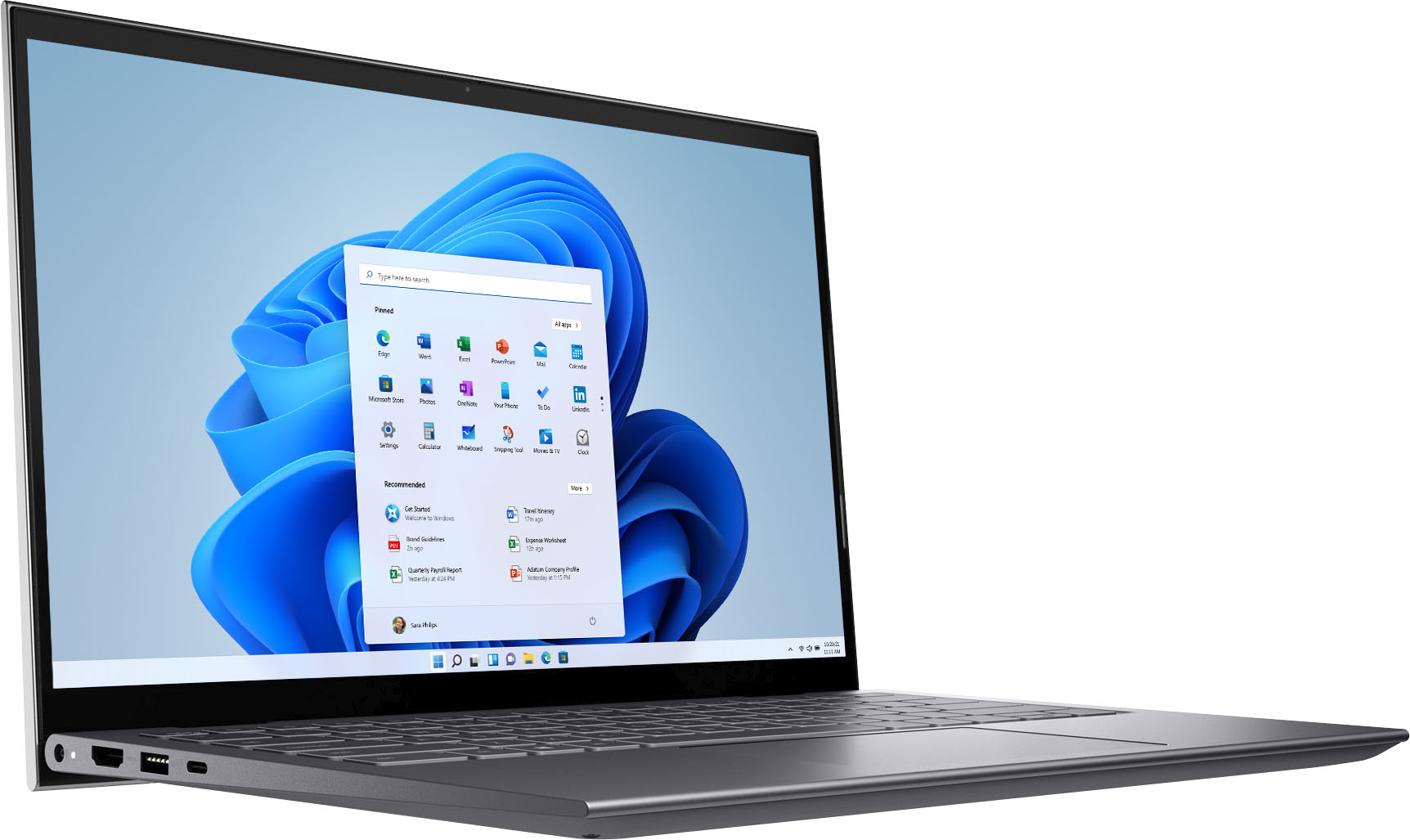
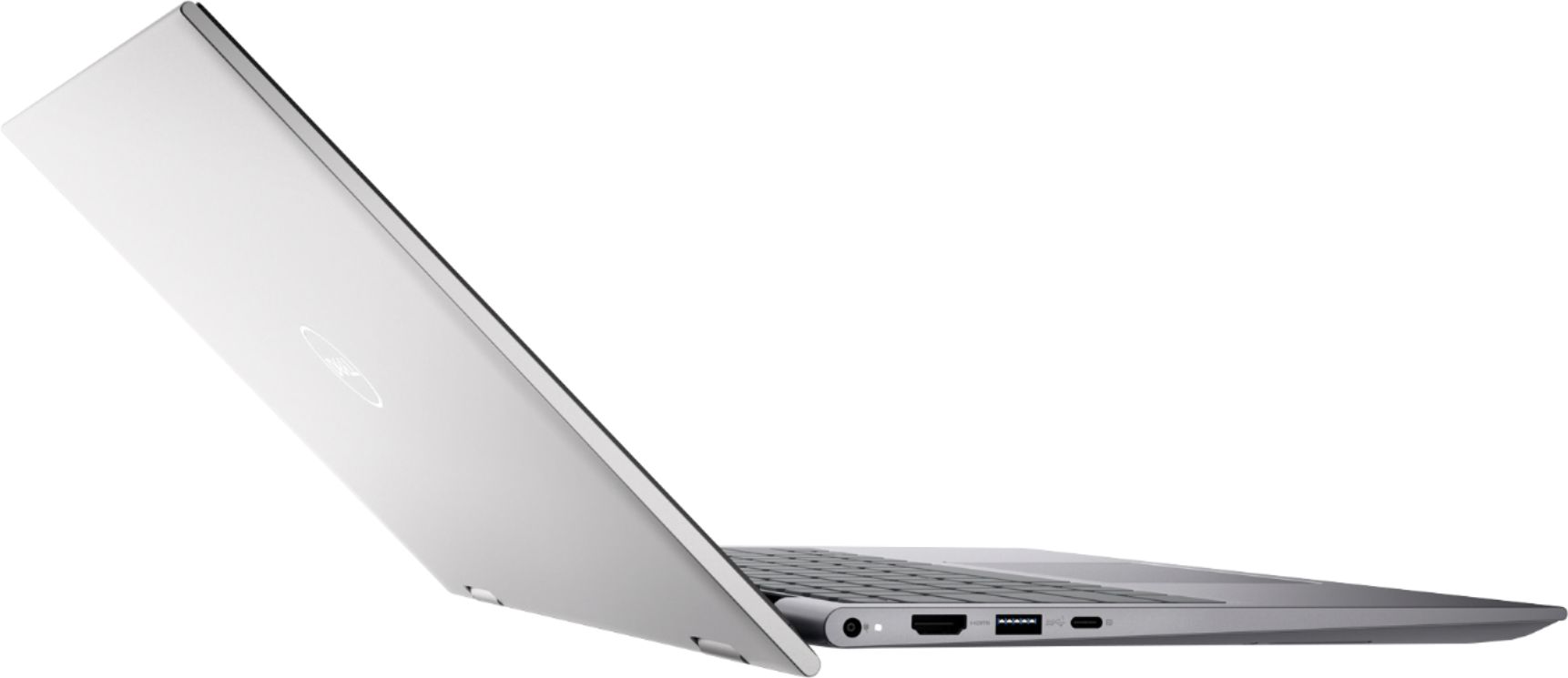
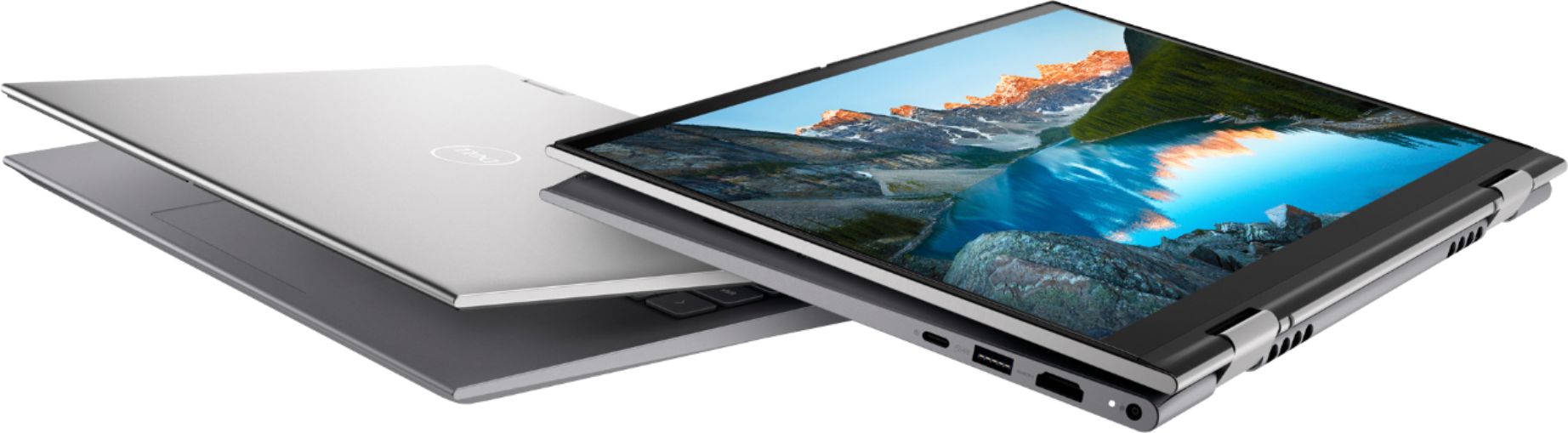
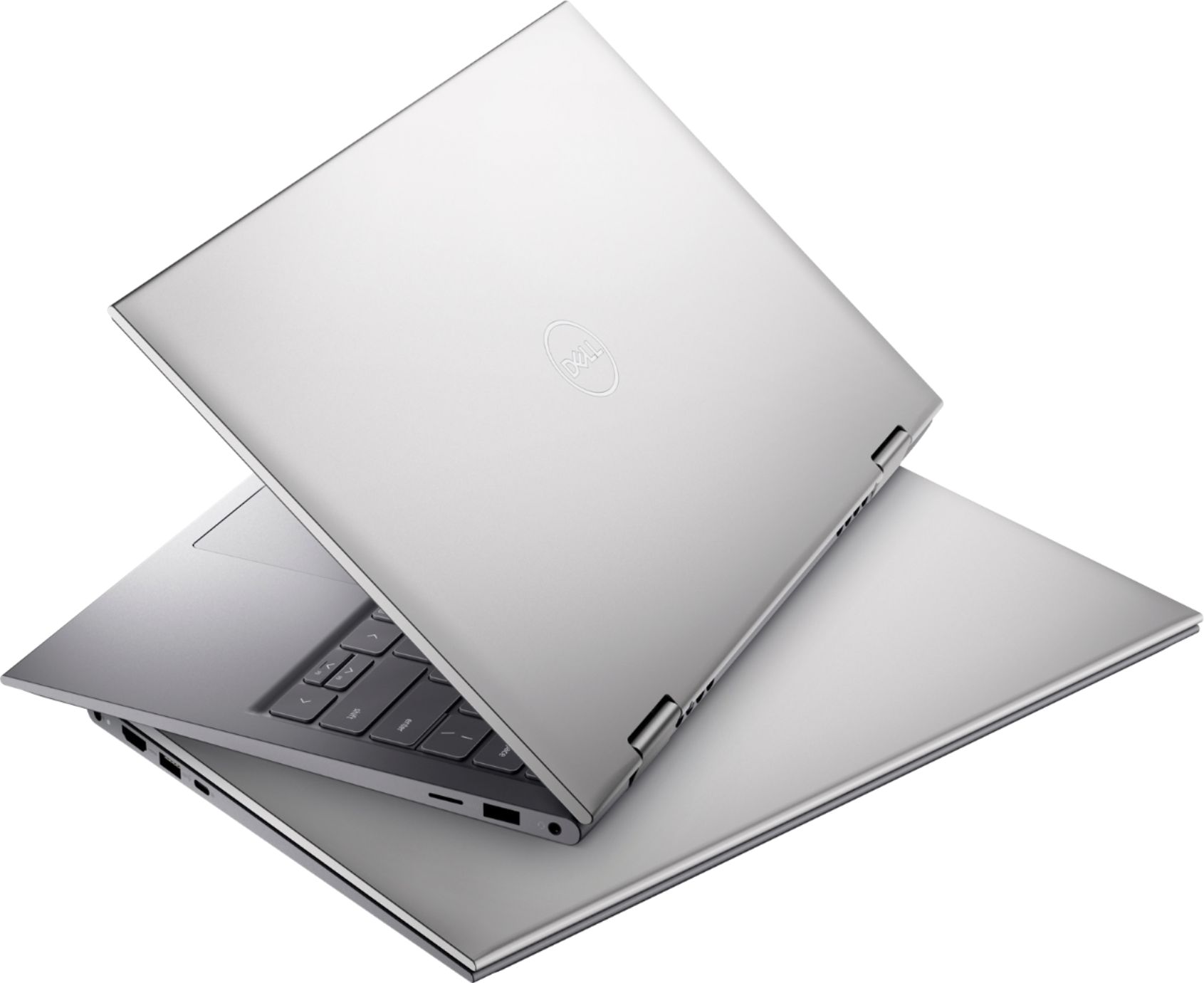
|Posted .This reviewer received promo considerations or sweepstakes entry for writing a review.I've had a few Dell computers and other laptops as well. This Dell laptop is quite small, but has enough memory and storage for most users. The 14-inch size is perfect for travelers or college students, plus it's light as well. If you have big hands you might have problems with the keyboard, but for most people it's fine. Startup and shutdown are very quick, since the hard drive is a solid-state drive, not a mechanical hard drive. It's got 2 standard USB ports, a newer USB-C port, HDMI interface if you want to hook up to a separate monitor or TV and a micro-SD card slot for accessing photos or other storage. The nice feature of this 2-in-1 laptop is the touch-screen monitor bends all the way around so you can use the laptop like a tablet if you don't need to use the keyboard. Perfect for playing games or watching a movie. The screen automatically rotates to the viewing angle you want to use, like your phone or tablet would do. All in all, a great little computer that's not going to break the bank.
I would recommend this to a friend Frustrated
||Posted . Owned for 1 year when reviewed.This reviewer received promo considerations or sweepstakes entry for writing a review.This thing sucks. Battery has shorted without reason twice already. I do not recommend. It is cheaply made and the plastic its made of is flimsy.
No, I would not recommend this to a friendPiece of crap
||Posted . Owned for 1 year when reviewed.This reviewer received promo considerations or sweepstakes entry for writing a review.Liece of crap used it for times in the year i owned it opened it up today to some blue screen of death pc wont work anymore what a waste
No, I would not recommend this to a friend- Cons mentioned:Heat
HOT DELL
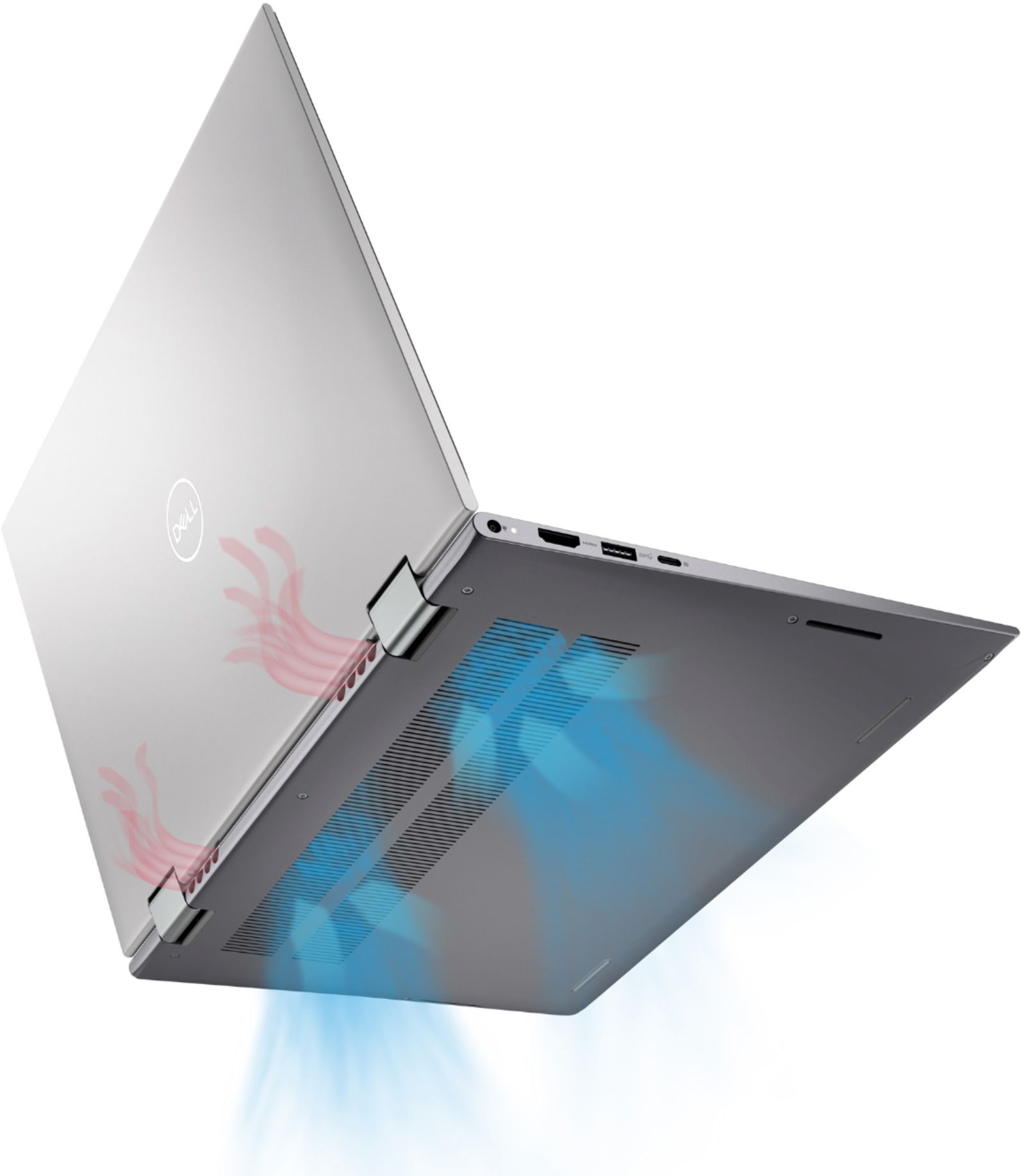
||Posted . Owned for 3 weeks when reviewed.This reviewer received promo considerations or sweepstakes entry for writing a review.Runs very hot. Not sure how to stop it from running hot. Fan runs all the time.
I would recommend this to a friendBrand response from YourDellTeam
Posted .Dear Valued Customer,
We appreciate you taking the time to leave us your review. We are sorry to hear about the issues you have come across with your Inspiron laptop because it is overheating.
We would recommend making sure the BIOS is up to date on your PC. I have provided a link to the Drivers and Downloads page so you can check for and do any applicable updates.
Dell has also released an Intel Power Management Utility to help with the overheating that you may be experiencing on your computer. For this package to take effect, the system power plan must be set to Balanced under the Additional Power Settings. Also, the Power Mode option that is displayed when you click the battery icon, should be set to Better Performance. This package only takes effect on AC power and not on battery power. The Intel Power Management Utility can be found here - http://dell.to/3tStRgX.
Drivers and Downloads page: https://dell.to/3K6ZeMd
Please use the Drivers and Downloads page link to check for and do any applicable BIOS updates for your PC, and if the issue persists, please reach out to our support team for further guidance here: https://bit.ly/DellSupportTeam.
Best,
Katarina@Dell
Should you need further assistance, you can contact Dell directly with the information below.
Chat or call: https://bit.ly/DellSupportTeam
Phone number to Dell 1-800-624-9896
Not delivered.
||Posted . Owned for 1.5 years when reviewed.This reviewer received promo considerations or sweepstakes entry for writing a review.Would've reviewed it, if I got the product. I guess this is what best buy is left with.
I would recommend this to a friendComputer review
||Posted . Owned for 1 month when reviewed.This reviewer received promo considerations or sweepstakes entry for writing a review.The product is probably better than my review, but because I'm not an expert at this technology, i am unable to utilize it as well as i can.
I would recommend this to a friendBrand response from YourDellTeam
Posted .Hello Valued Customer,
Thank you very much for your valuable feedback. We are sorry to hear that you are having some issues with your Dell Inspiron 5410 2-in-1 laptop because it is not too easy to operate. For your reference, I have included a link below with documentation for your device, where manuals and troubleshooting articles could be found.
Documentation Inspiron 5410 2-in-1: https://dell.to/3HBGT9P
If you come across any other questions, issues, concerns, or need technical support, please don’t hesitate to contact Dell Support Team at the information provided below.
Best,
Katarina@Dell
Should you need further assistance, you can contact Dell directly with the information below.
Chat or call: https://bit.ly/DellSupportTeam
Phone number to Dell 1-800-624-9896
keyboard and mouth issues
||Posted . Owned for 1 year when reviewed.This reviewer received promo considerations or sweepstakes entry for writing a review.only had this product for a year and it keyboard and mouth having issues. Sent for repairs twice
No, I would not recommend this to a friendDell Inspiron 2-in-1 14" Touch-Screen Laptop
||Posted . Owned for 3 weeks when reviewed.This reviewer received promo considerations or sweepstakes entry for writing a review.Great screen and keyboard, but the trackpad is below par, really uncomfortable to use.
No, I would not recommend this to a friendBrand response from YourDellTeam
Posted .Hello Flanaganc24,
Thank you very much for your valuable feedback. We are glad you like the screen and the keyboard on your Dell Inspiron 5410 2-in-1 laptop but we are sorry to hear you are not too happy with its touchpad because it is not comfortable to use.
Some Notebooks and Tablets with Keyboards have added gesture features to the touchpad hardware and drivers. A few of these features are two or three-finger scrolling, pinch zoom, circle zoom, rotate, and swiping. These new features may be the reason for the erratic cursor movement since most are turned on by default. You can disable or modify the way the features work in the touchpad driver properties. Here are some tips to modify these settings:
1. In the Search box, type main. cpl.
2. Touch or click main. cpl in the list of programs.
3. Touch or click the Dell Touchpad tab.
4. Touch or click on the picture of the touchpad.
5. Touch or click Gestures (depending on your computer there may not be a Gestures option).
6. Change the options as preferred.
7. Touch or click Save.
8. Touch or click the X in the upper-right corner to close the Dell Touchpad Utility.
9. Touch or click OK on the Mouse Properties window.
10. If the touchpad still does not work after following the preceding steps, refer to Dell Knowledge Base article - http://dell.to/2iaiujA
You can read the full article here - http://dell.to/2tqmS02
If the issue with the touchpad is not resolved after you have finished troubleshooting your system, please reach out to our support team here: 1-800-624-9896.
Best,
Katarina@Dell
Should you need further assistance, you can contact Dell directly with the information below.
Chat or call: https://bit.ly/DellSupportTeam
Phone number to Dell 1-800-624-9896
Its ok
||Posted .This reviewer received promo considerations or sweepstakes entry for writing a review.It is an ok computer, there are some better options. Screen on mine was super dim.
No, I would not recommend this to a friend- Pros mentioned:Touch screen
This is all I needed
|Posted .This reviewer received promo considerations or sweepstakes entry for writing a review.This is a laptop that’s perfect for everyday needs. It’s a high quality daily laptop that’s a 2-in1 so it makes it very versatile: 1) It is priced right while the design makes it look like it is more expensive than it is -- tight hinges and a durable frame with an elegant finish. 2) The IrisXE integrated card is enough for light games, even Roblux or mobile games that can run on PC. 3) Port options are perfect as well. SD card, HDMI, headphone jack if you are still into that, USB port for charging or display and power (there is a port for an actual power adapter but this comes with a USB-C for power). 4) It comes with a fingerprint reader and a cover for the webcam which helps a lot with security and ease of use of the laptop. 5) It is not lightweight but it could be because of the touchscreen but is responsive enough to navigate through usual browsing and app switching. 6) The keyboard has this nice texture to it and has enough ride as I typed. 7) It has thin bezels but the display can be brighter – resolution quality though is very sharp. 8) The sound on it is crisp. I actually thought there was glass breaking outside my window when I played this mobile game on it that has crystal shatter. 9) And a conference call is very hassle-free, meaning no hiccups and it was very reliable. Yes, it’s an i5 and has 8gb—versus other laptops out in the market that sell you i7s with 16gb of ram. Seriously though, unless you need one million monitors and multiple large spreadsheets with macros in your face, this one is more than enough. And believe me, even if you get higher spec ones, you won’t see the difference in daily performance with this one. Browsing, watching videos, word processing, pulling up spreadsheets, simple photo editing, even some gaming—all done with relative ease on this laptop. After all, it’s a Dell and they have perfected what the usual person needs and this one has the bells and whistles that I need to be productive everyday.
I would recommend this to a friend - Cons mentioned:Hinge
Laptop Hinge - BEWARE!
||Posted . Owned for 10 months when reviewed.This reviewer received promo considerations or sweepstakes entry for writing a review.less than one year in the laptop hinge broke apart from the main. In trying to get out it fixed - we were told it would take about 3 months. can not go that long without a computer so we were forced to buy another. It was not a DELL
No, I would not recommend this to a friendBrand response from YourDellTeam
Posted .Hello Valued Customer,
We would like to thank you for taking the time to provide us with your feedback. We apologize for the troubles you have come across with your Dell Inspiron 5410 2-in-1 laptop because its hinge broke and getting it repaired is taking a long time. We will share your comment about this issue with our quality team, so future improvements can be made.
If you come across any other questions or have concerns about this product, please don’t hesitate to contact Dell Support Team at the information provided below.
Best,
Katarina@Dell
Should you need further assistance, you can contact Dell directly with the information below.
Chat or call: https://bit.ly/DellSupportTeam
Phone number to Dell: 1-800-624-9896