Customer Ratings & Reviews
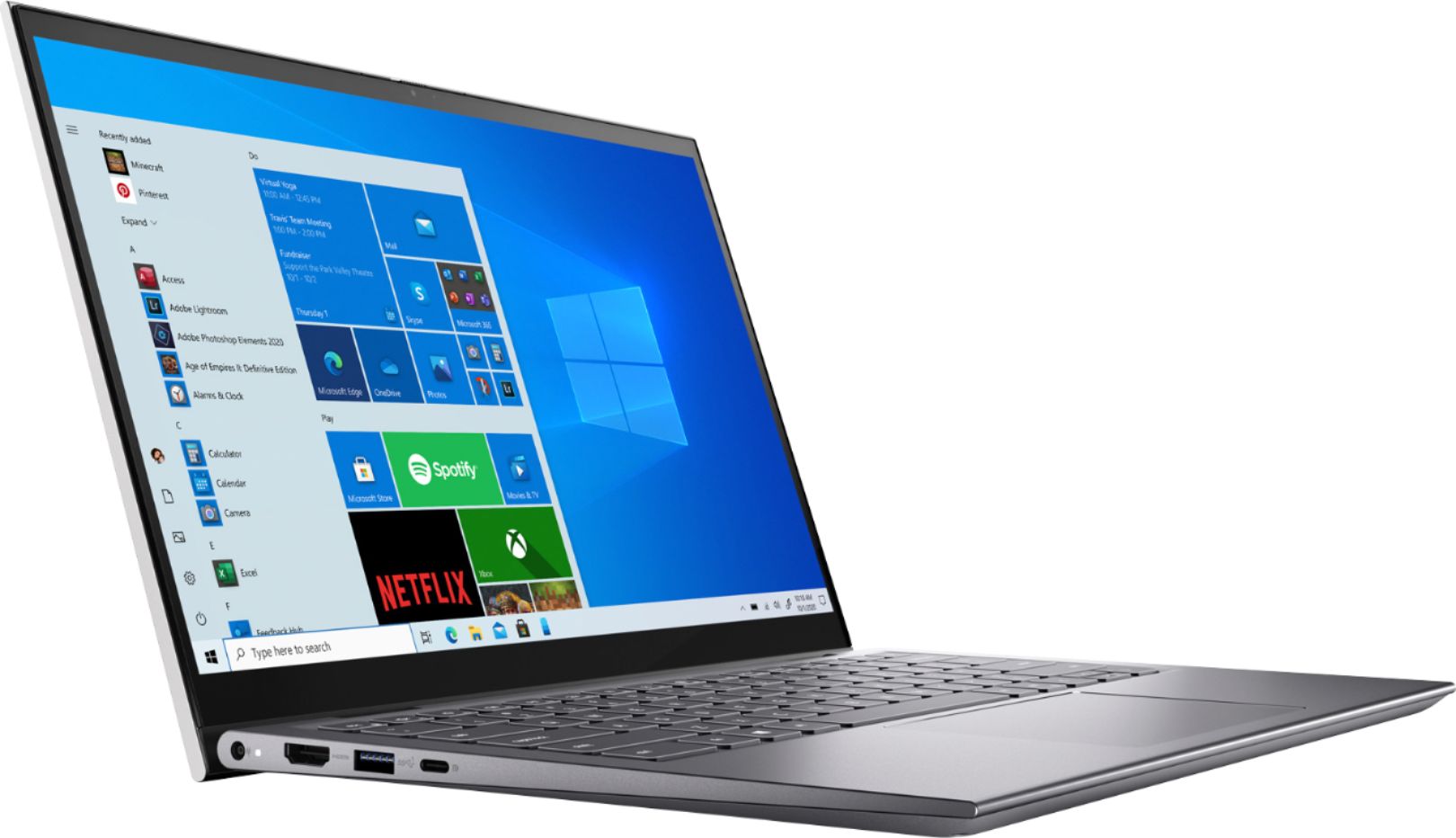
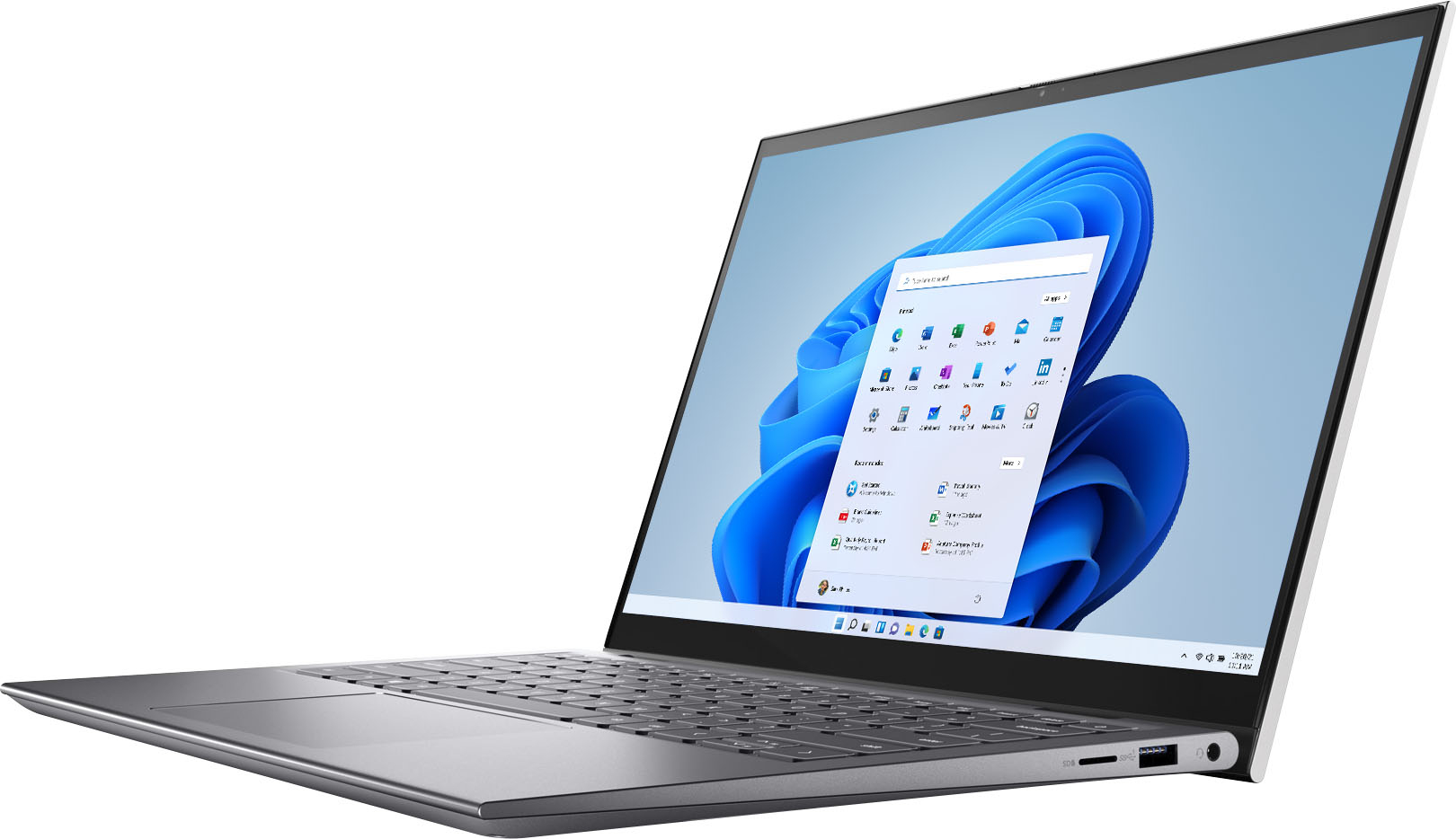
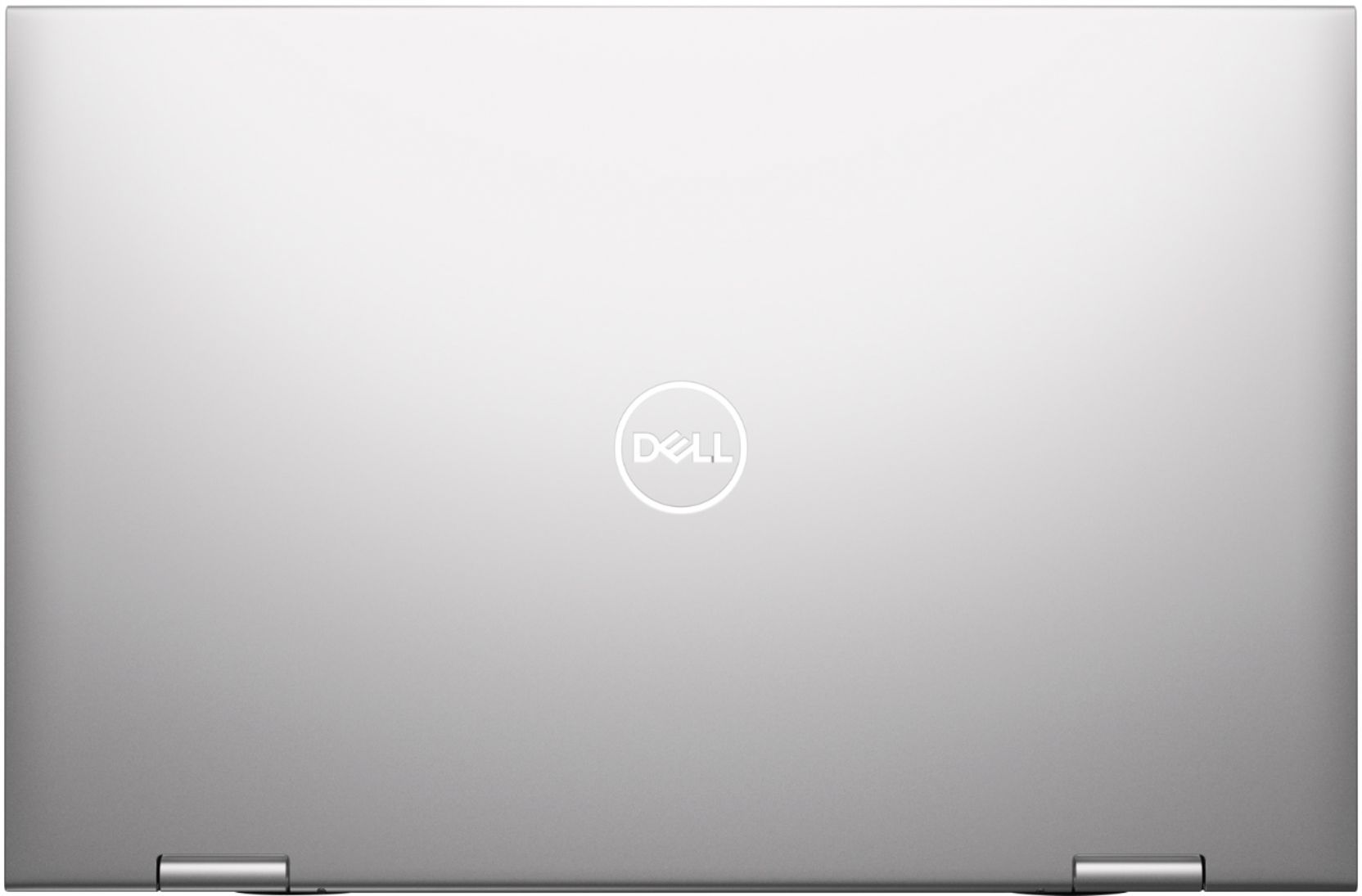
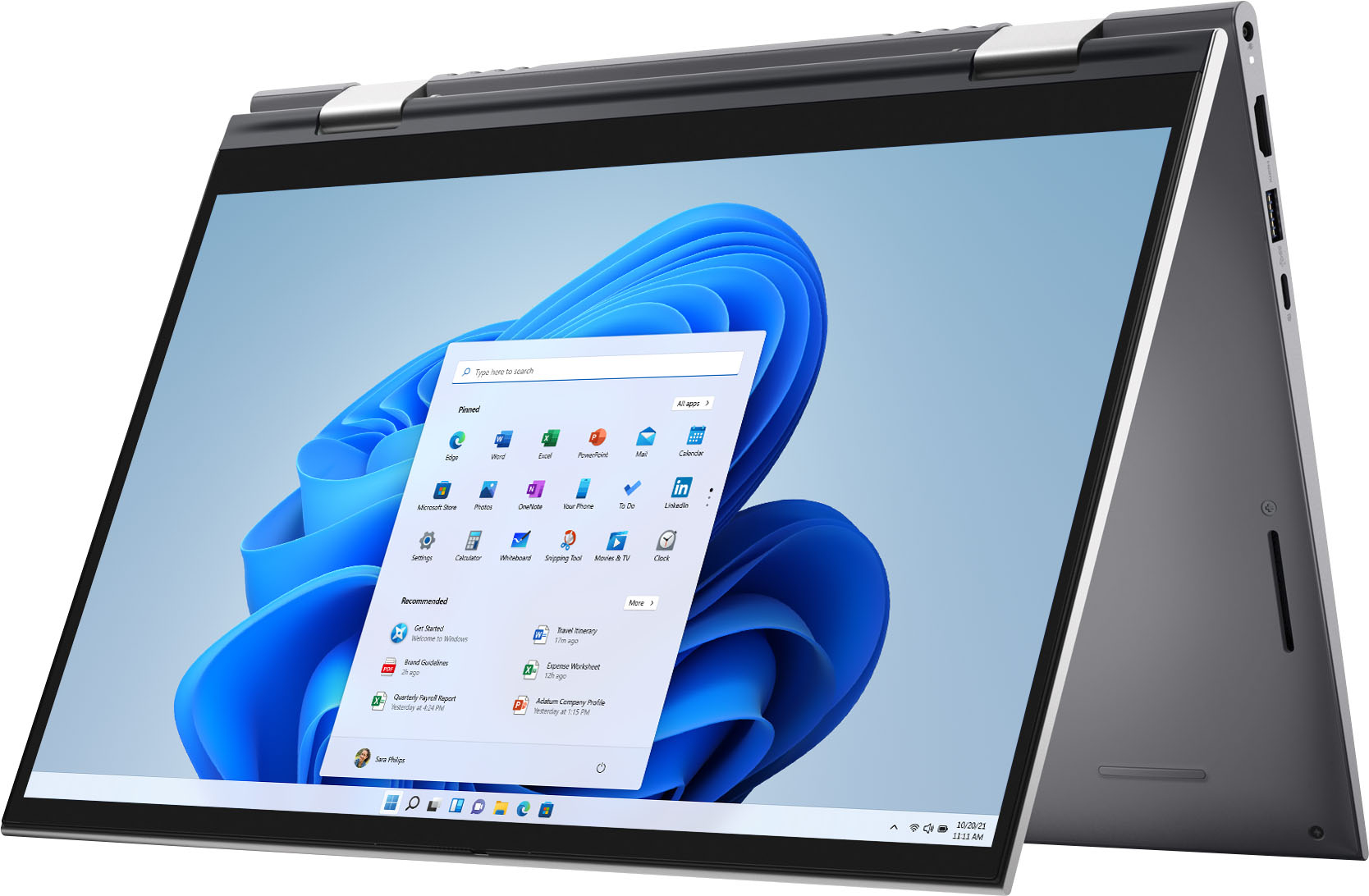
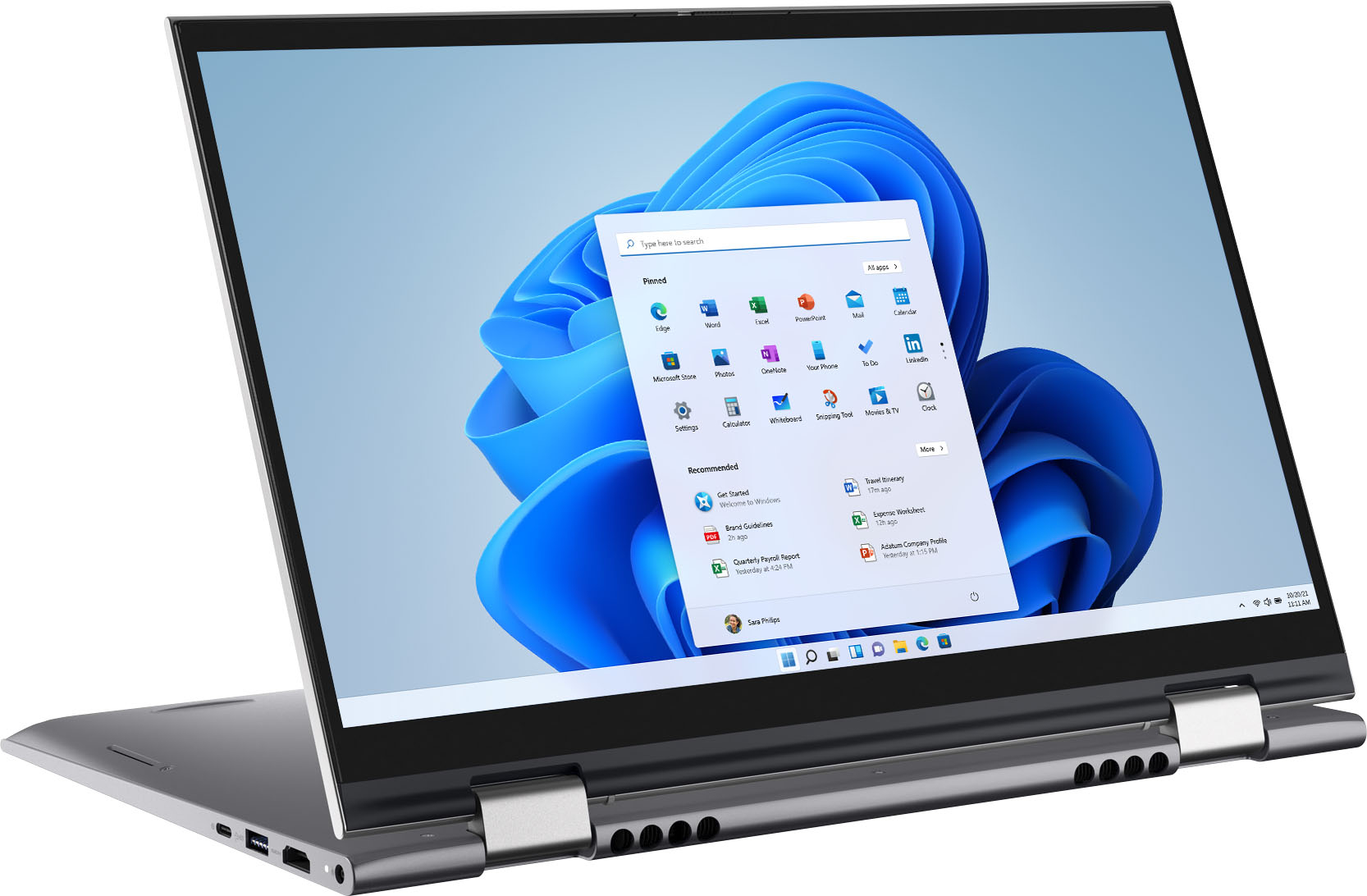
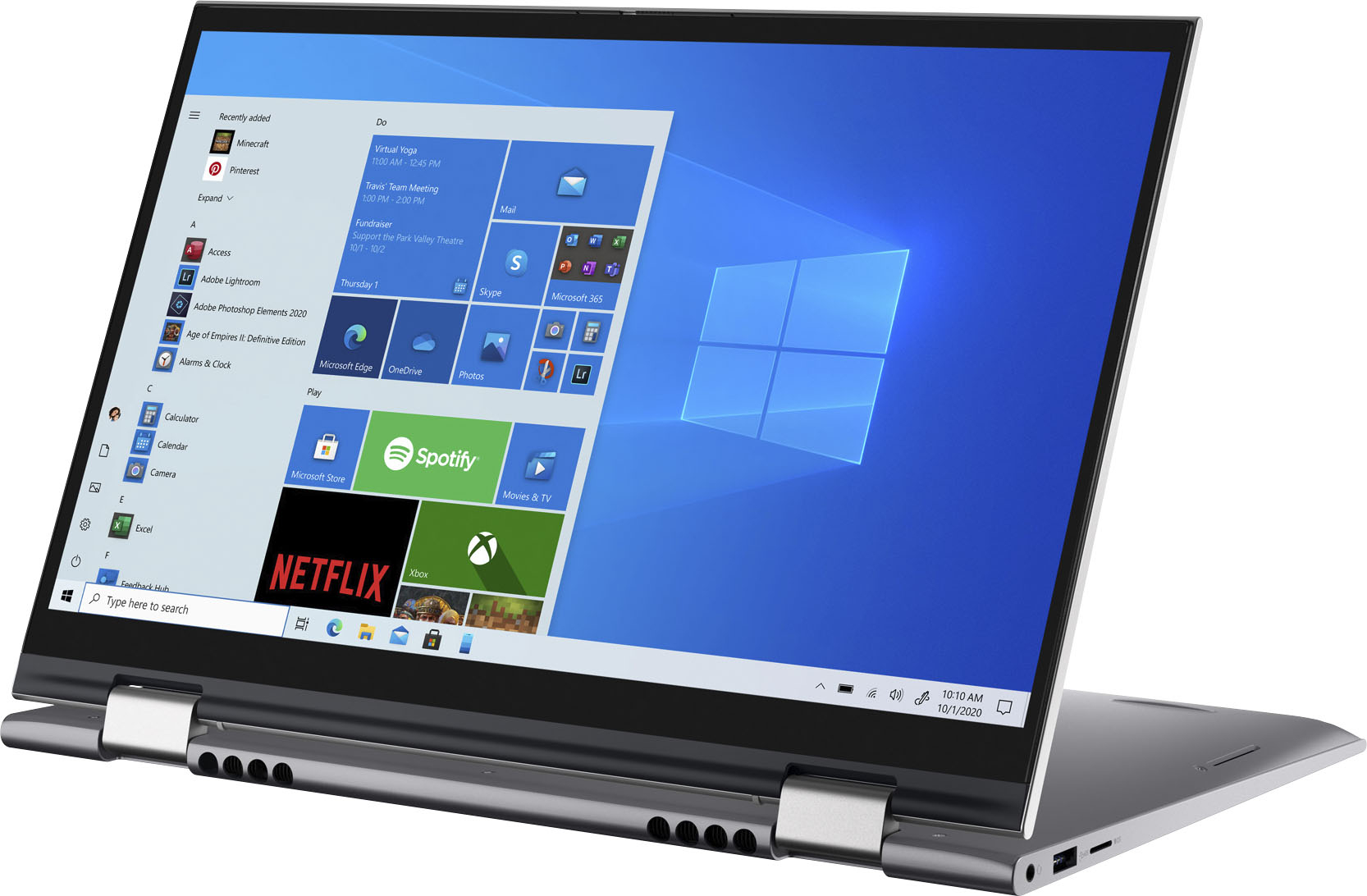
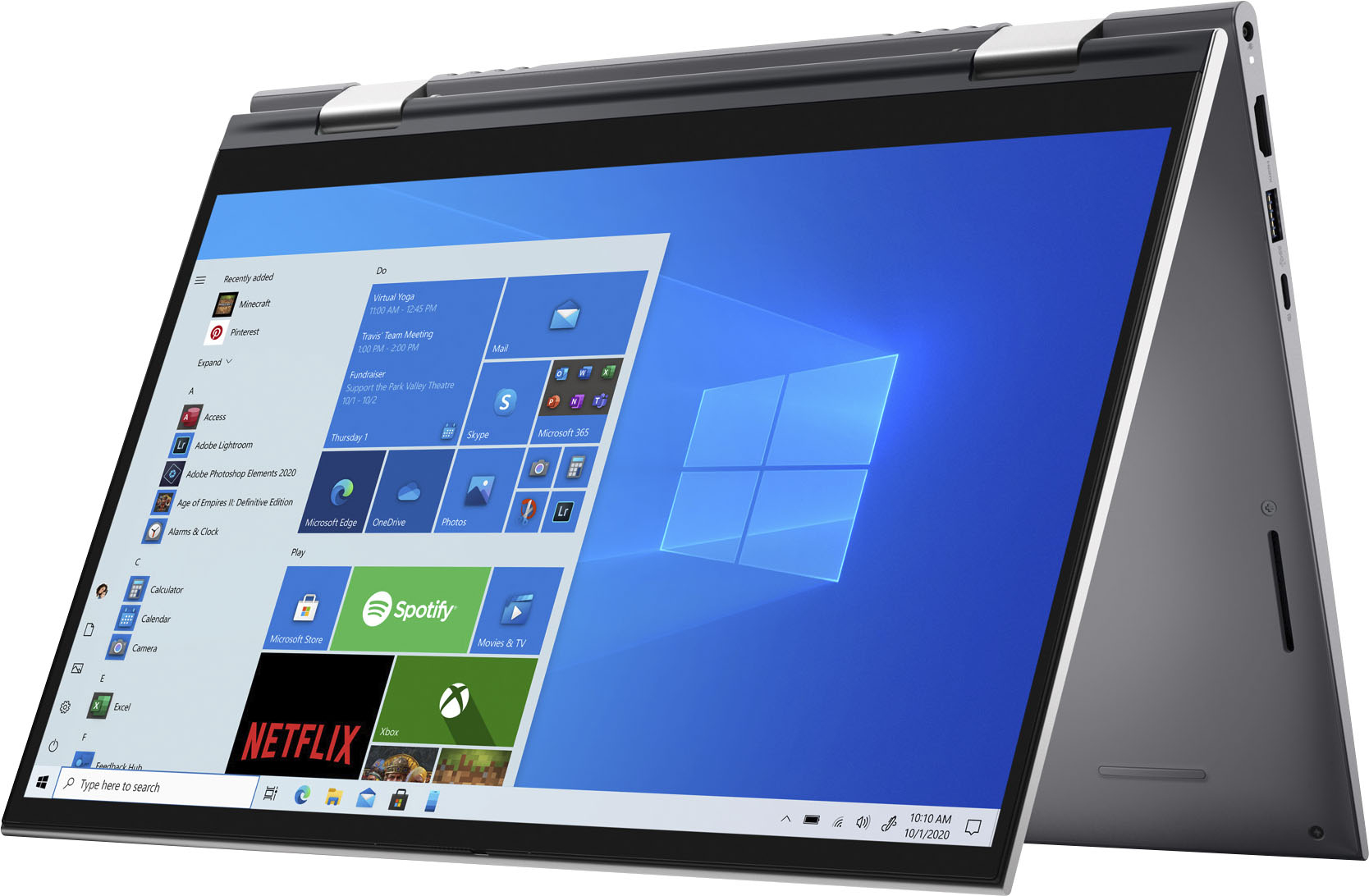
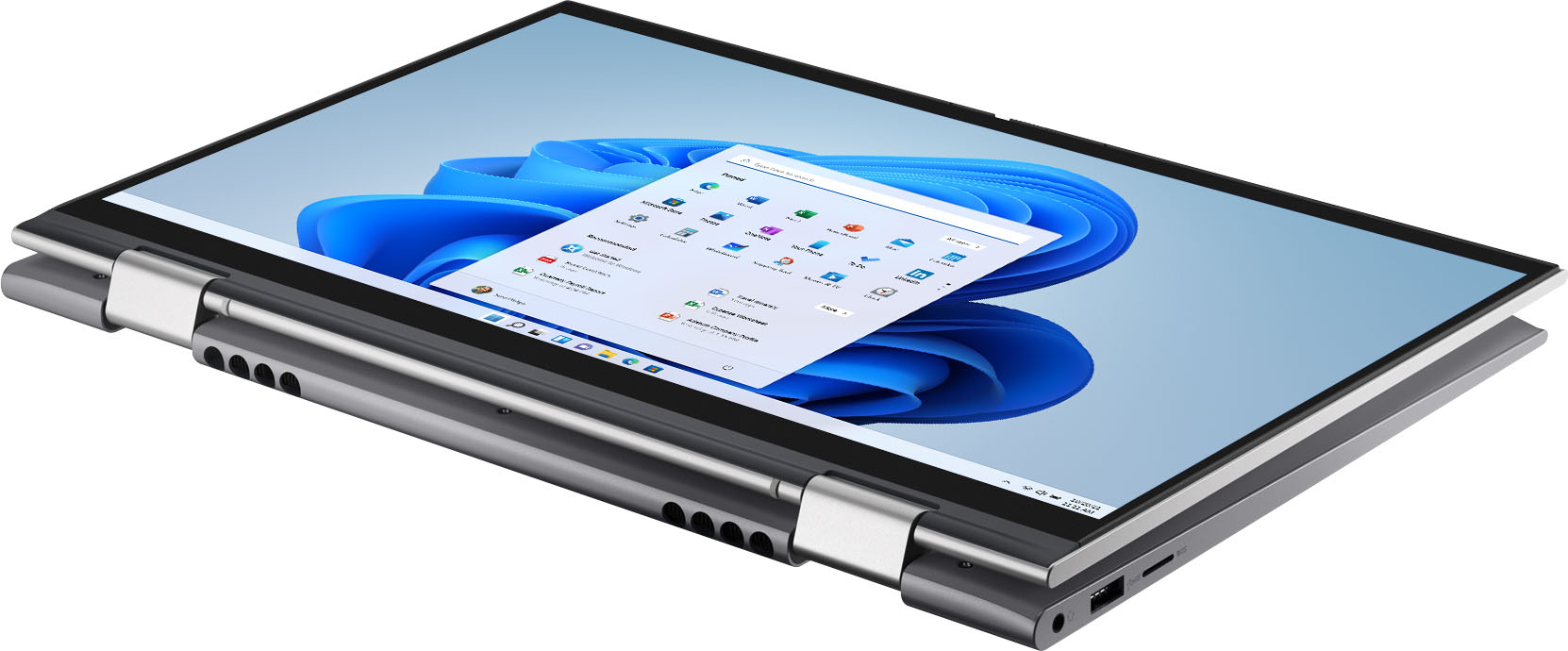





- Model:
- i5410-7026SLV-PUS
- SKU:
- 6458904
Rating by feature
- Battery Life
Rating 4.4 out of 5 stars
- Speed
Rating 4.6 out of 5 stars
- Display
Rating 4.6 out of 5 stars
Customers are saying
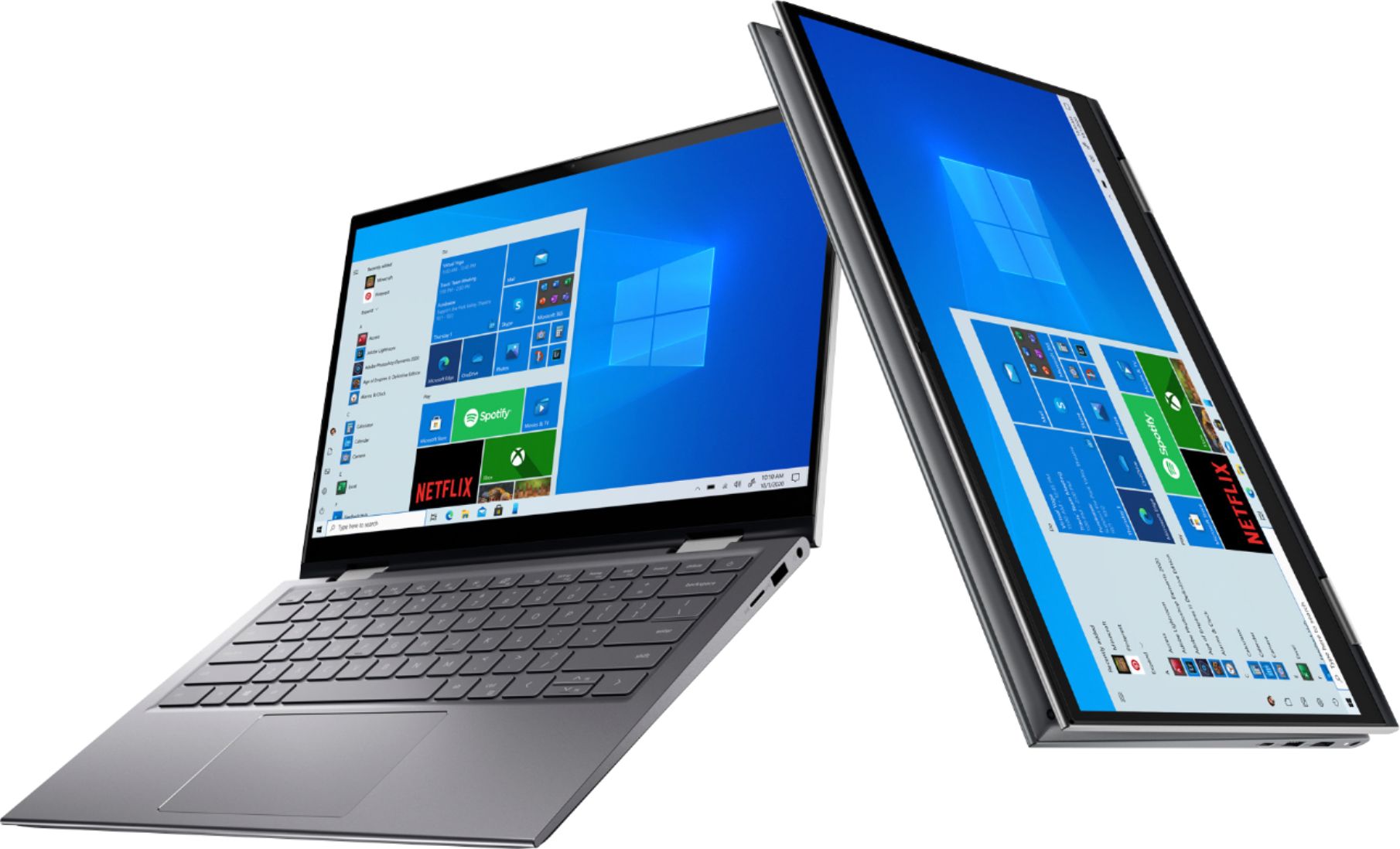
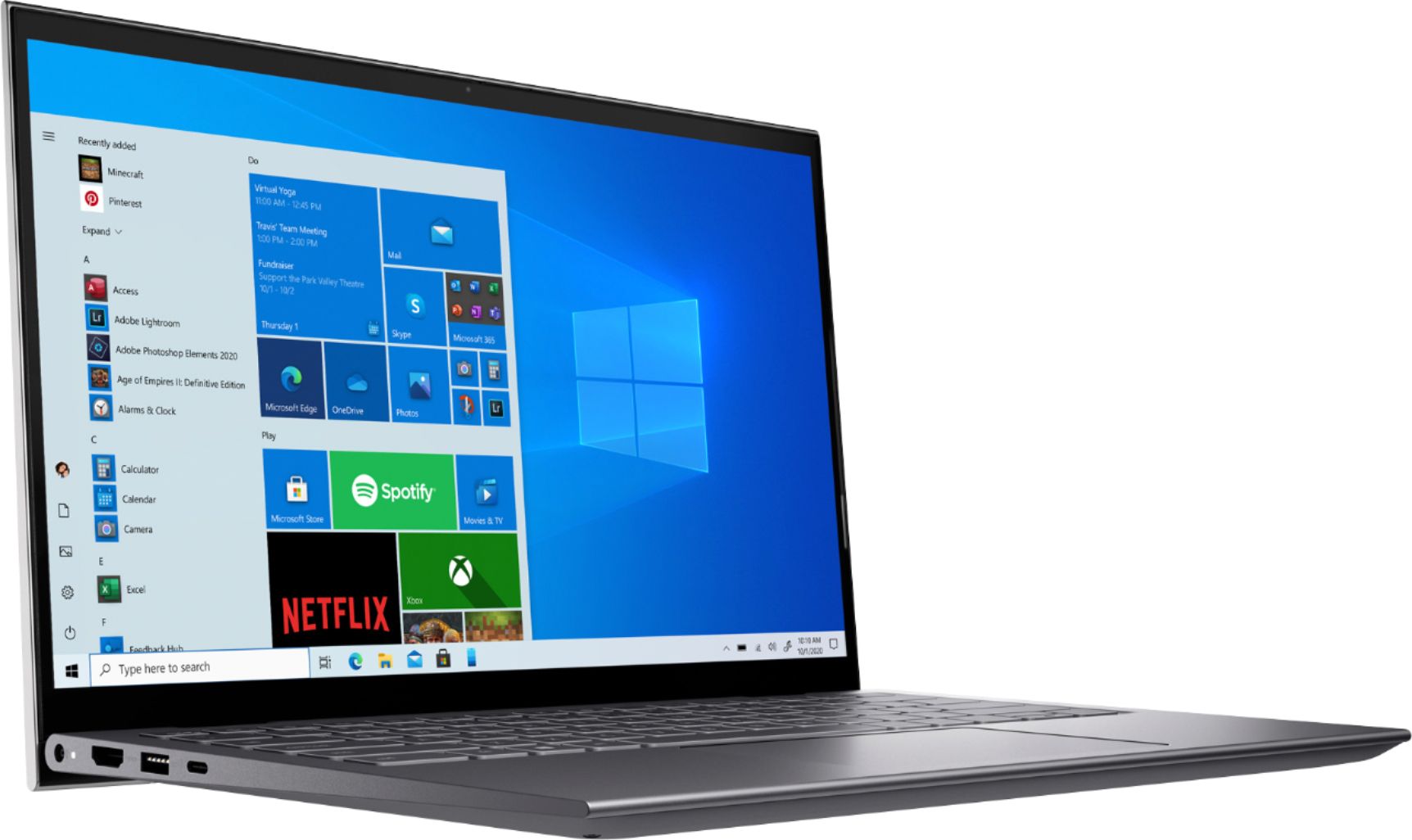
Customers find value in the Inspiron 2-in-1 laptop's fast performance, responsive touch screen, and lightweight portability. They appreciate its sleek design and affordable price. However, some users have concerns about its short battery life, occasional overheating, hinge issues, and build quality.
This summary was generated by AI based on customer reviews.
- Pros mentioned:Processor speedCons mentioned:Noise
My favorite laptop to date and I've had many!
||Posted . Owned for more than 2 years when reviewed.This reviewer received promo considerations or sweepstakes entry for writing a review.I've been using this for a little over 2 years now and I love it. My only issue is sometimes I unknowingly press some combination of keys which makes the touchpad not work (until I figure out how to do undo what I'd done). Otherwise, it's a great laptop. It can get a little loud at times but the speed is definitely great.
I would recommend this to a friend - Pros mentioned:Battery life, Performance, Processor speed

Great laptop but read why it's 4 stars only
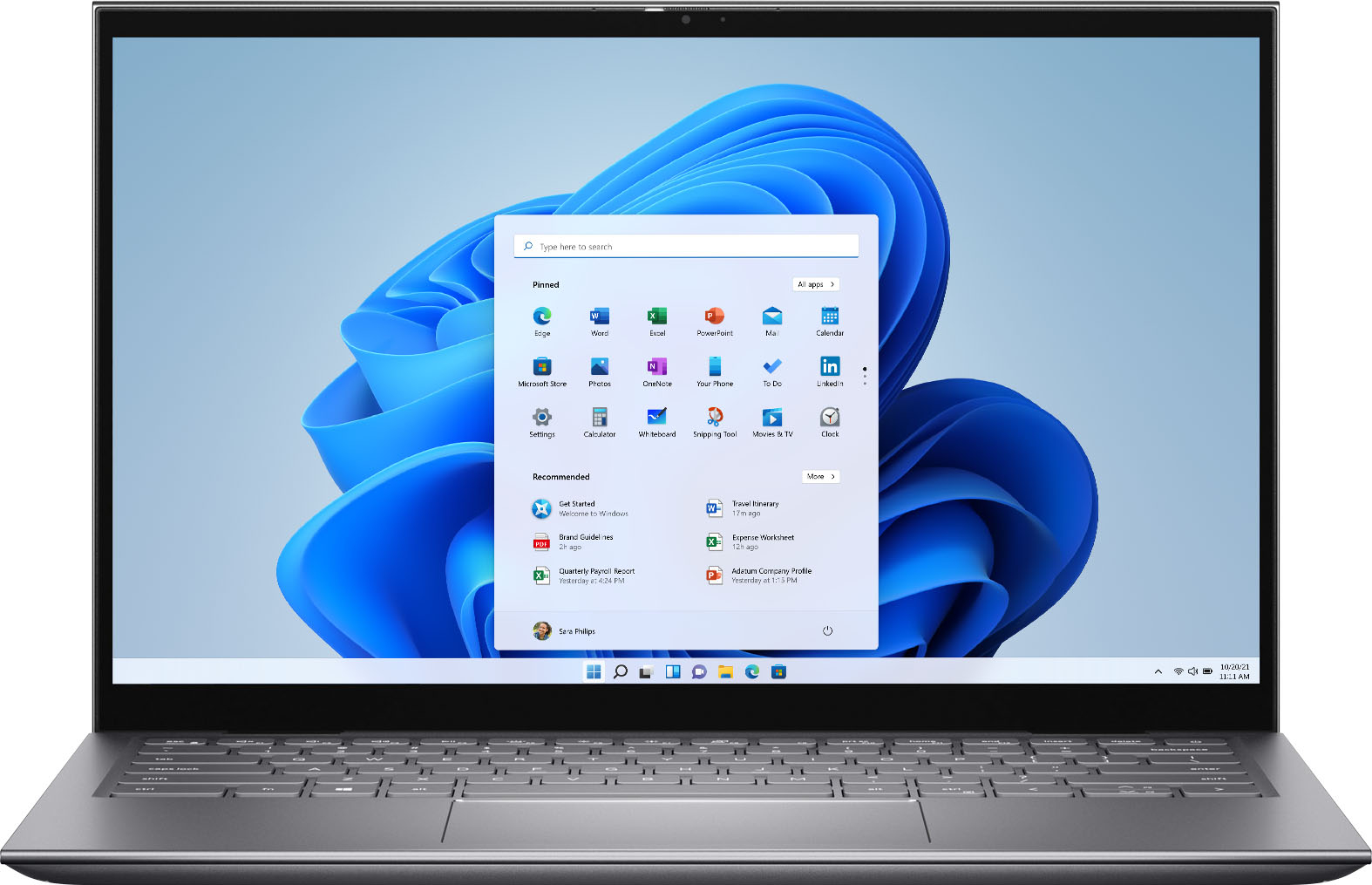
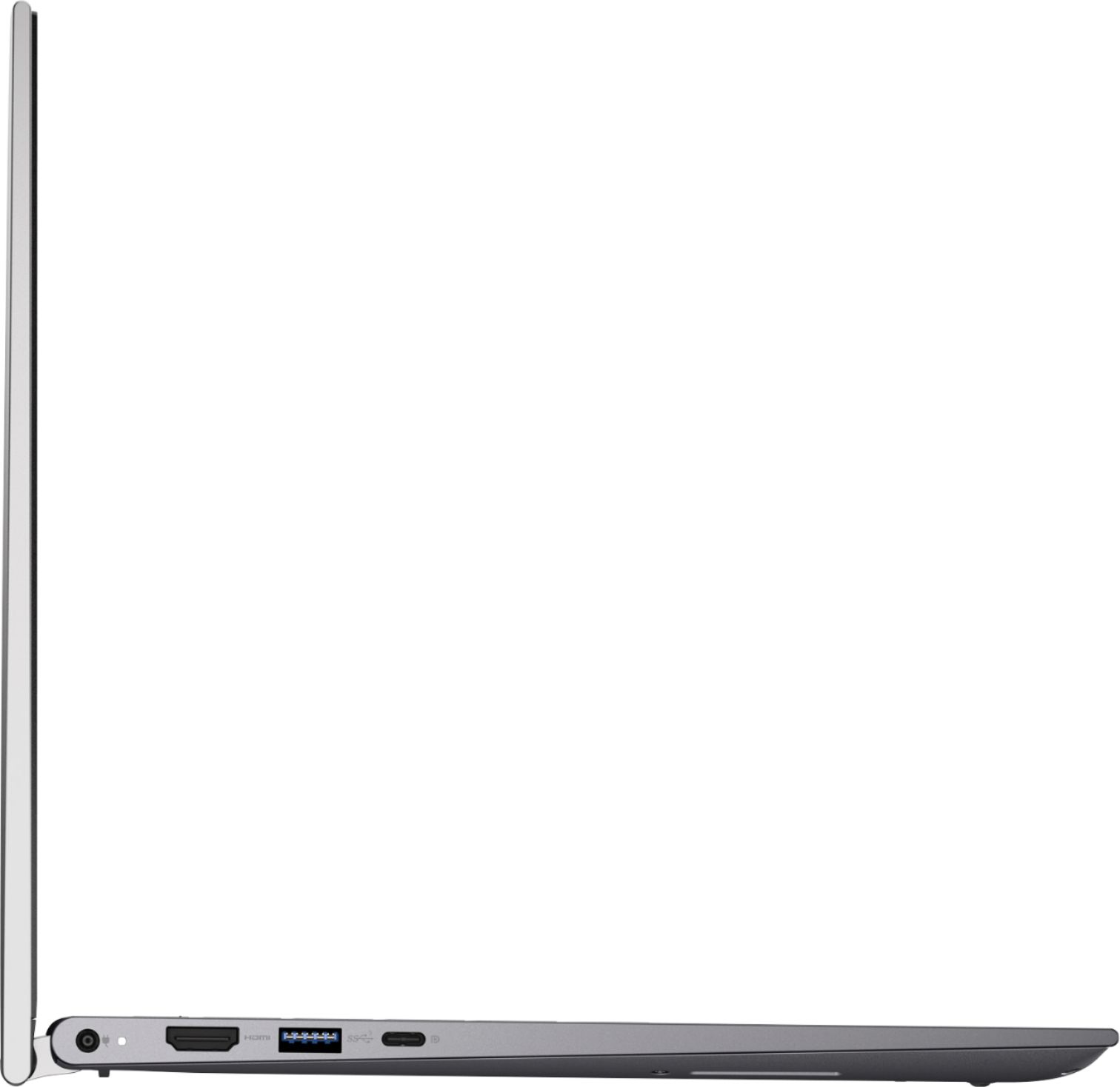
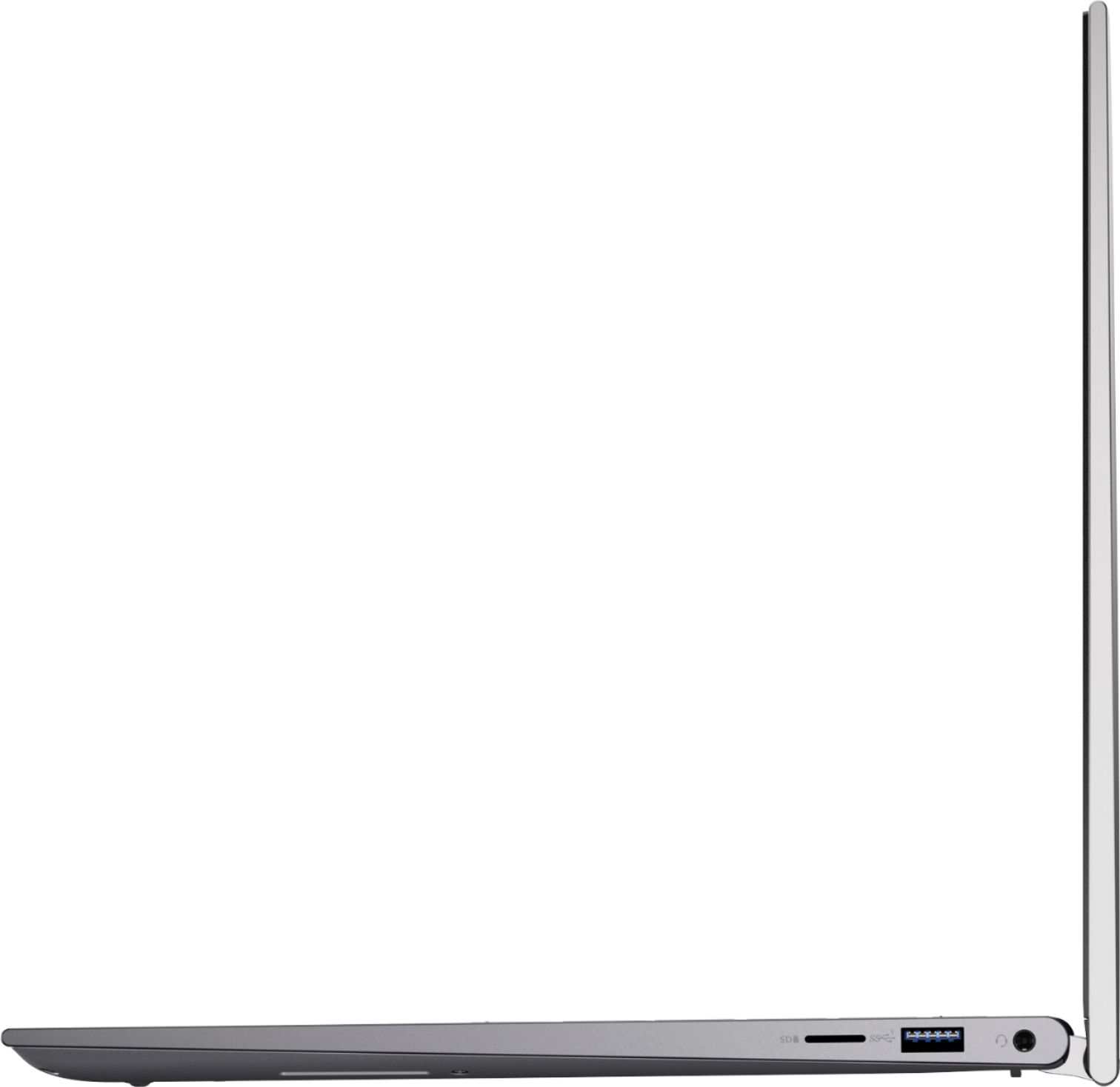
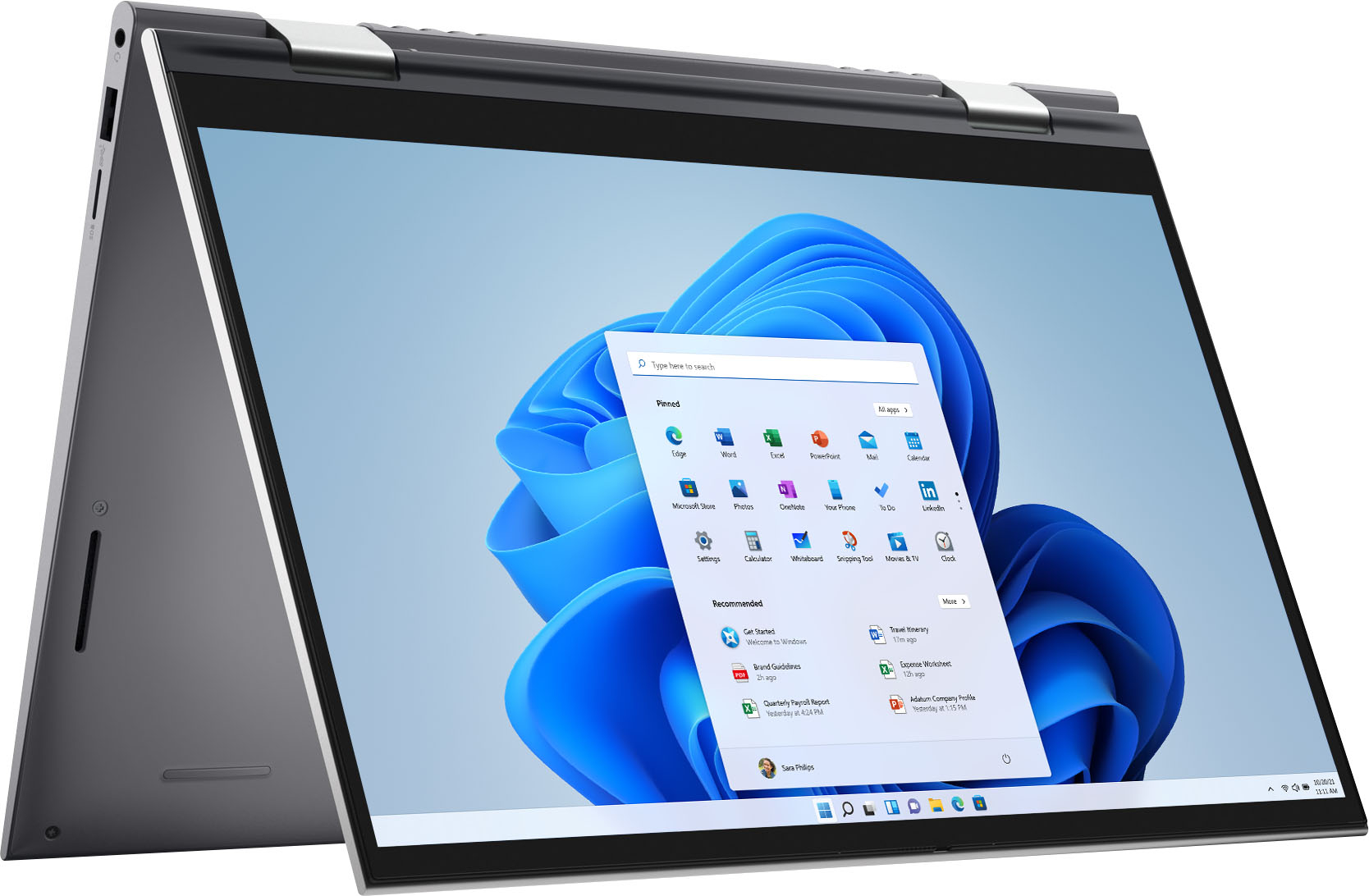
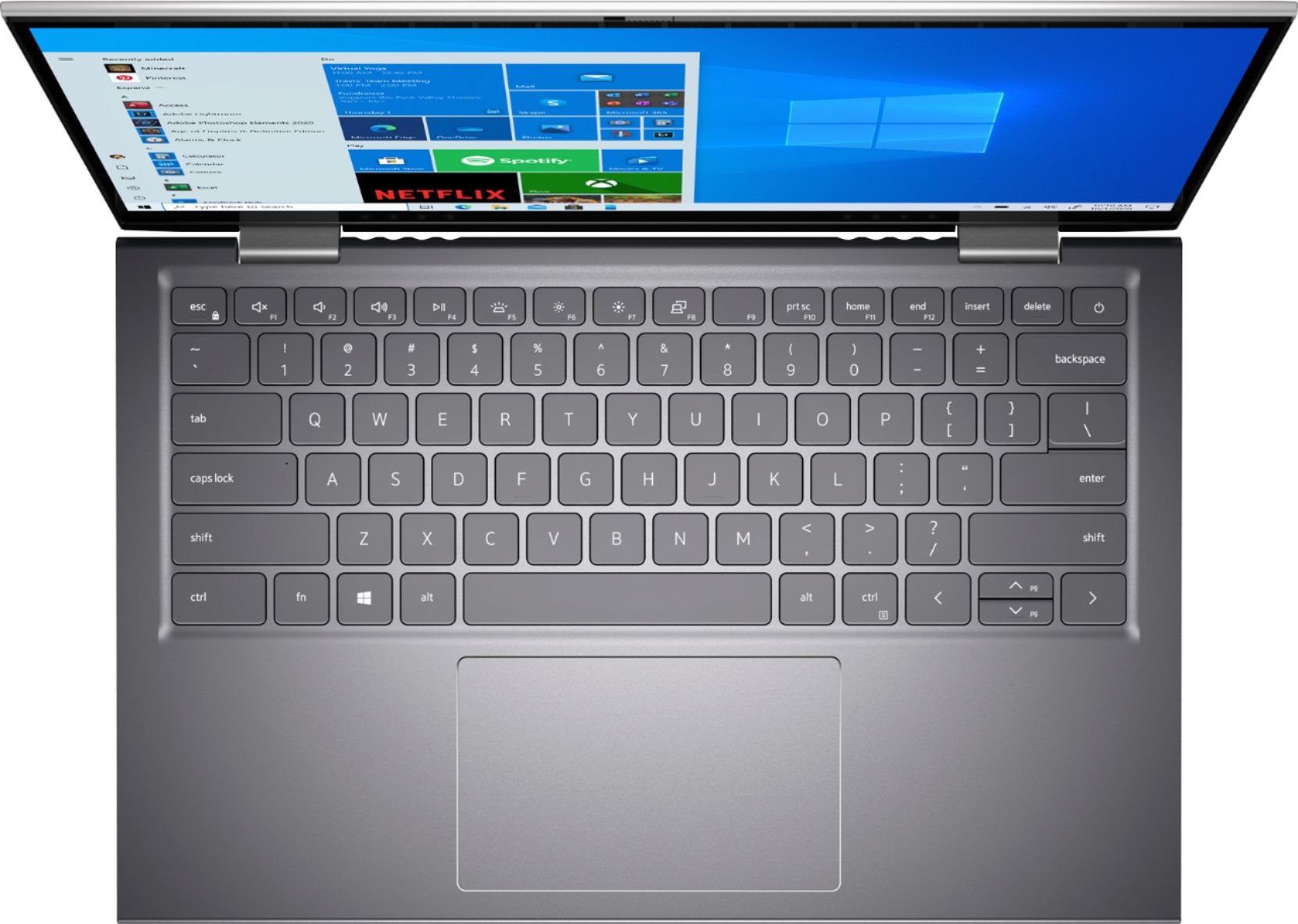
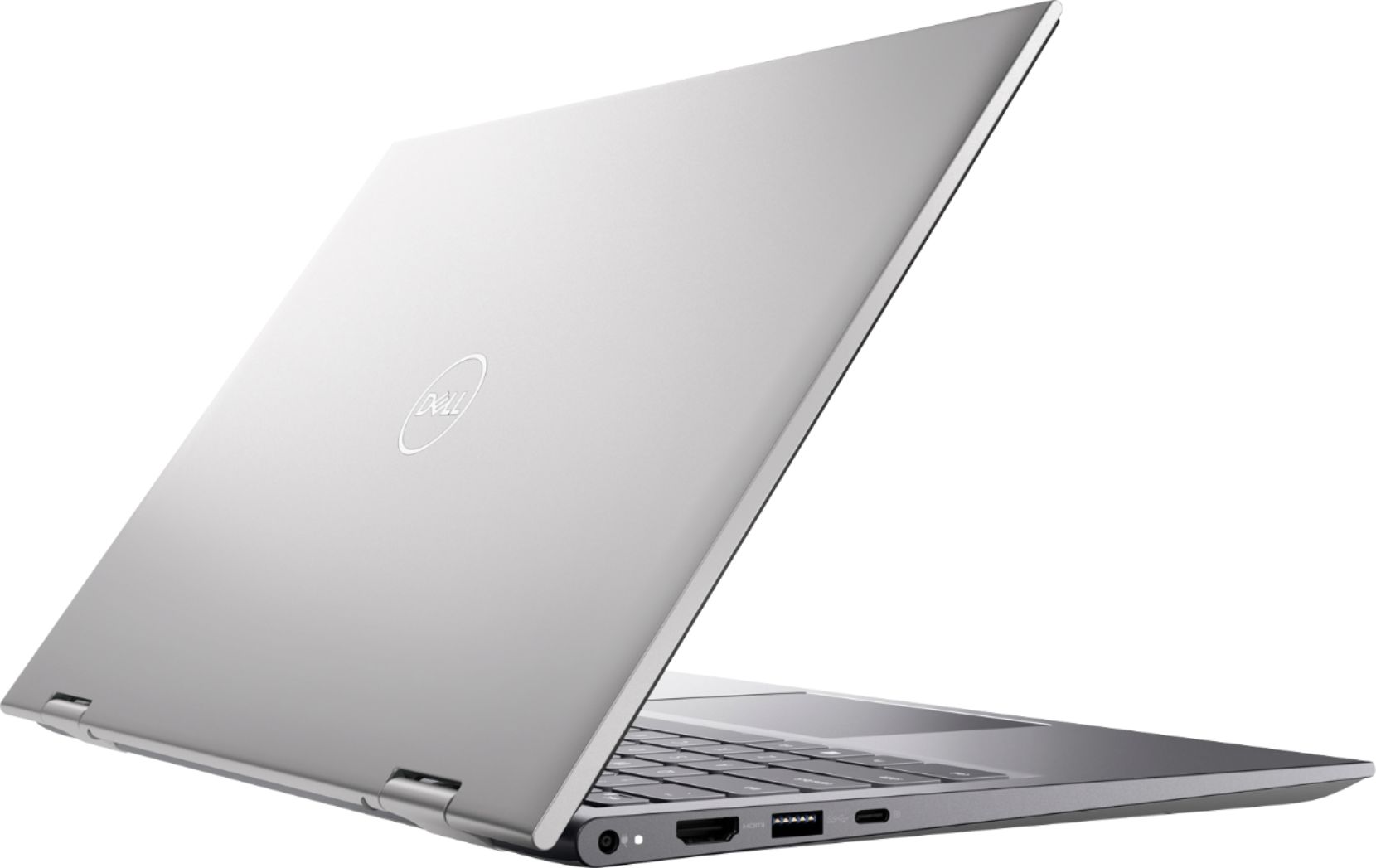
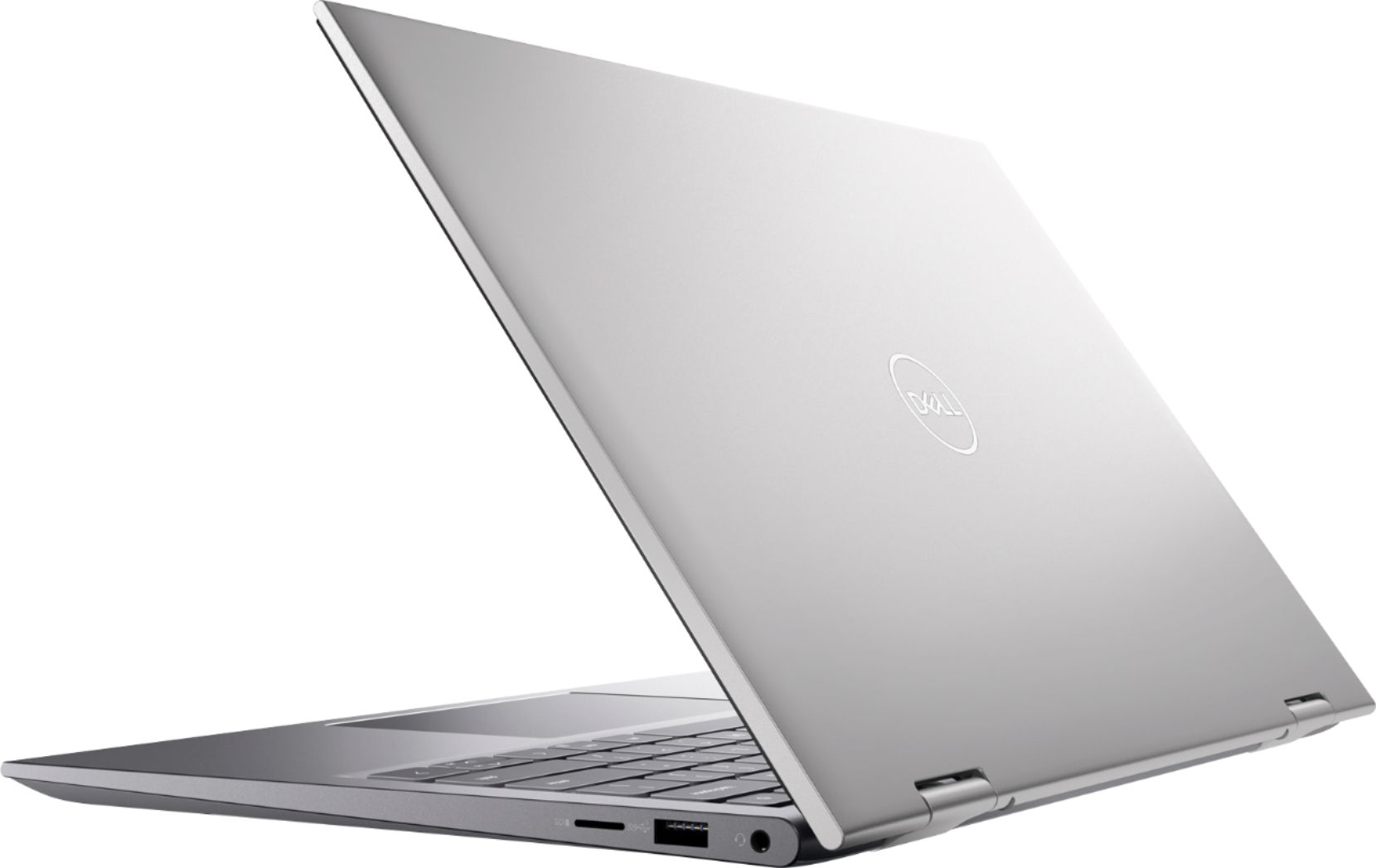
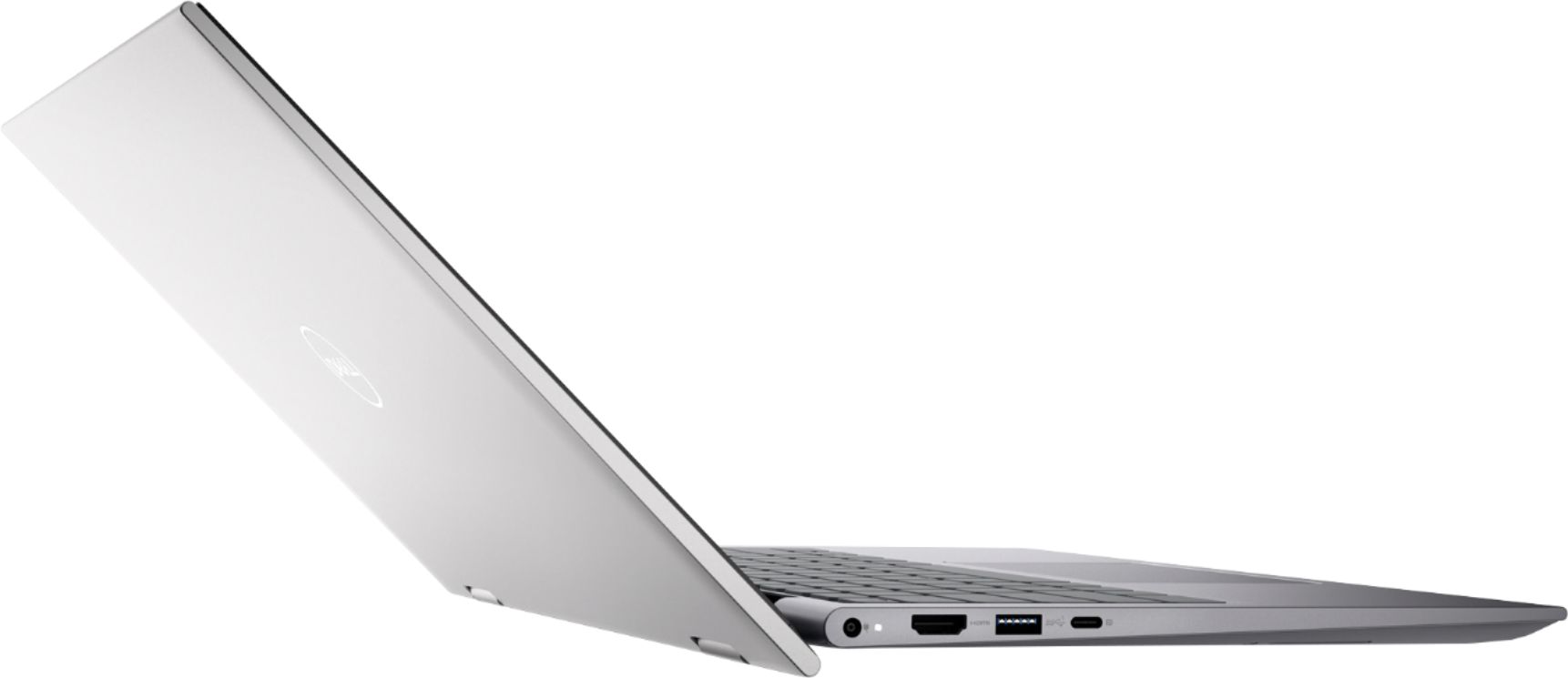
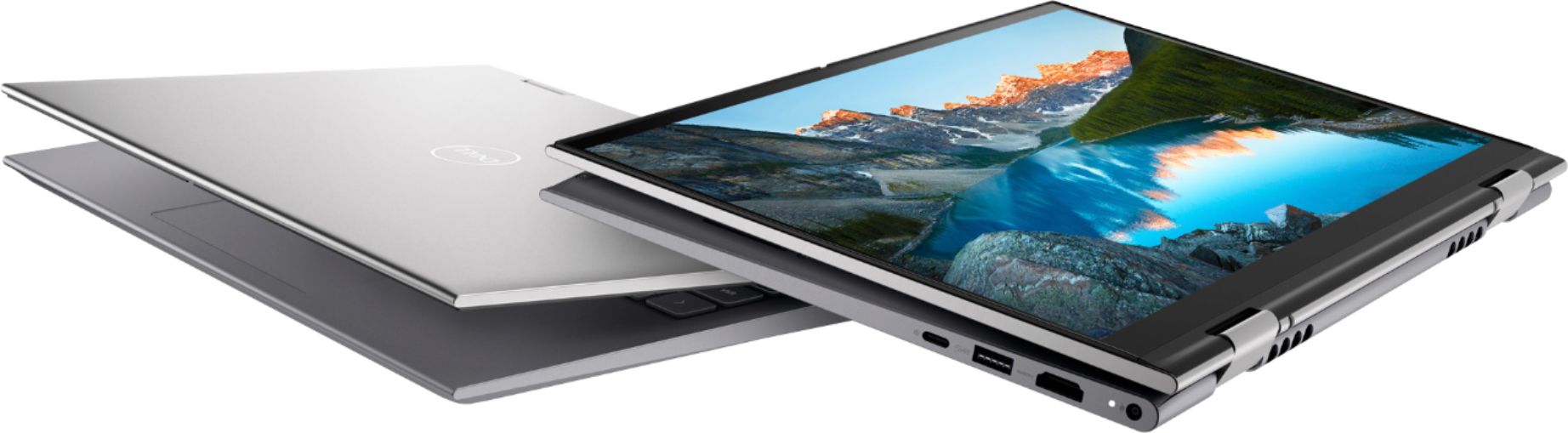
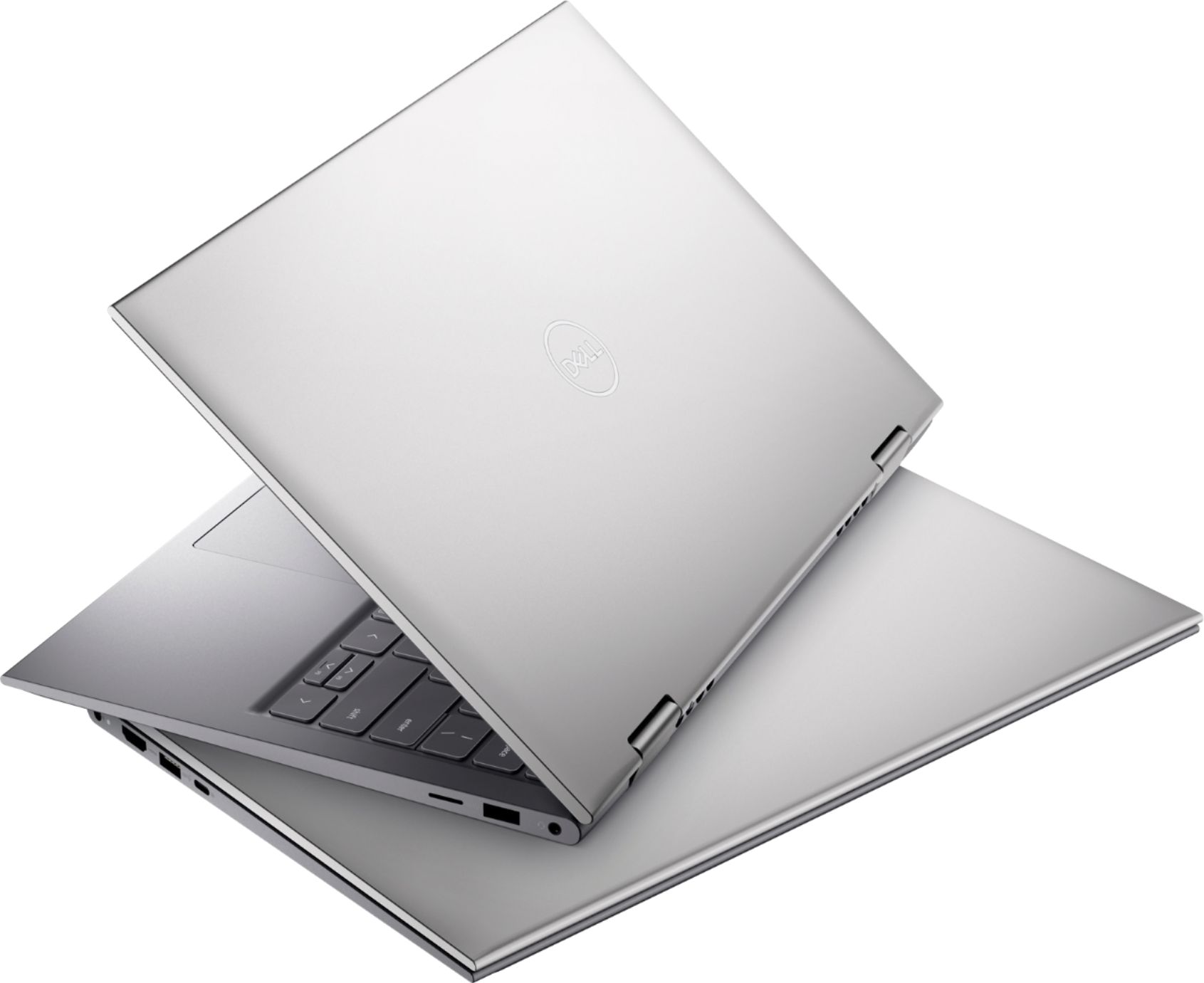
|Posted .This reviewer received promo considerations or sweepstakes entry for writing a review.Here's what I look for when I'm in the market for a business/ home laptop: good spec and value, doesn’t look and feel cheap, lightweight and performs well for the job. This Dell Inspiron fits the criteria. The spec is good: a combination of intel i7 class processor, 512GB SSD and 16 GB RAM. That's more than enough for most multi-tasking applications including word processing, making posters, power points, digital drawing, basic photo/video editing and of course web browsing and viewing videos. The laptop has built-in webcam, which makes it a great machine for work/ study from home where you'll be doing a lot of video conferencing. The ports are the usual suspects including USB, USB-C, HDMI, SD Card slot, and audio/mic jack. The USB-C port supports power delivery so you can use compact 65-watt USB-C generic charger that you have to provide on your own since the supplied charger uses regular laptop power port. The laptop also supports the latest wifi protocol so it will provide you with better connections, comparing to the previous generation of wifi protocol, especially for high demanding network duty such as accessing to your network drive. This laptop has built-in Bluetooth chip as well as in the case of any decent laptop these days. The laptops starts and shuts down fast thanks to the SSD. The screen is great. The bezel is thin hence the large screen estate you're getting. Touch screen is responsive and it supports a variety of viewing mode from normal laptop view to standing and tablet mode. Sound is decent; you'll be entertained well using this machine to view videos. Battery life competes with many of other decent laptops these days so it's not stellar but it will last long enough for most uses. The highlight of this laptop should be its fast performance, thanks to a combination of latest gen intel i7 chip, SSD and 16 GB of RAM. Here's what I don't like: 1. It doesn’t have discreet GPU hence no recent AAA PC games will run well in this machine but of course you can still do light gaming. 2. The weight; it's light for a laptop but too heavy for a tablet. Using it as a tablet for extended period of time is not an enjoyable experience comparing to a dedicated tablet. 3. No thunderbolt connection is available meaning it's impossible to connect to external GPU so this will not be the laptop you’re looking for if you wish to find one with upgradeable GPU. It’s a shame that this laptop doesn’t have thunderbolt connection because this laptop has the right ingredients to turn it into a gaming laptop thus exponentially extend its capabilities. However, it is fair to say that all these 3 points are somewhat expected for a 2-in-1 machine or one at this price point. Make no mistake, though, this is a very capable machine. It is just not the right kind of machine if you're looking to use it primarily as a tablet, doing intense graphics processing work such as rendering complex video footage and animation or playing graphics intensive games. This is a laptop first machine, tablet second. As a typical business/home laptop, where you’ll be doing word processing/ spreadsheet/ presentations etc. this laptop is more than enough to do the job really well. This laptop can also be the right machine for you if you're looking for a machine that supports digital pen input for creative works as long as the GPU spec fits your needs. Final words, this is a great laptop but you will not use this machine as your primary tablet nor be doing heavy gaming. As a laptop, this is a great machine, however, it will not give you the best user experience if you want to use it heavily as a tablet. It does have the tablet feature and all that cool viewing mode but think of it as an added bonus.
I would recommend this to a friend - Pros mentioned:Processor speed
Best Best Buy Purchase Ever
||Posted . Owned for 11 months when reviewed.This reviewer received promo considerations or sweepstakes entry for writing a review.This is the best purchase I ever made from Best Buy. Took a risk on open box and I do not regret it. I love this computer and it has helped me accomplish a lot! Nice graphics, speed, and memory! One year later still going strong and fast even with multiple pages running!
I would recommend this to a friend - Pros mentioned:Touch screen
It serves its purpose with some frustration
||Posted . Owned for 1 year when reviewed.This reviewer received promo considerations or sweepstakes entry for writing a review.The screen pixel is great. It’s size is great the keyboard and mouse pad are great. The keyboard lighting up is a great little perk. But it gets stuck in tablet mode. And also it closes all the screens at ones sometimes if touched underneath somehow.
No, I would not recommend this to a friend - Cons mentioned:Hinge
Poor Quality and Service - I got a Lemon!
||Posted . Owned for more than 2 years when reviewed.This reviewer received promo considerations or sweepstakes entry for writing a review.I purchased this as a graduation present for my daughter. Within the 1st 2 months the computer experienced an issue and would not power on. Dell instructed us to open up the laptop and disconnect the battery to reset. Next the bottom case failed at one of the screw sites and was replaced by Dell. Within a few months one of the hinges broke and the screen began to fail. Sent it back to Dell and they said they replaced the screen, but it appears they did not. Just before the warranty was up the screen failed. Sent it back to Dell for a second time and this time they replaced the screen and charged us for the repair. It's been just over a year and the screen has just failed again. I think we got a lemon. I own 2 other Inspirion 2-in-1's with no issues. I am very disappointed with how Dell handled this. I have extensive experience with Dell computers and expected more from them. This machine should have been replaced under warranty. Now my daughter's present is a boat anchor with no screen,
No, I would not recommend this to a friend - Pros mentioned:Battery life, Processor speed, Touch screen
A Thin Powerhouse of a Productivity Laptop!!
|Posted .This reviewer received promo considerations or sweepstakes entry for writing a review.This laptop is extremely impressive. I wasn't expecting to be this impressed. Especially with Intel's new Iris XE integrated GPU. This laptop does so many things well in such a small footprint. Also, after having multiple laptops with varying display sizes of 15.6",13", and 17", I have come to the conclusion that 14" is the perfect laptop screen size!! Long story short, if you can only get one laptop to do everything in the sub 1k range, this is it. I currently have a gaming laptop and another Dell Inspiron that I use for work/productivity and this has become my new daily driver. The reason this has become my new daily driver is because it can do mostly everything that my other two top spec'ed laptops can do except it does so in a much thinner and lighter footprint, it doesn't run as hot, and has a much better battery life. This laptop is FAST and snappy. I'm really impressed with Intel's new 11th gen Tiger Lake i7 CPUs. The i7-1165G7 in this laptop is an absolute BEAST!! It has destroyed everything I've thrown at it. From running multi-threaded applications, to running emulated virtual environment applications (EVE-NG) which I use for work, to doing some light gaming, running multiple chrome windows, streaming spotify/YouTube, editing on excel, running multiple editing applications such as NitroPDF and Adobe Photoshop, this laptop hasn't skipped a beat. I ran CPU-Z and this laptop is running two 8GB sticks of Kingston DDR4-3200 (1600MHZ) RAM for a total of 16GB. This combined with the processor makes everything incredible snappy on this laptop. In terms of gaming, I was very surprised with the Iris XE integrated graphics as previously mentioned. I ran the 2020 remastered version of Tony Hawk's Pro Skater 1 and 2 at 1080p and received a constant 40-60 FPS in most levels. For not having a dedicated graphics card, this is extremely impressive. If you want to get a constant 60 FPS I would suggest running a resolution of 1280x720. Honestly, because the display is 14 inches anyway, you won't notice much of a difference. I don't expect this laptop to satisfy those that are looking to use their laptop primarily for gaming (nor would I recommend it for that reason), but it's a great compromise to take on trips where you want something powerful to get some productivity work done (w/ a good battery life) but still want to run the occasional few games at acceptable frame rates in case you get bored or have some down time. It affords you this in such a portable and light form factor. Another reason this laptop has become my new daily driver is because it uses a USB-C charger to charge the laptop. As an Android user, this has become a feature that I didn't think would be so convenient until I started using this laptop everywhere. It's incredibly convenient to swap back and forth between charging the laptop and my phone. The charger is also a 65W charger so it charges my phone in the same amount of time that a fast charger would. With more and more devices using USB-C, this becomes even more useful. A few other features that I feel make this laptop special is the display, the sound quality, and the finger print sensor. The display is gorgeous. The color reproduction, contrast, and brightness is spot on. I am almost certain it's an IPS display due to the vivid colors and great contrast ( would be really surprised if it's TN). The sound quality was such a pleasant surprise. The laptop has two stereo speakers underneath the laptop. One on the left of the keyboard and one on the right. I have never heard this kind of audio before on a laptop. It's decently loud, crisp, and provides true stereo sound. Lastly, the finger print sensor is mostly flawless. It reads my index finger 98% of the time on the first try. To wake it from sleep, I just hold my finger over the button (don't need to push down) and I'm instantly on my desktop. Overall, I can't really find any faults to this laptop. It's blazing fast, perfect for light gaming, has splendid stereo audio, top notch build quality including an illuminated keyboard, USB-C charging, beautiful 14 inch display, does NOT run hot, long battery life, and extremely portable. It's also a Dell which means you're backed by a great warranty. Can't recommend this one enough!
I would recommend this to a friend - Pros mentioned:Performance, Touch screen
Great in speed and performance
||Posted . Owned for 1 week when reviewed.This reviewer received promo considerations or sweepstakes entry for writing a review.Excellent , Touch screen works awesome and performance, camera working as expected..
I would recommend this to a friend - Pros mentioned:Battery life, Touch screenCons mentioned:Heat
Solid Performer for Work and Entertainment
|Posted .This reviewer received promo considerations or sweepstakes entry for writing a review.. SUMMARY Solid performer for students and work-from-home folks with a fold-over screen hinge that converts from duty to viewing pleasure. Good value for a quality build. Modern, professional design. Sweet point between cost and use. The Inspiron line covers a wide range of configurations, I will be reviewing a high-end version, Intel Core i7, 16 gb Rm, 512 gb ssd) PROS -Tight, built born to travel. Will fit nicely in your bag. AND sits well on the desk. Only 3.2 lbs. -Decent 4 core CPU performance for getting through work. -Decent value for the specs as reviewed (16 gb DDR4 ram, M.2 PCIe NVMe 512 gb ssd, HD screen, 11th Gen Intel Core i7-1165G7 @ 2.80GHz ‘ Tiger Lake’) -Good built-in keyboard for extended periods of typing, and unobtrusive trackpad. -Plays well with others (external devices: keyboards, monitors, storage devices) -Decent web cam -Reasonably quiet fan (but not silent) -Easy to charge with any USB C charging device. -2-1 design really works great for kicking back and watching video, decent screen for video streaming. -Built in Alexa. A con for me but I recognize most love it. -Feature rich, automated software to tailor the OS to you. NEUTRAL (depends on your tastes) - So-so allocation of ports, (1 USB Type-C 3.2 Gen.2 and 2 USB Type-A, an HDMI connector, 3.5 mm audio, and MicroSD card slot.) I would have liked to have seen another type C port and maybe even a thunderbolt port. Well placed though. Accessible. -So-so battery life. There are certainly worse, and some better. Adequate for 5 hours of work, 8 hours of movies. -So-so sound. You won’t want to listen to music sans headphones. -WiFi 6. Should have been a plus but I found it to not perform up to specs at all times. CONS -Integrated graphics, dress it up, be the best integrated graphics (PC), it’s still integrated graphics (value not performance) -Like most thin designs, does heat up under load. WHO SHOULD BUY THIS? Students that want to study (sometimes) but also want to be entertained and folks at home, that want a good all-round work machine for internet meetings, running the home, e-mail, web browsing, and video entertainment. It’s a machine that doesn’t attract attention per se with its minimalist design, but gets the job done well and won’t embarrass you. Leave the flashy angles to the gamers. For those new to Dell, let’s start with what the Insprion is not. It’s not a hard-core gaming machine for ultra-competitors, if you want that from Dell you go to their Alienware subsidiary. It’s not a for-business-only laptop, for that you go to their Latitude Line. That’s not to say the Inspiron isn’t useful for business, runs office fine, or can’t do games, it plays many games okay, it’s just not optimized for that (Think WOW, not necessarily Call of Duty). Still with me? It IS designed for day-to-day consumers. The Dell Inspiron line covers a large range of performance depending on what chip options you chose. This review is of a decently spec’ed out build, an Intel core i7 CPU, 16 gb Ram, and 512 gb SSD. It does NOT have discrete graphics but built in Intel IRISx graphics. I view this configuration as the sweet spot between use and cost. It is designed to get the job done, enough storage to carry your work files with you on the go, and headroom on the ram to not slow down on video. BUILD: Overall solid build. Had no concerns carrying it in my backpack. Thin, no sharp edges. Mostly plastic but some aluminum. Screen hinge was very sturdy. Took 2 hands to open but stayed open at any angle including ‘tent,’. Converted easily to a stand shape for viewing video. It can even fold all the way over to be a ‘tablet’, albeit the world’s thickest tablet. Reasonably light (3.2 lbs). The screen is the bomb. 16:10 aspect ratio, narrow margins, great color, IPS Functions well as a touch screen. Good pen support. It is only 1080 p… but if you need more for work can easily hook up a second monitor (which I did). The keyboard is good. Reasonably solid, good travel distance, and full size. Not a huge fan of the up and down arrow keys being narrow, essentially sharing the space of a normal sized key. But this is a fairly common design choice in laptop keyboards. I do of course like the fingerprint reader and power button combination upper right. It is backlit and works well at night. Bottom line is this is a keyboard that did not distract me from the typing and was comfortable working on all day. The trackpad bucked the trend that bigger is better, just right is more my preference and I liked this one. Responsive when I needed it but not in my way. It did seem to require a fair amount of force to register a click. PORTS. Not everyone is going to agree with me on this, but USB A is on its way out. You get two of them. Problem is you only get 1 USB-C port and these days I have more USB-C needs than USB-A. Besides that, it has the usual suspects (HDMI, audio jack, and micro SD). I would have liked to have seen a thunderbolt port, but alas no. Admittedly that is more pro-orientated. Bottom line is if you want to edit video you are going to want to move it to your hard drive first. BENCHMARKS. It did decently on geekbench single core (1374) and multi core (4024), but as expected the integrated graphics did not fair as well. A CL score (12,459) puts it in range of the GeForce GTX 480 which was released back in 2010, but it was really hot then. The single core score does put it near the top for PC laptops though so for a value machine slogging through the work, it’s surprisingly good. The multi core score is decent for 4 cores, but eh, in the end, It’s 4 cores. You probably won’t be buying this for editing 4k videos professionally. BATTERY. It’s a laptop, you want to know how it does away from a power outlet. If I don’t worry about power conservation, settings on good performance, bright screen, I get 4 hours of solid work, easily boosted to 5 hours by more conservative power settings. And when just watching movies with the screen at 50% and performance at most conservative, I can get 8 hours. I do a lot of travel for work (or did pre-covid) and this fits my criteria for lasting during coast to coast flights. But you are likely going to want to carry a lightweight 65 watt USB-C charger in your pack if you plan to be at the library all day. You can get some small ones these days on Amazon. Especially if you want to take a break with power intensive games. BUT: It gets hot. Dell in fact does not recommend you use this laptop on your…lap. The underside gets toasty and it wants to be on a flat surface to properly ventilate. They claim it can even sense the surface and adjust accordingly, but it still got hot in my lap. Even in ‘casual’ use (writing in Word, with some open Microsoft Edge windows) with an external monitor I notice the fan kicking on and off every minute or so for 15 seconds and the keyboard can become warm to the touch. The fan is not terribly loud and when I turn on some tunes it’s not even noticeable. But in a quiet office, yep, noticeable. And when I really pushed it with games, the keyboard was close to uncomfortably warm for my fingertips. YMMV. The heat thing is a consequence of the thin design and is pretty much found on all laptops that attempt to be svelte. Another thing that was hard for me to nail down is that it’s connection to WIFI was irregular. It always connected under reasonable conditions (a plus), but sometimes seemed to run slow (50 Mbps) at other times fast at almost 300 Mbps, but typically it hovered around 150 Mbps. In all cases where I quote speeds, I was at the same place, some condition, using speedtest and my phone would repeatedly get around 300 Mbps so I do not think it was local variation. When it was slow, I would toggle the WIFI on and off and it would return to fast. To put things in perspective, these are all just numbers. You only need 25 Mbps to stream 4k video (and this only does 1080p). At no time did the internet actually feel slow, and unless you were a spec person you probably wouldn’t notice. Bottom line? I like it.
I would recommend this to a friend - Pros mentioned:Processor speed, Touch screen, Weight
Great work from home/travel laptop
|Posted .This reviewer received promo considerations or sweepstakes entry for writing a review.Very sleek and clean looking laptop 2 in 1. It flips all the way over to use in tablet mode. 14” screen is a good size and keeps it fairly lightweight (about 3lbs). It was fast and easy to set up. The Cortana assistant walks you through it via voice and you can literally just talk to it to get it set up for yourself which I thought was cool. I haven’t got a new laptop for a few years, so not sure how long that’s been available, but thought it was cool. Especially in this age of just talking to everything like digital assistants. Performance wise – works great for regular business computing needs and video con calls etc. Core I7 processor, 16 GB of memory, and the ½ TB hard SSD drive is quick and responsive. Graphics look great for video calls and movies, but probably not powerful enough for serious gaming (not what I got it for). Super simple and minimal packaging - it’s amazing how small they can make the packaging now. All around nice laptop and meets my needs.
I would recommend this to a friend - Cons mentioned:Hinge, Noise
Subpar Product
||Posted . Owned for 10 months when reviewed.This reviewer received promo considerations or sweepstakes entry for writing a review.Not a quality product for the price paid. Fan constantly sped up and was loud. Laptop was overheating and I received notifications that the fan failed. Nothing worked when trying to log for support when these notifications came up (not sure if this is because I am outside the US). But the biggest disappointment is after having this laptop for 10 months the hinge has now broken and the display is cracking. I came on here and am now seeing other persons with similar experiences which confirms this product is not well made. I would not recommend this product for anyone to use their hard earned money to purchase.
No, I would not recommend this to a friendBrand response from YourDellTeam
Posted .Greetings MoniqueA,
We appreciate you taking the time to leave us a review of your Inspiron 5410. We are sorry to hear that you are experiencing an issue with fan noise and your device overheating. That is not the type of feedback that we like to hear from our customers. I have provided steps below for running a fan diagnostic and a link for overheating.
Below are steps to run a pre-boot diagnostic test that can help.
1. Restart your Dell PC.
2. When the Dell logo appears, press F12 key to enter One-time Boot Menu.
3. Use the arrow keys to select Diagnostics and press Enter key on the keyboard.
4. Follow the on-screen prompts and respond appropriately to complete the diagnostics.
5. If the test fails, ensure to write down the error code and validation code.
If your issue with fan noise continues this article can be used to further assist: http://dell.to/38XbfCV
System Overheating Link: http://dell.to/2uJ8AdG
After visiting the links above if you need further assistance we recommend reaching out to a member of our support team with the contact information provided below.
Regards,
Summer@Dell
Should you need further assistance; you can contact Dell directly with the information below.
Chat or call: https://bit.ly/DellSupportTeam
Phone number to Dell: 1-800-624-9896
Dell Inspiron 2-in-1
||Posted . Owned for less than 1 week when reviewed.This reviewer received promo considerations or sweepstakes entry for writing a review.My recent laptop purchase has exceeded my expectations. Between the great customer service I received from the Best Buy worker to the actual purchase itself. It was a great experience all around.
I would recommend this to a friend- Pros mentioned:Processor speed, Touch screen
Great for Everyday
|Posted .This reviewer received promo considerations or sweepstakes entry for writing a review.Overall, this 2 in 1 is excellent for daily use. If you’re considering purchasing this laptop, you know it’s specs and features. The i7 processor and 16gb of RAM is plenty to get through daily tasks, word processing, web browsing, and some light content creation. A 512gb SSD is plenty of storage for all of these things. The integrated Iris graphics are fine and function well for light gaming, but don’t expect to be able to run all of your Steam games well. At this price point, there are two stand out features that I really love. That would be the fingerprint scanner for logging in and mechanical camera cover. Both work incredibly well and are really nice to have at your disposal in an ultra digital, pandemic world where face ID can be frustrating and most of your day is spent on Zoom calls. For students in particular, the touch screen is another big selling point. It’s responsive and doesn’t streak too easily from your fingers. However, if you’re going to flip the screen over for note-taking or documents, I’d recommend investing in a compatible stylus as fingers are obviously not very good at writing. My one issue with this device is the amount of bloatware that comes pre-loaded onto it. This isn’t particularly unique to this device, so not a knock, just an observation. I recommend spending some time getting rid of it and touching base with your task manager to control what boots automatically on startup. McAfee is a particularly annoying application and it comes pre-loaded on this device. If you’re looking for a portable and capable device built by a reliable brand, this 2 in 1 is a great option.
I would recommend this to a friend - Cons mentioned:Hinge
Hinge faulty
||Posted . Owned for 1.5 years when reviewed.This reviewer received promo considerations or sweepstakes entry for writing a review.Hinge faulty causes screen damage. I dont recomamde this laptop.
No, I would not recommend this to a friend Look is nice. Heavy Feel
||Posted . Owned for 1 month when reviewed.This reviewer received promo considerations or sweepstakes entry for writing a review.Folds, Great screen display. Heavy feel to it. I feel the battery doesn't last too long. Performs well for Google Docs. Excellent sound.
I would recommend this to a friend- Cons mentioned:Hinge
Faulty hinge
||Posted . Owned for 1 year when reviewed.This reviewer received promo considerations or sweepstakes entry for writing a review.Faulty hinge popped off causing screen to break; lasted just over a year.
No, I would not recommend this to a friend Faulty TPM, no-boot
||Posted . Owned for less than 1 week when reviewed.This reviewer received promo considerations or sweepstakes entry for writing a review.On paper, a good mid-tier laptop. Unfortunately, TPM error has it stuck in a no-boot situation after 1-week of use. After research, this is a very common issue and Dell has not fixed this in production, pushing the burden onto the consumer. Won't be buying from Dell anytime soon.
No, I would not recommend this to a friendBrand response from YourDellTeam
Posted .Dear JoeM,
Thank you for your valued feedback. We sincerely apologize for the boot-up issues you are experiencing with your Inspiron 5410 2 in 1. Below I have provided a link to help resolve this issue. On that page, you can choose between, no power, no post not boot, or no video. Once you choose you can find the options to help troubleshoot and resolve that issue.
Resolve boot up issues: https://dell.to/3sdfce6
If you still experience this issue after you have finished troubleshooting your system, please feel free to contact our support team here: 1-800-624-9896.
If you should require further assistance, you can contact Dell directly with the information below.
Chat or call: https://bit.ly/DellSupportTeam
Phone number to Dell 1-800-624-9896
Best,
Ashley@Dell
- Cons mentioned:Heat
Heat and fan issues
||Posted . Owned for 7 months when reviewed.This reviewer received promo considerations or sweepstakes entry for writing a review.Constantly runs hot even if simply browsing the web or doing google searches. The fan always runs at full speed to try to compensate which sounds like a plane is about to take off! Would not recommend for the price I paid.
No, I would not recommend this to a friendBrand response from YourDellTeam
Posted .Dear PJLaxmidas,
Thank you very much for your valued feedback. We apologize for the issue you have come across with your Dell Inspiron 5410 2-in-1 laptop because it is overheating and the fans are running too loud.
To help with this issue, we would recommend making sure the BIOS is up to date on your PC. I have provided a link to the Drivers and Downloads page so you can check for and do any applicable updates. Dell has also released an Intel Power Management Utility to help with the overheating that you may be experiencing on your computer. For this package to take effect, the system power plan must be set to Balanced under the Additional Power Settings. Also, the Power Mode option that is displayed when you click the battery icon, should be set to Better Performance. This package only takes effect on AC power and not on battery power. The Intel Power Management Utility can be found here - http://dell.to/3tStRgX.
Drivers and Downloads Page: https://dell.to/3Cj2C3S
Below I have also provided steps to run a pre-boot diagnostic test that can help with fan noise:
1. Restart your Dell PC.
2. When the Dell logo appears, press F12 key to enter One-time Boot Menu.
3. Use the arrow keys to select Diagnostics and press Enter key on the keyboard.
4. Follow the on-screen prompts and respond appropriately to complete the diagnostics.
5. If the test fails, ensure to write down the error code and validation code.
If your issue with fan noise continues this article can be used to further assist: http://dell.to/38XbfCV
If the issues with your Inspiron are still not resolved after utilizing the troubleshooting options above, please contact the Dell Support Team at 1-800-624-9896 for further guidance.
Best,
Katarina@Dell
Should you need further assistance, you can contact Dell directly with the information below.
Chat or call: https://bit.ly/DellSupportTeam
Phone number to Dell: 1-800-624-9896
Dude you got a Dell! Excellent 2 n 1 !!
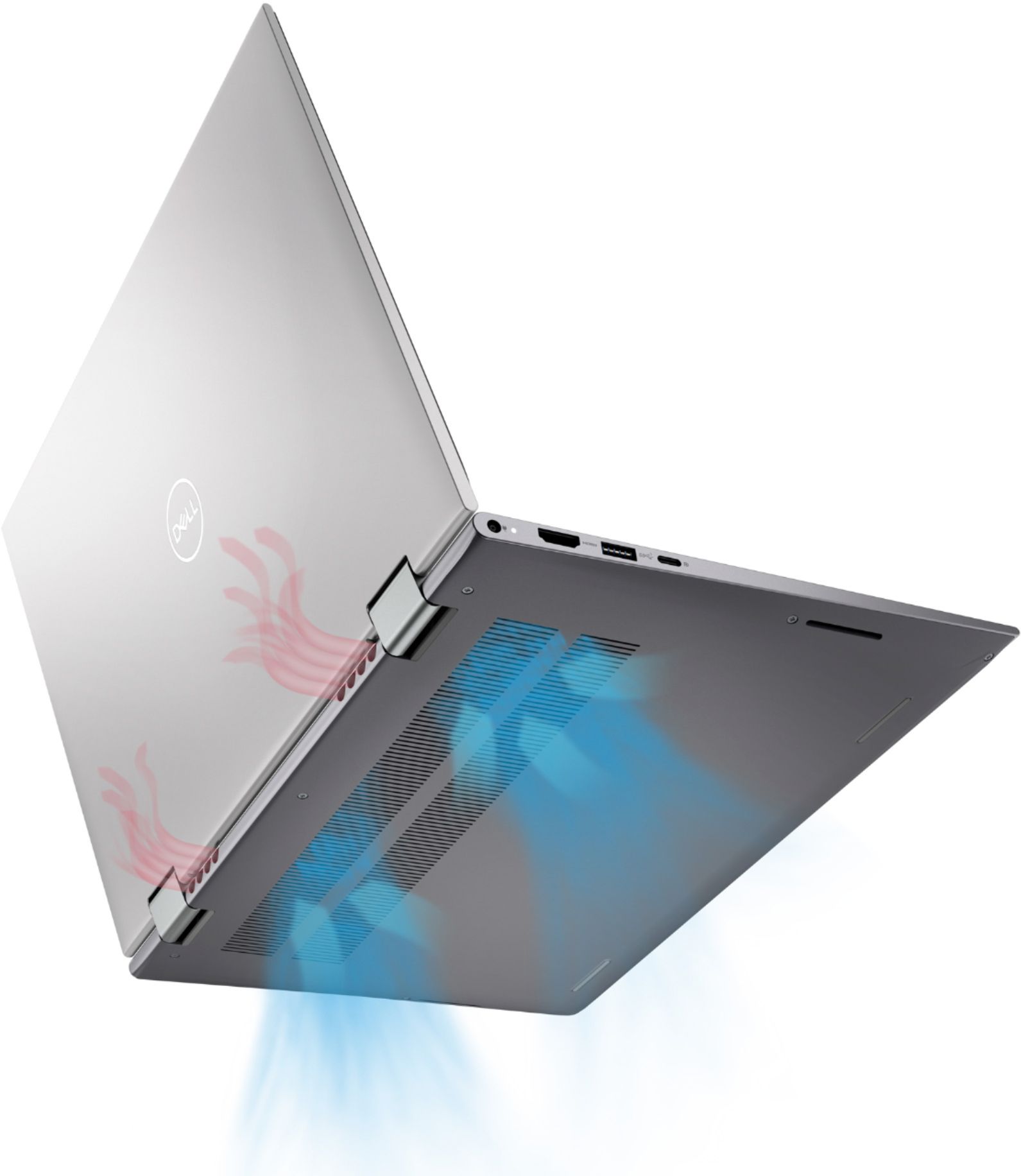
|Posted .This reviewer received promo considerations or sweepstakes entry for writing a review.Dell as a company has always had a reputation for being top of the line. Now they're also being eco conscious making the packaging from recycled materials and minimizing paperwork to a few small pamphlets with the majority of the full manuals being online. I've had two other Dell computers prior to this. Both being XPS which is their top of the line. But my last one is more than 12 years old so definitely time for an upgrade. It's crazy how streamlined and slim everything has gotten to pack everything into that small framework and case. I have a Samsung 10-inch tablet with an Otterbox on it and this entire pc is barely as thick as my tablet is. One of the things I first noticed upon opening it is that it raises the laptop up where the vents are as if you have feet on the back end of the laptop. This provides space for it to breathe and cool off. One of the things I used to have to worry about with others if you were to use it on a bed or something. The keys are nicely backlit making it easy to use at night with the lights off. The materials from which the pc is made definitely feel premium and in no way cheap. It has slots on each side for the speakers towards the front sides. IF you have this on a bed or soft area sometimes these get covered and muffle the sound. Other pc's I've had have a speaker down firing near the top of the pc on the bottom or at the back as well so that they're normally not covered. That being said... the sound quality was excellent Another cool feature especially needed nowadays is the ability to manually cut the webcam off or on with a switch at the top Dell knocks it out the park again Would highly recommend this to others
I would recommend this to a friend- Pros mentioned:Battery life, Processor speed, Touch screen
Great laptop
||Posted . Owned for 1 year when reviewed.This reviewer received promo considerations or sweepstakes entry for writing a review.I love this laptop. I've had it for almost 1.5 years now and it's great. Fast, plenty of storage. Battery lasts 3-5 hours but recharge is fast. I love the touch screen. Keyboard is easy to type on... not too small. I highly recommend.
I would recommend this to a friend - Pros mentioned:Battery life, Processor speed
Intel i7 or AMD Ryzen 7? Read This!
||Posted . Owned for 1 week when reviewed.This reviewer received promo considerations or sweepstakes entry for writing a review.There are many good reviews of this laptop and I won't repeat here what others have already said. I've been going back and forth between this model (Inspiron 5410 with Intel Core i7-1195G7) and the very similar AMD equivalent (Inspiron 7415 with AMD Ryzen 7 5700U--link below). I was so indecisive that I decided to give both a try. Here are my impressions and the comparison between the two: Inspiron 5410 (Intel Core i7) (This model) Avg. performance (userbenchmark.com): Gaming 24-27, Desktop 90-95, Workstation 21-24 PROS: +Noticeably faster single/dual core processor performance. Very unscientifically, I opened the same (fairly resource heavy) program on both devices at the same time. It always finished loading first on the i7 device by a few seconds +Iris Xe graphics card is better than the AMD Radeon card (see below)--though neither will provide fantastic graphics for high end gaming. CONS: -The i7 processor consumes more power, so this unit has a slightly shorter battery life than the AMD. -Slower multi-core performance due to the AMD Ryzen's 8 cores. -Minor point, but matters to me: I find the gray keys on this silver model less aesthetically pleasing than the black finish on the AMD. Inspiron 7415 with AMD Ryzen 7 5700U https://www.bestbuy.com/site/dell-inspiron-7000-2-in-1-14-touch-screen-laptop-amd-ryzen-7-16gb-memory-512gb-solid-state-drive-blue/6458906.p?skuId=6458906 Avg. performance (userbenchmark.com): Gaming 14-22, Desktop 59-87, Workstation 15-21 PROS: +8 core processor provides better multi-core performance +Lower power usage/better battery life +In my opinion, the black finish (advertised as 'blue' but looks black to me) looks much nicer than the silver finish and gray keys of the i7 model. The black finish provides a nicer contrast especially with the backlit keyboard. +Possibly slightly better sound (?) CONS -Poorer single/dual core performance across the board (significantly when the computer is running on battery power). -Poor graphics performance. I had some problems of snow/flicker on my external monitor with TWO separate AMD laptops (using an HDMI to DVI cable). I returned the first, then got exactly the same issue on the second. In the end I resolved the issue on the AMD with a better dual-link cable. No issues at all with either cable on the i7. Basically, you can't go wrong with either unit. Both are nice computers. I purchased this i7 model on sale for $849 and the AMD model on sale for $799. The price difference is proportionate to the performance edge of the i7. At the time of writing, I see that the AMD's sale has expired and the price is back to $999. At that price, it's a no brainer: go for this i7 model. I will probably (reluctantly) return the AMD and keep the i7, even though I prefer the looks of the black AMD.
I would recommend this to a friend