Customer Ratings & Reviews

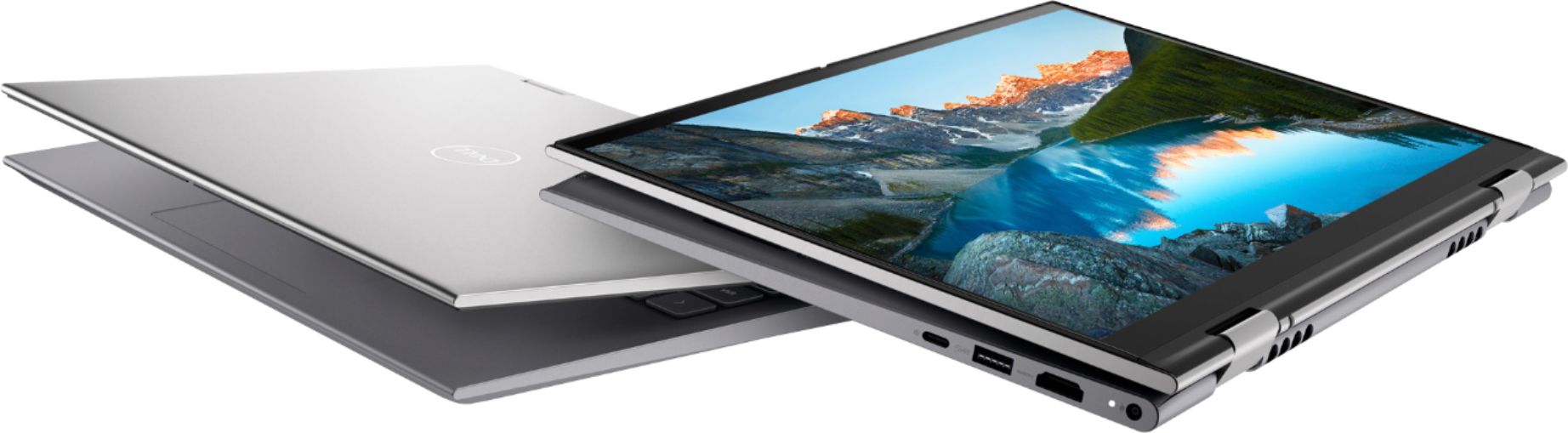
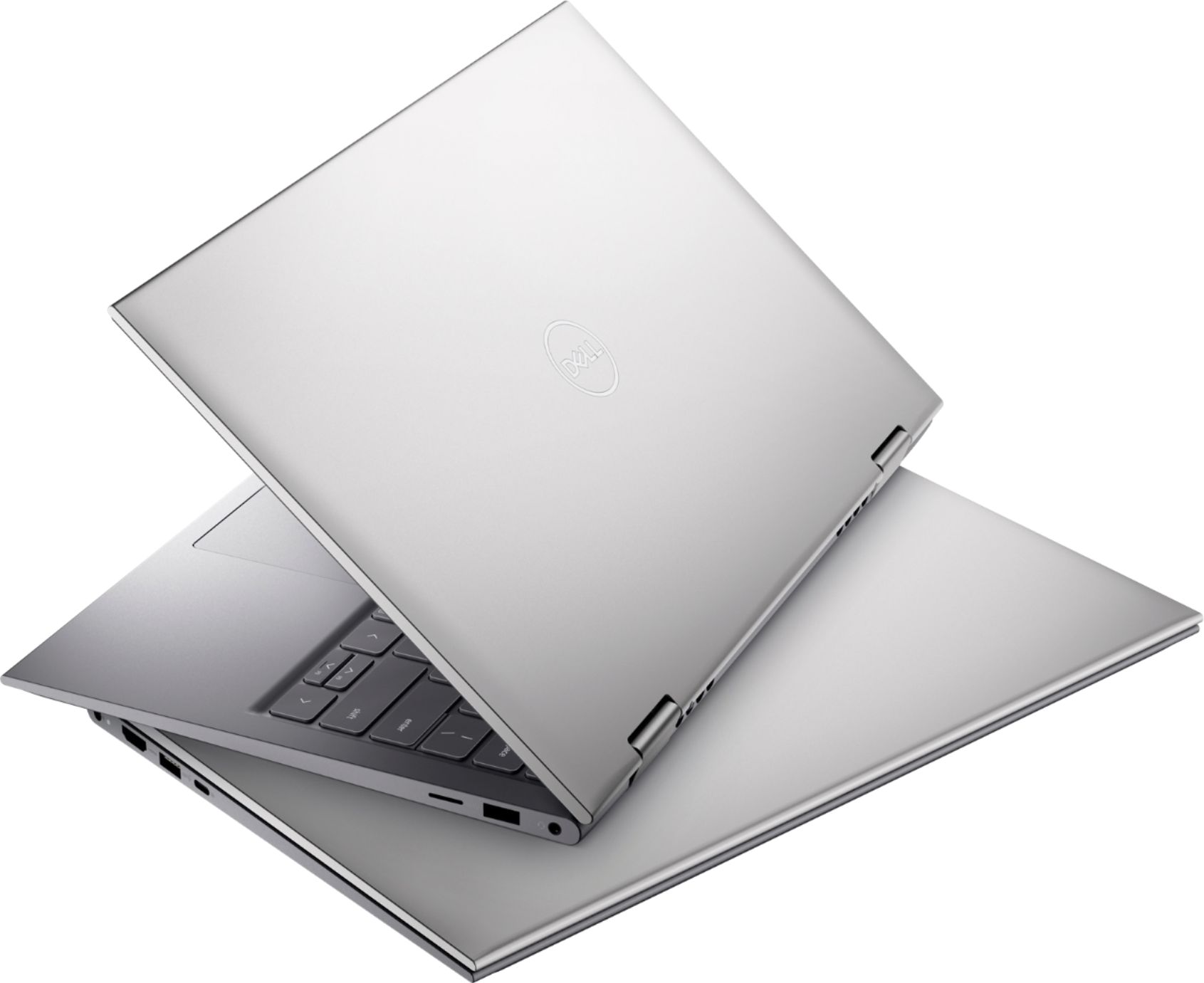




- Model:
- i5410-7026SLV-PUS
- SKU:
- 6458904
Rating by feature
- Battery Life
Rating 4.4 out of 5 stars
- Speed
Rating 4.6 out of 5 stars
- Display
Rating 4.6 out of 5 stars
Customers are saying
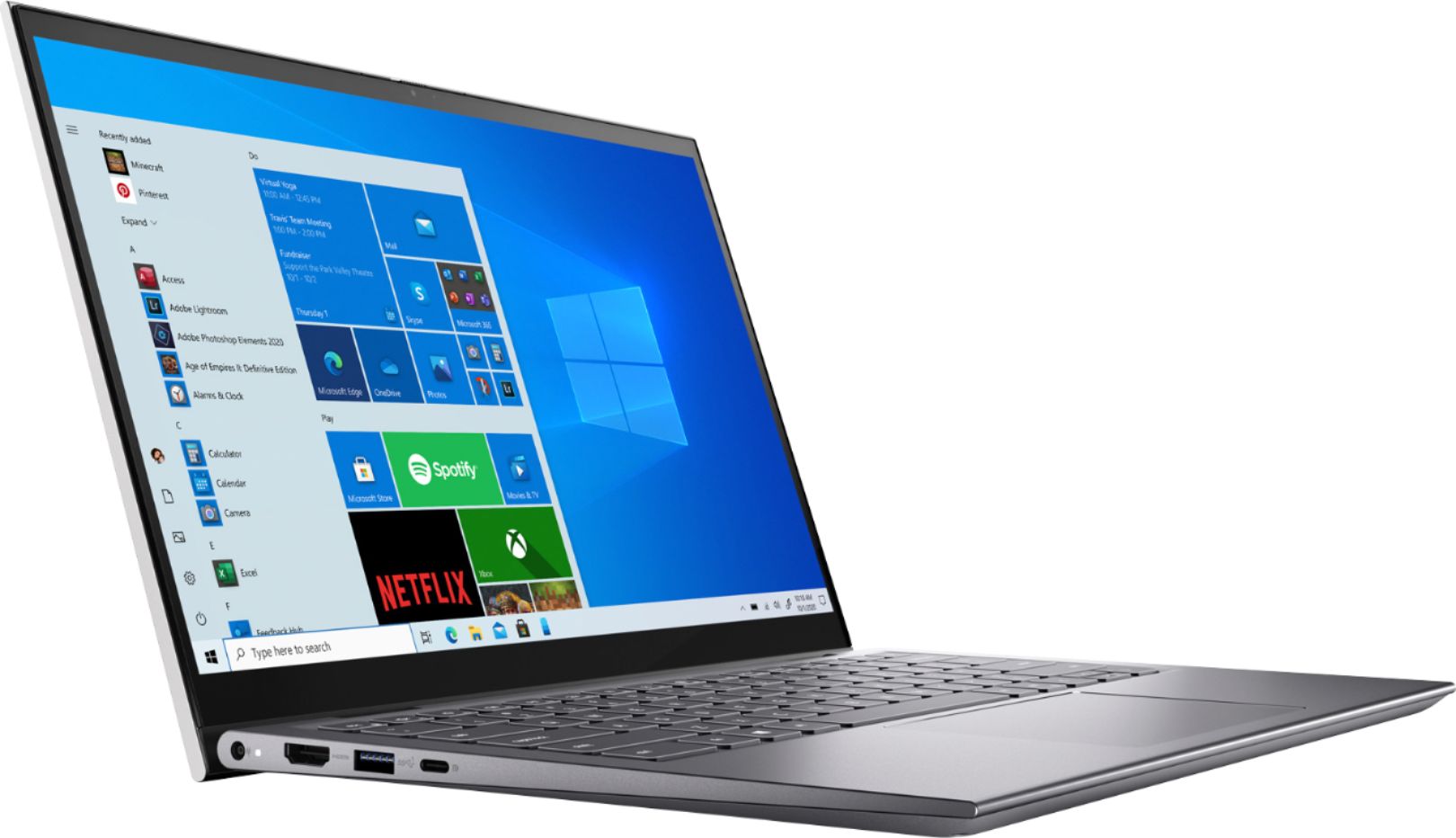
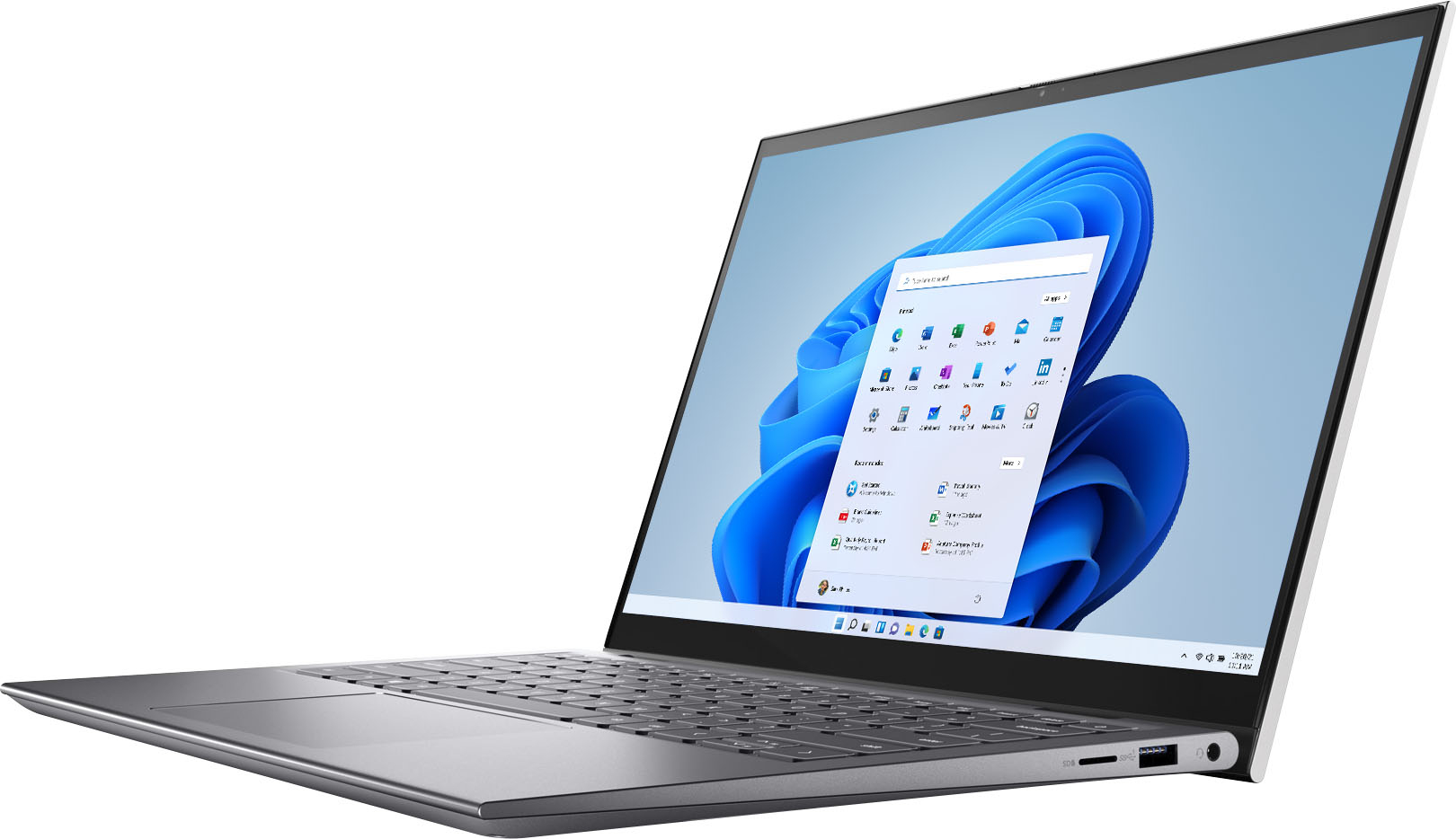
Customers find value in the Inspiron 2-in-1 laptop's fast performance, responsive touch screen, and lightweight portability. They appreciate its sleek design and affordable price. However, some users have concerns about its short battery life, occasional overheating, hinge issues, and build quality.
This summary was generated by AI based on customer reviews.
- Pros mentioned:Processor speed
Great computer
||Posted . Owned for 1 week when reviewed.This reviewer received promo considerations or sweepstakes entry for writing a review.Great computer. My Wife loves the screen, keyboard, and speed.
I would recommend this to a friend - Pros mentioned:Touch screen
Very happy
||Posted . Owned for 1 week when reviewed.This reviewer received promo considerations or sweepstakes entry for writing a review.I ditched my MacBook Air for this computer and do NOT regret it!
I would recommend this to a friend - Pros mentioned:Performance
Full time student
||Posted . Owned for 1 week when reviewed.This reviewer received promo considerations or sweepstakes entry for writing a review.Great laptop. Handles all my work efficiently I highly recommend
I would recommend this to a friend - Pros mentioned:Processor speed
Dell laptopl
||Posted . Owned for 1 month when reviewed.This reviewer received promo considerations or sweepstakes entry for writing a review.Very fast and easy to use. I would recommend this product
I would recommend this to a friend - Pros mentioned:Processor speed
Thank you!
||Posted . Owned for 3 weeks when reviewed.This reviewer received promo considerations or sweepstakes entry for writing a review.Super fast and incredibly efficient product and services.
I would recommend this to a friend Good computer, with surprise bonus
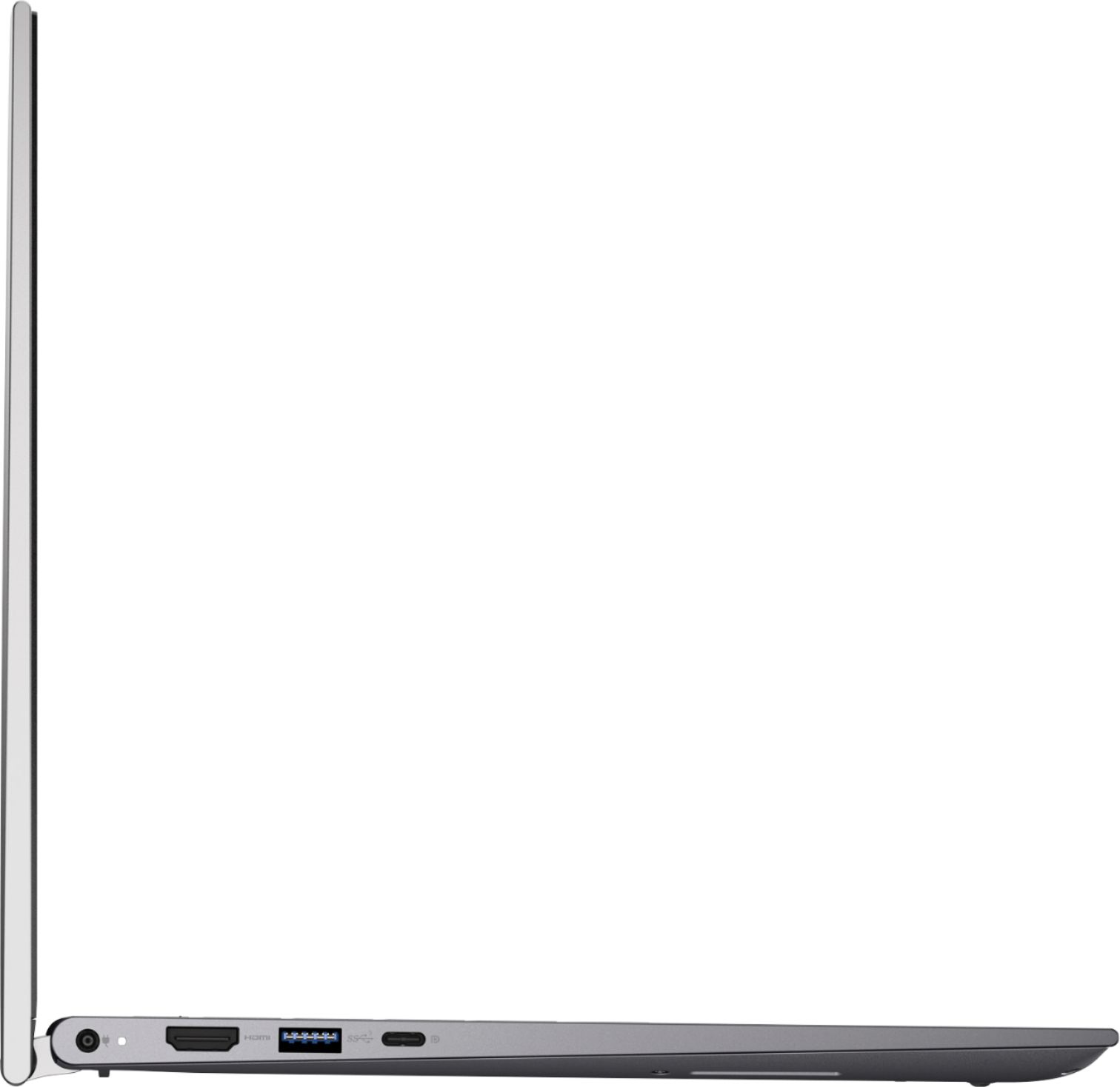
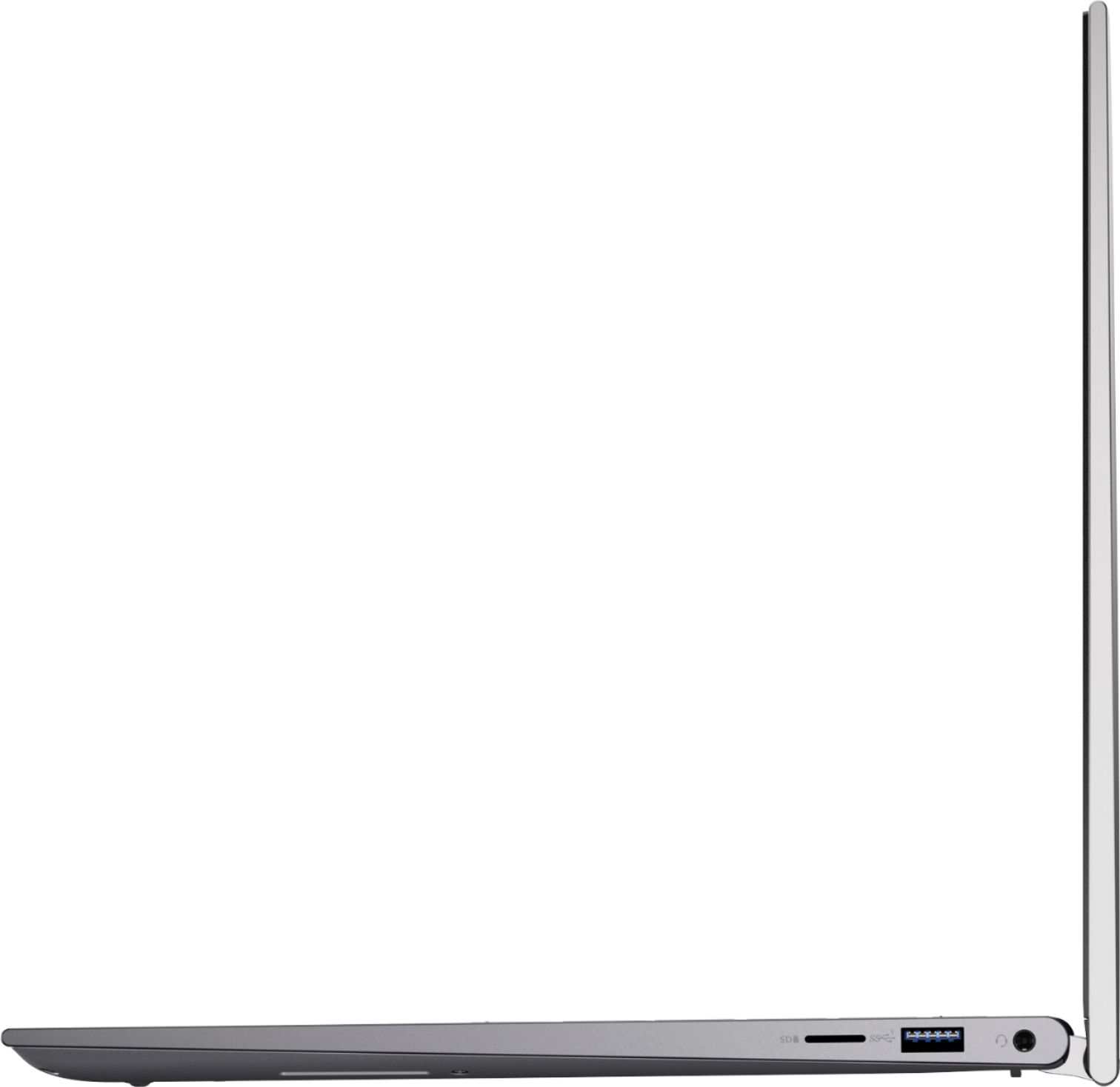
||Posted . Owned for 3 weeks when reviewed.This reviewer received promo considerations or sweepstakes entry for writing a review.Have had this for a couple of weeks or so. It's exceeding expectations so far. There were a couple of surprises: it charges via the USB-C port, and that also doubles as a DisplayPort, despite the specification description saying the opposite. Got this to replace a now defunct Dell 7200, and am very please with the product.
I would recommend this to a friend- Pros mentioned:Weight
Laptop
||Posted . Owned for 2 weeks when reviewed.This reviewer received promo considerations or sweepstakes entry for writing a review.Great laptop! Thin and not heavy... fits great in my bookbag.
I would recommend this to a friend - Pros mentioned:Weight
So far so good
||Posted . Owned for 1 week when reviewed.This reviewer received promo considerations or sweepstakes entry for writing a review.Lots of features that my school required. Very lightweight.
I would recommend this to a friend - Cons mentioned:Noise
dissapointed
||Posted . Owned for less than 1 week when reviewed.This reviewer received promo considerations or sweepstakes entry for writing a review.I just bough this laptop, literally same day I am using it, it started making these weird very loud noises, as if it's about to explode. I usually never write reviews but this is very very disappointing!! I had bough this because the previous laptop also bough from best buy stopped working all of a sudden. this laptop has great specs, but the weird cracking like noise is not something that should happen in a laptop that I bought the same day I use it. anyways I go to school and It started making the same noise again that the professor had to stop the lecture which was very embarrassing. this should have never happened in the first place! I am not sure if this is a dell issue or a best buy issue but I am super upset because now I have to return it and I am in a professional school and need my laptop every single day as I take all my exams on it. I can't even begin to explain how stressful this is. not to mention the previous laptop I only had for 2 years and should have lasted at least another 5.
No, I would not recommend this to a friendBrand response from YourDellTeam
Posted .Hi Carene15,
Thank you very much for your valuable feedback. We apologize for the issues you have come across with your Dell Inspiron 5410 2-in-1 computer because the loud noise is coming out of it. This is certainly not what we like to hear from our loyal customers and we understand how frustrating this could be.
Below I have provided a link to help identify, troubleshoot and resolve noises coming from your PC.
A guide to identifying abnormal noises: https://dell.to/37ZzznW
If the noise issue with your computer is still not resolved after utilizing the troubleshooting options above, please contact the Dell Support Team at 1-800-624-9896 for further guidance.
Best,
Katarina@Dell
Should you need further assistance, you can contact Dell directly with the information below.
Chat or call: https://bit.ly/DellSupportTeam
Phone number to Dell 1-800-624-9896
Purchase
||Posted . Owned for 3 weeks when reviewed.This reviewer received promo considerations or sweepstakes entry for writing a review.The laptop is fine, but not what I was looking for. It was dificult to find a laptop like I want. There are very few models in the stores and don't have the posibility of choosing. Not only laptopts, but Garmin watch, and other items I needed, I can't find anything I was looking for
I would recommend this to a friendGood little machine
||Posted . Owned for 3 weeks when reviewed.This reviewer received promo considerations or sweepstakes entry for writing a review.Im not very computer savvy, but so far i like this computer its fasr and once you get used to Windows 11 it is a nice machine. I got this for work and it hasnt let me down l. If you dont need all the memory it has then there are cheaper models with less memory. I like Dell and this lives up to my expectations
I would recommend this to a friendA+ laptop
||Posted . Owned for 1 week when reviewed.This reviewer received promo considerations or sweepstakes entry for writing a review.Fast, easy to use, lots of memory and perfect suze
I would recommend this to a friendGreat Laptop!!!
||Posted . Owned for 1 month when reviewed.This reviewer received promo considerations or sweepstakes entry for writing a review.This computer is great. Bought as a replacement for my daughter’s old Dell laptop. She uses it for college and video editing, so far so good. I have been buying Dell desktops and laptops for almost 30 years and have been consistently pleased with my purchases. Great laptop for a reasonable price.
I would recommend this to a friendConvertible Laptops are great
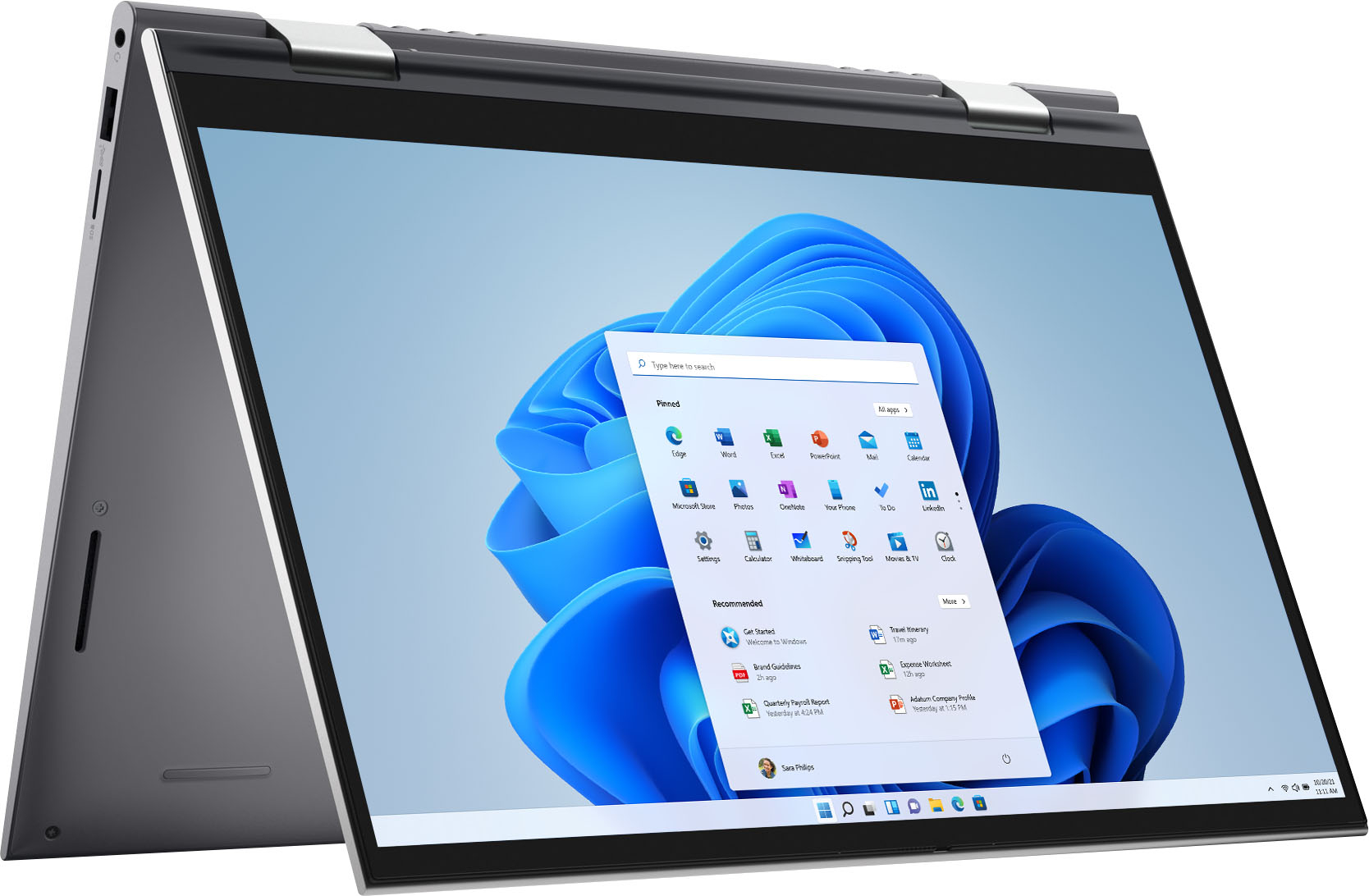
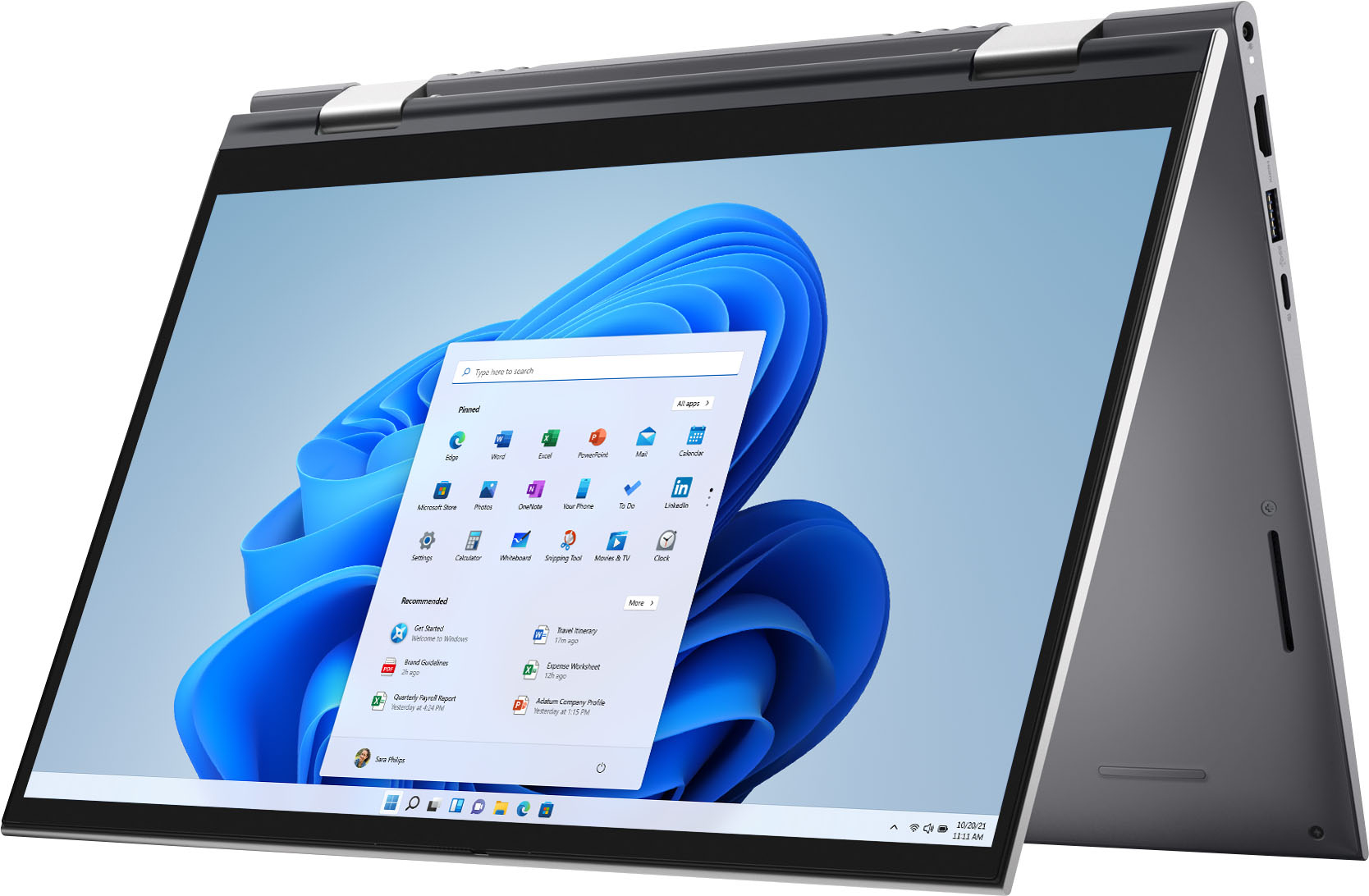
||Posted . Owned for 1 month when reviewed.This reviewer received promo considerations or sweepstakes entry for writing a review.I purchased this laptop for my wife for school. It was much cheaper than the Microsoft Surface and has better functionality since it already had a keyboard with it. The convertible nature is really nice when we use the Wahoo Bamboo pencil to draw on it with.
I would recommend this to a friendGreat, solid machine
||Posted . Owned for 2 weeks when reviewed.This reviewer received promo considerations or sweepstakes entry for writing a review.Been buying a lot of Dell Inspiron laptops lately - these are great machines. Highly recommend. In my opinion, Insprison hits the mark with realiabilty vs price. The lower-end models from Dell are fine, but slow. The higher-end ones are too expensive, for general office work. Great unit, thanks!
I would recommend this to a friendA very good computer
||Posted . Owned for 1 week when reviewed.This reviewer received promo considerations or sweepstakes entry for writing a review.The computer so far is good, but I have an observation: The computer I bought didn't come all protected by plastics bags, so it came in a big box but the box of my computer could move inside the big box. This lack of protection could damage the computer
I would recommend this to a friendNot a Geek myself
||Posted . Owned for 1 month when reviewed.This reviewer received promo considerations or sweepstakes entry for writing a review.It was nice to get a new computer and the old one cleaned up however, I was blocked from my email for over two weeks. Finally getting things back to where I can use them and they are working great. The personnel at Geek squad were awesome to work with
I would recommend this to a friend- Pros mentioned:Processor speed, WeightCons mentioned:Camera quality

Screen is not bright enough, sub par battery life.
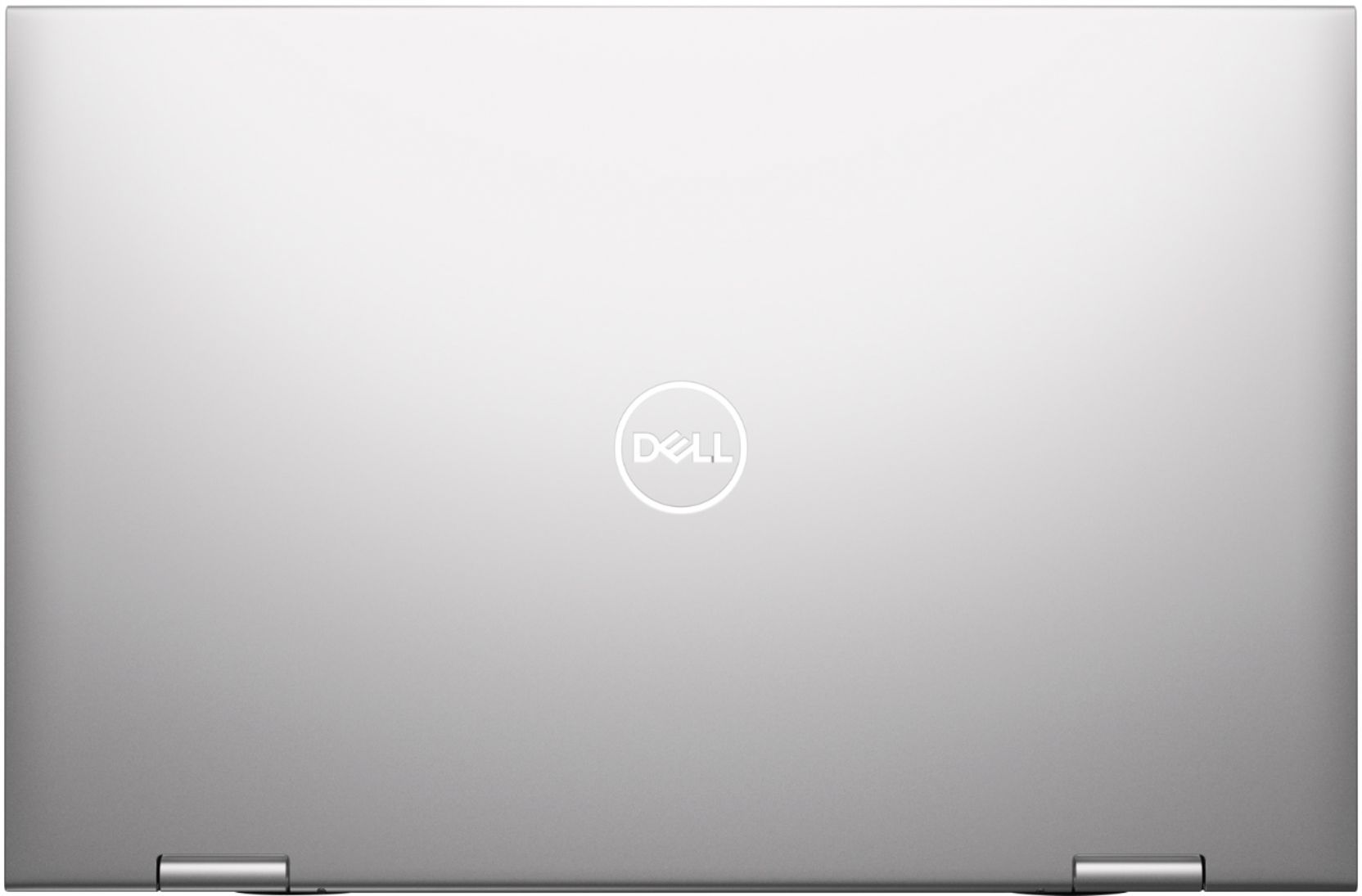
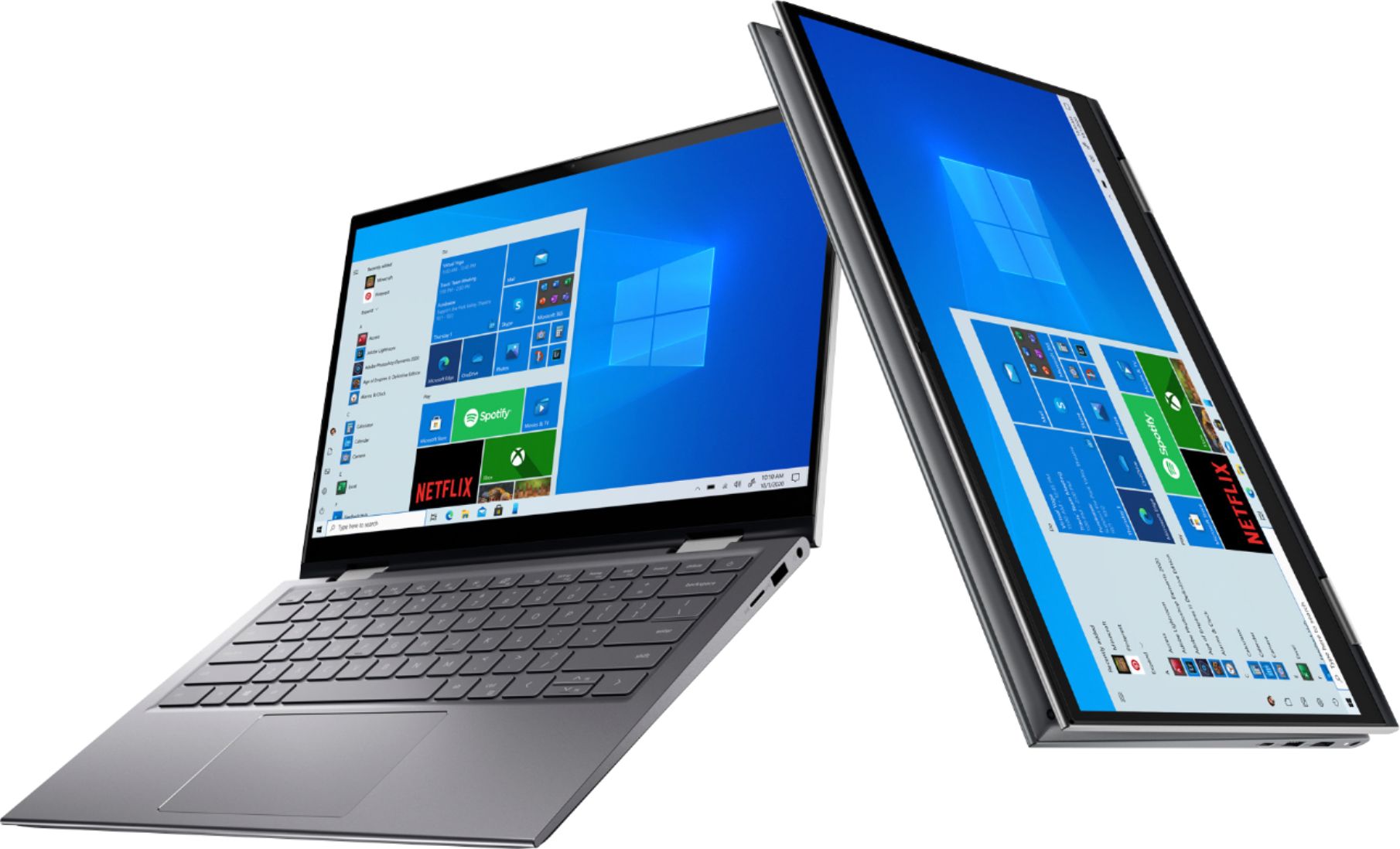
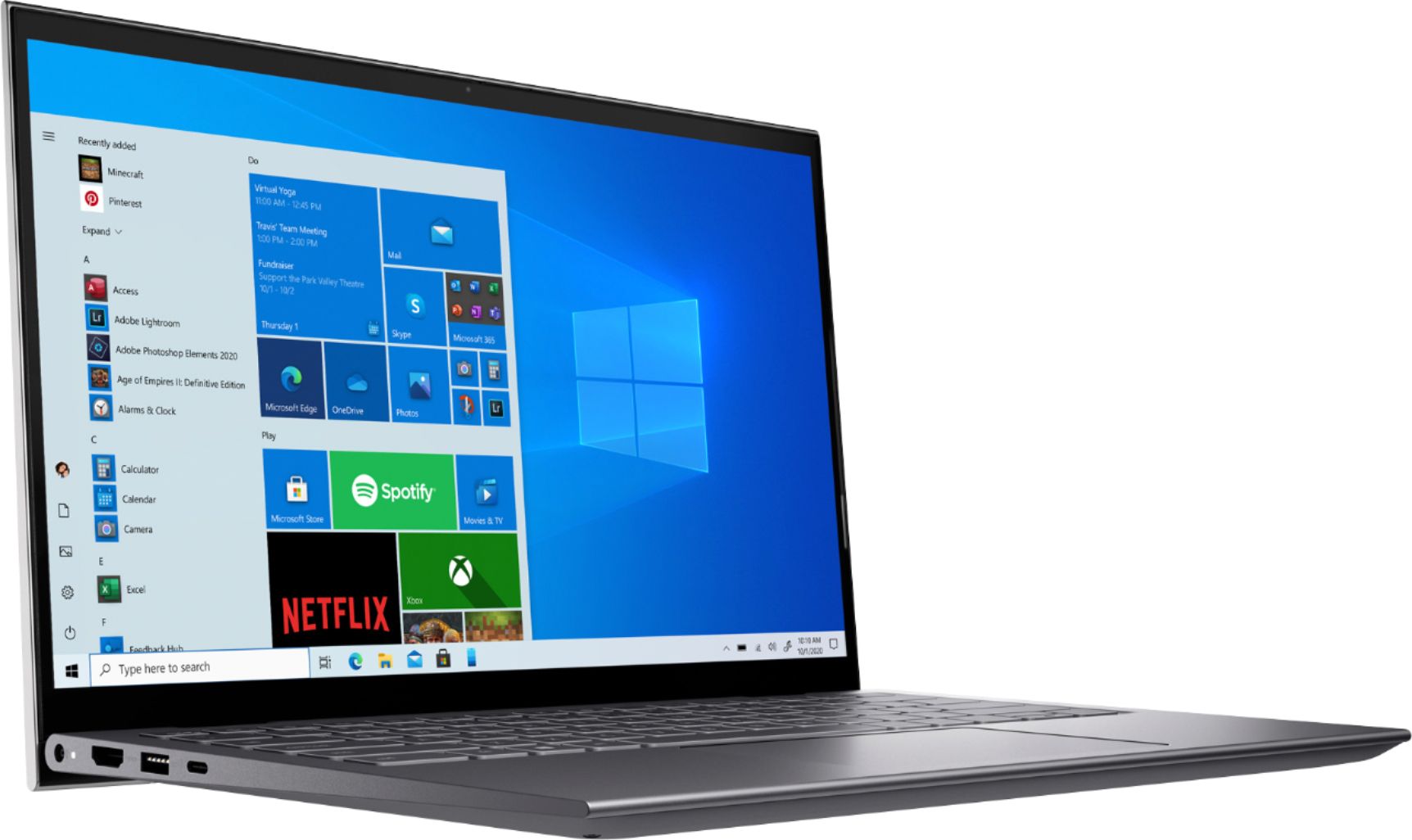
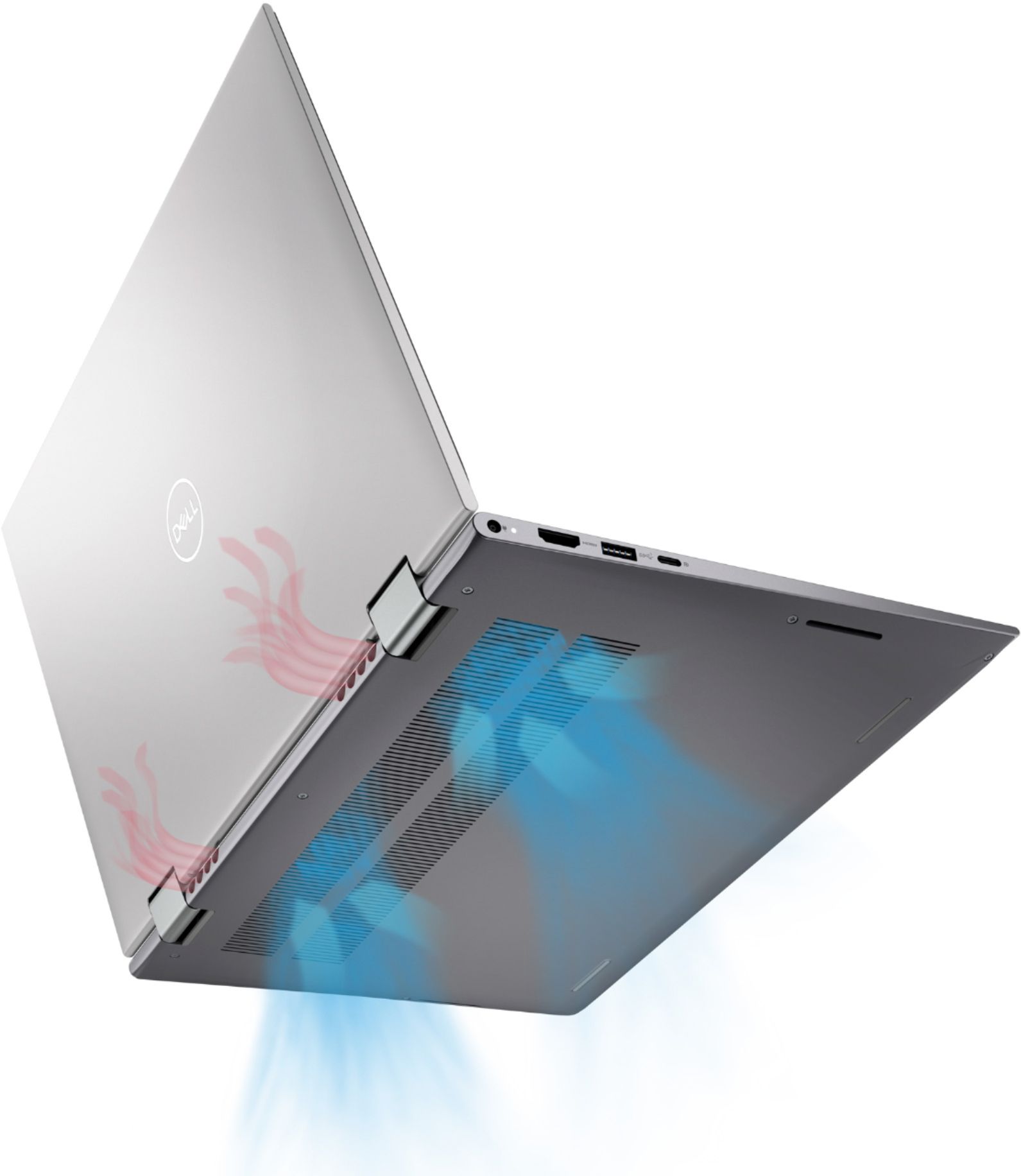
|Posted .This reviewer received promo considerations or sweepstakes entry for writing a review.I have owned a lot of Dell’s over the years, from desktops to gaming laptops. Most are decent but the one thing I learned is never pay attention to just the specs. After using the Dell - Inspiron 5000 2-in-1 for the past week or so, I found that statement holds true. On paper, the Dell 5410 has everything you could ever need in a 14 inch two in one – 16 GB of ram, newest i7 processor, fast 512G SSD, 1080p touch screen and more. For the most part, the 5410 meets all the expectations of the specs but it does fall short in several areas. In review – Build – In a word – fantastic. Well milled aluminum, thin profile, no flex - top notch quality. The 5410 was heavier than I expected for such a small package – a testament to its quality. It has a unique hinge design that raises the laptop off a flat surface. That puts the keyboard at a more natural angle. Additionally, the angle the hinge gives enables airflow substantially enhances the speaker sound. At first, I was not crazy about the speakers, but I was using is on a couch and it muffled the down firing speakers. Once I put laptop on a flat, hard surface - the sound got much better. Performance – There is nothing you are going to throw at this laptop that it cannot handle. Of course, this is not a gaming laptop, but it will pass any memory intensive application. I tested some very complex spreadsheets that can bog down systems and there was no slow down. I was going to post some of the metrics from stress tests, but I really do not think it is meaningful anymore because systems have become so powerful. Keyboard – Backlit with good travel. No complaints other than a bit more cramped than I like. That is not because of a design flaw, 14-inch laptops tend to have more cramped even though they are tenkeyless. Battery life – Average at best. In an entirely unscientific measurement, the Dell 5410 lasted about 5 hours with mixed use. Not great but I think I can tweak it further in Dell Power Manager program. Front camera – I was disappointed in the camera. Washed out colors, 720p , .9 MP, everything has a yellow tint. Hey Dell, have you learned anything about remote working, Zoom, Teams in the last year? Duh. I tried every setting; it was just disappointingly bad. Screen – This is where is fell short for me. It is perfectly clear and colors are decent – it is just too dim compared to other laptops in this segment. I’ve included a picture comparing it to a 3 year old LG Gram and TV in the background. Yes , the Gram is a much more expensive laptop but there is noticeable difference. I have the Dell 5410 set to the highest brightness setting with no settings that would lower the brightness according to the ambient conditions. In most home settings, it will be okay. It is not useable in sunlight. Software – I am usually not a fan of vendor supplied software. It tends to bloat the system up. However, Dell Support Assist program is top notch for keeping your computer up to date and optimizing performance. It has a simple, clean interface and hits all the marks. The Dell 5410 has so many things you are going to like – plenty of power, beautiful build quality, large drive and more. But it falls short in the key categories for a laptop – screen, battery life and camera. I could forgive the battery life, there are a lot of variables to affect that. The camera is usable, but it should be much better in today’s times. The screen is problem, it is just not bright enough. It does not matter what setting Dell is going to suggest for settings, it is just disappointing. Take a look at the picture accompanying this review - to me it is very telling. My only hope is there is some type of limiting brightness factor in the firmware that Dell can update. With a couple of changes, this could be a 5-star laptop and one that I could easily recommend it. However, as it stands, this is a 3-star laptop that I cannot recommend.
No, I would not recommend this to a friendBrand response from YourDellTeam
Posted .TechnicallyCorrect,
Thanks for your review and we're glad to hear that your new laptop is working well for you for the most part. If you'd like to see if there are ways for your camera to perform better for you we'd recommend checking out your product's software and driver page for updates: https://dell.to/3hk1Vyc.
Windows can adjust the brightness of the display based on how much light is reaching the system's ambient light sensor. This feature is referred to as 'adaptive brightness' and it can be disabled in Windows. Here are some steps to adjust this feature:
1. In the Search box, type Settings.
2. Touch or click Settings (Modern application).
3. Touch or click System.
4. On the Display screen find the Adjust my screen brightness automatically option.
5. Touch or click the slider to toggle the option on or off.
6. Touch or click Apply.
7. Close the System window.
You can read the full article here: http://dell.to/2vjtPzg.
Best,
Bryan@Dell
If you require further assistance, you can contact Dell directly with the information below
Chat or Call:
https://bit.ly/DellSupportTeam
Phone number to Dell: 1-800-624-9896
- Cons mentioned:Heat
Needs to be lower priced
||Posted . Owned for 1 month when reviewed.This reviewer received promo considerations or sweepstakes entry for writing a review.Slow processor, slow to start, load a web page, slow to load a new program, gets hot quickly
No, I would not recommend this to a friendBrand response from YourDellTeam
Posted .Dear PamelamBryan,
Thank you for taking the time to leave us your valued feedback. We apologize for the performance and overheating issues you are having with your Inspiron 5410 2 in 1. I have provided steps to using the Windows Performance Troubleshooter which should help resolve the performance issue. I have also provided a link to the full article that has more options if needed. We would suggest making sure your BIOS is up to date on your PC to help with the overheating problem. I have provided a link to the Drivers and Downloads Page for your system, so you can check for and do any applicable updates.
Windows performance Troubleshooter:
1. Close all open windows.
2. Press the Windows logo key + X key on the keyboard.
3. Click Control Panel.
4. Click System and Security.
5. Under Security and Maintenance, select Troubleshoot common problems.
6. Under System and Security, click Run maintenance tasks.
7. Follow the on-screen instructions and prompts to complete the process.
8. Restart the PC.
You can read the full article here - http://dell.to/2tSulGV.
Drivers and Downloads Page: https://dell.to/3r0MZbZ
After utilizing the troubleshooting options provided above, if the problem is not resolved, please feel free to contact our support team here: 1-800-624-9896.
Should you require further assistance, you can contact Dell directly with the information below.
Chat or call: https://bit.ly/DellSupportTeam
Phone number to Dell 1-800-624-9896
Best,
Ashley@Dell
- Pros mentioned:Battery life, Processor speed, Touch screen
Premium full-featured laptop
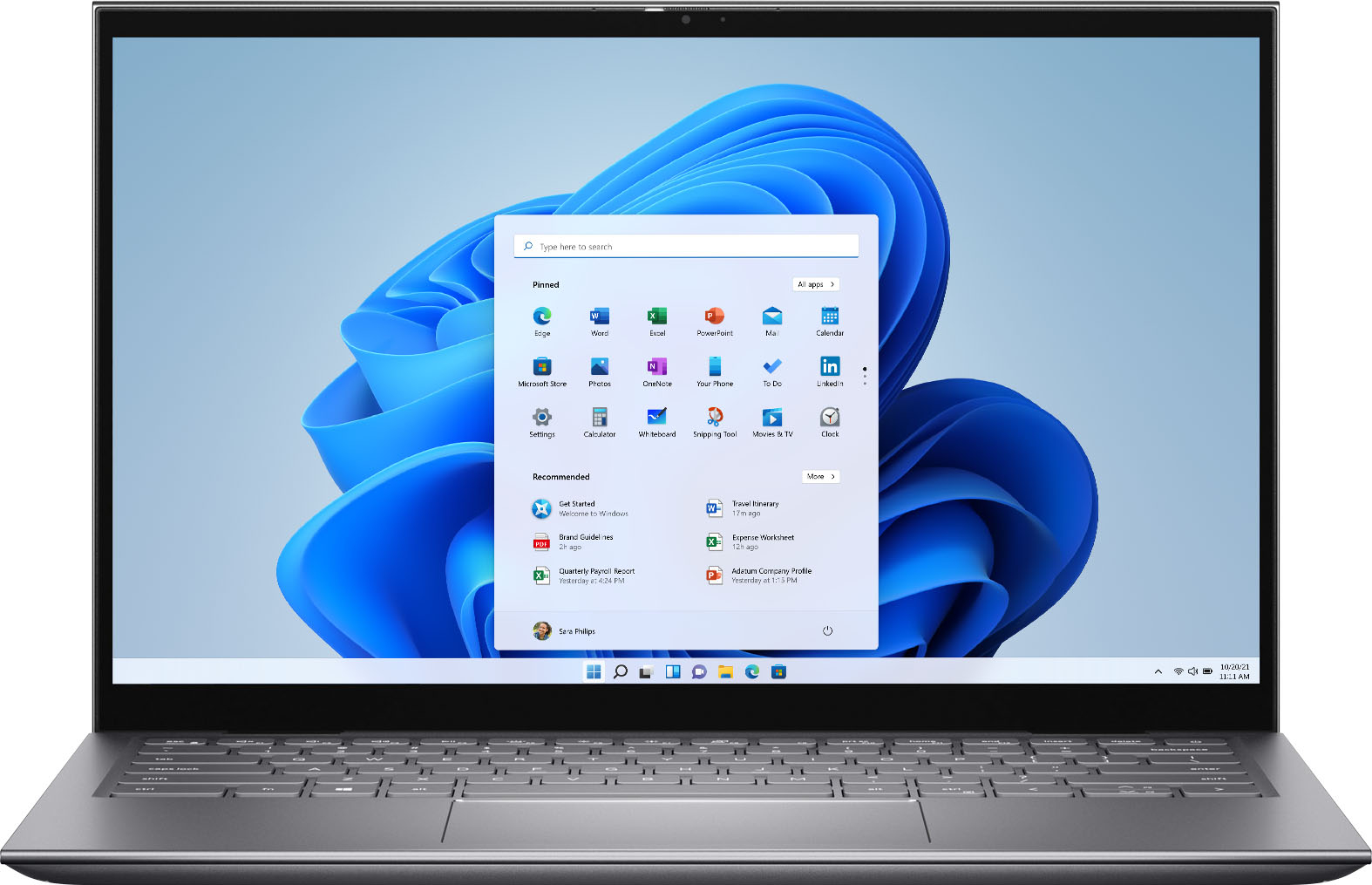
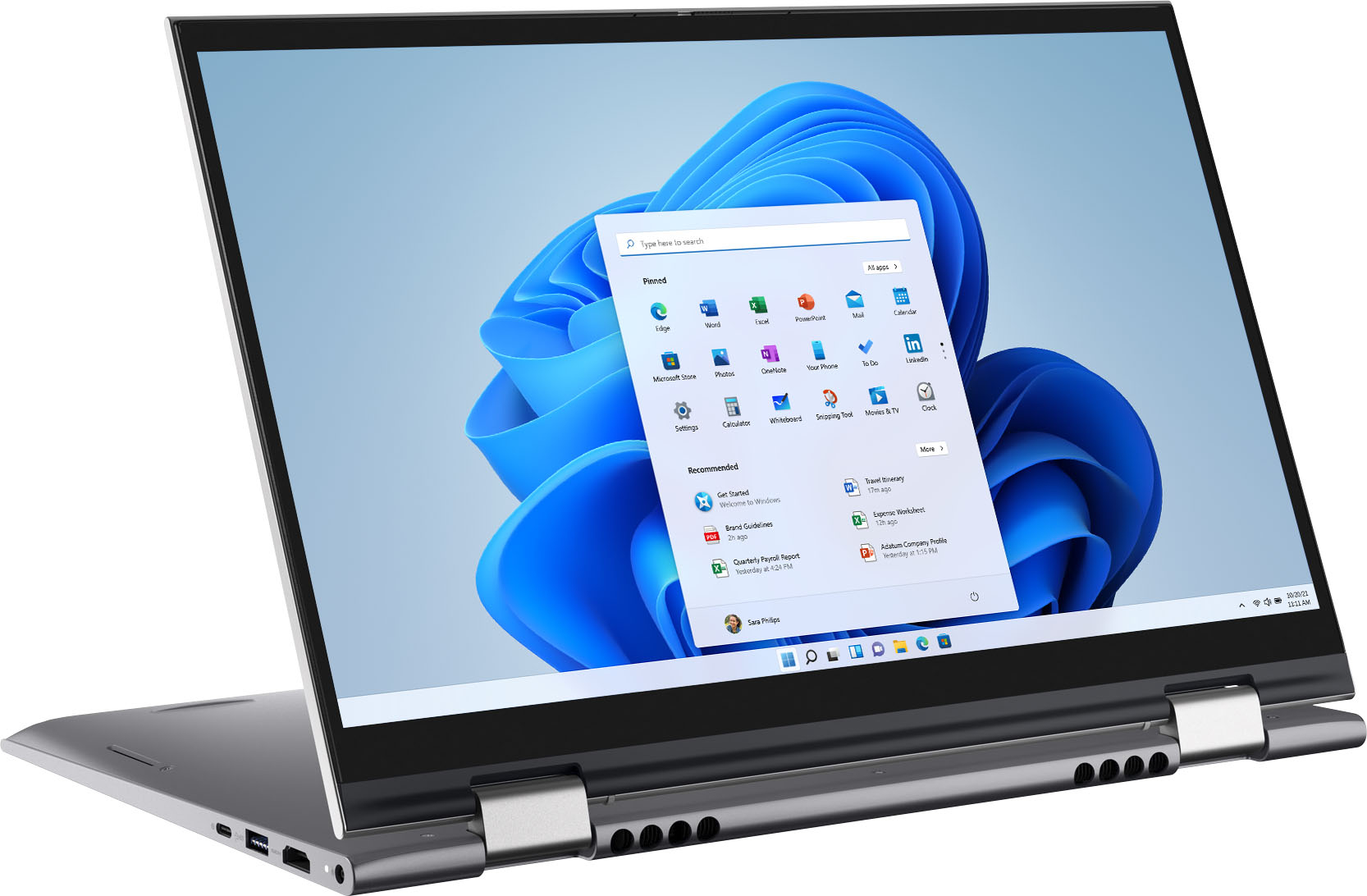
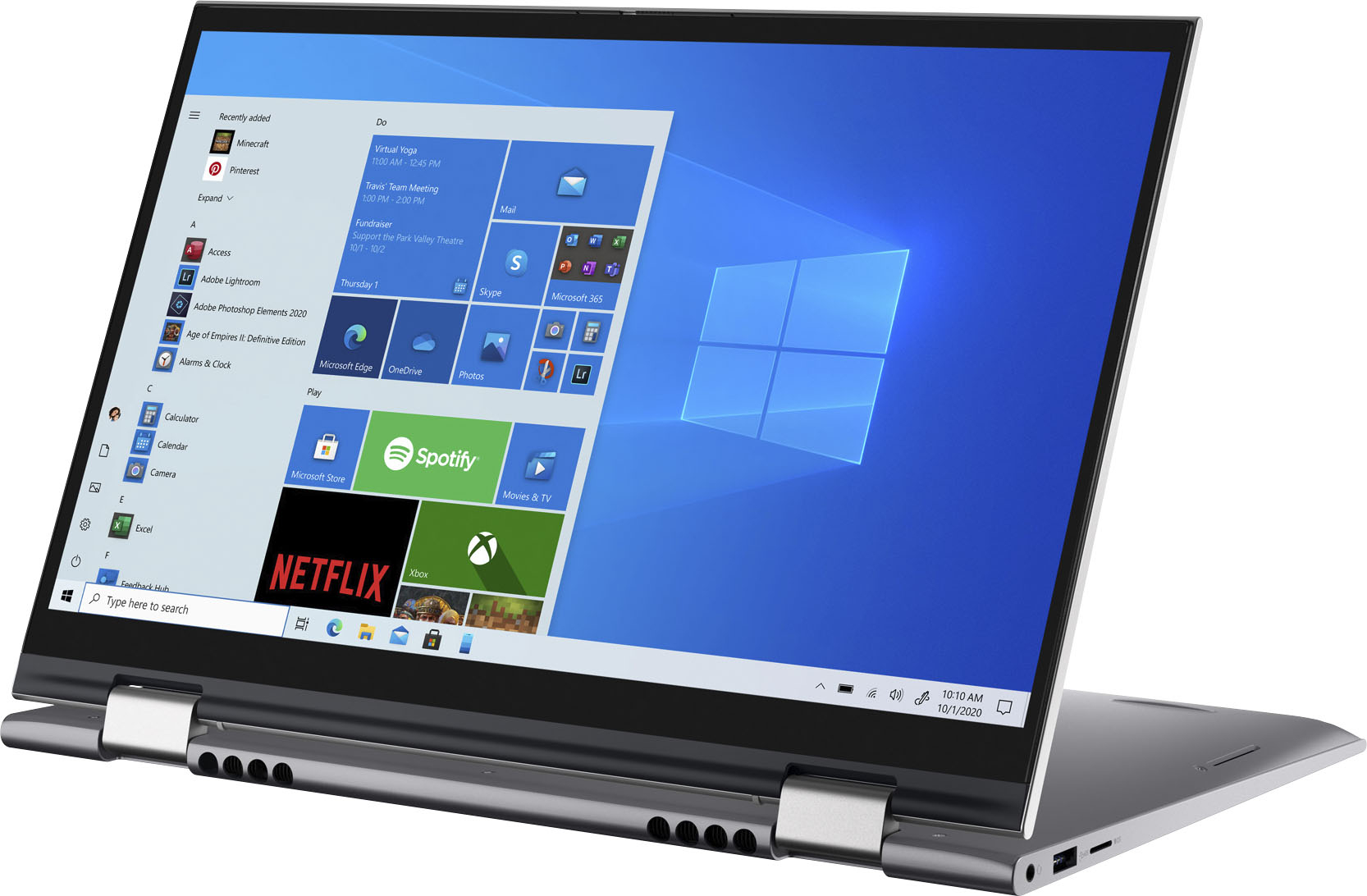
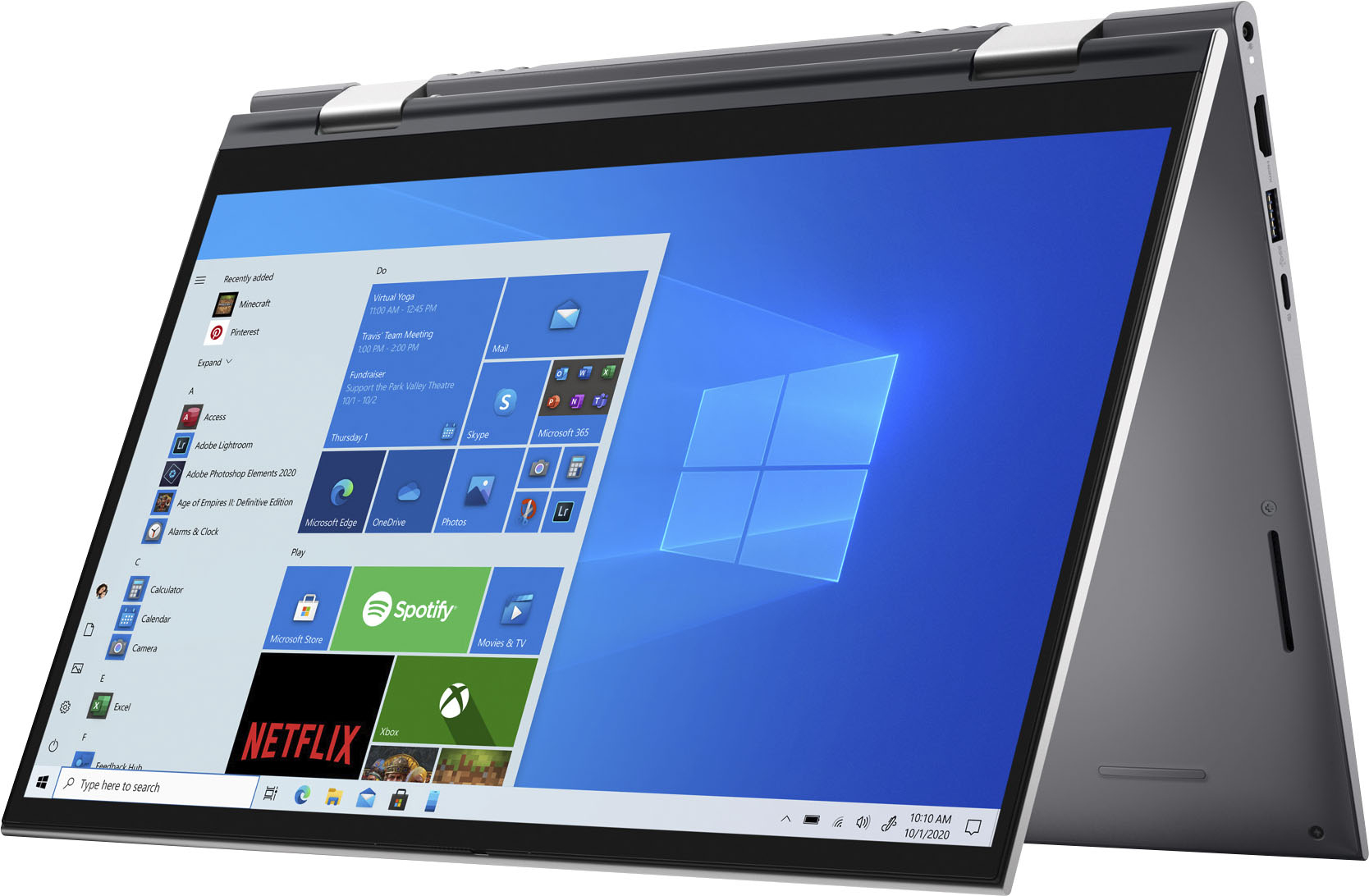
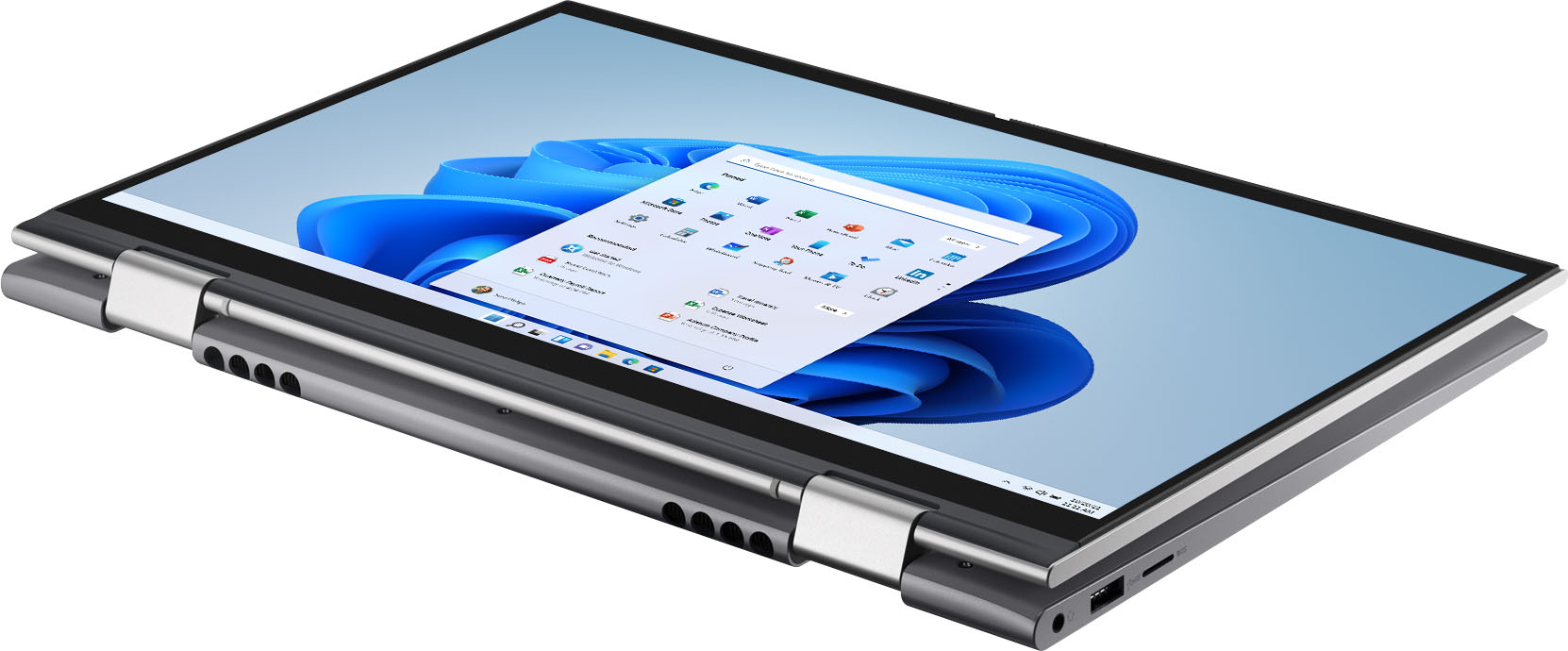
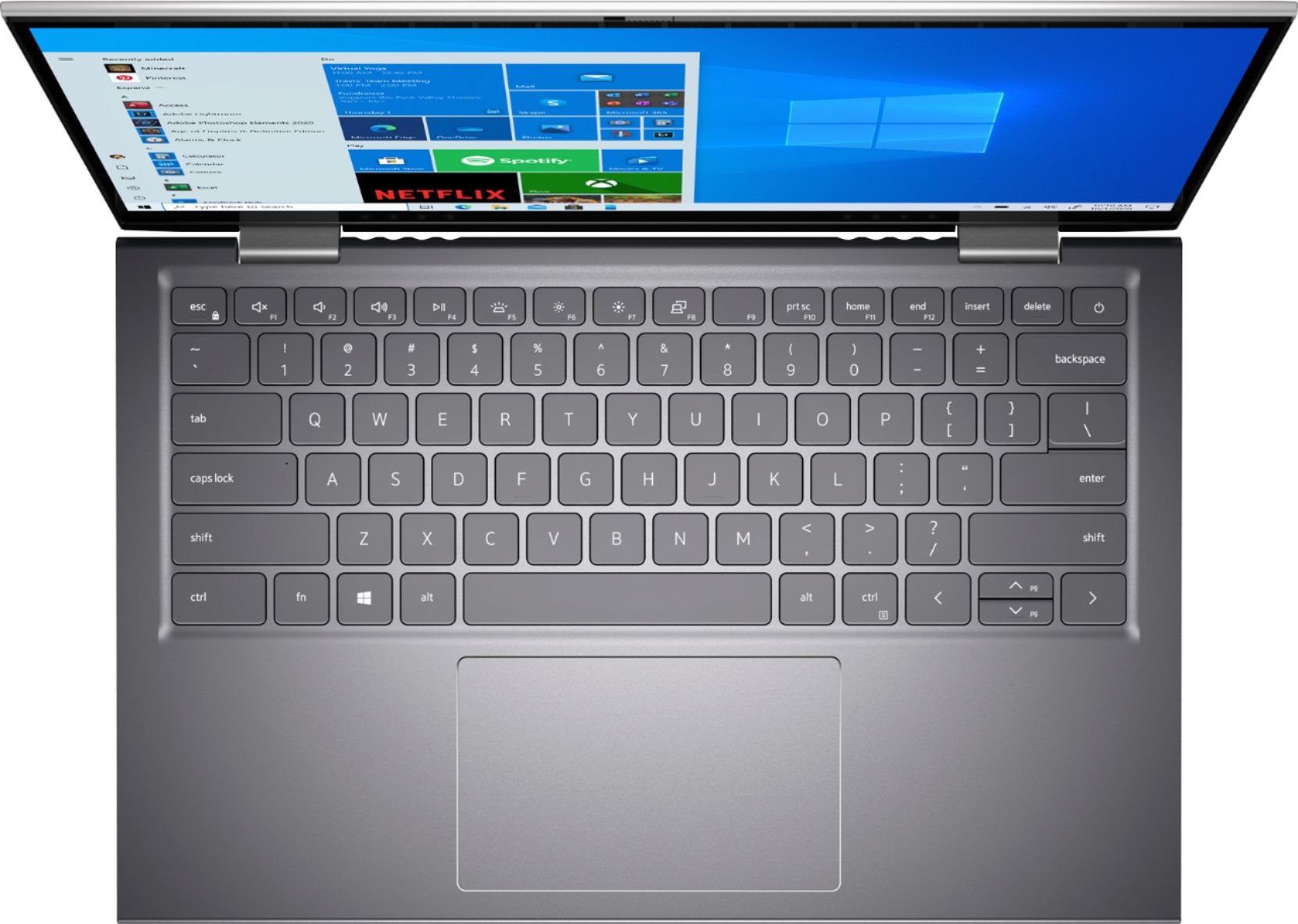
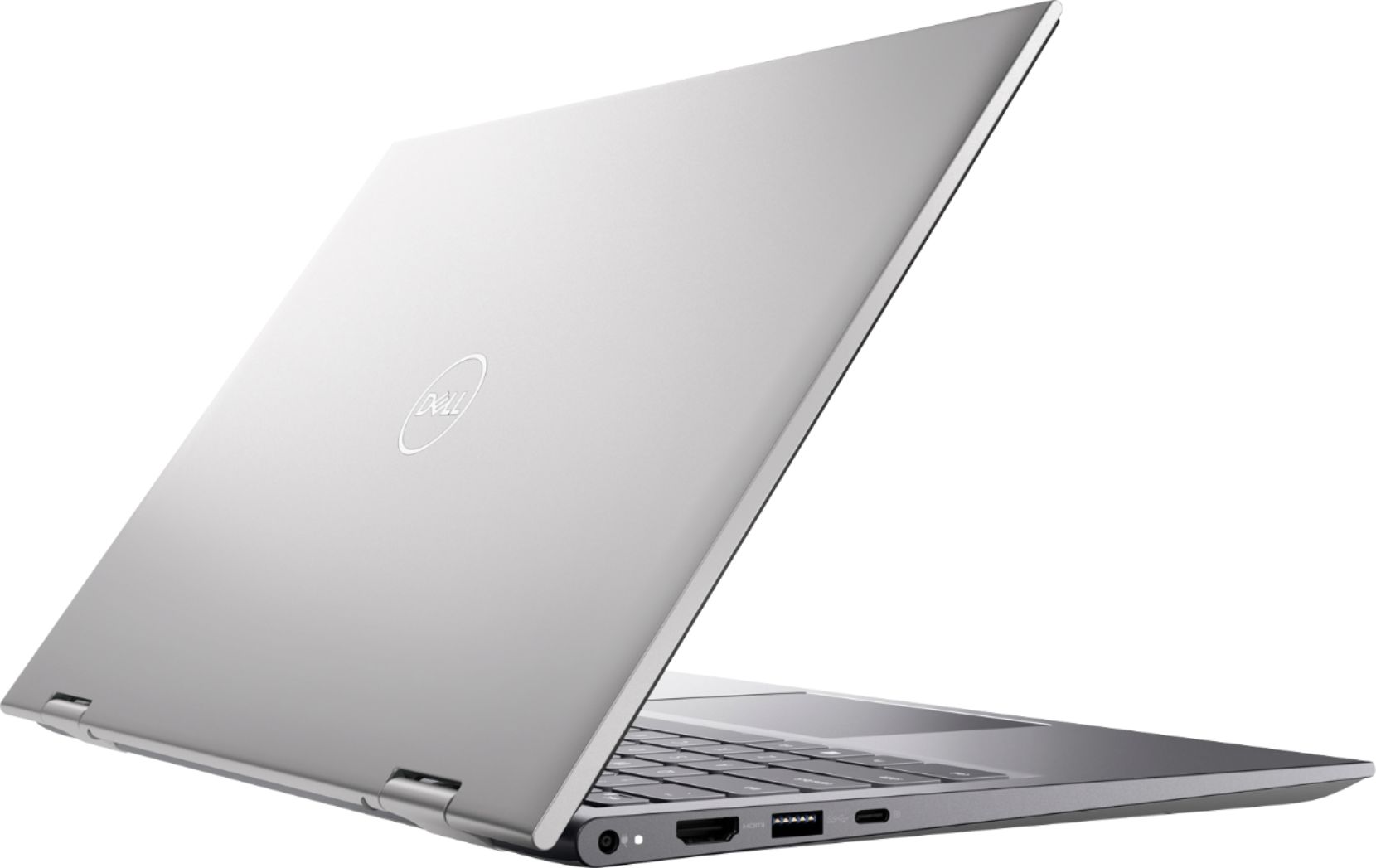
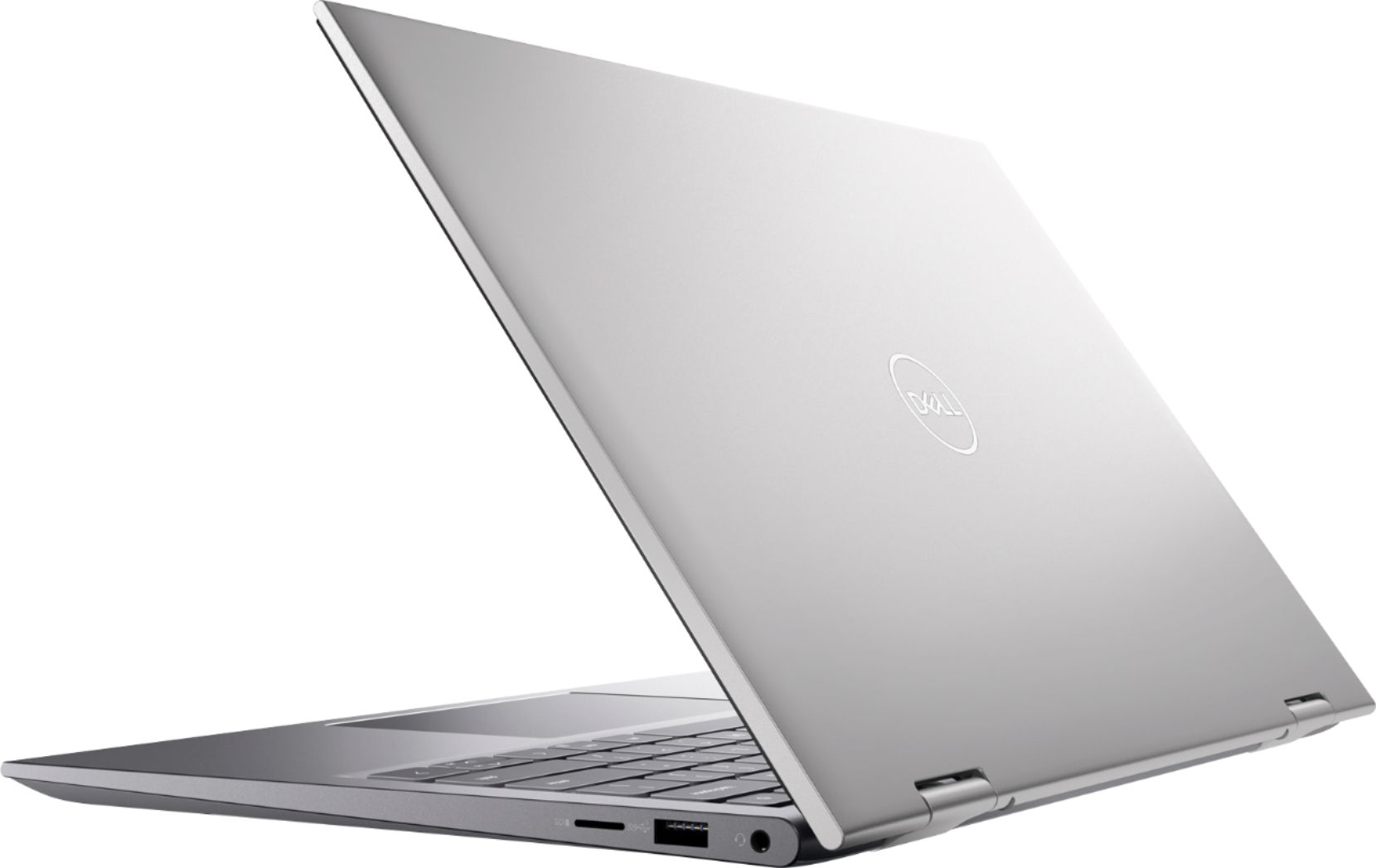
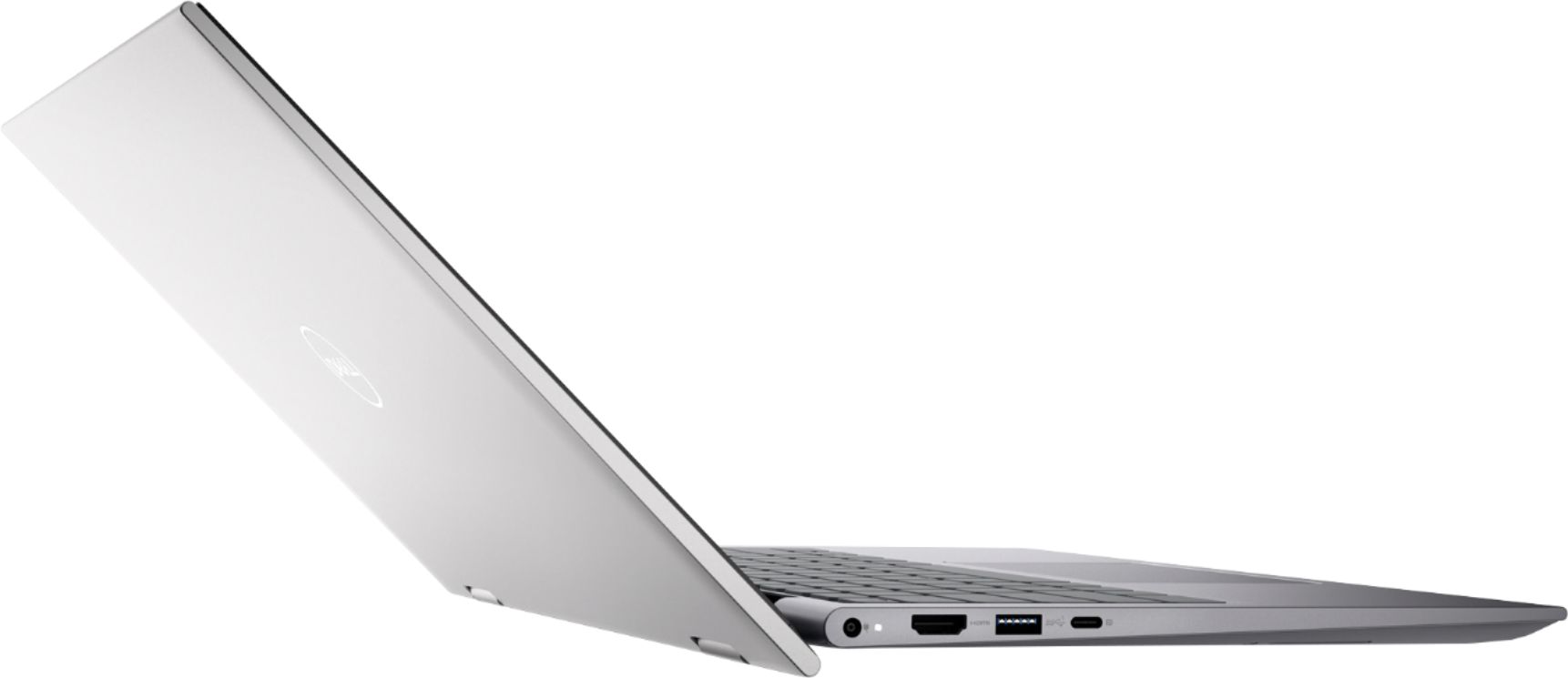
|Posted .This reviewer received promo considerations or sweepstakes entry for writing a review.This Dell Inspiron 5000 is a full-featured, high-performance laptop that can also be used as a tablet (that's the 2-in-1 feature). I use it as a conventional laptop 99% of the time since it is quite compact and I like a regular physical keyboard. It works fine as a tablet but I always feel weird having the keyboard exposed on the back side when it is folded like a tablet. As far as specs go, this unit is set up well. The Intel i7 processor is fast, 16 GB of RAM is fantastic, and the 512 GB SSD is a nvme M2 drive and is fast and spacious. The screen is crisp and clear, there's a fingerprint sensor in the power button, and there is a mix of USB-A and USB-C ports, along with an HDMI port. The intel graphics are more than good enough for general computing and typical computer use. It's not a gaming laptop. Battery life is several hours which in my opinion is quite good for a machine with this level of performance.
I would recommend this to a friend