Customer Ratings & Reviews





- Model:
- i5410-7026SLV-PUS
- SKU:
- 6458904
Rating by feature
- Battery Life
Rating 4.4 out of 5 stars
- Speed
Rating 4.6 out of 5 stars
- Display
Rating 4.6 out of 5 stars
Customers are saying
Customers find value in the Inspiron 2-in-1 laptop's fast performance, responsive touch screen, and lightweight portability. They appreciate its sleek design and affordable price. However, some users have concerns about its short battery life, occasional overheating, hinge issues, and build quality.
This summary was generated by AI based on customer reviews.
Best lap ever!!
||Posted . Owned for 1 week when reviewed.This reviewer received promo considerations or sweepstakes entry for writing a review.Good product!!! I loved it.. Will buy more of this product!!!
I would recommend this to a friendGood
||Posted . Owned for 1 month when reviewed.This reviewer received promo considerations or sweepstakes entry for writing a review.Yes, is a beautifully laptop, I’am help for my Working
I would recommend this to a friendSo far so good
||Posted . Owned for 3 weeks when reviewed.This reviewer received promo considerations or sweepstakes entry for writing a review.So far so good , customer support has been excellent
I would recommend this to a friendUseful Equipment. Light and efficient.
||Posted . Owned for 1 week when reviewed.This reviewer received promo considerations or sweepstakes entry for writing a review.Excellent. Looks very good. Is ready to use upon opening.
I would recommend this to a friendDell laptop
||Posted . Owned for 1 week when reviewed.This reviewer received promo considerations or sweepstakes entry for writing a review.Quick n easy ordering, pick up, and set up. Very pleased
I would recommend this to a friendPerfect laptop
||Posted . Owned for 1 month when reviewed.This reviewer received promo considerations or sweepstakes entry for writing a review.Nice laptop and easy to carry for traveling and on the go
I would recommend this to a friendNice product
||Posted . Owned for 1 month when reviewed.This reviewer received promo considerations or sweepstakes entry for writing a review.Excellent product, I'm very happy with this item...
I would recommend this to a friendGreat
||Posted . Owned for 1 week when reviewed.This reviewer received promo considerations or sweepstakes entry for writing a review.Great Great Great Great Great Great Great Great !!
I would recommend this to a friendPleased buyer
||Posted . Owned for 2 weeks when reviewed.This reviewer received promo considerations or sweepstakes entry for writing a review.i am pleased with my purchase!! Would buy again!!!
I would recommend this to a friend- Pros mentioned:Touch screen
Not happy
||Posted . Owned for 7 months when reviewed.This reviewer received promo considerations or sweepstakes entry for writing a review.Not a happy at all. Love the touch screen not the dell system
No, I would not recommend this to a friendBrand response from YourDellTeam
Posted .Dear Perfect,
Thank you very much for your feedback. We are glad that you like the touchscreen on your new Inspiron 5410 laptop but we are sorry to hear that you are not too happy with this computer. With a little more information from you, we would love to help you as soon as possible.
Please, use the information below to contact Dell Support at your earliest convenience.
Best,
Katarina@Dell
Should you need further assistance, you can contact Dell directly with the information below.
Chat or call: https://bit.ly/DellSupportTeam
Phone number to Dell: 1-800-624-9896
Not recommended
||Posted . Owned for 1 month when reviewed.This reviewer received promo considerations or sweepstakes entry for writing a review.Look and feel is good but facing few issues : -some time screen goes to sleep even when I have my video meetings going on - Performance with Microsoft pen is very bad, calibration goes of while using the pen for long time. - Battery with zoom call sucks. This could be zoom issue but have not seen this issue on Surface Book 2
No, I would not recommend this to a friendBrand response from YourDellTeam
Posted .Dear Vishwas,
We appreciate your valued feedback. We sincerely apologize for the problems you have had with your Inspiron 5410 2 in 1. To help with the sleep mode issues, I have provided the steps to run The Windows Power Troubleshooter. I have also provided the full article link, which has more options if they are needed. As for the battery issues, I have given you a link to an article to help troubleshoot and resolve this problem. I have also provided a link to help calibrate the touchscreen of your system.
Run Windows Power Troubleshooter
1. Open the Power Troubleshooter
*Click on the Windows Start Button and type Troubleshoot, select the troubleshoot icon that appears to open the troubleshooter
2. Scroll down through the options and select power
3. Click on the Run the troubleshooter button
4. Follow the on-screen prompts and see if it resolves the issue
Troubleshooting sleep and hibernation issues: https://dell.to/2Pvpzwp
How to improve the performance of a Dell laptop battery: http://dell.to/2vfXWf4
How to calibrate the touchscreen on a Dell laptop: http://dell.to/2uLztub
After utilizing the troubleshooting options provided, if the issue persists, please contact our support team here: https://bit.ly/DellSupportTeam.
If you require further assistance, you can contact Dell directly with the information below.
Chat or call: https://bit.ly/DellSupportTeam
Phone number to Dell 1-800-624-9896
Best,
Ashley@Dell
DID NOT LAST
||Posted . Owned for 1.5 years when reviewed.This reviewer received promo considerations or sweepstakes entry for writing a review.I purchased this laptop in April, 2022 and the screen is coming apart from the case.
No, I would not recommend this to a friendBattery review
||Posted . Owned for 3 weeks when reviewed.This reviewer received promo considerations or sweepstakes entry for writing a review.Battery life is not good. Processor speed is lesser than comparable prized products.
No, I would not recommend this to a friendBrand response from YourDellTeam
Posted .Hello Anna,
Thank you for taking a moment to share your feedback and response. We're sorry about the trouble you have encountered with the battery runtime and the performance of your Inspiron. We recommend you follow the steps below to run the SupportAssist application. It is a set of tools that will clean junk files, install system updates and drivers, diagnose hardware and software, and optimize your system performance and network all with the press of a button. This will ensure you have the best experience your system offers to date.
Here are the recommended steps for troubleshooting your performance issue:
1. Restart your computer regularly
2. Run the automated tools provided in the SupportAssist tool
3. Run a complete hardware diagnostic test
4. Scan your computer for malware
5. Restore your Dell computer using Windows System Restore
6. Reinstall Microsoft Windows
7. Here is the link to the full article to assist with your performance issue: https://dell.to/32wo0Ss.
Lastly, we recommend using this link to check the battery health on Dell laptops - https://dell.to/3nEbRmb. It can assist with maximizing and troubleshooting any possible issues with your battery.
We recommend following the steps above to resolve these issues. If they persist, we invite you to get in contact the Support Team at your earliest convenience at 1-800-264-9896.
Best regards,
Wendy C.
https://bit.ly/DellSupportTeam.
Phone number to Dell: 1-800-264-9896.
Do not recommend
||Posted . Owned for 2 months when reviewed.This reviewer received promo considerations or sweepstakes entry for writing a review.I absolutely HATE the mouse touch pad! I have tried to adjust the sensitivity and it does nothing. I would return it if i were still able to honestly....
No, I would not recommend this to a friendBrand response from YourDellTeam
Posted .Hi Droberts1985,
Thank you for taking the time to leave us your valued feedback. We are sorry to hear you are not happy with the touchpad of your Inspiron 5410 2 in 1. Some Notebooks and Tablets with Keyboards have added gesture features to the touchpad hardware and drivers. A few of these features are two or three-finger scrolling, pinch zoom, circle zoom, rotate and swiping. These new features may be the reason for the erratic cursor movement since most are turned on by default. You can disable or modify the way the features work in the touchpad driver properties. Here are some tips to modify these settings:
1. In the Search box, type main.cpl.
2. Touch or click main.cpl in the list of programs.
3. Touch or click the Dell Touchpad tab.
4. Touch or click on the picture of the touchpad.
5. Touch or click Gestures (depending on your computer there may not be a Gestures option).
6. Change the options as preferred.
7. Touch or click Save.
8. Touch or click the X in the upper-right corner to close the Dell Touchpad Utility.
9. Touch or click OK on the Mouse Properties window.
10. If the touchpad still does not work after following the preceding steps, refer to Dell Knowledge Base article - http://dell.to/2iaiujA.
You can read the full article here - http://dell.to/2tqmS02.
If you still experience this issue after you have finished troubleshooting your PC, please feel free to contact our support team here: https://bit.ly/DellSupportTeam.
If you require further assistance, you can contact Dell directly with the information below.
Chat or call: https://bit.ly/DellSupportTeam
Phone number to Dell 1-800-624-9896
Best,
Ashley@Dell
Lost of money!
||Posted . Owned for 1 year when reviewed.This reviewer received promo considerations or sweepstakes entry for writing a review.Don't buy it! Fan already broken!!! I didn't renew the insure so I lost the money. It was ok for a year!
No, I would not recommend this to a friend- Cons mentioned:Hinge
Dont waste your money!
||Posted . Owned for 5 months when reviewed.This reviewer received promo considerations or sweepstakes entry for writing a review.Terrible laptop...Hinge broke within 4 months of having the laptop despite having never been dropped or hit into something. Dell can't even fix it since the parts are on multi-month backlog. Dont even bother buying it, spend your money elsewhere!
No, I would not recommend this to a friendBrand response from YourDellTeam
Posted .Hello Adam G,
We want to thank you for taking the time to leave a review of your Inspiron 2-in-1 laptop. We value your feedback and are sorry that you are experiencing an issue with your hinges. That is not the type of feedback we like to hear from our customers. We have noted the details of your statement and will use them to improve our current and future products.
If you need further assistance we recommend reaching out to a member of our support team with the toll-free number or chat link provided below.
Sincerely,
Summer@Dell
Should you need further assistance, you can contact Dell directly with the information below.
Chat or call: https://bit.ly/DellSupportTeam
Phone number to Dell: 1-800-624-9896
- Pros mentioned:Battery life

Great laptop, ok tablet
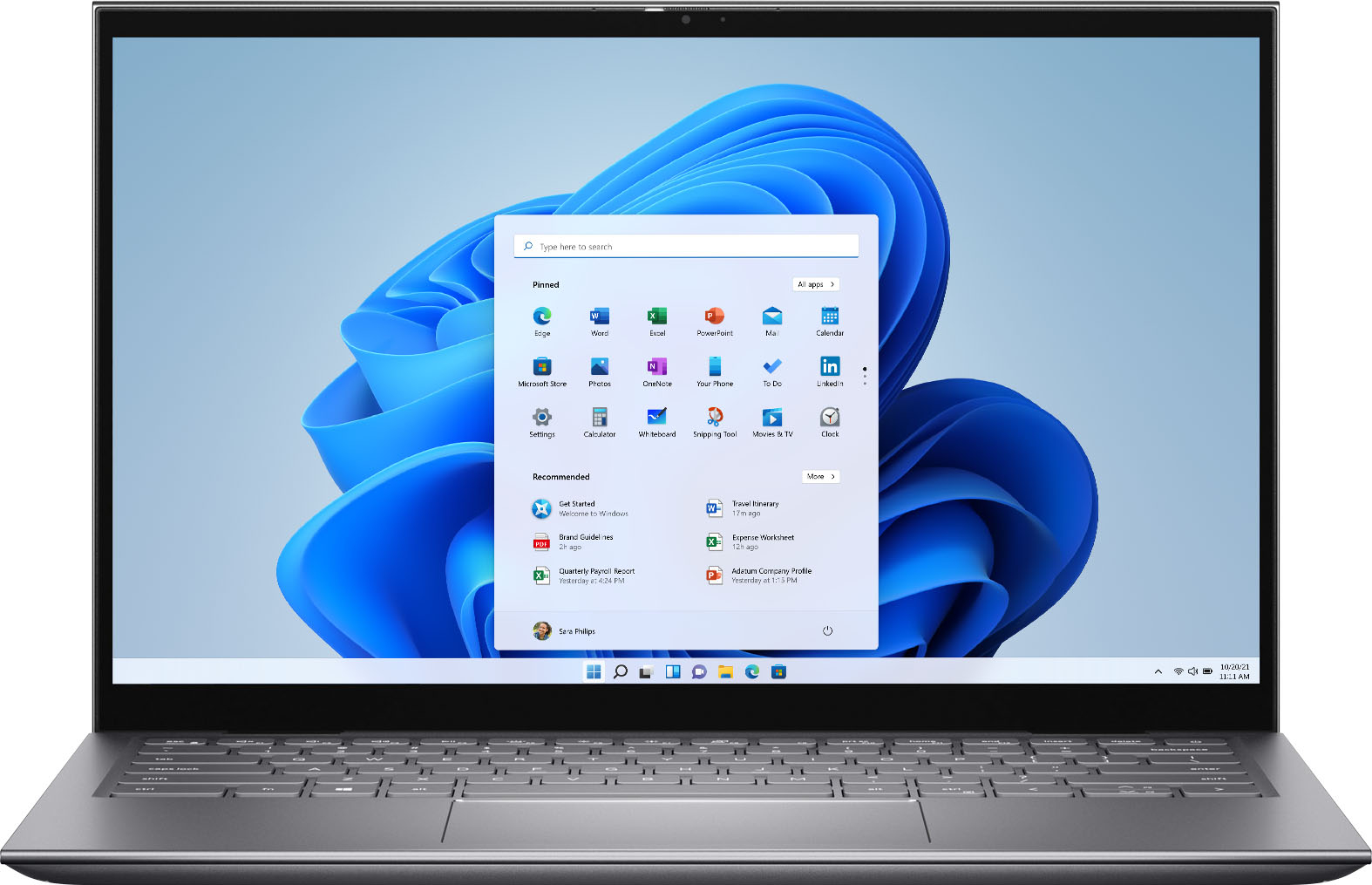
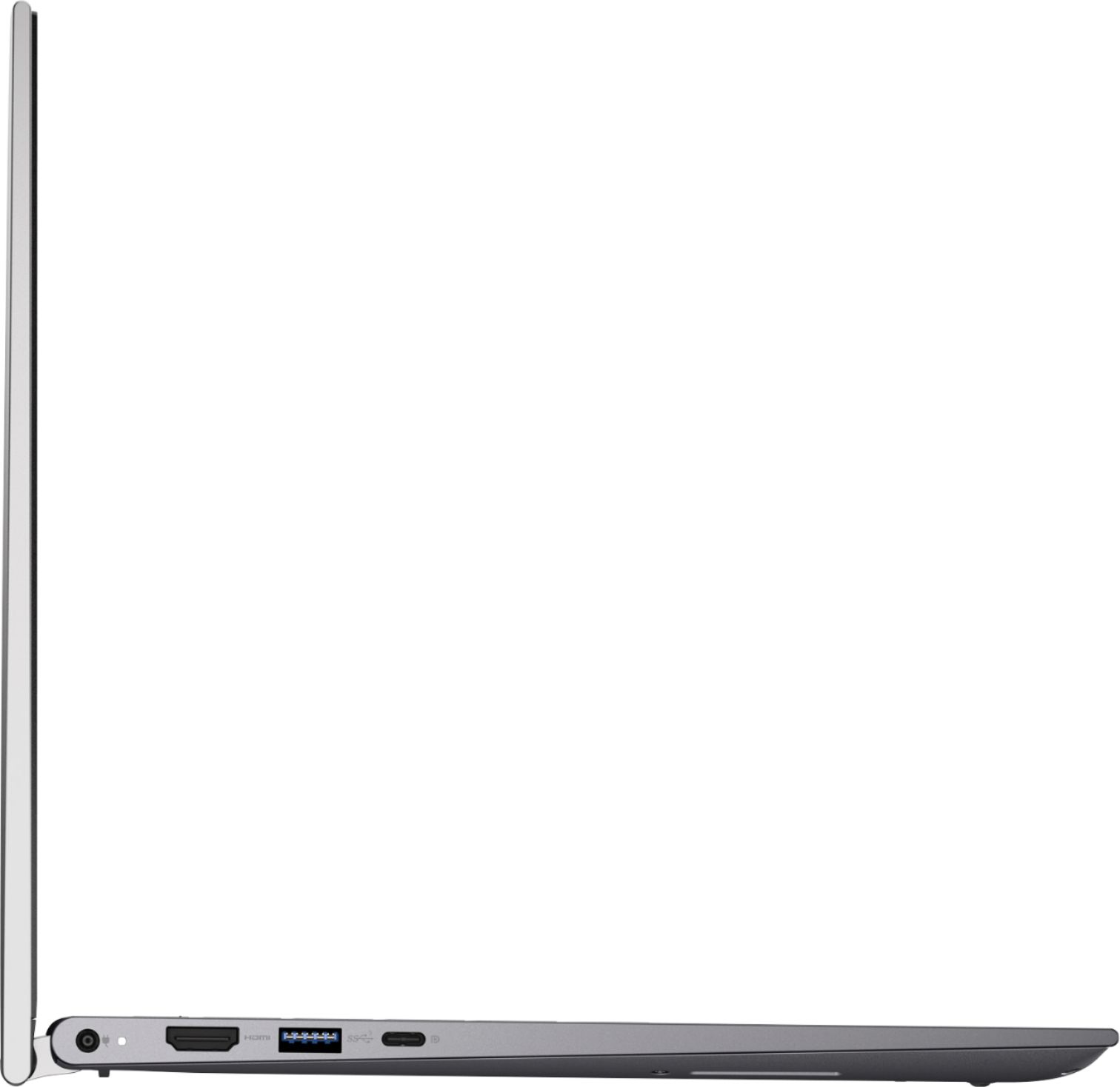
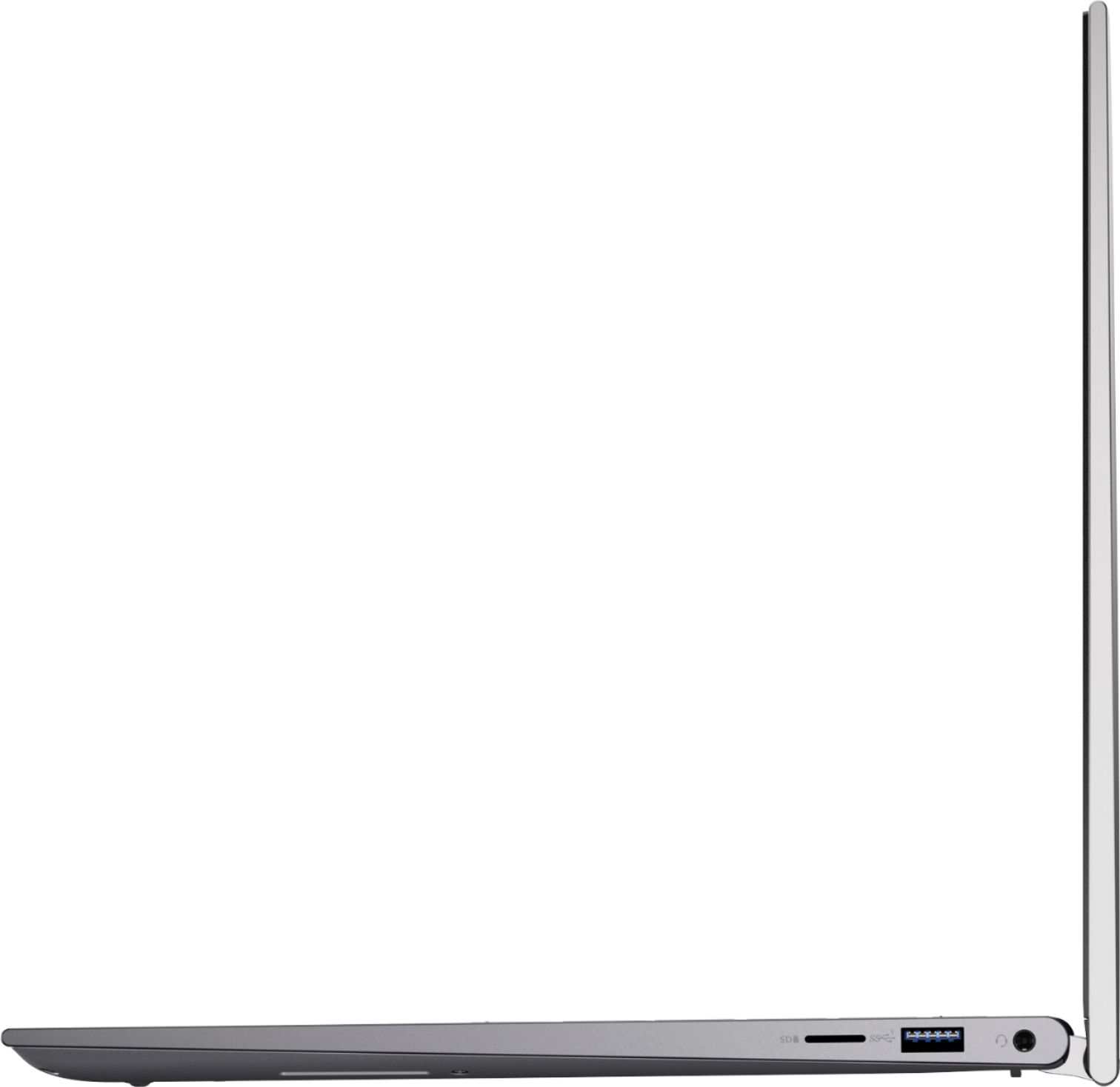
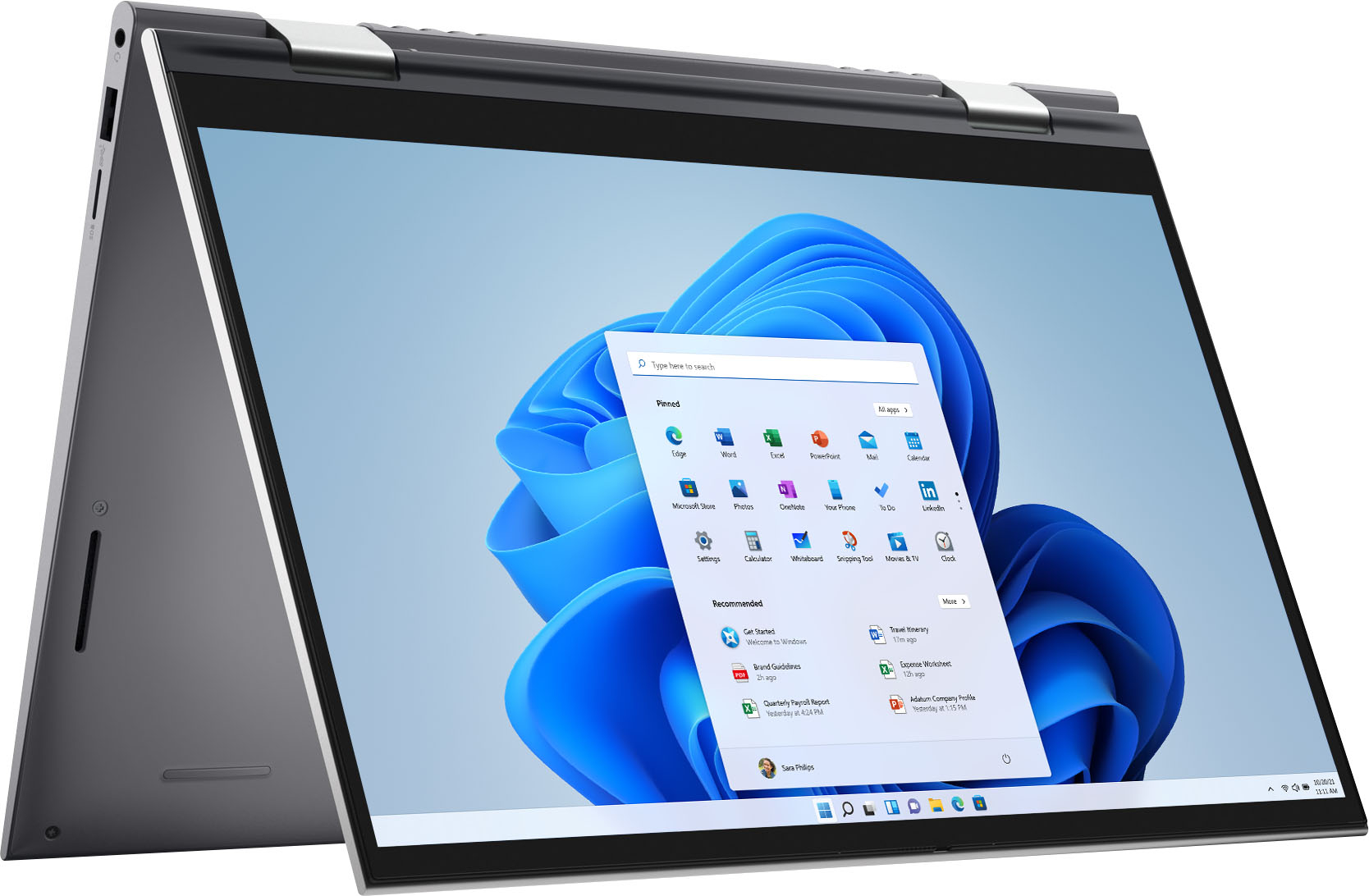
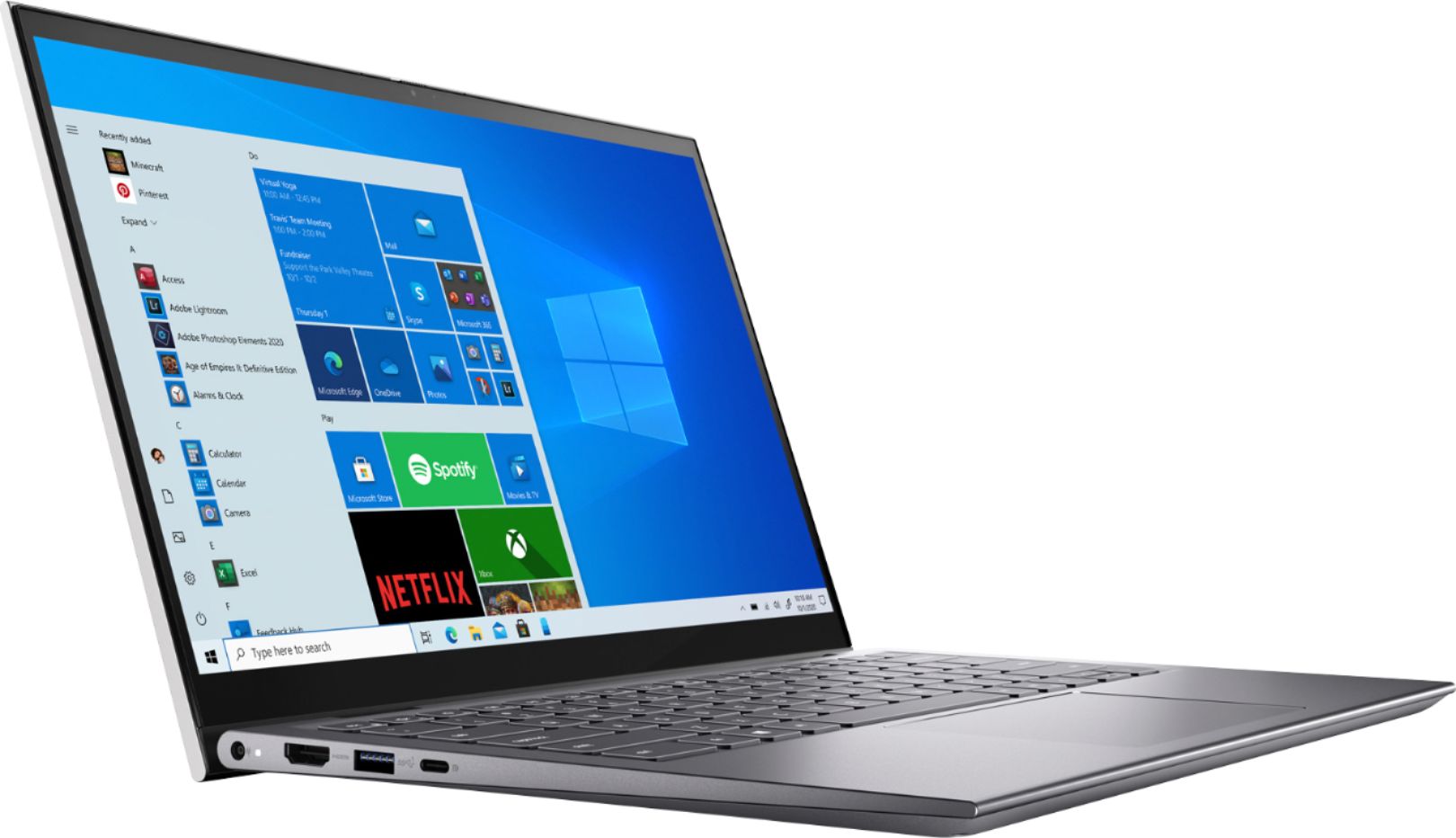
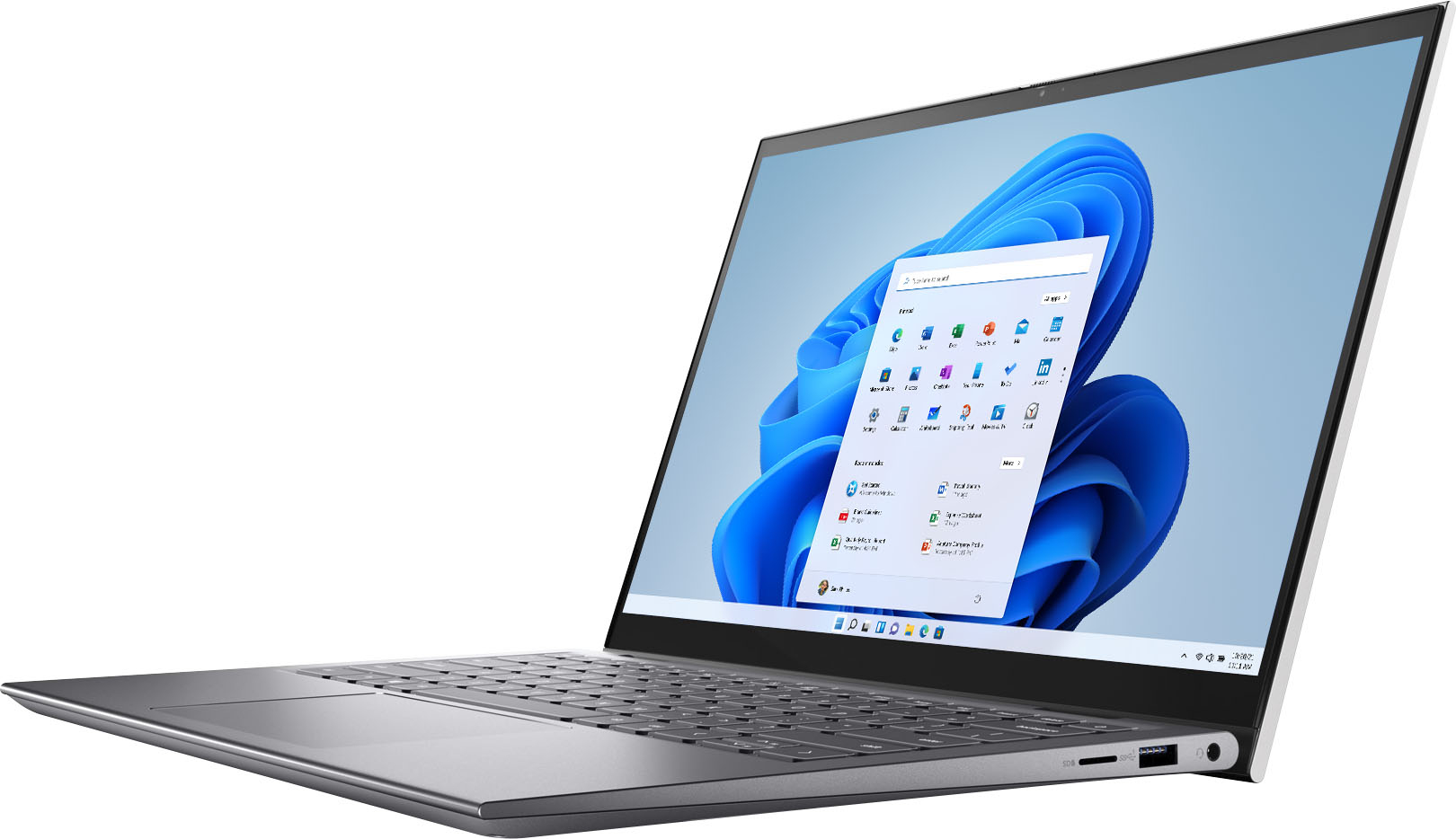
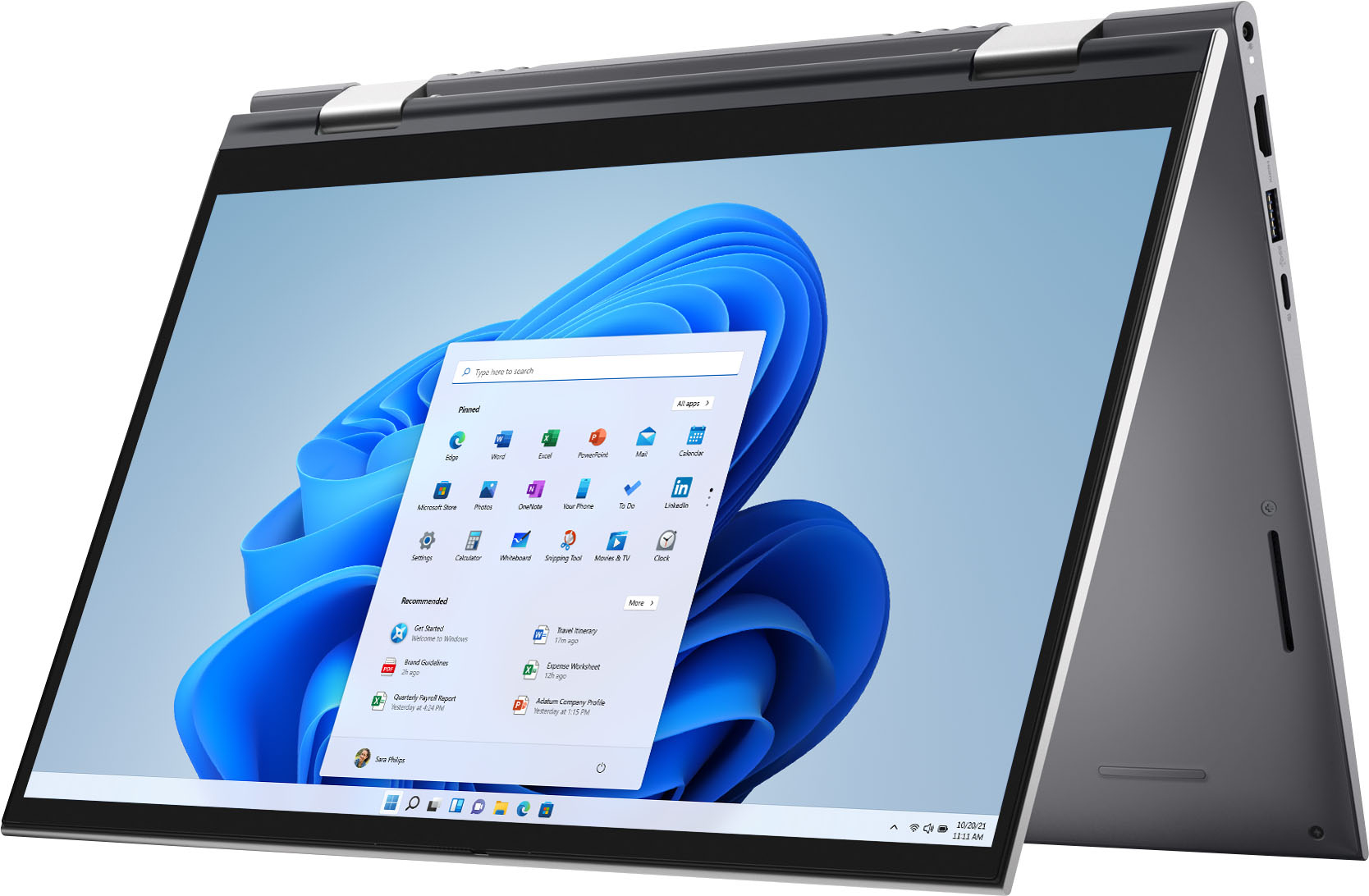
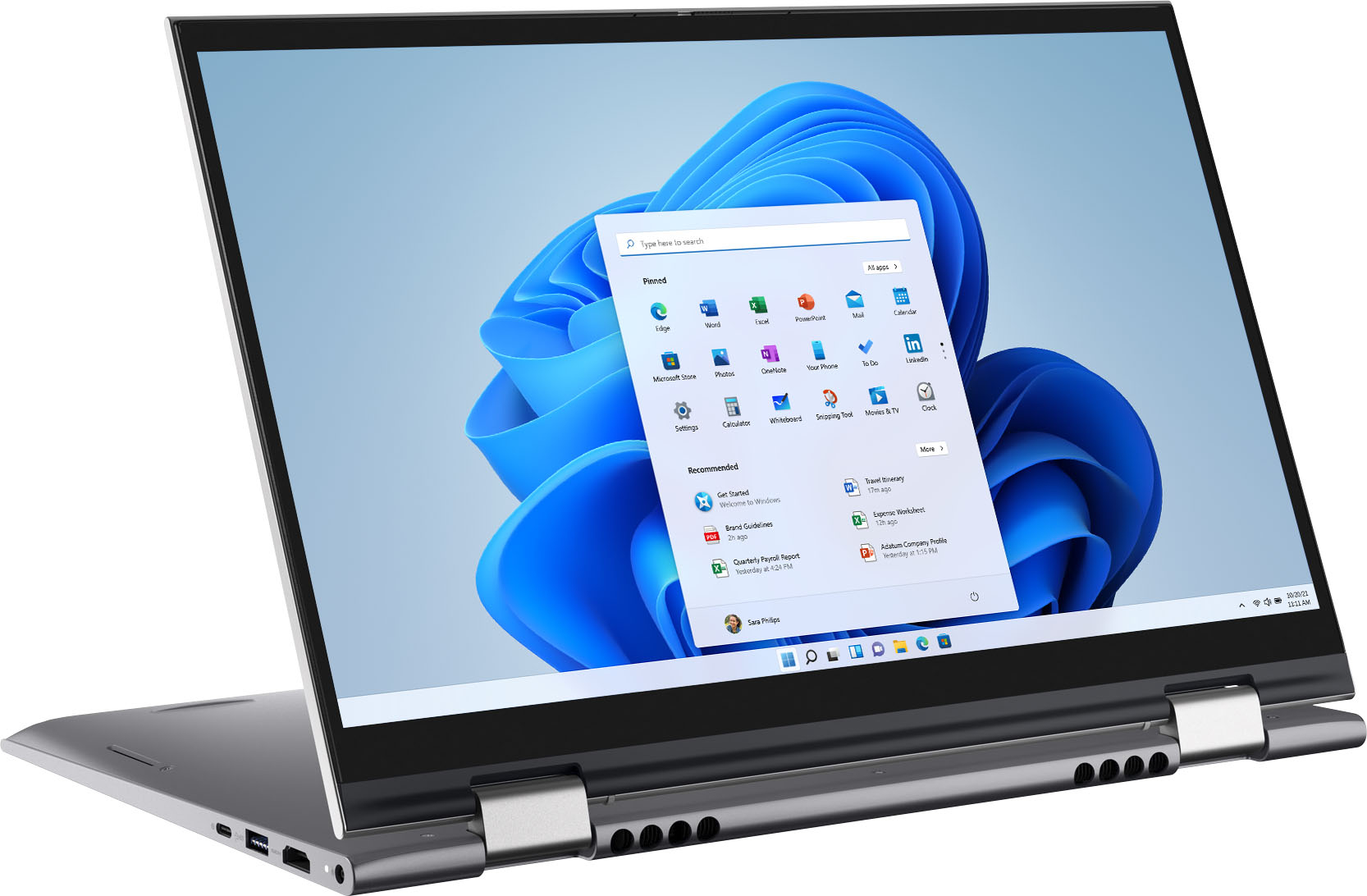
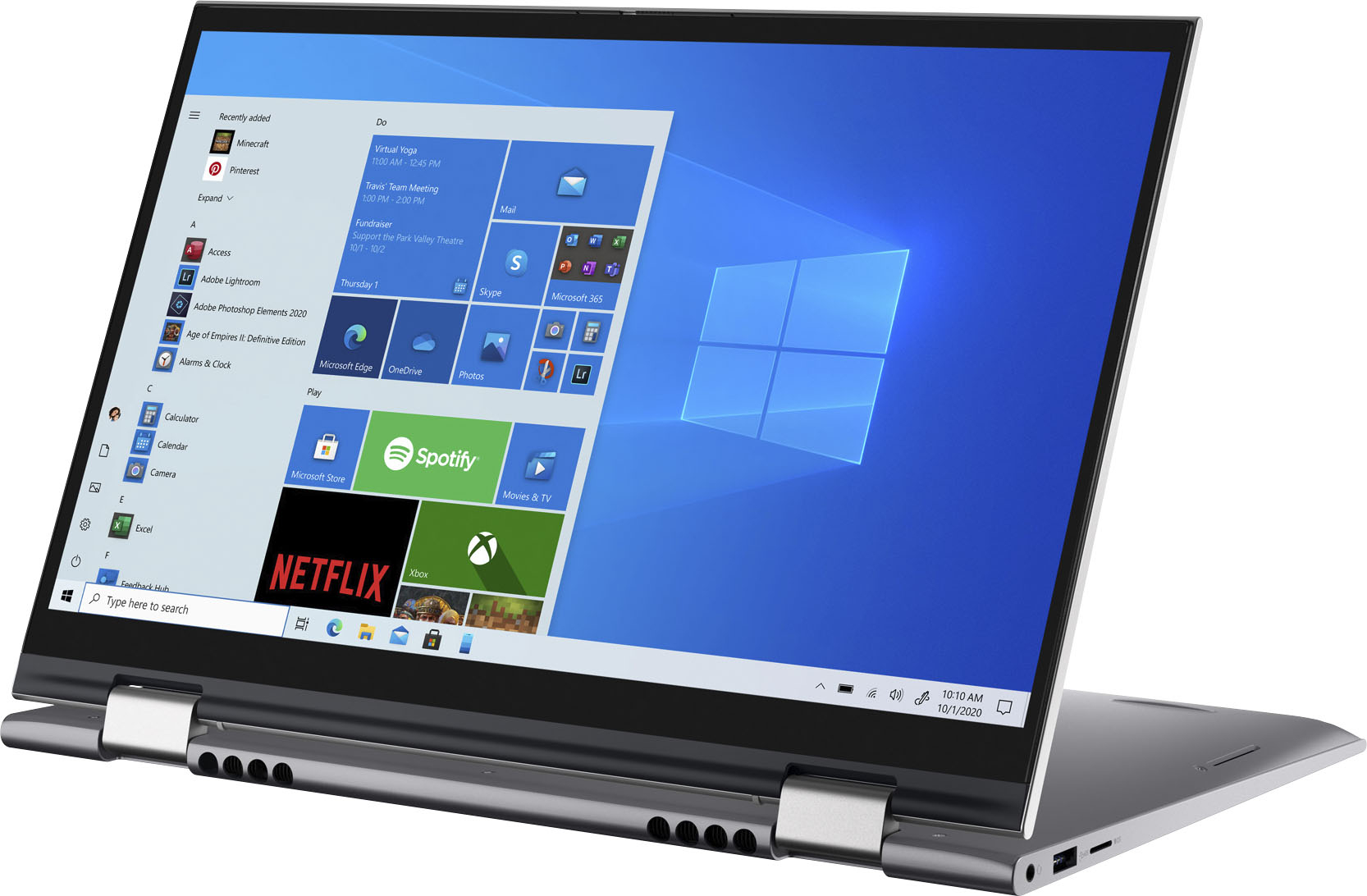
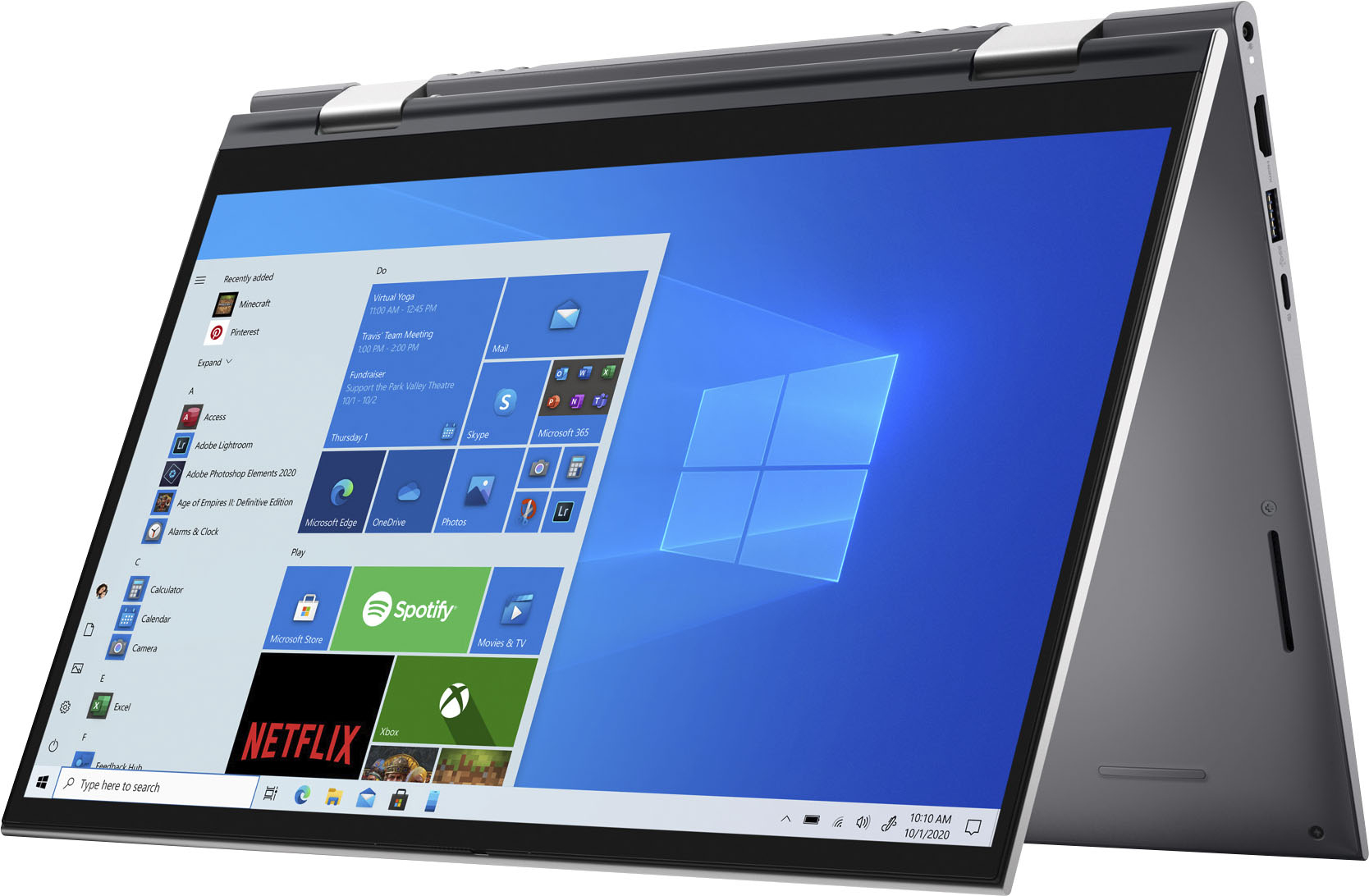
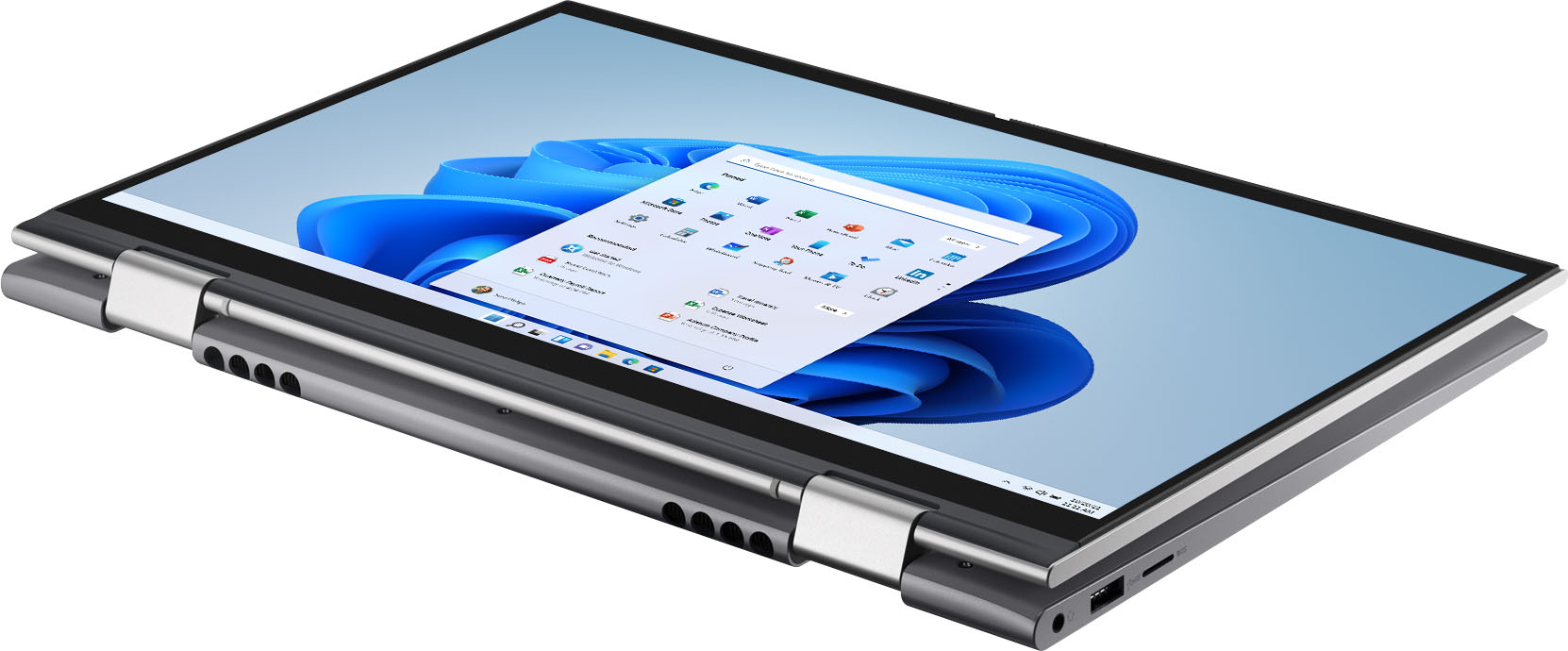
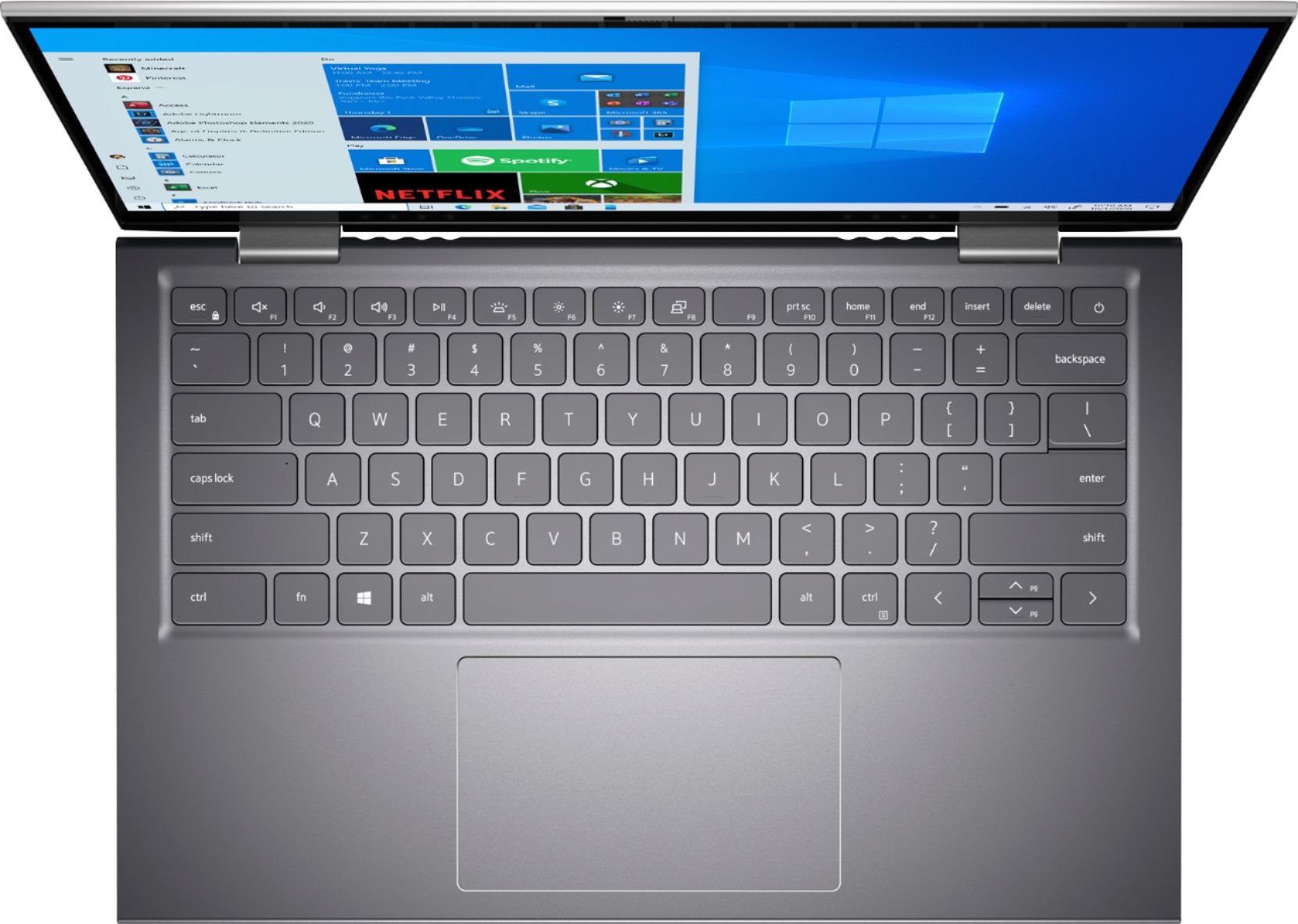
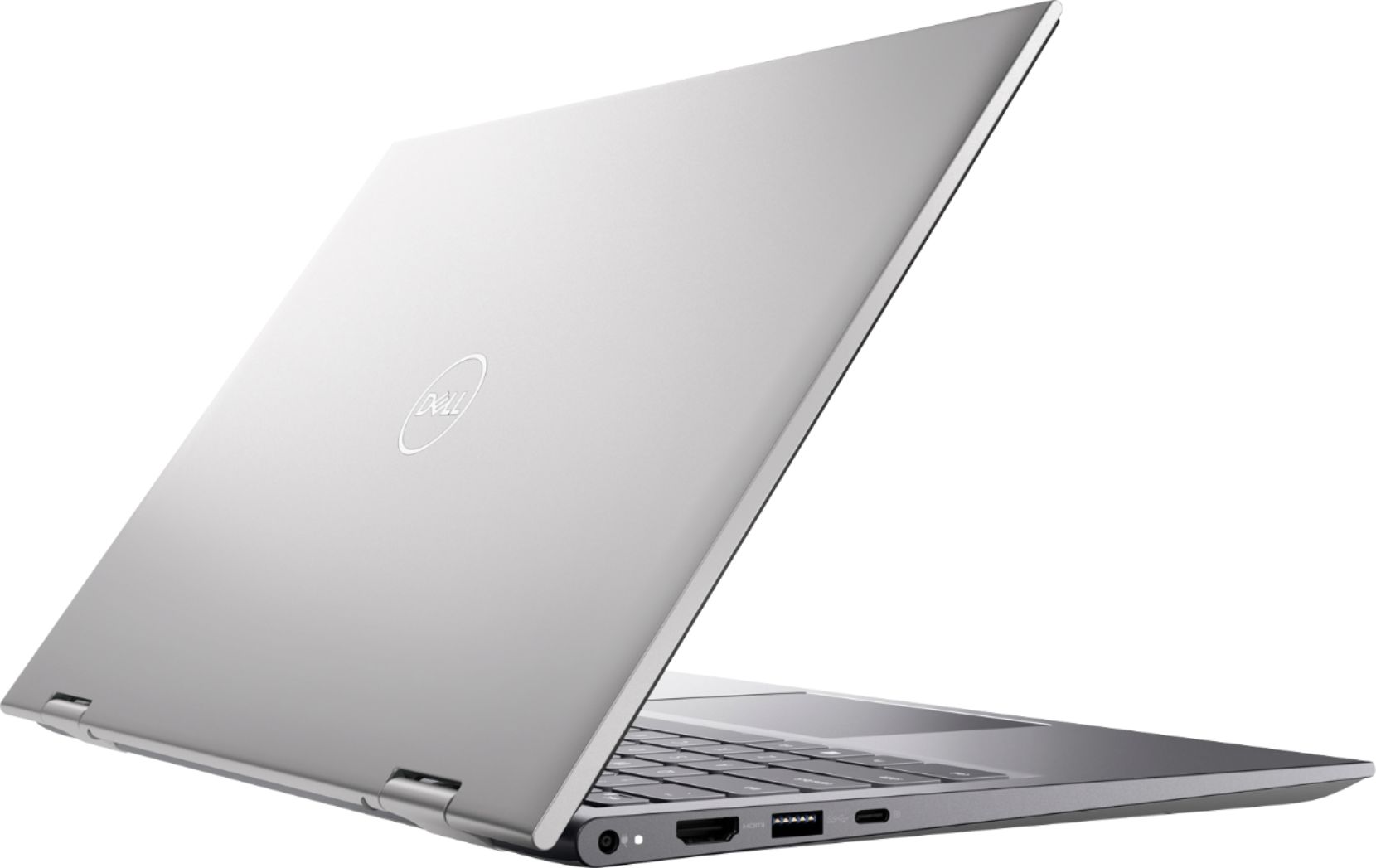
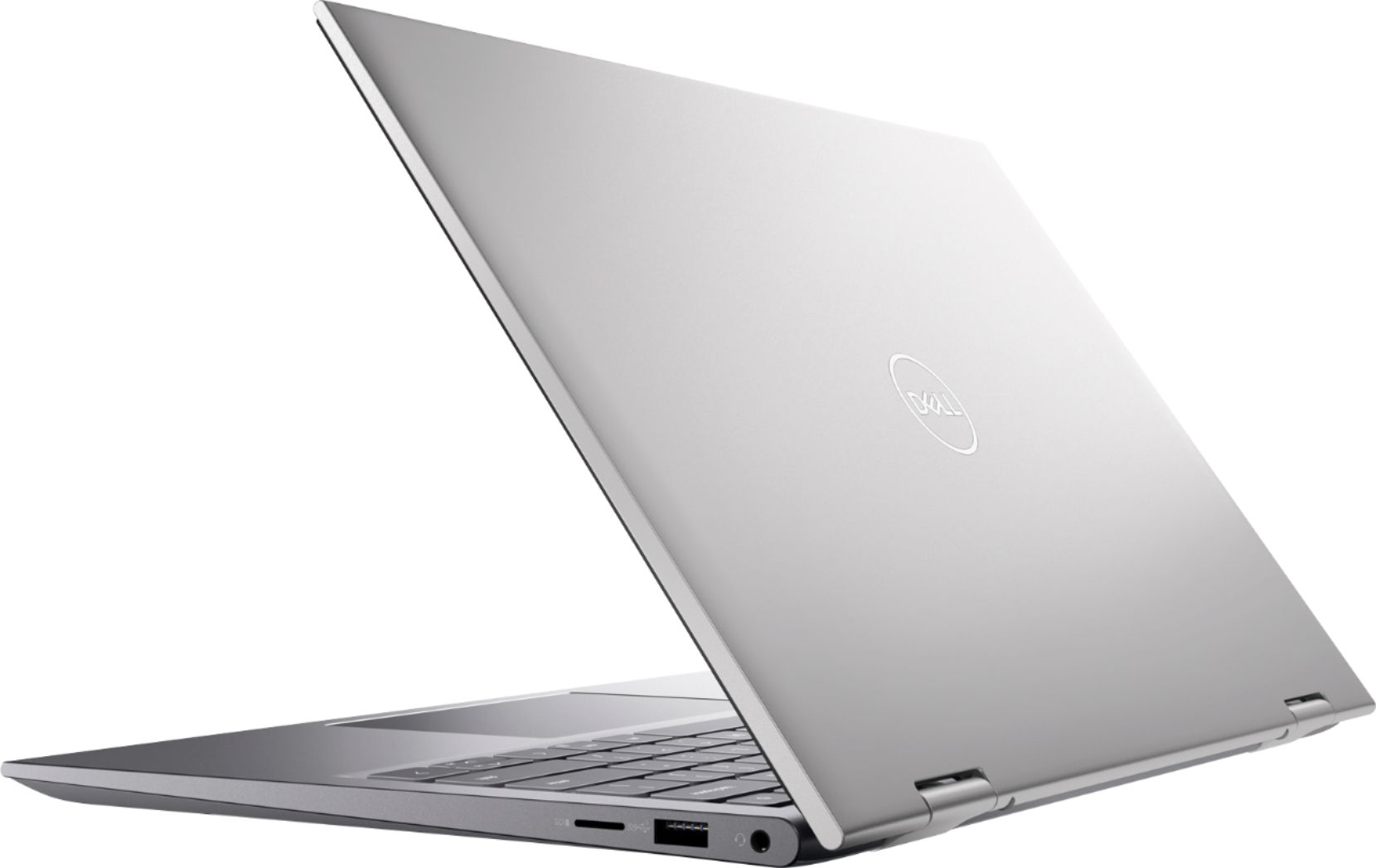
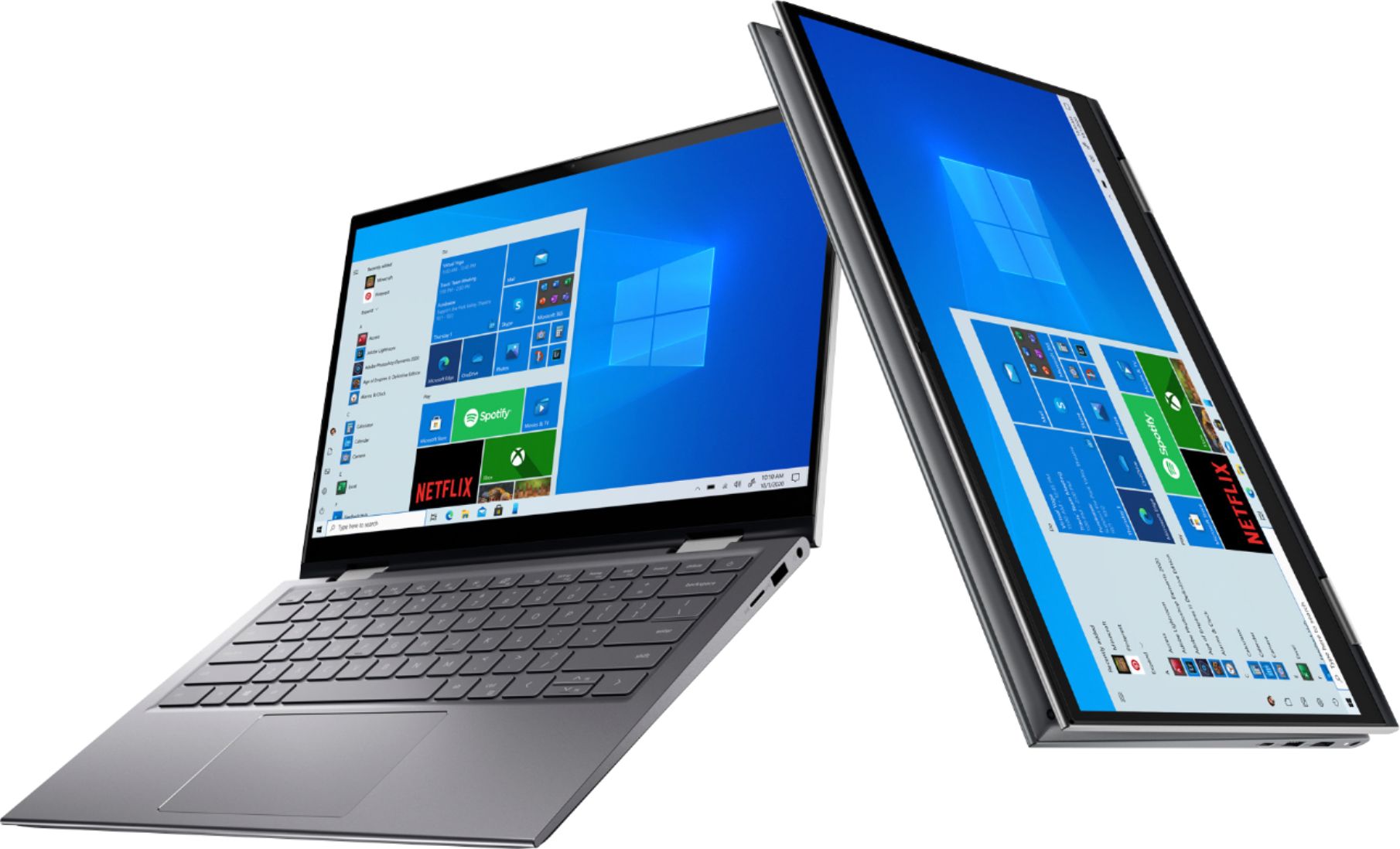
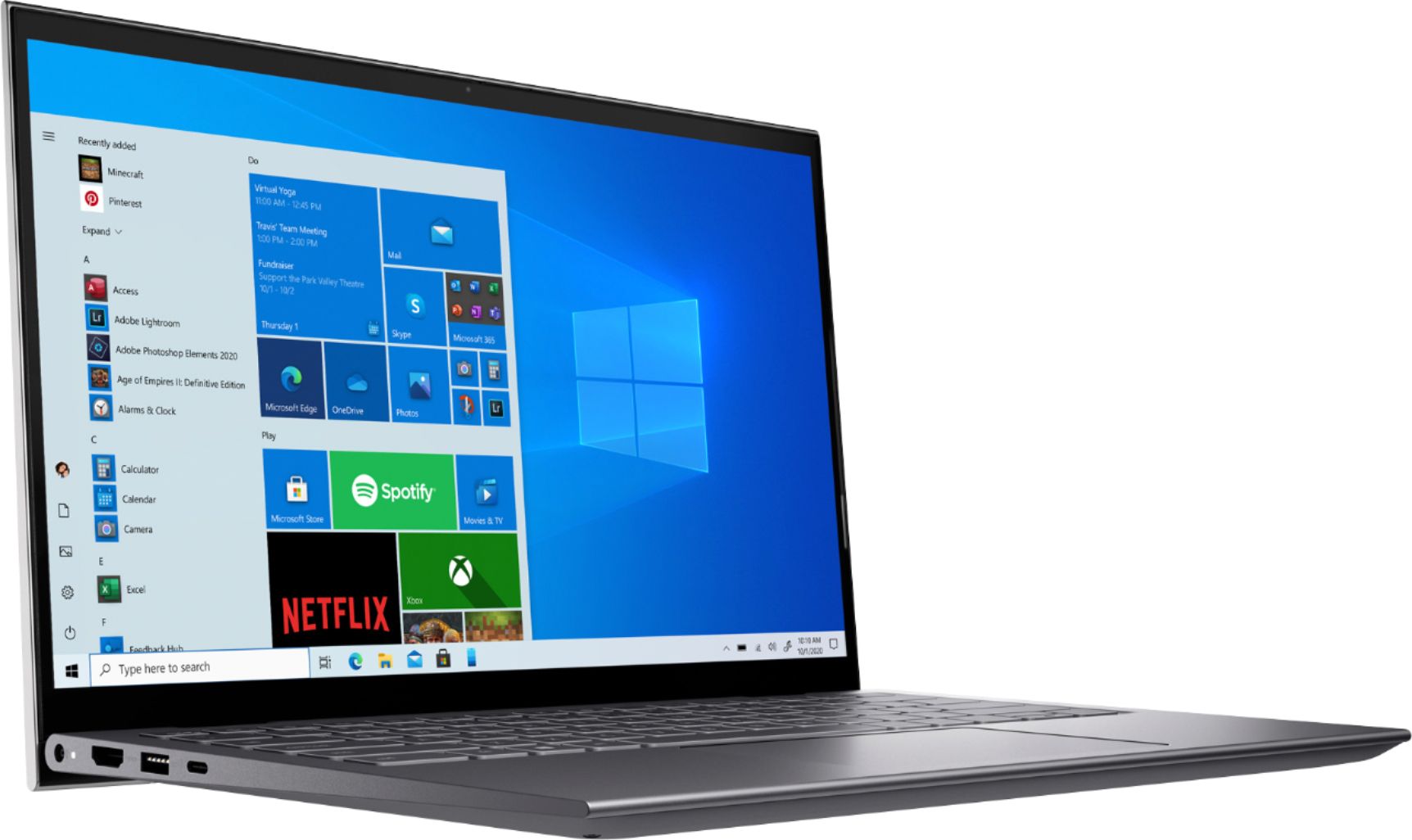
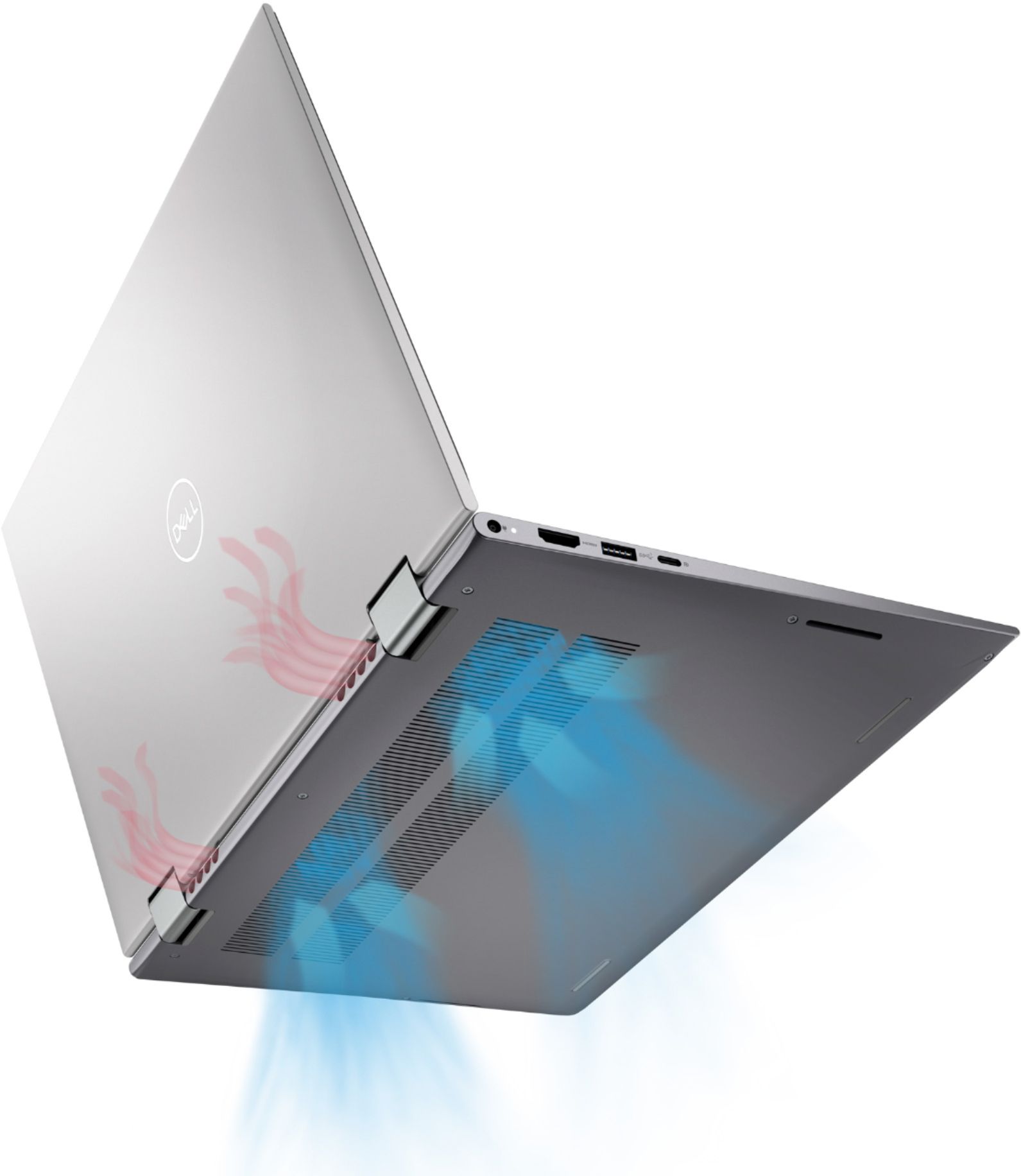
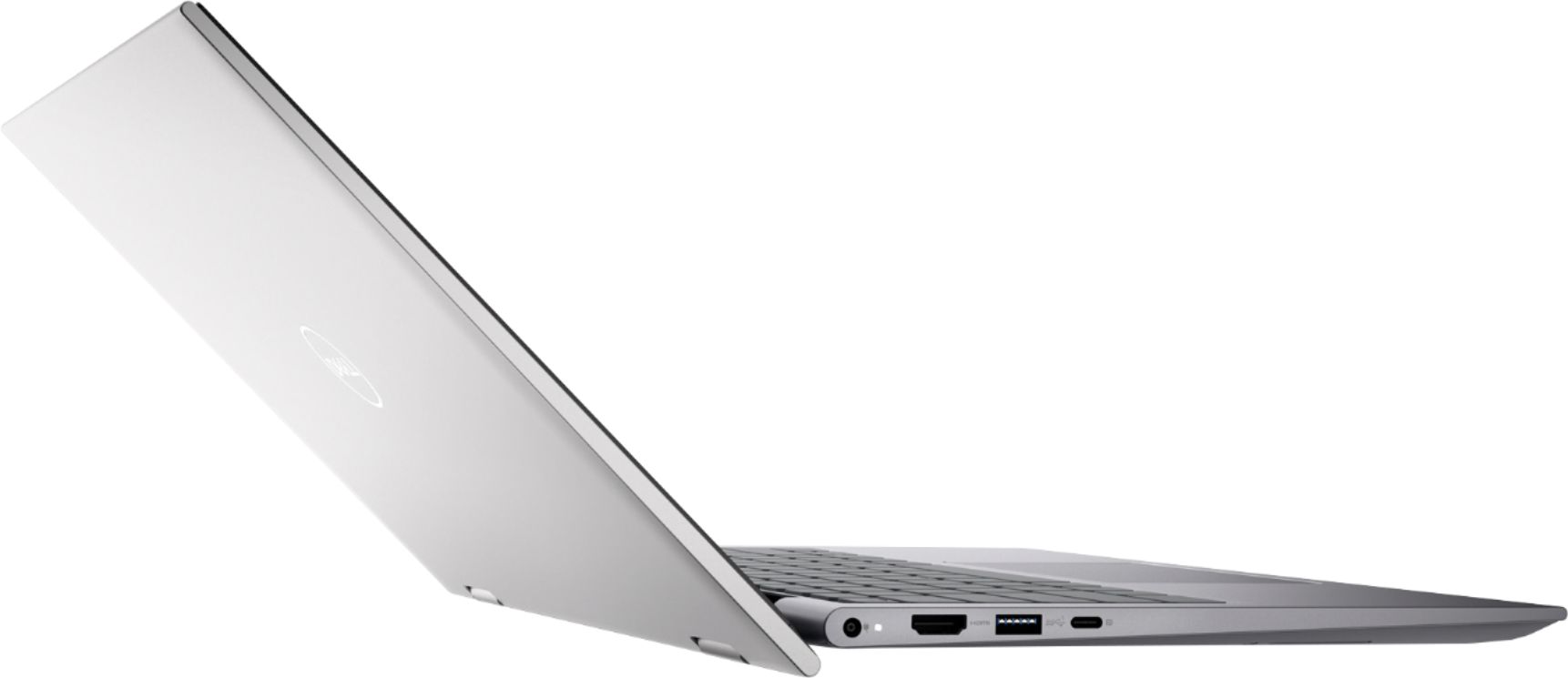
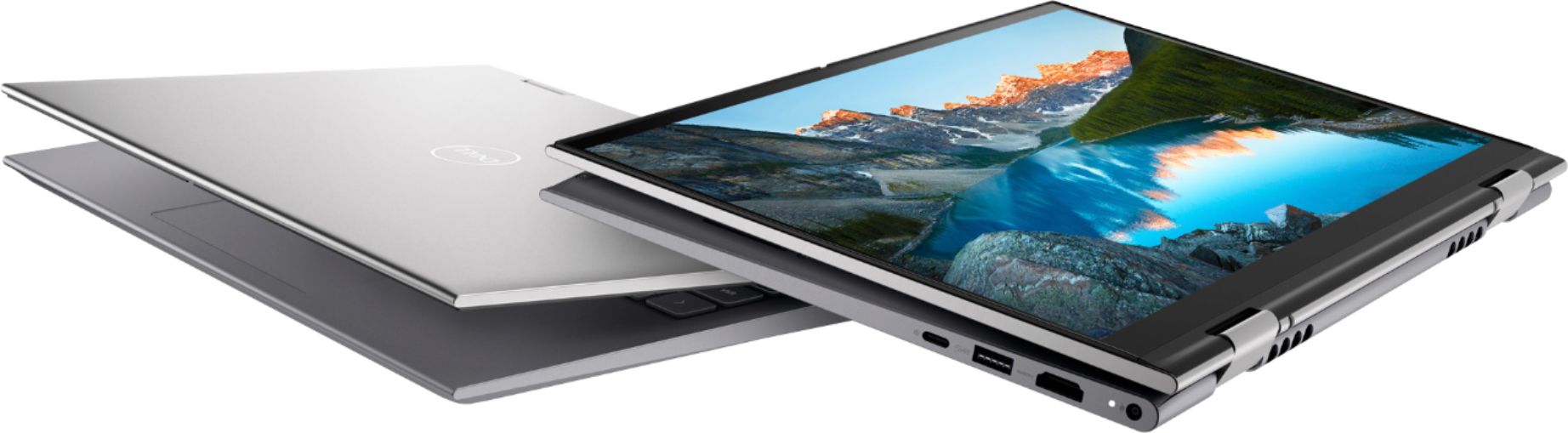
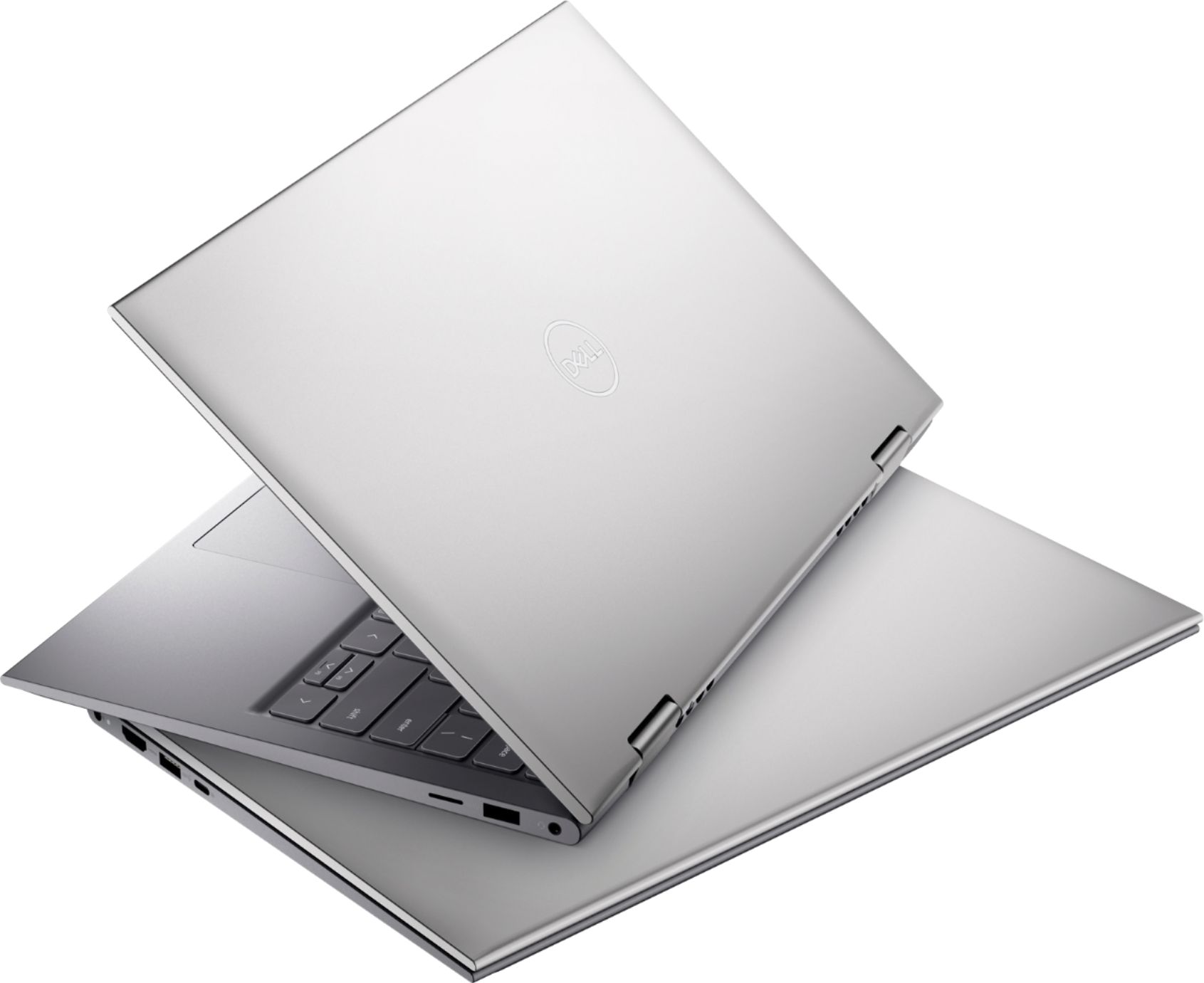
|Posted .This reviewer received promo considerations or sweepstakes entry for writing a review.I received the Dell Inspiron 5410 2-in-1 at no cost for an honest review. Upon first picking it up, it feels weighty and sturdy, but maybe a bit heavier than it should be for a 14 inch laptop. The mouse pad is incredibly responsive and great sensitivity. I placed my palms over it as I was typing and it did not move the mouse, only when I used my finger. The power button is part of the keyboard (top rightmost button) and it includes a fingerprint reader. The keyboard is backlit and you can set it to low, bright, or off. After setting up my digits, the fingerprint reader was responsive and worked well when logging in. During setup, Dell included some software (Dell Cinema) to log into all your streaming services so that you can just look for shows and movies all in one place. It seems like a nifty idea but it's missing Netflix and Plex which I think is a big oversight so I skipped it. Ports: It has SS (SuperSpeed) USB ports on both sides, a USB-C on the left side (also used for charging) and a micro SD card reader on the right side. I am disappointed that the USB-C is also used for charging because when the laptop is low on power, I cannot plug in a USB-C peripheral to it. The laptop has a webcam and I give Dell a thumbs up for including a privacy shutter to prevent unwanted image/video recording. As far as space, you get about 476gb usable and 16gb ram. It has the new iRISxe graphics so it should be good for some gaming too if that's your thing though I didn't try any games. The sound quality is superior and very clear, with no distortion even at 100% volume. As a tablet, I found it lacking that the keyboard side does not have little bumpers if you want to set it down while folded. This means the laptop just rests on its bezel which I think is not ideal. The laptop runs quiet and does not get too hot. Under normal use and connected to wifi, the battery lasted me anywhere between about 4-5 hours with a quarter brightness and keyboard backlight off. Overall, as a laptop, I think battery life shines and I like the Mini SD card reader. As a tablet, it is bulky and not as impressive, but still user friendly.
I would recommend this to a friend Dell pc
||Posted . Owned for 1 week when reviewed.This reviewer received promo considerations or sweepstakes entry for writing a review.Configuration is good but a bit costlier. Good only if on deal
No, I would not recommend this to a friendBrand response from YourDellTeam
Posted .Hello Bgith,
Thank you for taking the time to share your feedback. We are glad to know that you're enjoying your Inspiron. We greatly appreciate your feedback and we are sorry to hear that you are unsatisfied with the price of your laptop. We will use your feedback to help with improvements. If you have any other questions, feel free to visit the support page for your Inspiron.
Best,
Wendy C.
https://bit.ly/DellSupportTeam.
Phone number to Dell: 1-800-264-9896.
Disappointed
||Posted . Owned for 1 month when reviewed.This reviewer received promo considerations or sweepstakes entry for writing a review.This laptop is not the usual high quality that Dell produces. The mouse pad does not work and the system does not recognize my mouse or wireless mouse . Hence, rendering it useless. I will be returning it.
No, I would not recommend this to a friendBrand response from YourDellTeam
Posted .Dear TheGamer,
We appreciate you taking the time to leave us your review. We are sorry to hear that you are not too happy with your Dell Inspiron 5410 2-in-1 laptop because you feel like its quality is not as you expected, the touchpad does not work and it does not recognize your mouse.
We will share your comments about these issues with our quality team, so future improvements can be made.
We would recommend that all the drivers are updated. I have provided a link to the drivers and downloads page for your Inspiron below, where you can check for any applicable updates.
Drivers and Downloads Page: https://dell.to/3Cj2C3S
Some Notebooks and Tablets with Keyboards have added gesture features to the touchpad hardware and drivers. A few of these features are two or three-finger scrolling, pinch zoom, circle zoom, rotation, and swiping. These new features may be the reason for the erratic cursor movement since most are turned on by default. You can disable or modify the way the features work in the touchpad driver properties. Here are some tips to modify these settings:
1. In the Search box, type main.cpl.
2. Touch or click main.cpl in the list of programs.
3. Touch or click the Dell Touchpad tab.
4. Touch or click on the picture of the touchpad.
5. Touch or click Gestures (depending on your computer there may not be a Gestures option).
6. Change the options as preferred.
7. Touch or click Save.
8. Touch or click the X in the upper-right corner to close the Dell Touchpad Utility.
9. Touch or click OK on the Mouse Properties window.
10. If the touchpad still does not work after following the preceding steps, refer to Dell Knowledge Base article - http://dell.to/2iaiujA.
You can read the full article here - http://dell.to/2tqmS02.
If the issues with your computer are still not resolved after utilizing the troubleshooting options above, please contact the Dell Support Team at 1-800-624-9896 for further guidance.
Best,
Katarina@Dell
Should you need further assistance, you can contact Dell directly with the information below.
Chat or call: https://bit.ly/DellSupportTeam
Phone number to Dell 1-800-624-9896
- Pros mentioned:Processor speed
Small package powerhouse
|Posted .This reviewer received promo considerations or sweepstakes entry for writing a review.Nice little 2 in one. 11th gen i7-1165G7 is blazing fast and paired with the 16GB of DDR4 RAM this thing can plow through anything! I was also quite impressed with the intel iRIS xe graphics, able to handle some fairly moderate gaming demands and keep up well for not being a truly discrete graphics card. The display is crystal clear full HD 1080p touchscreen and I love the gloss finish as opposed to the matte finish that some screens still have. Thin bezel maintains its nice sharp edges as well. Keystrokes are smooth as butter and very comfortable ergonomic layout - it's a personal feel thing but I really like the feel of this keyboard compared to other laptops I've used. Large touchpad mouse is perfect, not overly sensitive like many but you also don't have to mash on it every time you wish to click something. Has lots of little detail perks that I like - webcam privacy shutter that you can close to ensure no inadvertent broadcasts. USB type-C port for ultra fast connection to peripherals. Dell mobile connect to wireless link/sync with phone or other PC's. HDMI port is great for quick connection to my projector both at work and home. MicroSD card slot is convenient for transferring pics and vids from the go pro or any other device utilizing one. Nice large hinges on the screen offer confidence in its construction and durability. Pretty much the only pseudo-complaint I could have about this is the weight, just feels a little heavy, especially when using as a tablet. I say pseudo-complaint though because the weight is likely right in line with the structural integrity of the unit as this thing feels and is solid, very well made, very durable, smooth and strong. With durable rigid components comes a little extra heft, so I'm ok with it. Overall very pleased with this 2-in-1. I use it daily both at work and at home for personal use. I would definitely buy another and quickly recommend to a friend or colleague.
I would recommend this to a friend